logo elektroda
logo elektroda
X
logo elektroda

Replacing WR2E Module with TYWE2S in AliExpress 3-Way Switches for Home Assistant Integration

Zain00  0 1869 Cool? (+3)
📢 Listen (AI):

TL;DR

  • AliExpress 3-way switches with a WR2E Tuya module were retrofitted with an ESP-02S/TYWE2S for Home Assistant integration.
  • A dummy relay is tied to the load-state sensor so both the WiFi switch and the normal mechanical 3-way switch report the same on/off state.
  • GPIO5 handles the button, GPIO14 drives the relay, GPIO13 reads the blue LED sensor, and GPIO12 controls the red LED.
  • The blue LED turns on when the load is on, but the red LED never worked with the blue LED, and the WR2E firmware dump attempt failed.
Generated by the language model.

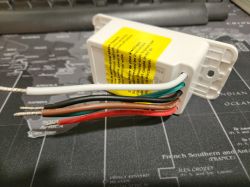
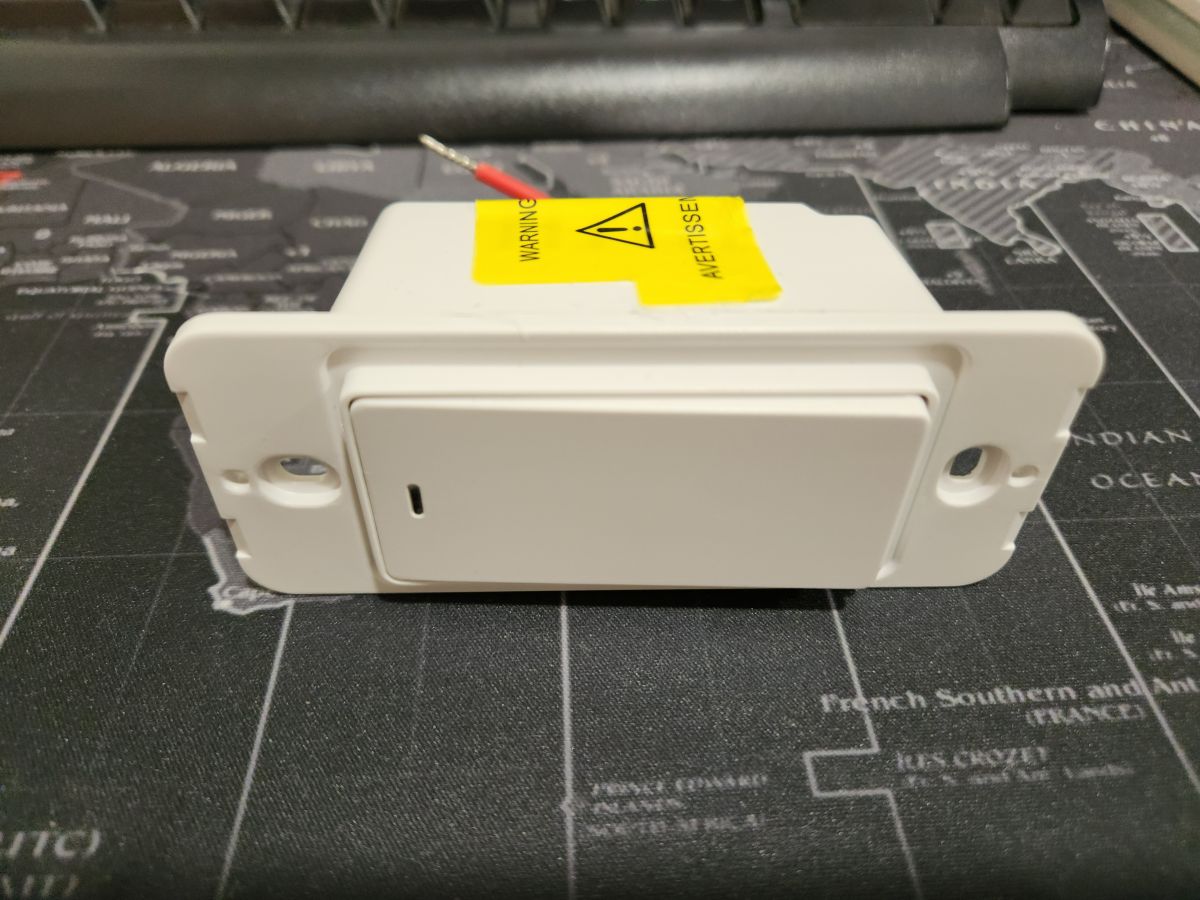
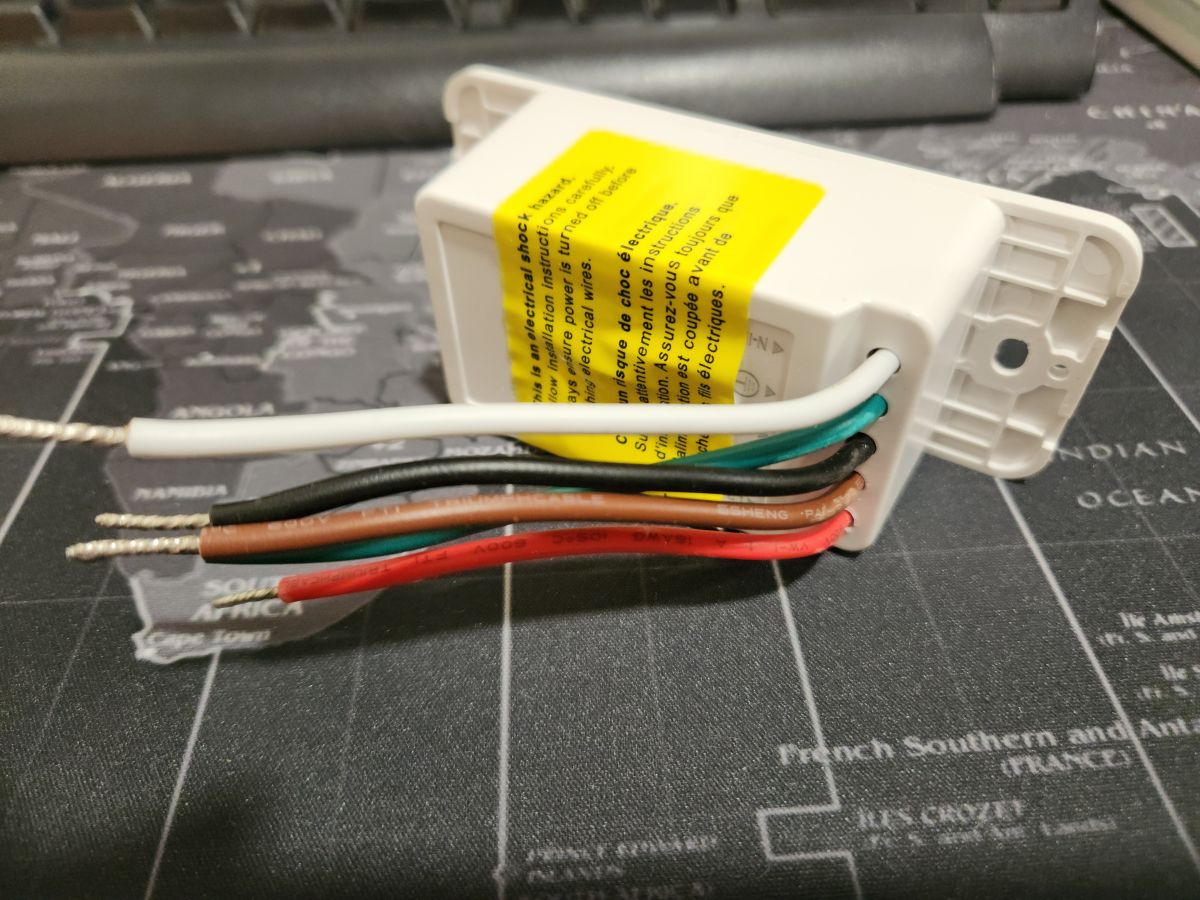
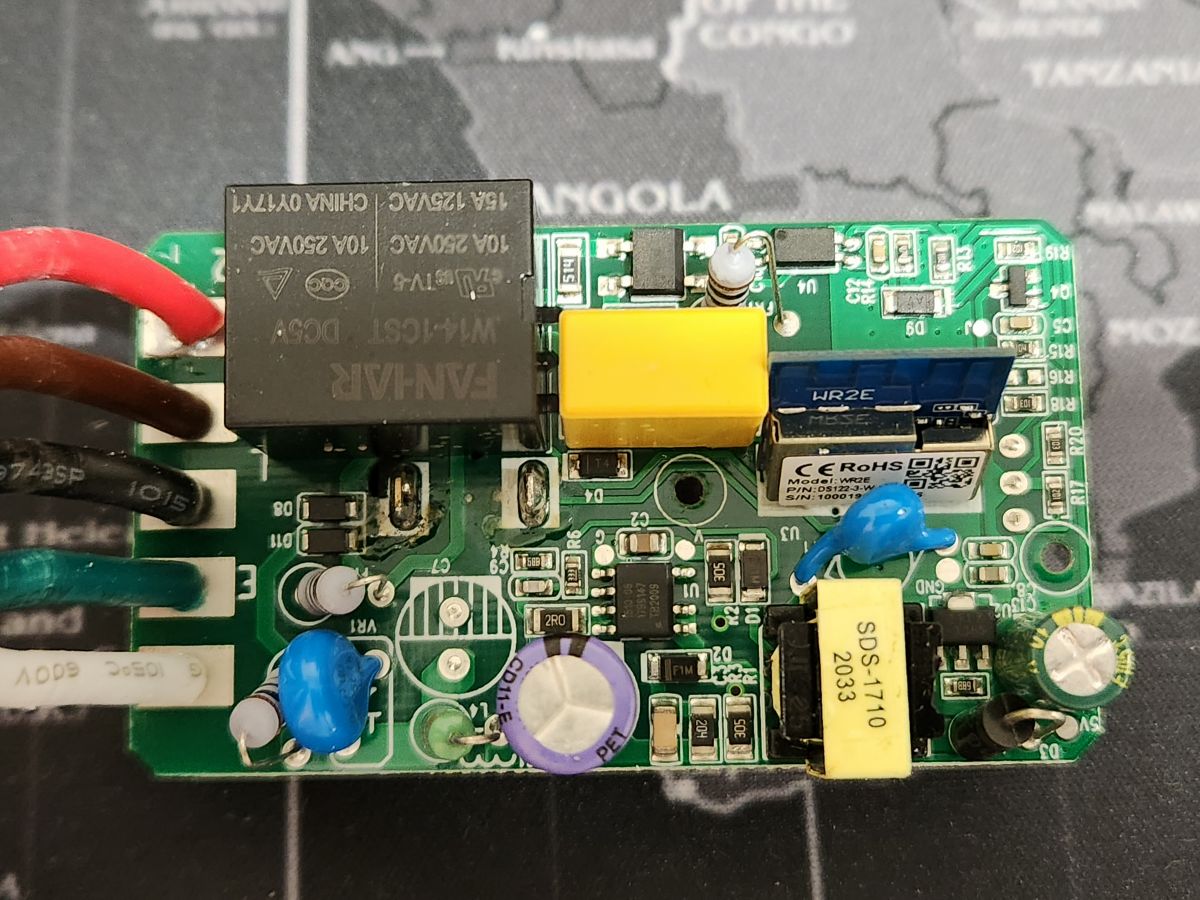
I got 2 of these 3-way switches from AliExpress. These switches came with a WR2E Module.
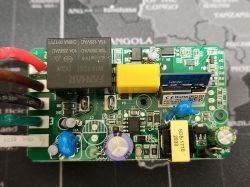
At first, I thought this module had a BK chip, so I spent some time trying to get a firmware dump but was not successful.

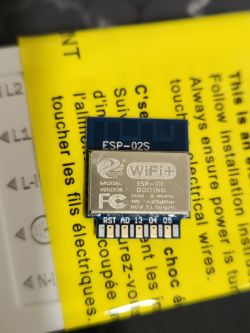
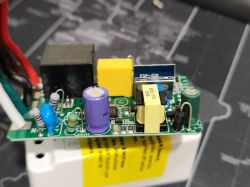
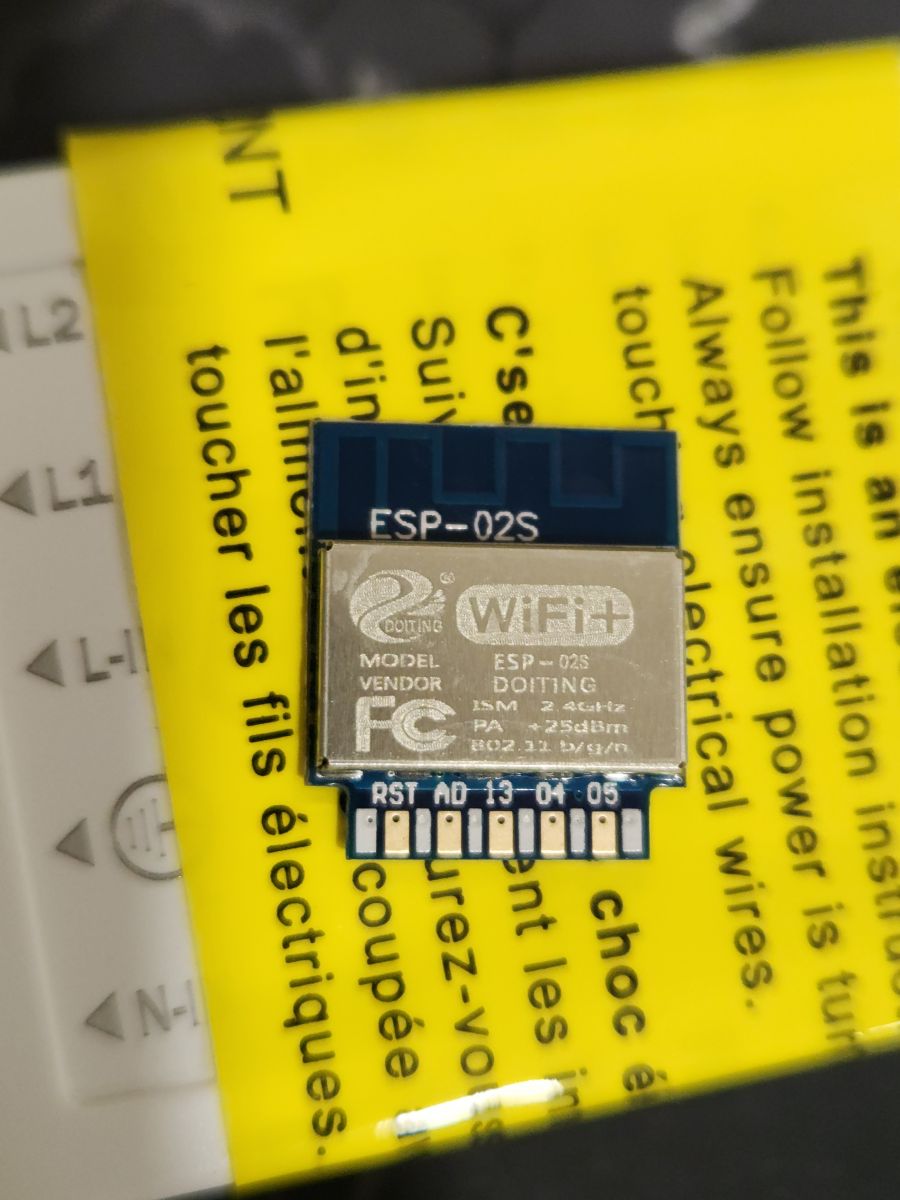
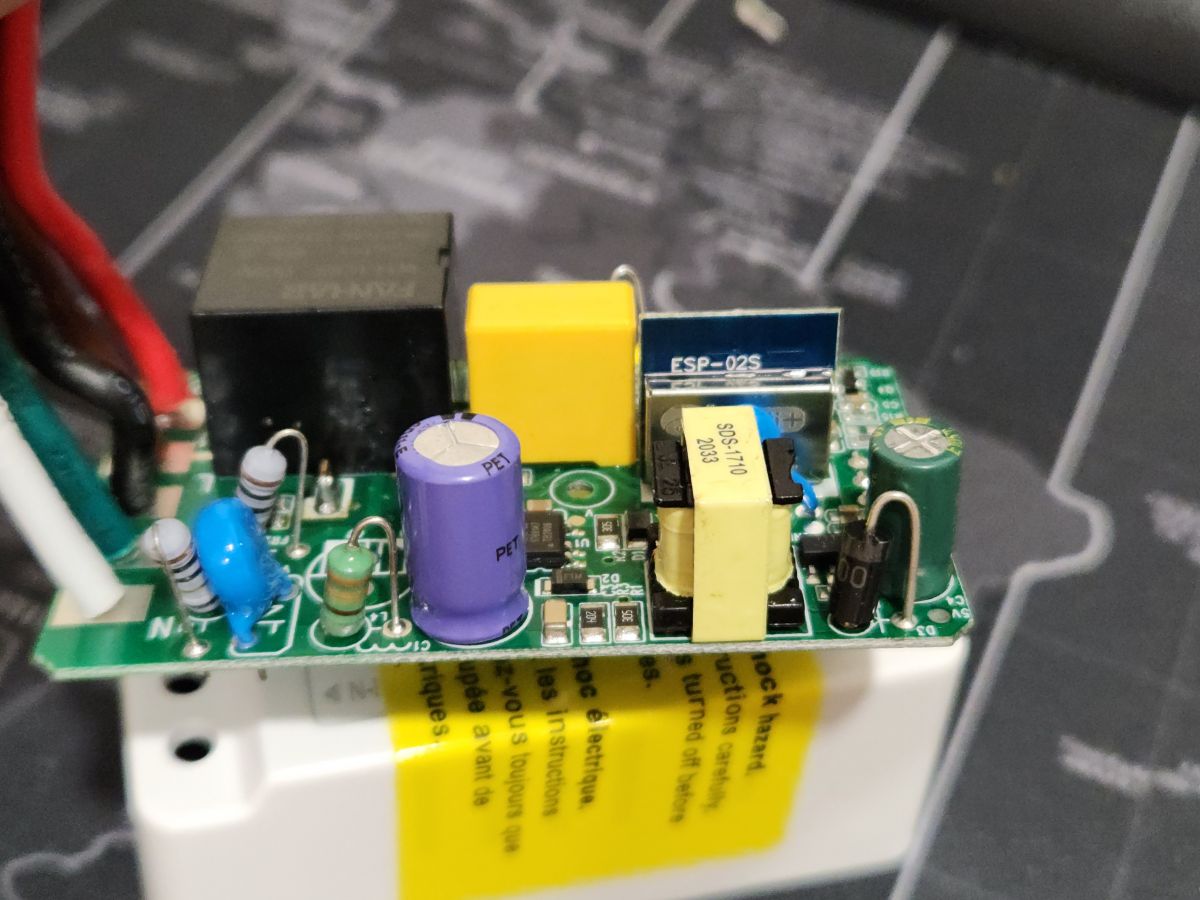
So, instead of wasting more time, I put ESP-02S aka "TYWE2S" instead of the Tuya module.
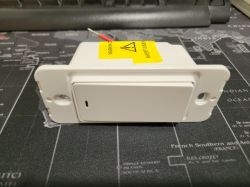
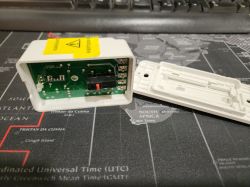
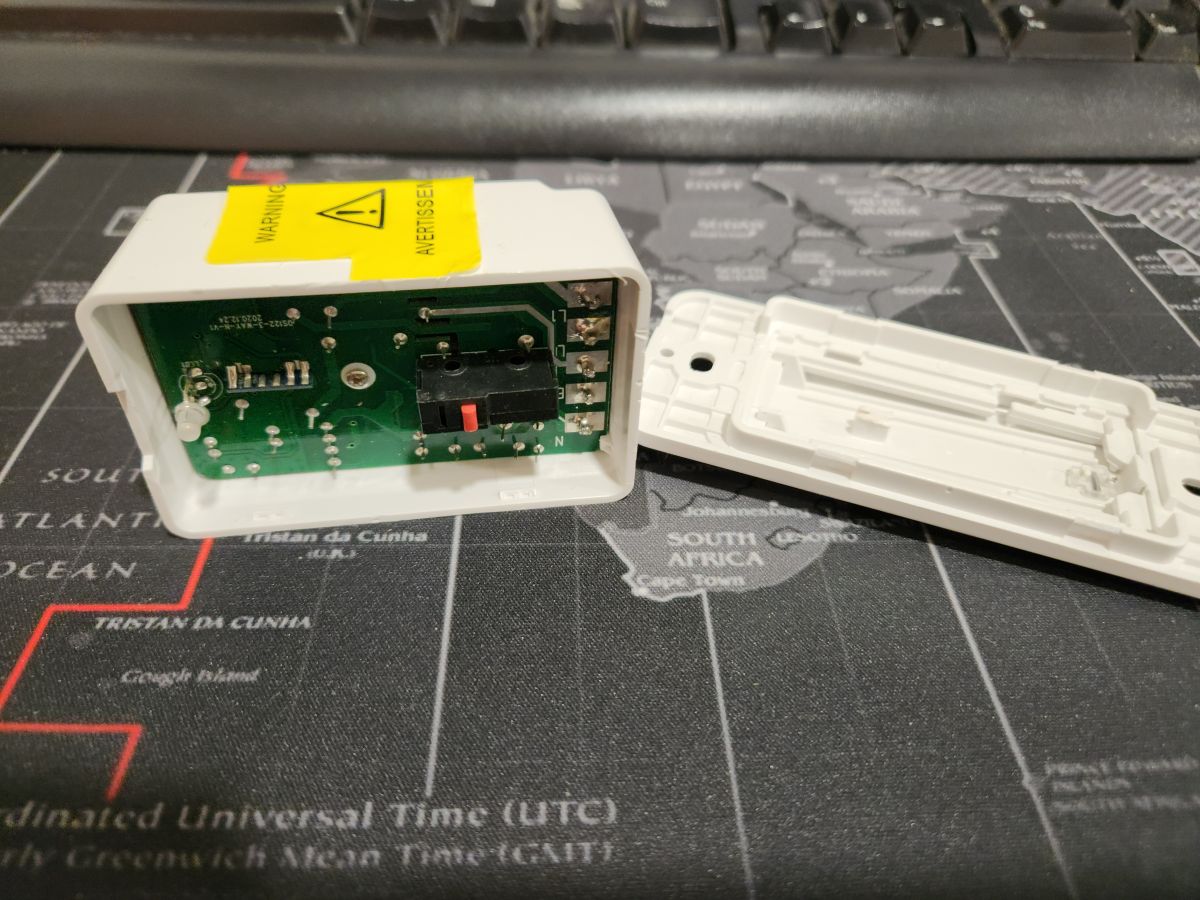
Three-way electric switch from AliExpress lying on a black mat with a world map. Electrical module with colored wires on a map. Switch housing with exposed electronic circuit board. Photo of a circuit board with a WR2E switch module. ESP-02S module on a yellow instruction background. Close-up of an electronic circuit with an ESP-02S component on a PCB.

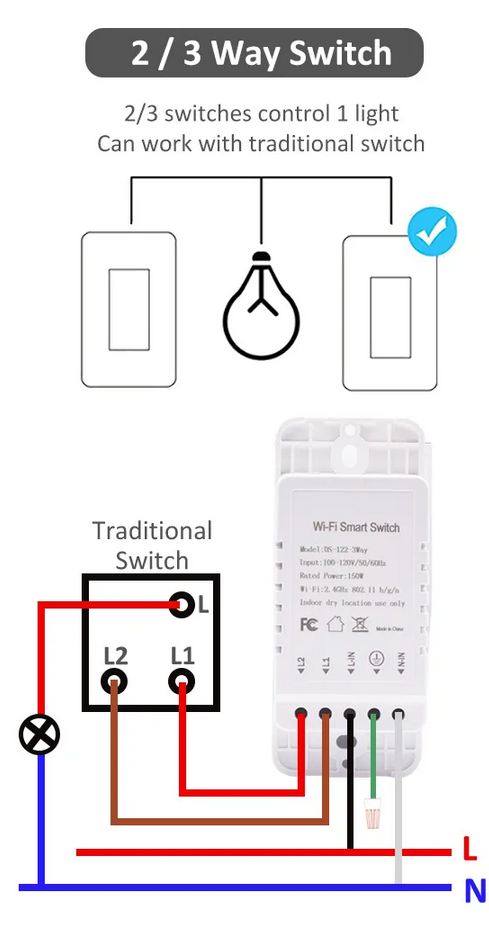
I needed this switch to work with my normal mechanical 3-way switch.
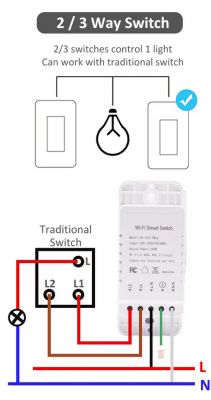
Connection diagram of a 2/3 way switch with a light and a traditional switch.

After some playing with the device, I figured that there is a sensor that tells if the load is ON or OFF. This sensor is linked with a blue LED which turns on when the load is on.

So, the way to configure this switch is to have a dummy relay linked with this sensor as it will tell me the state of the load when using both the normal and the WiFi switch.
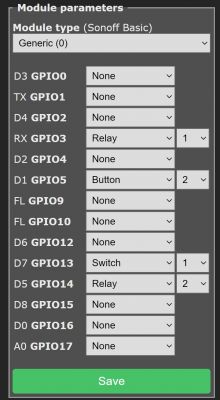
Screenshot of module configuration settings for GPIO in Sonoff Basic.

GPIO5 is the button, GPIO14 is the relay, and GPIO13 is the blue LED (the sensor).
GPIO12 is a red LED, but I couldn't figure out how to make it work with the blue LED.
In the original firmware, when the load is on, the blue LED turns on. When the load is off, the red LED is on.

The rest of the configuration with Home Assistant can be found here (Tasmota rules and HA YAML configuration):
https://templates.blakadder.com/moes-SS01-1.html

I know most of the teardowns here are for openbeken, but unfortunately, this chip is not supported (I think). So, I did the teardowns anyway, even though I'm using Tasmota here.


About Author
Zain00 wrote 61 posts with rating 20 , helped 3 times. Been with us since 2023 year.

Comments

FAQ

TL;DR: For a 2-switch 3-way setup, "GPIO5 is the button" after replacing the WR2E with an ESP-02S/TYWE2S. This method helps Home Assistant users keep the real load state synced by reading the blue LED load sensor through a dummy relay in Tasmota. [#20771675]

Why it matters: This swap turns a hard-to-reuse Tuya wall switch into a workable Home Assistant device that still cooperates with a normal mechanical 3-way switch.

Option What the thread shows Best use in this project
Original WR2E module Firmware dump attempts were unsuccessful Keep only if you can identify and support the chip
ESP-02S / TYWE2S Worked after module replacement Best path for Tasmota and Home Assistant
OpenBeken path Author says the chip was not supported Not suitable for this exact board state

Key insight: The critical trick is not only swapping the module. You also need to read the switch’s blue LED load sensor so Home Assistant sees the true ON/OFF state when either side of the 3-way circuit changes it. [#20771675]

Quick Facts

  • The project started with 2 AliExpress smart switches, both sold as 3-way devices and both originally fitted with a WR2E module. [#20771675]
  • The working TYWE2S pin map was explicit: GPIO5 = button, GPIO14 = relay, GPIO13 = blue LED sensor, and GPIO12 = red LED. [#20771675]
  • The blue LED acts as a real load-state indicator: when the load is ON, the blue LED turns on, which makes it useful as a feedback sensor. [#20771675]
  • The red LED did not reproduce the stock behavior on GPIO12, even though the original firmware used red for load OFF and blue for load ON. [#20771675]

How do I replace a WR2E module with an ESP-02S or TYWE2S in an AliExpress 3-way smart switch for Home Assistant?

You replace the WR2E board physically, then remap the new module’s GPIOs for Tasmota. 1. Remove the original WR2E module from the 3-way switch PCB. 2. Fit an ESP-02S, also called TYWE2S, in its place. 3. Configure GPIO5 as button, GPIO14 as relay, and GPIO13 as the blue LED load sensor so Home Assistant can track state correctly. [#20771675]

What GPIO pins are used for the button, relay, blue LED sensor, and red LED when swapping a WR2E module for a TYWE2S?

The working mapping is GPIO5 for the button, GPIO14 for the relay, GPIO13 for the blue LED sensor, and GPIO12 for the red LED. The author confirmed all four assignments after testing the board with the TYWE2S installed. [#20771675]

How can I make an AliExpress 3-way WiFi switch work with a normal mechanical 3-way switch after installing a TYWE2S?

Use the blue LED load sensor as feedback, not only the relay state. The switch has a sensor that reports whether the load is ON or OFF, and that sensor is tied to the blue LED. Linking a dummy relay to that sensor lets Home Assistant stay synchronized when either the normal mechanical 3-way switch or the WiFi switch changes the load. [#20771675]

Why would someone replace the original WR2E Tuya module instead of trying to dump its firmware?

They would replace it when the firmware-dump path stalls and the chip is unclear. In this case, the author first suspected a BK chip, spent time trying to get a dump, and got no result. Swapping in an ESP-02S/TYWE2S was faster than continuing unsuccessful reverse-engineering work. [#20771675]

What is a WR2E module, and how is it different from a TYWE2S or ESP-02S in smart switch projects?

"WR2E" is a Tuya smart-switch module that provides the switch’s original WiFi control function, but in this thread it resisted firmware-dump attempts and its chip support was uncertain. By contrast, the ESP-02S, also called TYWE2S, was installed successfully and then mapped for Tasmota using GPIO5, GPIO14, GPIO13, and GPIO12. [#20771675]

What is a dummy relay in Tasmota, and why would it be linked to a load-state sensor in a 3-way switch setup?

"Dummy relay" is a Tasmota software relay that represents state without directly driving the load, letting another signal source provide the true status. In this 3-way setup, it is linked to the blue LED sensor so Home Assistant follows the real ON/OFF load state even when the mechanical switch changes it outside the WiFi relay path. [#20771675]

How do I use the blue LED load sensor to track the real ON/OFF state of a 3-way switch in Home Assistant?

Configure GPIO13 as the blue LED sensor and use that signal as the authoritative state input. The thread says the blue LED turns on when the load is ON, so it reflects the real load state. That makes it better than relying only on the relay output in a 3-way circuit. [#20771675]

Why does the blue LED indicate load ON while the red LED behavior is harder to reproduce on GPIO12 in this switch?

The blue LED is easier because the author identified it as the actual load-state sensor. GPIO13 reliably showed load ON through the blue LED. GPIO12 was identified as the red LED, but the author could not make it mirror the original firmware behavior, where red showed load OFF and blue showed load ON. [#20771675]

What is Tasmota, and why would someone use it instead of OpenBeken on a smart switch with an unsupported chip?

Tasmota was used here because the installed ESP-02S/TYWE2S could be mapped and integrated, while the original chip path was not supported. The author explicitly says OpenBeken was not an option for this chip situation, so Tasmota became the practical route for rules and Home Assistant YAML. [#20771675]

TYWE2S vs the original WR2E module: which is better for custom firmware and Home Assistant integration in Tuya-based switches?

In this project, the TYWE2S was better for custom firmware and Home Assistant. The WR2E module did not yield a successful firmware dump, while the ESP-02S/TYWE2S worked after replacement and exposed a usable 4-pin mapping for button, relay, blue LED sensor, and red LED. [#20771675]

How can I configure Tasmota rules and Home Assistant YAML for a Moes SS01-1 style 3-way switch with a sensor-based state input?

Use the Moes SS01-1 style approach referenced in the thread and treat the blue LED sensor as the state source. The thread points to Tasmota rules and Home Assistant YAML that fit this logic, with a dummy relay tied to the sensor so the reported state matches the real load state in a 3-way installation. [#20771675]

What troubleshooting steps help when a WR2E module does not appear to use a BK chip and firmware dumping fails?

Stop assuming the module uses a BK chip and validate the board by behavior instead. The author first tried the dump route, failed, and then moved to a module swap. A practical fallback is to install a TYWE2S, identify the GPIO map, and test the LEDs and button one by one until the load-state logic is clear. [#20771675]

Which safety precautions matter when desoldering a Tuya module and fitting a TYWE2S inside a mains-powered wall switch?

The thread only supports one clear precaution: treat it as a mains-powered wall switch and perform the work as a hardware teardown, not as live testing. Because the board is a wall switch that was desoldered and refitted, the safe operating assumption is to work with power removed before swapping the WR2E for the TYWE2S. [#20771675]

What wiring or logic issues can cause state desynchronization between a mechanical 3-way switch and a WiFi smart switch in Home Assistant?

State desynchronization happens when Home Assistant tracks only the WiFi relay and ignores the physical load sensor. In a 3-way circuit, the normal mechanical switch can change the load without changing the relay’s internal assumption. Using the blue LED sensor with a dummy relay fixes that mismatch because it reports the actual load state. [#20771675]

Where can I find compatible templates or pin mappings for AliExpress 3-way switches that resemble the Moes SS01-1 design?

The thread points directly to the Moes SS01-1 template page for the remaining Tasmota and Home Assistant configuration. The local pin mapping still matters first: GPIO5 is button, GPIO14 is relay, GPIO13 is the blue LED sensor, and GPIO12 is the red LED on this specific board. [#20771675]
Generated by the language model.
%}