FAQ
TL;DR: If your EARU EAWCPT-J shows 12W in the UI or the button stops working, "power-cycle after BridgeFWD/REV" and verify the hardware revision first. This FAQ helps OpenBK7231N users map GPIOs, fix bistable-relay behavior, restore LEDs, and calibrate BL0942 energy readings on BK7231N/CBU-based DIN rail relays. [#21281181]
Why it matters: This relay exists in multiple board revisions, so using the wrong pin map can break the button, leave the WiFi LED stuck on, or make power readings meaningless.
| Variant |
CBU location |
Button pin |
Relay ON |
Relay OFF |
WiFi LED |
| Older revision |
Back of board |
P7 |
P24 |
P26 |
P8 |
| Newer revision |
Front of board |
P15 |
P7 |
P26 |
P9 by factory, P8 after rewire |
Key insight: The biggest source of failure is not flashing itself but assuming all EAWCPT-J units share one GPIO layout. The thread shows at least two hardware revisions with different button and LED wiring.
Quick Facts
- The case is held by 6 plastic rivet-like posts; users opened it by drilling them out, then reassembled with M3 screws and nuts or M1.5 × 12 mm bolts threaded into the drilled posts. [#21127603]
- One successful serial read used 9600 baud, while a later backup attempt failed at 0x40000 even after slowing from 921600 to 115200 baud. [#21198102]
- The newer 2025-style Tuya extraction reported P15 button, P6 LED, P7 Bridge Relay On, P26 Bridge Relay Off, and P9 WiFi LED on a CBU/BK7231N design. [#21450881]
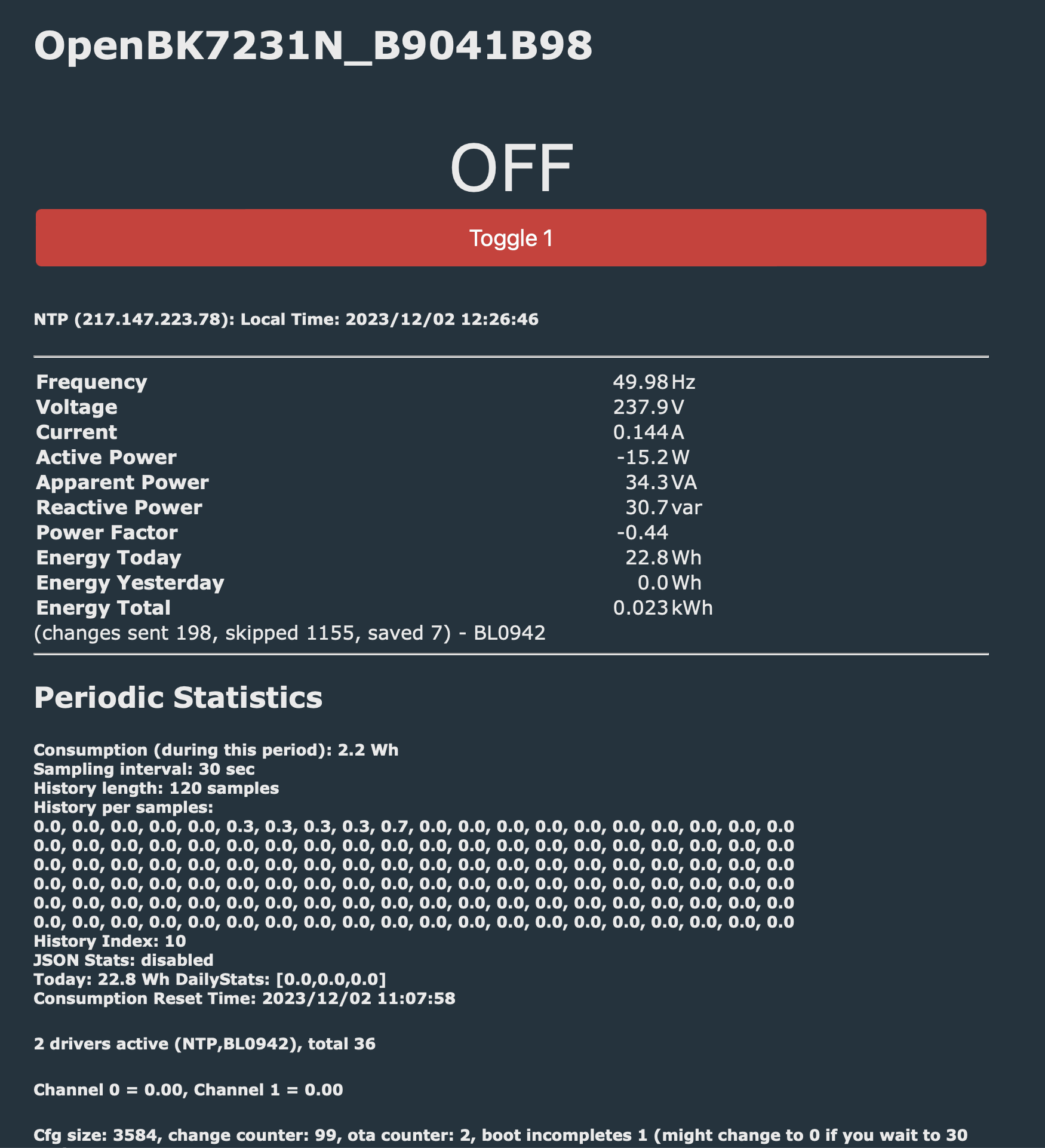
- A user first saw about 12W in the web UI, but an external measurement was about 10 mA at 240 V = 2.4 W, showing the need for calibration before trusting BL0942 values. [#21450881]
- With the wrong relay mode, one user reported continuous coil drive, about 6W and warmth; another reported the device getting above 60°C and showing about 12W until the bridge mapping and calibration were corrected. [#21240520]
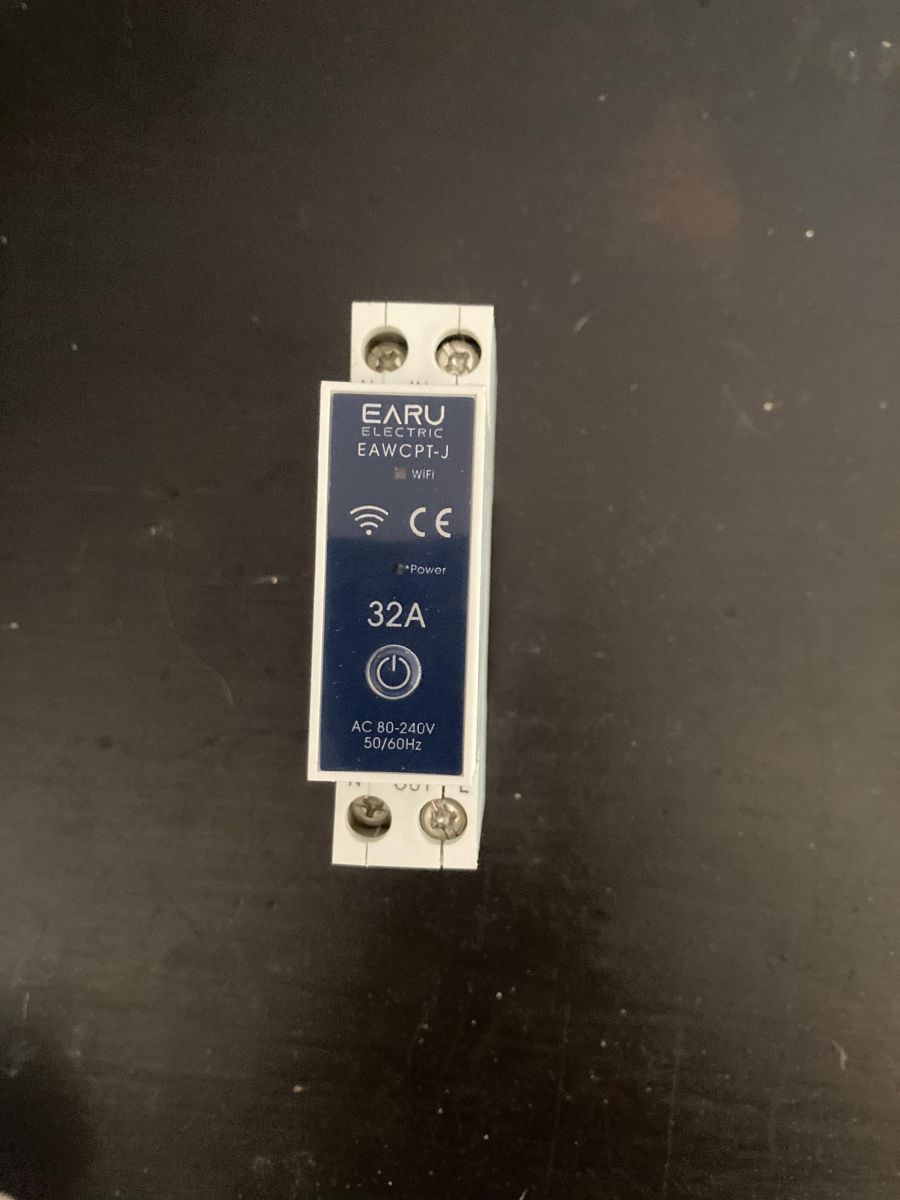
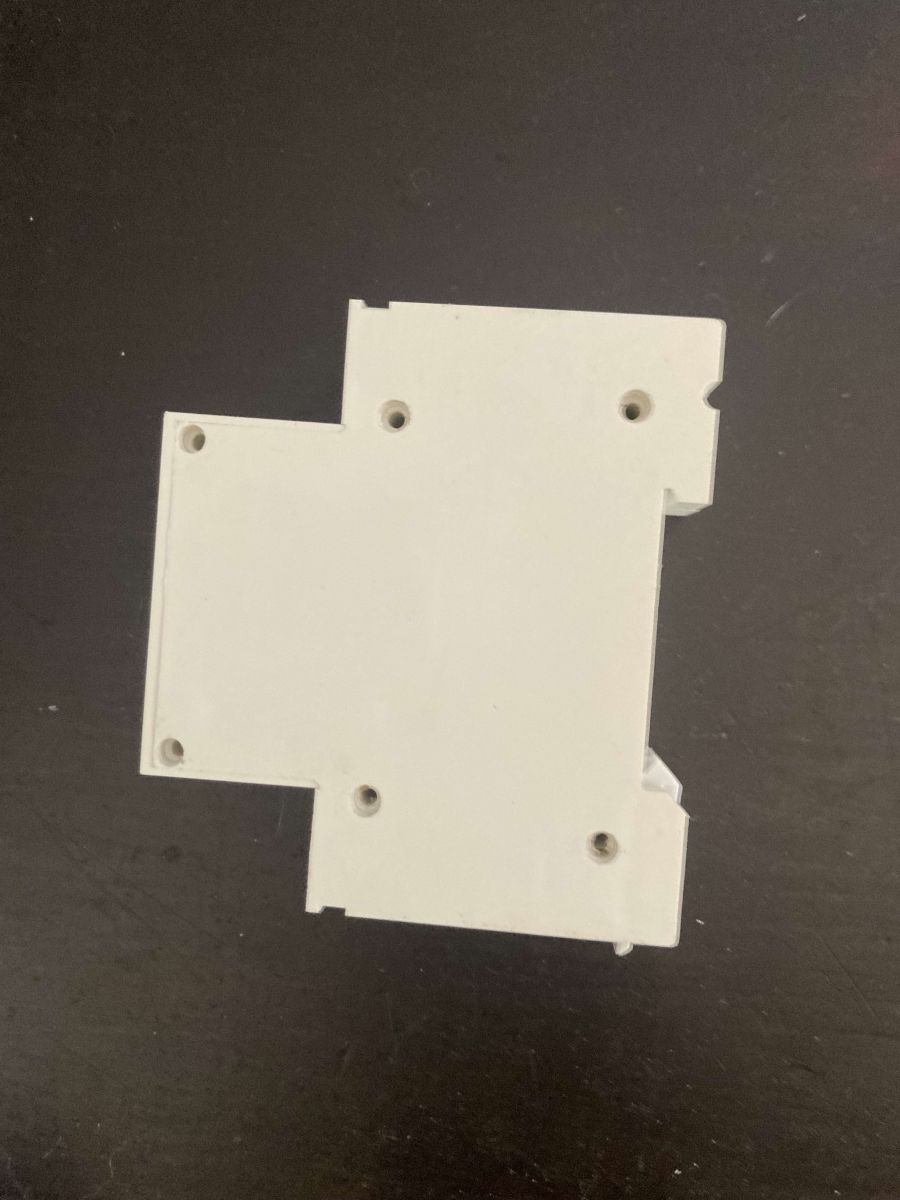
How do I open the EARU EAWCPT-J DIN rail relay without cracking the case, and what should I use to reassemble it after drilling out the plastic rivets?
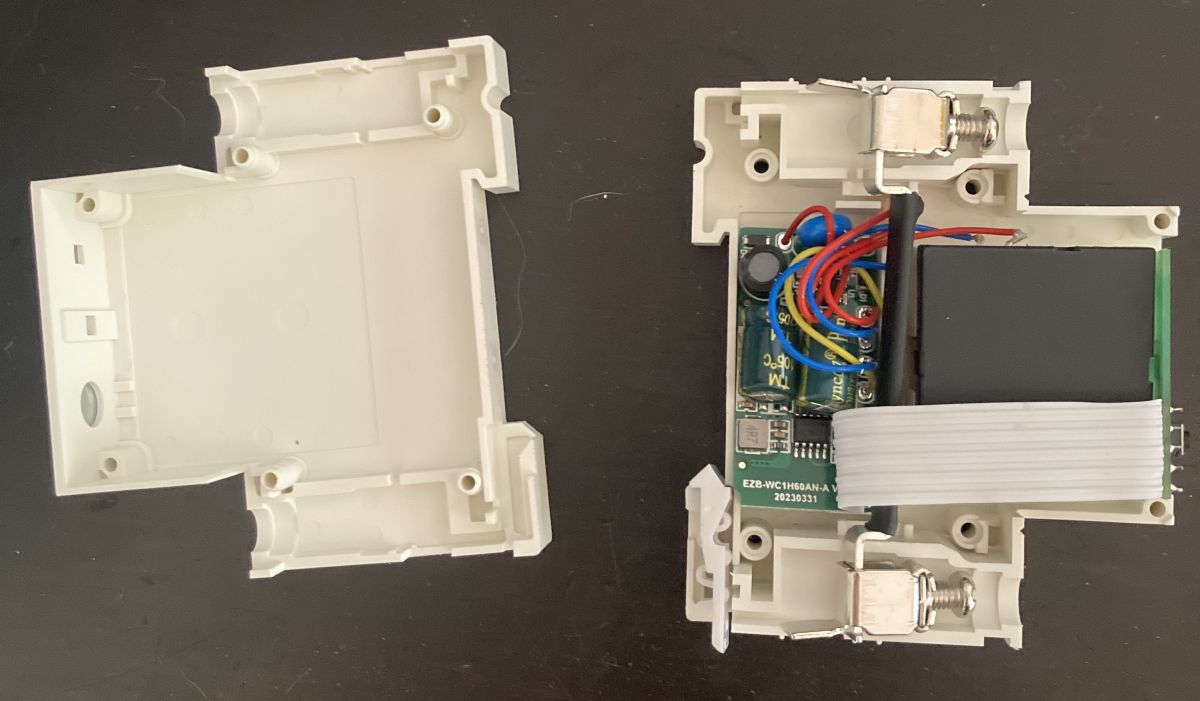
Open it by drilling out the 6 plastic holding posts instead of prying the shell apart. That avoids the cracked, messy result reported after forcing the plastic. For reassembly, users had good results with M3 screws and nuts, or with tight-fitting M1.5 bolts about 12 mm long threaded into the drilled rivet holes. 1. Drill the 6 posts. 2. Push the remains through and split the shell. 3. Reassemble with small screws or bolts.
[#21127603]
What is the correct OpenBK7231N pin mapping for the EARU EAWCPT-J with a CBU/BK7231N module on the back of the board?
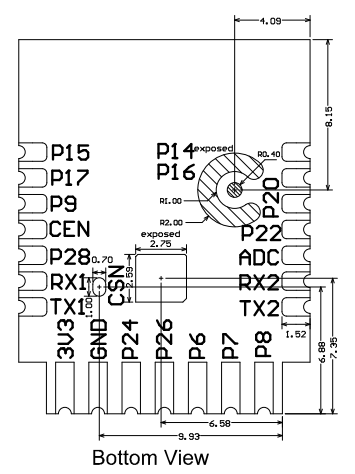
For the older back-mounted CBU revision, the working map is P6 = LED_n;1, P7 = Btn;1, P8 = WifiLED_n;0, P24 = BridgeFWD;1, and P26 = BridgeREV;1. That mapping came from the extracted Tuya config and was later corrected to use BridgeFWD and BridgeREV for the bistable relay. It matches the version where the module is on the back of the PCB, not the later front-mounted revision.
[#20957977]
Why does the EARU EAWCPT-J show negative active power or power factor when the bistable relay is OFF, and how can the pin configuration fix it?
It shows negative active power or power factor when the bistable relay control is mapped incorrectly. The fix was to change pins 24 and 26 to BridgeFWD and BridgeREV instead of other relay roles. After that change, the author said the negatives-versus-positives issue with the relay OFF was resolved. Use the bistable bridge roles, not standard relay roles, on this revision.
[#20957977]
What do BridgeFWD and BridgeREV mean in OpenBK7231N, and how are they different from configuring the pins as Relay and Relay_n?
BridgeFWD and BridgeREV are OpenBK7231N roles for a bistable relay driven by two separate coil pulses, one for each direction.
"BridgeFWD is a GPIO role that sends a short drive pulse to set a latching relay, unlike Relay which can hold the coil continuously." In this thread, using Relay and Relay_n made switching work but kept the coils powered, causing about 6W draw and noticeable heating. BridgeFWD and BridgeREV avoid that continuous coil power when configured correctly.
[#21240520]
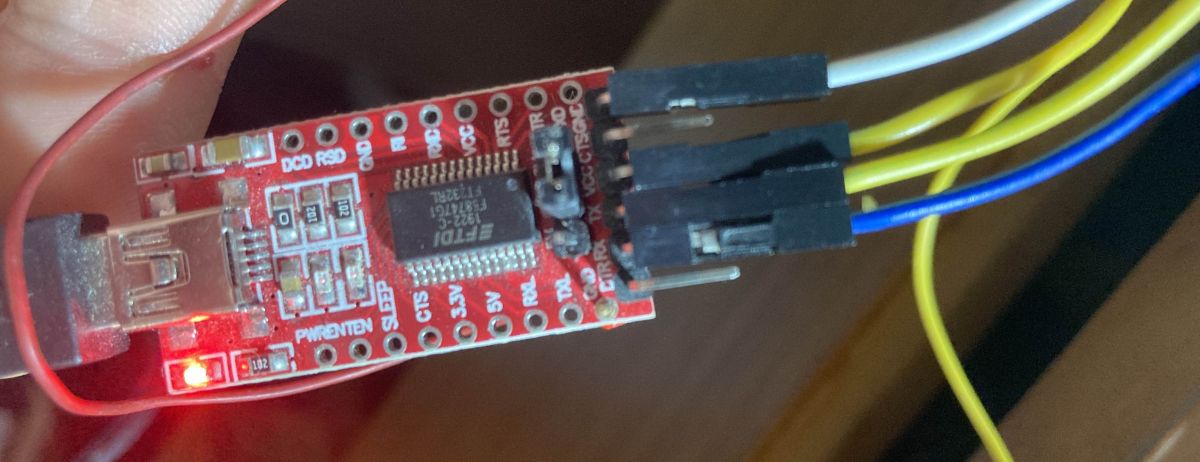
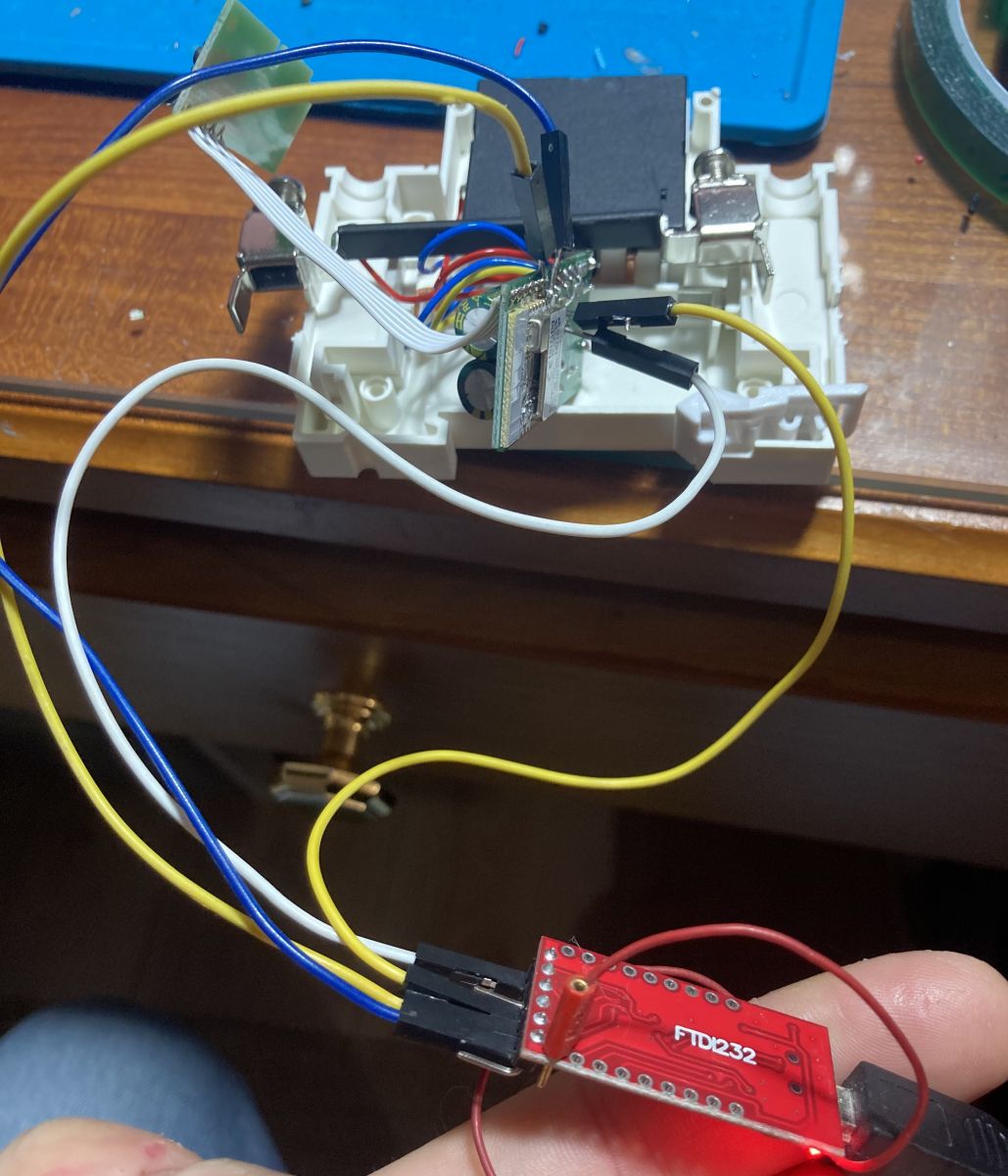
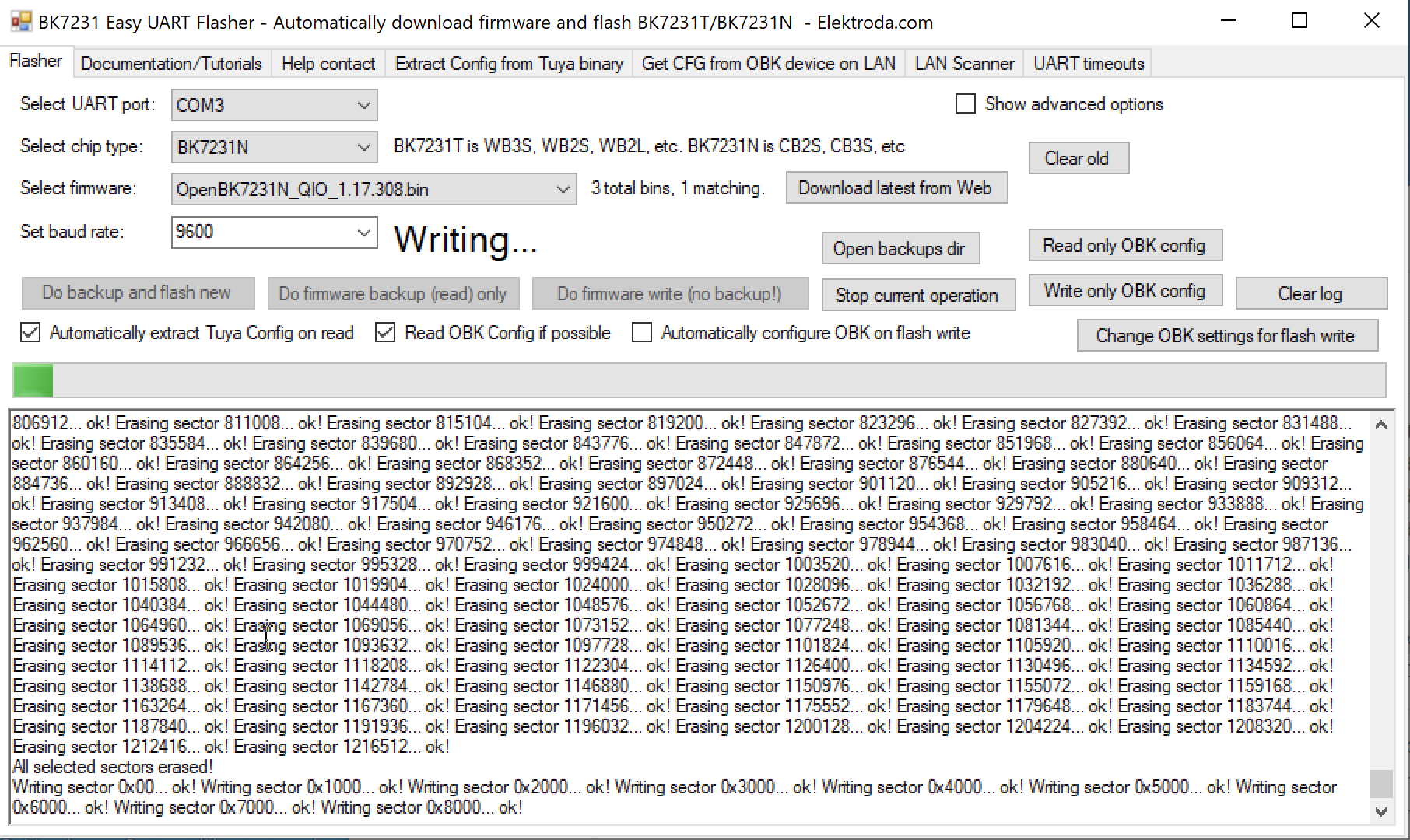
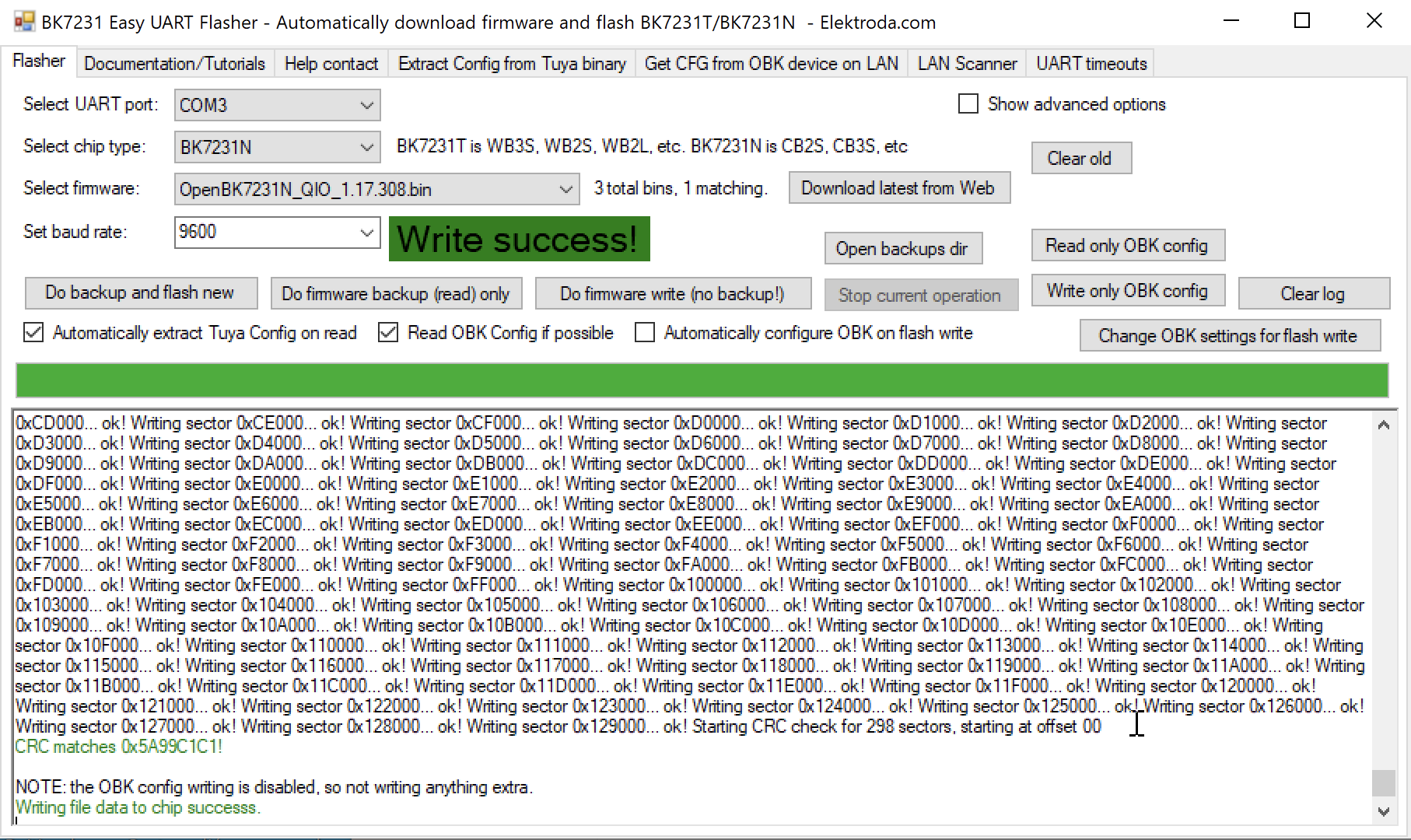
Which flashing method works better for the BK7231N-based EAWCPT-J: the GUI Flash app or the Python uartprogram method from the OpenBK flashing guide?
The Python uartprogram method worked better for at least one BK7231N EAWCPT-J when the GUI Flash app failed. A user reported that the GUI ended with a write failure, while
python3 uartprogram ... --startaddr 0x0 flashed successfully through
/dev/ttyUSB0. That makes the Python path the better fallback if the GUI tool cannot write or verify.
[#21127569]
How can I extract the original Tuya configuration from an EARU EAWCPT-J after flashing OpenBK7231N, and does the Tuya config partition remain intact?
You can still extract it after flashing because the Tuya config partition normally stays intact. The maintainer explicitly said it is not deleted unless you deliberately erase the entire 2 MB flash. 1. Do not perform a full-chip erase. 2. Run the Tuya-config extraction procedure from the linked tutorial. 3. Read the preserved partition and recover the original GPIO map.
[#21449943]
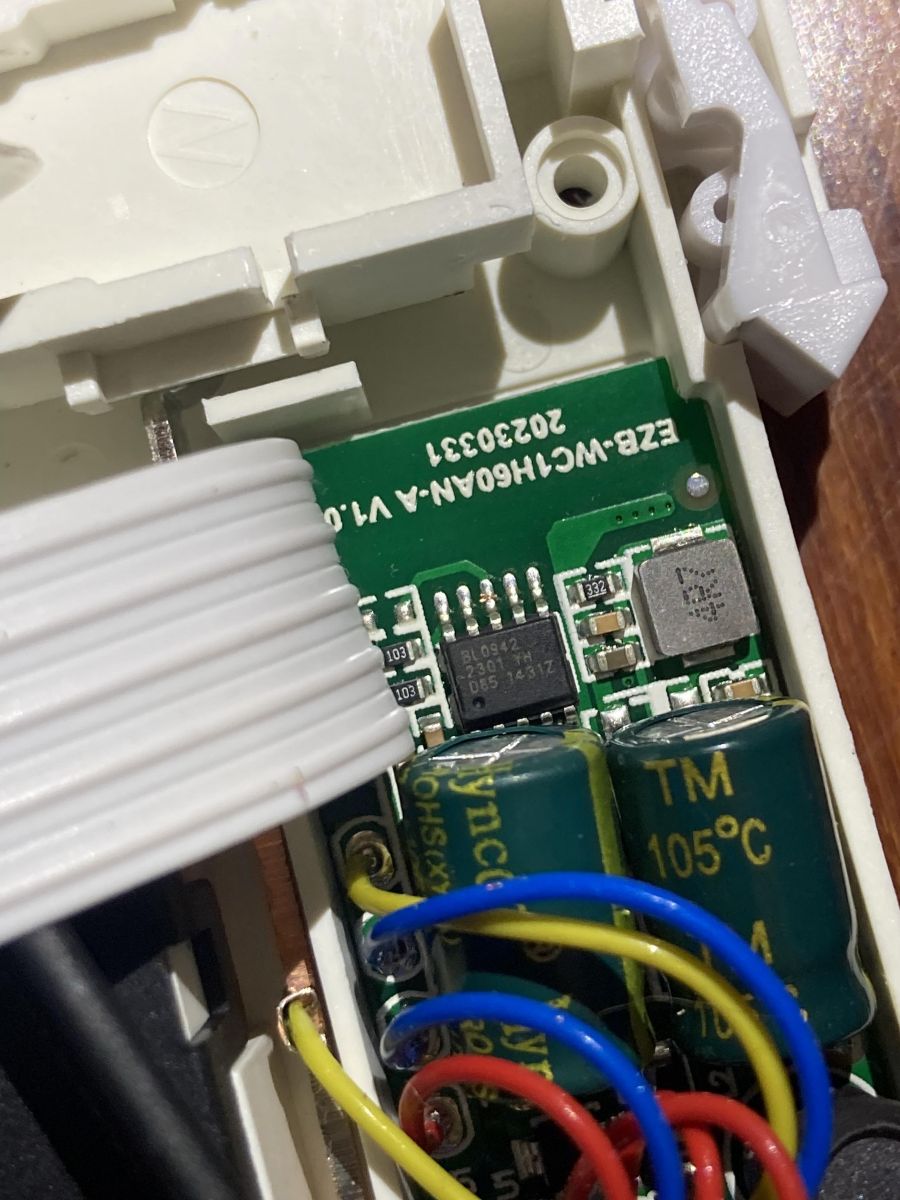
What is the BL0942 chip in the EARU EAWCPT-J, and how is it used for voltage, current, and power measurement in OpenBK7231N?
BL0942 is the energy-measurement chip used in this EAWCPT-J for mains telemetry.
"BL0942 is a metering IC that measures voltage, current, and power, and OpenBK7231N accesses it through the BL0942 driver for energy statistics and calibration." In the working startup command, users enabled it with
startDriver BL0942 and then calibrated voltage, current, and power readings.
[#20842835]
Why would the physical button on an EARU EAWCPT-J stop working even though the relay still toggles from the web interface?
The usual cause is a wrong button GPIO caused by using the wrong hardware template. One 2025-style unit looked similar externally, but the real button pin was P15, not P7. In that case the relay still worked from the web interface because the bridge outputs were correct, while the local button stayed dead until the extracted Tuya map was used and flag 41 was corrected.
[#21454550]
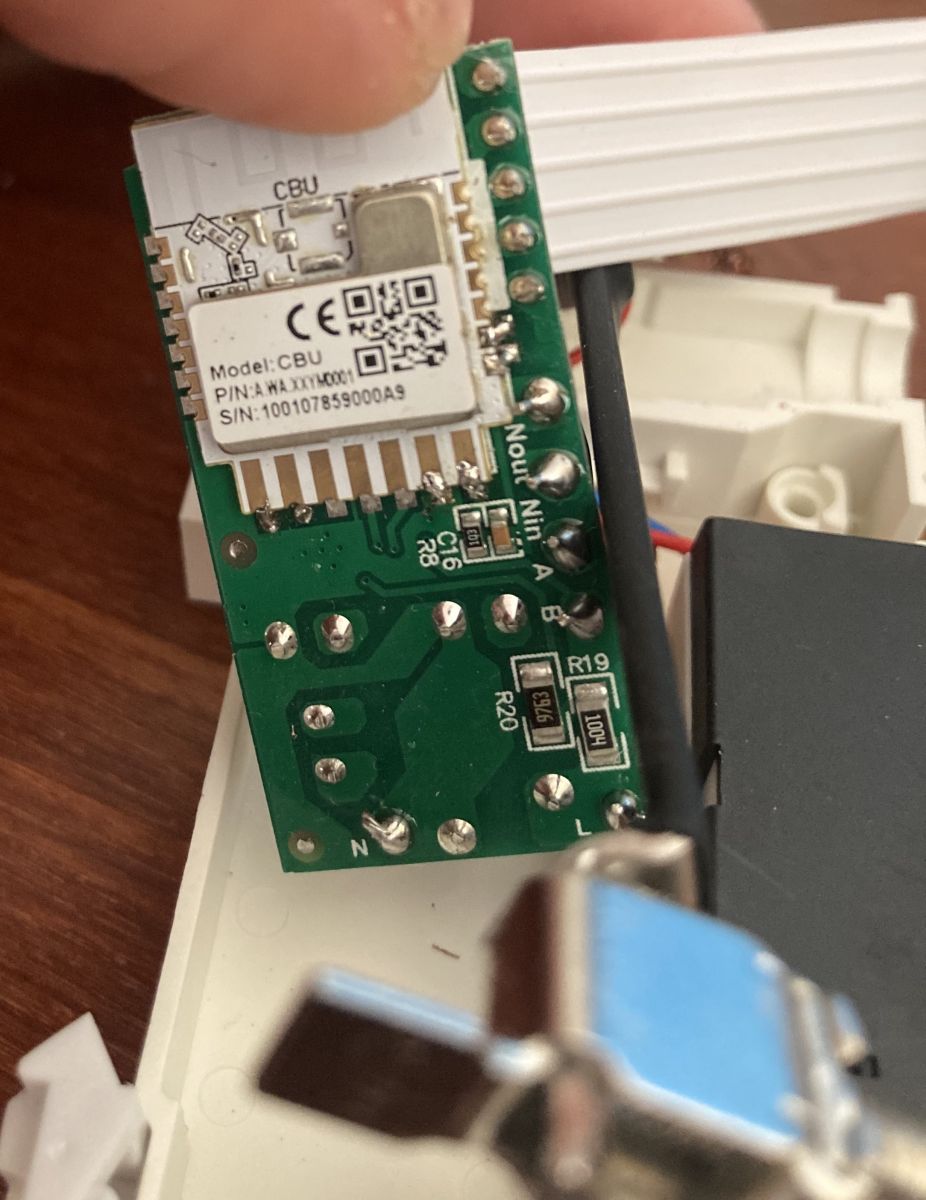
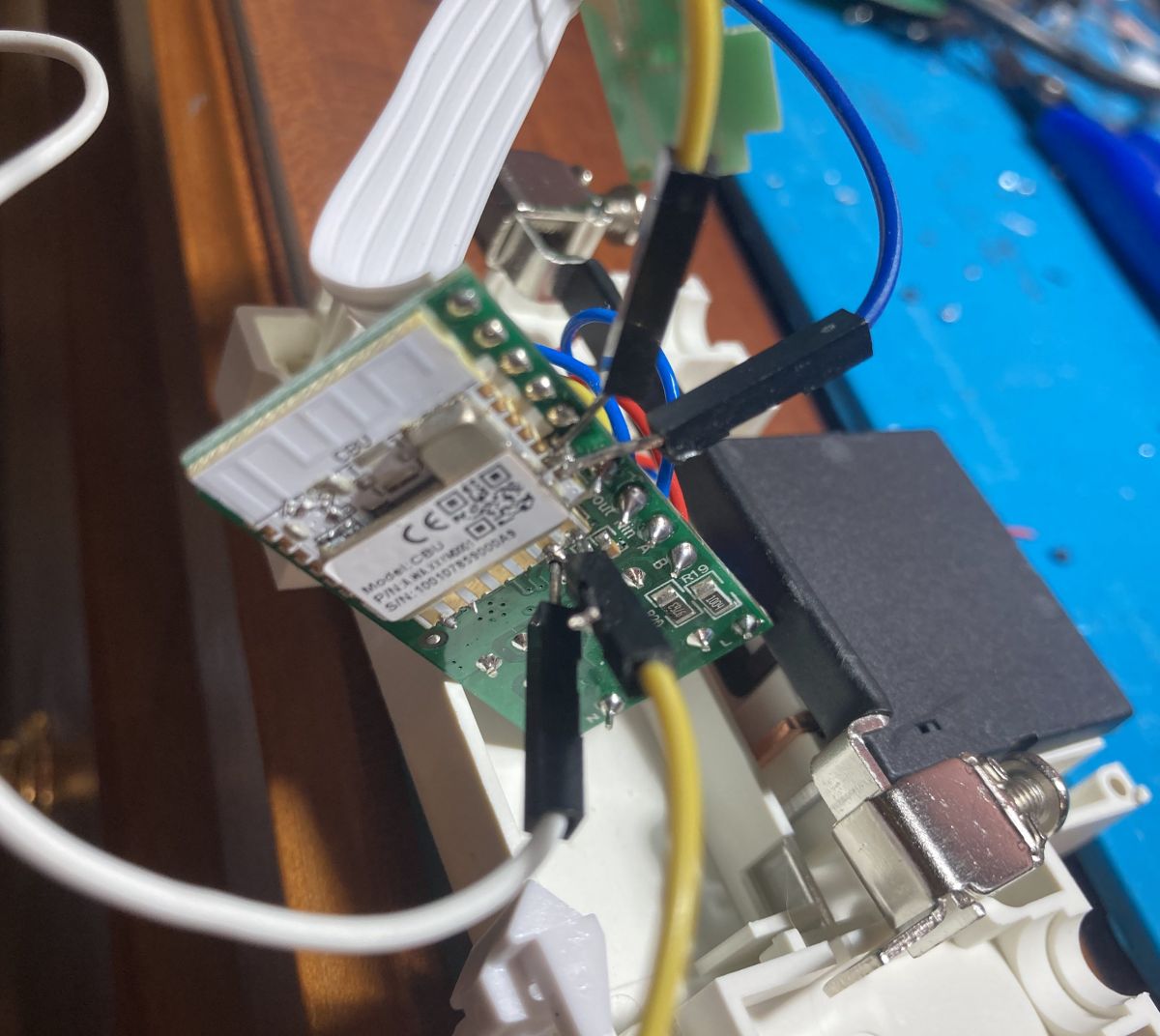
How do I identify whether my EARU EAWCPT-J is the older hardware revision or the newer front-mounted CBU revision with different GPIOs?
Identify it by opening the unit and checking where the CBU module sits on the board. If the CBU is on the back, use the older map with P7 button and P24/P26 relay control. If the CBU is on the front, use the newer map with P15 button and P7/P26 relay control. The newer revision also changed LED behavior and factory WiFi LED wiring.
[#21281181]
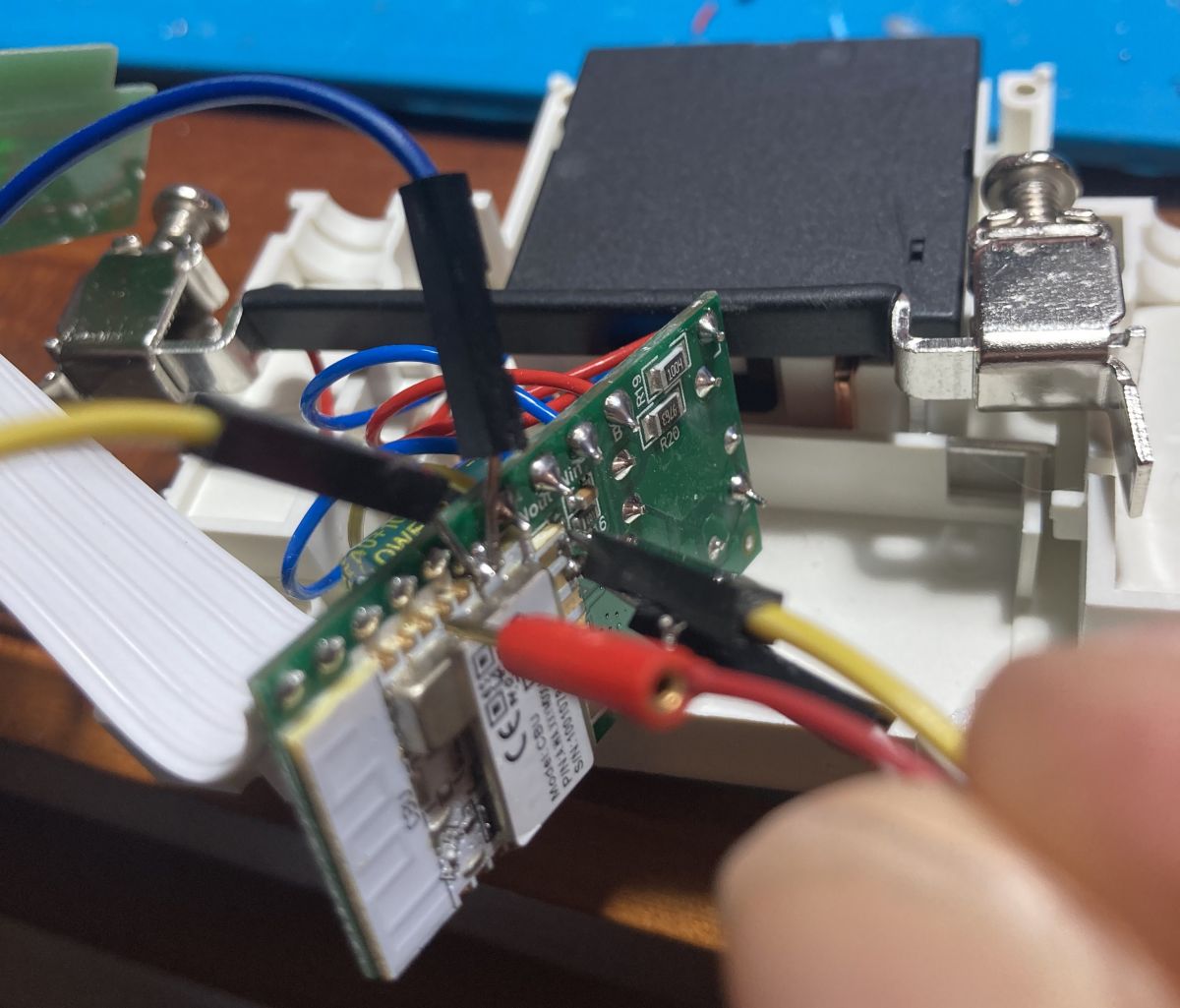
What causes the red WiFi LED to stay on constantly in the newer EAWCPT-J revision, and how can I rewire it to GPIO P8 for proper control?
The red WiFi LED stays on because the newer board revision wired it directly to 3.3 V instead of to a controllable GPIO. The documented fix is hardware rework: desolder the middle conductor from the front-panel ribbon and connect it to CBU pin P8. After that, set P8 as
WifiLED_n;0 and keep P9 for the relay-status LED.
[#21281181]
How should I calibrate VoltageSet, CurrentSet, and PowerSet on an OpenBK7231N-flashed EAWCPT-J when the web interface readings do not match an external meter?
Calibrate all three channels against a real external meter or known load, then recheck under load. The maintainer recommended the Tasmota-style
VoltageSet,
CurrentSet, and
PowerSet commands, and noted the Web App also provides a ready calibration form under Tools. Do not trust the web readings before calibration, especially on recently flashed units with swapped GPIO templates or floating no-load values.
[#21450890]
Why can the EAWCPT-J report around 12W in the web UI while an external meter shows only about 2.4W, and what settings should I check first?
That mismatch happens when calibration is off or the bridge and power-saving settings are incomplete. In the thread, the web UI showed about 12W, but an external meter measured about 10 mA at 240 V, roughly 2.4W. First check BL0942 calibration, then verify BridgeFWD and BridgeREV are used instead of Relay roles, and add
PowerSave 1 in startup if it is missing.
[#21449943]
What is a CBU module in Tuya devices, and how does it relate to the BK7231N used inside the EARU EAWCPT-J?
The CBU module is the Tuya radio/control module used in this relay, and in this device it is based on the BK7231N chip.
"CBU is a Tuya plug-in module that carries the BK7231N Wi-Fi MCU, so GPIO mapping and flashing procedures target the CBU board but the actual chip family is BK7231N." The extracted config in the thread explicitly lists
module: CBU and identifies the chip as BK7231N.
[#20842835]
How can I make a bistable relay switch reliably in OpenBK7231N when BridgeFWD and BridgeREV are configured but the relay does not move?
Power-cycle the device after assigning BridgeFWD and BridgeREV, because the bridge driver may not load until reboot. One user had the same symptom, and the fix was simply to restart power after setting those roles. If it still does not move, confirm you are using the correct revision-specific pins, because front-mounted and back-mounted CBU boards use different GPIOs.
[#21281181]
What is the best working template for the 2025 EARU EAWCPT-J revision where the POWER LED and WiFi LED positions were swapped?
The working 2025 template uses P6 =
LED_n;1, P7 =
BridgeFWD;1, P9 =
WifiLED_n;0, P15 =
Btn;1, and P26 =
BridgeREV;1, plus
startDriver BL0942,
startDriver SSDP,
startDriver NTP,
SetupEnergyStats 1 60 60 1, and
PowerSave 1. The poster also noted calibration is required, the importer had returned
LED;1 instead of
LED_n;1, and the swapped POWER/WiFi LED positions matched February 2025 stock.
[#21454550]
AI summary based on the discussion. May contain errors.






Comments
Concerning the issue with negatives/positives values when relay is OFF, I figured it out. I changed pins 24 and 26 to "BridgeFWD" and "BridgeREV". Updated template as well. [Read more]
Hello @flobuljeedom, how did you opened and closed it without broken it? I open mine forcing the plastic and the final result was not very good. I have no idea how to close it without tape :). [Read more]
As I wrote, drill it [Read more]
Thank you. The GUI Flash app did not work for me. It ended with write failure. However, the python "obsolete" method worked fine: python3 uartprogram OpenBK7231N_QIO_1.17.621.bin --unprotect... [Read more]
I used M3 screws and bolt I had in my drawer [Read more]
Nice idea. I had a couple of M1.5 bolts around (12mm long). They fit tight inside the hole of the drilled rivets. So I used them to thread the inside of the rivets (so one side you see the original... [Read more]
Hey @flobuljeedom, thanks so much for posting this. I have flashed with your config file, but for some reason the red LED which should be 'mains power present' is illuminated (it also flashes during bootup)... [Read more]
Ich have trouble to switch the the bistable relay in this device. I have definde the output pins as BridgeFWD and BridgeRE (like the JSON in this thread) "24": "BridgeFWD;1", "26":... [Read more]
***CBU MODULE ON THE BACK? CHECK FIRST POST*** ***CBU MODULE ON THE FRONT? SEE BELOW*** It seems there has been a hardware revision for the EAWCPT-J. The CBU module is now on the front of the board,... [Read more]
I have just received the EAWCBT-J I'm assuming it's from current production, internally it looks identical to post #10, I uploaded OpenBK7231N using BK7231Flasher, I didn't solder - I used acupuncture... [Read more]
If you used this template: "pins": { "6": "LED_n;1", "7": "Btn;1", "8": "WifiLED_n;0", "24": "BridgeFWD;1", "26": "BridgeREV;1" }, ... [Read more]
Hello, thank you for your reply and above all for what you are doing for open source yes i used this template, i didn't manage to archive the original configuration but i will measure from nature which... [Read more]
. But nothing needs to be archived here. The Tuya config partition is still there after flashing. It is not deleted. As long as you don't deliberately perform a 2MB erase of the entire flash then it doesn't... [Read more]
measurement with meter ~10mA ~240V = 2.4W and indicates 12W tuya configuration: (never been added to the cloud) { "bt1_pin": "15", "led1_pin": "6", "rl1_drvtime": "60", "net_trig":... [Read more]
Do you know about the calibration process? As in Tasmot. VoltageSet, CurrentSet, PowerSet commands. Also you can through the Web App under Tools, there is a ready form there. [Read more]
I did according to the indicated video tutorial and .... in web application/import generated such a script: clearIO // clear old GPIO/channels lfs_format // clear LFS StartupCommand "" // clear... [Read more]
Thanks for pointing this out - I see that on the Web App the importer did not have bridge relay implemented. Only on the windows app was it entered. I have corrected it: https://obrazki.elektroda.pl/8598134300_1740387701_bigthumb.jpg... [Read more]
EARU EAWCPT-J In this version (delivery 02.2025), the location of the LED POWER and LED WIFI is changed https://obrazki.elektroda.pl/7131103900_1740038535.jpg working template: { "vendor": "Tuya", ... [Read more]
Thanks for the template, but if you can put it in a syntax json tag. Is everything working now? How about the power consumption? As for the LED, it's at your discretion - some want it to light up... [Read more]