logo elektroda
logo elektroda
X
logo elektroda
Dostępna jest polska wersja

Czy wolisz polską wersję strony elektroda?

Nie, dziękuję Przekieruj mnie tam

Shenzhen Pinmei / Linklemo A9 Mini Camera with Beken BK7252NQN481 – Photos, Boot Log, Flash Backup

divadiow  110 12117 Cool? (+12)
📢 Listen (AI):

TL;DR

  • The post teardowns a Shenzhen Pinmei / Linklemo A9 Mini Wi‑Fi camera sold as a cheap “4K” surveillance device, baby monitor, spycam, or camcorder.
  • Inside, it uses a Beken BK7252NQN481 with an INO-IPC-A9-V2.4 PCB, and the pad layout exposes TDI, TDO, TCK, TMS, RX1, and TX1 for access.
  • Easy Flasher reads the chip in BK7252 and BK7252N modes, BKFIL accepts BK7252N, and the flash backup shows a 2 MB EB6015 SPI flash.
  • The camera is still under investigation for real pairing, app behavior, and captured images, but no FCC submission was found for the device or company.
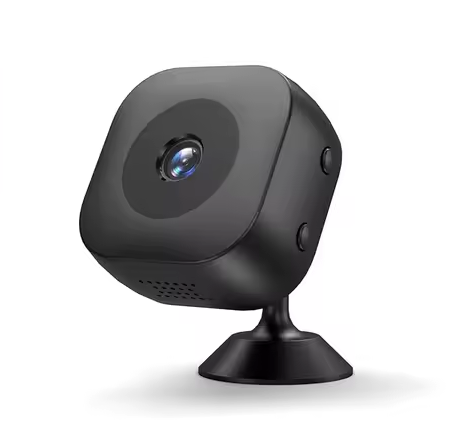
Black security camera on a stand, angled slightly to the side.

The ubiquitous A9 Mini Wi-Fi Camera, in its seemingly many forms, is a compact, budget-friendly smart surveillance device, often seen for as low as $1USD as a Welcome Deal on sites like Ali Express. Positioned as a security camera, baby monitor, spycam, camcorder, it is often advertised by sellers as being 4K, having night-vision/infra-red, AI, motion detection. It can usually be said that one or more of these claims is false or at best, exaggerated. The device that is the subject of this post is listed with these "sellpoints" on Ali:

-Xiaomi Mini Camera4k Wireless Wifi Remote Camera4K Ultra Clear Image Quality:Capture every detail with 4K resolution, ensuring clear and vivid footage even in low light.
-WiFi/IP/AP Flexible Connection:Seamless connectivity with multiple modes: WiFi, IP, or AP, for uninterrupted monitoring.
-Intelligent Mobile Detection:High-precision motion sensors trigger alerts, reducing false alarms and enhancing security.
-Portable Design with Magnetic Base:Easily place the camera in any corner with its magnetic base, saving space and ensuring flexibility.
-Long Term Battery Life:Reliable performance with a large capacity battery, ensuring worry-free operation.

I am immediately sceptical about it being 4K and having anything to do with Xiaomi!

My device was sourced from Ali here https://www.aliexpress.com/item/1005008584918966.html
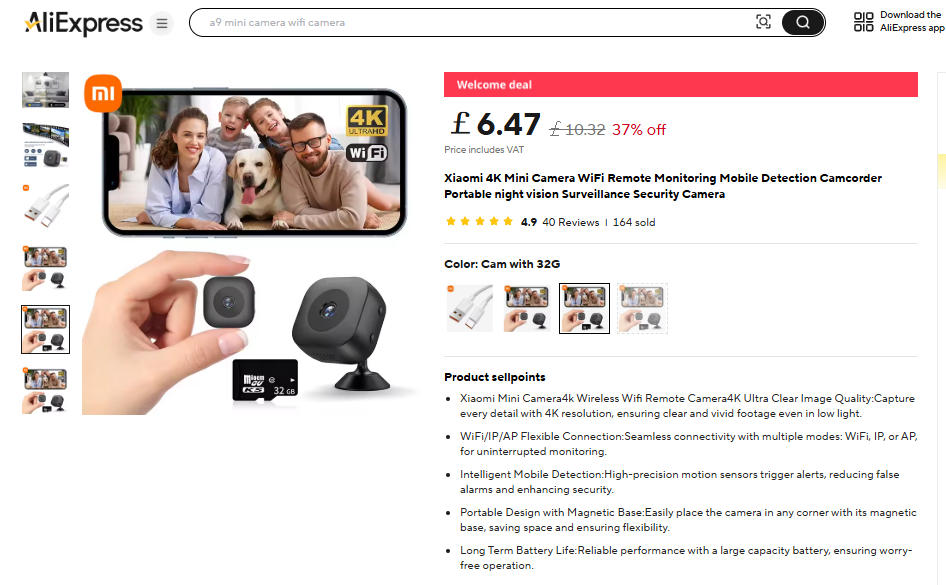
Xiaomi 4K WiFi mini camera with microSD card, displayed on the AliExpress store product page.

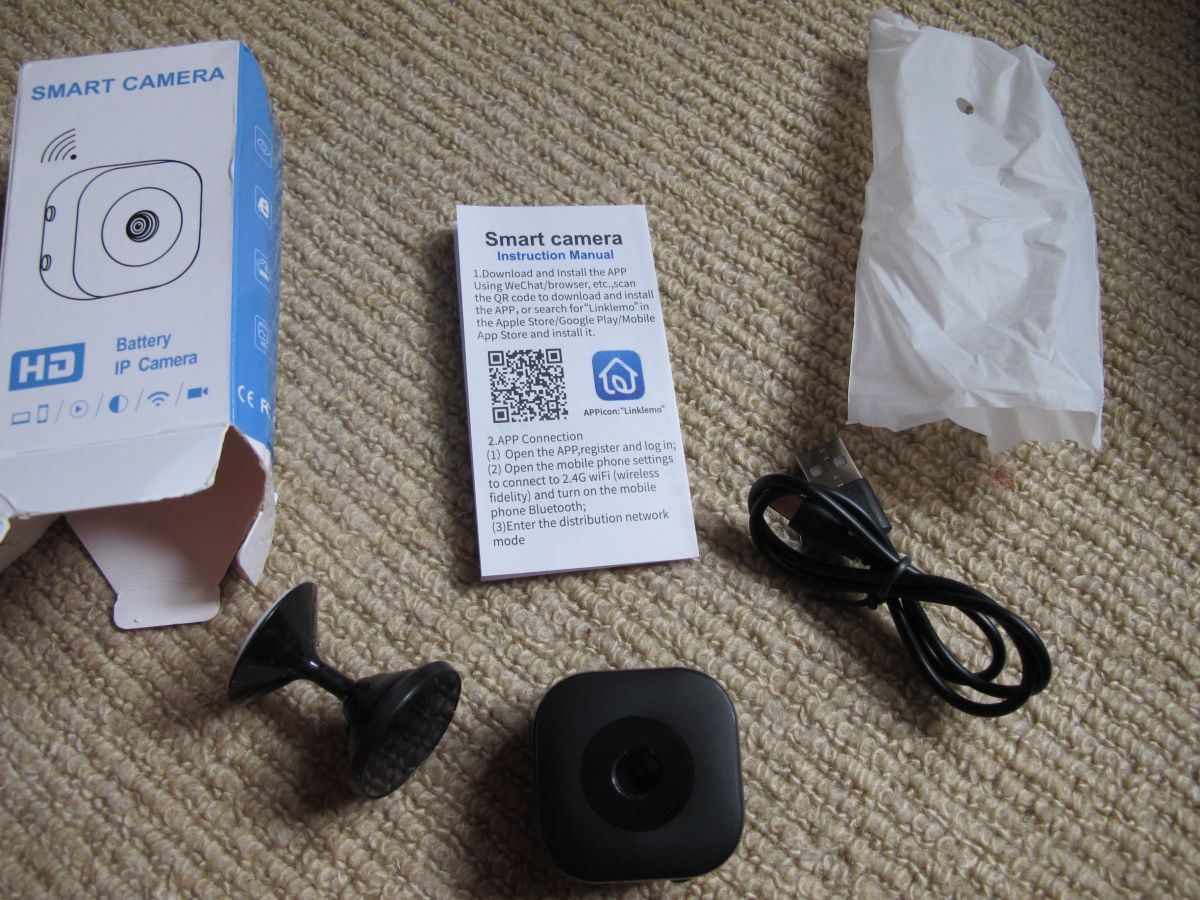
I'll now start by documenting the packaging and device before diving into the internals. Subsequent posts will detail the pairing/app user experience, as well as providing real images and videos created by the device.


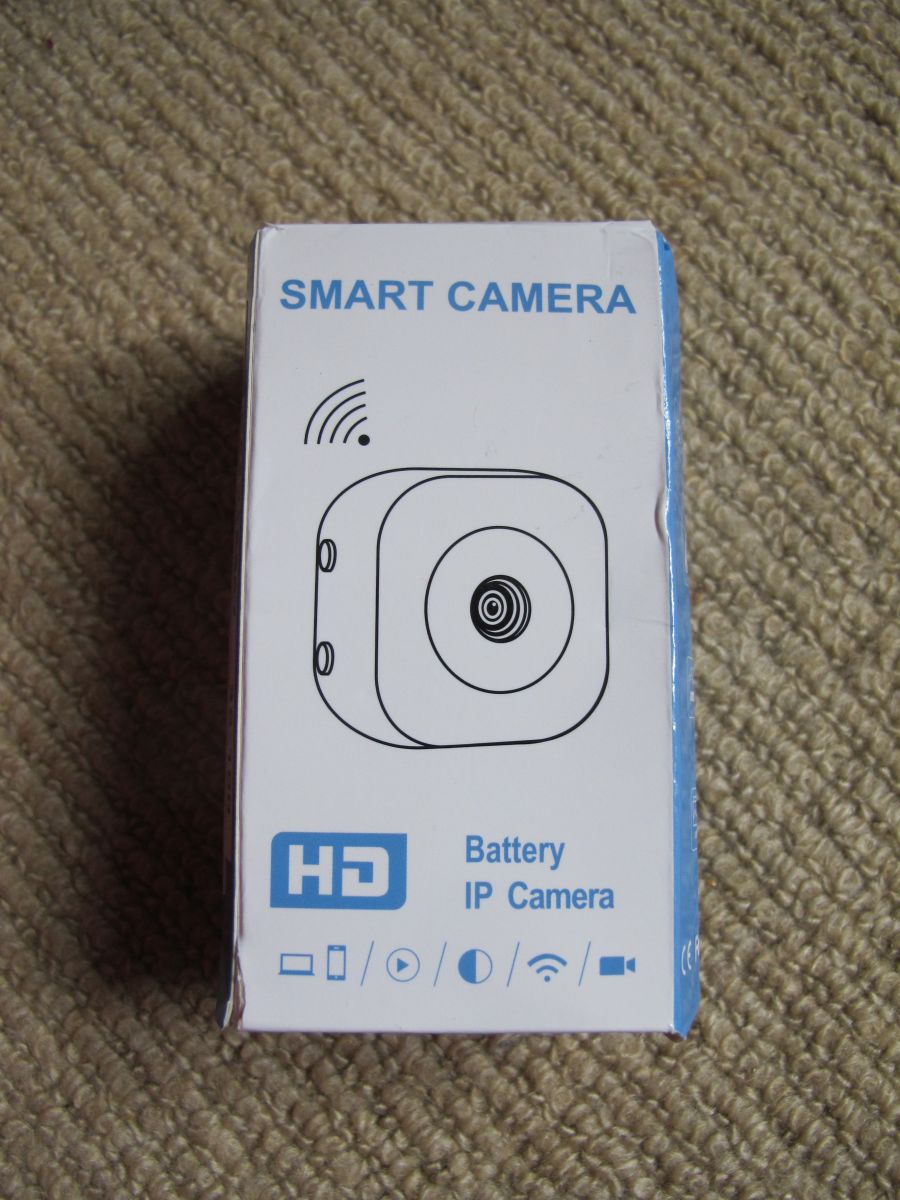
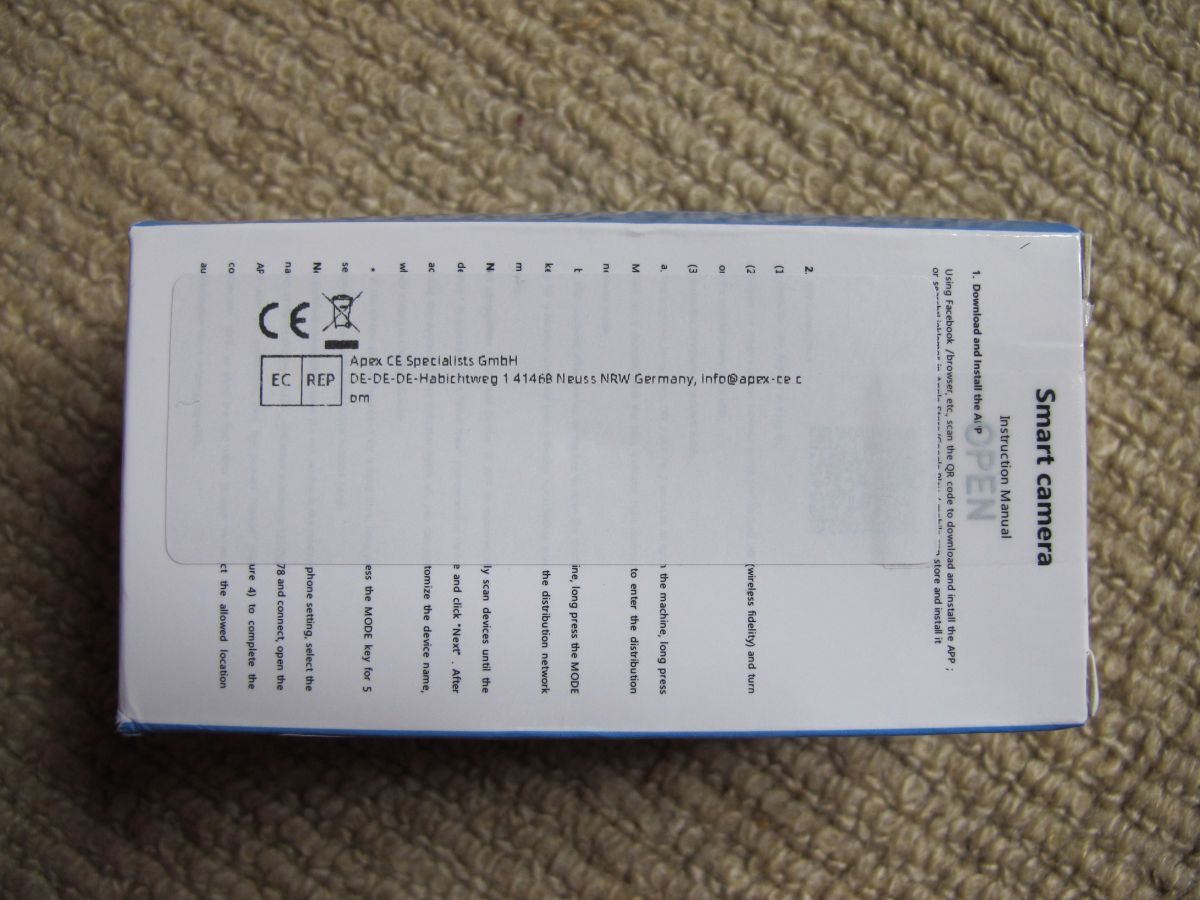
The box for this came marked with reference to "Shenzhen Pinmei Technology Co., Ltd".
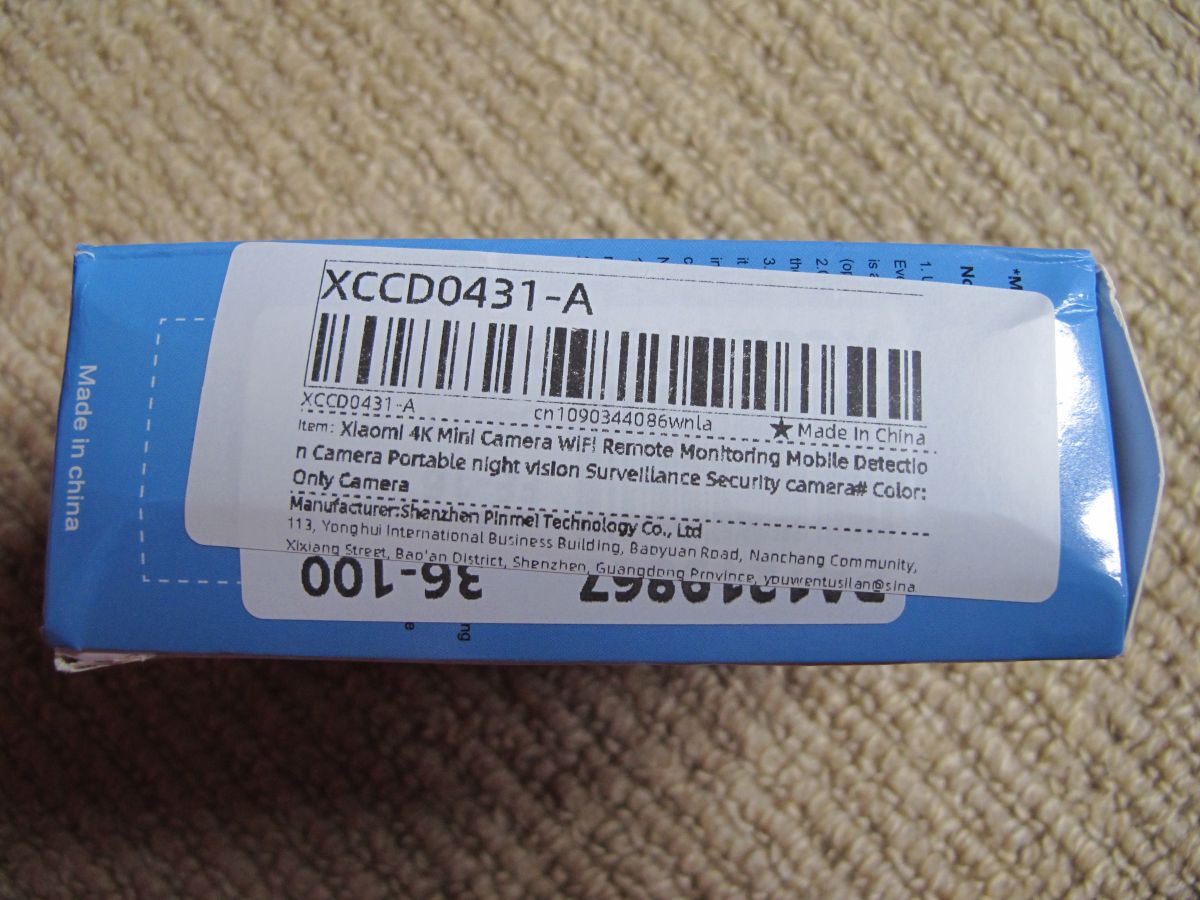
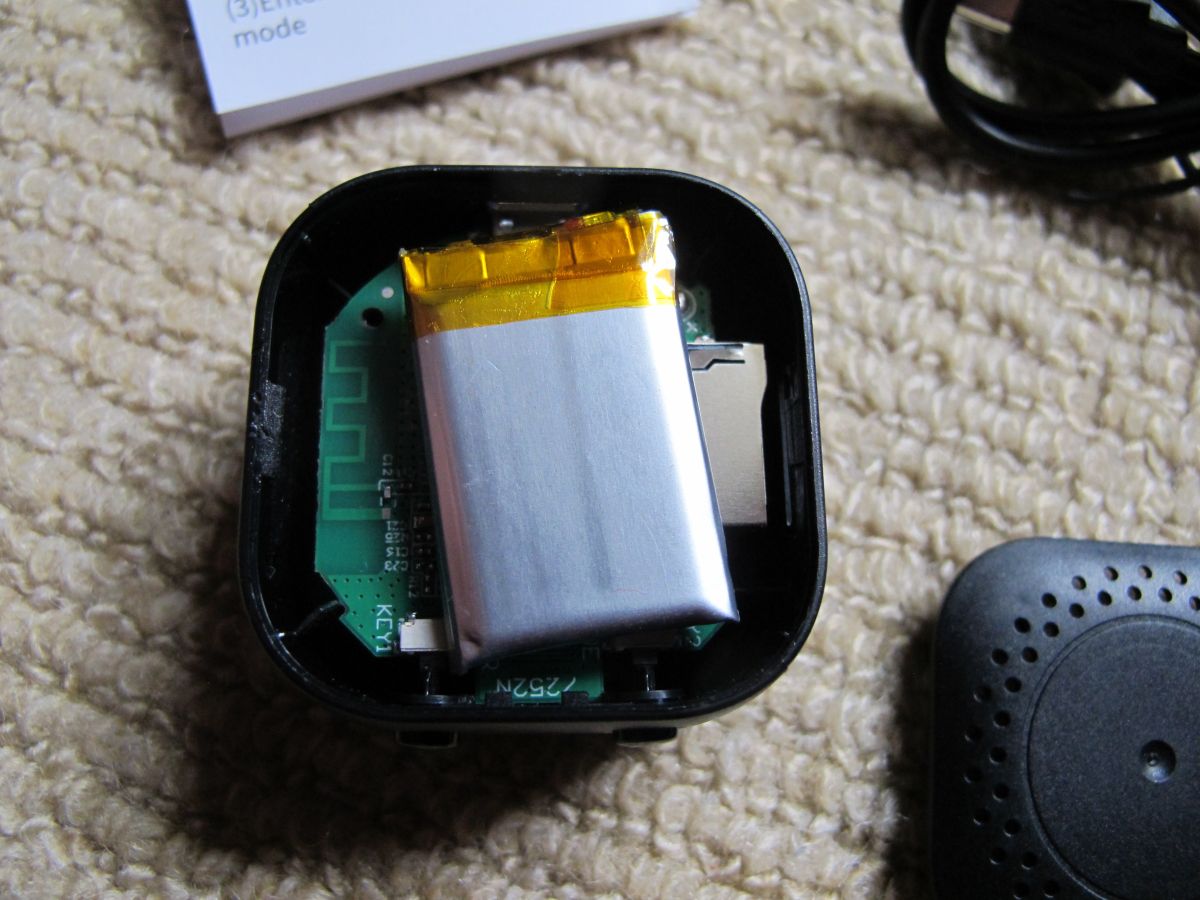
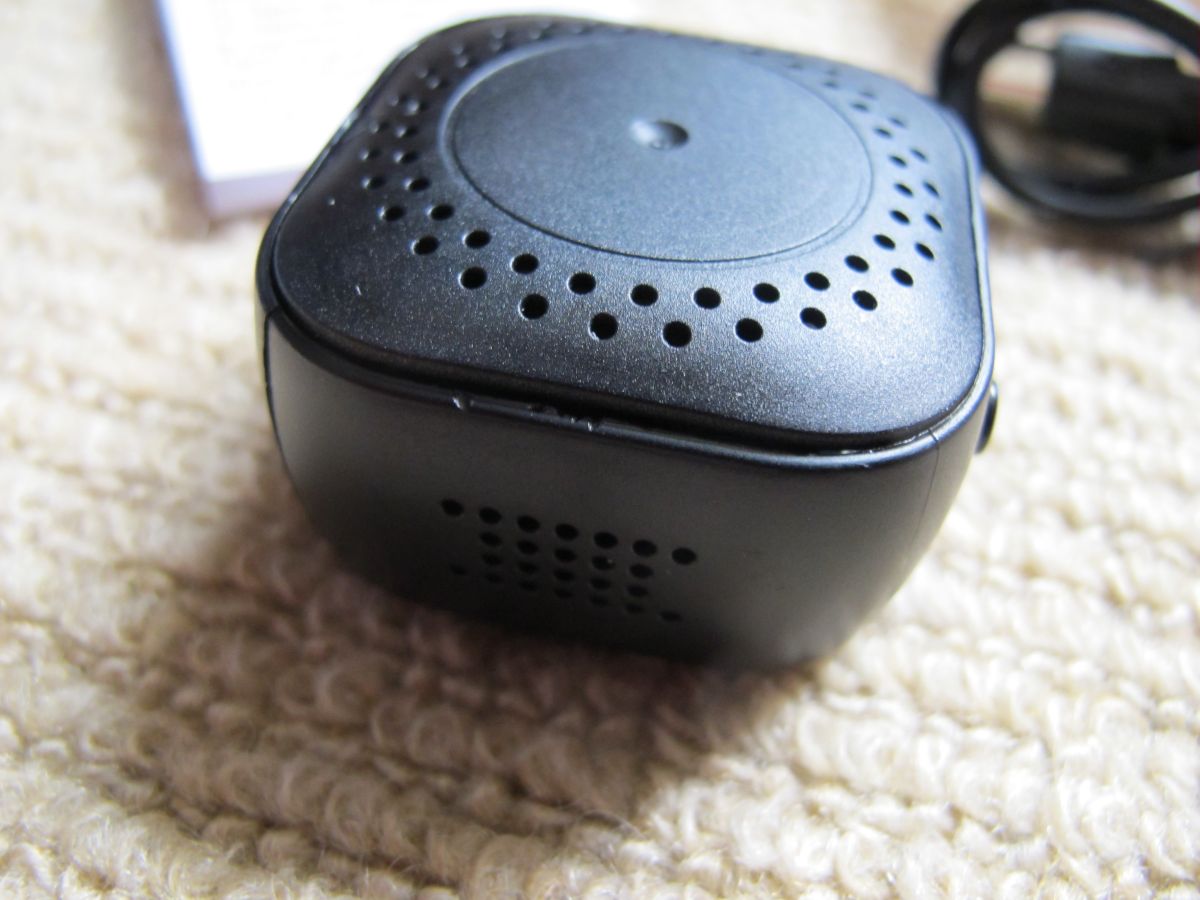
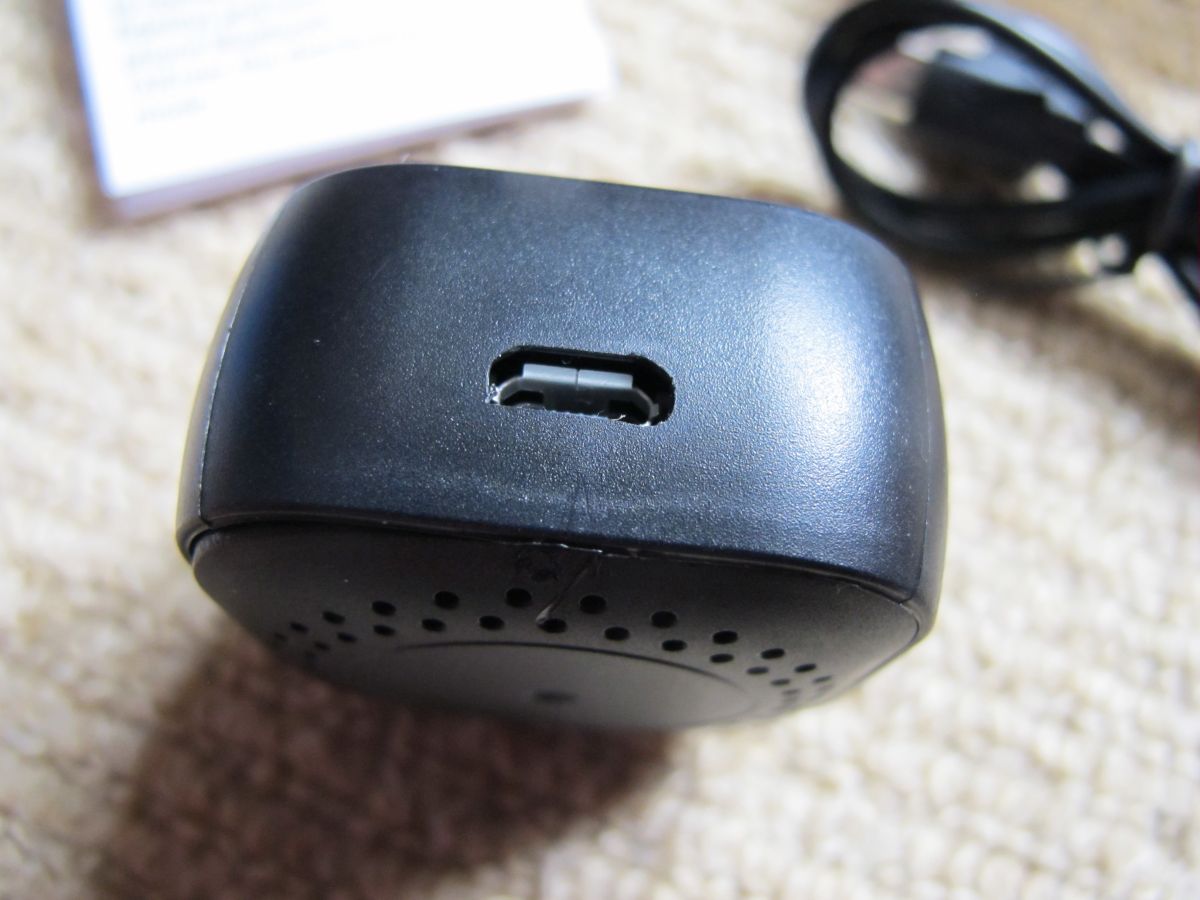
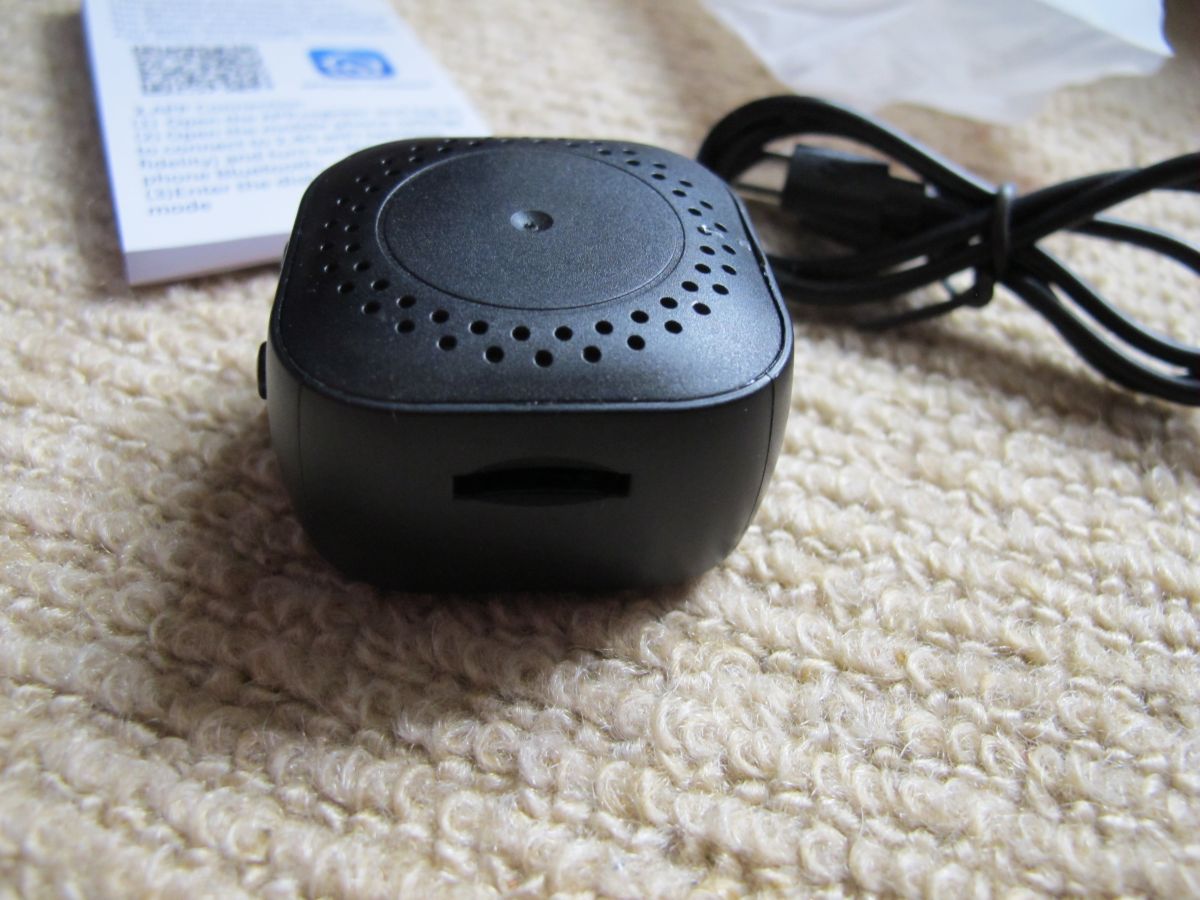
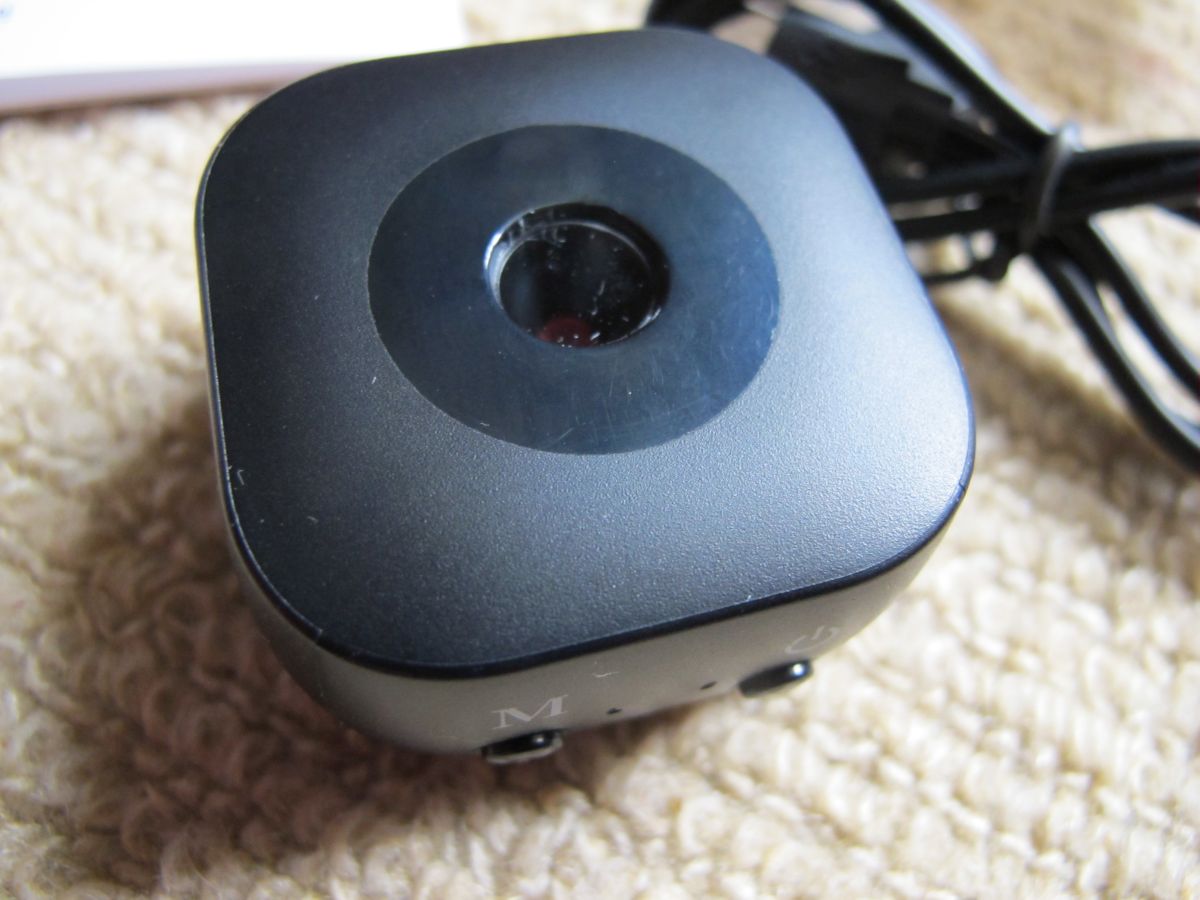
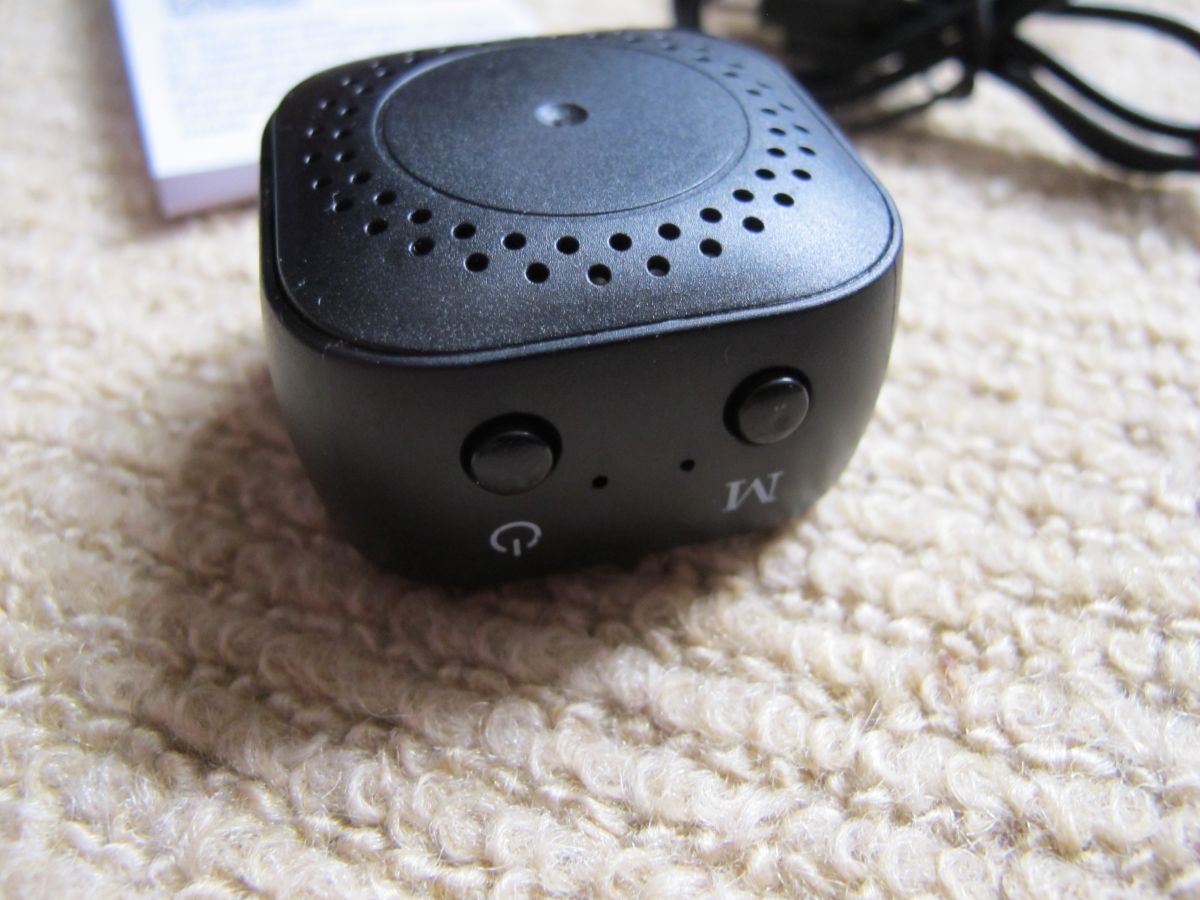
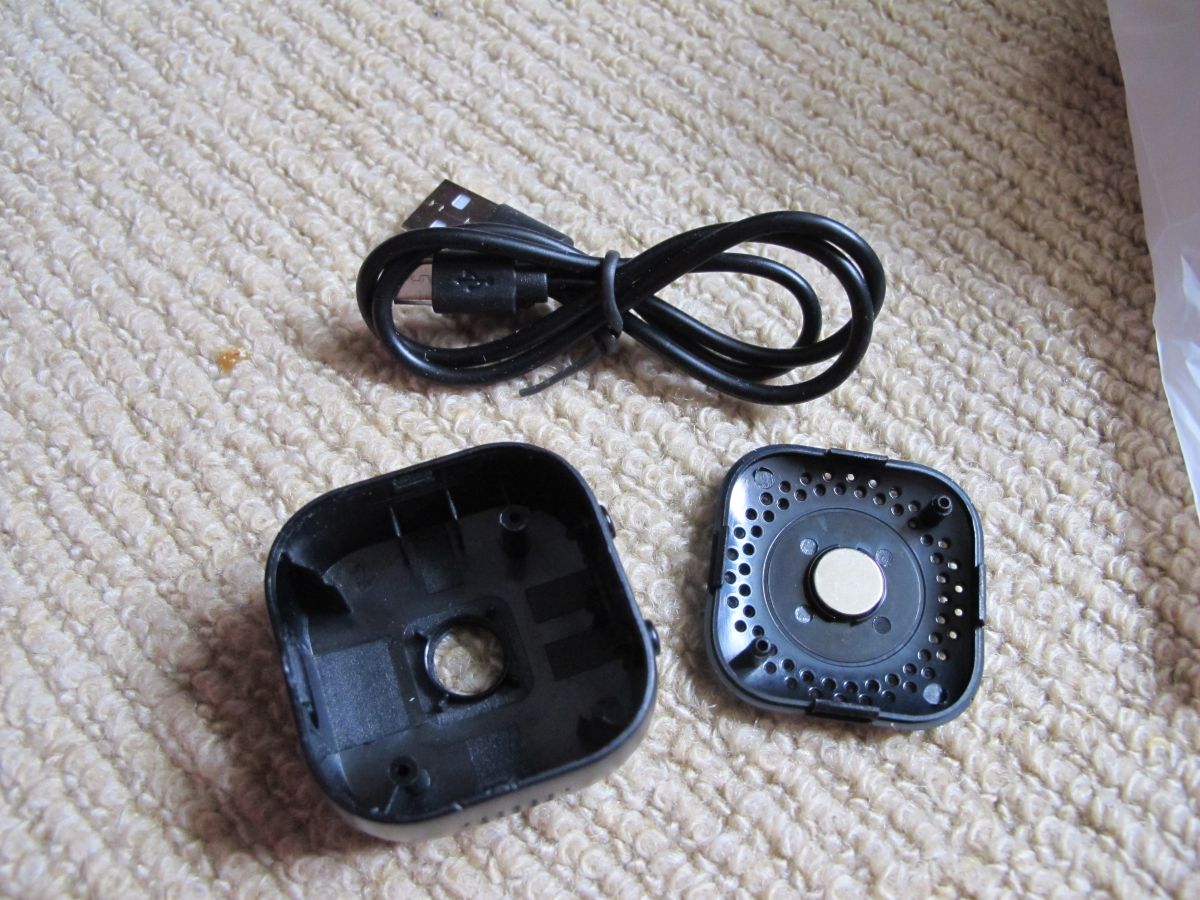
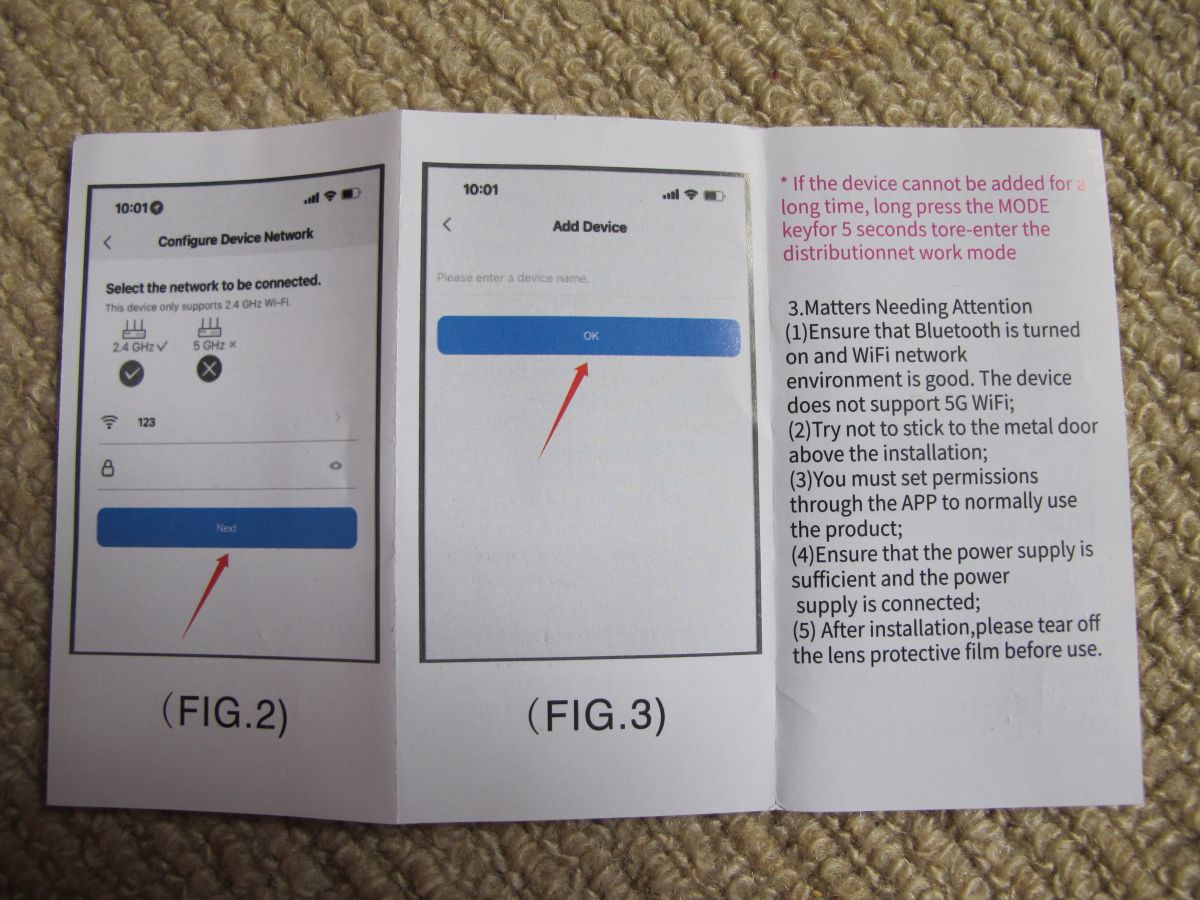
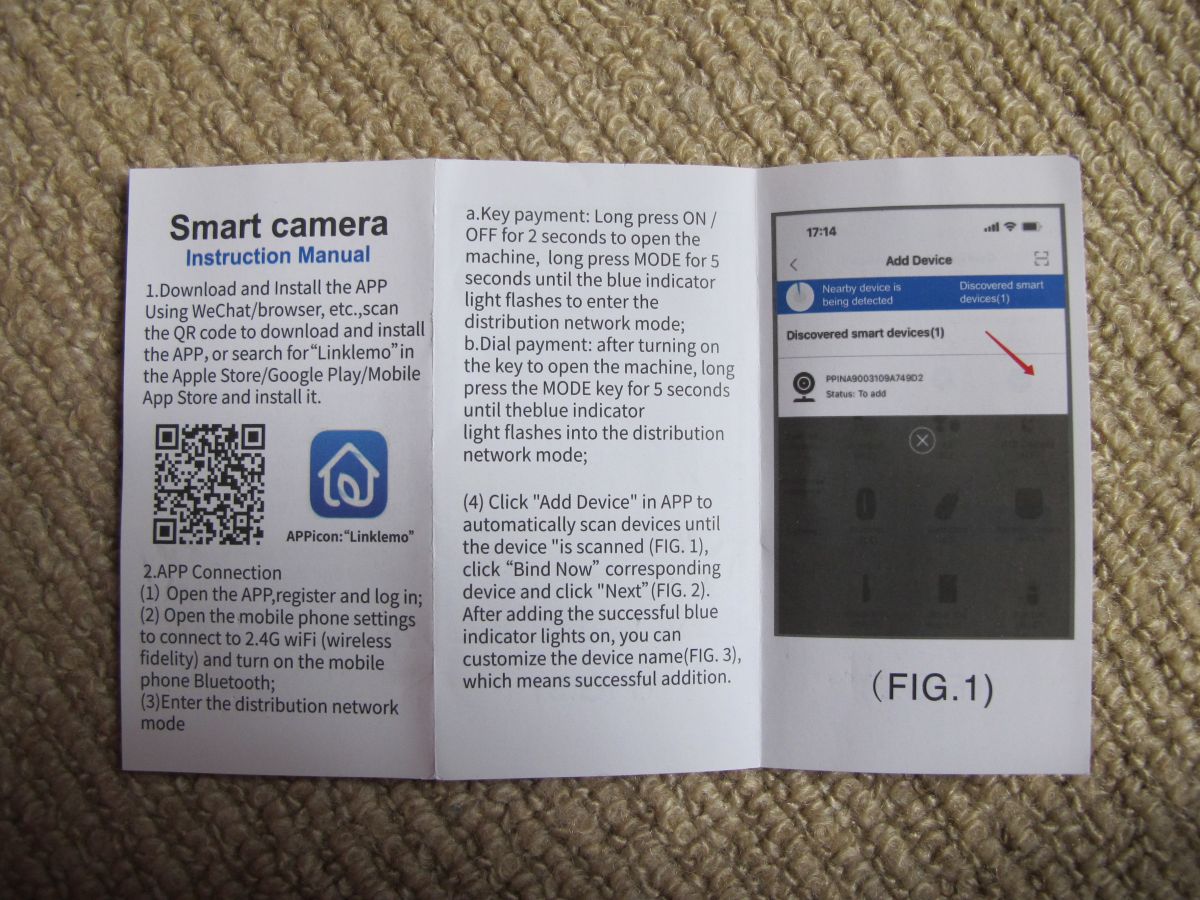
Blue box with a white label showing a barcode and description of a Xiaomi 4K Mini Camera. Box of a battery-powered HD IP camera labeled Smart Camera. A smart camera product box with an instruction manual placed on a carpet. IP camera set: camera, USB cable, mount, manual, and box on carpet. The interior of a small electronic device with a visible lithium-polymer battery and circuit board. A small, black, square portable speaker is lying on a light carpet. Micro USB port on a black plastic electronic device. A small, black, square speaker or electronic device with vent holes and a slot, placed on a beige carpet. A black, square-shaped webcam with a central lens and attached USB cable, lying on a carpet. Small black electronic speaker with two buttons, lying on a beige carpet. Disassembled plastic case and USB cable on a carpet. Wi-Fi device setup instructions from a mobile app shown on a paper lying on a carpet. Smart camera instruction manual with QR code, app icon, and screenshot of mobile app interface.

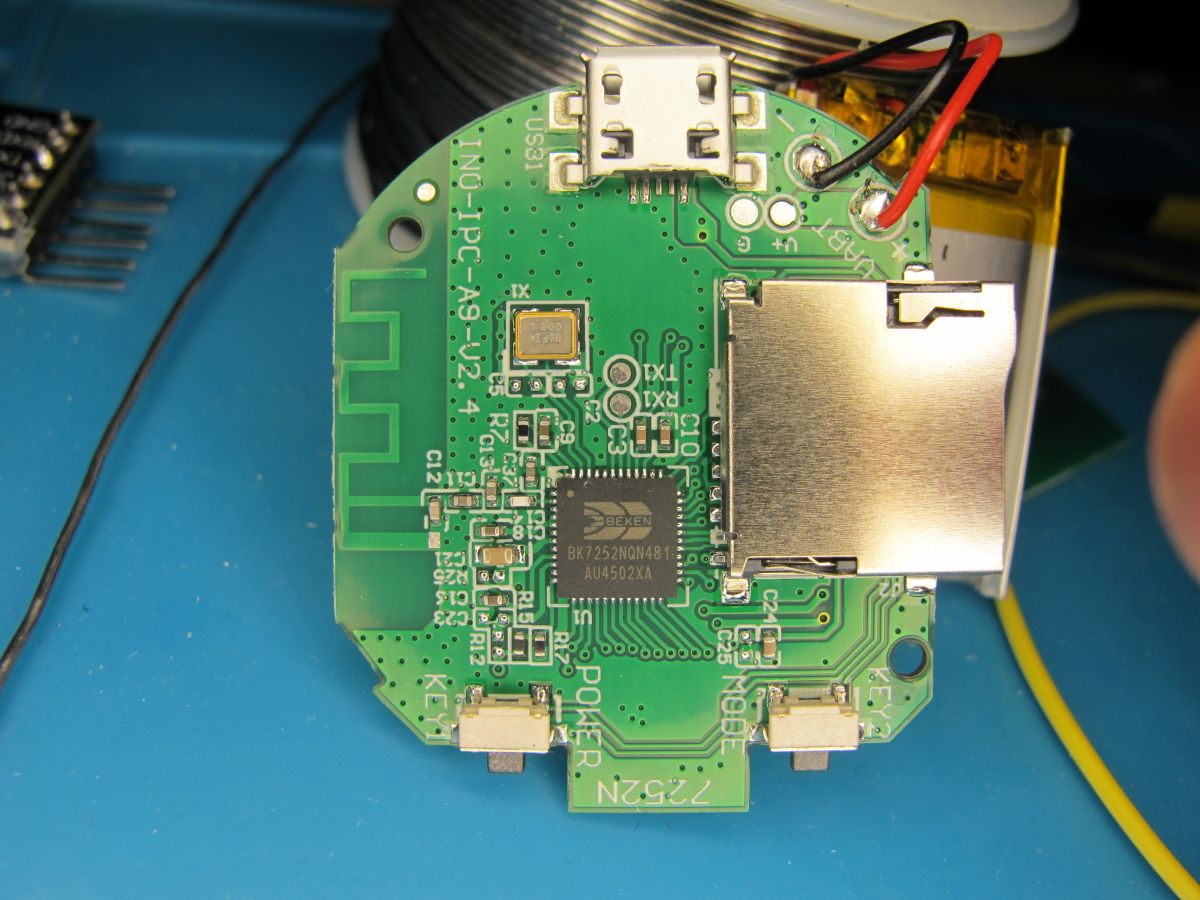
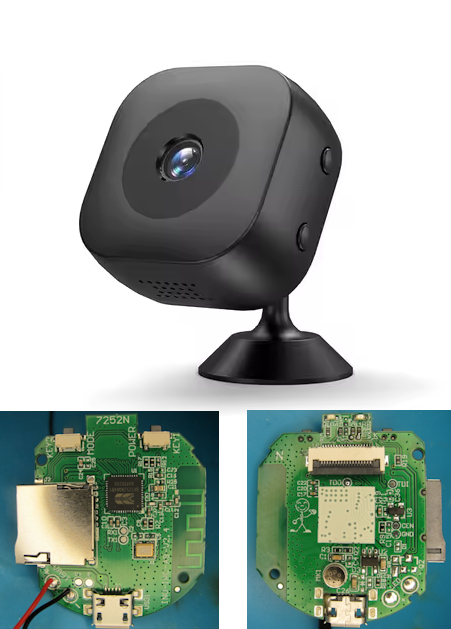
Inside we see a 2mb BK7252NQN481 - datasheet: https://www.elektroda.com/rtvforum/topic4118348.html#21526095
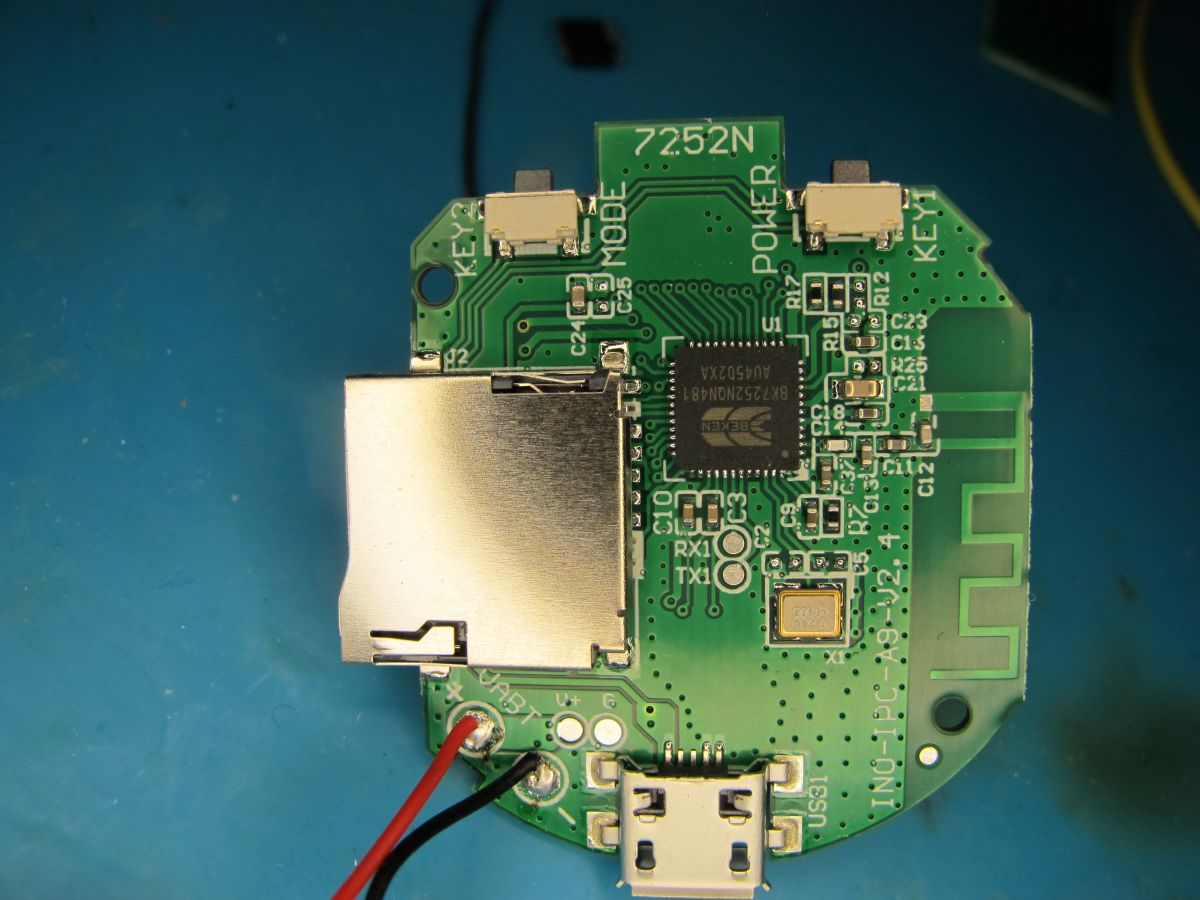
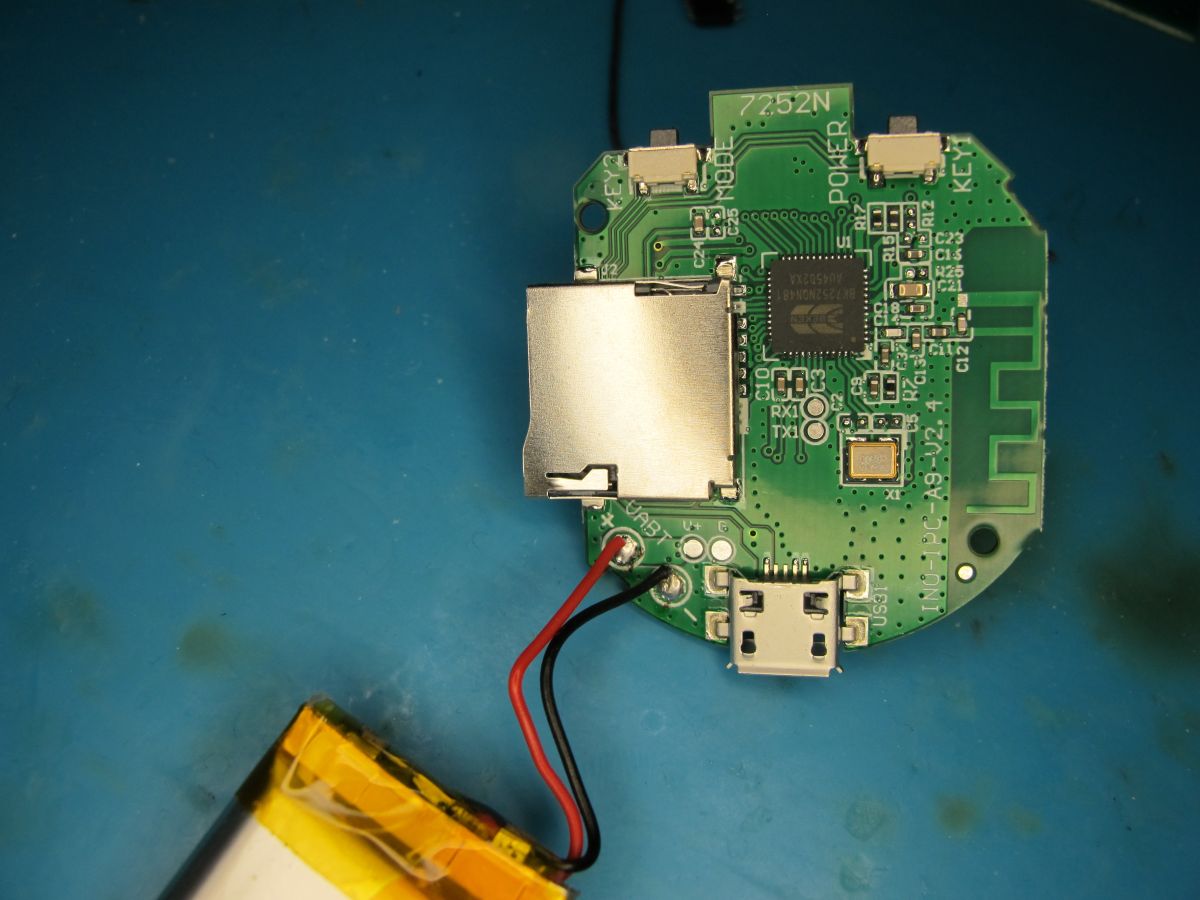
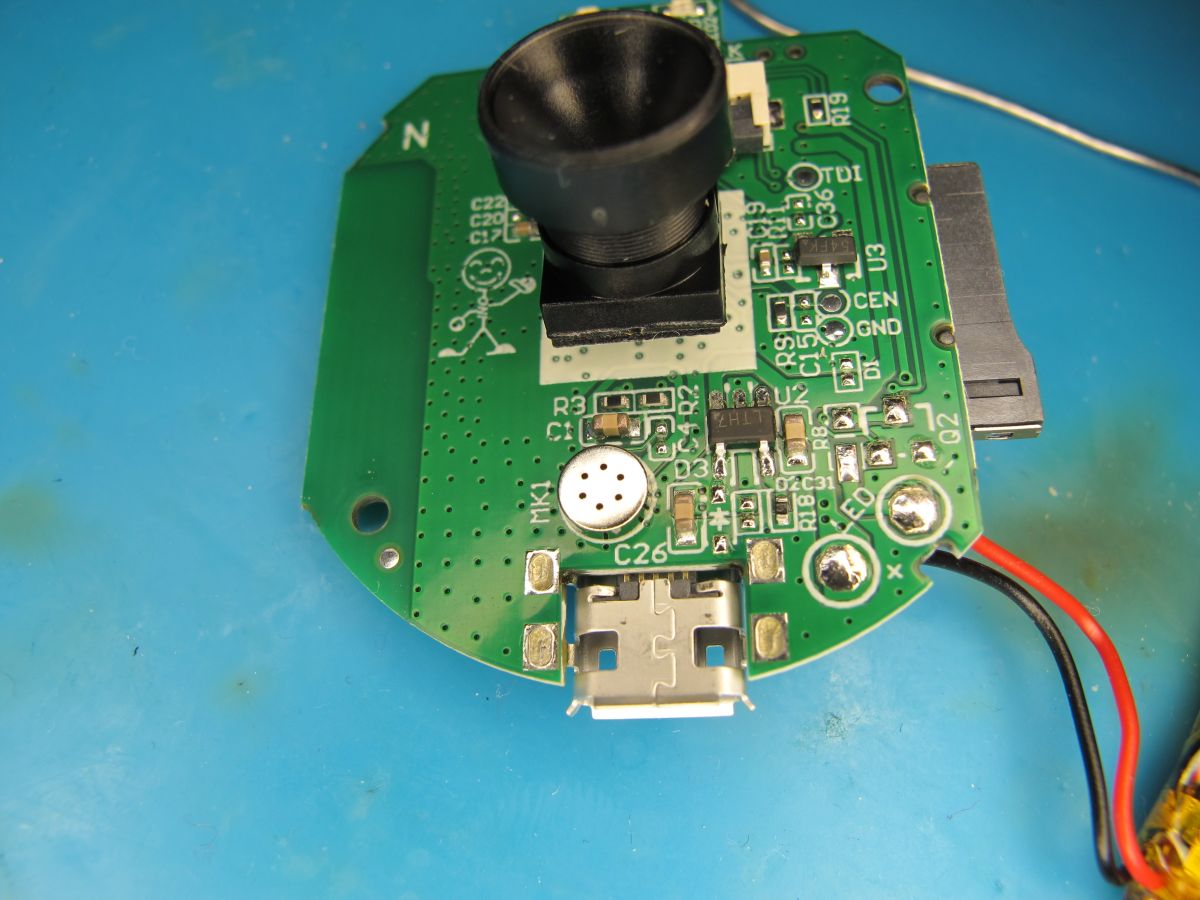
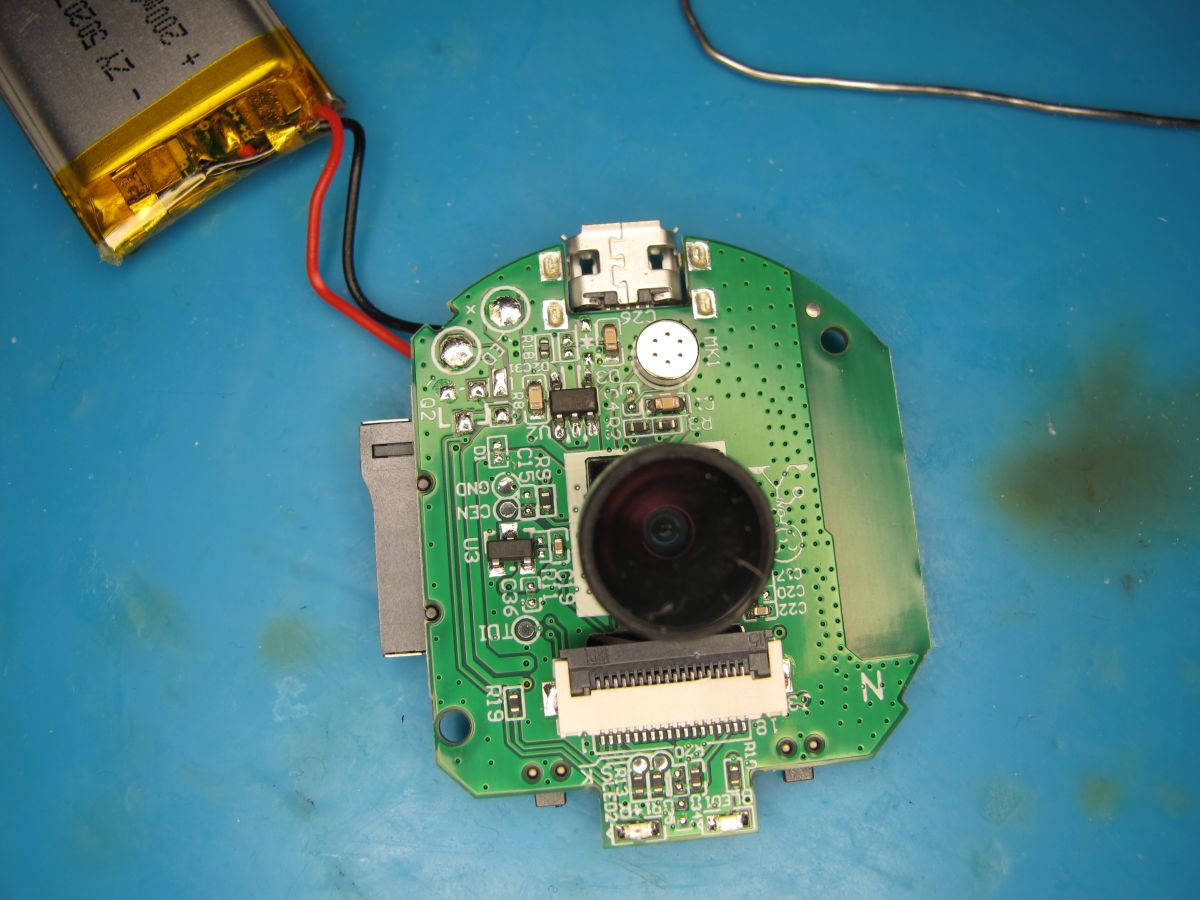
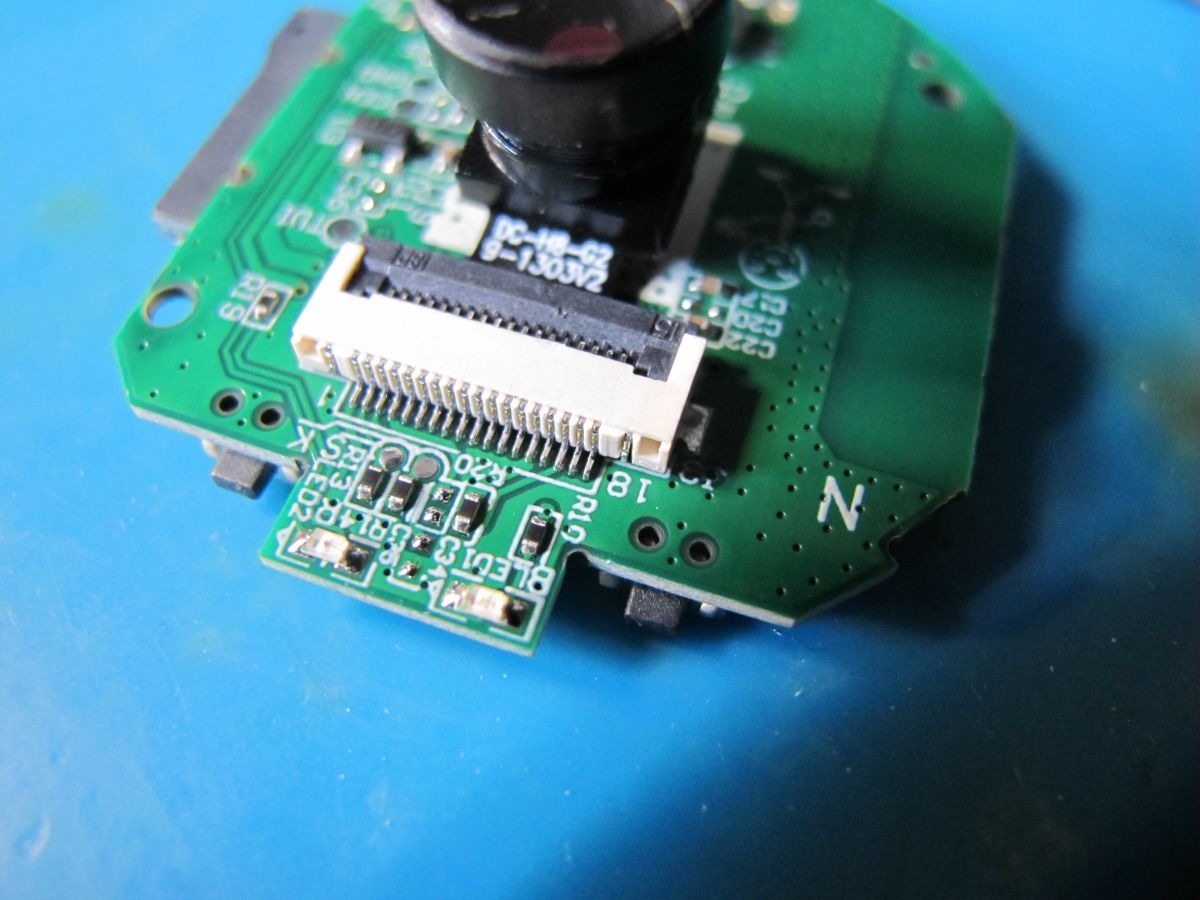
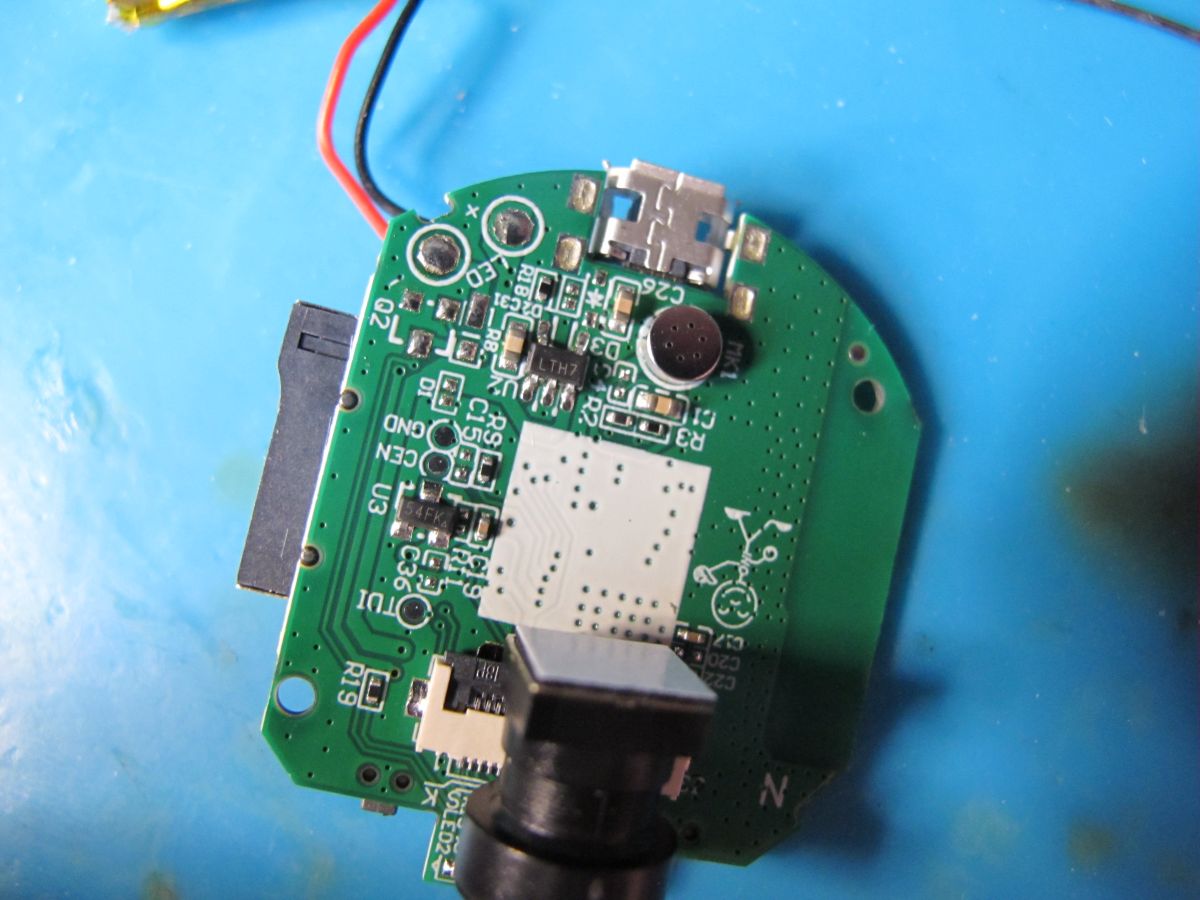
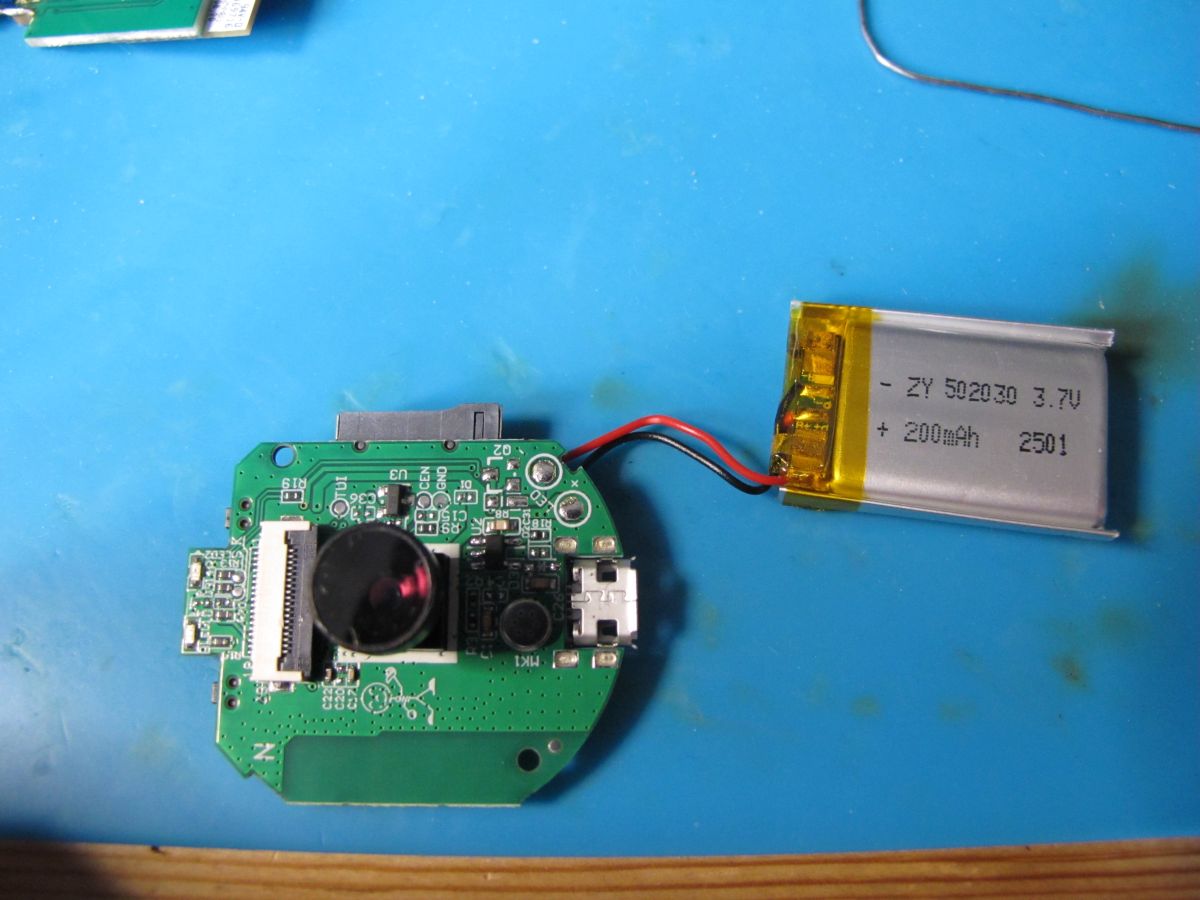
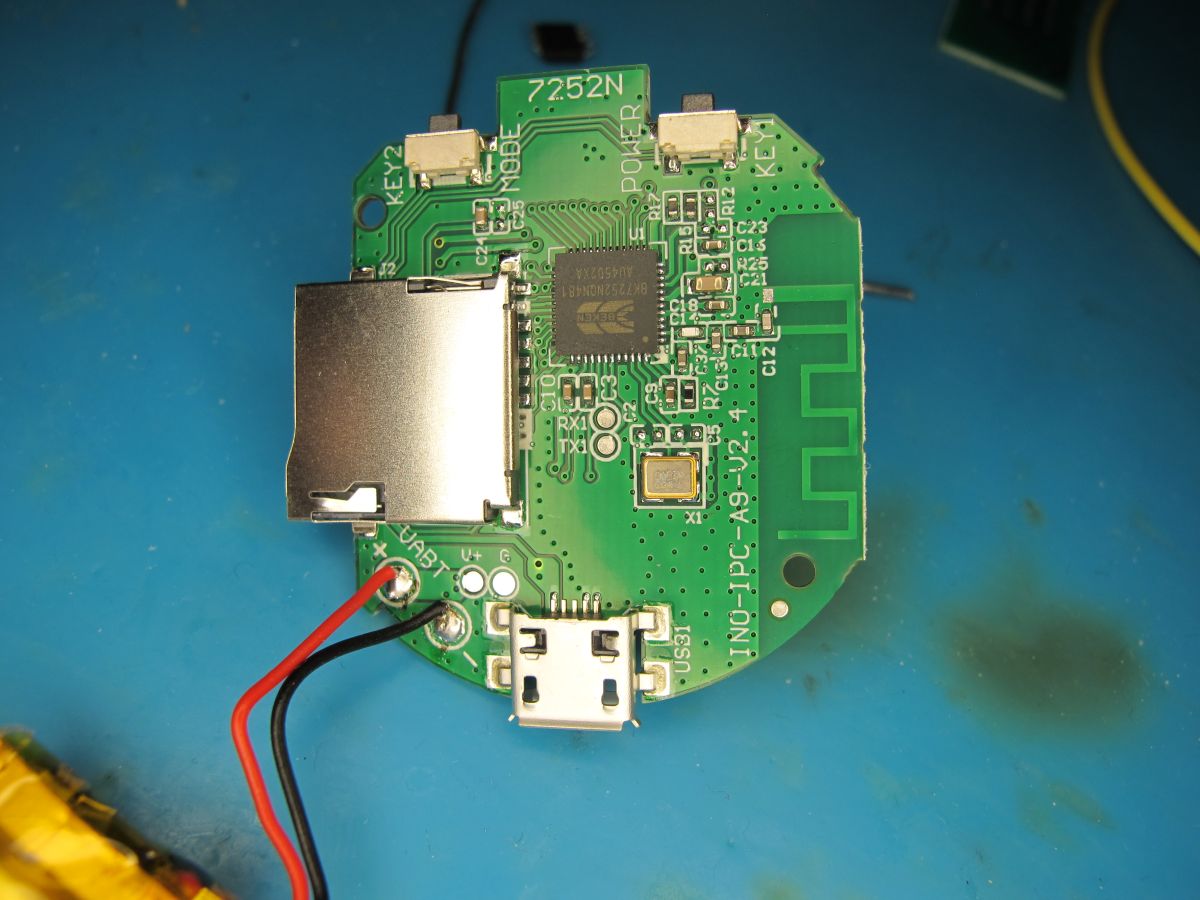
Printed circuit board with microSD slot, micro USB port, integrated circuit, and buttons. Printed circuit board with a connected battery and micro USB socket. Printed circuit board with electronic components, a micro USB port, and a camera lens on a blue surface. A circuit board with a mounted camera lens and a lithium-polymer battery on the left. Electronic module with camera lens and flat cable connector on a blue background. A printed circuit board with electronic components, including a microphone, connectors, and ICs. A circuit board with a mounted camera lens and a connected lithium-polymer battery. A printed circuit board with electronic components and a microSD card slot. Printed circuit board with electronic components, a micro USB port, memory card slot, and power wires.

from TX1 @115200 baud

Code: Text
Log in, to see the code


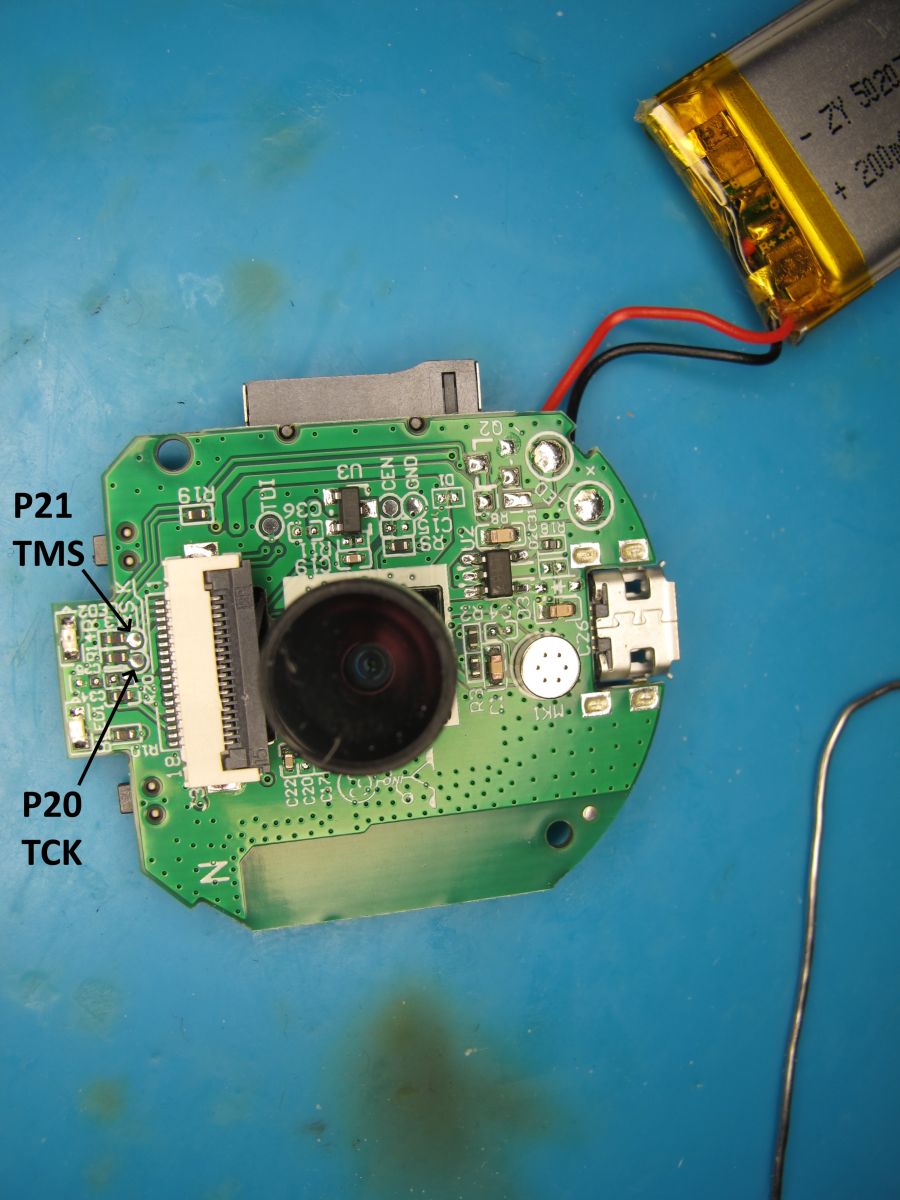
On one side are pads labelled TDI and TDO (accessible with camera ribbon removed). TMS and TCK are not so obvious.
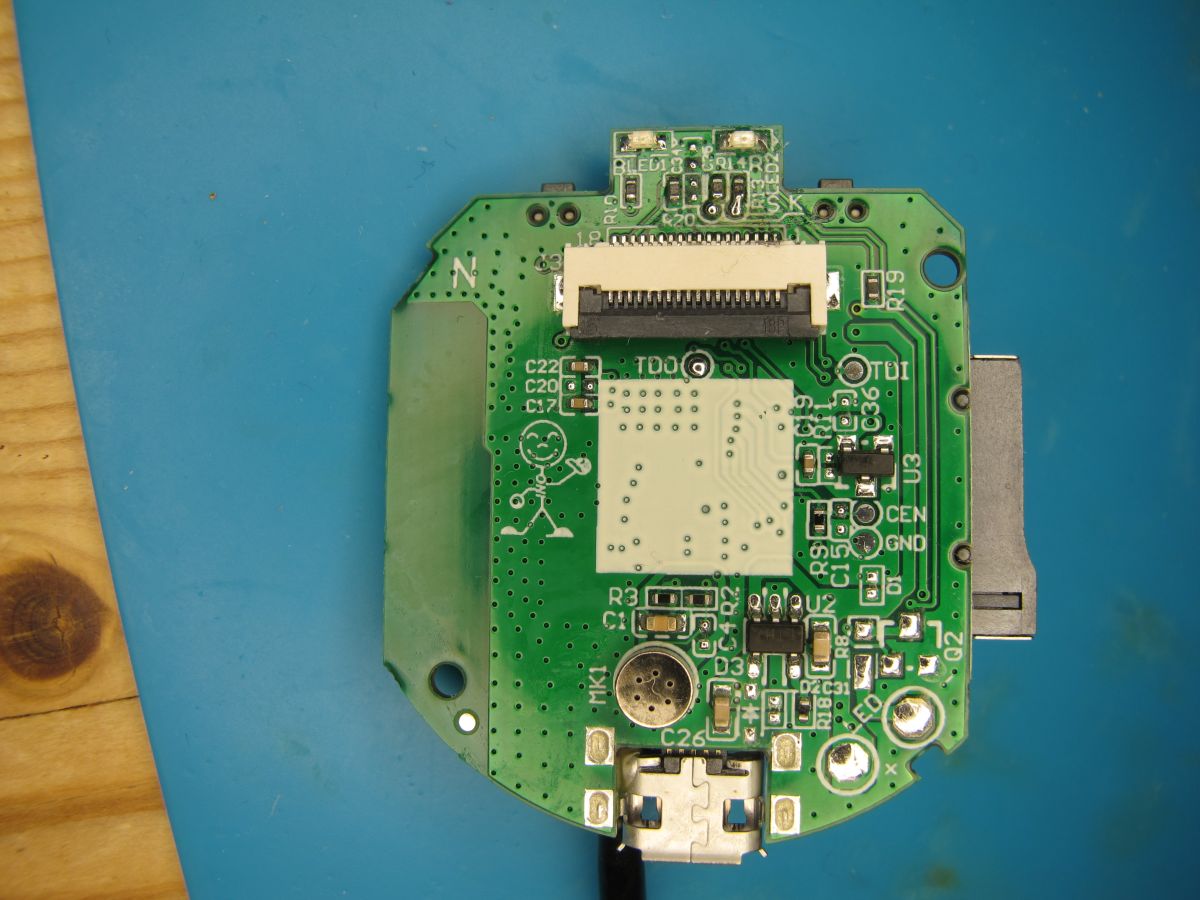
PCB of the Wi-Fi A9 camera module seen from above, placed on a blue service mat.

TCK and TMS are these two:

A circuit board with a camera lens, battery, and labeled technical pins on a blue background.

I will later attempt SPI dump using these 4 pads as well as UART backup.
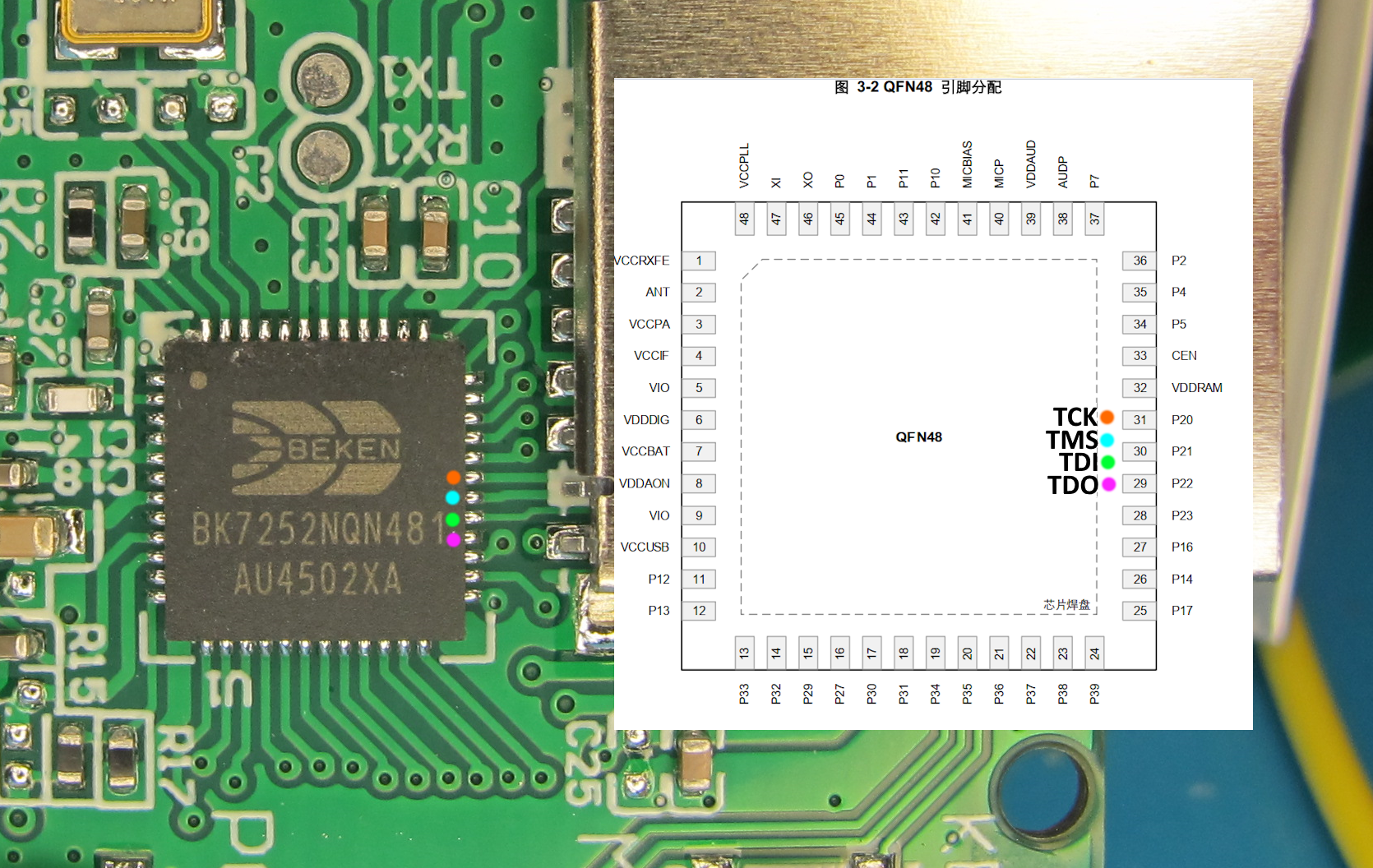
Close-up of BEKEN BK7252NQN48 chip on PCB with marked JTAG pins and a partial pinout diagram.

PCB text: INO-IPC-A9-V2.4 - I have not found FCC submissions for this device or company

From RX1/TX1 Easy Flasher reads in BK7252 mode but this skips bootloader. It also reads in N mode which covers the whole 2MB. Maybe BK7252N is more like BK7231N, it also seems to have a romcode like N. Maybe EF needs to have separate BK7252U and BK7252N modes. Maybe EF could have chip detect and it select the right mode if known? BK7252N CHIP_ID = 0x7252a

BKFIL is also happy with BK7252N where it wasn't interested in the older BK7252U.

Code: Text
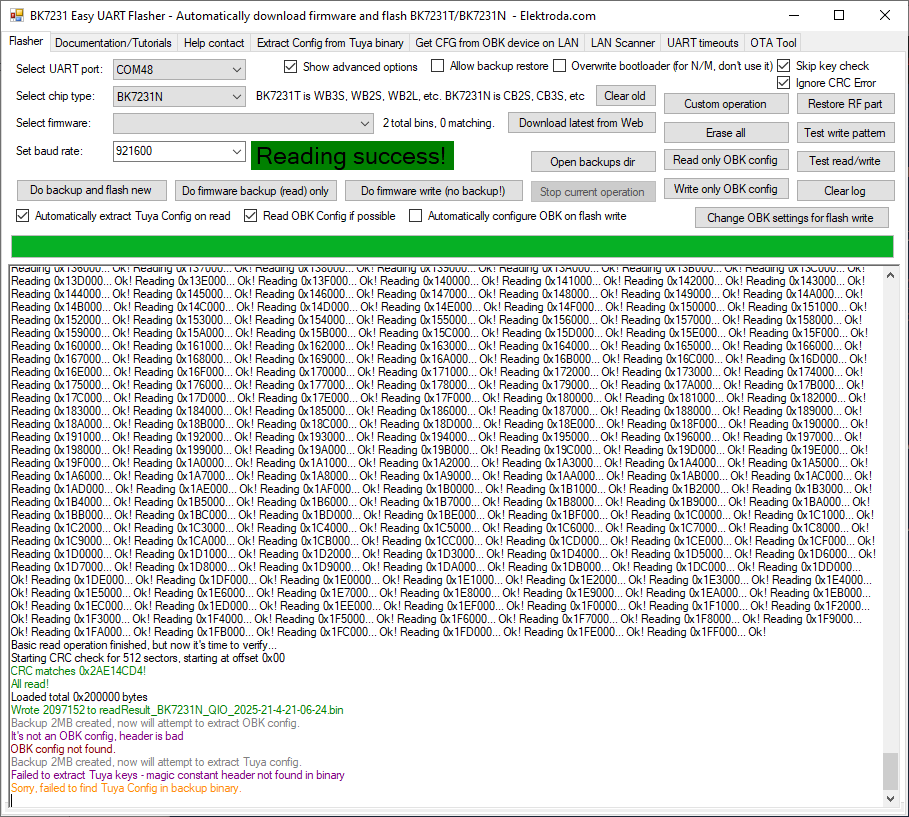
Log in, to see the code


Screenshot of BK7231 Easy UART Flasher software with Reading success! message and memory read details.

Flash ID is familiar EB6015 and coeff in efuse is 00e46d00 00e46d00 00e46d00 00e46d00

Code: Text
Log in, to see the code


I propose a split of BK7252U and N folders in FlashDumps https://github.com/openshwprojects/FlashDumps/pull/28

If accepted my backups will land in https://github.com/openshwprojects/FlashDumps/tree/main/IoT/BK7252N

that's it for tonight with this cam


Sep 2025. Adding image for device list

About Author
divadiow
divadiow wrote 4676 posts with rating 830 , helped 409 times. Live in city Bristol. Been with us since 2023 year.

Comments

p.kaczmarek2 22 Apr 2025 10:07

Are you sure that this device is encrypted? This encryption keys looks like the NiceMCU keys, which are invalid because readout is disabled. @insmod ? Is your device working with this exploit (get... [Read more]

divadiow 22 Apr 2025 10:17

not yet analysed dump to see if encryption is used. that's just what was read from efuse. if readout is disallowed isn't the read 00000s rather than an actual key? not yet attempted [Read more]

p.kaczmarek2 22 Apr 2025 10:37

There are string references, so I guess not encrypted. https://obrazki.elektroda.pl/4216102700_1745310632_thumb.jpg https://obrazki.elektroda.pl/5699160000_1745310638_thumb.jpg I think we... [Read more]

divadiow 22 Apr 2025 10:59

I assumed/hoped so. I'll get working SPI method then confirm by killing 0x0-> Added after 5 [minutes]: I've not looked inside it, but the rom dump was also successful. In flashdumps. [Read more]

insmod 22 Apr 2025 11:20

Rom mentions BK7238 at 0x18B8, so i guess you would have to try to boot 7238 binaries, and not N. And keys readout is not disabled, since we can get at least something out of them, but addresses were... [Read more]

divadiow 22 Apr 2025 11:26

cool cool. ah yes. did notice this in main flash dump actually https://obrazki.elektroda.pl/9584955000_1745313993_thumb.jpg [Read more]

insmod 22 Apr 2025 12:38

Maybe you should also try to take a 4M backup? FAL prints that flash length is 4M, even if partitions are configured to 2M [D/FAL] (fal_flash_init:63) Flash device | ... [Read more]

divadiow 22 Apr 2025 12:49

interesting. 0x0-0x400000 result from BKFIL attached. shows repeat at 2mb though https://obrazki.elektroda.pl/6538363600_1745318908_bigthumb.jpg [Read more]

p.kaczmarek2 22 Apr 2025 15:20

It's the address wrap around I've mentioned recently. This is the way we can read bootloader on BK7231T. BK7231T has read offset 0x0 to 0x11000 protected, but if we add 2MB, then we can both read.... and... [Read more]

divadiow 22 Apr 2025 21:42

xref: accidental post about this cam in other thread re SPI https://www.elektroda.com/rtvforum/viewtopic.php?p=21527527#21527527 [Read more]

austin007 23 Apr 2025 09:07

Thank you for sharing your work. Is it the same hardware as in the round A9 camera from the thread discussed earlier*? I looked at a picture of one customer on Aliexpress and it looks better than the... [Read more]

error105 23 Apr 2025 11:36

And I'm interested in whether it outputs any stream? For 9£ a nice option to read my analogue water meter, I have an ESP32CAM there but this one so much more convenient because it has a case etc :) [Read more]

p.kaczmarek2 23 Apr 2025 11:50

@austin007 we've already seen about four variants of these A9s and their batches are not interchangeable with each other (there is either BK7525, or BK7525N, or XF16, or some other chip). On the other... [Read more]

divadiow 23 Apr 2025 21:44

that sample pic looks too good to be an A9 cam though doesn't it? The aspect ratio and wide angle lens isn't something I've seen I don't think for a camera at this level, not my A9s anyway. on the subject... [Read more]

p.kaczmarek2 23 Apr 2025 22:44

salve_id is in BK code: https://obrazki.elektroda.pl/4020509400_1745441017_thumb.jpg Btw maybe we should add a "camera" tag for Devices List? https://openbekeniot.github.io/webapp/devicesList... [Read more]

divadiow 23 Apr 2025 22:50

sure. there are other platforms missing too though. [Read more]

p.kaczmarek2 24 Apr 2025 09:05

This also needs to be fixed - there is just one result for "camera" on our site: https://obrazki.elektroda.pl/4604837300_1745478292_thumb.jpg [Read more]

divadiow 24 Apr 2025 20:45

On the subject of the Pinmei A9 BK7252 cam: in pairing mode it broadcasts an AP - the SSID and key for which can be seen in the boot log ssid:LLM_H0A9_06615F key:12345678 https://obrazki.elektroda.pl/9768568200_1745516984_thumb.jpg... [Read more]

p.kaczmarek2 24 Apr 2025 23:04

Are you able to pair with this app without pairing with cloud? Via access point? Can you provide here the APK file of this app? Maybe we could analyze it. [Read more]

FAQ

TL;DR: For hackers, repairers, and OpenBeken users, this FAQ shows how to back up a 2 MB BK7252N A9 camera safely and why “it shows repeat at 2mb though” explains the fake 4 MB readout. It also clarifies CRC, pad mapping, AP-mode networking, and today’s limits of alternative firmware on Linklemo/XCThings cameras. [#21527055]

Why it matters: These $1–$9 A9 variants look identical, but the chip, flash behavior, sensor, and cloud dependence change what you can dump, patch, or replace.

Platform Flash/backup status Local video extraction Alternative firmware status
BK7252N A9 Full UART backup works; 2 MB image commonly repeats when read as 4 MB Not yet reliably extracted on this family Boots OpenBeken builds, but no camera support yet
BK7252U A9 Backup methods exist, but behavior differs from N Limited; model-dependent Earlier support focus than N
TXW817 A9 Different toolchain and reverse-engineering path Better supported for stream access Camera already works on that platform

Key insight: On these Linklemo BK7252N cameras, the hard part is no longer reading flash. The real blockers are per-block CRC, proprietary PPRPC messaging, and missing camera-driver support in OpenBeken.

Quick Facts

  • The main board is marked INO-IPC-A9-V2.4, uses a BK7252NQN481, and the successful full dump size reported by BKFIL was 0x200000 = 2,048 KB at 115200 baud. [#21526681]
  • The boot log exposes a FAL layout with bootloader at 0x00000000–0x00010000, app at 0x00010000–0x00120000, and download at 0x00132000–0x001E0000. [#21526681]
  • In AP pairing mode, the camera advertises LLM_H0A9_06615F with password 12345678, gives the client 192.168.9.100, and uses 192.168.9.252 for the camera itself. [#21529763]
  • Sensor probing in the boot log rejects several candidates, then initializes GC0329C, a 0.3 MP sensor rated in-thread at 640×480 @ 15 fps. [#21528651]
  • OpenBeken can now boot on BK7252N and OTA between builds, but the thread states camera control is still missing; today it mainly gives LEDs, buttons, battery voltage, Wi‑Fi, and web access. [#21584909]

How can I dump the full flash from a Shenzhen Pinmei / Linklemo A9 Mini Camera with a Beken BK7252N using BKFIL or Easy Flasher?

You can dump the full flash over UART, and BKFIL already proved it on this camera. 1. Solder to RX1/TX1 and GND, then power the board normally. 2. Start BKFIL bk_loader read before power-on or reset, using BK7252N mode and -f 0-200000 for a 2 MB read. 3. Reboot the camera at the prompt so the boot ROM catches. One successful read used 115200 baud and finished in 190.981 s for 0x200000 bytes. Easy Flasher also reads it, but BKFIL handled BK7252N more cleanly in-thread. [#21526681]

Why does BKFIL report 4 MB of flash on the BK7252N A9 camera when the backup appears to be a repeated 2 MB image?

Because the camera reports a 4 MB logical flash span, but reads wrap after 2 MB on this unit. The boot log shows FAL devices with length 0x00400000, yet a later 0x0–0x400000 backup “shows repeat at 2mb though.” A follow-up explains this as address wraparound, similar to other Beken parts where adding 2 MB can mirror protected regions rather than expose real extra storage. Treat the real useful image as 2 MB unless a dump proves otherwise. [#21527091]

What is the FAL partition table on BK7252N cameras, and what do the bootloader, app, and download partitions mean?

The FAL table is the firmware’s flash map, and on this camera it splits flash into boot, app, and OTA storage. "FAL" is a flash abstraction layer that maps named partitions to raw addresses, block sizes, and access rules, making bootloader, application, and upgrade regions easier for firmware to manage. The log shows bootloader 0x00000000–0x00010000, app 0x00010000–0x00120000, and download 0x00132000–0x001E0000. Here, bootloader starts execution, app holds the main firmware, and download stores OTA images before swap or recovery. [#21526681]

What is PPRPC in the Linklemo / XCThings firmware, and how is it used for camera communication?

PPRPC is the proprietary RPC transport used by the XCThings firmware for cloud and device commands. "PPRPC" is a remote-procedure-call protocol that packages commands and responses between the camera, app, and backend, using command IDs, sequence numbers, and encrypted payloads over local or cloud links. The thread’s reverse-engineering notes show a gzipped JSON config with protocol:"pprpc", TCP traffic on port 20190, and command 2610 = VideoPlay after packet decryption work. That makes PPRPC central to pairing, control, and stream negotiation. [#21635182]

Which image sensor does the INO-IPC-A9-V2.4 BK7252N camera actually use, and what does the boot log reveal about GC0329C detection?

It uses a GC0329C sensor, not the earlier candidates the firmware probes first. The boot log scans multiple I2C IDs for HI257, GC2145, OV7740, and others, then logs 0329 id_data:62, switches camera mode, and ends with GC0329C init finish. The thread identifies that sensor as GalaxyCore GC0329, 0.3 MP, 640×480 at 15 fps. That finding also explains why “4K” seller claims are not credible for this board revision. [#21528651]

How do I identify the UART, SPI, or JTAG pads on the INO-IPC-A9-V2.4 board, including TDI, TDO, TMS, and TCK?

The board exposes labeled and semi-hidden debug pads, and the thread maps most of them visually. RX1/TX1 are the usable UART pads for logs and BKFIL. One side has pads labeled TDI and TDO, reachable after removing the camera ribbon. The author later identifies the missing pair: “TCK and TMS are these two,” with annotated board photos showing their exact location. The same four pads were proposed for later SPI dump tests, so they are the main low-level access points on INO-IPC-A9-V2.4. [#21526681]

What is the difference between BK7252N and BK7252U for flashing, backup, and OpenBeken support?

BK7252N and BK7252U look similar, but the thread treats them as separate targets for tools and firmware. The BK7252N camera read correctly in BKFIL and in Easy Flasher’s N-like mode, while older BK7252U behavior differed enough that a split of BK7252U and BK7252N dump folders was proposed. Later testing showed OpenBeken could boot on BK7252N, including OTA between builds, but camera support still remained absent. In practice, use N-specific modes and backups for BK7252N instead of assuming BK7252U compatibility. [#21526681]

Why does bk_loader sometimes fail with "Getting Bus" or "LinkCheck Timeout" on BK7252N cameras, and what power setup works best?

It usually fails because timing is tight and weak power makes the boot handshake unreliable. A Linux user hit LinkCheck Timeout even though UART logs worked, then later succeeded after changing the setup. The strongest advice in-thread is to avoid powering the camera only from a USB-TTL adapter at 3.3 V. Instead, power the camera the normal way through 5 V USB, keep a common ground, and let UART carry only data. Wires under 10 cm were also mentioned, but stable supply mattered more than wire length. [#21627036]

At what exact moment after power-on or CEN reset should I start a BK7252N flash read so the bootloader catches correctly?

Start the read before power-on or CEN reset, then trigger power or reset so the tool catches the ROM immediately. The timing window is extremely early: the thread says it must catch “before any log output, within a split second after power on or CEN.” Do not wait for go os_addr(0x10000) or later boot messages. If you see normal boot logs first, you already missed the handoff and should restart the read attempt. [#21627044]

How does the BK7252N CRC scheme work on these Linklemo cameras, and why can changing a single byte break boot unless CRC16 is fixed?

The firmware stores CRC alongside the protected code regions, so single-byte edits break validation and stop a clean boot. The boot log maps both bootloader and app on beken_onchip_crc, and later experiments confirmed that changing one Wi‑Fi password byte made the camera fail until CRC was recalculated. The thread also notes that bootloader and app are CRC-protected, while some later config partitions are not. That is why naïve hex edits work in plain config areas but can brick bootable regions. [#21632638]

Which CRC16 variant is used by BK7252N camera firmware, and how can I recalculate it after editing the app partition?

These BK7252N camera images use CRC16 CMS. The thread identifies the exact parameters as poly 0x8005, init 0xFFFF, ref=False, and out=0x0000. After recalculating with that model and patching the stored CRC, one user changed the AP password successfully and the camera “worked like a charm.” That same post notes ltchiptool’s CRC16 class labels the Beken72xx model as CMS, which is the correct target after editing the app partition. [#21634096]

BK7252N vs TXW817 A9 cameras: which platform is currently better supported for extracting video or running alternative firmware?

TXW817 is better supported today if your goal is video. The thread states it directly: if the camera uses TXW817, “camera already works and can be used right away.” If it uses BK7252U or BK7252N, camera support is still “pretty far away.” That makes TXW817 the better platform for practical stream extraction now, while BK7252N is stronger for firmware dumping, reverse engineering, and early OpenBeken boot tests. [#21706777]

How does the Linklemo app pair with these cameras in AP mode, and why does pairing usually fail without cloud access?

The app first joins the camera’s AP, but successful setup still depends on cloud services. The camera broadcasts an AP like LLM_H0A9_06615F / 12345678, and the Linklemo app can connect locally. However, the thread shows the app requires registration and login, and the firmware repeatedly tries prod.glbs.xcthings.com with several IPs. When the phone stays on the AP with no Internet, pairing times out and the camera logs failed server lookups and No conn Platform!. Local preview may appear, but normal binding does not complete offline. [#21532561]

What local network ports and services does the BK7252N Linklemo camera expose in AP mode, and how can I probe them with nmap?

In AP mode, the camera exposes at least two TCP ports and several UDP endpoints. The thread used nmap -sS -sU -T4 -v -p T:0-65535,U:0-65535 192.168.9.252 and found 20023/tcp open, 20190/tcp open, 67/udp open|filtered, 20190/udp open|filtered, and 62562/udp open|filtered. The camera AP handed the client 192.168.9.100, while the device itself sat at 192.168.9.252 and identified as Beken by MAC prefix. That scan is the cleanest baseline for local service discovery on this model. [#21529763]

What can OpenBeken currently do on BK7252N A9 cameras, and what is still missing before camera streaming support becomes usable?

OpenBeken can boot and handle general MCU functions, but it still cannot run the camera pipeline. The thread confirms BK7252N builds boot, OTA works between test images, and at least P2 controls the blue LED. Another post states the practical limit clearly: right now you can control LEDs, buttons, and read battery voltage. What is still missing is camera-controller support, so video capture, sensor bring-up, and usable streaming are not ready yet on BK7252N A9 boards. [#21644729]
%}