From Display to Complete System: How the Solution Team Creates Value at Unisystem
At Unisystem, a “solution” is not just a catchy slogan, but a concrete approach to creating complete modules in which the display becomes the starting point for building a fully integrated solution. Behind every such concept stands an interdisciplinary Solution Department team, responsible for design, prototyping, testing, and implementation – always in close cooperation with the customer and with a full understanding of the application context. In this interview, Jacek Marcinkowski, CTO at Unisystem, describes how the team delivers display-based projects in cooperation with customers, addresses key technological and business challenges, as well as highlights the company’s new products.
What exactly is the Solution Department at Unisystem?
Jacek Marcinkowski: The Solution Department at Unisystem is, above all, a team of people – mechanical and electronics engineers, software developers, and project managers – who share a common goal: creating comprehensive technological solutions. We combine expertise from many disciplines, which allows us to guide a project through its entire life cycle. In practice, this means that a customer who comes to us with a technological need receives not only components, but a complete engineering service, including analysis, design, prototyping, testing, validation, and commissioning. After that, only mass production remains.
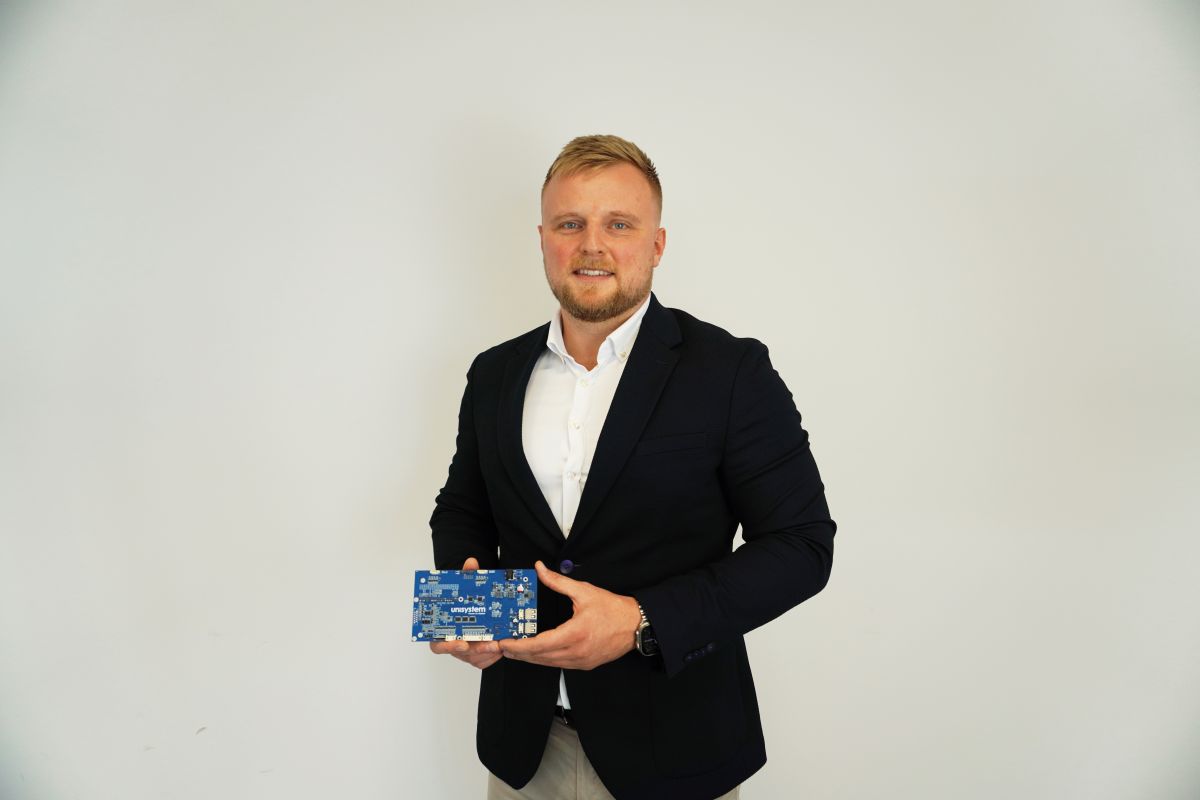
A customer approaches Unisystem with the need to create a display-based solution. What happens next?
The first step is always a needs analysis – both technical and contextual. We aim to understand not only what is to be developed, how it should perform, and the context in which it will operate, but also the time and budget constraints and functional requirements. Based on this, we develop an initial concept of the solution and present it to the customer along with an estimated cost.
Once the cost estimate is approved, we move on to the design phase. In an ideal scenario, work proceeds in parallel – electronics engineers develop schematics, select components, and design the PCB; the mechanical engineer prepares the enclosure design; and the software developer works on the environment and firmware. In practice, however, harmonious collaboration may depend on the specifics of the project, the availability of data or components, or the level of advancement of work on the customer’s side. Regardless of the sequence, the result is the creation of the first working prototype.
The prototype undergoes testing and validation in two stages – first internally at Unisystem, and then at the customer’s site. This is the point at which comments and suggestions may arise, and the entire team still has the opportunity to introduce possible adjustments. When both parties agree that the solution is ready and meets all assumptions and standard requirements, we move on to preparation for production.
Importantly, the entire process is based on continuous communication – the customer has full control and insight into progress at every stage of the work.
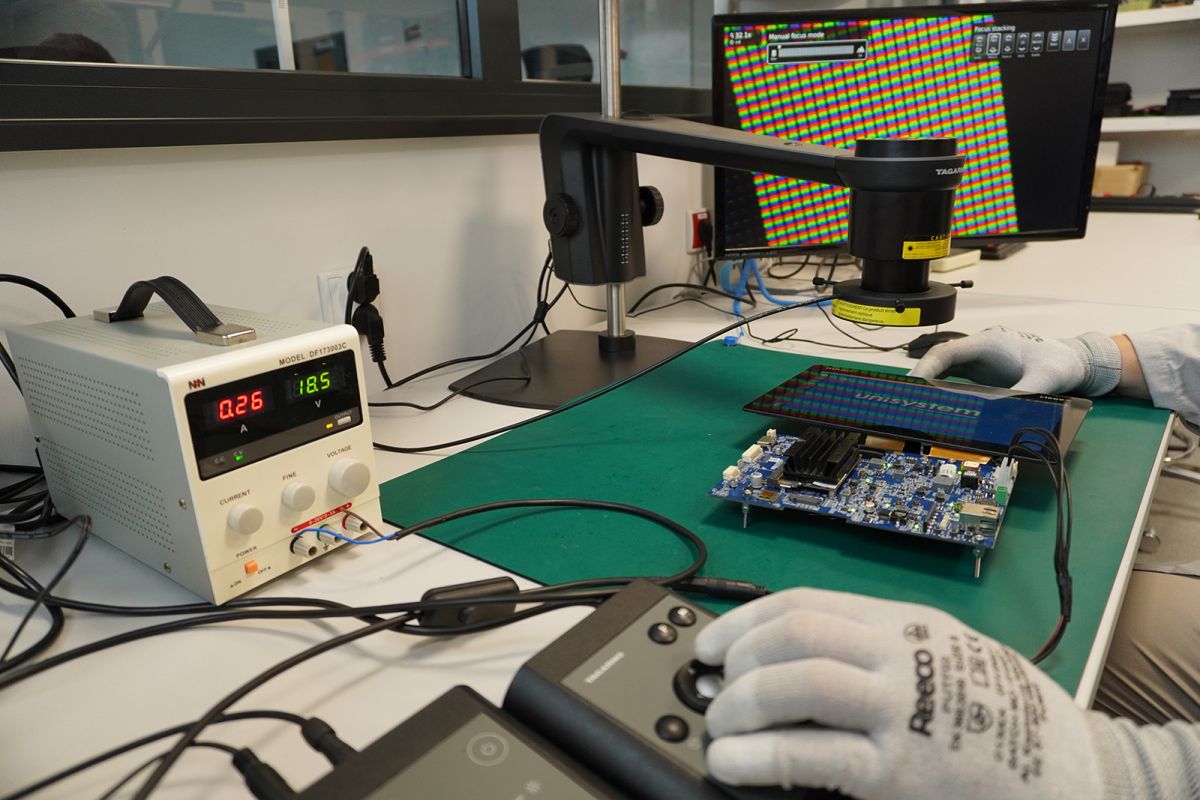
Which environmental conditions you have encountered would you consider the greatest challenge?
The most significant challenges emerge during the development of devices designed for outdoor operation. These are environments in which equipment is exposed to many factors that significantly affect reliability, such as changing weather conditions, contamination, vibration and shock, intensive use – often with the risk of mechanical damage – and the need for continuous operation.
In such cases, it is not sufficient to simply select appropriate components for a display module. It is also crucial to ensure effective protection of the entire structure. This includes a properly designed enclosure, optimal glass thickness, specialized coatings such as Anti-Glare or Anti-Reflective, seals, and other protective measures that help maintain durability and functionality. It is often also necessary to meet specific environmental standards, such as IP protection classes defining resistance to water and dust, and IK impact resistance classes relating to mechanical strength.
Today, devices are increasingly equipped not only with displays but also with touch panels. However, touch functionality does not always work as expected. Why is touch panel calibration so important, and what does it achieve?
Touch panels – especially those based on capacitive technology – offer high precision and user comfort, but only when their operation is properly adapted to a specific application. Calibration involves fine-tuning the parameters of the touch controller so that the touch panel operates reliably regardless of environmental factors.
One important aspect addressed during calibration is the ability to operate the screen while wearing gloves. This is crucial in industrial, laboratory, and medical environments, where removing gloves during work is simply not an option. Materials such as latex or nitrile do not conduct electricity, which poses a challenge for capacitive touch panels. However, the use of an appropriate controller and proper calibration makes it possible to precisely detect touch through such materials without disrupting workflow continuity.
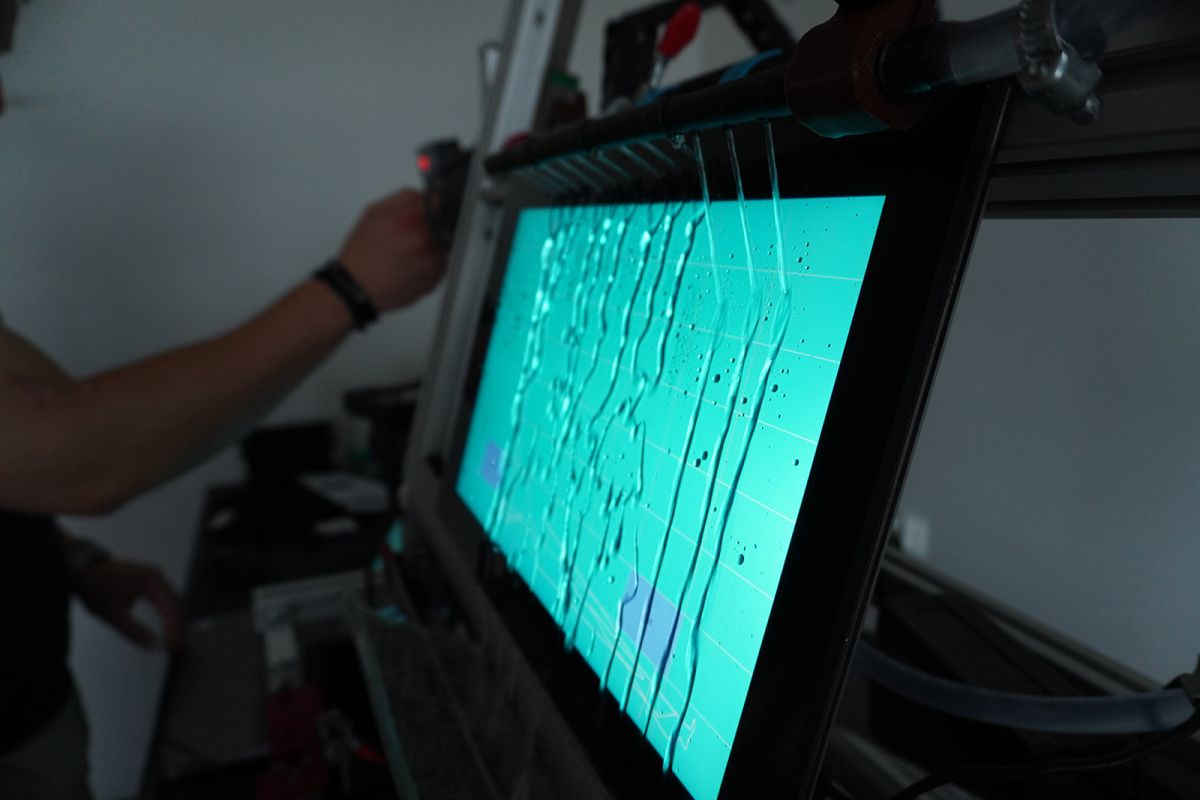
Calibration also enables the elimination of undesirable phenomena such as so-called “ghost touch,” meaning unintended screen responses caused, for example, by droplets of liquid on the surface that can interfere with correct operation. Proper tuning of touch panel parameters ensures stable interface performance even in harsh environmental conditions. Additionally, it should be remembered that other electronic components generating interference often operate near the screen. In such situations, touch controller functions such as noise rejection or frequency hopping are helpful, as they dynamically adapt the touch panel’s operation to current working conditions.
In summary, optimal calibration is critical and determines whether interaction with the device will be intuitive, smooth, and error-free.
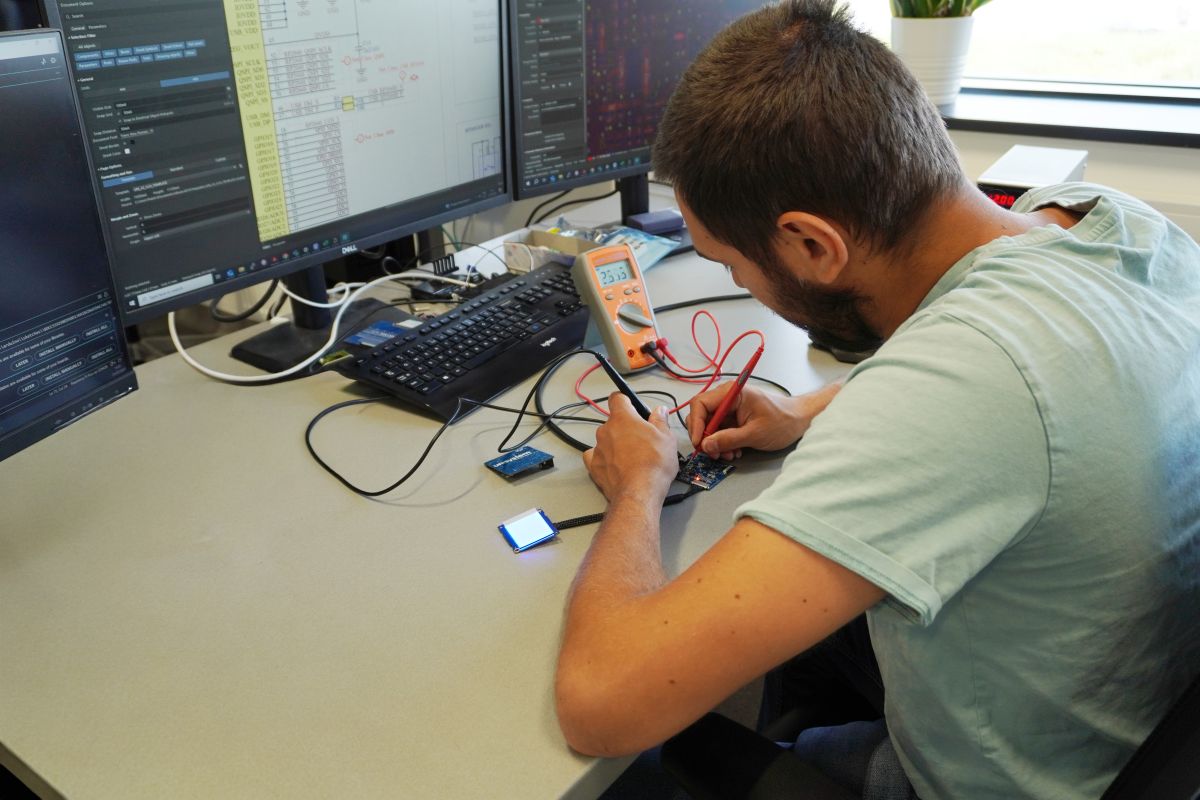
What are the biggest technical problems faced by Unisystem’s customers?
Paradoxically, the greatest challenges often do not concern the technology itself, but business aspects. The most difficult task is finding a compromise between quality, cost, availability, and delivery time – and this is where project complexity most often arises.
From a technical perspective, many issues are recurring: difficulties in assembling components, ensuring electromagnetic compatibility, or launching and configuring displays that appear simple at first glance but become complicated due to the use of less common interfaces. These are situations for which we have proven approaches.
There are also, of course, complex problems requiring deep analysis, testing, and an iterative approach. These include irregular faults, hard-to-detect interference, or system integration issues with no obvious cause at first sight. In such cases, not only knowledge and experience are essential, but also the ability to maintain dialogue with the customer – both at the technical and organizational levels.
New products are appearing on Unisystem’s offer – one of them is a capacitive touch button. What characterizes this solution?
The capacitive touch button developed by the Unisystem team was designed for reliable operation in demanding industrial environments.
It has been constructed and calibrated to ensure precise touch detection through glass up to 4 mm thick, stable operation in the presence of liquid on its surface, and usability with gloves. It is adapted for operation over a wide temperature range – from –20°C to +70°C. User interaction is facilitated by visual and audible feedback, which is particularly useful in environments where communication with the device is challenging, such as production halls. The combination of visual and acoustic signals creates an intuitive, multisensory interface that genuinely supports better user experience.
Importantly, we are not stopping at this stage. We see investment in our own solutions as a promising direction, which is why we are planning to introduce further products under the Unisystem brand – new solutions will appear as early as 2026.
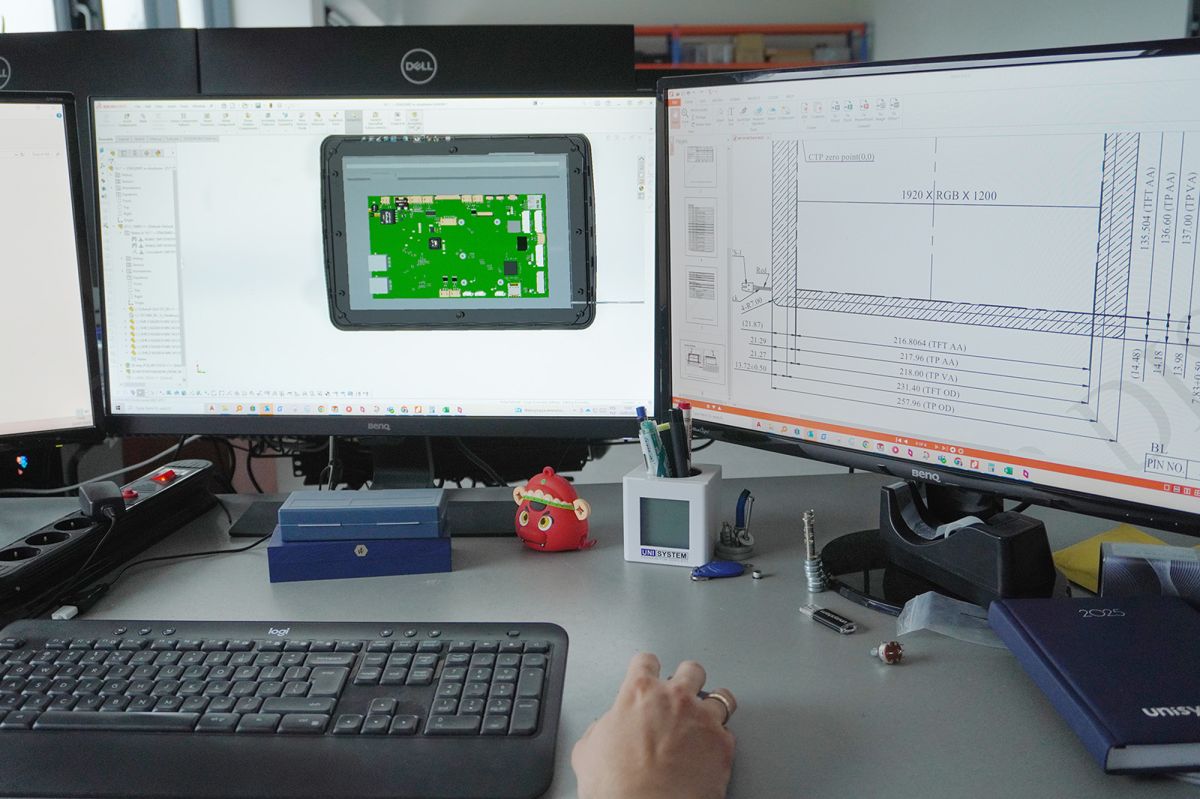
What will they be?
This will probably come as no surprise – our own proprietary displays. Initially, we have planned two product lines, available in various variants: multiple sizes, two brightness levels, different interfaces, a wide operating temperature range, and optional touch panels.
We have focused on three key features: quality, durability, and flexibility in terms of customization, to which one more value can be added – availability. We want to offer solutions that can be tailored to specific applications, while ensuring that they perform reliably in demanding environments and remain available on the market for years to come.
In recent months, we have observed increased activity of Asian suppliers in Europe. In which aspects does Unisystem outperform suppliers from the Far East?
Our greatest advantage is operational proximity. We are local – both geographically and organizationally – which translates into fast decision-making, direct contact with the Solution team, and the ability to work jointly on a solution rather than merely exchanging specifications. Customers can visit us, test prototypes, discuss changes, and implement them almost immediately.
At the same time, we observe a shift in market attitudes. More and more customers consciously choose local partners, for whom a “Polish product” is not just a declaration, but a real foundation of competence, responsibility, and supply stability.
Another advantage that will become even more visible in the near future is product availability “off the shelf.” By developing our own product lines, we are gradually becoming independent of the Asian supply chain. Having components locally allows us to provide samples immediately, respond quickly to design changes, and significantly shorten implementation times. This is part of a long-term, consistently executed development strategy for Unisystem. We are building a brand that gives customers a sense of stability, and bases trust on concrete actions – successfully delivering even the most challenging projects.
[Advertisement Cooperation with UNISYSTEM Sp. z o.o.]