logo elektroda
logo elektroda
X
logo elektroda

Need Firmware for Grundig Smart TV 43 VLE 6621 BP - Help Appreciated!

Paul_Bettega 19194 16
Best answers

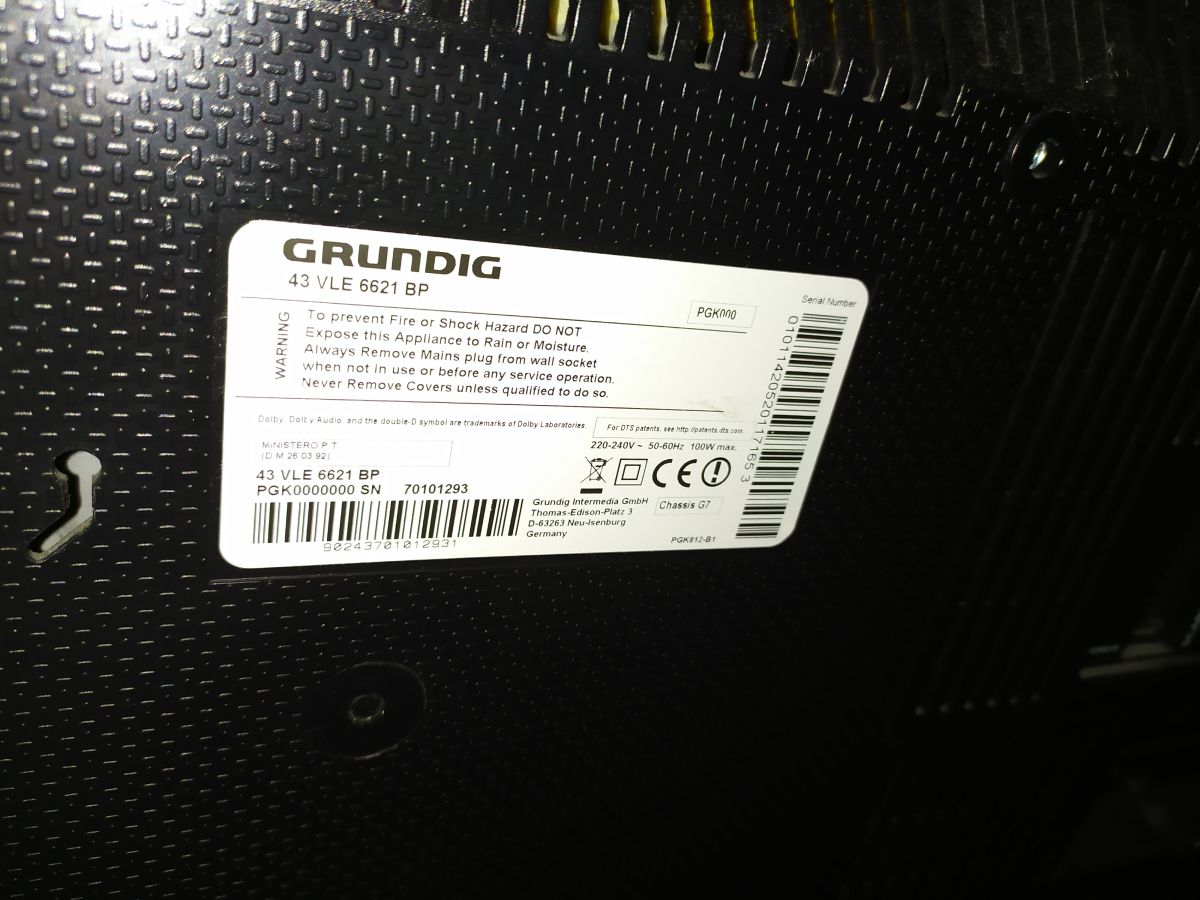
How can I find firmware that is compatible with a Grundig 43 VLE 6621 BP smart TV?

The firmware must match this exact model; one reply says it is only for this model [#18888479] If the TV will not power on and the standby LED is not blinking, the fault may be in the NAND flash and it may need to be rewritten [#18890620] You can also try the power/control buttons on the TV itself instead of the remote [#18890651]
Generated by the language model.
ADVERTISEMENT
  • #1 18880222
    Paul_Bettega
    Level 2  
    Posts: 4
    Hello everyone, hope you're all doing well.

    I'm struggling to find suitable firmware software for my Grundig smart TV.
    If anyone can help me I would be so grateful. Thanks in advance.
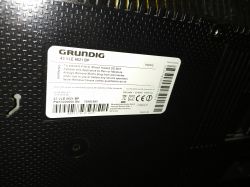
    Need Firmware for Grundig Smart TV 43 VLE 6621 BP - Help Appreciated!
  • ADVERTISEMENT
  • #2 18888479
    ssss
    Level 38  
    Posts: 3347
    Help: 464
    Rate: 1765
    Only for this model
    Attachments:
    • SW_KY_KP_NEU.PDF (58.13 KB) You must be logged in to download this attachment.
    • G7GRMR.-.-.-.-.V09.010.01.ZIP (139.69 MB) You must be logged in to download this attachment.
  • #3 18890448
    Paul_Bettega
    Level 2  
    Posts: 4
    Thank you very much for your reply and help.
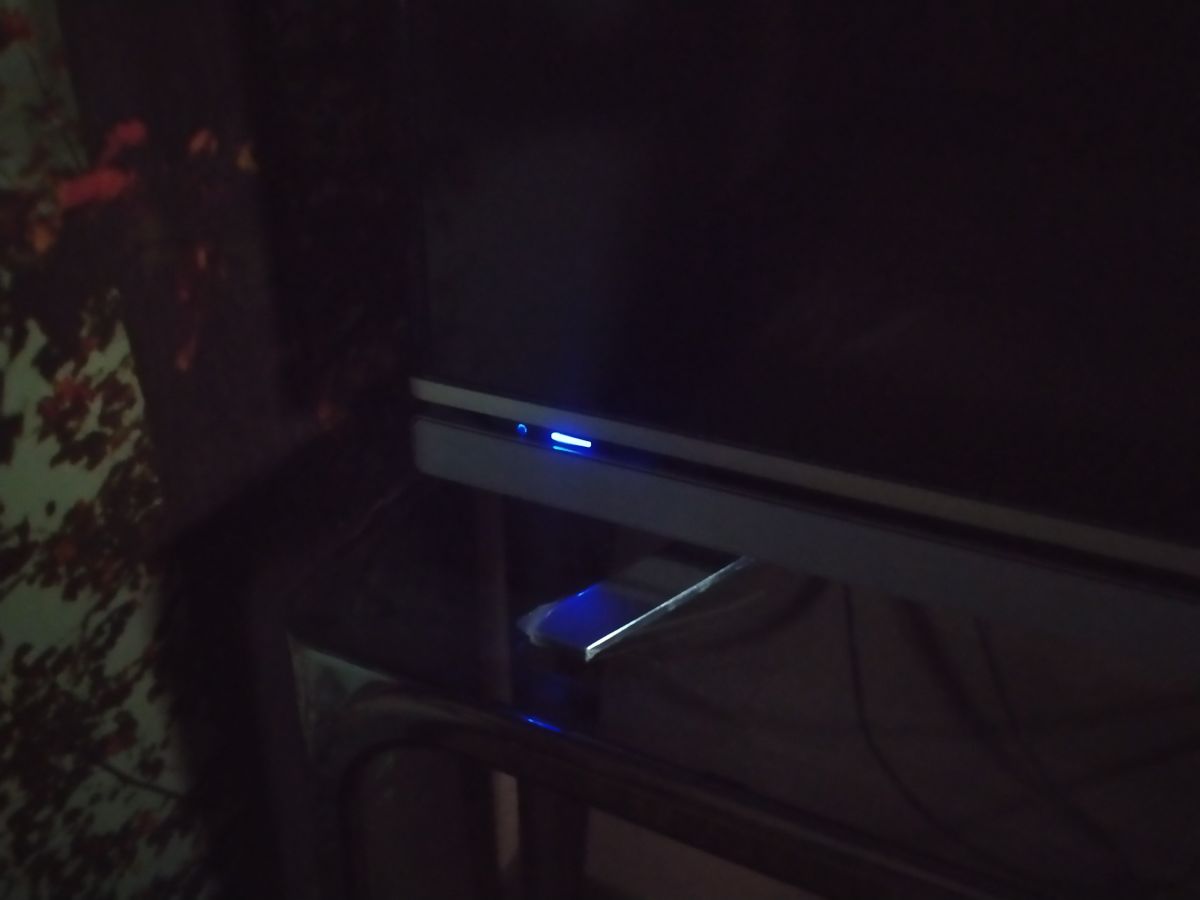
    I am not able to turn the TV ON, but the standby LED lamp is blue.
    I have tried to change the remote batteries and still not able to turn it on.
    Does anyone know anything about this problem?
    In the meanwhile, I found a newer version of the driver so I will post it here if someone may need it.
  • ADVERTISEMENT
  • #4 18890493
    Paul_Bettega
    Level 2  
    Posts: 4
    Thank you very much for your reply and help. I appreciate it.

    I am not able to turn the TV ON, although the standby blue LED lamp is on.
    Need Firmware for Grundig Smart TV 43 VLE 6621 BP - Help Appreciated!
    I have tried to change the remote's batteries and still not able to start the TV.
    Does anyone know anything about this problem?

    In the meanwhile, I found a newer version of the driver, so I will post it here if someone may need it.
    Attachments:
    • G7GRMR.-.-.-.-.V11.009.00.rar (131.25 MB) You must be logged in to download this attachment.
  • #5 18890620
    arizanotu
    Level 19  
    Posts: 174
    Help: 39
    Rate: 58
    If led not blinking rewrite NAND Flash.
  • #6 18890651
    ssss
    Level 38  
    Posts: 3347
    Help: 464
    Rate: 1765
    You can switch on with the control panel, right on the TV
  • #7 18897255
    Paul_Bettega
    Level 2  
    Posts: 4
    I tried to turn it ON via the button on the back of the TV, but it does not respond as well.
    I will try to start the update from the flash memory, but I don't understand German, so I can't figure out what is the combination to start the process using the above attached manual from user SSSS. Thanks.
  • ADVERTISEMENT
  • #8 19176849
    danniellchr
    Level 2  
    Posts: 2
    I have the same problem just with a Grundig 49 vle 7629 WP
  • #9 19183338
    ssss
    Level 38  
    Posts: 3347
    Help: 464
    Rate: 1765
    Here you are
    Attachments:
    • G7GRMR.-.-.-.-.V09.010.01.ZIP (139.69 MB) You must be logged in to download this attachment.
  • #10 19410009
    luridline
    Level 1  
    Posts: 1
    Rate: 1
    Hello, what is your solution fix that issue?
  • #11 19611529
    zkova178
    Level 9  
    Posts: 7
    Rate: 10
    thanks kor firmware
  • #12 19929021
    michalmakowski32
    Level 4  
    Posts: 5
    Hello
    Does anyone have newer software for 49VLE6629 BR? I currently have v8

    Thank you
  • #14 21383054
    angelinabrittany19
    Level 1  
    Posts: 1
    >>18890493 I hope this will work for my Grundig
  • #15 21549186
    mariostodge
    Level 1  
    Posts: 1
    Rate: 1
    >>19611529 Sorry, could you help explain how you got your software updated? I'm trying to get mine updated but it's not working via internet. How did you update yours with the files you downloaded?
  • ADVERTISEMENT
  • #16 21718359
    dprutovykh122
    Level 1  
    Posts: 1
    Dear @ssss,

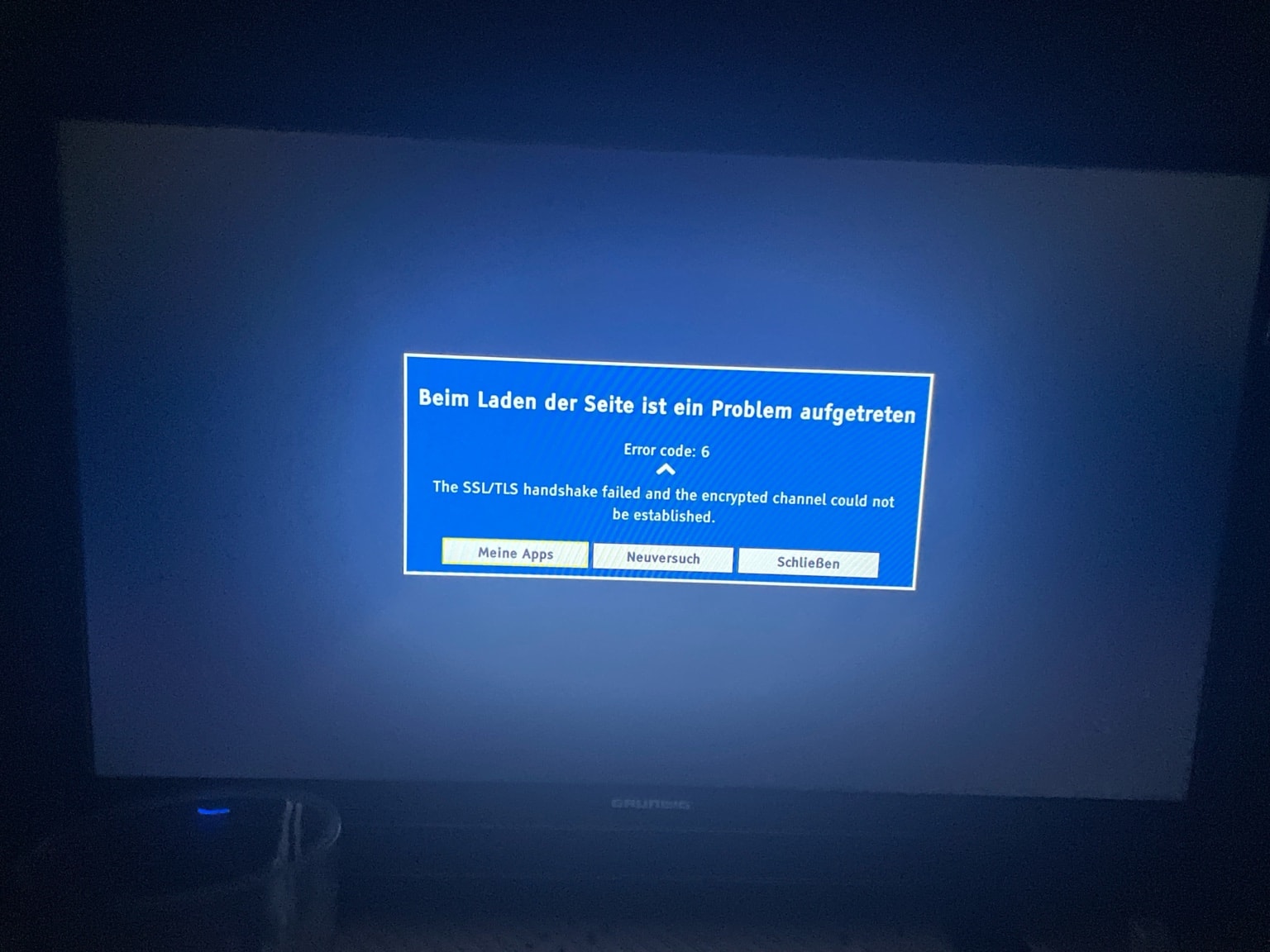
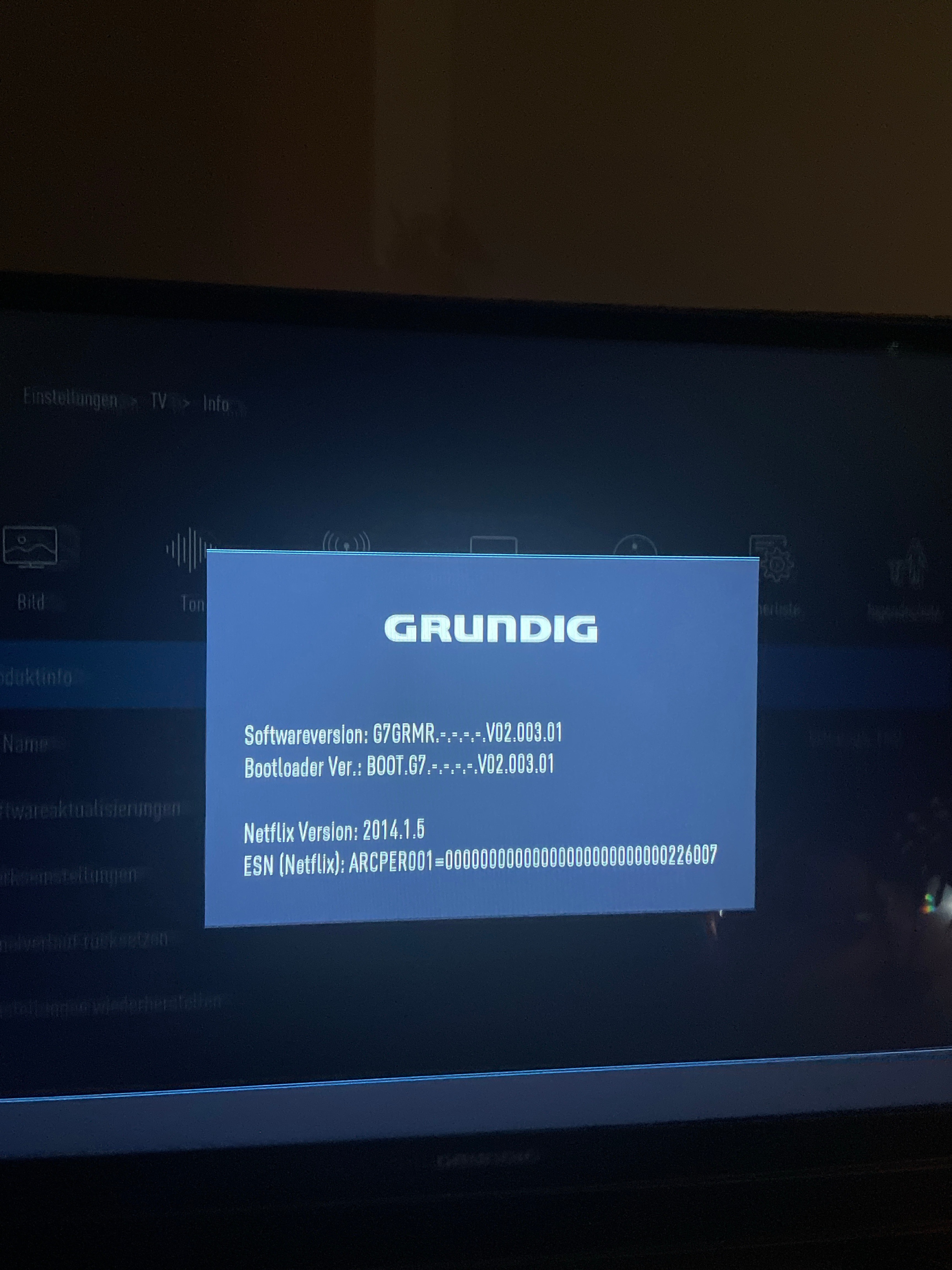
    I recently purchased a second-hand Grundig 32 GFB 6621 TV, and the Smart TV functionality is not working. Could you please provide me with the firmware file for this model so I can update it?

    Thank you very much for your assistance.

    Best regards,
    Daniel
    Attachments:
    • Need Firmware for Grundig Smart TV 43 VLE 6621 BP - Help Appreciated! tv2.jpeg (455.46 KB) You must be logged in to download this attachment.
    • Need Firmware for Grundig Smart TV 43 VLE 6621 BP - Help Appreciated! tv.jpeg (3.94 MB) You must be logged in to download this attachment.
  • #17 21874818
    a0_dummy
    Level 1  
    Posts: 1
    Hi all,
    does this update G7GRMR.-.-.-.-.V11.009.00 also work for my 43 GFW 6728?
    The TV has G7GRMR.-.-.-.-.V11.007.00 installed and can search for an update by itself, but doesn't find a newer version.
    Everything works fine, the only reason I am looking for a newer code is that I hope more apps (e.g. Netflix and/or Amazon) are available.
    Thanks
    /A0

Topic summary

✨ The discussion centers on obtaining and updating firmware for the Grundig Smart TV model 43 VLE 6621 BP. The main issue is the TV failing to power on despite the standby LED being lit blue. Attempts to power on via remote control and the TV's physical control panel have been unsuccessful. Suggestions include rewriting the NAND flash memory if the LED is not blinking. A newer firmware version was found and shared by the original poster for potential use. Additional references to firmware and software updates for related Grundig models such as 49 VLE 6629 BR and 49 VLE 7629 WP appear, with users seeking updated software versions and instructions for flashing firmware, including challenges with language barriers in manuals. External resources for Grundig service manuals and blink code diagnostics were also recommended.
Generated by the language model.

FAQ

TL;DR: 0 LED blinks? "If led not blinking rewrite NAND Flash." This FAQ shows how to fix Grundig 43 VLE 6621 BP and VLE 66xx boot/firmware issues using model-correct files and USB recovery. [Elektroda, arizanotu, post #18890620]

Why it matters: It speeds recovery, reduces service visits, and prevents avoidable bricking during updates.

Quick Facts

How do I power on the TV if the remote won’t work?

Use the TV’s control panel to power on. It is located on the set itself. This confirms whether the remote or IR path is the issue. If it still won’t start, proceed with firmware checks. [Elektroda, ssss, post #18890651]

Blue standby LED is on but the TV won’t start—what should I try first?

Replace the remote batteries and try again. Then press the rear or side power button on the TV. If it still fails, prepare an offline firmware update from USB using the correct model files. The thread starter posted a newer driver for reference. [Elektroda, Paul_Bettega, post #18890493]

The LED never blinks—what does that indicate?

It points to corrupted storage. As an expert put it: "If led not blinking rewrite NAND Flash." This is a service-level repair that needs proper tools. Do not keep power-cycling as it won’t restore NAND content. [Elektroda, arizanotu, post #18890620]

Can I flash firmware from a different Grundig model?

No. Use only firmware for your exact model and chassis. Cross-flashing can brick the mainboard and prevent boot. Always verify the label and chassis family before updating. [Elektroda, ssss, post #18888479]

How do I force a USB firmware update when the TV won’t boot?

Typical Grundig recovery uses USB:
  1. Prepare a FAT32 USB with the exact model’s update files.
  2. Insert USB, unplug power, then reconnect.
  3. Hold the TV’s power or OK button to trigger USB update per manual. If unsure, consult the shared manual in the thread. [Elektroda, Paul_Bettega, post #18897255]

Internet update failed—how can I update using downloaded files?

Use an offline USB update with files that match your chassis. Identify the chassis and fetch the proper package, then apply the USB procedure. The linked resource shows where to search by chassis and read service guidance. [Elektroda, yokoono51, post #19929048]

Where can I get firmware for the Grundig 43 VLE 6621 BP?

Check earlier posts in this thread for shared files. The original poster mentioned finding and sharing a newer driver. Verify the file matches 43 VLE 6621 BP before flashing. [Elektroda, Paul_Bettega, post #18890493]

Does the same issue appear on the 49 VLE 7629 WP?

Yes, a user reported the same symptom on the 49 VLE 7629 WP. Apply the same initial checks: local power button, then correct-model USB update. Escalate to service if storage faults persist. [Elektroda, danniellchr, post #19176849]

How do I read Grundig blink codes and identify my chassis?

Use the referenced service forum to locate your chassis documentation. It includes blink code meanings and model-specific service notes. Search by chassis label printed on your TV. [Elektroda, yokoono51, post #19929048]

The rear power button also does nothing—what does that imply?

Failure from both remote and panel points beyond input devices. It suggests a firmware or control-board level fault. Try the offline USB update next, using the correct model files. If it still fails, consider NAND service. [Elektroda, Paul_Bettega, post #18897255]

What firmware versions have users reported on related models?

One owner reported firmware v8 on a 49VLE6629 BR and asked for newer software. If you have v8, check for a later build that matches your chassis. Do not mix series. [Elektroda, michalmakowski32, post #19929021]

What actually fixed it for others here?

Applying the correct, shared firmware solved boot issues for at least one user who posted thanks. That indicates a successful update using model-matching files. Always verify compatibility before flashing. [Elektroda, zkova178, post #19611529]

Will the files shared above work for my Grundig?

They will only work if they exactly match your model and chassis. Confirm the full model code on your label before use. Mismatched firmware can prevent boot or damage the software stack. [Elektroda, ssss, post #18888479]
Generated by the language model.
ADVERTISEMENT