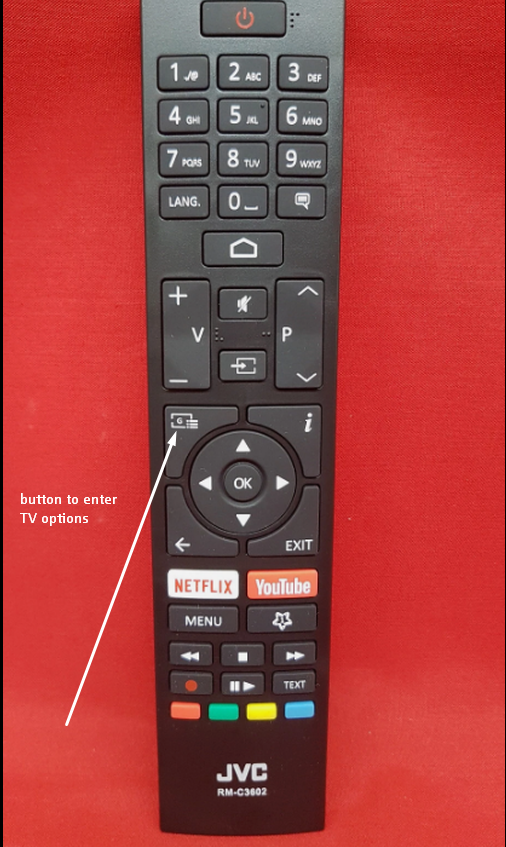
JVC
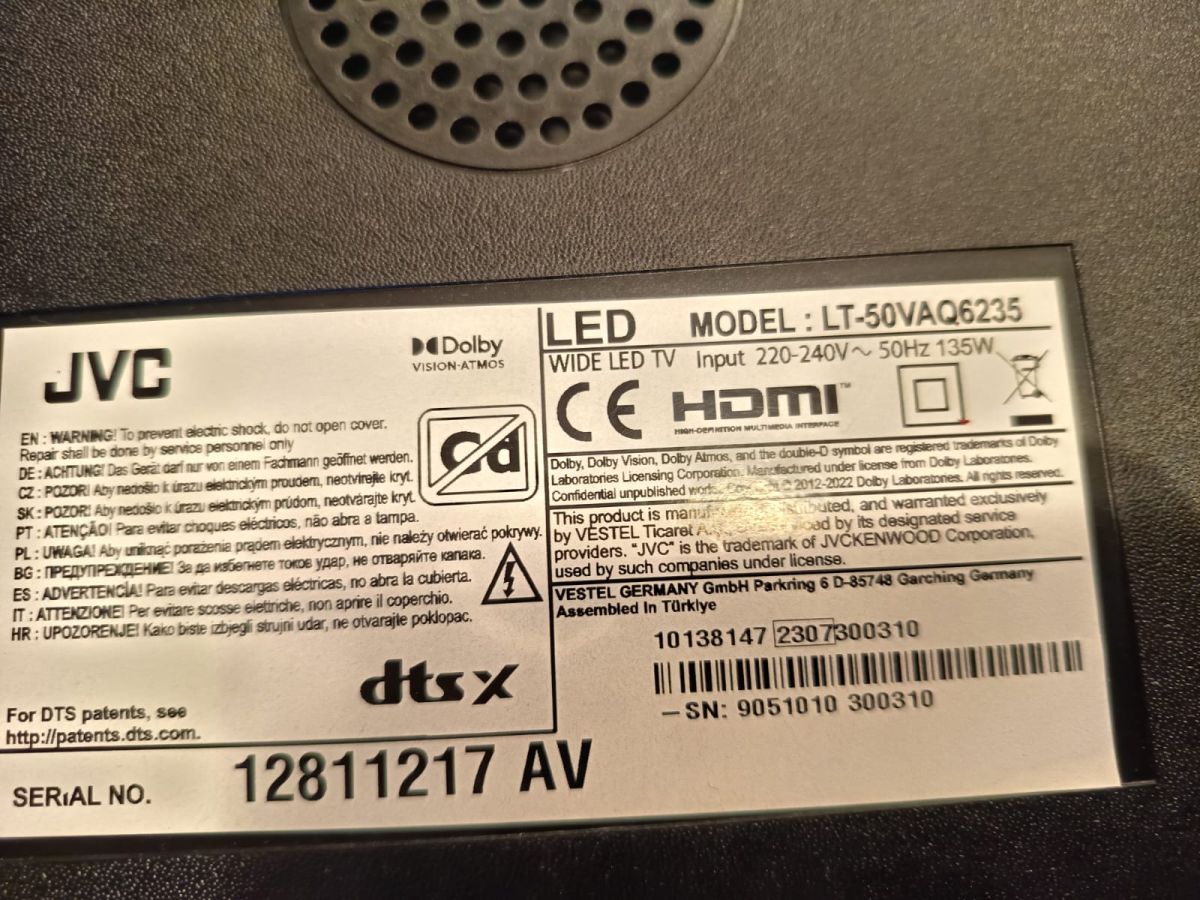
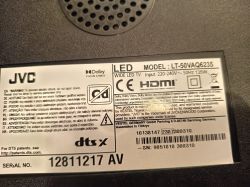
Model: LT-50VAQ6235
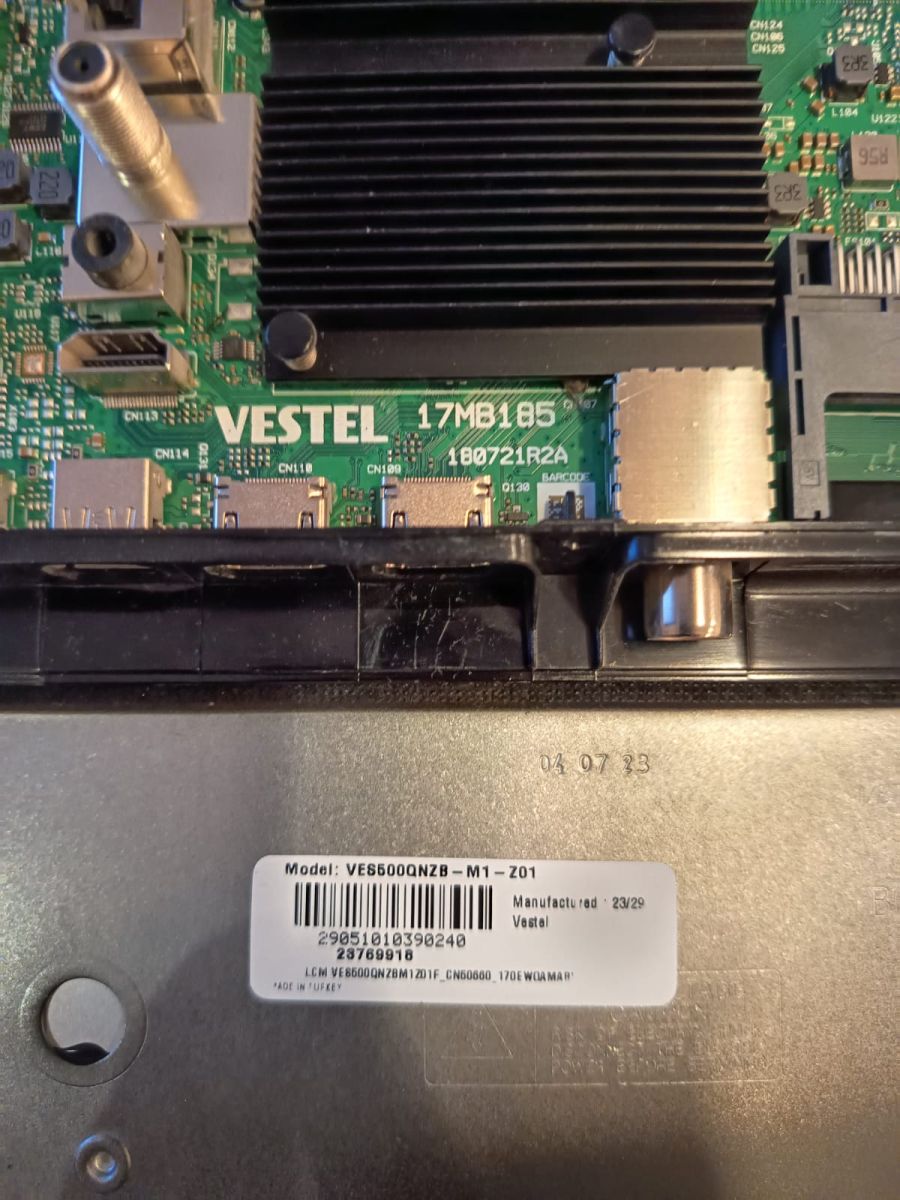
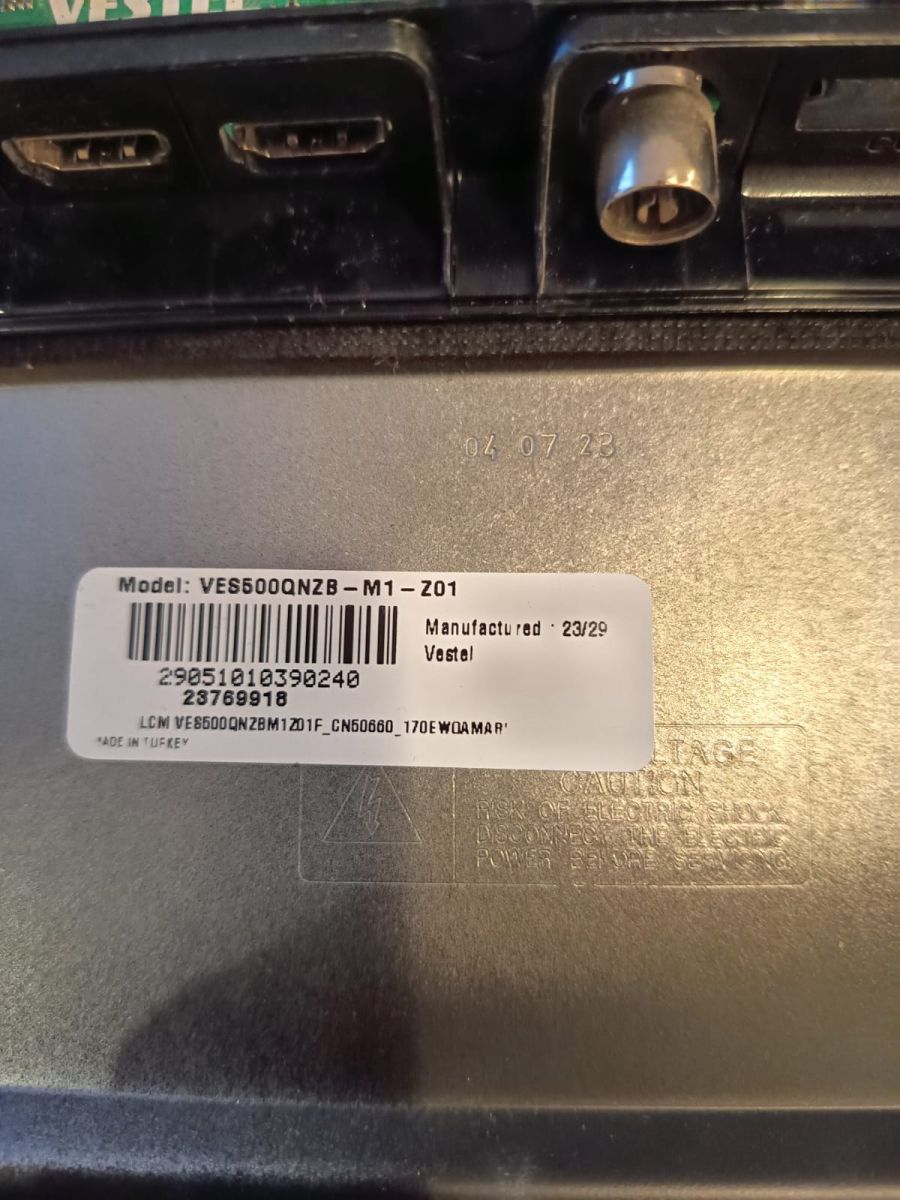
Chassis (main board, components): Vestel 17MB185 VES500QNZB-M1-Z01
TV in boot loop, after internet provider made some connection switching on and off, during the time, TV was connected via LAN cable.
Now screen flashes from black to white with JVC logo, in approx. 7 s intervals.
I need help.
Do you have some advice or firmware fix file?
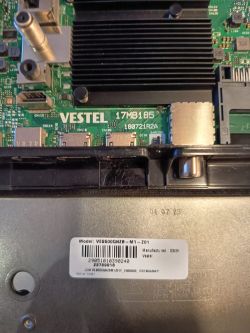
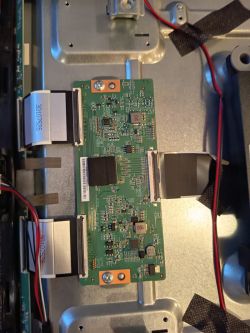
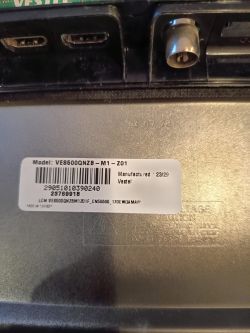
Model: LT-50VAQ6235
Chassis (main board, components): Vestel 17MB185 VES500QNZB-M1-Z01
TV in boot loop, after internet provider made some connection switching on and off, during the time, TV was connected via LAN cable.
Now screen flashes from black to white with JVC logo, in approx. 7 s intervals.
I need help.
Do you have some advice or firmware fix file?