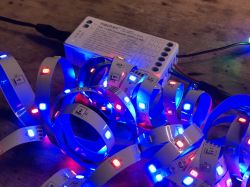
I invite you to analyze the interior, structure and communication protocol (TuyaMCU - UART-based) of the unusual Miboxer FUT037W+ LED strip controller.
The product discussed here is distinguished by the fact that, in addition to WiFi communication, it also supports RF control, which is why the manufacturer decided to build it based on two microcontrollers.
We have a separate CB3S WiFi module (BK7231N) and a separate external MCU to which basically everything is connected. But let`s start from the beginning...
Purchase Miboxer FUT037W+ The product was given to me by a reader to upload OBK in order to pair the equipment with Home Assistant, but as far as I know, it was bought for about PLN 90:
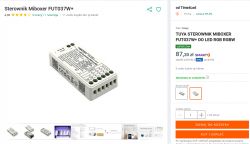
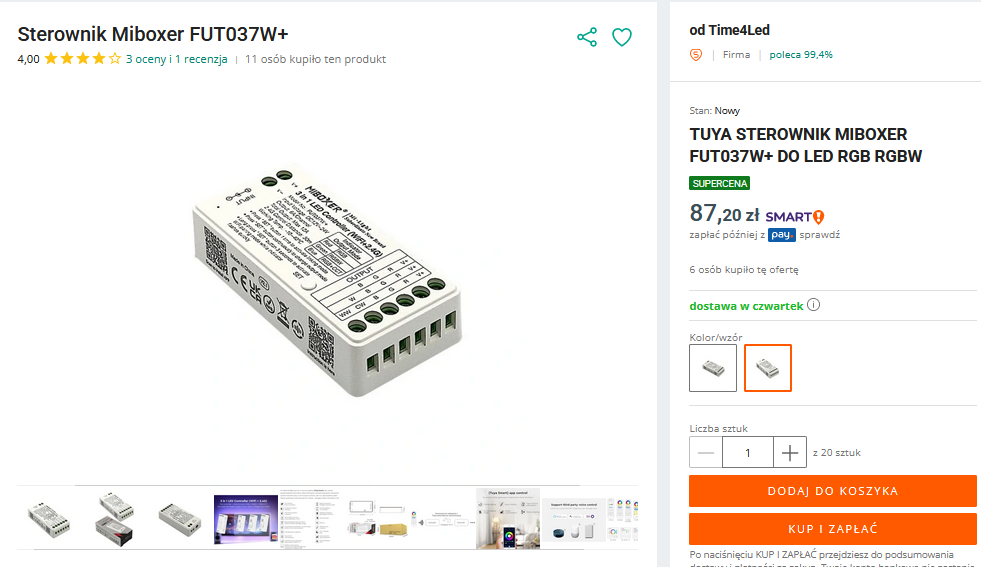
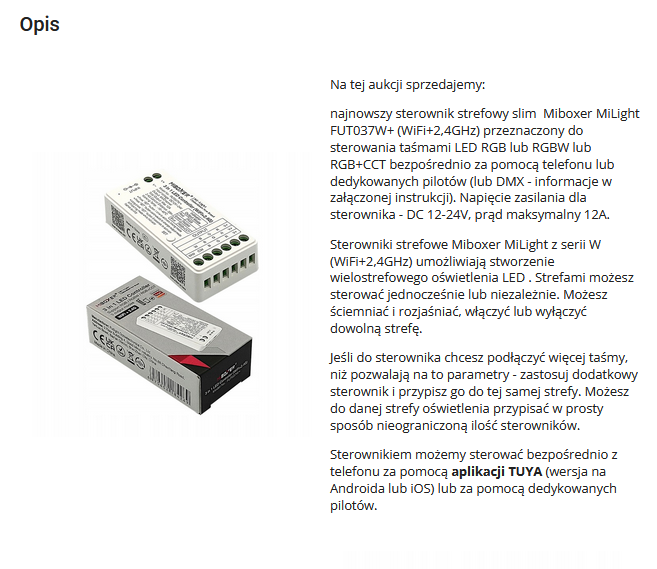
Let`s see the item description from the seller:
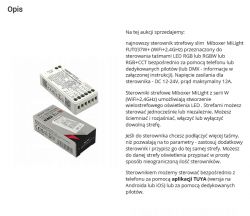
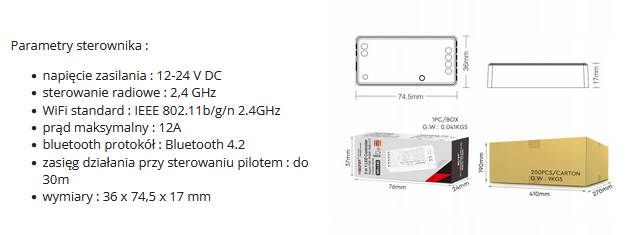
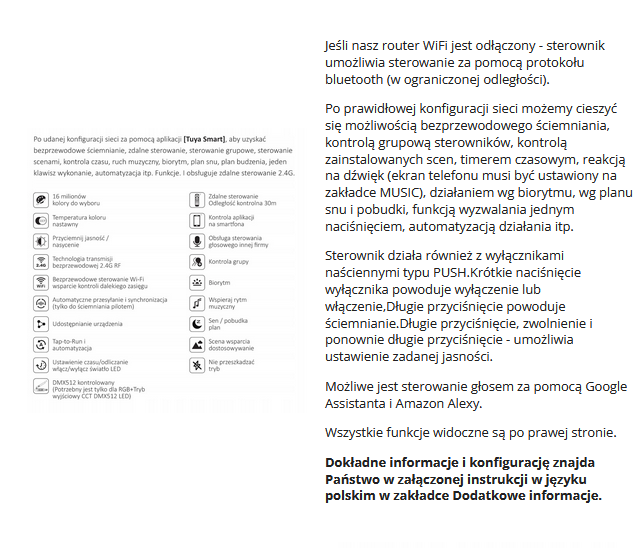
Yes, you can control it via WiFi or remote controls. Now the specifications:

Information about Bluetooth from the description suggests that there will be no ESP8266 inside.
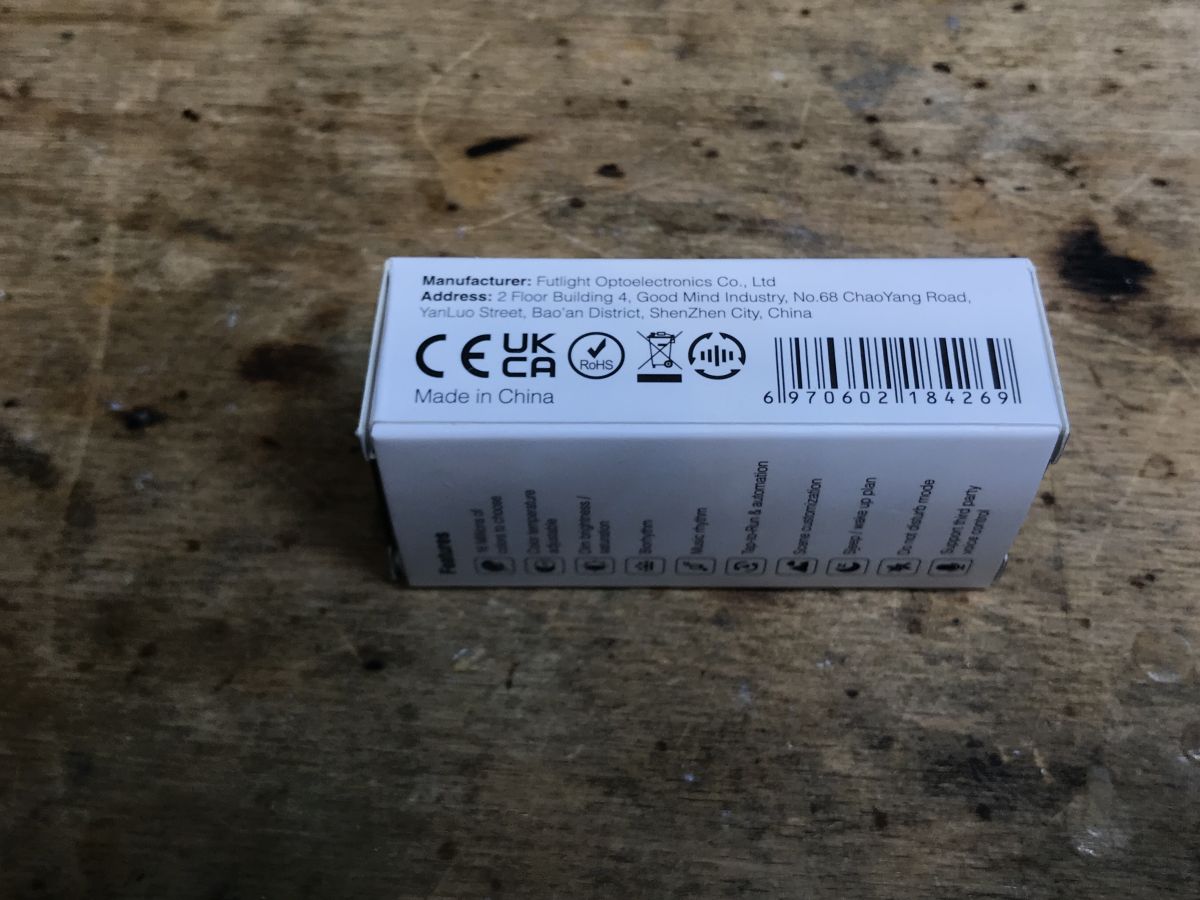
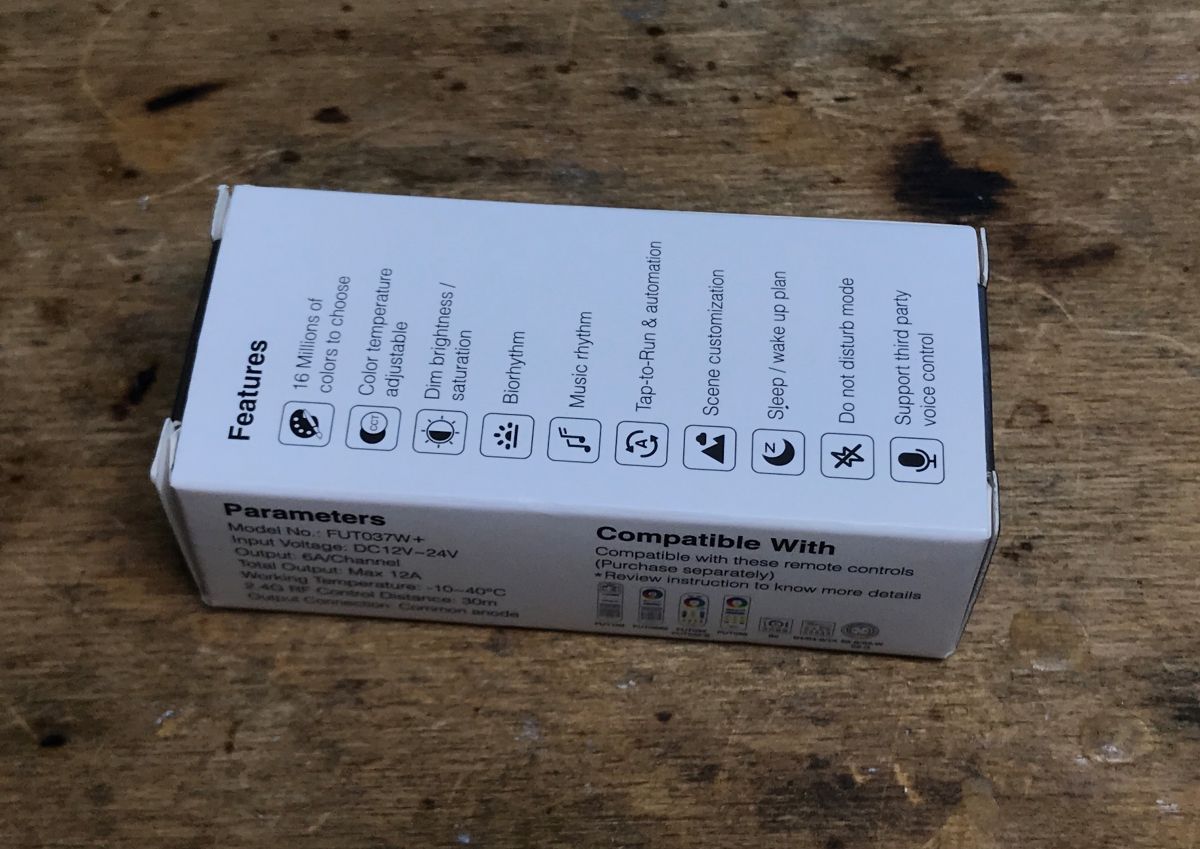
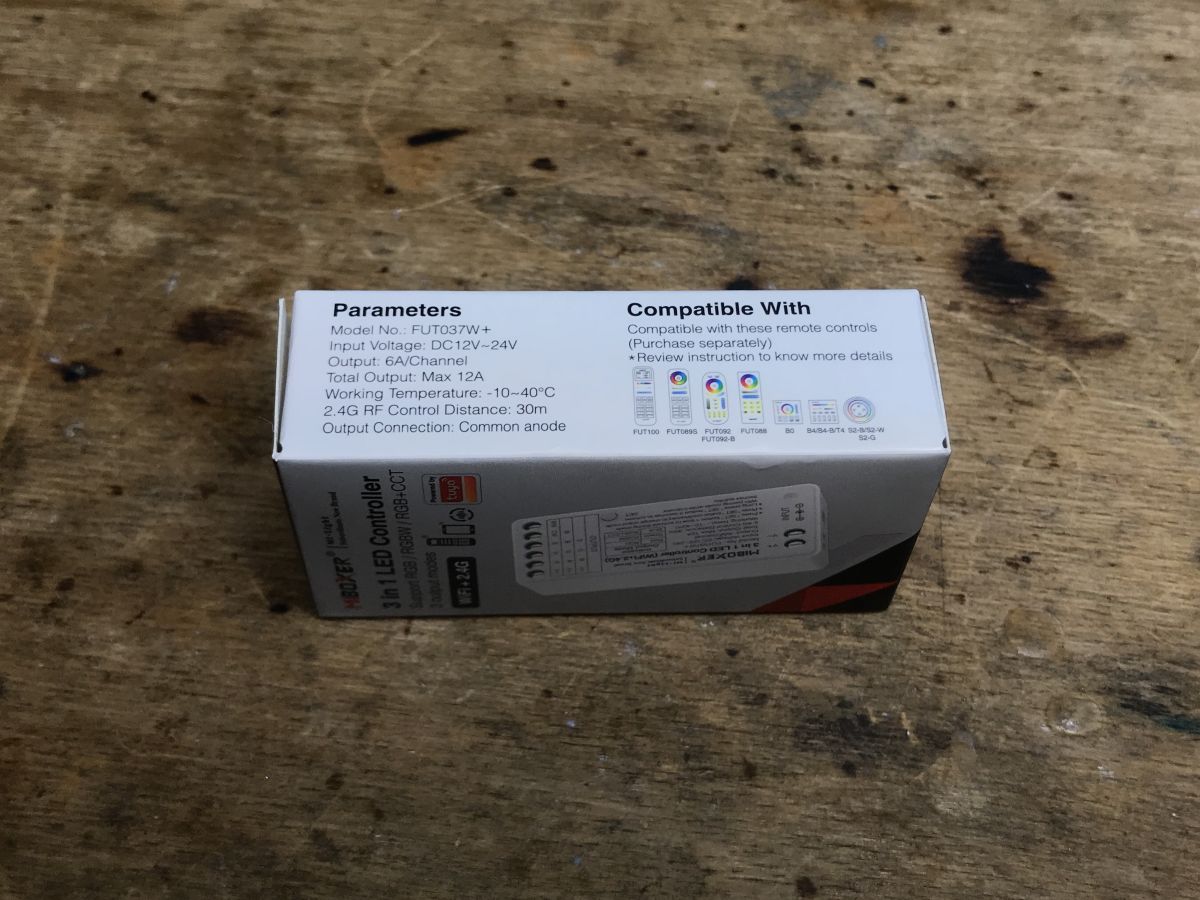
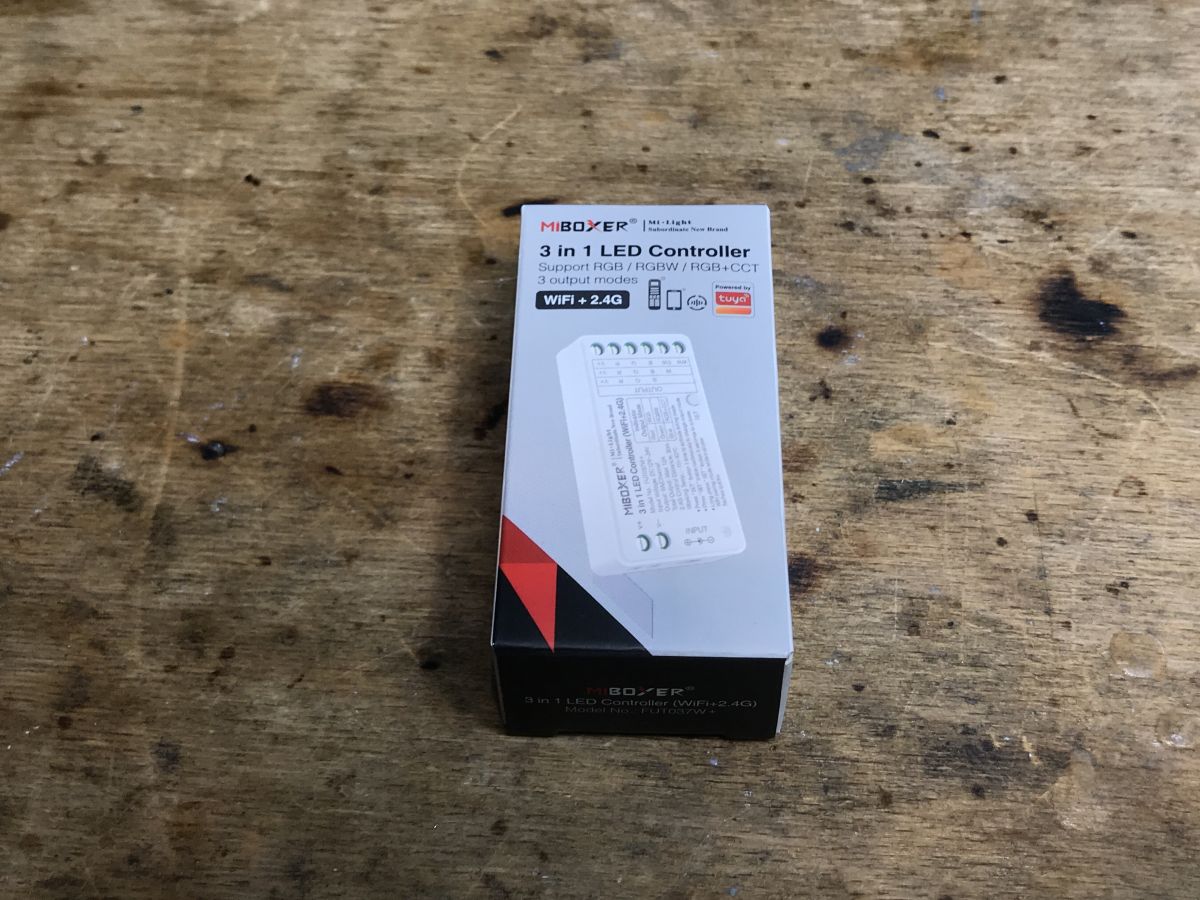
 What do we get in practice?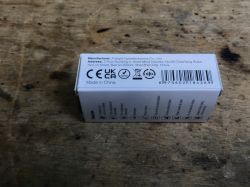
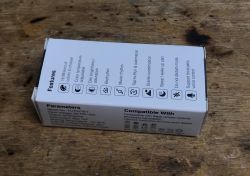
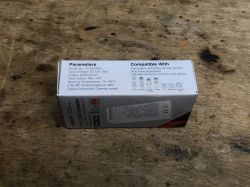
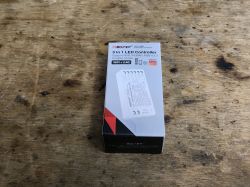
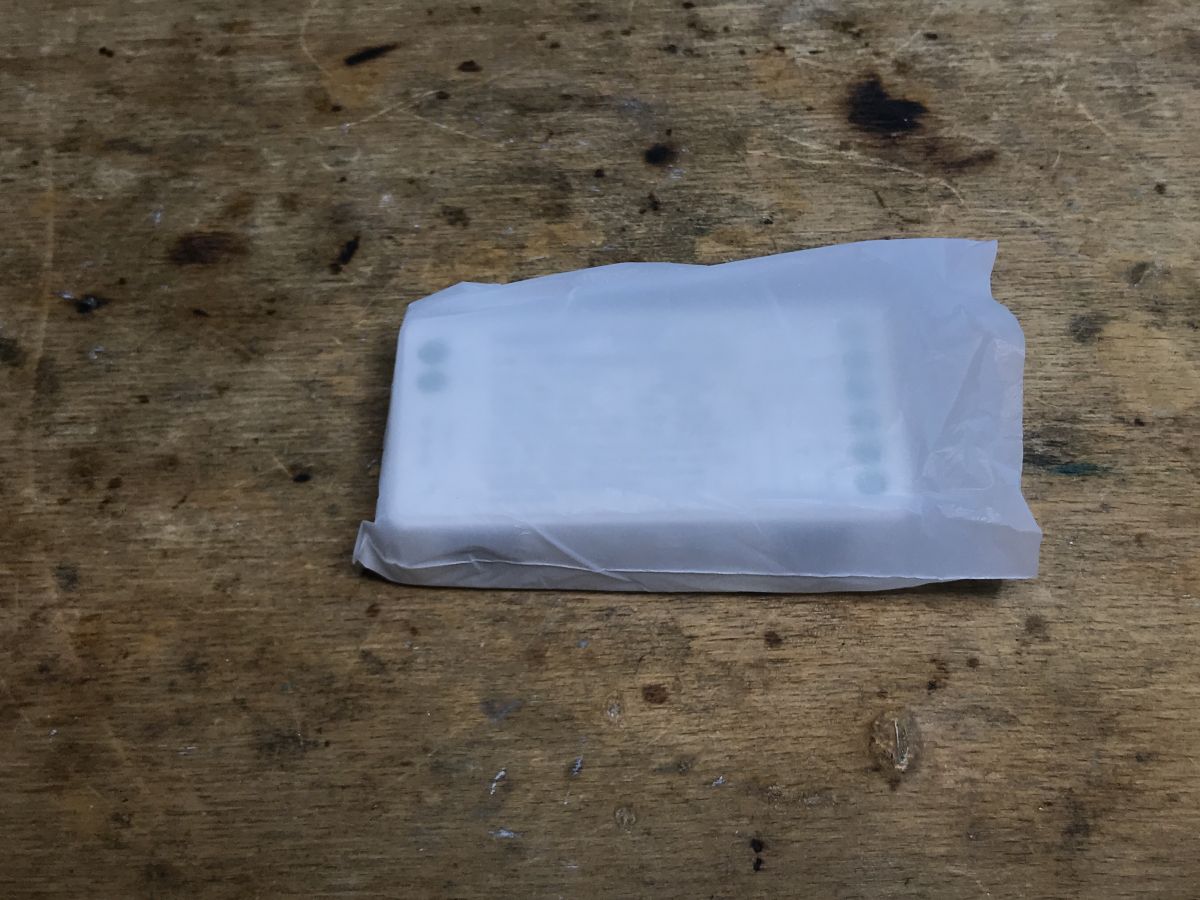
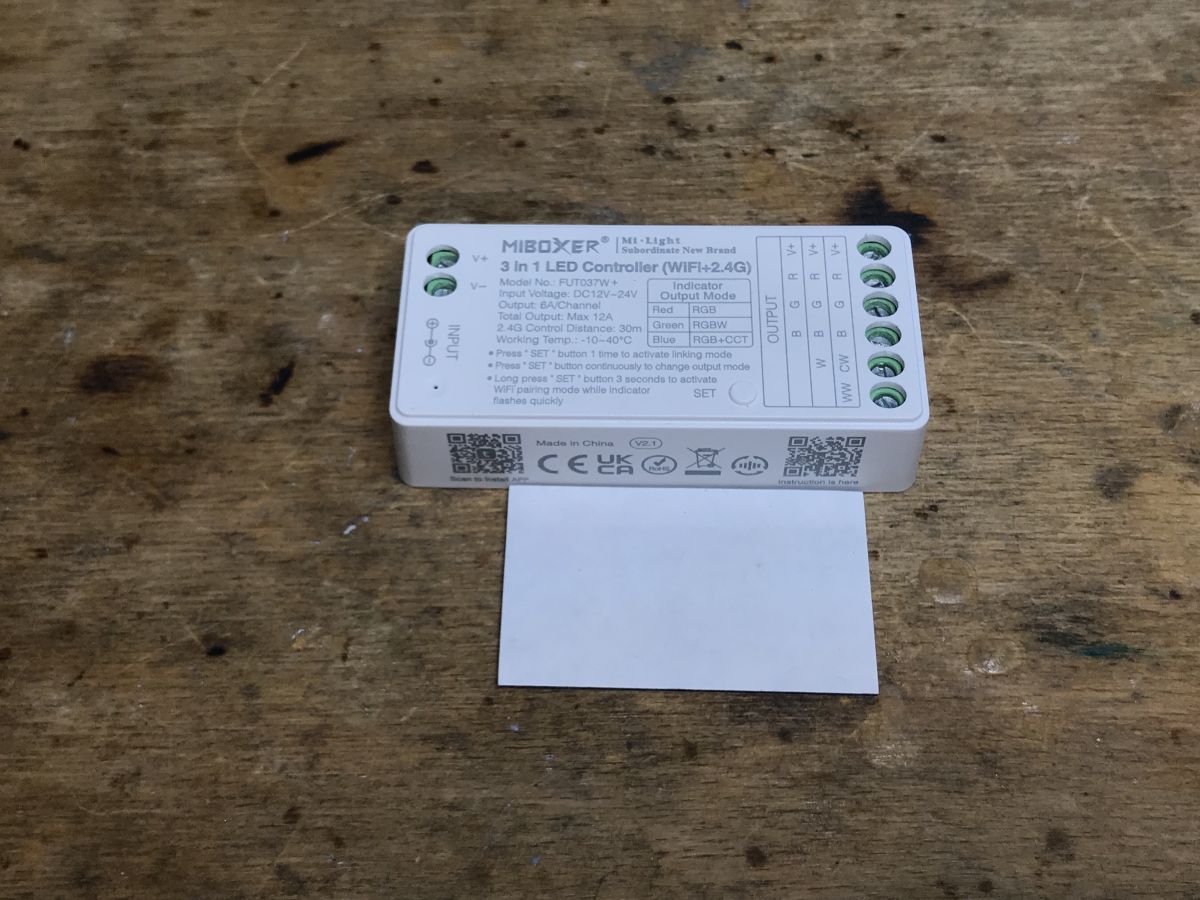
Set contents:
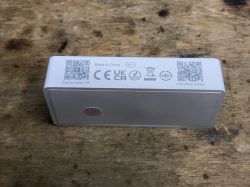
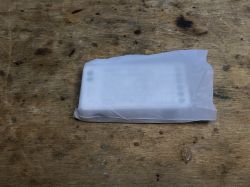
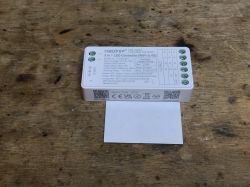
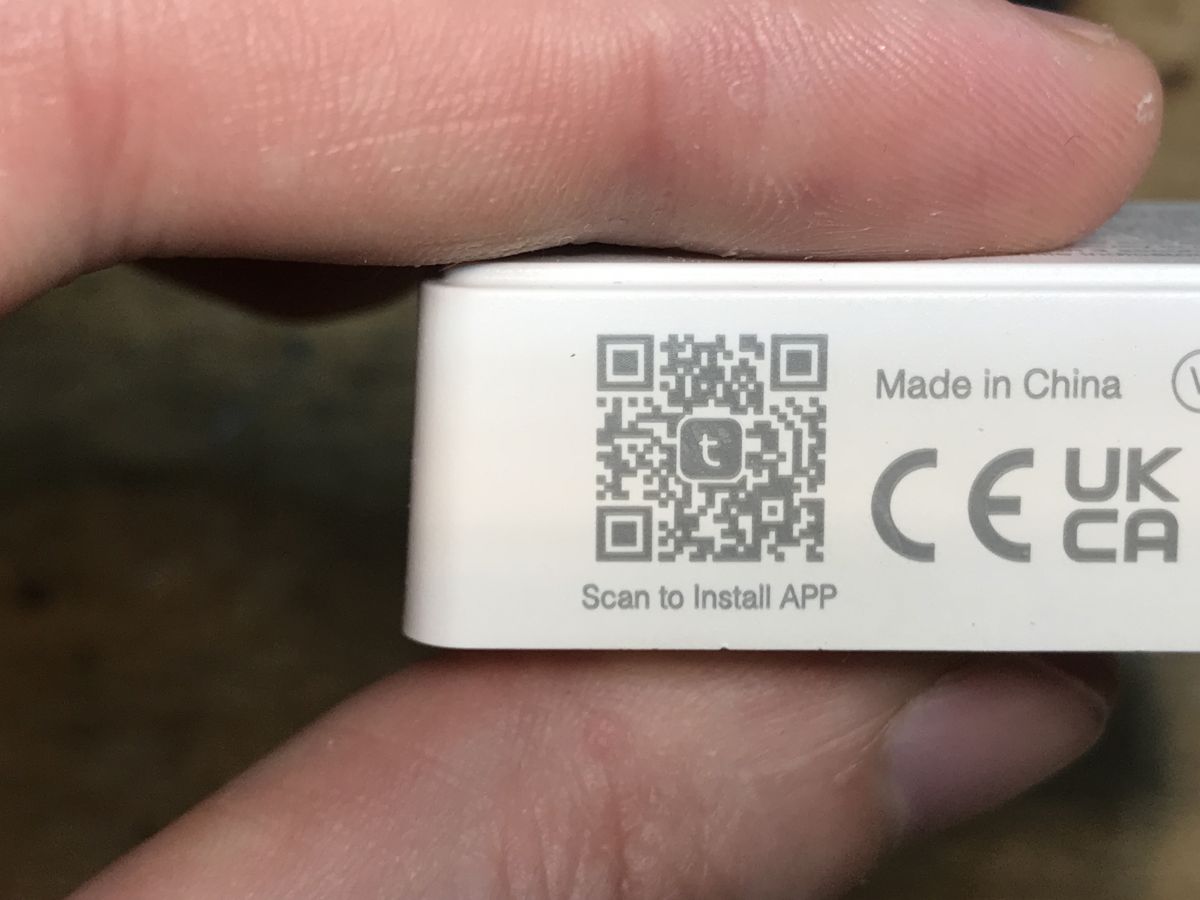
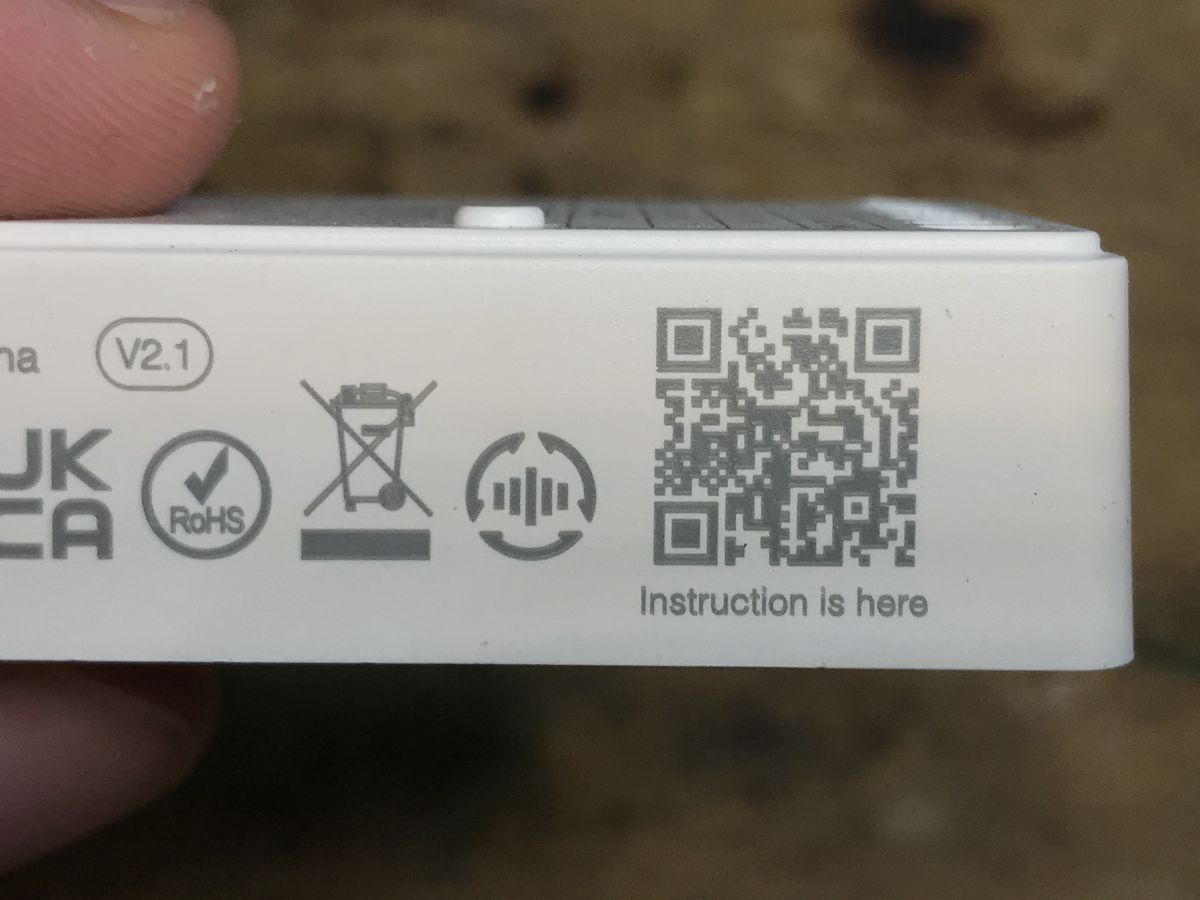
QR codes:
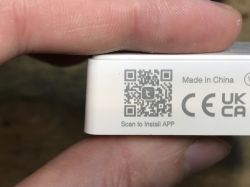
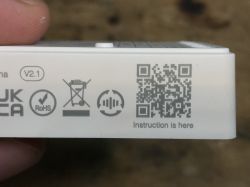
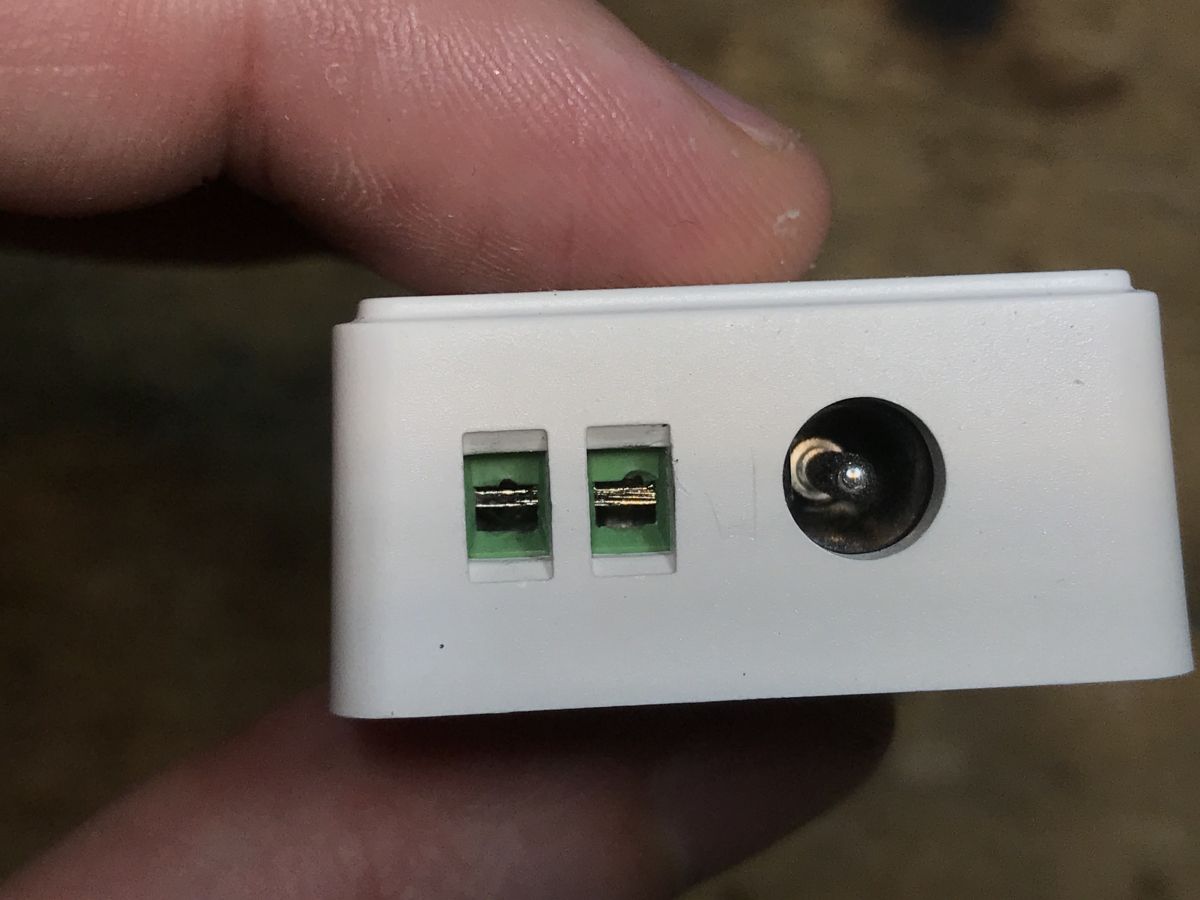
This controller has a separate DC jack input and a separate input for cables - smart and convenient.
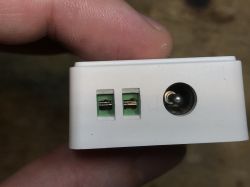
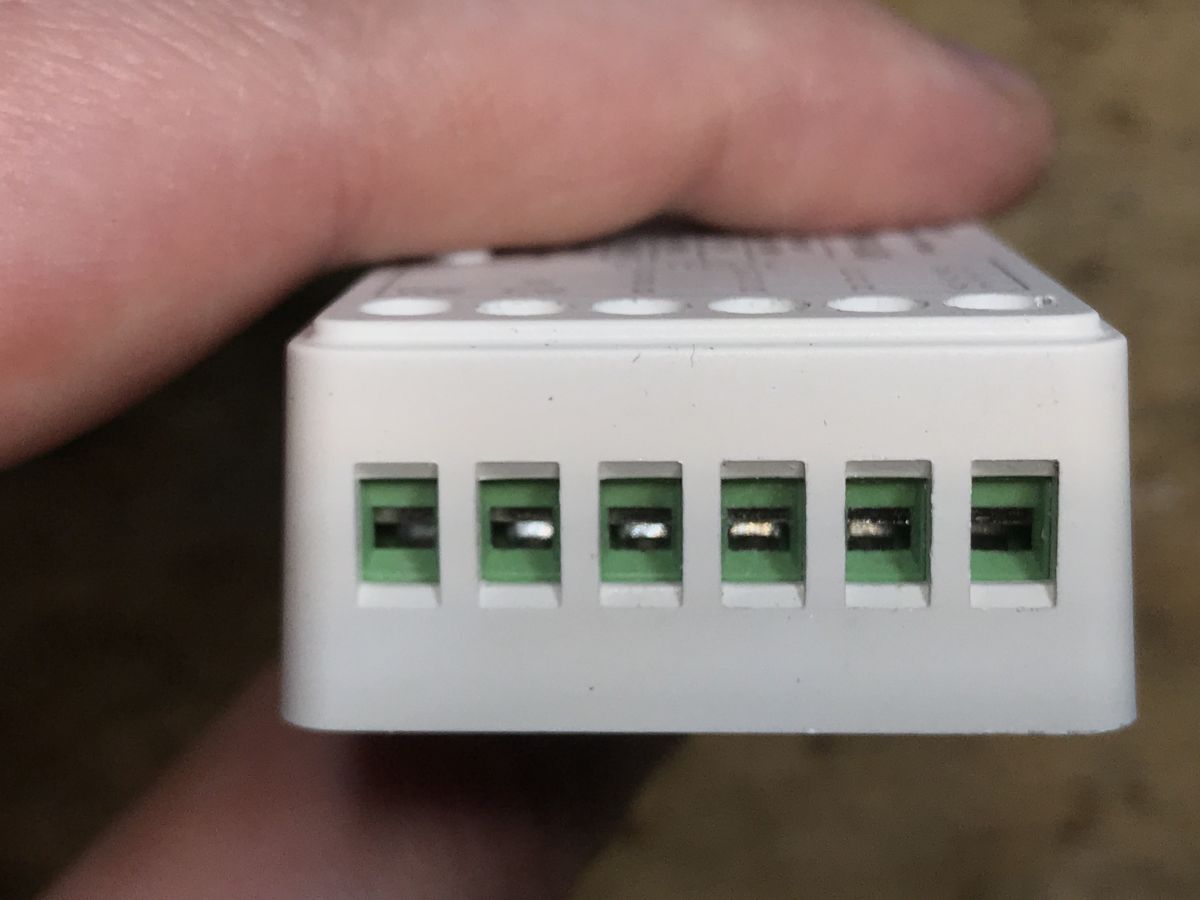
And here are the outputs for the LED strip:
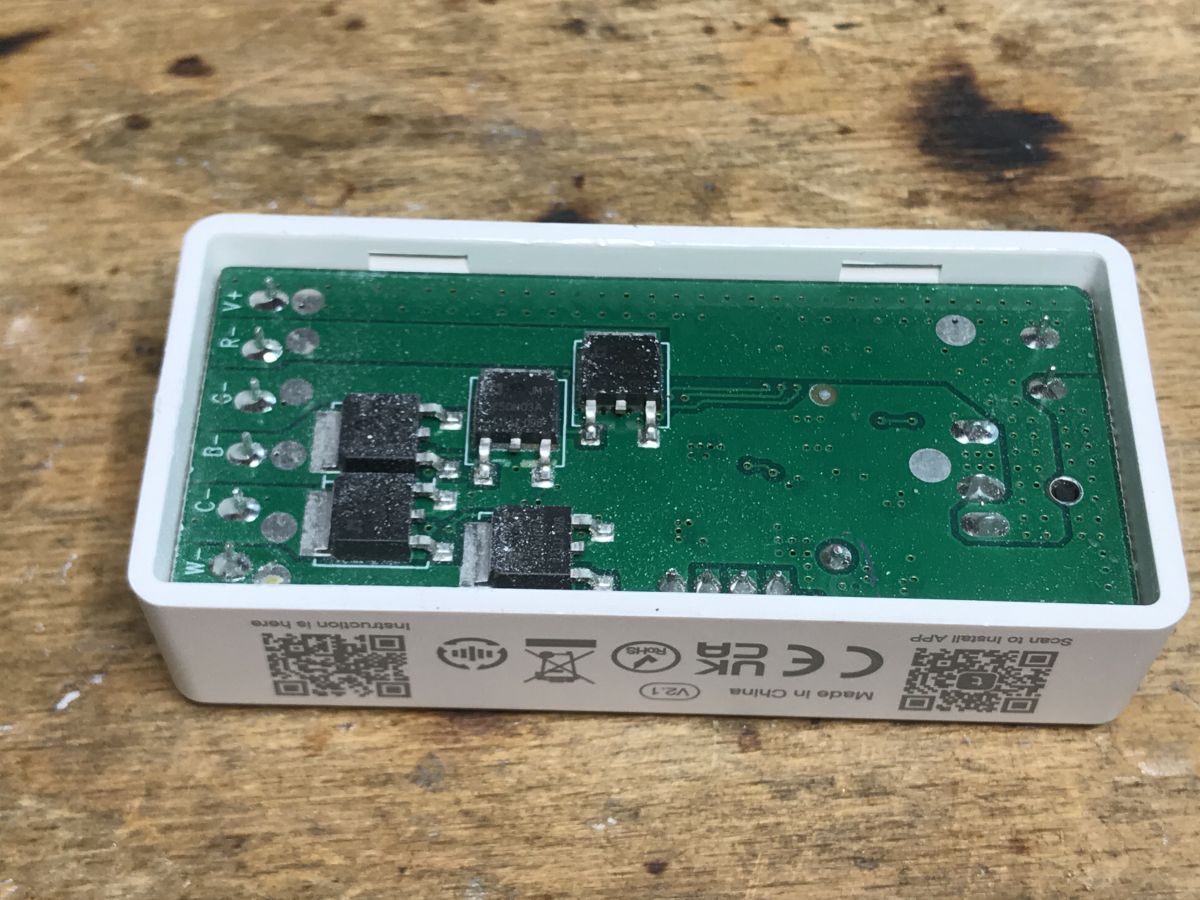
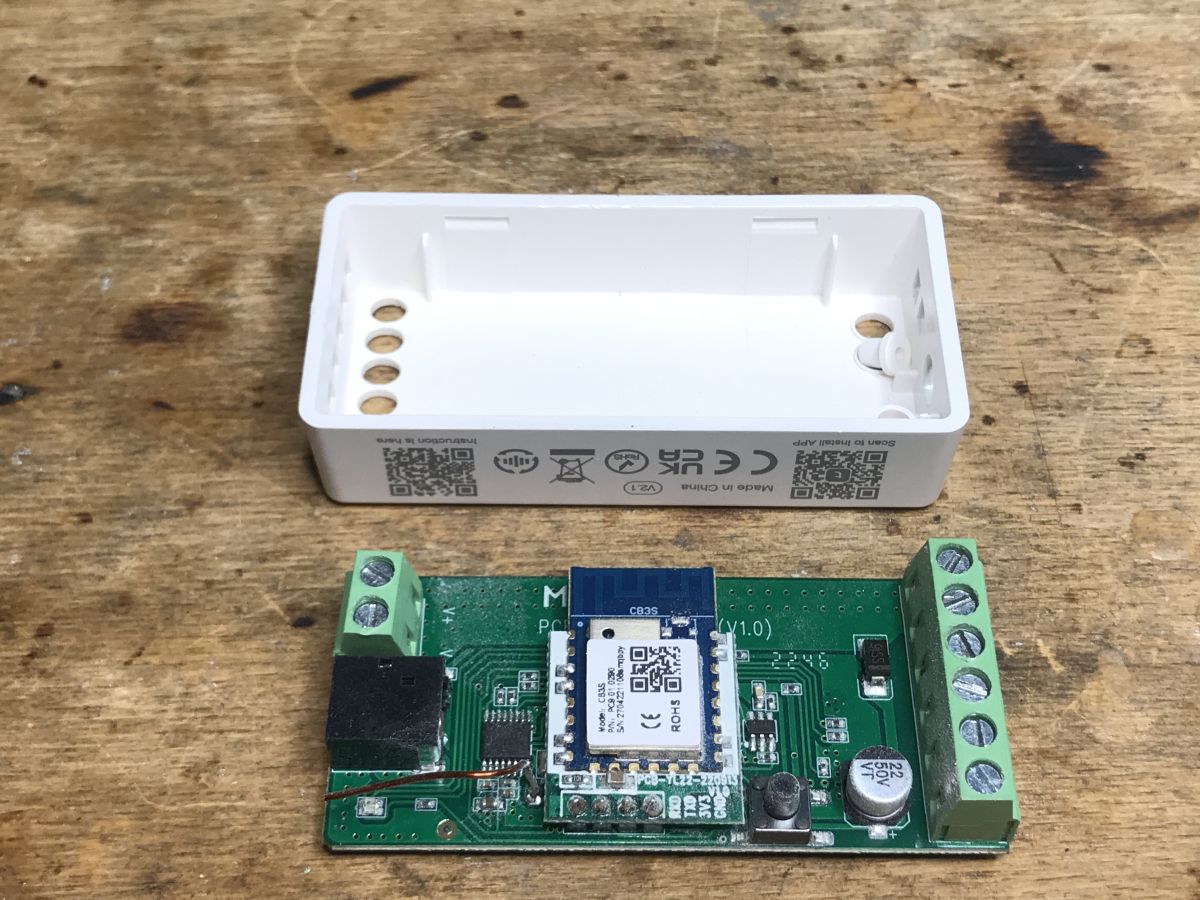
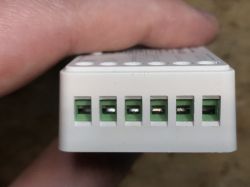 Interior of Miboxer FUT037W+
 Just lift the cover, there are no screws:
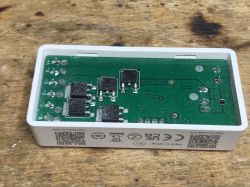
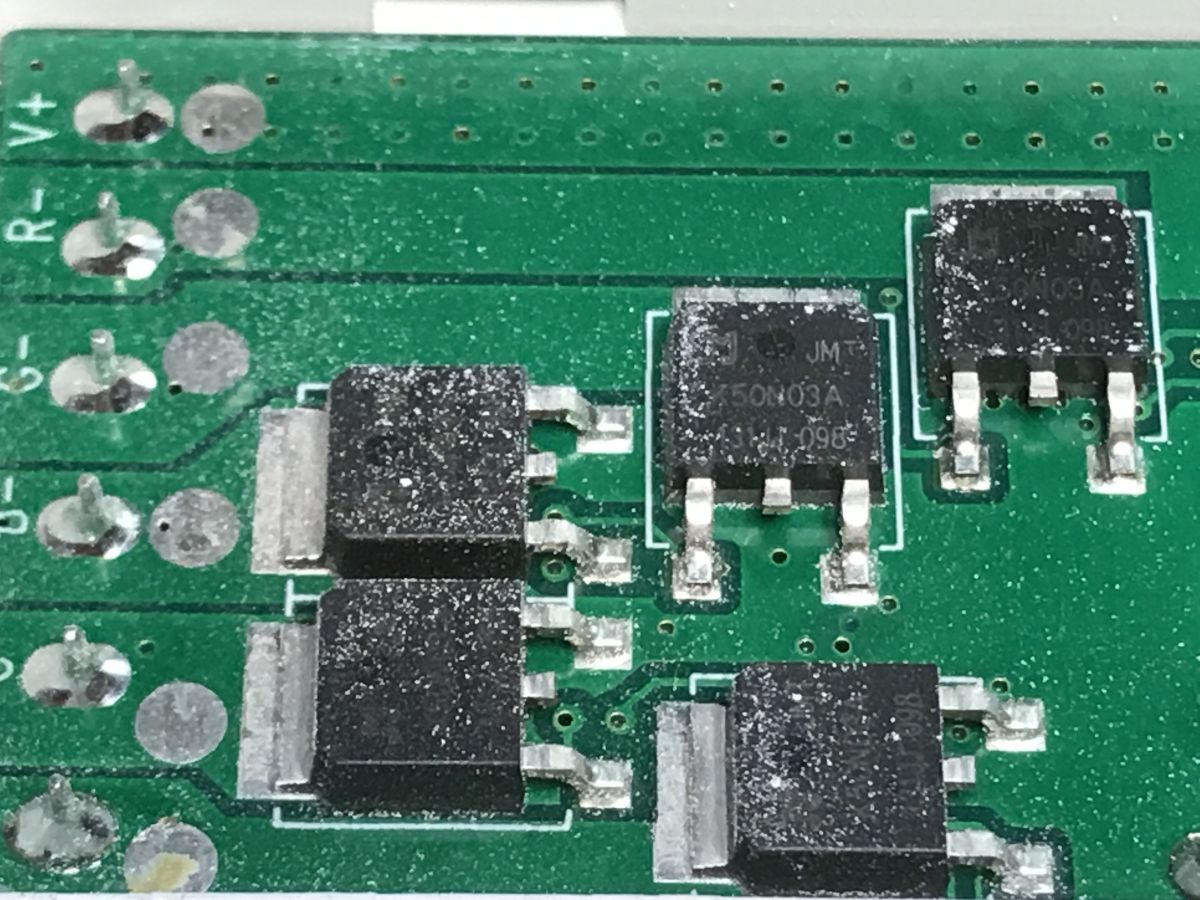
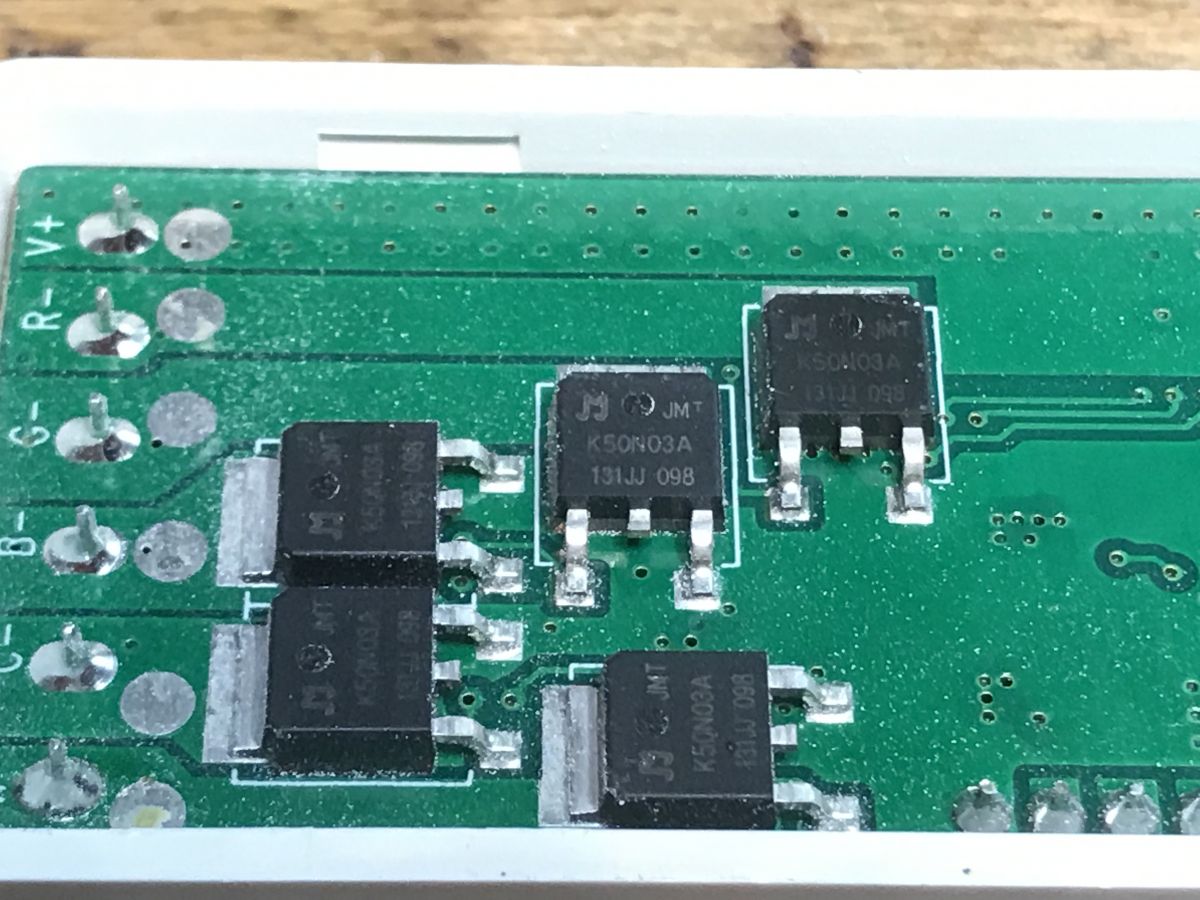
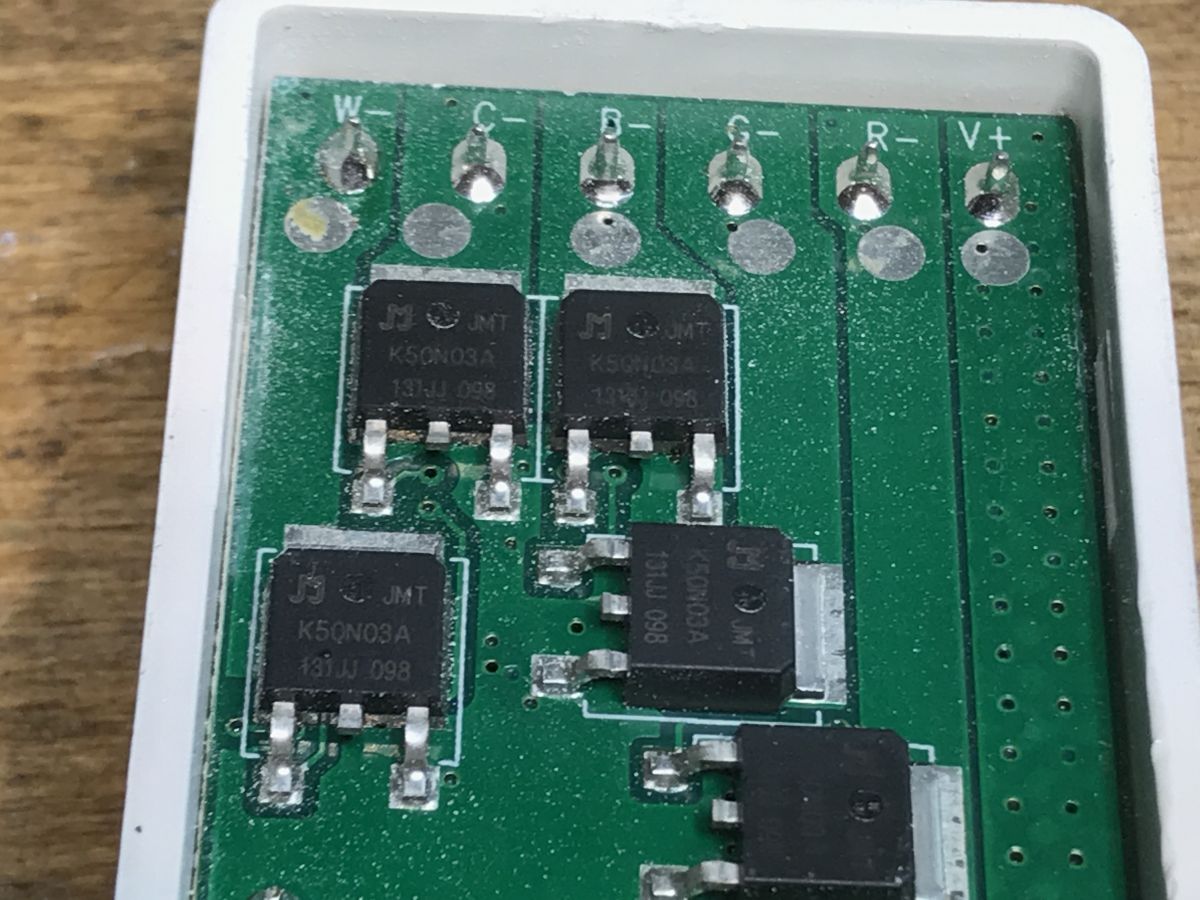
You can immediately see that the MOSFET transistors are more powerful than usual, but why are they so dusty?
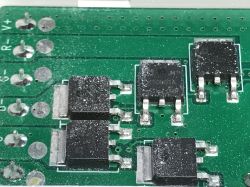
Slightly better:
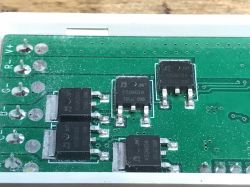
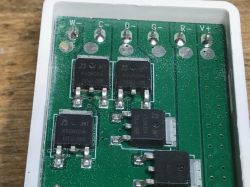
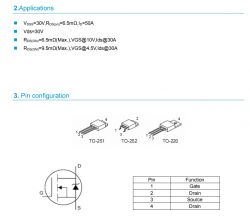
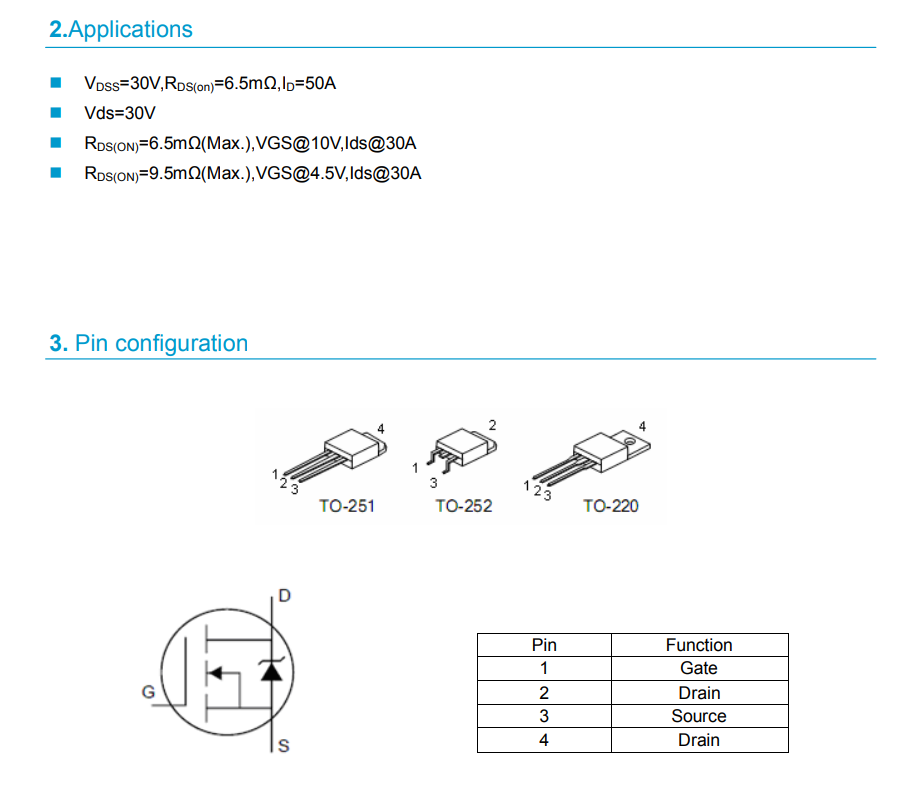
K50N03A, really good parameters:
We can now remove the PCB and look at the rest of the electronics:
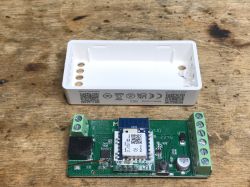
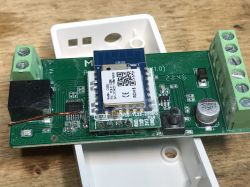
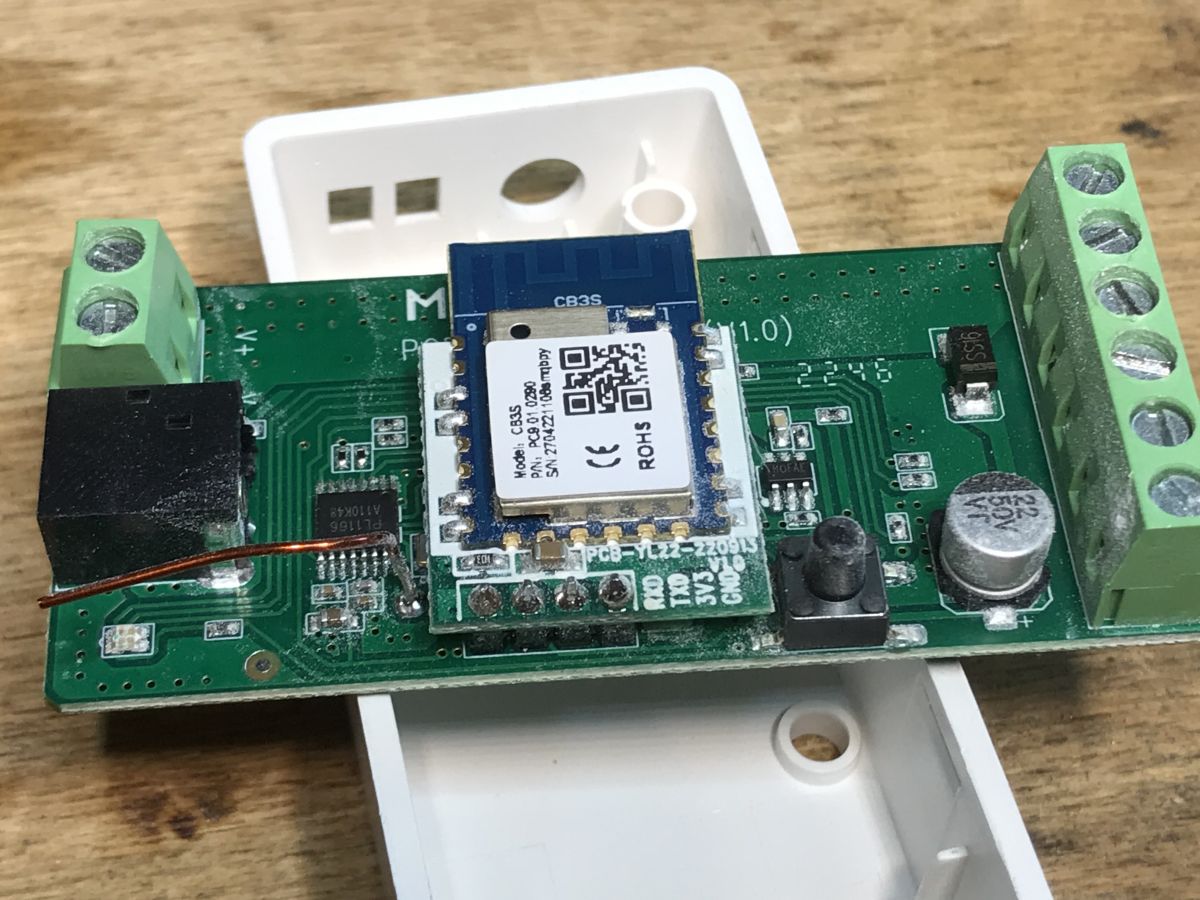
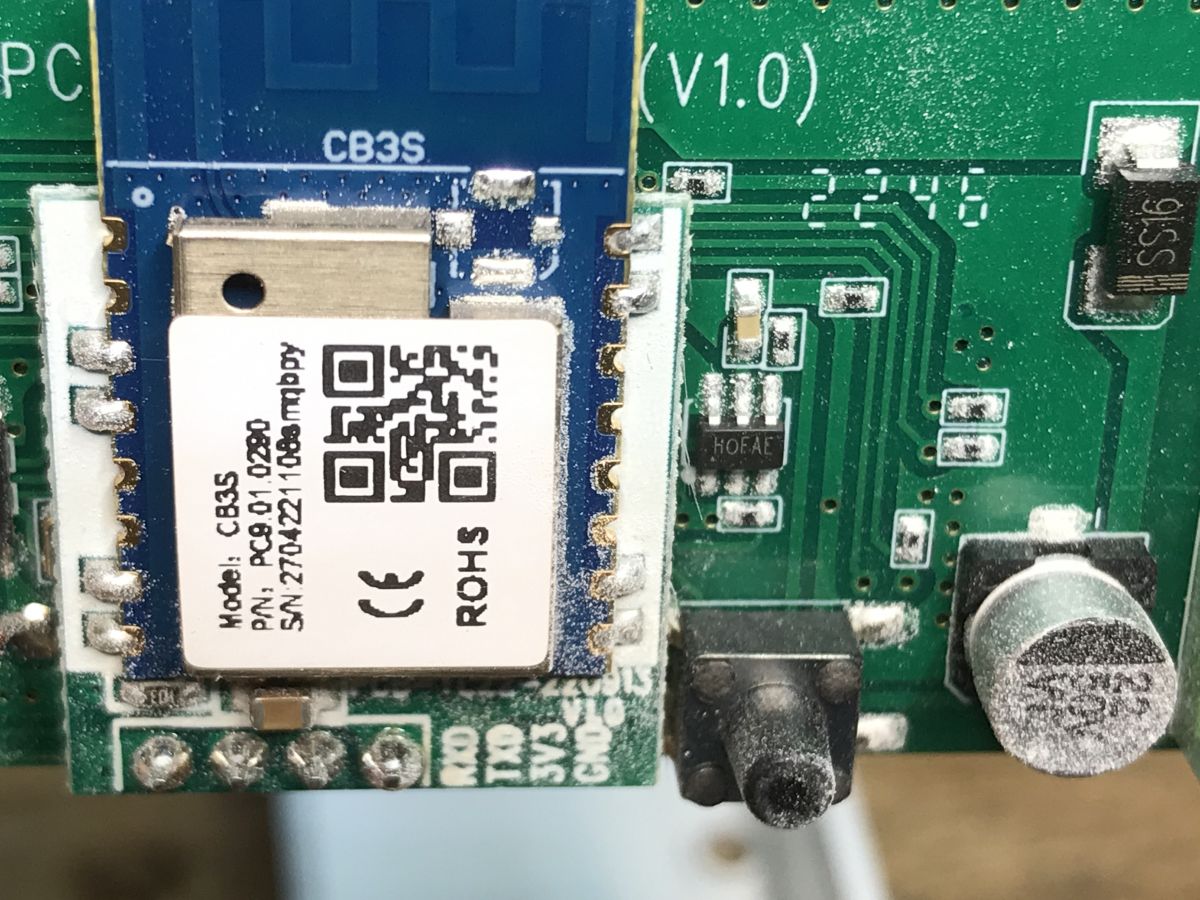
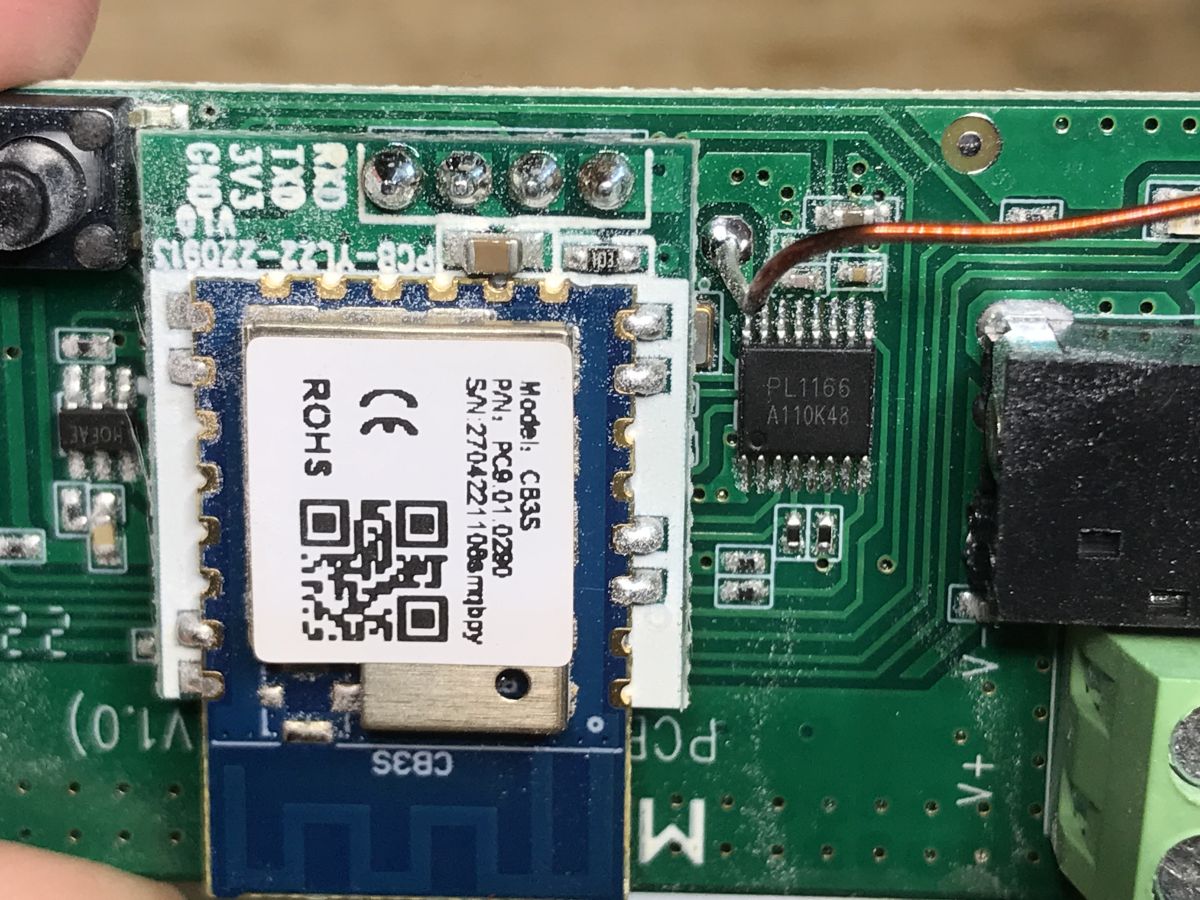
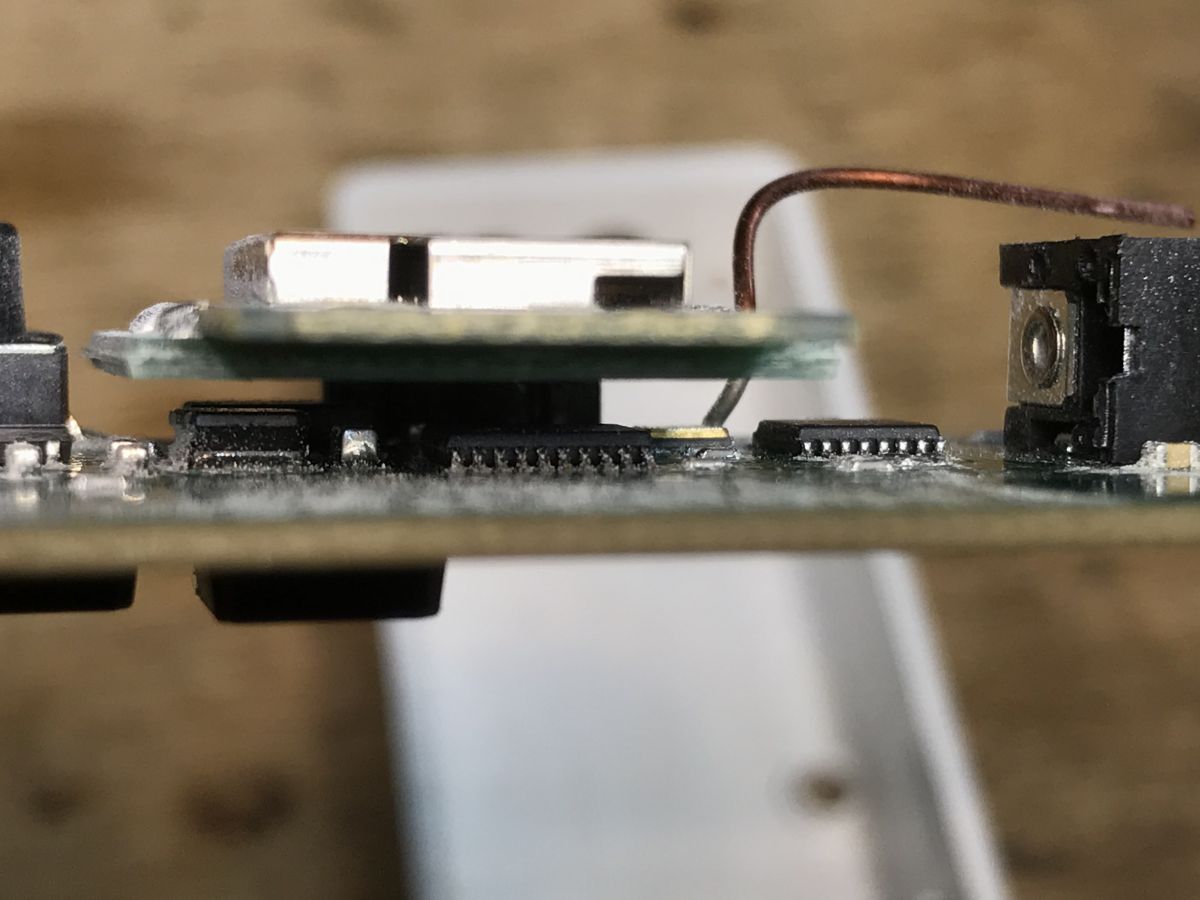
The WiFi module is WB3S, but it is on a separate board and connects to the base only with four goldpins. Here we have 3.3V, ground and TX and RX.
This is a typical example of a device based on TuyaMCU. Details in this topic:
class="notranslate">
TuyaMCU protocol - communication between the microcontroller and the WiFi module Here I see the step down controller, it probably generates 3.3V from 12V from the belt:
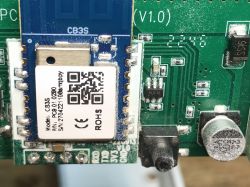
And here we have the PL1166 A110K48 RF system (the MCU is under the WiFi module):
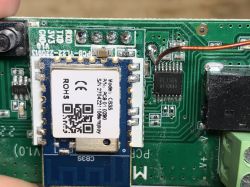
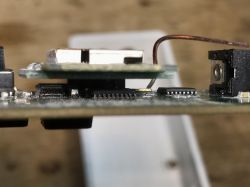
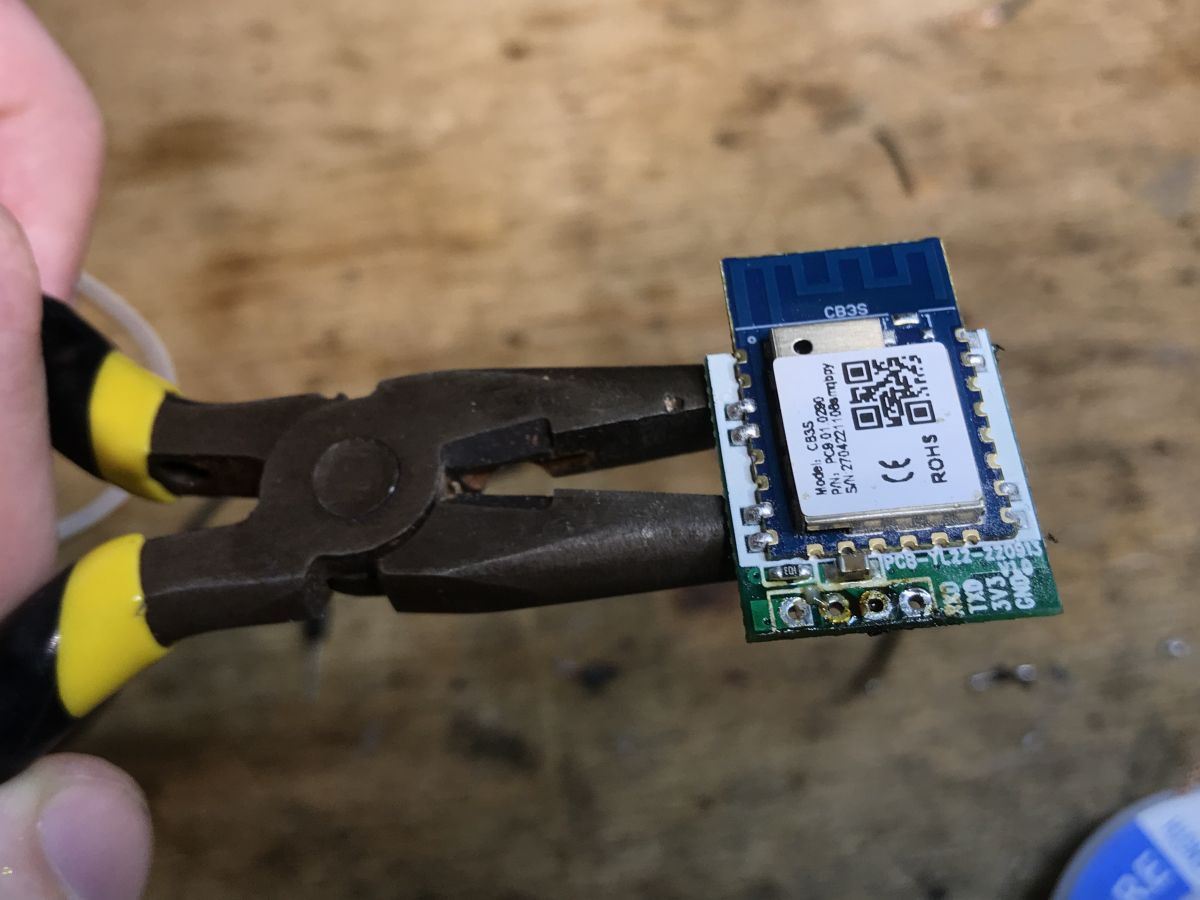
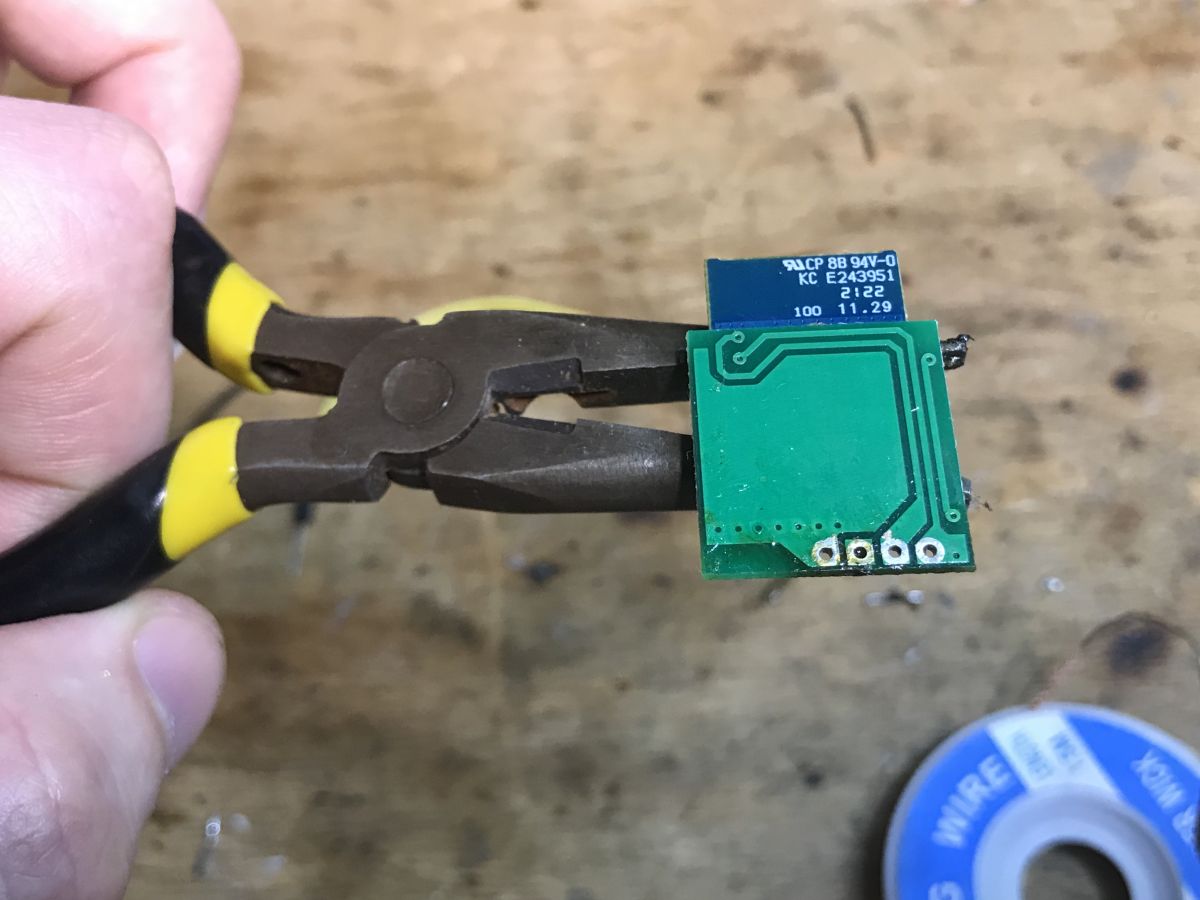
I desoldered the board with the WiFi module to see what the MCU is there:
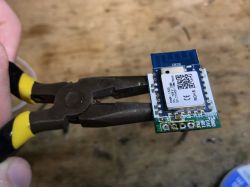
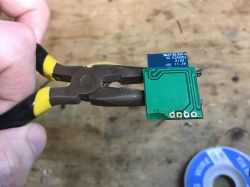
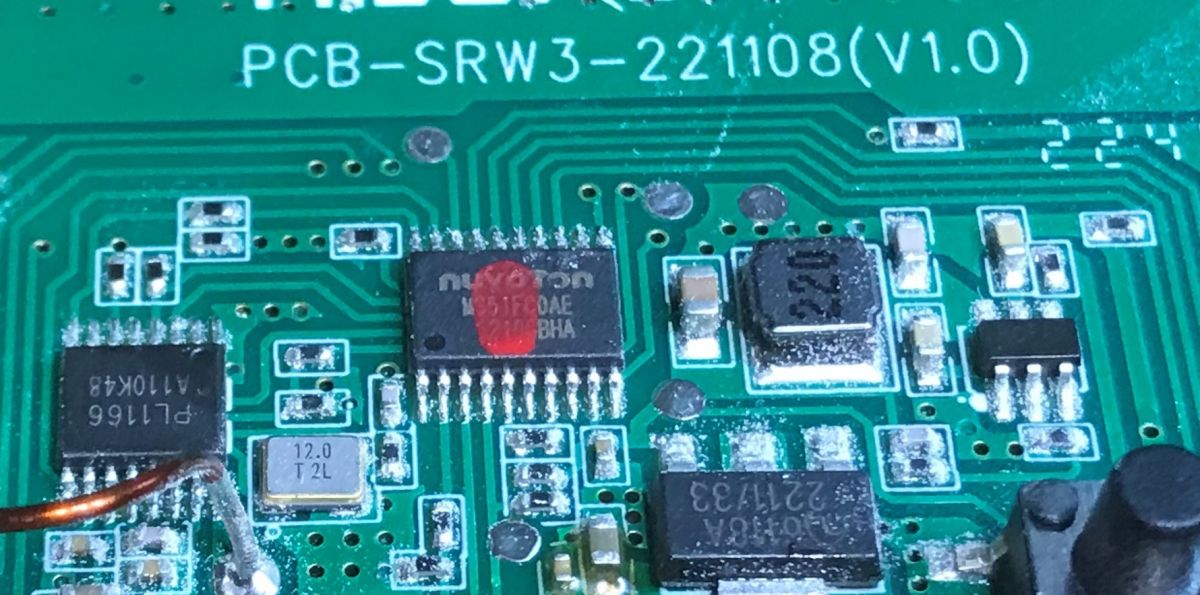
This is Nuvoton MS51FC0AE:
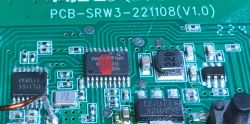
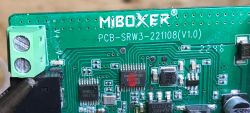
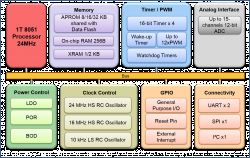
This MCU supports the RF system and transistors, and communicates with the WiFi module via UART.
Tests with the Tuya application, i.e. we listen to UART communication The already mentioned TuyaMCU protocol is based on UART and is used to send variable values in both directions, TuyaMCU variables have their own ID, the so-called dpID.
I described it in more detail in this topic:
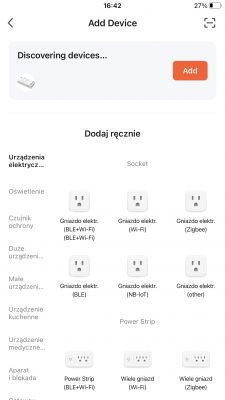
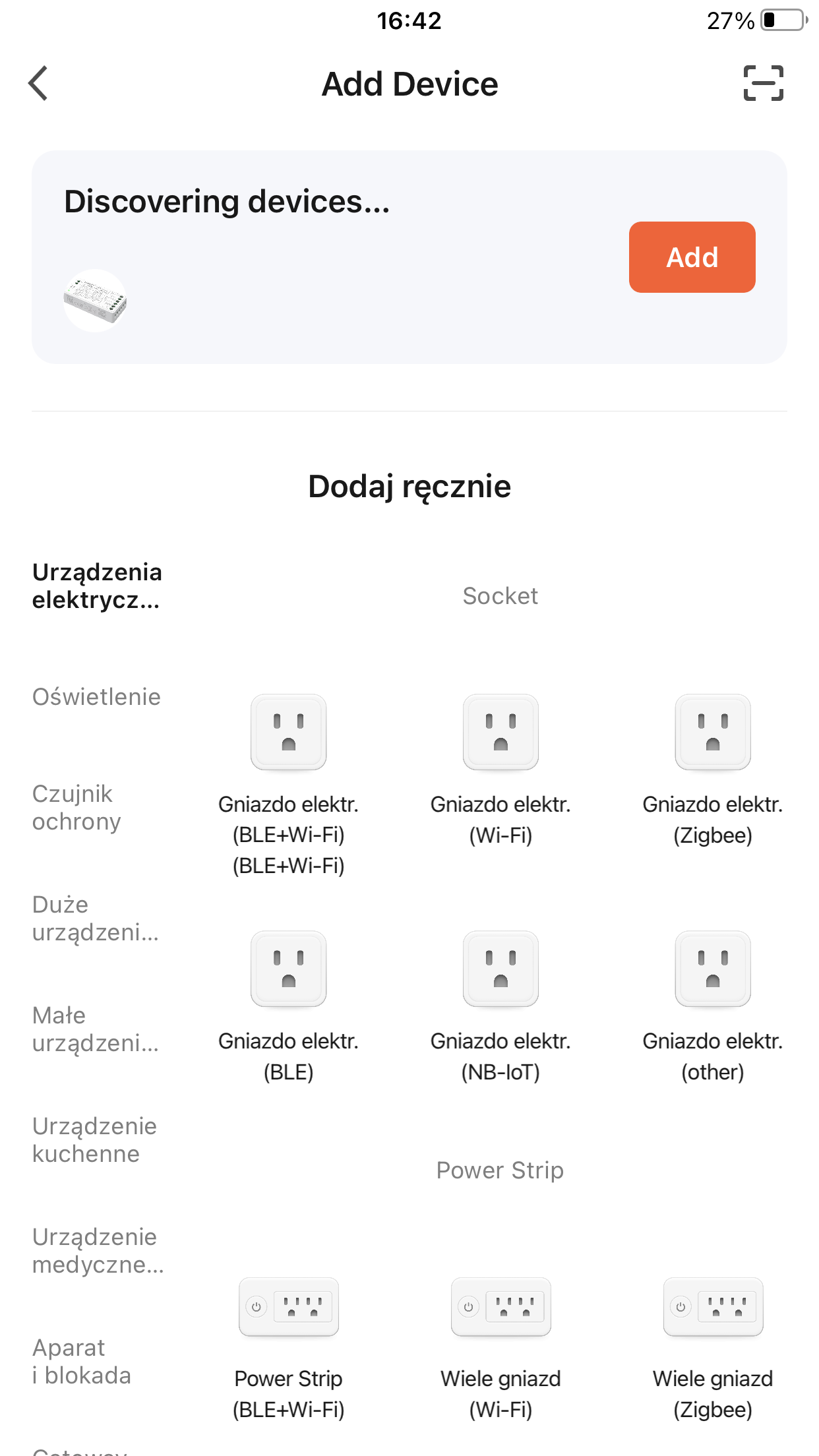
TuyaMCU analyzer - UART packet decoder for Tuya devices - dpID detector So, the Tuya app recognizes the device from a distance:
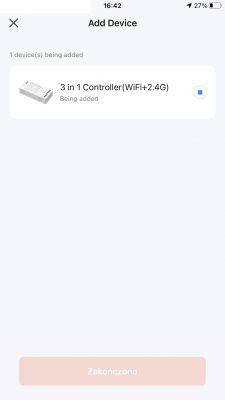
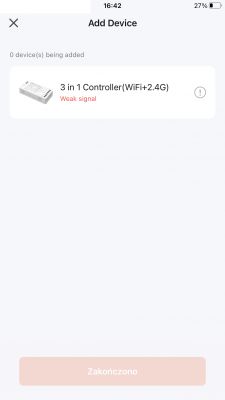
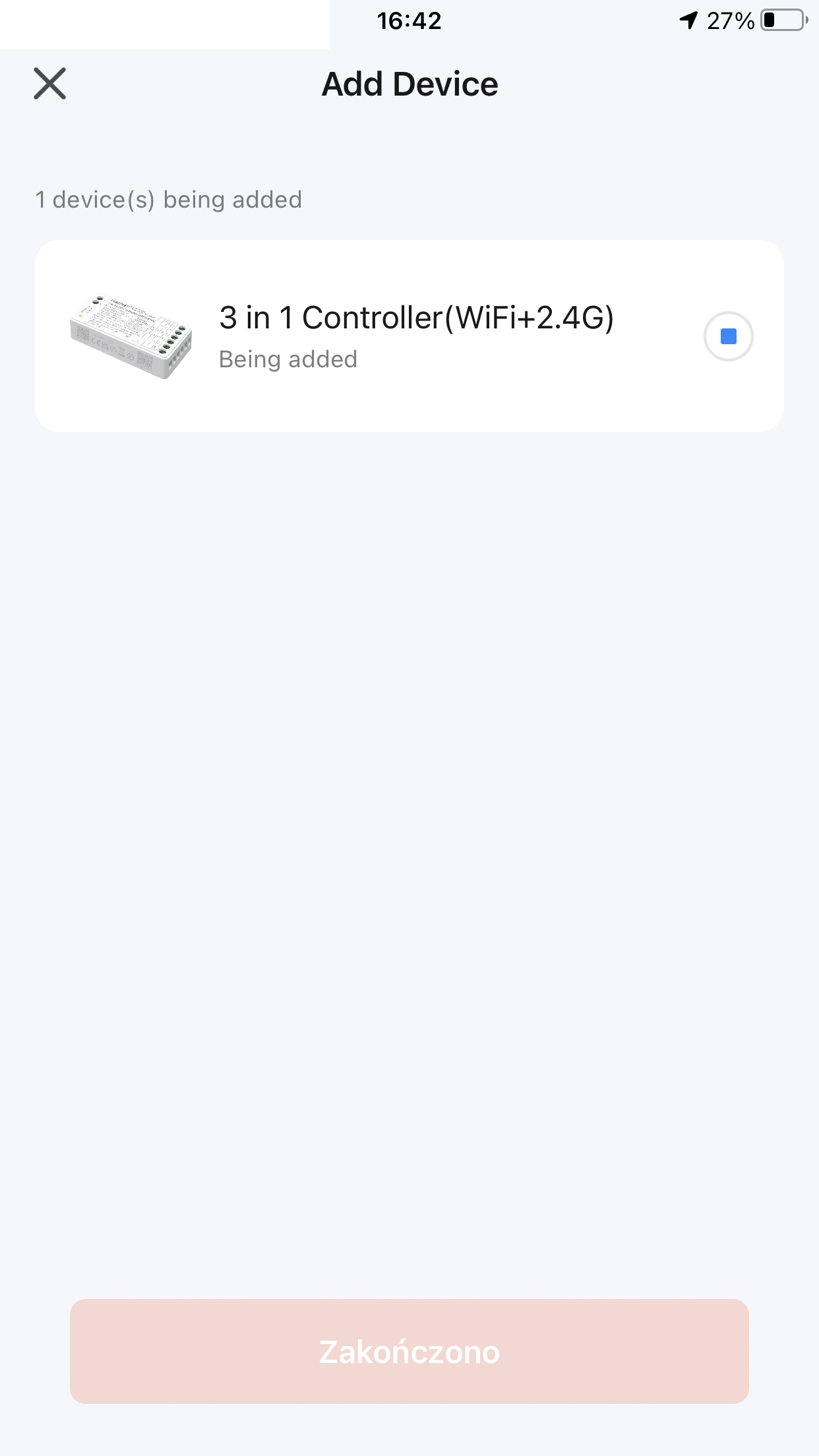
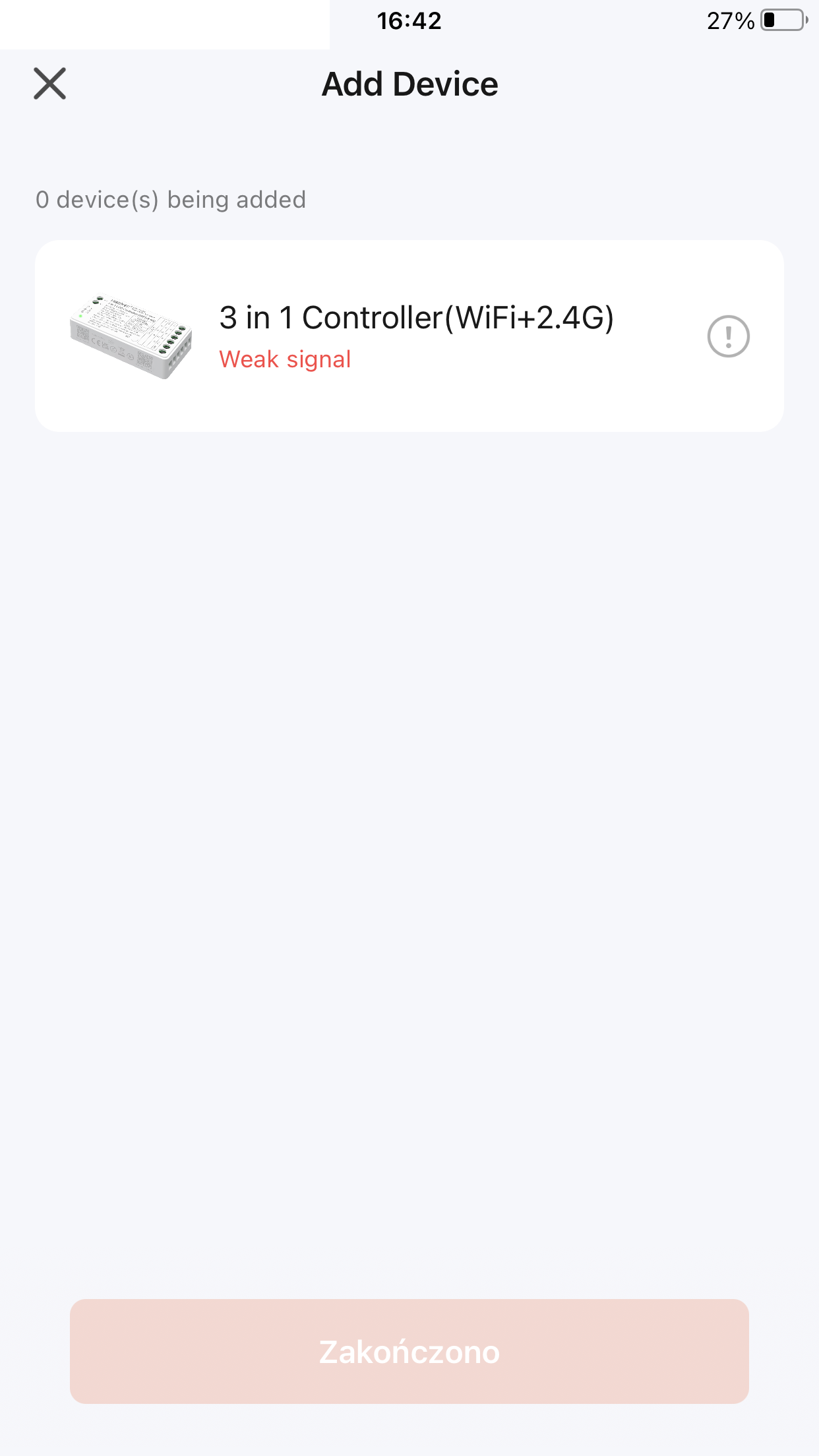
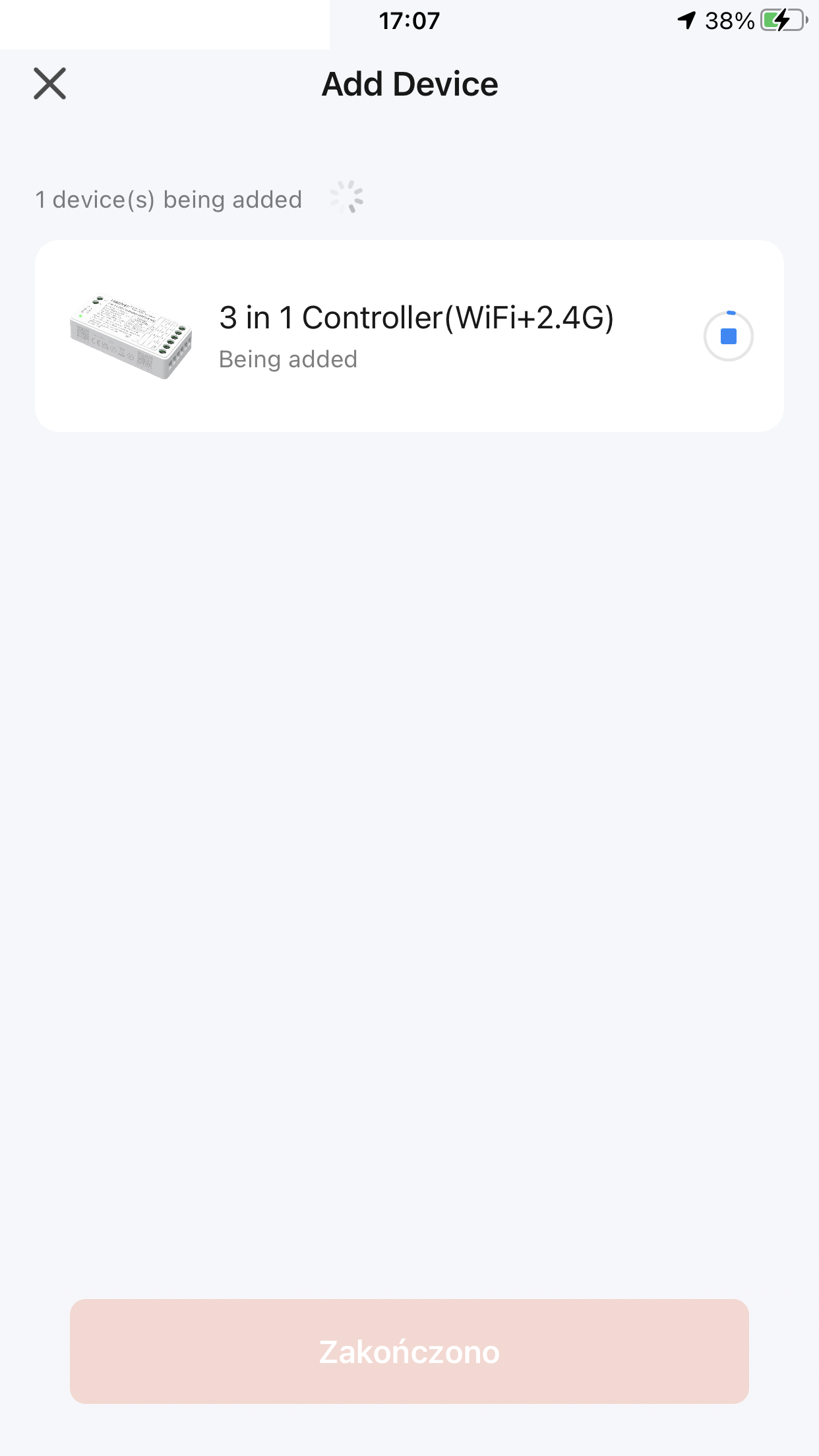
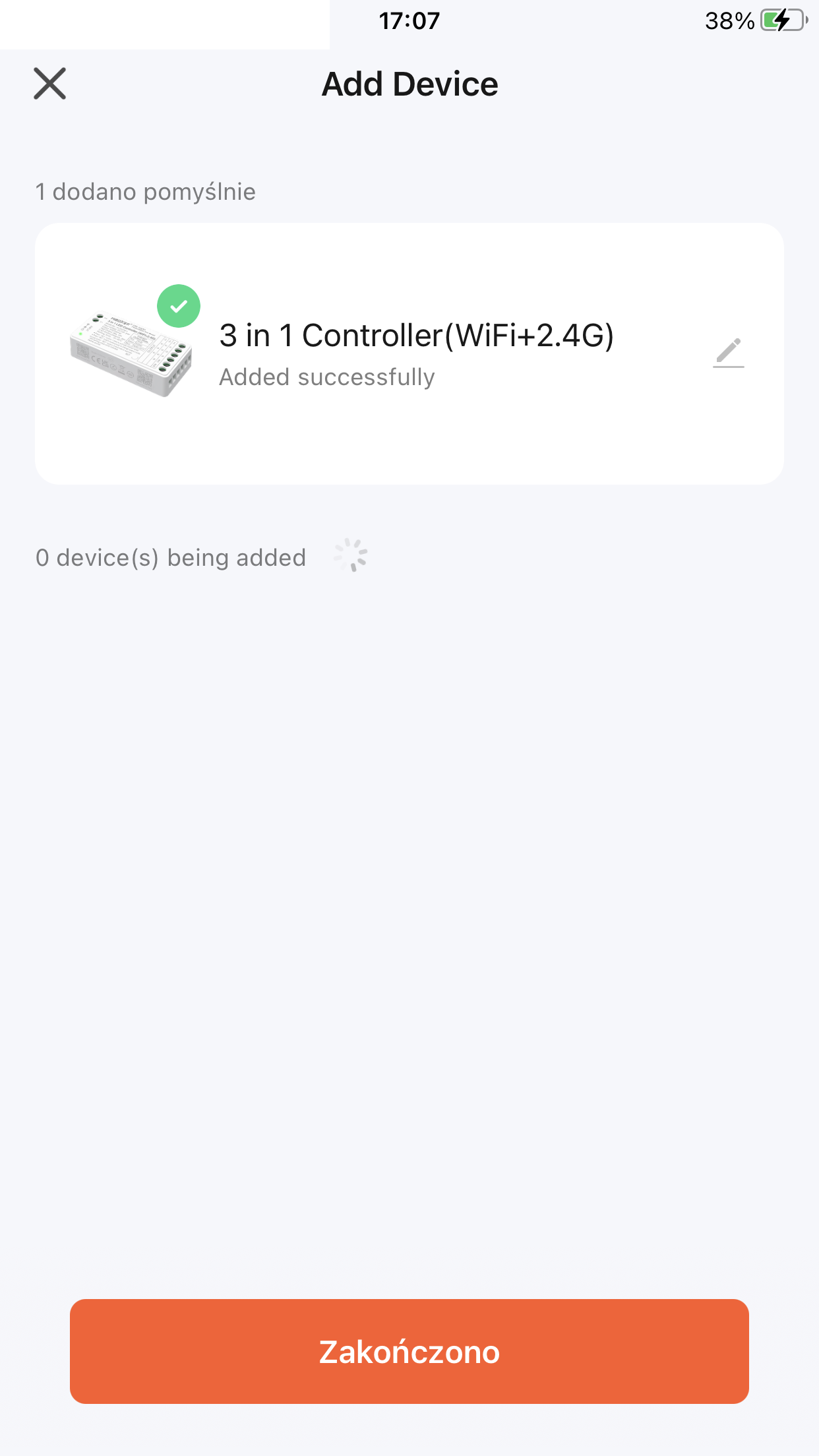
Despite one failure ("weak signal"), pairing is successful:
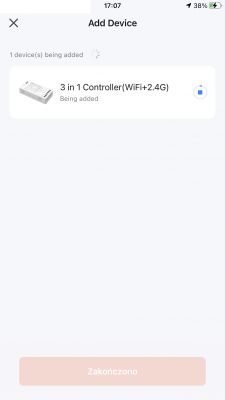
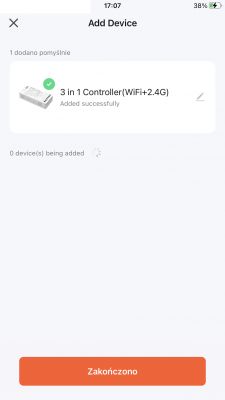
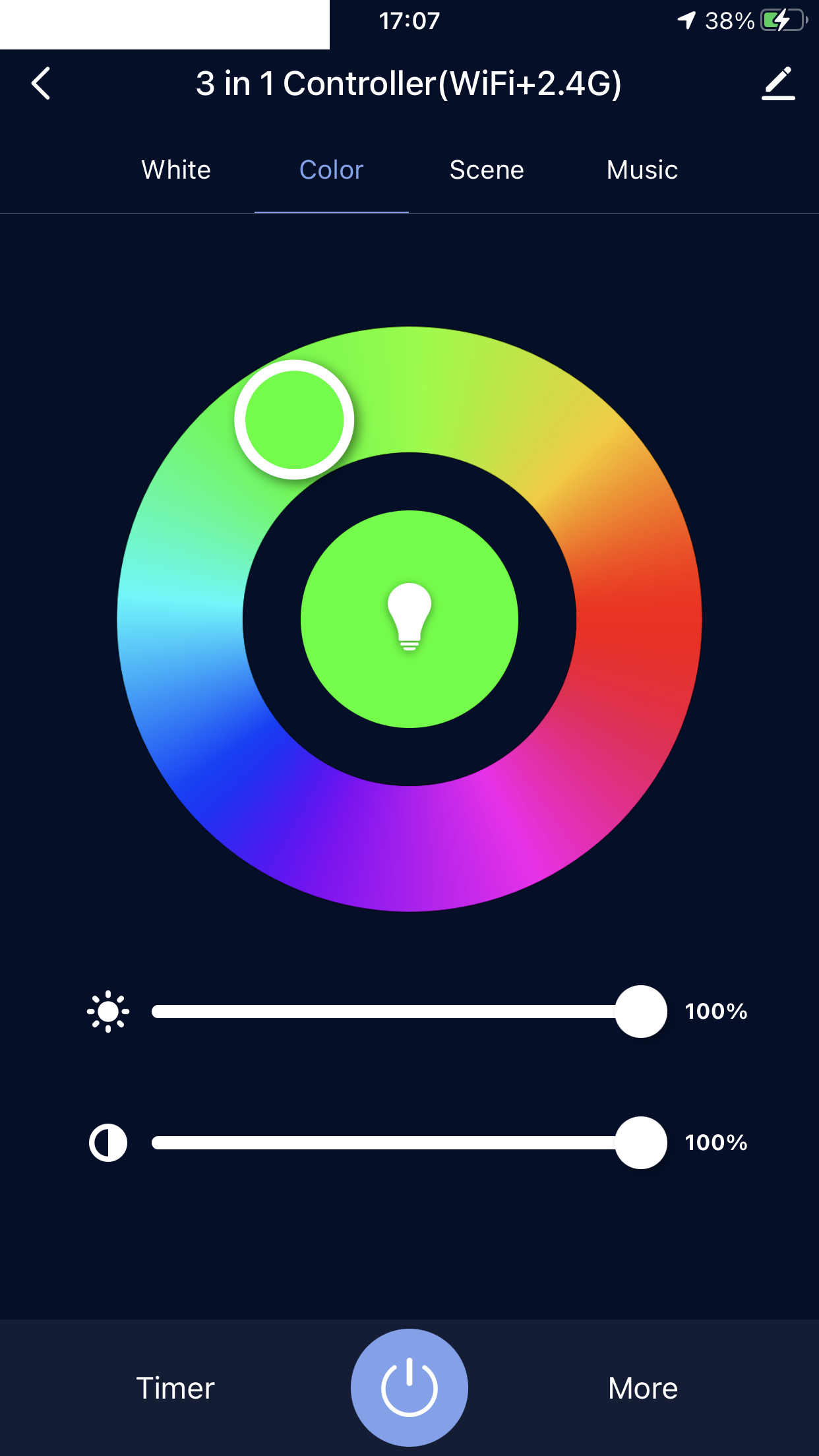
Inside we have a typical RGBCW controller:
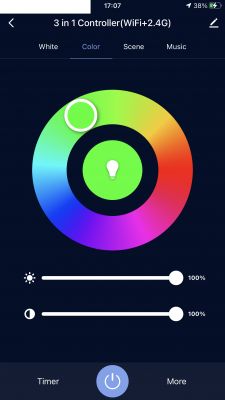
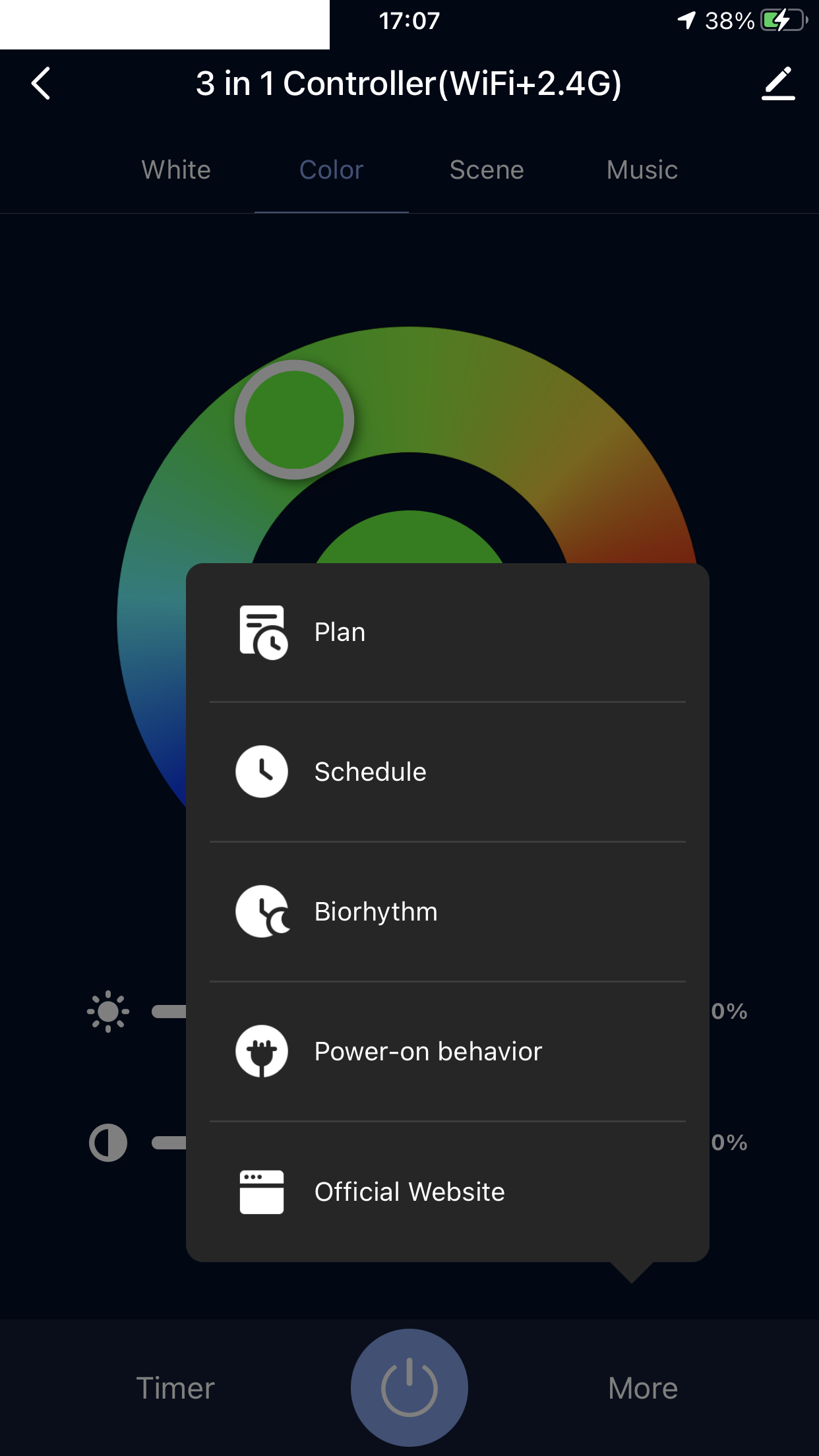
Of course, there are options here such as the initial state, calendar, etc., but I have discussed this before, so I will skip it.
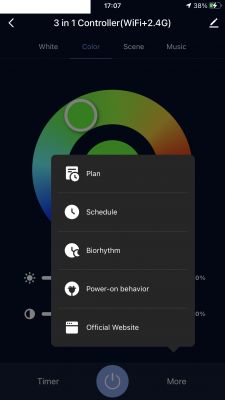
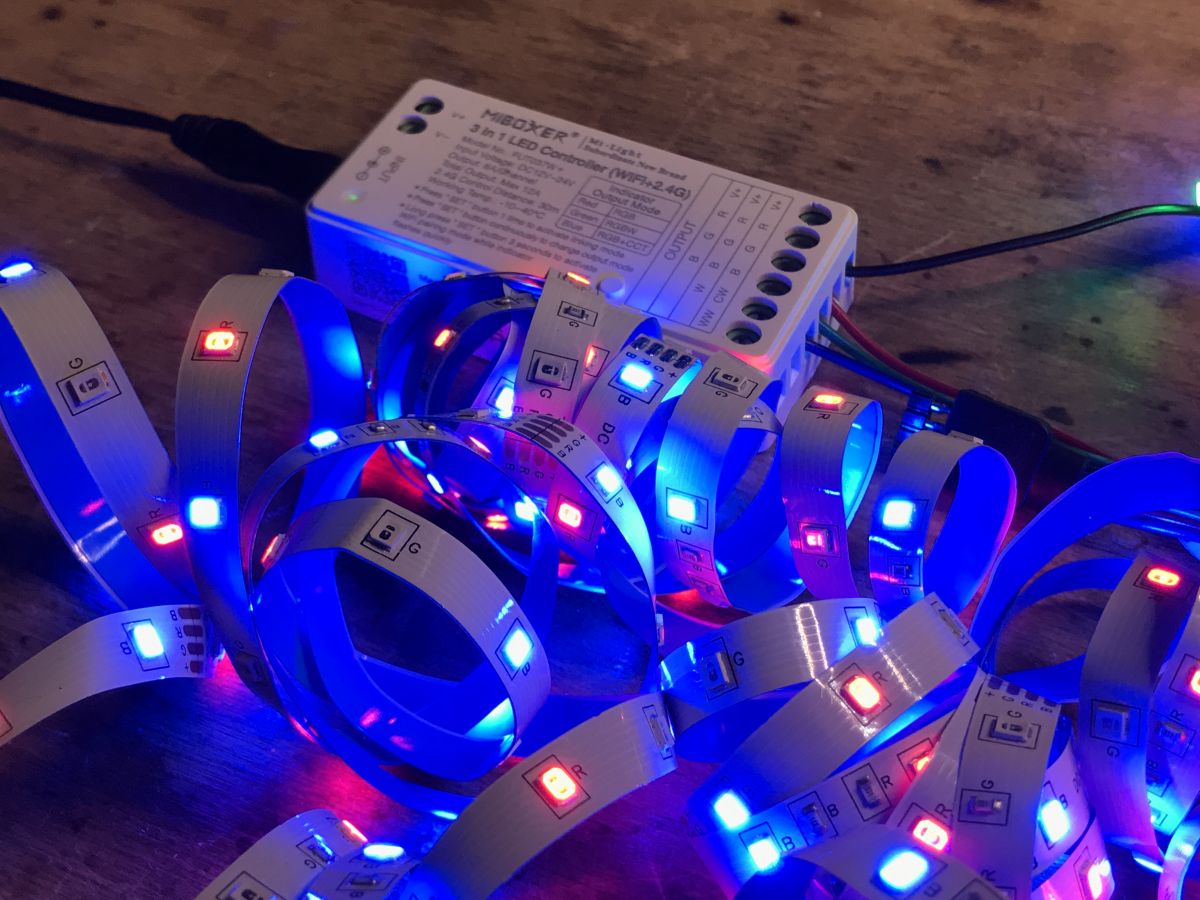
Everything works:
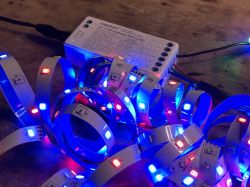
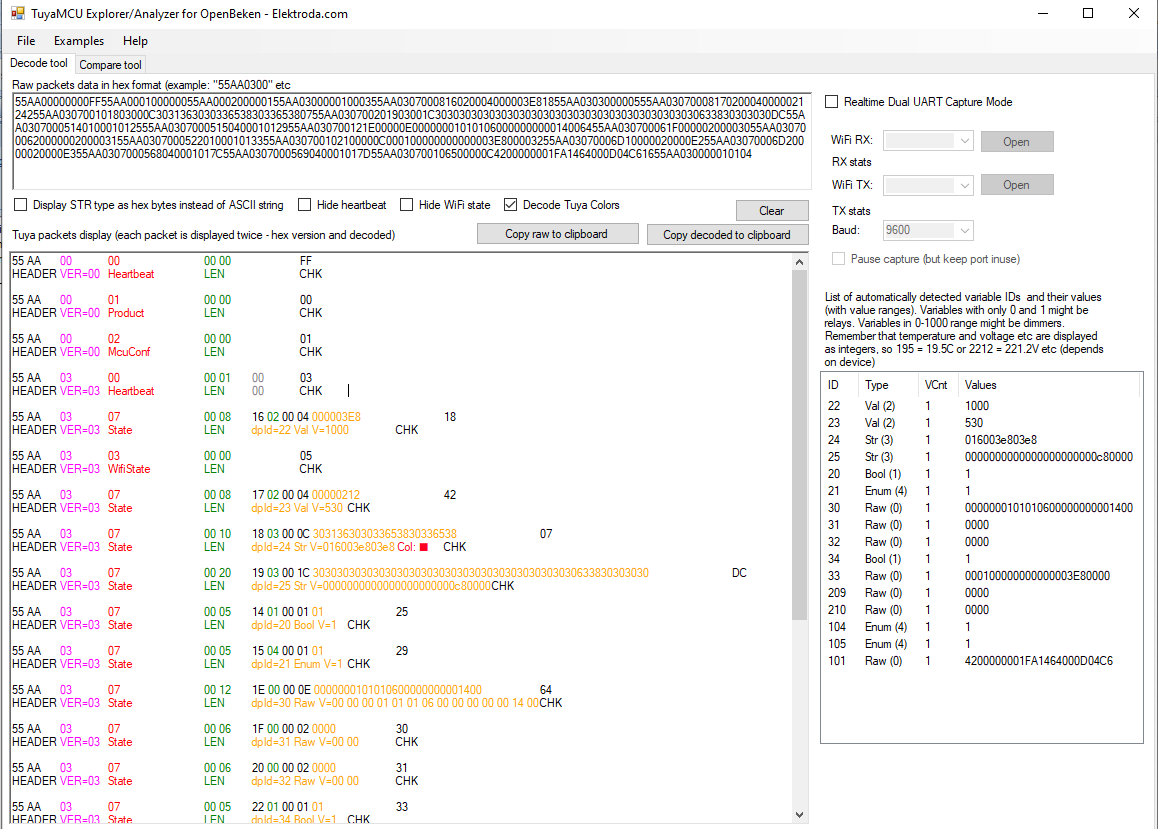
So, according to the linked topic about the TuyaMCU analyzer, I collected data and launched the analyzer:
https://github.com/openshwprojects/TuyaMCUAnalyzer First without pairing:
55AA00000000FF55AA000100000055AA000200000155AA03000001000355AA0307000816020004000003E81855AA030300000555AA0307000817020004000002124255AA030700101803000C3031363030336538303365380755AA030700201903001C30303030303030303030303030303030303030303030633830303030DC55AA0307000514010001012555AA0307000515040001012955AA030700121E00000E00000001010106000000000014006455AA030700061F00000200003055AA030700062000000200003155AA0307000522010001013355AA030700102100000C000100000000000003E800003255AA03070006D10000020000E255AA03070006D20000020000E355AA0307000568040001017C55AA0307000569040001017D55AA030700106500000C4200000001FA1464000D04C61655AA030000010104
Result:
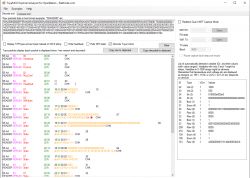 It is worth emphasizing that the TuyaMCU analyzer even decodes colors!
 And after pairing, in order, warm white setting:
55 AA 00 06 00 19 1C 03 00 15 31 30 30 30 30 30 30 30 30 30 30 30 30 30
33 65 38 30 30 30 30 83 55 AA 00 06 00 08 17 02 00 04 00 00 00 00 2A 55
AA 00 06 00 05 15 04 00 01 00 24

55 AA	00	06		00 19	1C030015313030303030303030303030303033653830303030	83
HEADER	VER=00	Unk		LEN	fnId=28 Str V=31 30 30 30 30 30 30 30 30 30 30 30 30 30 33 65 38 30 30 30 30	CHK

55 AA	00	06		00 08	1702000400000000	2A
HEADER	VER=00	Unk		LEN	fnId=23 Val V=0	CHK

55 AA	00	06		00 05	1504000100	24
HEADER	VER=00	Unk		LEN	fnId=21 Enum V=0	CHK
Cool white setting:
55 AA 00 06 00 19 1C 03 00 15 31 30 30 30 30 30 30 30 30 30 30 30 30 30
33 65 38 30 33 65 38 C3 55 AA 00 06 00 08 17 02 00 04 00 00 03 E8 15 55
AA 00 06 00 05 15 04 00 01 00 24 55 AA 00 00 00 00 FF

55 AA	00	06		00 19	1C030015313030303030303030303030303033653830336538	C3
HEADER	VER=00	Unk		LEN	fnId=28 Str V=31 30 30 30 30 30 30 30 30 30 30 30 30 30 33 65 38 30 33 65 38	CHK

55 AA	00	06		00 08	17020004000003E8	15
HEADER	VER=00	Unk		LEN	fnId=23 Val V=1000	CHK

55 AA	00	06		00 05	1504000100	24
HEADER	VER=00	Unk		LEN	fnId=21 Enum V=0	CHK

55 AA	00	00		00 00		FF
HEADER	VER=00	Heartbeat		LEN		CHK
White temperature setting 50%:
55 AA 00 06 00 19 1C 03 00 15 31 30 30 30 30 30 30 30 30 30 30 30 30 30
33 65 38 30 31 66 37 C1 55 AA 00 06 00 08 17 02 00 04 00 00 01 F7 22 55
AA 00 06 00 05 15 04 00 01 00 24

55 AA	00	06		00 19	1C030015313030303030303030303030303033653830316637	C1
HEADER	VER=00	Unk		LEN	fnId=28 Str V=31 30 30 30 30 30 30 30 30 30 30 30 30 30 33 65 38 30 31 66 37	CHK

55 AA	00	06		00 08	17020004000001F7	22
HEADER	VER=00	Unk		LEN	fnId=23 Val V=503	CHK

55 AA	00	06		00 05	1504000100	24
HEADER	VER=00	Unk		LEN	fnId=21 Enum V=0	CHK
White temperature setting 75% (cooler white):
55 AA 00 00 00 00 FF 55 AA 00 06 00 19 1C 03 00 15 31 30 30 30 30 30 30
30 30 30 30 30 30 30 33 65 38 30 33 31 37 8E 55 AA 00 06 00 08 17 02 00
04 00 00 03 17 44 55 AA 00 06 00 05 15 04 00 01 00 24

55 AA	00	00		00 00		FF
HEADER	VER=00	Heartbeat		LEN		CHK

55 AA	00	06		00 19	1C030015313030303030303030303030303033653830333137	8E
HEADER	VER=00	Unk		LEN	fnId=28 Str V=31 30 30 30 30 30 30 30 30 30 30 30 30 30 33 65 38 30 33 31 37	CHK

55 AA	00	06		00 08	1702000400000317	44
HEADER	VER=00	Unk		LEN	fnId=23 Val V=791	CHK

55 AA	00	06		00 05	1504000100	24
HEADER	VER=00	Unk		LEN	fnId=21 Enum V=0	CHK
Green color setting:
55 AA 00 06 00 19 1C 03 00 15 31 30 30 36 66 30 33 65 38 30 33 65 38 30
30 30 30 30 30 30 30 FF 55 AA 00 06 00 05 15 04 00 01 01 25 55 AA 00 06
00 10 18 03 00 0C 30 30 36 62 30 33 65 38 30 33 65 38 34 55 AA 00 00 00
00 FF

55 AA	00	06		00 19	1C030015313030366630336538303365383030303030303030	FF
HEADER	VER=00	Unk		LEN	fnId=28 Str V=31 30 30 36 66 30 33 65 38 30 33 65 38 30 30 30 30 30 30 30 30	CHK

55 AA	00	06		00 05	1504000101	25
HEADER	VER=00	Unk		LEN	fnId=21 Enum V=1	CHK

55 AA	00	06		00 10	1803000C303036623033653830336538	34
HEADER	VER=00	Unk		LEN	fnId=24 Str V=30 30 36 62 30 33 65 38 30 33 65 38	CHK

55 AA	00	00		00 00		FF
HEADER	VER=00	Heartbeat		LEN		CHK
Code Red Setting:
55 AA 00 06 00 19 1C 03 00 15 31 30 31 36 31 30 33 65 38 30 33 65 38 30
30 30 30 30 30 30 30 CB 55 AA 00 06 00 05 15 04 00 01 01 25 55 AA 00 06
00 10 18 03 00 0C 30 31 36 31 30 33 65 38 30 33 65 38 04

55 AA	00	06		00 19	1C030015313031363130336538303365383030303030303030	CB
HEADER	VER=00	Unk		LEN	fnId=28 Str V=31 30 31 36 31 30 33 65 38 30 33 65 38 30 30 30 30 30 30 30 30	CHK

55 AA	00	06		00 05	1504000101	25
HEADER	VER=00	Unk		LEN	fnId=21 Enum V=1	CHK

55 AA	00	06		00 10	1803000C303136313033653830336538	04
HEADER	VER=00	Unk		LEN	fnId=24 Str V=30 31 36 31 30 33 65 38 30 33 65 38	CHK
Blue color setting:
Setting blue:

55 AA 00 06 00 19 1C 03 00 15 31 30 30 65 31 30 33 65 38 30 33 65 38 30
30 30 30 30 30 30 30 F9 55 AA 00 06 00 05 15 04 00 01 01 25 55 AA 00 06
00 10 18 03 00 0C 30 30 65 31 30 33 65 38 30 33 65 38 32 55 AA 00 00 00
00 FF

55 AA	00	06		00 19	1C030015313030653130336538303365383030303030303030	F9
HEADER	VER=00	Unk		LEN	fnId=28 Str V=31 30 30 65 31 30 33 65 38 30 33 65 38 30 30 30 30 30 30 30 30	CHK

55 AA	00	06		00 05	1504000101	25
HEADER	VER=00	Unk		LEN	fnId=21 Enum V=1	CHK

55 AA	00	06		00 10	1803000C303065313033653830336538	32
HEADER	VER=00	Unk		LEN	fnId=24 Str V=30 30 65 31 30 33 65 38 30 33 65 38	CHK

55 AA	00	00		00 00		FF
HEADER	VER=00	Heartbeat		LEN		CHK
Disabling toggle:
55 AA 00 06 00 05 14 01 00 01 00 20 55 AA 00 00 00 00 FF

55 AA	00	06		00 05	1401000100	20
HEADER	VER=00	SetDP		LEN	dpId=20 Bool V=0		CHK

55 AA	00	00		00 00		FF
HEADER	VER=00	Heartbeat		LEN		CHK
Toggle on:
55 AA	00	06		00 05	1401000101	21
HEADER	VER=00	SetDP		LEN	dpId=20 Bool V=1		CHK
Dimmer at 46%:
55 AA 00 06 00 19 1C 03 00 15 31 30 30 65 31 30 33 65 38 30 31 64 30 30
30 30 30 30 30 30 30 EE 55 AA 00 06 00 05 15 04 00 01 01 25 55 AA 00 06
00 10 18 03 00 0C 30 30 65 31 30 33 65 38 30 31 64 30 27

55 AA	00	06		00 19	1C030015313030653130336538303164303030303030303030	EE
HEADER	VER=00	Unk		LEN	fnId=28 Str V=31 30 30 65 31 30 33 65 38 30 31 64 30 30 30 30 30 30 30 30 30	CHK

55 AA	00	06		00 05	1504000101	25
HEADER	VER=00	Unk		LEN	fnId=21 Enum V=1	CHK

55 AA	00	06		00 10	1803000C303065313033653830316430	27
HEADER	VER=00	Unk		LEN	fnId=24 Str V=30 30 65 31 30 33 65 38 30 31 64 30	CHK
Dimmer at 12%:
55 AA 00 06 00 19 1C 03 00 15 31 30 30 65 31 30 33 65 38 30 30 37 39 30
30 30 30 30 30 30 30 C9 55 AA 00 06 00 05 15 04 00 01 01 25 55 AA 00 06
00 10 18 03 00 0C 30 30 65 31 30 33 65 38 30 30 37 39 02 55 AA 00 00 00
00 FF

55 AA	00	06		00 19	1C030015313030653130336538303037393030303030303030	C9
HEADER	VER=00	Unk		LEN	fnId=28 Str V=31 30 30 65 31 30 33 65 38 30 30 37 39 30 30 30 30 30 30 30 30	CHK

55 AA	00	06		00 05	1504000101	25
HEADER	VER=00	Unk		LEN	fnId=21 Enum V=1	CHK

55 AA	00	06		00 10	1803000C303065313033653830303739	02
HEADER	VER=00	Unk		LEN	fnId=24 Str V=30 30 65 31 30 33 65 38 30 30 37 39	CHK

55 AA	00	00		00 00		FF
HEADER	VER=00	Heartbeat		LEN		CHK
Dimmer at 100%:
55 AA	00	06		00 19	1C030015313030653130336538303365383030303030303030	F9
HEADER	VER=00	SetDP		LEN	dpId=28 Str V=100e103e803e800000000		CHK

55 AA	00	06		00 05	1504000101	25
HEADER	VER=00	SetDP		LEN	dpId=21 Enum V=1		CHK

55 AA	00	06		00 10	1803000C303065313033653830336538	32
HEADER	VER=00	SetDP		LEN	dpId=24 Str V=00e103e803e8 Col: ■		CHK
5 hour timer:
55 AA 00 06 00 08 1A 02 00 04 00 00 46 50 C3

55 AA	00	06		00 08	1A02000400004650	C3
HEADER	VER=00	SetDP		LEN	dpId=26 Val V=18000		CHK
Timer for 1 hour and 16 minutes:
55 AA 00 00 00 00 FF 55 AA 00 06 00 08 1A 02 00 04 00 00 11 D0 0E

55 AA	00	00		00 00		FF
HEADER	VER=00	Heartbeat		LEN		CHK

55 AA	00	06		00 08	1A020004000011D0	0E
HEADER	VER=00	SetDP		LEN	dpId=26 Val V=4560		CHK
Power On->Initial mode option:
55 AA 00 06 00 10 21 00 00 0C 00 00 00 00 00 00 00 00 03 E8 00 00 2D 55

55 AA	00	06		00 10	2100000C000000000000000003E80000	2D
HEADER	VER=00	SetDP		LEN	dpId=33 Raw V=00 00 00 00 00 00 00 00 03 E8 00 00		CHK
Power On->Restory Memory option:
55 AA 00 00 00 00 FF 55 AA 00 06 00 10 21 00 00 0C 00 01 00 00 00 00 00
00 03 E8 00 00 2E 55 AA 00 00 00 00 FF

55 AA	00	00		00 00		FF
HEADER	VER=00	Heartbeat		LEN		CHK

55 AA	00	06		00 10	2100000C000100000000000003E80000	2E
HEADER	VER=00	SetDP		LEN	dpId=33 Raw V=00 01 00 00 00 00 00 00 03 E8 00 00		CHK

55 AA	00	00		00 00		FF
HEADER	VER=00	Heartbeat		LEN		CHK
Scrolling colors, in order: green, yellow, red, pink, blue:
E0 E0 E0 E0 E0 00 E0 E0 E0 00 00 00 00 E0 55 AA 00 06 00 19 1C 03 00 15
31 30 30 36 33 30 33 65 38 30 33 65 38 30 30 30 30 30 30 30 30 CC 55 AA
00 06 00 05 15 04 00 01 01 25 55 AA 00 06 00 10 18 03 00 0C 30 30 36 33
30 33 65 38 30 33 65 38 05 55 AA 00 06 00 19 1C 03 00 15 31 30 30 34 36
30 33 65 38 30 33 65 38 30 30 30 30 30 30 30 30 CD 55 AA 00 06 00 05 15
04 00 01 01 25 55 AA 00 06 00 10 18 03 00 0C 30 30 34 36 30 33 65 38 30
33 65 38 06 55 AA 00 06 00 19 1C 03 00 15 31 30 30 32 62 30 33 65 38 30
33 65 38 30 30 30 30 30 30 30 30 F7 55 AA 00 06 00 05 15 04 00 01 01 25
55 AA 00 06 00 10 18 03 00 0C 30 30 32 62 30 33 65 38 30 33 65 38 30 55
AA 00 06 00 19 1C 03 00 15 31 30 30 30 62 30 33 65 38 30 33 65 38 30 30
30 30 30 30 30 30 F5 55 AA 00 06 00 05 15 04 00 01 01 25 55 AA 00 06 00
10 18 03 00 0C 30 30 30 62 30 33 65 38 30 33 65 38 2E 55 AA 00 06 00 19
1C 03 00 15 31 30 31 35 64 30 33 65 38 30 33 65 38 30 30 30 30 30 30 30
30 FD 55 AA 00 06 00 05 15 04 00 01 01 25 55 AA 00 06 00 10 18 03 00 0C
30 31 35 64 30 33 65 38 30 33 65 38 36 55 AA 00 06 00 19 1C 03 00 15 31
30 31 33 37 30 33 65 38 30 33 65 38 30 30 30 30 30 30 30 30 CE 55 AA 00
06 00 05 15 04 00 01 01 25 55 AA 00 06 00 10 18 03 00 0C 30 31 33 37 30
33 65 38 30 33 65 38 07 55 AA 00 06 00 19 1C 03 00 15 31 30 31 32 32 30
33 65 38 30 33 65 38 30 30 30 30 30 30 30 30 C8 55 AA 00 06 00 05 15 04
00 01 01 25 55 AA 00 06 00 10 18 03 00 0C 30 31 32 32 30 33 65 38 30 33
65 38 01 55 AA 00 06 00 19 1C 03 00 15 31 30 31 30 34 30 33 65 38 30 33
65 38 30 30 30 30 30 30 30 30 C8 55 AA 00 06 00 05 15 04 00 01 01 25 55
AA 00 06 00 10 18 03 00 0C 30 31 30 34 30 33 65 38 30 33 65 38 01 55 AA
00 06 00 19 1C 03 00 15 31 30 30 65 62 30 33 65 38 30 33 65 38 30 30 30
30 30 30 30 30 2A 55 AA 00 06 00 05 15 04 00 01 01 25 55 AA 00 06 00 10
18 03 00 0C 30 30 65 62 30 33 65 38 30 33 65 38 63 55 AA 00 06 00 19 1C
03 00 15 31 30 30 64 30 30 33 65 38 30 33 65 38 30 30 30 30 30 30 30 30
F7 55 AA 00 06 00 05 15 04 00 01 01 25 55 AA 00 06 00 10 18 03 00 0C 30
30 64 30 30 33 65 38 30 33 65 38 30 55 AA 00 06 00 19 1C 03 00 15 31 30
30 62 31 30 33 65 38 30 33 65 38 30 30 30 30 30 30 30 30 F6 55 AA 00 06
00 05 15 04 00 01 01 25 55 AA 00 06 00 10 18 03 00 0C 30 30 62 31 30 33
65 38 30 33 65 38 2F


55 AA	00	06		00 19	1C030015313030363330336538303365383030303030303030	CC
HEADER	VER=00	SetDP		LEN	dpId=28 Str V=1006303e803e800000000		CHK

55 AA	00	06		00 05	1504000101	25
HEADER	VER=00	SetDP		LEN	dpId=21 Enum V=1		CHK

55 AA	00	06		00 10	1803000C303036333033653830336538	05
HEADER	VER=00	SetDP		LEN	dpId=24 Str V=006303e803e8 Col: ■		CHK

55 AA	00	06		00 19	1C030015313030343630336538303365383030303030303030	CD
HEADER	VER=00	SetDP		LEN	dpId=28 Str V=1004603e803e800000000		CHK

55 AA	00	06		00 05	1504000101	25
HEADER	VER=00	SetDP		LEN	dpId=21 Enum V=1		CHK

55 AA	00	06		00 10	1803000C303034363033653830336538	06
HEADER	VER=00	SetDP		LEN	dpId=24 Str V=004603e803e8 Col: ■		CHK

55 AA	00	06		00 19	1C030015313030326230336538303365383030303030303030	F7
HEADER	VER=00	SetDP		LEN	dpId=28 Str V=1002b03e803e800000000		CHK

55 AA	00	06		00 05	1504000101	25
HEADER	VER=00	SetDP		LEN	dpId=21 Enum V=1		CHK

55 AA	00	06		00 10	1803000C303032623033653830336538	30
HEADER	VER=00	SetDP		LEN	dpId=24 Str V=002b03e803e8 Col: ■		CHK

55 AA	00	06		00 19	1C030015313030306230336538303365383030303030303030	F5
HEADER	VER=00	SetDP		LEN	dpId=28 Str V=1000b03e803e800000000		CHK

55 AA	00	06		00 05	1504000101	25
HEADER	VER=00	SetDP		LEN	dpId=21 Enum V=1		CHK

55 AA	00	06		00 10	1803000C303030623033653830336538	2E
HEADER	VER=00	SetDP		LEN	dpId=24 Str V=000b03e803e8 Col: ■		CHK

55 AA	00	06		00 19	1C030015313031356430336538303365383030303030303030	FD
HEADER	VER=00	SetDP		LEN	dpId=28 Str V=1015d03e803e800000000		CHK

55 AA	00	06		00 05	1504000101	25
HEADER	VER=00	SetDP		LEN	dpId=21 Enum V=1		CHK

55 AA	00	06		00 10	1803000C303135643033653830336538	36
HEADER	VER=00	SetDP		LEN	dpId=24 Str V=015d03e803e8 Col: ■		CHK

55 AA	00	06		00 19	1C030015313031333730336538303365383030303030303030	CE
HEADER	VER=00	SetDP		LEN	dpId=28 Str V=1013703e803e800000000		CHK

55 AA	00	06		00 05	1504000101	25
HEADER	VER=00	SetDP		LEN	dpId=21 Enum V=1		CHK

55 AA	00	06		00 10	1803000C303133373033653830336538	07
HEADER	VER=00	SetDP		LEN	dpId=24 Str V=013703e803e8 Col: ■		CHK

55 AA	00	06		00 19	1C030015313031323230336538303365383030303030303030	C8
HEADER	VER=00	SetDP		LEN	dpId=28 Str V=1012203e803e800000000		CHK

55 AA	00	06		00 05	1504000101	25
HEADER	VER=00	SetDP		LEN	dpId=21 Enum V=1		CHK

55 AA	00	06		00 10	1803000C303132323033653830336538	01
HEADER	VER=00	SetDP		LEN	dpId=24 Str V=012203e803e8 Col: ■		CHK

55 AA	00	06		00 19	1C030015313031303430336538303365383030303030303030	C8
HEADER	VER=00	SetDP		LEN	dpId=28 Str V=1010403e803e800000000		CHK

55 AA	00	06		00 05	1504000101	25
HEADER	VER=00	SetDP		LEN	dpId=21 Enum V=1		CHK

55 AA	00	06		00 10	1803000C303130343033653830336538	01
HEADER	VER=00	SetDP		LEN	dpId=24 Str V=010403e803e8 Col: ■		CHK

55 AA	00	06		00 19	1C030015313030656230336538303365383030303030303030	2A
HEADER	VER=00	SetDP		LEN	dpId=28 Str V=100eb03e803e800000000		CHK

55 AA	00	06		00 05	1504000101	25
HEADER	VER=00	SetDP		LEN	dpId=21 Enum V=1		CHK

55 AA	00	06		00 10	1803000C303065623033653830336538	63
HEADER	VER=00	SetDP		LEN	dpId=24 Str V=00eb03e803e8 Col: ■		CHK

55 AA	00	06		00 19	1C030015313030643030336538303365383030303030303030	F7
HEADER	VER=00	SetDP		LEN	dpId=28 Str V=100d003e803e800000000		CHK

55 AA	00	06		00 05	1504000101	25
HEADER	VER=00	SetDP		LEN	dpId=21 Enum V=1		CHK

55 AA	00	06		00 10	1803000C303064303033653830336538	30
HEADER	VER=00	SetDP		LEN	dpId=24 Str V=00d003e803e8 Col: ■		CHK

55 AA	00	06		00 19	1C030015313030623130336538303365383030303030303030	F6
HEADER	VER=00	SetDP		LEN	dpId=28 Str V=100b103e803e800000000		CHK

55 AA	00	06		00 05	1504000101	25
HEADER	VER=00	SetDP		LEN	dpId=21 Enum V=1		CHK

55 AA	00	06		00 10	1803000C303062313033653830336538	2F
HEADER	VER=00	SetDP		LEN	dpId=24 Str V=00b103e803e8 Col: ■		CHK
Moving the Dimmer from 100% to 0%:
55 AA 00 06 00 19 1C 03 00 15 31 30 30 62 31 30 33 65 38 30 33 64 31 30 30 30 30 30 30 30 30 EE 55 AA 00 06 00 05 15 04 00 01 01 25 55 AA 00 06 00 10 18 03 00 0C 30 30 62 31 30 33 65 38 30 33 35 31 F8 55 AA 00 06 00 19 1C 03
 00 15 31 30 30 62 31 30 33 65 38 30 33 30 62 30 30 30 30 30 30 30 30 EB 55 AA 00 06 00 05 15 04 00 01 01 25 55
AA 00 06 00 10 18 03 00 0C 30 30 62 31 30 33 65 38 30 32 37 61 29 55 AA 00 06 00 19 1C 03 00 15 31 30 30 62 31 30 33 65 38 30 32 34 32 30 30 30 30 30 30 30 30 BE 55 AA 00 06 00 05 15 04 00 01 01 25 55 AA 00 06 00 10 18 03 00
 0C 30 30 62 31 30 33 65 38 30 31 39 36 FF 55 AA 00 06 00 19 1C 03 00 15 31 30 30 62 31 30 33 65 38 30 31 62 34
30 30 30 30 30 30 30 30 ED 55 AA 00 06 00 05 15 04 00 01 01 25 55 AA 00 06 00 10 18 03 00 0C 30 30 62 31 30 33 65 38 30 30 66 34 29 55 AA 00 06 00 19 1C 03 00 15 31 30 30 62 31 30 33 65 38 30 30 64 65 30 30 30 30 30 30 30 30
 1F 55 AA 00 06 00 05 15 04 00 01 01 25 55 AA 00 06 00 10 18 03 00 0C 30 30 62 31 30 33 65 38 30 30 33 64 26 55
AA 00 06 00 19 1C 03 00 15 31 30 30 62 31 30 33 65 38 30 30 33 39 30 30 30 30 30 30 30 30 C2 55 AA 00 06 00 05 15 04 00 01 01 25 55 AA 00 06 00 10 18 03 00 0C 30 30 62 31 30 33 65 38 30 30 30 61 20 55

55 AA	00	06		00 19	1C030015313030623130336538303364313030303030303030	EE
HEADER	VER=00	SetDP		LEN	dpId=28 Str V=100b103e803d100000000		CHK

55 AA	00	06		00 05	1504000101	25
HEADER	VER=00	SetDP		LEN	dpId=21 Enum V=1		CHK

55 AA	00	06		00 10	1803000C303062313033653830333531	F8
HEADER	VER=00	SetDP		LEN	dpId=24 Str V=00b103e80351 Col: ■		CHK

55 AA	00	06		00 19	1C030015313030623130336538303330623030303030303030	EB
HEADER	VER=00	SetDP		LEN	dpId=28 Str V=100b103e8030b00000000		CHK

55 AA	00	06		00 05	1504000101	25
HEADER	VER=00	SetDP		LEN	dpId=21 Enum V=1		CHK

55 AA	00	06		00 10	1803000C303062313033653830323761	29
HEADER	VER=00	SetDP		LEN	dpId=24 Str V=00b103e8027a Col: ■		CHK

55 AA	00	06		00 19	1C030015313030623130336538303234323030303030303030	BE
HEADER	VER=00	SetDP		LEN	dpId=28 Str V=100b103e8024200000000		CHK

55 AA	00	06		00 05	1504000101	25
HEADER	VER=00	SetDP		LEN	dpId=21 Enum V=1		CHK

55 AA	00	06		00 10	1803000C303062313033653830313936	FF
HEADER	VER=00	SetDP		LEN	dpId=24 Str V=00b103e80196 Col: ■		CHK

55 AA	00	06		00 19	1C030015313030623130336538303162343030303030303030	ED
HEADER	VER=00	SetDP		LEN	dpId=28 Str V=100b103e801b400000000		CHK

55 AA	00	06		00 05	1504000101	25
HEADER	VER=00	SetDP		LEN	dpId=21 Enum V=1		CHK

55 AA	00	06		00 10	1803000C303062313033653830306634	29
HEADER	VER=00	SetDP		LEN	dpId=24 Str V=00b103e800f4 Col: ■		CHK

55 AA	00	06		00 19	1C030015313030623130336538303064653030303030303030	1F
HEADER	VER=00	SetDP		LEN	dpId=28 Str V=100b103e800de00000000		CHK

55 AA	00	06		00 05	1504000101	25
HEADER	VER=00	SetDP		LEN	dpId=21 Enum V=1		CHK

55 AA	00	06		00 10	1803000C303062313033653830303364	26
HEADER	VER=00	SetDP		LEN	dpId=24 Str V=00b103e8003d Col: ■		CHK

55 AA	00	06		00 19	1C030015313030623130336538303033393030303030303030	C2
HEADER	VER=00	SetDP		LEN	dpId=28 Str V=100b103e8003900000000		CHK

55 AA	00	06		00 05	1504000101	25
HEADER	VER=00	SetDP		LEN	dpId=21 Enum V=1		CHK

55 AA	00	06		00 10	1803000C303062313033653830303061	20
HEADER	VER=00	SetDP		LEN	dpId=24 Str V=00b103e8000a Col: ■		CHK
Finally, a comparison of packages.
Color, i.e. dpID 24:
    CC CC CC
30 30 36 62 30 33 65 38 30 33 65 38 dpID 24 green
30 31 36 31 30 33 65 38 30 33 65 38 dpID 24 red
30 30 65 31 30 33 65 38 30 33 65 38 dpID 24 blue
Color with temperature, i.e. dpID 28:
      CC CC CC
31 30 31 36 31 30 33 65 38 30 33 65 38 30 30 30 30 30 30 30 30 Setting Red
31 30 30 65 31 30 33 65 38 30 33 65 38 30 30 30 30 30 30 30 30 Setting Blue
31 30 30 36 66 30 33 65 38 30 33 65 38 30 30 30 30 30 30 30 30 Setting Green

31 30 30 30 30 30 30 30 30 30 30 30 30 30 33 65 38 30 33 31 37 Temperature 75% cool
31 30 30 30 30 30 30 30 30 30 30 30 30 30 33 65 38 30 31 66 37 Temperature 50%
31 30 30 30 30 30 30 30 30 30 30 30 30 30 33 65 38 30 33 65 38 Temperature cold
31 30 30 30 30 30 30 30 30 30 30 30 30 30 33 65 38 30 30 30 30 Temperature Warm
I also have a schema and dpIDs here, but taken from Tuya servers:
To summarize, we have the variables here:
- dpID 20 - boolean, on/off state
- dpID 21 - enum, operating mode, in order: white colors, color, animation, music
- dpID 22 - value, from 1 to 1000, probably the brightness level, but it only appears in white mode, not RGB
- dpID 23 - value, from 0 to 1000, white temperature
- dpID 24 - RGB color as ASCII string
- dpID 26 - value, timer in seconds
- dpID 28 - RGBCW color as ASCII string
Uploading OBK We upload with my flasher:
https://github.com/openshwprojects/BK7231GUIFlashTool Unfortunately, you have to remove (or desolder - depending on the PCB version) the WiFi module outside the system, because TuyaMCU uses the same UART port as programming.
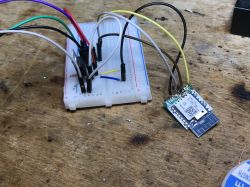
later
we need to create autoexec.bat : :
// start driver
startDriver TuyaMCU
// always send wifi state 0x04 to MCU - paired and connected to cloud
tuyaMcu_defWiFiState 4
// set baud rate (if your device is using 9600, remove this line)
tuyaMcu_setBaudRate 115200
// setup Tuya LED color dpID 24 and Color format 1
// (the other dpIDs are taken from default settings)
tuyaMCU_setupLED 24 1
The code is really very short, but the remaining dpIDs are set to default values. OBK does not send dpID 28 at the moment, but tests have shown that sending dpID 22 is sufficient.
The above code will connect the LED controller with OBK to the MCU from this device, so all LED commands as well as Home Assistant Discovery will work automatically.
Summary I have already tested several Miboxer products (also relays) and it seems that they all have a similar structure. There is always TuyaMCU and a separate WiFi module. There is also an option to connect RF, but I haven`t tested it this time.
This device is a bit more complex than typical LED strip controllers, but we managed to free it from the cloud. Our TuyaMCU LED controller in OBK is quite new, so if you have any questions or problems, please feel free to write, we will try to help.
As for the construction itself - the transistors inside are certainly better than in the controller that I tested (and repaired) some time ago in the topic
WiFi SmartLife single-color LED strip dimmer - test, interior, diagram , so basically I think we can recommend this product for slightly larger installations.
PS: Related forum topics:
-
Miboxer FUT036w and CB3s Issues: Flashing Firmware, WiFi Connectivity, and Button Control -
Does MiBoxer FUT035W+ has Beken chipset and is it supported with OpenBeken? PS2: If we don`t like the use of TuyaMCU in this product and we don`t need RF, we can always desolder the MCU and make jumpers to the PWM pins of the module itself with BK, but in this PCB version it would be quite problematic









Comments
I flashed this bar again. This time for someone else. Packaging and product: https://obrazki.elektroda.pl/6787749600_1709577063_thumb.jpg https://obrazki.elektroda.pl/7863337400_1709577035_thumb.jpg... [Read more]
I converted the FUT037W+ today according to these instructions. Specifically, I soldered the module board - that is, those 4 pins, without surface soldering or hot air, and used those pins for programming.... [Read more]
So in your copy the baud was the default 9600 and not 115200? It's interesting and strange that different copies of the same product (different versions?) use different baud. It's good to know that this... [Read more]
assuming this is the backup from this device: https://github.com/openshwprojects/FlashDumps/blob/e559bb3a377b5866ff4758540840d11fb67ed4ed/IoT/BK7231N/BK7231N_QIO_FUT037W_2024-05-1-20-15-07.bin it equates... [Read more]
Hi, I have uploaded the Tasmot software to myself on the ESP-12S board. (Interestingly on the ESP-12F boards after soldering it doesn't work because I have some weird voltage on the GPIO0 pin) I soldered... [Read more]
What is the current configuration of the Tasmota that you used? [Read more]
After uploading the tasmota, I used a template like this { "NAME": "name", "GPIO":[0,2272,0,2304,0,0,0,0,0,0,0,0,0,0,0,0], "FLAG":0, "BASE":54, "CMND": "DimmerRange 0,1000 | TuyaMCU 21,23 | | TuyaMCU... [Read more]