





Will the new Arduino support a camera and detect objects? Arduino UNO Q vs AI vision models
TL;DR
- Arduino UNO Q łączy mikrokontroler STM32U585 z linuksowym Qualcomm Dragonwing QRB2210 i testuje rozpoznawanie obiektów z kamery USB przez YOLOv4-tiny.
- Płytka uruchamia Debiana z XFCE, a demonstracja OpenCV przetwarza obraz z kamery wyłącznie na CPU, bez dodatkowego akceleratora.
- YOLOv4-tiny osiąga około 2,5 kl./s, mimo że UNO Q ma 4 GB LPDDR4 i 32 GB pamięci eMMC.
- Model pewnie rozpoznawał biały kubek z 97% pewnością, lecz mylił smartfon z pilotem, mysz ze sports ball i marker z kijem baseballowym.
- Pod obciążeniem Qualcomm QRB2210 osiągał około 60°C, a główne ograniczenia to niska płynność, częste błędy klasyfikacji i niejasna opłacalność względem Raspberry Pi.
AI summary based on the discussion. May contain errors.
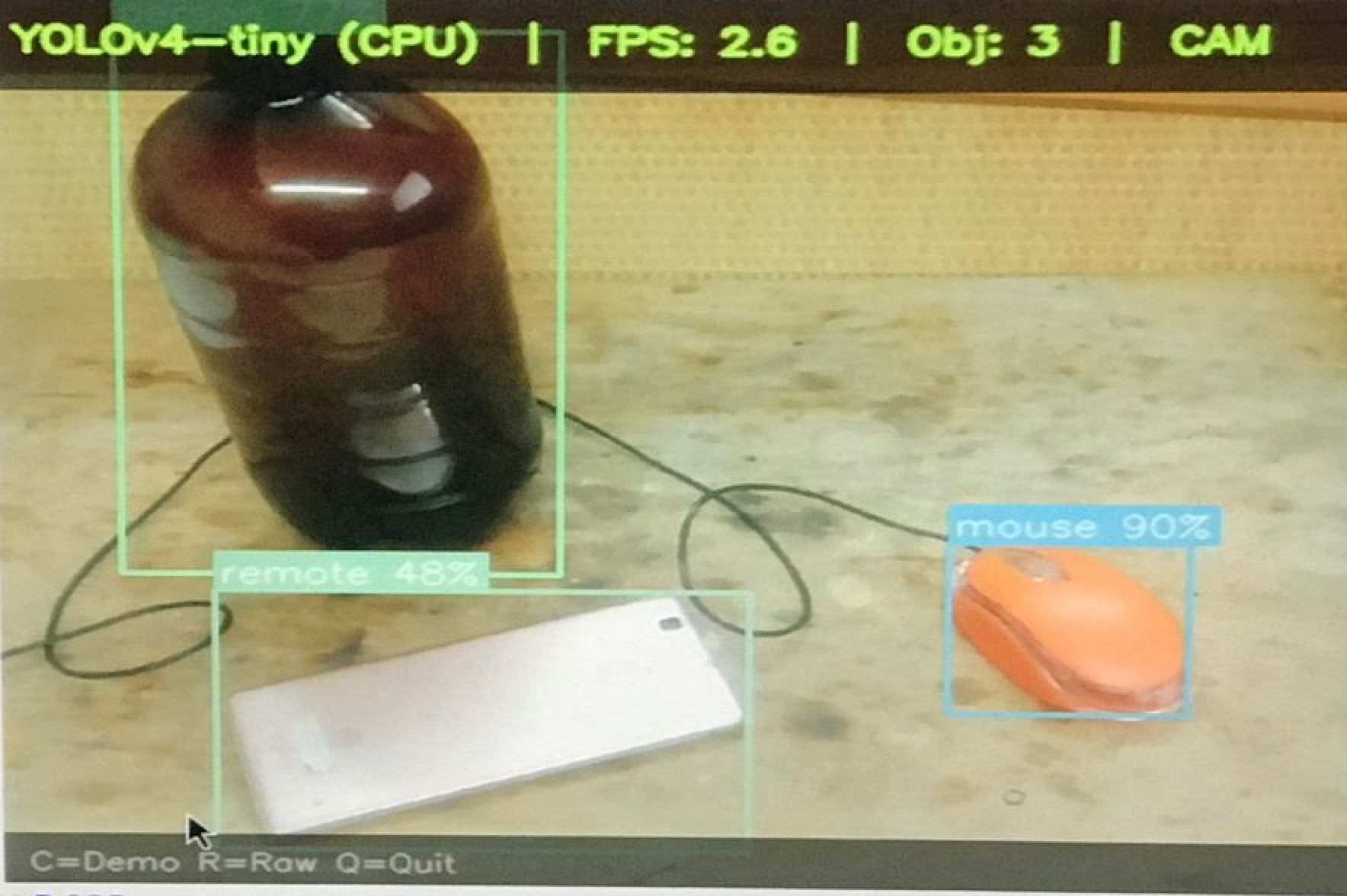
Is the new Arduino clever enough to tell the difference between a bottle and a mouse, and a mouse and a mobile phone? Today we’re testing a single-board computer from Arduino, equipped with a Qualcomm Dragonwing QRB2210 processor, an STM32U585 microcontroller, 4 GB of LPDDR4 RAM and 32 GB of eMMC storage. Here, I’ll be checking whether and how quickly YOLOv4-tiny runs on it – a lightweight computer vision model that allows for the real-time classification of many different objects from a camera image.
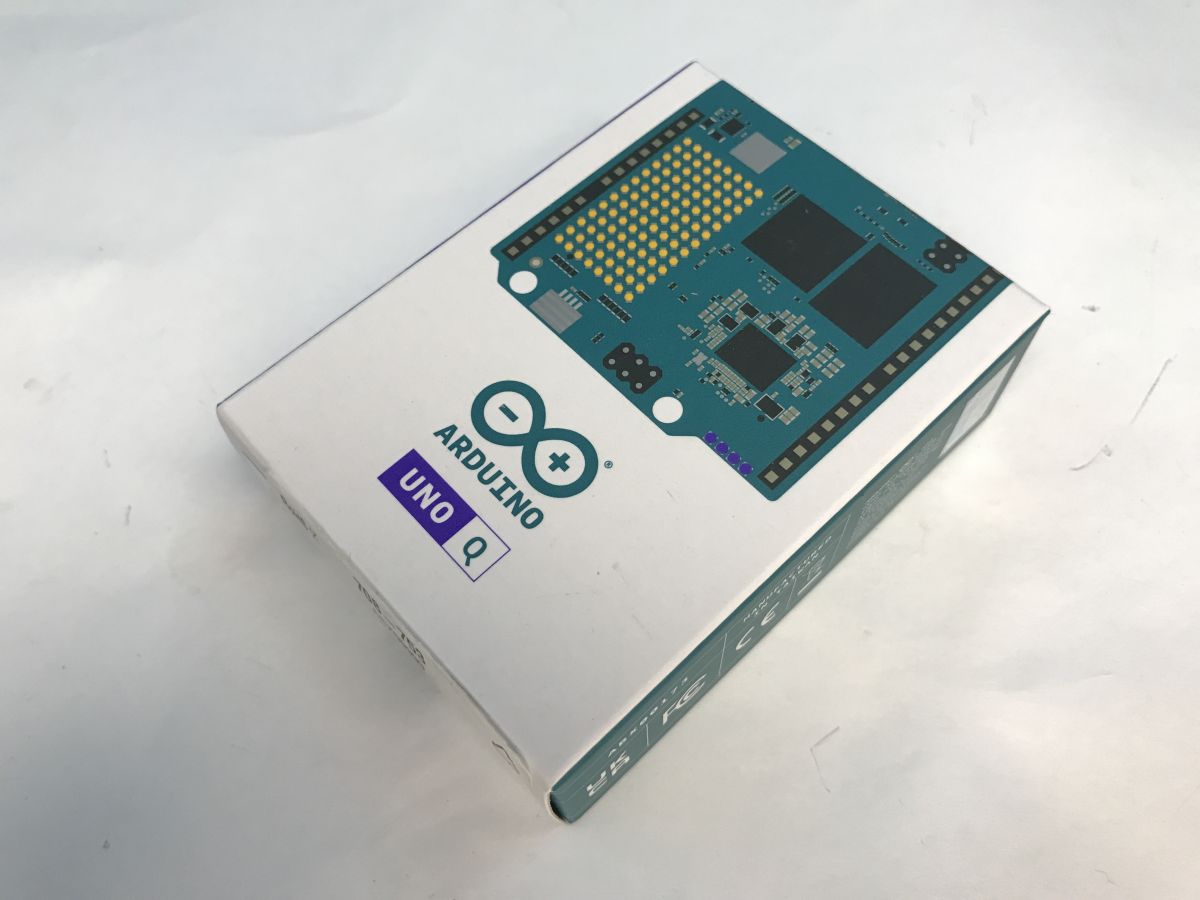
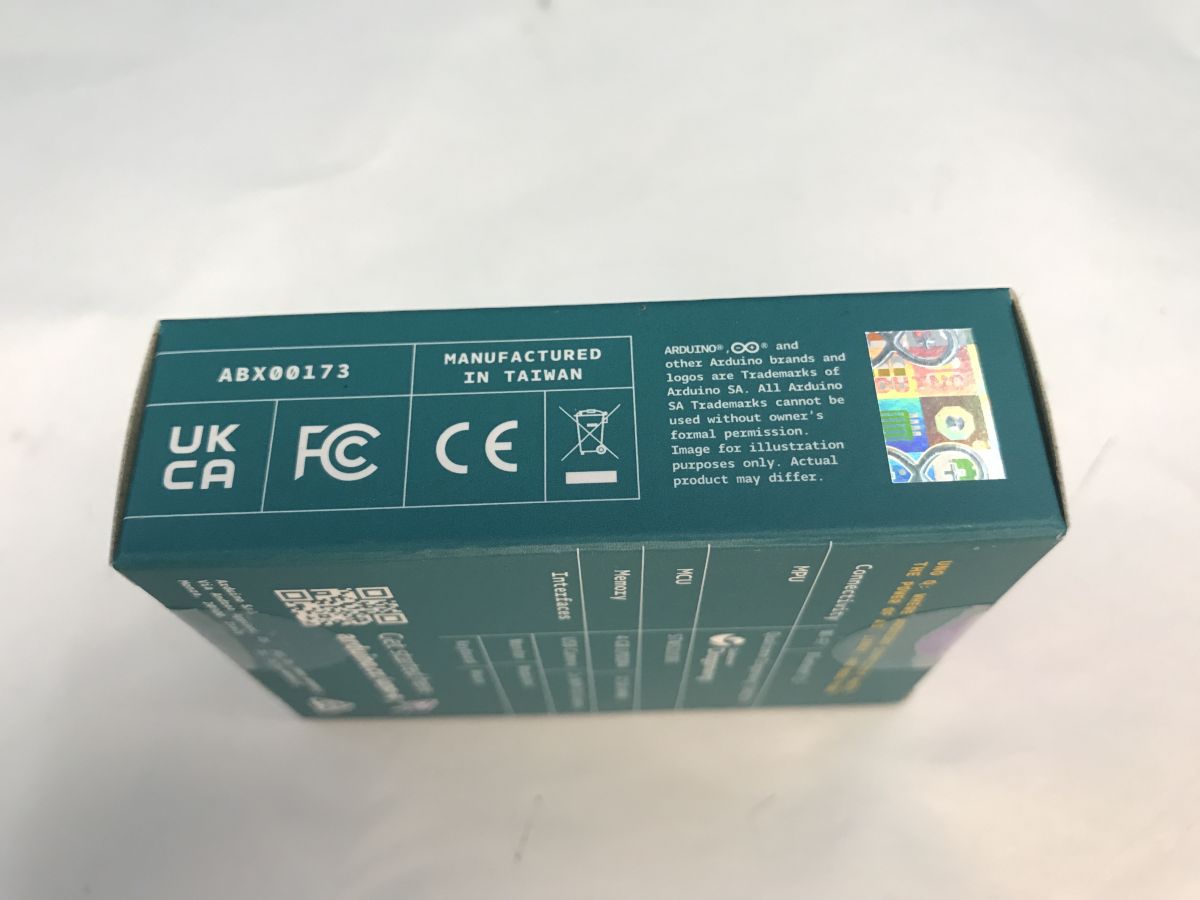
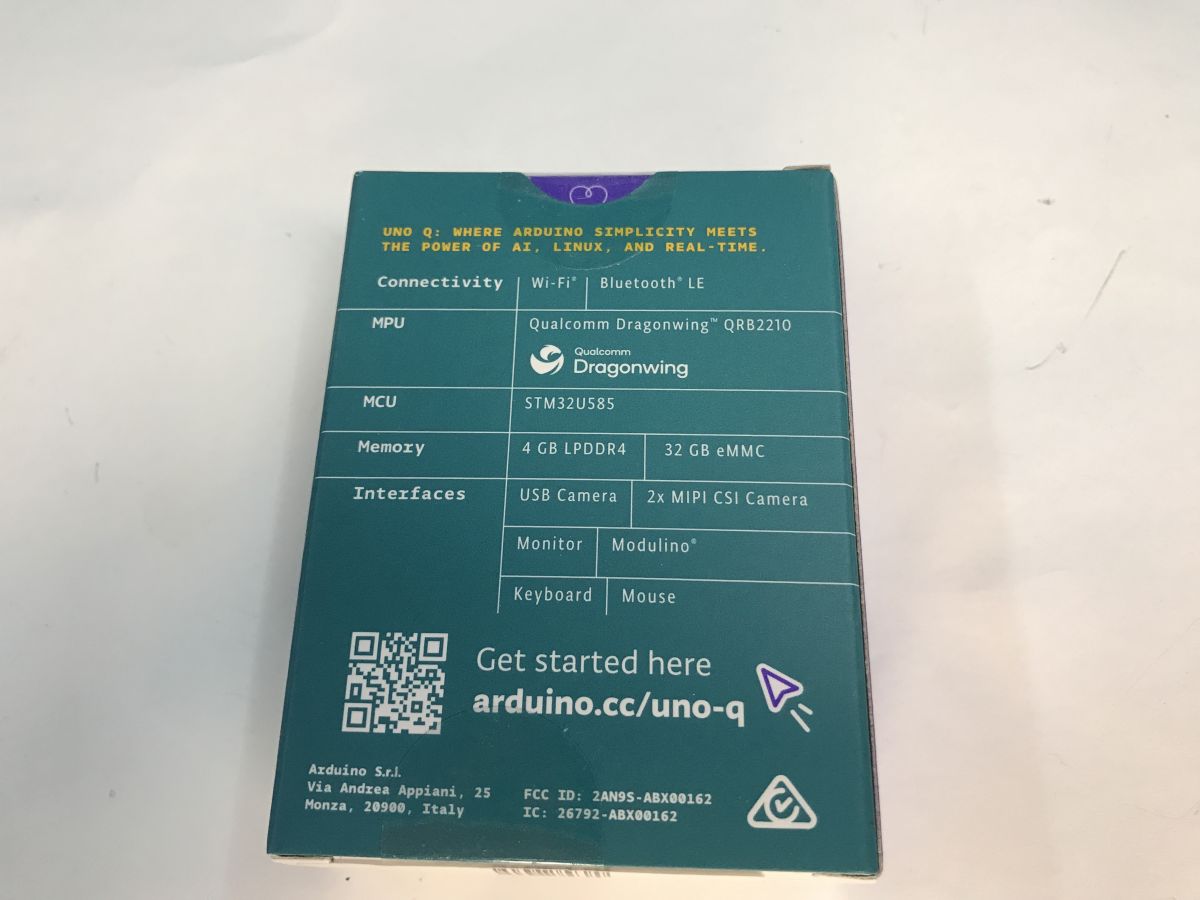
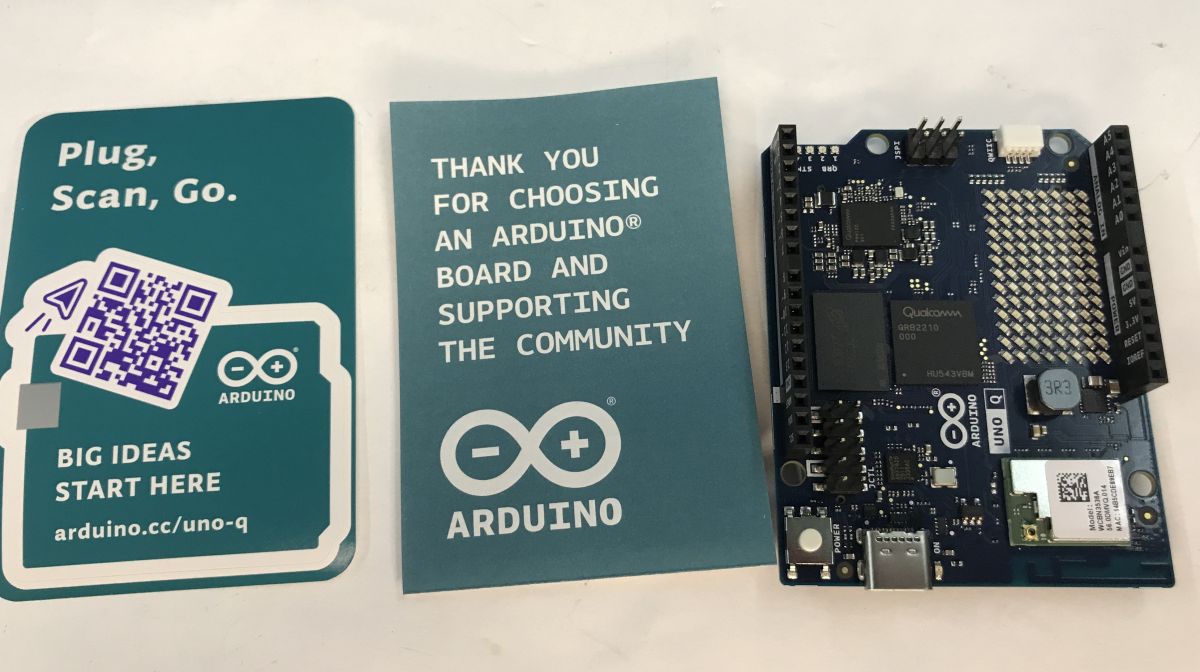
The Arduino UNO Q was released at the end of last year and costs between 200 and 300 zł in this country.
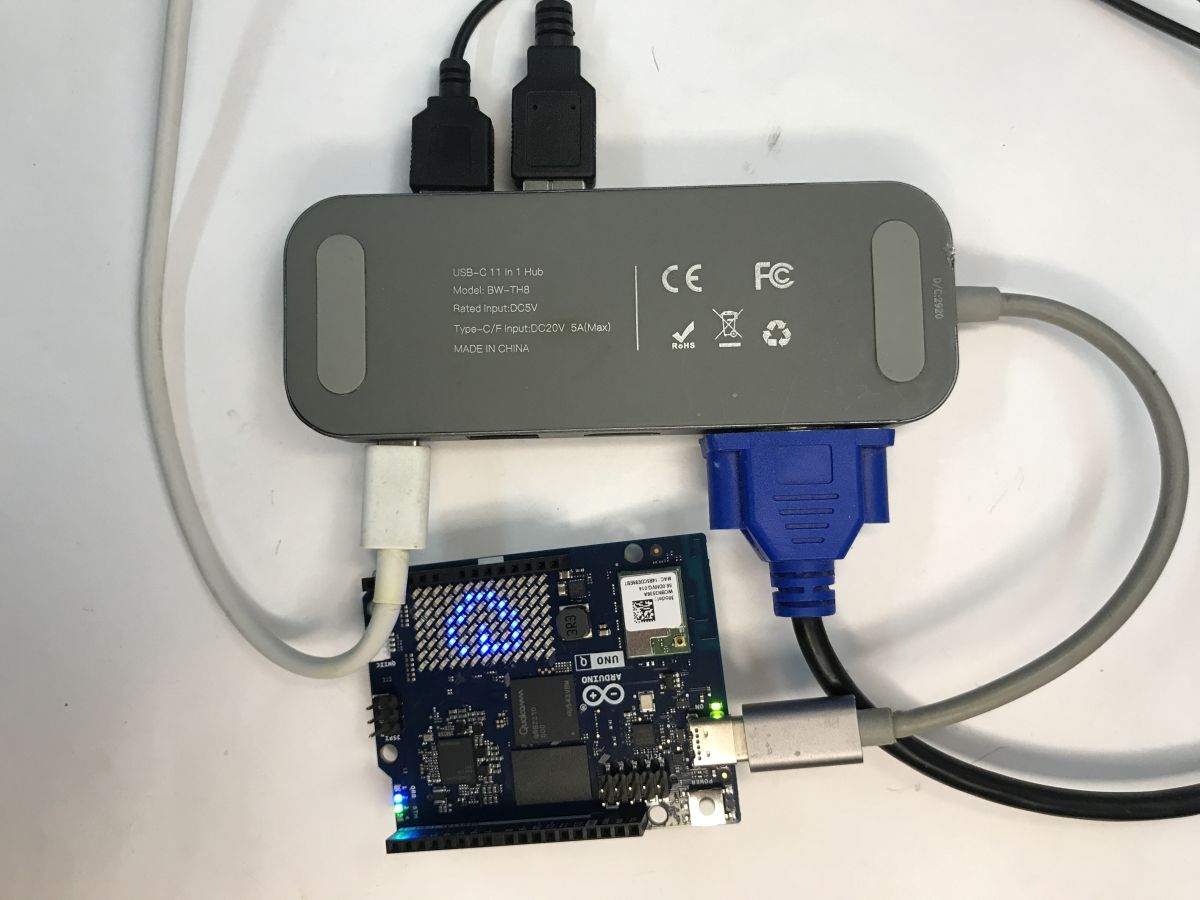
Let’s start with the initial set-up. Essentially, the whole thing can function like a standard single-board computer. To get it up and running, I connected a multi-port hub (model BW-TH8) to the single USB-C port. This allowed me to connect the power supply, monitor and peripherals, such as a mouse and keyboard, all at the same time.
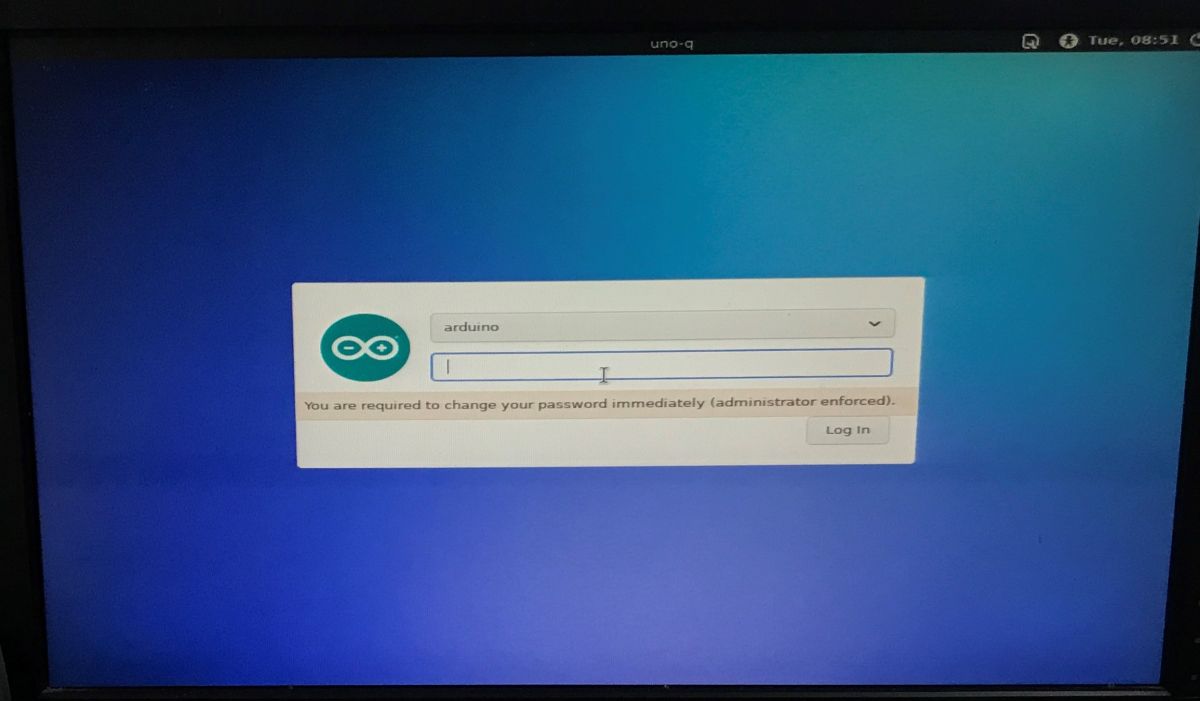
Normally, the system boots up very quickly and greets us with a login screen. The default username is “arduino”, and on the first attempt to log in, the system immediately prompts us to set our own password.
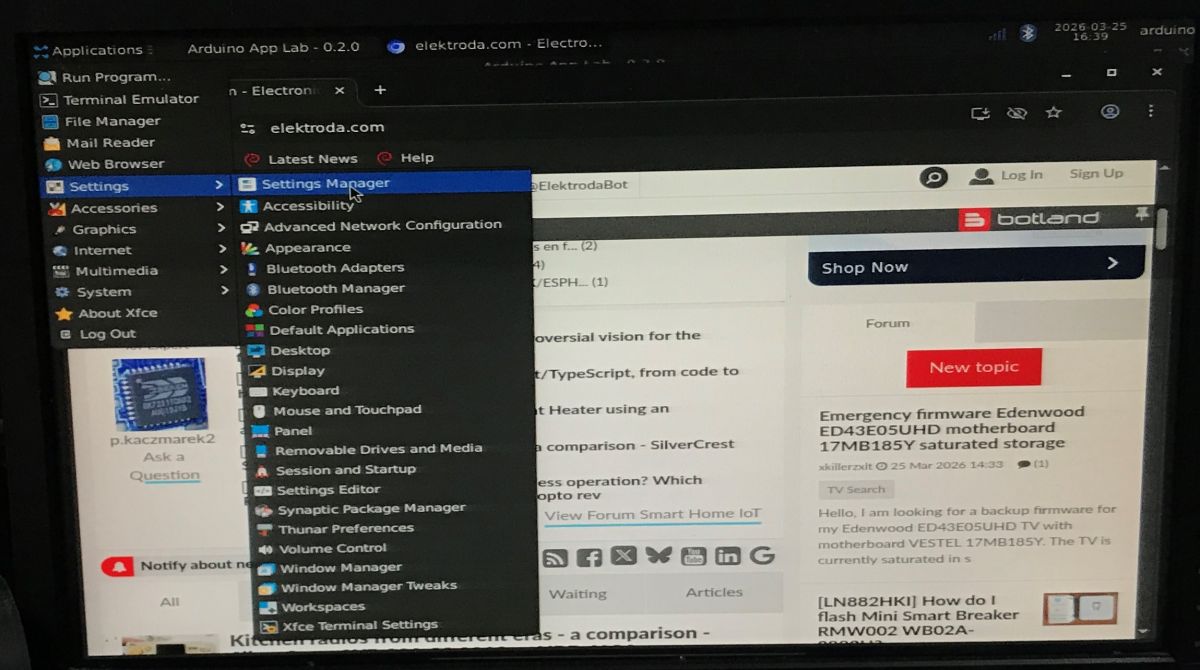
This gives us access to a fully-fledged graphical environment. As you can see, the lightweight XFCE environment is pre-installed, and we immediately have access to, amongst other things, a web browser (you can browse our forum) and the Arduino App Lab tool.
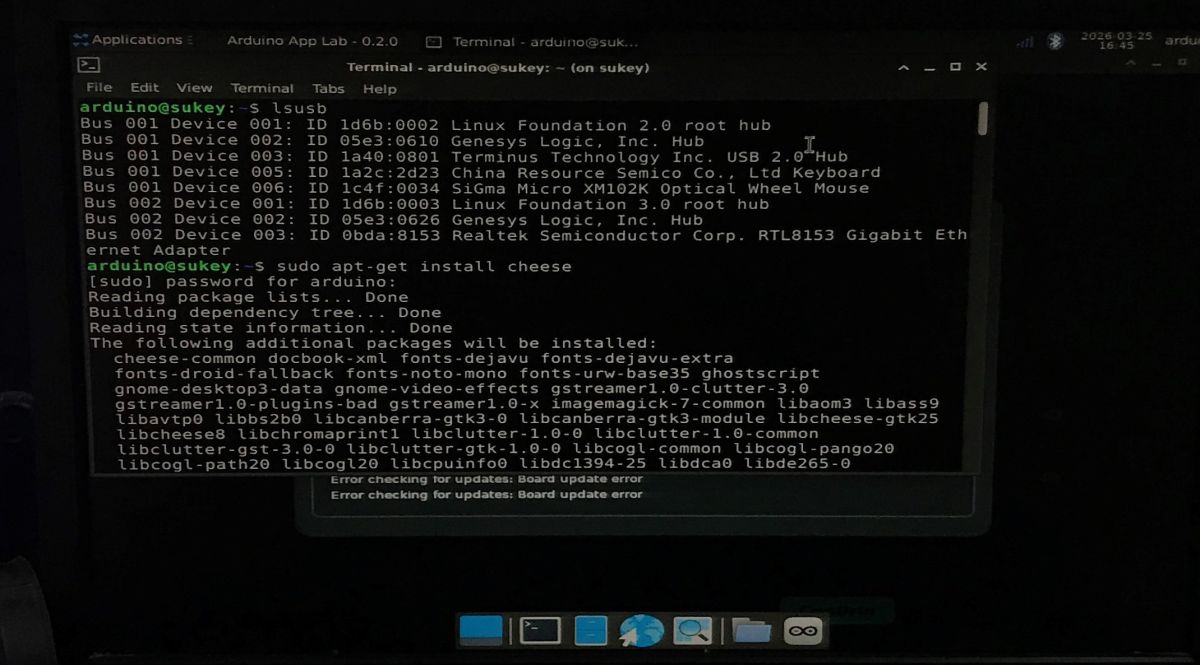
Now we need to test the USB webcam that’s been connected. As we’re using Linux (Debian), all we need to do is open the built-in terminal. I used the
lsusbcommand to check whether the system had detected the devices correctly, and then, with a quick
sudo apt-get install cheesecommand, I installed a popular, simple programme for viewing the webcam feed. The camera works flawlessly.
Next, we set up the OpenCV demo; more specifically, we install the required libraries and run the detection script. It’s very straightforward. A simplified example:
Code: Python
And now it’s time to move on to the actual tests. What does the camera see?
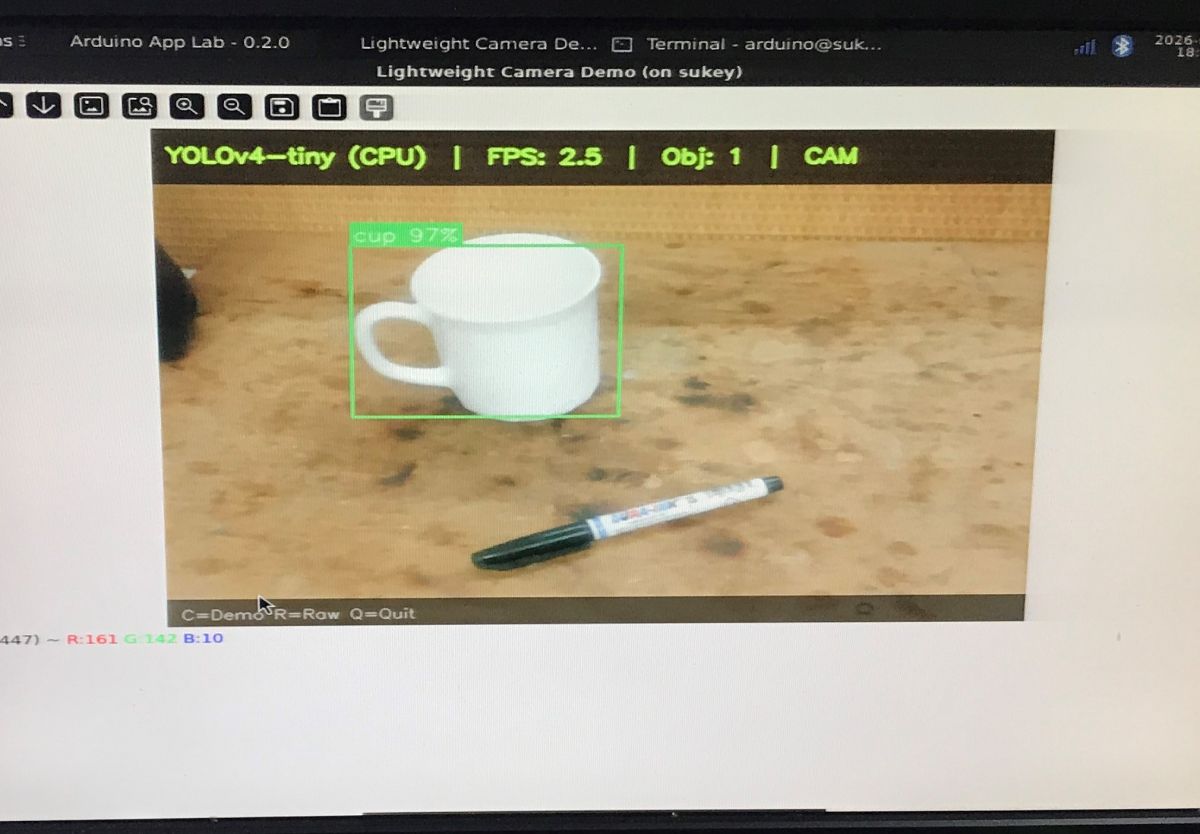
For convenience, I’ve chosen the smallest model – YOLOV4-tiny, running exclusively on the CPU (without any additional acceleration). Unfortunately, the FPS hovers around 2.5 frames per second, as can be seen in the on-screen statistics.
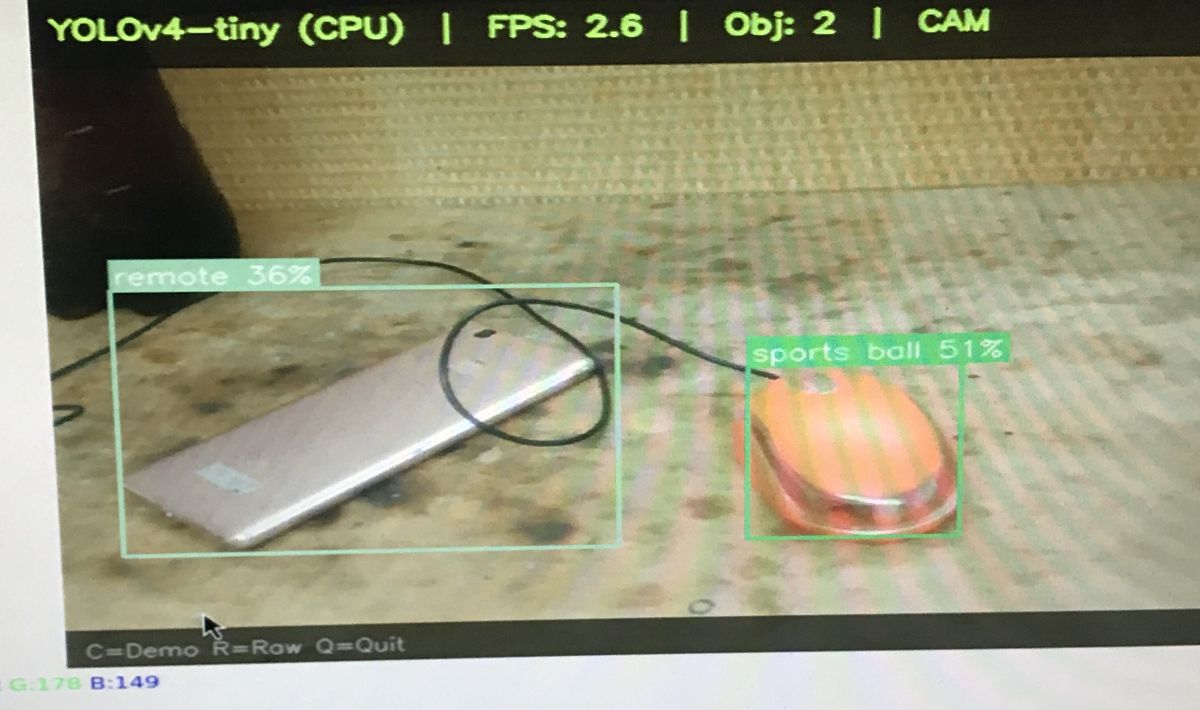
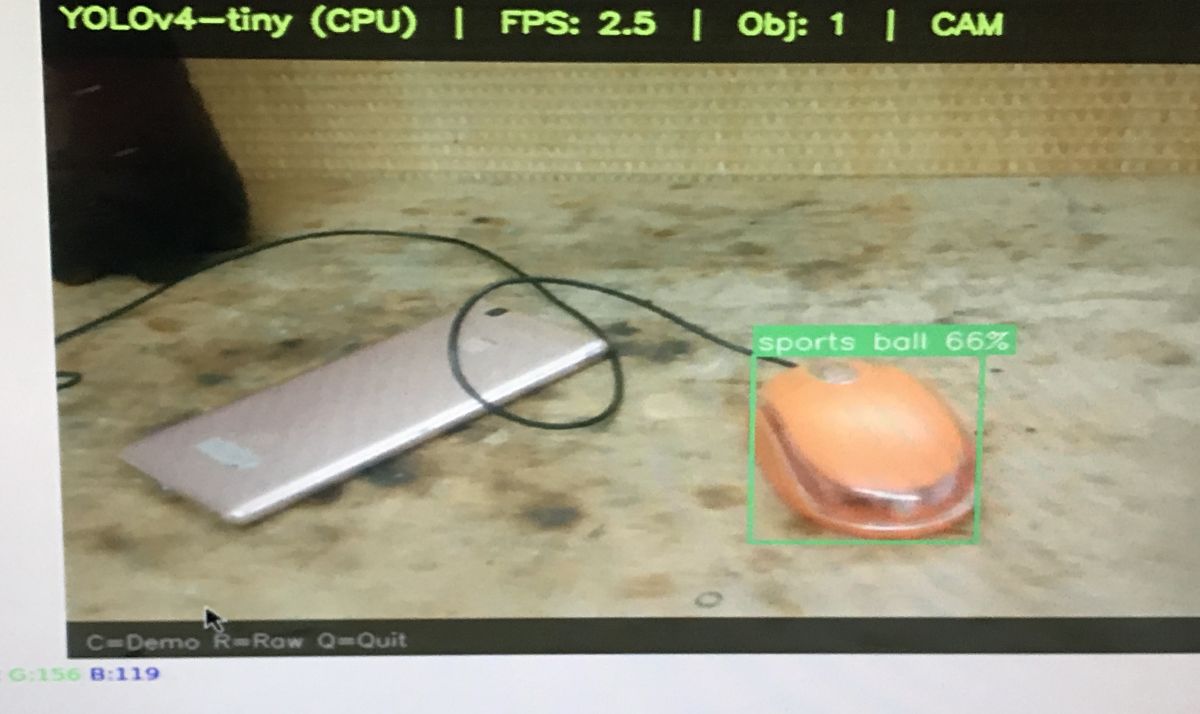
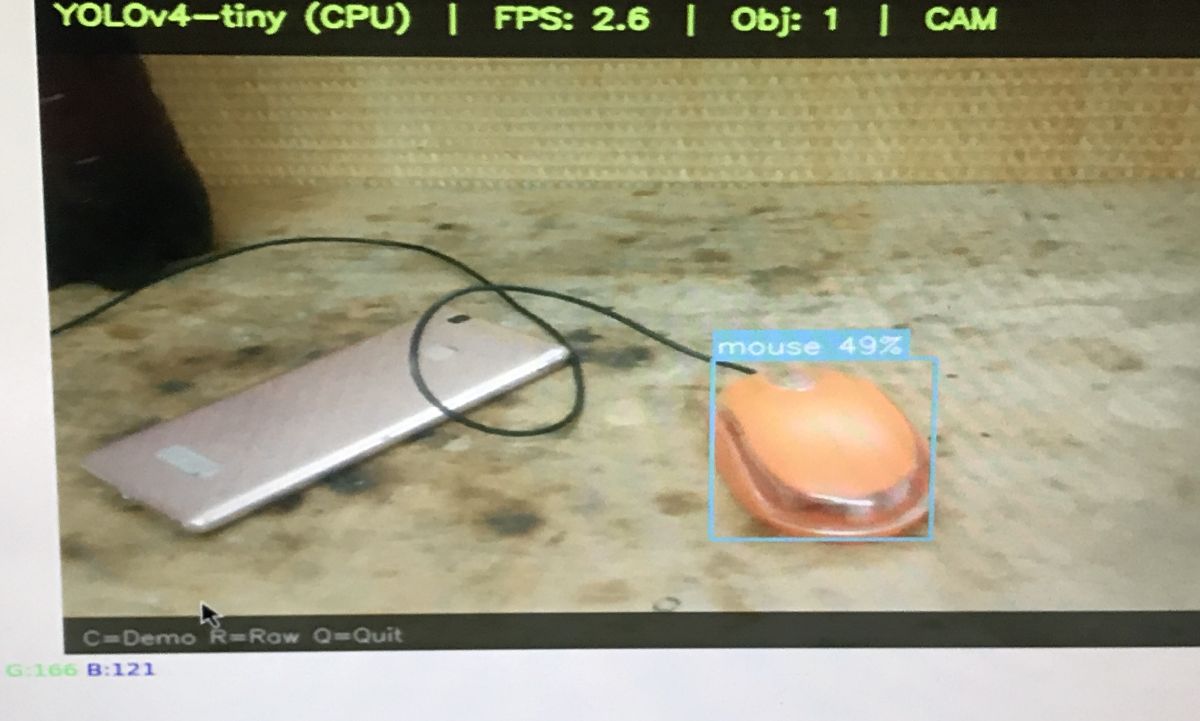
The first three screenshots show that the algorithm has considerable difficulty recognising objects. A smartphone lying on the desk was identified once as a “remote” (36%), whilst a computer mouse was mistaken twice for a “sports ball” (51% and 66%). It was only in the last screenshot that the mouse was correctly classified as a “mouse”, albeit with a fairly low confidence level of just 49 per cent.
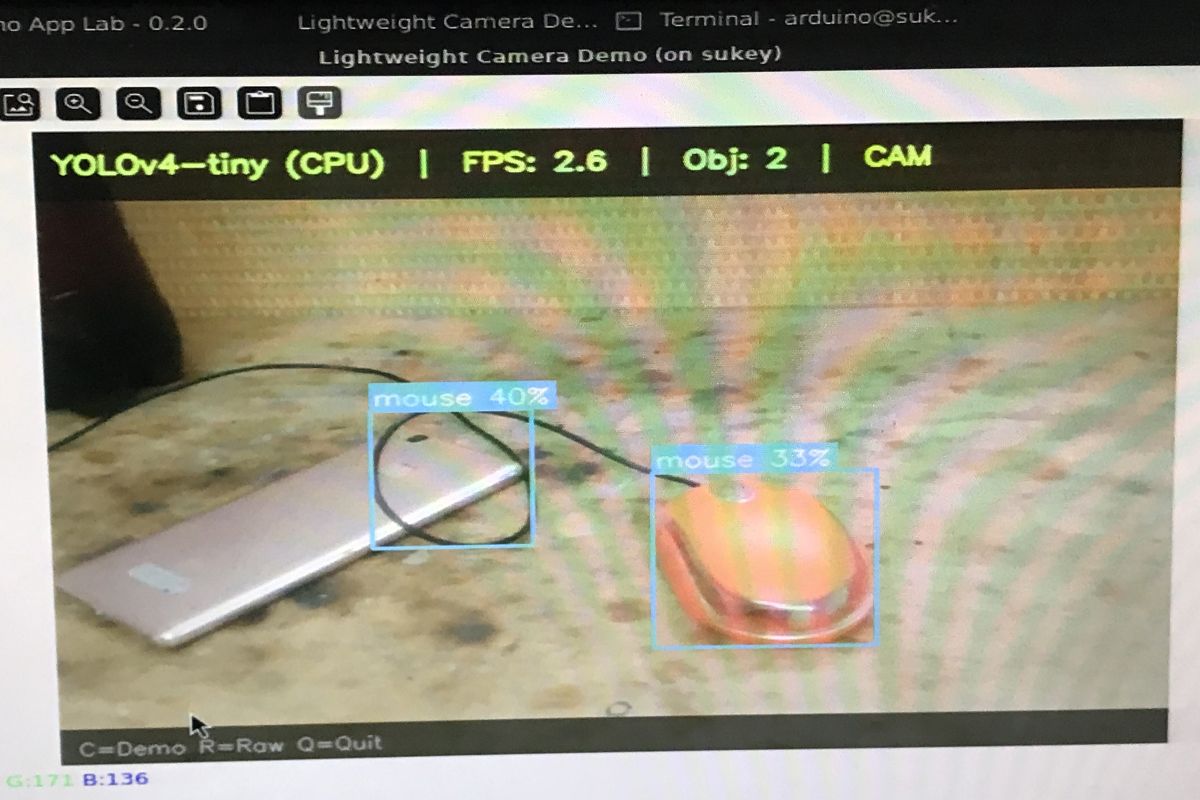
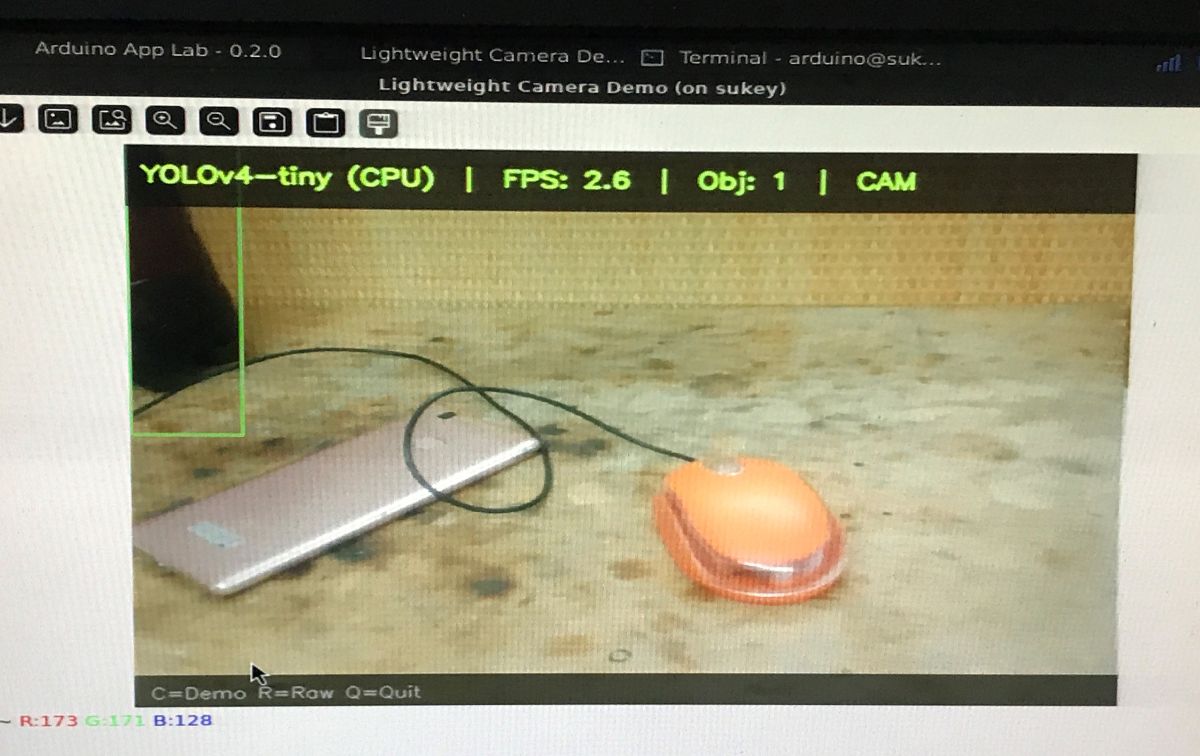
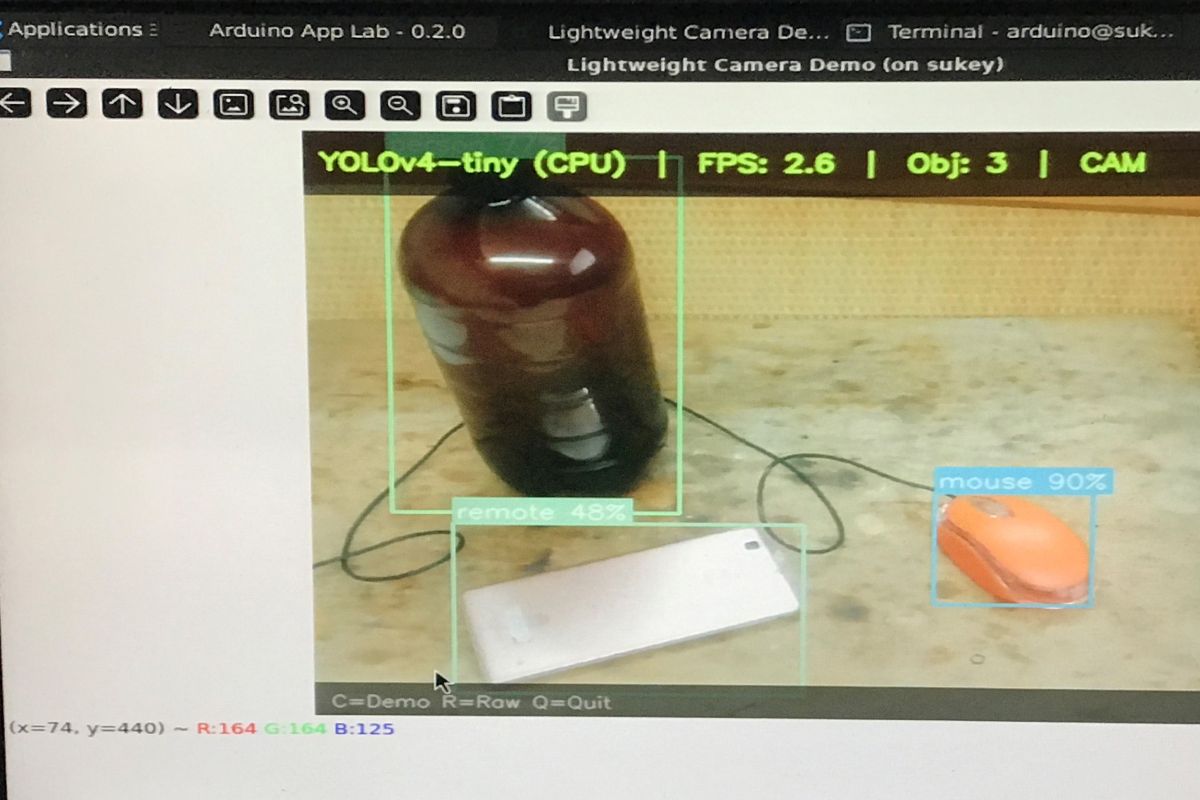
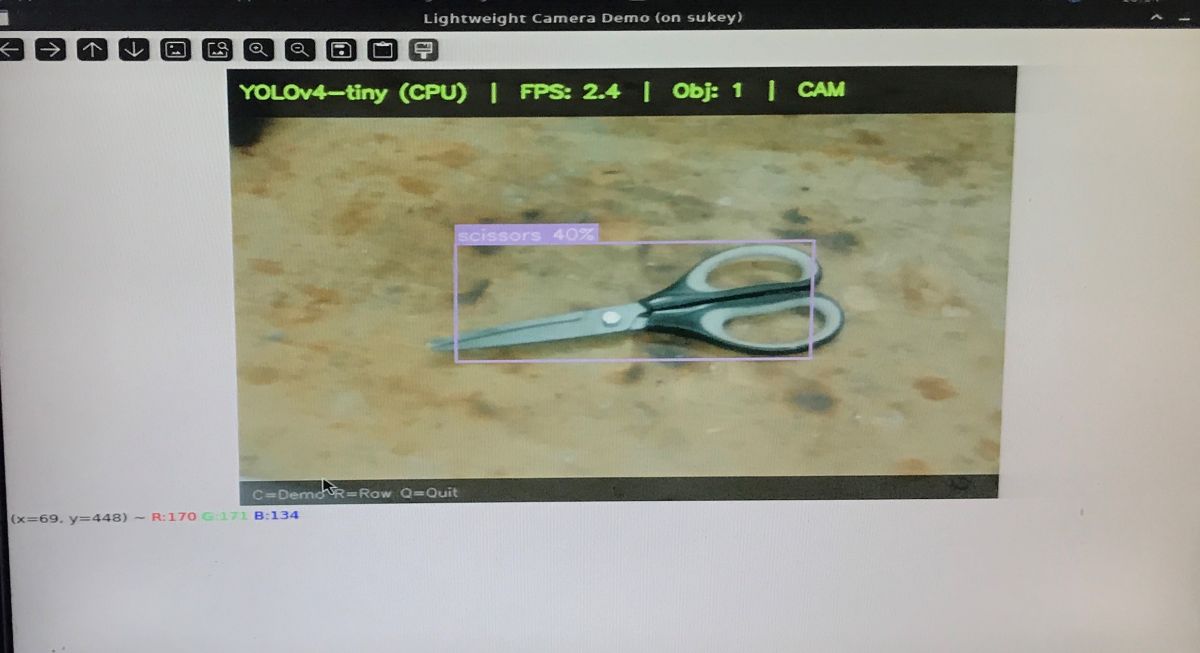
A moment later, we see another challenge. The scissors lying on the table were initially identified quite accurately (“scissors” 40%), but when I added a white spray bottle, it was recognised as a remote control (“remote” 54%). In the final frame, the small brush was ultimately classified as a “toothbrush”, albeit with a confidence level of just 29%.
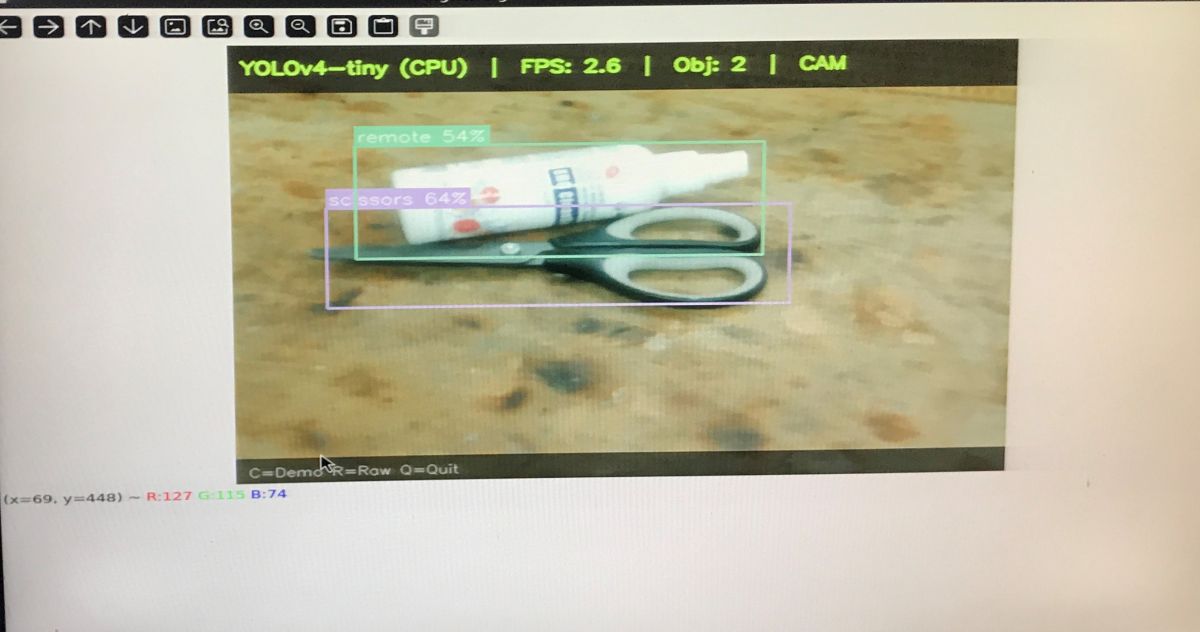
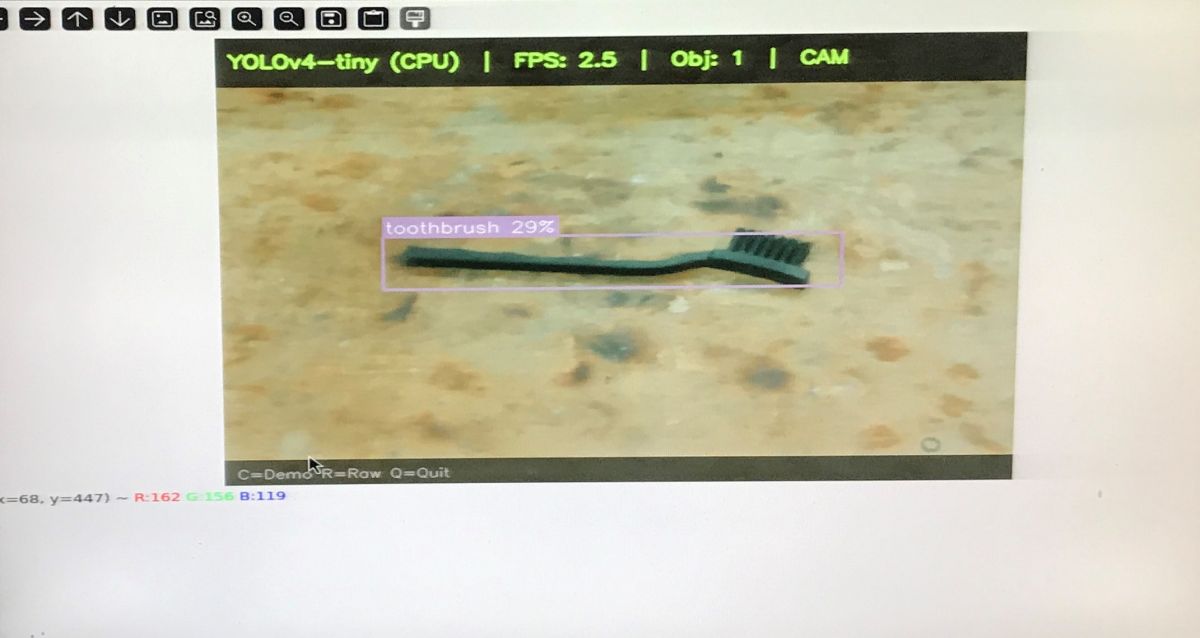
Further tests finally yielded some success, but also brought new comical mistakes. The model correctly recognised a white cup (“cup” 97%) and a glass standing next to it (“cup” 77%). Unfortunately, when a marker appeared on the scene instead of the glass, YOLO mistook it for a baseball bat (30%), and in the next shot, it failed to recognise it at all. In each of these situations, however, the cup was consistently identified with 97% accuracy.
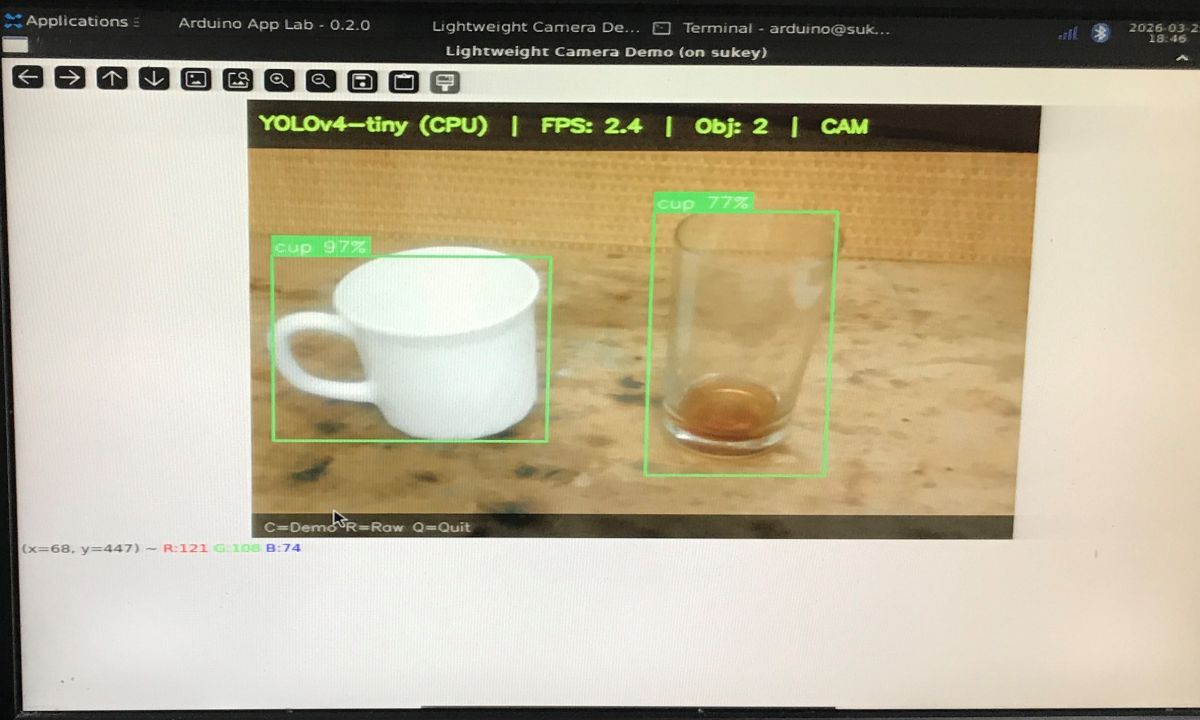
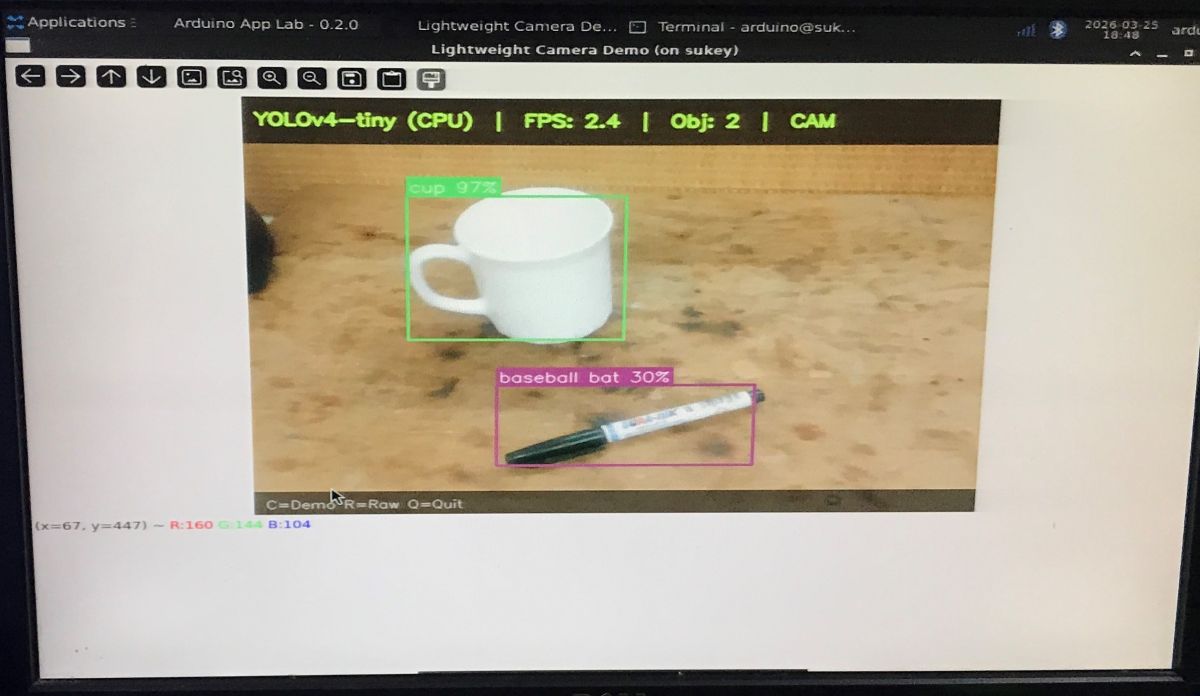
I’ll leave my conclusions until the end, though.
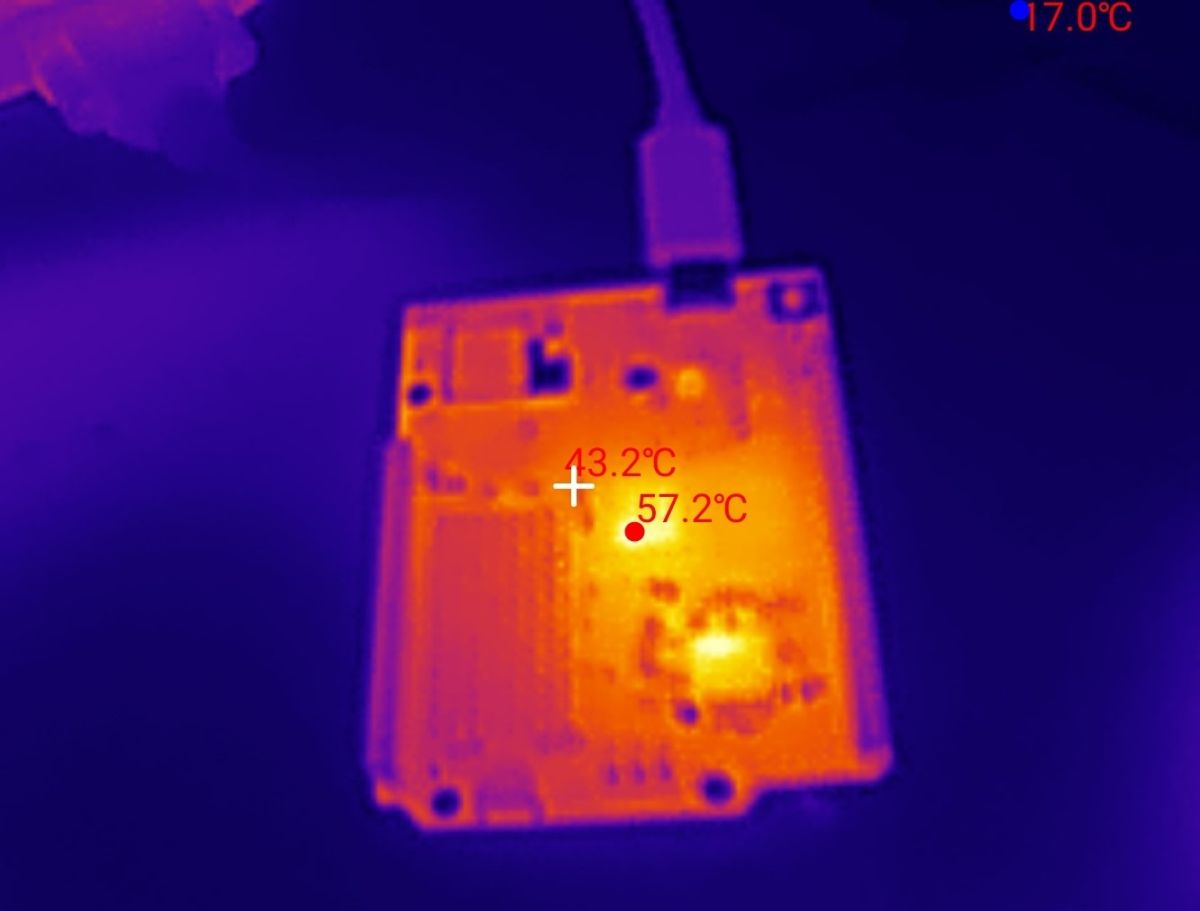
I also wanted to check how the board copes with heat dissipation under load. Measurements from a thermal imaging camera revealed temperatures in the range of 55–60°C. The hottest component on the front panel was, of course, the Qualcomm QRB2210 chipset, which heated up to around 60°C.
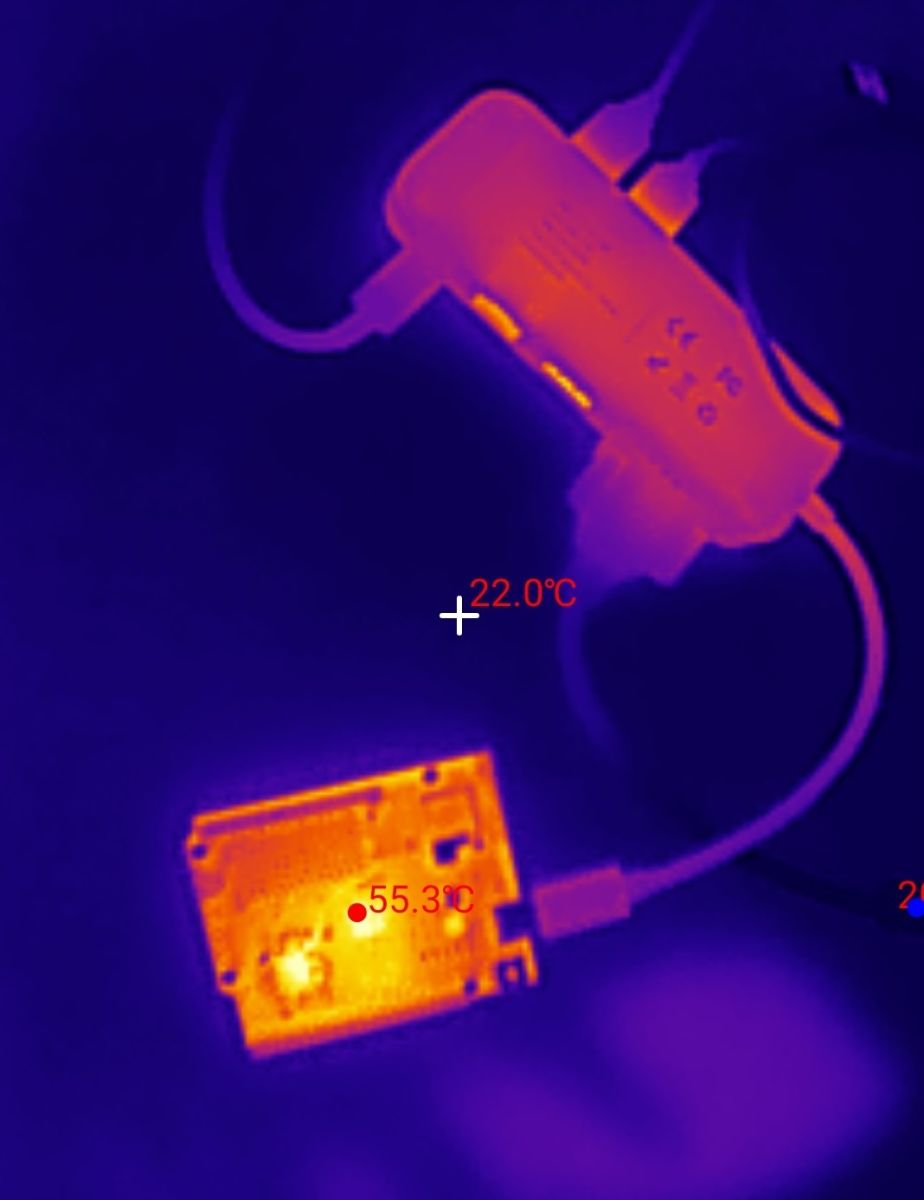
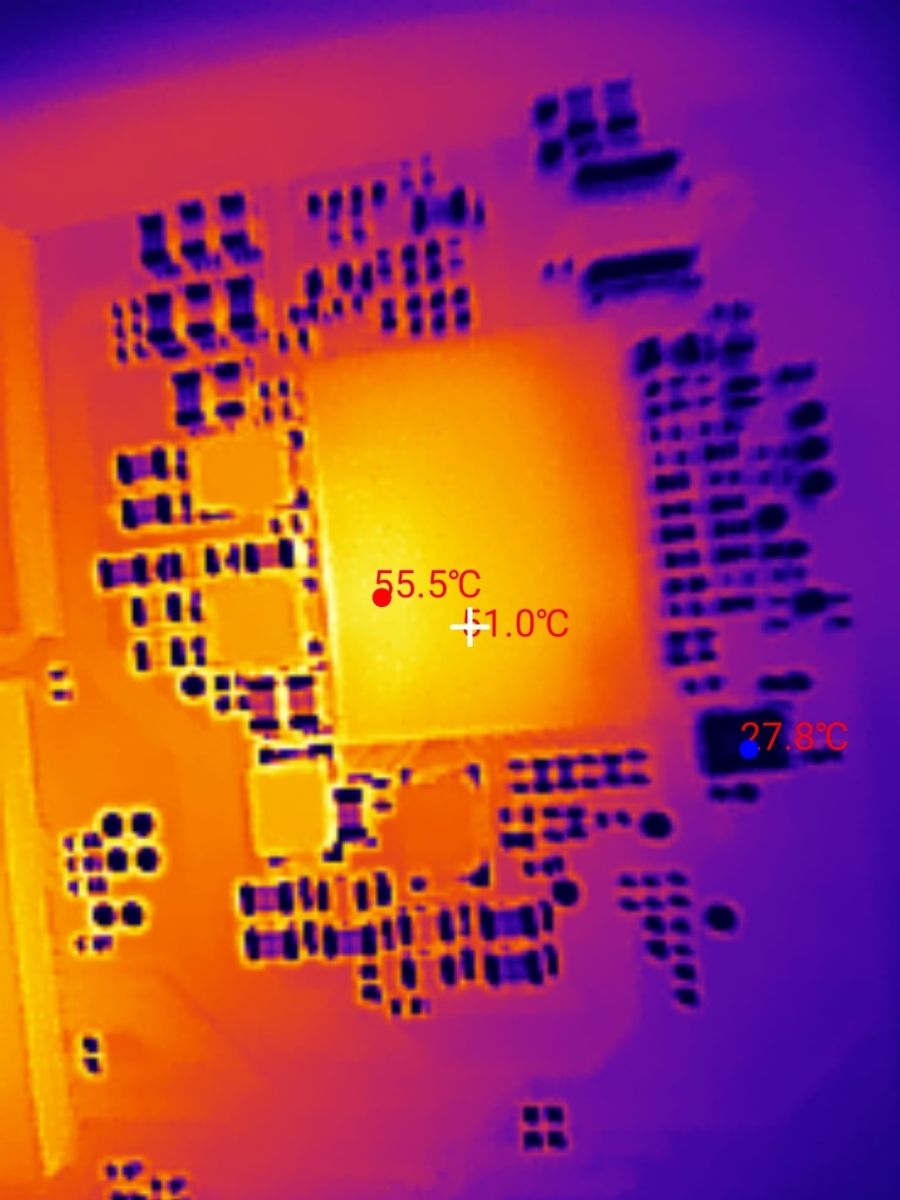
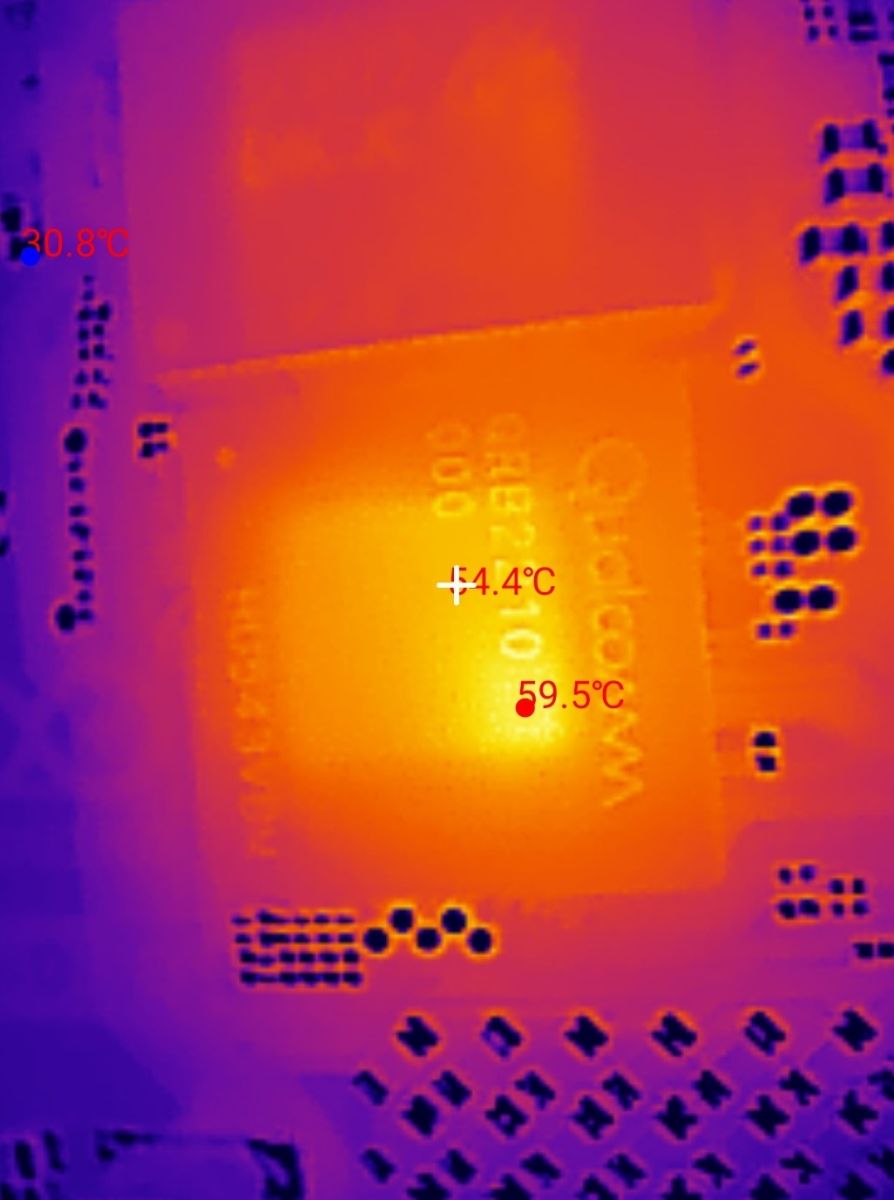
The whole unit heats up fairly evenly and there’s little cause for concern about overheating – the underside of the board registers temperatures of around 57°C. However, it’s always worth ensuring adequate ventilation within the case for more advanced projects.
To sum up , The Arduino UNO Q seems to be an interesting concept for combining the world of microcontrollers with the performance of a simple single-board computer running Linux, a bit like the Raspberry Pi. Although our simple test on the YOLOv4-tiny model showed that using only the CPU for image processing does not yield a reasonable FPS (around 2.5 frames per second) and that using the tiny model results in frequent algorithm errors, the hardware platform itself seems quite interesting. My only issue is with who the target audience for this type of board might be. The classic, simple Arduino fills a gap in the market well, making microcontroller programming accessible in a straightforward way. Similarly, the Raspberry Pi, as a single-board computer, has its own market. But what about this? Is it meant to be an intermediate step? An attempt to keep Arduino enthusiasts loyal to the brand? Or, at this price, wouldn’t it be better to go for a Raspberry Pi? I’ll leave these questions to you – what do you think? Does the Arduino Q make sense?
p.kaczmarek2 wrote 14756 posts with
rating 12883 , helped 659 times.
Been with us since 2014 year.
Comments