logo elektroda
logo elektroda
X
logo elektroda

Service host: delivery optimization - uses the entire link speed

Pocieszny 9702 2
ADVERTISEMENT
Treść została przetłumaczona polish » english Zobacz oryginalną wersję tematu
  • #1 16823503
    Pocieszny
    Level 38  
    Posts: 5217
    Help: 229
    Rate: 261
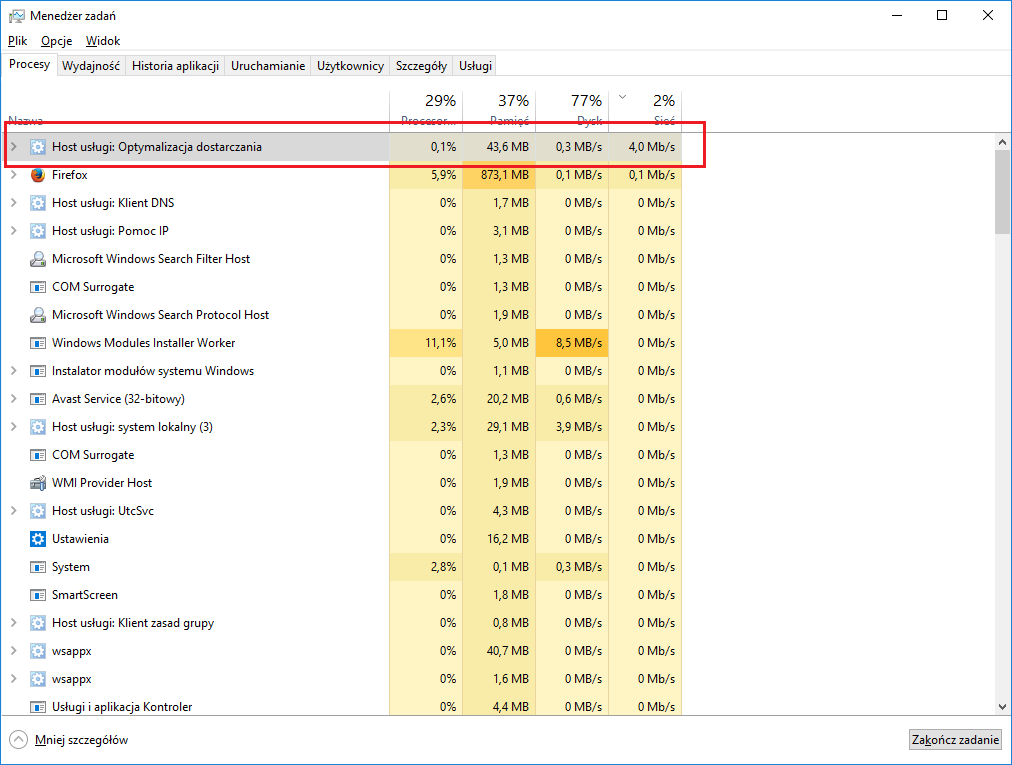
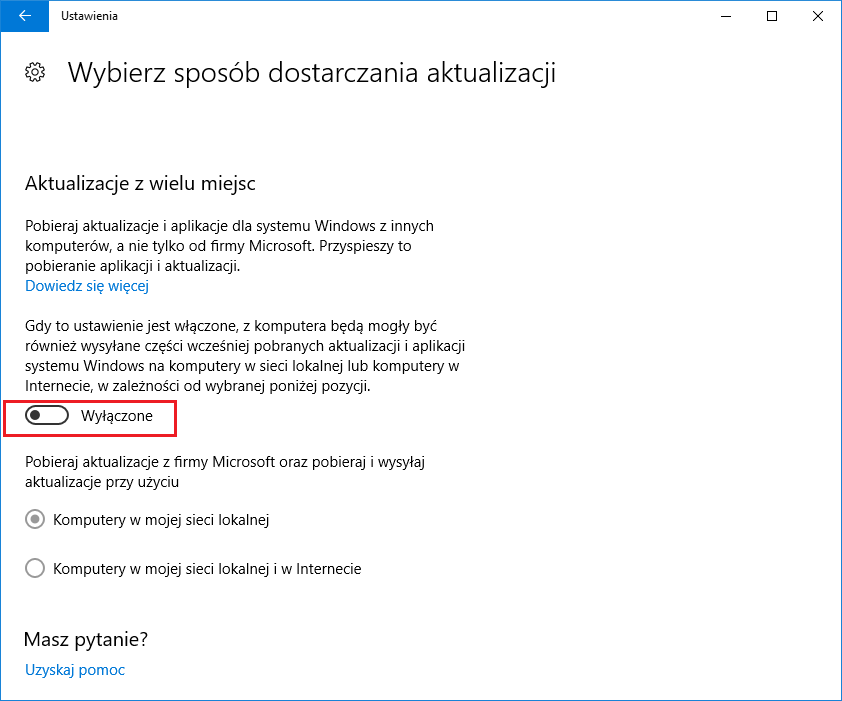
    I was a little bit messed up lately, so I decided to check why. It turned out that the entire transfer eats a process called "Host services: delivery optimization". According to many web guides, all you have to do is turn off the "Updates from multiple places" option in the settings for how to provide updates. The problem is that I already have it turned off, and the process does not seem to notice it. Are there any other mysterious settings that I should check? I will add that the system was installed some 2 weeks ago and there are still few programs on the disk.
    Service host: delivery optimization - uses the entire link speed

    Service host: delivery optimization - uses the entire link speed
  • ADVERTISEMENT
  • #2 16823798
    Kolobos
    IT specialist
    Posts: 85152
    Help: 17159
    Rate: 10419
    Disable updating the application from the store.
  • #3 16826488
    Pocieszny
    Level 38  
    Posts: 5217
    Help: 229
    Rate: 261
    Kolobos wrote:
    Disable updating the application from the store.

    Unfortunately, it did not help.
    It seems to me that setting the network connection as a tariff connection gives some effect, but this is probably not the best solution to the problem.
ADVERTISEMENT