logo elektroda
logo elektroda
X
logo elektroda

How to move light switches without pulling wires? WiFi/Bluetooth drivers

kwaziu 13320 14
ADVERTISEMENT
Treść została przetłumaczona polish » english Zobacz oryginalną wersję tematu
  • #1 18243693
    kwaziu
    Level 10  
    Posts: 9
    Rate: 2
    Hello
    For some time now I have been looking for a solution to move the light switches without breaking or pulling the wires.
    I`ve heard about controllers that control the lights via Wi-Fi, Bluetooth or radio, but I can`t find it. Can anyone help and advise how to do it? Thank you in advance !

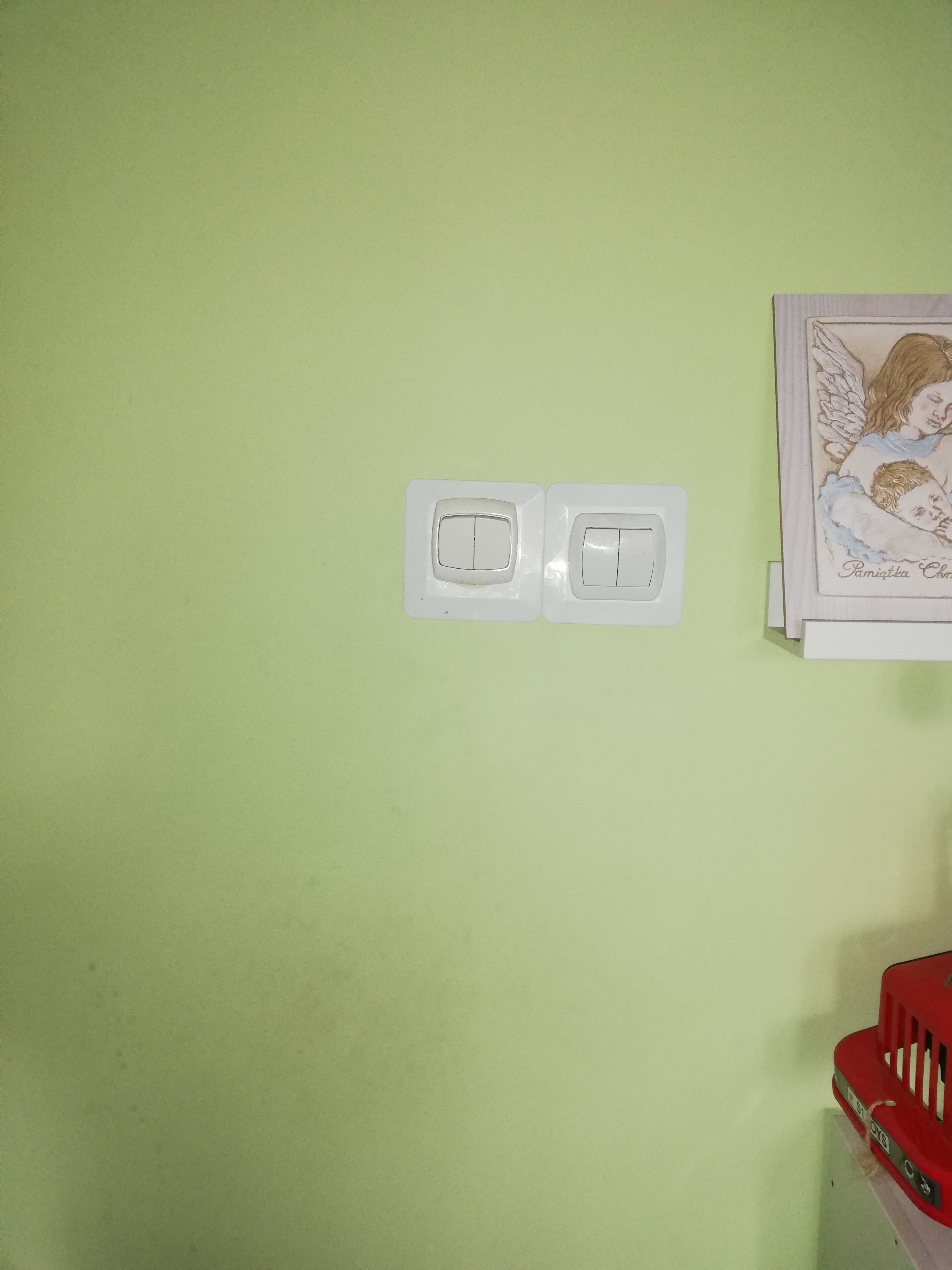
    Currently there are switches:
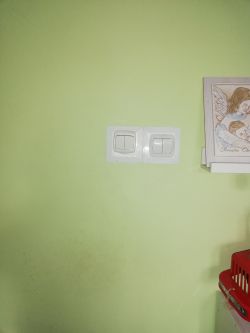
    How to move light switches without pulling wires? WiFi/Bluetooth drivers

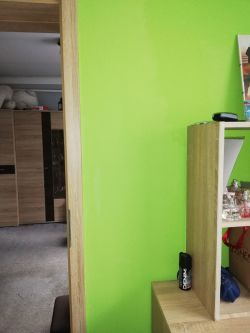
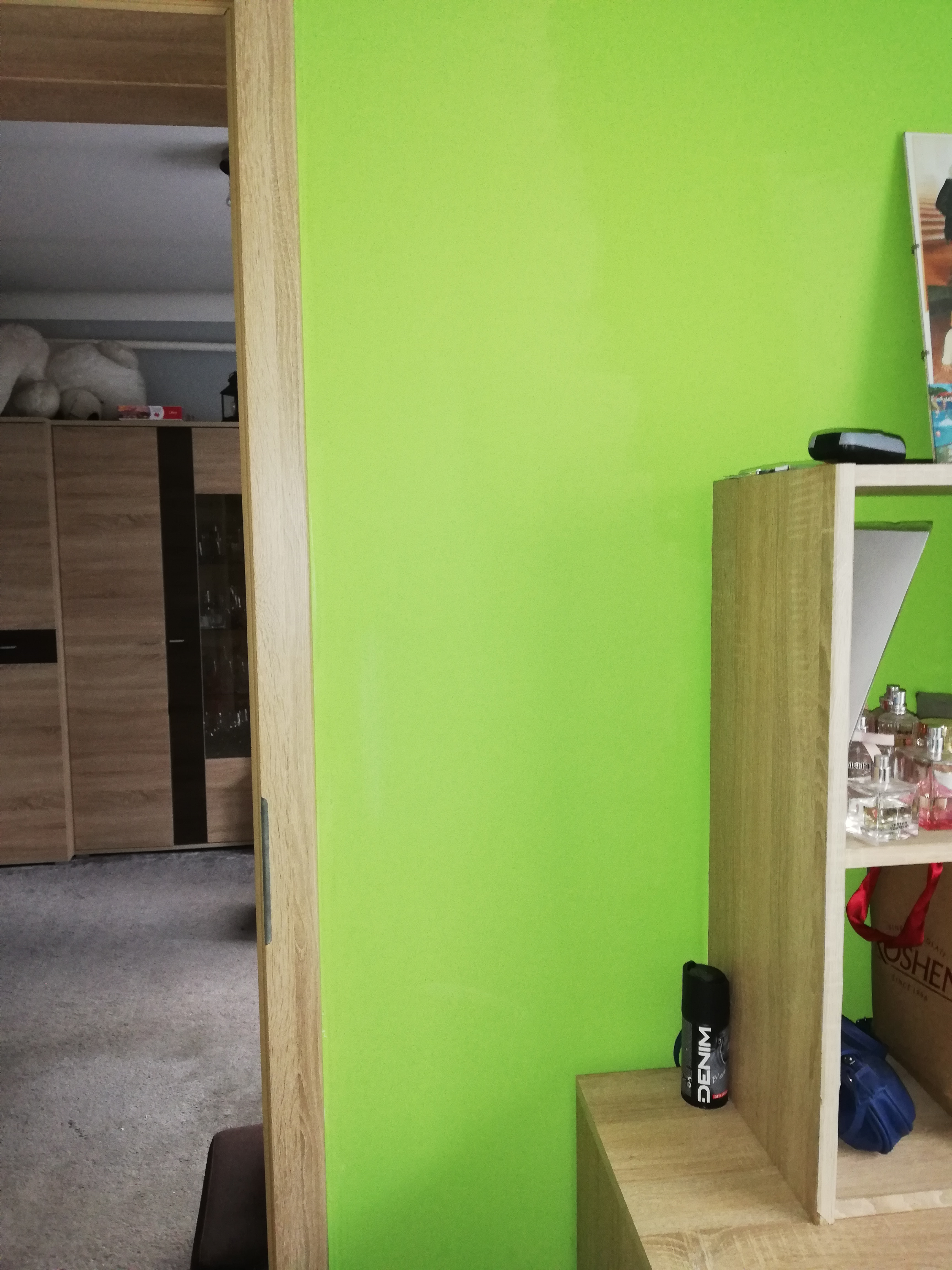
    I would like them to be:
    How to move light switches without pulling wires? WiFi/Bluetooth drivers

    Video of the route to follow:


  • ADVERTISEMENT
  • Helpful post
    #3 18243710
    Anonymous
    Level 1  
  • Helpful post
    #4 18243787
    ak44
    Level 27  
    Posts: 850
    Help: 106
    Rate: 204
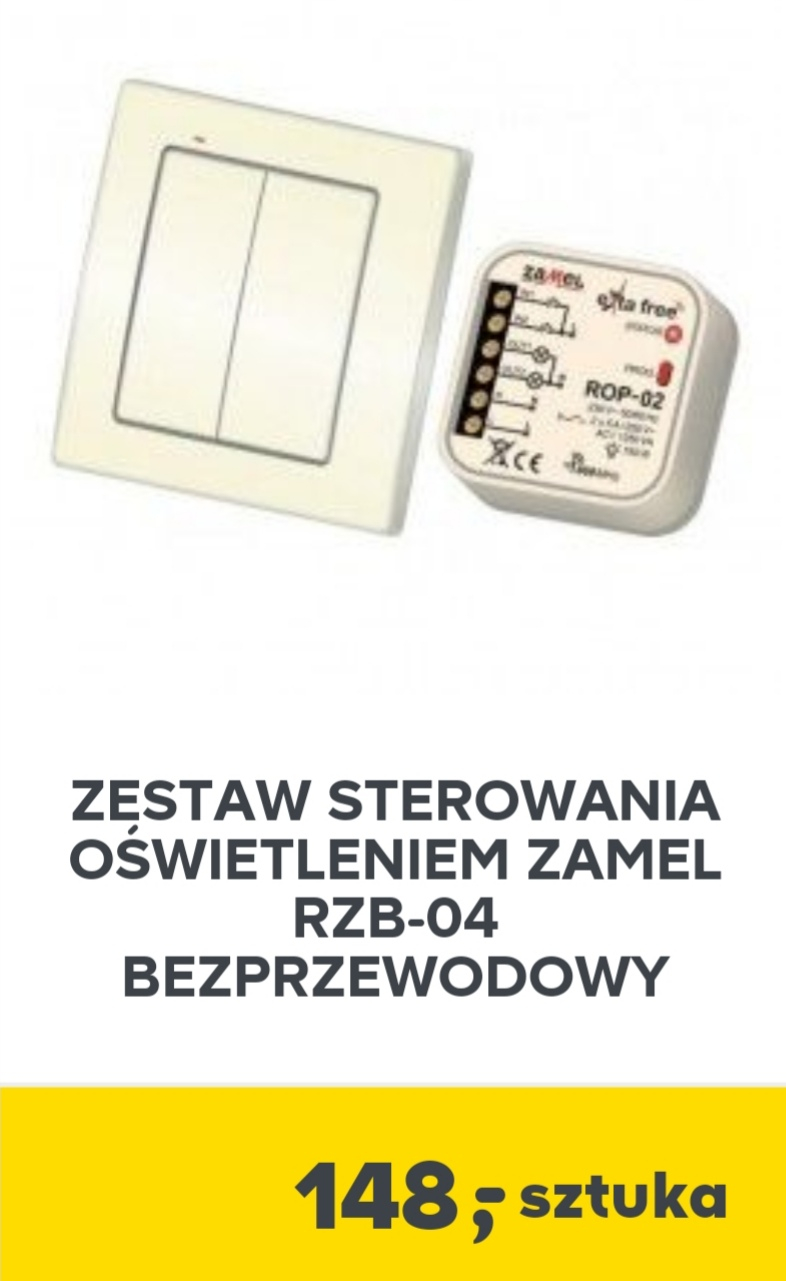
    Or from Castorama.

    How to move light switches without pulling wires? WiFi/Bluetooth drivers

    Probably other construction companies also offer similar ones.
  • ADVERTISEMENT
  • #5 18243949
    stanislaw1954
    Level 43  
    Posts: 15004
    Help: 1982
    Rate: 4561
    It doesn`t look all that rosy. There you need a neutral wire - "0", which is not included in the switch boxes.
  • #6 18243951
    Anonymous
    Level 1  
  • ADVERTISEMENT
  • ADVERTISEMENT
  • #8 18243962
    Anonymous
    Level 1  
  • #9 18243968
    bubu1769
    Level 43  
    Posts: 8040
    Help: 1173
    Rate: 2344
    There`s just not always room in the can.
    Sometimes you can mount receivers on the lamp itself.
  • #10 18245219
    riddyk
    Level 21  
    Posts: 358
    Help: 34
    Rate: 109
    Or you can install light sources controlled wirelessly from a remote control, e.g. OSRAM LED STAR+. And stick the remote control to the wall.
  • #12 18247751
    Magic_moon
    Level 32  
    Posts: 2040
    Help: 193
    Rate: 335
    stanislaw1954 wrote:
    It doesn`t look all that rosy. There you need a neutral wire - "0", which is not included in the switch boxes.

    I confirm, unless I have power and drain under the switch.
  • #13 18247753
    bubu1769
    Level 43  
    Posts: 8040
    Help: 1173
    Rate: 2344
    Or you can use two-wire receivers that do not need zero, for example the one I mentioned in post #7.
  • #14 18247776
    ak44
    Level 27  
    Posts: 850
    Help: 106
    Rate: 204
    Turn the current switch to the on position and you have phase and neutral in the lamp. You install the receiver in the lamp.
  • #15 18266191
    Anonymous
    Level 1  

Topic summary

✨ The discussion revolves around solutions for relocating light switches without the need for rewiring. Users suggest various wireless controllers that operate via Wi-Fi, Bluetooth, or radio frequencies. Recommendations include specific products such as the LINBEL wireless switch, ORNO wireless switches and controllers, and OSRAM LED STAR+ light sources. Some responses highlight the necessity of a neutral wire for certain installations, while others mention two-wire receivers that do not require a neutral connection. Users also discuss the possibility of installing receivers directly in light fixtures and using remote controls for operation. The conversation emphasizes the importance of compatibility with existing wiring setups and the potential for junction box installations.
Generated by the language model.

FAQ

TL;DR: Move a light switch with 0 extra wires using two‑wire wireless receivers — "receivers that do not require an additional neutral wire" — installed in series with the lamp; pair a stick‑on wall switch or remote. For renters and renovators. [Elektroda, bubu1769, post #18243957]

Why it matters: You avoid wall chasing, keep existing cabling, and place switches anywhere.

Quick Facts

How can I move a light switch without pulling new wires?

Install a two‑wire wireless receiver in series with the lamp and add a wall transmitter. These modules “do not require an additional neutral wire” at the switch. They operate with the existing two conductors between switch and lamp. Place the transmitter wherever you want. [Elektroda, bubu1769, post #18243957]

Do I need a neutral wire in the switch box?

Many in‑wall receivers need a neutral. “There you need a neutral wire,” and many switch boxes lack it. Without neutral at the switch, those modules cannot be installed there. Choose no‑neutral designs or place control elsewhere in the circuit. [Elektroda, stanislaw1954, post #18243949]

Where do I put the receiver if there’s no space behind the switch?

Mount the receiver at the lamp when the box is shallow or crowded. Many compact receivers fit inside a luminaire canopy. This avoids carving walls and keeps the original cabling intact. Pair it with your preferred wall transmitter. [Elektroda, bubu1769, post #18243968]

What’s a simple kit to start with?

Use matched parts from one series. Example: ORNO OR‑SH‑1710 wall switch with OR‑SH‑1705 or OR‑SH‑1704 in‑box receivers. They provide basic wireless on/off control without new wiring. You can expand with brand‑compatible accessories later. [Elektroda, Anonymous, post #18243710]

Are batteryless, stick‑on wall switches an option?

Yes. Batteryless wireless switches (e.g., LINBEL) pair with a receiver and harvest energy from the press. You avoid battery changes and can mount them anywhere with adhesive. This is ideal for rented spaces. [Elektroda, bubu1769, post #18243709]

Can I add a handheld remote control?

Yes. The ORNO lineup includes a 2‑channel handheld remote that pairs with their receivers. Control two circuits or scenes from one fob. Wall‑mount the holder if you prefer a fixed location. [Elektroda, Anonymous, post #18243710]

How do I handle junctionless vs. junction‑box wiring?

Identify where neutral is available. In junctionless wiring, “zero is in the switch box in the form of a loop.” With junction boxes, neutral is in the box and connections belong there. Select products to match your topology. [Elektroda, Anonymous, post #18243962]

Quick 3‑step: How do I add a no‑neutral receiver at the lamp?

  1. Turn the existing wall switch ON permanently.
  2. Install the wireless receiver in the lamp fitting or canopy.
  3. Pair your new wall transmitter or remote per the manual. “Turn the current switch to the on position and you have phase and neutral in the lamp.” [Elektroda, ak44, post #18247776]

Can I avoid in‑wall work entirely?

Yes. Swap in smart bulbs controlled by a remote, like OSRAM LED STAR+. Stick the remote to the wall and treat it like a switch. No changes to fixed wiring are needed. [Elektroda, riddyk, post #18245219]

Does this work on 230 V mains?

Yes. A user installed a 230 V remote‑switch kit (Elektro‑Remote 230V) and reported success. Choose a kit rated for your mains voltage and follow the manual. [Elektroda, adamko, post #18247125]

Should I leave the old switch ON after adding wireless control?

Yes. Set the legacy switch to ON to feed the lamp and receiver continuously. “Turn the current switch to the on position and you have phase and neutral in the lamp.” This avoids accidental module power cuts. [Elektroda, ak44, post #18247776]

Will two‑wire receivers cause LED flicker, and how do I fix it?

Some low‑wattage LED loads can flicker or glow with no‑neutral modules. Many vendors recommend a small “bypass” across the lamp to stabilize current. Example: Shelly 1L specifies using the Shelly Bypass for low loads. Add the bypass if your LEDs misbehave. [“Shelly 1L - User Guide”]
Generated by the language model.
ADVERTISEMENT