


logo elektroda
logo elektroda
X
logo elektroda

Maxwell TV MAX-JP40S IP Dump: CV358H-T42 Motherboard Stuck on Logo Solution

nourdinov1 4203 4
ADVERTISEMENT
  • #1 20127231
    nourdinov1
    Level 1  
    Posts: 1
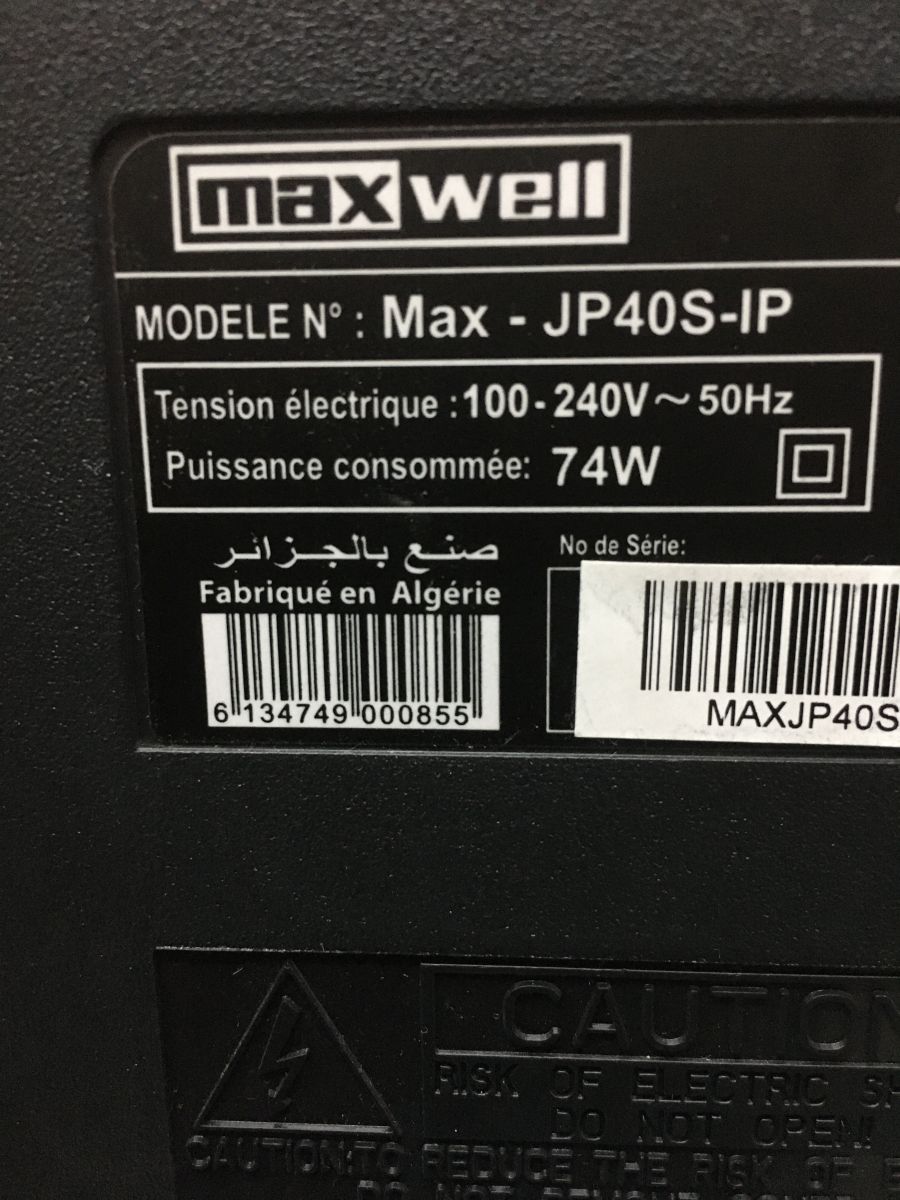
    Maxwell TV MAX-JP40S IP Dump: CV358H-T42 Motherboard Stuck on Logo Solution pls i am looking dump of max-jp40s ip/ maxwell tv
    motherboard cv358h-t42 stopping on logo
    maxwell thanks
    Attachments:
    • Maxwell TV MAX-JP40S IP Dump: CV358H-T42 Motherboard Stuck on Logo Solution IMG_0542.JPG (1.27 MB) You must be logged in to download this attachment.
  • ADVERTISEMENT
  • #2 20574479
    djaoueddoj27
    Level 1  
    Posts: 1
    Rate: 3
    Maxwell TV MAX-JP40S IP Dump: CV358H-T42 Motherboard Stuck on Logo Solution

    Added after 1 [minutes]:

    Maxwell TV MAX-JP40S IP Dump: CV358H-T42 Motherboard Stuck on Logo Solution
  • ADVERTISEMENT
  • #3 20575251
    sergiy141
    Level 17  
    Posts: 209
    Help: 26
    Rate: 68
    Board Language: polish
    try this. On the local keyboard, short press Power (release) then Chanel-
    the rocket logo appears and the inscription enters the recovery system. Release the button and immediately the inscription DELETE appears and after 5 seconds it turns off and on and starts charging for about 3 minutes with the SMARTTV screensaver. The second way to clear the cache and date is to use a script. Or through the console if you're familiar with the terminal.
  • ADVERTISEMENT
  • #4 20793935
    bibohalimo
    Level 1  
    Posts: 1
    Please i need emmc file
    Maxwell jp40s-ip
  • #5 21871368
    ishakfg14
    Level 1  
    Posts: 0
    [tiktok][/tiktok]
ADVERTISEMENT