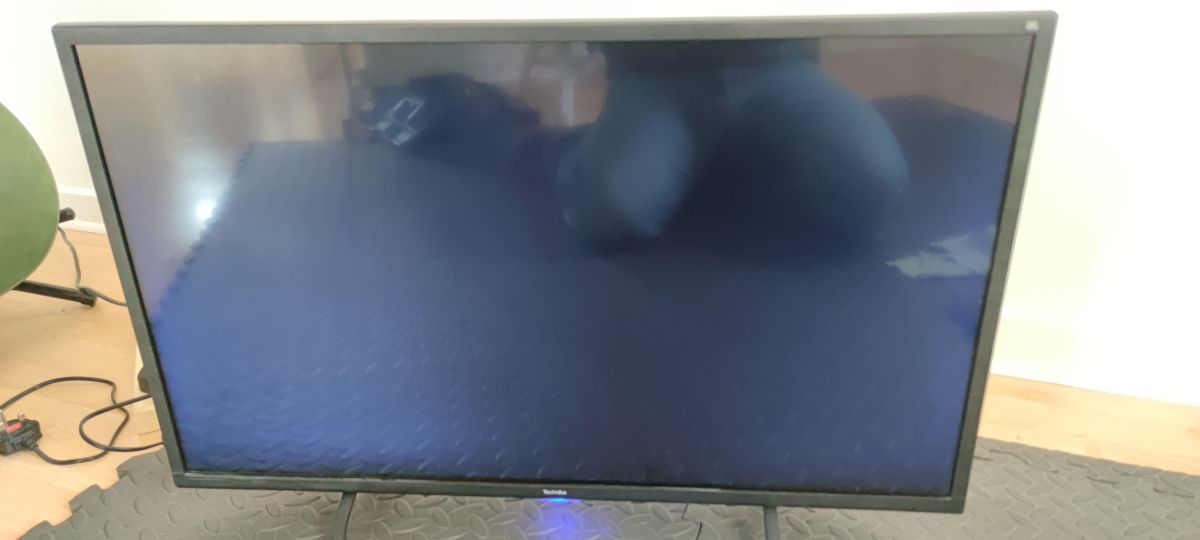
I did what Querij told me to do and they e-mailed me a bin file, I put it on a usb and plugged it into the tv and then power on the tv the power light started to flash on blue and red and the screen remained blue, I left it like this for about 45 mins and nothing happened so tried another Usb memory stick and this did the same. I have got a working mainboard coming in the post, so will have to see when I change that.
I have swapped out the mainboard that came from eBay today, but the TV is the same. Power on the TV, red light, then switch on TV blue power light and blue screen but nothing else. Can't get menu on TV. Any idea please?
Added after 1 [minutes]:
>>20808366
Added after 2 [minutes]:
>>20808366
Attachments:
allupgrade_3563.bin(28.77 MB)
You must be logged in to download this attachment.
Hi Querij I got the bin file from that link you gave me, please explain is it the wrong bin file or just named incorrect and could it be renamed ?. What about the other main board that I got off eBay and swapped out, the TV did exactly with that in. I can't get no menu or no signal on screen, just a blue screen. Thanks for any help.
The discussion revolves around seeking a firmware update for a Technika 32G22B-HD TV, specifically using the TP MS3463S PB711 chassis. The user initially received advice to contact a support service for the firmware. After obtaining a bin file, attempts to update the TV resulted in a flashing power light and a blue screen, with no menu access. The user also explored the possibility of a faulty screen inverter or screen itself. Further responses indicated that the correct firmware file for the chassis is MSD3463, and there were suggestions to verify the file's compatibility and the condition of the mainboard. Summary generated by the language model.