logo elektroda
logo elektroda
X
logo elektroda

Firmware Request for Hitachi 43HAK5353 TV with 17MB170E Mainboard After Update Issue

flaviocanale 378 6
ADVERTISEMENT
  • #1 21754037
    flaviocanale
    Level 4  
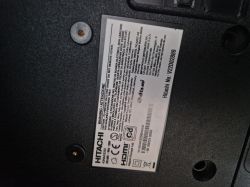
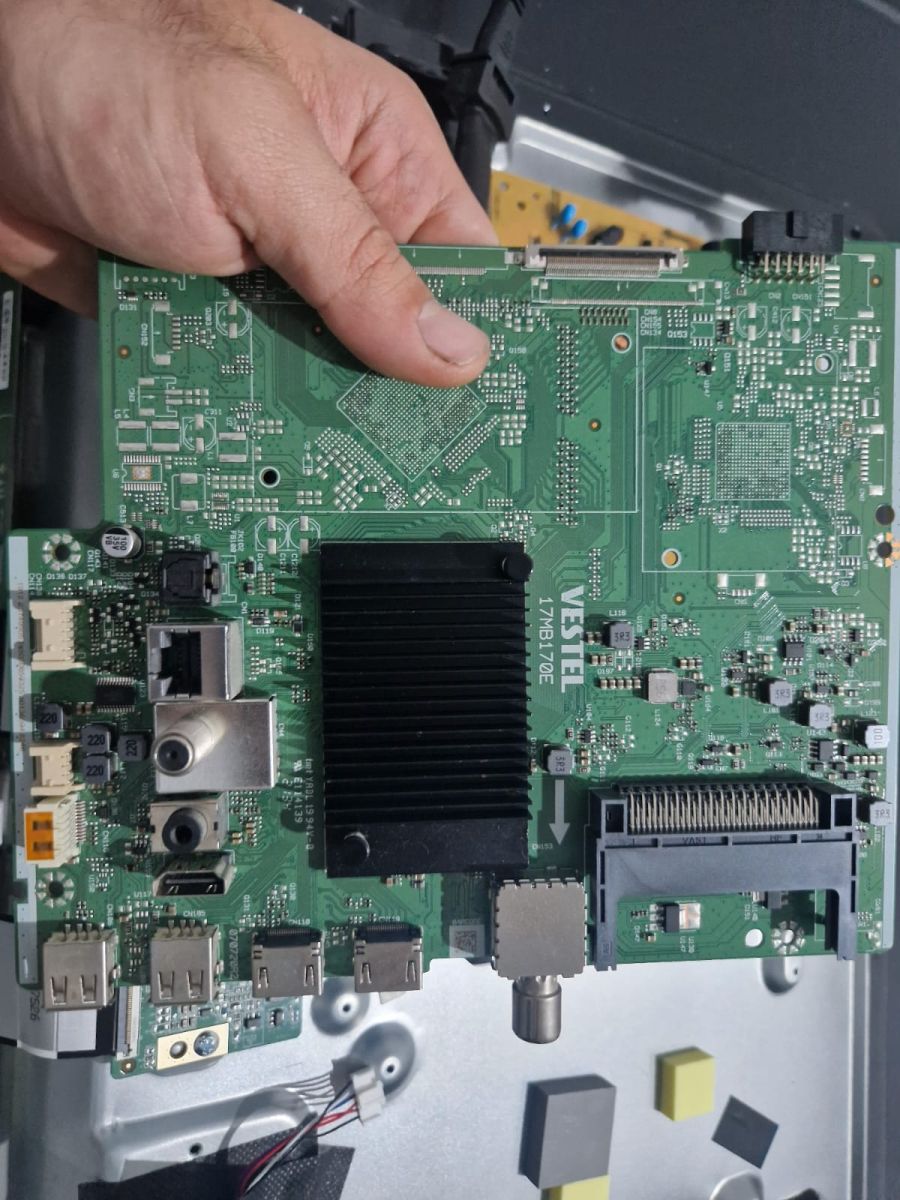
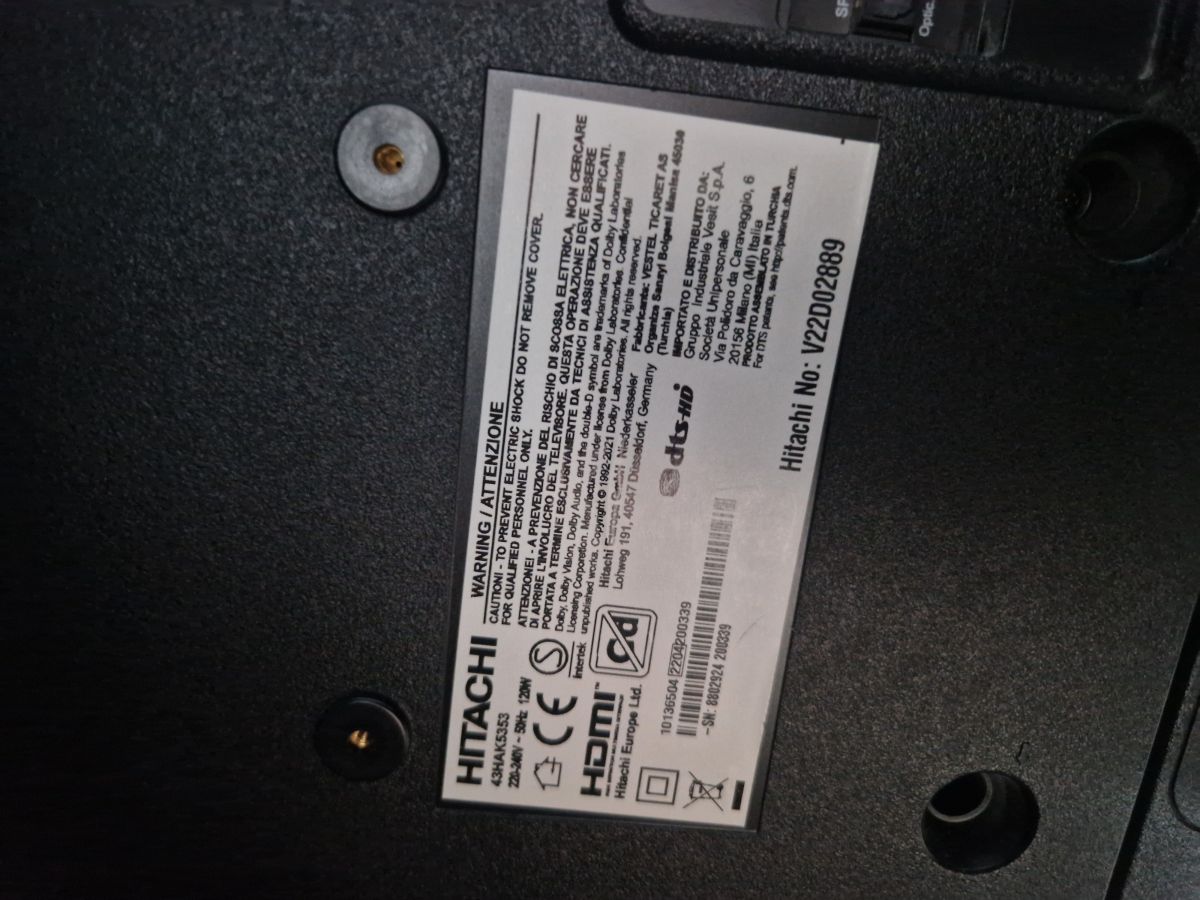
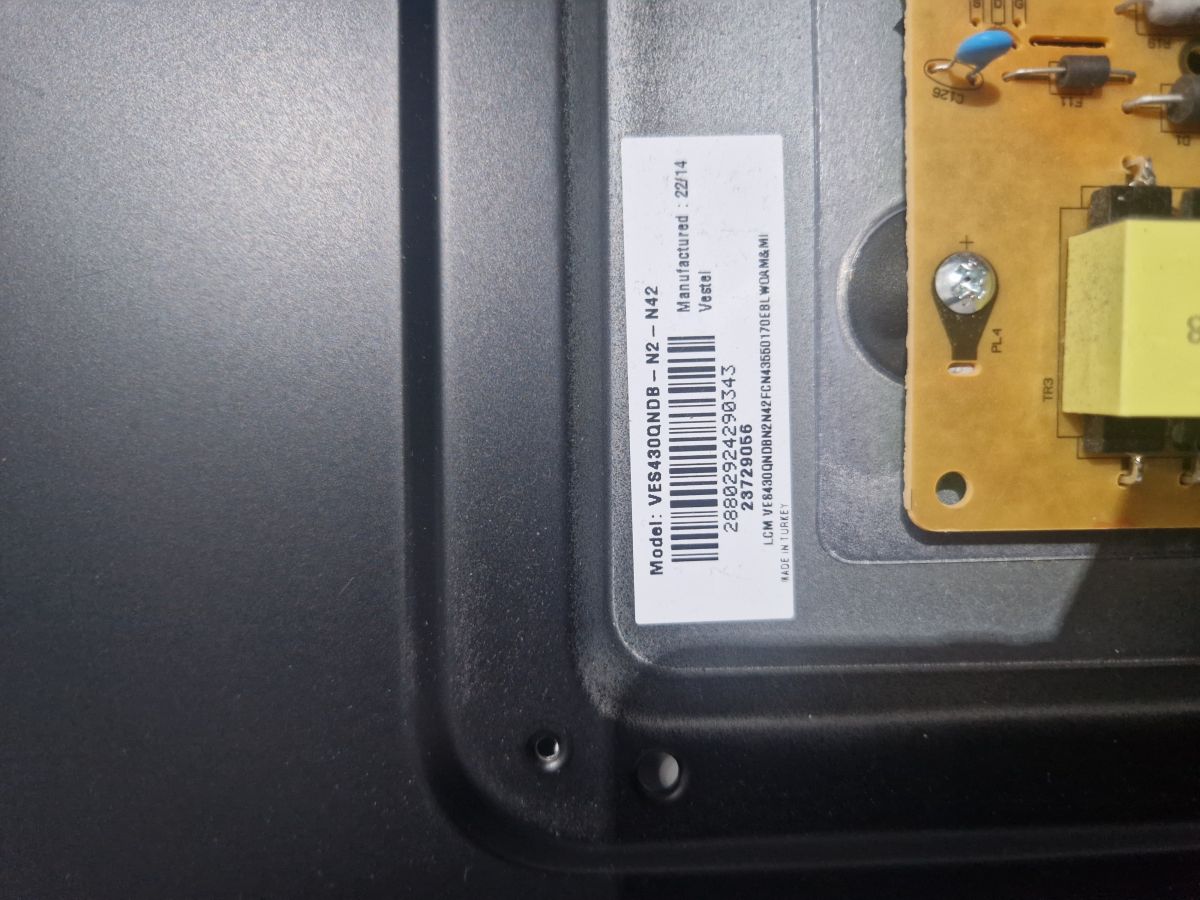
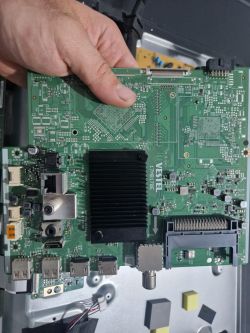
    Good morning, do you have the software for this TV with a 17MB170E motherboard, Hitachi TV model 43HAK5353? Thank you very much. After an update, the screen is black, and the LEDs are working. Thank you.Mainboard VESTEL 17MB170E from a TV held in a handInformation label on the back of a Hitachi device
    AI: Could you please let us know how you performed the update (for example, via USB, over-the-air, or through the service menu)?
    Menu servizio.
    AI: Does the TV respond to any buttons on the remote or the TV itself, or can you access the service menu in any way?
  • ADVERTISEMENT
  • #2 21754297
    yokoono51
    Level 27  
    Hitachi 43HAK5353 main 17MB170E panel VES430QNDB-N2-N42 ???.
  • ADVERTISEMENT
  • ADVERTISEMENT
  • #5 21754827
    flaviocanale
    Level 4  
    Thanks. Just put the file on the USB stick? Signed in FAT32 and connect the stick to the TV. Will the update start automatically?
  • ADVERTISEMENT
  • #6 21754891
    yokoono51
    Level 27  
    The update starts when you plug the TV in. After it's finished, turn off the TV and remove the stick.
  • #7 21755043
    flaviocanale
    Level 4  
    I updated it, but it still doesn't show an image. I can hear the audio from the first boot after the reset. The panel shows that the LEDs are working. What could it be?

Topic summary

A Hitachi 43HAK5353 television with a 17MB170E mainboard experienced a black screen issue after a firmware update performed via the service menu, while the LEDs remained active. The mainboard is identified as 17MB170E, and the panel model is confirmed as VES430QNDB-N2-N42. The TV responds to remote and panel buttons, and the service menu is accessible, indicating partial system functionality despite the display failure.
Summary generated by the language model.
ADVERTISEMENT