logo elektroda
logo elektroda
X
logo elektroda

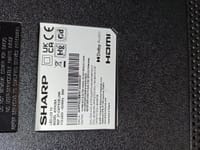
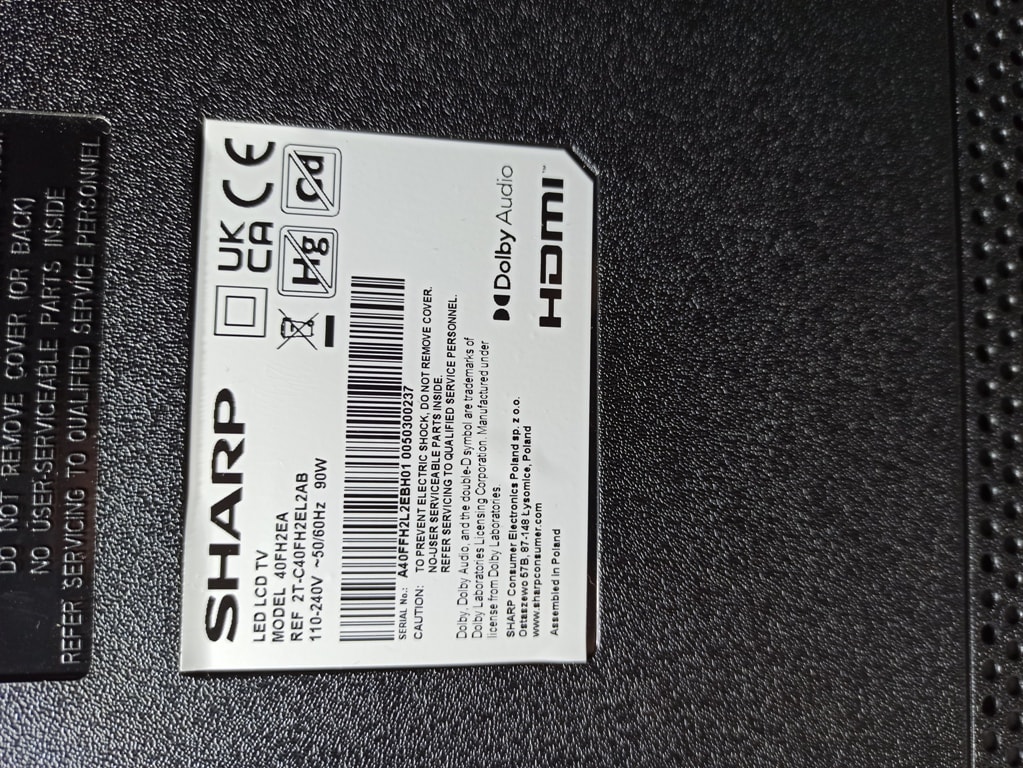
Sharp LED LCD TV Model: 40FH2EA Stuck on Logo Then Standby—Possible Software Issue and Restart Loop

emman 1671 15
Best answers LABEL_AI_GENERATED

How can I fix a Sharp 40FH2EA that shows the logo and then immediately goes to standby in a restart loop?

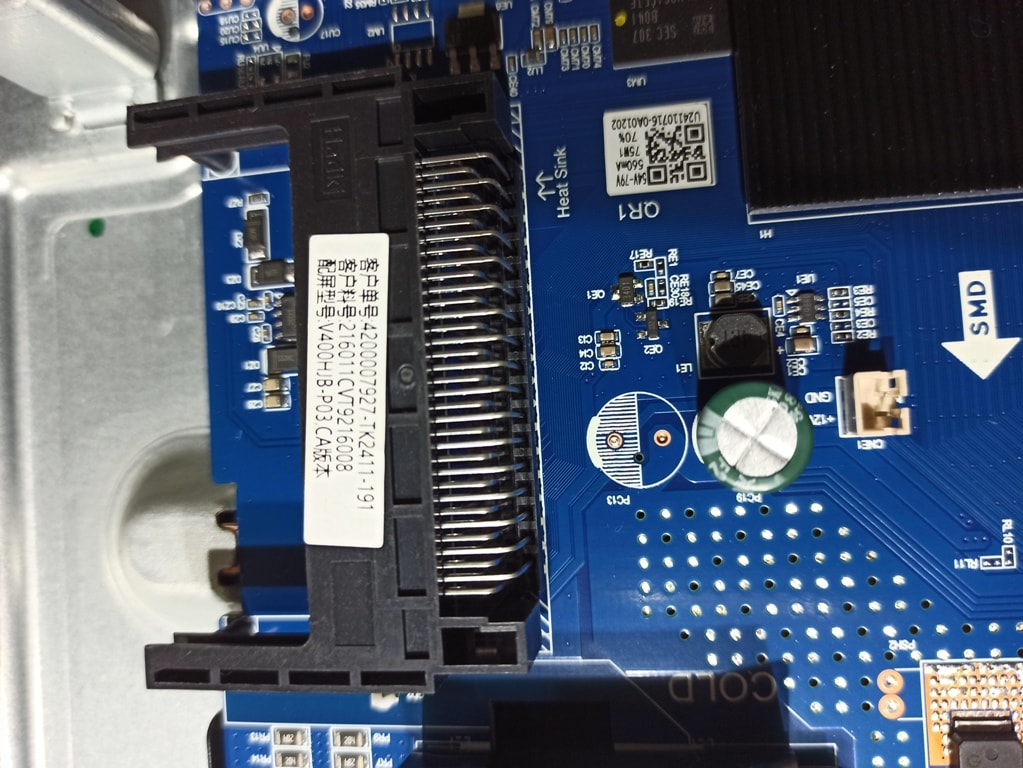
Reflash the TV’s software from a USB stick: copy `upgrade_image_no_tvcertificate.pkg` to an empty USB drive, insert it into the TV, then plug in the power cord so USB recovery starts automatically [#21827974] The mainboard was identified as `EL.MT9216-FG75` with panel `V400HJB-P03`, which helps match the correct firmware [#21828508] When the first download stalled, an alternative download link was provided [#21828647] After installing the firmware, the original poster confirmed the TV started working normally again [#21828688] If you use firmware for another panel, it may still boot but can cause remote-control problems, in which case a Sharp remote may be needed [#21830738]
AI summary based on the discussion. May contain errors.
ADVERTISEMENT
  • #1 21827839
    emman
    Level 8  
    Posts: 38
    Rate: 4
    Hello Colleagues.
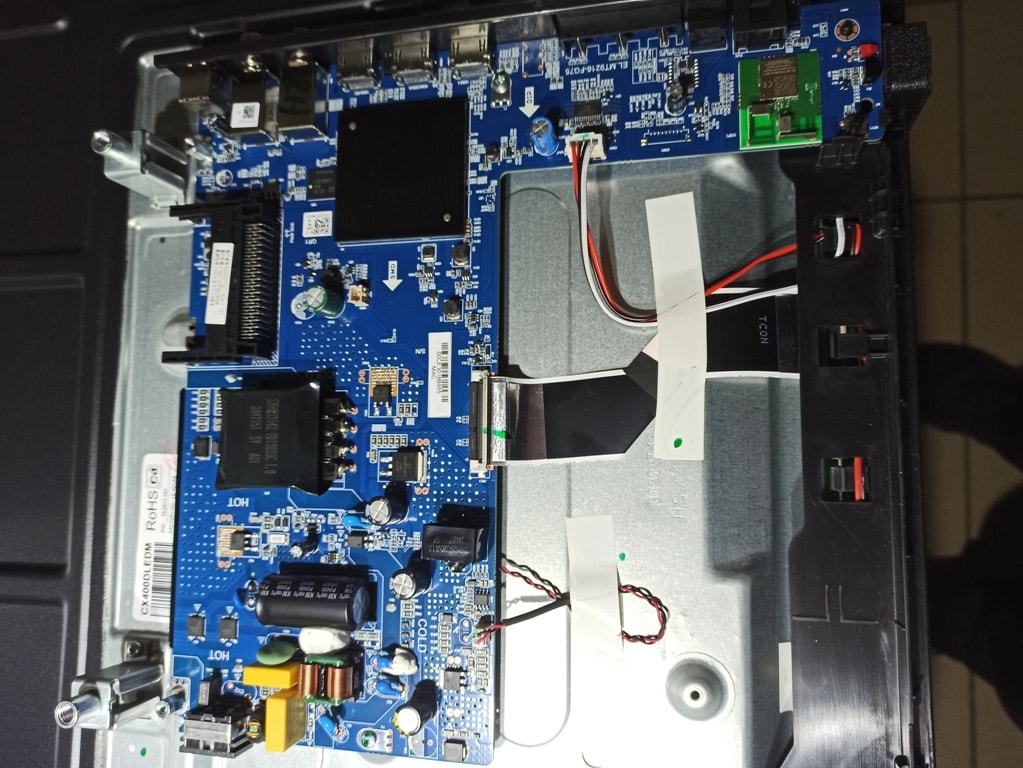
    I have this TV,
    and probably needs software.
    The problem he has is
    that I open it
    and pulls out the logo Sharp, and immediately goes
    on standby, and then if
    I unplug it
    and I put it again it does the same.
    If anyone can help me,
    Thanks in advance.
    Attachments:
    • Sharp LED LCD TV Model: 40FH2EA Stuck on Logo Then Standby—Possible Software Issue and Restart Loop 1770109818433.jpg (356.71 KB) You must be logged in to download this attachment.
    • Sharp LED LCD TV Model: 40FH2EA Stuck on Logo Then Standby—Possible Software Issue and Restart Loop 17701098184.jpg (379.26 KB) You must be logged in to download this attachment.
    • Sharp LED LCD TV Model: 40FH2EA Stuck on Logo Then Standby—Possible Software Issue and Restart Loop 1770109818.jpg (320.21 KB) You must be logged in to download this attachment.
    • Sharp LED LCD TV Model: 40FH2EA Stuck on Logo Then Standby—Possible Software Issue and Restart Loop 18457.jpg (336.28 KB) You must be logged in to download this attachment.
    • Sharp LED LCD TV Model: 40FH2EA Stuck on Logo Then Standby—Possible Software Issue and Restart Loop 1770117575859.jpg (486.76 KB) You must be logged in to download this attachment.
  • ADVERTISEMENT
  • #2 21827974
    billobirillo
    Level 33  
    Posts: 1142
    Help: 338
    Rate: 801
    here is the software link

    copy the file upgrade_image_no_tvcertificate.pkg on an empty usb stick
    insert the usb stick in the tv, then plug the power cord
    the usb recovery should start automatically
  • #3 21828072
    drechu11
    Level 13  
    Posts: 131
    Help: 5
    Rate: 5
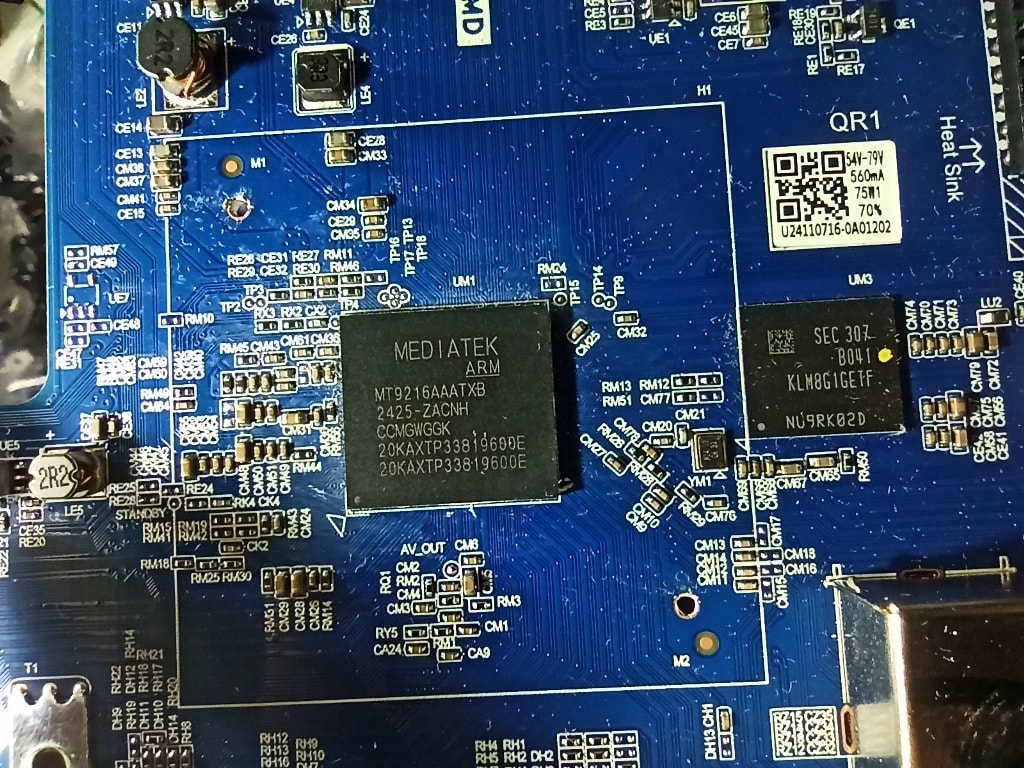
    Remove the heatsink and show what memory is sitting
  • ADVERTISEMENT
  • #4 21828200
    emman
    Level 8  
    Posts: 38
    Rate: 4
    Good evening to you.
    I am sending you the photo first
    of the memory you asked of me.
    Now I am downloading the software
    that you sent me.
    I will install it and I will tell you
    if it works.
    I want to tell you a big one:
    Thank you for your interest.
    Attachments:
    • Sharp LED LCD TV Model: 40FH2EA Stuck on Logo Then Standby—Possible Software Issue and Restart Loop 1770142094769.jpg (503.63 KB) You must be logged in to download this attachment.
  • #5 21828399
    emman
    Level 8  
    Posts: 38
    Rate: 4
    Sorry.
    Please tell me.
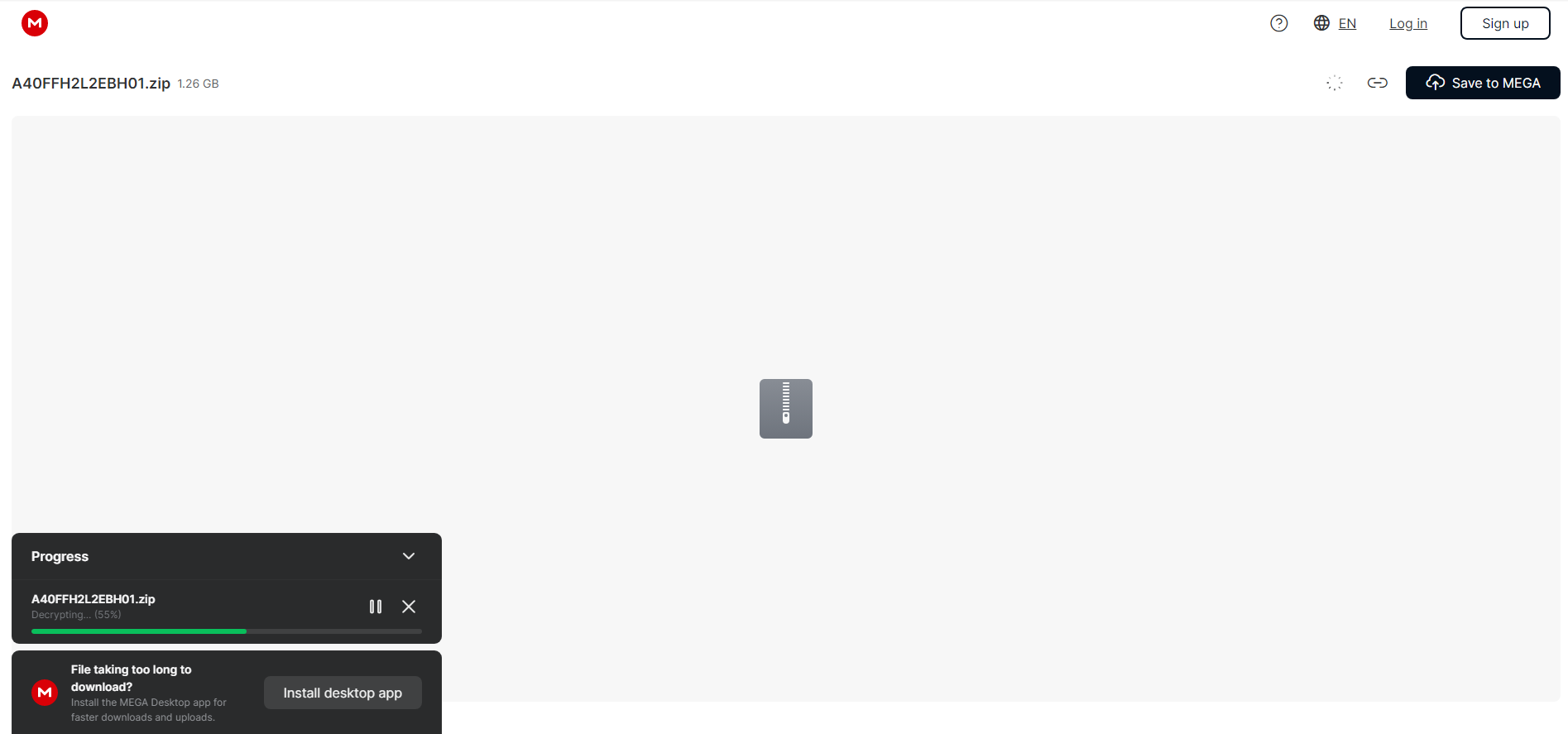
    I tried twice to download it and up to 55%.
    And goes no further; why doesn't he complete it?
    Attachments:
    • Sharp LED LCD TV Model: 40FH2EA Stuck on Logo Then Standby—Possible Software Issue and Restart Loop Καταγραφή 1 .PNG (40.66 KB) You must be logged in to download this attachment.
  • #6 21828508
    jeloi
    Level 34  
    Posts: 1749
    Help: 285
    Rate: 597
    EL.MT9216-FG75
    V400HJB-P03
  • ADVERTISEMENT
  • #7 21828647
    billobirillo
    Level 33  
    Posts: 1142
    Help: 338
    Rate: 801
    alternative download link
    link valid for 7 days
  • #8 21828688
    emman
    Level 8  
    Posts: 38
    Rate: 4
    Good morning.
    I downloaded and installed it.
    Everything is fine; the TV works very well.
    I want to say a big thank you.
    I wish you always be well.
  • #9 21830634
    nekefi
    Level 8  
    Posts: 17
    Rate: 1
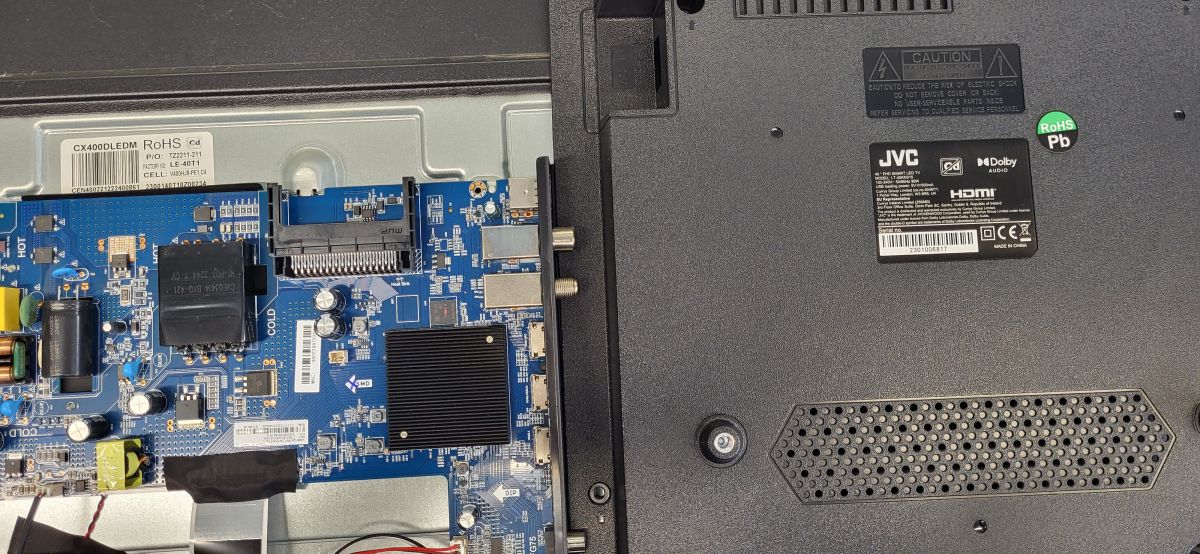
    May I use it for JVC with the same problem?

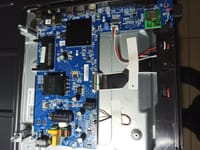
    Inside a TV: main circuit board and power components on the left, JVC back cover with label on the right
  • ADVERTISEMENT
  • #10 21830738
    billobirillo
    Level 33  
    Posts: 1142
    Help: 338
    Rate: 801
    >>21830634

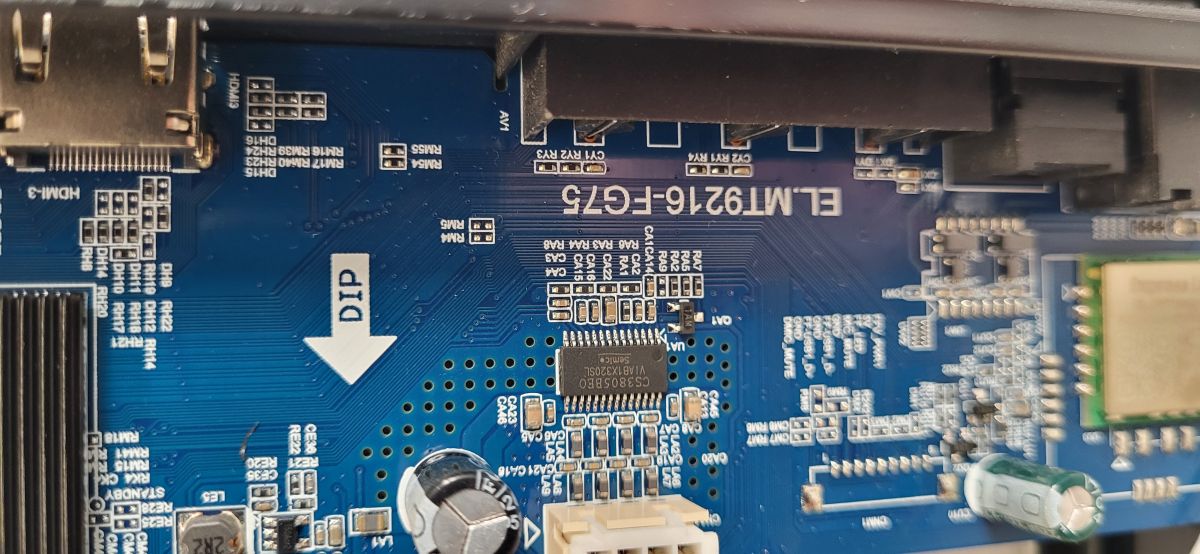
    mainboard is EL.MT9216-FG75?
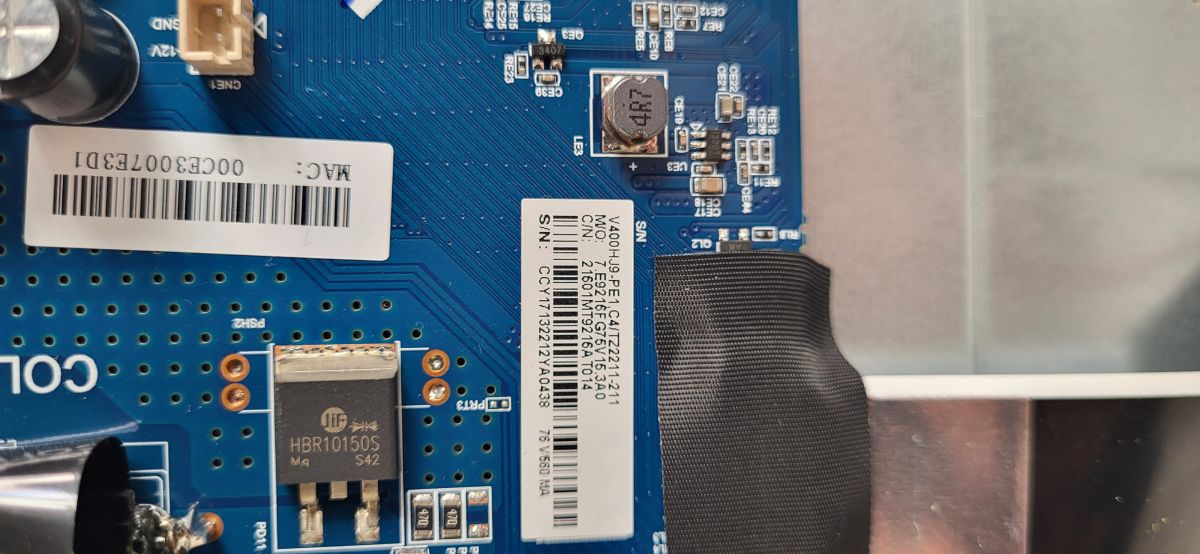
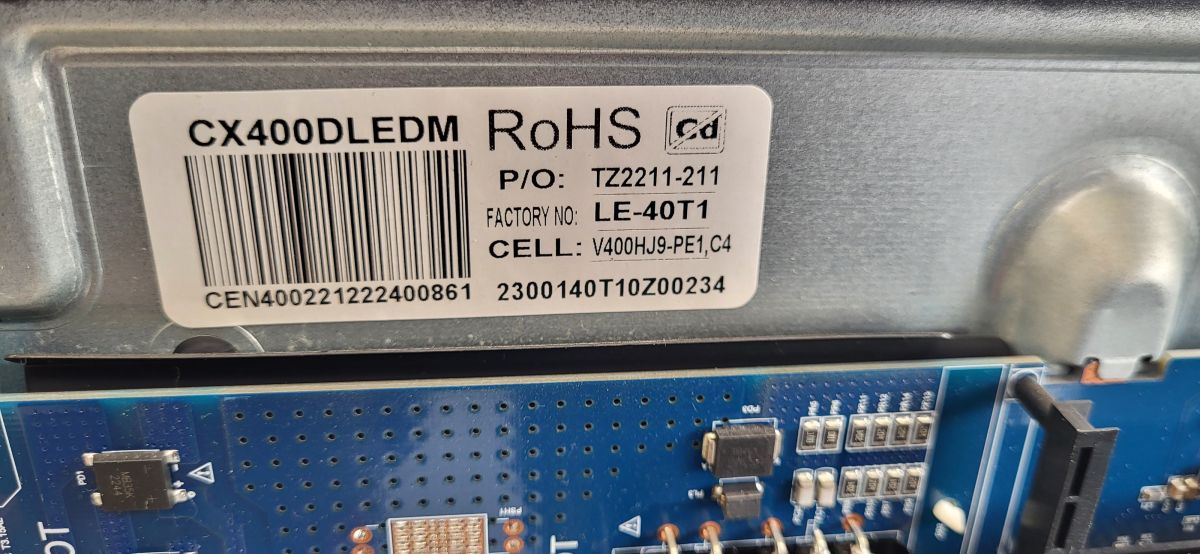
    panel code (I can't read the label well) is V400HJ9-PE1 C4?
    the software I linked is for another panel: you need another one that I can provide

    the software might work
    but you might be have problems with the remote control: in this case, you should replace it with a Sharp one.
  • Remote still won’t start the update procedure

    #11 21830786
    nekefi
    Level 8  
    Posts: 17
    Rate: 1
    >>21830738
    Thank you very much for your response, billobirillo, and sorry for the bad pictures.
    I hope the new ones help more!!
    About the remote control I don't mind, I gave it a try despite that but it seems not to accept it and does not start the update procedure, just stays at logo.
    Thanks in advance!!!

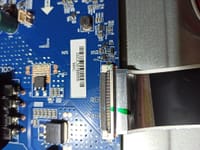
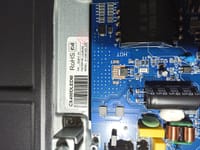
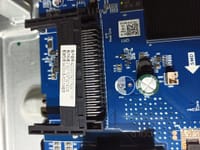
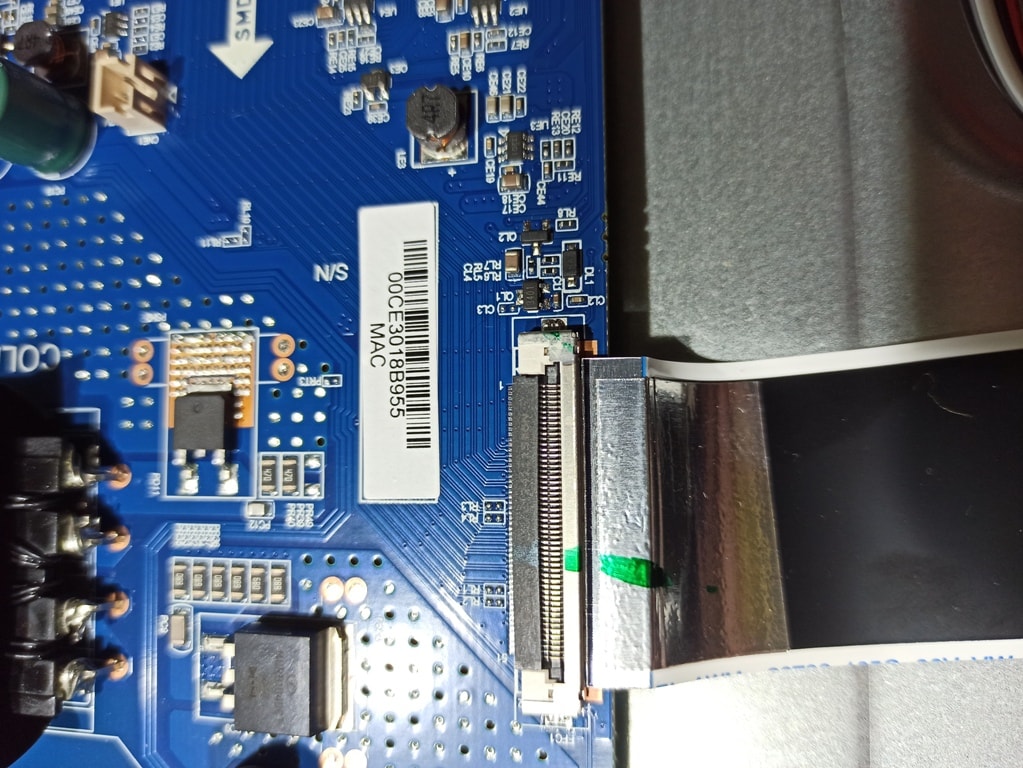
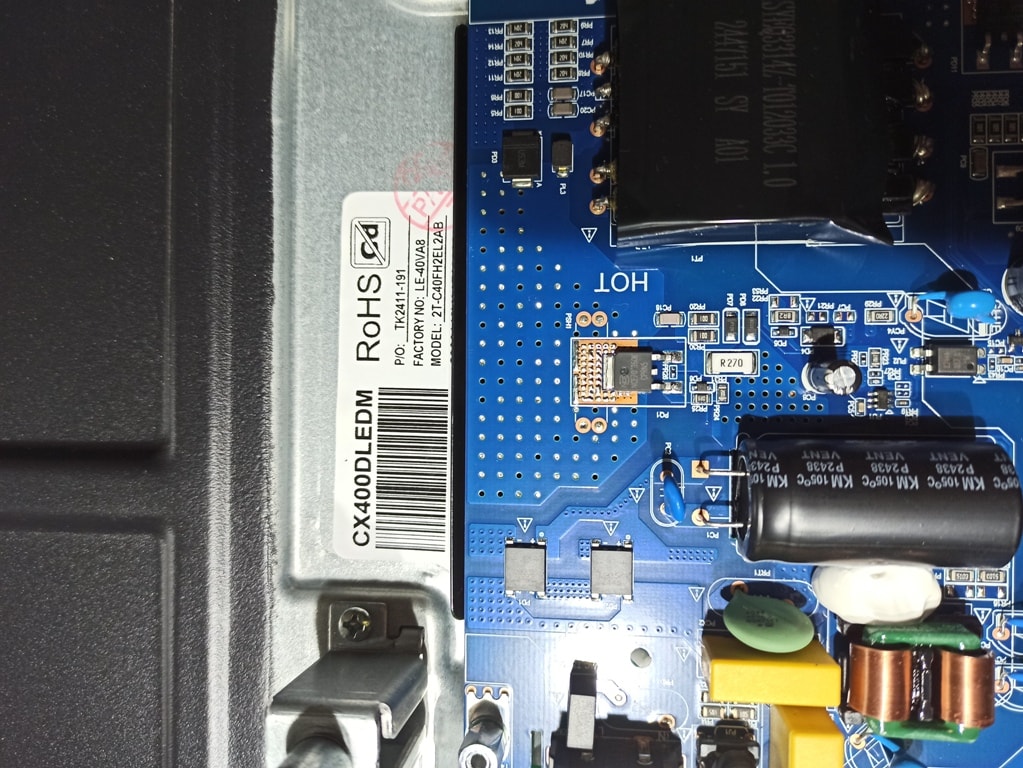
    Close-up of a blue PCB with barcode labels, an HBR10150S component, and black fabric tape Close-up of a blue PCB with “DIP” arrow and “ELMT9216-FGT5” marking, showing surface-mount components. Label with barcode and “CX400DLEDM RoHS” on a metal casing above a blue PCB circuit board
  • #12 21947085
    Jmarquina
    Level 2  
    Posts: 2
    >>21828647 >>21828647 Dear, could you please send me the USB firmware for this Sharp TV with the EL.MT9216-FG75 board?
  • #13 21947276
    billobirillo
    Level 33  
    Posts: 1142
    Help: 338
    Rate: 801
    Jmarquina wrote:
    >>21828647 >>21828647 Dear, could you please send me the USB firmware for this Sharp TV with the EL.MT9216-FG75 board?

    Please post a photo of the sticker on the back of the TV: product code and serial number required
  • #14 21947942
    emman
    Level 8  
    Posts: 38
    Rate: 4
    Hello Colleague.
    I tried to send it
    from here, but it's big:
    1.25 GB.
    Tell me how to send it to you?
    With WeTransfer, it probably wants to
    your email?
  • Request for USB-installable firmware and repair guidance

    #15 21948023
    Jmarquina
    Level 2  
    Posts: 2
    >>21947276
    Sharp LED LCD TV Model: 40FH2EA Stuck on Logo Then Standby—Possible Software Issue and Restart Loop Sharp LED LCD TV Model: 40FH2EA Stuck on Logo Then Standby—Possible Software Issue and Restart Loop Sharp LED LCD TV Model: 40FH2EA Stuck on Logo Then Standby—Possible Software Issue and Restart Loop Sharp LED LCD TV Model: 40FH2EA Stuck on Logo Then Standby—Possible Software Issue and Restart Loop Sharp LED LCD TV Model: 40FH2EA Stuck on Logo Then Standby—Possible Software Issue and Restart Loop
    I’m sending you what was requested. Do you happen to have the firmware for direct USB installation? What do you recommend?
  • USB recovery using upgrade_image_no_tvcertificate.pkg file

    #16 21949825
    emman
    Level 8  
    Posts: 38
    Rate: 4
    Sharp LED LCD TV, model: 40FH2EA. Got stuck on the logo and then went into standby. Possible software issue and restart loop.
    Copy the upgrade_image_no_tvcertificate.pkg file to an empty USB stick.
    Insert the USB stick into the TV, then connect the power cable.
    The USB recovery should start automatically.
    Wait until the software has finished loading, then configure the various settings.
    Ignore the CopyFdata Zip file; leave it as it is.

Topic summary

LABEL_AI_GENERATED
A Sharp LED LCD TV, model 40FH2EA, exhibits a startup issue where it displays the Sharp logo and immediately enters standby mode, then repeats this cycle upon power reset. The problem is suspected to be software-related. A suggested solution involves downloading a firmware file named "upgrade_image_no_tvcertificate.pkg" onto an empty USB stick, inserting it into the TV, and powering on to trigger an automatic USB recovery process. Additional troubleshooting includes physically inspecting the memory module by removing the heatsink. The user encountered difficulties completing the software download, stalling at 55%, and requested assistance with this issue.
AI summary based on the discussion. May contain errors.
ADVERTISEMENT