Hello,
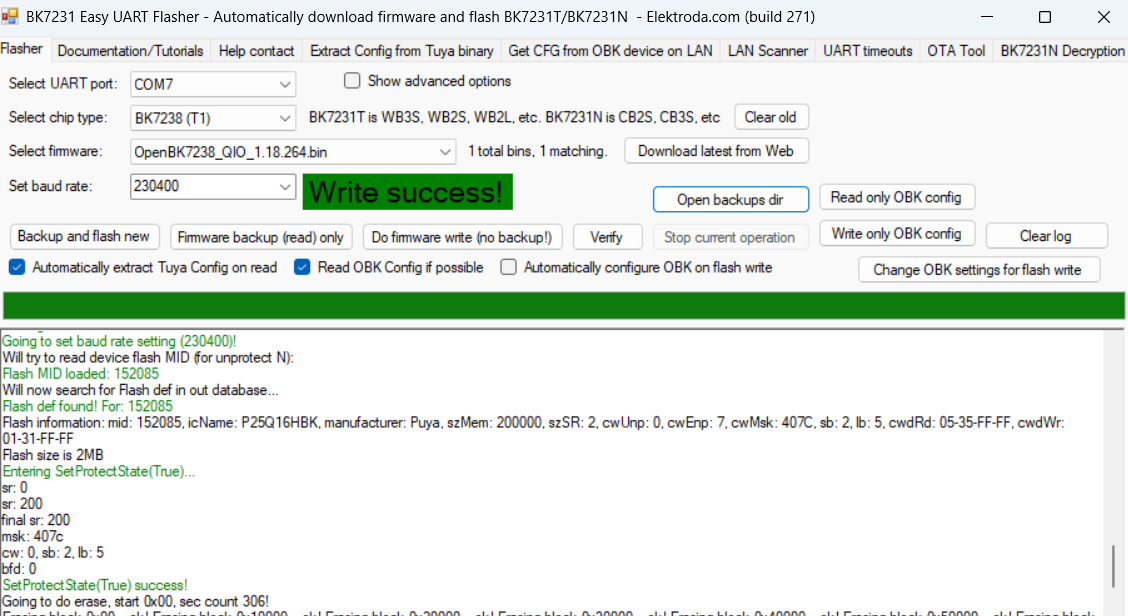
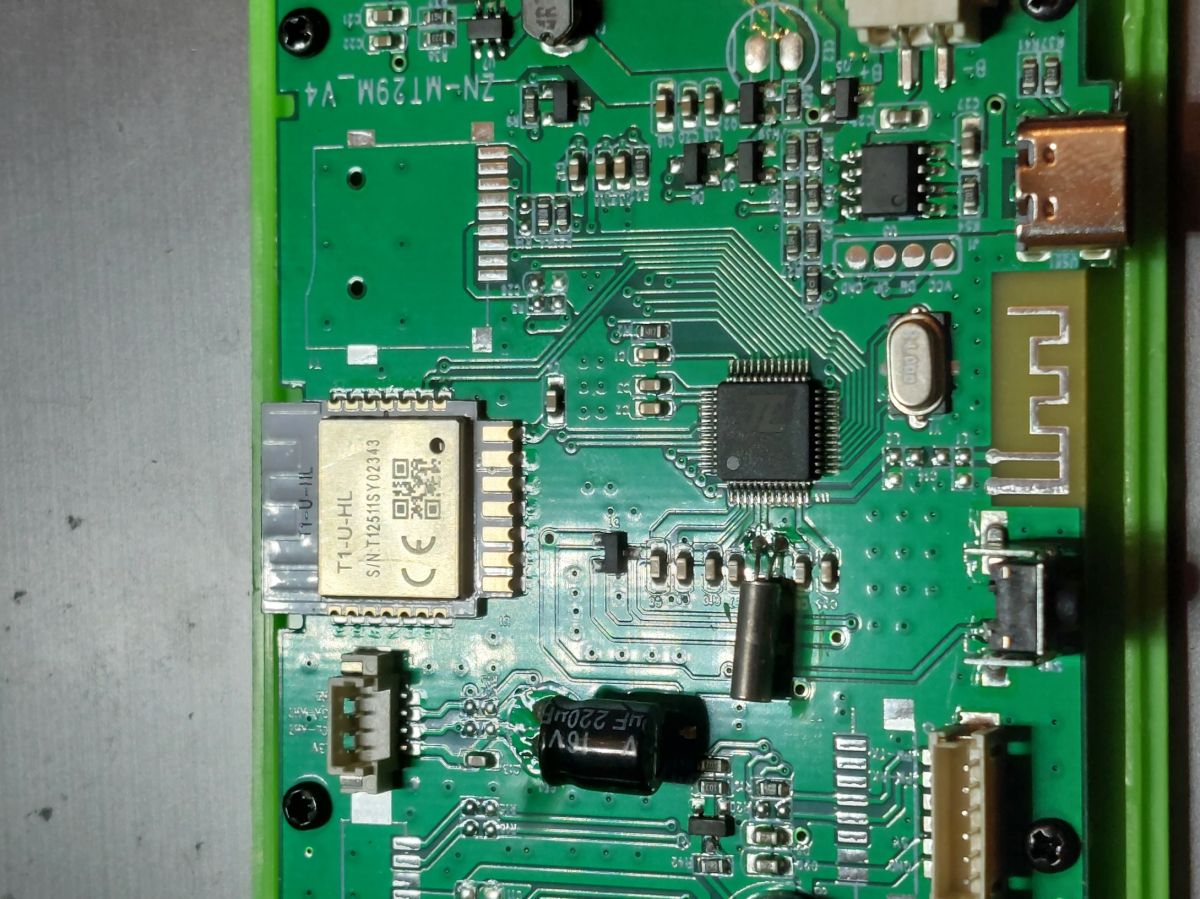
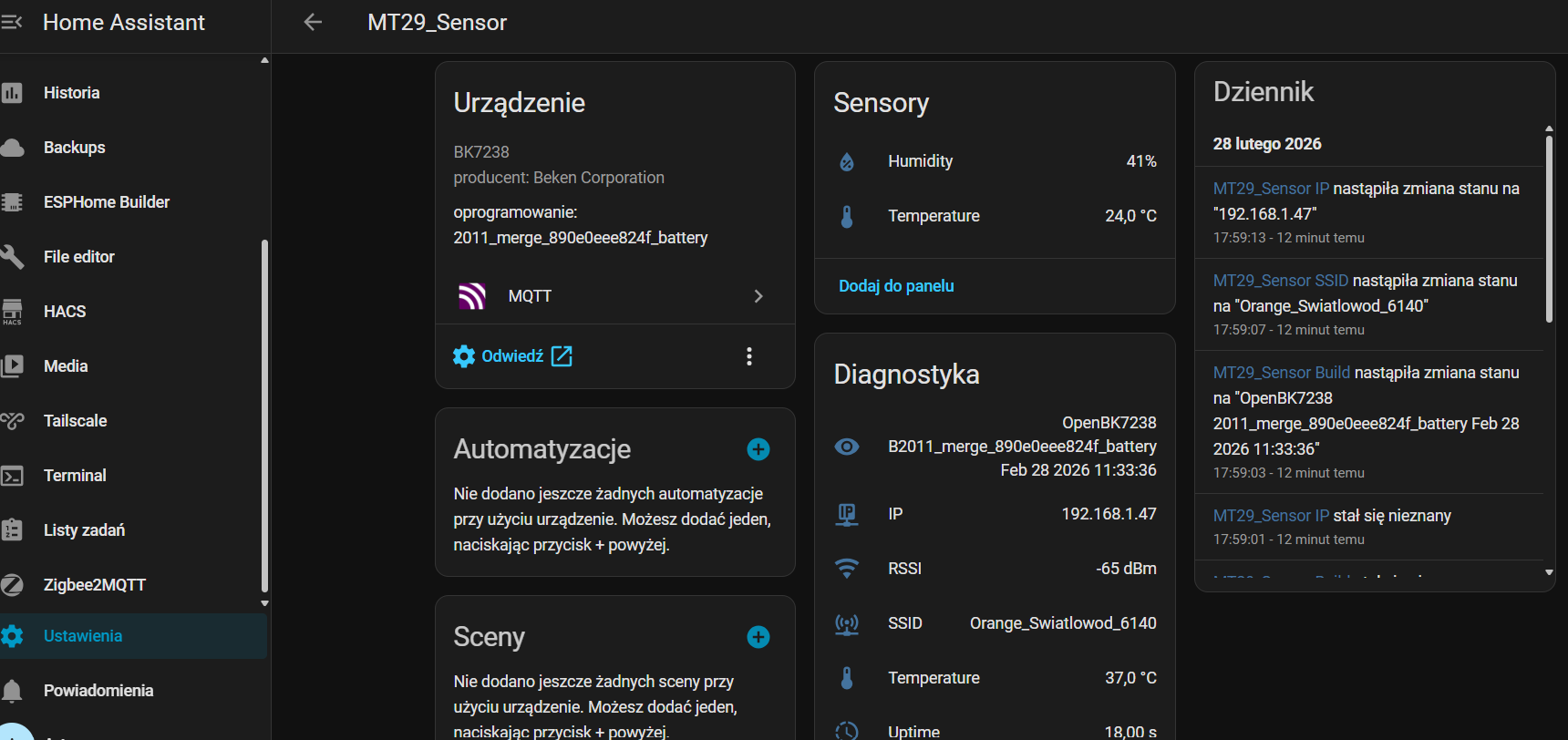
Air Detector on BK7238 after flashing openBK7231N 1.18.264 exposes its own Wi-Fi network and logs into the home network; instead of transmitting parameters from the sensors, it exposes a message in the logs: Info:TuyaMCU:TuyaMCU packet too large, 204 > 192. Can someone tell me how I can solve this.
AI: After flashing, did you do any additional configurations in openBK (e.g. TuyaMCU settings, pin mapping, sensor configuration)? If so, which ones?
pin setting: "pins": "0": "AlwaysHigh;0", "1": "AlwaysHigh;0"; manually called command: backlog startDriver TuyaMCU and tuyaMcu_setBaudRate 115200
AI: On earlier versions of the firmware (or original sofet) did the device work correctly, or did the problem only appear after this update?
On the original softy I did not set up a cloud; I want to connect to HA over the home network. On openBK7231N 1.18.263 it behaves in the same way
Air Detector on BK7238 after flashing openBK7231N 1.18.264 exposes its own Wi-Fi network and logs into the home network; instead of transmitting parameters from the sensors, it exposes a message in the logs: Info:TuyaMCU:TuyaMCU packet too large, 204 > 192. Can someone tell me how I can solve this.
AI: After flashing, did you do any additional configurations in openBK (e.g. TuyaMCU settings, pin mapping, sensor configuration)? If so, which ones?
pin setting: "pins": "0": "AlwaysHigh;0", "1": "AlwaysHigh;0"; manually called command: backlog startDriver TuyaMCU and tuyaMcu_setBaudRate 115200
AI: On earlier versions of the firmware (or original sofet) did the device work correctly, or did the problem only appear after this update?
On the original softy I did not set up a cloud; I want to connect to HA over the home network. On openBK7231N 1.18.263 it behaves in the same way