







I’ve got a kettle on the workbench – apparently a ‘smart’ one.

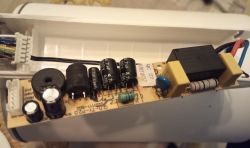
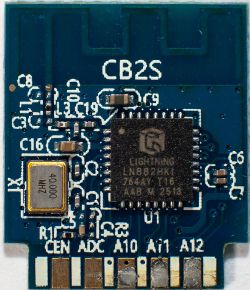
It’s waiting for the relay to be replaced, as it’s stuck. It used to work with the Tuya app, based on the WBR3 module.
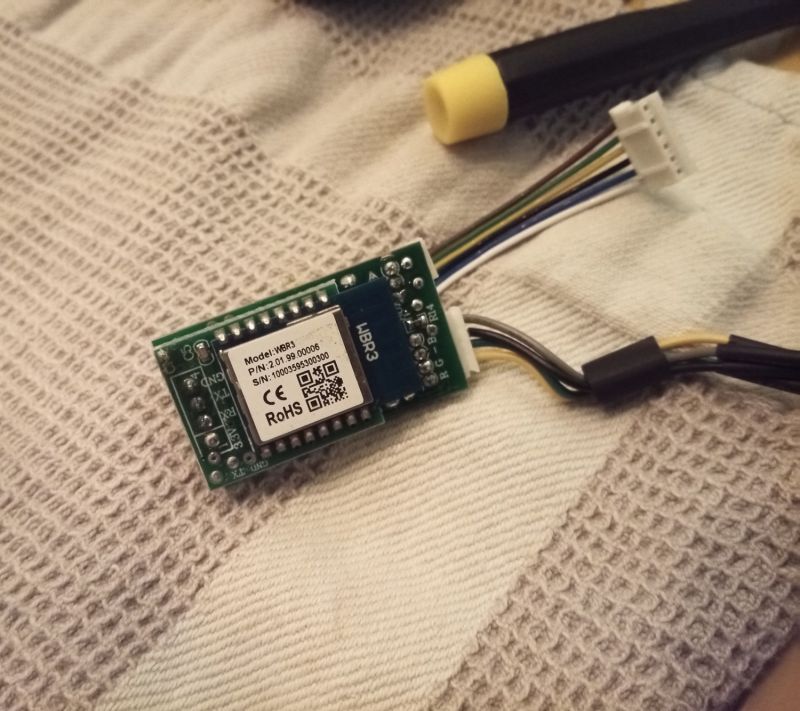
I’ve never used OpenBeken before, but I can see that this module is supported.
Is there a step-by-step guide somewhere (I’d prefer a text-based one) on how to go about this? I’ve seen that you have lots of videos on flashing, but some – for example, those from two years ago – relate to various other modules, and quite a few utility programmes have been developed as well... I’m missing something like a ‘Getting Started’ guide…
Initially, I was simply thinking of re-soldering this module onto an ESP8266. Most of these gadgets have been working for me for years on espHome/Tasmota, and they date back to the (pre-pandemic) days when the ESP was the standard chip used in such gadgets.
As far as I can tell at the moment, I should:
1. Connect to the UART between the module and the TuyaMCU, click through all the options in the Tuya app, and log the communications to read all the DpIDs.
2. Desolder the module.
3. Connect to the second UART? Flash it with OpenBekenen.
4. Solder the module back in and reassemble the device?
Will I be able to carry out the rest of the configuration via the UI? Will subsequent flashing be possible via OTA, without having to desolder it?
I think there have been a few of these kettles mentioned here – perhaps one of the configurations will work. Am I right in assuming that the MCU is responsible for the kettle’s logic, so that if something goes wrong with the flashing, the kettle will only lose its ability to communicate via Wi-Fi?
How stable and mature is this OpenBeken project at the moment? Is it suitable for normal, everyday use with long uptime? 🤔
Perhaps someone who’s already done this sort of flashing could share some tips. By the way – I haven’t used Windows privately for many years now; are those nice, user-friendly graphical programmes for OpenBeken only available on Windows? Can all this be done on Linux or a Mac? The CLI isn’t a problem, but I don’t think there’s a version of the Tuya decoder available for that, is there?
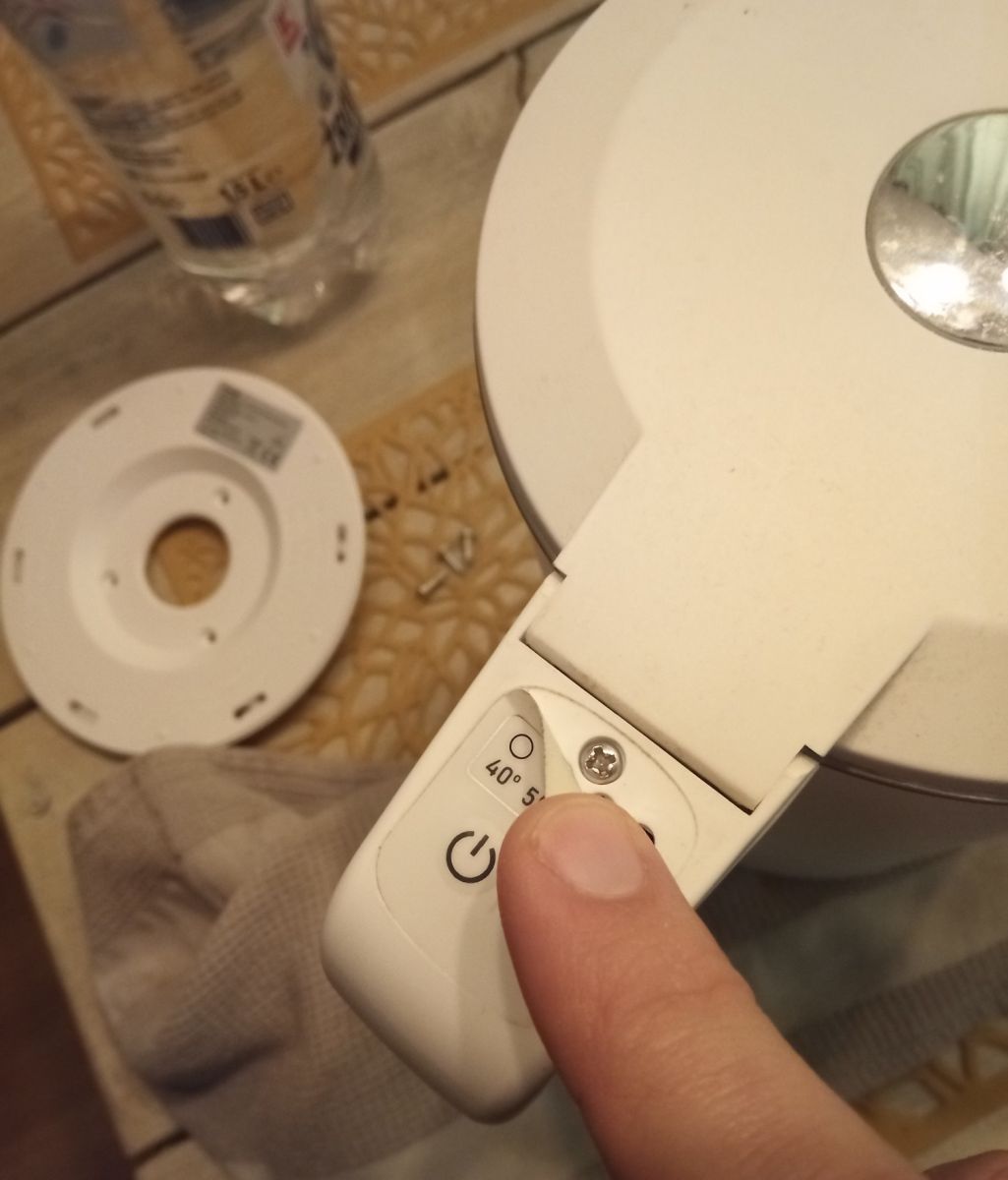
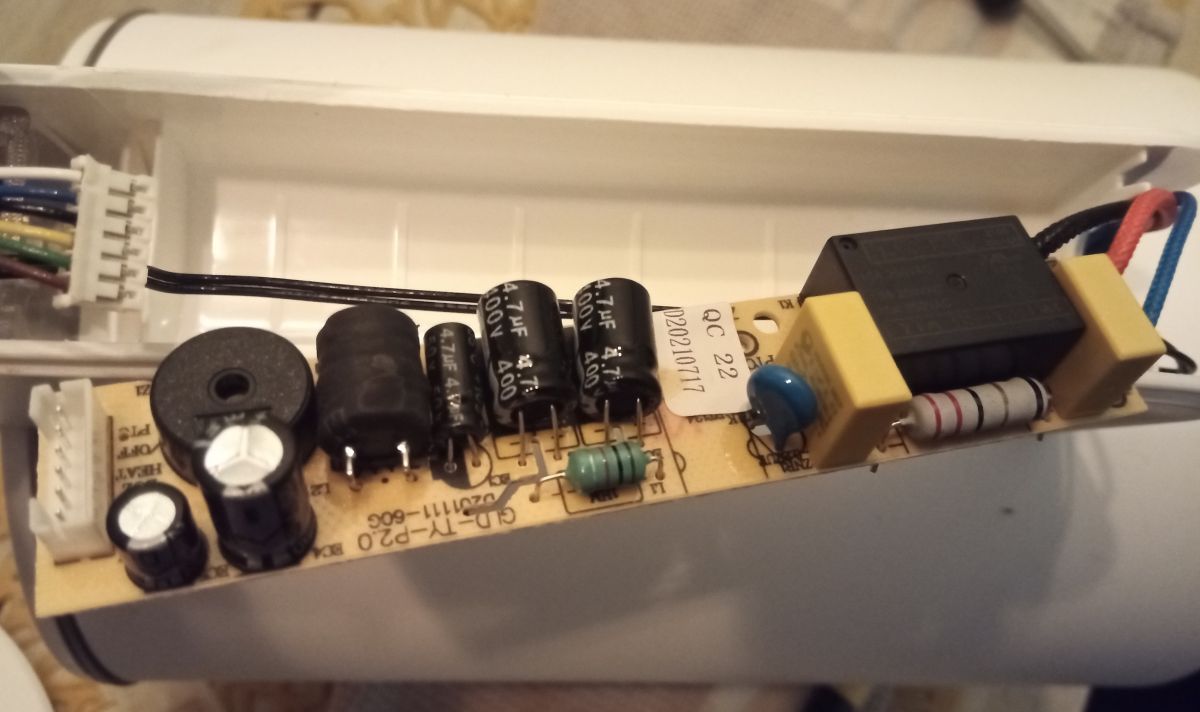
It’s waiting for the relay to be replaced, as it’s stuck. It used to work with the Tuya app, based on the WBR3 module.
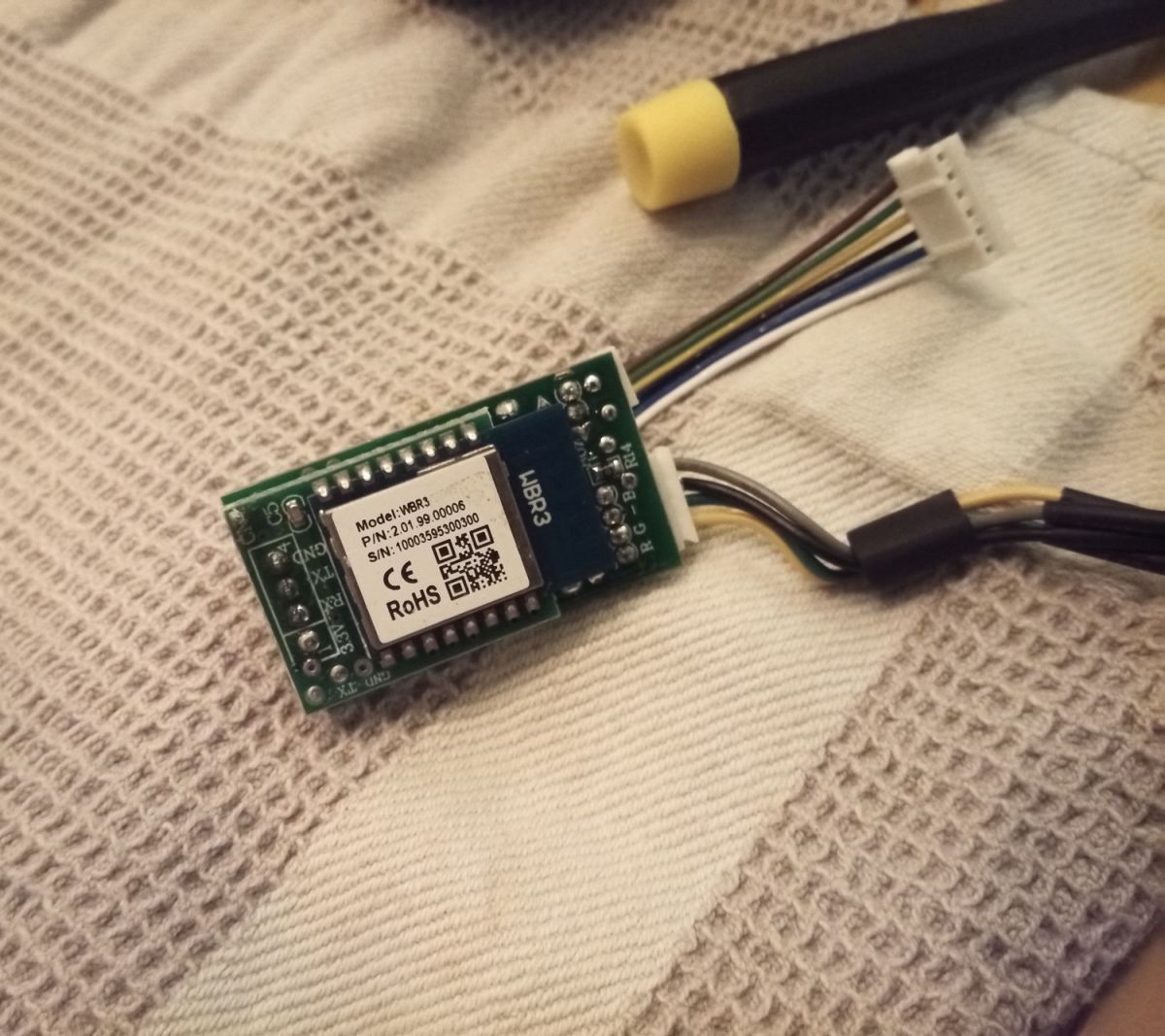
I’ve never used OpenBeken before, but I can see that this module is supported.
Is there a step-by-step guide somewhere (I’d prefer a text-based one) on how to go about this? I’ve seen that you have lots of videos on flashing, but some – for example, those from two years ago – relate to various other modules, and quite a few utility programmes have been developed as well... I’m missing something like a ‘Getting Started’ guide…
Initially, I was simply thinking of re-soldering this module onto an ESP8266. Most of these gadgets have been working for me for years on espHome/Tasmota, and they date back to the (pre-pandemic) days when the ESP was the standard chip used in such gadgets.
As far as I can tell at the moment, I should:
1. Connect to the UART between the module and the TuyaMCU, click through all the options in the Tuya app, and log the communications to read all the DpIDs.
2. Desolder the module.
3. Connect to the second UART? Flash it with OpenBekenen.
4. Solder the module back in and reassemble the device?
Will I be able to carry out the rest of the configuration via the UI? Will subsequent flashing be possible via OTA, without having to desolder it?
I think there have been a few of these kettles mentioned here – perhaps one of the configurations will work. Am I right in assuming that the MCU is responsible for the kettle’s logic, so that if something goes wrong with the flashing, the kettle will only lose its ability to communicate via Wi-Fi?
How stable and mature is this OpenBeken project at the moment? Is it suitable for normal, everyday use with long uptime? 🤔
Perhaps someone who’s already done this sort of flashing could share some tips. By the way – I haven’t used Windows privately for many years now; are those nice, user-friendly graphical programmes for OpenBeken only available on Windows? Can all this be done on Linux or a Mac? The CLI isn’t a problem, but I don’t think there’s a version of the Tuya decoder available for that, is there?
