









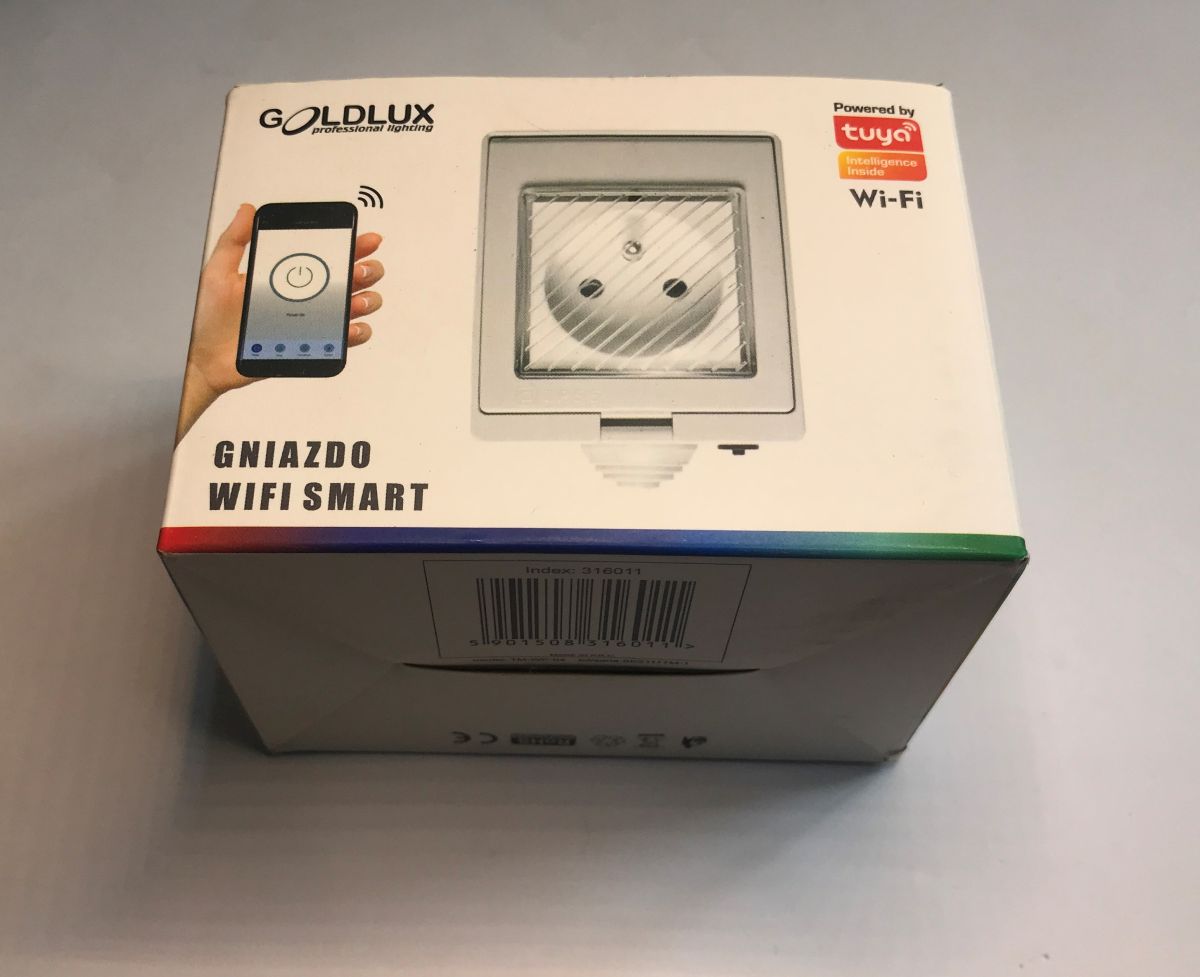
Every now and then I look for IoT products still based on the ESP8266. This gives us a wider choice of firmware that can be loaded inside - even Tasmota and Supla will work on the old ESP, whereas the newer Tuya products from Beken won't work anymore. For this reason, here I will show another small find which is still based on the ESP8266 - an external surface-mounted socket, advertised by the importer as "hermetically sealed".
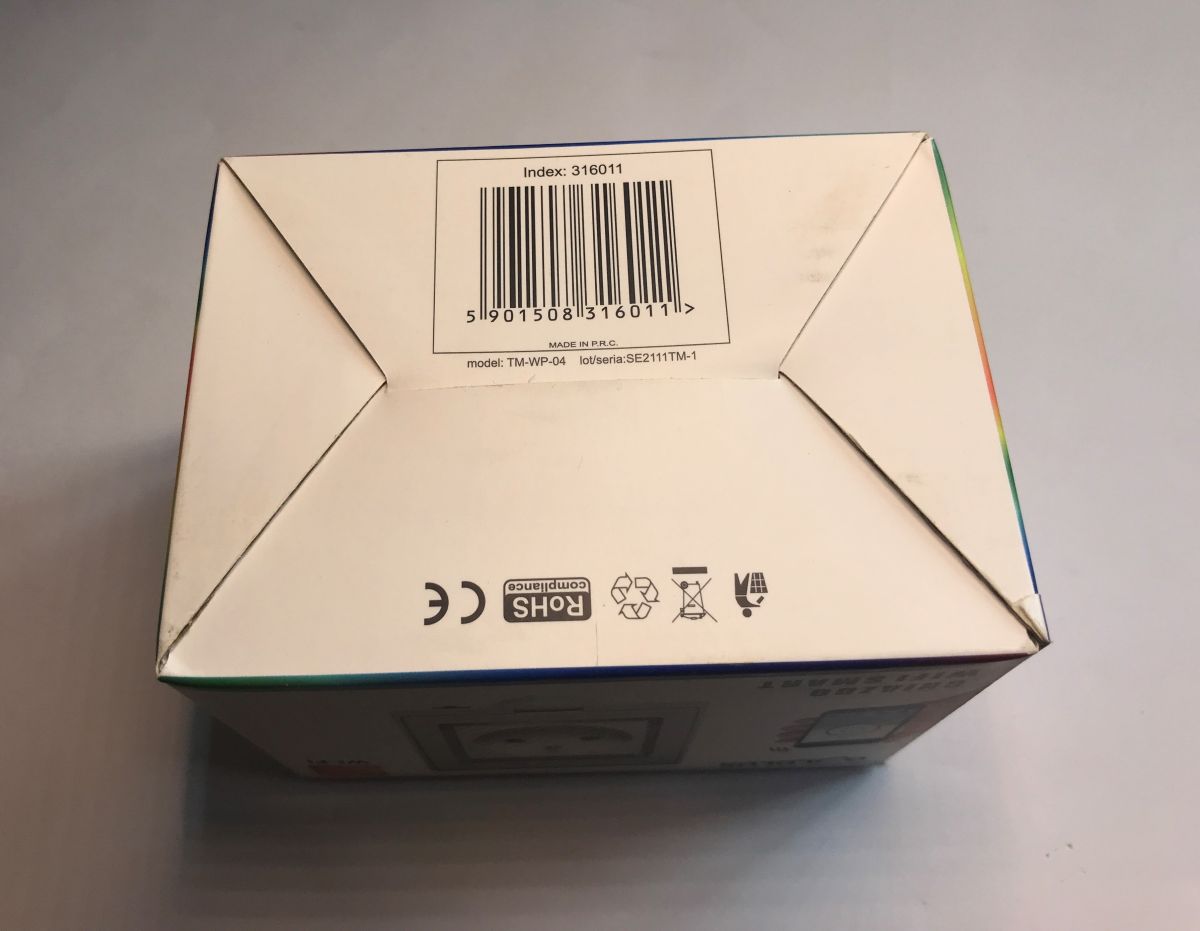
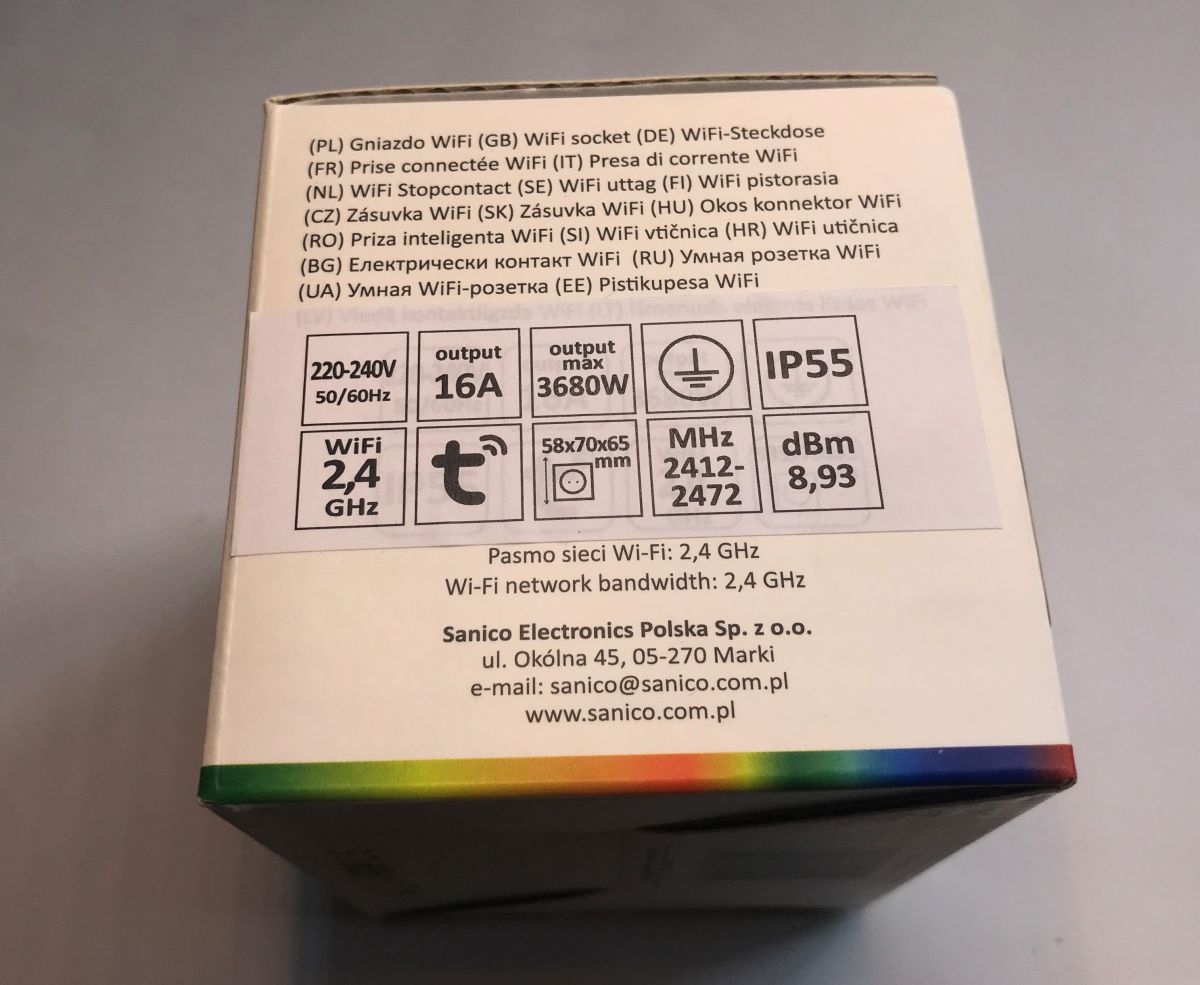
The product can be found under the keyword hermetic surface-mounted socket 316011 Tuya Smart Wifi IP55 white Goldlux. It is sold by several shops, although it is known to be fully Chinese made and compatible with their Tuya cloud. We pay around 100 zloty for the whole thing, although the equivalent model could be imported directly cheaper. The importer wants to make his money too.
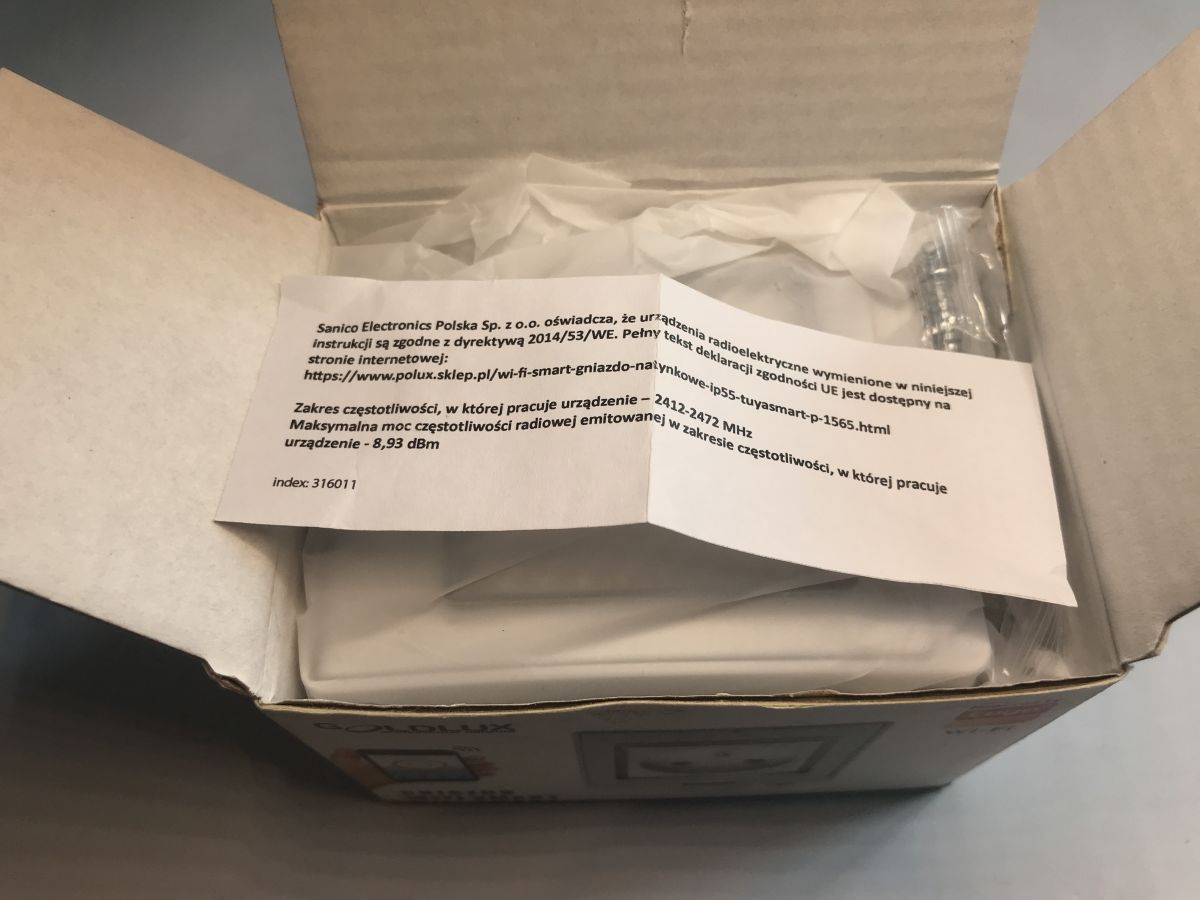
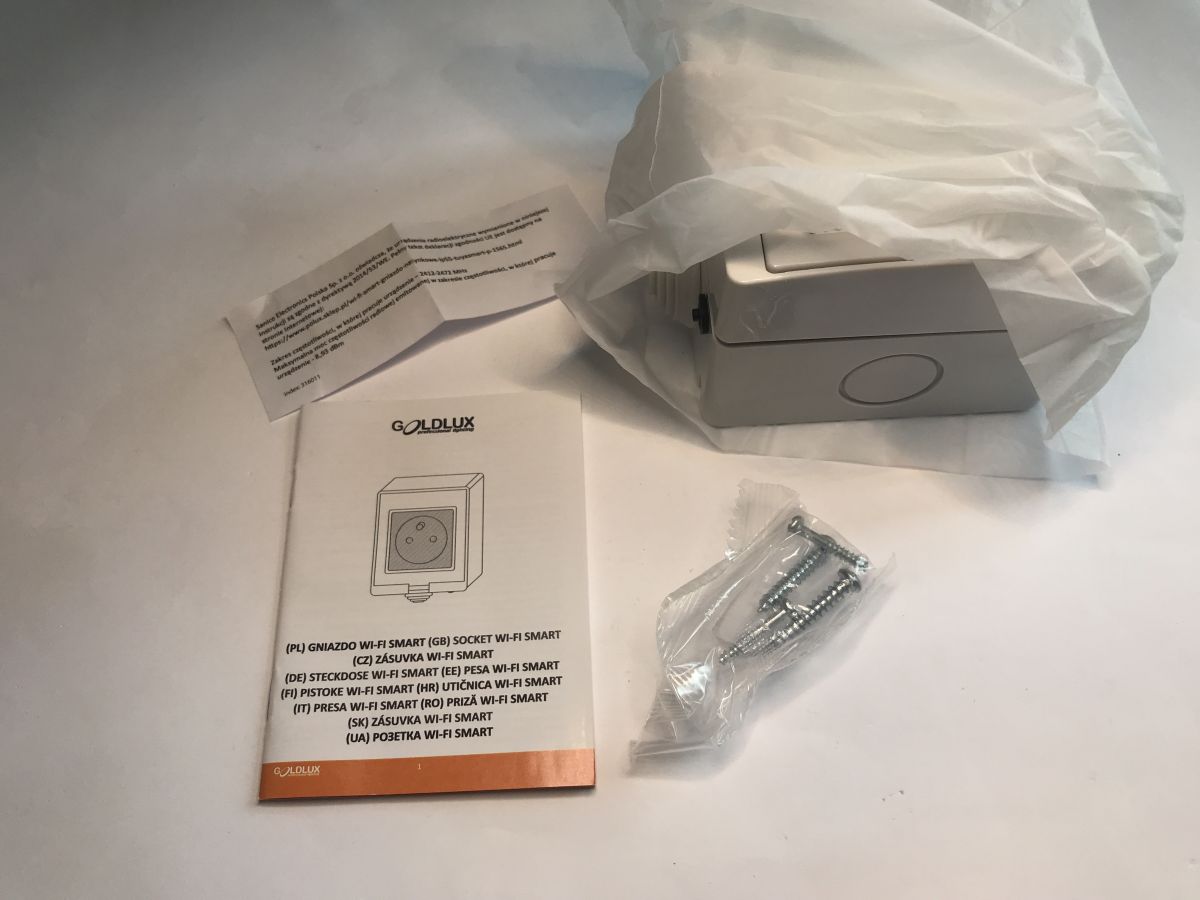
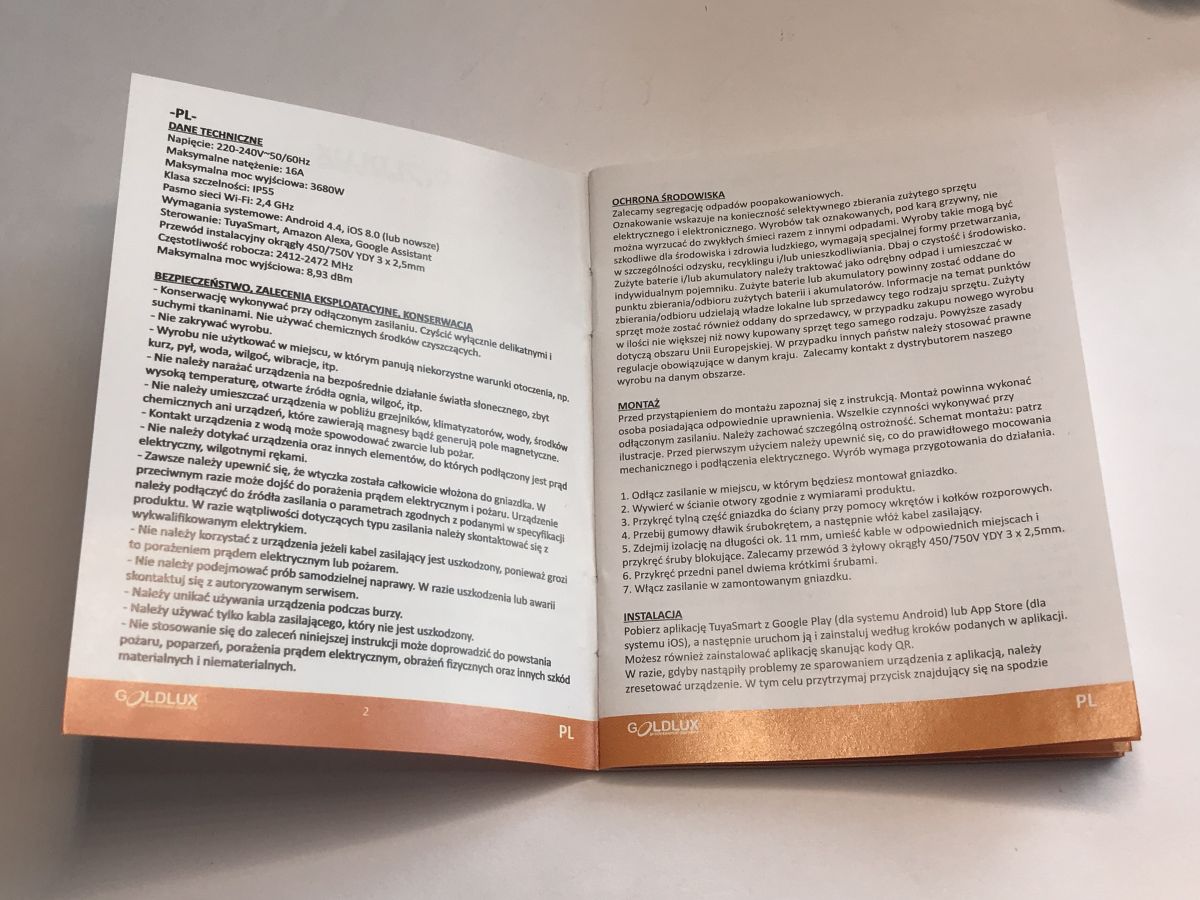
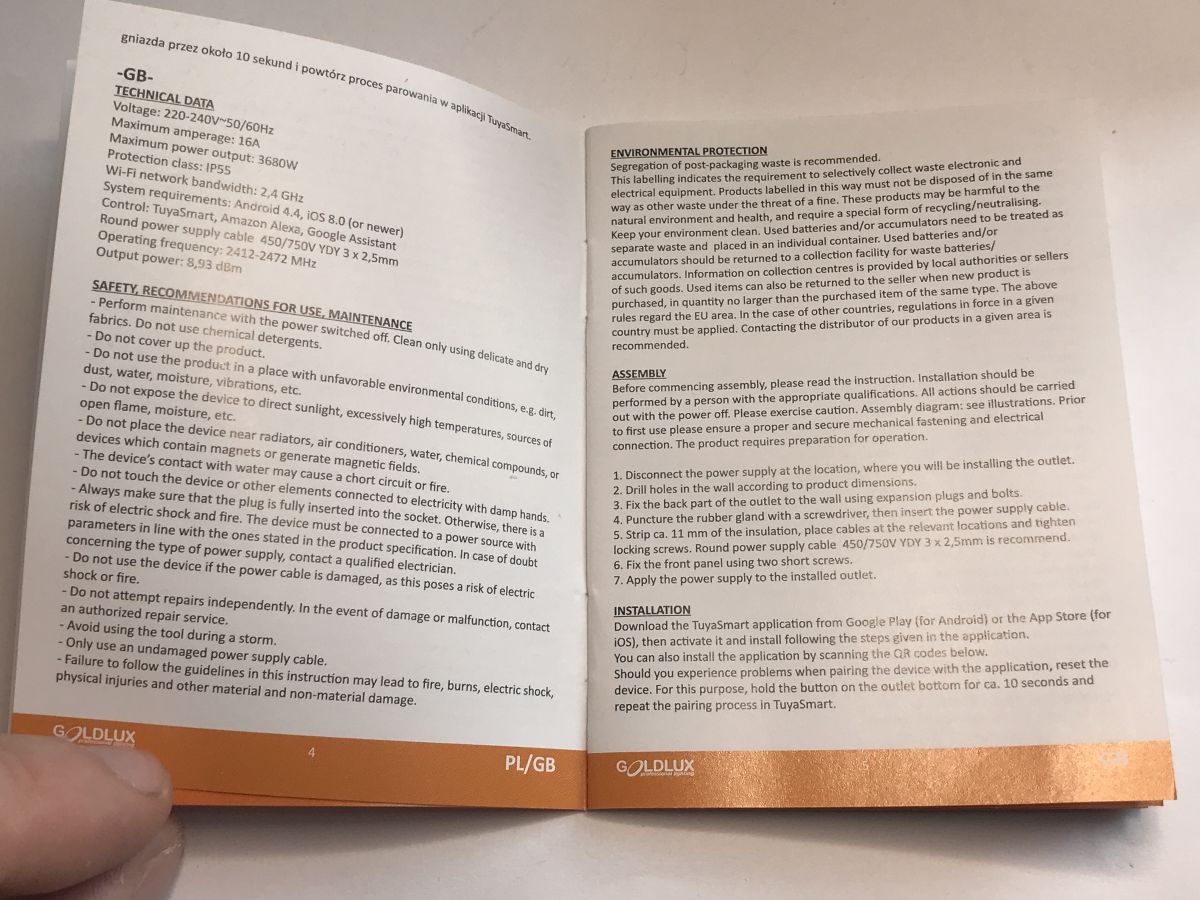
It must be said, however, that the importer has made an effort. The manual is in Polish! Probably anyway, the whole thing is printed and packaged in China. Inside it is explained a little about the Tuya application, but I have a different plan.
Here, the aim of the presentation will be to change the firmware so that the device works locally and works with Home Assistant. We are going to upload Tasmota, because there is an ESP8266 inside. There was already a detailed topic about Tasmota:
ESP8266 and Tasmota - WiFi relay control step by step
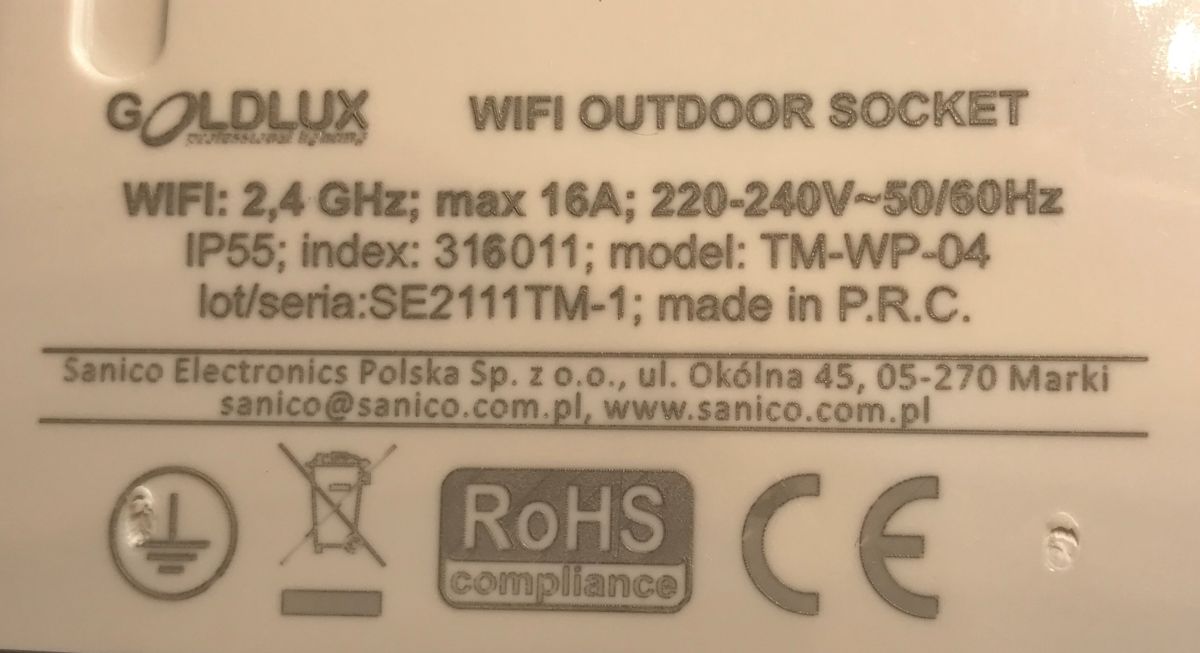
The product model is SE2111TM-1 or TM-WP-04.
So we take a look inside. It's interesting to note that the earth directly mounts to the pull-out front. The socket also has a protected small button to control it without an app. There is a single electronics board inside. PCB designation: 16-WPXV1.1
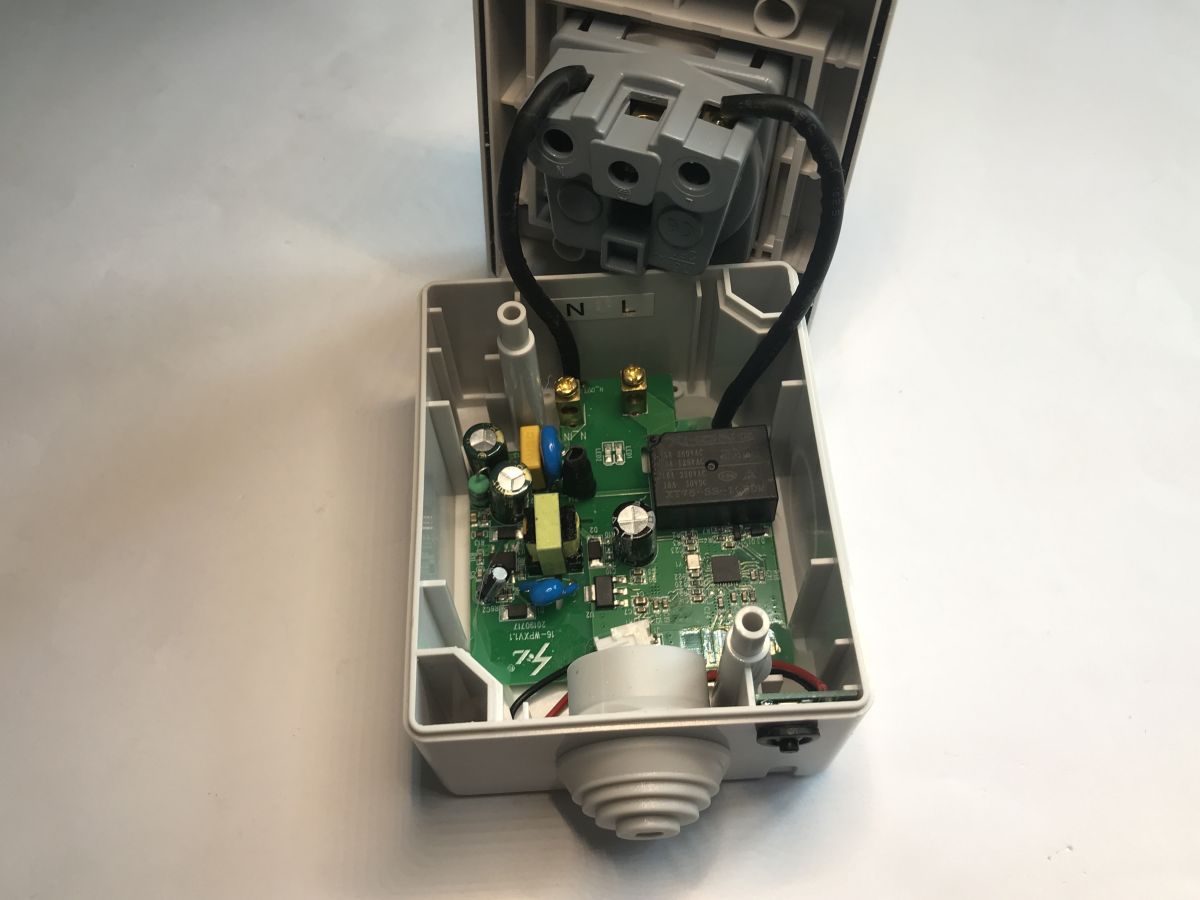
The relay used is an XT76-SS-105DM, up to 16 A, worse that the whole thing as usual only cuts off one wire - if you connect it right, the phase. The rest is also standard, power supply, LDO 3.3 V and ESP.
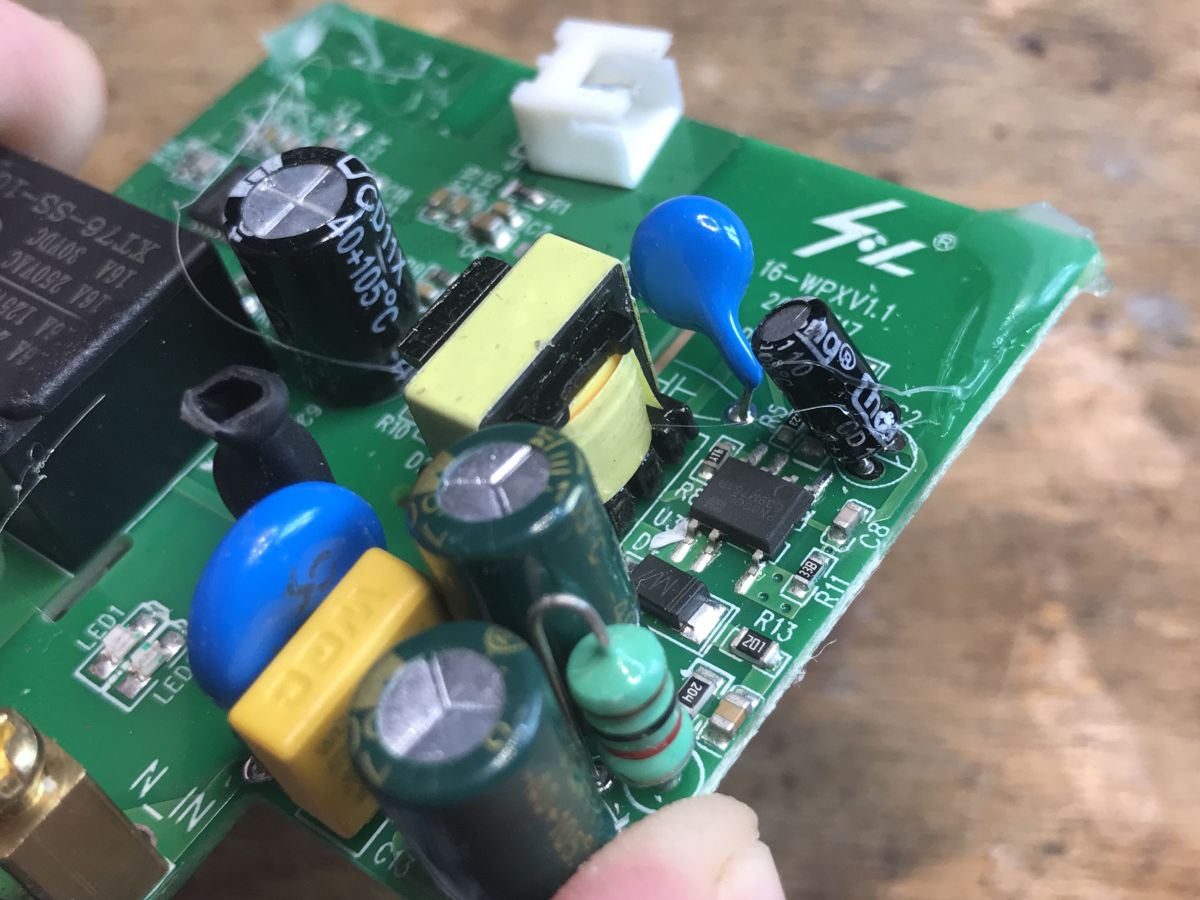
In the power supply section, as far as I can see, there is a PN8395.
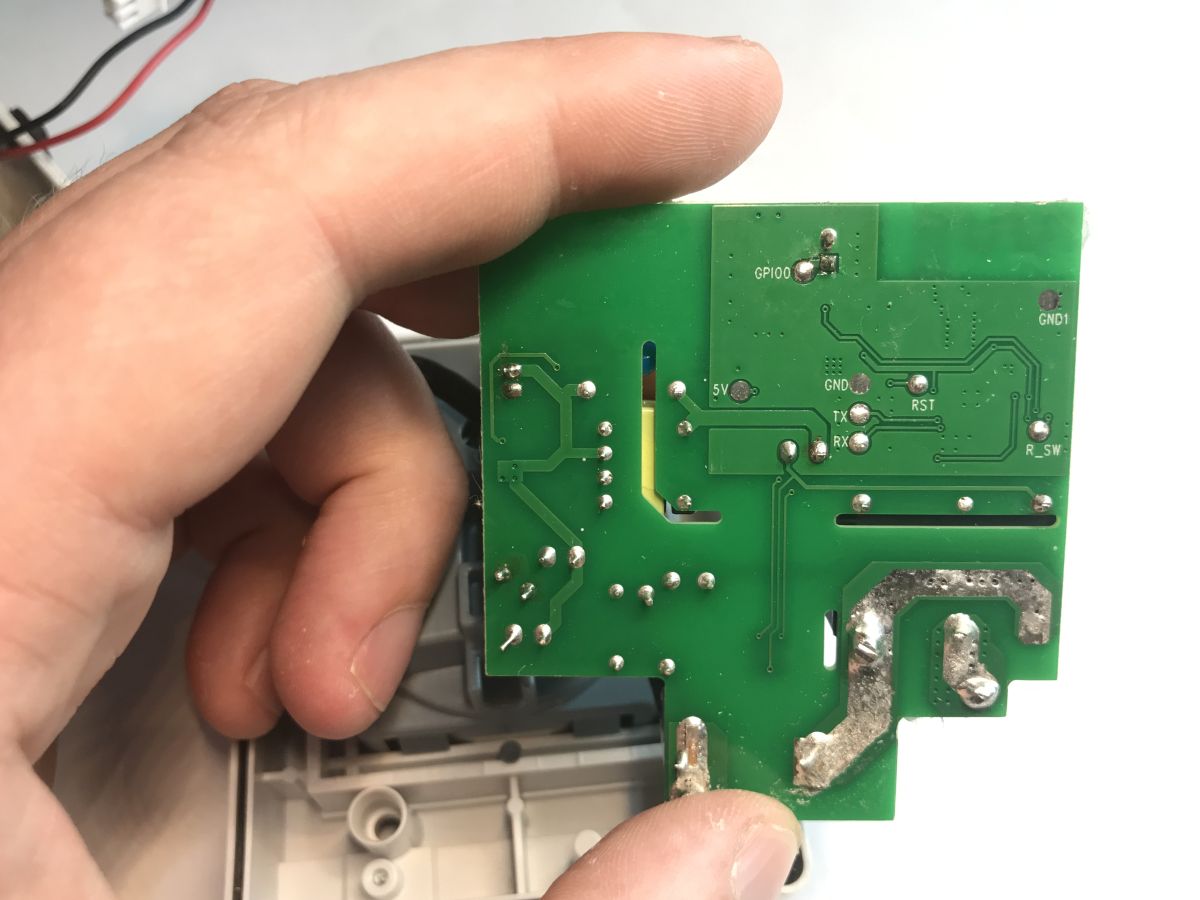
On the bottom we have the signed UART programming pads, including GPIO0, the distinctive pin needed to put the ESP into bootloader mode. I download the pins before programming, then solder the wires:
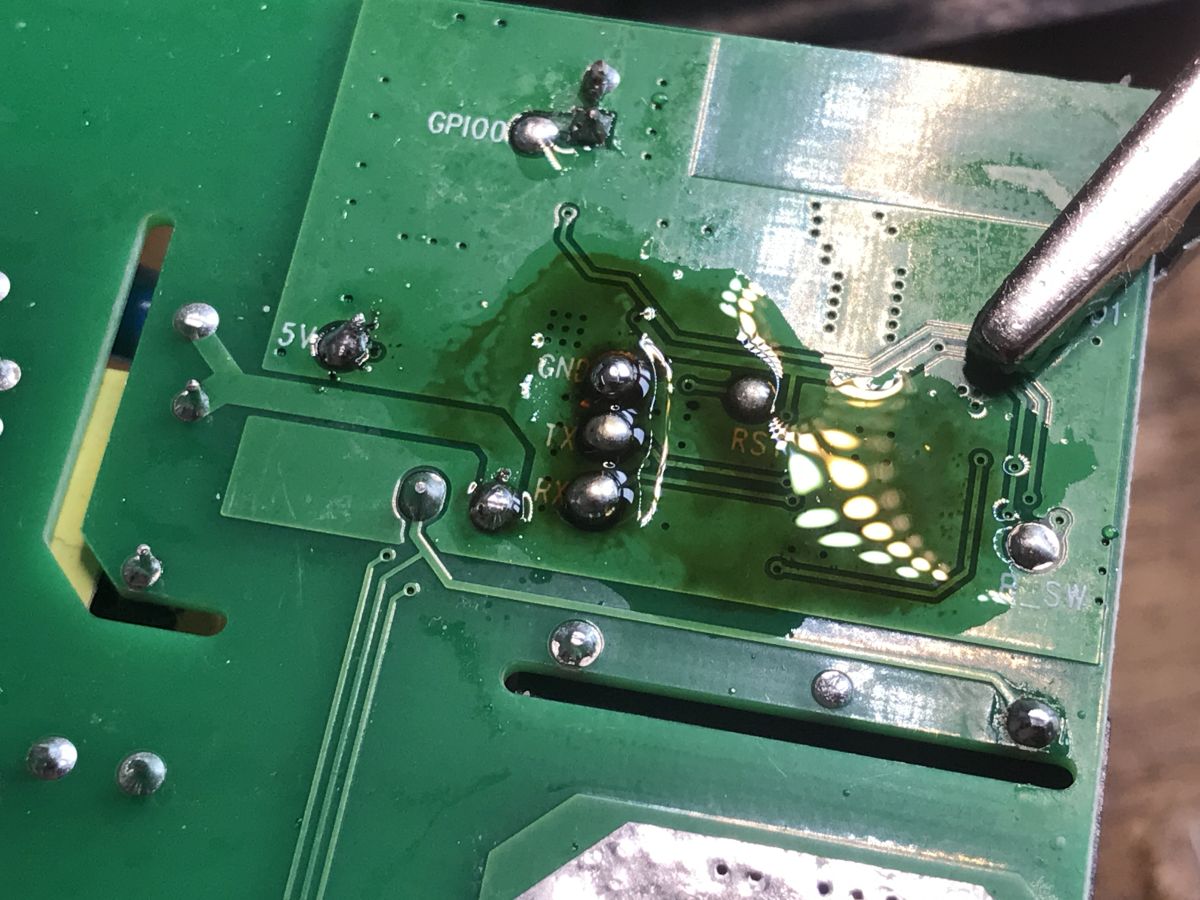
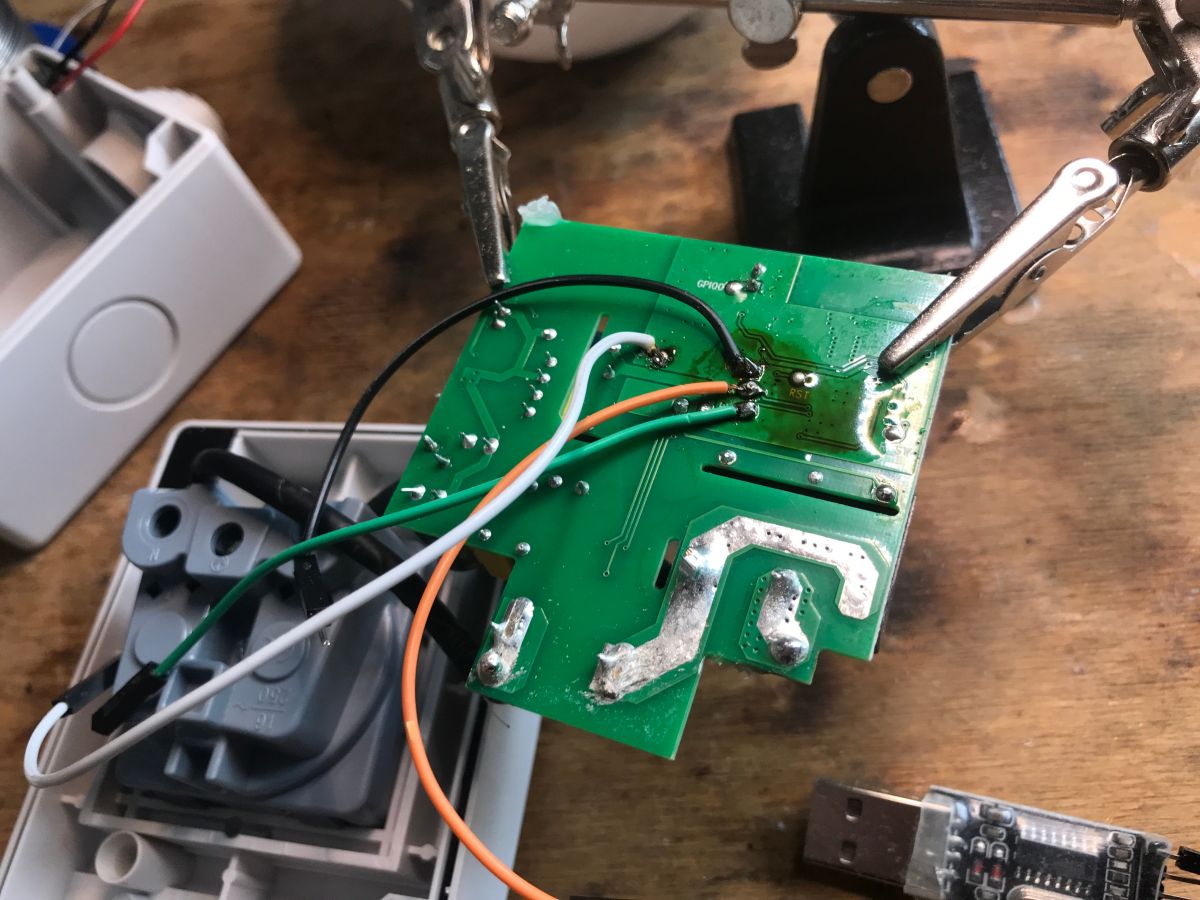
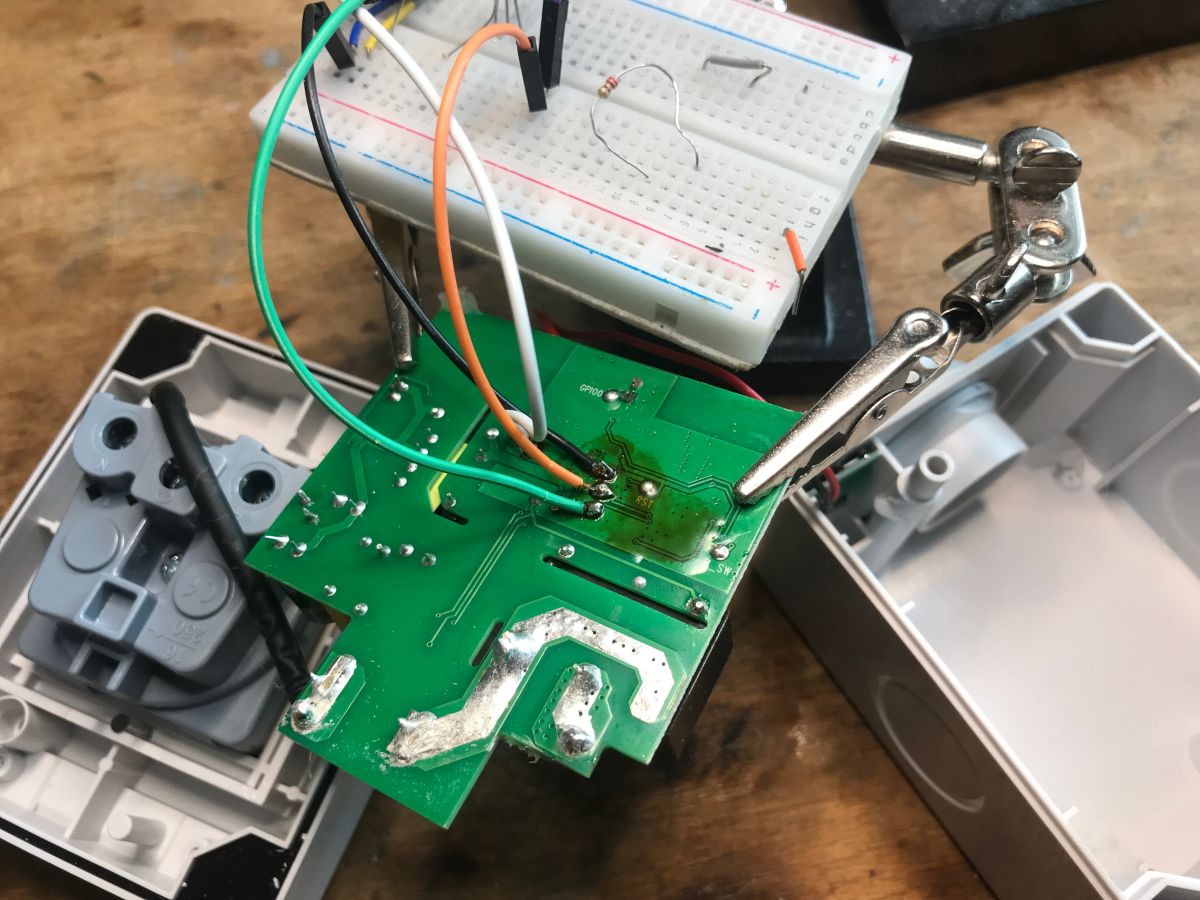
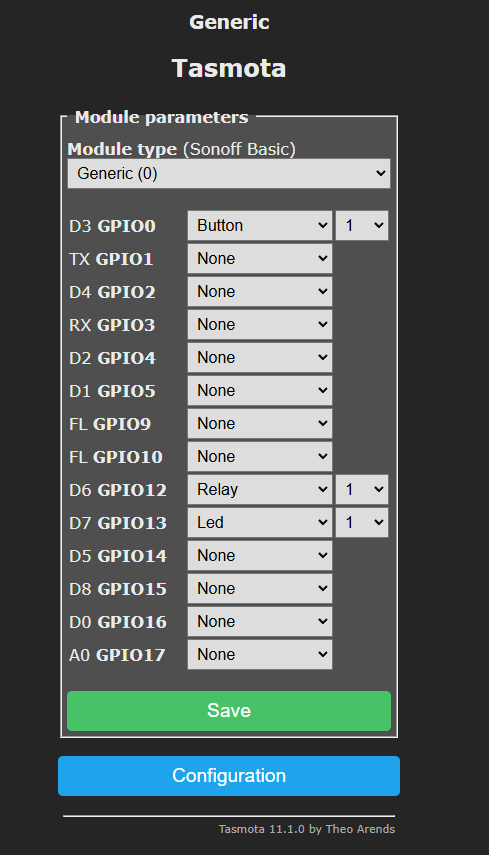
After uploading Tasmota you need to configure the button - it depends on the board, here it is on GPIO0 and the relay is GPIO12.
ADVERTISEMENT
By the way I made a copy of the factory batch:
https://github.com/openshwprojects/FlashDumps/commit/edae232bb02ce62f83f0d84db400309e003a3ab0
Inside you can find:
Device IDs (MAC, auth, pskKey):
{"mac_addr":"70039f1609b8","prod_idx":"03277140","auz_key":"h8euyoWvlawADornSKxgeNu3kqRFnkOk","pskKey":"ku8L16ISE6iS4aHMI1yxgVAkJsQlojNjMfyob","fac_pin":"ihbwptya918dq9xr","prod_test":false}
Default configuration of the WiFi access point (AP)
{"ap_ssid":"SmartLife","ap_pwd":null}
Link destination server in the Tuya cloud (USA and Europe)
https://a3.tuyaus.com/gw.json
https://a3.tuyaeu.com/gw.json
Extract of Tuya's hidden TLS/SSL certificates for server verification
BAohbmd6aG91IFR1eVjaG5vbG9SBUwEwYDVLnRjbi5jb20xFTATBMMDCoudHVXVMGA1UEAYWlvbTEVMBMGA1UEA50dXlhYXM29QDDAwqLZi5xFTATBgNVBAMMDV5YXNhLmNTEwLKi53Zb20RBgNVBAMMCioud5jb20xFjAgNV5YS1pbMIILMAkGA1UEBhMCQAPBgNVBAgFpEwDwYDVQU5PVTEpMCcGA1UECFuZ3pob3UHV9sb2d5IVEQTBgNVBAMMDCoudNuLmNvbTEBM50dXlhdMRUDVQQDDAwqLnR1e5jb20xFTAgNV5YWpwLdKrrVrtLIAmOFcclWjM+5j0SmSB5FpnQg9h
Internal command to invoke authentication:
tuya.device.uuid.pskkey.get
Debug log with Tuya SDK version
[N]%s:%d tuya sdk version:%s
2nd boot version : 1.7(5d6f877)
ESP8266SDK
Jul 24 2020
Nov 11 2019
Our flasher can also export Tuya's JSON from within:
https://github.com/openshwprojects/BK7231GUIFlashTool
Code: JSON
Unfortunately without pins, but these can be learned manually, as I wrote about earlier.
Now you can upload normally Tasmota or and OBK (port on ESP8266):
https://github.com/openshwprojects/OpenBK7231T_App
ESP8266 and Tasmota - WiFi relay control step by step
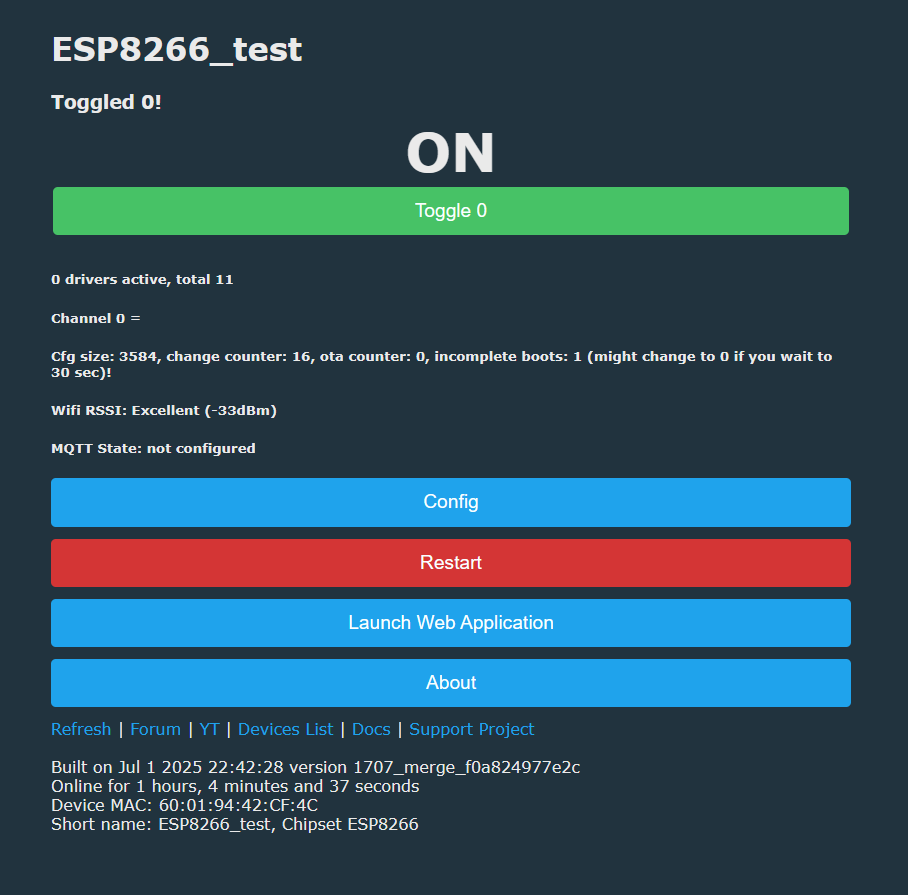
In summary , there was a little surprise here - this product series is still on the ESP8266, it probably hasn't sold out yet, as the soft dates show that it's not a brand new production. You can even upload a Supla here. The construction of the device is quite solid, I was surprised by the presence of a varistor and filters on the input. The only pity is that the ESP antenna is on the PCB. Surely there could be problems with coverage.
What applications do you see for this type of external socket with Wi-Fi control?
Cool? Ranking DIY Helpful post? Buy me a coffee.

