logo elektroda
logo elektroda
X
logo elektroda

[Solved] Hitachi 55HAK6150 17MB170 - where to find USB recovery firmware for boot logo freeze?

Bres90 453 5
ADVERTISEMENT
  • Request for USB recovery firmware for 17MB170 board

    #1 21920405
    Bres90
    Level 2  
    Posts: 4


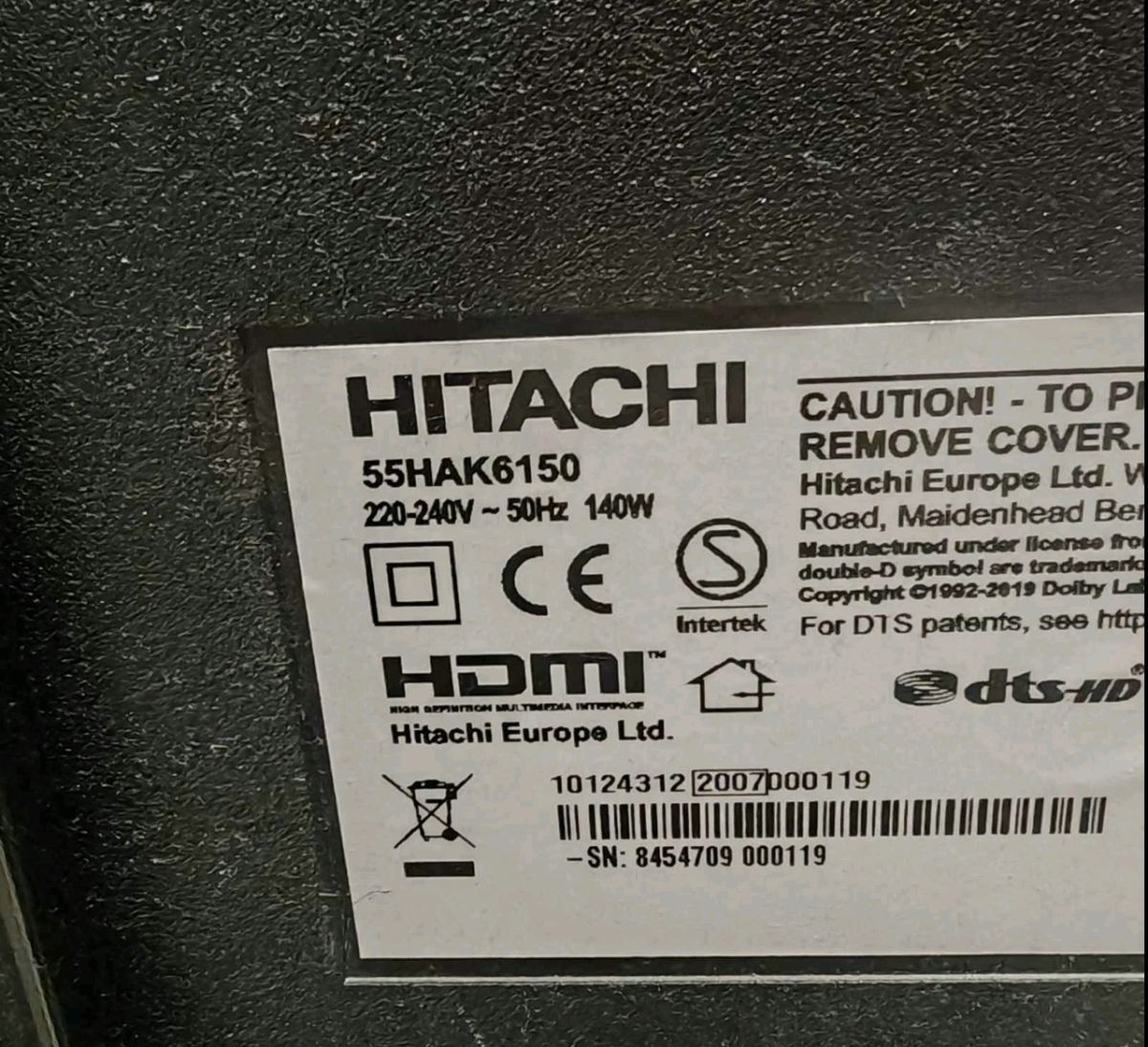
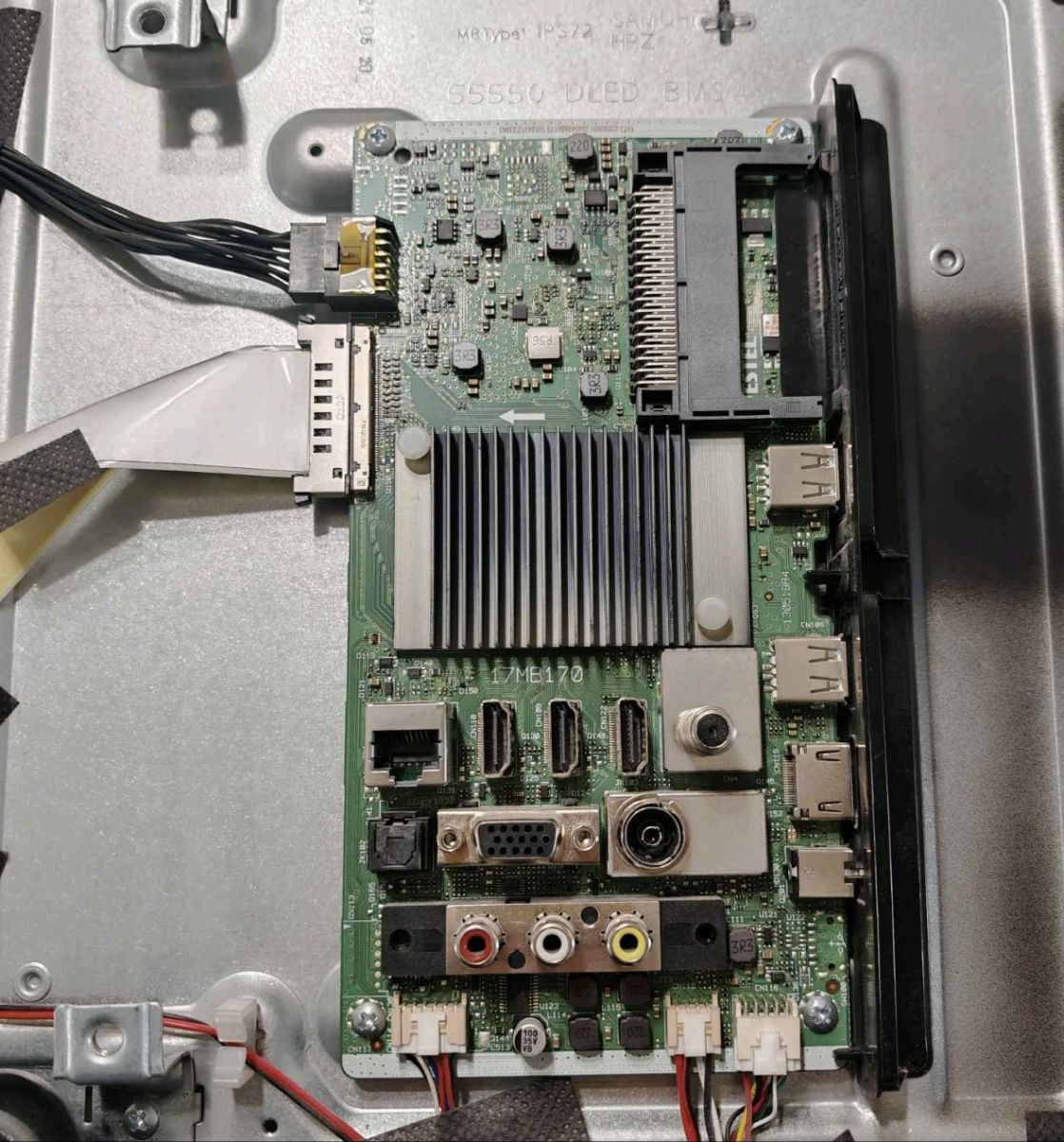
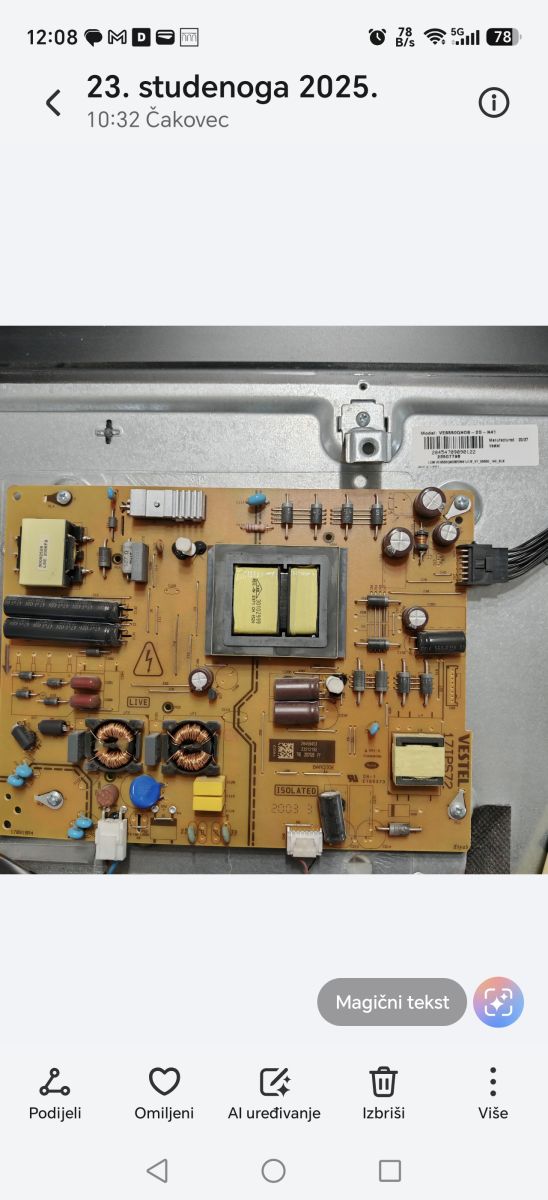
    Looking for Recovery Firmware: Hitachi 55HAK6150 - Main: 17MB170 (10124312) - PSU: 17IPS72
    Hello everyone,
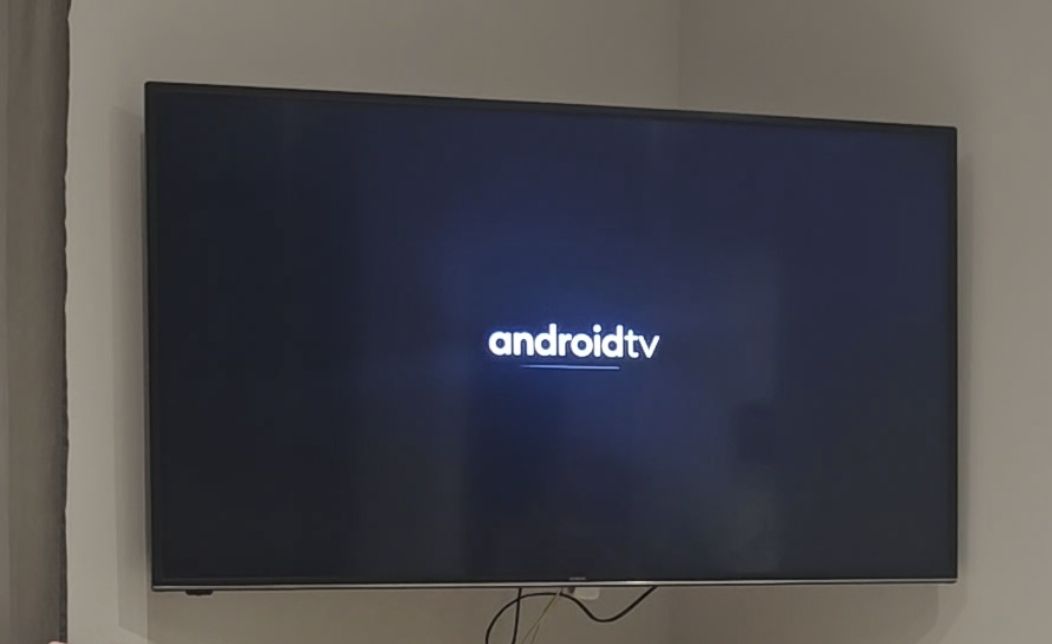
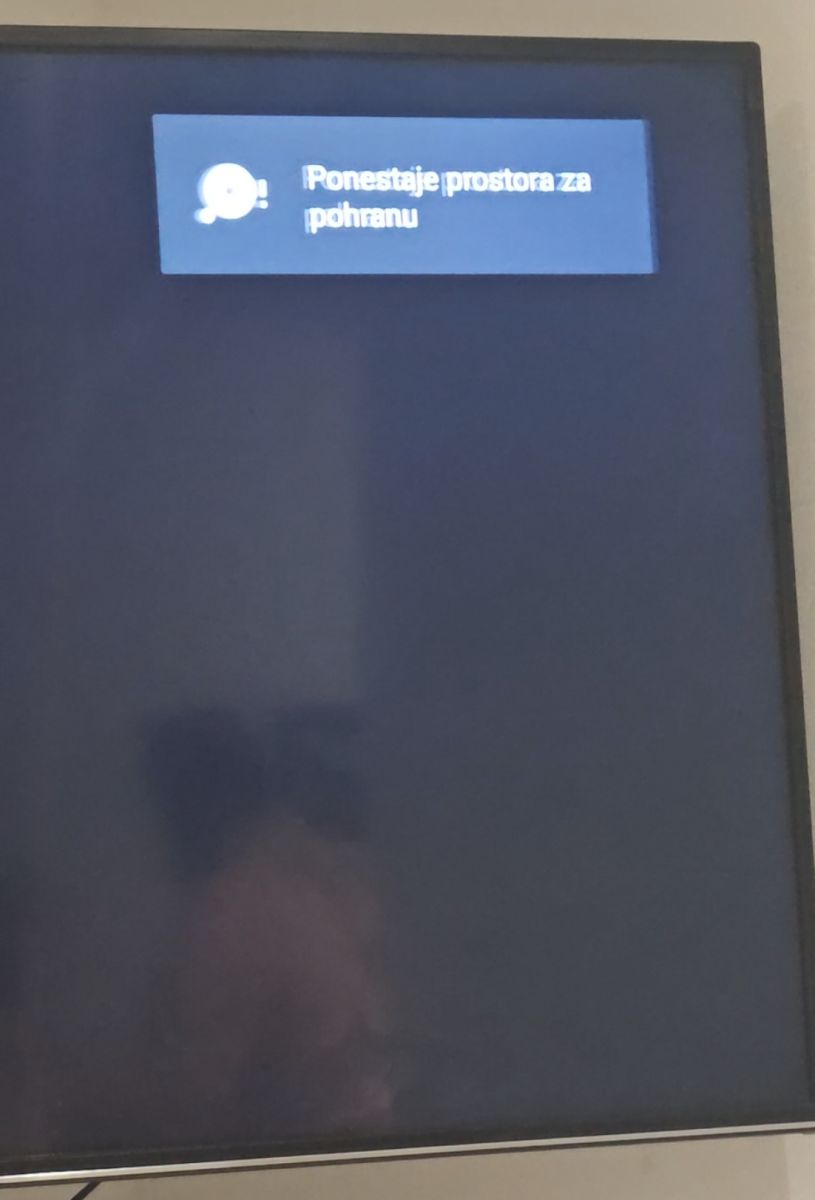
    I am looking for a full recovery firmware (USB upgrade loader) for my Hitachi Android TV, which is stuck on the boot logo. It displays the "Hitachi" logo, followed by the "androidtv" animation, and then remains stuck on a blank backlit screen, not responding to the remote control.
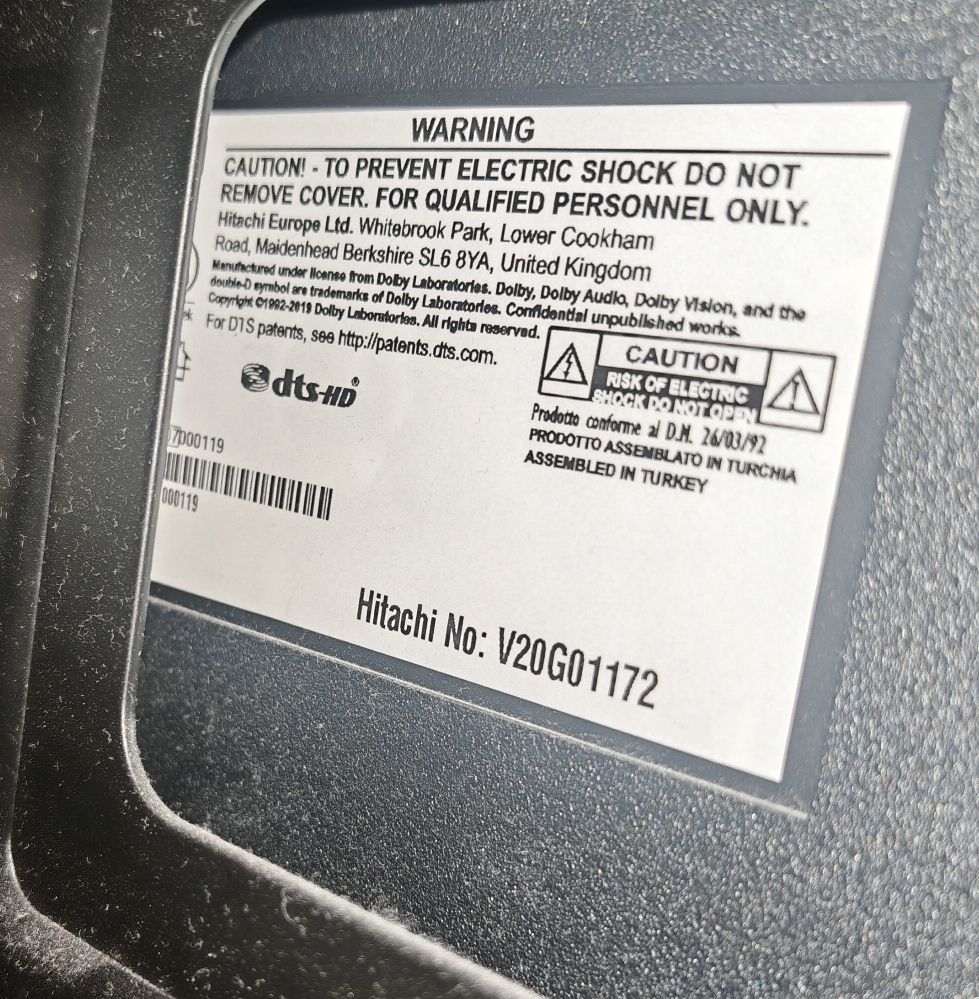
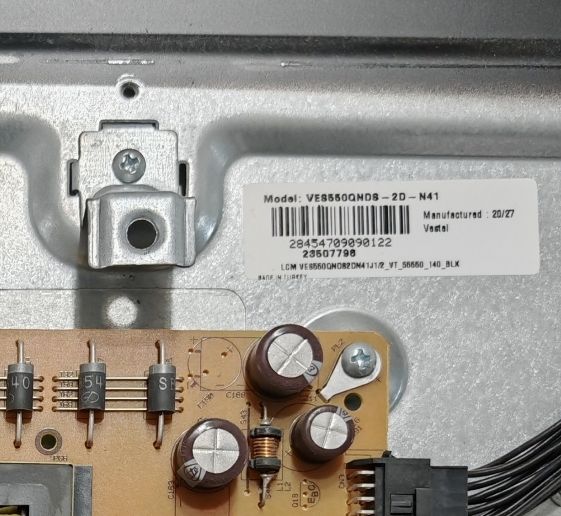
    Here are the exact hardware details taken from the stickers inside the TV:
    TV Model: Hitachi 55HAK6150
    Main Board: Vestel 17MB170
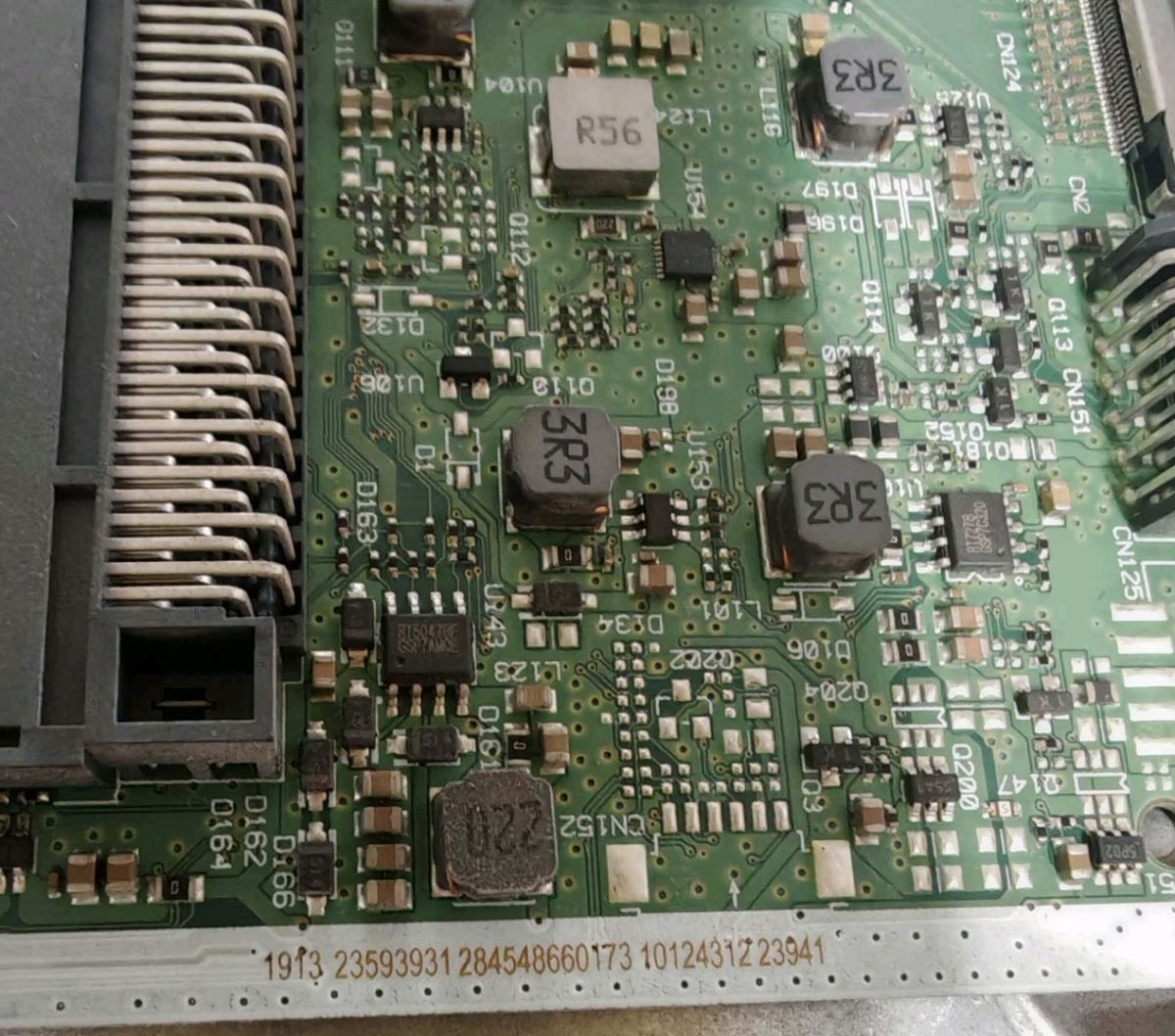
    Main Board Sticker Number: 10124312
    Power Supply (PSU): Vestel 17IPS72 (Sticker number: 28454953)
    Display Panel Sticker: VES550QNDS-2D-N41
    VesCode: 23507798
    If anyone has the correct software files for a force USB update for this specific panel and mainboard combination, I would deeply appreciate it if you could share them.
    Hitachi 55HAK6150 17MB170 - where to find USB recovery firmware for boot logo freeze? Hitachi 55HAK6150 17MB170 - where to find USB recovery firmware for boot logo freeze? Hitachi 55HAK6150 17MB170 - where to find USB recovery firmware for boot logo freeze? Hitachi 55HAK6150 17MB170 - where to find USB recovery firmware for boot logo freeze? Hitachi 55HAK6150 17MB170 - where to find USB recovery firmware for boot logo freeze? Hitachi 55HAK6150 17MB170 - where to find USB recovery firmware for boot logo freeze? Hitachi 55HAK6150 17MB170 - where to find USB recovery firmware for boot logo freeze? Phone screenshot showing a photo of a power/electronics circuit board inside a metal casing Close-up of a metal chassis with a model label and part of a PCB with capacitors and a wire connector

    Thank you in advance for your help!
  • ADVERTISEMENT
  • Helpful post
    #2 21920549
    yokoono51
    Level 29  
    Posts: 796
    Help: 167
    Rate: 305
    I have this:
    Hitachi 55HAK5750 main 17MB170 panel VES550QNDS-2D-N41
  • ADVERTISEMENT
  • Looking for Vestel 17MB170 panel PQ files

    #3 21920567
    Bres90
    Level 2  
    Posts: 4
    Looking for panel/PQ files for Vestel 17MB170 - Panel: VES550QNDS-2D-N41 (Double image issue)
    Hello everyone,
    I am looking for the panel configurations files (PQ files) for a Vestel mainboard 17MB170.
    The TV currently has a double image / ghosting issue after a mainboard swap, and I need the correct files to match it with my 55" screen.
    Here are the exact details of the TV components:
    Mainboard: 17MB170
    Panel Model: VES550QNDS-2D-N41
    Screen Size: 55"
    I am looking for the .bin and .xml files, specifically files like mb170_vst_tcon_device.bin (or similar T-CON/panel profiles) and the corresponding .xml files for this specific 55-inch Vestel display.
    If anyone has a backup of these files or a full dump from a working TV with this exact configuration, I would highly appreciate it if you could share it.
    Thank you in advance for your help!

    Added after 1 [hours] 59 [minutes]:

    >>21920549 i would appreciate it if you could send it to me.

    Added after 35 [minutes]:

    [postid:6de4f8bd49]21920549[>>21920549 @yokoono51 can you send it please?[/postid:6de4f8bd49]
  • ADVERTISEMENT
  • ADVERTISEMENT
  • #5 21921976
    Bres90
    Level 2  
    Posts: 4
    >>21921635 Thank you very much. I'm glad to confirm that my TV is working perfectly.
  • USB force flash with full 17MB170 firmware

    #6 21921982
    Bres90
    Level 2  
    Posts: 4
    The issue resolved by flashing the full firmware (upgrade_no_tvcertificate.pkg) made specifically for the 17MB170 mainboard paired with the 55-inch VES550QNDS-2D-N41 panel. Doing a force flash via USB fixed the dual/split image problem completely.

    TV showing blue “Upgrading software” screen with progress bar at 93%, duplicated side by side TV on a chair showing a “Welcome” screen with a language list on the right. TV showing Android TV home screen with “V.1.15.1.0 - Software Update” banner in a room
ADVERTISEMENT