





Which socket with power and energy measurement for Home Assistant? Zigbee ZK-SR-EU
TL;DR 
- The ZK-SR-EU is a flush-mounted Zigbee socket with power and energy measurement for Home Assistant and the manufacturer’s gateway.
- It pairs easily through Zigbee2MQTT and a CC2531 receiver, exposing relay control, power-loss memory, LED settings, child lock, reporting intervals, and measurement calibration.
- The relay is rated for up to 16 A and 3,500 W, and Home Assistant detects it as TS011F_plug_1.
- Inside, the socket uses a ZT2S module, BL0942 energy metering, an FH17-1A2TLE 5 V relay, and a BP2525 supply with an AMS1117-3.3 regulator.
- It also works as a Zigbee router, but the price is PLN80, higher than the Wi-Fi version.
AI summary based on the discussion. May contain errors.
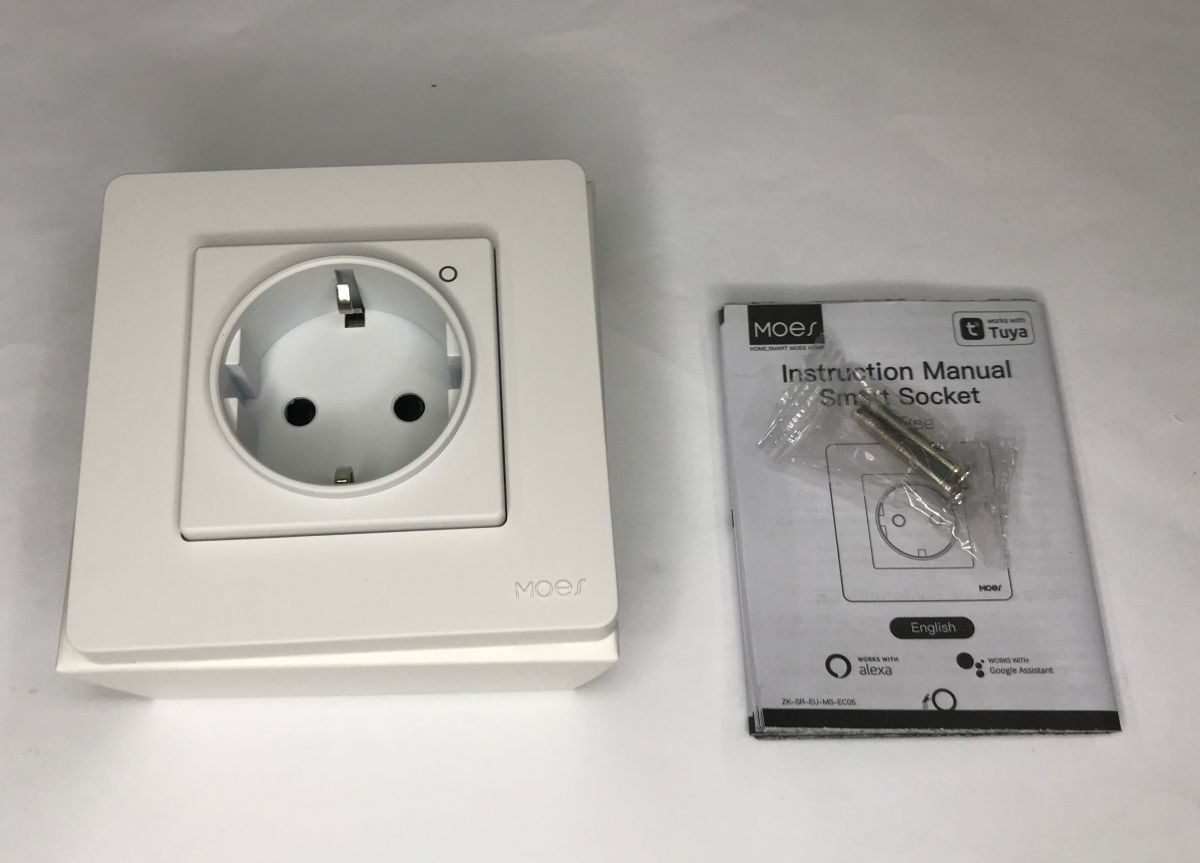
How to monitor energy consumption in building automation? One solution for individual consumers can be some kind of extension cable or adapter that takes the measurement, but it is undoubtedly more convenient to have the measurement in the socket itself. The ZK-SR-EU shown here makes this possible. The ZK-SR-EU takes the form of a flush-mounted socket and is controlled via the Zigbee protocol, which enables easy integration with both the manufacturer's gateway and the Home Assistant. The whole thing, of course, also has a tiny button on the casing to switch the relay in the event of a wireless outage.
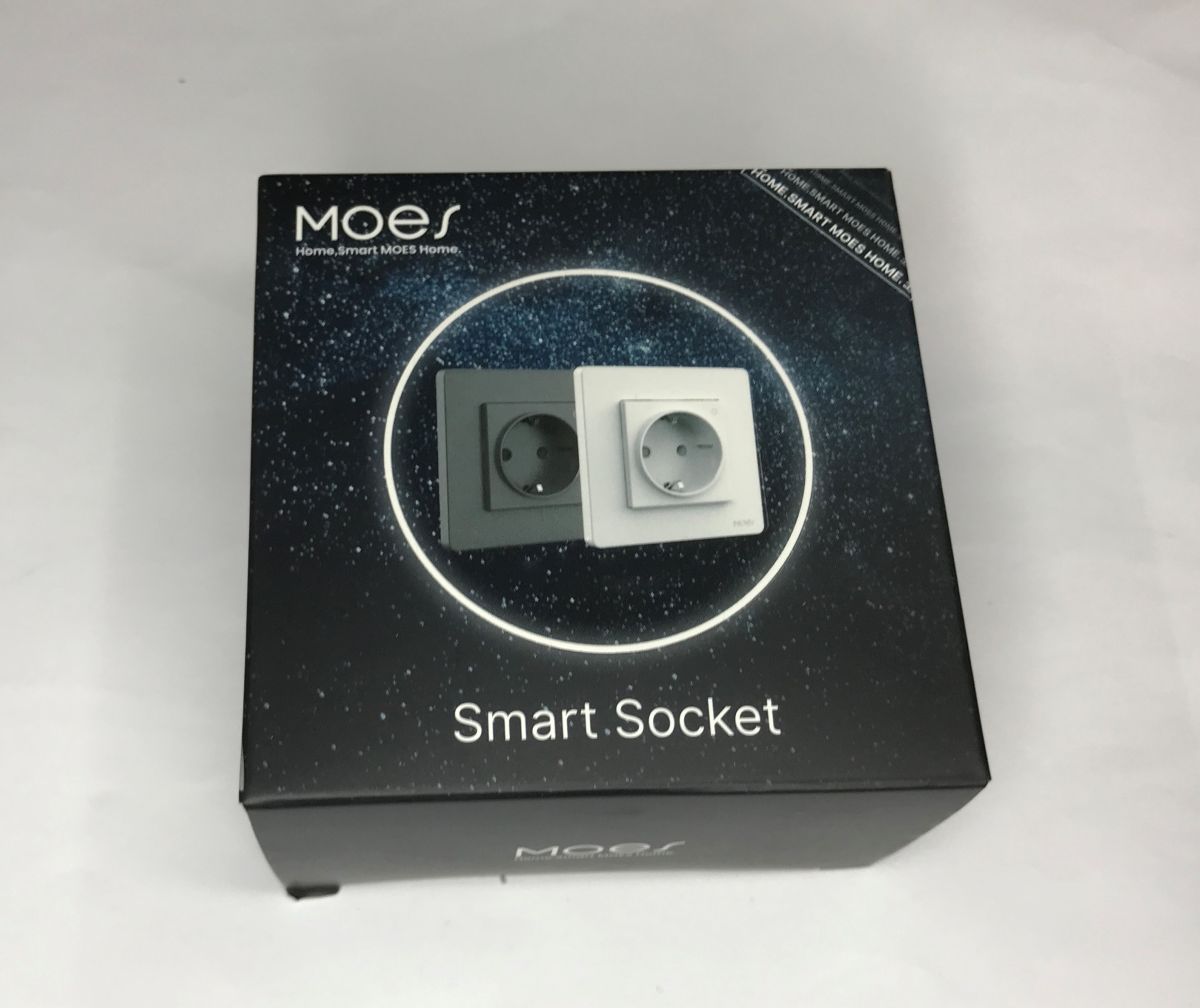
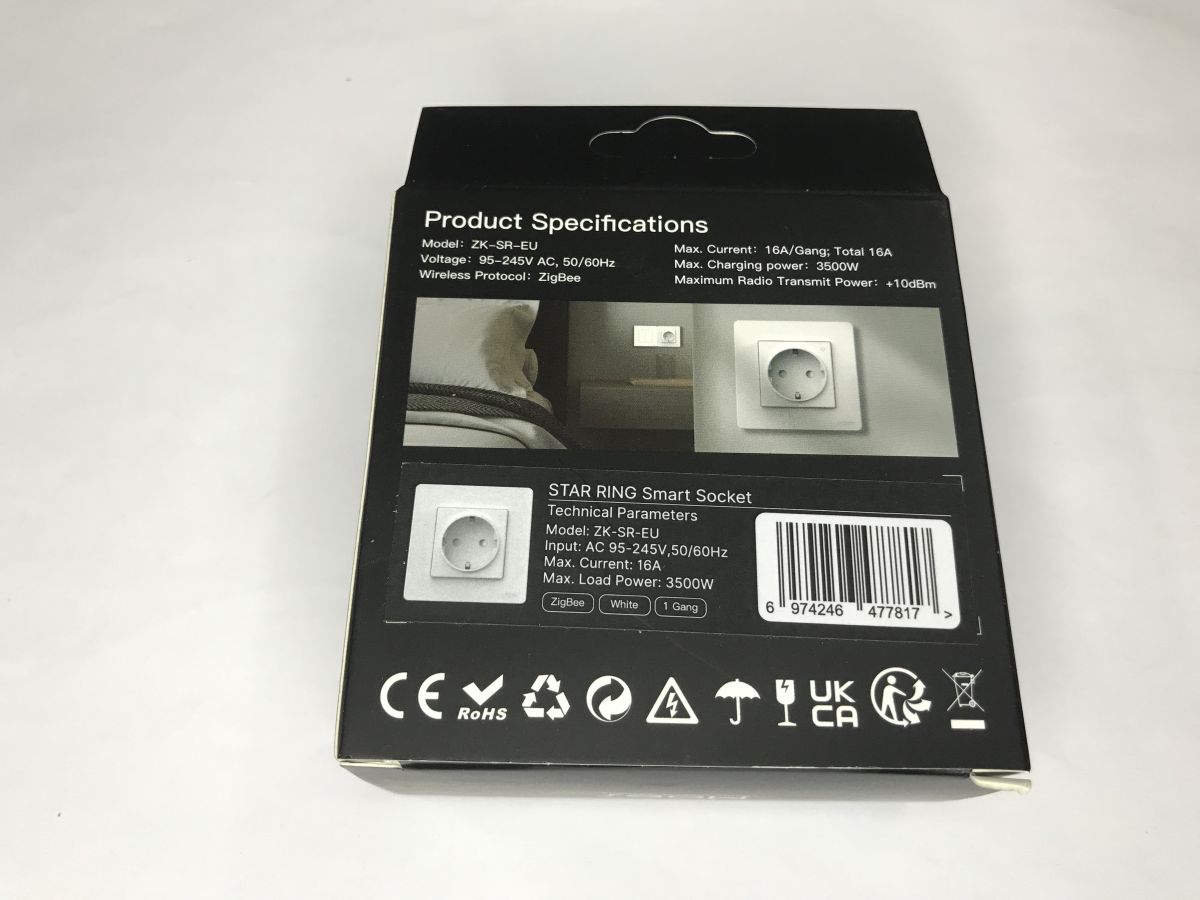
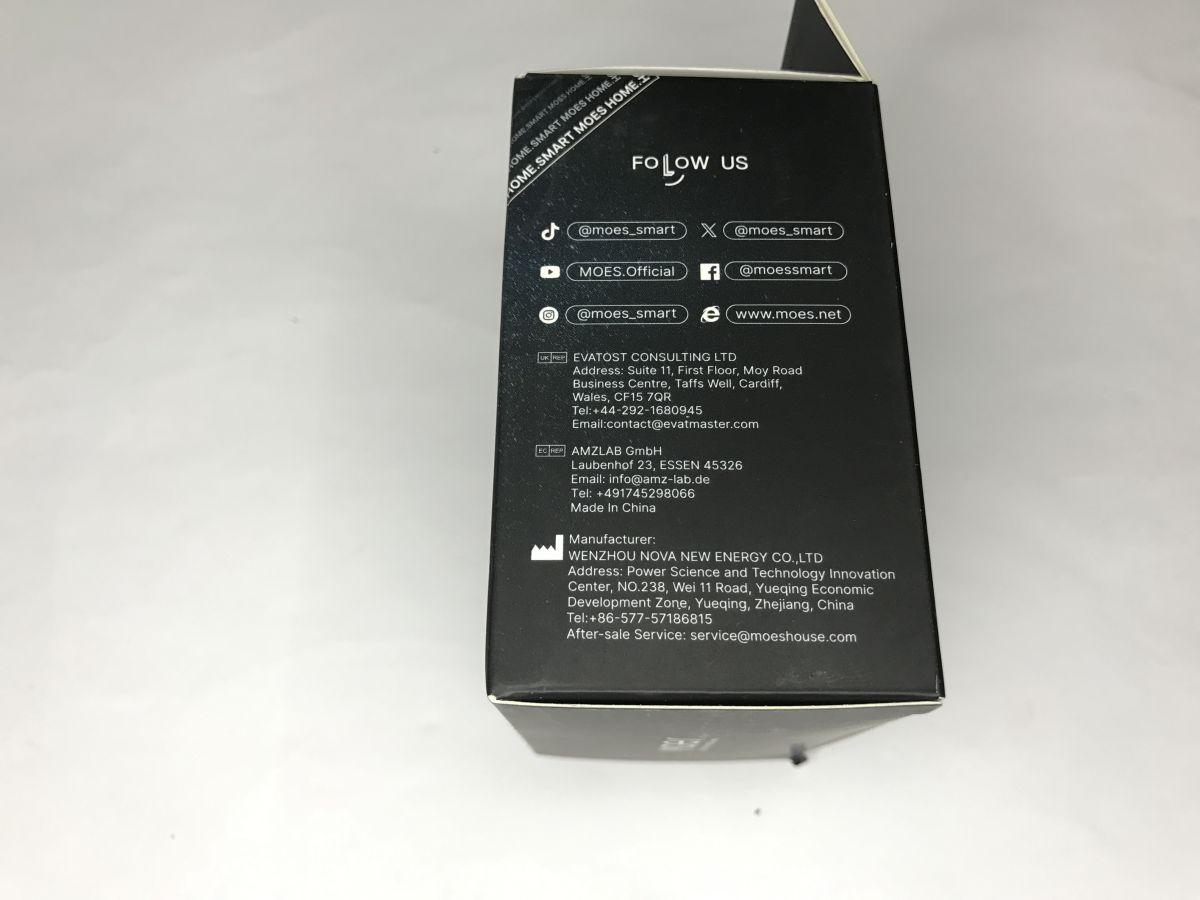
According to the specifications, the relay inside can handle up to 16 A and up to 3,500 W, although I would try not to use it at its limit anyway.
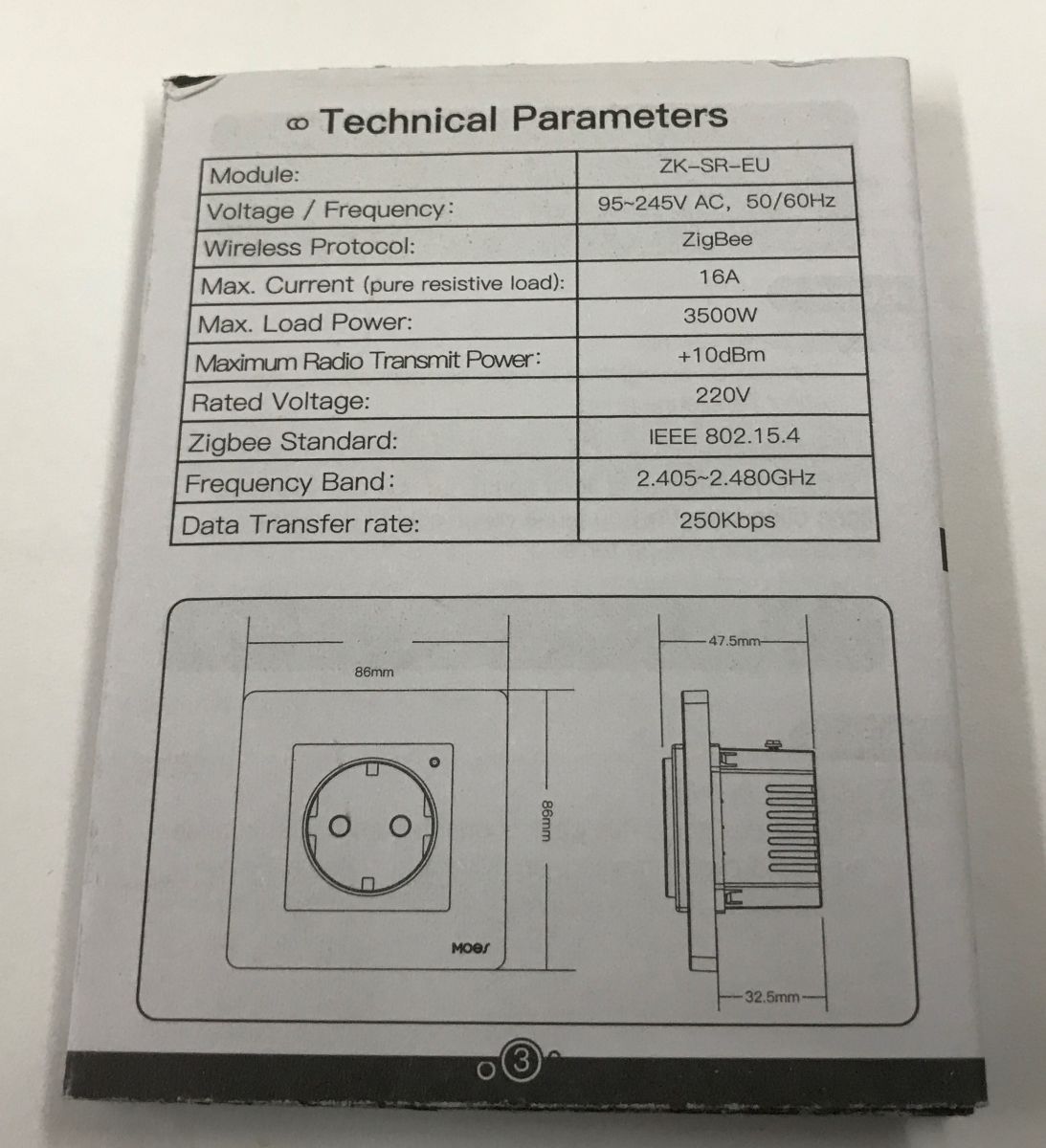
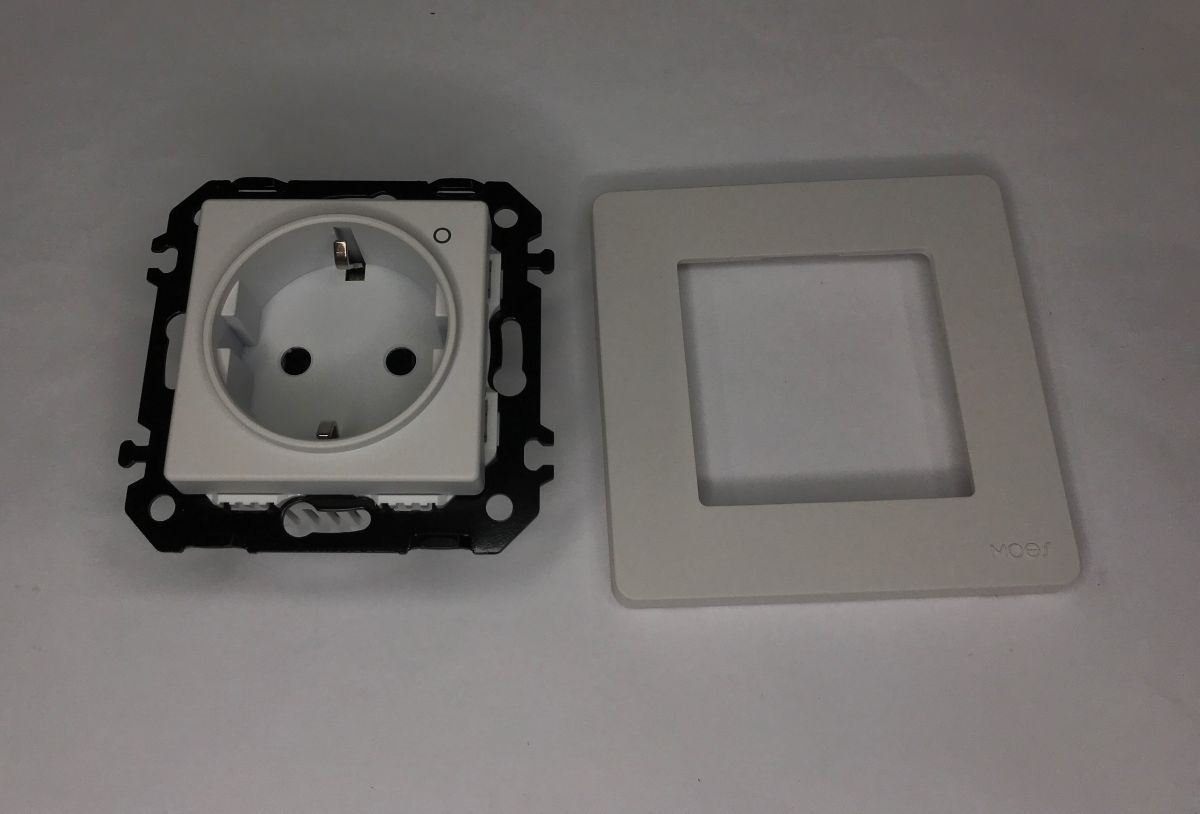
The front bezel is removable, allowing the module to be integrated into multiple bezels:
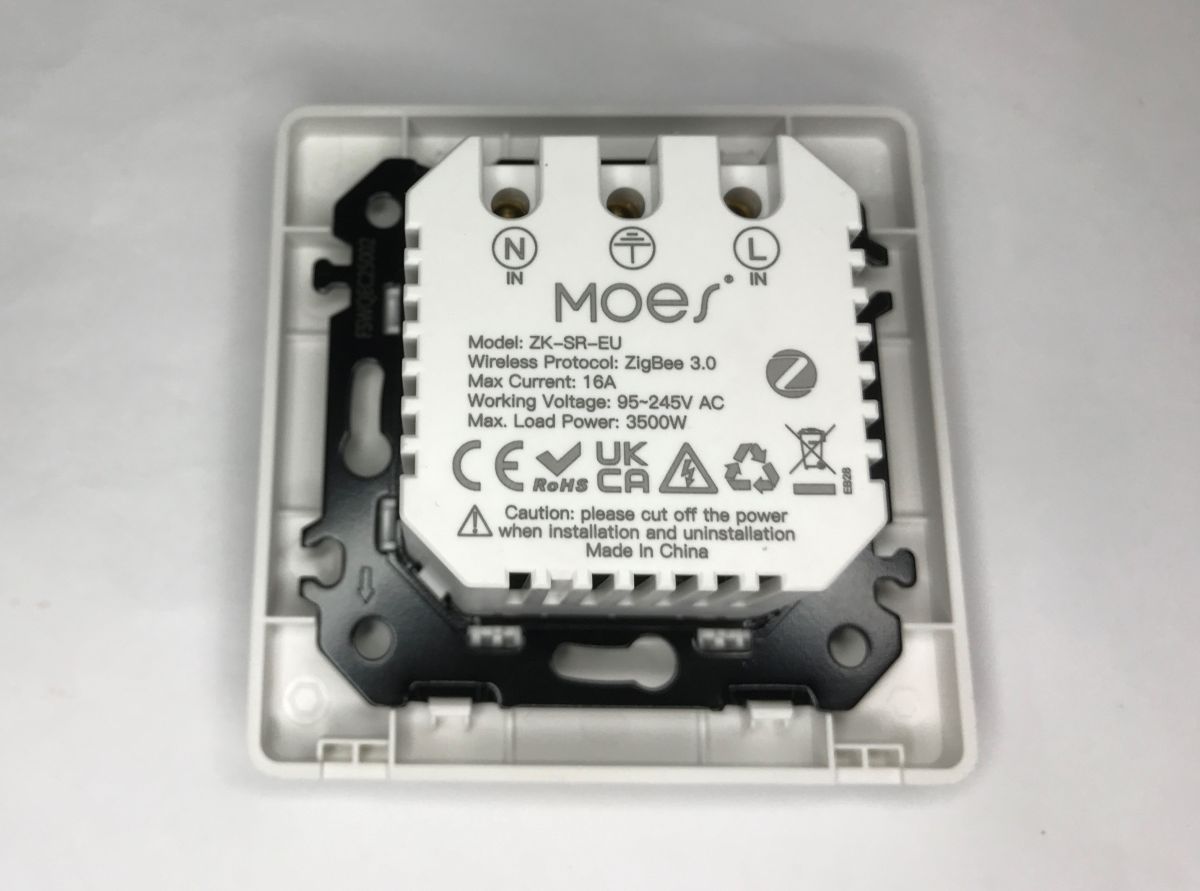
Designation ZK-SR-EU:
Pairing with Home Assistant is very simple. We need to have one of the Zigbee add-ons already integrated, I myself use Zigbee2MQTT. For this I use the receiver accordingly - CC2531. HA sees the device as TS011F_plug_1:
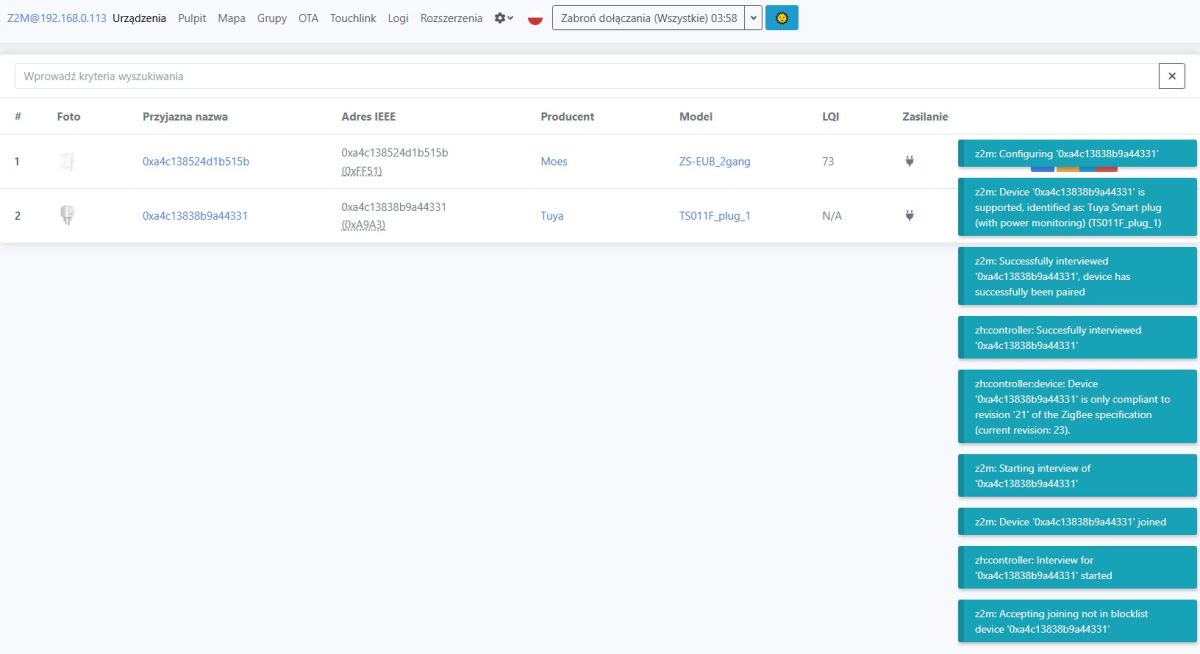
The device is in router mode, so it extends the Zigbee range:
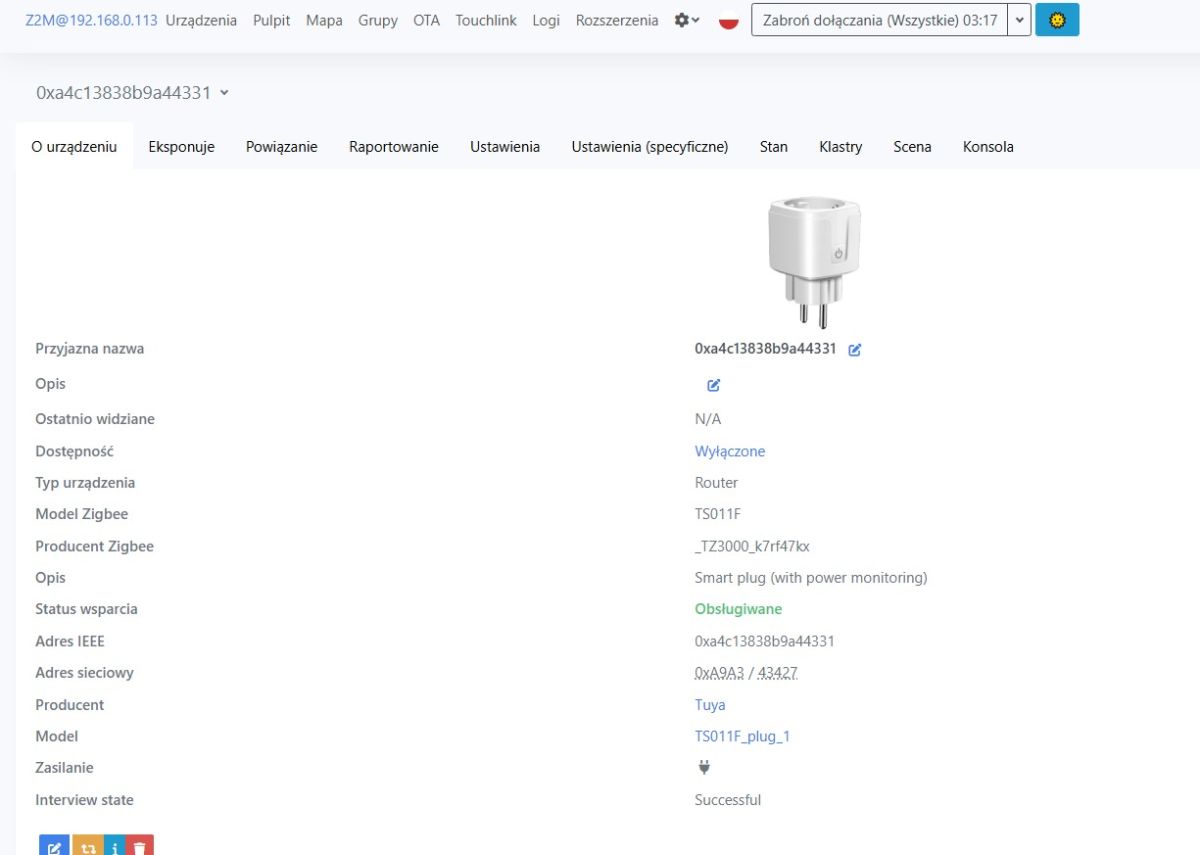
The socket is distinguished by its high functionality - here we not only control the relay, but we also have control over the status memory when power is restored, we decide the role of the indicator LED, and of course we also have readouts.
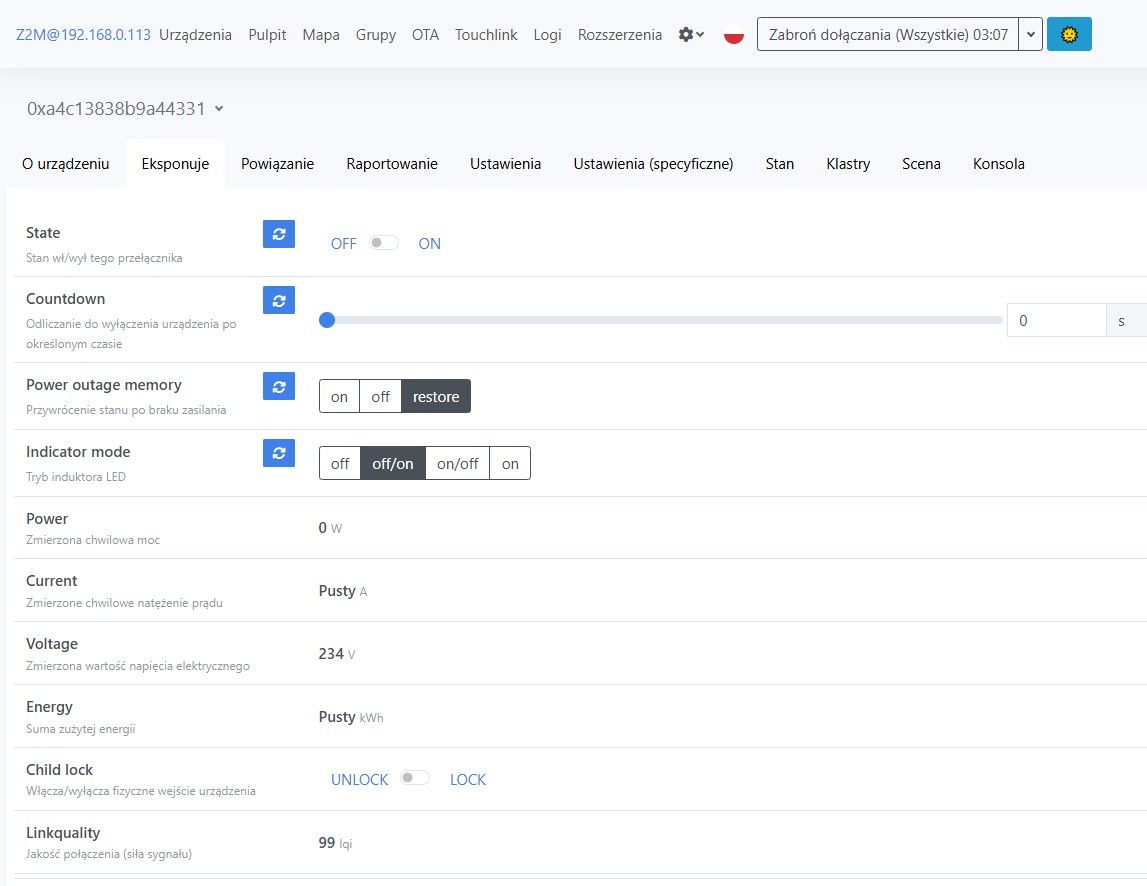
We even have a child lock, which is a button lock from the case.
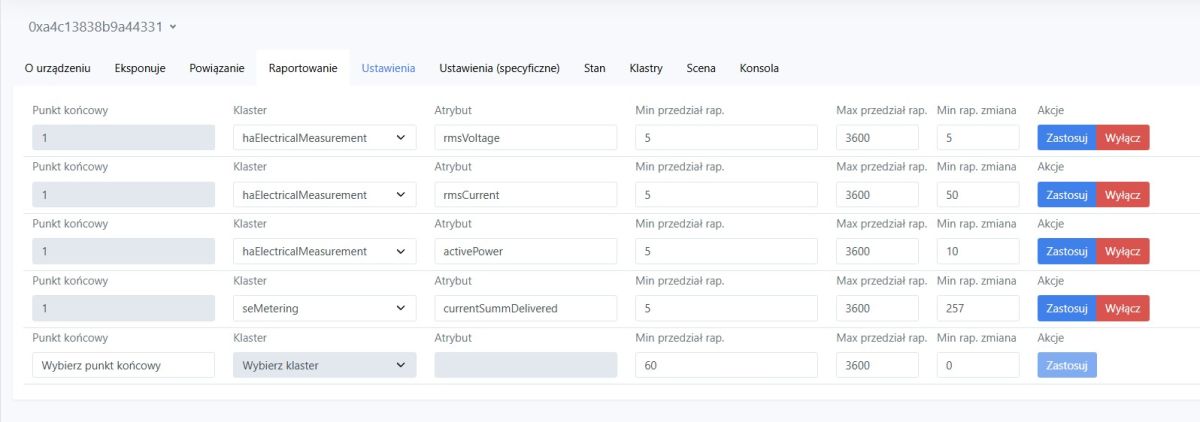
We control the frequency of the measurement reports.
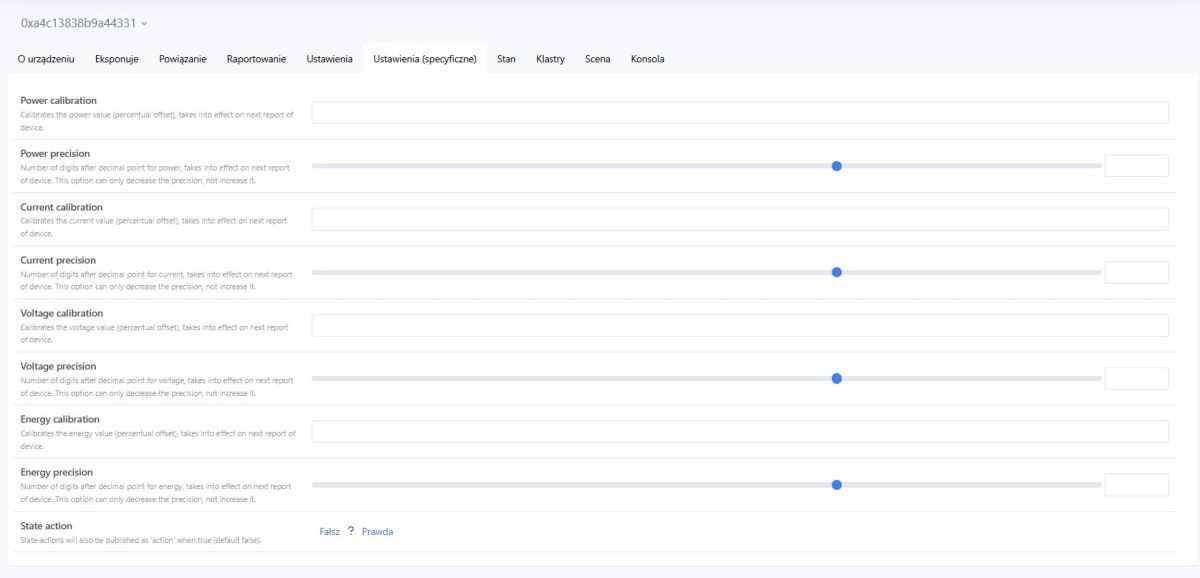
The device also allows percentage calibration of measurements, which will certainly be useful for those wishing to compare it to a higher-end meter.
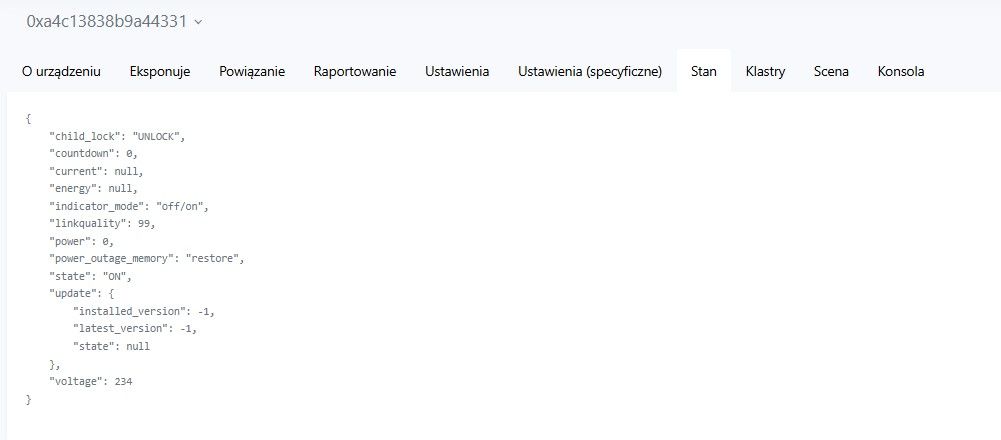
This is what the JSON published by the equipment looks like.
It remains to look inside - for educational purposes only. This is a Zigbee-based device, no need to dismantle it to make it work without the cloud. We are pulling off the hooks:
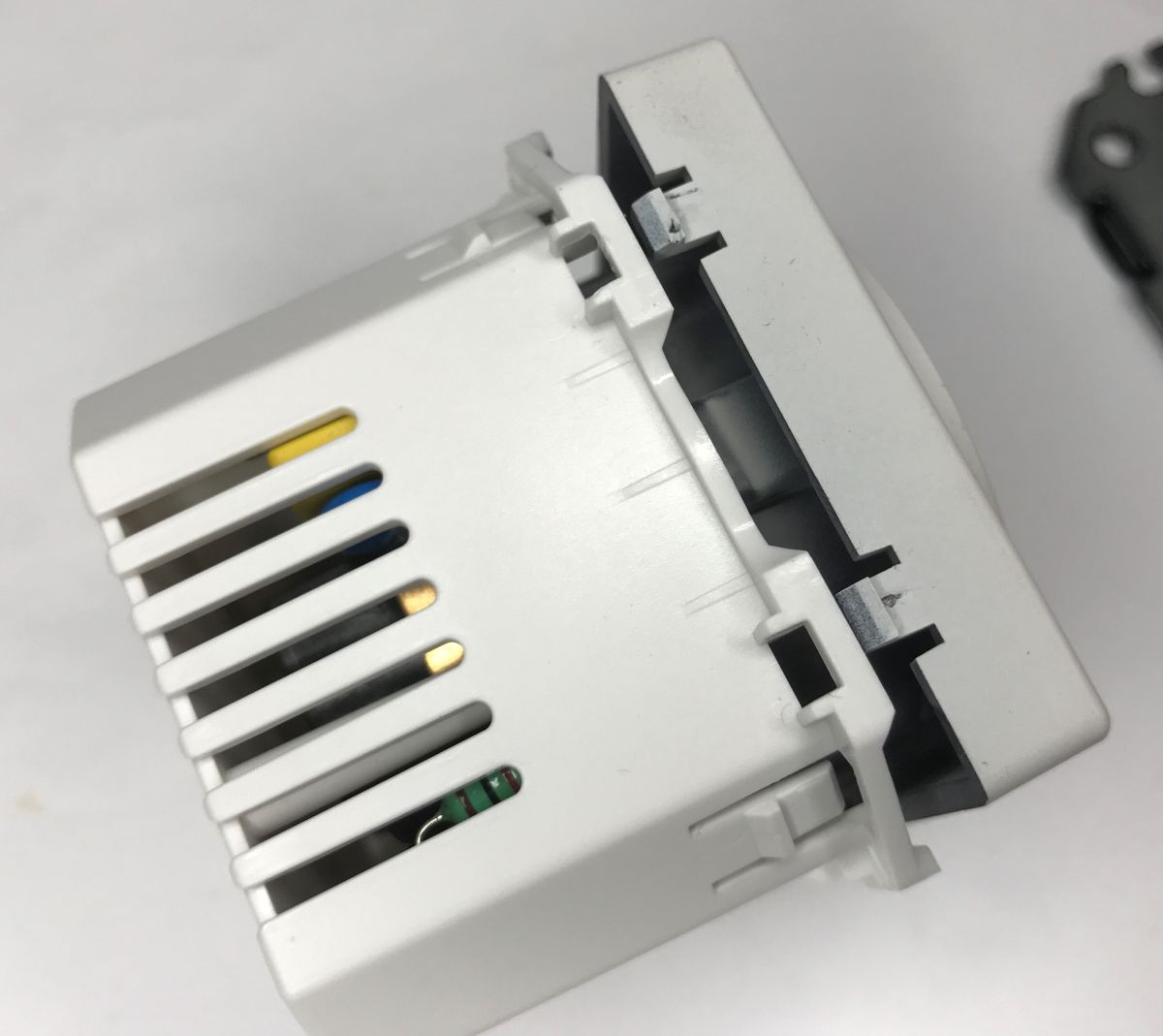
Someone has taken care of the insulation:
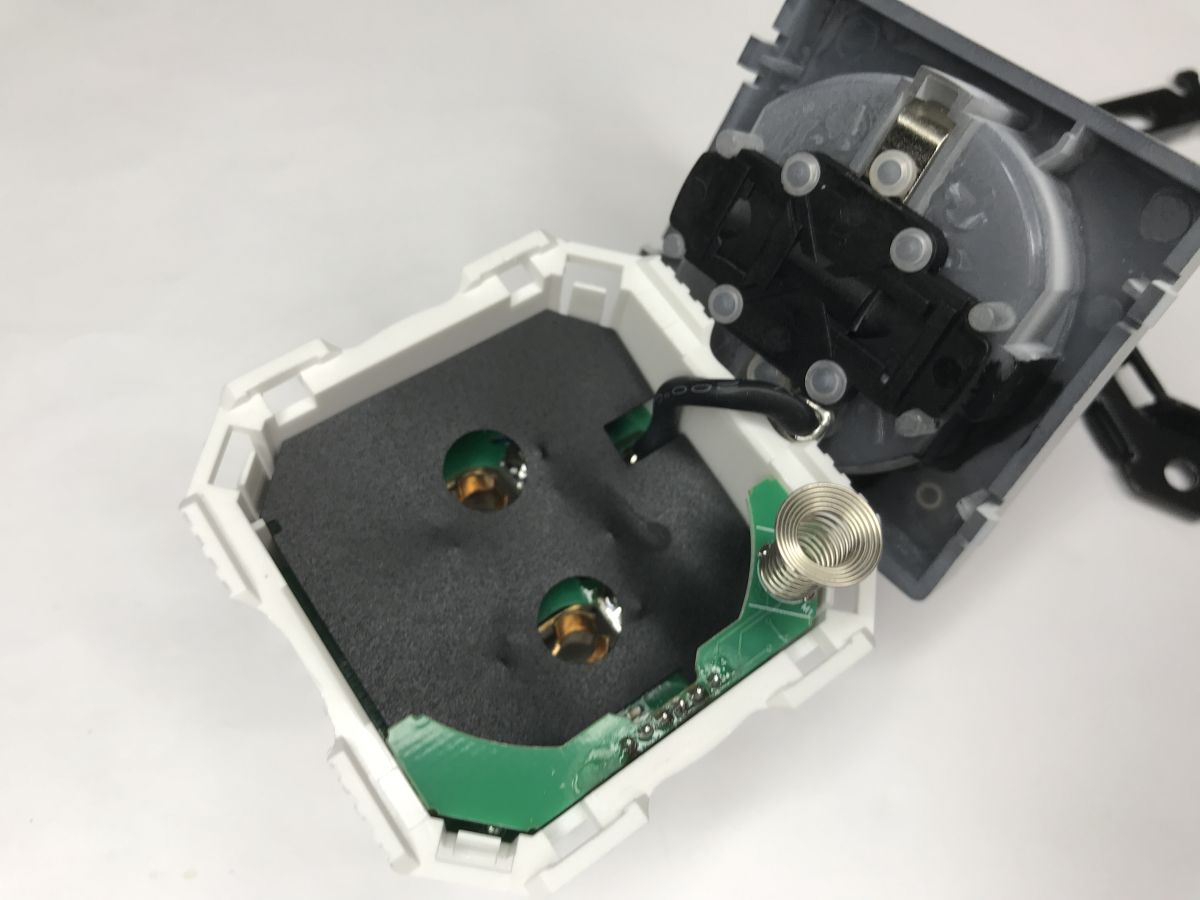
Inside, what is striking is the enclosure based on the ZT2S module, similar to the WB2S, CB2S, and TYWE2S. Simply put, the electronics are the same, only the module is with Zigbee instead of Wi-Fi.
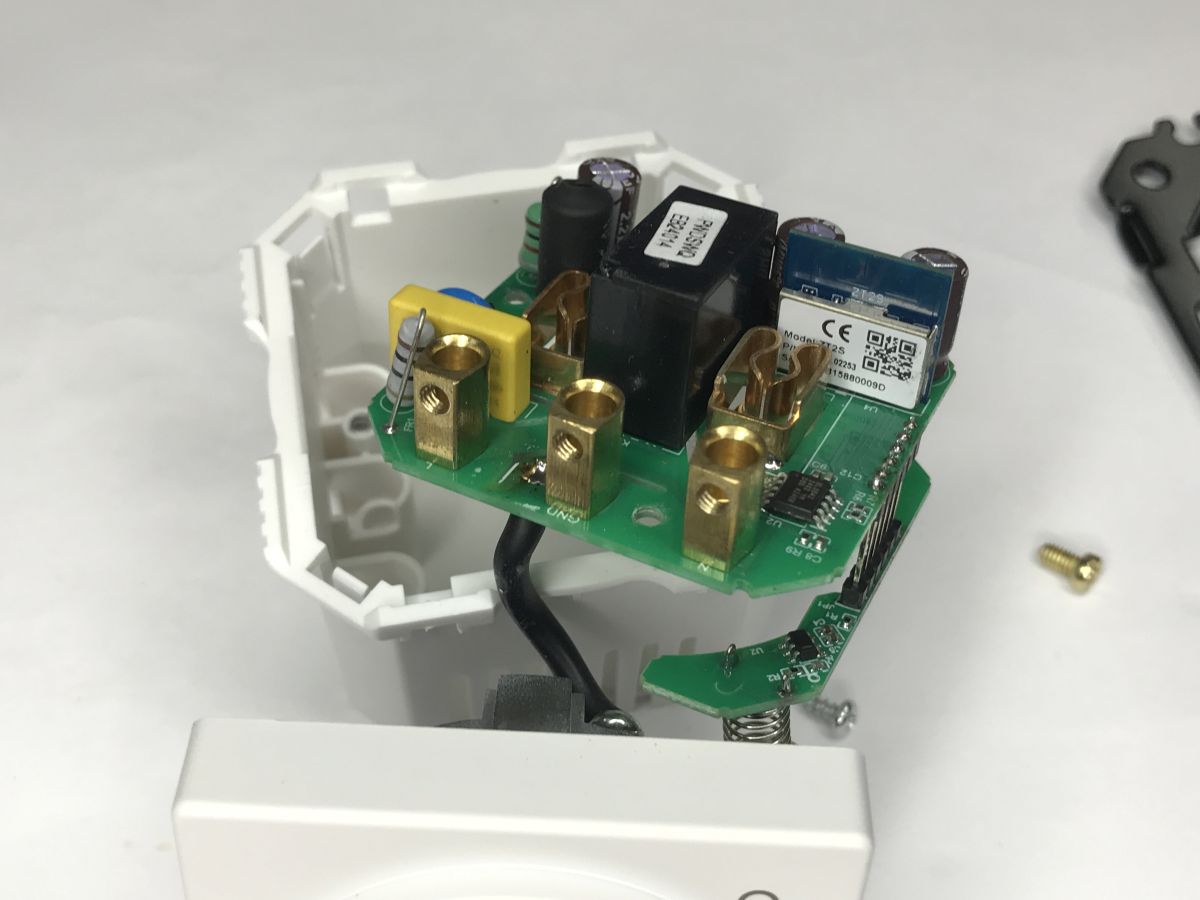
The measurements are taken by the BL0942, which probably reports them to the module via the UART.
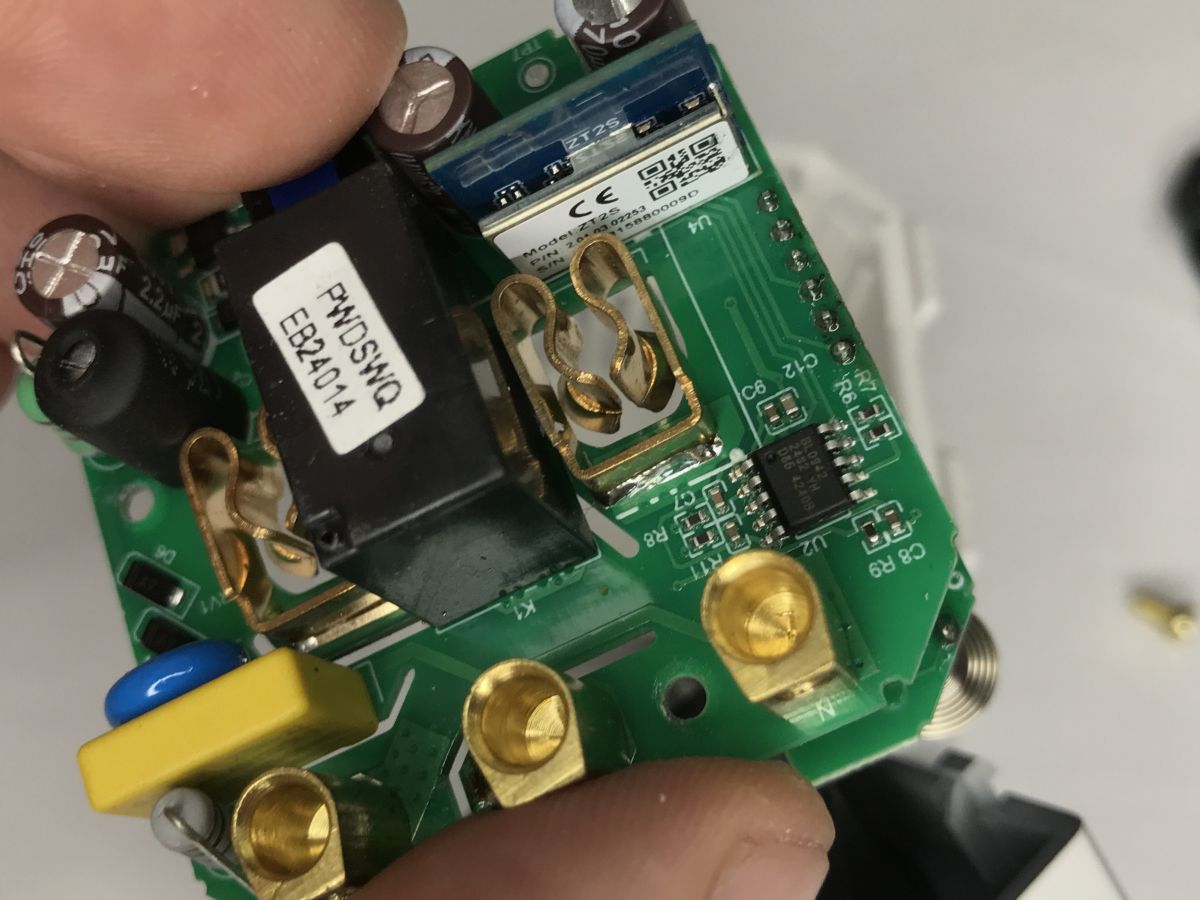
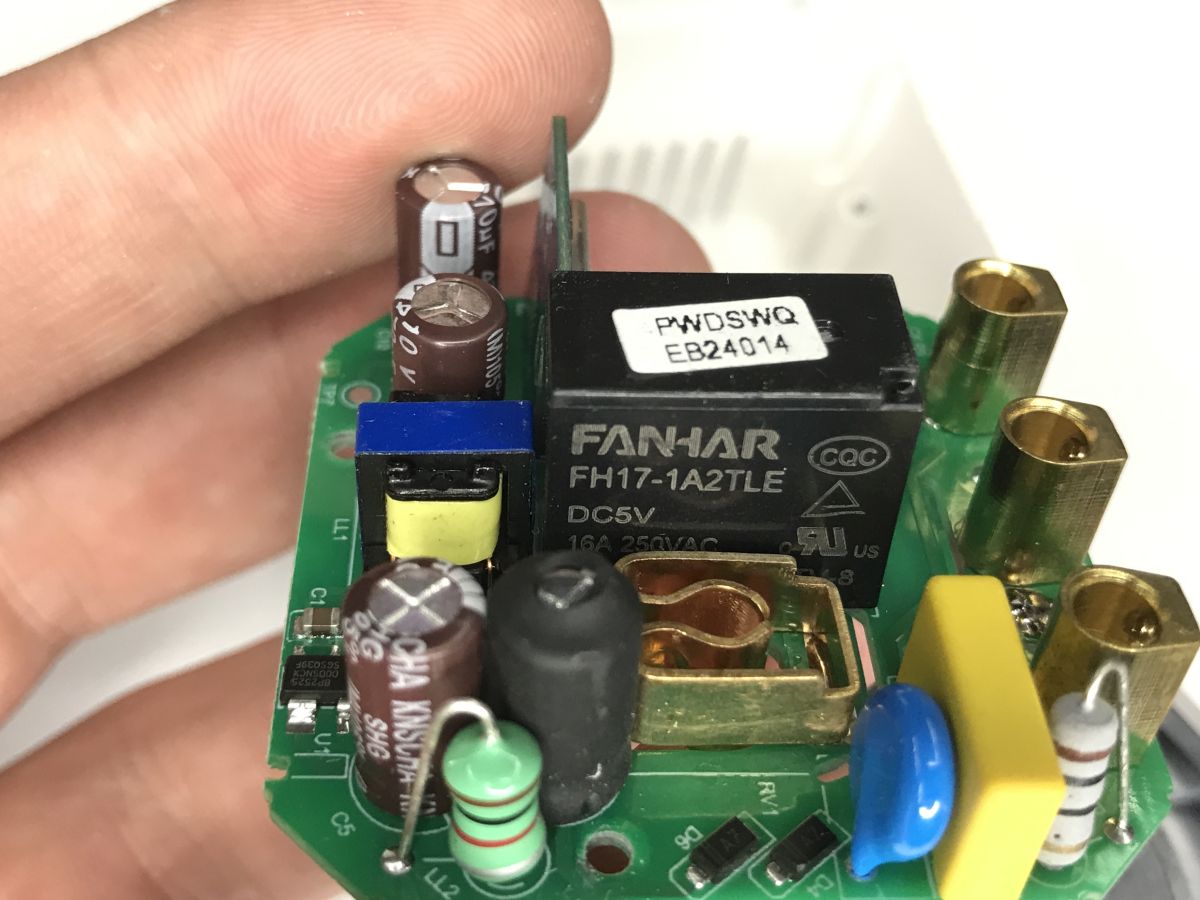
The relay is an FH17-1A2TLE operating on 5 volts. It is indeed described as being on 16 A.
The circuit powers a BP2525 which probably generates 5 V, this is a non-isolated voltage step-down converter.
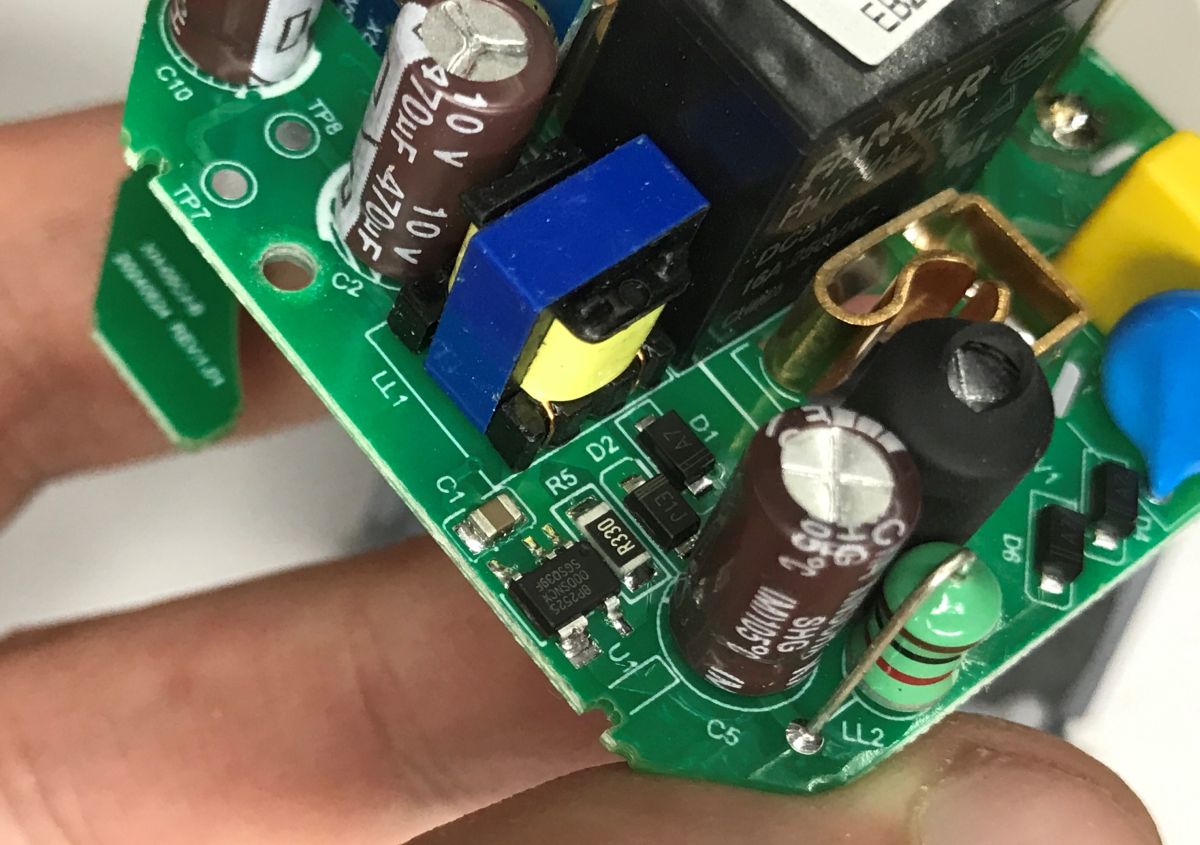
The AMS1117-3.3 is still obscured on the underside; this is what powers the module from communications, as these modules run on 3.3 V.
In summary , the possibilities are great and everything has been thought of. And you can calibrate, and you can turn off the annoying LED, and you can even lock the button from the socket housing via the child lock function. In addition, everything with Zigbee communication, so there is no problem pairing with HA, and the device further extends the range of our network. Then there's the price - in our country it's PLN80, which is more expensive than the Wi-Fi version, but maybe it's worth it?
Do you use this type of socket, do you see a use for it? Where is energy measurement useful?

p.kaczmarek2 wrote 14771 posts with
rating 12914 , helped 659 times.
Been with us since 2014 year.
Comments
Hi. I have a faulty buzzer in my old washing machine that told me when the wash was finished.... so with the help of such a socket I detect if the wash is already finished :) Negligible power consumption... [Read more]
I have been playing around with the Tasmota. One application is the charging section of devices with Li-Ion batteries at 80% capacity. [Read more]
As far as you can see, it only has one-way energy measurement. The Tapo P110M (matter over wifi) can also measure the energy given off to the grid, so it can be connected to a balcony solar power plan... [Read more]
Looks promising, the price can be a bit daunting, but you don't buy this every day. Nice description and quite detailed analysis. I am just at the stage of fitting out my house with sockets. Thanks to [Read more]