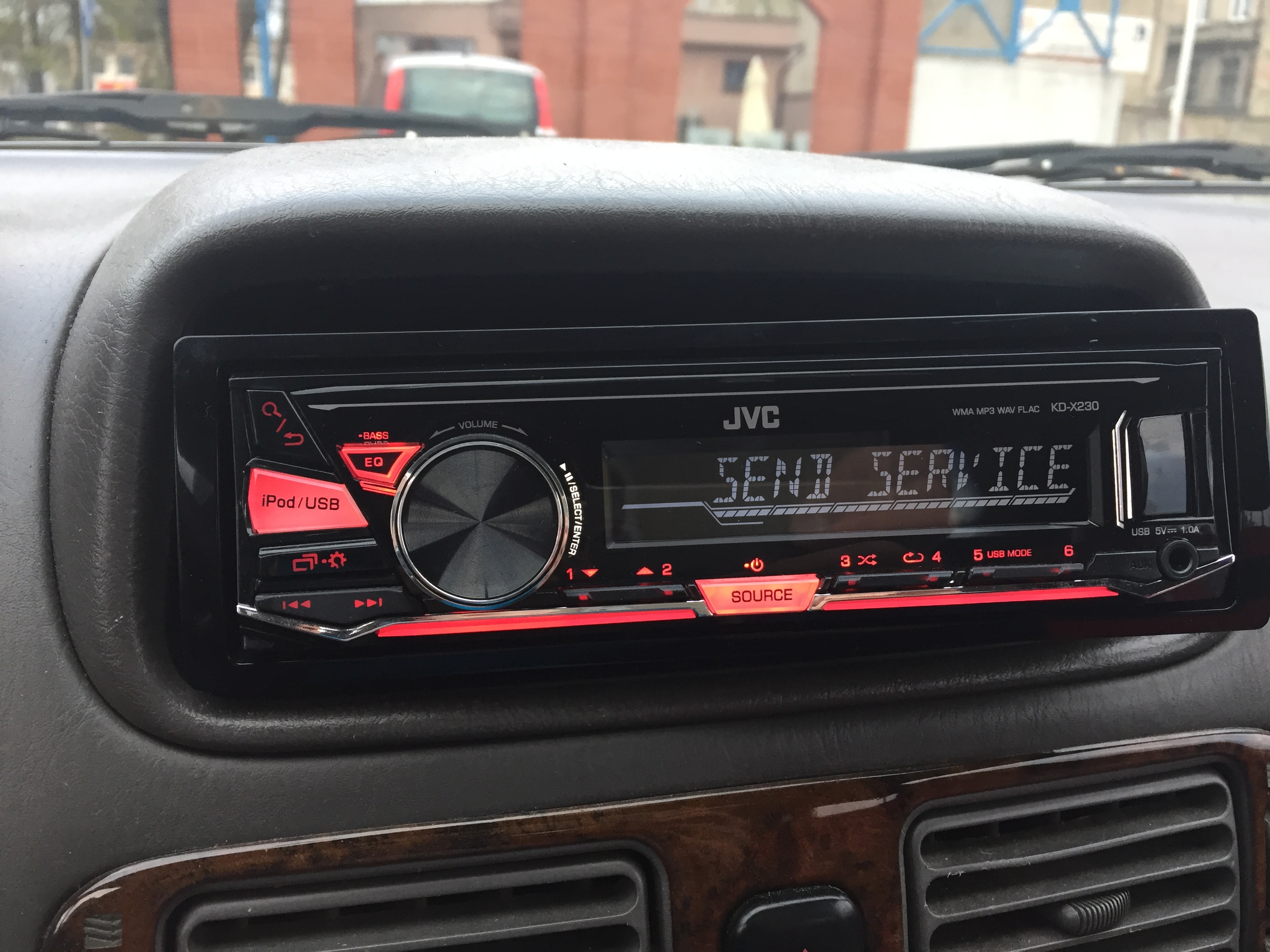
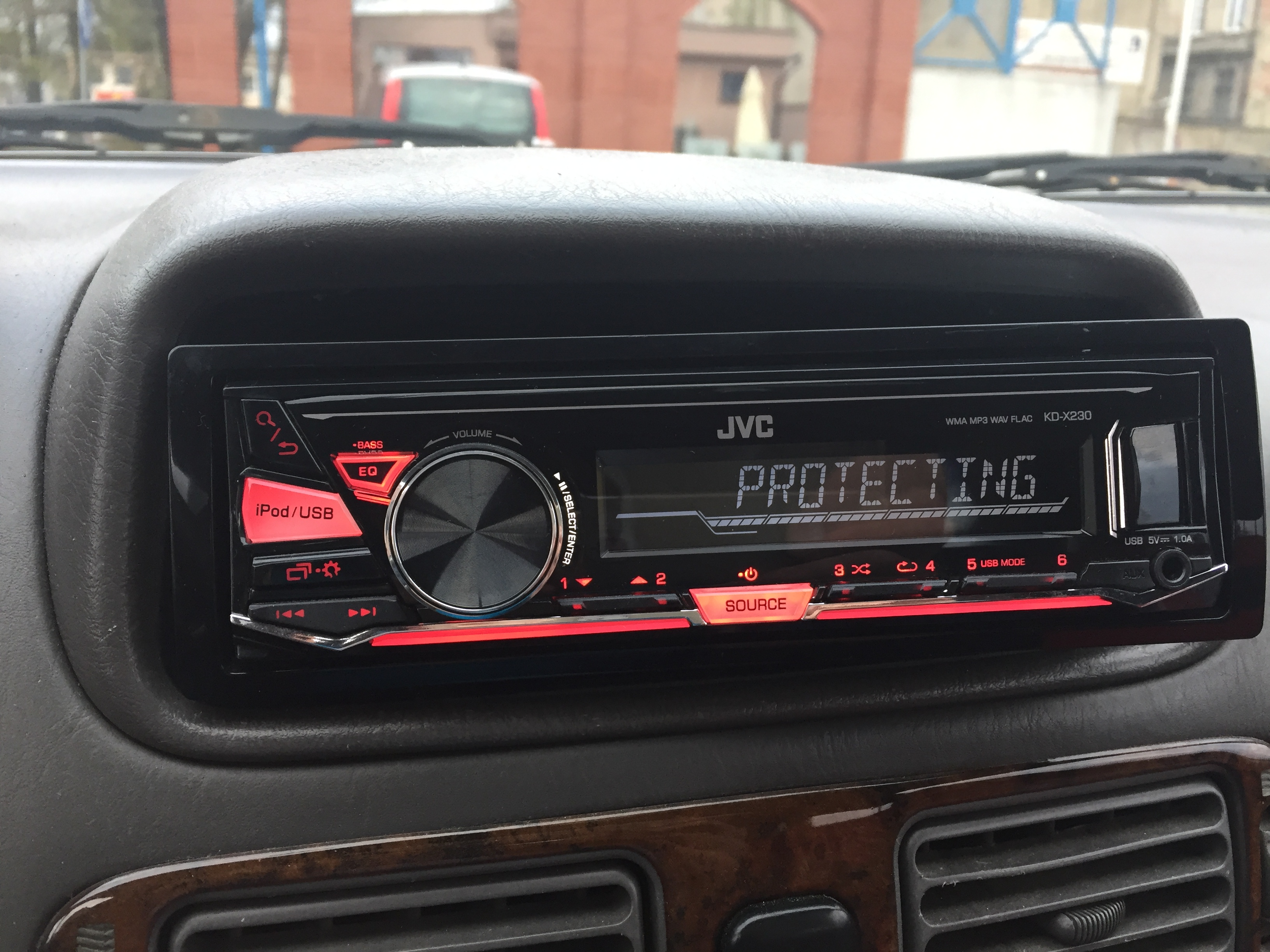
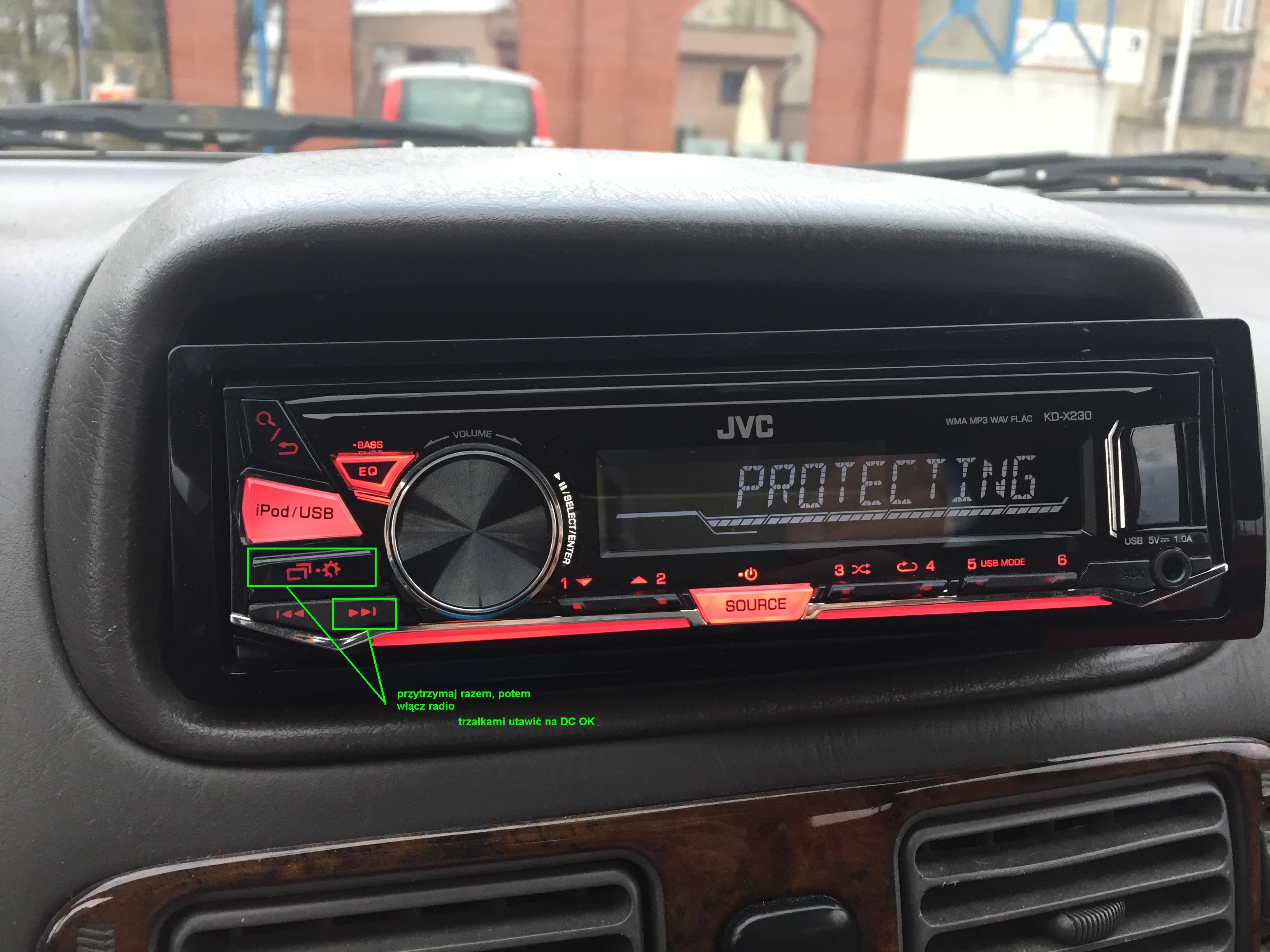
Hello, I'm a freshman here  and I need help, I bought on all radio in the auction, the guest sent trying to plug in and at the start
Send service protect - what's going on? Someone something?
Of course, it was supposed to be operational ... I called, he took note, he said, to ask what it was in some rtv repair, because it worked for him. And "supposedly" will draw money, if it is something serious. He trades in radio radios, he has only positives. I currently have an old jvc cassette so I just swallowed the cables. It turned on, but this message immediately crashes, and nothing can be done to Help
and I need help, I bought on all radio in the auction, the guest sent trying to plug in and at the start Send service protect - what's going on? Someone something?
Of course, it was supposed to be operational ... I called, he took note, he said, to ask what it was in some rtv repair, because it worked for him. And "supposedly" will draw money, if it is something serious. He trades in radio radios, he has only positives. I currently have an old jvc cassette so I just swallowed the cables. It turned on, but this message immediately crashes, and nothing can be done to Help
Attachments:
-
 IMG_1452.JPG
(1.85 MB)
You must be logged in to download this attachment.
IMG_1452.JPG
(1.85 MB)
You must be logged in to download this attachment.
-
 IMG_1453.JPG
(1.78 MB)
You must be logged in to download this attachment.
IMG_1453.JPG
(1.78 MB)
You must be logged in to download this attachment.