logo elektroda
logo elektroda
X
logo elektroda

Huawei E3372 Modem Connection to Pumpkin Android 7.1 Car Radio: Configuration & Installation Steps

jakintos 27672 12
ADVERTISEMENT
Treść została przetłumaczona polish » english Zobacz oryginalną wersję tematu
  • #1 16917536
    jakintos
    Level 13  
    Posts: 188
    Help: 2
    Rate: 30
    Hello
    I have a Pumpkin car multimedia radio running on Android 7.1.
    I wanted to connect the E3372 USB modem to it, the radio supports 3G networks via USB, but I don't know how to configure it.
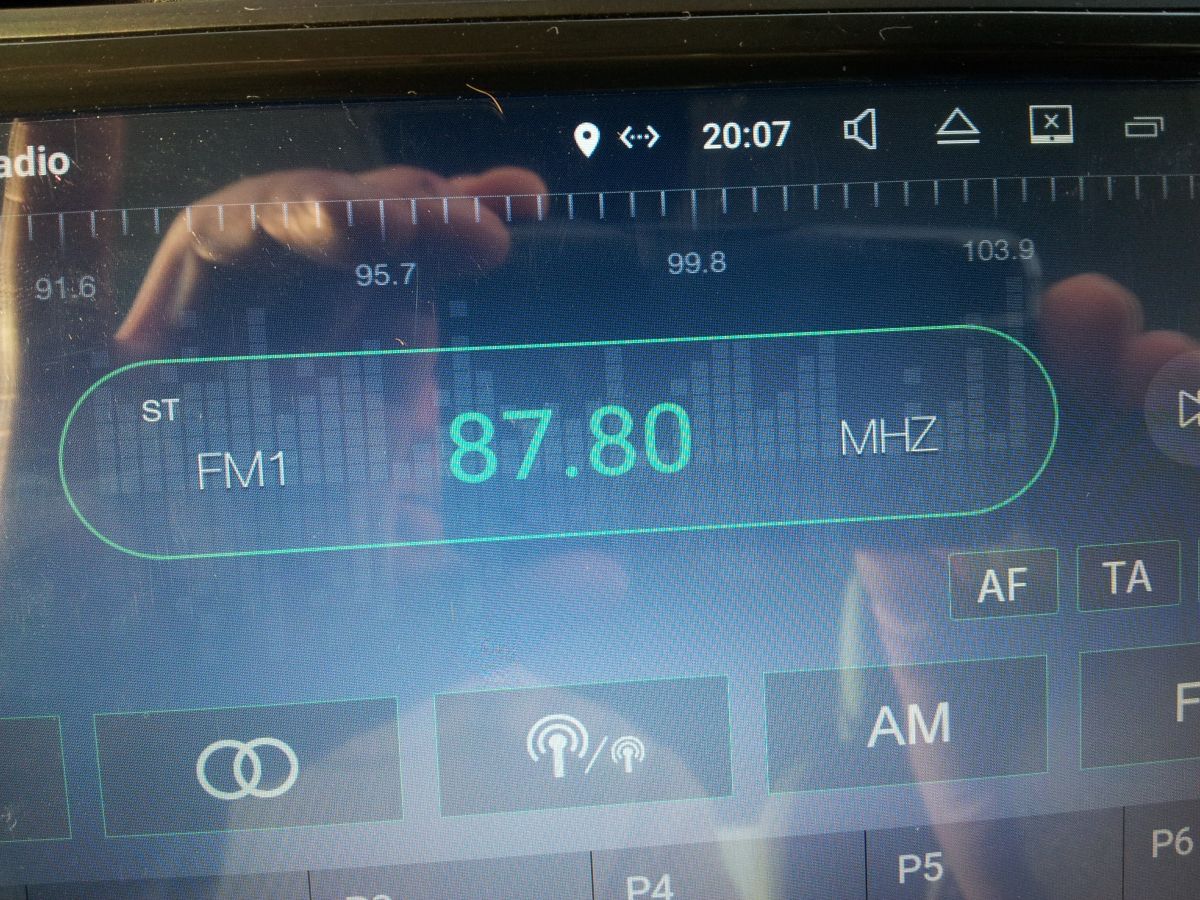
    After connecting the modem to the USB, the sign appears on the top bar, but it does not help me at all.
    Should I install any software?
    Should I have WIFI access during the installation?
    Huawei E3372 Modem Connection to Pumpkin Android 7.1 Car Radio: Configuration & Installation Steps
  • ADVERTISEMENT
  • #2 16917575
    matek451
    Level 43  
    Posts: 31052
    Help: 4314
    Rate: 5708
    The E3372 USB modem needs drivers to operate, the android radio probably does not have them and does not see the modem. To use LTE on this radio, you need to buy a MiFi LTE3g / LTE mobile router and connect to it via WiFi, if the radio has it. Have you tried with a LTE / 3G phone with hotspot function?
    Helpful post? Buy me a coffee.
  • #3 16918118
    jakintos
    Level 13  
    Posts: 188
    Help: 2
    Rate: 30
    Only I do not want to receive the internet via WIFI, because it is not a problem.
    I wanted to configure the modem via USB since it has 3G internet support.
    I just don't know how to go about it.
  • ADVERTISEMENT
  • #4 16927527
    IC_Current
    Network and Internet specialist
    Posts: 9094
    Help: 1493
    Rate: 2491
    Start by looking in the documentation for a list of compatible devices (modems), or by contacting the seller or importer in this regard.
    Helpful post? Buy me a coffee.
  • #5 16927606
    matek451
    Level 43  
    Posts: 31052
    Help: 4314
    Rate: 5708
    At 99%, such a radio does not support LTE modems. Hundreds of times crafted on Android devices from China. No drivers, stubbornness unjustified, it is much more convenient to use the network via WiFi and the MiFi LTE / 3G mobile router. There are even WiFi modems connected to USB via a cigarette lighter adapter, eg E8278. The last modem that works with Android on Chinese tablets, radios was E173. But it's a slow modem with 3G, and the u-1, s-1 versions even without UMTS900.
    Helpful post? Buy me a coffee.
  • #6 16928511
    makosuu
    Network and Internet specialist
    Posts: 2984
    Help: 369
    Rate: 369
    Exactly, and I will add that you can connect several devices to MiFi and it is much more useful, and also more convenient. Of course, we won't force you, if you want, you can lose money on E173 or something even older, but that's nonsense.
  • #7 16928752
    jakintos
    Level 13  
    Posts: 188
    Help: 2
    Rate: 30
    matek451 wrote:
    At 99%, such a radio does not support LTE modems. Hundreds of times crafted on Android devices from China. No drivers, stubbornness unjustified, it is much more convenient to use the network via WiFi and the MiFi LTE / 3G mobile router.


    I don't know where this strange 99% data came from, why would I take the easy way?
    Persistence justified, since my radio is to support USB 3G modems and is from better brands of "Chinese".
    After searching, it turned out that I had to do a reset, the modem caught in 2 minutes.
    Most of the current "Chinese combine" brands support 99% of USB 3G modems, and some LTE. For example "Xtrons" supports LTE.
    My radio is also a Hotspot, the speed test I got on this modem with Android is up to 5 Mbit / s download and up to 10 Mbit / s upload, 70 ping.
    Youtube plays without stuttering.
    regards
  • #8 16929008
    matek451
    Level 43  
    Posts: 31052
    Help: 4314
    Rate: 5708
    It's nice to have drivers for E3372 and it works. You did not write in what technology and the UL / DL shown shows BTS overload with which E3372, masque ping connects.
    Helpful post? Buy me a coffee.
  • ADVERTISEMENT
  • #9 16929148
    jakintos
    Level 13  
    Posts: 188
    Help: 2
    Rate: 30
    After all, I caught LTE (turquoise diode), the range is only 2 dashes.
    BTS is indeed overloaded, but from what I noticed earlier this is normal on public holidays.
    Huawei E3372 Modem Connection to Pumpkin Android 7.1 Car Radio: Configuration & Installation Steps
  • #11 16929206
    jakintos
    Level 13  
    Posts: 188
    Help: 2
    Rate: 30
    Yes, the original extension from the set is connected directly to the radio, about 1.5 m.
    The nearest transmitter is approx. 1 km in the urban area.
    In some time I will connect external antennas, but screwed directly to the modem. It seems to me that RG174 type antennas lose a lot of signal.
  • #12 16929228
    matek451
    Level 43  
    Posts: 31052
    Help: 4314
    Rate: 5708
    A weak solution, in urban areas, operators use several LTE bands and their LTE-A aggregation. Play with LTE1800, LTE2100, LTE2600 and LTE800 and the others with LTE1800, LTE800 and LTE2600. This allows for much better speeds. No USB modems with bandwidth aggregation. The purchase of the MiFi mobile router with LTE-A would allow the use of aggregation of 2 LTE bands, e.g. on the E5185, E5186 and even three on the MF980, AC810S. What is the operator and the results in Wrocław?
    Helpful post? Buy me a coffee.
  • ADVERTISEMENT
  • #13 16968317
    jakintos
    Level 13  
    Posts: 188
    Help: 2
    Rate: 30
    The subject to close, reset the device was enough.

Topic summary

✨ The discussion revolves around connecting a Huawei E3372 USB modem to a Pumpkin Android 7.1 car multimedia radio. The user initially faced challenges in configuring the modem, as the radio did not recognize it. Responses indicated that the radio likely lacks the necessary drivers for the E3372, suggesting alternatives like using a MiFi LTE router for better connectivity. However, the user persisted and discovered that a simple reset of the modem allowed it to connect successfully, achieving download speeds of up to 5 Mbps. The conversation also touched on the limitations of USB modems in urban areas and the benefits of using mobile routers that support LTE band aggregation for improved performance.
Generated by the language model.

FAQ

TL;DR: A Huawei E3372 can work on Pumpkin Android 7.1 after a simple reset; users reported 5 Mbps down/10 Mbps up and noted “reset the device was enough.” [Elektroda, jakintos, post #16928752]

Why it matters: This FAQ shows exactly how to get USB data working or choose better alternatives on Android car head units.

Quick Facts

How do I configure a Huawei E3372 on a Pumpkin Android 7.1 head unit?

Use the unit’s USB port, then perform a full radio reset. After reset, the modem should be detected and connect within minutes. Add your SIM with data enabled, then confirm the network icon shows data. Test with a browser or Speedtest. If detection fails, see the driver and MiFi answers below. “Reset the device was enough.” [Elektroda, jakintos, post #16968317]

Do I need Wi‑Fi during installation or first setup?

No. The successful setup in this thread used USB only and worked immediately after a full reset. Wi‑Fi is optional for testing or updates but isn’t required to make the E3372 connect on this unit. [Elektroda, jakintos, post #16968317]

Why isn’t my E3372 detected by the Android radio?

The E3372 needs specific USB modem drivers. Many Android head units don’t include them, so the modem is not recognized. In such cases, the unit shows an icon but offers no data. A MiFi hotspot avoids driver issues by using Wi‑Fi instead. [Elektroda, matek451, post #16917575]

Will LTE work, or is it only 3G on these radios?

LTE worked for the original poster. The E3372 showed a turquoise LED (LTE) with two signal bars. Performance depends on signal strength and network load at your location. [Elektroda, jakintos, post #16929148]

What speeds should I expect from E3372 on Android 7.1?

One user measured about 5 Mbps download and 10 Mbps upload with YouTube playing smoothly. Results vary with coverage, band, and tower congestion. Use the modem’s LED and a speed test to verify. [Elektroda, jakintos, post #16928752]

Is a MiFi hotspot better than a USB stick modem here?

Often, yes. A MiFi shares mobile internet with multiple devices and is more practical in cars. It avoids driver problems and keeps the USB port free. “You can connect several devices to MiFi and it is more convenient.” [Elektroda, makosuu, post #16928511]

Do USB modems like E3372 support LTE‑A carrier aggregation?

No. USB sticks used in these radios don’t aggregate bands. For higher throughput, use LTE‑A gear such as Huawei E5186/E5185 or Netgear AC810S/MF980, which can combine two or more LTE bands. [Elektroda, matek451, post #16929228]

Quick 3‑step fix: my Pumpkin sees the icon but no internet—what now?

  1. Power‑cycle the head unit and perform a full factory reset.
  2. Reinsert the SIM in the E3372, reconnect via USB, and wait 2–3 minutes.
  3. Confirm mobile data is on and test browsing/Speedtest. “Reset the device was enough.” [Elektroda, jakintos, post #16968317]

Why do some Android head units fail with LTE USB modems?

Many lack bundled drivers for modern LTE sticks. One expert estimated such radios “do not support LTE modems,” recommending Wi‑Fi via MiFi instead. Older 3G sticks had broader support on early Android devices. [Elektroda, matek451, post #16927606]

Which brands or units reportedly work with USB modems?

The thread author states most current brands support USB 3G modems, and some, like Xtrons, support LTE. They achieved a working setup on Pumpkin after a reset. [Elektroda, jakintos, post #16928752]

What older USB modem models have known Android compatibility?

Huawei E173 was cited as the last widely working model on many Chinese Android tablets and radios. It’s a slower 3G device, and some variants lack UMTS900 support. [Elektroda, matek451, post #16927606]

My speeds tank during holidays or busy hours—is that normal?

Yes. The poster observed an overloaded base station during public holidays. Expect higher ping and lower throughput when the serving cell is congested. Plan around peak times when possible. [Elektroda, jakintos, post #16929148]

Does a USB extension cable affect the modem’s performance?

A 1.5 m extension worked for the poster, but placement matters. Poor positioning or cable losses can reduce signal. Consider short, quality cables and, if needed, external antennas placed away from interference. [Elektroda, jakintos, post #16929206]

Should I add external antennas directly to the E3372?

It can help if signal is weak. The poster planned direct‑to‑modem antennas and warned RG174 coax loses signal quickly. Keep runs short and route antennas to clearer spots. [Elektroda, jakintos, post #16929206]

How do I know drivers are in place once it works?

You’ll see the data icon and the E3372 LED indicate LTE. Traffic flows, and speed tests complete. As one reply put it, “nice to have drivers for E3372 and it works.” [Elektroda, matek451, post #16929008]
Generated by the language model.
ADVERTISEMENT