FAQ
TL;DR: For microSDs that stop mounting, professional data recovery often applies. Expect costs from 1200 net up; "Call and ask." [Elektroda, michal_aniol, post #16962052]
Why it matters: If your card blinks in and out or shows 0 bytes, you need a fast, realistic plan to save photos.
Quick Facts
- Intermittent detection and 0‑byte capacity were observed before total failure. [Elektroda, Rosoft, post #16950221]
- Community-recommended tools to check first: DMDE and PhotoRec. [Elektroda, KodIT, post #16950229]
- R‑Studio was also suggested as a recovery option. [Elektroda, mistrzszymon1, post #16950196]
- Linux was proposed for testing; in this case it later detected nothing. [Elektroda, Rosoft, post #16954743]
- Lab recovery can bypass the controller; user reports cost starting from 1200 net. [Elektroda, michal_aniol, post #16962052]
How do I know my microSD card is failing?
Warning signs include disappearing from phones and PCs, short-lived detection via USB, and missing gallery photos. The OP’s 16 GB microSDHC showed these exact symptoms across devices before failure. If you see this pattern, stop writing to the card immediately. [Elektroda, Rosoft, post #16950151]
Does seeing 0 bytes in Properties mean all data is gone?
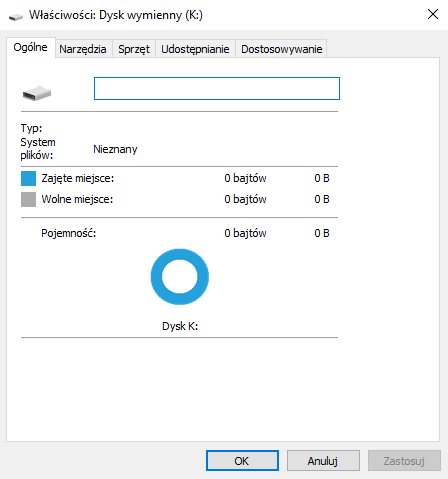
Not necessarily. A responder noted that exactly 0B in Properties is not a tragedy. It can indicate a controller or partition read issue rather than fully erased memory. Try read-only scanning first; avoid formatting. [Elektroda, KodIT, post #16950229]
What recovery software should I try first?
Start with DMDE or PhotoRec. They can scan at a low level and list recoverable files if the card enumerates with a stable capacity. Use a reliable reader and a desktop, not a phone. [Elektroda, KodIT, post #16950229]
Is R‑Studio worth trying on a flaky microSD?
Yes. Another participant recommended testing R‑Studio. If the card stays connected long enough, run a file system scan or create an image first, then recover photos. [Elektroda, mistrzszymon1, post #16950196]
Can software help if the card mounts only for a second?
Unstable enumeration undermines imaging and scanning. One reply concluded that in such a condition you won’t do anything useful at home. At that point, consider professional recovery. [Elektroda, KodIT, post #16955158]
Should I test the card under Linux or on a Raspberry Pi?
Yes, it’s a sensible check. A helper specifically asked whether the card could be tested under Linux. Use a USB reader, dmesg, and a read-only scan to avoid writes. [Elektroda, KodIT, post #16950248]
Linux also can’t see the card—what next?
When Linux can’t detect the device at all, home options end. A specialist can attempt controller-bypass (chip-off) to read the memory directly and rebuild data. [Elektroda, michal_aniol, post #16958562]
How much does professional microSD recovery cost?
A contributor reported typical lab pricing starting from 1200 net, with variance by provider. Call local labs to confirm evaluation and success-based fees. [Elektroda, michal_aniol, post #16962052]
Is bypassing the controller (chip‑off) really a thing?
Yes. An expert noted there is a chance to recover data in a lab by bypassing the controller. "Not a home way," but memory chips often remain intact. [Elektroda, michal_aniol, post #16958562]
Will trying other phones or readers help?
It can reveal whether the issue follows the card. The OP tried another phone and a PC; both failed, pointing to the card itself. Always test with a known-good reader. [Elektroda, Rosoft, post #16950151]
What does a gray drive icon or 0‑capacity entry indicate?
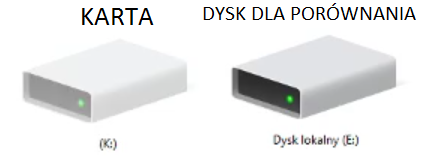
Windows showed a gray icon and 0‑byte capacity briefly for the failing card. That suggests enumeration without accessible partitions, consistent with controller trouble. Avoid writes and imaging attempts that force mounts. [Elektroda, Rosoft, post #16950221]
Can I fix and reuse this card after recovery?
Don’t rely on it. A responder concluded no meaningful home fix was possible in this case. Treat the card as failed hardware and replace it after data recovery. [Elektroda, KodIT, post #16955158]
What do the card’s class and age tell me?
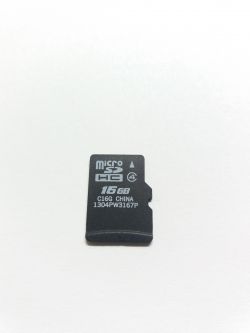
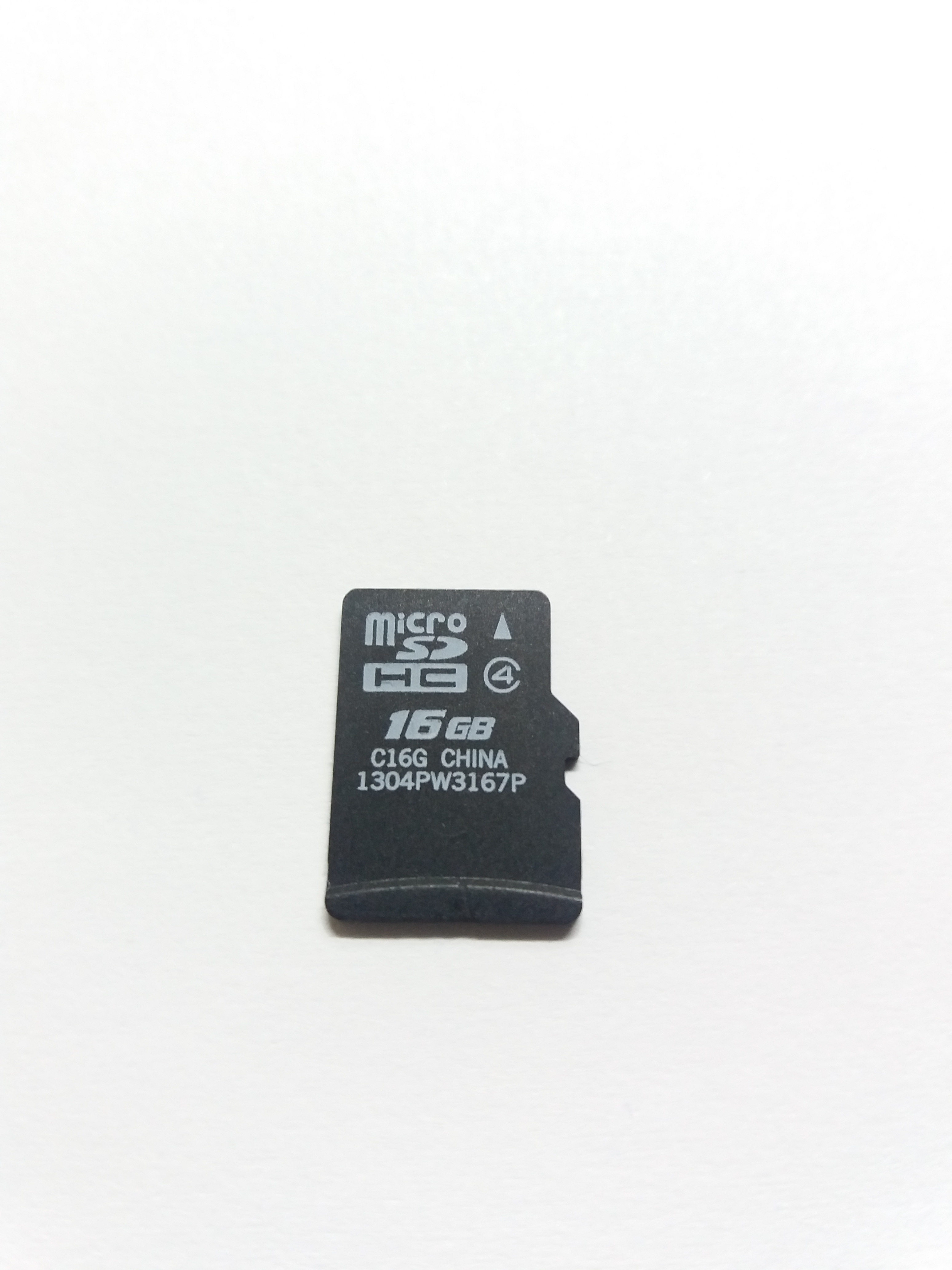
The failing card was a 16 GB Class 4 microSDHC, about two years old. Lower-class cards and age can correlate with slower speeds and wear, increasing failure risk. Replace aging cards proactively. [Elektroda, Rosoft, post #16950151]
Is that DIY YouTube chip‑off video a good idea?
It’s risky without equipment and training. A forum user shared such a link, but controller-bypass is lab work. DIY attempts can destroy recoverable data. [Elektroda, mistrzszymon1, post #16958577]
Quick 3‑step last‑attempt checklist before calling a lab?
- Connect via a known‑good USB reader; avoid phones.
- If the card enumerates, run DMDE or PhotoRec read‑only.
- If capacity is unstable or absent, stop and contact a lab. [Elektroda, KodIT, post #16950229]
What likely failed—the flash or the controller?
The thread hints at controller trouble, since lab recovery may bypass it successfully. Memory chips often survive and can be read directly in a lab. [Elektroda, michal_aniol, post #16958562]