logo elektroda
logo elektroda
X
logo elektroda

After adding the SSD, Win installation on it, can't see the old HDD

zbyszek100 5853 3
ADVERTISEMENT
Treść została przetłumaczona polish » english Zobacz oryginalną wersję tematu
  • #1 17052461
    zbyszek100
    Level 18  
    Posts: 861
    Help: 1
    Rate: 207
    Hello, I bought an SSD for the system, connected it, disconnected the HDD and installed the system on the SSD. Soon the HDD had a system and I formatted the partition with it, leaving other data on other partitions. After installing Windows on SSD, I connected the HDD to it, it is to serve as an additional storage for data. However, the system (In Disk Management also does not) can not see the HDD, only SSD. Both SSD and HDD discs are visible in the bios. I will say right away that I can't format the HDD in full because I have important data on it. How to make the disk visible to Windows?

    Added after 19 [minutes]:

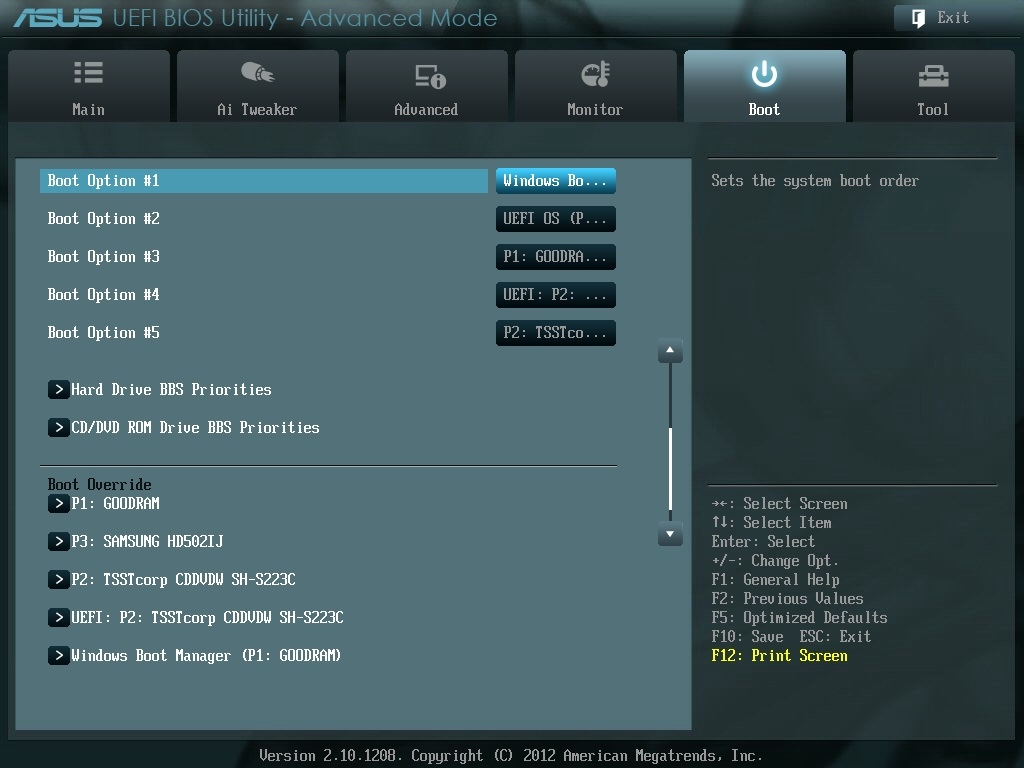
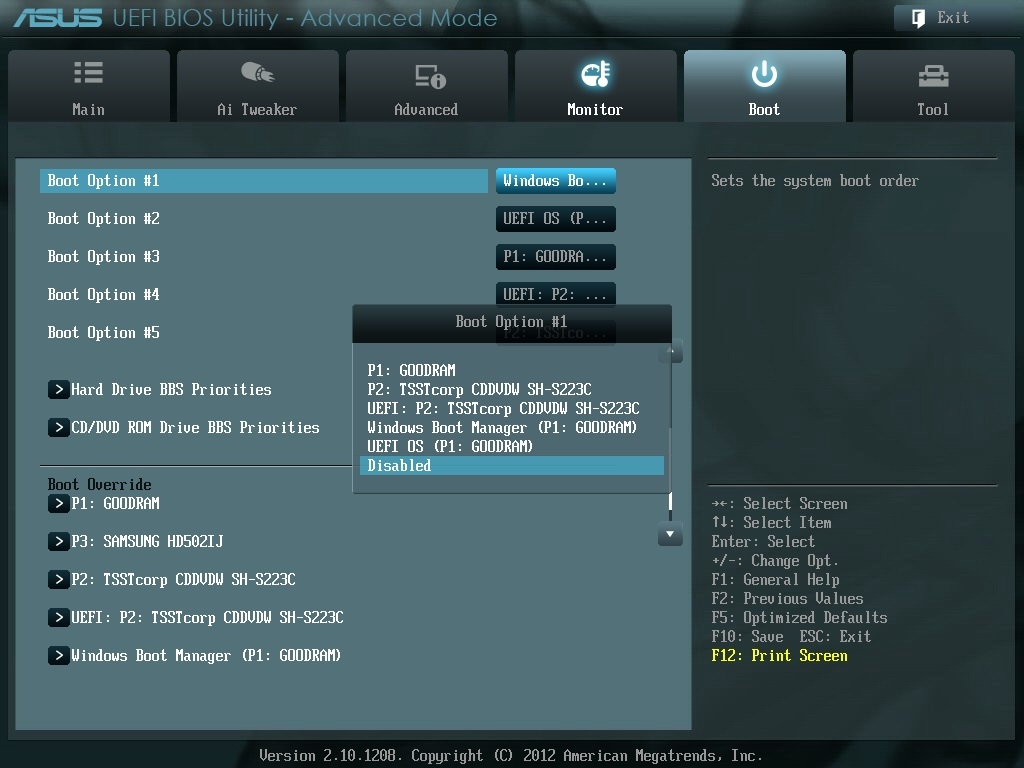
    Help me set this order:
    After adding the SSD, Win installation on it, can't see the old HDD After adding the SSD, Win installation on it, can't see the old HDD

    In this order, works, sees the HDD, is it correct?
  • ADVERTISEMENT
  • #2 17052553
    leonov
    Level 43  
    Posts: 8907
    Help: 1038
    Rate: 2232
    If it works and sees the disk, what's the problem?
  • ADVERTISEMENT
  • #3 17052562
    yanes
    Level 33  
    Posts: 1592
    Help: 204
    Rate: 597
    I also had it after installing the system on SSD, the old disk, despite the fact that I formatted it, the laptop did not see it, it worked normally on other laptops. I found somewhere help what to do but at the moment I can't find it. Maybe this guide will help https://www.pcworld.pl/porada/Twardy-dysk-Jak...rzenie-nowego-zewnetrznego-napedu,378722.html
  • #4 17052593
    DriverMSG
    VIP Meritorious for electroda.pl
    Posts: 44094
    Help: 3984
    Rate: 4844
    zbyszek100 wrote:
    However, the system (In Disk Management also does not) see the HDD
    And in the device manager is it?
ADVERTISEMENT