logo elektroda
logo elektroda
X
logo elektroda
Dostępna jest polska wersja

Czy wolisz polską wersję strony elektroda?

Nie, dziękuję Przekieruj mnie tam

Gainward Geforce Nvidia 9500 GT 1024MB Graphics Card: Need Help Finding Drivers

newmp3 11367 13
ADVERTISEMENT
Treść została przetłumaczona polish » english Zobacz oryginalną wersję tematu
  • #1 17112105
    newmp3
    Level 14  
    Hello,
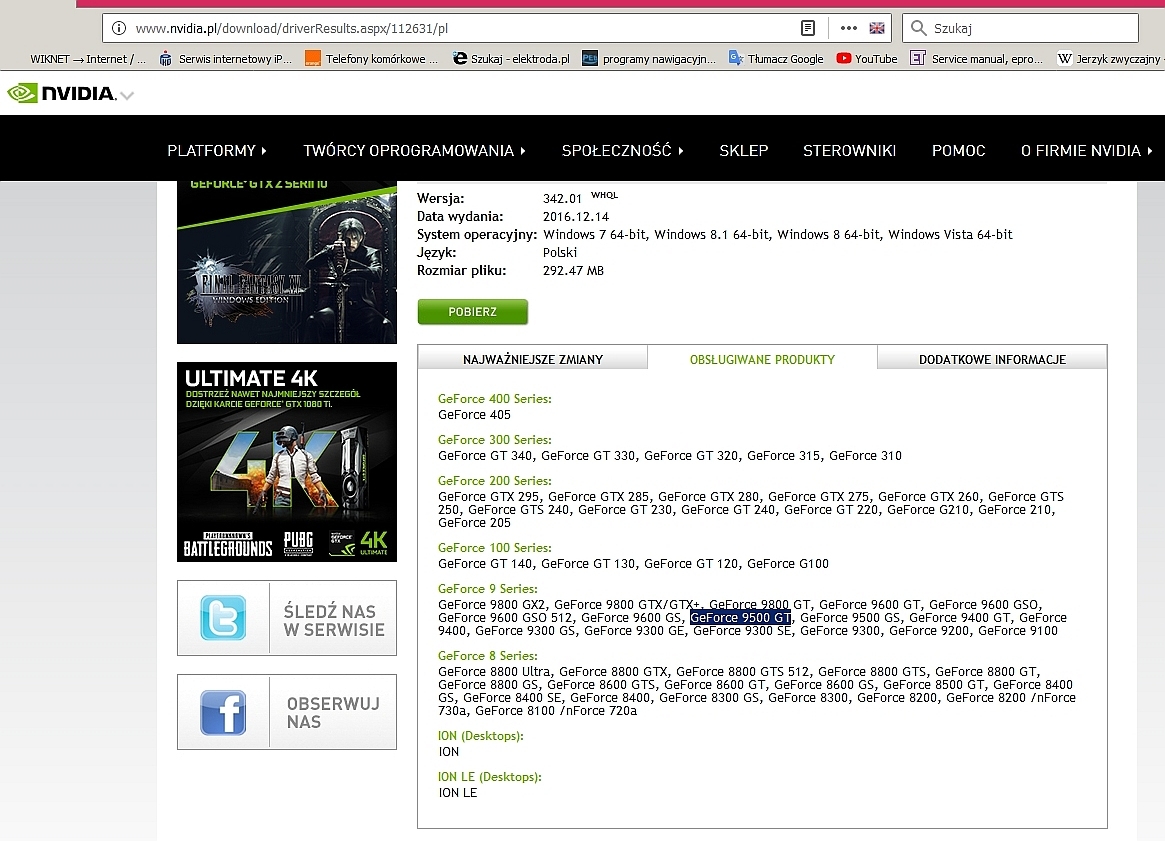
    I have a graph card. Gainward Geforce Nvidia 9500GT 1024MB, but I can't find the drivers for nothing. Is anyone able to help?
  • ADVERTISEMENT
  • ADVERTISEMENT
  • ADVERTISEMENT
  • #4 17112583
    newmp3
    Level 14  
    Well, now the eggs after installation began to greyhound me ... how to remedy? But probably only on YT: / I changed browsers, and reinstalling the sound too .... For the motherboard I have no drivers and I can't find anything.

    Gainward Geforce Nvidia 9500 GT 1024MB Graphics Card: Need Help Finding Drivers
  • #5 17112642
    KMal
    Level 34  
    You are still not saying what system you are installing there.
    After all, it is very important when looking for drivers.
  • #6 17112645
    newmp3
    Level 14  
    And actually .... Windows 7 Pro 64bit
  • #8 17112668
    newmp3
    Level 14  
    Can the lack of these drivers cause something like this? (wheeze)

    I even uninstalled HD Audio because it installed itself and merciless growling: /

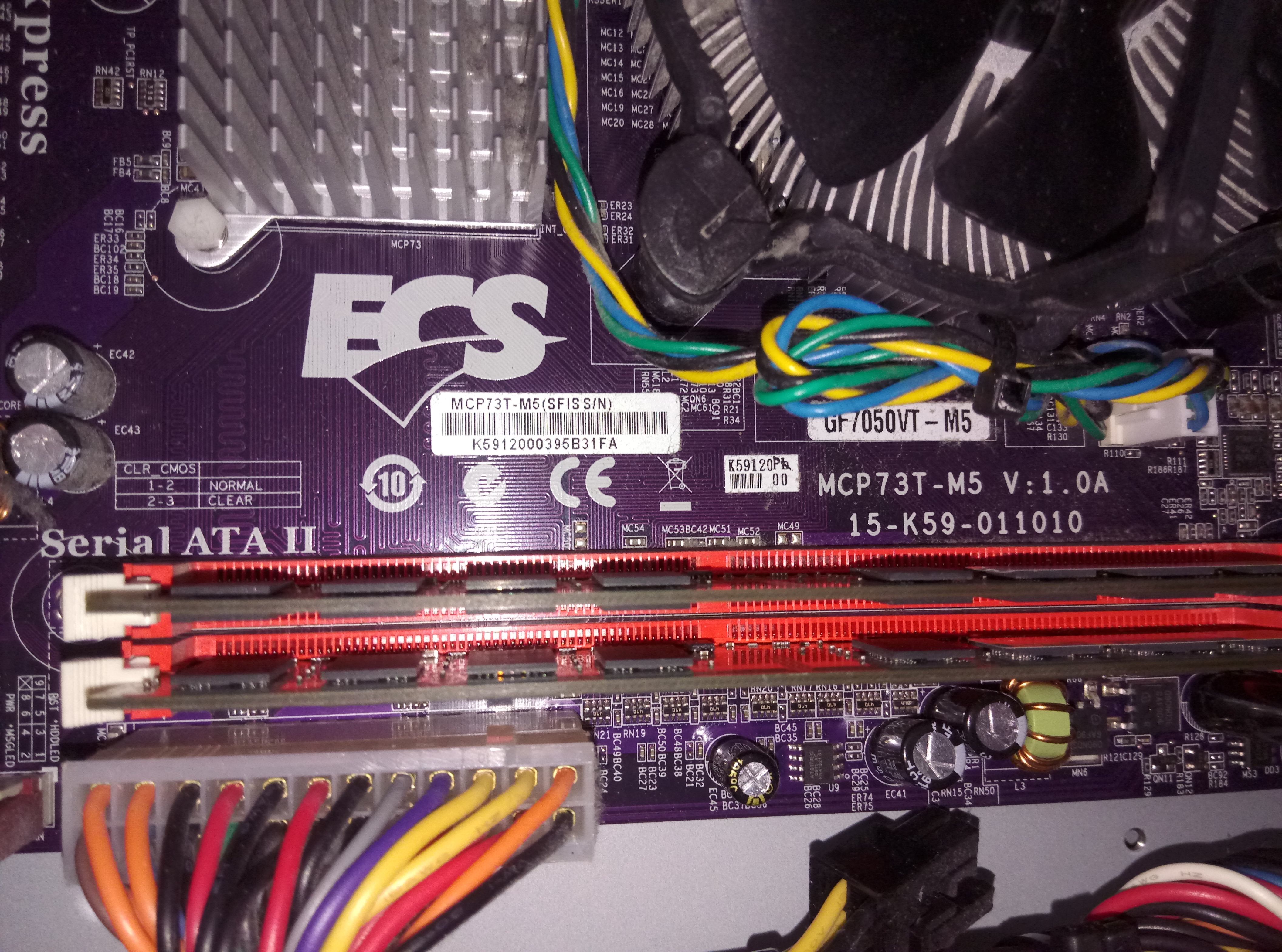
    The above drivers are definitely for the board? There is NVidia during installation
  • #9 17112689
    rimot
    Level 29  
    Probably not. Connect the speakers to e.g. a telephone. If they are "wheezing" - it means that the speakers have fallen. If the sound will be clear then the card has fallen.
  • #10 17112697
    newmp3
    Level 14  
    but the wheezing occurs when YT is turned on, it plays nicely and in a moment the wheezing comes in ... sometimes when YT is in the background, the wheezing disappears
  • ADVERTISEMENT
  • #11 17112705
    rimot
    Level 29  
    You write something every now and then. The NVidia installation logo is from the chipset. In the link I gave you are separate drivers from the music (at the bottom "audio drivers")
  • #12 17112712
    newmp3
    Level 14  
    Yes I saw :) but I don't need audio drivers because I have my own card, so I don't need to use the integrated one
  • #13 17112730
    rimot
    Level 29  
    So you woke up quickly!
    newmp3 wrote:
    because I have my own card

    Reinstall the drivers from the "own" card and install the chipset drivers.
    edit
    of course, the opposite ;)
  • #14 17112740
    newmp3
    Level 14  
    Cramp works .... my mistake before. I had and installed the drivers for the chipset, but now I saw it up to the 32bit version: / I downloaded 64bit what you gave and the guitar already plays with sound. Does not jam, etc. ... Thanks a lot for your help.

Topic summary

✨ The discussion revolves around finding drivers for the Gainward Geforce Nvidia 9500 GT 1024MB graphics card. The user initially struggles to locate the appropriate drivers, prompting responses that provide links to Nvidia's driver download pages. It is clarified that the drivers are compatible across different memory sizes of the 9 series cards. The user later specifies that they are using Windows 7 Pro 64-bit. After some troubleshooting, including issues with audio drivers and speaker noise, the user successfully installs the correct 64-bit drivers, resolving the sound issues.
Generated by the language model.

FAQ

TL;DR: For GeForce 9500 GT owners, drivers work across 256–1024 MB VRAM; “These drivers will work with all 9*** series cards.” Use the correct 32/64‑bit Windows package and install chipset drivers to prevent YouTube audio wheeze. [Elektroda, rtj71, post #17112135]

Why it matters: This FAQ helps Windows 7/10 users with a Gainward/NVIDIA GeForce 9500 GT find the right drivers and fix post‑install audio issues.

Quick Facts

Does VRAM size (256 MB vs 1024 MB) change the driver I need?

No. The 9500 GT shipped in 256 MB and 1024 MB versions, but both use one driver. “These drivers will work with all 9*** series cards.” [Elektroda, rtj71, post #17112135]

Are Windows 10 and Windows 7 drivers the same for this card?

Yes. “Win 10 has the same driver.” Match the 32‑bit or 64‑bit package to your OS architecture to avoid issues. [Elektroda, KMal, post #17112160]

YouTube audio crackles after installing drivers—how do I fix it?

Mismatched chipset drivers caused this for the OP on Windows 7 x64. Install the correct 64‑bit chipset drivers and retest.
  1. Confirm Windows is 32‑ or 64‑bit.
  2. Remove wrong chipset drivers; install the matching 64‑bit chipset package.
  3. Reinstall your dedicated sound card drivers; restart and test YouTube. This resolved their wheeze immediately. [Elektroda, newmp3, post #17112740]

Do I still need motherboard chipset drivers if I use a separate sound card?

Yes. Install the motherboard chipset drivers for stability, then ensure your sound card’s drivers are installed. This was advised in the thread and helped restore clean audio. [Elektroda, rimot, post #17112730]

How do I check if wheeze is my speakers or the sound card?

Connect the speakers to a phone. If they still wheeze, the speakers failed. If the sound is clear, the PC’s audio path is at fault. [Elektroda, rimot, post #17112689]

Why do I see an NVIDIA logo when installing motherboard drivers?

Your motherboard uses an NVIDIA chipset, so the installer shows the NVIDIA logo. “The NVidia installation logo is from the chipset.” This is normal and separate from the GPU driver. [Elektroda, rimot, post #17112705]

Should I uninstall NVIDIA HD Audio if I use a separate sound card?

Uninstalling NVIDIA HD Audio alone did not stop the wheeze for the OP. Focus on matching chipset and sound card drivers to your OS. They fixed audio after installing proper 64‑bit chipset drivers. [Elektroda, newmp3, post #17112668]

I installed 32‑bit drivers on 64‑bit Windows 7. What should I do?

Replace any 32‑bit chipset drivers with the correct 64‑bit versions, then reboot and test. The OP reported clean audio immediately after switching to 64‑bit chipset drivers. [Elektroda, newmp3, post #17112740]

Is the driver version number identical across 32‑ and 64‑bit packages?

Yes. The version number matches, but the package content and file size differ between 32‑ and 64‑bit. “The driver number is the same, but the content (size) of the file is different.” [Elektroda, KMal, post #17112160]

Can I skip integrated audio drivers if I have my own sound card?

Yes, you can skip onboard audio drivers if you rely on a dedicated card. As the OP put it, “I don’t need audio drivers because I have my own card.” [Elektroda, newmp3, post #17112712]
Generated by the language model.
ADVERTISEMENT