logo elektroda
logo elektroda
X
logo elektroda

PHILIPS 32PHK4309/12 - TV turn on with logo and then screen off

vservis 8442 9
Best answers LABEL_AI_GENERATED

How can I fix a Philips 32PHK4309/12 that shows the Philips logo at startup and then the screen goes off, and what is the correct USB flashing procedure?

Flash it from a FAT32 USB stick by inserting the file, holding the on/off button while connecting the TV to mains, and waiting until the LED flashes fast; then remove the USB after the TV starts [#19941585] If the update completes but the set still shows the logo for only about 0.5 seconds and then the backlight turns off, the dump was not the main problem [#19943324] In that case the fault points to the LED backlight, and the suggested repair is to replace the backlight assembly [#20526284] The TV can still show menu and play USB audio when the backlight is failing, so the sound/path may be okay while only the backlight shuts down [#19943324]
AI summary based on the discussion. May contain errors.
ADVERTISEMENT
  • #1 19935834
    vservis
    Level 2  
    Posts: 4
    TV boot up with logo and then screen goes off.
    I think it is a damaged dump.
    Need a good dump and procedure to flash this model.
    Thanx in advance!!!
    Regards!!!
  • ADVERTISEMENT
  • #2 19937201
    elmo071
    Level 30  
    Posts: 1057
    Help: 167
    Rate: 802
    Give your friend the motherboard model and matrix model.
  • ADVERTISEMENT
  • #3 19937928
    Aquario_blue
    Level 19  
    Posts: 277
    Help: 41
    Rate: 155
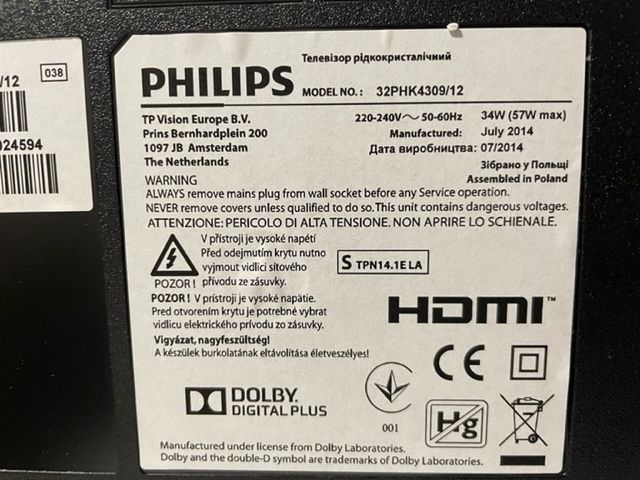
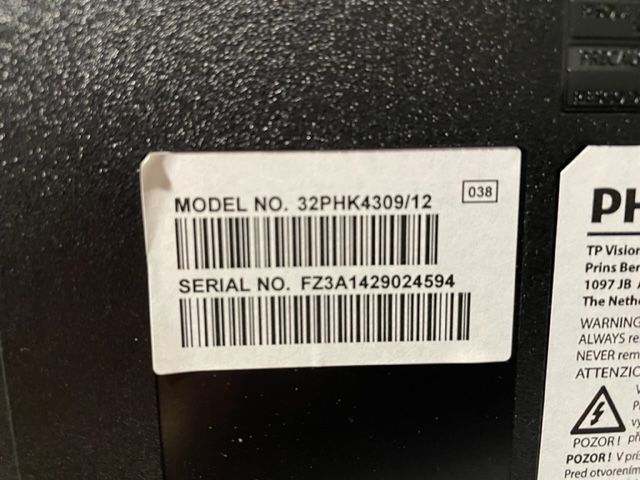
    Please provide the device label
  • #4 19938162
    vservis
    Level 2  
    Posts: 4
    here are pictures

    PHILIPS 32PHK4309/12 - TV turn on with logo and then screen off PHILIPS 32PHK4309/12 - TV turn on with logo and then screen off
  • Dump upload did not change boot failure

    #6 19942013
    vservis
    Level 2  
    Posts: 4
    thanx for dump.
    I upload dump to TV but it's same.
    here is video before upload. https://filmy.elektroda.pl/55_1647878738.mp4
    and here is upload process. https://filmy.elektroda.pl/67_1647878912.mp4
    I look to capacitors and all of them are fine.
    what could be this?
    regards!

    Dodano po 4 [minuty]:

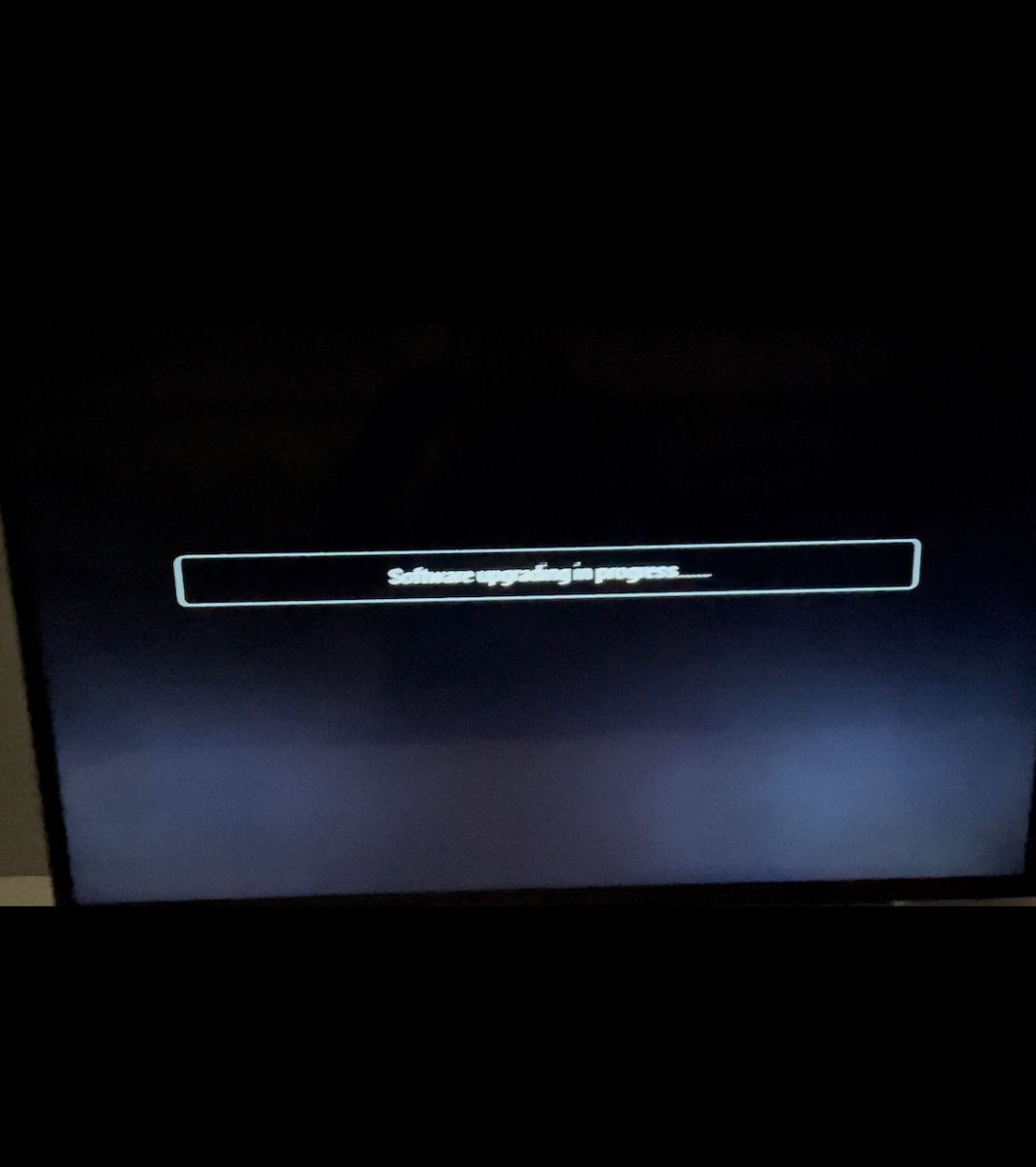
    last video isn't good, so in this video is message
    "Software update in progress ....."

    but TV boot same like in first video.

    Dodano po 2 [minuty]:

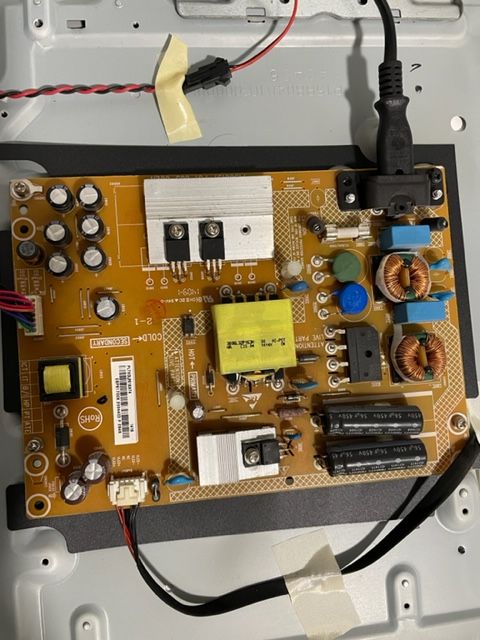
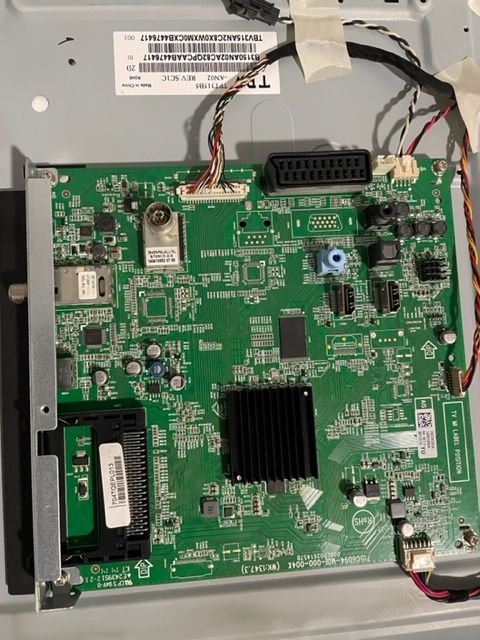
    here are pictures of mbo and psu
    PHILIPS 32PHK4309/12 - TV turn on with logo and then screen off PHILIPS 32PHK4309/12 - TV turn on with logo and then screen off
  • ADVERTISEMENT
  • #7 19942028
    querij
    Level 21  
    Posts: 375
    Help: 42
    Rate: 228
    Did you press the on/off button until the led starts flashing?
  • ADVERTISEMENT
  • Backlight failure after firmware update

    #8 19943324
    vservis
    Level 2  
    Posts: 4
    PHILIPS 32PHK4309/12 - TV turn on with logo and then screen off
    i made update, here is picture!

    Dodano po 3 [godziny] 22 [minuty]:

    I changed USB stick and i made update.
    No update screen shows when updating.
    now, when i turn on TV, get PHILIPS logo for 0.5 seconds, and then TV backlight goes off.
    but if i get battery light and put it on screen i see menu on tv.
    can change channels, play usb music.
    no backlight.
    backlight only 0.5 sec on start TV.
    so now need to fix backlight
  • #9 20526267
    lonja
    Level 1  
    Posts: 1
    >>19941585
    Hey,
    I have the same problem, but your link is no longer available.

    It says: "The file does not exist.

    Make sure you are using the correct URL and that the file exists."

    Can you reupload the file, please?
    Thx
  • #10 20526284
    kaz69
    Level 37  
    Posts: 3360
    Help: 393
    Rate: 543
    Replaceable LED backlight.

Topic summary

LABEL_AI_GENERATED
The discussion revolves around the PHILIPS 32PHK4309/12 TV, which powers on displaying the logo but then the screen goes dark. The user suspects a damaged firmware and seeks a proper firmware dump and flashing procedure. Various users request additional information such as motherboard and matrix models, and device labels. The user shares images and videos of the TV's condition and the flashing process, indicating that after attempting a firmware update, the TV shows the logo briefly before the backlight fails, although the menu is still accessible with external light. Suggestions include ensuring the correct flashing procedure and replacing the LED backlight.
AI summary based on the discussion. May contain errors.
ADVERTISEMENT