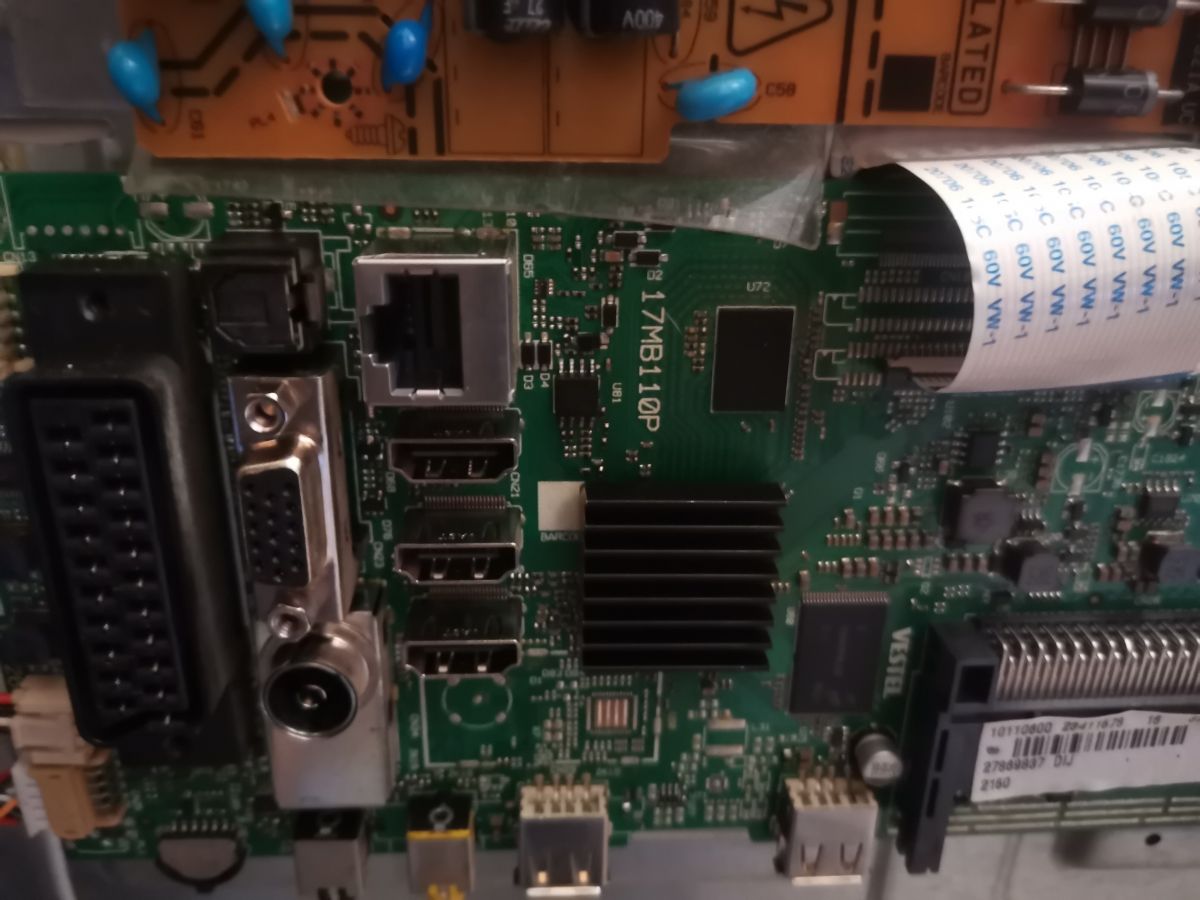
Extract the files to a USB stick, formatted in FAT32. With the LCD disconnected from the power supply, insert the pen into the USB1 port. Press and hold the ok key pressed and connect the LCD to power and only release the ok key when the equipment's LED is flashing quickly.
After updating, the device restarts by itself, so you can remove the USB stick
Yes, I did everything like you wrote. Turned off the TV, formatted the USB as FAT32, copied the files onto the USB, put the USB in the TV, plugged the cable into the electrical outlet in the wall, pressed OK on the remote control, flashed green quickly, screen turned black, and then boot looped again.
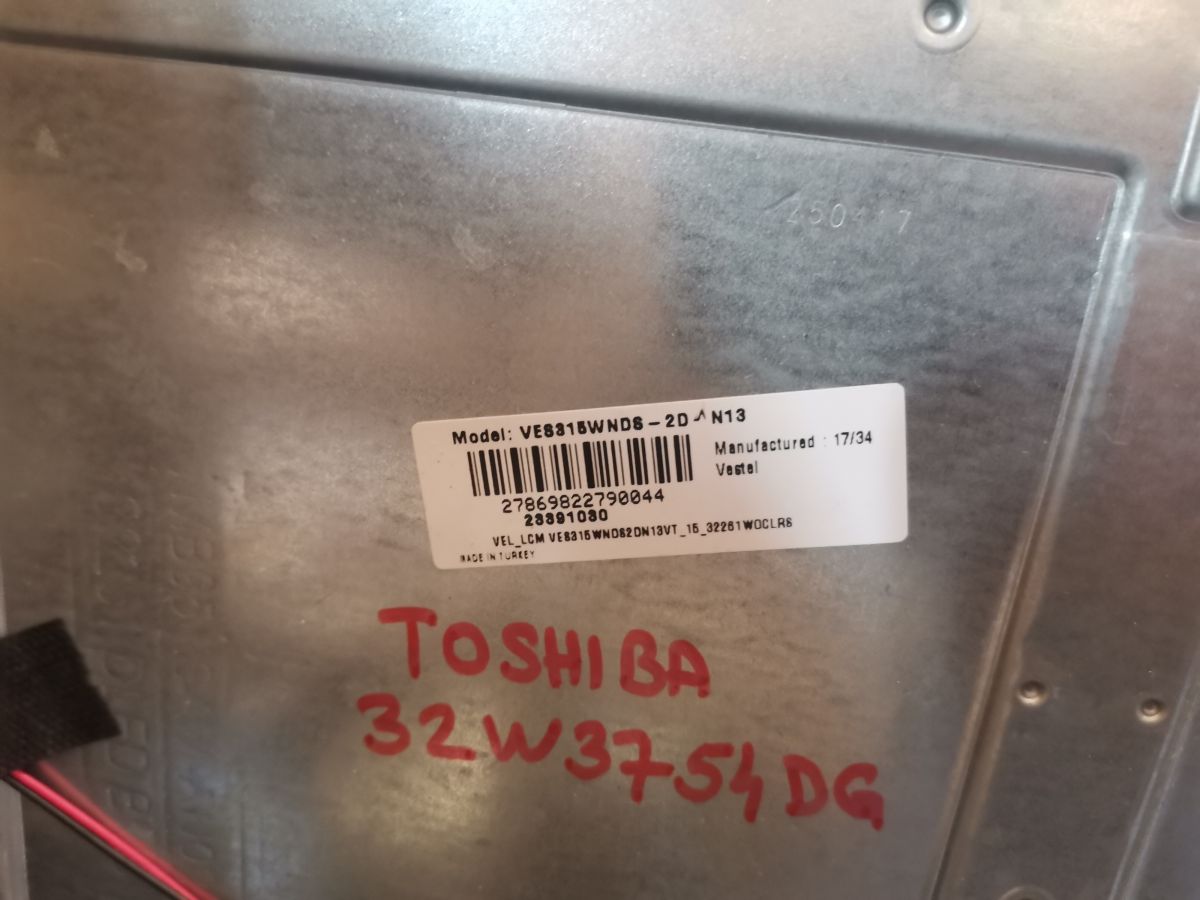
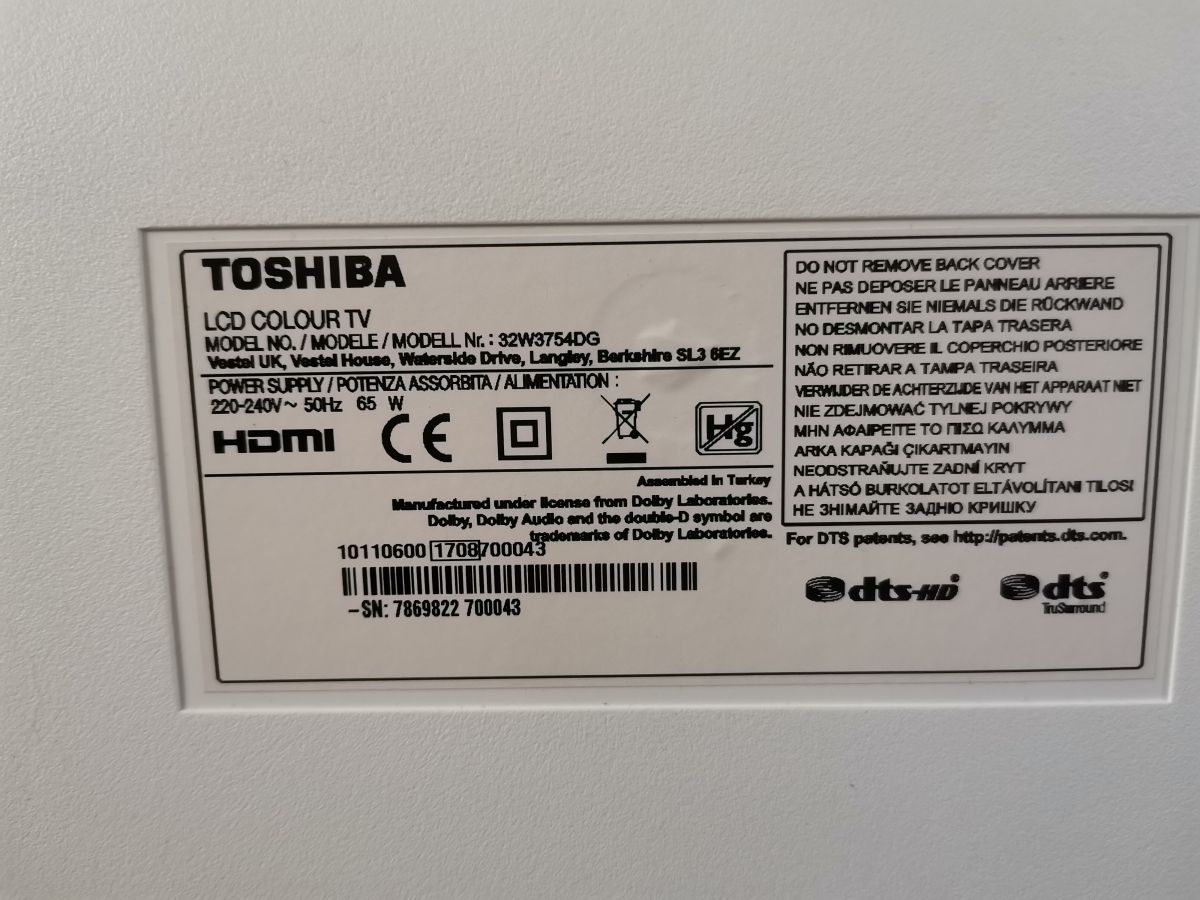
The discussion revolves around troubleshooting a Toshiba 32W3754DB Smart TV that is stuck in a boot loop, displaying the Toshiba logo repeatedly. The TV is equipped with a Vestel 17MB110 board. Users suggest flashing the firmware by extracting files to a FAT32 formatted USB stick, inserting it into the TV, and following specific button-pressing instructions. However, the original poster encounters issues with the process, including potential problems with the USB stick and the possibility of faulty memory or processor. Attempts to use alternative firmware from a Bush LCD also result in the same boot loop issue. Summary generated by the language model.