logo elektroda
logo elektroda
X
logo elektroda

Xiaomi L43M5-5ASP LED TV Displaying Colored Dots Instead of Image

smartec 2631 13
Best answers LABEL_AI_GENERATED

Why does this Xiaomi TV power on but show colored dots instead of a normal picture, with no menus or on-screen graphics?

The fault is likely on the main board rather than a simple input or channel issue, especially since the TV responds to the remote but shows no graphics at all [#21188438][#21217384] One suggestion was to replace the T-con board first [#21189344], but the later diagnosis pointed back to the main board [#21217384] Possible main-board-level causes mentioned were bad DDR memory or cracked BGA connections between the processor and DDR [#21264100] It was also advised to check the DC-DC converters on the board and verify CPU supply rails such as about 1.2 V, 1.5 V, and 3.3 V against a schematic or known-good board [#21617902]
AI summary based on the discussion. May contain errors.
ADVERTISEMENT
  • #1 21186624
    smartec
    Level 9  
    Posts: 30
    Rate: 10
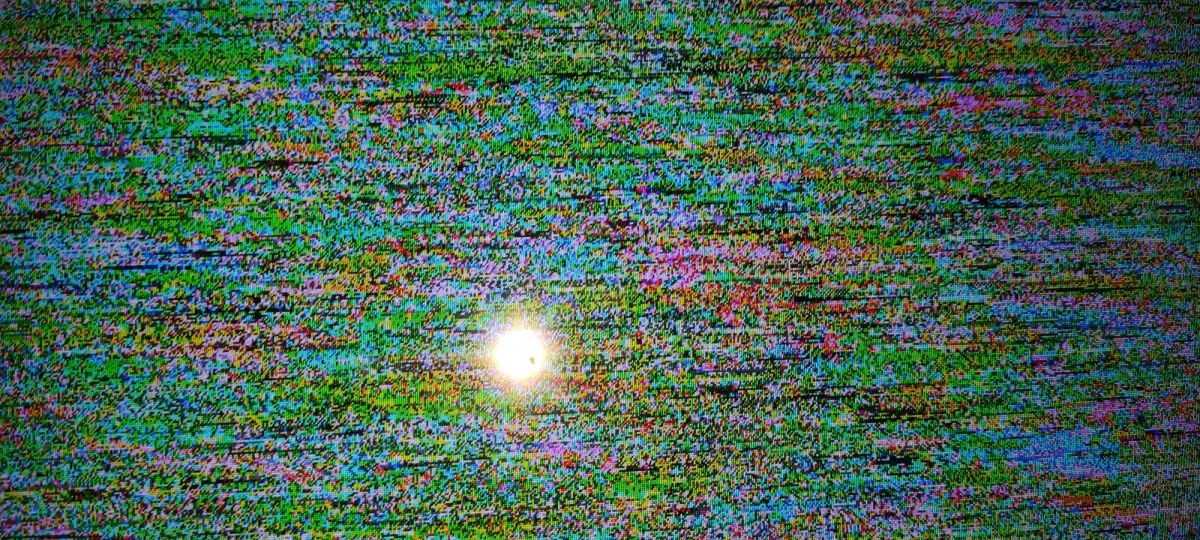
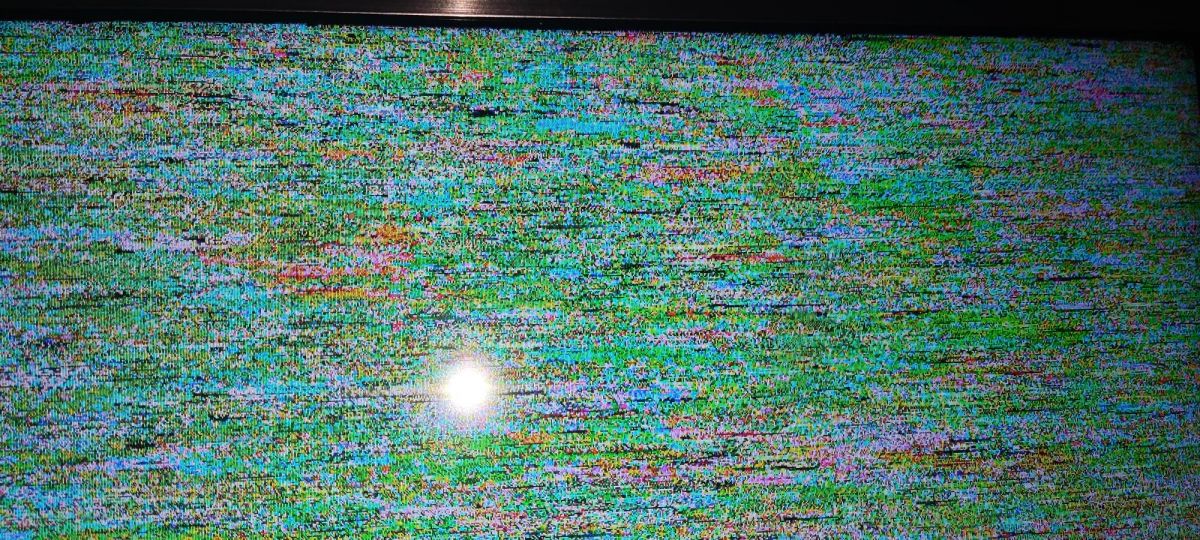
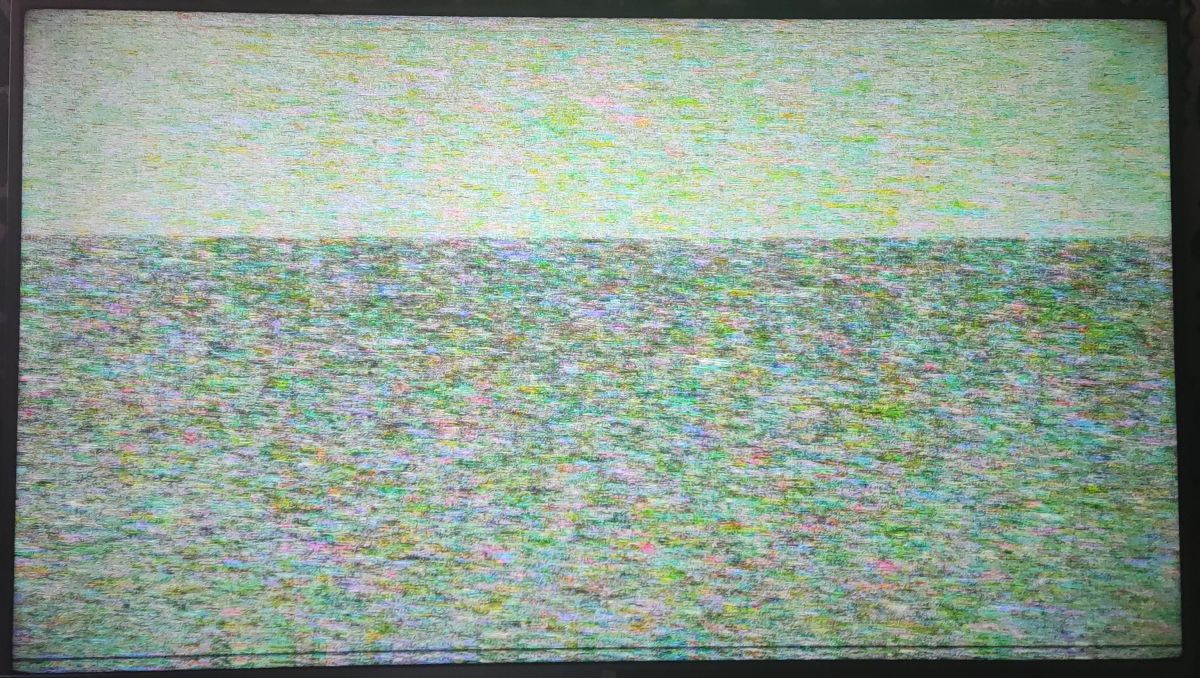
    This TV turns on, but instead of an image, colored dots appear, as you can see in the photos. Does anyone have any idea what it could be?

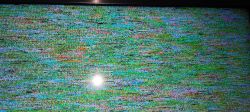
    TV screen displaying colorful dots and static noise. TV screen displaying colorful interference with dots. TV screen displaying colorful dots.
  • ADVERTISEMENT
  • #2 21186947
    DiZMar
    Level 43  
    Posts: 32811
    Help: 2895
    Rate: 6679
    It looks as if it has been switched to analogue reception with no signal.
  • ADVERTISEMENT
  • #3 21186950
    Dorian Olech
    Level 29  
    Posts: 1491
    Help: 127
    Rate: 251
    Does it display graphics? Menus, volume, etc.?
  • #4 21188438
    smartec
    Level 9  
    Posts: 30
    Rate: 10
    DiZMar wrote:
    It looks as if it has been switched to analogue reception with no signal.


    Unfortunately it is a more serious problem.

    Added after 8 [minutes]:

    Dorian Olech wrote:
    Does it display graphics? Menus, volume, etc.?


    It doesn't display any graphics, the TV responds to the remote control, but I haven't even been able to select one of the HDMI sources to test the sound.
  • ADVERTISEMENT
  • #5 21188472
    lisek
    Service technician RTV
    Posts: 40035
    Help: 6363
    Rate: 6895
    B. similar model Link , same chassis
    - chassis/Ver.: TPD.MS6886.PB792
    -cpu : MStar MSD6886 ( cortex CA55*4 , 1.4Ghz)
    - T-con Link_ 47-6021329 , matrix HV430QUBH10
  • #6 21188655
    smartec
    Level 9  
    Posts: 30
    Rate: 10
    lisek wrote:
    B. similar model Link , same chassis
    - chassis/Ver.: TPD.MS6886.PB792
    -cpu : MStar MSD6886 ( cortex CA55*4 , 1.4GHz)
    - T-con Link_ 47-6021329 , matrix HV430QUBH10


    Chassis: TD.MS6886.793
    Matrix: LVU430CSDX E0001
    T-con: ST4251D01-3-C-3
  • #7 21189344
    lisek
    Service technician RTV
    Posts: 40035
    Help: 6363
    Rate: 6895
    1st > change T-con
    - (ebay)
  • #8 21204913
    smartec
    Level 9  
    Posts: 30
    Rate: 10
    Ok, I'll be back as soon as I have any news.
    Thank you very much.
  • ADVERTISEMENT
  • #9 21217384
    smartec
    Level 9  
    Posts: 30
    Rate: 10
    >>21189344

    I received the same TV with a defective panel and I was able to confirm that the defect is on the main board.
    Could it be a defect in the EMMC or the processor?
  • #10 21217437
    cteespinho
    Level 9  
    Posts: 10
    Rate: 1
    Main board?
  • #11 21217441
    smartec
    Level 9  
    Posts: 30
    Rate: 10
    cteespinho wrote:
    Main board?


    Sim
  • #12 21264100
    Mario19593007
    Level 10  
    Posts: 7
    Help: 2
    Rate: 3
    Probabile che sia qualche DDR o i collegamenti BGA del bus tra processore e DDR.
  • #13 21616819
    leszekkiepiski
    Level 1  
    Posts: 1
    Hello cordially I have the same model on the table. Symptoms are after about 5-7 minutes no response to remote control image hangs up reboots. I was surprised by the temperature of the heatsink on the Procku I almost got burned. So I have a question if it was possible to solve this problem in other way than replacing the board?
  • #14 21617902
    Mario19593007
    Level 10  
    Posts: 7
    Help: 2
    Rate: 3
    Dovresti controllare tutti i DC-DC sulla scheda, generalmente per le CPU le tensioni si raggirano intorno a 1,2V, 1,5V. Di solito ve ne sono più di una che lo alimenta come pure la 3,3V. Ma bisogna avere uno schema come comparazione delle tensioni.

Topic summary

LABEL_AI_GENERATED
Xiaomi L43M5-5ASP LED TV powers on but shows colored dots/no image and no on-screen graphics or menus, although it responds to the remote. Initial suspicion of no-signal/analog mode was ruled out. The discussion identifies the chassis as TD.MS6886.793 / TPD.MS6886.PB792 with MStar MSD6886 CPU and LVU430CSDX E0001 panel using ST4251D01-3-C-3 T-con. Suggested troubleshooting focused first on replacing the T-con board, but later feedback indicated the fault is on the main board, possibly related to the eMMC, processor, DDR memory, BGA solder joints, or DC-DC power rails feeding the CPU.
AI summary based on the discussion. May contain errors.

FAQ LABEL_AI_GENERATED

TL;DR: 1/1 board-swap confirmed a main-board failure on this Xiaomi; “defect is on the main board.” If your L43M5-5ASP shows colored dots with no OSD, use this guide to isolate the bad board. [Elektroda, smartec, post #21217384]

Why it matters: This FAQ helps bench techs and DIYers triage colored-dots/no-OSD faults and choose the right board to replace.

Quick Facts

How do I fix a Xiaomi L43M5-5ASP that shows colored dots instead of an image?

Start by replacing or testing with a known‑good T‑Con board. This was the first repair step recommended in the thread. If the symptom remains after a T‑Con swap, continue with main‑board isolation. Use careful ESD handling and reseat flex cables during the test. Document before/after photos for traceability. “1st > change T‑con.” [Elektroda, lisek, post #21189344]

Could colored dots just be analogue “no signal” snow?

Yes, the artifact can resemble analogue no‑signal snow. One reply specifically noted that similarity. To differentiate, try to bring up OSD or menus. If OSD renders normally, you may be seeing an input/no‑signal condition rather than a hardware fault. If OSD does not render, continue hardware diagnostics. [Elektroda, DiZMar, post #21186947]

The TV powers on, remote works, but no menu appears—what does that point to?

In the case reported, “It doesn’t display any graphics,” yet the set responded to the remote. That behavior suggests a video‑path failure beyond simple input misconfiguration. You may be unable to select HDMI sources or see volume overlays. Proceed with T‑Con testing, then isolate the main board if unchanged. [Elektroda, smartec, post #21188438]

How can I confirm the main board is bad on this model?

Board swapping is decisive. The OP verified the fault by testing with another set and concluded the main board was defective. “Defect is on the main board.” How‑To: 1) Install a known‑good main board or test your board in a donor. 2) If the fault follows the board, it’s bad. 3) Then inspect SoC, DDR, or storage. [Elektroda, smartec, post #21217384]

What exact boards and panel are inside the unit discussed here?

Reported hardware: chassis TD.MS6886.793, panel LVU430CSDX E0001, and T‑Con ST4251D01‑3‑C‑3. Use these IDs when sourcing parts or checking compatibility. Verify sticker revisions on your unit, as sub‑revisions can differ. Photograph labels before ordering to prevent mismatches. [Elektroda, smartec, post #21188655]

Which processor does a similar chassis in this family use?

A closely related chassis uses the MStar MSD6886 SoC, a quad‑core Cortex‑A55 at about 1.4 GHz. This context helps when assessing thermal behavior and voltage rails. Cross‑reference donor boards listed under the same MS6886 platform when sourcing parts. [Elektroda, lisek, post #21188472]

Could the fault be eMMC or the processor?

One diagnosis points to issues with DDR or the BGA bus between the processor and DDR, not necessarily eMMC. Inspect for intermittent memory access or reflow‑sensitive behavior. “Probabile che sia qualche DDR o i collegamenti BGA del bus tra processore e DDR.” Consider memory rail stability before advanced rework. [Elektroda, Mario19593007, post #21264100]

My set reboots after 5–7 minutes and the CPU heatsink is scorching—what does that indicate?

This symptom was reported: after 5–7 minutes the image freezes, no remote response, then a reboot. The heatsink felt extremely hot. That pattern points to SoC stress or a power integrity problem under thermal load. Confirm with temperature monitoring and controlled cool‑down tests to reproduce. [Elektroda, leszekkiepiski, post #21616819]

What voltages should I check around the SoC during crashes or overheating?

Measure all CPU‑related DC‑DC rails. Typical rails are about 1.2 V and 1.5 V for the core/memory, plus 3.3 V. Verify each regulator under load and during warm‑up. “Dovresti controllare tutti i DC‑DC sulla scheda… le tensioni si raggirano intorno a 1,2V, 1,5V… come pure la 3,3V.” Compare against a good board if available. [Elektroda, Mario19593007, post #21617902]

If changing the T‑Con does not help, what’s the next suspect?

Move focus to the main board. In this case, a board swap confirmed the defect on the main board, not the panel. Inspect SoC, DDR, and storage, and verify power rails before rework. Prioritize clean reflow environments if BGA work is needed. [Elektroda, smartec, post #21217384]

What T‑Con module should I order as a test part for this unit?

For the reported unit, the T‑Con board is ST4251D01‑3‑C‑3. Match the full code on your board, as suffixes matter. Order from a reputable supplier and confirm return policy in case the fault resides elsewhere. [Elektroda, smartec, post #21188655]

Will the TV still respond to the remote during this fault?

Yes. The reported unit responded to the remote but showed no menus or overlays. The user could not select HDMI sources to test audio. This indicates logic activity without proper video output. Use this clue to guide hardware checks. [Elektroda, smartec, post #21188438]

Is there a similar chassis I can cross‑reference for donors or documentation?

Yes. A very similar model with chassis TPD.MS6886.PB792 was cited, using the same MS6886 platform. Cross‑checking these references can help find donor boards, T‑Con notes, or service data. Always verify connectors and firmware compatibility. [Elektroda, lisek, post #21188472]

Any visual symptom that can mislead diagnosis?

Yes. Colored‑dot artifacts may resemble analogue no‑signal snow at first glance. Don’t stop at input checks; verify OSD rendering and proceed with board‑level tests if OSD is absent. This avoids chasing tuning issues when hardware is faulty. [Elektroda, DiZMar, post #21186947]
AI summary based on the discussion. May contain errors.
ADVERTISEMENT