logo elektroda
logo elektroda
X
logo elektroda

AI model that changes the perspective of a photo - Qwen Image Edit 2509 - tests and gallery

p.kaczmarek2 1650 2
ADVERTISEMENT
Treść została przetłumaczona polish » english Zobacz oryginalną wersję tematu
📢 Listen (AI):
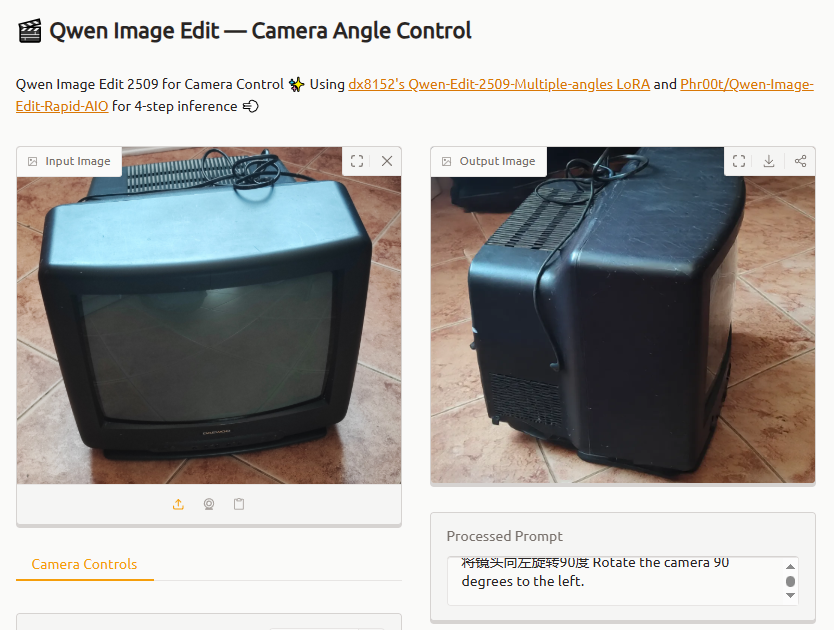
  • Side-by-side comparison of CRT television from front and left-side view
    Here I will present a tool that allows you to "rotate" a given photo, or more precisely to generate a perspective view inverted by a given angle or a top or bottom view. The full name of the model tested is dx8152/Qwen-Edit-2509-Multiple-angles and it is available to run and download at https://huggingface.co/. In addition, the model is able to generate a short video based on the gradual rotation of each frame.

    I will first give a presentation from the authors of the system and then test it myself:


    Examples of images from the authors:

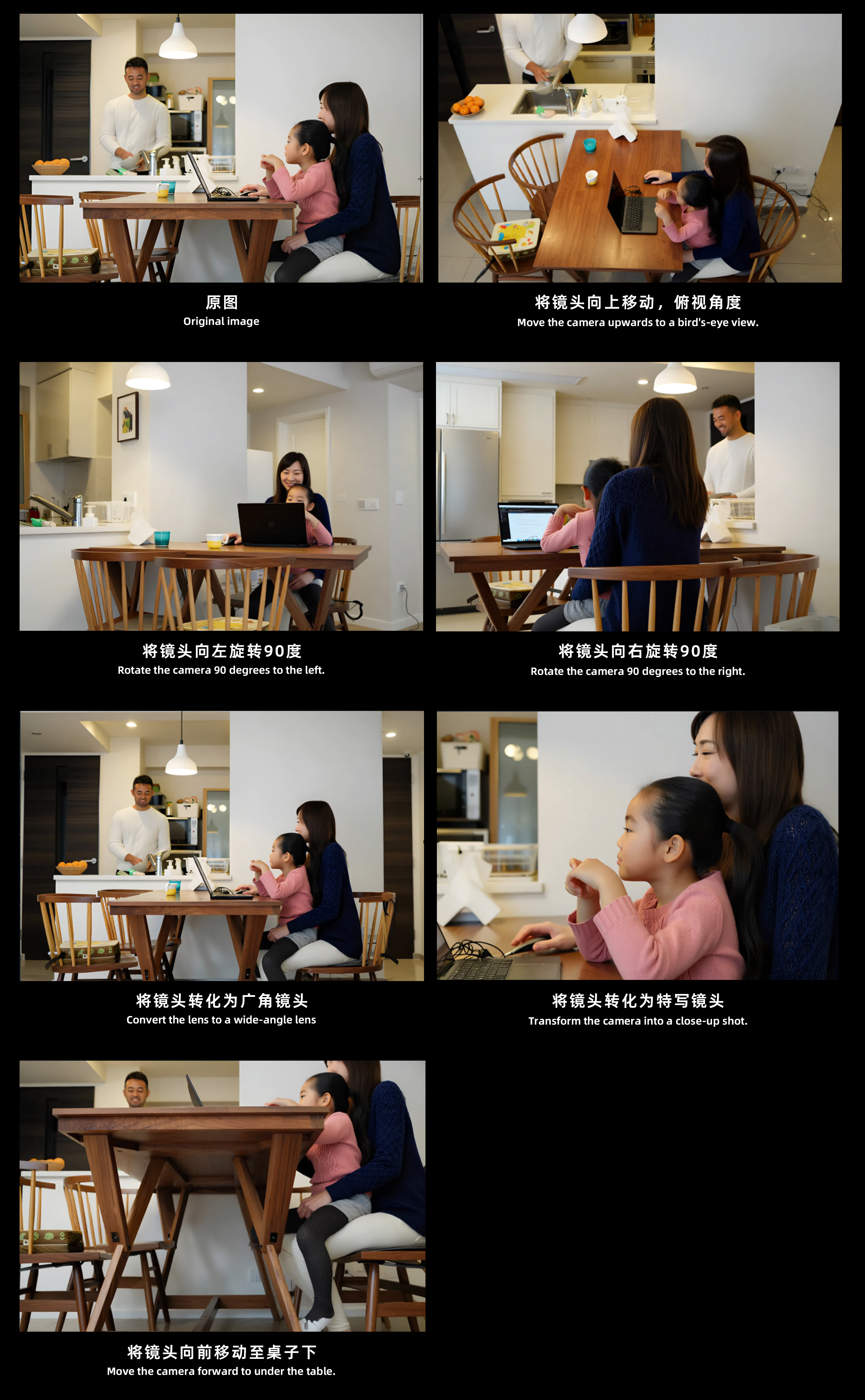
    Four shots of a family scene with a dog from different camera angles, including close-up and rotated views.
    Set of images showing different simulated camera angles of a family at a dining table.
    The model even copes with photos with multiple people and objects. Persons, objects and surroundings seem to be rendered correctly. Rather, coming across such an inverted photo on social media I would not feel that it was created by AI.

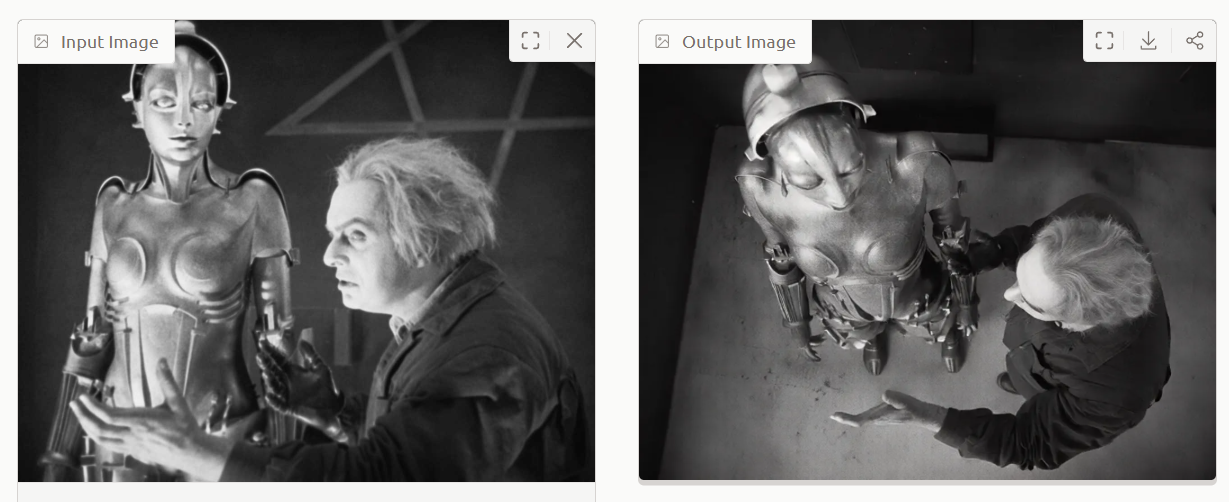
    Examples of photos with Hugging Face:
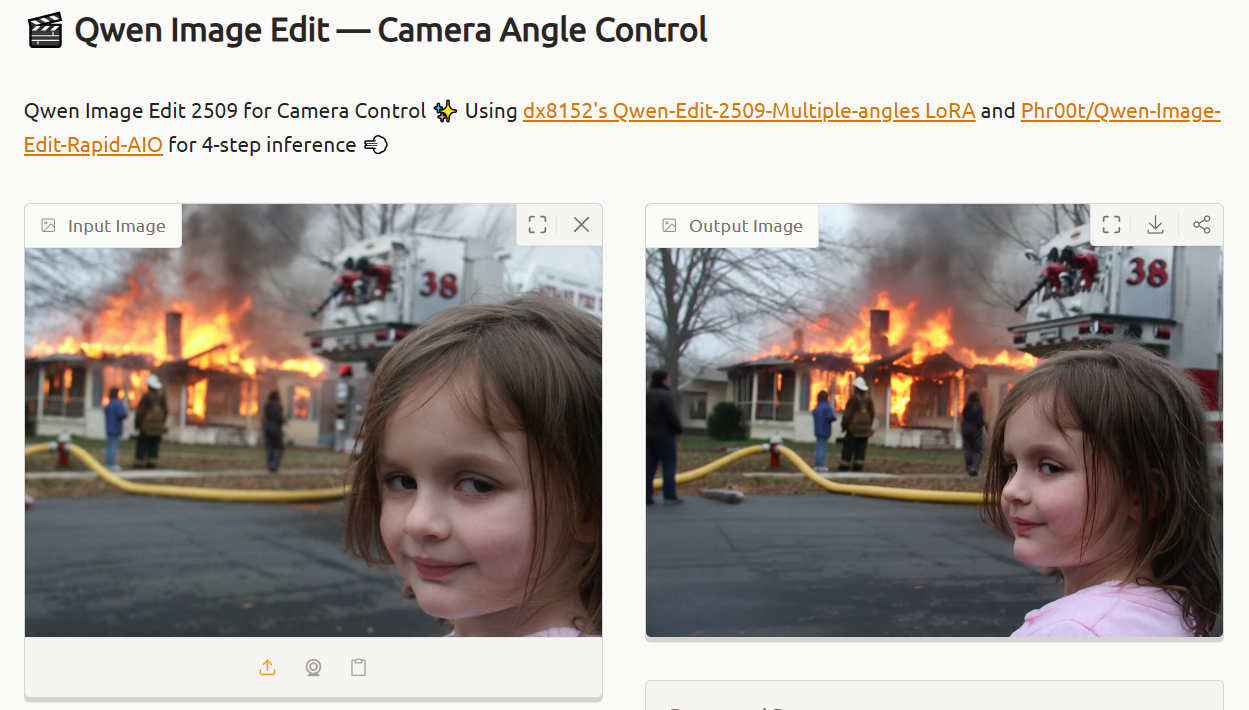
    Comparison of two views of a house fire with a girl in the foreground from different angles
    Comparison of front and top-down views of a robot and man in black-and-white setting
    Monkey eating corn on the cob, front view and AI-generated profile view

    Qwen-Edit-2509-Multiple-angles is based on the Qwen-Image-Edit-2509 published in September this year and is available under the Apache 2.0 licence.

    You can run the whole thing here:
    https://huggingface.co/spaces/linoyts/Qwen-Image-Edit-Angles
    I used this to rework my own images of electronics images. Let's have a look at the results obtained.

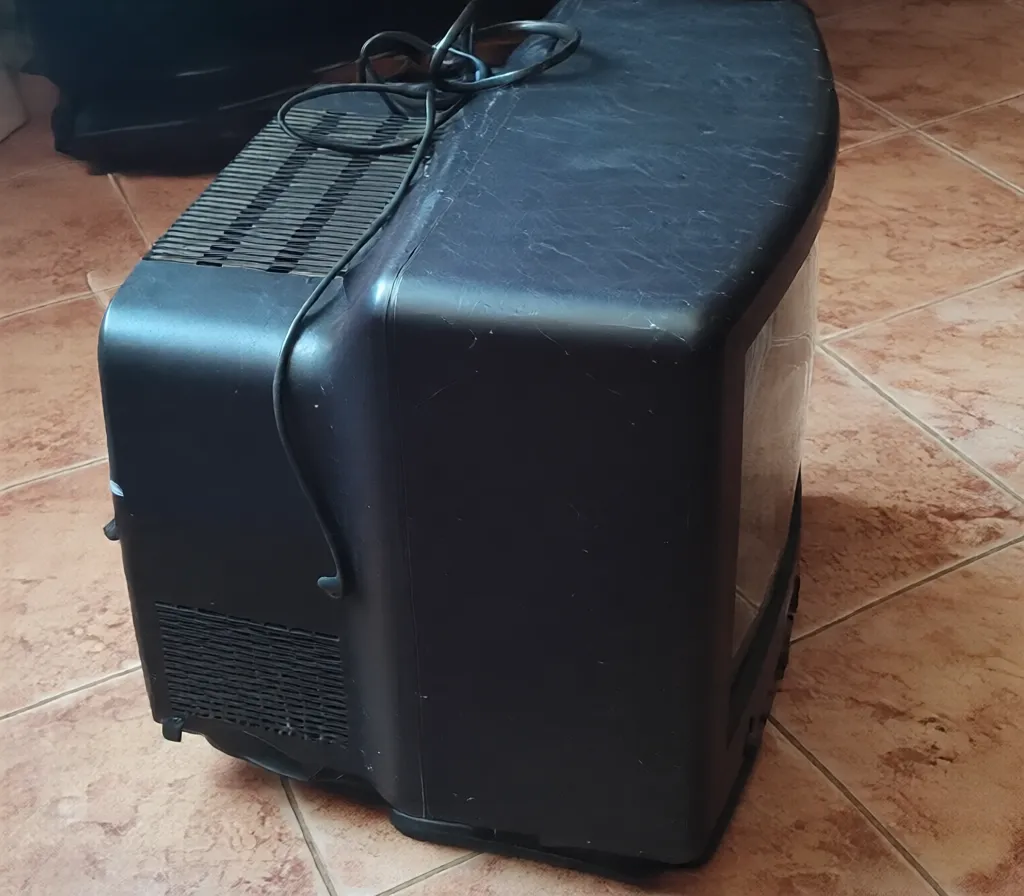
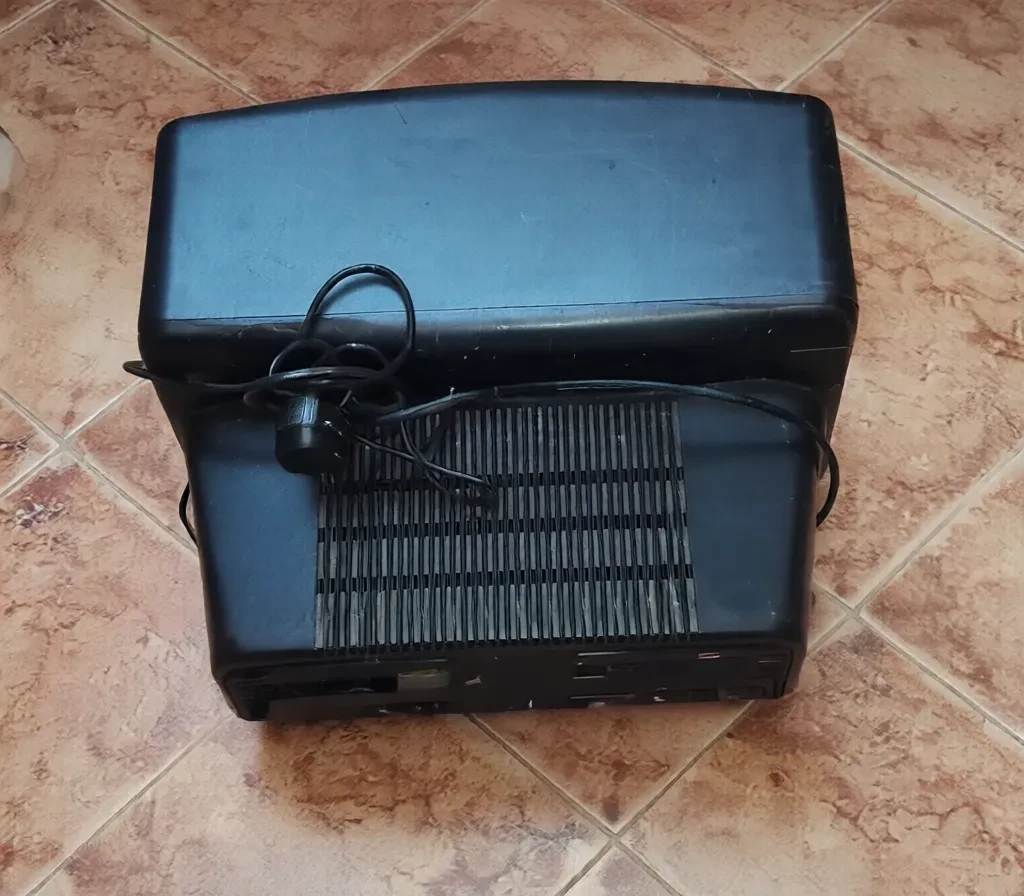
    TV - initial image and generated - 90 degree rotation and top view.
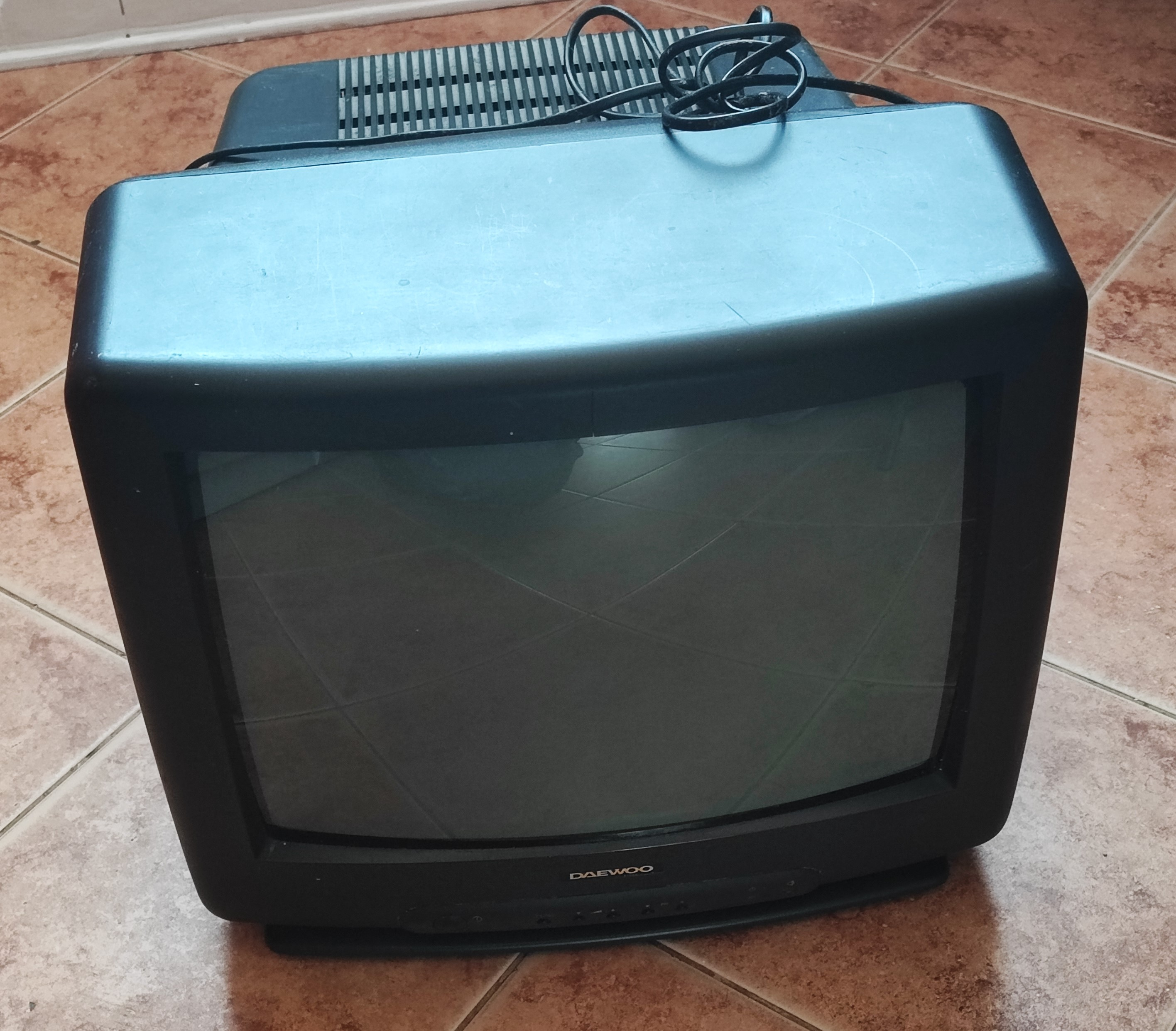
    Old Daewoo CRT TV on tiled floor with cord placed on top Old CRT television sideways on ceramic-tiled floor, power cable on top AI model that changes the perspective of a photo - Qwen Image Edit 2509 - tests and gallery
    Quite good, only the cable messed up.

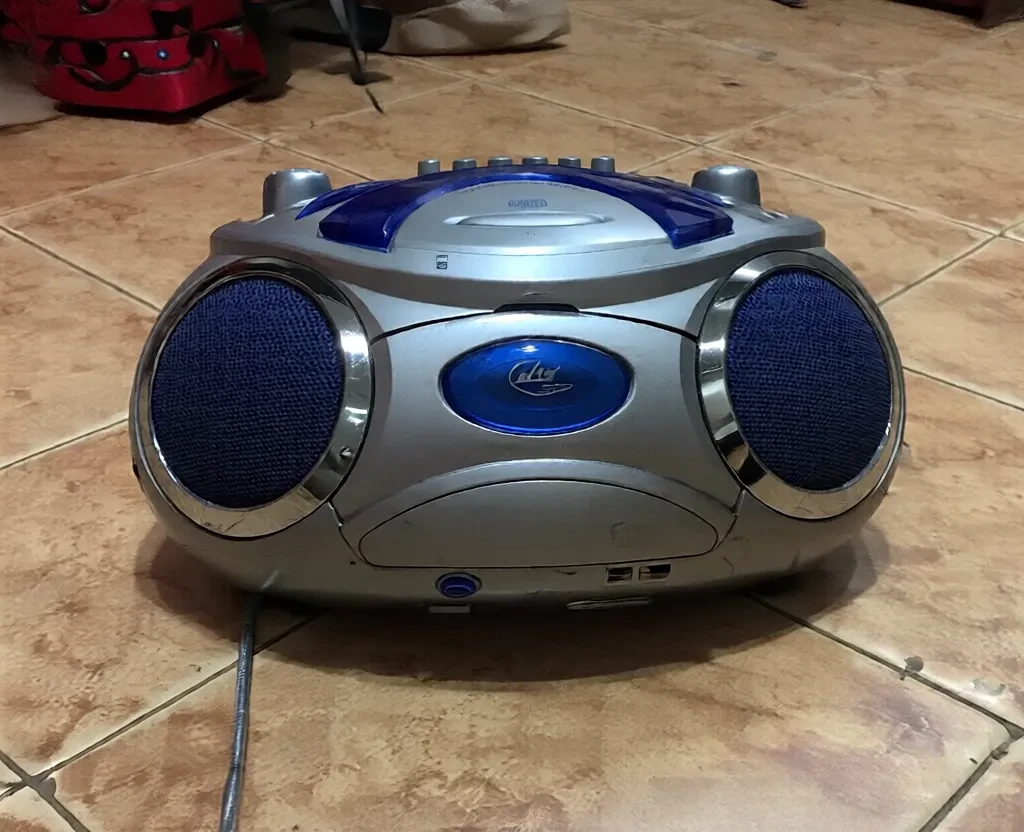
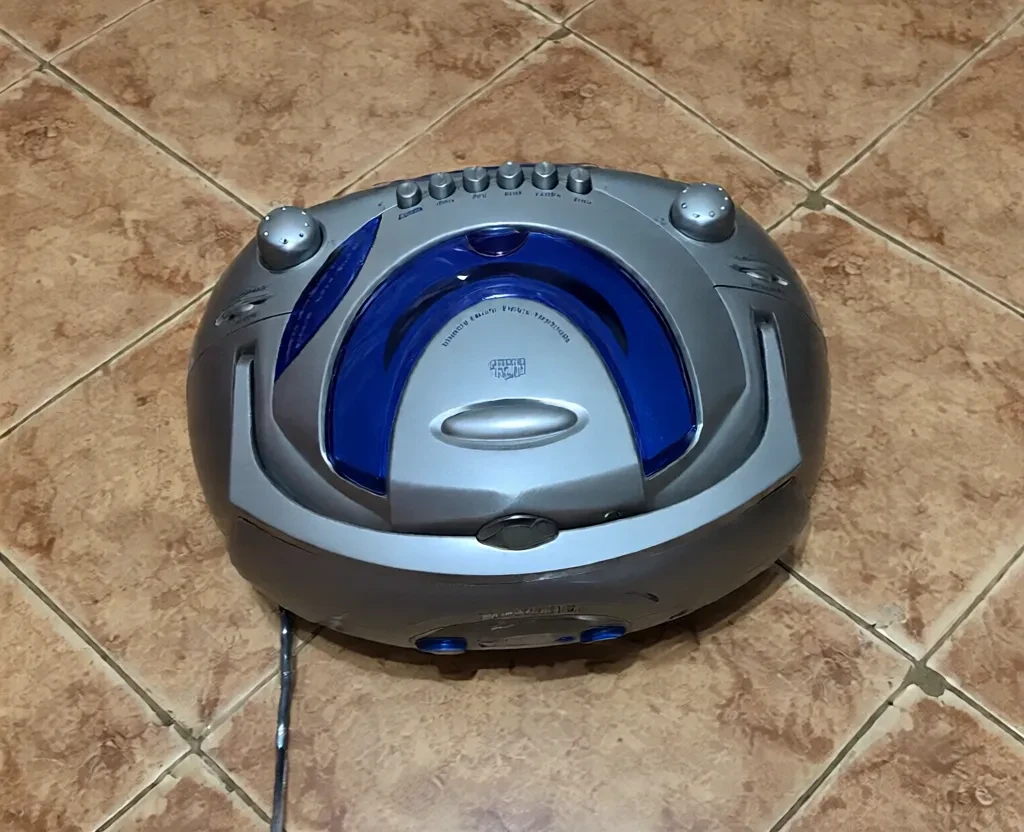
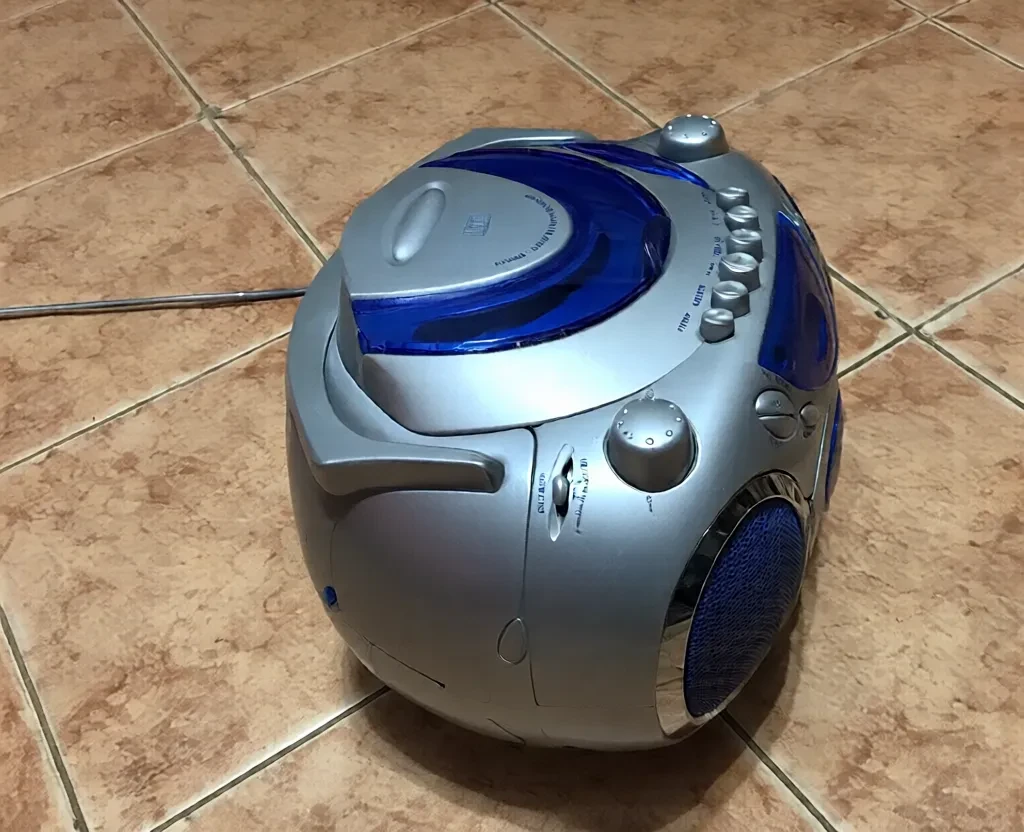
    Radio - initial photo, top and bottom views and rotation again:
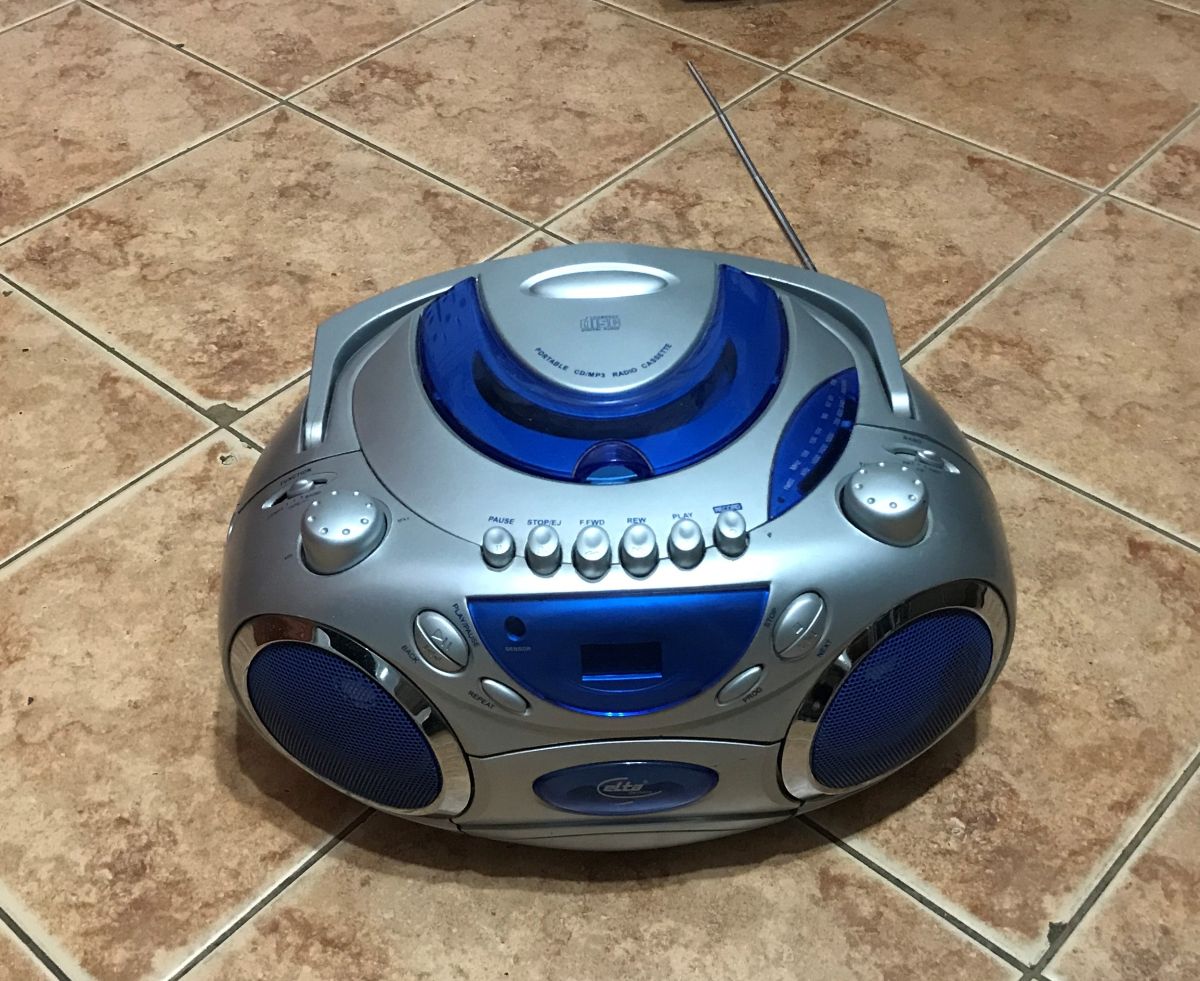
    Silver and blue CD radio player placed on a ceramic tile floor AI model that changes the perspective of a photo - Qwen Image Edit 2509 - tests and gallery AI model that changes the perspective of a photo - Qwen Image Edit 2509 - tests and gallery AI model that changes the perspective of a photo - Qwen Image Edit 2509 - tests and gallery AI model that changes the perspective of a photo - Qwen Image Edit 2509 - tests and gallery
    Side view sensational, only why the antenna at the bottom like a cable.... and yes it's average.

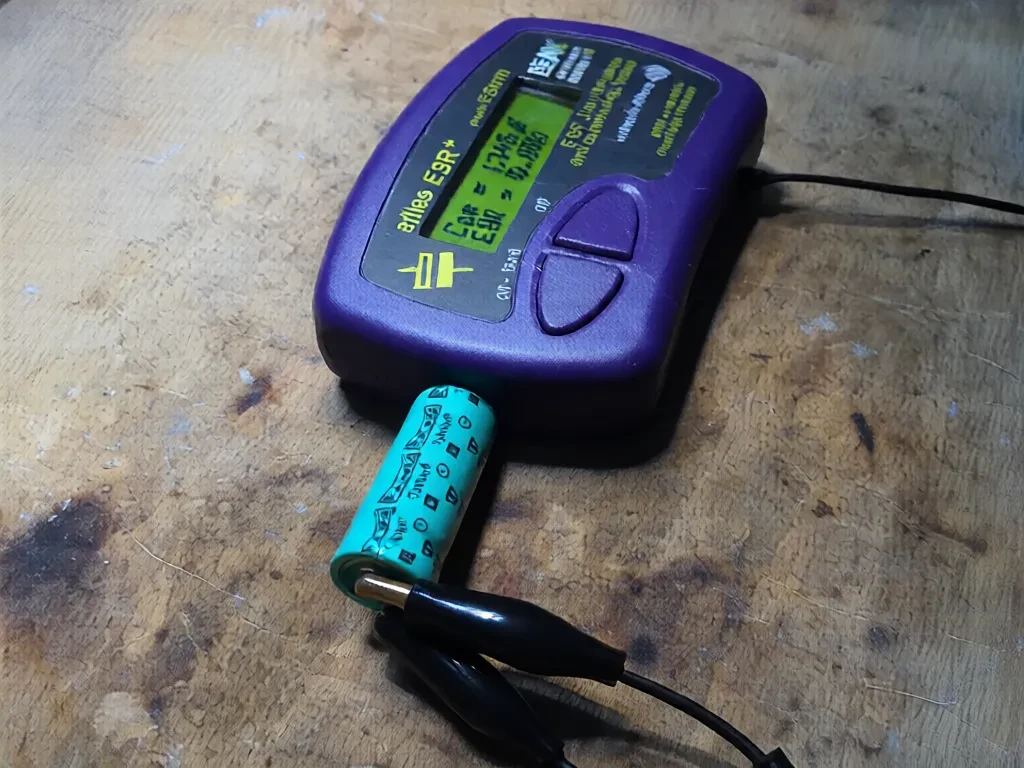
    Capacitance meter with capacitor and its side view:
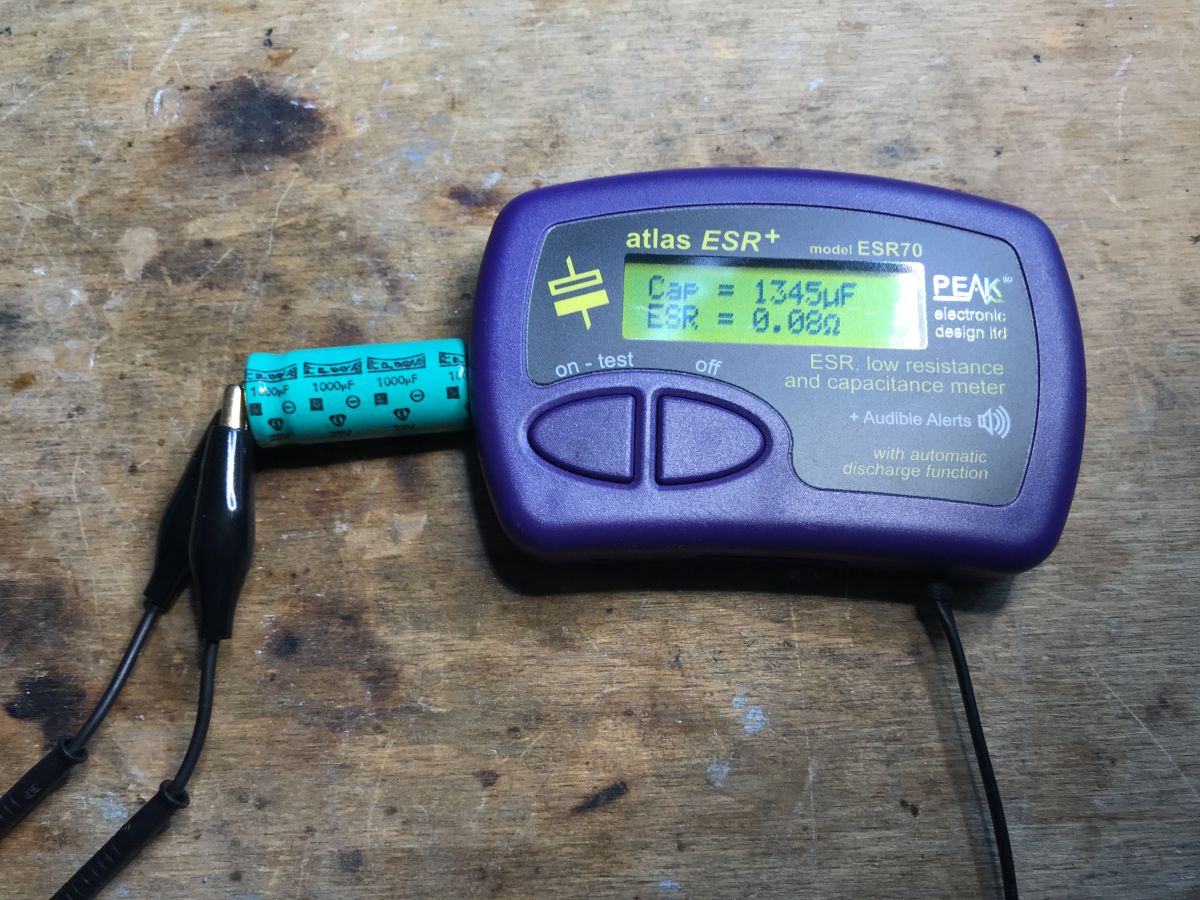
    ESR meter connected to an electrolytic capacitor on a wooden workbench AI model that changes the perspective of a photo - Qwen Image Edit 2509 - tests and gallery
    It is apparent that the model cannot cope with the text.


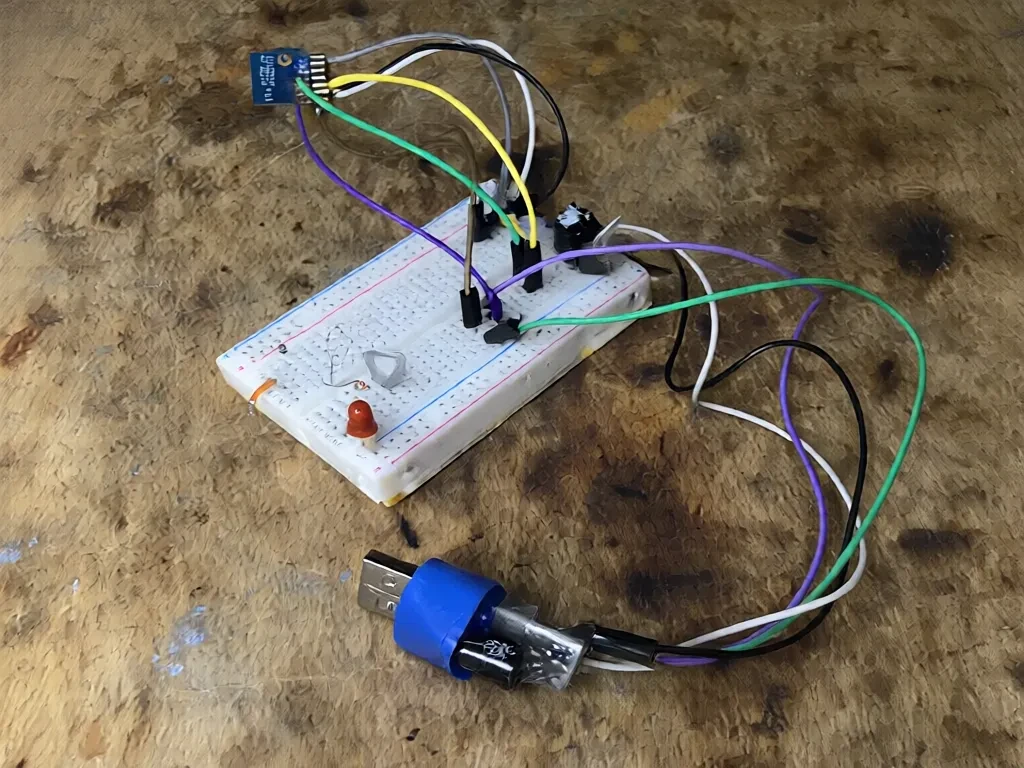
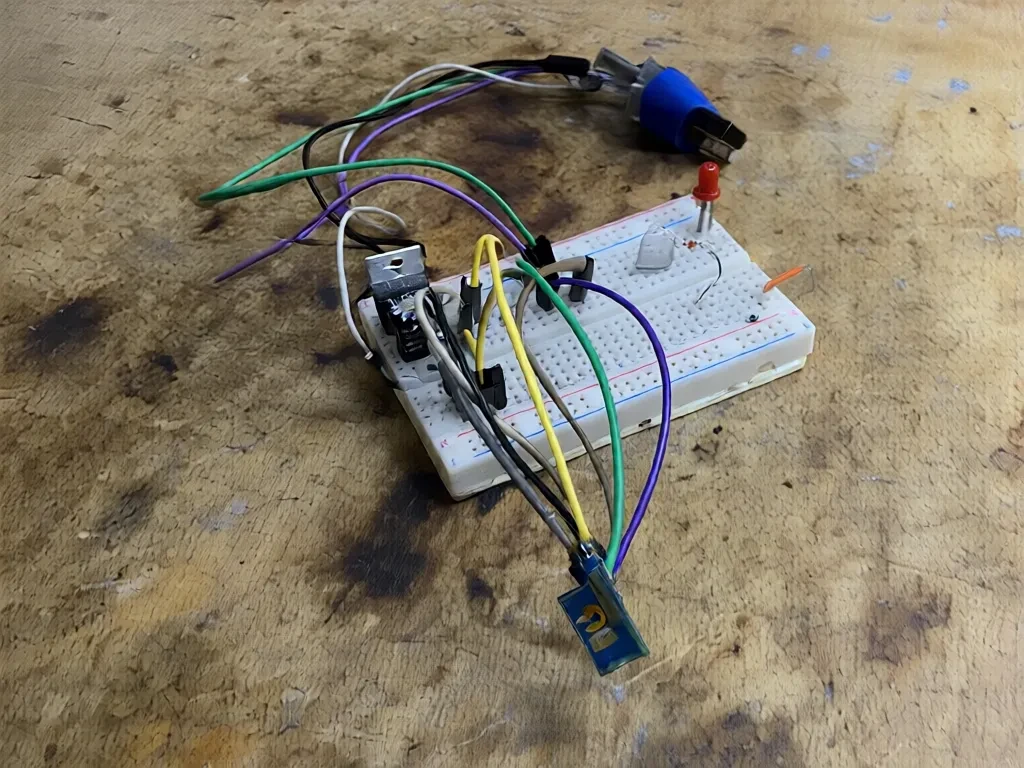
    Programming the Wi-Fi module with the contact board:
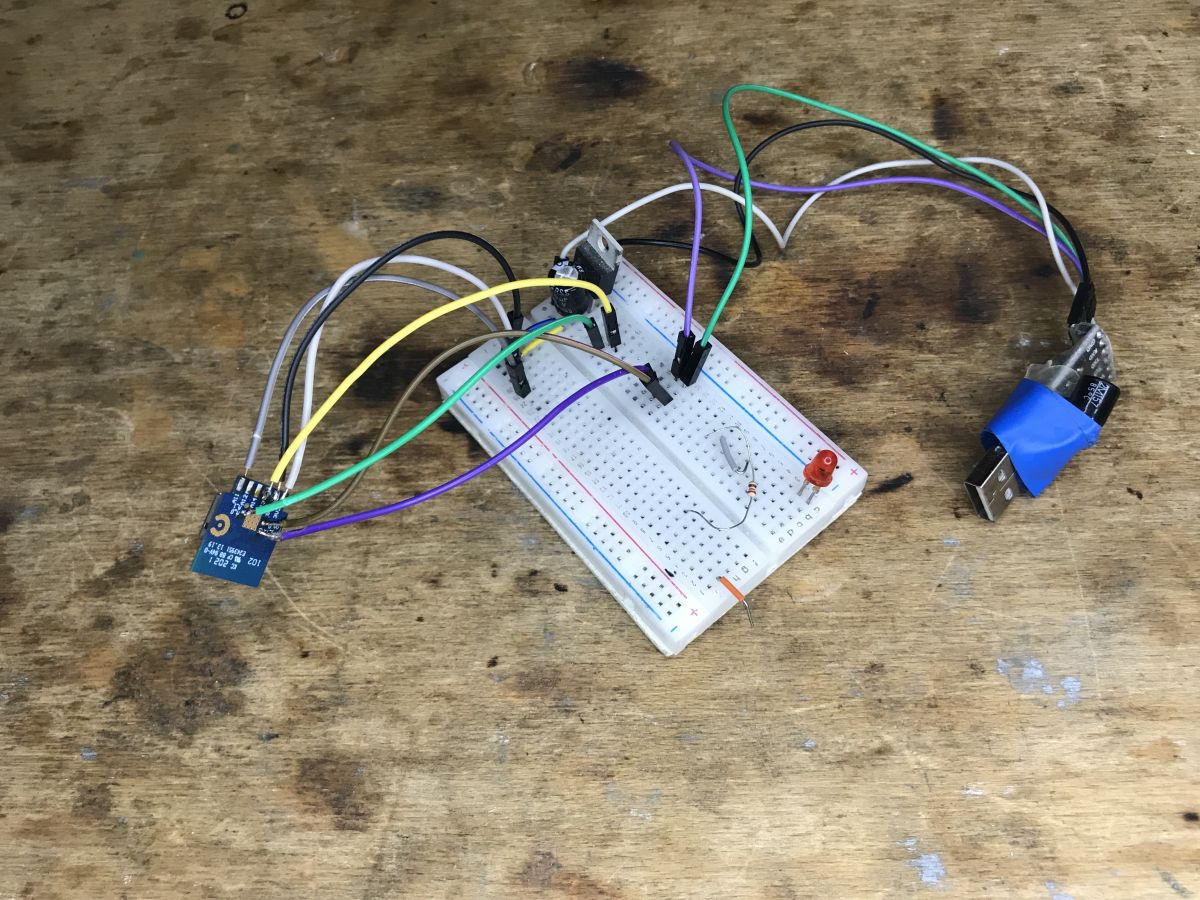
    Breadboard with connected wires, Wi-Fi module, and USB power adapter AI model that changes the perspective of a photo - Qwen Image Edit 2509 - tests and gallery AI model that changes the perspective of a photo - Qwen Image Edit 2509 - tests and gallery
    The details, however, have blurred.

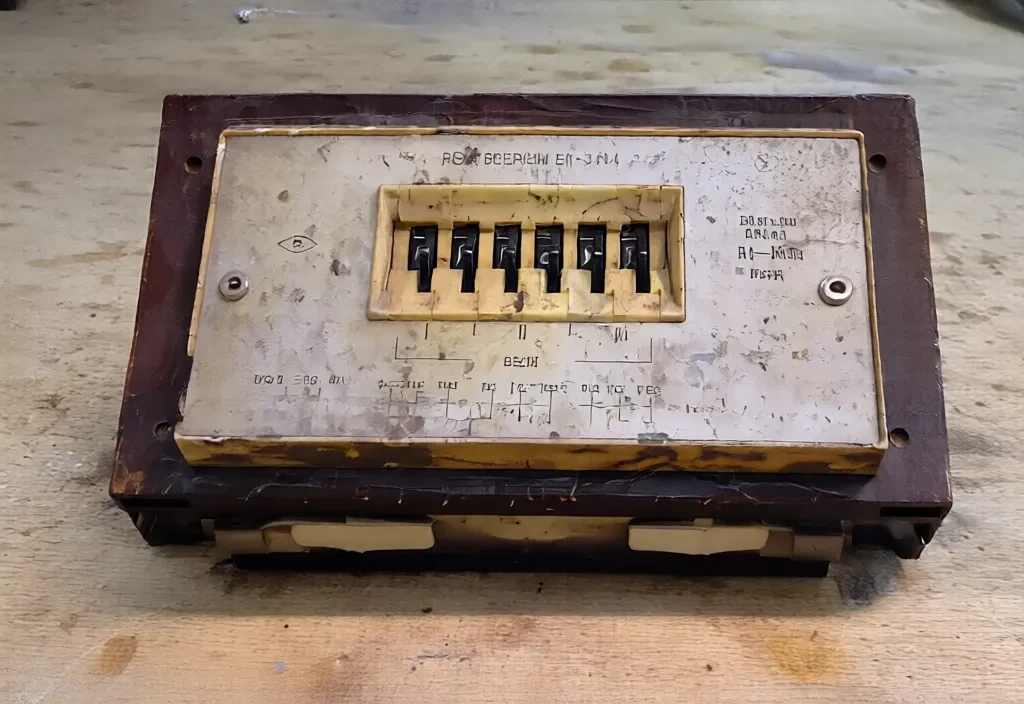
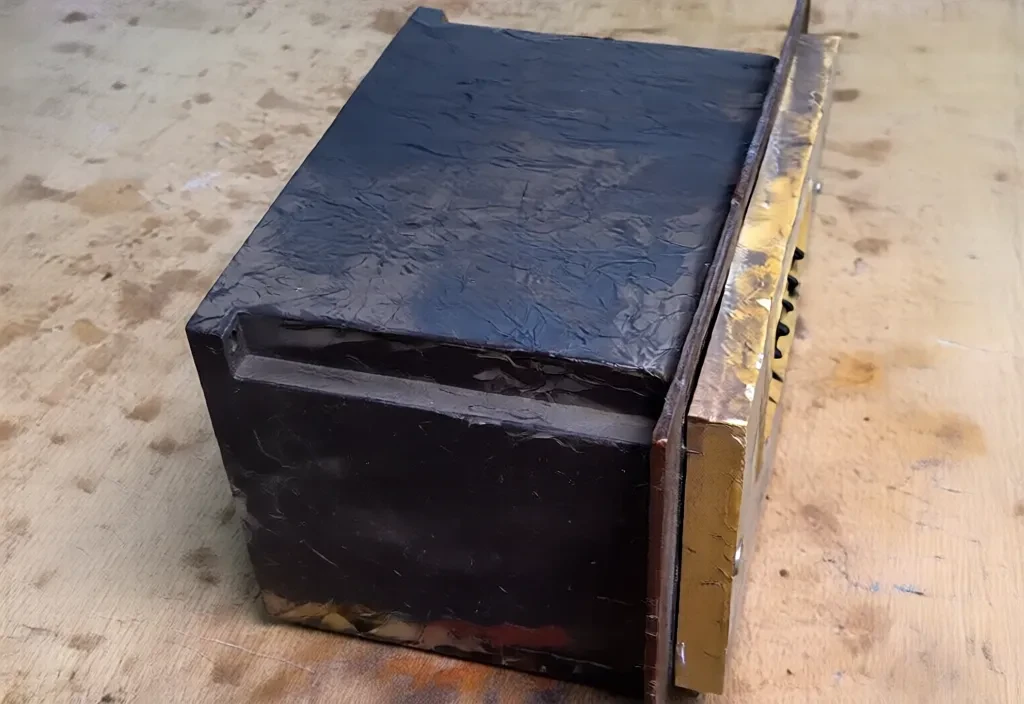
    Soviet timer.
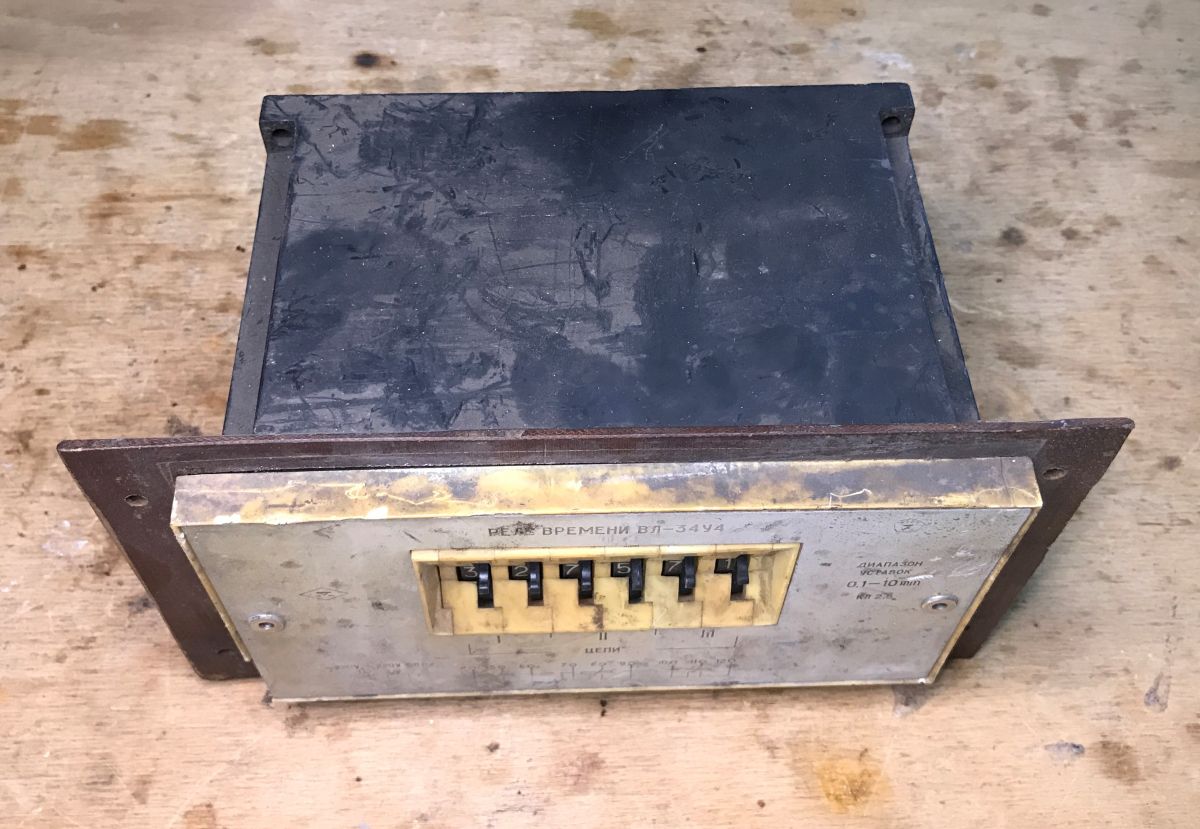
    Soviet timer with metal casing and numeric selector switches on front AI model that changes the perspective of a photo - Qwen Image Edit 2509 - tests and gallery AI model that changes the perspective of a photo - Qwen Image Edit 2509 - tests and gallery
    It came out quite well. Even the depth of the switches held up.

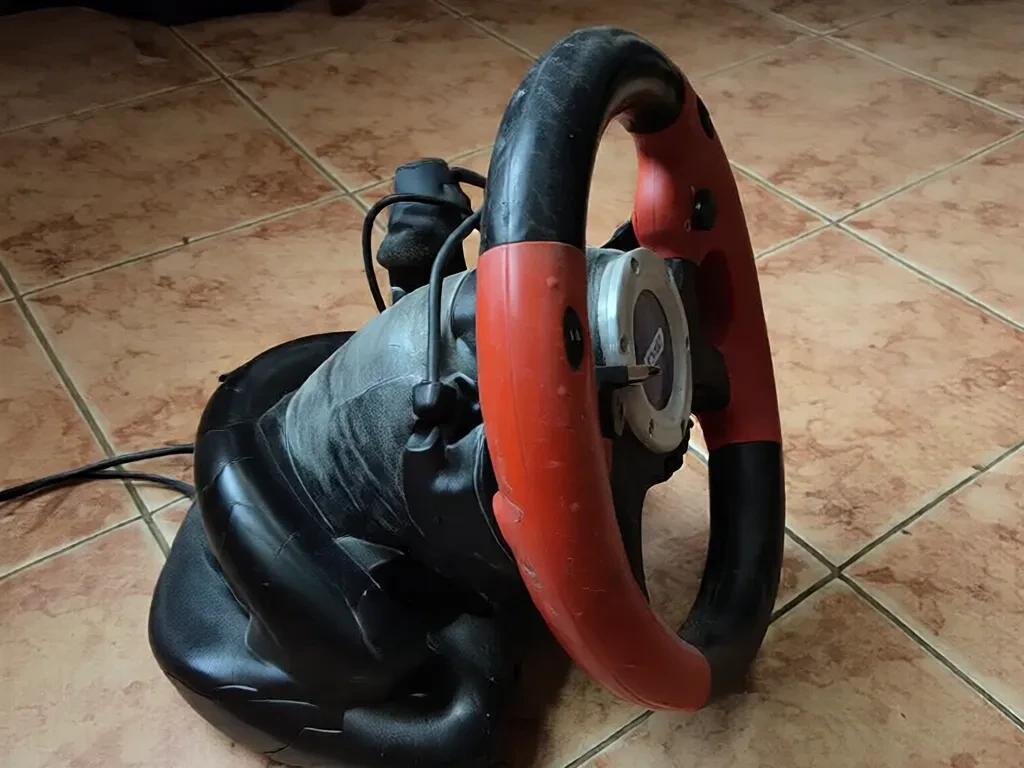
    Steering wheel.
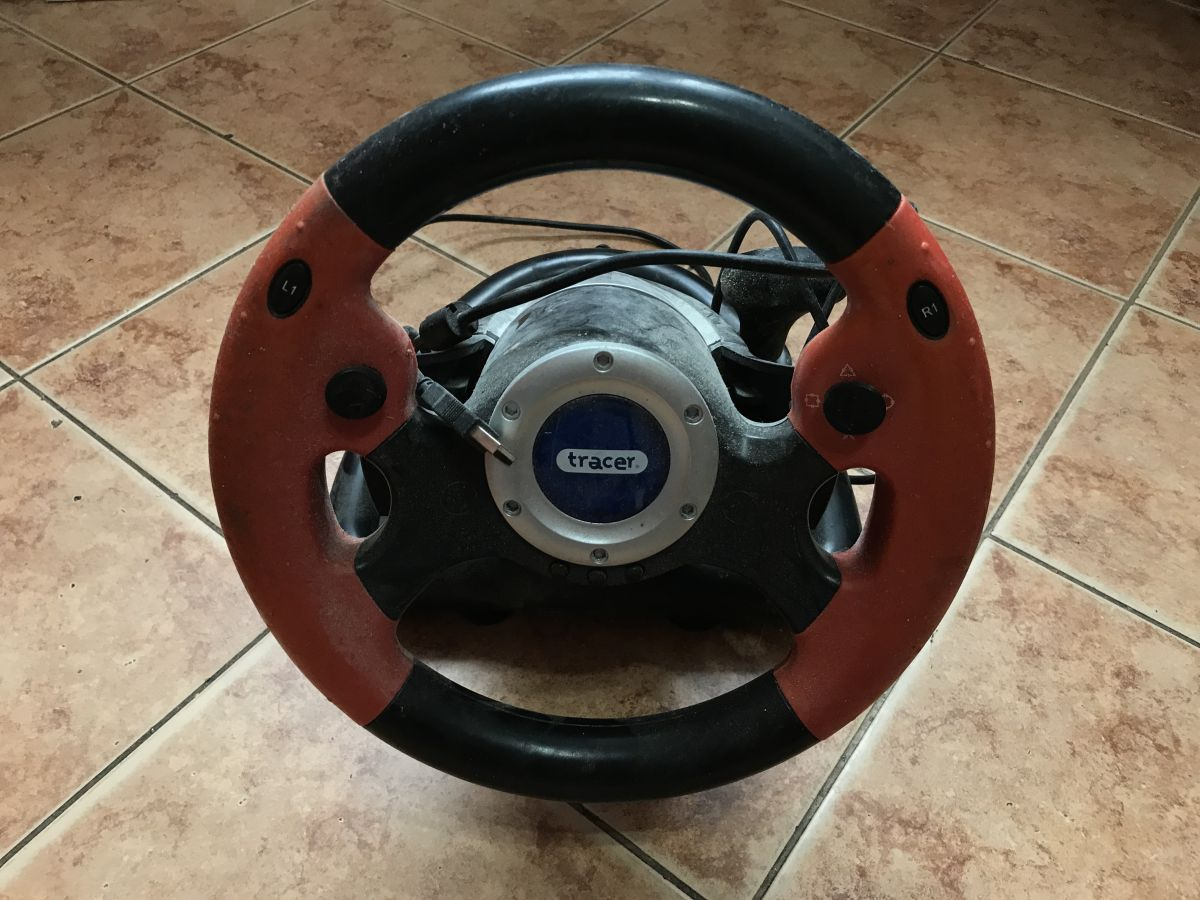
    Tracer gaming steering wheel with red and black grips on tiled floor Gaming steering wheel with red and black grip on a tiled floor
    Also quite a good result. The model even gave the correct shape to the steering wheel.

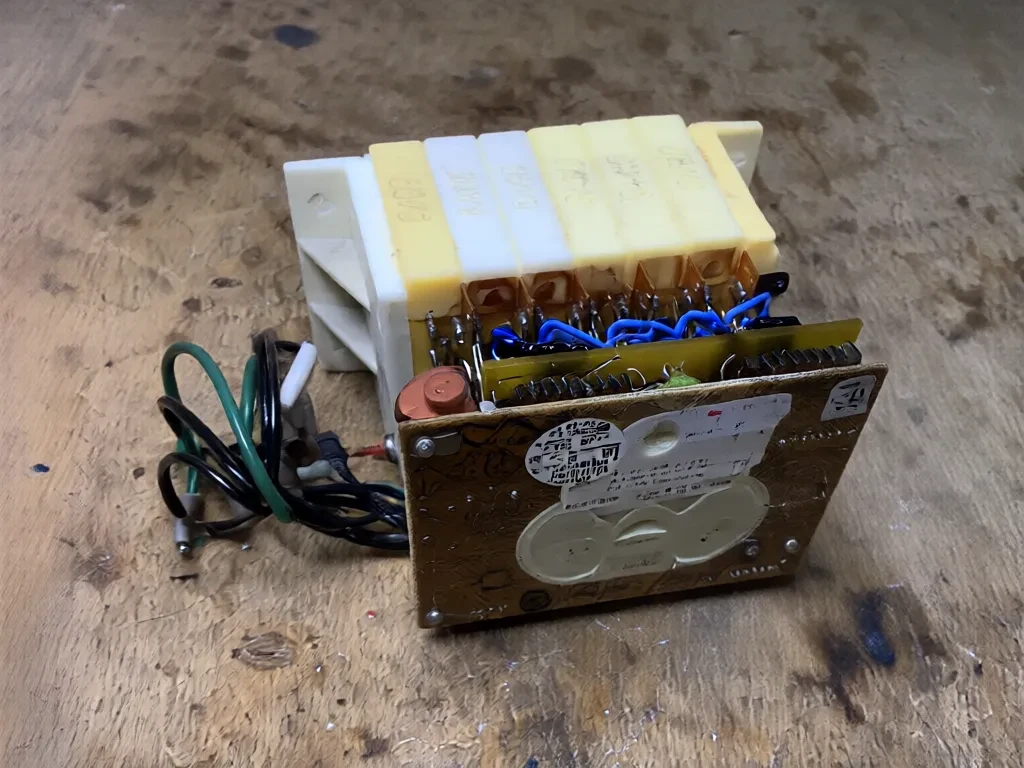
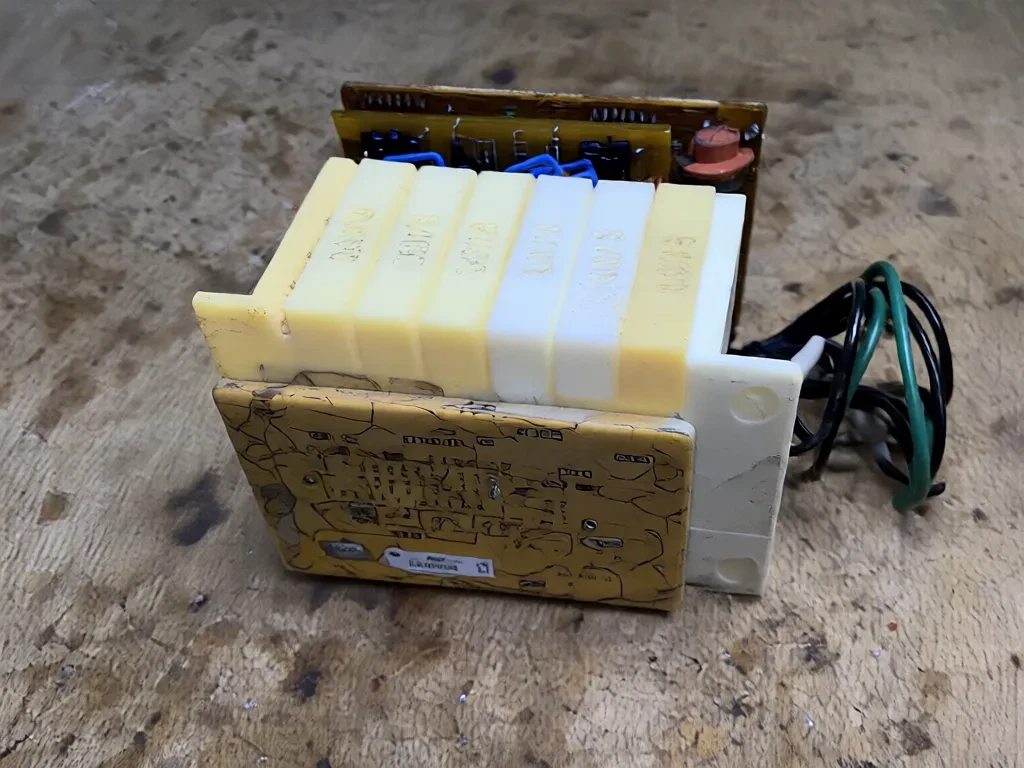
    Part of the timer:
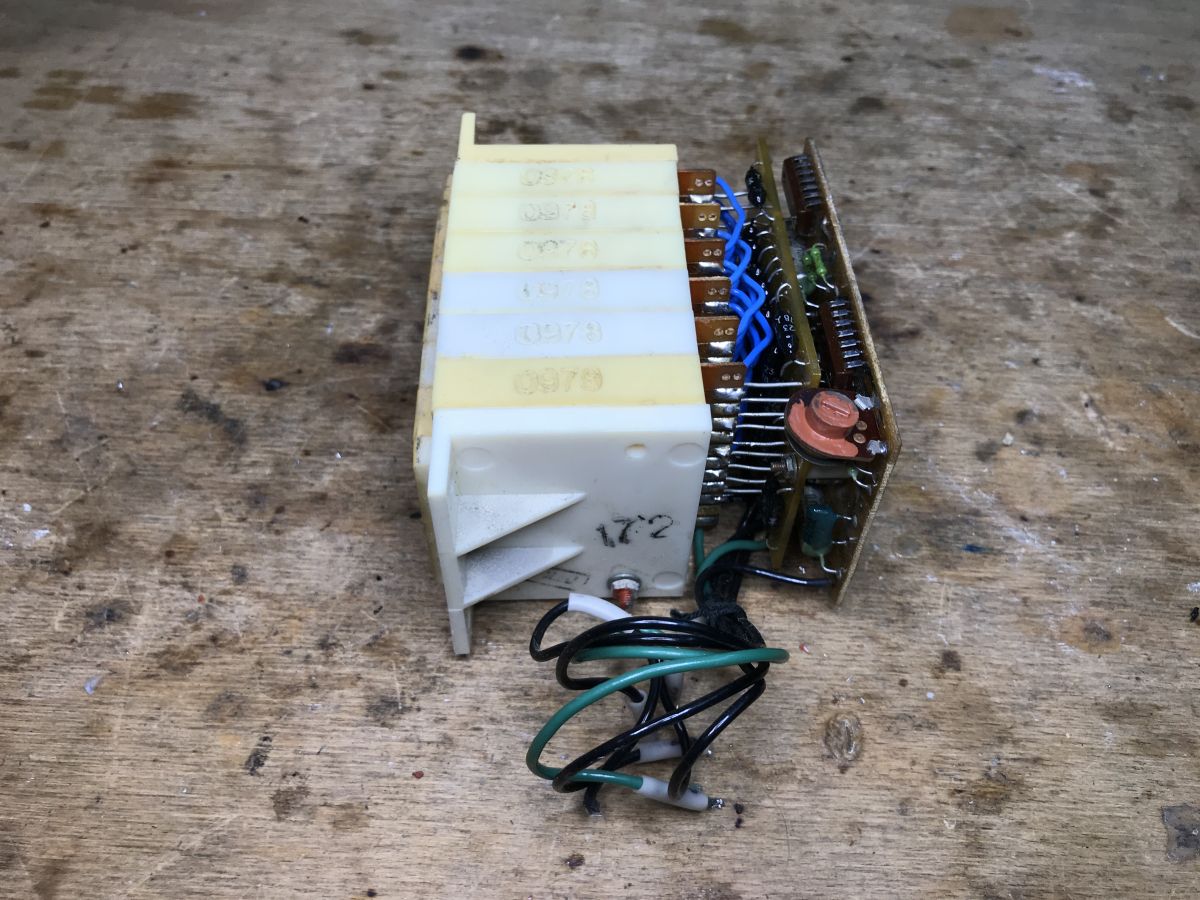
    Electronic component with wires on a wooden workbench AI model that changes the perspective of a photo - Qwen Image Edit 2509 - tests and gallery AI model that changes the perspective of a photo - Qwen Image Edit 2509 - tests and gallery
    Here, a bit of a model gone awry, but on the other hand, it was a very difficult example.

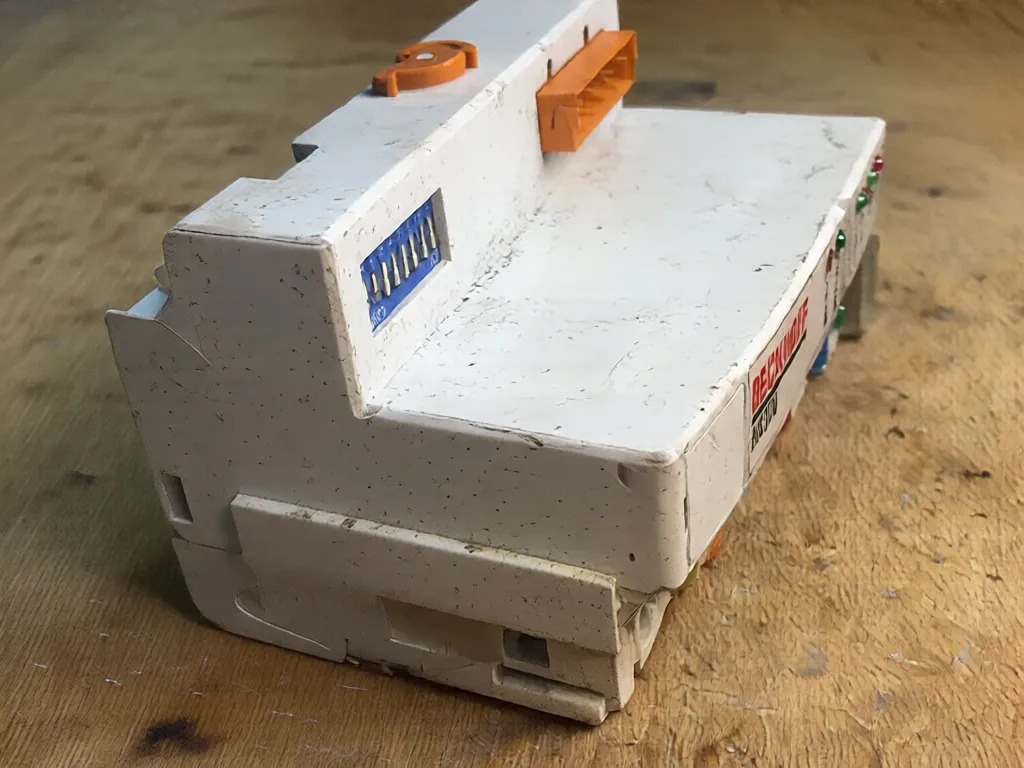
    Again, something difficult - does anyone know what the part is?
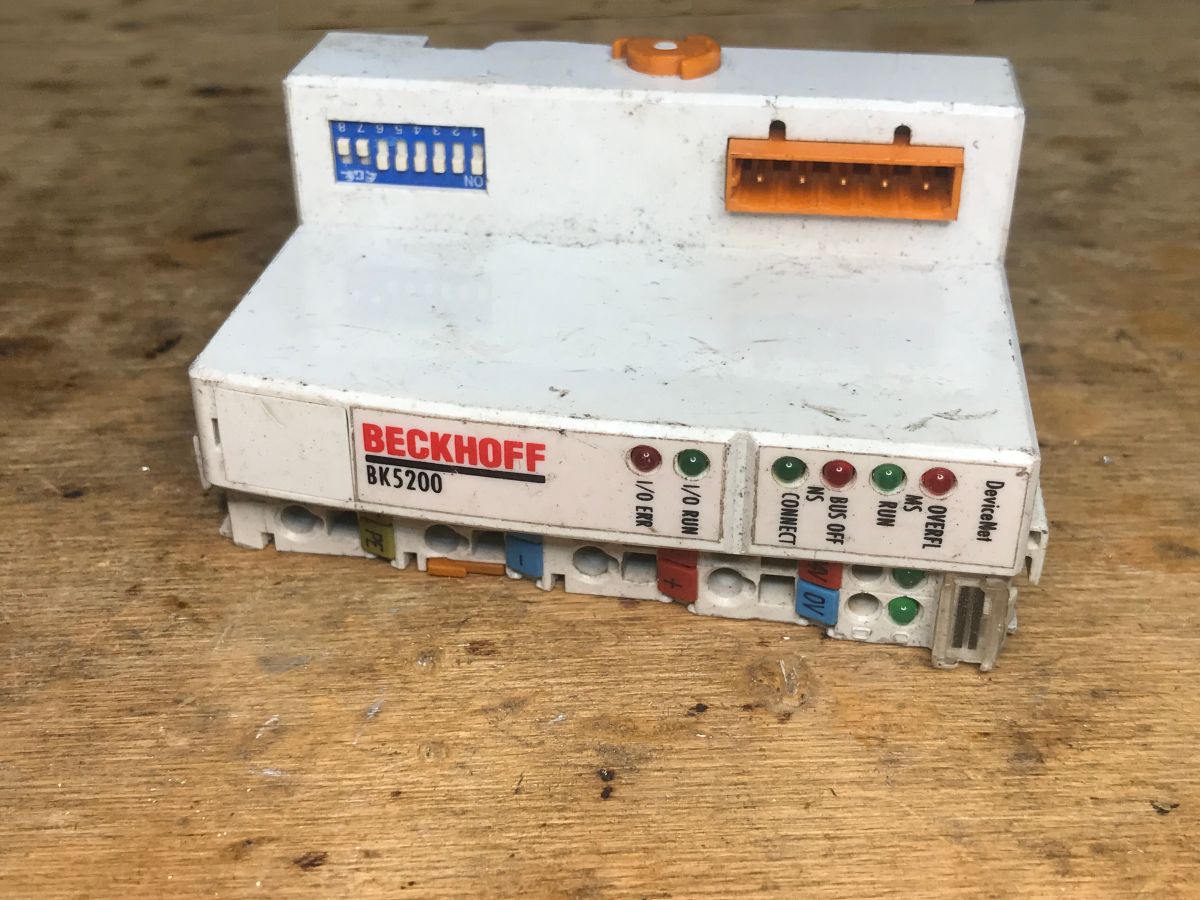
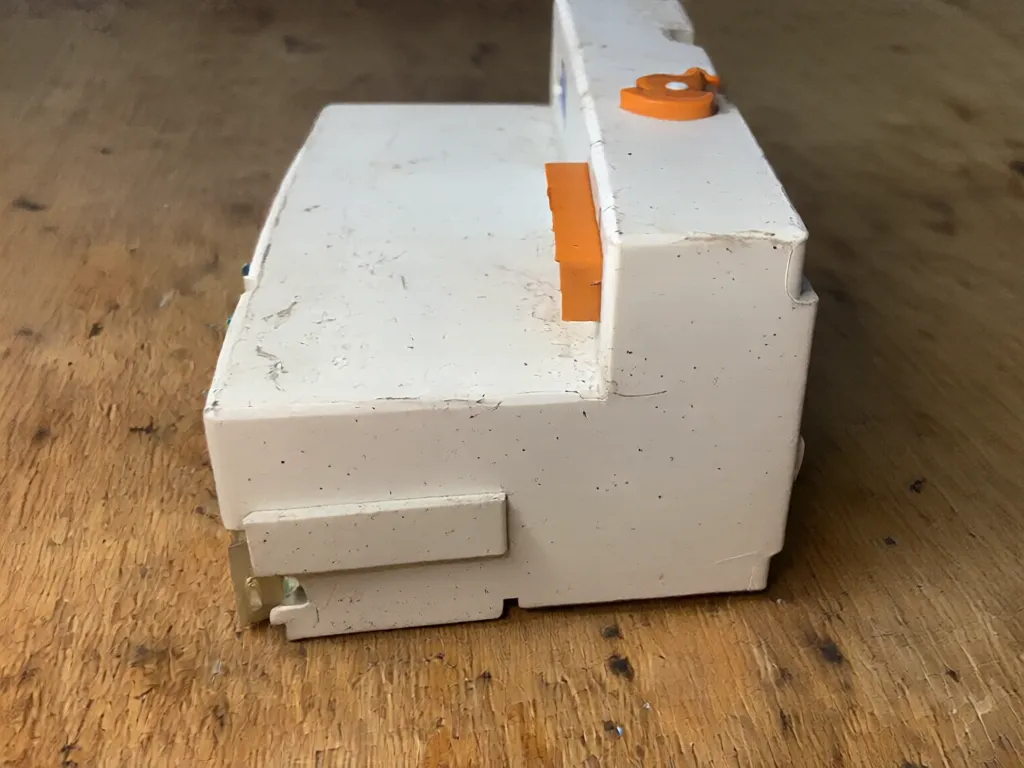
    Beckhoff BK5200 module on wooden surface, front angled view Electrical module on wooden surface with colored connectors and switches White electronic component on wooden surface, side view
    AI has most simply predicted that the object is enclosed around.


    Sources:
    https://huggingface.co/spaces/linoyts/Qwen-Image-Edit-Angles
    https://qwen.ai/blog?id=7a90090115ee193ce6a7f...93&from=research.latest-advancements-list

    Summarising , in my opinion this is quite an impressive tool, although you can see from the generated images that the mechanism tries to extrapolate based on what is in the input image. This is well illustrated by one example from Hugging Face, where the author tried to generate more perspectives on a photo showing a room with a Christmas tree - then the model placed more Christmas trees in the connected rooms. This doesn't change the fact that the results are quite good. It will be interesting to see how this will affect the work of those associated with photography - after all, most of the generated images are rather suitable for these less demanding applications. And you, what applications do you see for such a model? I also invite you to test it - show us what you have generated.

    Cool? Ranking DIY
    Helpful post? Buy me a coffee.

    About Author
    p.kaczmarek2
    Moderator Smart Home
    Offline 
    p.kaczmarek2 wrote 14387 posts with rating 12308, helped 650 times. Been with us since 2014 year.
  • ADVERTISEMENT
  • #2 21754119
    Mateusz_konstruktor
    Level 37  
    Posts: 4150
    Help: 266
    Rate: 1099
    Board Language: polish
    What equipment is needed for this?
  • #3 21754921
    p.kaczmarek2
    Moderator Smart Home
    Posts: 14387
    Help: 650
    Rate: 12308
    I haven't tested it locally yet, but I plan to try it soon. Here's the repository:
    https://huggingface.co/spaces/linoyts/Qwen-Image-Edit-Angles/tree/main
    You can do a git clone and then install things from requirements.txt and see how it goes next.

    Here it mentions the VRAM required:
    https://huggingface.co/spaces/linoyts/Qwen-Image-Edit-Angles/discussions/4
    Helpful post? Buy me a coffee.
📢 Listen (AI):

FAQ

TL;DR: Qwen‑Edit‑2509 rotates a single photo into new views (e.g., 90° and top/bottom) and can output a short rotation video; “quite an impressive tool.” [Elektroda, p.kaczmarek2, post #21753982] Why it matters: It lets photographers, reviewers, and makers preview alternate angles without reshoots, speeding visual workflows.

Quick Facts

What is Qwen‑Image‑Edit‑2509 and the Multiple‑angles variant?

It’s an image‑editing model that re‑renders a single photo from new angles. The dx8152 “Multiple‑angles” variant builds on Qwen‑Image‑Edit‑2509 and adds controls for perspective flips, top/bottom views, and short rotation videos generated by gradual frame changes. [Elektroda, p.kaczmarek2, post #21753982]

How do I try it right now without installing anything?

Use the Hugging Face Space linked in the thread. Upload a photo, choose the angle (e.g., 90°, top, or bottom), and run to preview or export results. It works from a browser, so it’s ideal for quick tests or demos. [Elektroda, p.kaczmarek2, post #21753982]

What equipment is needed to run it locally?

Clone the Space repository, install the dependencies from requirements.txt, and run the app. The author notes VRAM requirements are discussed in the linked Space discussion; check those before large jobs. This addresses “What equipment is needed?” from the thread. [Elektroda, p.kaczmarek2, post #21754921]

Is it good enough for product or electronics photos?

Results are often convincing for casual and illustrative use. It kept object depth on a timer and shaped a steering wheel correctly. However, it blurred fine details on a breadboard and misread cables or antennas in some cases. [Elektroda, p.kaczmarek2, post #21753982]

Does it handle text on devices or PCBs well?

No. The author shows the model “cannot cope with the text.” Expect distorted labels, meter readouts, or silkscreen markings. Use original shots for legible text or overlay vector labels after generation. [Elektroda, p.kaczmarek2, post #21753982]

Can it process scenes with many people or objects?

Yes. Shared examples indicate it maintains people, objects, and surroundings plausibly when changing perspective. It can still hallucinate scene elements in connected rooms, so review outputs carefully. [Elektroda, p.kaczmarek2, post #21753982]

What failures or edge cases should I expect?

Edge cases include duplicated scene items (e.g., extra Christmas trees), cables mis‑shaped, antennas treated like wires, and small‑text corruption. Complex mechanical parts can go awry on hard angles. [Elektroda, p.kaczmarek2, post #21753982]

Is the model free to use?

The post states it’s available under the Apache 2.0 license. Verify license terms in the linked resources before commercial deployment, and attribute or include notices as required. [Elektroda, p.kaczmarek2, post #21753982]

What’s a quick way to generate a rotation video?

In the Space, pick gradual rotation, set step angle, and export a short video. The model synthesizes intermediate frames to simulate turning the object across viewpoints. “Generates a short video based on gradual rotation.” [Elektroda, p.kaczmarek2, post #21753982]

How accurate is a 90° turn versus top/bottom views?

A 90° turn often looks strong on symmetrical gear; top/bottom can expose guessed surfaces. The TV and steering wheel looked solid, while some electronics lost cable fidelity from top views. [Elektroda, p.kaczmarek2, post #21753982]

What’s the simplest 3‑step workflow to test it?

  1. Open the linked Hugging Face Space.
  2. Upload your photo and choose angle (e.g., 90°, top/bottom).
  3. Run, review artifacts (text/cables), and export image or video. [Elektroda, p.kaczmarek2, post #21753982]

What’s the learning from running it on electronics shots?

It’s strong for overall shape and depth, weak for tiny details. Use it to mock vantage points for reviews or listings, then capture real photos for labels, pinouts, and wiring accuracy. [Elektroda, p.kaczmarek2, post #21753982]

Any performance or resource tips before local installs?

Check the Space discussion for VRAM guidance, start with smaller images, and batch jobs carefully. The author plans local tests; use the repo and requirements.txt to mirror the Space. [Elektroda, p.kaczmarek2, post #21754921]

Who is this FAQ for?

Makers, reviewers, and photographers who need alternate angles fast. It reduces reshoots when you only have a single source photo and need multiple perspectives. [Elektroda, p.kaczmarek2, post #21753982]

When was Qwen‑Image‑Edit‑2509 referenced as newly available?

The post notes it was published in September of this year and is accessible for download and use via the linked resources. [Elektroda, p.kaczmarek2, post #21753982]

What’s the expert take from the thread author?

“This is quite an impressive tool,” with the caveat that it extrapolates from the input image. Use judgment when accuracy matters. [Elektroda, p.kaczmarek2, post #21753982]
Generated by the language model.
ADVERTISEMENT