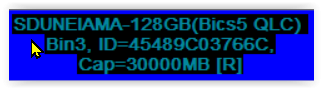
Good morning, I have a problem. I have a USB stick that comes out as a removable disk but it also shows no media. I will send photos and text.
AI: What operating system and version are you using on your computer (for example, Windows 10, macOS, or Linux)?
Windows 11
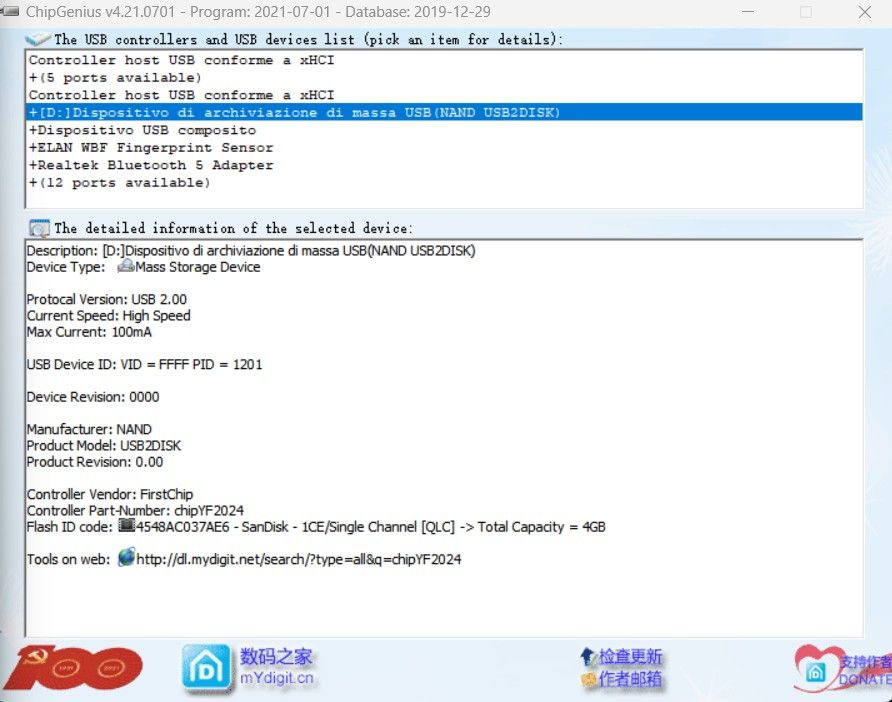
CHIP GENIUS
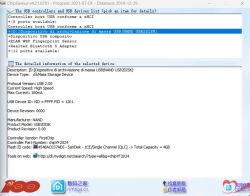
Description: [D:]Dispositivo di archiviazione di massa USB(NAND USB2DISK)
Device Type: Mass Storage Device
Protocol Version: USB 2.00
Current Speed: High Speed
Max Current: 100 mA
USB Device ID: VID = FFFF PID = 1201
Device Revision: 0000
Manufacturer: NAND
Product Model: USB2DISK
Product Revision: 0.00
Controller Vendor: FirstChip
Controller Part-Number: chipYF2024
Flash ID code: 4548AC037AE6 - SanDisk - 1CE/Single Channel [QLC] -> Total Capacity = 4 GB
Tools on web: http://dl.mydigit.net/search/?type=all&q=chipYF2024
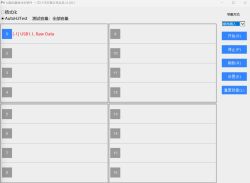
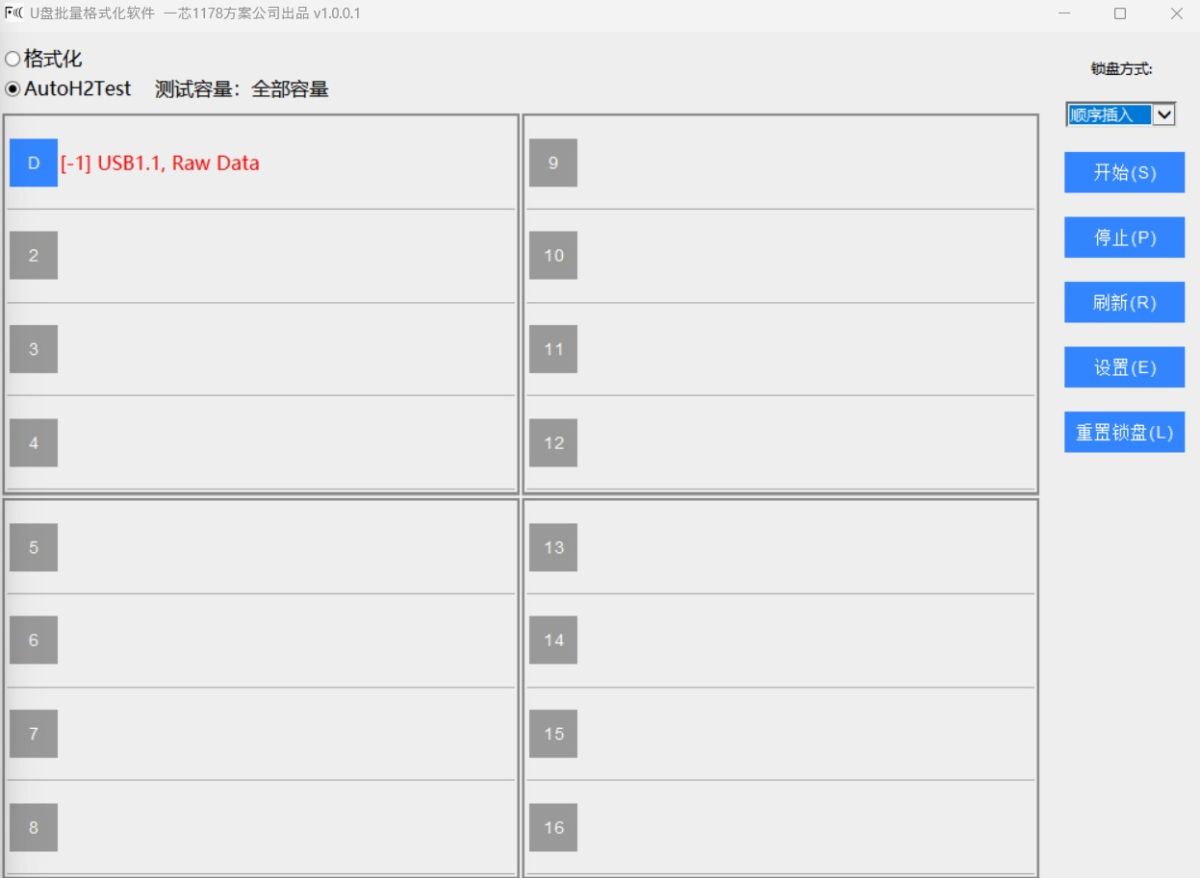
I don't find this chip in the FirstChip software, I have used every version of FirstChip MP but none of them recognize it, it is only seen by FirstChip FC1178 CheckTools
AI: Has this USB stick ever worked properly before, or has it always shown as "no media" since you got it?
It worked but I know it was a fake. Yesterday I inserted it, but it appears as a USB drive, and when I click it it says "Insert a disk into the drive".
AI: When you plug the USB stick into your computer, does it show up in Windows Disk Management, and if so, what does it display (e.g., unallocated space, no media, errors)?
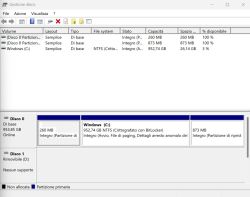
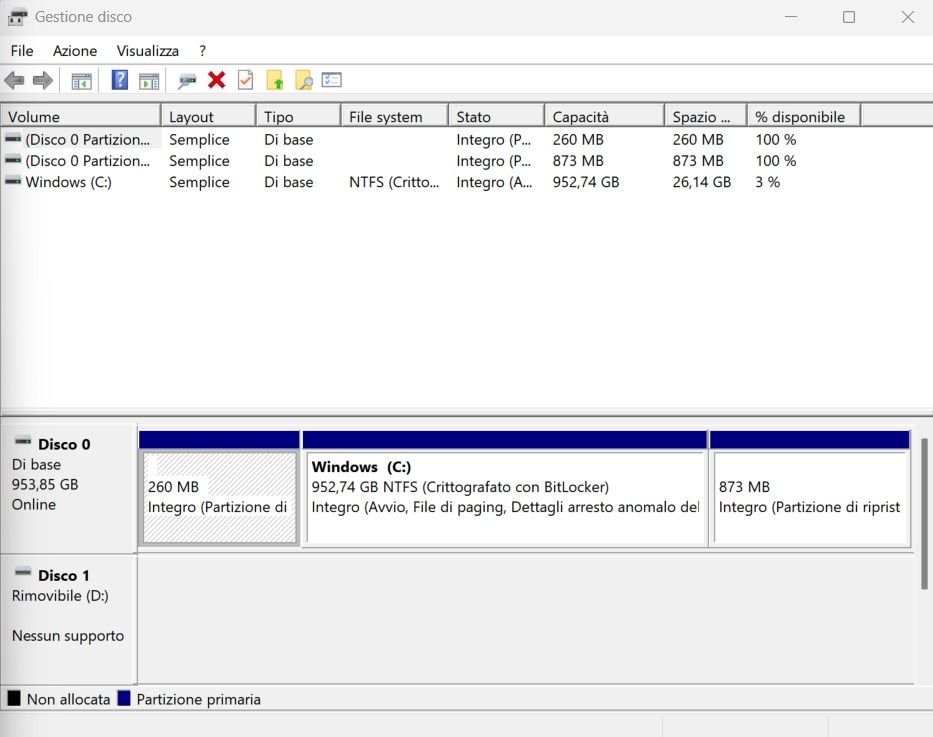
In Disk Management it appears "No Media" and don't possible format
AI: What operating system and version are you using on your computer (for example, Windows 10, macOS, or Linux)?
Windows 11
CHIP GENIUS
Description: [D:]Dispositivo di archiviazione di massa USB(NAND USB2DISK)
Device Type: Mass Storage Device
Protocol Version: USB 2.00
Current Speed: High Speed
Max Current: 100 mA
USB Device ID: VID = FFFF PID = 1201
Device Revision: 0000
Manufacturer: NAND
Product Model: USB2DISK
Product Revision: 0.00
Controller Vendor: FirstChip
Controller Part-Number: chipYF2024
Flash ID code: 4548AC037AE6 - SanDisk - 1CE/Single Channel [QLC] -> Total Capacity = 4 GB
Tools on web: http://dl.mydigit.net/search/?type=all&q=chipYF2024
I don't find this chip in the FirstChip software, I have used every version of FirstChip MP but none of them recognize it, it is only seen by FirstChip FC1178 CheckTools
AI: Has this USB stick ever worked properly before, or has it always shown as "no media" since you got it?
It worked but I know it was a fake. Yesterday I inserted it, but it appears as a USB drive, and when I click it it says "Insert a disk into the drive".
AI: When you plug the USB stick into your computer, does it show up in Windows Disk Management, and if so, what does it display (e.g., unallocated space, no media, errors)?
In Disk Management it appears "No Media" and don't possible format