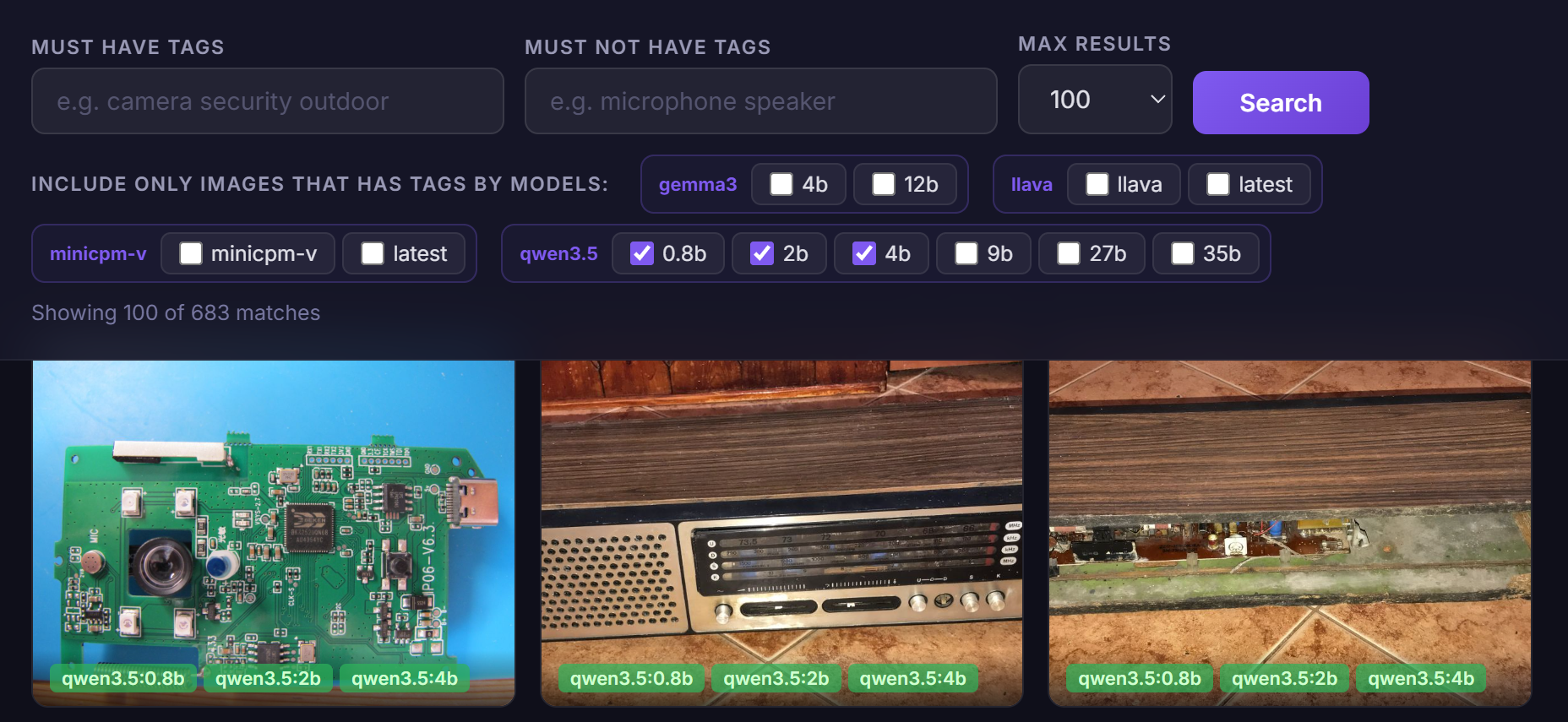
Will the Qwen3.5 models allow a simple image search engine to be built by verbal description of the content? Could local AI work in the role of OCR? In the previous topic the AI described more than 1000 images from the Elektroda forum , here I enriched this collection with descriptions from Qwen models 0.8b, 2b, 4b, 9b, 27b, 35b. I have packed the results into a simple search engine. Time to see how it worked.
Let's start with the runtime environment. The whole thing ran just fine on my computer, thanks to the Ollama environment:
https://ollama.com/library
But of course I didn't collect the tags manually, I wrote a simple program what iterates the images and generates tags for them through the Ollama API:
Ollama API Tutorial - chatbots AI 100% locally for use in your own projects
The second important thing is the prompt. I didn't want a prompt strictly for OCR, plus I already had it fixed after the first round of testing, so it couldn't just change. I kept it as it was before:
Choose more than 25 generic tags for this image, sorted from most matching to less matching. Reply just with tags, separated by ;
The question of publication remains - the results are available on GitHub in the form of an image finder. Each image is clickable and its tags can be previewed:
https://openshwprojects.github.io/IndexingElektrodaImages/search2.html
An older version of the site is also available:
https://openshwprojects.github.io/IndexingElektrodaImages/search.html
You can now go on to analyse the results
Results analysis
The description format will be simple - the title of the test, a screenshot from my site, a link to the actual analysis and then my comment.
Board with BK7231N microcontroller
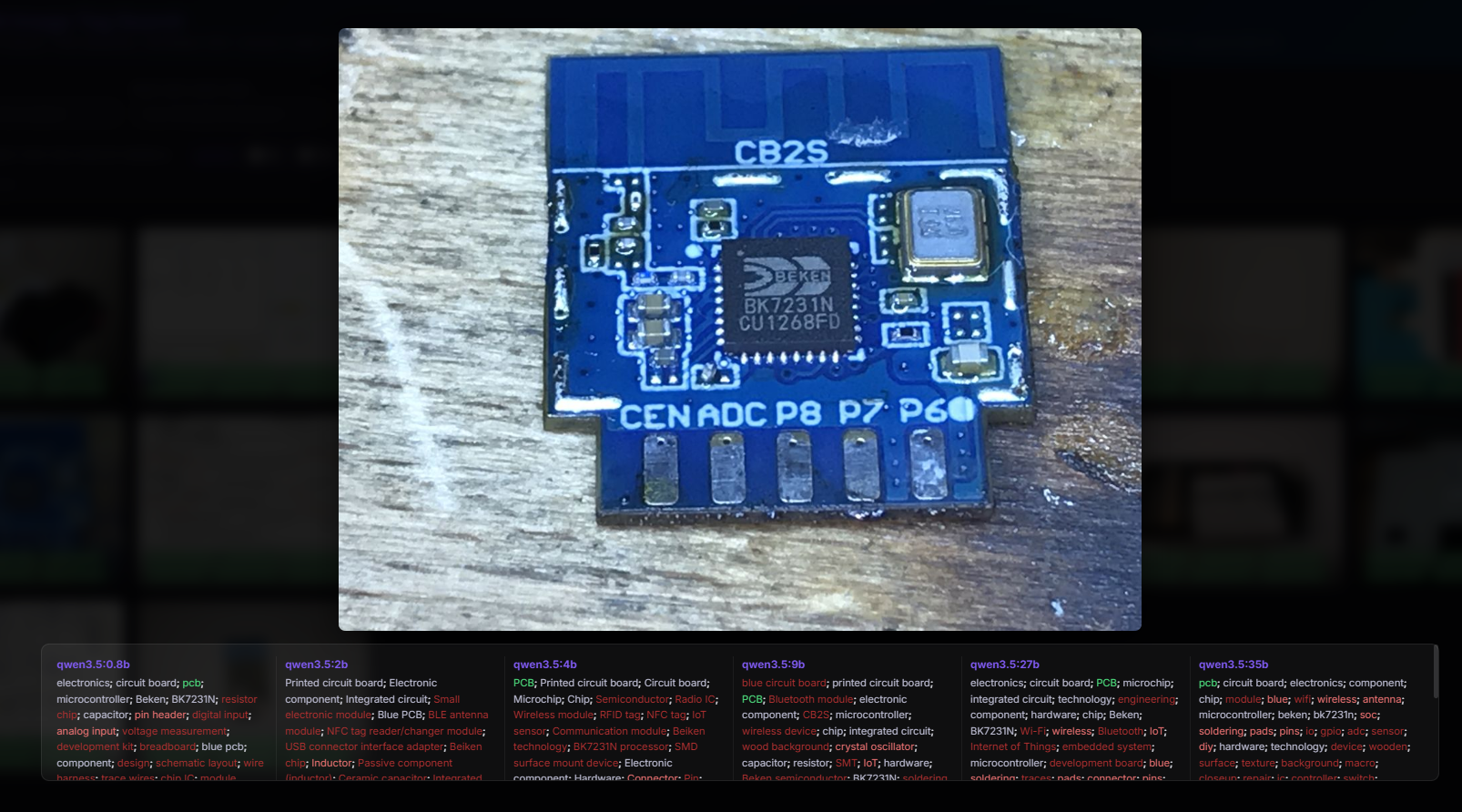
https://openshwprojects.github.io/IndexingEle...azki.elektroda.pl%2F1667439100_1696245190.jpg
Apparently the name is clearly visible, but it is still impressive that already the 0.8b version of the parameters read both the Beken and BK7231N lettering. The crunch, however, comes in the context of the name of the entire board - CB2S. CB2S was only read by model 9b and 2b. Even the 35b version lost it. This somewhat raises doubts about the reliability of these models, as such a Wi-Fi module name is important information for me.
Apart from that, you can see that many of the tags are quite accurate and correct. Obviously the tags from qwen3.5 are not much better than those from gemma3, llava or minicpm:

One can also complain to qwen that some are out of place (NFC tag reader/charger module"), but this happens much less often than in older models.
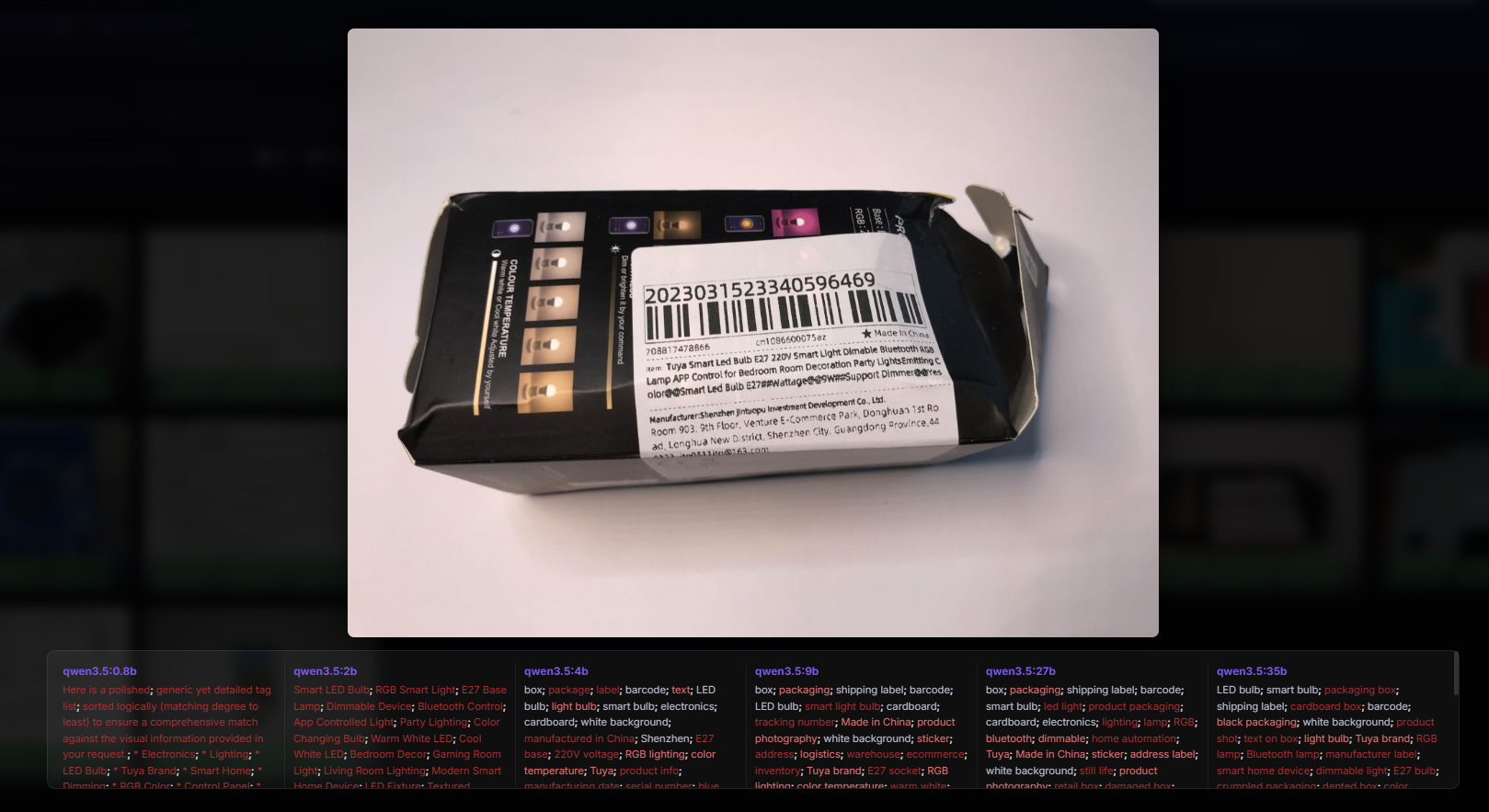
Packaging of the LED light
https://openshwprojects.github.io/IndexingEle...azki.elektroda.pl%2F3335603200_1739378203.jpg
Here the striking part of the 0.8b model's verbal response is that instead of providing the tags themselves, it started the response with its introduction. The plus side, however, is that the tags are largely all correct, even the weakest models recognised that this was the E27 standard. They probably read from the text.
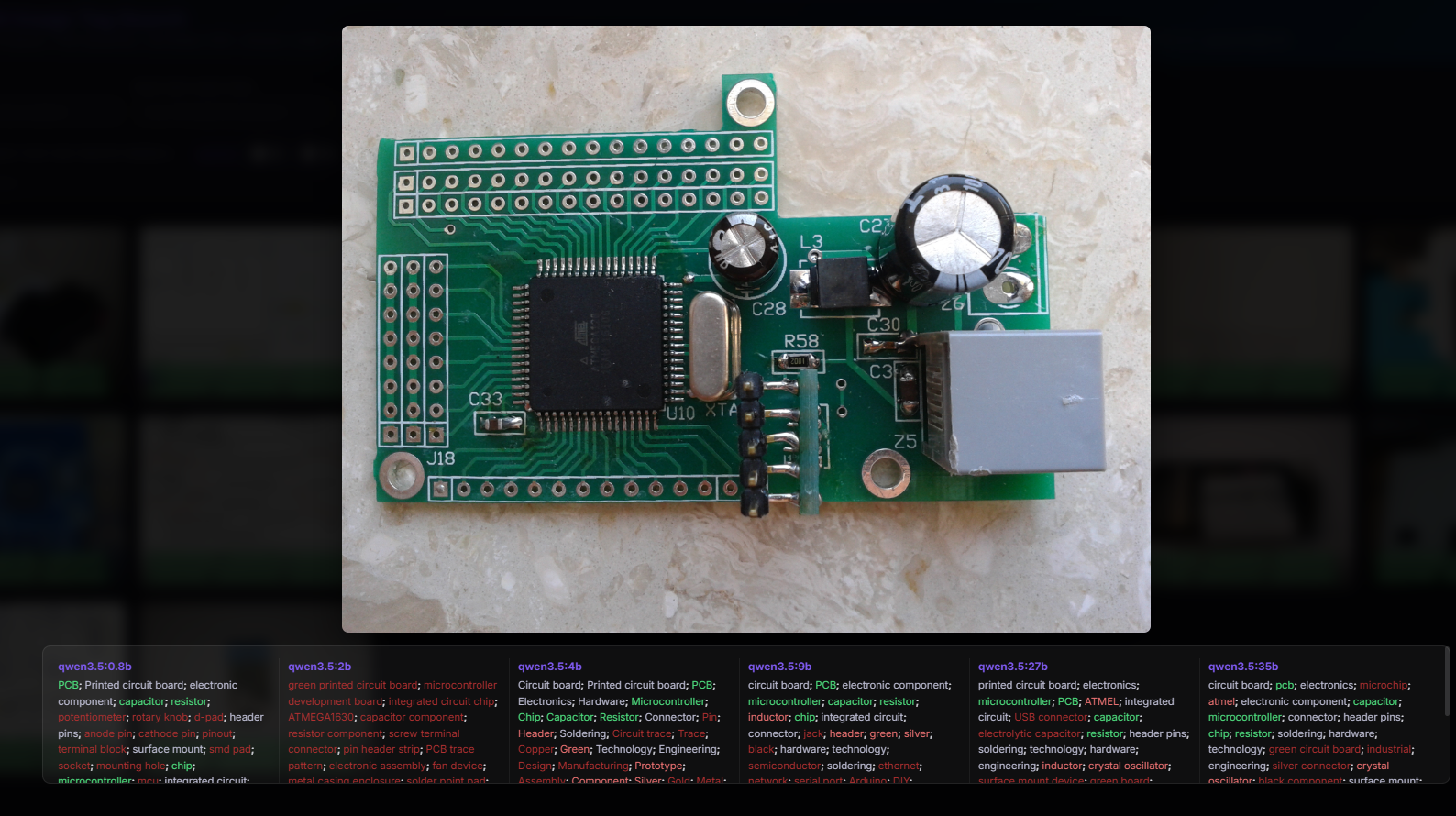
Atmel chip board
https://openshwprojects.github.io/IndexingEle...azki.elektroda.pl%2F8170563700_1544322617.jpg
I was a little impressed that they decoded the Atmel logo. After all, you can't see it that well. But fact, it was only the larger models they found. The smaller ones were slightly less accurate. For example, the 0.8b in the image detected a potentiometer, which is definitely not there. This ATMEGA1630 of the 2b version is also interesting - there is no such Atmega version after all.
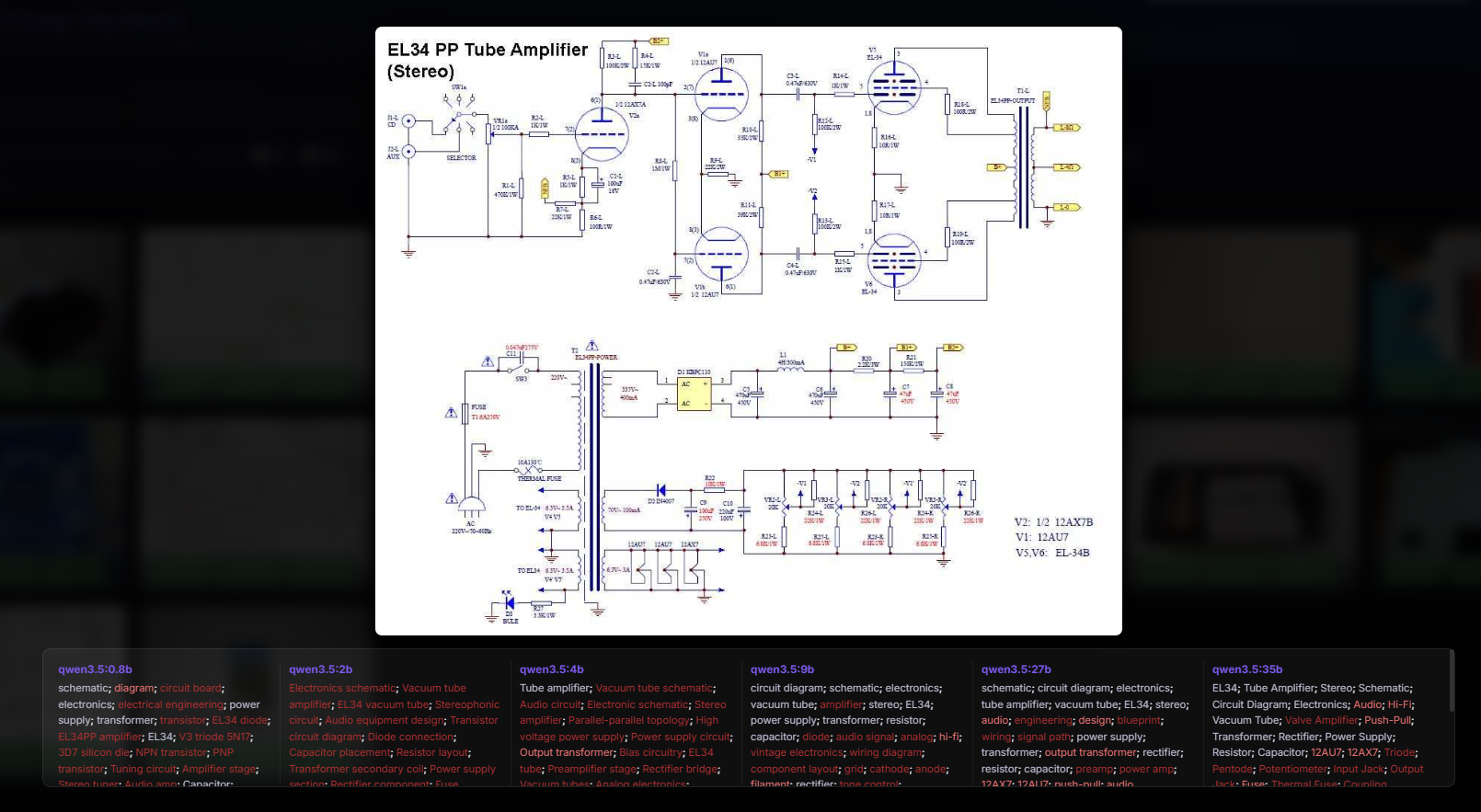
Schematic of amplifier on EL34
https://openshwprojects.github.io/IndexingEle...azki.elektroda.pl%2F8579096100_1606337170.jpg
It was simple, but still good to know that even the 0.8b model read the EL34 name correctly. The rest of the tags are right on target too, there are terms there that mainly just fit the schematics. The two largest models also read 12AU7. Overall, I find it hard to point out anything quite nonsense there.
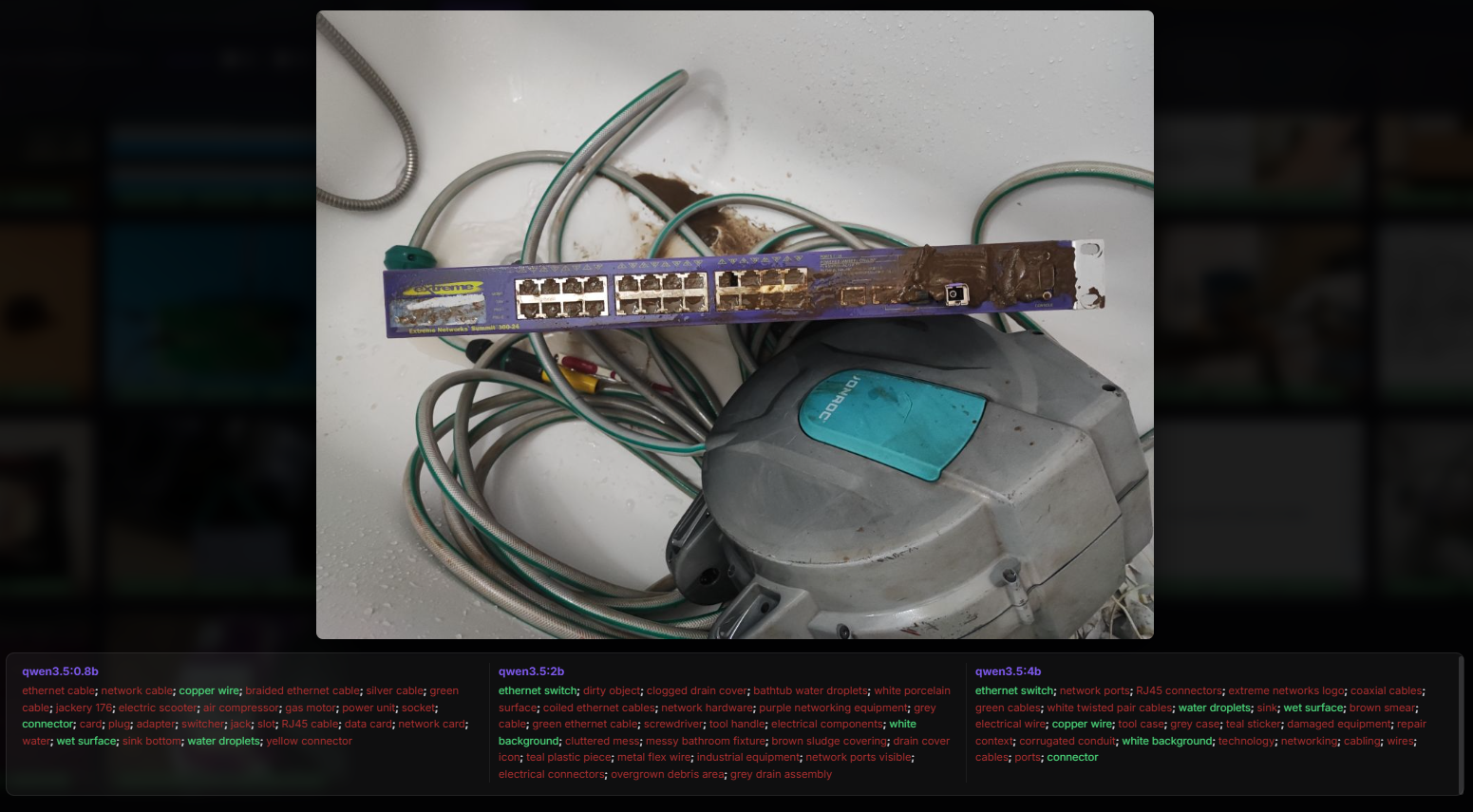
Switch after flood and hose
https://openshwprojects.github.io/IndexingEle...azki.elektroda.pl%2F4440455200_1744410509.jpg
Now something difficult. In addition, without a test of the larger models. Nevertheless, the switch was recognised by models 2b and 4b. The 0.8b model was also close - "switcher". In addition, it identified it as a "network card" and also saw an ethernet cable somewhere, but this is unlikely to be correct. The cable itself is not in the picture. These "electric scooter" from the 0.8b model is interesting. It illustrates well that, however, there are still quite incorrect hallucinations in unusual situations.
Panel photo
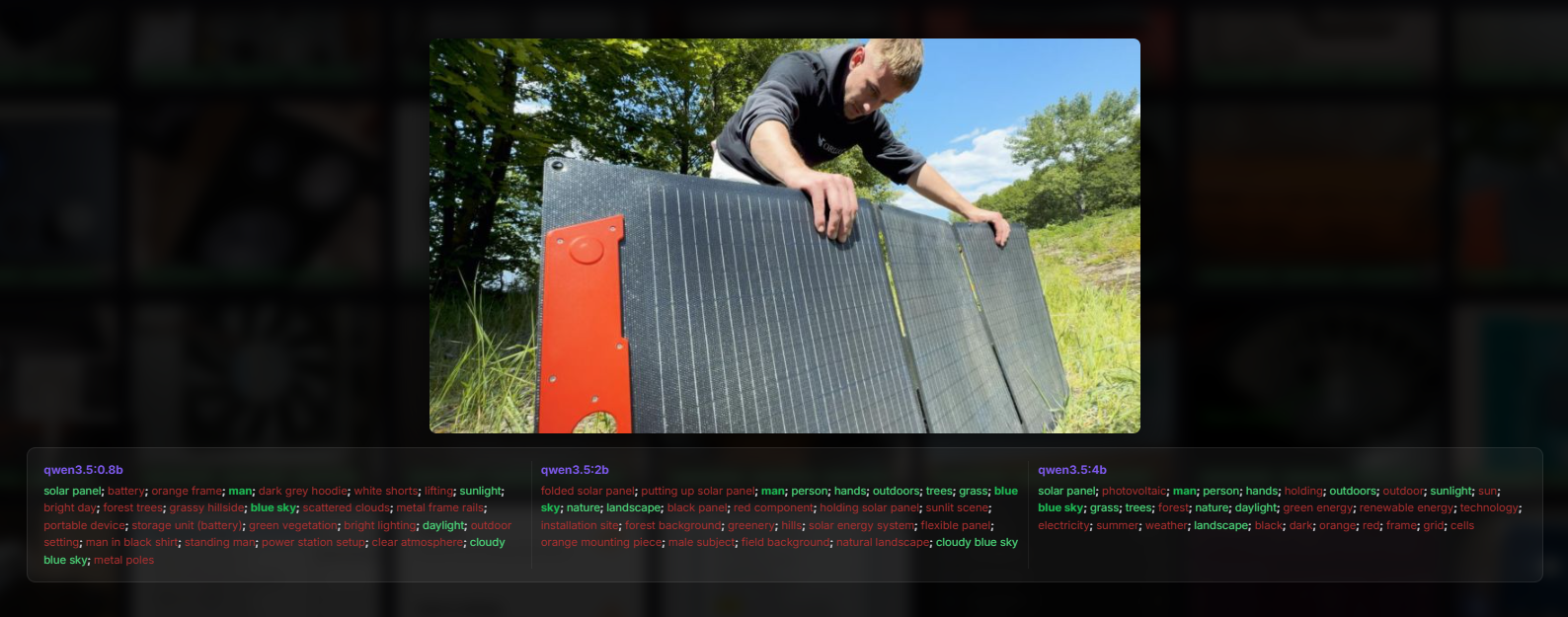
https://openshwprojects.github.io/IndexingEle...troda.pl%2F3738819600_1748852509_bigthumb.jpg
Another good result. Virtually everything matches, except maybe that "battery" from the 0.8b model. Except that he in turn stood out with the customs "man in black shirt", the other models did not identify the shirt.
Build with GPIO descriptions
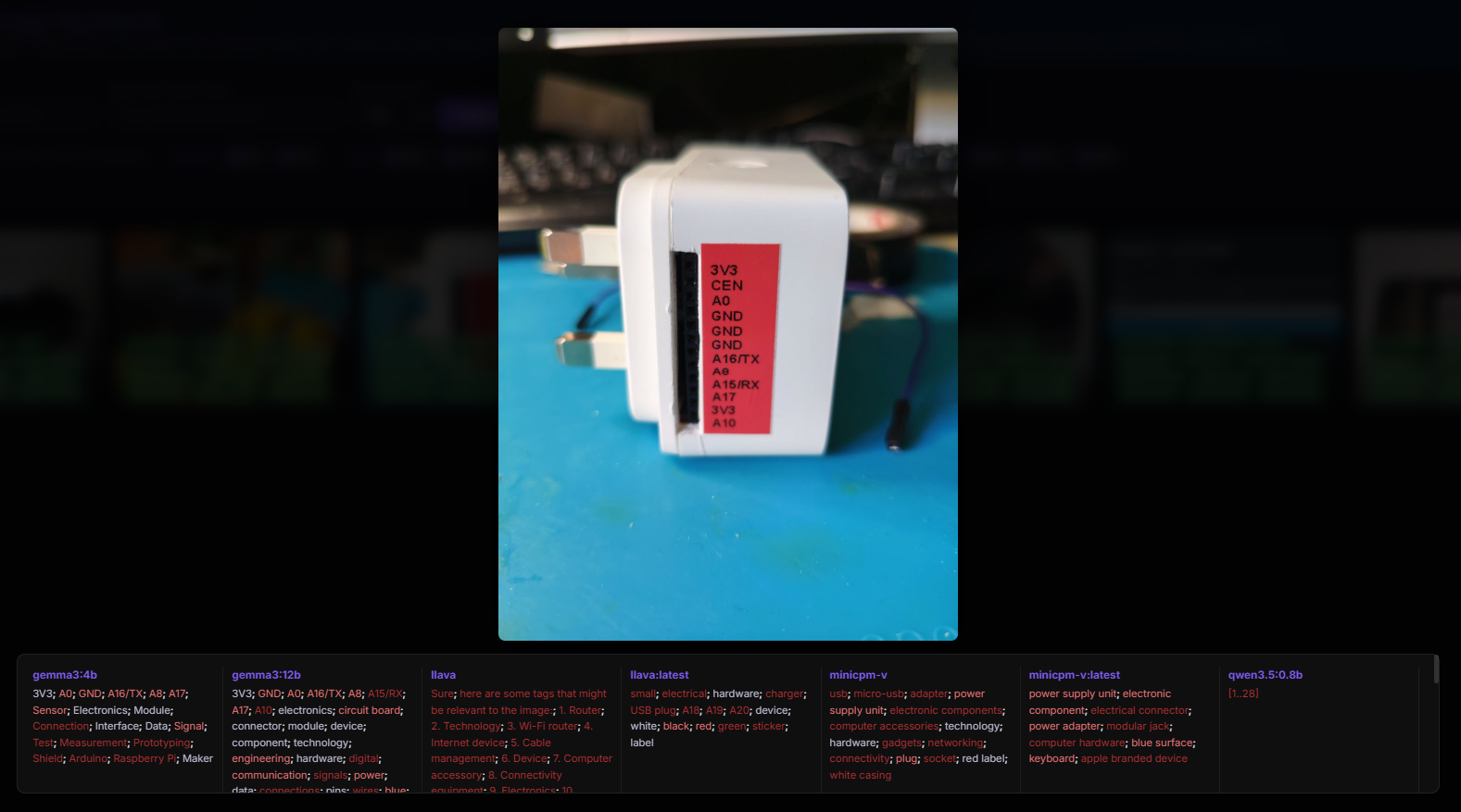
Here's where something strange happened with qwen3.5 version 0.8b - it generated what looks like an array programming record? The texts were read by gemma3 and a newer version of llava. Interestingly, the larger qwen3.5 also skipped them:

This unfortunately shows that, at least with my prompt, these models are not yet fully reliable, although they still often produce meaningful tags.
OCR screenshot
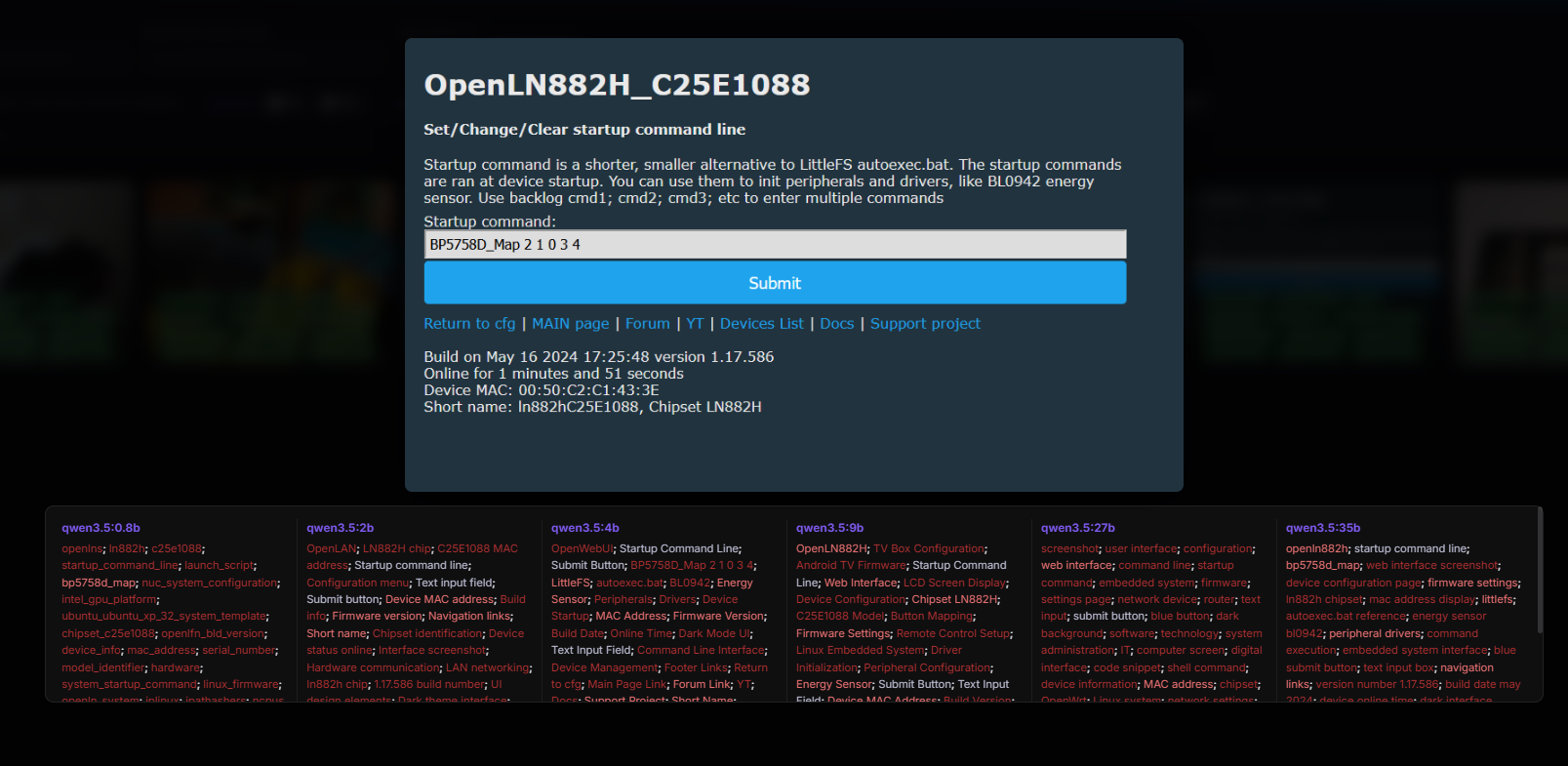
https://openshwprojects.github.io/IndexingEle...azki.elektroda.pl%2F1417005500_1715987750.png
It worked out quite well. Even the smallest qwen3.5 read the chip name (LN882H) and from the short name the code C25E1088. A bit of a hoot with the NUC and Intel, but that's understandable. The larger the model, however, I see slightly less of this hallucination. The only problem is the section with the 27b version:
screenshot; user interface; configuration; web interface; command line; startup command; embedded system; firmware; settings page; network device; router; text input; submit button; blue button; dark background; software; technology; system administration; IT; computer screen; digital interface; code snippet; shell command; device information; MAC address; chipset; OpenWrt; Linux system; network settings; peripheral drivers
In this case, the name "OpenLN882H" was not even read, which, again, suggests that the models are not working completely stably and perhaps you would need to experiment with the prompt or repeat generations several times and collect the common part of the tags.
Old phone
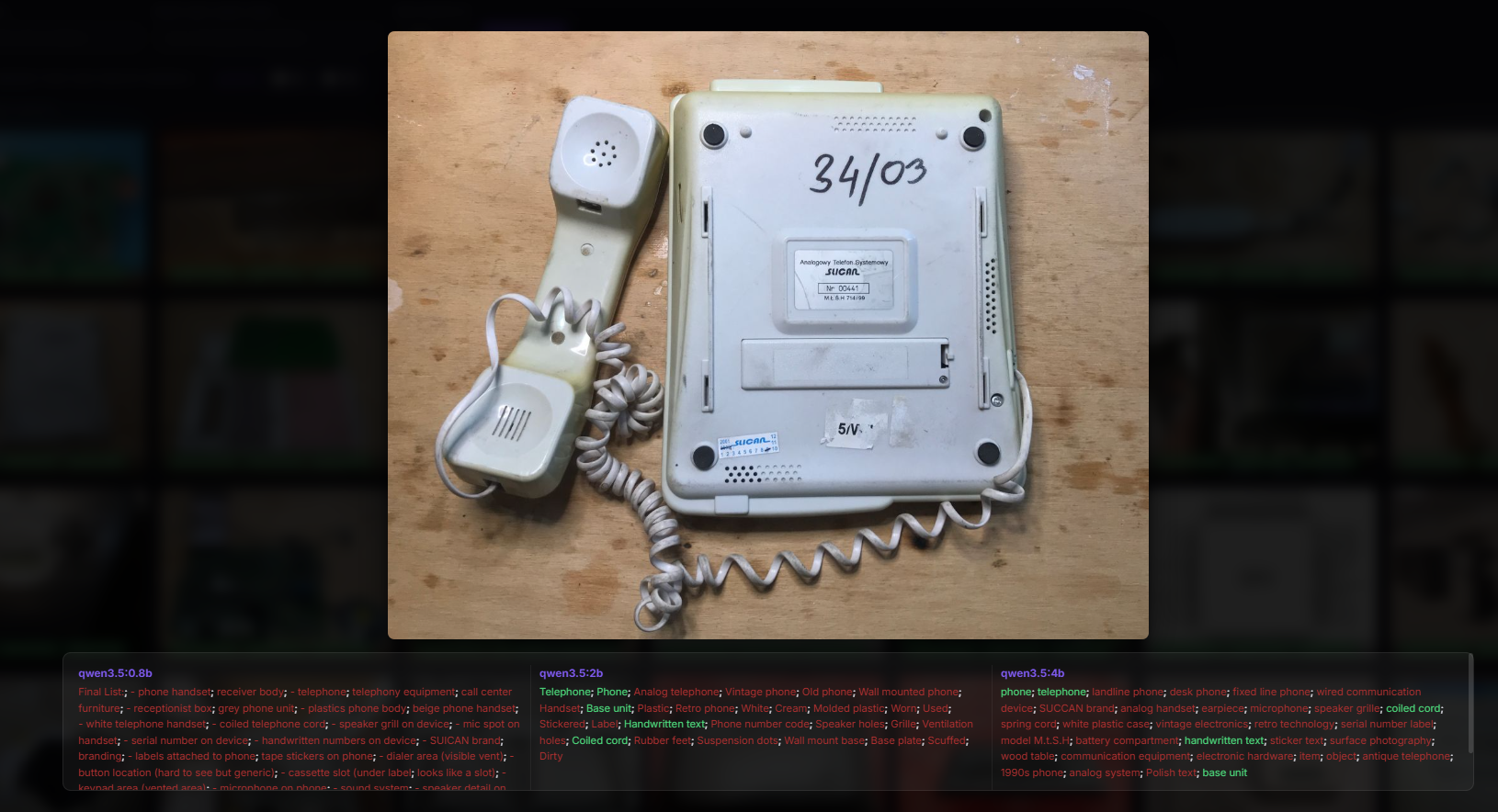
https://openshwprojects.github.io/IndexingEle...azki.elektroda.pl%2F7651628500_1633732341.jpg
No great comment here - the simpler something is, the easier it is to describe. The models have the same. Qwen3.5 version 4b even wanted to read the Slican name, but it came out SUCCAN brand.
Standard radio
https://openshwprojects.github.io/IndexingEle...azki.elektroda.pl%2F1558884600_1665150103.jpg
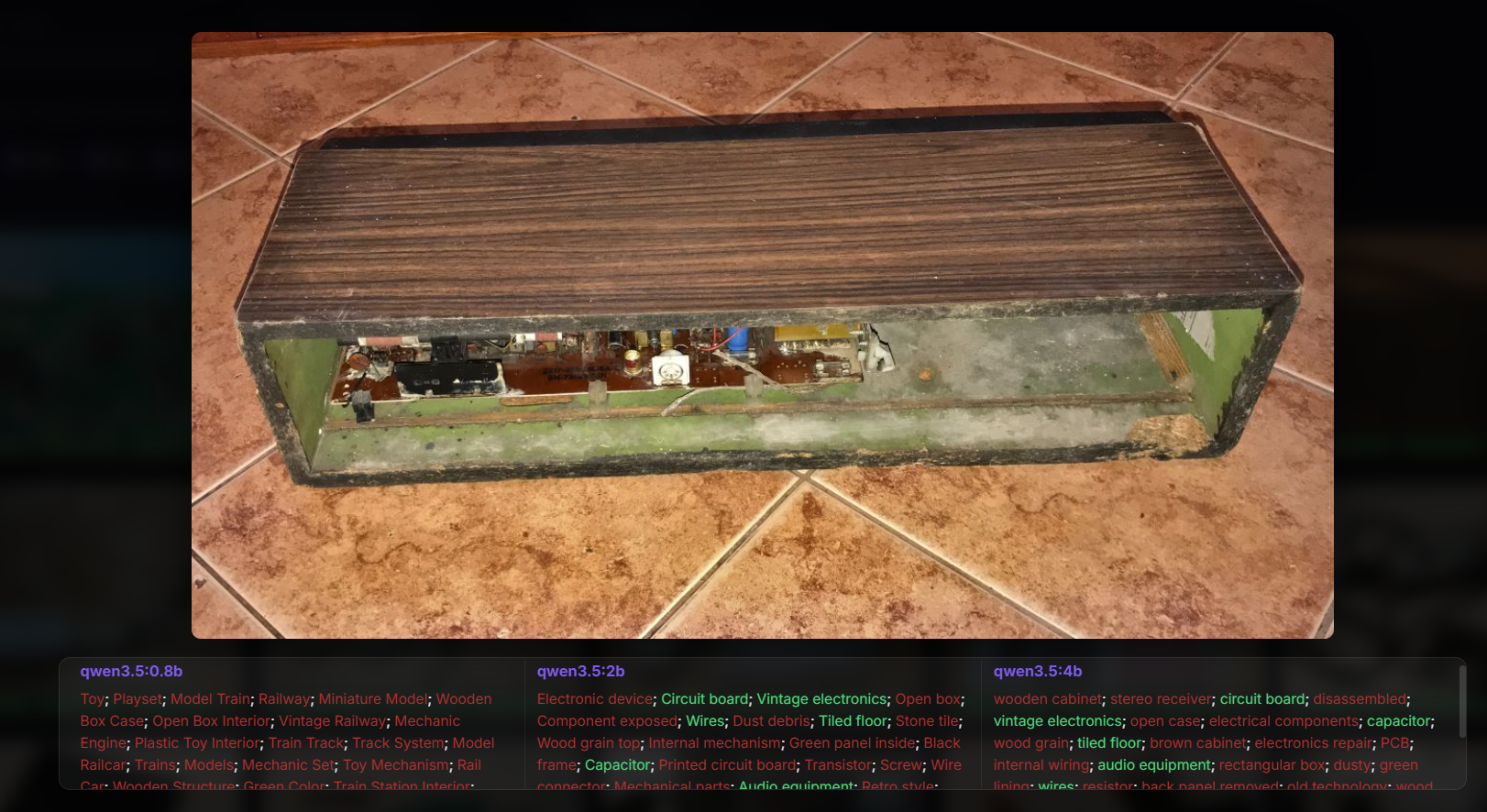
A difficult task, so poor results. There are no distinctive elements in the photo, so the 0.8b model recognized it as a toy or model train.... slightly larger models already picked out "stereo receiver" or thereabouts "vintage electronics", so tags would probably be useful anyway.
Tagging performance
A separate issue is how long a single image is described. I generated my data on two machines, an old gaming laptop and a more powerful computer - a workstation. The results so far are from the laptop:
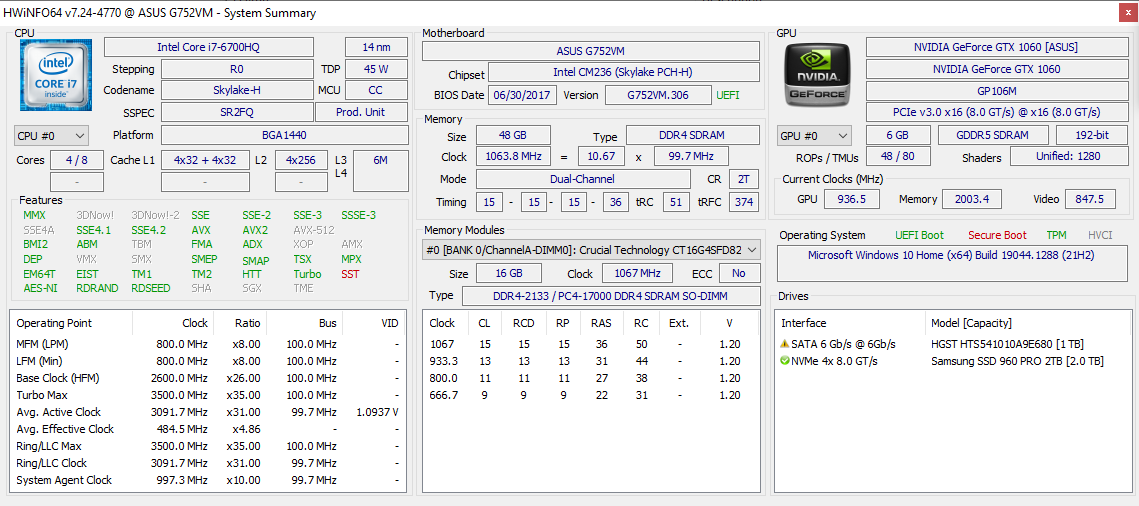
For a sample of 5-8 images per model:
| Model | Minimum time (s) | Max time (s) | Medium time (s) | |
| qwen3.5:0.8b | 33.40 | 126,89 | 76.64 | |
| qwen3.5:2b | 39.22 | 98,43 | 61.70 | |
| qwen3.5:4b | 129.77 | <br/394,49 | 222.36 | |
| qwen3.5:9b | 303.79 | 755,80 | 488.44 | |
| qwen3.5:27b | 1152.14 | 2661,42 | 1864.92 |
Smaller models generate about a minute, probably with more images more values would separate. The 4b model already requires about 4 minutes on average. 9b twice as long - over 8 minutes. the 27b on this equipment generates an average of 30 minutes per image. Larger ones I have not tested on this laptop.
I will complete the results from a more powerful computer separately.
Summary
Anyone can view the results for themselves, everything is made available, repository too . Feel free to comment.
In my opinion you can see the progress from previous models, qwen3.5 is indeed better. I was somewhat impressed by some of the results, and the fact that even the 0.5b model is able to generate meaningful tags deserves a mention. The problem, on the other hand, is that the results are quite random and the tagging itself, however, takes a bit of time. With a large photo library, I don't see the option of my gaming laptop, for example, creating tags - a few minutes per photo is too much.
Have you also already tested Qwen3.5, how efficiently does it work for you, does it give reasonable results?
Cool? Ranking DIY Helpful post? Buy me a coffee.