








I have previously shown how a simple keyboard [url=https://www.elektroda.pl/rtvforum/topic4171223.html] simple keyboard , and shown the simplest emulation of a flash drive[url=https://www.elektroda.pl/rtvforum/topic4171223.html] with a single file and writing to non-volatile EERAM memory. I will now go one step further and do a practical project based on the experience of the two previous experiments. This will be a device that pretends to be a keyboard and automatically enters a password when a button is pressed. What's more, in passive mode, the device will in turn pretend to be a pen drive and allow you to edit the stored password in a plain text file. The current status of the device will be indicated by the speed of the LED flashing.
Let me remind you of the two previous topics:
-[url=https://www.elektroda.pl/rtvforum/topic4171223.html] PIC16LF1459 tutorial - USB HID support in the free SDCC compiler - LED, mouse and keyboard
- House-made flash drive from scratch - PIC microcontroller and EERAM memory - no external libraries
Now you can start with the overall roadmap. We already have the two component modules running, now all we need to do is:
- separate the keyboard and flash drive into separate files respectively
- create a common loop function in the main and there decide which USB stack is running
- select a digital pin - for example RA5 - and configure it as a digital input
- in the loop, based on the reading from this pin, switch the state to the keyboard, and when the keyboard finishes sending characters, return to mass memory mode
For simplicity's sake I thought I'd give a hardware substitute to limit the effect of pin oscillation and simply use a capacitor....
In practice it got a bit more complicated. The Mass Storage Device support is based on interrupts, it is reactive, the MSD only responds when asked. For this reason it is implemented in usb_handle_transaction.
The HID Keyboard, on the other hand, is proactive - the keyboard speaks itself and sends pressed keys, it does not need to be asked.
For this reason, we have a generic usb_service handler and additionally a keyboard_service function.
Code: C / C++
Similarly, I have separated other common functions, e.g. descriptor retrieval:
Code: C / C++
or initialisations:
Code: C / C++
This now tells us how separation works and how entering keyboard mode works. What's left is to exit keyboard mode and send keys. The main keyboard loop respects the delays in a non-blocking way and sends the next keys, reading them from EERAM beforehand:
Code: C / C++
Well, and now we return to the main loop shown - this is where the end-of-writing flag is checked:
Code: C / C++
Basically that's it. A few ifs, a button handler, iterating bytes from memory and off we go.
Time for the final presentation.
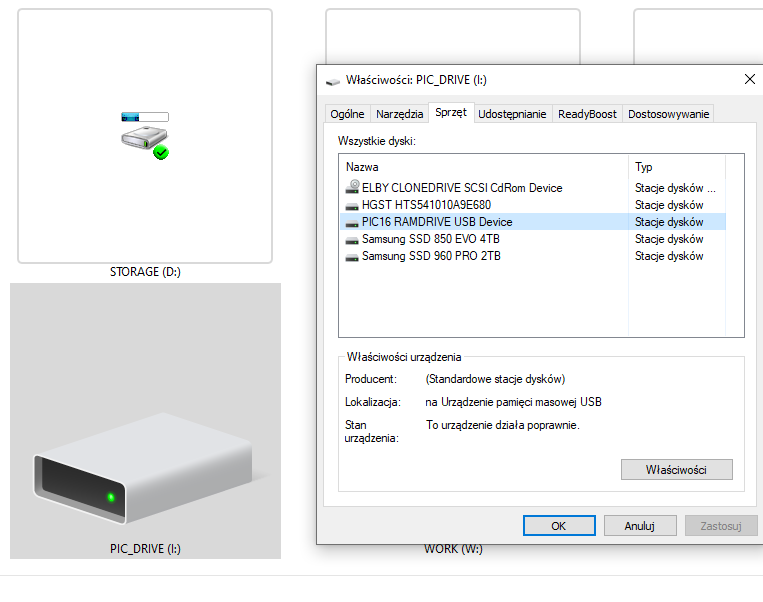
This is what the data carrier looks like in "This Computer":
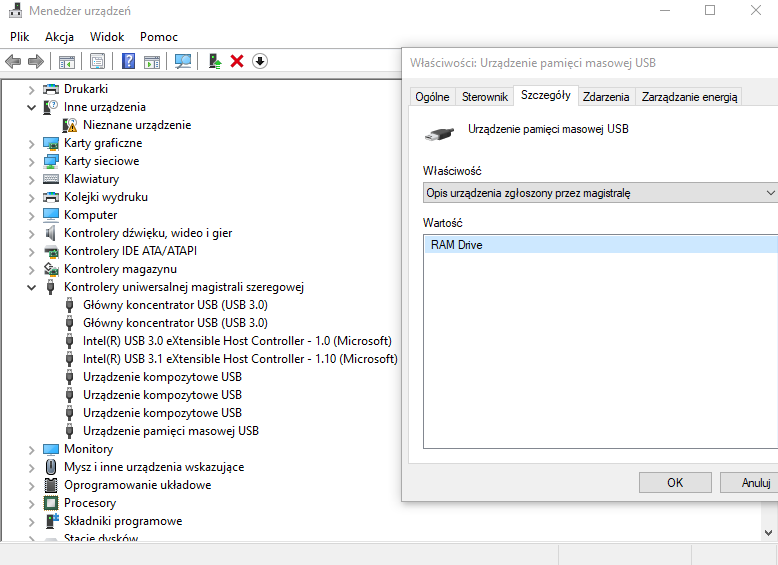
This is how it looks in the device manager:
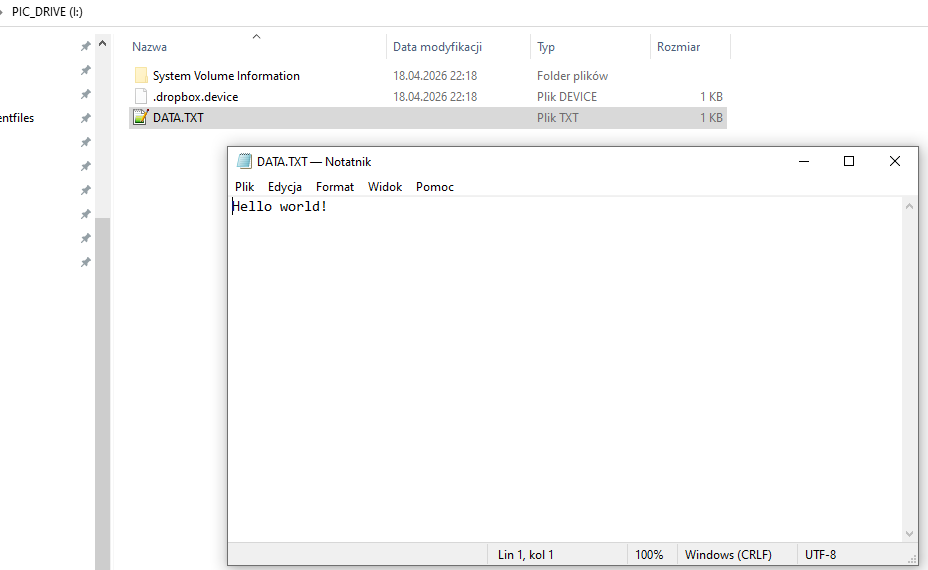
Yes when opened in Windows Explorer (interesting fact: this file from Dropbox and the system folder do not physically exist in my file table):
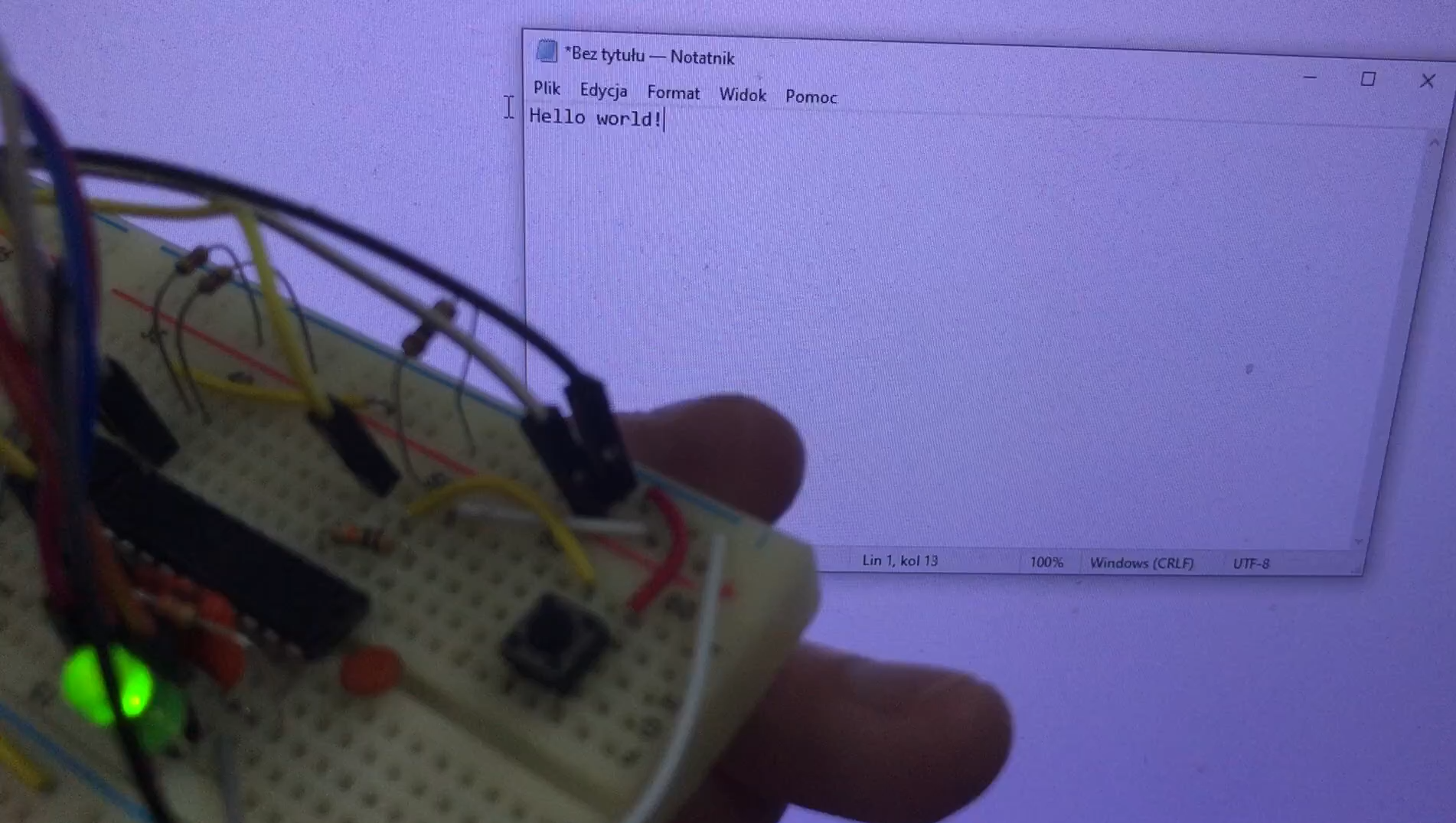
This is how the device works in practice - the video shows the button being pressed, the LED flashing and the text being entered:
... and that intrusive window from Dropbox after typing in text is a good illustration of the device reverting to storage media mode.
In summary , all the hard work boiled down to getting the HID keyboard up and running (that was relatively easy) and a pretend memory stick with FAT12 (that's a bit trickier), both of which I've covered in previous topics. Here, basically the whole thing came down to cleverly splitting the USB support into two branches and programming the keyboard to send bytes from memory and then return to media mode.
The only question that remains is - does such a developed device make sense?
In the current version rather not, it would be useful to add a few more buttons and control over the content editing mode (pen drive) may be necessary. Text editing should be on-demand only, perhaps also password protected, just how do you do that without external drivers? Probably better to secure with a button. I can imagine a situation where this kind of device is such a portable password manager, allowing you to conveniently log into an account at school, work or the library. Of course there are off-the-shelf ones, but this is all about DIY. Similarly, a display would be useful.... maybe something with an I2C interface, there are enough pins for that.
Of course, this won't protect against keylogger-type programs on the computer, because they intercept at the operating system level, but that's another matter already.
Maybe this is not the end of it, and I will present another version soon.
The full SDCC project is attached.
Cool? Ranking DIY Helpful post? Buy me a coffee.

