logo elektroda
logo elektroda
X
logo elektroda
Dostępna jest polska wersja

Czy wolisz polską wersję strony elektroda?

Nie, dziękuję Przekieruj mnie tam

Dell Precision 3571 no power after USB-C drop, 1 amber 6 white

Benchkeni 429 3
ADVERTISEMENT
  • Suspected USB-C PD controller overheating after connector damage

    #1 21909939
    Benchkeni
    Level 2  
    Posts: 2
    Hello everyone,
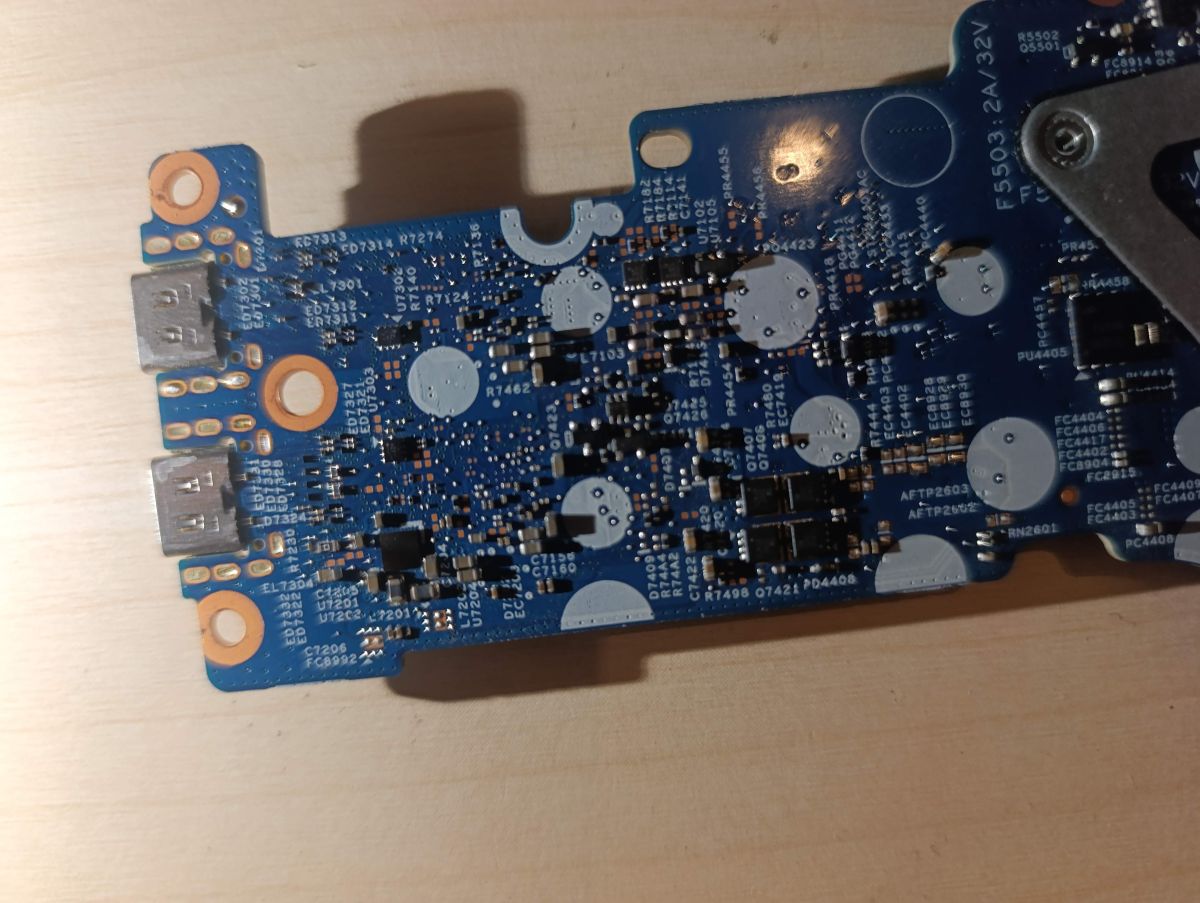
    I have a Dell Precision 3571 (i9-12900H, RTX A2000) that stopped working after it was dropped directly onto the USB-C charging connector, which broke and caused damage to the charging circuit.
    The laptop no longer turns on and shows the following LED diagnostic code: 1 amber blink + 6 white blinks (EC code flow error according to Dell service manual).
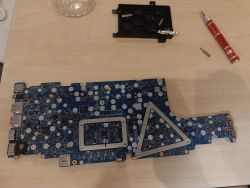
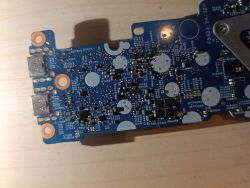
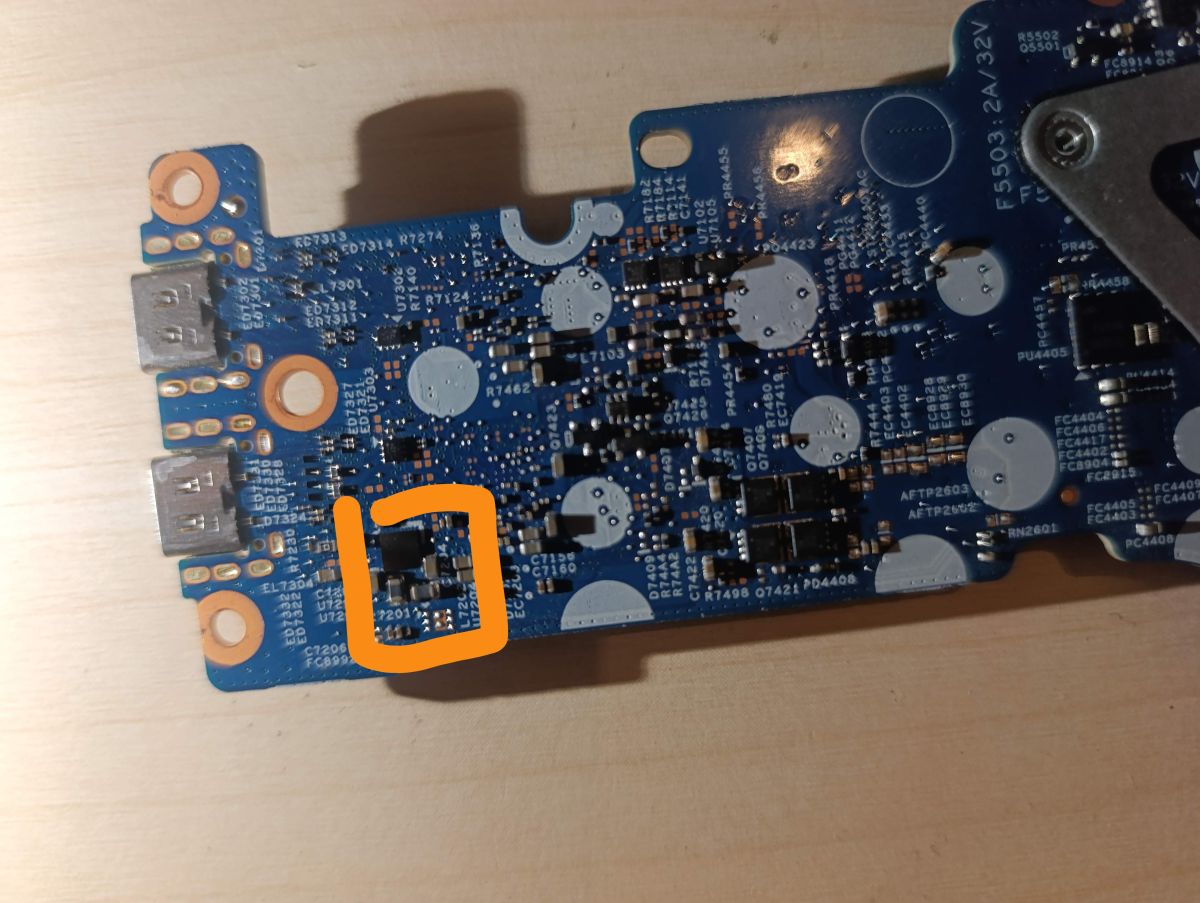
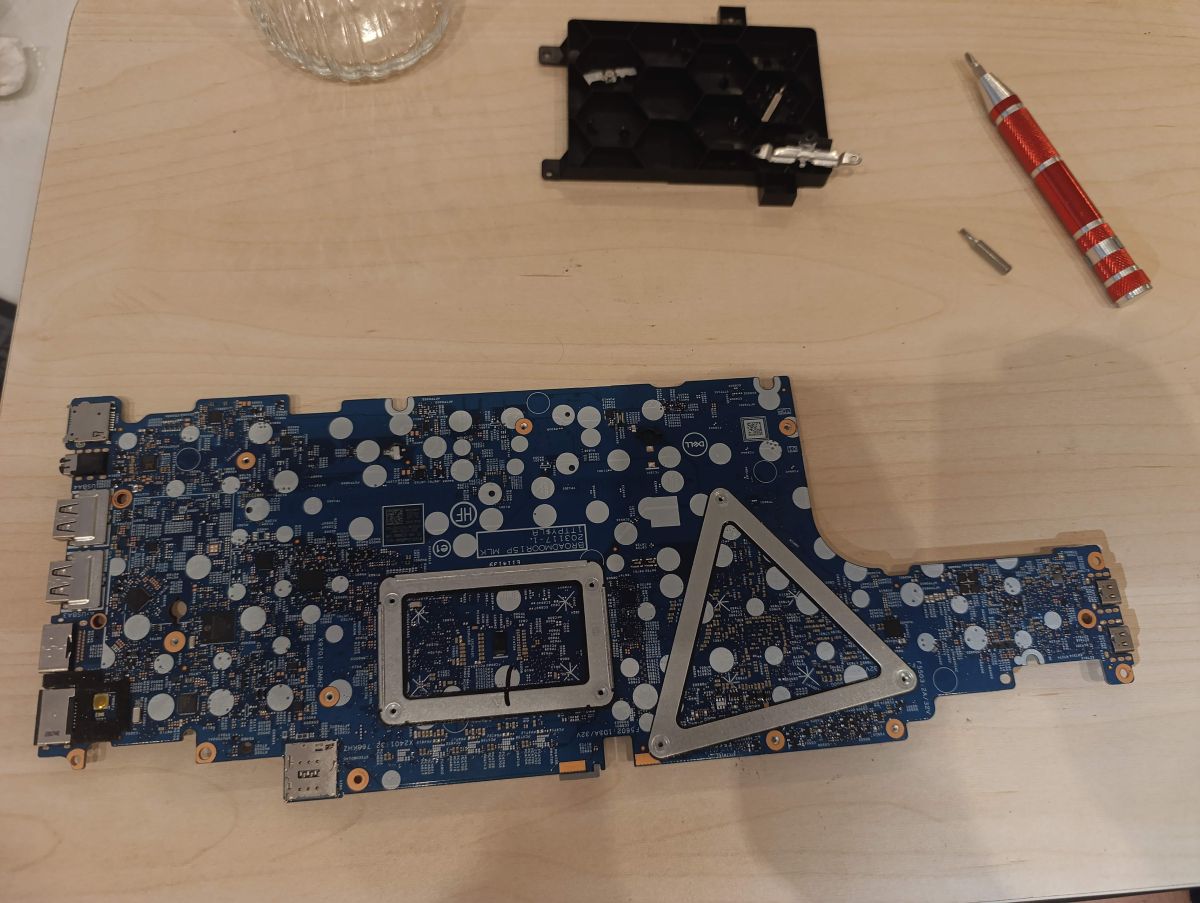
    After inspection, I identified a black component with no visible marking located near the two USB-C ports on the daughter board (board reference: BROADMOOR15P MLK 203117-1) that gets very hot when power is applied.
    I am attaching a photo of the board with the component circled.
    My questions:
    Can anyone confirm the exact reference of this component? (I suspect it could be a TPS65988 or similar USB-C PD controller)
    Is the full schematic for this board available?
    Would replacing this component fix the charging/boot issue?
    Thank you very much for your help.
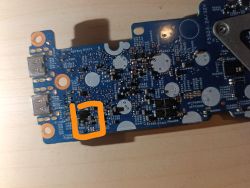
    Dell Precision 3571 no power after USB-C drop, 1 amber 6 white Dell Precision 3571 no power after USB-C drop, 1 amber 6 white Close-up of a blue PCB with two USB ports on the left edge, on a wooden surface
  • ADVERTISEMENT
  • Helpful post

    50-pin BGA chip identified by pinout and balls

    #2 21910109
    7jacek7
    IT specialist
    Posts: 1800
    Help: 276
    Rate: 279
    Hi,
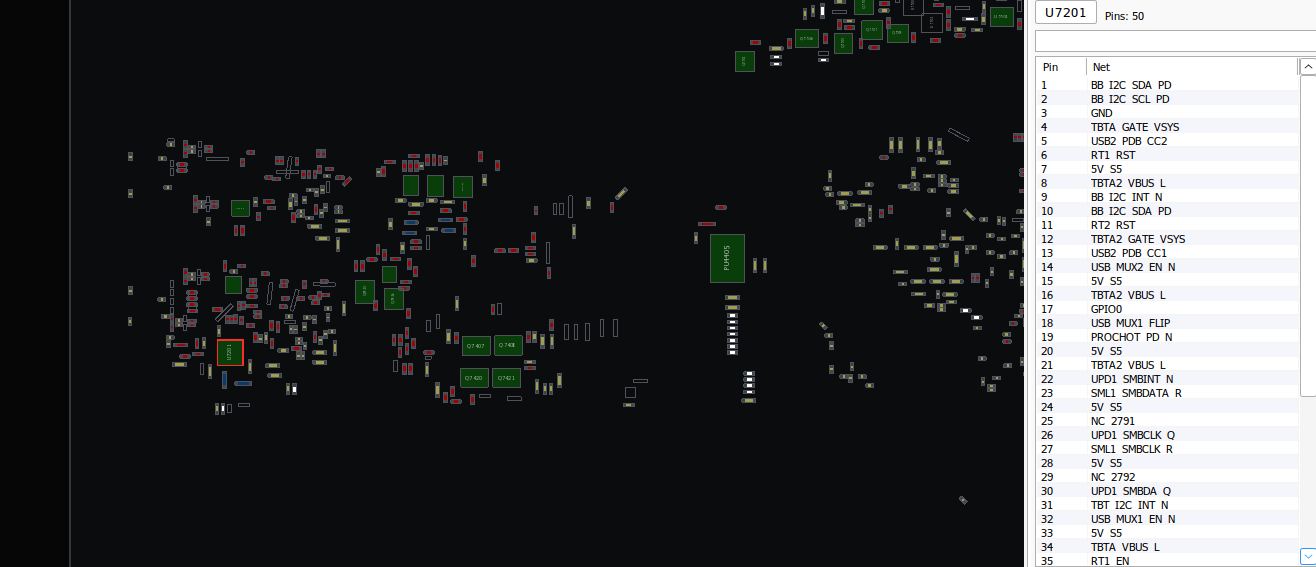
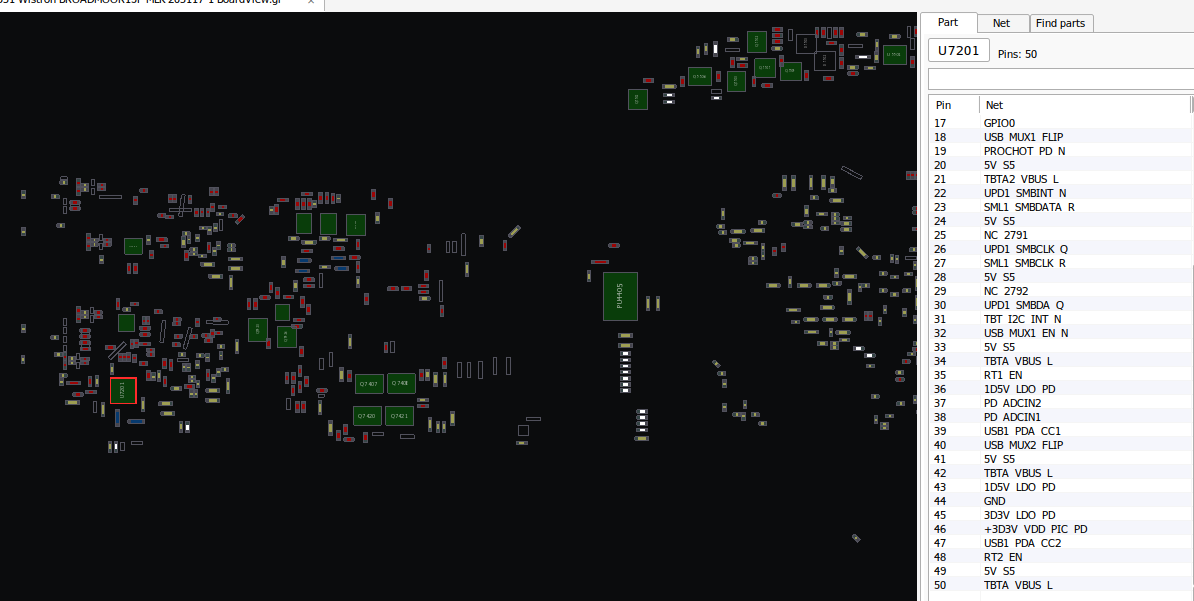
    boardview downloadable https://www.elvikom.pl/schemat-dell-latitude-...admoor15p-mlk-203117-t70580.html?hilit=203117 unfortunately there is no information in it about the installed components.

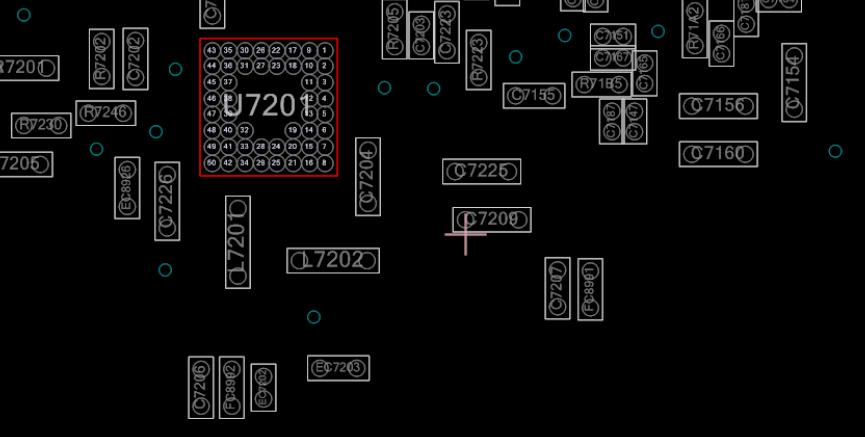
    It is a 50 pin BGA chip. Maybe you can find it by the leads. I am attaching pictures with pinout identification and ball placement.

    Boardview screenshot with PCB layout and U7201 (50 pins) pin/net list on the right.
    Boardview PCB screenshot; right panel lists U7201 pin table (50 pins) Boardview PCB screenshot; right panel lists U7201 pin table (50 pins)
    Boardview screenshot showing J720 area and a 50-ball BGA pinout diagram in a red box
    Helpful post? Buy me a coffee.
  • ADVERTISEMENT
  • USB-C PD controller and EC fault diagnosis

    #3 21910146
    lisek
    Service technician RTV
    Posts: 39917
    Help: 6339
    Rate: 6860
    Do you have any descriptions on the U7201 housing ?

    In my opinion, Dell service remains (expensive).
    This is a 2022 model, if expensive to repair it is worth considering the option to buy this model (sntyment) after refresh/refurb , sa from 400.$


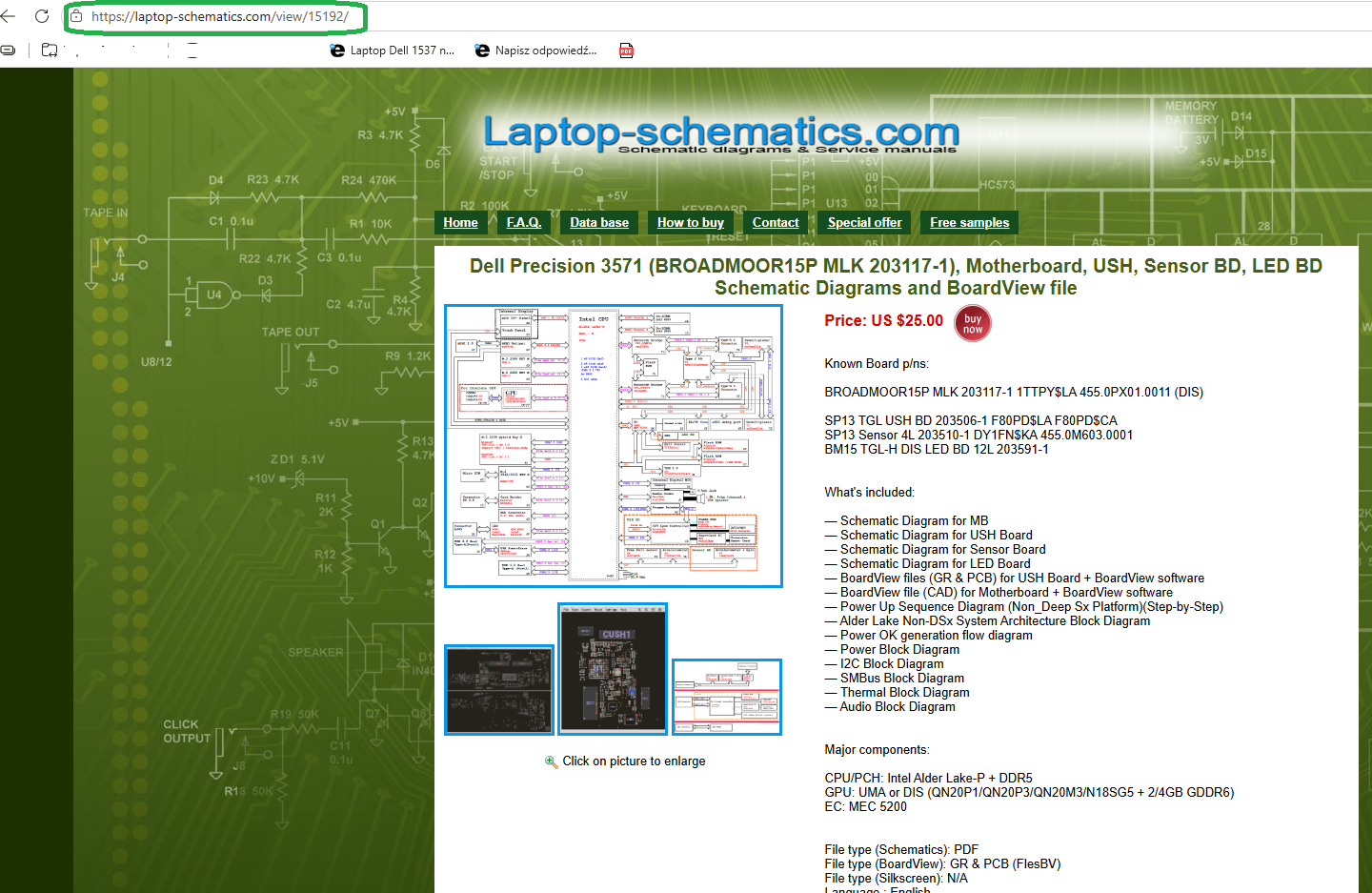
    I found a paid SM (US $25 ) under this model (203117-1)
    - they send to email after payment
    - type in(google.com) the phrase: Dell Precision 3571 shema, you will quickly find a contact for SM


    Dell Precision 3571 no power after USB-C drop, 1 amber 6 white


    - this is TPS65994AE (AD)
    - there is a video and a circuit from a Lenovo Slim7 14-IAH7 laptop Link

    Layout on (ali...) cheap , ... but there may be further damage ?
    - you write flashes : 1x orange+ 6x white i.e. damaged kbc MEC5200/ sometimes MEC5107,MEC5107-LJ(-ES)
    Quote:
    Embedded Controller (EC)


    such MEC was in Latitude 5420 (LA-K491P Rev 0.2 )
    If this TPS does not have its own eprom, it cooperates with the kbc, i.e. failure of one entails the other (kbc)

    The kbc batch is in the main Bios
    * From address 1000h the block length 100000h has to be transferred from the org. Bios dump

    p.s

    It's not TPS as you write , look in Link_ from 11:27 , shown this TPS , then after spilling its pins

    You have to fix the boards very expensive, from 580.$ upwards start, depending on whether you have NVidia graphics in the option (which chip and how much VRAM 2/4 GB GDDR6)
    * QN20-P1-A1, QN20-P3-A1, QN20-M3-A1, QN20-M3-R-A1, and QN20-P3-R-A1
    nVidia T500 mobile Link or A1000 series/NVIDIA T600 series
    model specs attached.

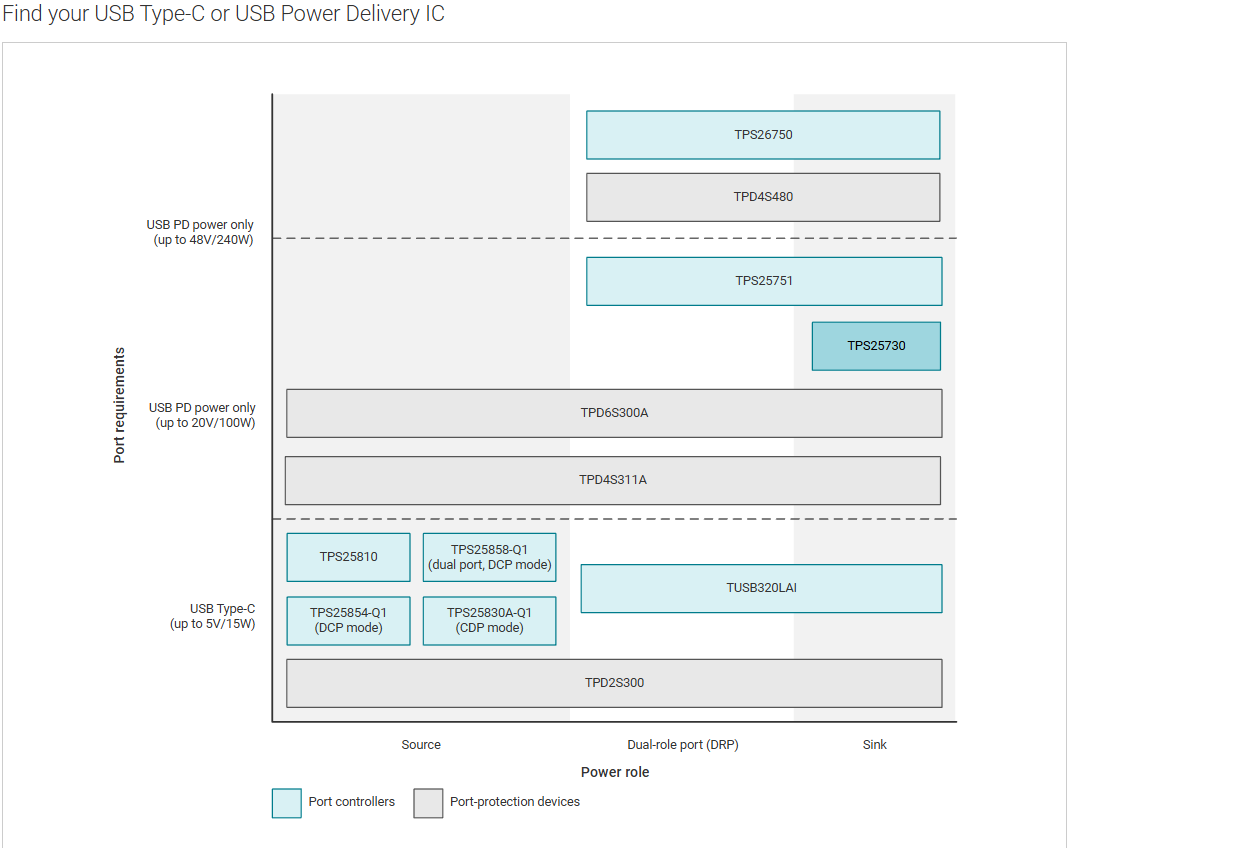
    Possible ctrl USB_C+PD below


    Dell Precision 3571 no power after USB-C drop, 1 amber 6 white
    plus is
    Spoiler:
    AP33772 USB Type-C™ PD Controller USB-C
    * 4mm x 4mm x 0.5mm W-QFN4040-24 package
    * PD3.0/PPS support with up to 100 W power
    CYPD5126-40LQXIT similar in Dell Latitude 3310 (board 19717-1 )
    CYPD5225-96BZXI to BGA 96-pin
    STUSB4500QTR jw qfn24, working circuit
    url=https://www.allaboutcircuits.com/news/stusb4500-usb-type-c-power-delivery-controller-sink-stmicroelectronics/]Link

    CCG3PA jw, 24-pin
    MCP22350 28-pin
    TPS65988 to qfn59
    Attachments:
    • 1073764470.pdf (2.93 MB) You must be logged in to download this attachment.
  • Dropped USB-C PD controller identified as TPS65994AE

    #4 21910335
    Benchkeni
    Level 2  
    Posts: 2
    >>21910109
    Hello,
    Thank you very much for your help and for the boardview link!
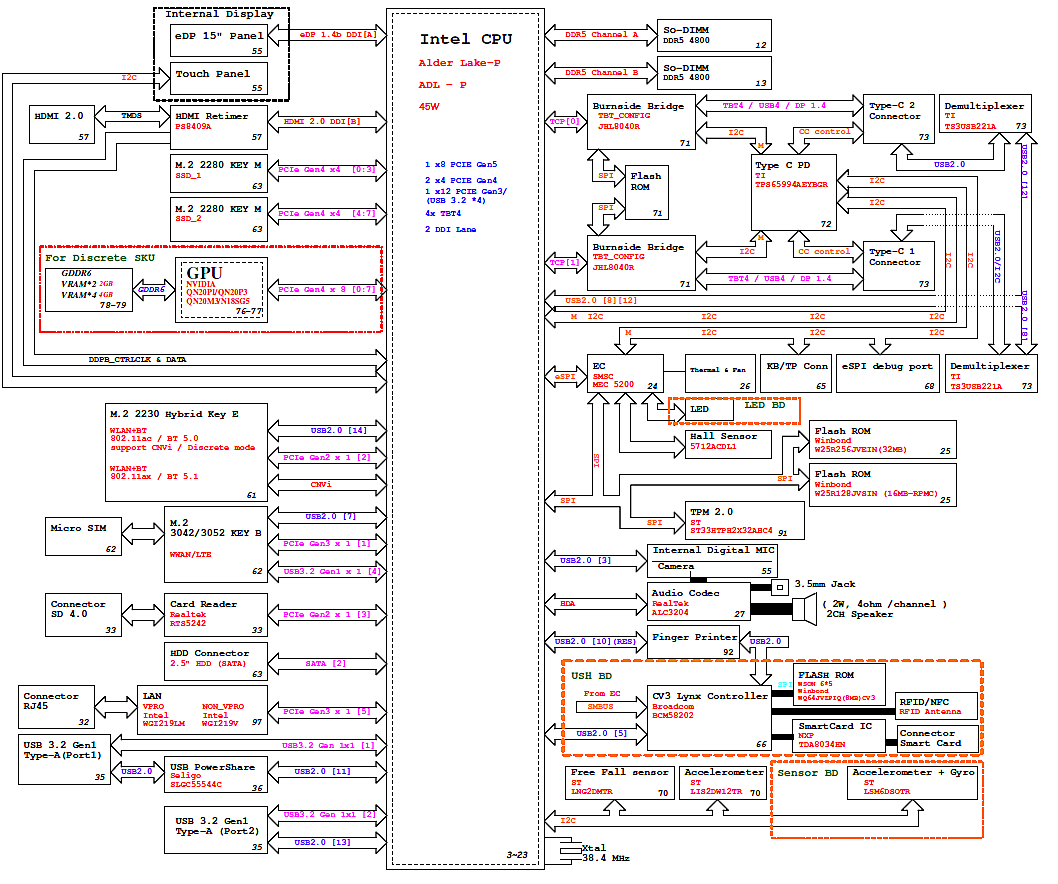
    After further investigation, we were able to find the block diagram schematic of the Dell Precision 3571 (BROADMOOR15P MLK 203117-1), which clearly shows that the USB-C Power Delivery controller used is the TPS65994AEYGBR from Texas Instruments.
    This matches perfectly with your description: it is indeed a 50-pin BGA chip located near the two USB-C connectors on the board.
    We have already found the component on AliExpress (TPS65994AE, BGA package) and will bring it to a local technician
    Block diagram of a laptop platform with Intel Alder Lake‑P CPU, DDR5 SO‑DIMM, GPU, USB‑C and HDMI
    for BGA rework (reflow and replacement).
    The laptop was dropped directly onto the USB-C charging connector, causing a short circuit that killed this chip (it gets very hot when power is applied).
    We will update this thread after the repair to confirm if the TPS65994AE was indeed the only faulty component.
    Thank you again for your time and assistance!>>21910109
  • ADVERTISEMENT