logo elektroda
logo elektroda
X
logo elektroda

Can even light bulbs be programmed these days? Updating the firmware on the TY-A60-18W-220V

p.kaczmarek2 120 3

TL;DR

  • A Tuya RGBCW LED lamp, model TY-A60-18W-220V C3009, was reworked by replacing its stock cloud firmware with OpenBK7231T.
  • The lamp uses a CB2L module with a BK7231N chip and five PWM outputs for RGB plus warm/cool white, so the Wi‑Fi module had to be desoldered to flash it.
  • The lamp cost just under 10 zlotys and originally paired through the SmartLife app by power-cycling it three times.
  • After reassembly, it works locally with Home Assistant, supports web control and DDP animations, and no longer depends on the manufacturer’s cloud.
  • The main trade-off is that removing the board compromises cooling and the module’s UART pads are on the underside, making the update awkward.
Generated by the language model.
ADVERTISEMENT
Treść została przetłumaczona polish » english Zobacz oryginalną wersję tematu
📢 Listen (AI):
  • Can even light bulbs be programmed these days? Updating the firmware on the TY-A60-18W-220V
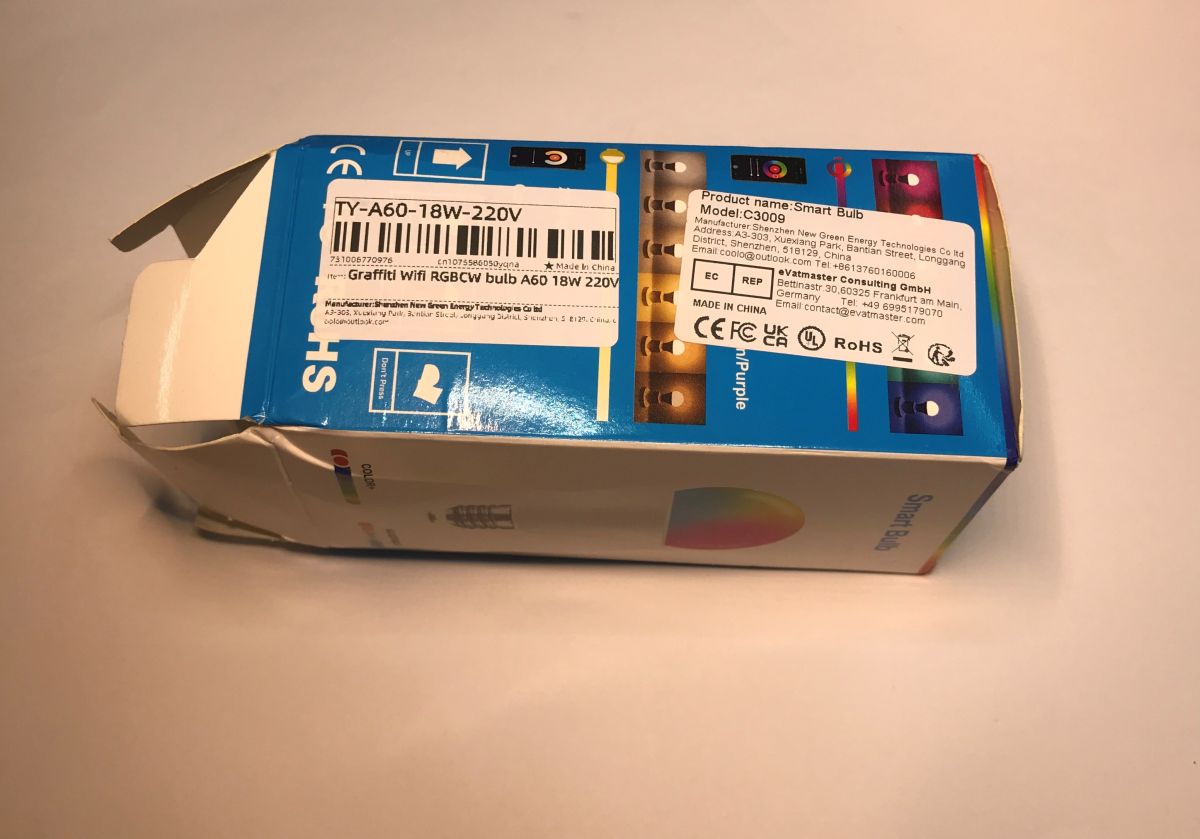
    Today I’ll be showing you the build and modification of a Tuya RGBCW remote-controlled LED lamp, model TY-A60-18W-220V C3009, which I bought for just under 10 zlotys in a special offer with free delivery. The device shown normally works with the Tuya app and can be controlled via the internet, but here I’ll try to replace the firmware inside with my own solution, so that this light can be connected to Home Assistant and customised as desired, without having to worry about the manufacturer’s cloud service.
    Can even light bulbs be programmed these days? Updating the firmware on the TY-A60-18W-220V Can even light bulbs be programmed these days? Updating the firmware on the TY-A60-18W-220V Can even light bulbs be programmed these days? Updating the firmware on the TY-A60-18W-220V
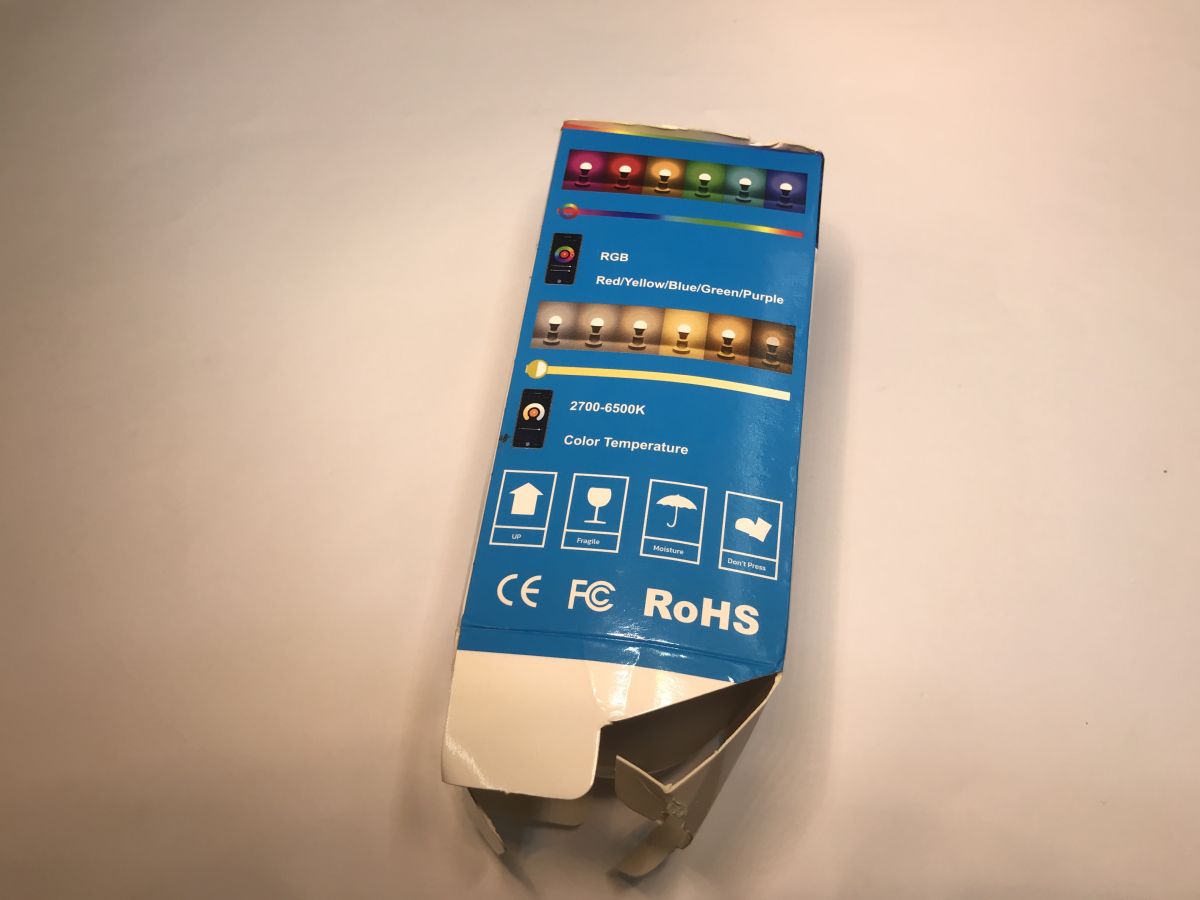
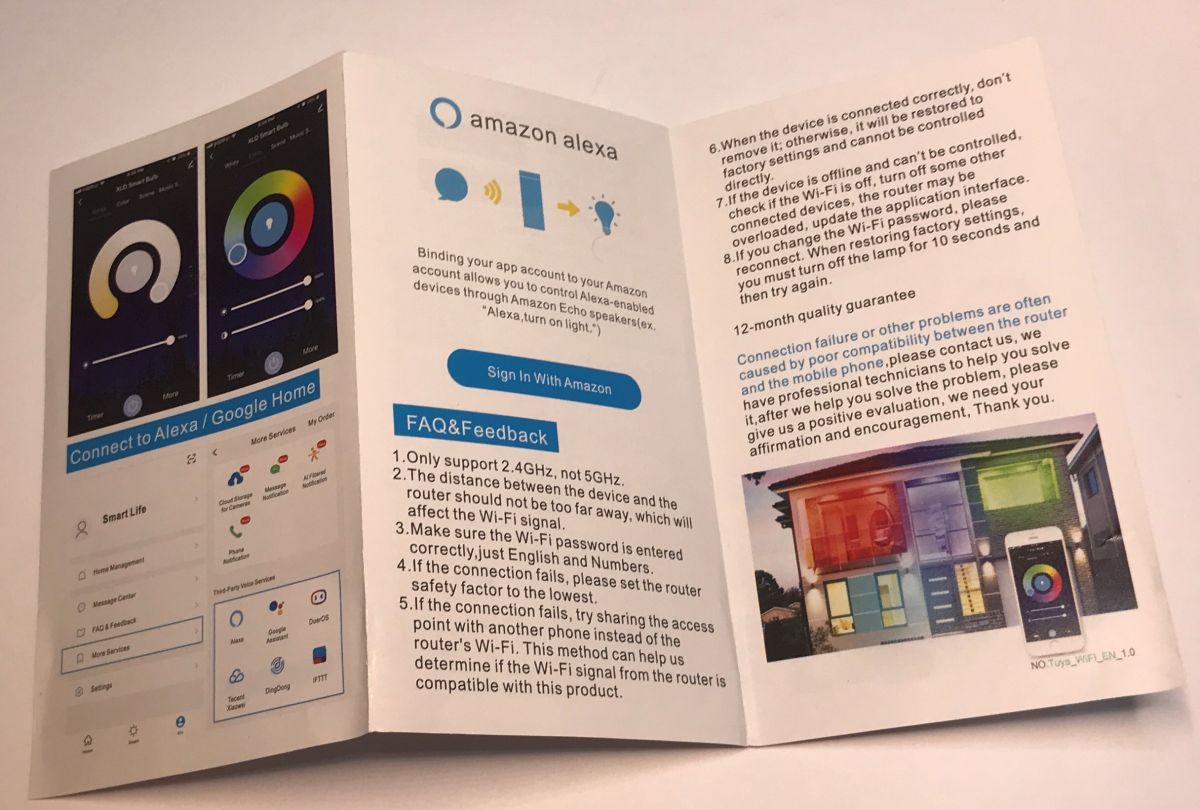
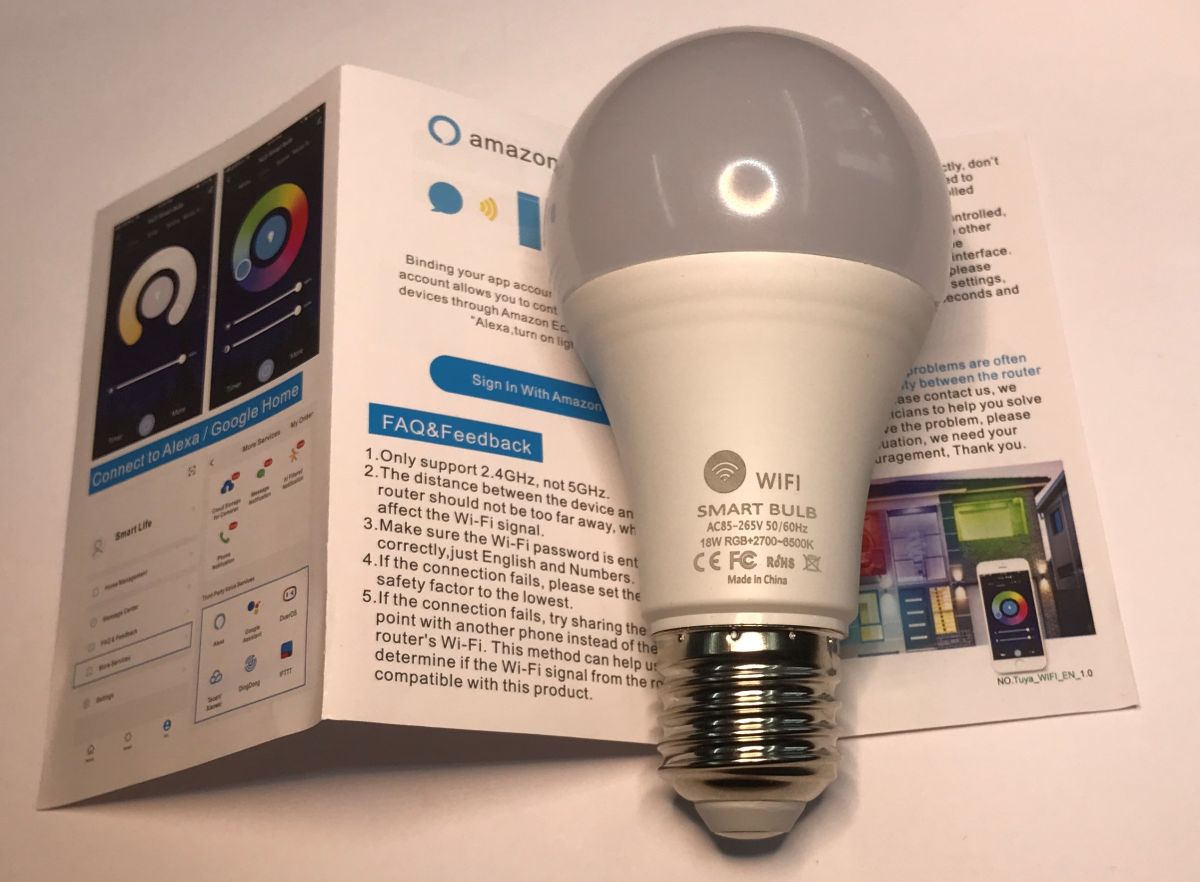
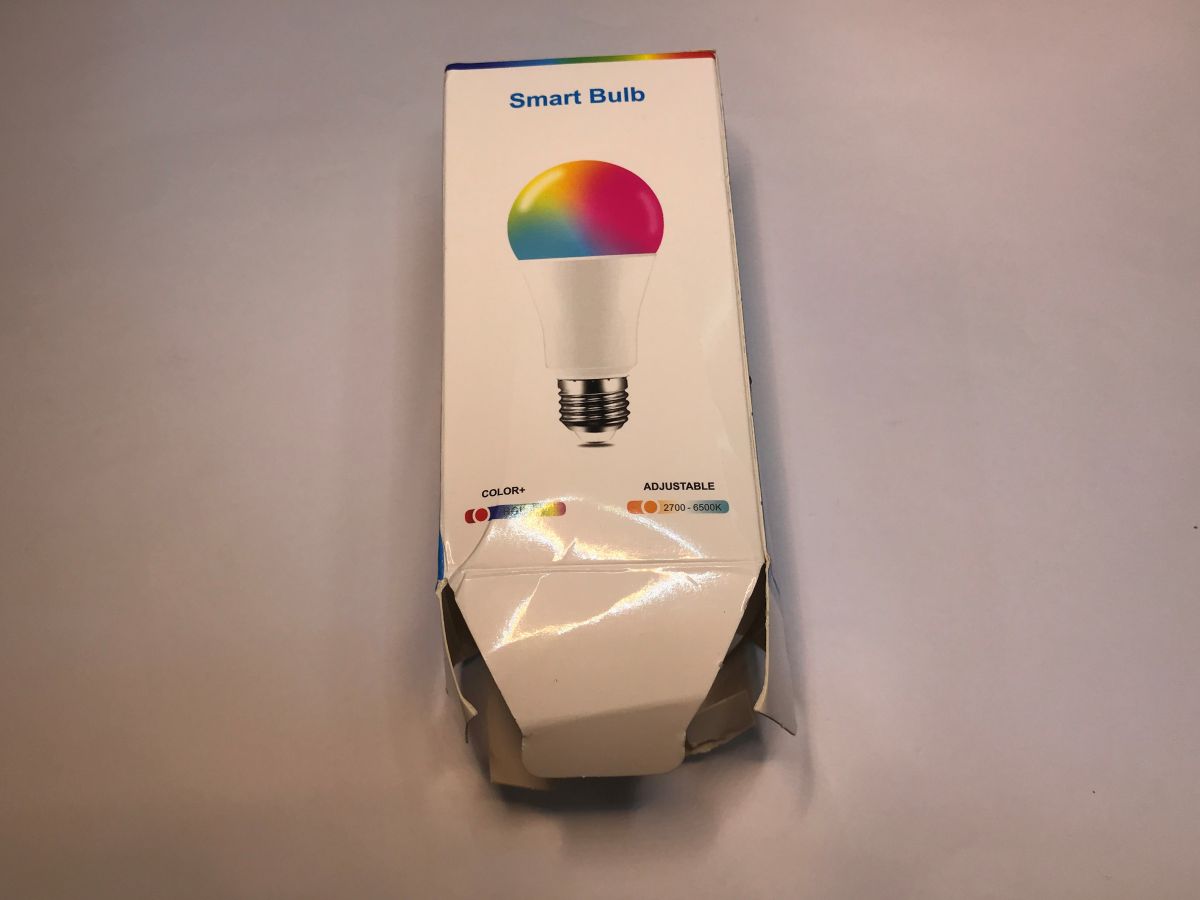
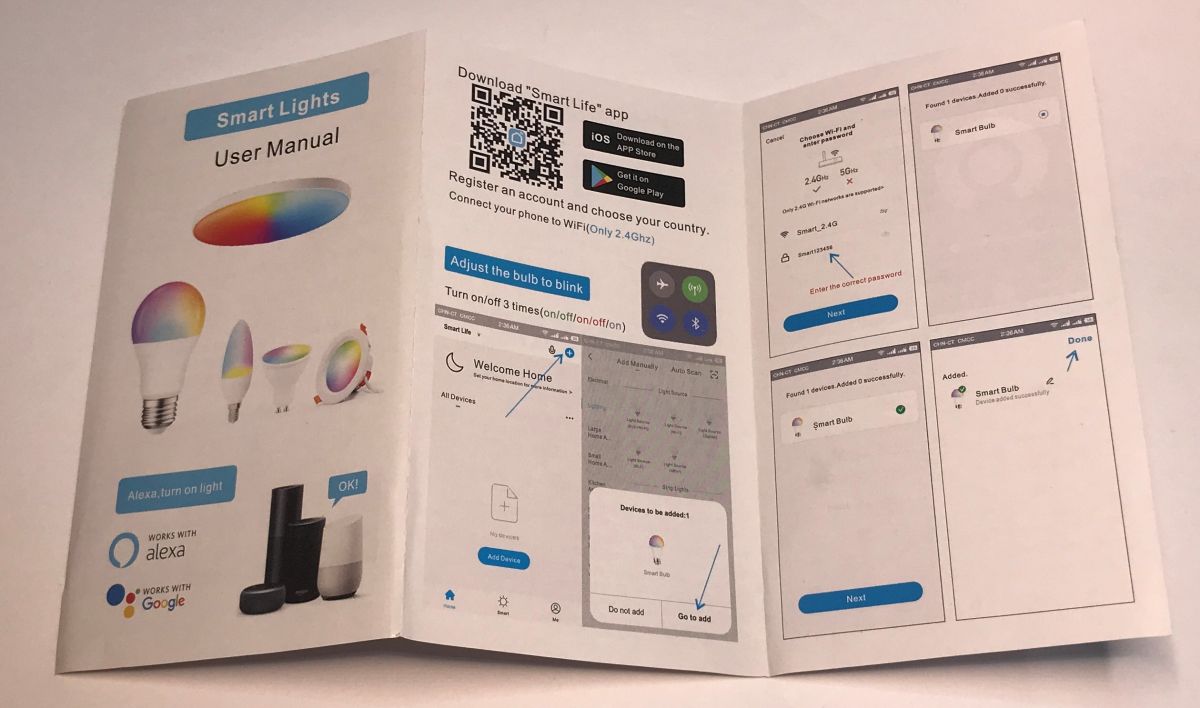
    The box didn’t survive the journey very well, but the lamp is intact. The pack includes a brief guide on how to pair it with the SmartLife app (a Tuya clone). The device is put into pairing mode by switching it off and on three times. The Bluetooth information suggests that this is not an ESP8266-based product – which does not support Bluetooth – but perhaps something based on Beken.
    Can even light bulbs be programmed these days? Updating the firmware on the TY-A60-18W-220V Can even light bulbs be programmed these days? Updating the firmware on the TY-A60-18W-220V Can even light bulbs be programmed these days? Updating the firmware on the TY-A60-18W-220V
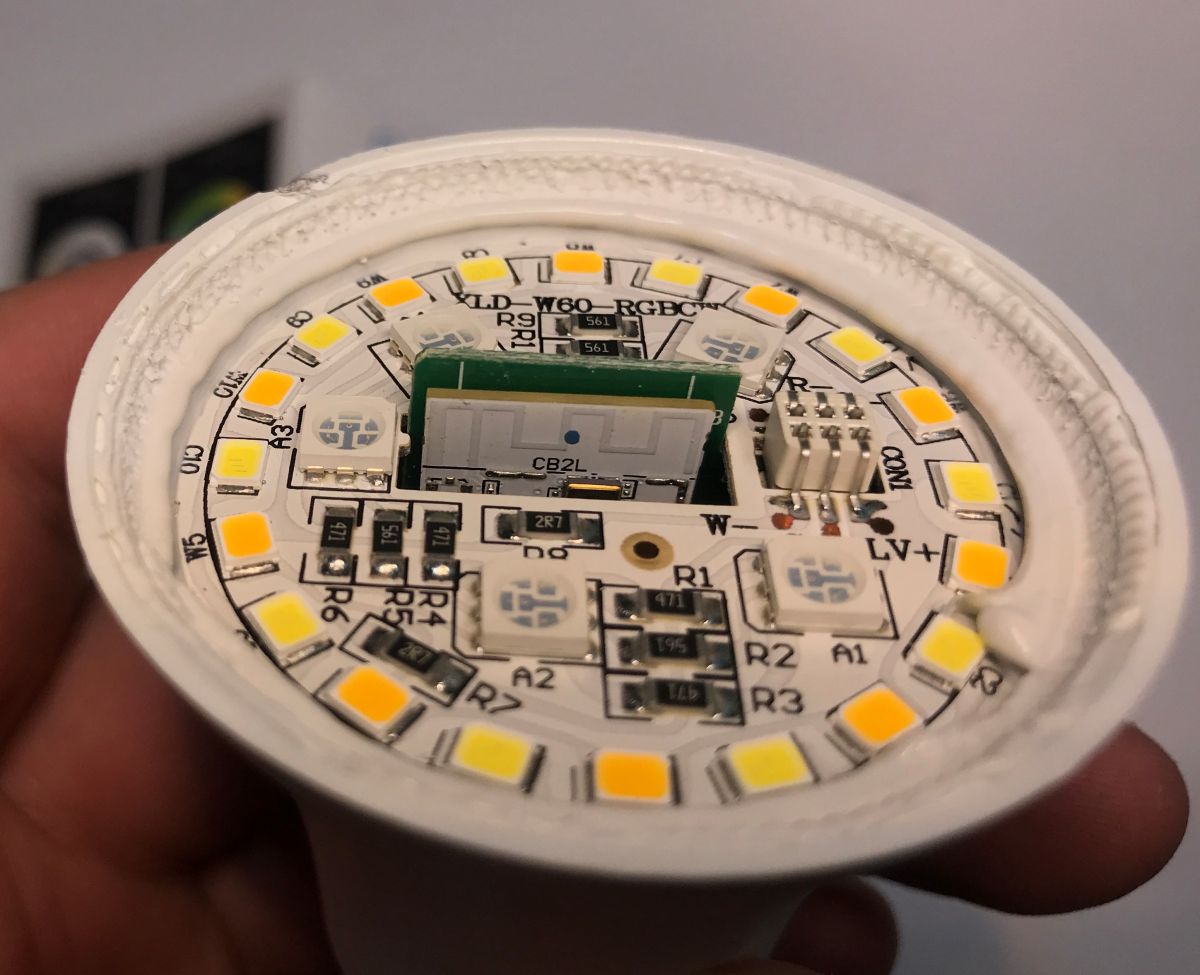
    We remove the dome to expose the LEDs. There are separate coloured (RGB) LEDs, and separate warm and cool white LEDs.
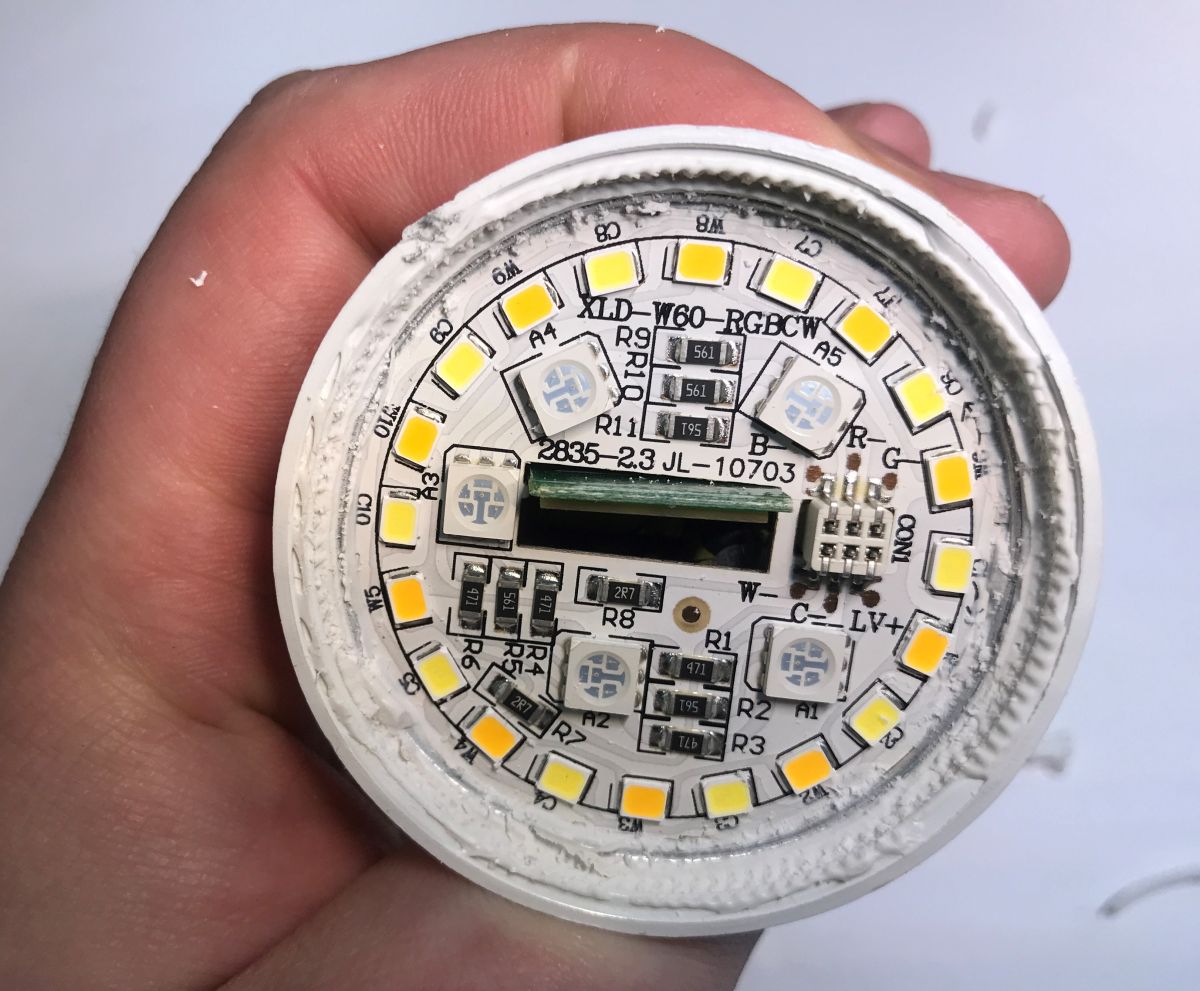
    Can even light bulbs be programmed these days? Updating the firmware on the TY-A60-18W-220V Can even light bulbs be programmed these days? Updating the firmware on the TY-A60-18W-220V
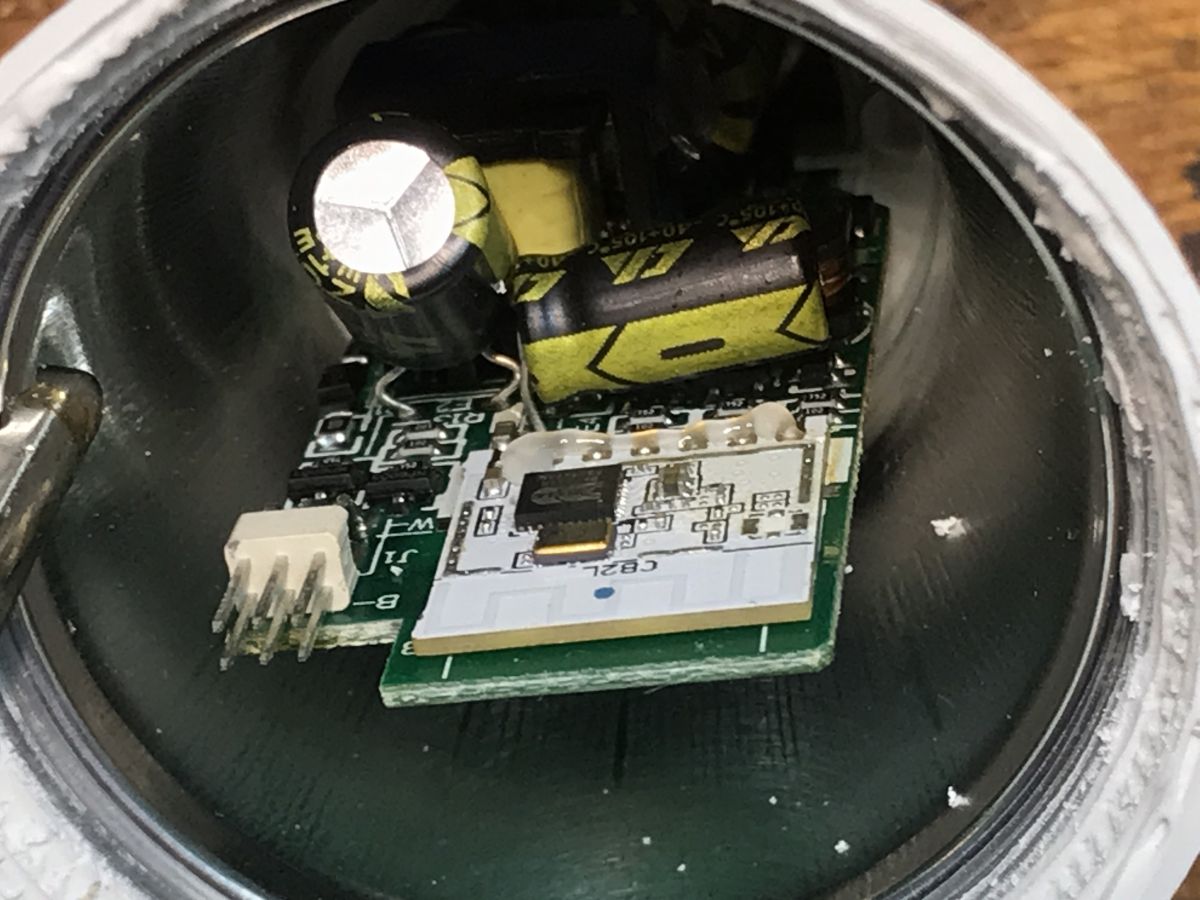
    Unfortunately, this board needs to be removed, which will compromise the cooling system slightly. I struggled a bit to pry it loose.
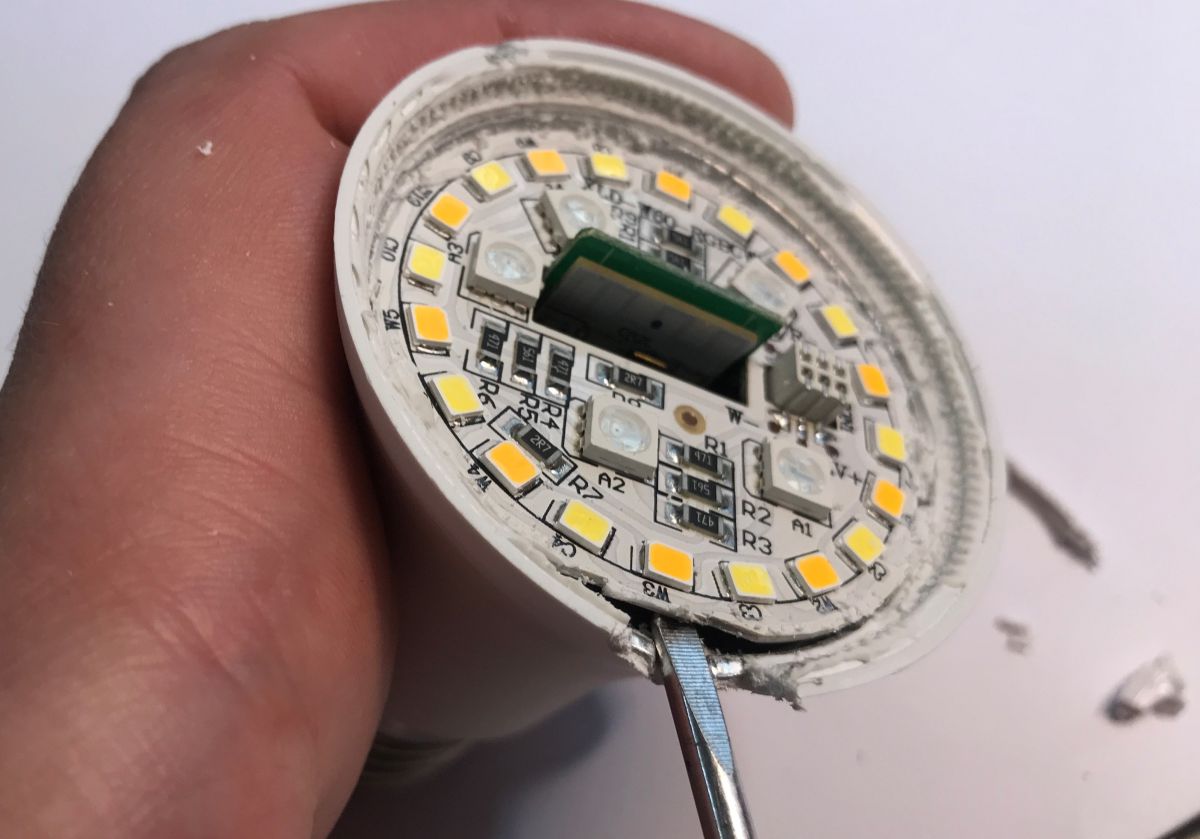
    Can even light bulbs be programmed these days? Updating the firmware on the TY-A60-18W-220V Can even light bulbs be programmed these days? Updating the firmware on the TY-A60-18W-220V Can even light bulbs be programmed these days? Updating the firmware on the TY-A60-18W-220V
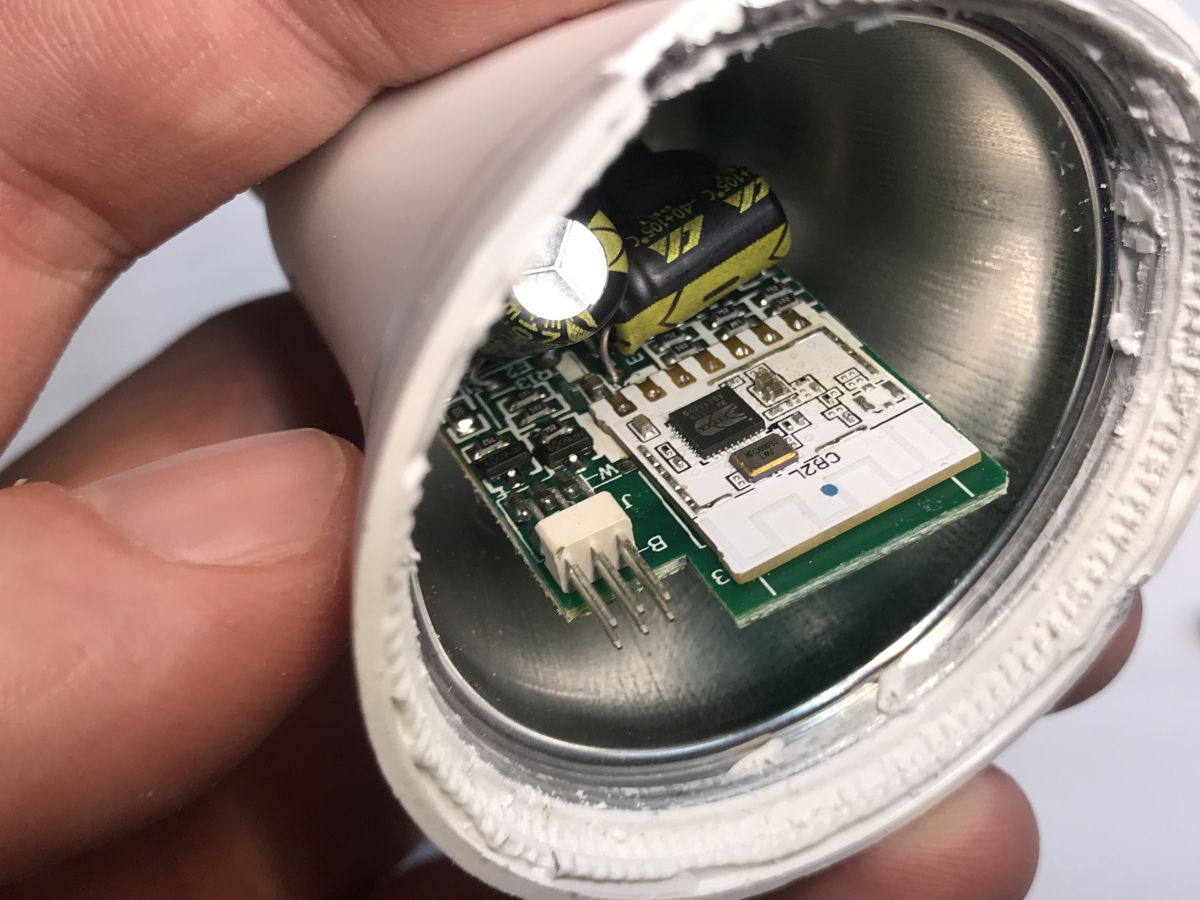
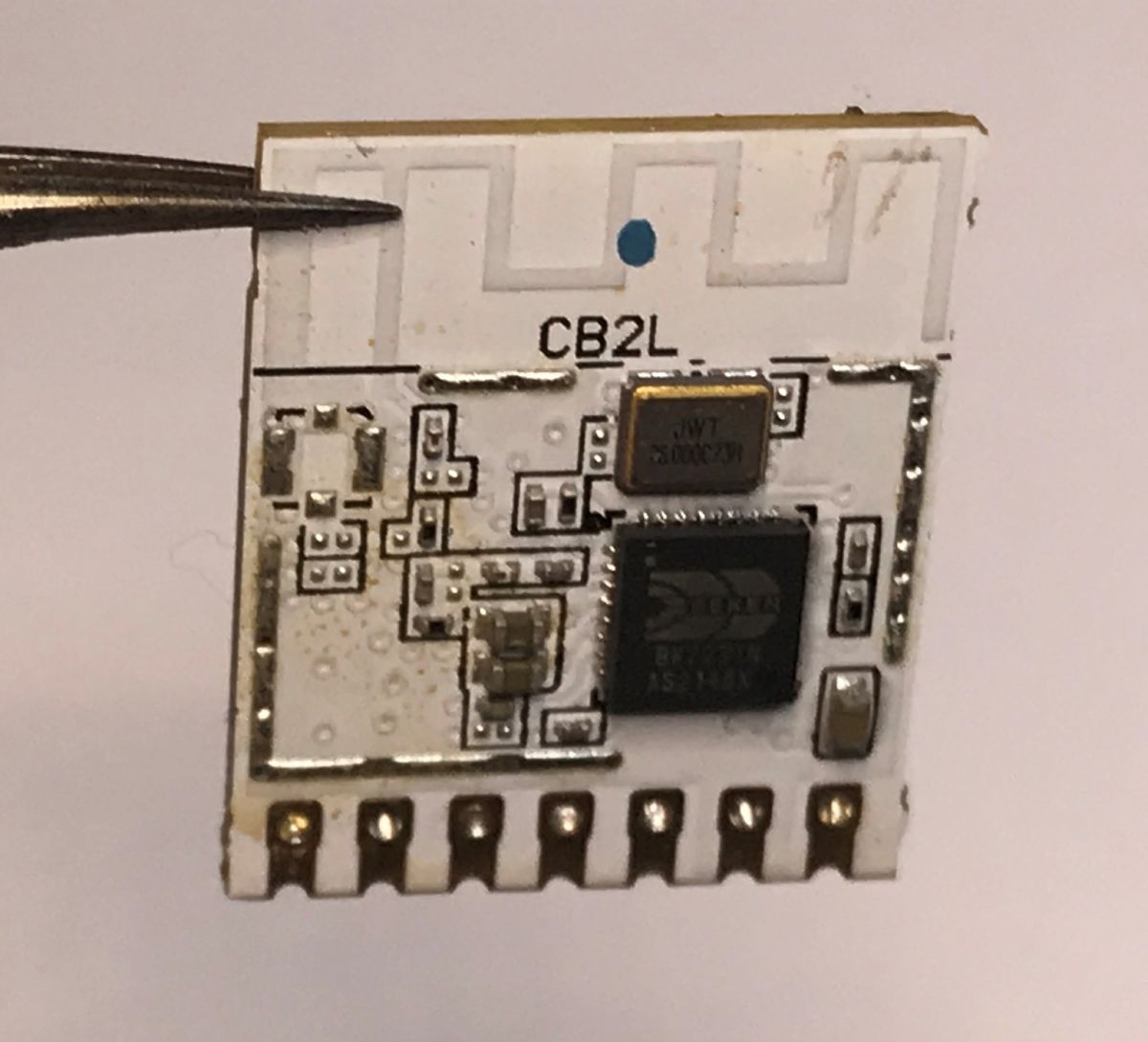
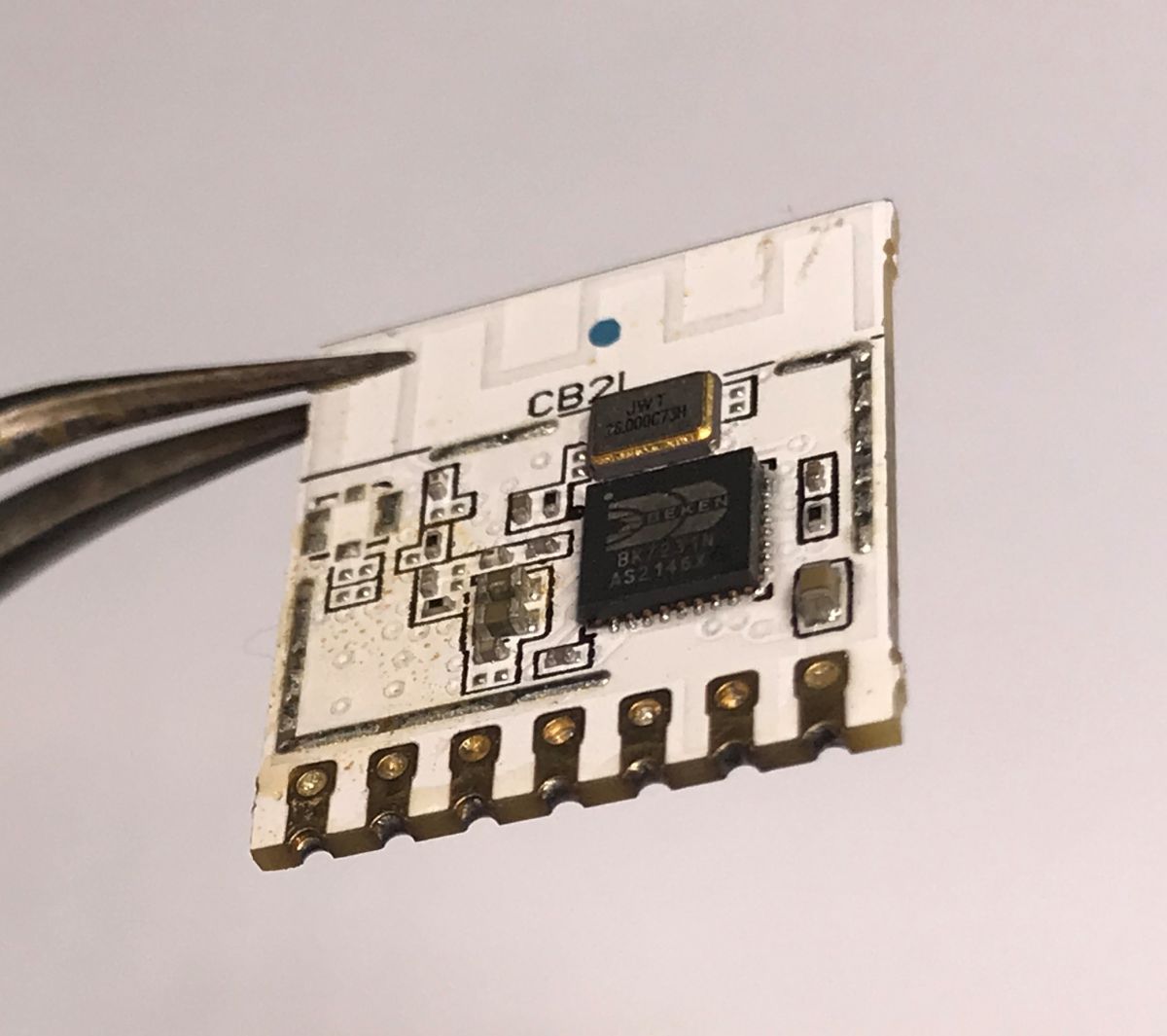
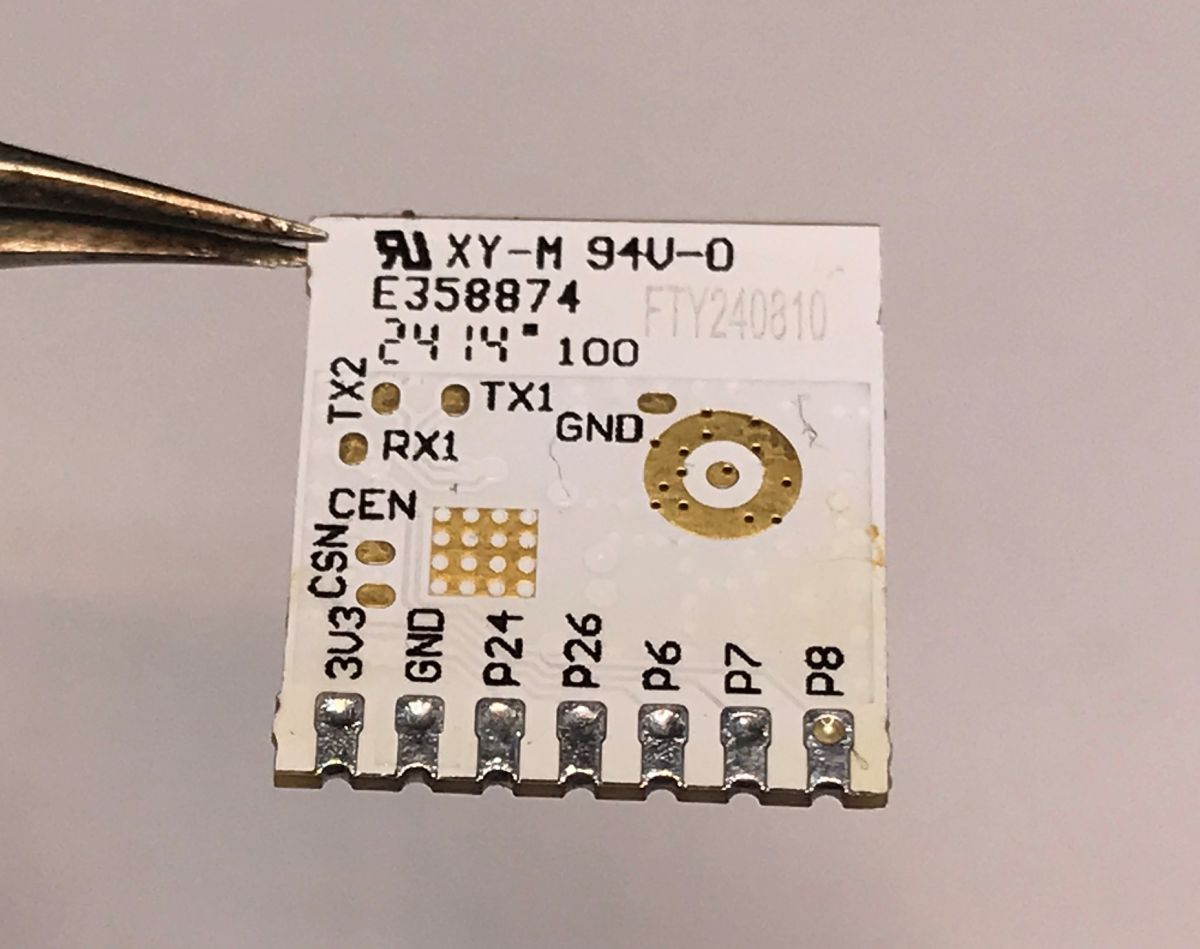
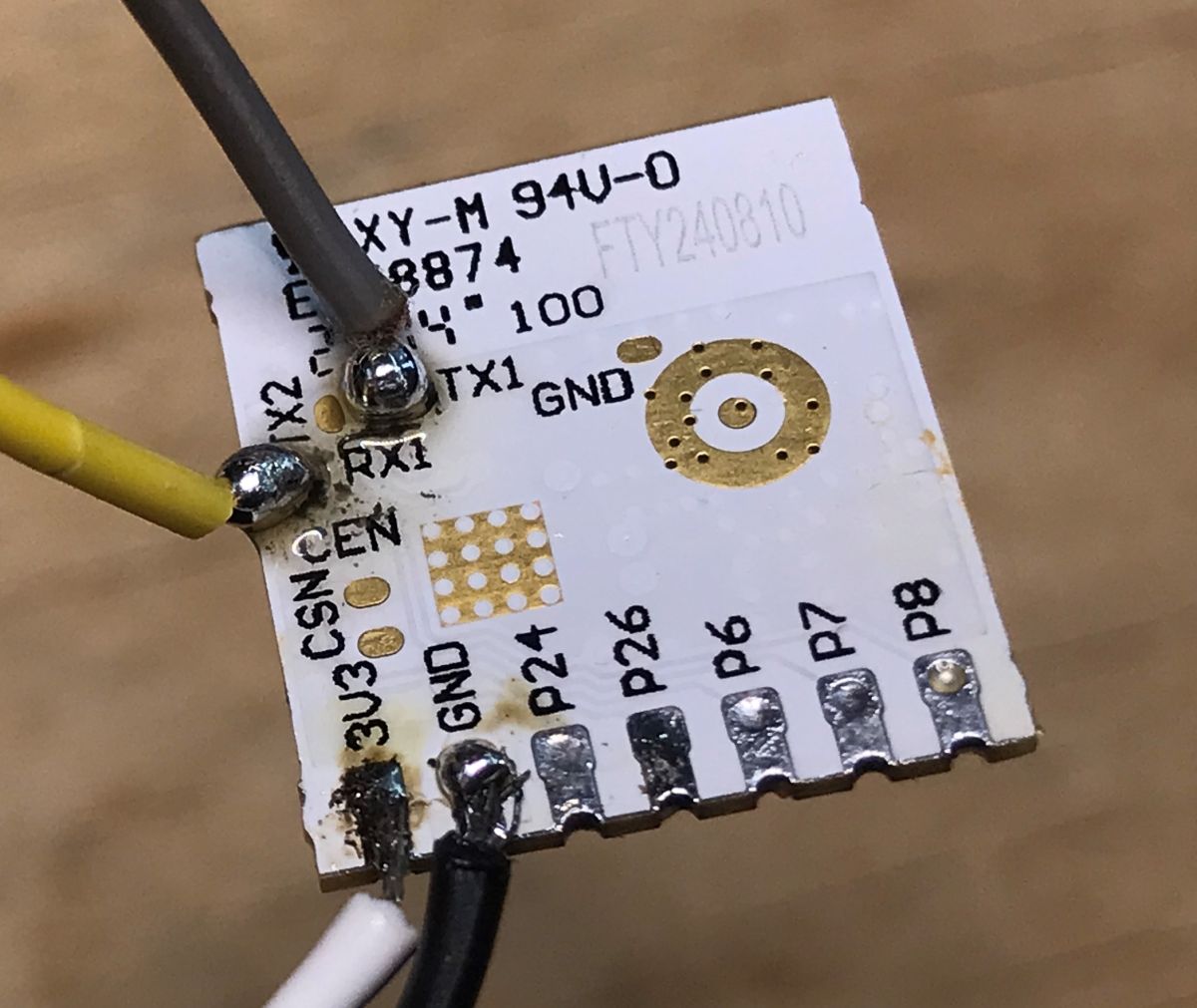
    Inside is the CB2L module, i.e. the BK7231N with PWM pins exposed, designed for lighting (L – lamps/lighting). Unfortunately, to update the firmware, you need to desolder this module. This is because the UART pads are on its underside. I used a hot-air gun for this.
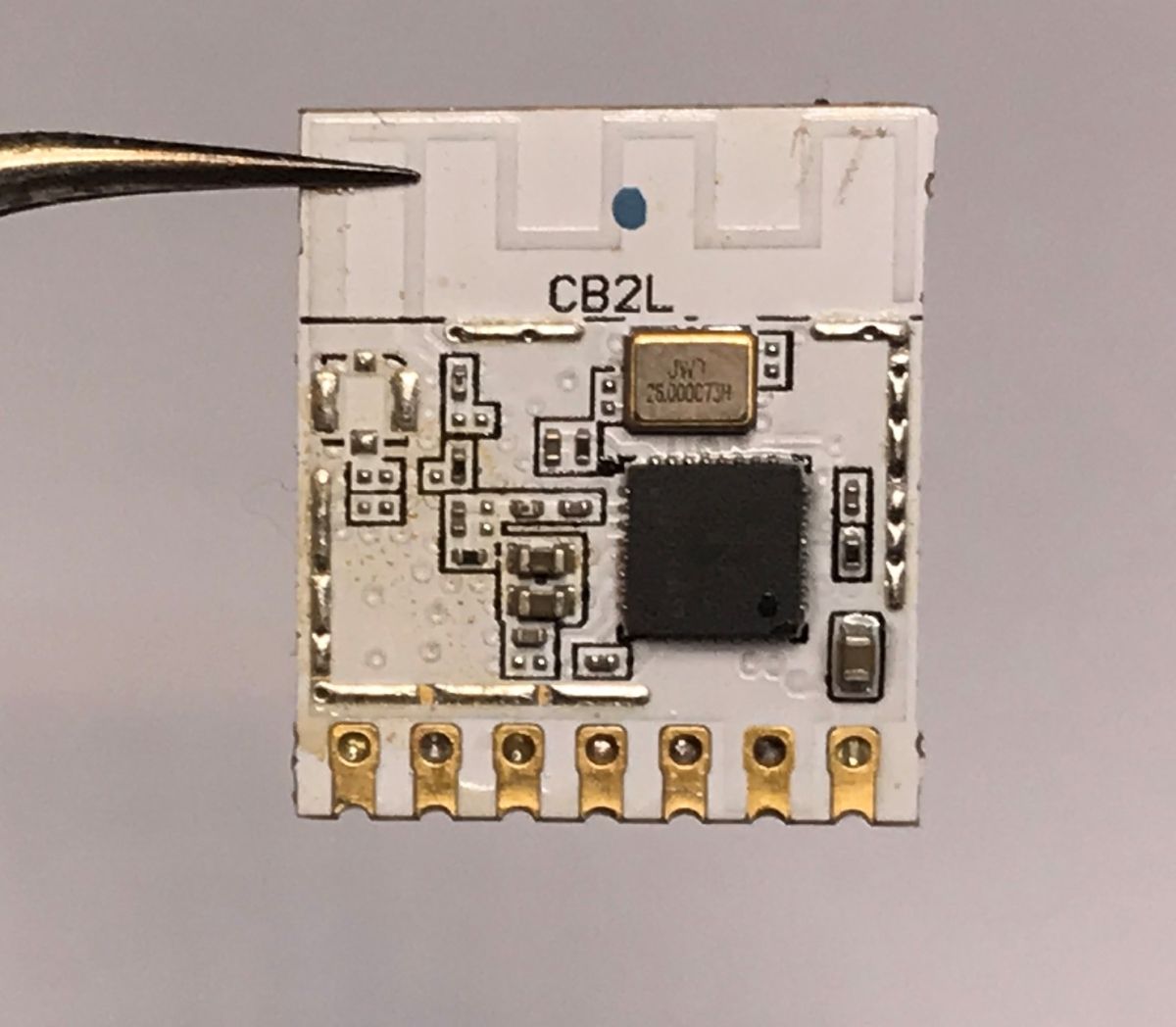
    Can even light bulbs be programmed these days? Updating the firmware on the TY-A60-18W-220V
    Can even light bulbs be programmed these days? Updating the firmware on the TY-A60-18W-220V Can even light bulbs be programmed these days? Updating the firmware on the TY-A60-18W-220V Can even light bulbs be programmed these days? Updating the firmware on the TY-A60-18W-220V
    Can even light bulbs be programmed these days? Updating the firmware on the TY-A60-18W-220V
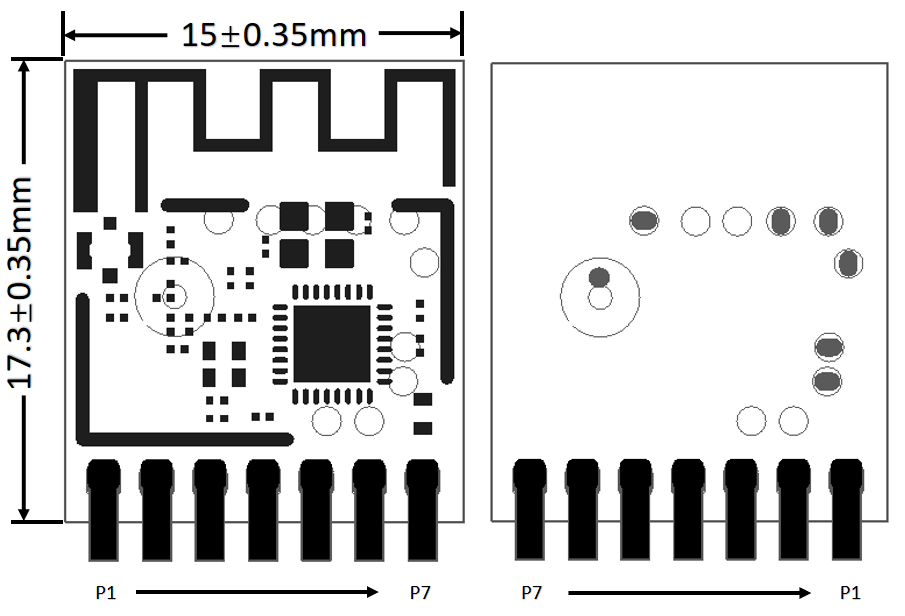
    Pin number Symbol I/O type Function
    1 P8 I/O Hardware PWM support
    2 P7 I/O Supports hardware PWM
    3 P6 I/O Supports hardware PWM
    4 P26 I/O Hardware PWM support
    5 P24 I/O Supports hardware PWM
    6 GND P Power supply reference ground
    7 3V3 P 3V3 power supply

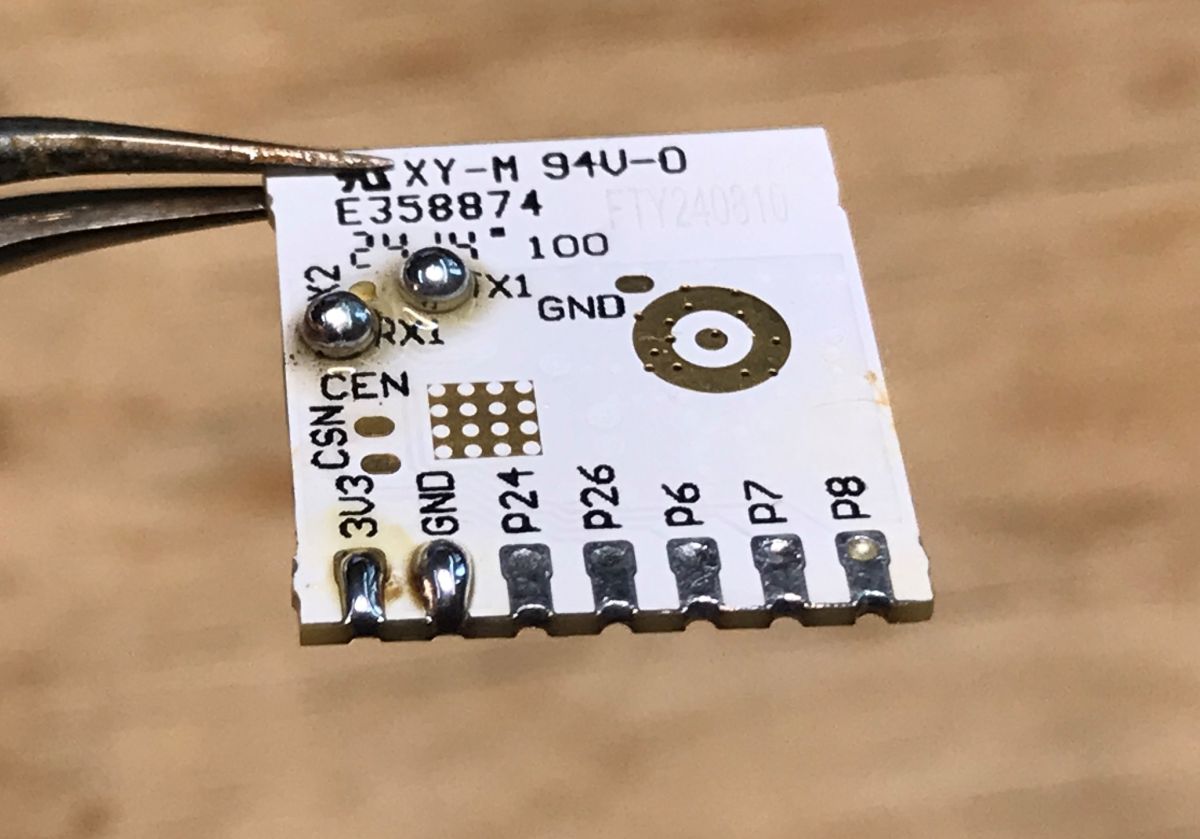
    Here’s what the module looks like from the back – I’ve also white-painted the relevant pads straight away:
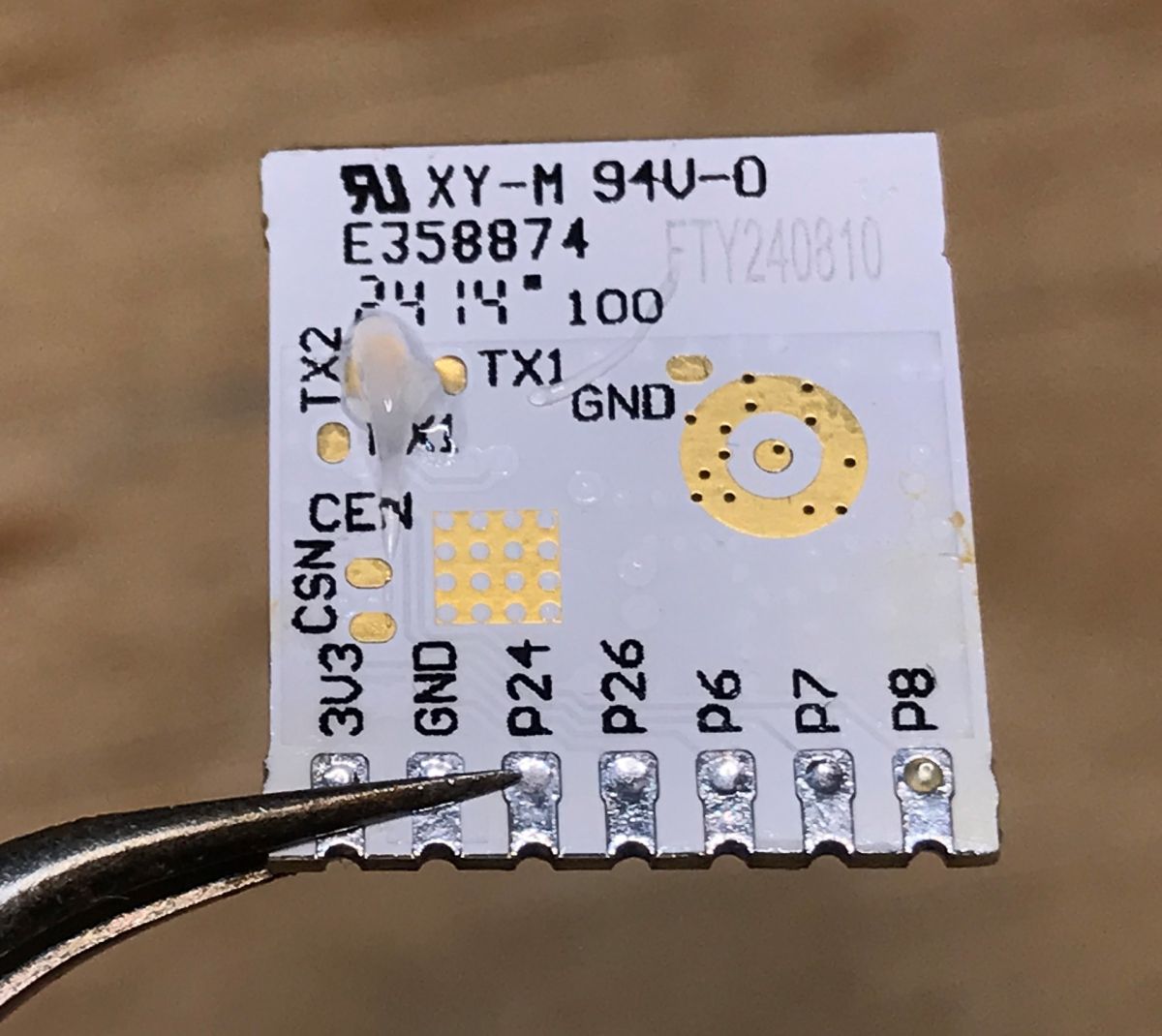
    Can even light bulbs be programmed these days? Updating the firmware on the TY-A60-18W-220V Can even light bulbs be programmed these days? Updating the firmware on the TY-A60-18W-220V Can even light bulbs be programmed these days? Updating the firmware on the TY-A60-18W-220V
    I’m flashing the firmware using our Elektrodowy flasher, which supports multiple platforms:
    https://github.com/openshwprojects/BK7231GUIFlashTool
    We’re flashing the OBK:
    https://github.com/openshwprojects/OpenBK7231T_App
    A copy of the original firmware:
    https://github.com/openshwprojects/FlashDumps/commit/4dcc3d4e7fcfb3b82c81c472281c305926d1a80b
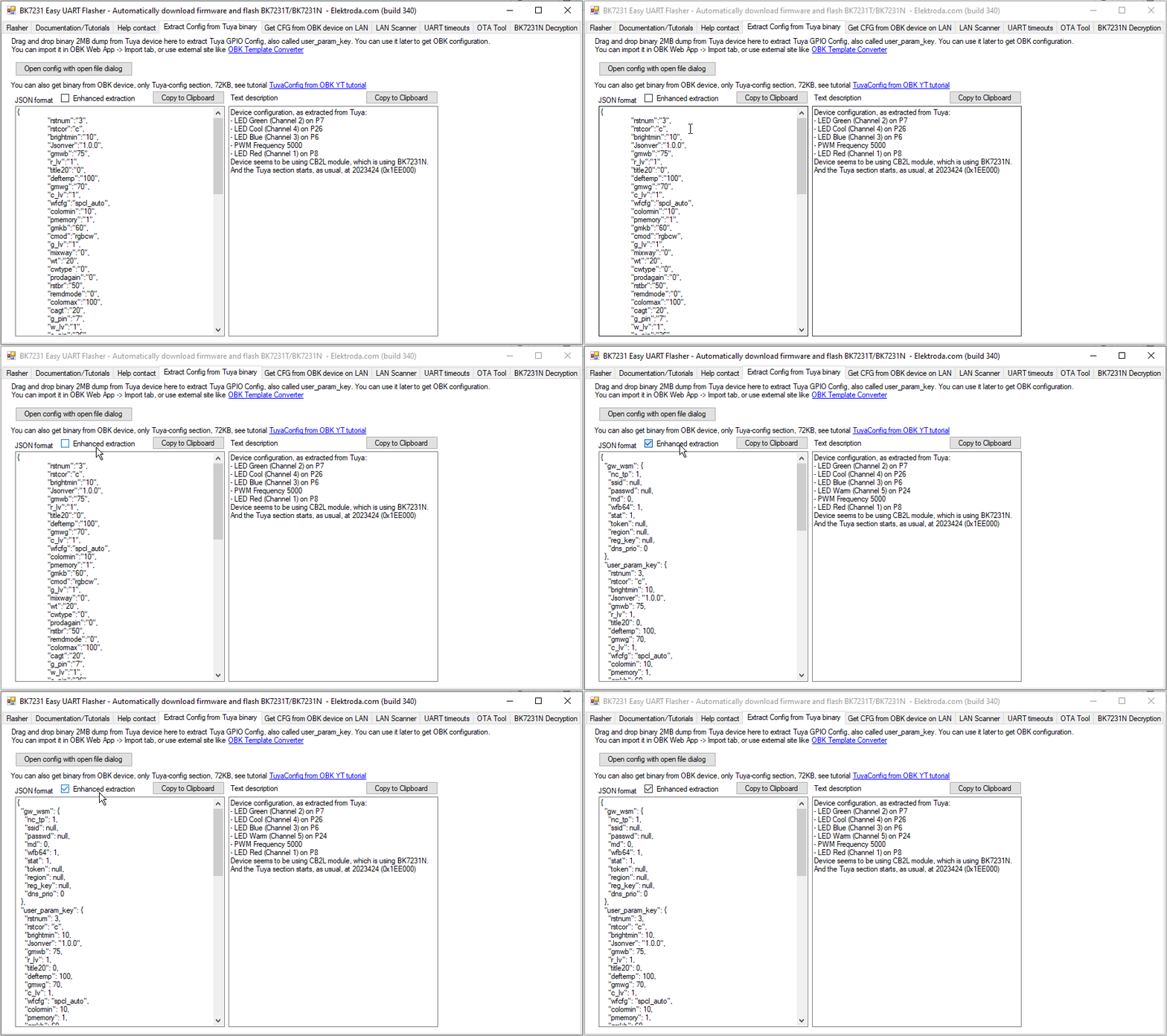
    Extracted Tuya configuration:
    Code: JSON
    Log in, to see the code

    Verbal description:
    
    Device seems to be using CB2L module, which is BK7231N chip.
    - LED Red (Channel 1) on P8
    - LED Green (Channel 2) on P7
    - LED Blue (Channel 3) on P6
    - LED Cool (Channel 4) on P26
    

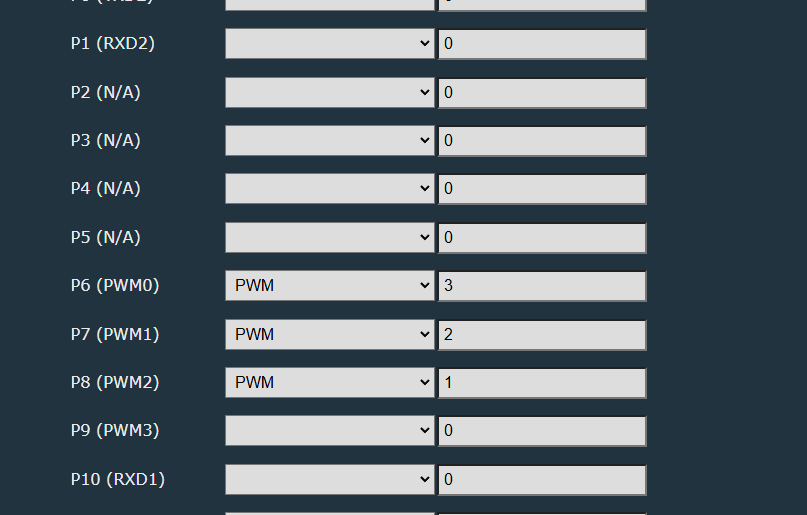
    The warm white pin was missing, but I found it manually. The Beken has a limited number of PWM pins, and the CB2L further restricts the choice:
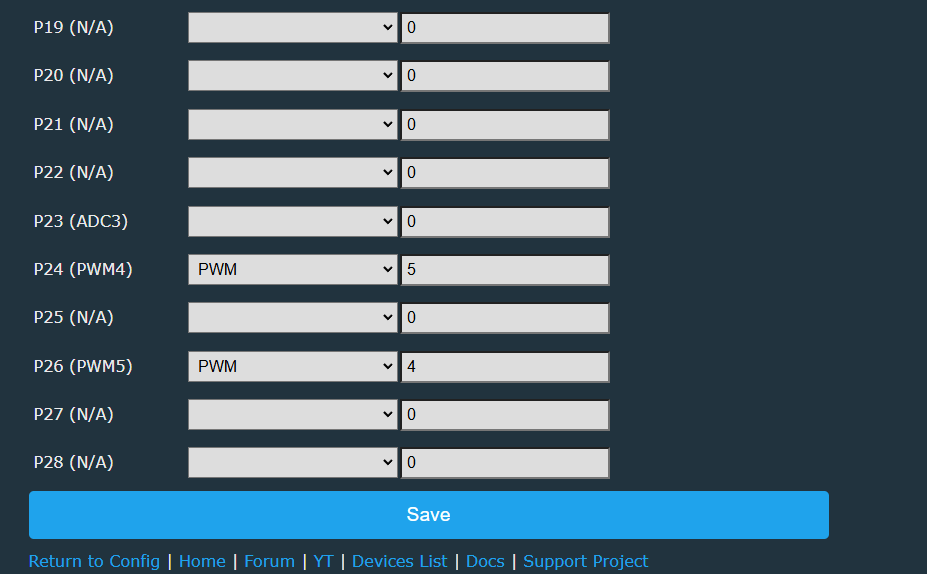
    Can even light bulbs be programmed these days? Updating the firmware on the TY-A60-18W-220V Can even light bulbs be programmed these days? Updating the firmware on the TY-A60-18W-220V
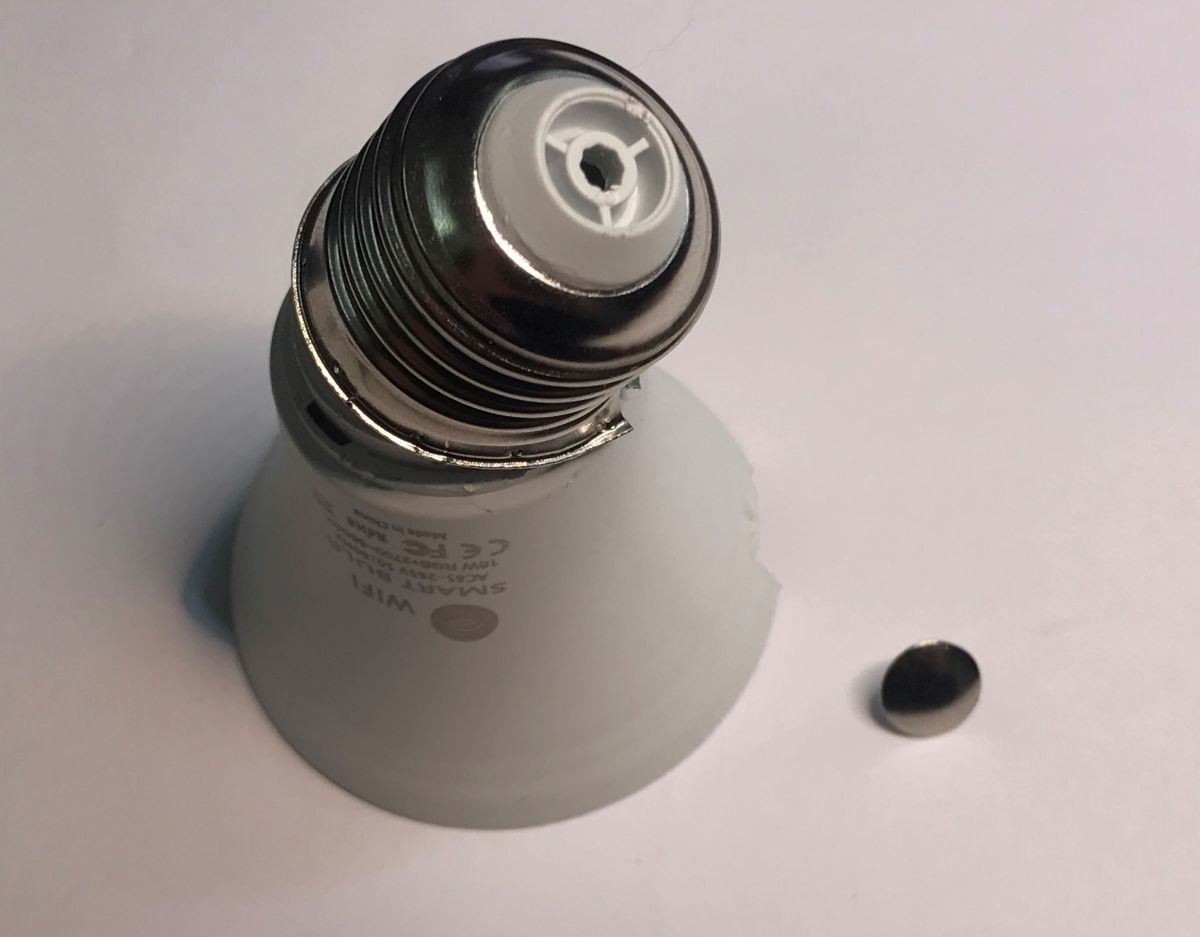
    After a quick configuration, the light works via the web interface hosted on the Wi-Fi module itself by OBK, but you need to assemble it first. There’s no way to solder the Wi-Fi module back onto the board without removing it, so you need to unscrew the thread:
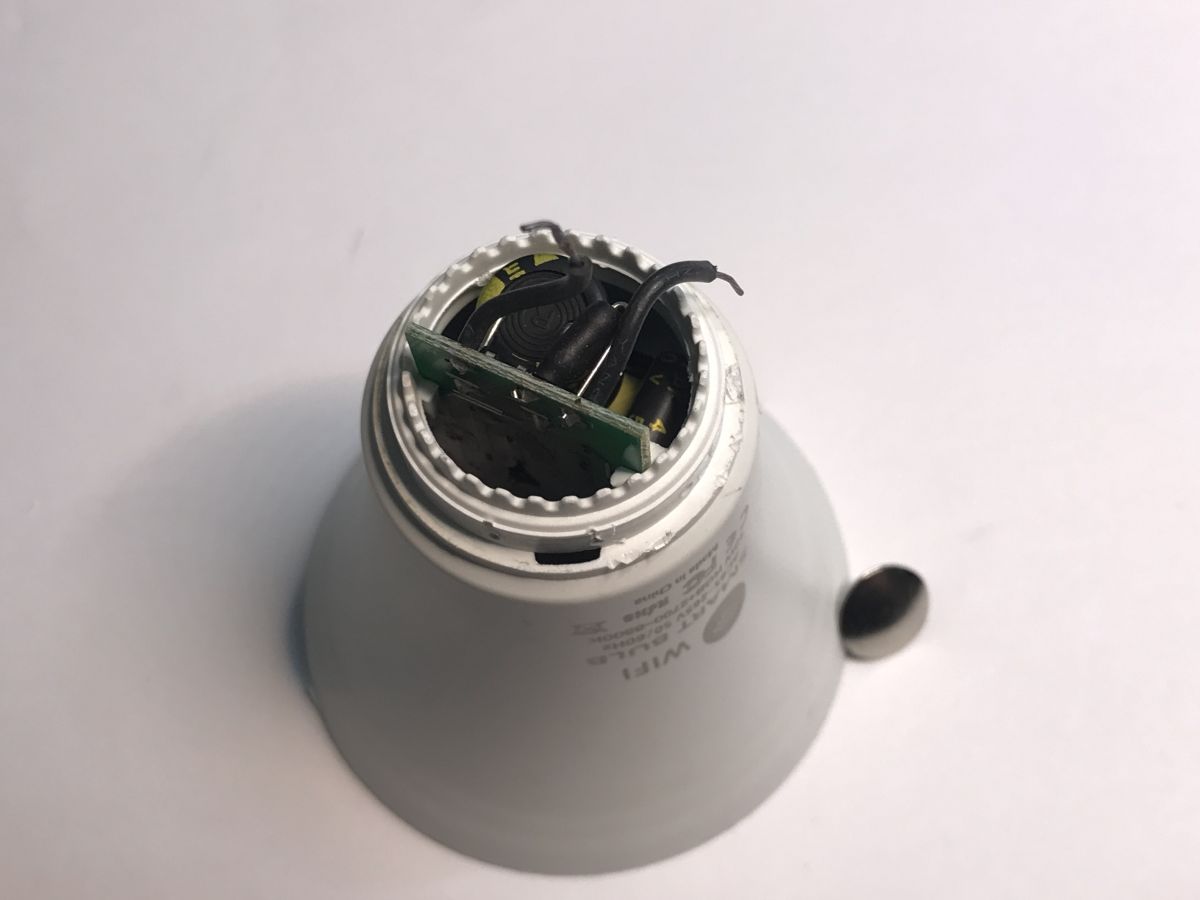
    Can even light bulbs be programmed these days? Updating the firmware on the TY-A60-18W-220V Can even light bulbs be programmed these days? Updating the firmware on the TY-A60-18W-220V
    Whilst I was at it, I also had to tidy up after myself, as I’d moved a few SMD components whilst removing the module:
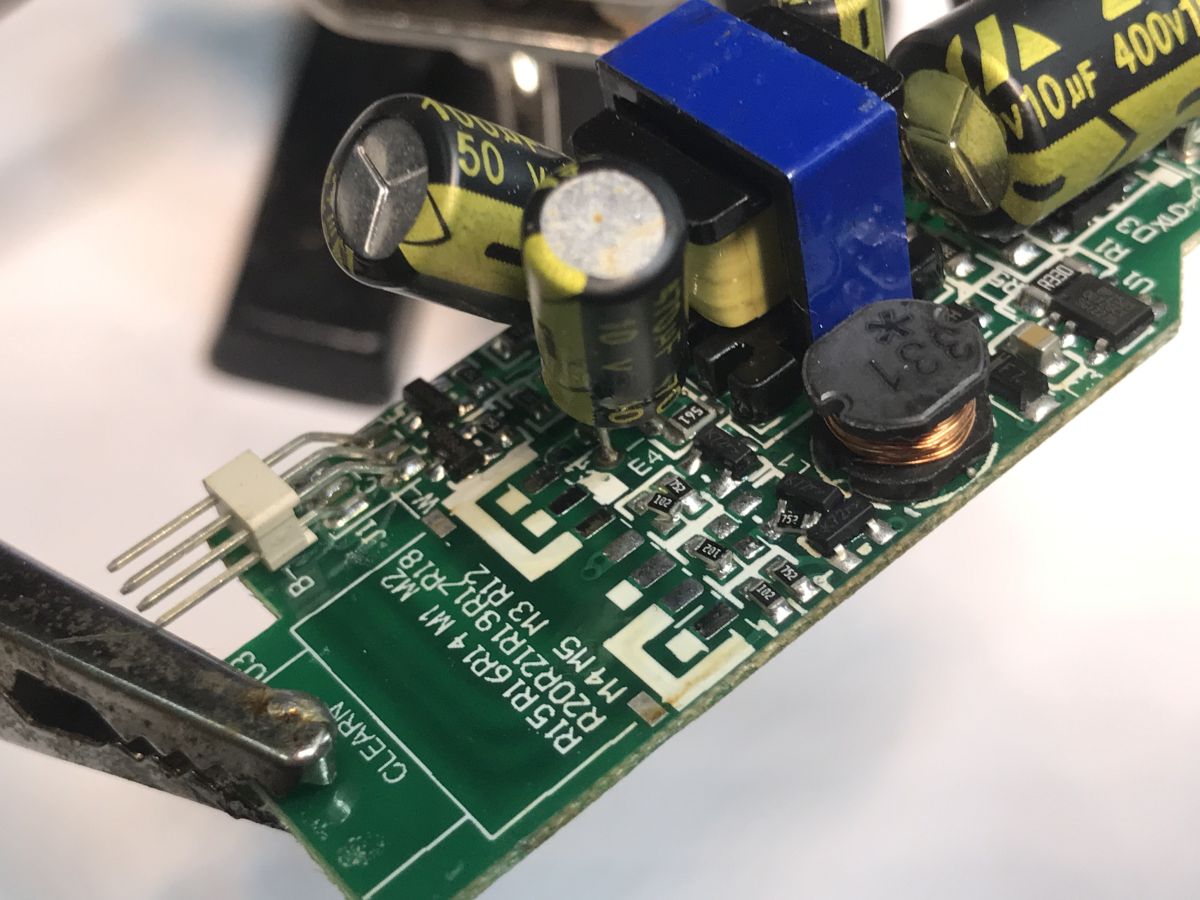
    Can even light bulbs be programmed these days? Updating the firmware on the TY-A60-18W-220V
    In the end, I managed to sort everything out, so you can have another look at the lamp’s construction:
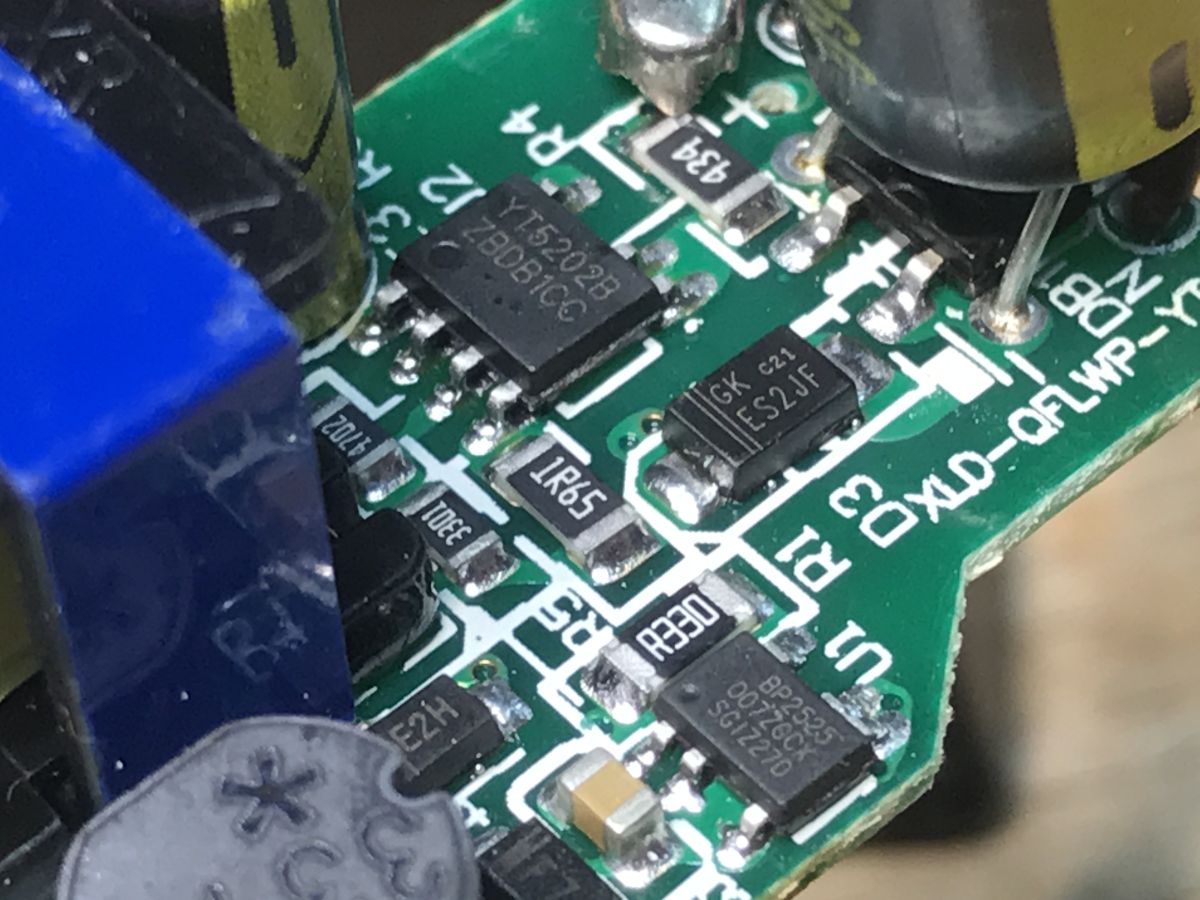
    Can even light bulbs be programmed these days? Updating the firmware on the TY-A60-18W-220V
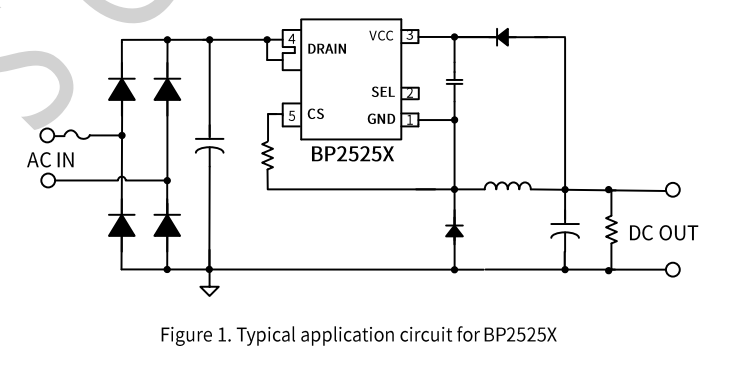
    Here we have the YT5202B separately, which is probably the power supply for the LED, and the BP2525 separately, which powers the Wi-Fi module. It’s quite a complex design; gone are the days when LEDs just had a capacitor and a resistor. The BP2525 is a non-isolated step-down converter; I’d guess the YT is a constant-current controller.
    Can even light bulbs be programmed these days? Updating the firmware on the TY-A60-18W-220V
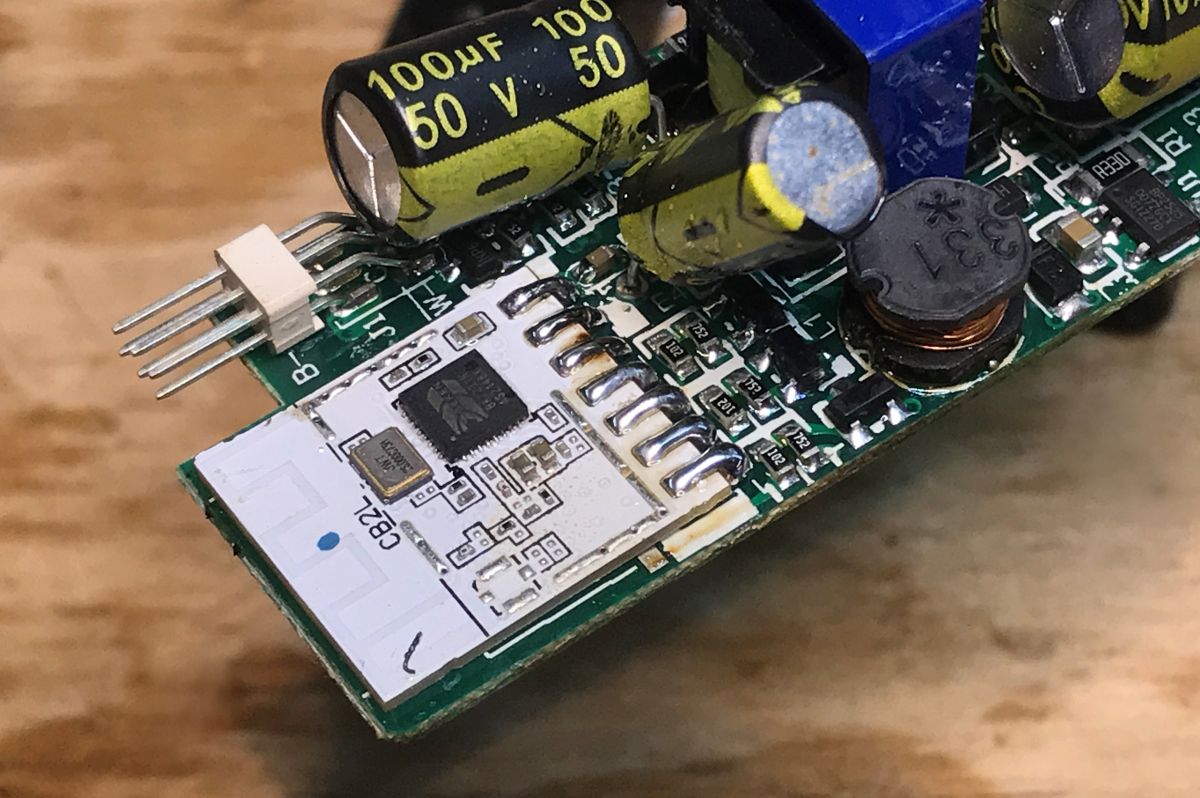
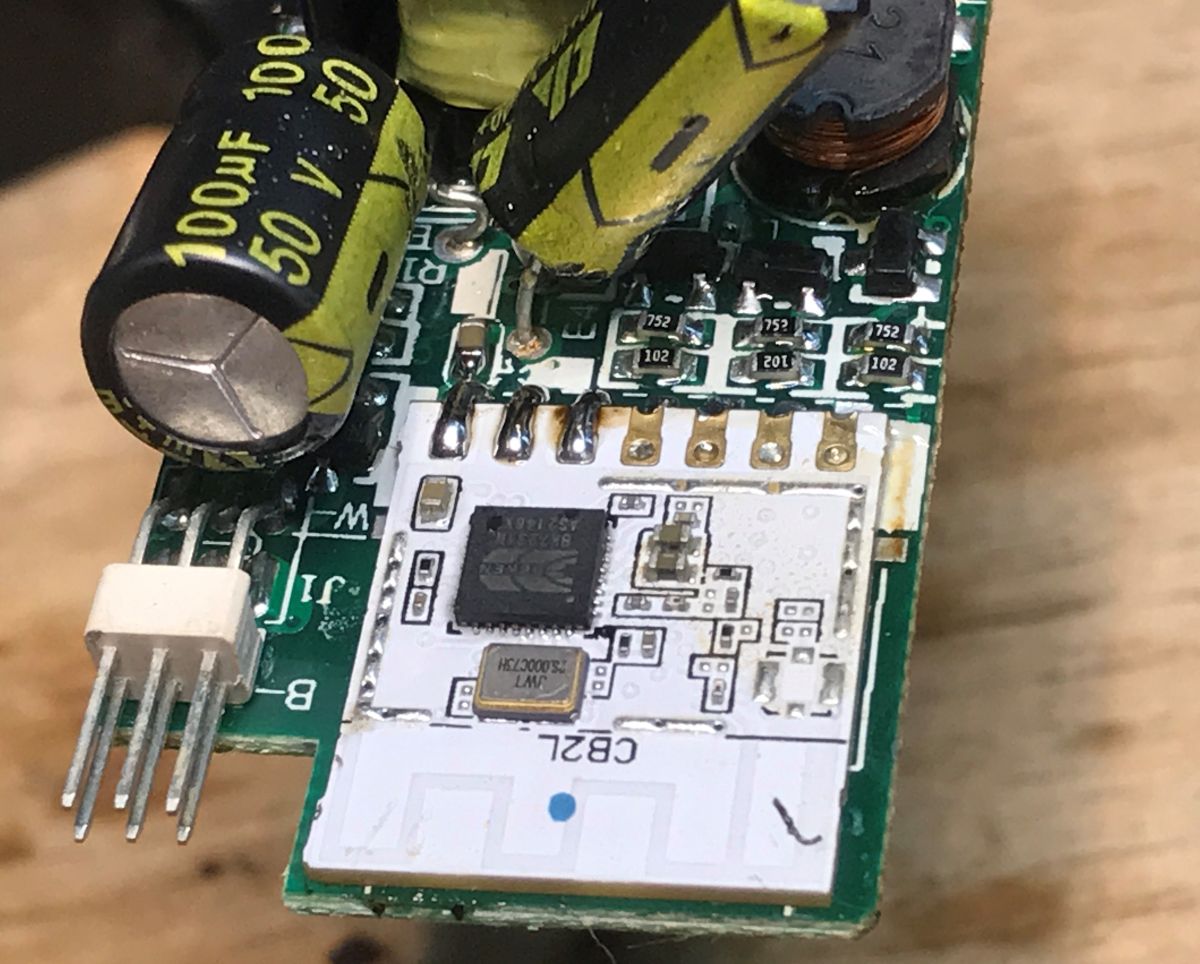
    The Wi-Fi module soldered into place:
    Close-up of a PCB with CB2L Wi‑Fi module and a large 100 µF 50 V electrolytic capacitor Close-up of a PCB with a CB2L module, capacitors and an inductor; a pin header is visible at the edge.
    Final presentation:


    The lamp can now be paired with the smart home system:


    Finally, you can also check out the related thread, where I looked into how hot such a lamp gets and whether this can be reduced to any extent:
    How hot Does the Wi-Fi-controlled Tuya LED lamp get hot? Firmware update and extending its lifespan
    This recommended thread is particularly interesting because it features a device based on a controller with a two-wire bus, SM2135, and a WB8P Wi-Fi module (BK7231T), whereas this thread featured the CB2L and a control method based on five PWM pins. You can compare the two solutions.

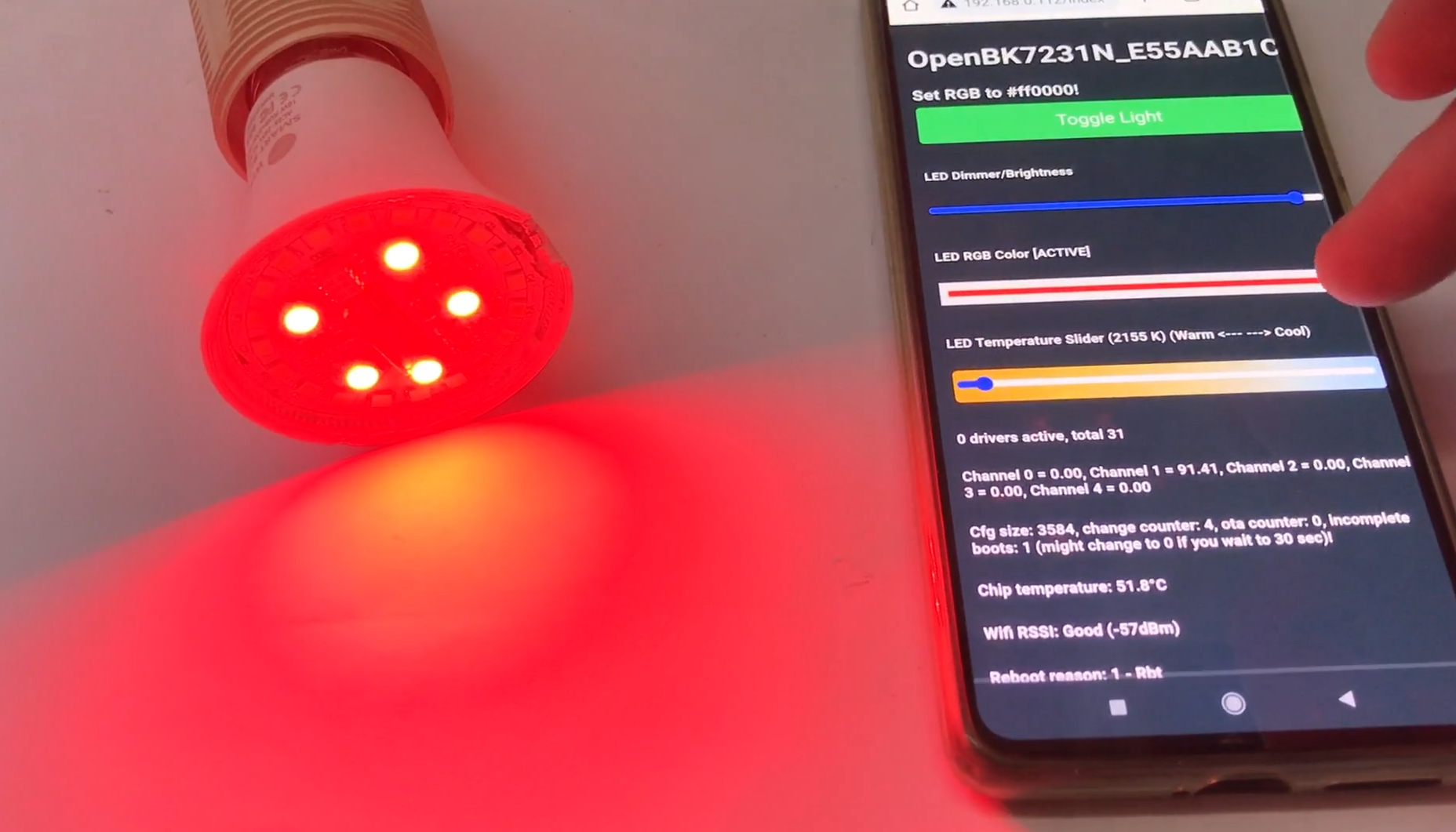
    This is how you can modify an LED lamp. I managed to assemble the device, and following this modification, it now works with Home Assistant, 100% locally, and is also fully configurable. You can do much more with it than with the factory software – it’s even possible to control it via the DDP protocol, allowing you to create any colour animations you like. Personally, I think it was worth the effort.
    PS: You can now also set up local automations using the light switch, which no longer cuts off the power supply but simply sends a signal to the lamp via Wi-Fi to change its state. One way to implement this is via the Tasmota Device Groups protocol shown earlier .

    Cool? Ranking DIY
    Helpful post? Buy me a coffee.

    About Author
    p.kaczmarek2
    Moderator Smart Home
    Offline 
    p.kaczmarek2 wrote 14606 posts with rating 12621, helped 654 times. Been with us since 2014 year.
  • ADVERTISEMENT
  • #2 21923850
    divadiow
    Level 38  
    Posts: 5047
    Help: 438
    Rate: 893
    the missing role is visible with the enhanced extraction.

    Can even light bulbs be programmed these days? Updating the firmware on the TY-A60-18W-220V
  • ADVERTISEMENT
  • #3 21923854
    p.kaczmarek2
    Moderator Smart Home
    Posts: 14606
    Help: 654
    Rate: 12621
    That's great news, is it already merged with main flasher? Well, I must admit, I did this bulb teardown already at least few months ago, it's just that I am slow at publishing.

    I'm still collecting bulb holders to make DDP animation demo, I want to run 5 - 10 bulbs with some animation.
    Helpful post? Buy me a coffee.
  • #4 21923856
    divadiow
    Level 38  
    Posts: 5047
    Help: 438
    Rate: 893
    yes. merged a while ago :)
📢 Listen (AI):
ADVERTISEMENT