Hello everyone,
I am trying to repair an ASUS MX279H 27" monitor and would appreciate any advice.
Symptoms:
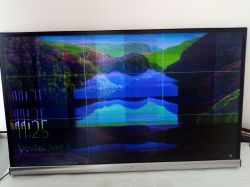
- Severe color corruption, noise and slight flickering.
- Sometimes the picture is almost normal for a few seconds after power-up, then gradually becomes corrupted.
- The image also looks slightly darker than normal.
Note:
One of my photos shows the screen divided into 9 equal sections. This is NOT the fault. It is an OSD feature of the monitor and I accidentally enabled it by pressing the front panel button.
Power supply:
- External adapter output: 19.5 V unloaded.
- With monitor running: about 19.15 V to 19.3 V.
Measured voltages on the panel board:
VGL = -5 V
VGH = +25 to +29 V
VGH_E0 = +25 V
VDD = +8 V
SW_VDD = +5 V, dropping to about +4.5 V during reset
VCC18 = +1.9 V
VCOM0 = +4.5 V, dropping to about +2 V during reset
VGH_E and VGH_O fluctuate between approximately -2 V and +9 V during the reset cycle.
Thermal observations:
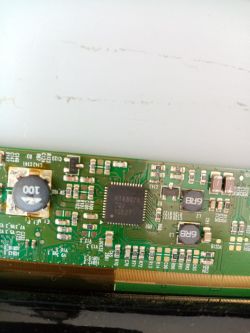
- RT6807A becomes extremely hot very quickly.
- A MOSFET and a diode near the inductor marked "100" also become hot.
Freeze test:
I frosted the board and powered the monitor on.
1. In less than one second, one corner of the RT6807A melted the frost first.
2. About 30-40 milliseconds later, the nearby MOSFET and diode near the "100" inductor started melting the frost.
3. About 1-2 seconds later, another transistor and one of the dual inductors started warming up.
No capacitors or resistors showed abnormal heating during this test.
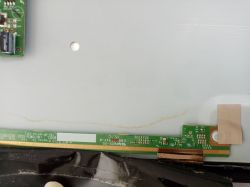
I also cleaned and inspected the panel ribbon cable and its contacts. I found no visible damage or contamination.
Important observation:
When I attached a heatsink to RT6807A and cooled it with a fan, the severe color corruption almost disappeared. However, some noise, flicker and dark image remained.
Because of this, I suspected RT6807A itself was defective.
I replaced RT6807A with another one taken from a donor board (an LG TV panel board).
Result:
Exactly the same symptoms remain. The replacement IC also becomes hot and the display is still corrupted.
The board also contains another IC marked:
LG Display
TL2358EP
OITLL-0053A
I cannot find any datasheet or information about this IC.
At this point, what do you think is the most likely cause of this fault?
- TL2358EP?
- Another component on the panel board?
- A panel COF/TAB bonding issue?
- Something else loading the RT6807A?
Any advice or diagnostic suggestions would be greatly appreciated.
Thank you.
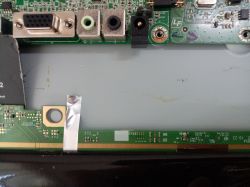
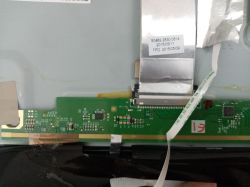
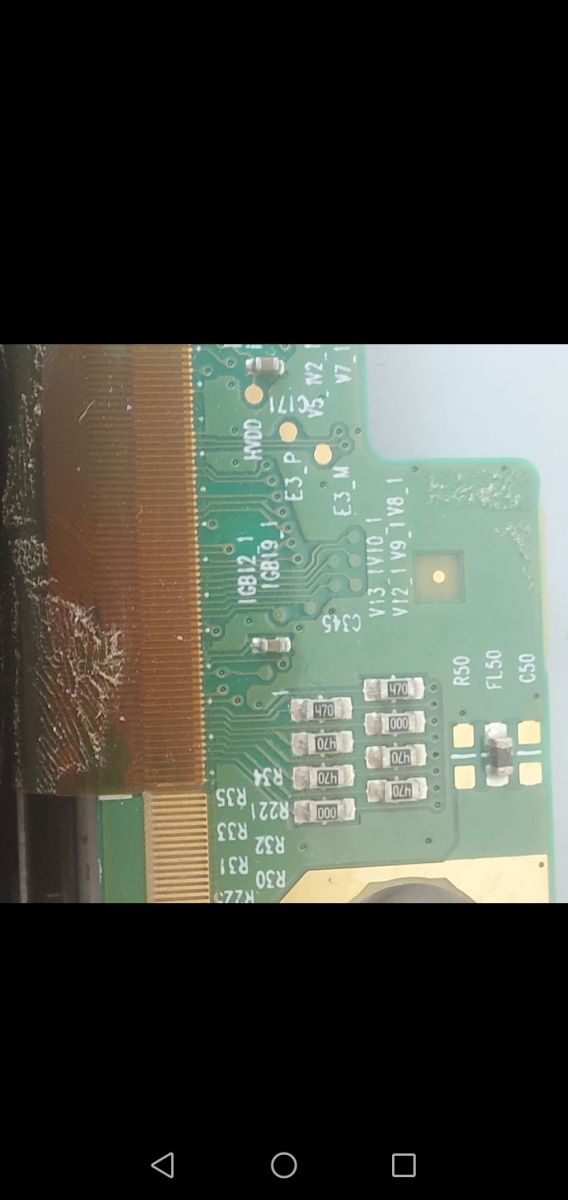
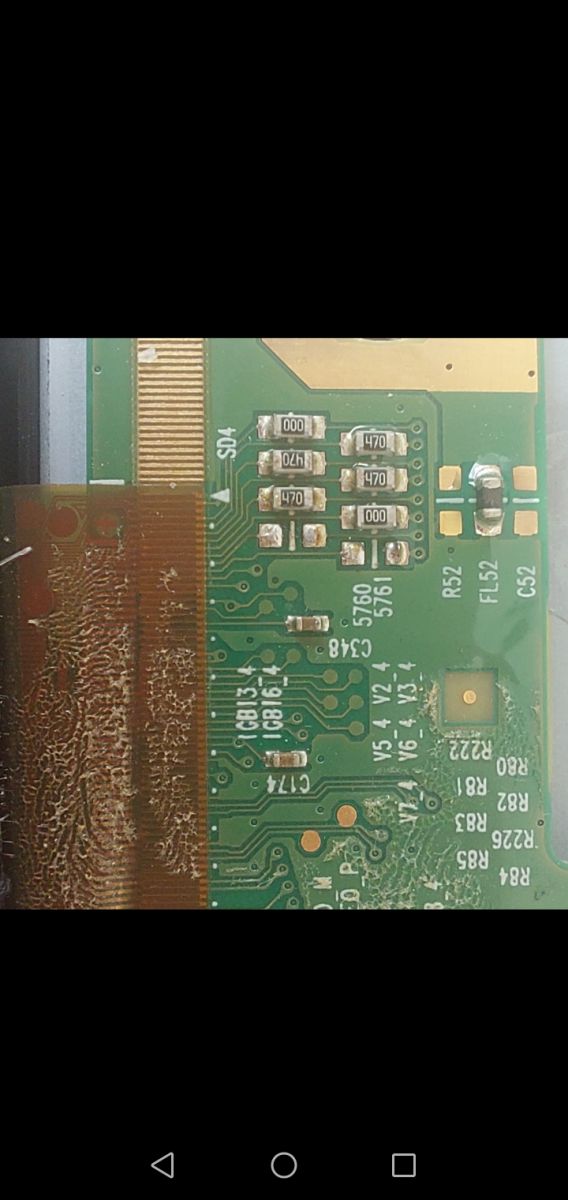
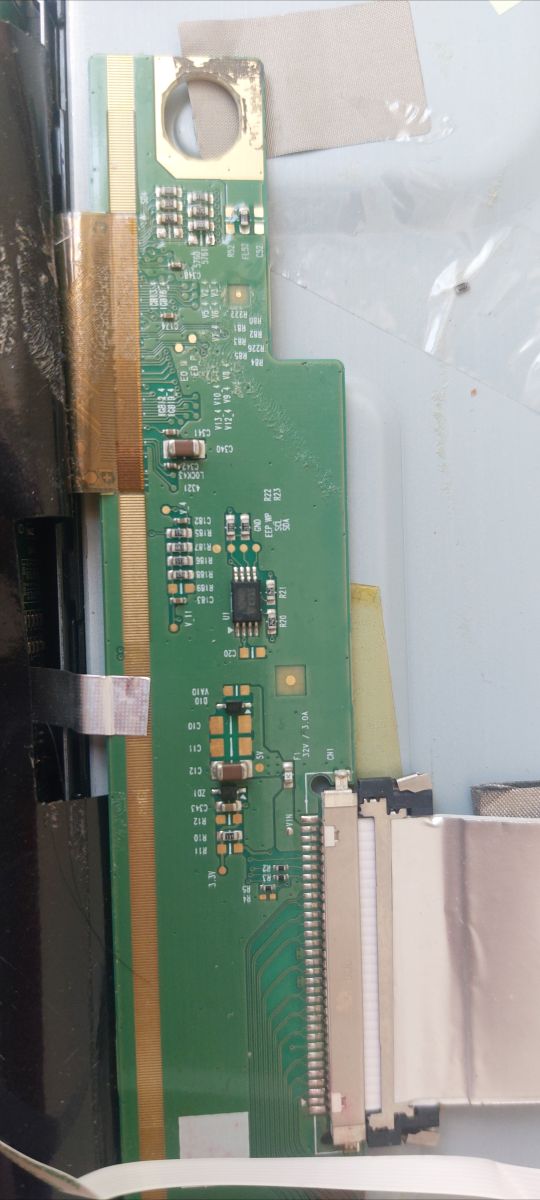
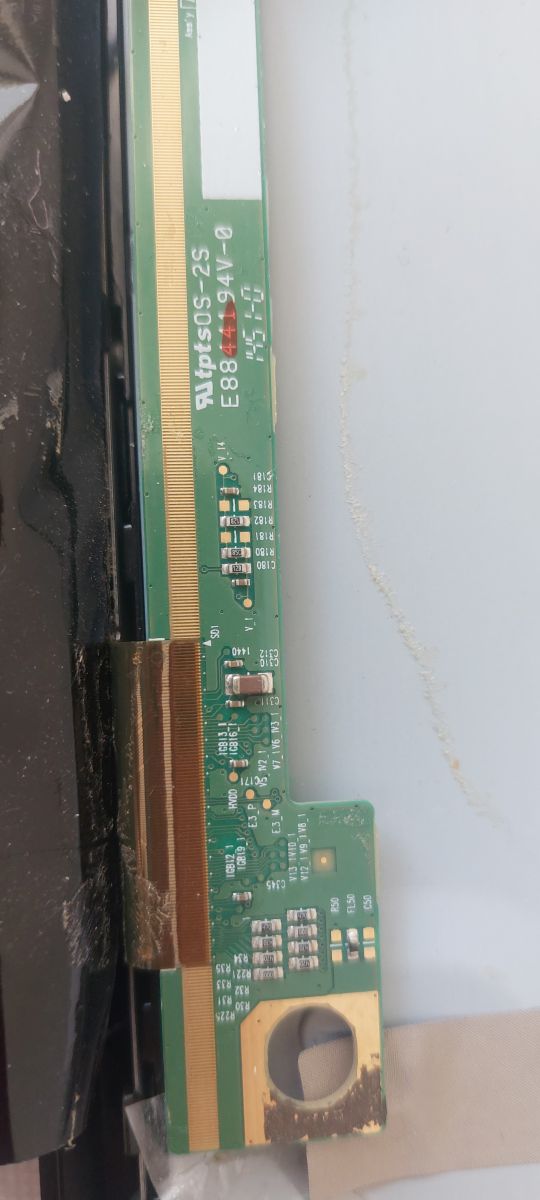
Can you provide the exact LCD panel model number and any markings/revision numbers from the panel board/T-CON board, ideally with clear photos of both sides of the board?
I do not have the exact LCD panel model number with me at the moment. I will provide the panel model, board markings, revision numbers, ۳ clear photos of both sides of the panel board later.
If the panel has separate left/right or multiple COF output ribbon connections, have you tried powering it with one side disconnected at a time, and does the RT6807A heating or image behavior change?
I have not tried powering the monitor with one of the COF ribbons disconnected yet. I was concerned about potentially damaging the panel. The panel appears to have two COF ribbon connections. I can try this test and report the results if necessary.
I am trying to repair an ASUS MX279H 27" monitor and would appreciate any advice.
Symptoms:
- Severe color corruption, noise and slight flickering.
- Sometimes the picture is almost normal for a few seconds after power-up, then gradually becomes corrupted.
- The image also looks slightly darker than normal.
Note:
One of my photos shows the screen divided into 9 equal sections. This is NOT the fault. It is an OSD feature of the monitor and I accidentally enabled it by pressing the front panel button.
Power supply:
- External adapter output: 19.5 V unloaded.
- With monitor running: about 19.15 V to 19.3 V.
Measured voltages on the panel board:
VGL = -5 V
VGH = +25 to +29 V
VGH_E0 = +25 V
VDD = +8 V
SW_VDD = +5 V, dropping to about +4.5 V during reset
VCC18 = +1.9 V
VCOM0 = +4.5 V, dropping to about +2 V during reset
VGH_E and VGH_O fluctuate between approximately -2 V and +9 V during the reset cycle.
Thermal observations:
- RT6807A becomes extremely hot very quickly.
- A MOSFET and a diode near the inductor marked "100" also become hot.
Freeze test:
I frosted the board and powered the monitor on.
1. In less than one second, one corner of the RT6807A melted the frost first.
2. About 30-40 milliseconds later, the nearby MOSFET and diode near the "100" inductor started melting the frost.
3. About 1-2 seconds later, another transistor and one of the dual inductors started warming up.
No capacitors or resistors showed abnormal heating during this test.
I also cleaned and inspected the panel ribbon cable and its contacts. I found no visible damage or contamination.
Important observation:
When I attached a heatsink to RT6807A and cooled it with a fan, the severe color corruption almost disappeared. However, some noise, flicker and dark image remained.
Because of this, I suspected RT6807A itself was defective.
I replaced RT6807A with another one taken from a donor board (an LG TV panel board).
Result:
Exactly the same symptoms remain. The replacement IC also becomes hot and the display is still corrupted.
The board also contains another IC marked:
LG Display
TL2358EP
OITLL-0053A
I cannot find any datasheet or information about this IC.
At this point, what do you think is the most likely cause of this fault?
- TL2358EP?
- Another component on the panel board?
- A panel COF/TAB bonding issue?
- Something else loading the RT6807A?
Any advice or diagnostic suggestions would be greatly appreciated.
Thank you.
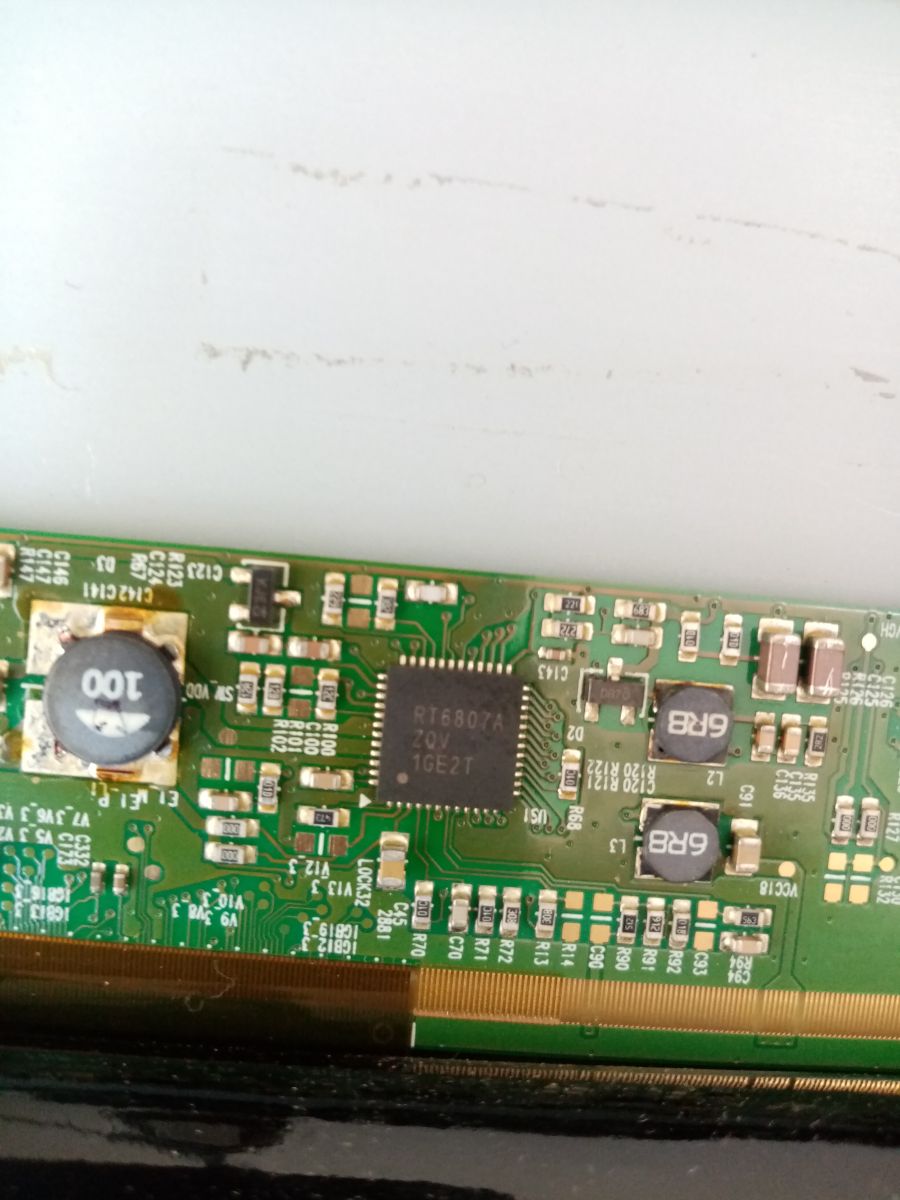
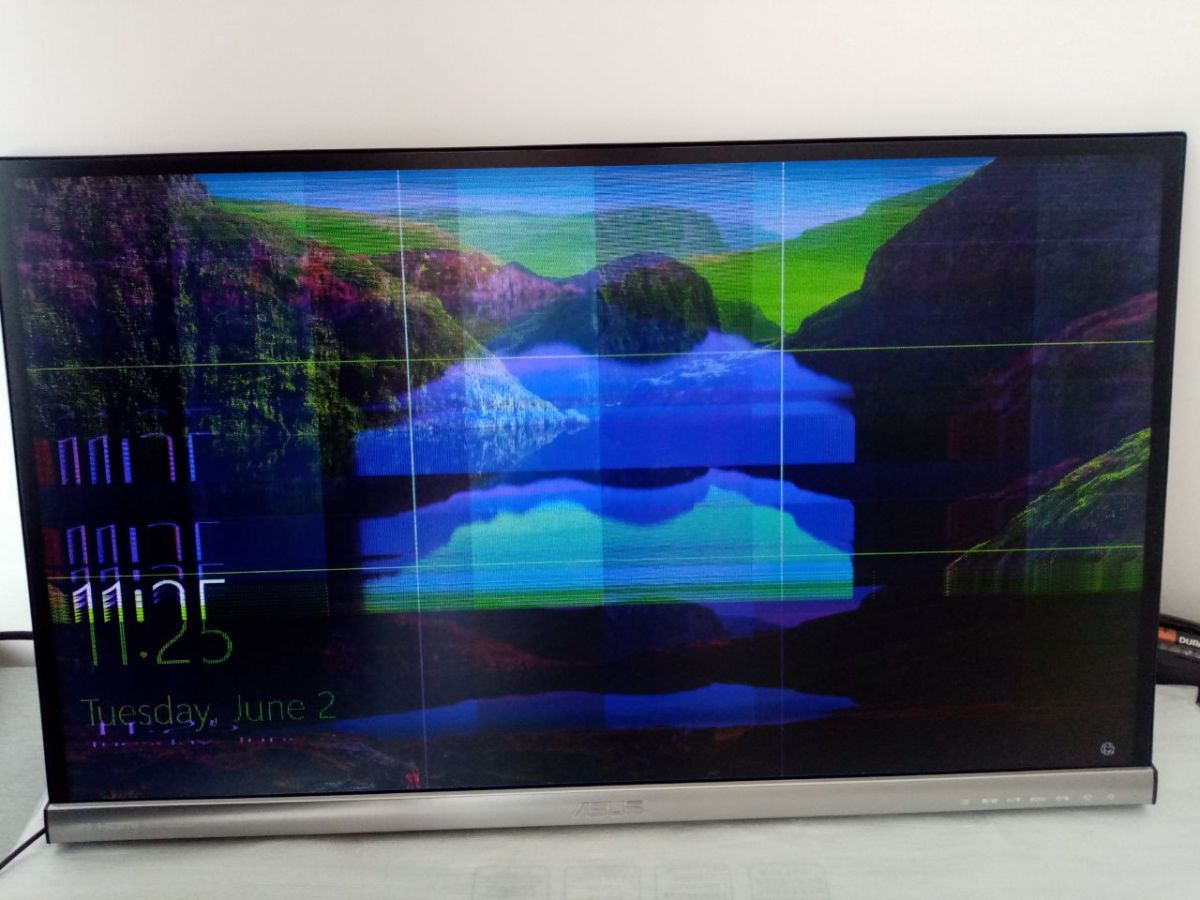
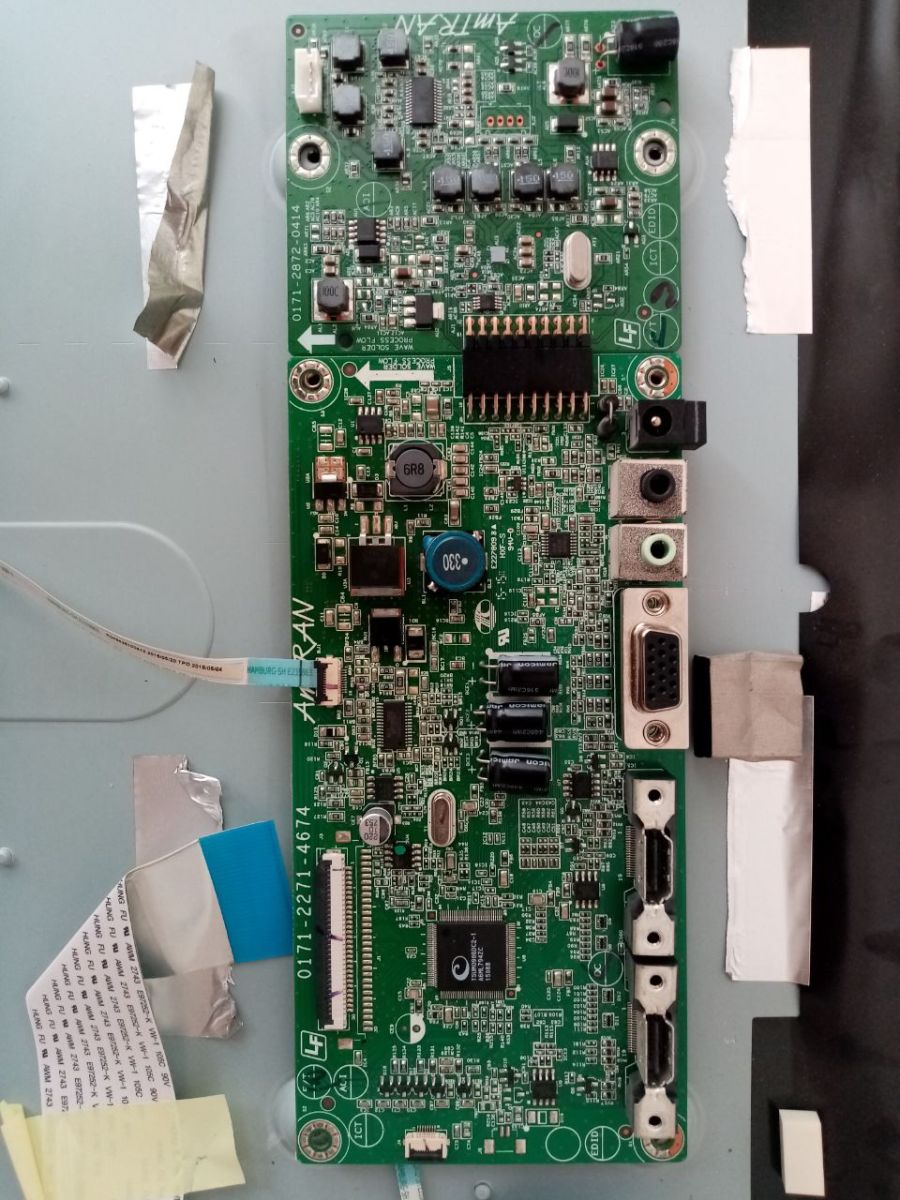
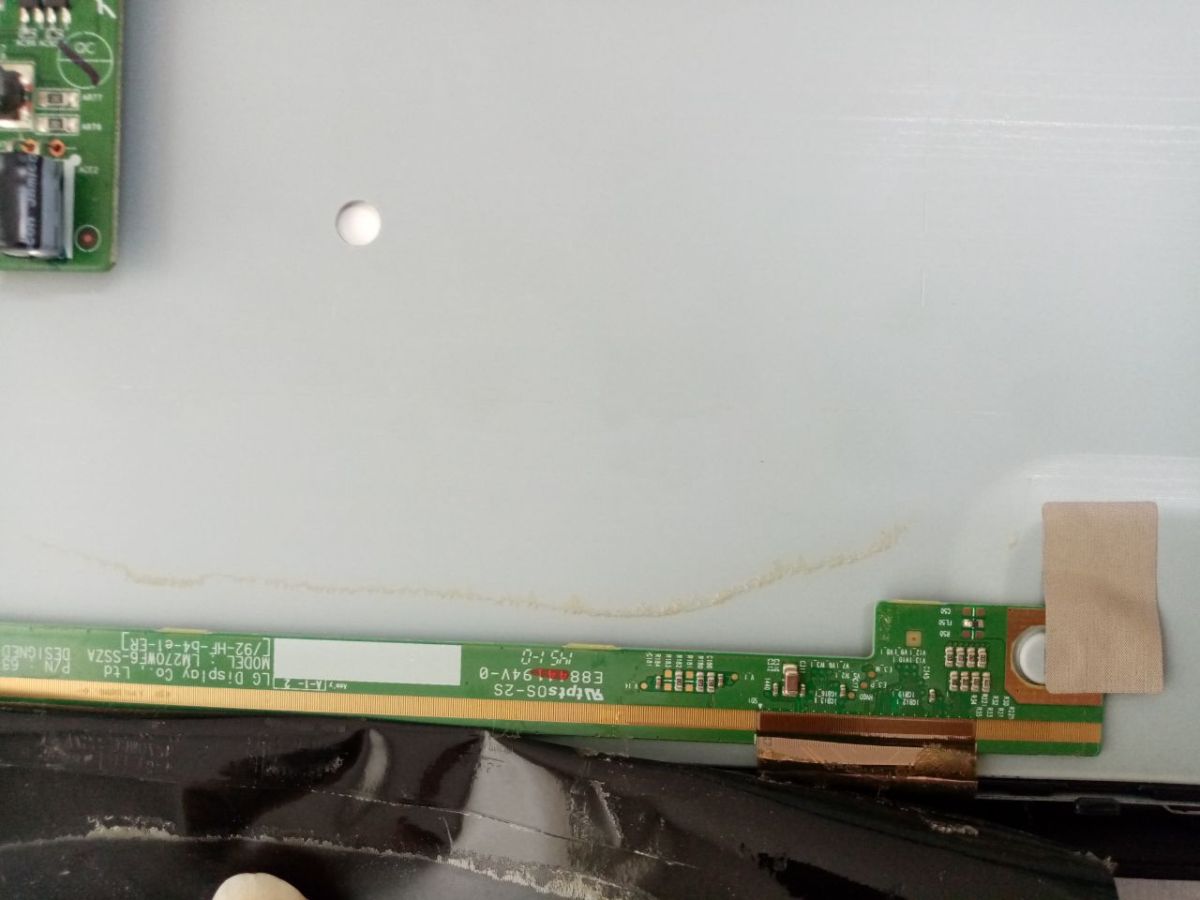
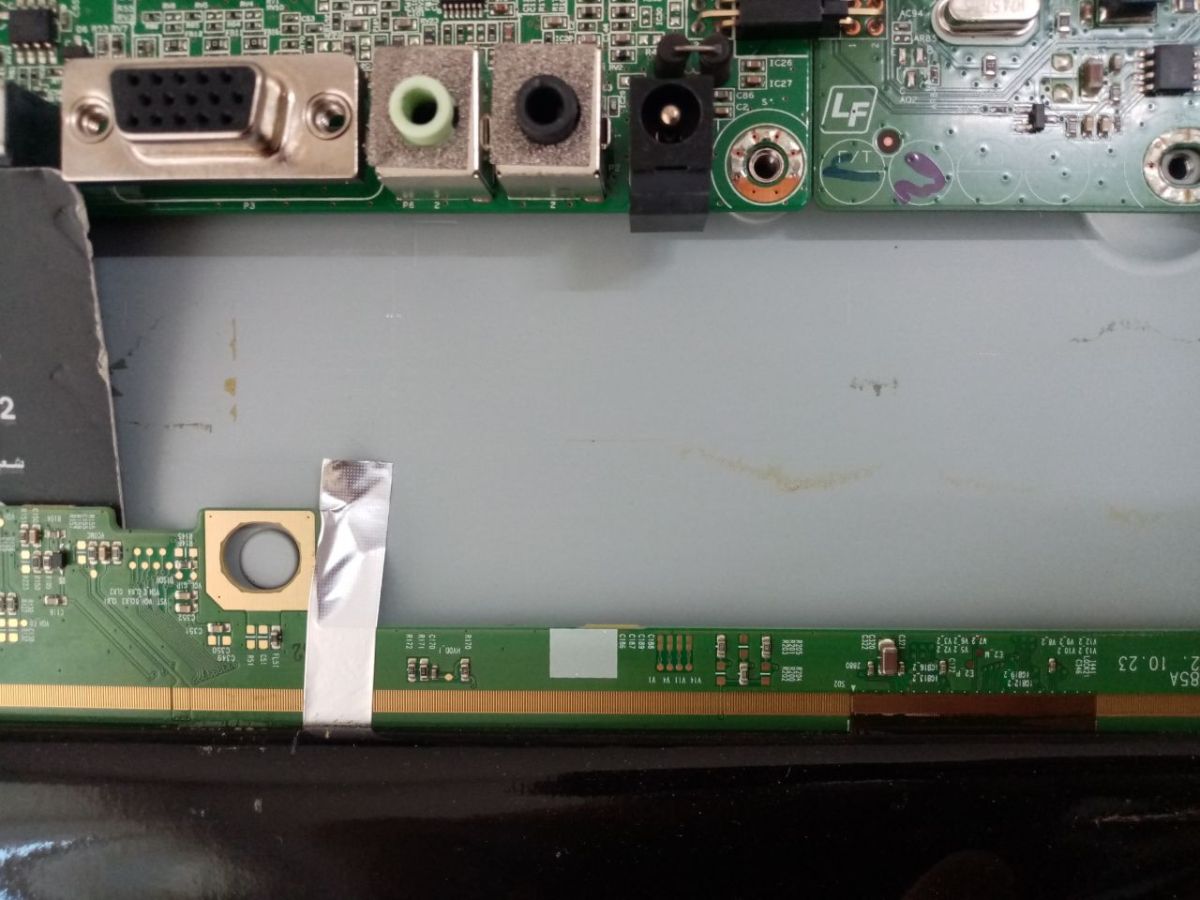
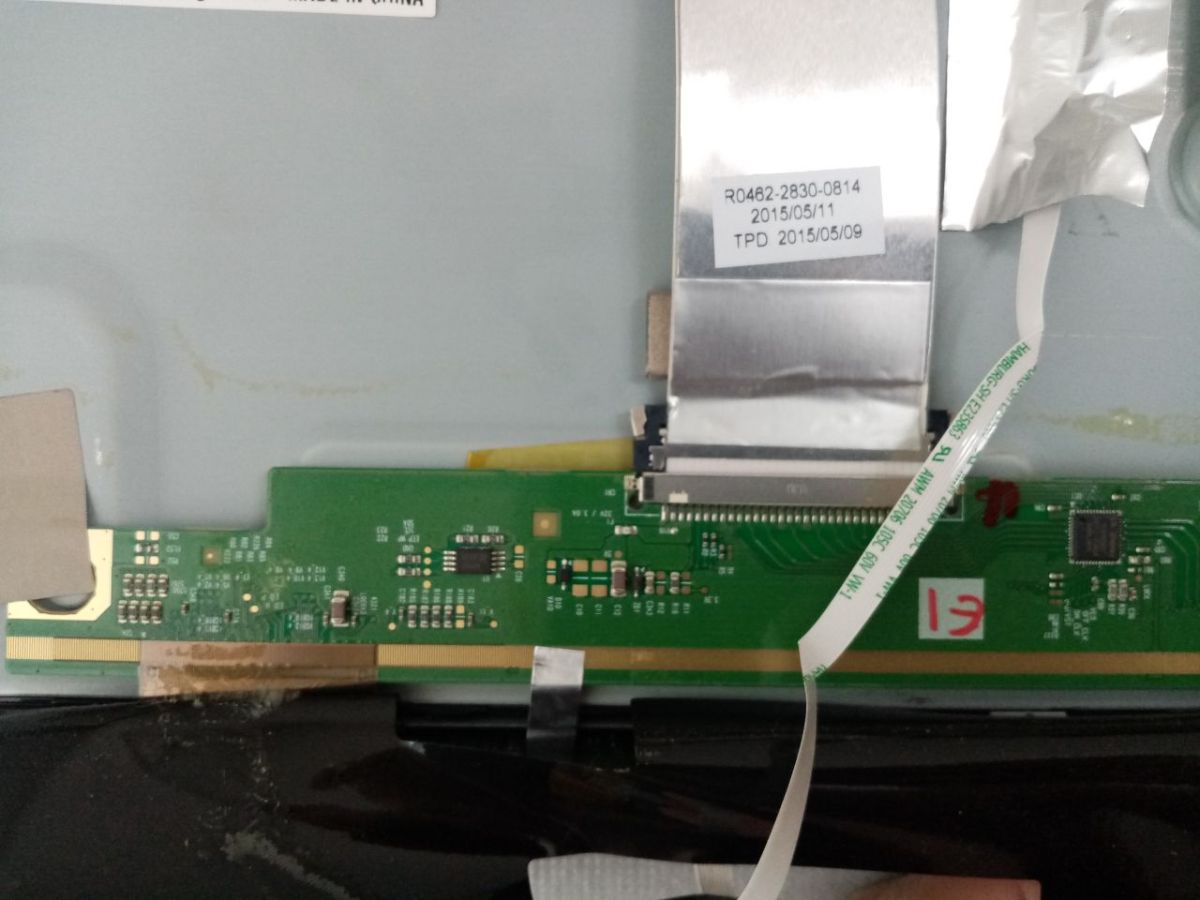
Can you provide the exact LCD panel model number and any markings/revision numbers from the panel board/T-CON board, ideally with clear photos of both sides of the board?
I do not have the exact LCD panel model number with me at the moment. I will provide the panel model, board markings, revision numbers, ۳ clear photos of both sides of the panel board later.
If the panel has separate left/right or multiple COF output ribbon connections, have you tried powering it with one side disconnected at a time, and does the RT6807A heating or image behavior change?
I have not tried powering the monitor with one of the COF ribbons disconnected yet. I was concerned about potentially damaging the panel. The panel appears to have two COF ribbon connections. I can try this test and report the results if necessary.