





Hello,
I need help confirming firmware compatibility for a HIKERS-branded Android Smart TV before I attempt a USB firmware flash, and I'd like to avoid damaging the panel by using a mismatched build.
TV details:
- Brand/Model: HIKERS NG50FZ-S (50" Smart LED 4K TV, sold in Nigeria via Jumia)
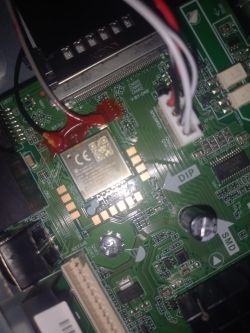
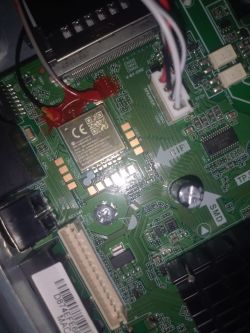
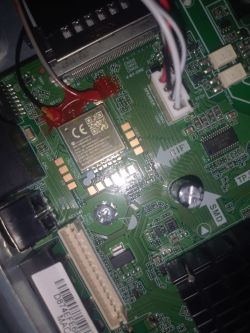
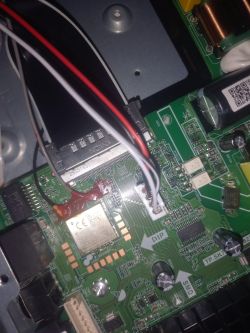
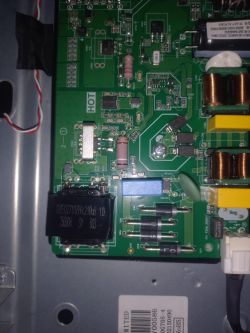
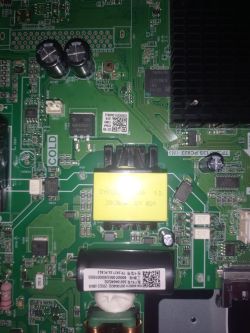
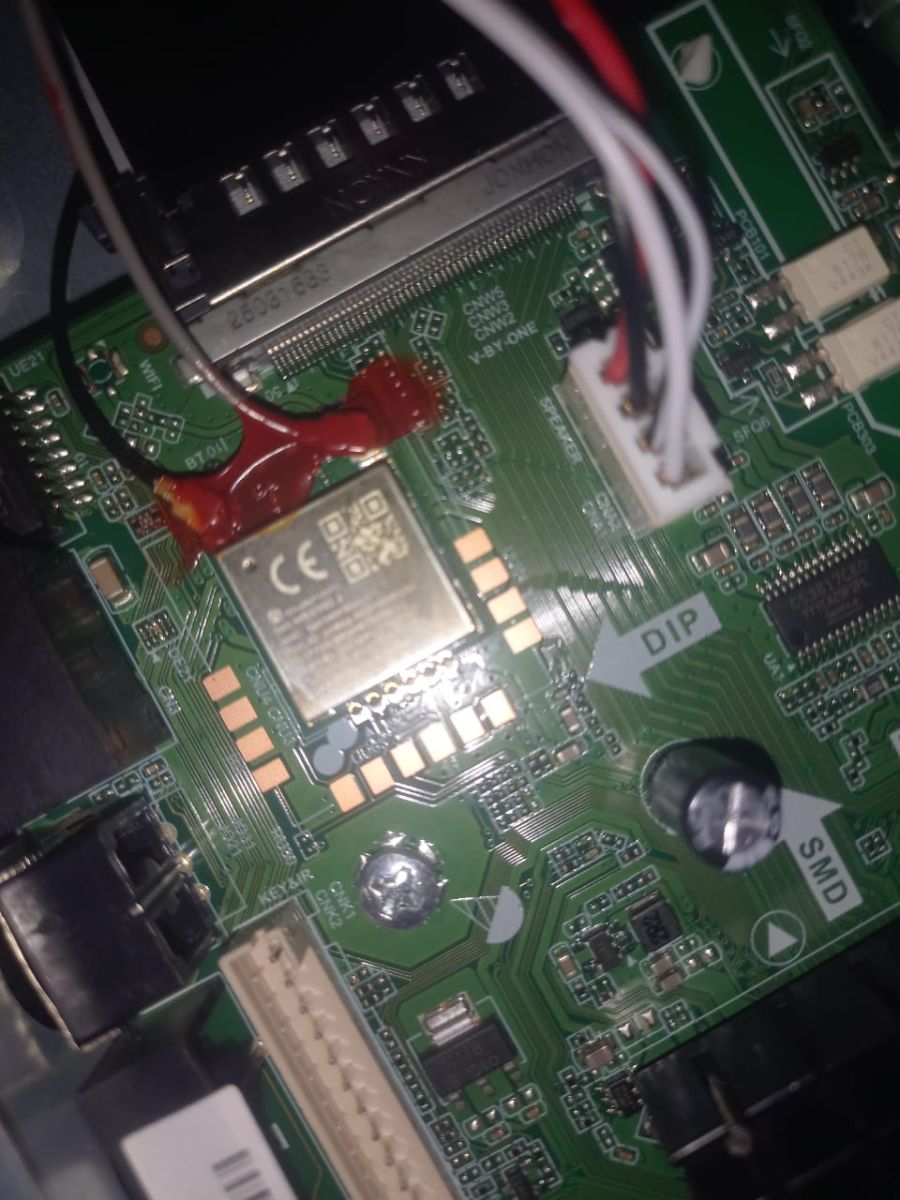
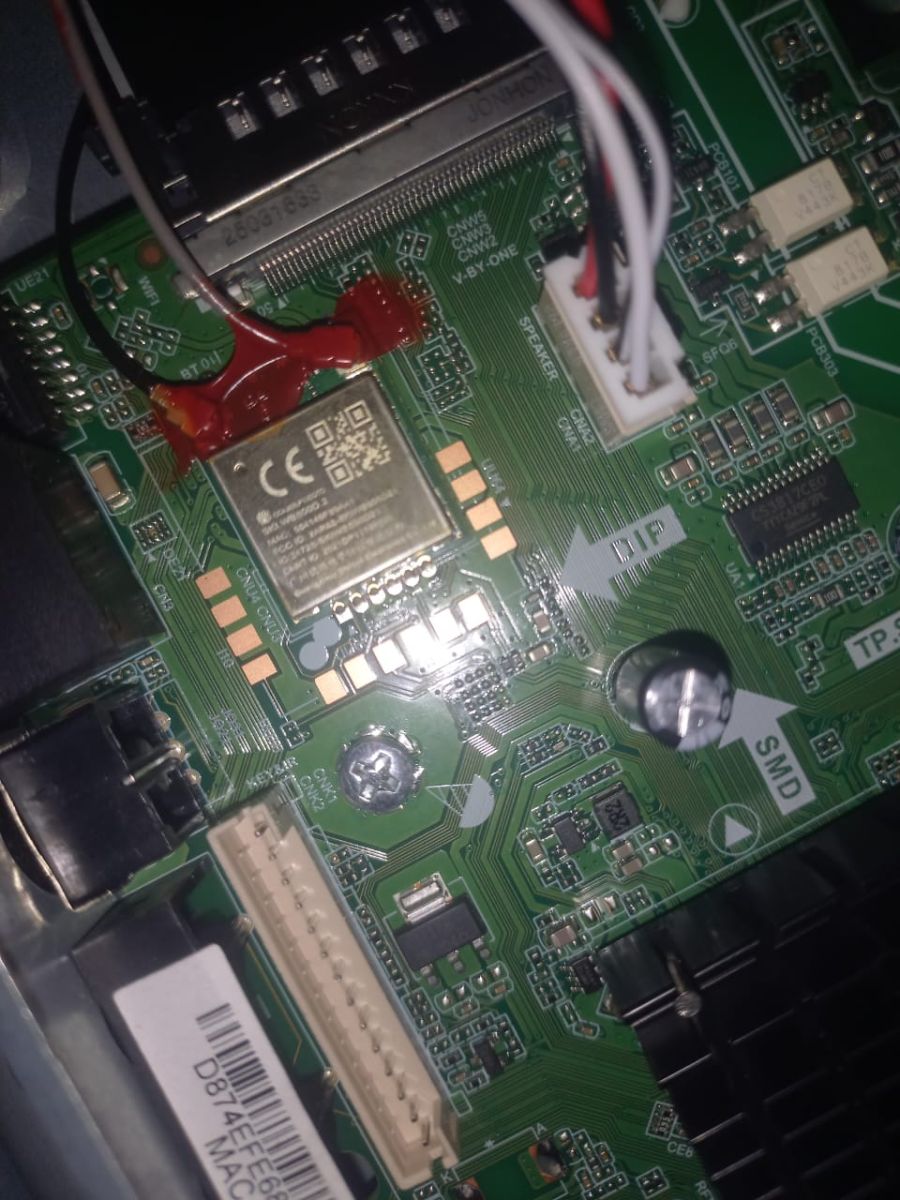
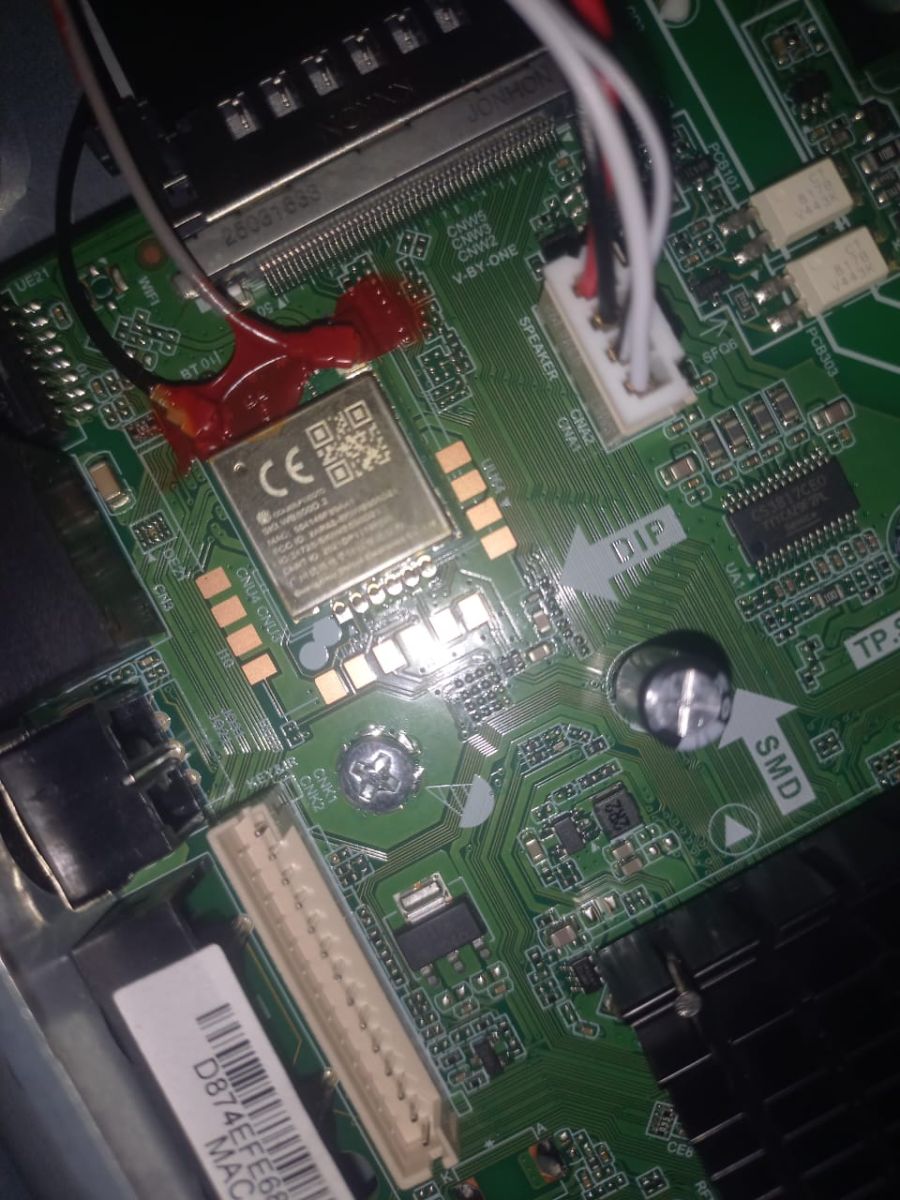
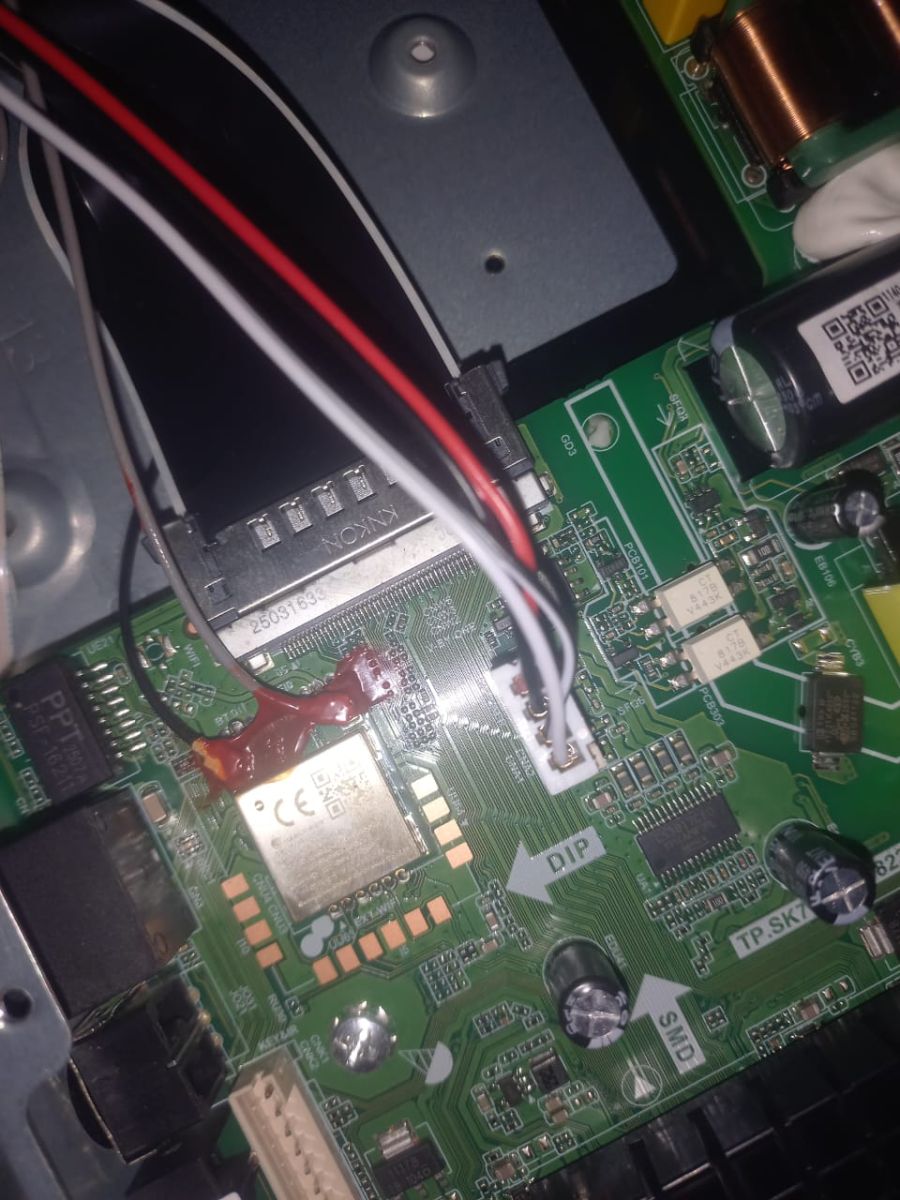
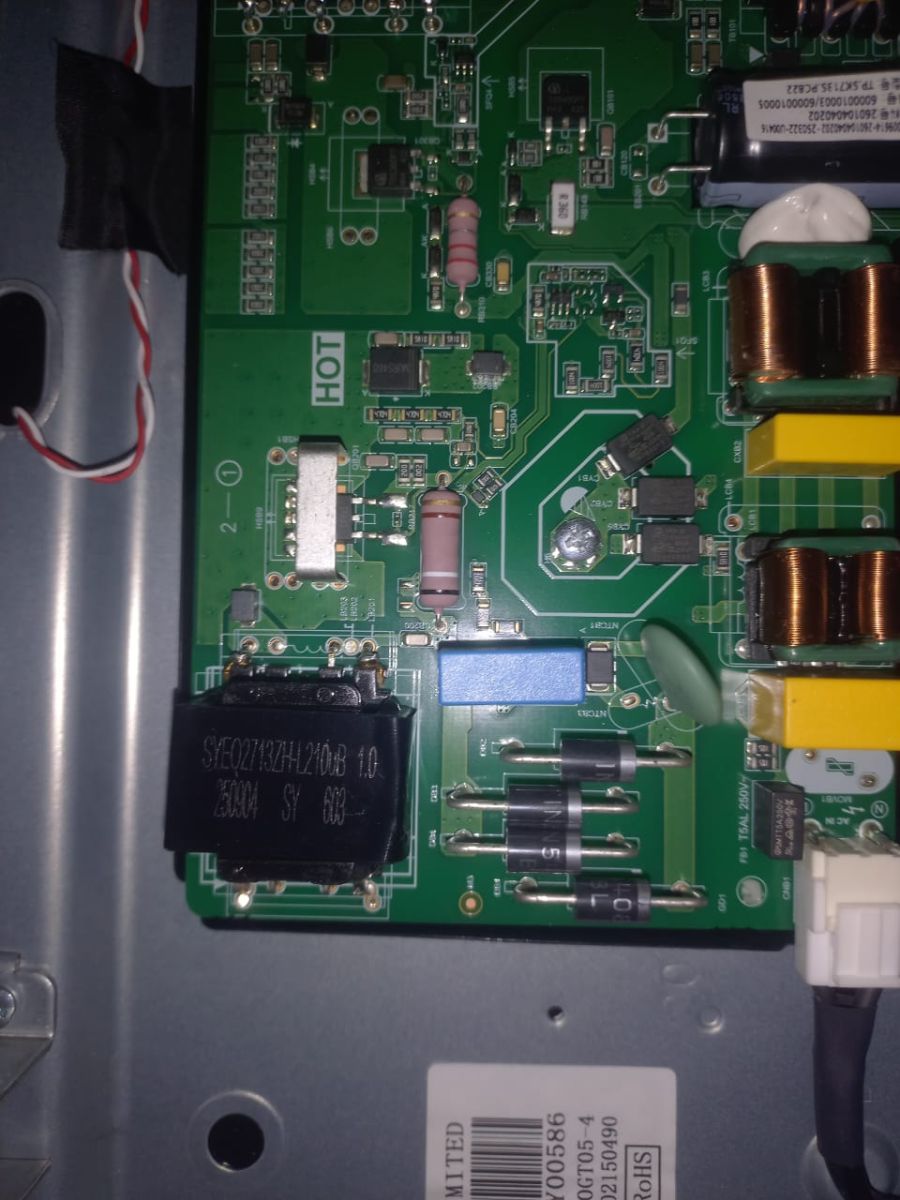
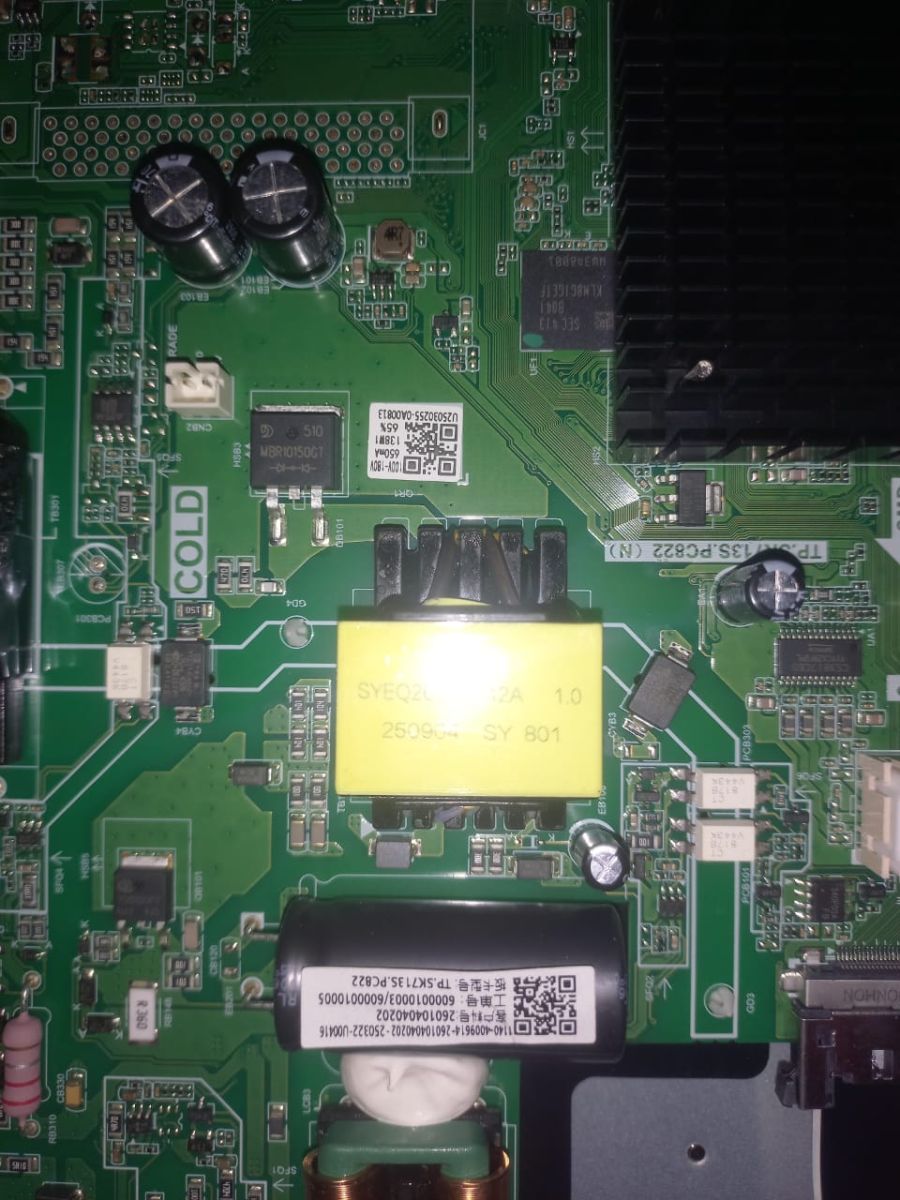
- Mainboard: TP.SK713S.PC822 (N) — confirmed from mainboard silkscreen
- SoC: Amlogic T962D4
- RAM/Flash: 1.5GB DDR / 8GB eMMC
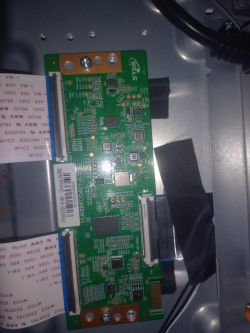
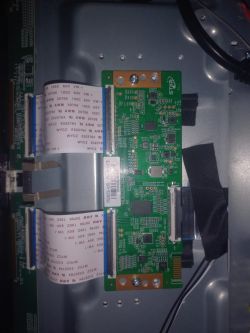
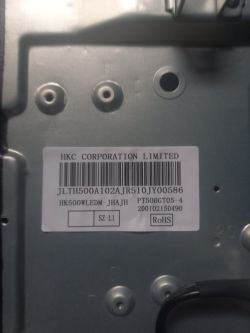
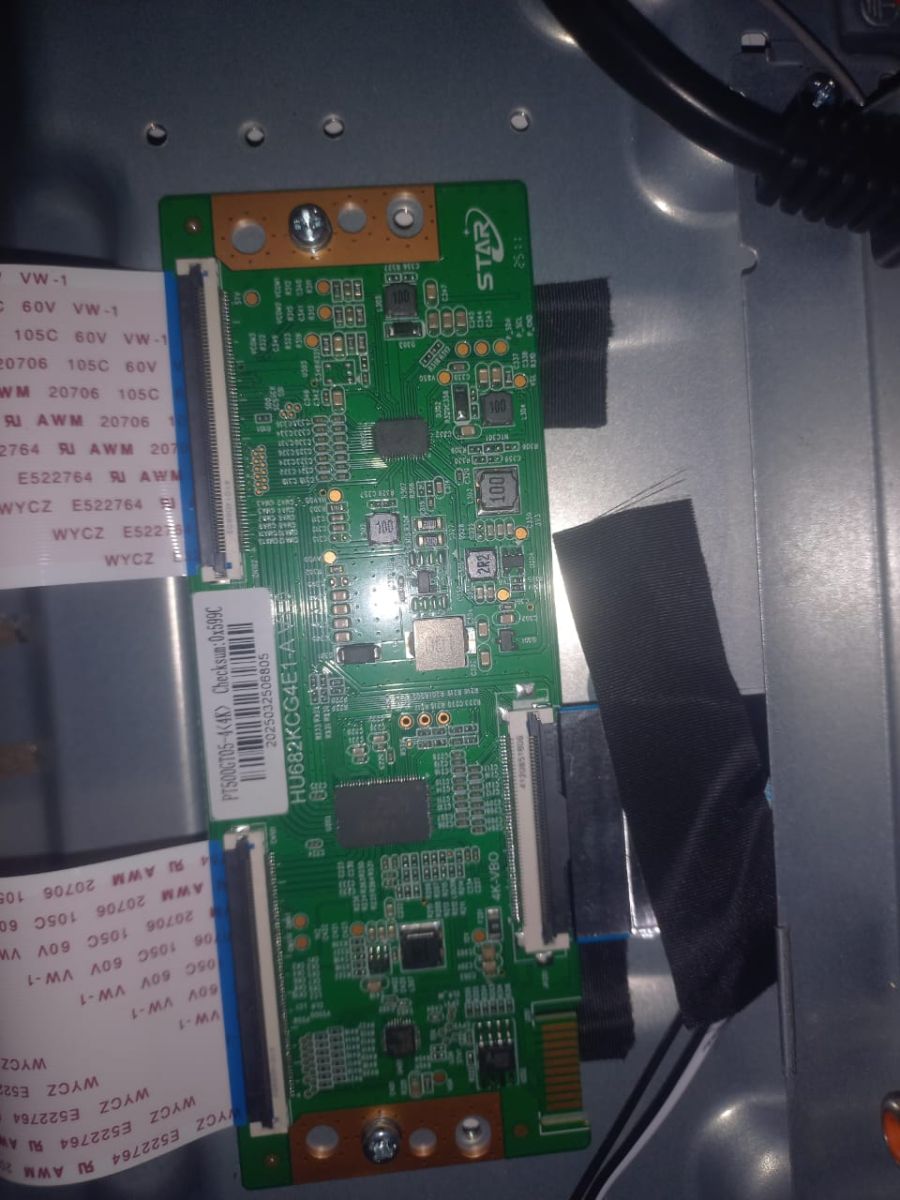
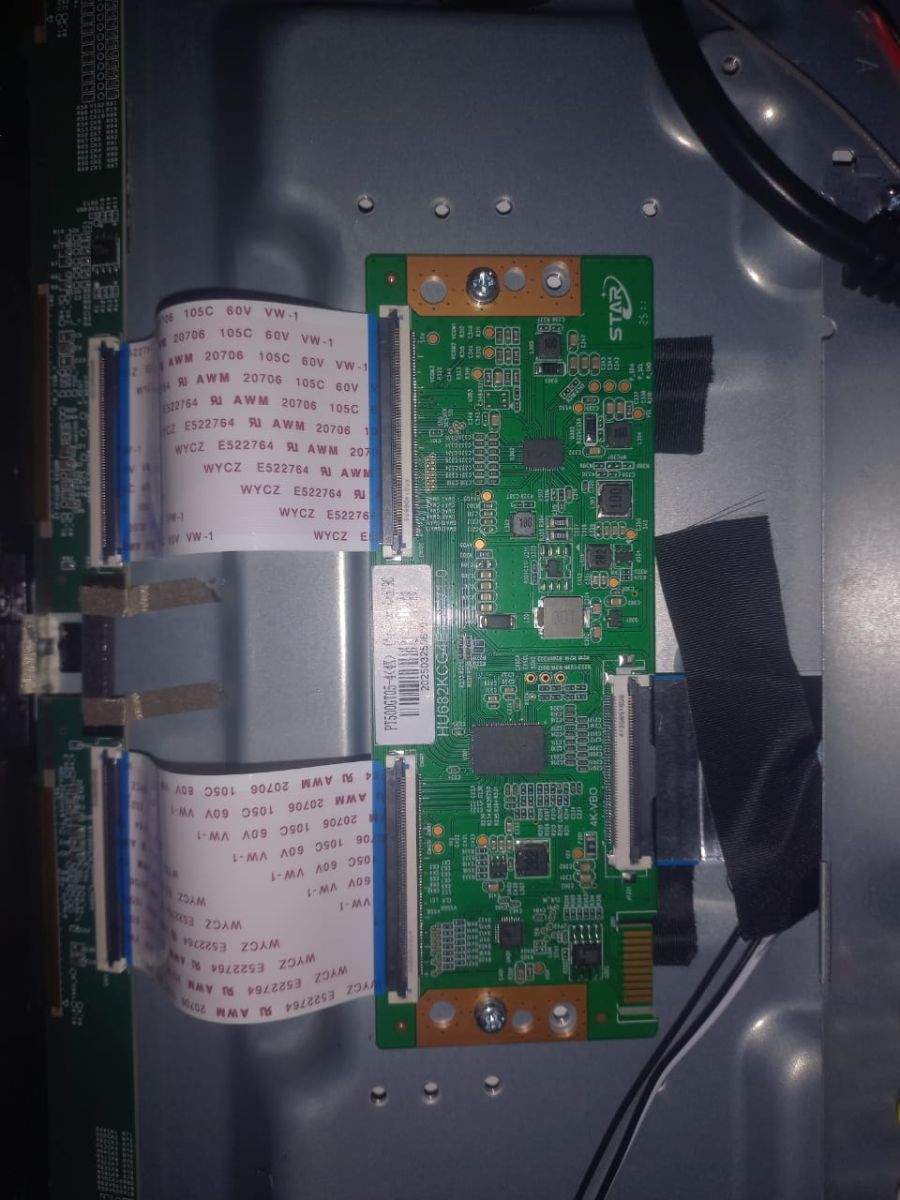
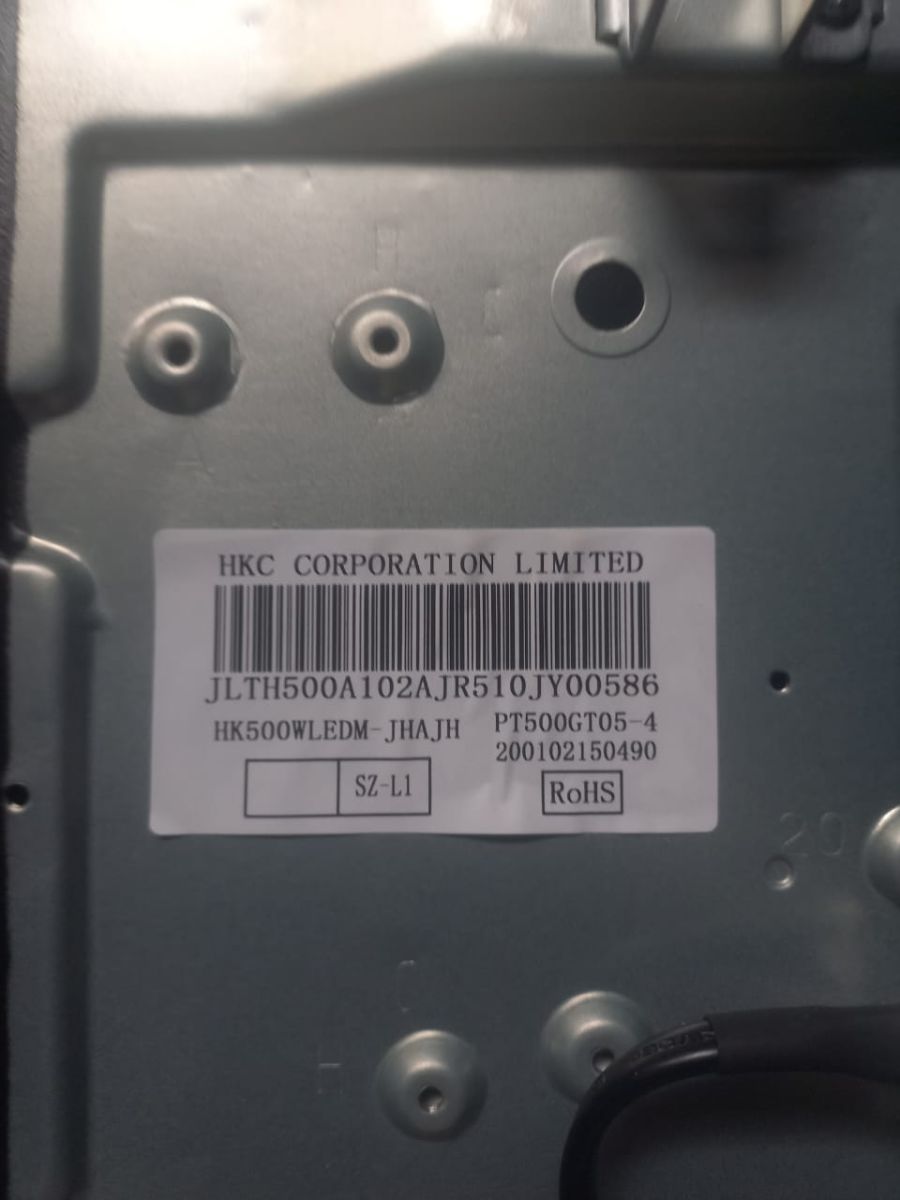
- Panel: HKC Corporation, model HK500WLEDM-JHAJH, panel code PT500GT05-4 — confirmed on the case sticker, the panel frame label, and the T-con board sticker itself
- OS: Android 13
Fault description:
TV was working normally. A power outage occurred during use (common in my area),normal use
and when power returned, the TV now boots to the HIKERS logo, proceeds into the "WISDOM-SHARE Smart Cloud TV" animation, and hangs there permanently — never reaches the Android Home Screen. Once it reaches this frozen state, neither the remote nor the TV's physical power button respond at all; the only way to power off is unplugging from the wall.
Before the outage, I had installed several apps and transferred a number of high-resolution images via local WiFi, and total storage was fairly limited (~4GB). I suspect the power loss corrupted the eMMC filesystem mid-write, causing the boot hang.
I've tried:
- Multiple hard power cycles (unplug, wait, replug)
- USB keyboard input during boot (arrow keys, Alt+PrintScreen+I, Esc) — no response
- Remote-based recovery combo (Power + Volume) from cold boot — no response
- No firmware has been flashed yet; TV is untouched at the software level
What I'm trying to confirm before flashing:
The only firmware I've found that matches my exact board (SK713S.PC822) closely is labeled for panel PT500GT04-1, not my exact PT500GT05-4. Both are 50" HKC panels in the same family, one revision apart.
1. Does anyone know if PT500GT04-1 firmware is safe to use on a PT500GT05-4 panel (same board, SK713S.PC822)? Are these panel revisions timing-compatible, or is this likely to cause a black screen/backlight/scaling issue even if the board itself boots fine?
2. Does anyone have the exact PT500GT05-4 firmware for TP.SK713S.PC822 (N), ideally REF-matched, that they could share or point me to?
3. Alternatively, is there a way to force Android recovery mode (wipe cache/factory reset) on this specific board without a working button combo, to avoid needing a firmware flash entirely?
I have clear photos of the mainboard, panel label, and T-con board available and can post them if helpful. Any guidance from someone who's worked on this exact board/panel combination would be genuinely appreciated — trying to avoid bricking a brand-new TV.
Thank you.
AI: Can you post the exact filename/link/source of the PT500GT04-1 firmware you found, including any version/build/REF number shown in the archive or instructions, and whether it is a USB update package or a full eMMC/ISP dump?
AI: Can you upload clear photos of the mainboard sticker/labels, panel label, T-con label, and any rear-case barcode/REF/software-version stickers, not just the silkscreen board number?
[/film]
I need help confirming firmware compatibility for a HIKERS-branded Android Smart TV before I attempt a USB firmware flash, and I'd like to avoid damaging the panel by using a mismatched build.
TV details:
- Brand/Model: HIKERS NG50FZ-S (50" Smart LED 4K TV, sold in Nigeria via Jumia)
- Mainboard: TP.SK713S.PC822 (N) — confirmed from mainboard silkscreen
- SoC: Amlogic T962D4
- RAM/Flash: 1.5GB DDR / 8GB eMMC
- Panel: HKC Corporation, model HK500WLEDM-JHAJH, panel code PT500GT05-4 — confirmed on the case sticker, the panel frame label, and the T-con board sticker itself
- OS: Android 13
Fault description:
TV was working normally. A power outage occurred during use (common in my area),normal use
and when power returned, the TV now boots to the HIKERS logo, proceeds into the "WISDOM-SHARE Smart Cloud TV" animation, and hangs there permanently — never reaches the Android Home Screen. Once it reaches this frozen state, neither the remote nor the TV's physical power button respond at all; the only way to power off is unplugging from the wall.
Before the outage, I had installed several apps and transferred a number of high-resolution images via local WiFi, and total storage was fairly limited (~4GB). I suspect the power loss corrupted the eMMC filesystem mid-write, causing the boot hang.
I've tried:
- Multiple hard power cycles (unplug, wait, replug)
- USB keyboard input during boot (arrow keys, Alt+PrintScreen+I, Esc) — no response
- Remote-based recovery combo (Power + Volume) from cold boot — no response
- No firmware has been flashed yet; TV is untouched at the software level
What I'm trying to confirm before flashing:
The only firmware I've found that matches my exact board (SK713S.PC822) closely is labeled for panel PT500GT04-1, not my exact PT500GT05-4. Both are 50" HKC panels in the same family, one revision apart.
1. Does anyone know if PT500GT04-1 firmware is safe to use on a PT500GT05-4 panel (same board, SK713S.PC822)? Are these panel revisions timing-compatible, or is this likely to cause a black screen/backlight/scaling issue even if the board itself boots fine?
2. Does anyone have the exact PT500GT05-4 firmware for TP.SK713S.PC822 (N), ideally REF-matched, that they could share or point me to?
3. Alternatively, is there a way to force Android recovery mode (wipe cache/factory reset) on this specific board without a working button combo, to avoid needing a firmware flash entirely?
I have clear photos of the mainboard, panel label, and T-con board available and can post them if helpful. Any guidance from someone who's worked on this exact board/panel combination would be genuinely appreciated — trying to avoid bricking a brand-new TV.
Thank you.
AI: Can you post the exact filename/link/source of the PT500GT04-1 firmware you found, including any version/build/REF number shown in the archive or instructions, and whether it is a USB update package or a full eMMC/ISP dump?
AI: Can you upload clear photos of the mainboard sticker/labels, panel label, T-con label, and any rear-case barcode/REF/software-version stickers, not just the silkscreen board number?
