





MOUSE JIGGLER pretending to be a computer mouse
TL;DR
- A Raspberry Pi Zero (RP2040) Arduino mouse jiggler emulates a USB computer mouse to keep Windows from entering standby during inactivity.
- It moves the pointer 5 pixels to the right every 1 minute, then moves it back 5 pixels, avoiding the erratic cursor behavior of commercial jigglers.
- A soldered button between pin 1 and pin 3 toggles activation, while the RGB LED shows operating status.
- Uploading is done in Windows 10 by holding BOOT, opening the USB folder, and copying RP2040_simulation_motion_mouse.ino.uf2.
Generated by the language model.
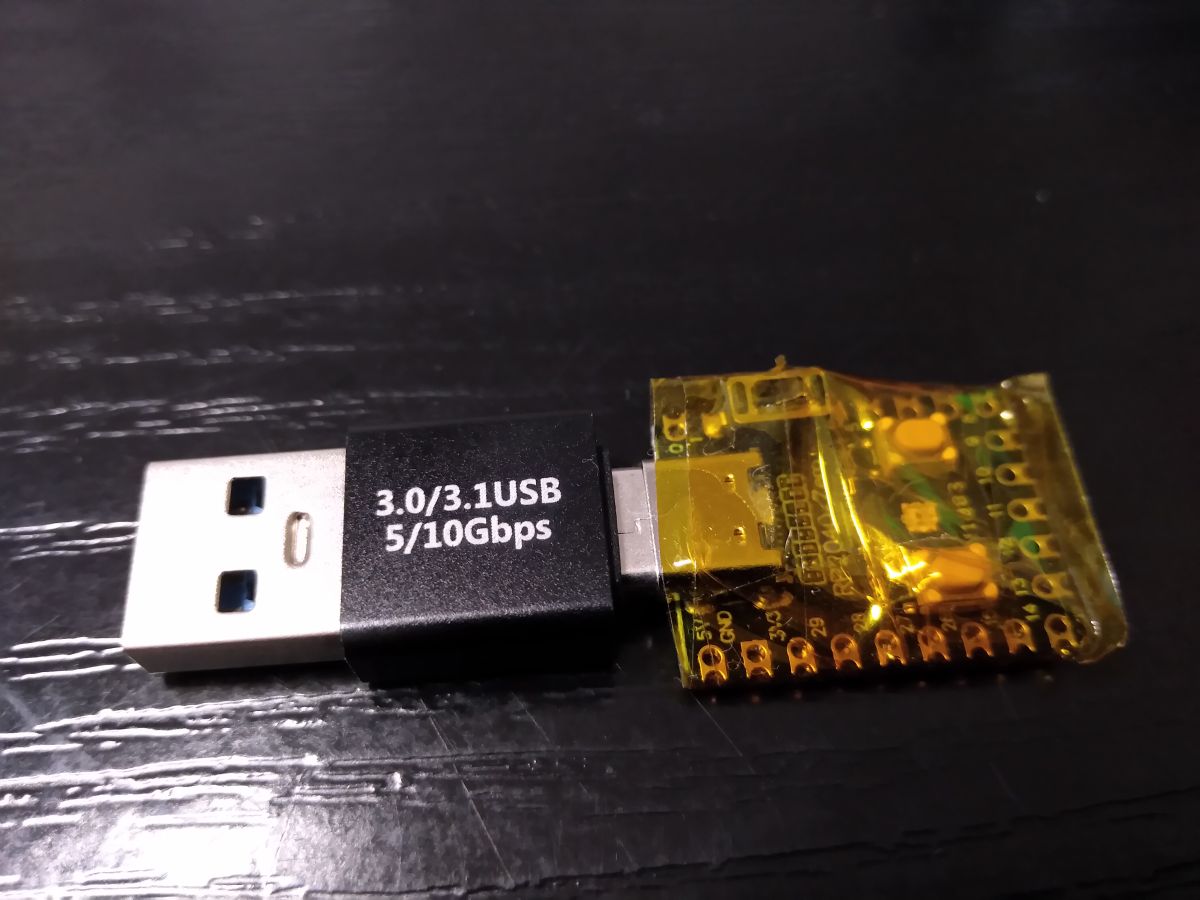
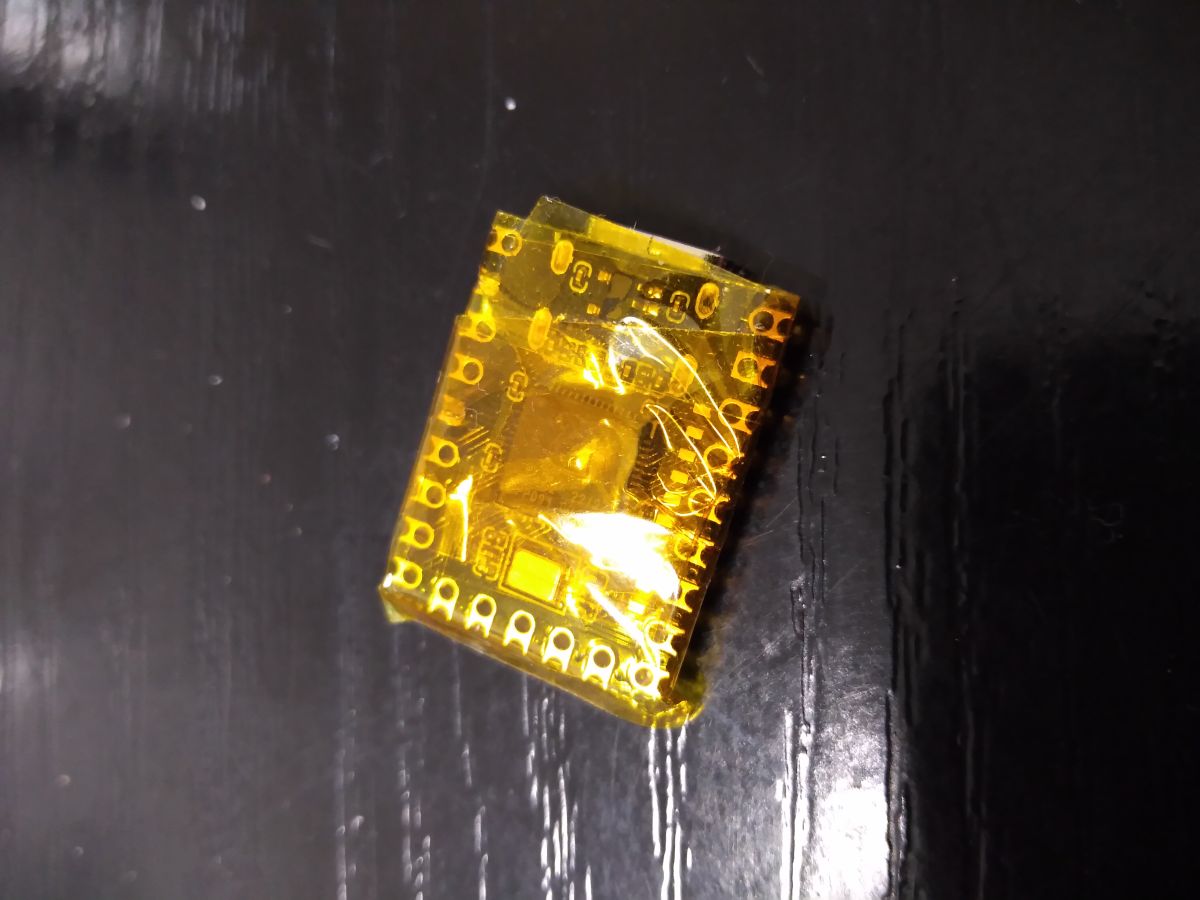
Nothing special to brag about. However, here is a project I made. The device moves to the right by 5 pixels every 1 minute, then back by 5 pixels. Written in Arduino for a Raspberry Pi Zero (RP2040) board. You may ask, why make this when you can buy something like this? And this is for 2 reasons:
1. cheaper,
2. in bought ones the mouse pointer goes crazy on the screen like abnormal, which is very annoying.
This way, the system will not go into standby mode after detecting prolonged inactivity.
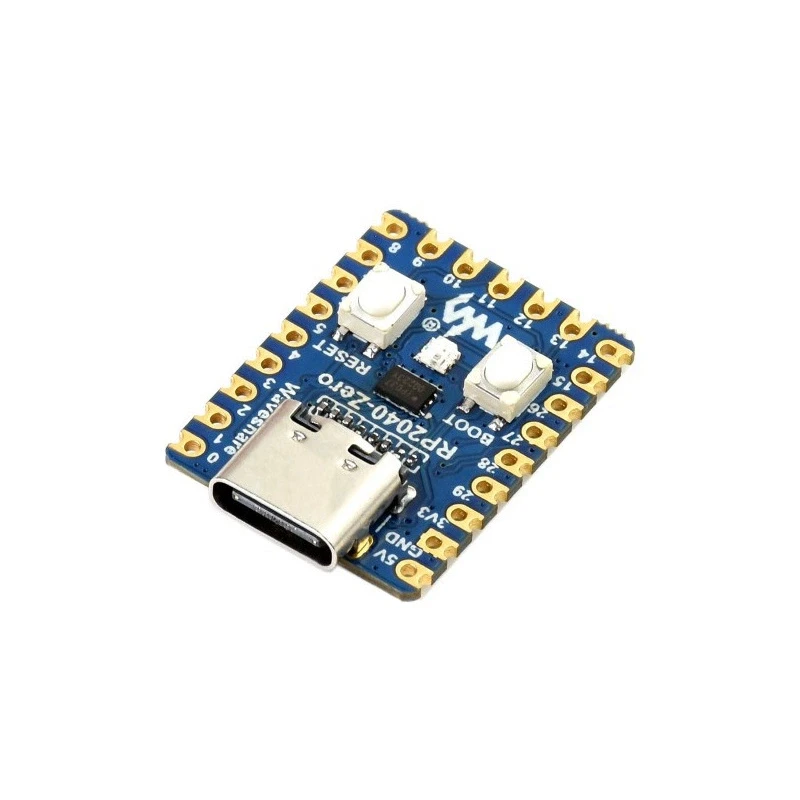
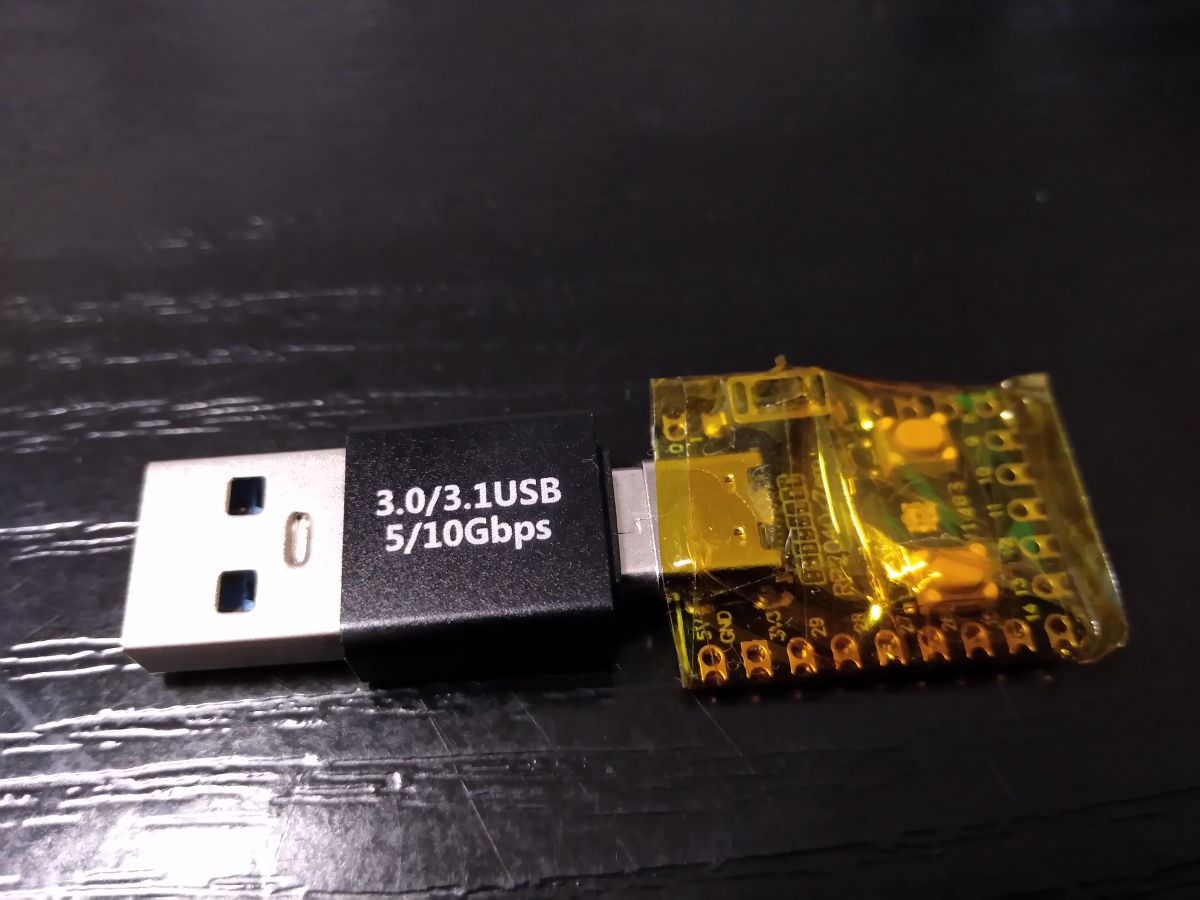
I additionally use an adapter.
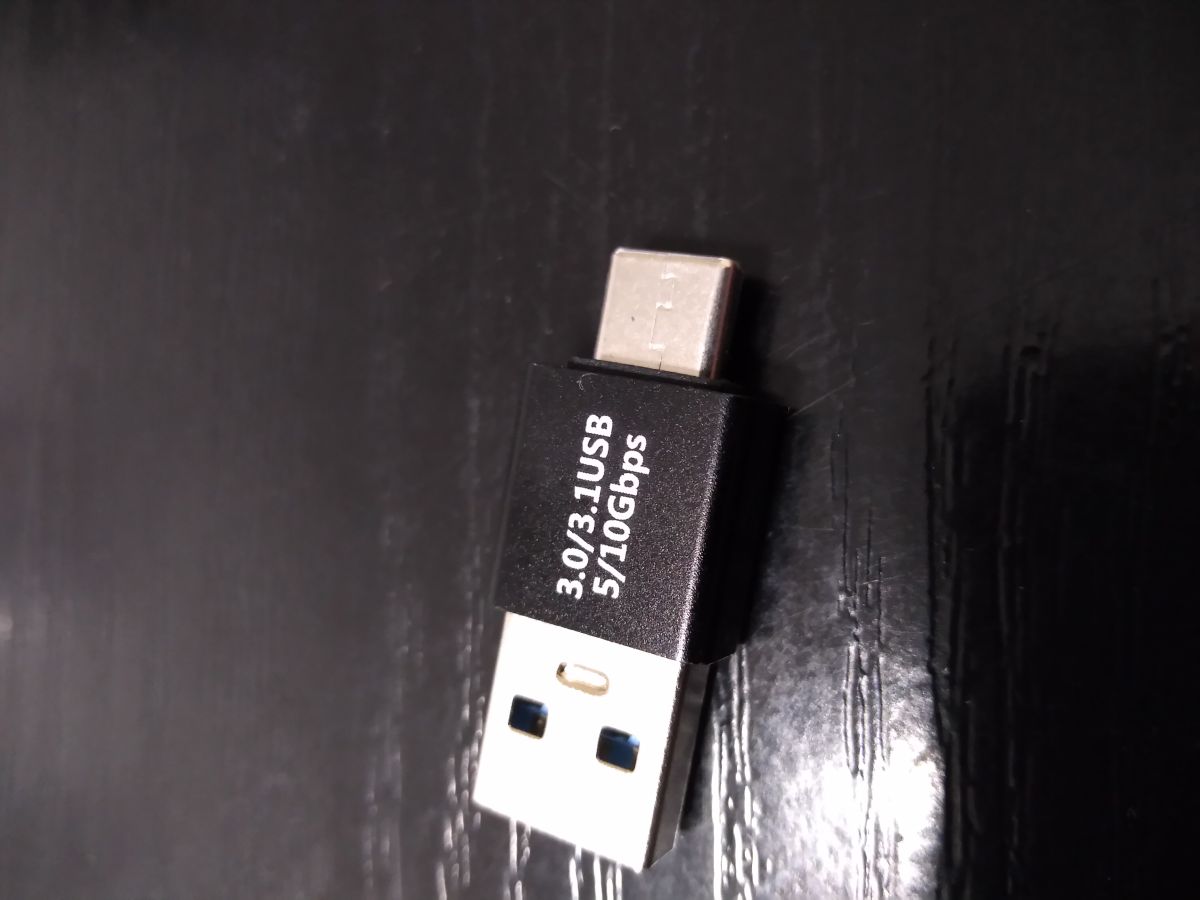
A button has to be soldered in for activation and deactivation. Unfortunately the existing button cannot be used.
The button needs to be connected to pin 1 a GND. To make life easier, the processor puts out a low state on pins 0, 2, 3, 4, 5, 6. This allows you to solder a small button between pins 1 and 3. Simple and no combination. The installed RGB LED will show the current operating status of the device. All in all, there is not much more to write about here.
Uploading the code is trivial.
In Windows 10, plug the board into a USB port with the BOOT button pressed. A folder will open and into it copy the file RP2040_simulation_motion_mouse.ino.uf2
That's the whole philosophy.

janchar wrote 190 posts with
rating 96 , helped 1 times.
Live in city Katowice.
Been with us since 2009 year.
Comments
I did one of these on digispark https://kamami.pl/plytki-zgodne-z-arduino-inne/575389-modatt85-miniaturowa-plytka-rozwojowa-z-attiny85-kompatybilna-z-arduino-digispark-5906623457069.html [Read more]
It can be done either way, I do it through a setting in the control panel though: -Put the computer into sleep mode: Never [Read more]
All nice when you have access to the control panel. But if the computer is a business computer managed by the IT department, it is not so nice, and then such a gadget comes in handy. [Read more]
Until someone notices an un-atorialised device plugged into the USB port, which also seriously compromises security (prevents the computer from automatically locking up when idle) [Read more]
Interesting, could be a useful gadget. [Read more]
It is useful. [Read more]
A colleague used to use a .vbs script. [Read more]
Only VBA in Excel and some Visual Basic derivatives in scripts for SCADA. [Read more]
An additional button is not necessary. Note that if you use the Arduino board package called "Raspberry Pi Pico/RP2040" (not "Arduino Mbed OS RP2040 boards", because that's grandpa), there are additionally... [Read more]
Valuable comment. I will check, update the program, post. [Read more]
to move the mouse so that the computer does not block, you can use the move mouse program https://github.com/sw3103/movemouse/releases/. You do not need to install it, just put it somewhere on your hard... [Read more]
In corporate at a remote job they hate him, see what he did! :) Thanks for sharing the solution. Please send your Parcel Post to Private Message. [Read more]
By all means a useful gadget. However, I prefer a free tiny program that doesn't even require installation (which on company computers is an advantage, because installs are blocked usually), and perfectly... [Read more]
Depends on the degree of monitoring of business computers, then you can see if a program is running and running in the background - process name. Although similarly with USB ports, you can't flash drive,... [Read more]
The memory stick has a specific ID, the mouse has a different ID pool in the USB nest. [Read more]
Flash drive support may be blocked by the administrator and HID devices are unlikely to be blocked [Read more]
Exactly - they have different hardware IDs. Sometimes to read a faulty pedriva it was possible to remove the ID from the resjestr and read. I think the HID was mounted in a different branch of the re... [Read more]
I have uploaded a new version of the software. Thanks to kol rb401 I have used the BOOT button. For compatibility, now you can solder the button and switch the operation on and off with it. The same role... [Read more]
You put the mouse on a pointer wristwatch. The second hand fools the mouse and the system. You go out, the watch ticks, the screensaver doesn't block your computer. You come back - no watch, witty colleagues... [Read more]