logo elektroda
logo elektroda
X
logo elektroda

MOUSE JIGGLER pretending to be a computer mouse

janchar 1977 31
ADVERTISEMENT
Treść została przetłumaczona polish » english Zobacz oryginalną wersję tematu
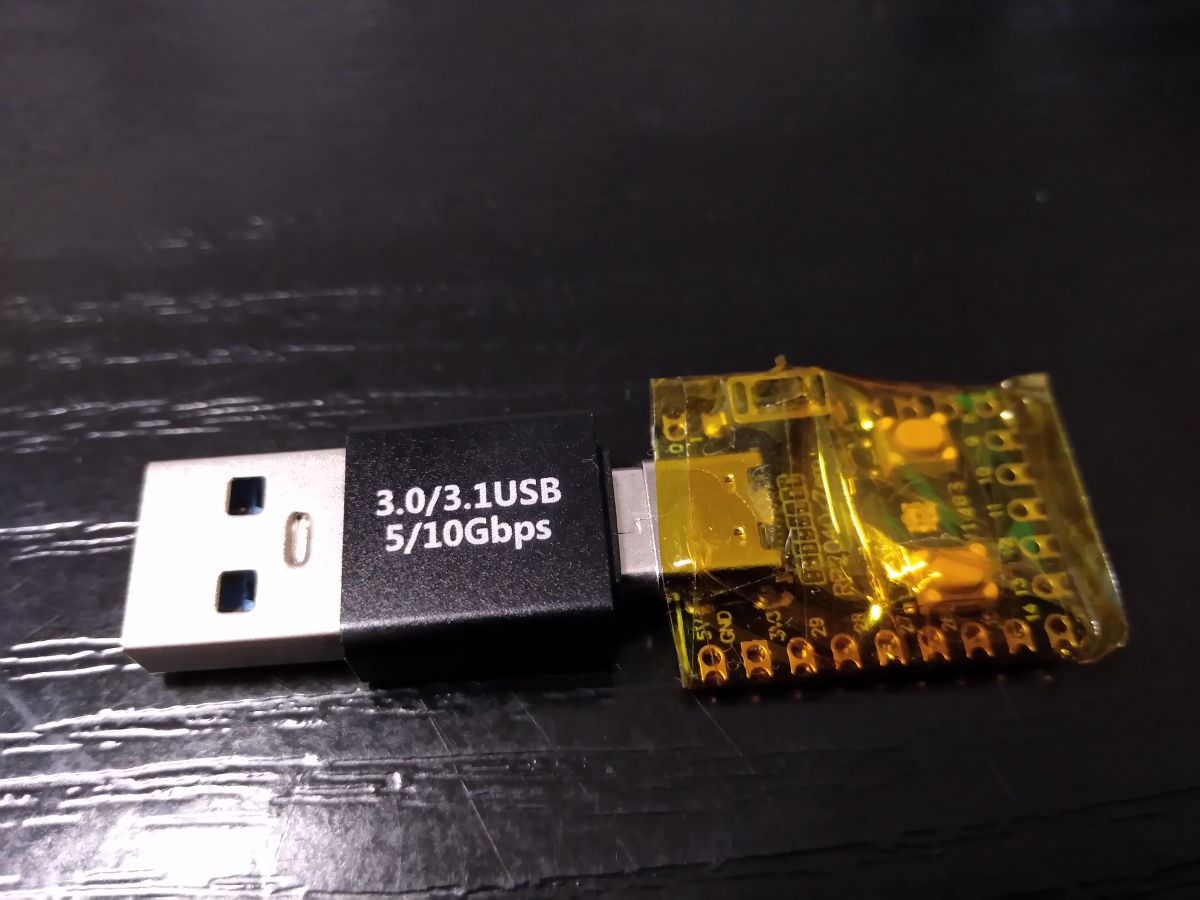
  • USB adapter with microcontroller board wrapped in yellow tape

    Nothing in particular to boast about. However, here is a project I made. The device makes a 5 pixel move to the right every 1 minute then back by 5 pixels. Written in arduino for a rasbery pi zero board (RP2040). You may ask, why make this when you can buy something like this? And this is for 2 reasons:
    1. cheaper,
    2. in bought ones the mouse pointer goes crazy on the screen like abnormal which is very annoying.

    This way, the system will not go into standby mode after detecting prolonged inactivity.
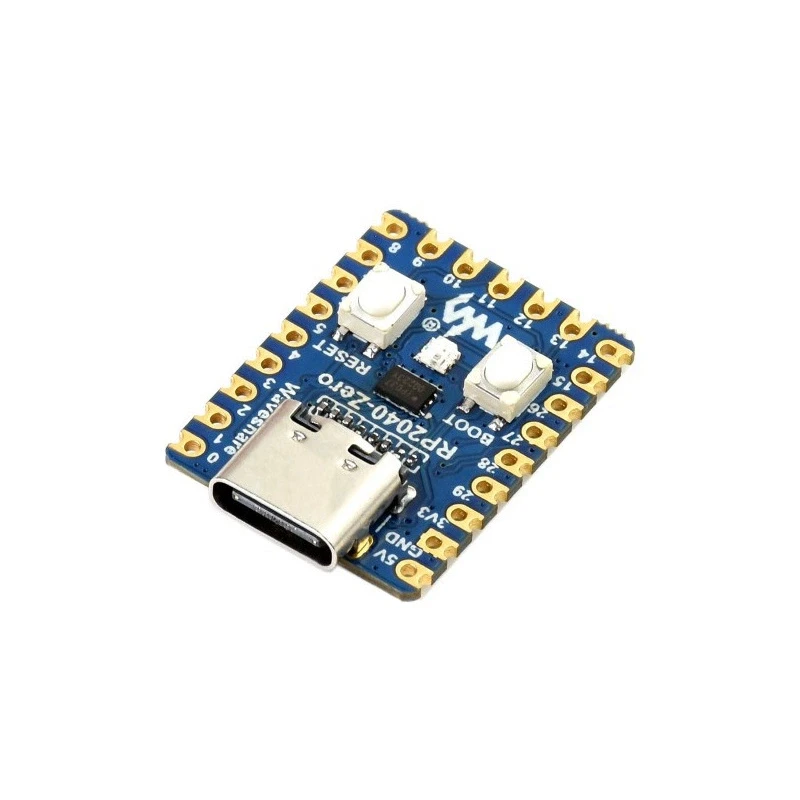
    MOUSE JIGGLER pretending to be a computer mouse

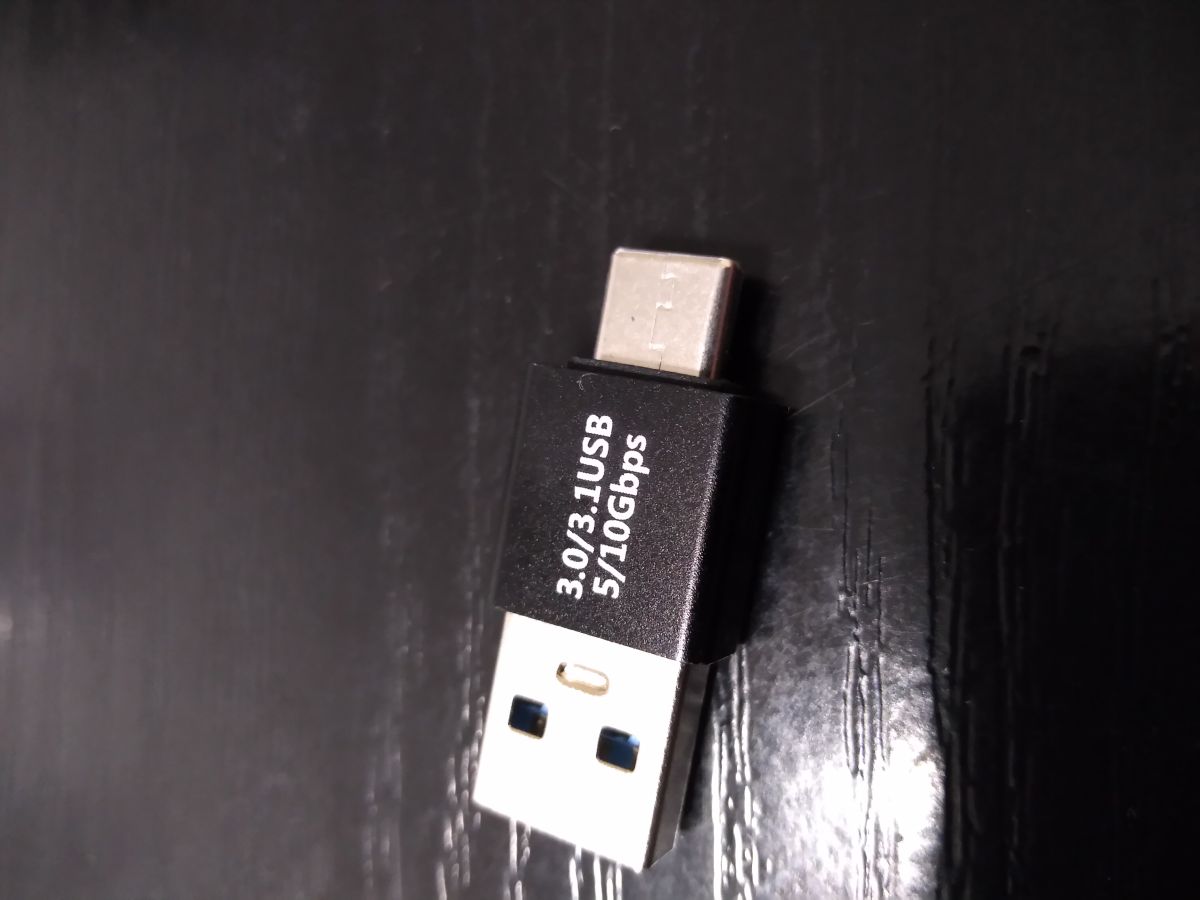
    I additionally use an adapter.

    USB-A to USB-C adapter labeled 3.0/3.1 5/10 Gbps on a black surface

    A button has to be soldered in for activation and deactivation. Unfortunately existing buttons cannot be used.
    The button has to be connected to pin 1 a GND. To make life easier on pins 0,2,3,4,5,6 the processor puts out a low state. This allows you to solder a small button between pins 1 and 3. Simple and no combination. The installed RGB LED will show the current operating status of the device. All in all, there is not much more to write about here.


    Uploading the code is trivial.
    In windows10, plug the board into the usb port with the BOOT button pressed. A folder will open and into it copy the file RP2040_simulation_motion_mouse.ino.uf2

    That's the whole philosophy.
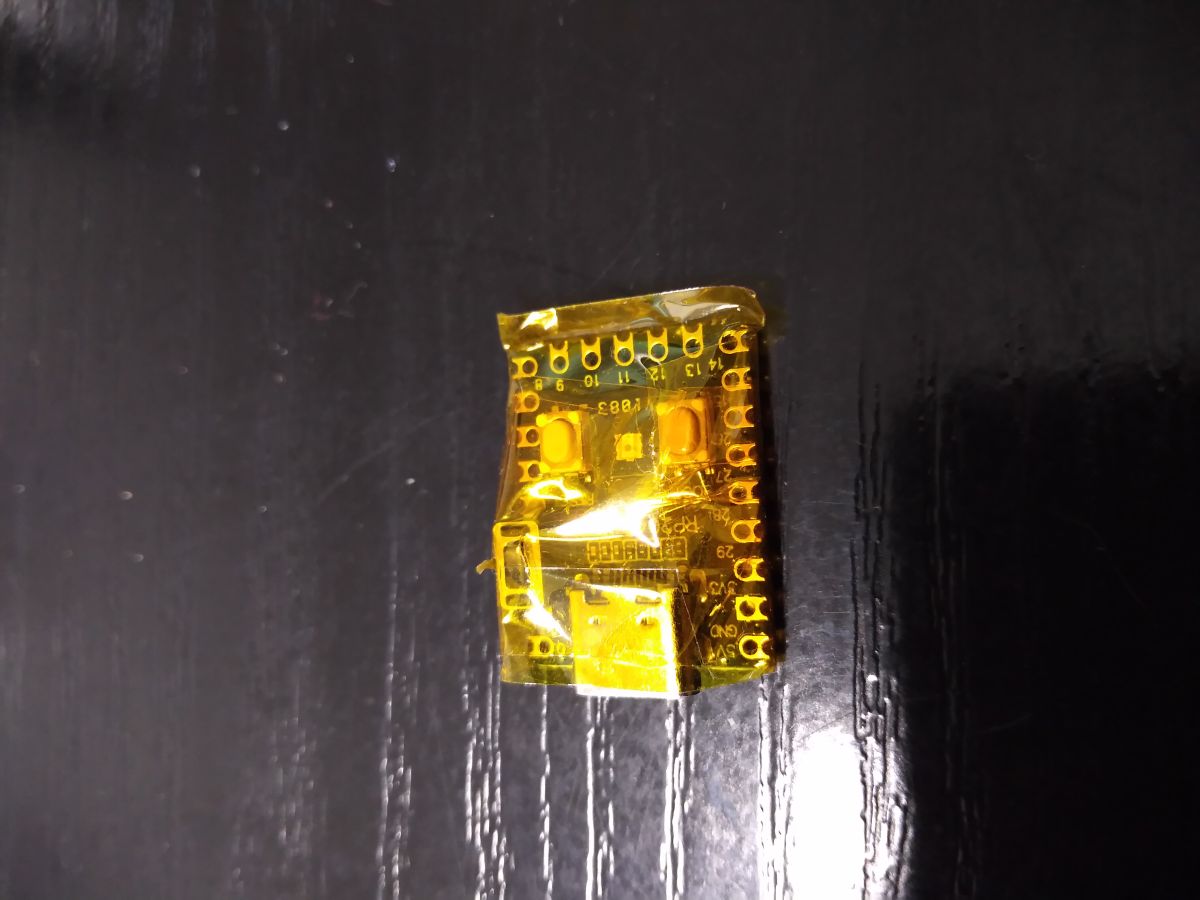

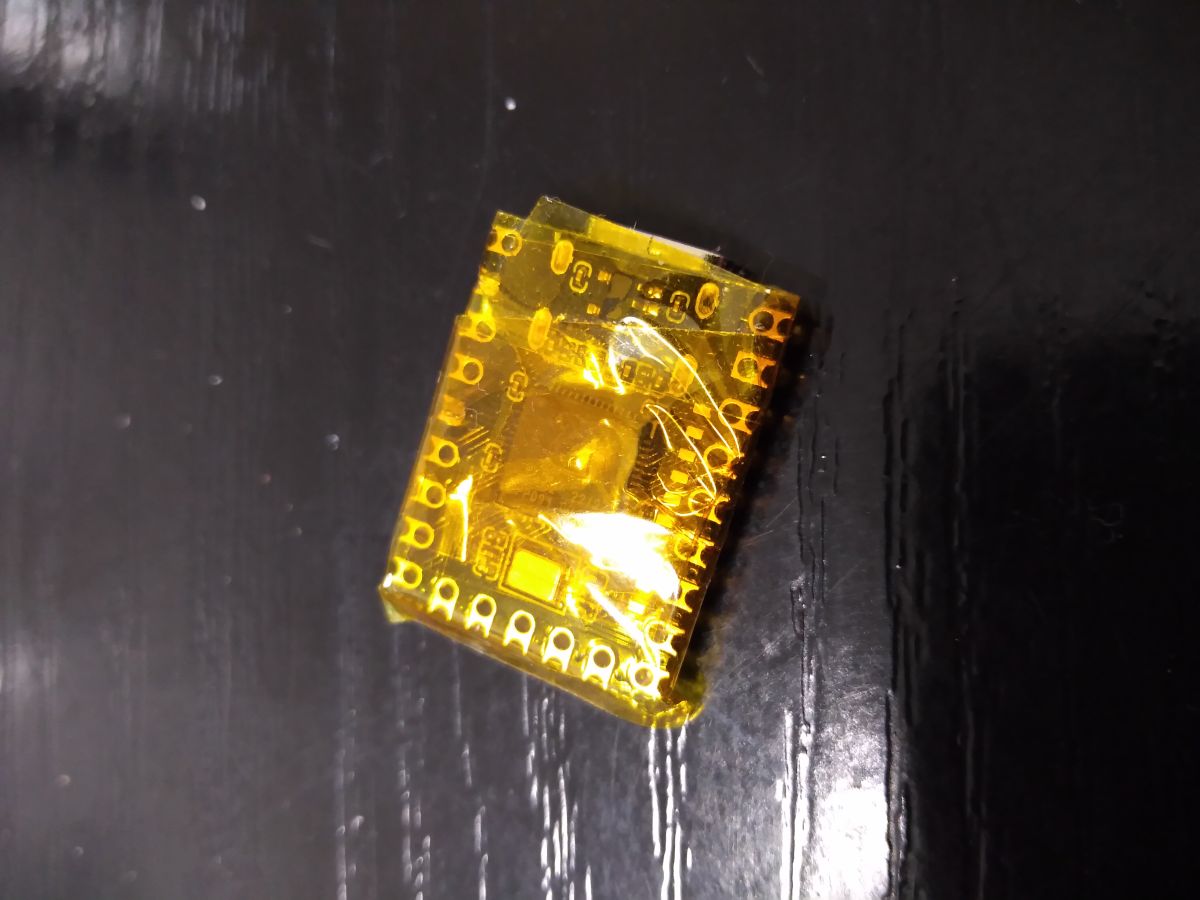
    Raspberry Pi RP2040 board wrapped in yellow tape on a black background

    Small PCB wrapped in yellow electrical tape lying on a black surface

    USB adapter connected to a RP2040 board wrapped in yellow insulation tape

    Cool? Ranking DIY
    About Author
    janchar
    Level 14  
    Offline 
    janchar wrote 190 posts with rating 87, helped 1 times. Live in city Katowice. Been with us since 2009 year.
  • ADVERTISEMENT
  • ADVERTISEMENT
  • #3 21799848
    pikarel
    Level 39  
    janchar wrote:
    This will prevent the system from going into standby mode after detecting prolonged inactivity.

    It can be done either way, I do it through a setting in the control panel though:
    -Put the computer into sleep mode: Never
  • #4 21799853
    tos18
    Level 42  
    pikarel wrote:
    You can also do this, I however do it through a setting in the control panel:
    -Put the computer into sleep mode: Never

    All nice when you have access to the control panel. But if the computer is a business computer managed by the IT department, it is not so nice, and then such a gadget comes in handy.
  • #5 21799868
    willyvmm
    Level 31  
    tos18 wrote:
    pikarel wrote:
    You can also do this, I however do it through a setting in the control panel:
    -Put the computer into sleep mode: Never

    All nice when you have access to the control panel. But when the computer is a business computer and managed by the IT department, it is no longer so rosy, and then such a gadget comes in handy.

    Until someone notices an un-atorialised device plugged into the USB port, which also seriously compromises security (prevents the computer from automatically locking up when idle)
  • #6 21799963
    sq3evp
    Level 38  
    Interesting, could be a useful gadget.
  • ADVERTISEMENT
  • #8 21799970
    sq3evp
    Level 38  
    A colleague used to use a .vbs script.
  • #9 21799985
    tos18
    Level 42  
    Only VBA in Excel and some Visual Basic derivatives in scripts for SCADA.
  • #10 21800153
    rb401
    Level 39  
    janchar wrote:
    Unfortunately, the existing buttons cannot be used.


    An additional button is not necessary.
    Note that if you use the Arduino board package called "Raspberry Pi Pico/RP2040" (not "Arduino Mbed OS RP2040 boards", because that's grandpa), there are additionally various very interesting and useful things available. And there is, among other things, a BOOTSEL object with which you can read the state of the BOOT button from the program:

    https://arduino-pico.readthedocs.io/en/latest/bootsel.html
  • #12 21800884
    jeryw
    Level 19  
    to move the mouse so that the computer does not block, you can use the move mouse program https://github.com/sw3103/movemouse/releases/. You do not need to install it, just put it somewhere on your hard drive and run it. You can set it to start up by itself together with Windows
  • #13 21801206
    gulson
    System Administrator
    In corporate at a remote job they hate him, see what he did! :)
    Thanks for sharing the solution.
    Please send your Parcel Post to Private Message.
  • ADVERTISEMENT
  • #14 21801285
    SylwekK
    Level 32  
    By all means a useful gadget. However, I prefer a free tiny program that doesn't even require installation (which on company computers is an advantage, because installs are blocked usually), and perfectly guards the screen from going blank.
    willyvmm wrote:
    Till someone notices a non-installable device plugged into the USB port, which furthermore seriously compromises security (prevents the computer from automatically locking up when idle)

    I wouldn't dramatise. I know these are security requirements, but.... A lot depends on where and what kind of computer work you do. If I open a piece of schematics or documentation and after a while everything disappears and I have to log in again because I haven't moved the mouse or keyboard due to manual work on electronics and so on several times in a row, then the most patient person will eventually go mad.
  • #15 21801469
    gulson
    System Administrator
    SylwekK wrote:
    A most useful gadget. However, I prefer a free tiny program that doesn't even need to be installed (which on business computers is an advantage, because installs are blocked usually), and it keeps an excellent watch on the screen from going blank.

    Depends on the degree of monitoring of business computers, then you can see if a program is running and running in the background - process name.
    Although similarly with USB ports, you can't flash drive, but you can a moving mouse :)
  • #16 21801589
    sq3evp
    Level 38  
    The memory stick has a specific ID, the mouse has a different ID pool in the USB nest.
  • #17 21801782
    tos18
    Level 42  
    Flash drive support may be blocked by the administrator and HID devices are unlikely to be blocked
  • #18 21801819
    sq3evp
    Level 38  
    tos18 wrote:
    Pendrives may be blocked by the administrator and HID devices are unlikely to be blocked

    Exactly - they have different hardware IDs.
    Sometimes to read a faulty pedriva it was possible to remove the ID from the resjestr and read. I think the HID was mounted in a different branch of the registry.
  • #19 21801925
    janchar
    Level 14  
    I have uploaded a new version of the software. Thanks to kol rb401 I have used the BOOT button.
    For compatibility, now you can solder the button and switch the operation on and off with it. The same role is fulfilled by the BOOT button, so a joy for the lazy, nothing needs to be soldered anymore.
  • #20 21802007
    LEDówki
    Level 43  
    You put the mouse on a pointer wristwatch. The second hand fools the mouse and the system. You go out, the watch ticks, the screensaver doesn't block your computer. You come back - no watch, witty colleagues have done something to your computer (e.g. invited everyone for a beer, sent insults to the CEO, etc., etc.), and they've taken the watch. Positives alone.
  • #21 21803626
    levy^
    Level 17  
    If one needs the system not to block, it is enough to start VLC with the blocked movie - as long as one can download VLC, of course
  • #22 21803655
    sq3evp
    Level 38  
    levy^ wrote:
    If someone needs the system not to block, then just run VLC with the movie blocked - as long as VLC can be downloaded of course

    VLC is available as a portable version - you can always download it and play it from your user profile.
  • #24 21803716
    SylwekK
    Level 32  
    @pidar, on options blocked by administrators also works? In theory everything is adjusted nicely, but usually it has no effect and continues to block after a few minutes of inactivity.
  • #25 21803730
    sq3evp
    Level 38  
    I think the mouse emulator is ok - it sends the codes of a working mouse, no open ports needed.
    A colleague used a VBS script that emulates sending pressed keyboard keys.
  • #26 21803742
    Chicken_lover
    Level 11  
    I read the comments and see that there are opponents because we are plugging unauthorised equipment under usb, which can probably be detected. How about creating something like a mouse pad, where the base is stationary, while an element moves in a circular motion in the sensor's field of view? There's one wolf and one sheep and users who are negative about the USB device will no longer have anything to criticise. And the power supply ... from the USB, where nothing will be detected. I once suggested the same idea to a friend and we made such a contraption. The cursor was spinning around. 3D printer, geared motor for slow speed and go.
  • #27 21803770
    LEDówki
    Level 43  
    Out of laziness I would use some kind of program or script. For +- 5px movements like this, and they can do much more.
  • #28 21803776
    sq3evp
    Level 38  
    LEDówki wrote:
    From laziness I would use some program or script. For +- 5px movements like this, and they can do much more.

    It's always the quickest to check.
    I don't have the script as described, but I have seen it working.
  • #29 21803844
    LEDówki
    Level 43  
    Jiggler can probably set dowvolne vid pid?
ADVERTISEMENT