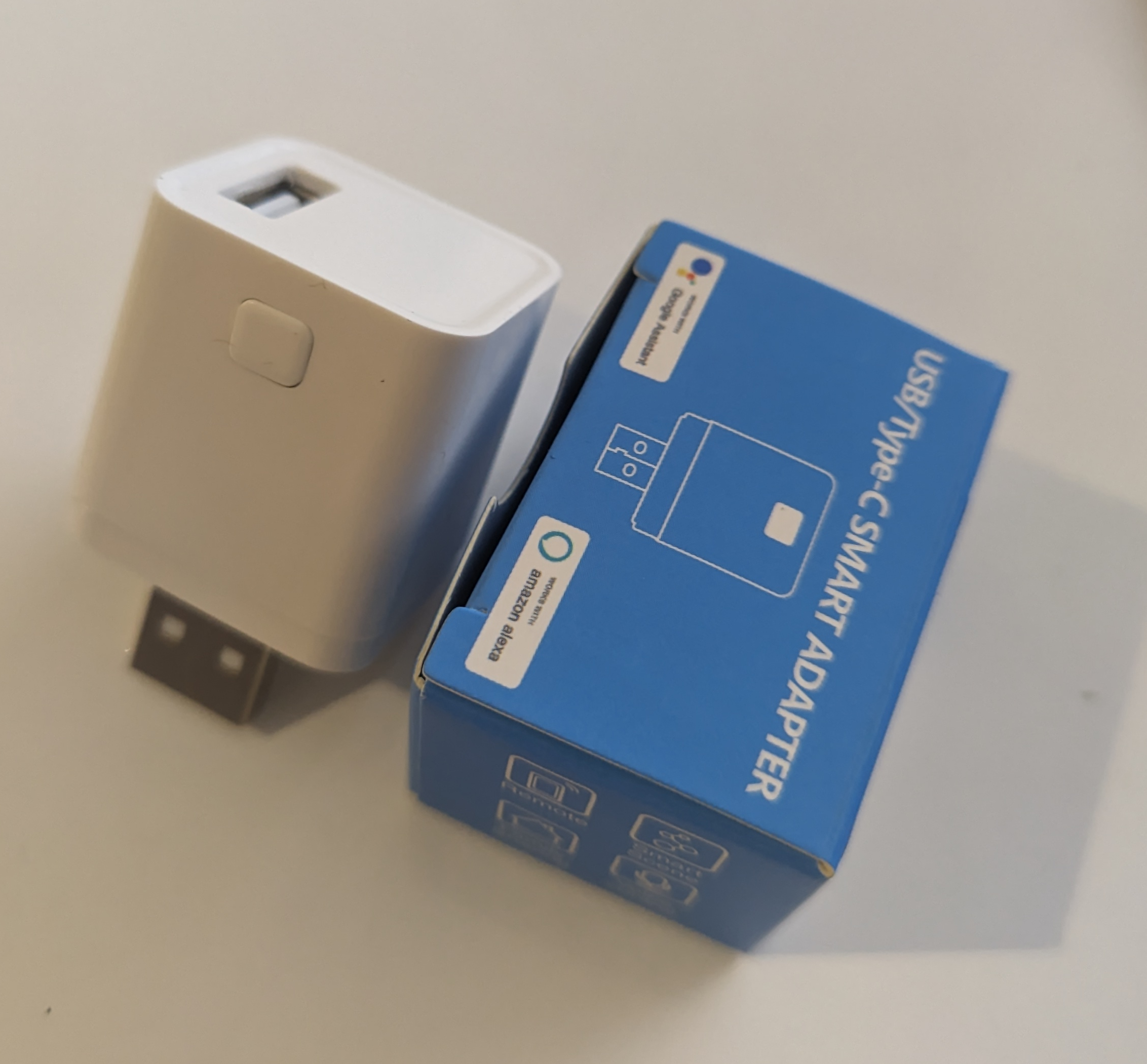
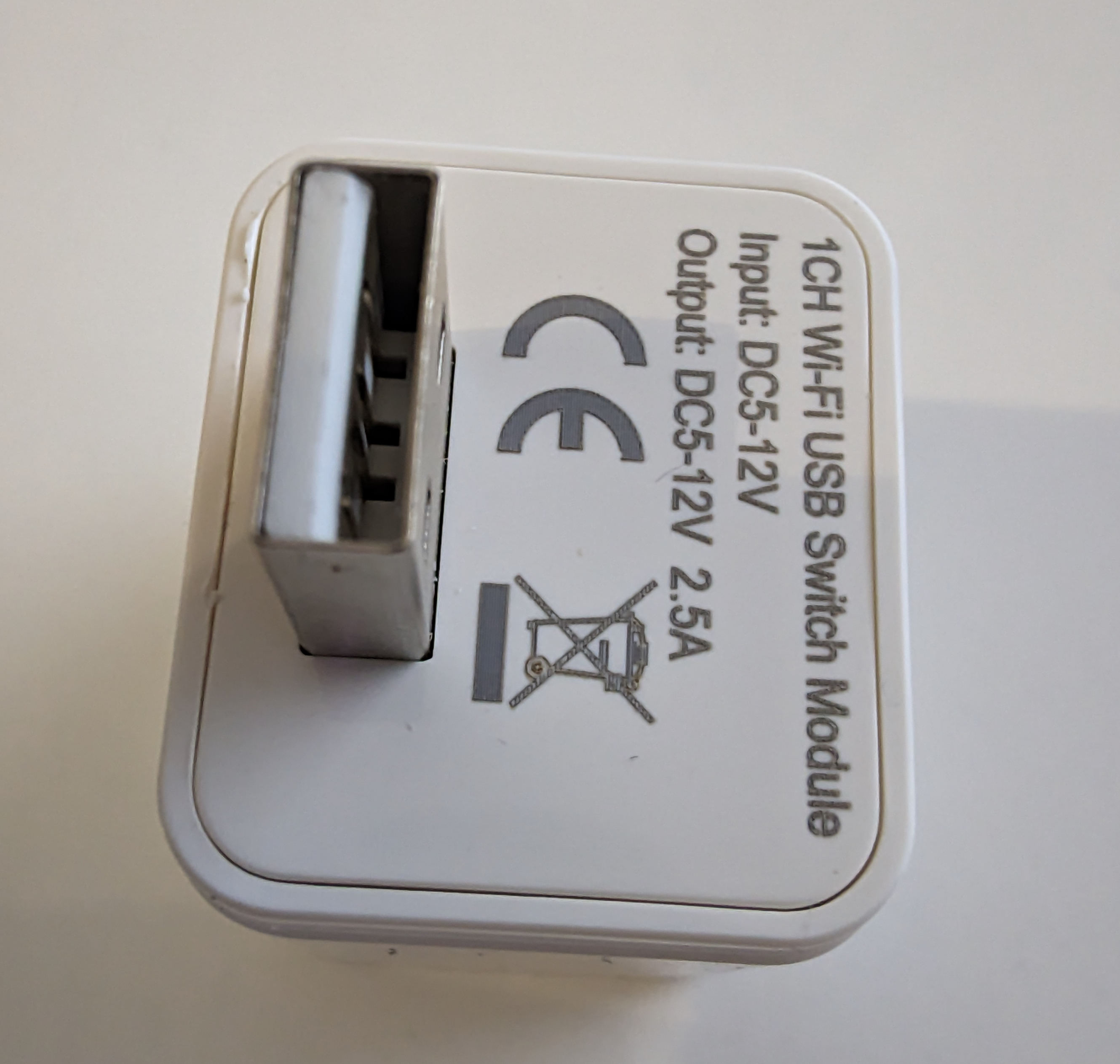
Two cheap USB smart adapters for remotely switching a USB-connected device, sold as Type C but actually Type A.
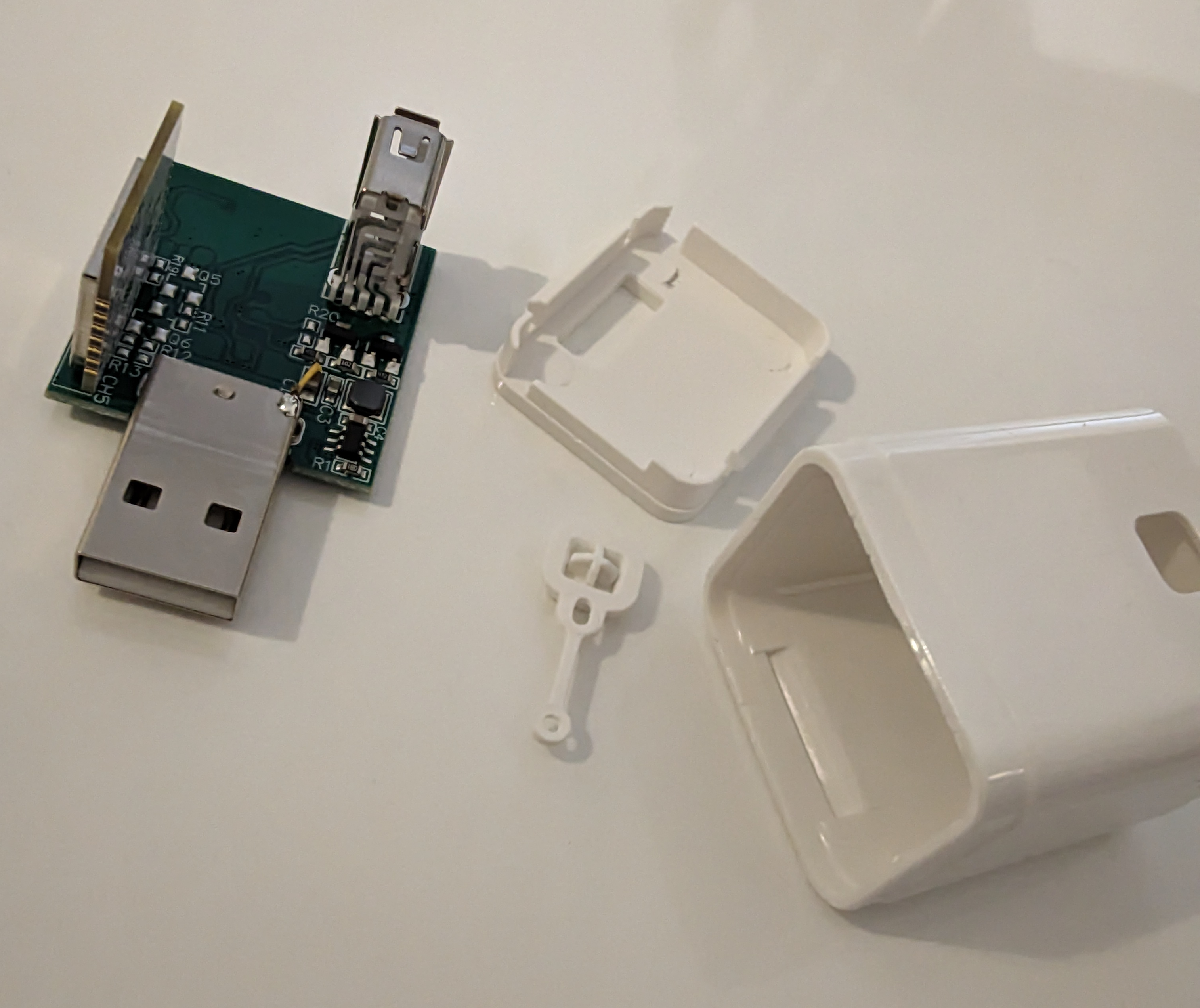
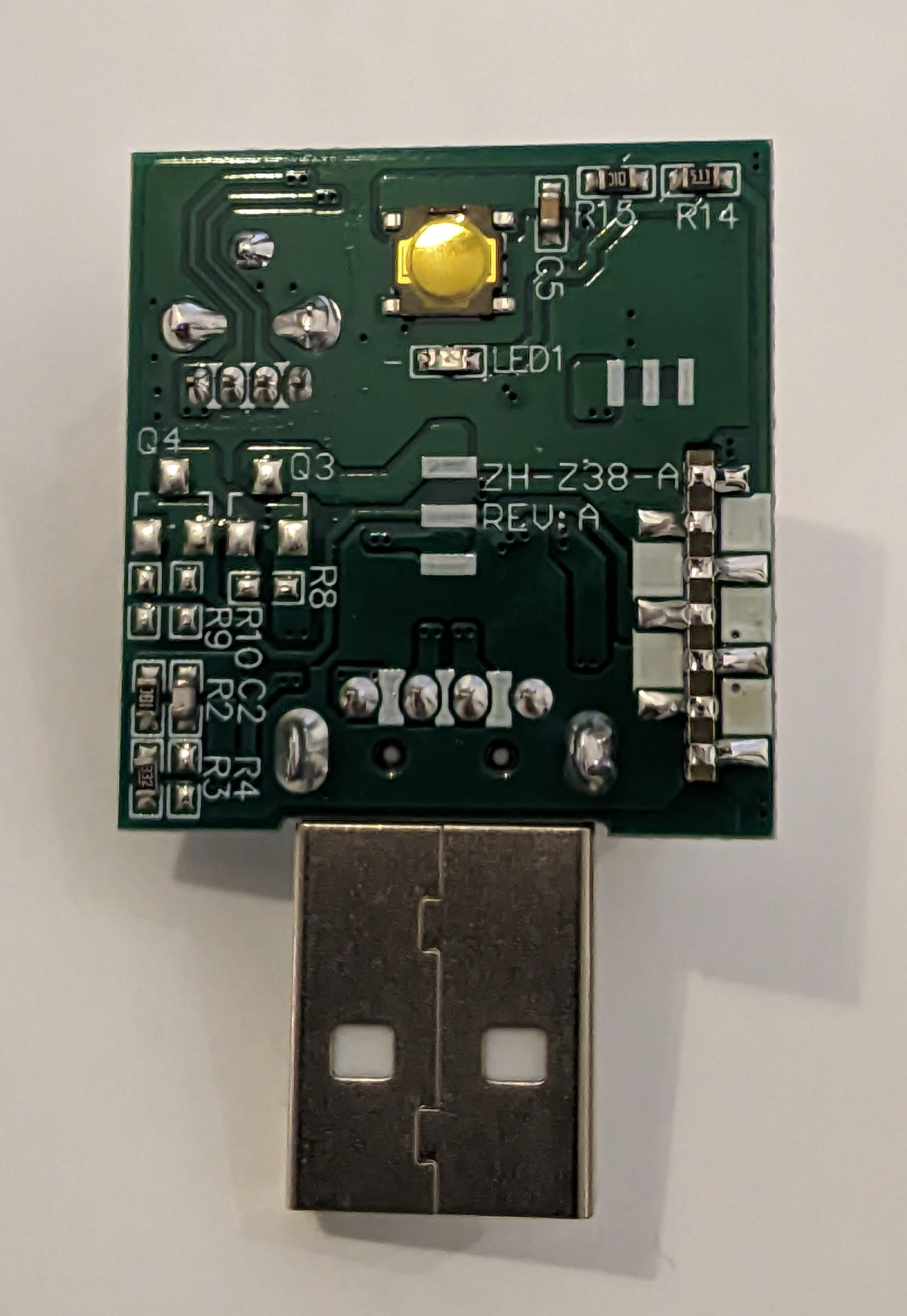
Both units were opened by unclipping the latches, then the Wi-Fi chips were desoldered from the main board and flashed with OpenBeken using BK7231Flasher.
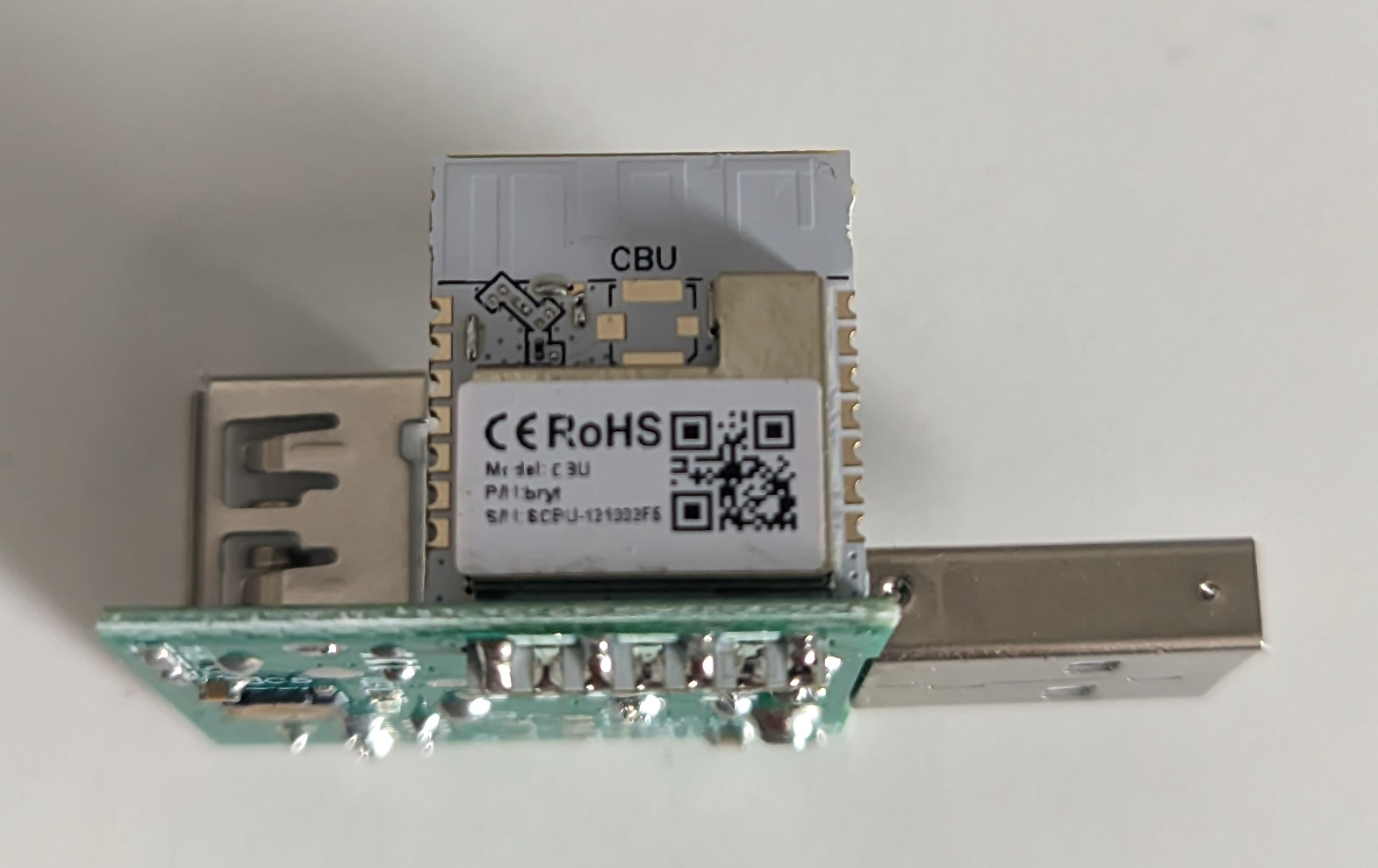
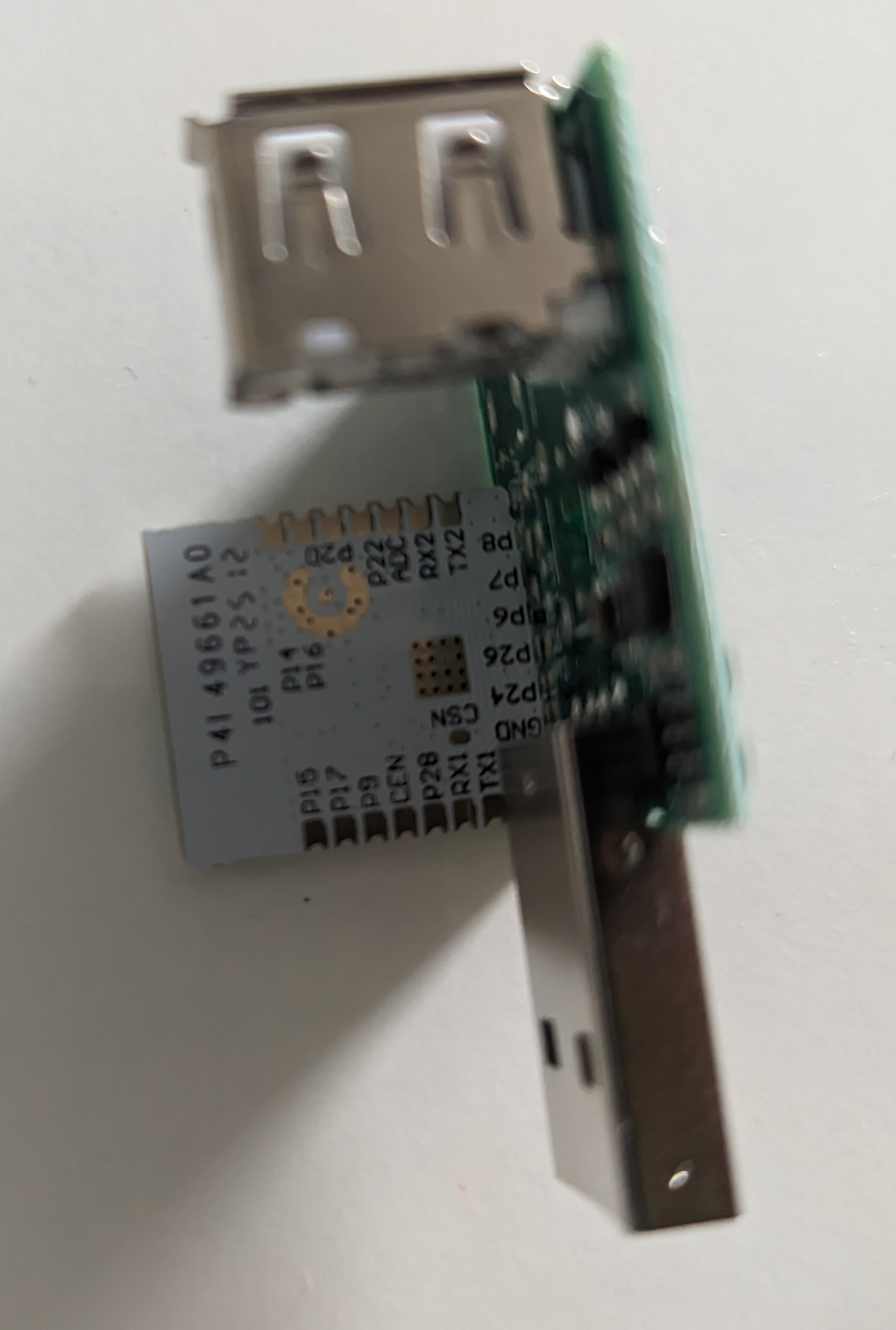
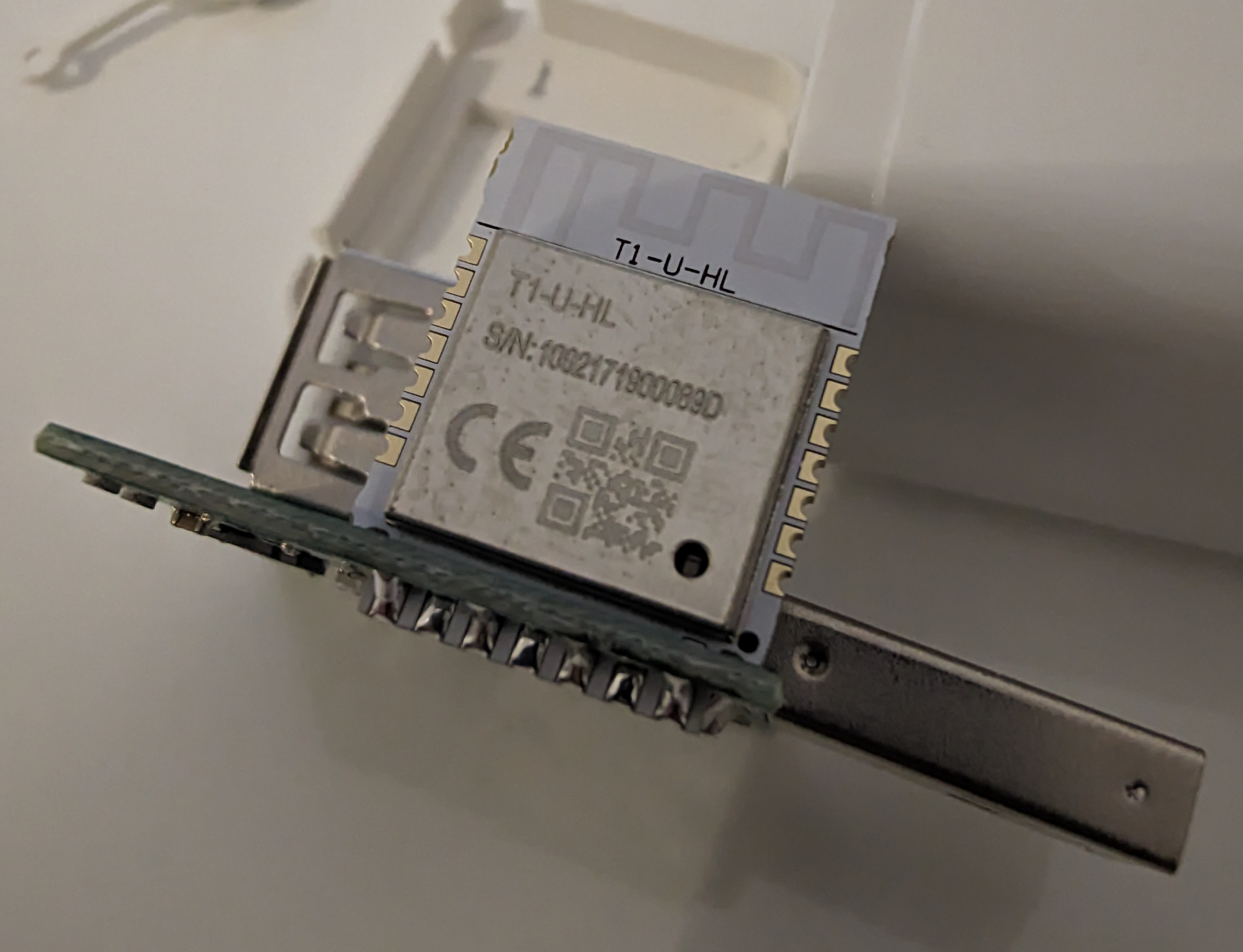
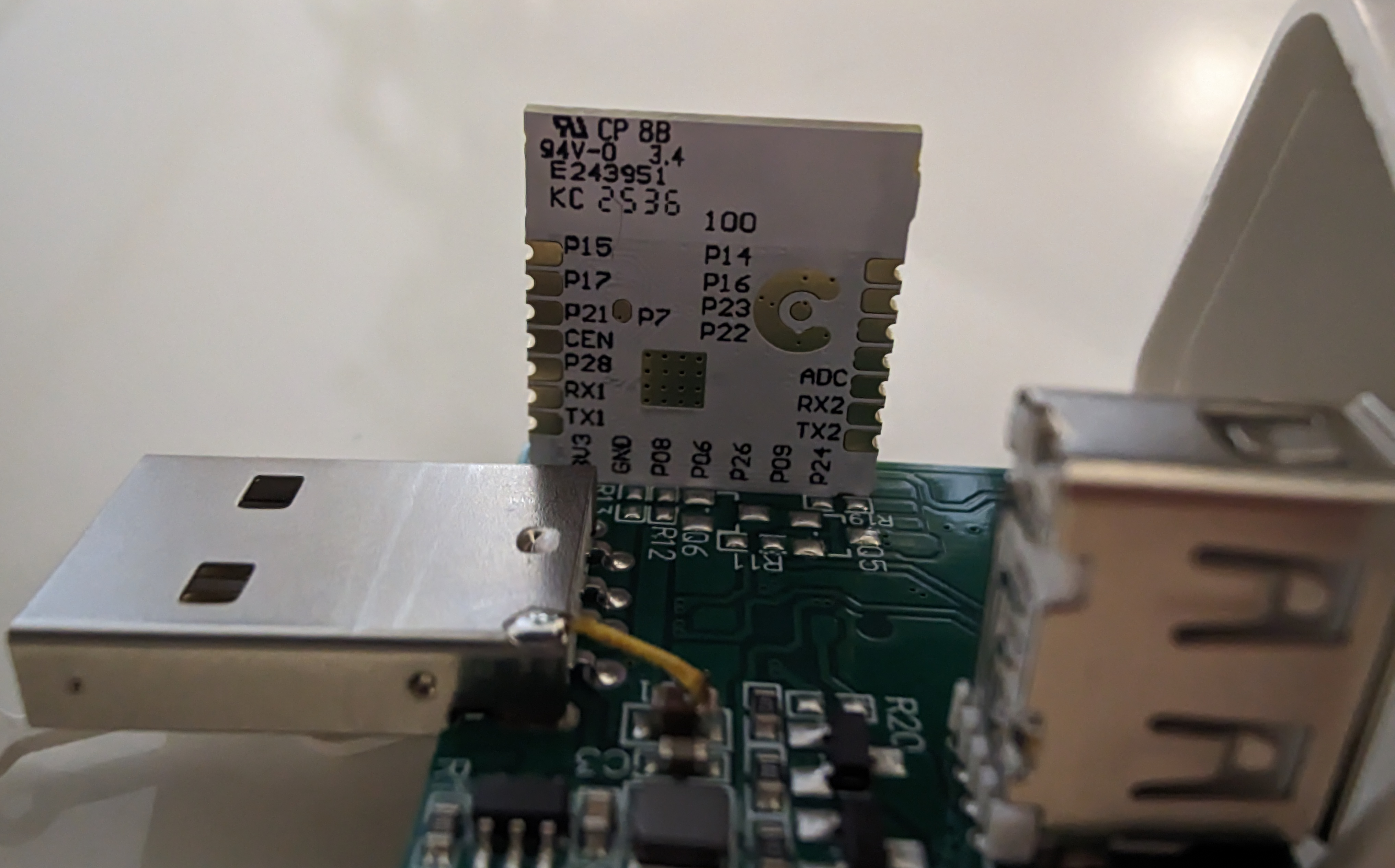
The two samples used different processors: BK7231N/CBU and BK7238/T1-U-HL.
AI summary based on the discussion. May contain errors.
I really like the cutting off of devices from the ubiquitous cloud, and at the same time the simplicity of use and professionalism of the OpenBeken project.
I had a need to use a remote on/off switch for a USB-connected device, so I bought two pieces of cheap adapters.
I was guided by the photos and the picture on the packaging, as they are described as Type C, but are in fact Type A.
Thanks for the original firmware backups. Boot log from the BK7231N version
V:BK7231N_1.0.1
REG:cpsr spsr r13 r14
SVC:000000D3 00401C1C 000033AC
IRQ:000000d2 00000010 00401e0c... [Read more]
FAQ
TL;DR: Two units were opened and flashed; "Quite easy to open"; labeled Type‑C but actually Type‑A; OpenBeken used for cloud‑free USB on/off. [Elektroda, Markos80, post #21829367]
Why it matters: Helps you identify, open, and flash these low‑cost USB smart adapters for private, offline control.
A user documents opening two low‑cost USB smart adapters, identifying their chips, and flashing OpenBeken for offline control of a USB device. Photos, opening tips, and tool notes are included. Both samples were successfully reflashed for remote on/off use. [Elektroda, Markos80, post #21829367]
Are these adapters actually USB‑C or USB‑A?
Although the packaging suggested Type‑C, the units received used USB Type‑A. The author relied on product photos but confirmed Type‑A hardware on arrival and during teardown. Verify listing images carefully to avoid connector mismatches in your project. [Elektroda, Markos80, post #21829367]
Which Wi‑Fi chips were inside the two units?
The first adapter contained a BK7231N/CBU module. The second used a BK7238/T1‑U‑HL module. This shows model variability even between similar‑looking adapters. Plan your flashing approach accordingly because pinouts and pads may differ between BK7231 and BK7238 boards. [Elektroda, Markos80, post #21829367]
Can I flash these adapters with OpenBeken?
Yes. The author flashed both units to OpenBeken using BK7231Flasher after removing the modules from the main board. The process mirrored other OpenBeken device guides linked in the post. Result: two out of two modules flashed and working. [Elektroda, Markos80, post #21829367]
Do I need to desolder the module to flash it?
In this case, yes. The author desoldered each Wi‑Fi module from the main board before connecting to BK7231Flasher. This improves access to UART pads and reduces interference from the power stage during programming. Expect heat control to matter. [Elektroda, Markos80, post #21829367]
How do I open the enclosure without breaking clips?
Open by prying the side latches and lifting the top flap upward. The author notes it was “Quite easy to open.” Use a thin spudger to avoid marring the plastic and deforming clips. Proceed slowly along the seam. [Elektroda, Markos80, post #21829367]
What tool was used to flash the firmware?
BK7231Flasher was used to program both the BK7231N and BK7238 modules. The author reports a seamless upload on each after removing the modules from the host board. Prepare standard UART connections and stable 3.3 V during flashing. [Elektroda, Markos80, post #21829367]
Will OpenBeken let me avoid the cloud with this adapter?
Yes. The author highlights cutting devices off the ubiquitous cloud while keeping simple local control. Flashing OpenBeken replaces vendor firmware, enabling private operation of the USB power switch without remote servers. Local autonomy was a goal here. [Elektroda, Markos80, post #21829367]
Can I use it to switch a USB‑powered device on and off remotely?
That is the documented use case. The author needed a remote on/off for a USB‑connected device and achieved it after flashing. Expect control over the adapter’s USB power path once OpenBeken is configured on the module. [Elektroda, Markos80, post #21829367]
Why did two similar adapters contain different processors?
Low‑cost smart plugs and adapters often ship with varying modules. Here, one unit had BK7231N and the other BK7238. Treat each board as a unique variant and verify pads before soldering. This variability affected two samples in one order. [Elektroda, Markos80, post #21829367]
Any risks or edge cases to watch for during flashing?
Marketing may mislabel connectors (Type‑C vs Type‑A). You might need to desolder modules, which risks pad lift if overheated. Plan ESD protection and proper power during UART flashing to avoid corrupting uploads or damaging the board. [Elektroda, Markos80, post #21829367]
Where can I find internal photos or pad references for these adapters?
The post includes multiple teardown photos showing enclosures, boards, and modules. Use them to identify the latch positions, module footprints, and potential programming pads before you start. The image links are embedded in the thread. [Elektroda, Markos80, post #21829367]
What is OpenBeken in this context?
OpenBeken is the open firmware the author installed to replace stock code. It enables local control and removes cloud reliance for the USB switch function described in the thread. The post centers on using it with BK7231/38 modules. [Elektroda, Markos80, post #21829367]
Quick 3‑step: how do I replicate the author’s process?
Open the case by releasing side latches and lifting the flap.
Desolder the Wi‑Fi module from the main board for access to pads.
Does this approach scale beyond these two samples?
It worked on two units with different chipsets, suggesting method flexibility. However, board layouts vary, so confirm pad access and power domains first. Treat each new batch as a fresh teardown and document differences. [Elektroda, Markos80, post #21829367]
What’s the simplest takeaway for buyers before flashing?
Check photos closely: packaging may say Type‑C while the hardware is Type‑A. Plan for potential desoldering to program the module. With BK7231Flasher and OpenBeken, successful offline control is achievable, as shown on two samples. [Elektroda, Markos80, post #21829367]
AI summary based on the discussion. May contain errors.








Comments
Thanks for the original firmware backups. Boot log from the BK7231N version V:BK7231N_1.0.1 REG:cpsr spsr r13 r14 SVC:000000D3 00401C1C 000033AC IRQ:000000d2 00000010 00401e0c... [Read more]