Something contemporary this time. I've already shown some old tuners, so it's time for a change. As standard, first a presentation of the interior and then an analysis of the Flash memory along with a Linux file system extract. Maybe we can also find a program to change the batch?
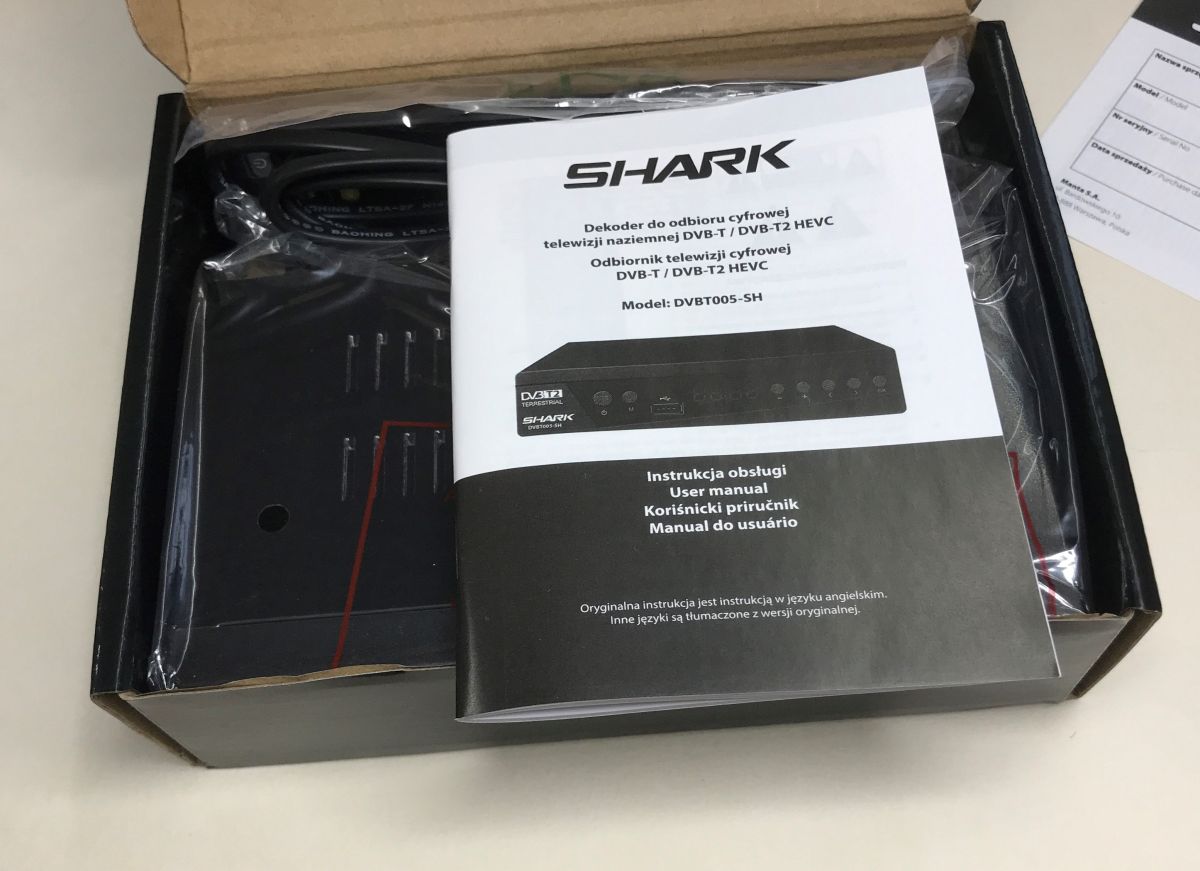
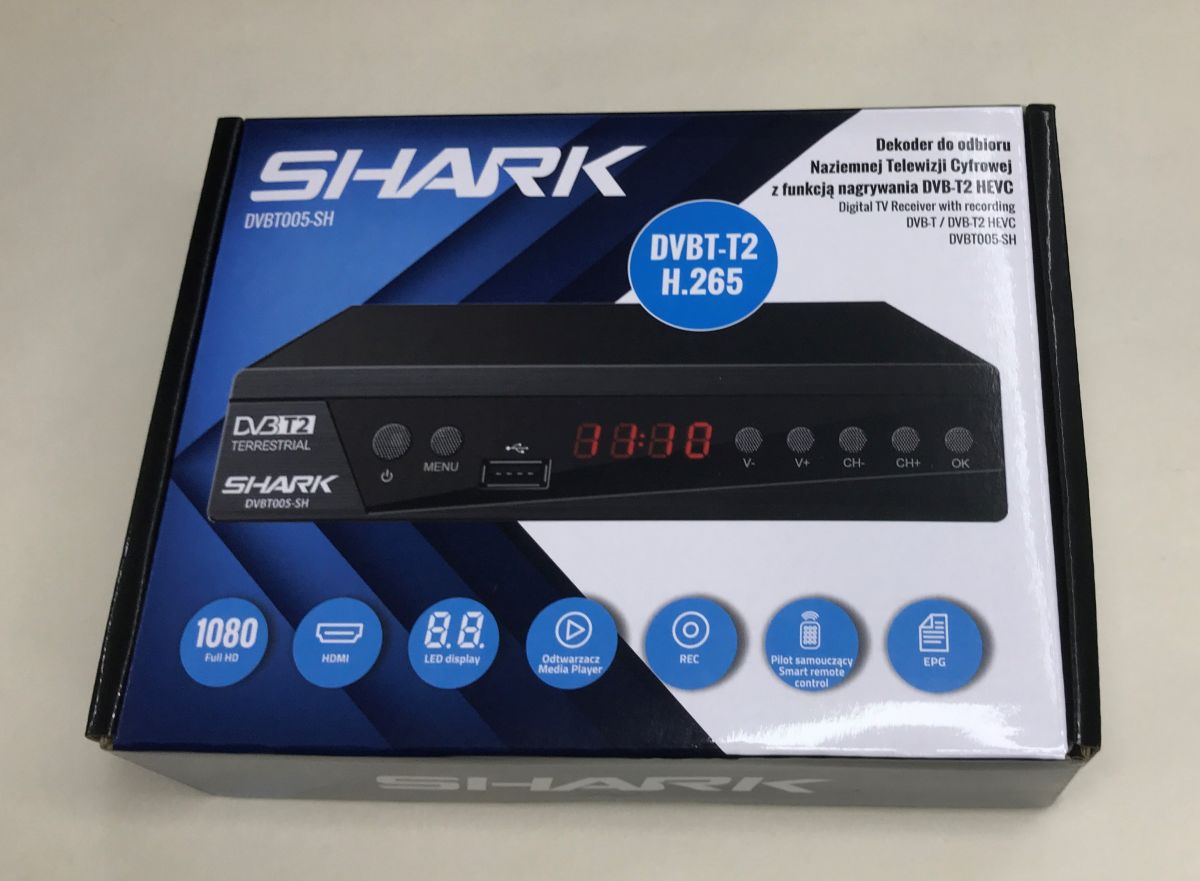
The object of the presentation is a contemporary DVB-T2 / HEVC / H265 decoder characterised by a programmable remote control, which can also be controlled by the TV proper. Just right for the elderly. It was for such a person that I ordered this decoder. I paid all 60 PLN and decided to take a look inside.
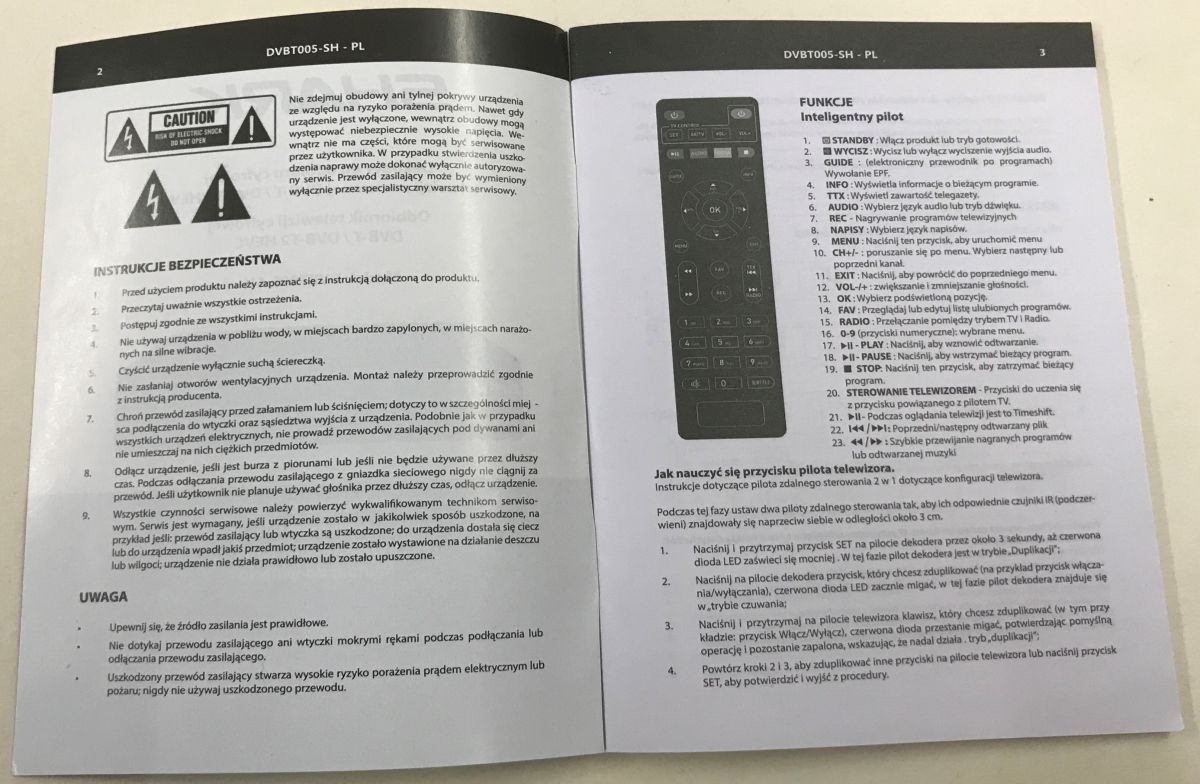
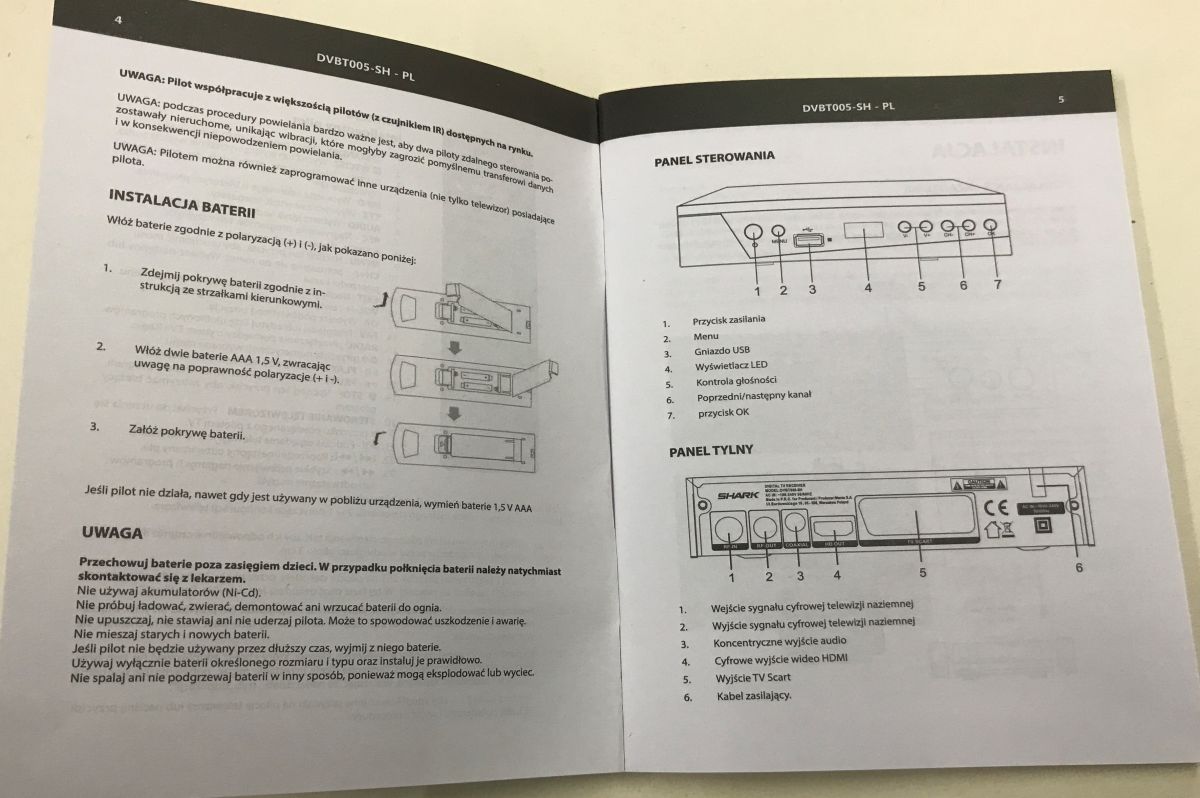
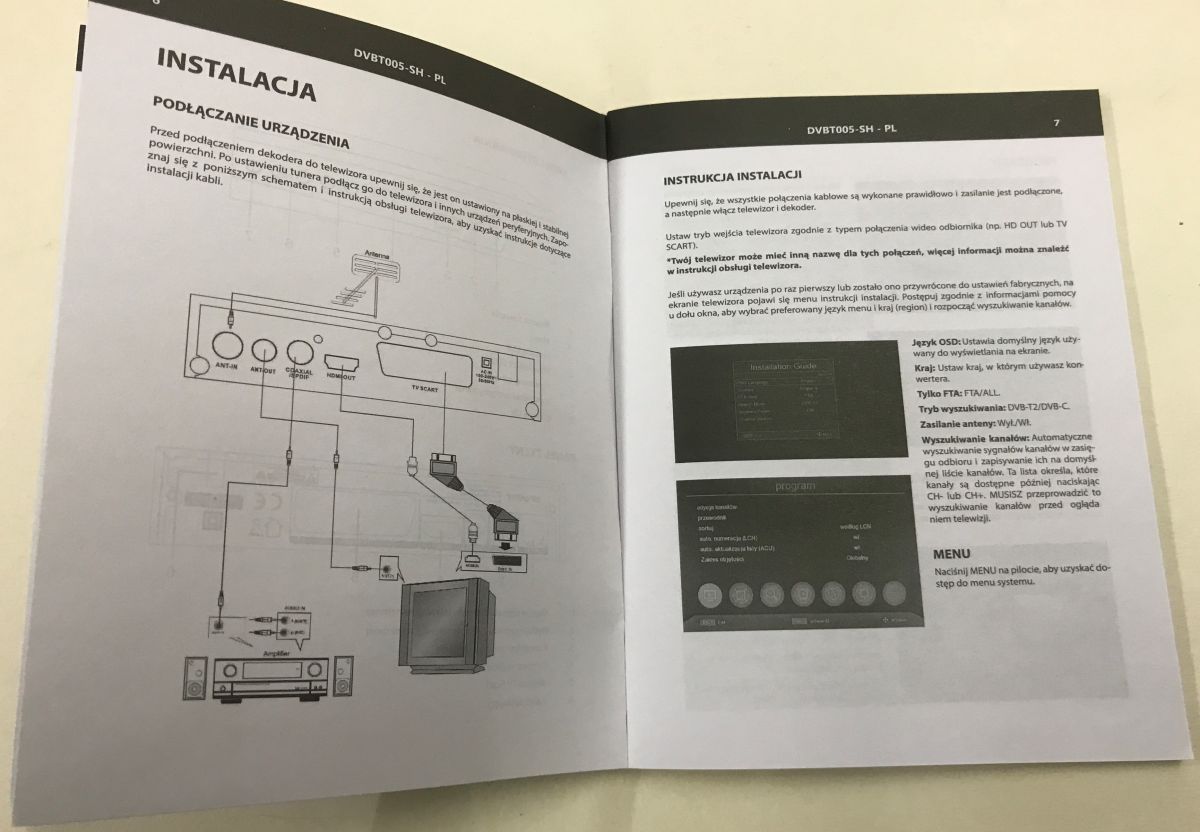
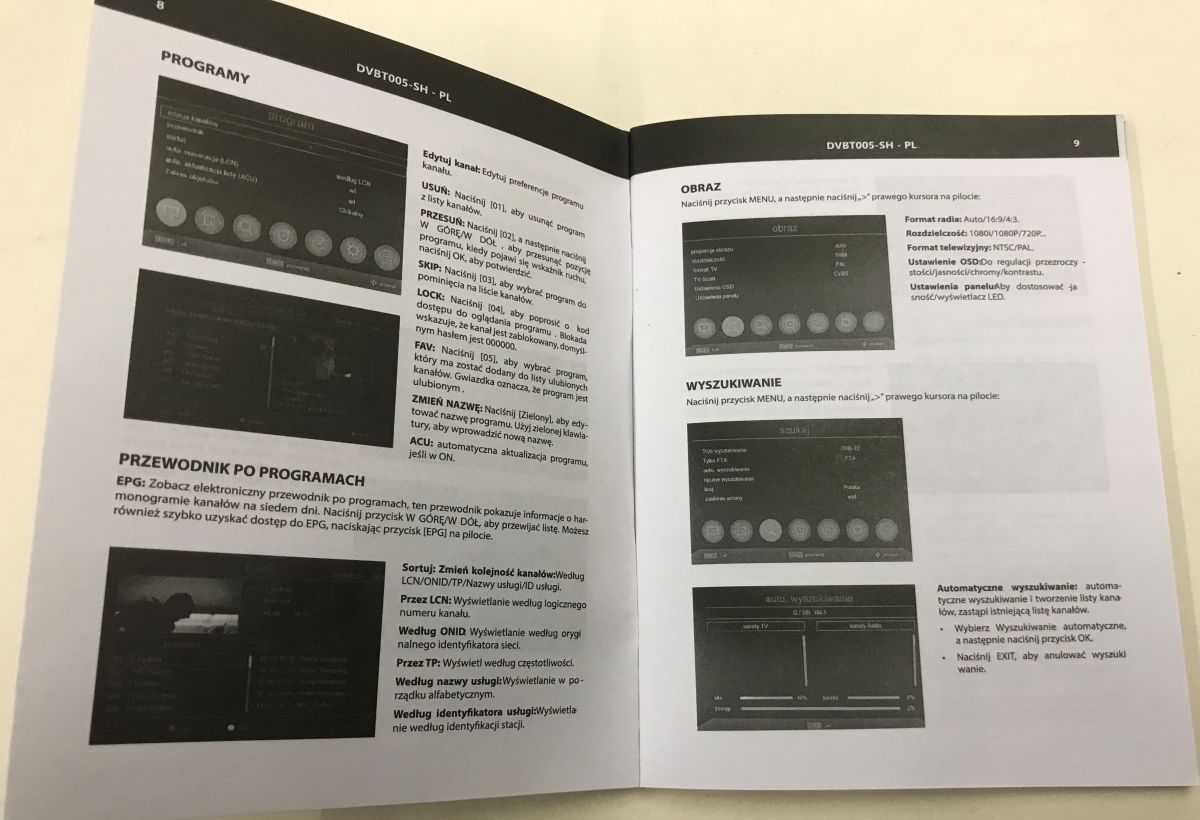
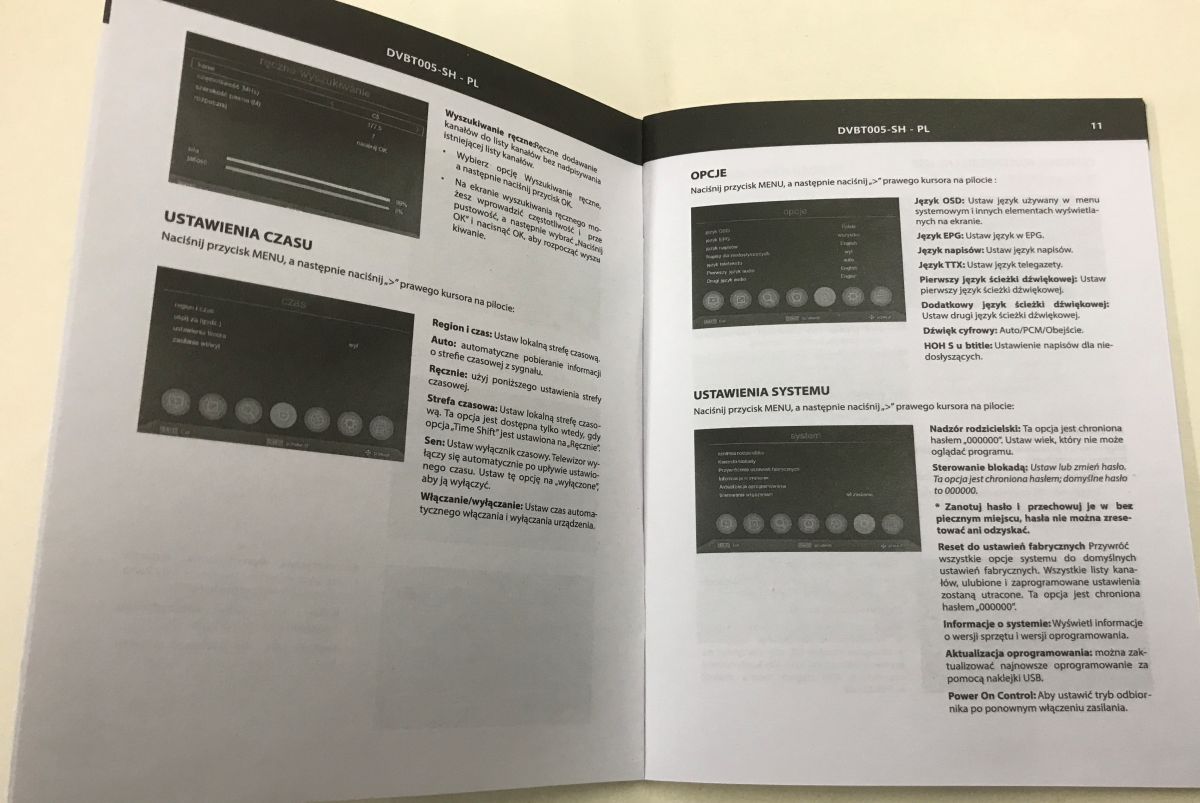
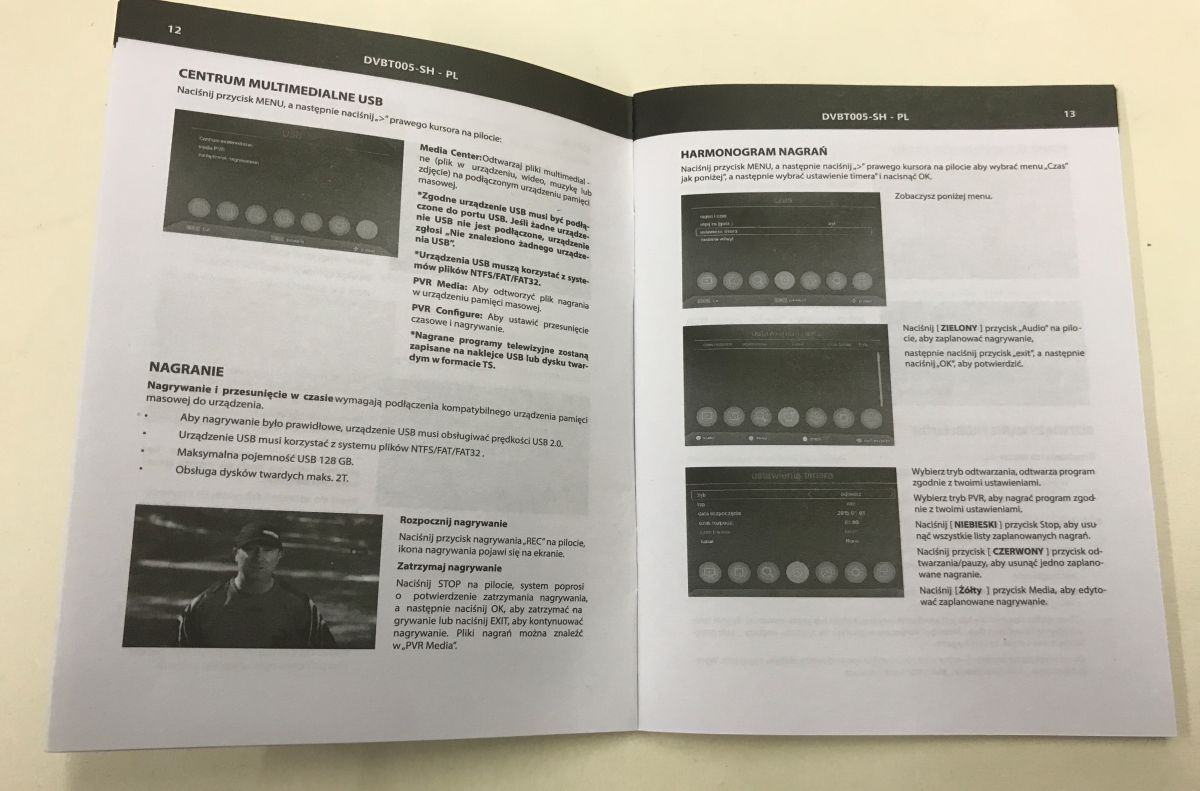
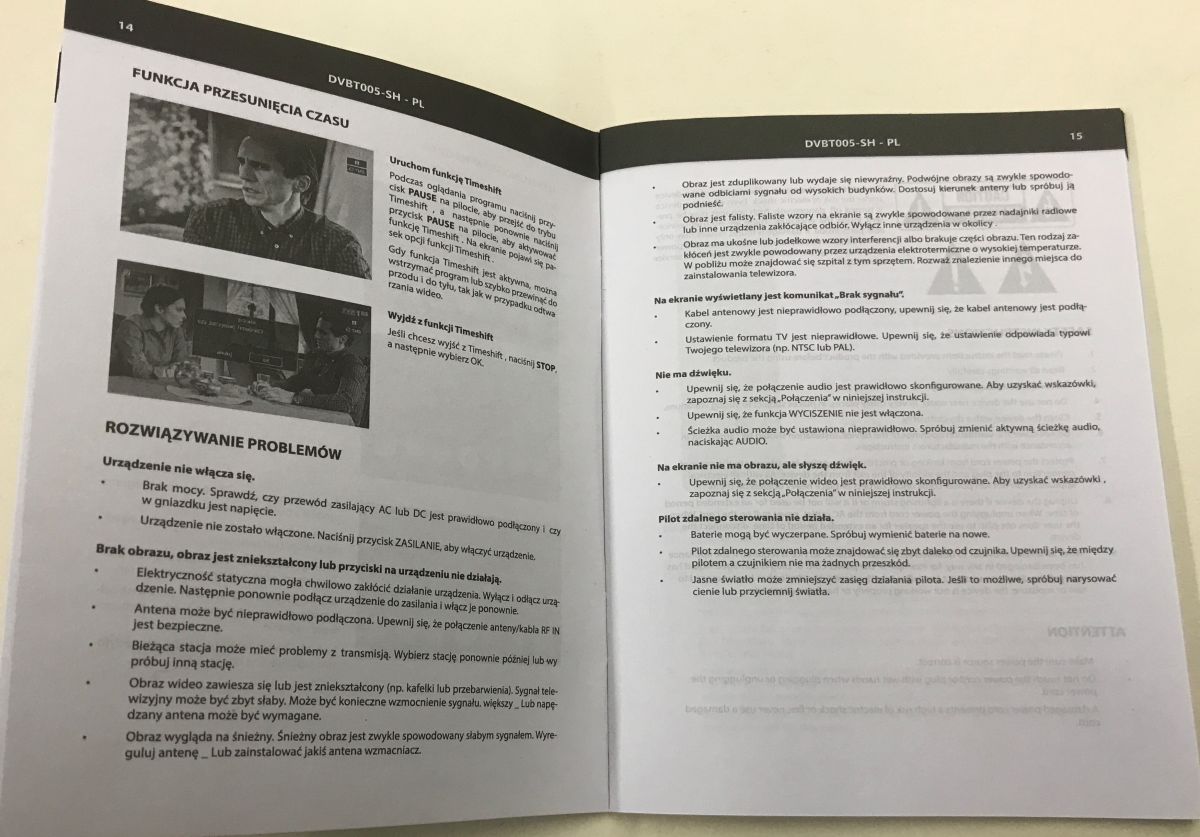
First of all, some photos of the manual - maybe they will be useful to someone, there is also a description of how to pair the remote control.
Let's get to the actual presentation now. We unscrew the screws.
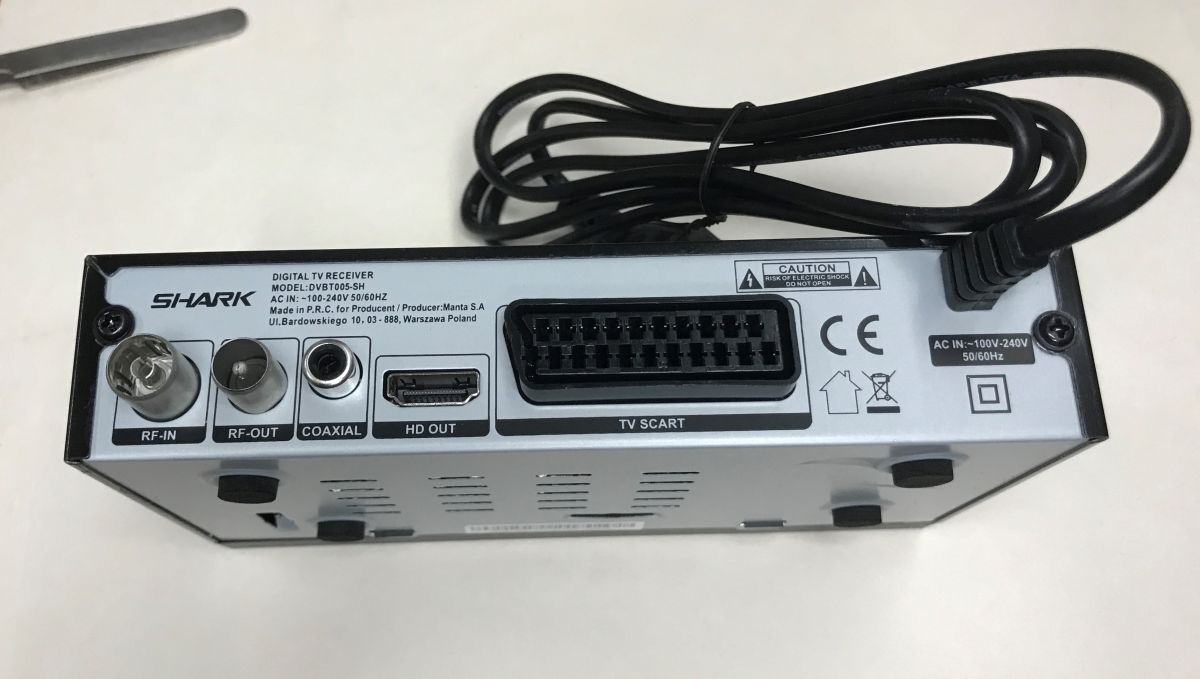
The circuit is very simple. The whole thing is on a single PCB. First we have the switching power supply, interestingly there is even an EMI filter on its input. Some manufacturers omit it...
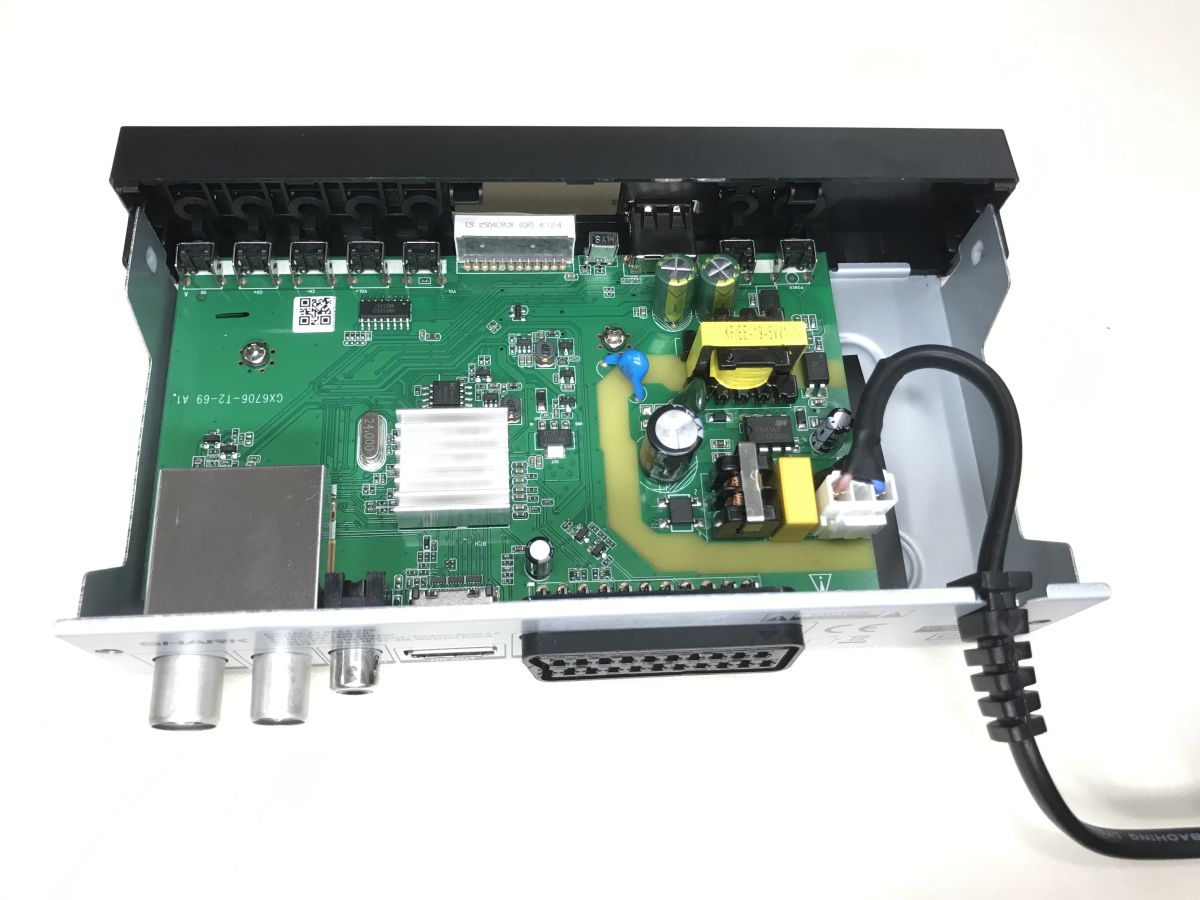
On the front we have an IR receiver, buttons (quite a lot for such equipment) and a four-digit 7-segment display.
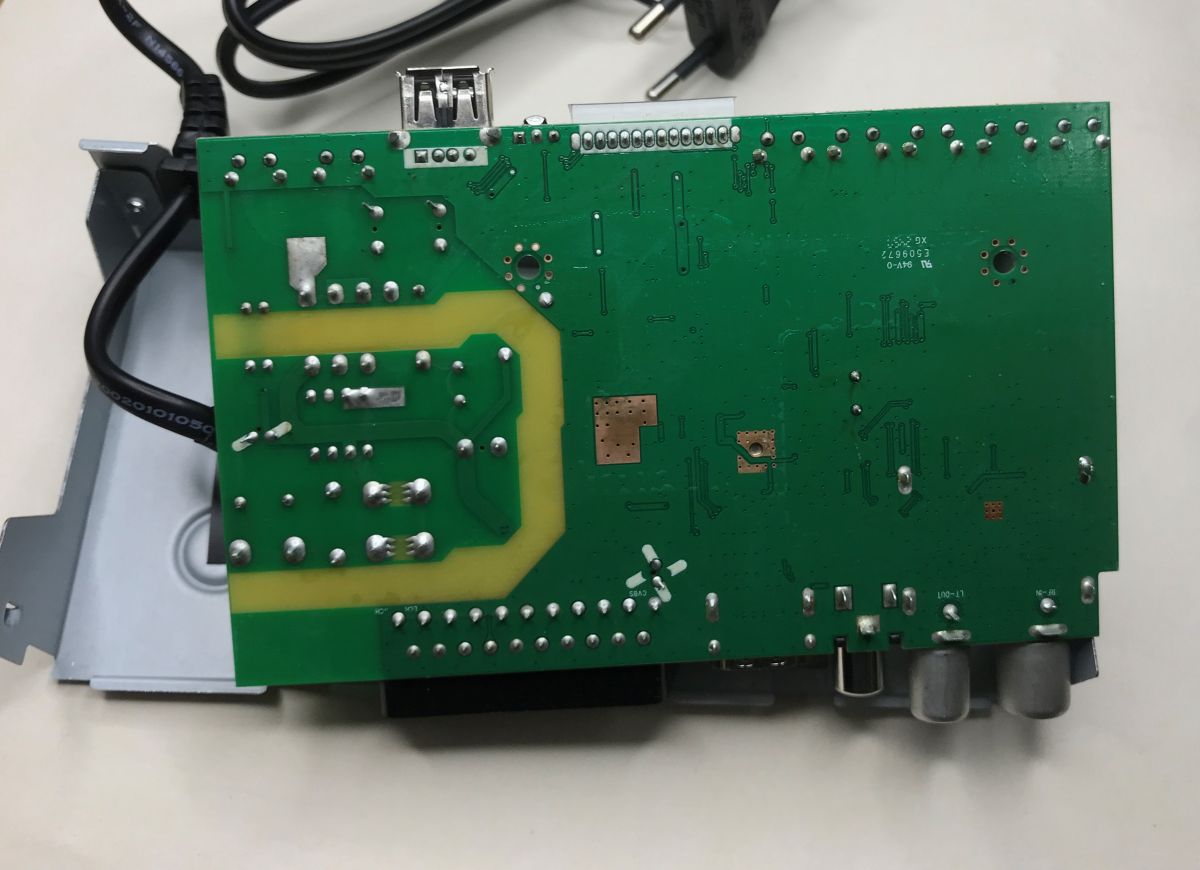
There is not a single component on the underside of the board - as you can see there was no problem with packing.
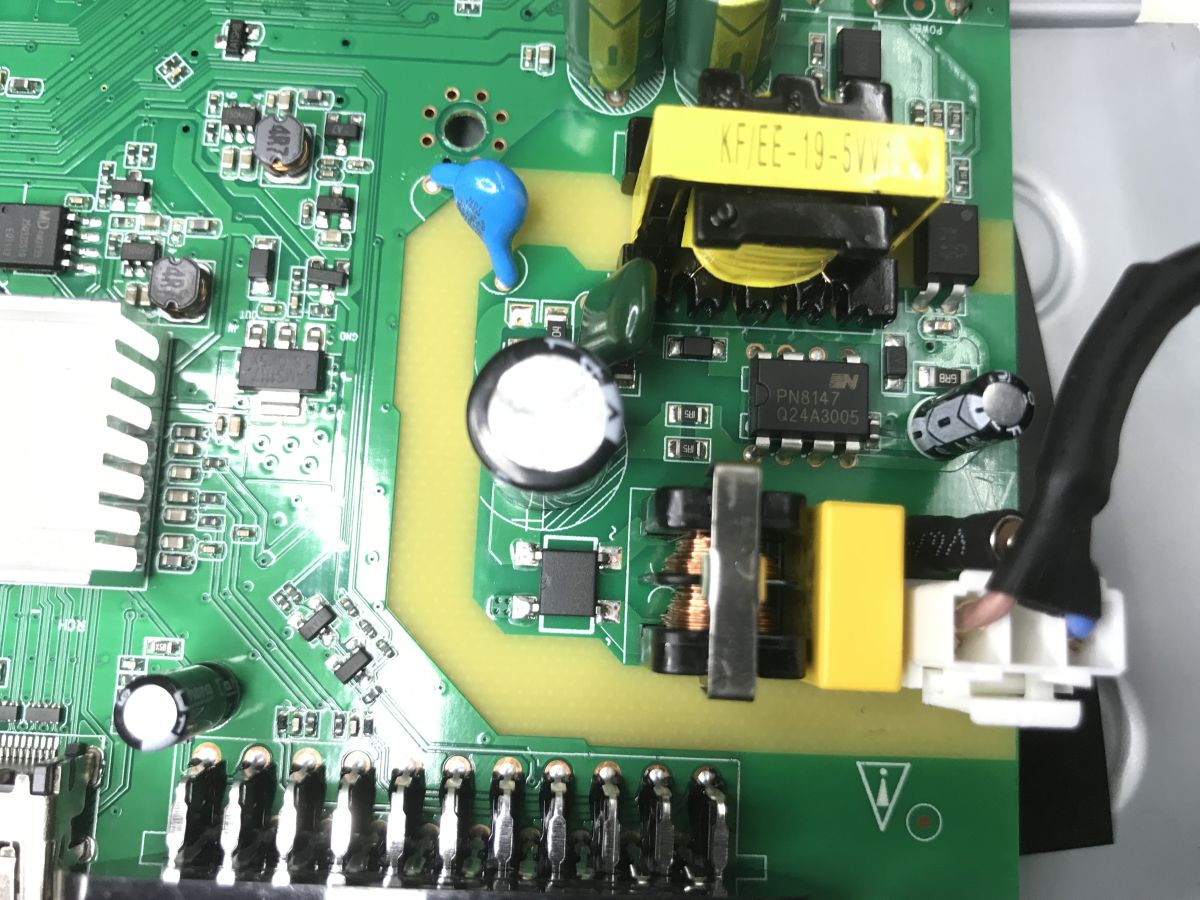
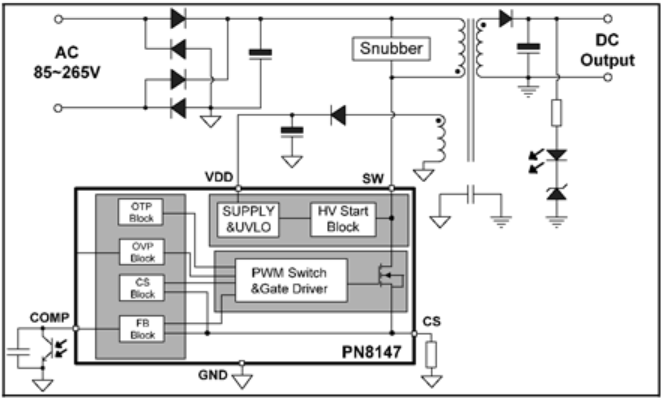
The power supply in flyback topology is based on the PN8147.
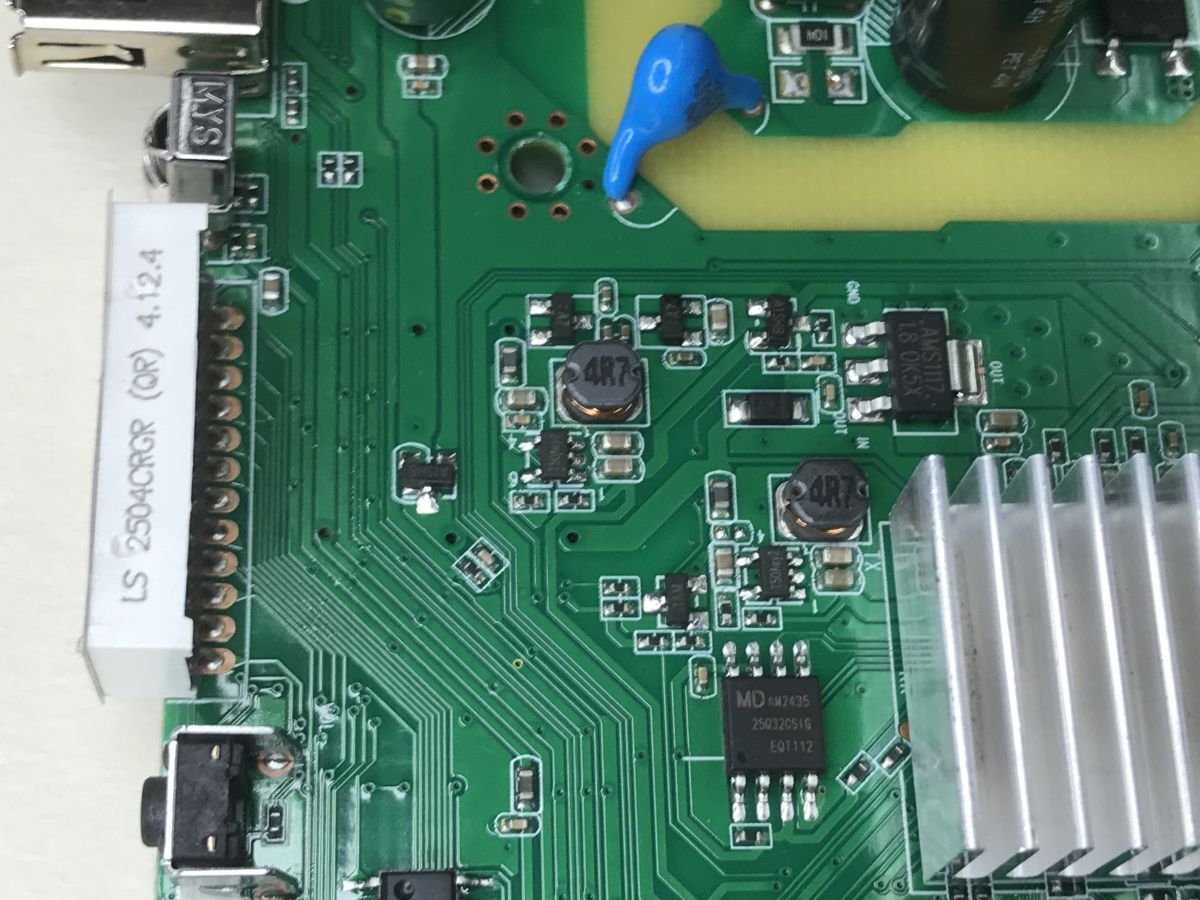
It probably generates 5 V - as usual. Then there is a section with a 1.8 V LDO and a voltage reduction inverter (5 V -> 3.3 V). The flash bone with firmware (25Q32CSIG) is also caught in the photo.
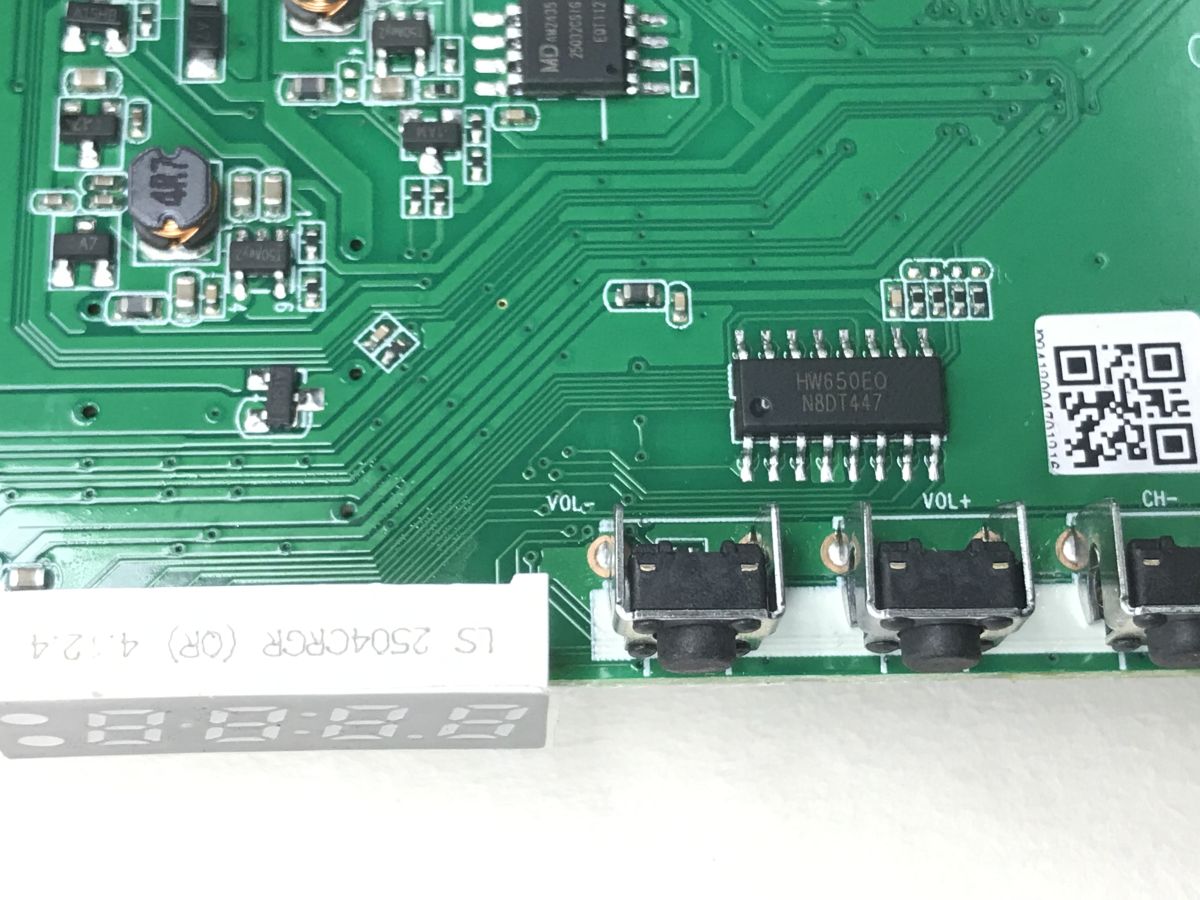
The buttons and display are handled by the HW650EO - presumably a similar chip to the HD2015 already discussed:
Running the HD2015 display/button driver after reverse engineering, comparison with TM1637itd
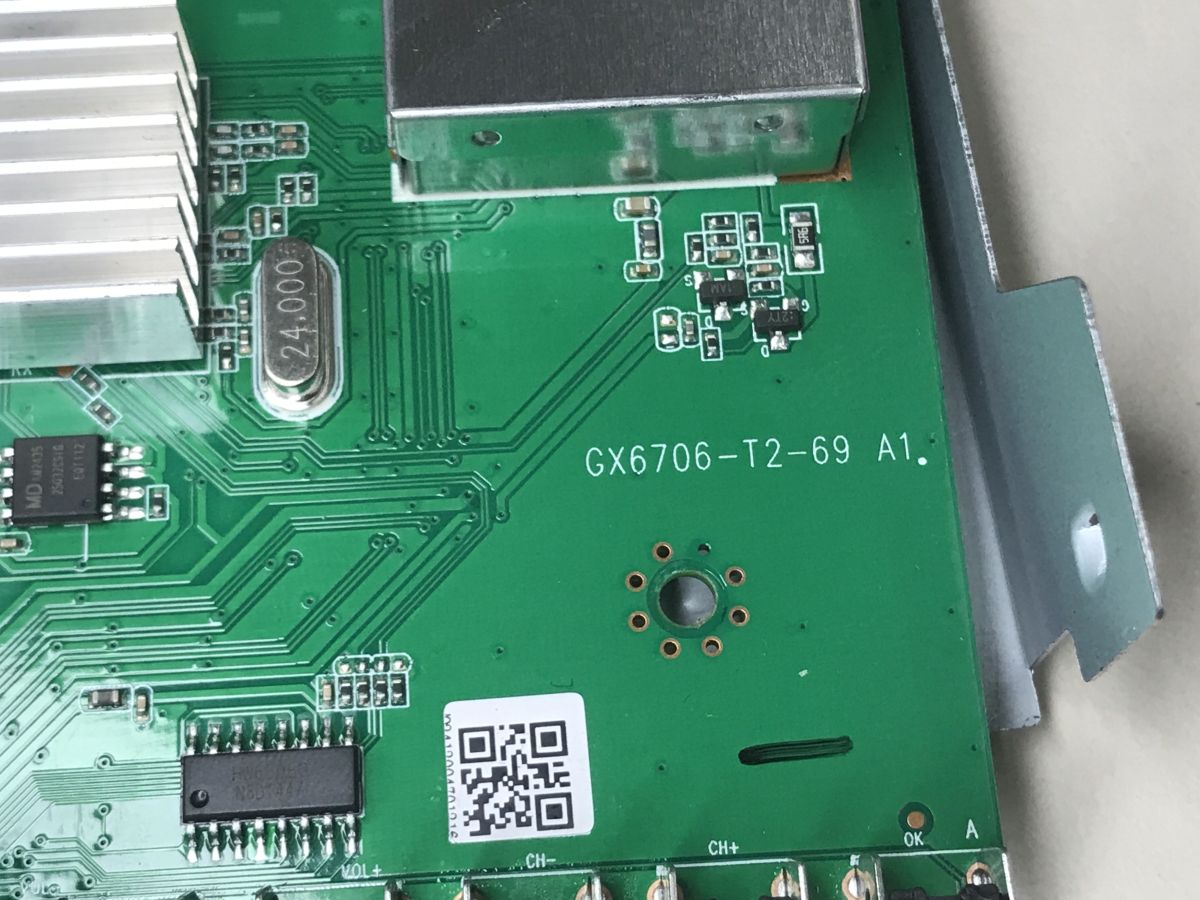
PCB designation: GX6706-T2-69 A1:
Finally, you need to know what kind of microprocessor is sitting there:
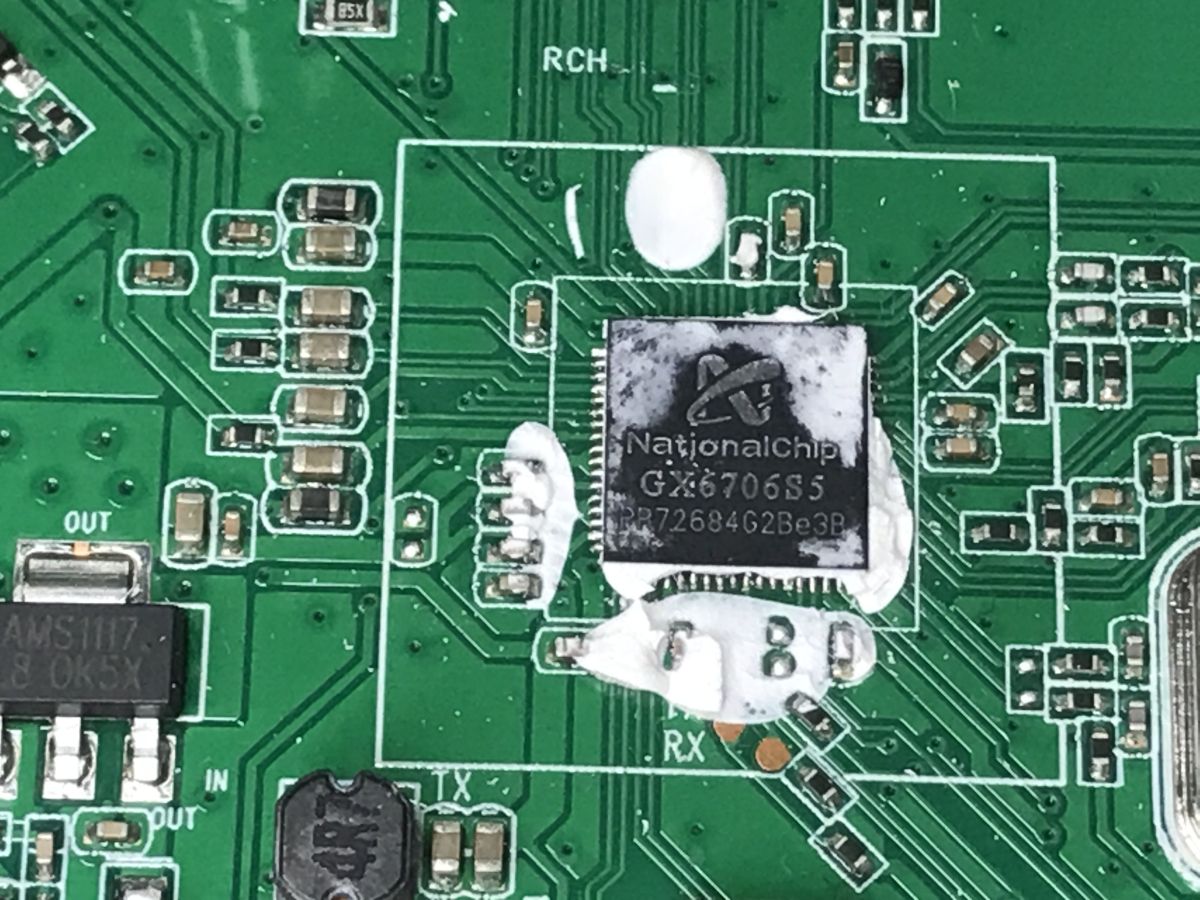
The NationalChip GX6706S5, is quite a popular chip in this type of device, vendors are not hiding about it. You can find a lot of decoders on this chip, although information about the chip itself is residual. It seems to belong to the larger GX/Nationalchip family of chips, along with:
- GX6701, GX6702, GX6703 (Gemini)
- GX6705, GX6706 (Cygnus)
- GX6613 (Sirius)
- GX3113, GX3235, GX6605 (Taurus)
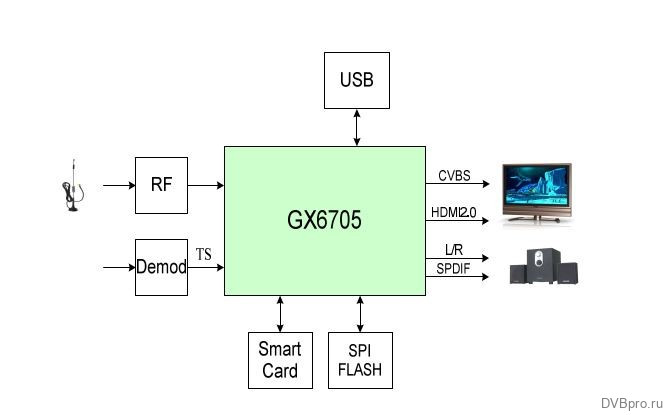
These types of chips work with external Flash memory, but also have built-in RAM. The GX6705, for example, has 64 MB of DRAM, I could not find information on the GX6706.
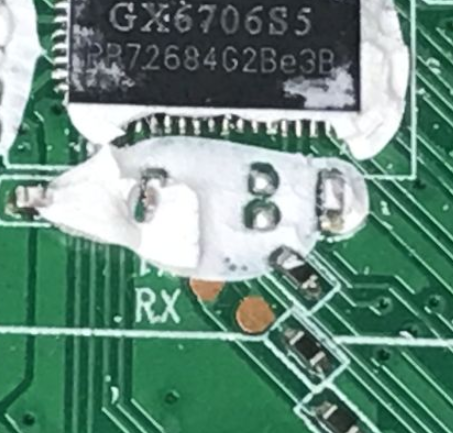
The chip has a UART port out - could there be a chance for a bootloader?
Batch analysis
I soldered out the flash using hot air and ripped through the CH341:
CH341 from Aliexpress and Allegro - what modifications are needed after purchase?
On the computer side, I used NeoProgrammer. I used the command to analyse the batch binwalk in WSL:
analysis of the SPI flash memory batch using the commands binwalk, dd, lzma
I immediately got satisfactory results. The tool learned the packed batch and the ROMFS and SquashFS file systems.
binwalk  "GX6706S5 4mb flash dump.bin"

DECIMAL       HEXADECIMAL     DESCRIPTION
--------------------------------------------------------------------------------
108488        0x1A7C8         eCos RTOS string reference: "ecos.bin.lzma"
108504        0x1A7D8         eCos RTOS string reference: "ecos.bin.gz"
131584        0x20200         JPEG image data, EXIF standard
131596        0x2020C         TIFF image data, big-endian, offset of first image directory: 8
141333        0x22815         Copyright string: "Copyright (c) 1998 Hewlett-Packard Company"
196608        0x30000         romfs filesystem, version 1 size: 1924304 bytes, named "rom 675ab965"
2162688       0x210000        Squashfs filesystem, little endian, version 4.0, compression:xz, size: 481588 bytes, 309 inodes, blocksize: 32768 bytes, created: 2024-12-12 10:22:30
2686988       0x29000C        Zlib compressed data, compressed
2689036       0x29080C        Zlib compressed data, compressed
2689548       0x290A0C        Zlib compressed data, compressed
2692108       0x29140C        Zlib compressed data, compressed
2694156       0x291C0C        Zlib compressed data, compressed
2696204       0x29240C        Zlib compressed data, compressed
2698252       0x292C0C        Zlib compressed data, compressed
2700300       0x29340C        Zlib compressed data, compressed
2702348       0x293C0C        Zlib compressed data, compressed
2704396       0x29440C        Zlib compressed data, compressed
2706444       0x294C0C        Zlib compressed data, compressed
2710028       0x295A0C        Zlib compressed data, compressed
2711564       0x29600C        Zlib compressed data, compressed
2714124       0x296A0C        Zlib compressed data, compressed
2715660       0x29700C        Zlib compressed data, compressed
2717196       0x29760C        Zlib compressed data, compressed
2718732       0x297C0C        Zlib compressed data, compressed
2720268       0x29820C        Zlib compressed data, compressed
2721804       0x29880C        Zlib compressed data, compressed
2723340       0x298E0C        Zlib compressed data, compressed
2724876       0x29940C        Zlib compressed data, compressed
2726412       0x299A0C        Zlib compressed data, compressed
2727948       0x29A00C        Zlib compressed data, compressed
2729484       0x29A60C        Zlib compressed data, compressed
2731020       0x29AC0C        Zlib compressed data, compressed
2732556       0x29B20C        Zlib compressed data, compressed
2734092       0x29B80C        Zlib compressed data, compressed
2735628       0x29BE0C        Zlib compressed data, compressed
2737164       0x29C40C        Zlib compressed data, compressed
2738700       0x29CA0C        Zlib compressed data, compressed
2740236       0x29D00C        Zlib compressed data, compressed
2741772       0x29D60C        Zlib compressed data, compressed
2743308       0x29DC0C        Zlib compressed data, compressed
2744844       0x29E20C        Zlib compressed data, compressed
2746380       0x29E80C        Zlib compressed data, compressed
2747916       0x29EE0C        Zlib compressed data, compressed
2749452       0x29F40C        Zlib compressed data, compressed
2750988       0x29FA0C        Zlib compressed data, compressed
3348492       0x33180C        Zlib compressed data, compressed
3350540       0x33200C        Zlib compressed data, compressed
Binwalk also recognised the eCos real-time system. The basics are in place, now the data can be extracted:
binwalk -eM "GX6706S5 4mb flash dump.bin"
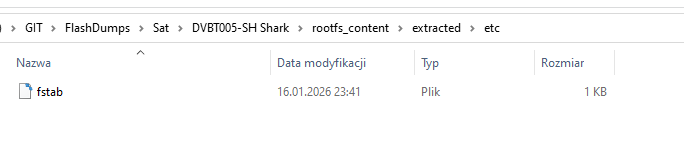
SquashFS contains the Linux file system along with the characteristic folders bin, etc, mnt, etc.
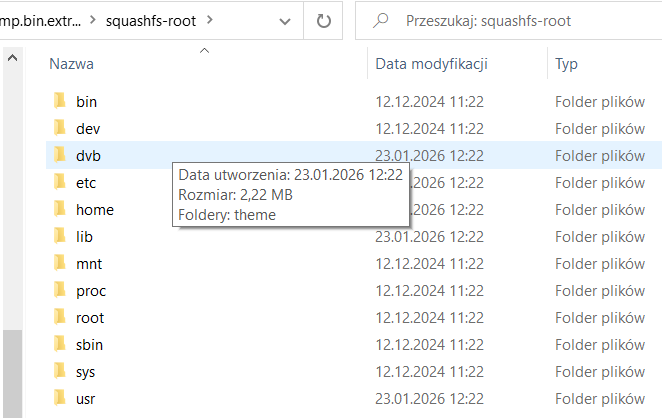
In the Theme folder we have skin definitions - xml files and icons:
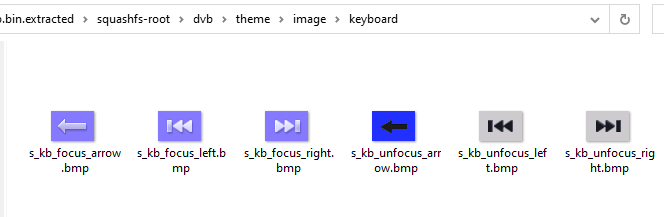
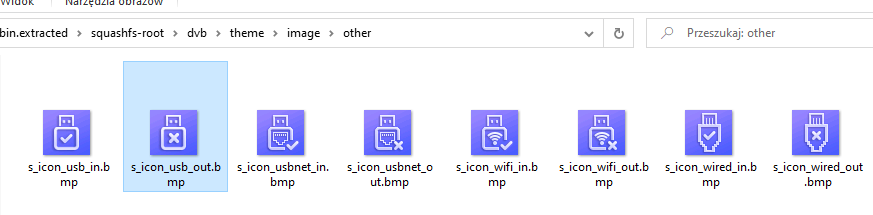

Small graphics use the BMP format and larger images (e.g. backgrounds) use the lossy compressed JPG format.
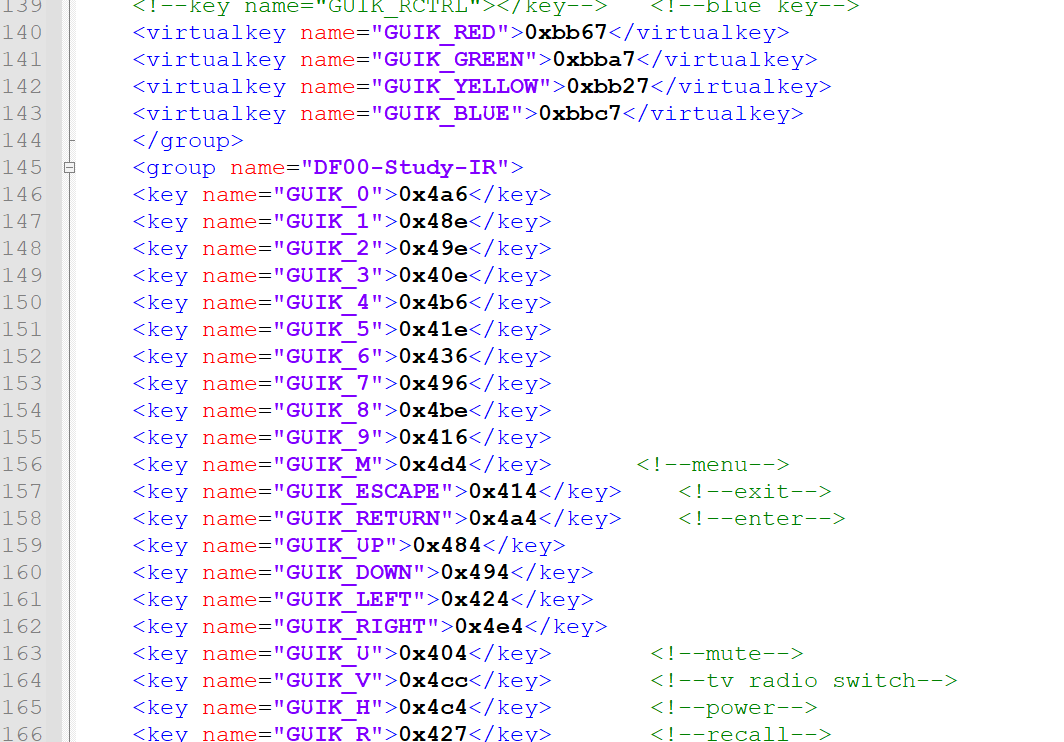
XML maps names to paths and defines the mode of operation of the device:
Code: text
Code: text
Interesting that there are typos in the XML - e.g. digtal instead of digital.
In the firmware we have the file gxlowpower.fw:
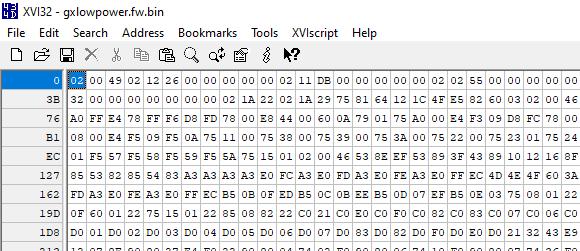
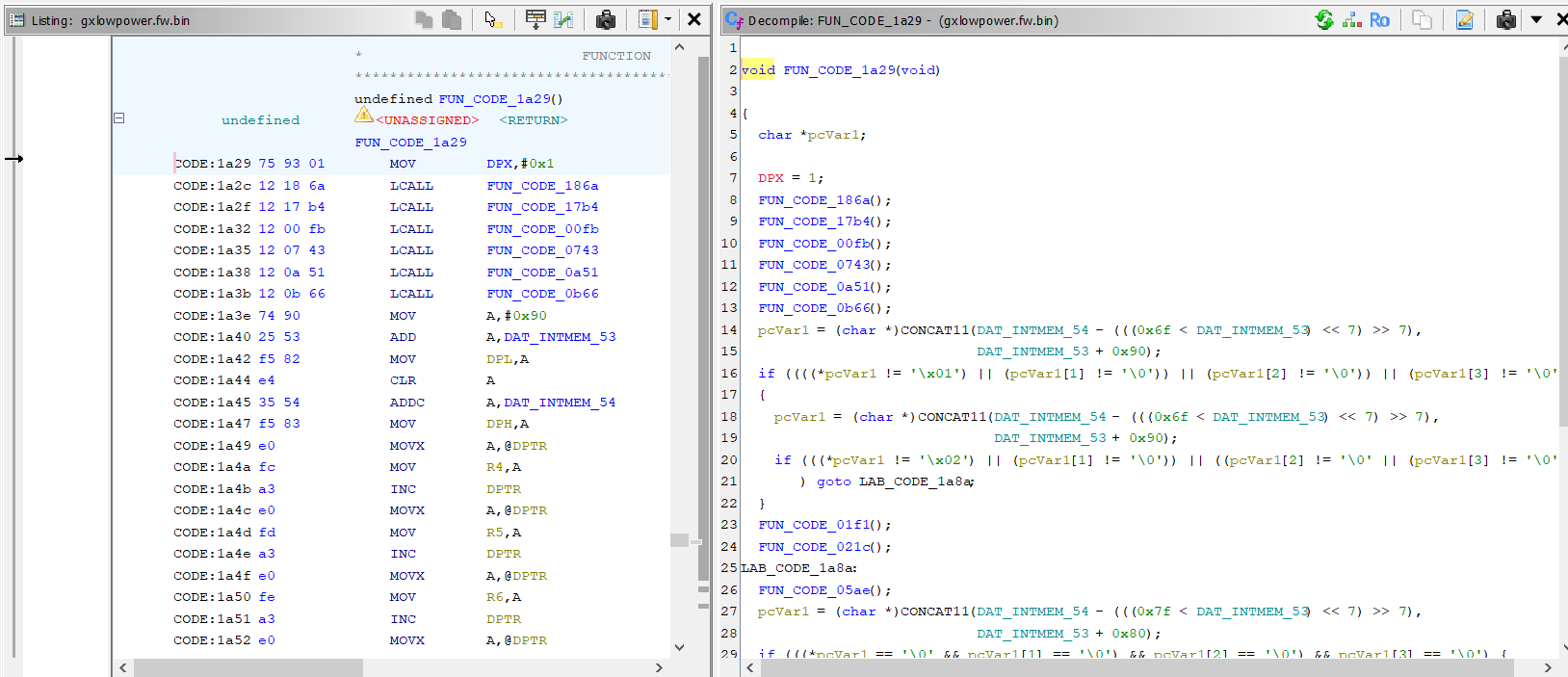
Its header - repeated sequences of byte 0x02 and offsets - suggest to me an 8051 architecture. These are probably jump vectors/tab offsets to routines executed by an auxiliary microcontroller running in standby mode. Could it be that there is a second, small 8051 core in the NationalChips that is responsible for low-power mode: standby IR support, 7-segment display, LEDs and wake-up of the main SoC?
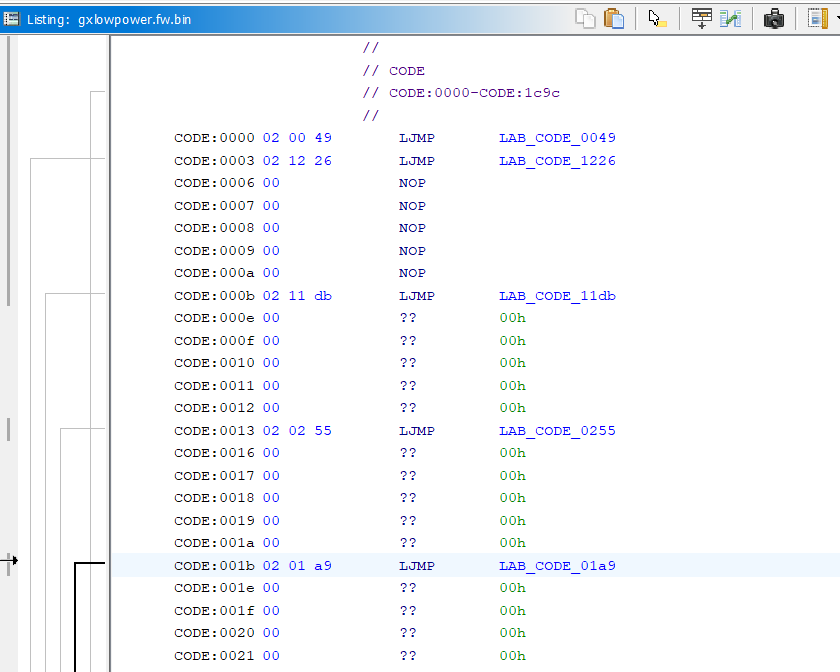
Ghidra correctly decompiles this firmware. You can see the correct C pseudocode, the jumps go to the correct functions.
Separately, we have the ROMFS section. As the name suggests, it is read only - read only. The actual ecos firmware is there, but you have to decompress it first - it uses the LZMA standard.
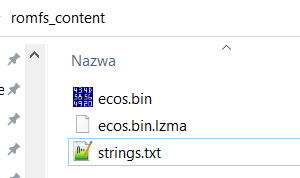
Successful decompression is confirmed by analysing the subtitles from the middle:
Section
[All,App,User]
File Path
txt_upgrade_process_info1
Timeout!
txt_upgrade_process_info2
img_upgrade_process_tip
btn_upgrade_process_ok
progbar_upgrade_process
Error occur!
bin;BIN
DATA
.user
dump_all.bin
usb update protocol
flash
BOOT
ROOT
/dvb/theme/font/arial.ttf
/mnt/temp.ttf
font_26_ram
----------file open err.
(1)------flash size is larger.
(1)------read failed %d.
TABLE
(2)---**---read failed %d.
Device is not available.Please check!
Invalid file path!
app_upgrade_crc_check_buf p_data is NULL.
s_title_left_utility
text_upgrade_process_tip
Dump
Don't cut off the power!
Dump successfully!
Upgrade successfully!
Reboot now
app_upgrade_crc_check
txt_group_sat_fav
cmb_channel_list_group
img_cl_bottom
text_channel_list_tp
img_cl_red
A disk read error occurred
BOOTMGR is missing
BOOTMGR is compressed
Press Ctrl+Alt+Del to restart
g:H
Si2141 CTS timeout
Si2141 Error (status 'err' bit 1)
Si2141 Error while polling CTS
Si2141 Error while polling response
Si2141 Error while loading firmware
Si2141 Error while loading bootblock
Si2141 Error while starting firmware
Si2141 Error during software reset
Si2141 Error Incompatible part
Si2141 Error unknown command
Si2141 Error unknown property
However, I have not yet found a method to load this into Ghidr. I tried with the C-Sky plugin, but the results do not look like correct instructions.
ADVERTISEMENT
Flasher GxDownloader
I found one tool on the web - GXDownloader Boot, I put it in the attachments.
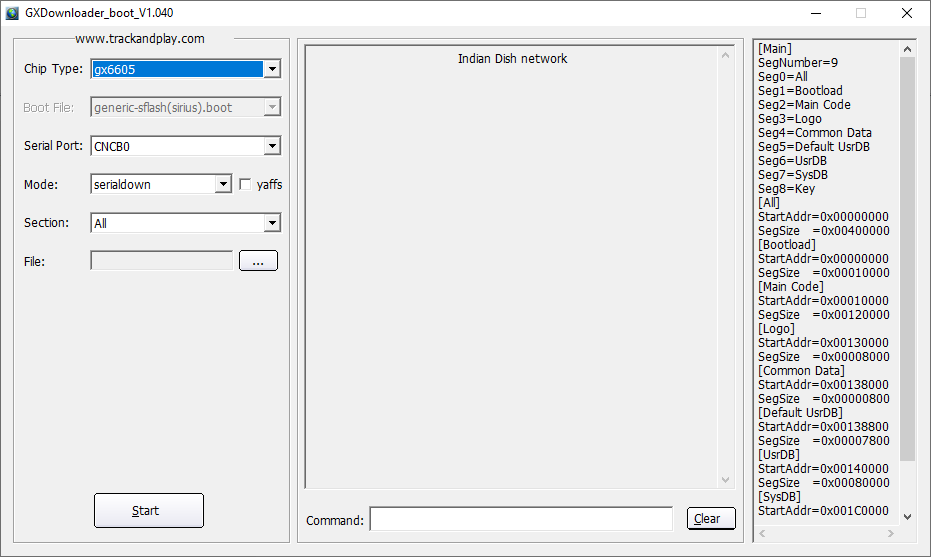
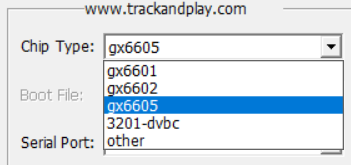
Supported chips:
I found a short presentation of this programme on Youtube:
https://www.youtube.com/watch?v=Tks2E1pZvwc
Flasher Open Source from GitHub
A search on GitHub gave me only one reasonable lead - libre-gxdl by matu6968.
https://github.com/matu6968/libre-gxdl
The project shown is a flasher for the NationalChip GX series of devices, which allows you to communicate with these devices at the hardware level and perform operations such as reading and writing memory via the serial and USB ports.
It is a reimplementation of the original GX downloader (gxdl) tool obtained through reverse engineering.
I haven't had time to check it again, but presumably libre-gxdl would be able to rip the batch through the RX/TX pads shown in the picture present right next to the main SoC.
Specification
Specifications, according to the vendor:
- Reception standard: DVB-T2, DVB-C
- Video codecs: HEVC (H.265), H.264
- Multiplexes: MUX-1, MUX-2, MUX-3, MUX-4, MUX-6, MUX-8
- Maximum resolution: 1920×1080 (Full HD)
- USB port: USB 2.0
- Functions: PVR, Timeshift
- EPG: yes
- Video outputs: HDMI, SCART
- Audio output: SPDIF digital
- Support: Teletext, DVB subtitles
- OSD menu: Polish language
- Display: Front LED
- Remote control: IR, 4 programmable buttons
- Housing: metal, ventilated
- Dimensions: 168 × 30 × 105 mm
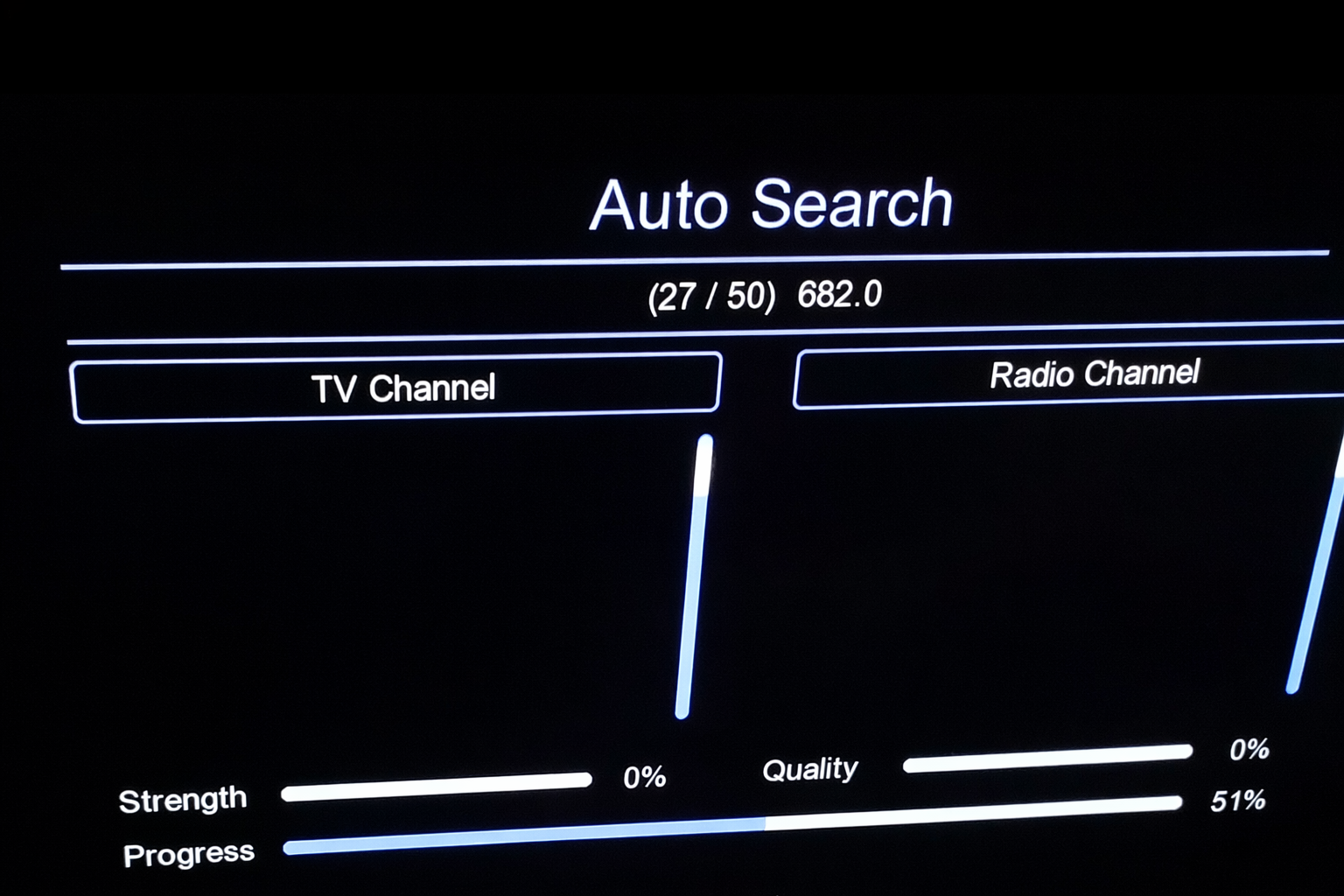
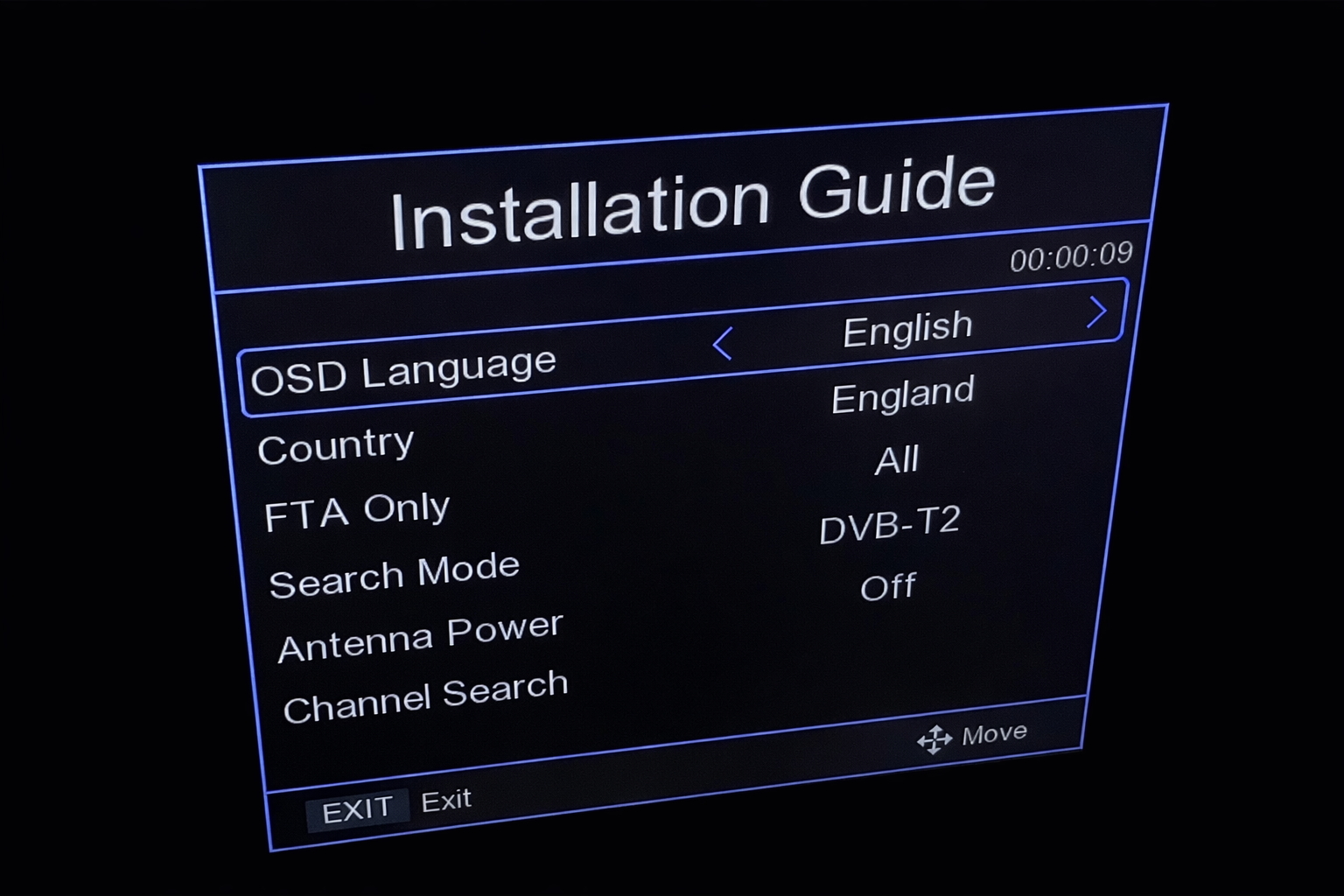
Pictures of the installation (improved contrast):
Summary
A very simple circuit, not surprisingly also available as 'plugs' for HDMI. The whole thing is basically a simple power supply in flyback topology, a voltage-reducing inverter, the main SoC with external flash memory for the program, the display together with the controller (a la HD2015), and the RF head (here signed 4110 A009 514 - I forgot the photo).
The aforementioned SoC runs the eCos real-time system and in the Flash sits a typical Linux file system from which settings, icons and graphics can be extracted.
Additionally, we have RX/TX pads available and have managed to find two promising tools for uploading the batch.
Will anything more be able to be done with it? We are yet to find out, in the meantime, just for the sake of principle, I will ask - have you had any contact with receivers based on NationalChip chips? Or does anyone have more information about them?
PS: A copy of the original batch:
https://github.com/openshwprojects/FlashDumps/commit/9437e8ceda5c2d4197f8e4745804839f3d52de9f
Cool? Ranking DIY Helpful post? Buy me a coffee.