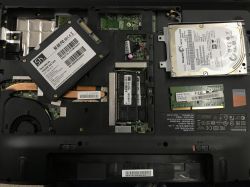
An interesting service story today. Can swapping 4 GB RAM for 8 GB damage a laptop so that it can no longer even boot or install the operating system? I have personally found out that this is possible - here I will show what happened and present the solution to the problem. Does your laptop not boot after an upgrade attempt, does not see the USB drive with the system, does not boot the system even though it can see the drive? This is the topic for you.
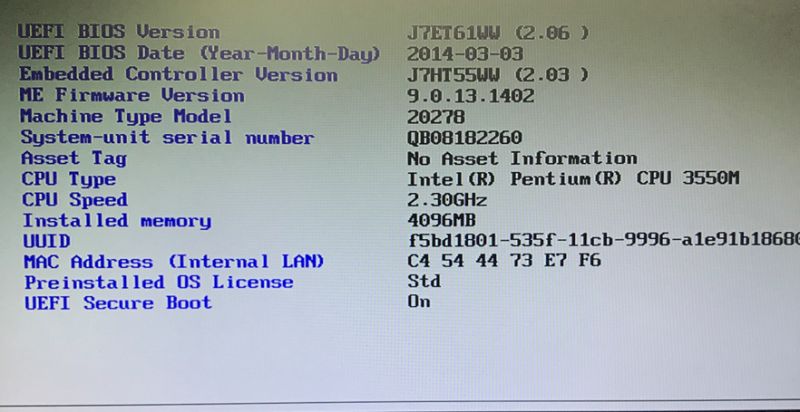
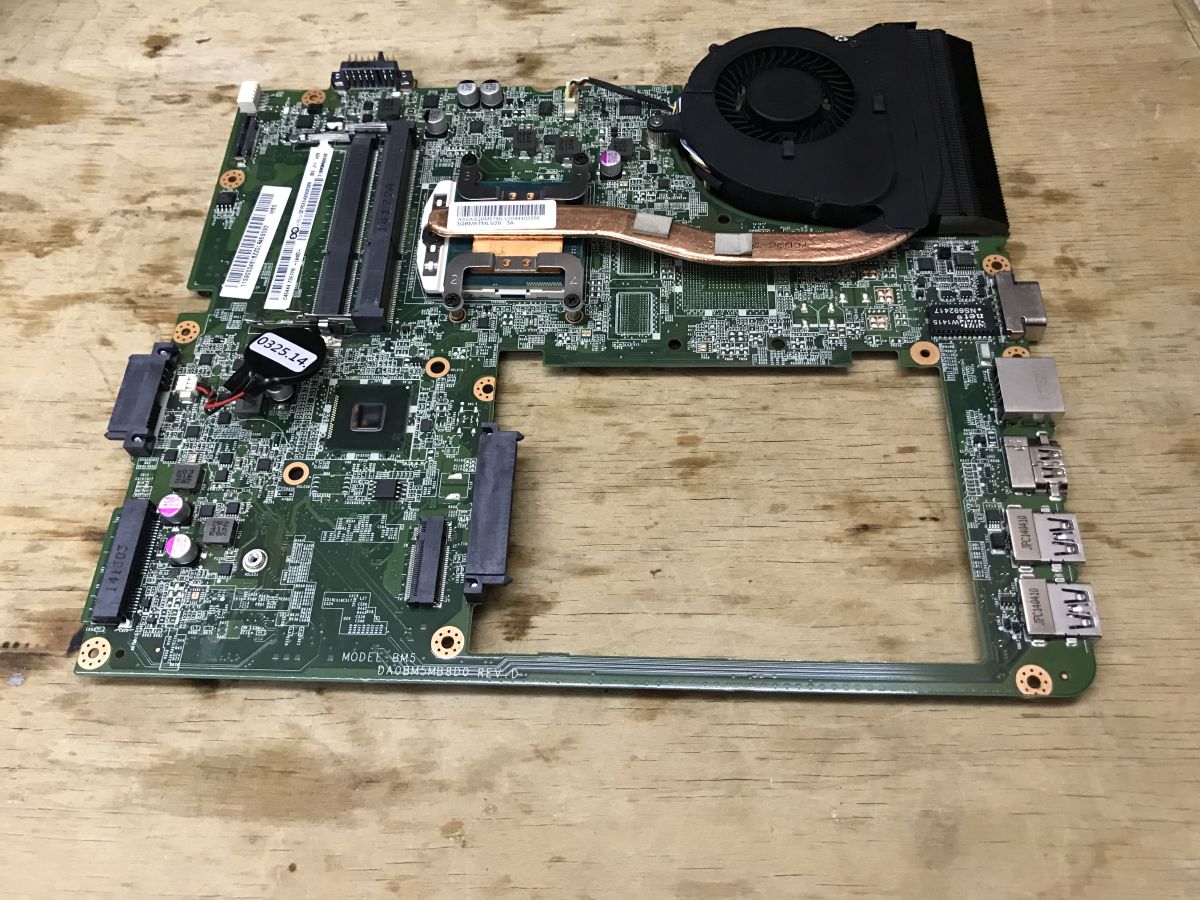
The patient is a Lenovo B5400 laptop. On the one hand it's already quite old, several years old, still from the Windows 8 era, based on a dual-core Intel Pentium 3550M, but on the other hand it's well-preserved, with no scratches, a full set of hardware and a holding battery. It could still be suitable for social media, browsing the internet and making payments.
The only problem is that lukewarm SSHD drive and the measly 4 GB of RAM. Especially as that 4 GB is in the form of a single bone, and the replacement SSD I already have in stock from liquidation....
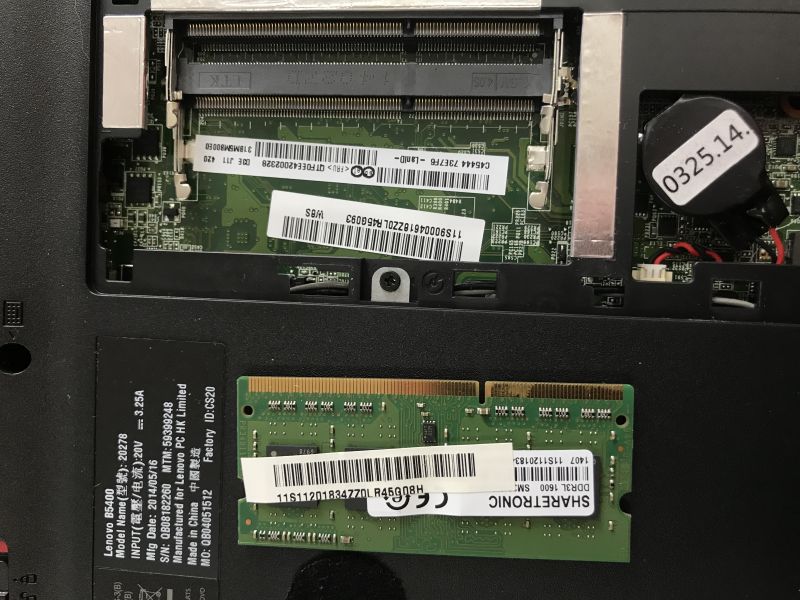
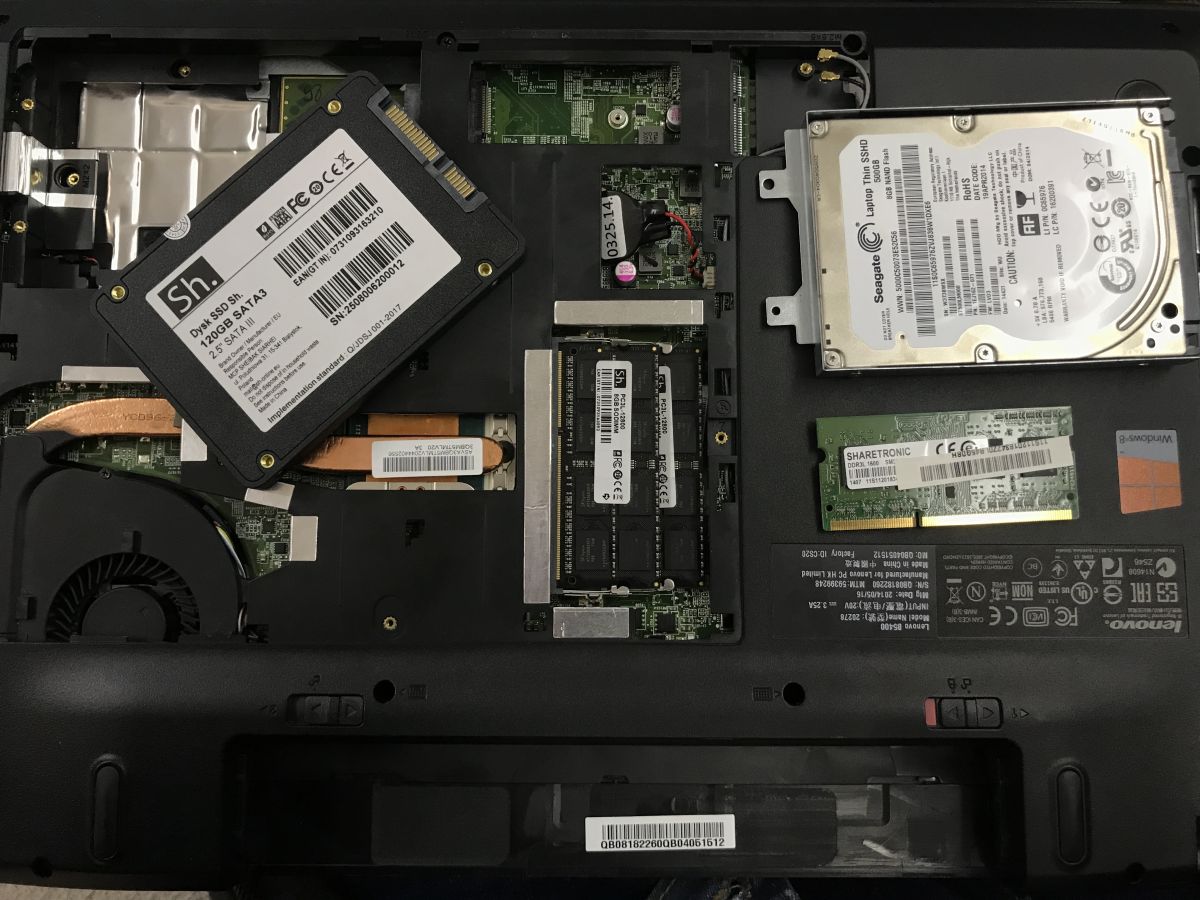
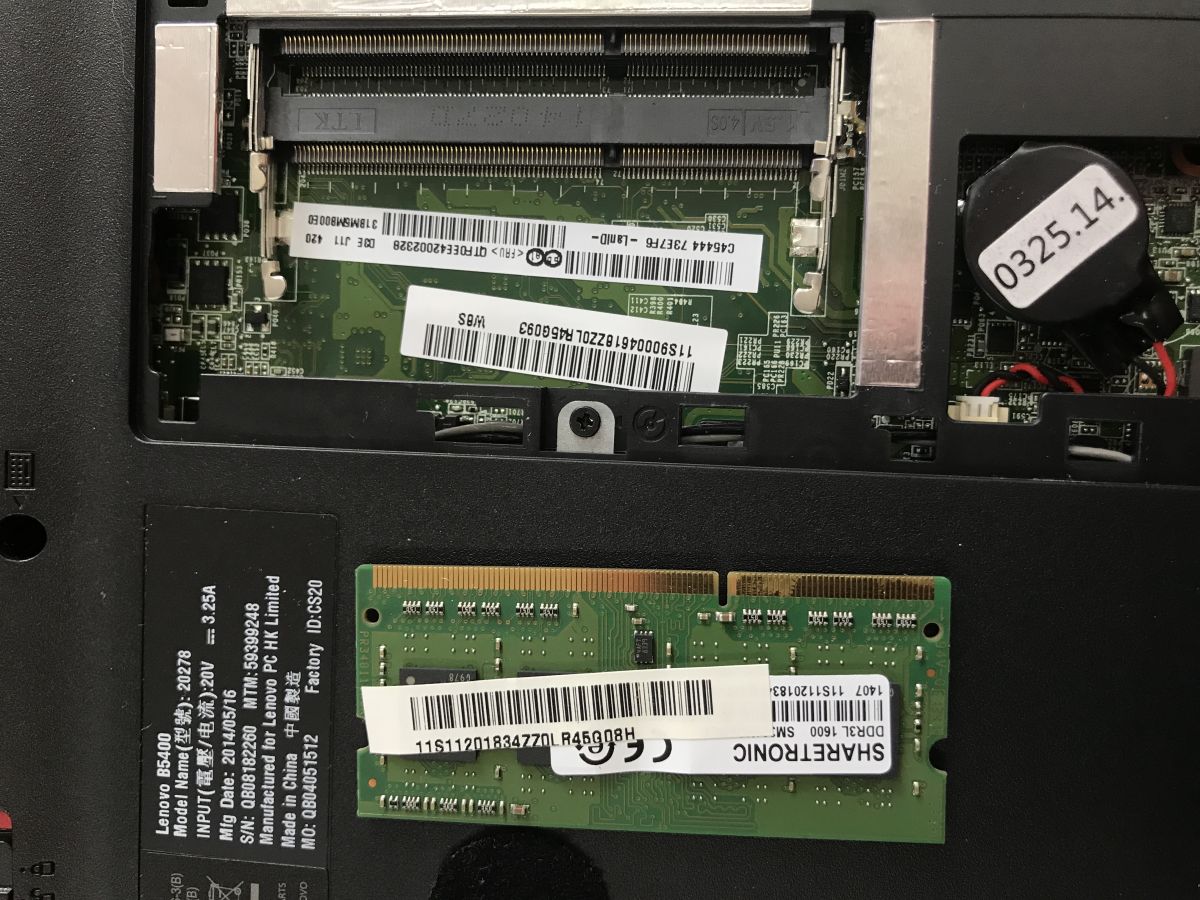
I started with this RAM. Something tempted me to try with two 8GB bones each. I guess that's silly, as RAM prices are knocking down, but everyone has different hobbies. I matched the two matching dice. Of course I disconnected the battery before running. With the 2x8 GB configuration the laptop wouldn't get up, and after running 4 + 8 GB there was an unusual problem. The laptop stopped booting Windows even though the drive was seen. I checked the standard stuff:
- second SATA media, second SATA port (I have a drive bay for the CD/DVD slot)
- booting from USB (Linux)
- bIOS settings, legacy, fastboot
- cMOS reset (battery)
Nothing wanted to work, so I decided to revert to the initial RAM configuration (the memory that came from the factory) and then I found that
the problem still remains and booting does not work despite repeating the above described operations.
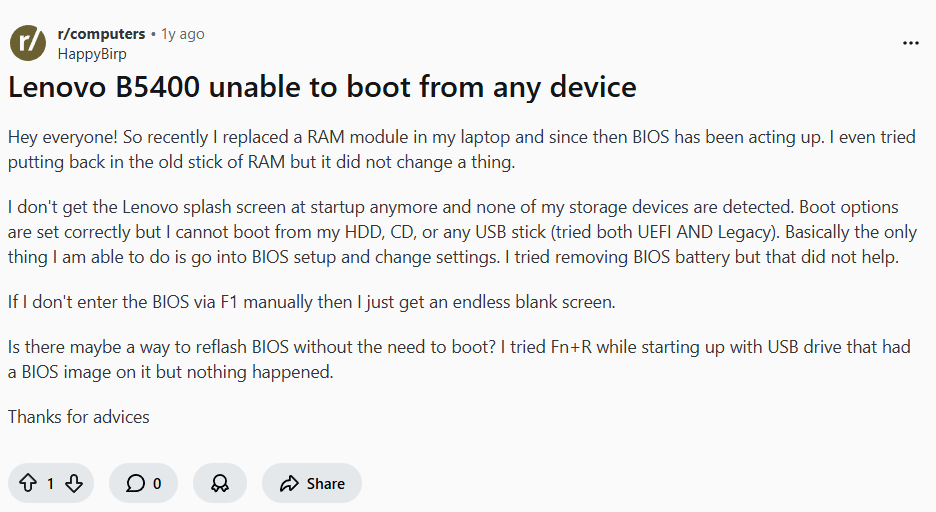
A quick web search quickly made me realise that I'm not the only one having this problem on this particular model of laptop:
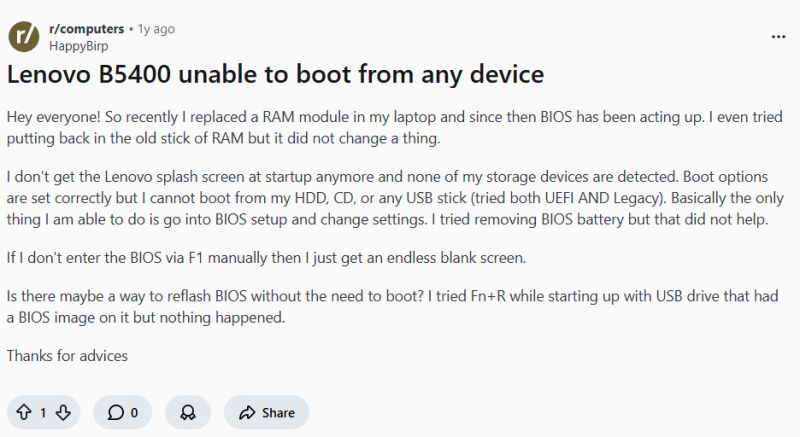
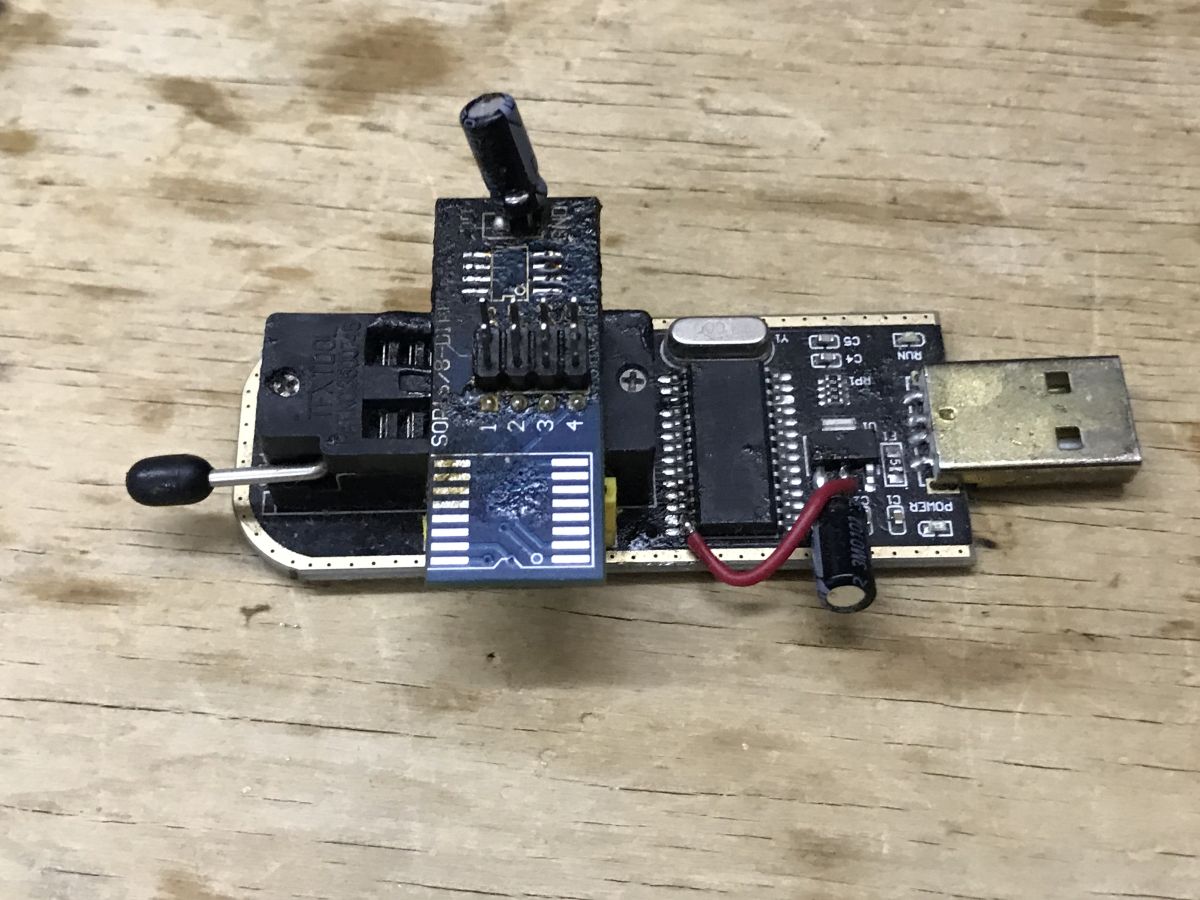
It's exactly the same as mine! The laptop, colloquially speaking, has been "stoned" and now needs to be rescued. I decided on the "atomic" option, which is to upload a new BIOS with the CH341 programmer. This requires getting into the motherboard, i.e. you have to take the whole laptop apart.
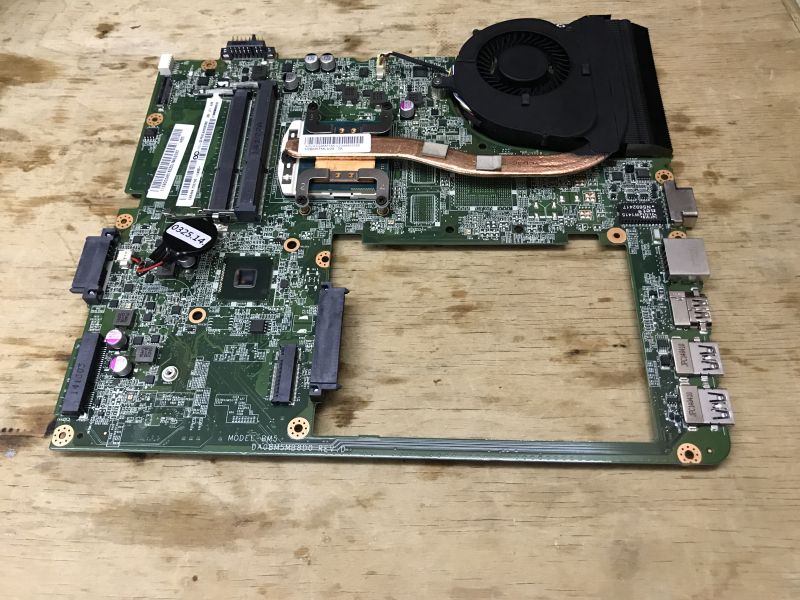
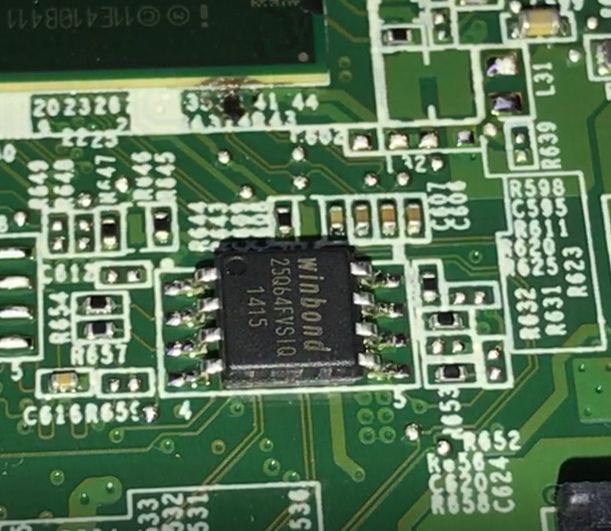
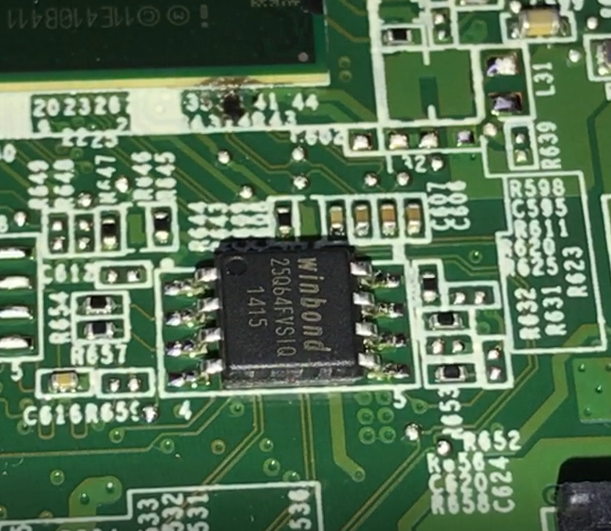
The BIOS is in a tiny flash memory bone, here Winbond 25Q64FVSIG. the 64 in the name indicates the size - 64 megabits, or 8 megabytes. It needs to be programmed, but first also
make a copy of it .
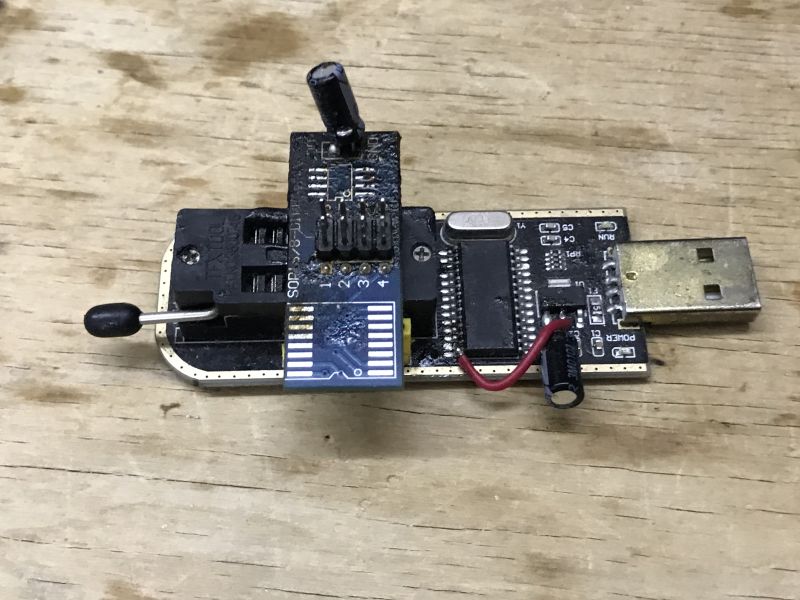
Such a memory is supposedly programmable on the chip, but in my experience this doesn't always work well, so I soldered the whole thing out with hot air and programmed it on a board-transfer from CH341. Of course the uploaded BIOS has to be preferably under the same version and revision of the motherboard as we have, plus it also contains the keys/OEM, so you either have to patch them yourself afterwards or resign yourself to losing them.... i was able to find a fit on the web for the upload candidate. Internet forums are a treasure mine though.
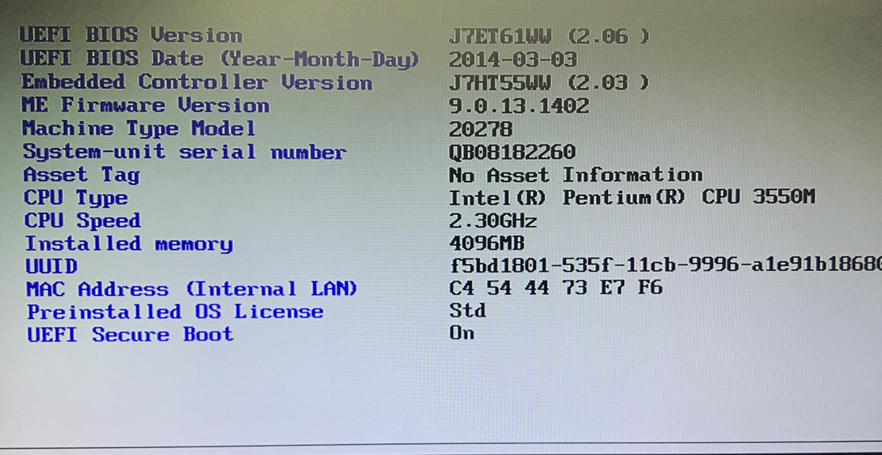
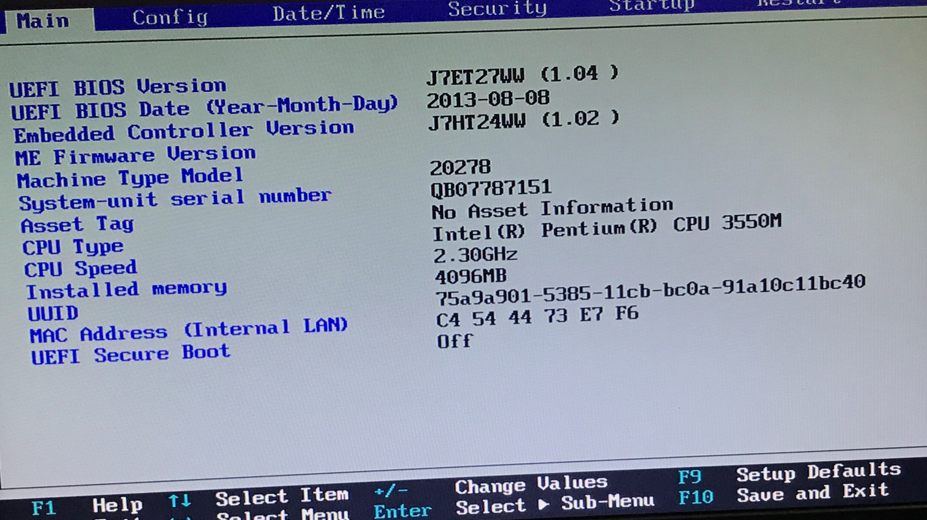
The laptop has started! The BIOS shows an older version. You can see the differences:
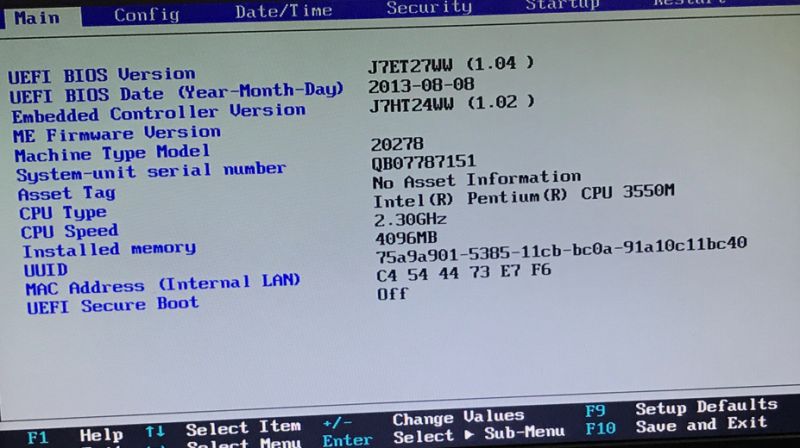
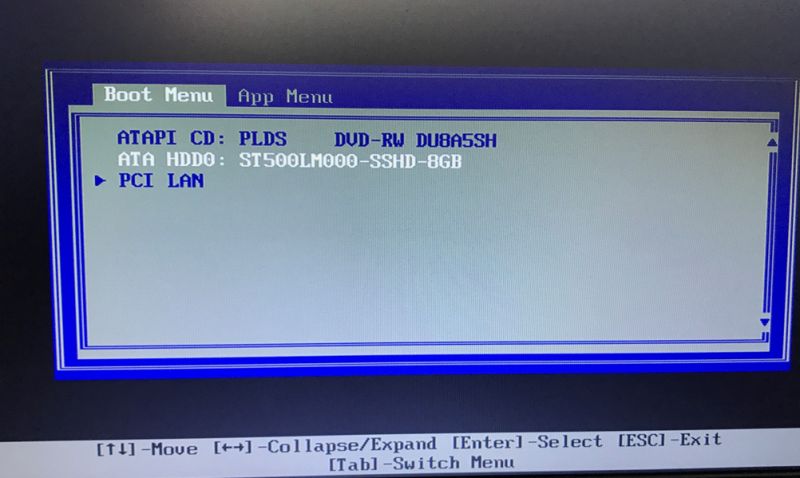
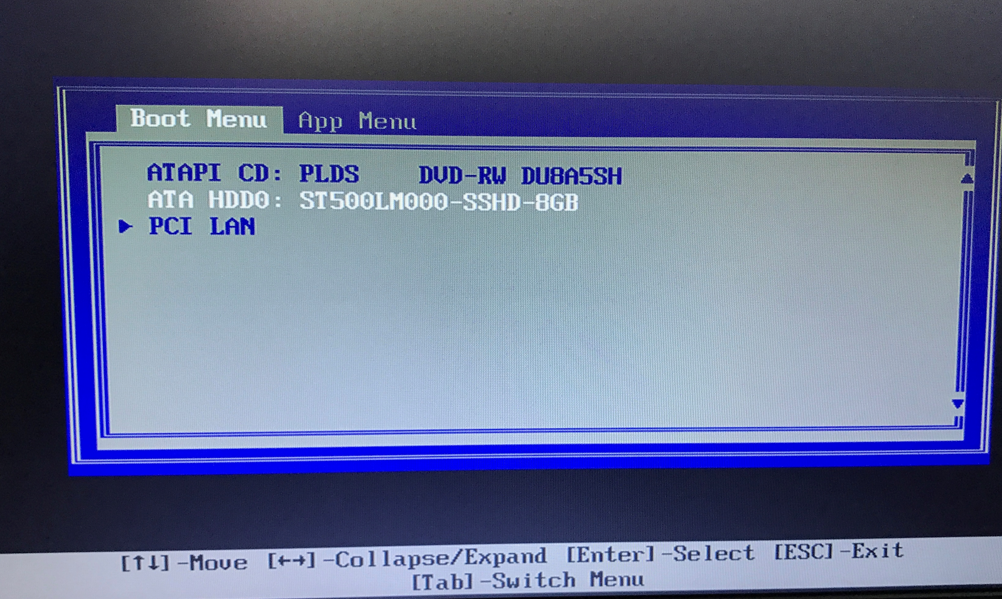
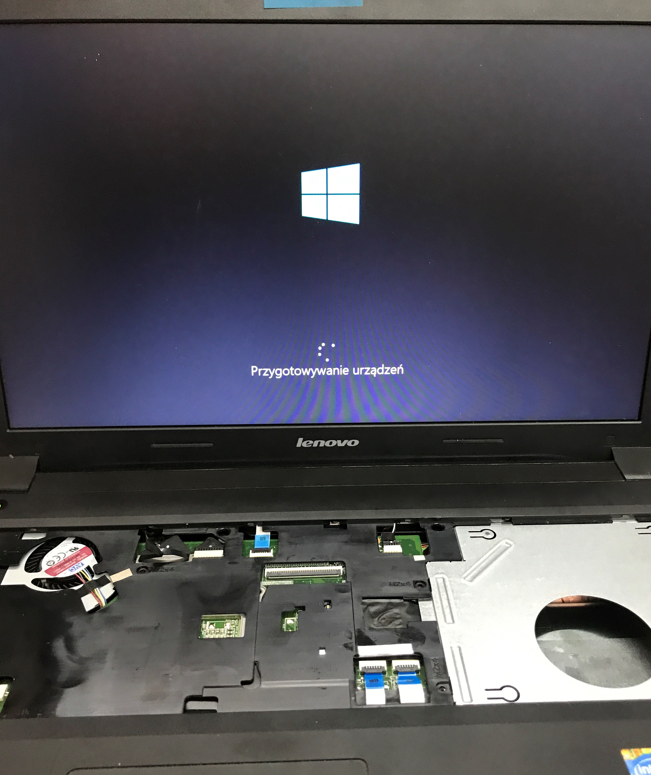
Windows from the old drive boots immediately, so it is however it was indeed the BIOS that was at fault:
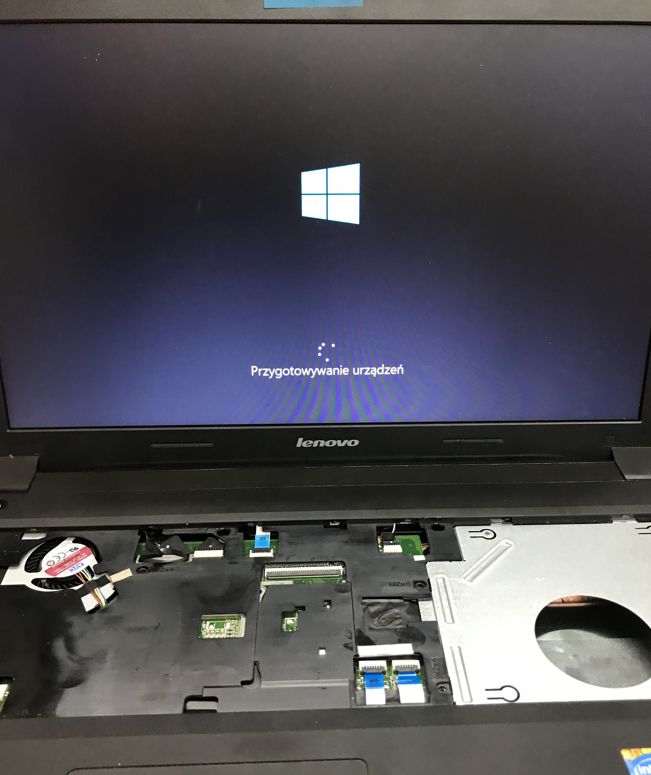
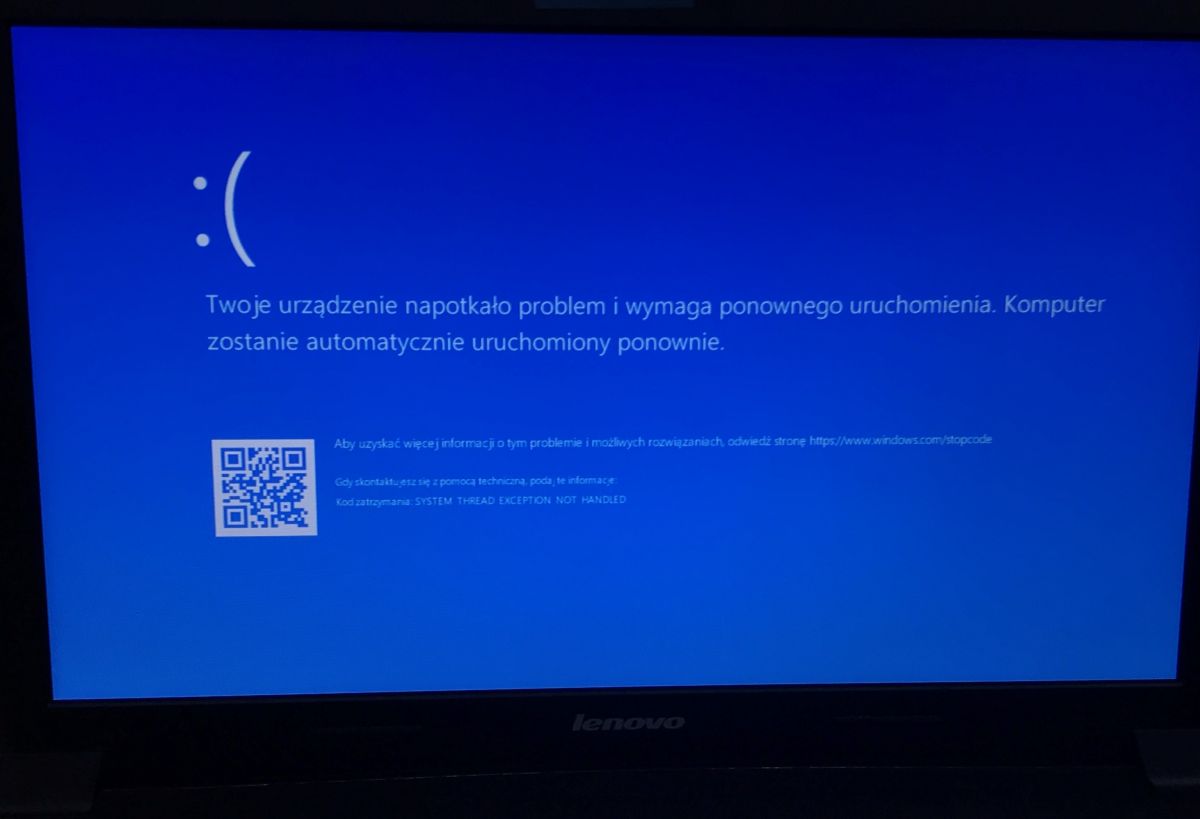
However, the 8+8 version gives a blue screen of death, so in the end I opted for 8+4. 8+4 works in both combinations, so it's not like one of the new bones is faulty either.
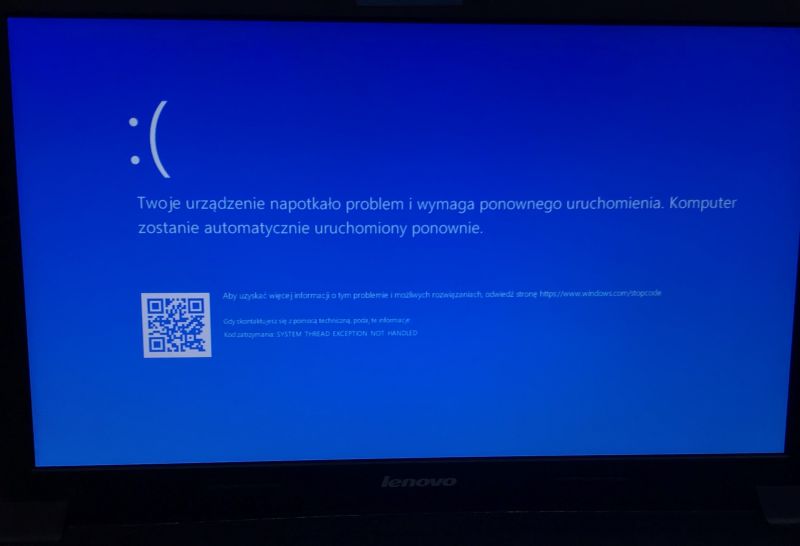
The 4+8 version works fine. Also booting from USB now works. You can install your preferred operating system. There are not the problems that appeared before.
In summary , the standard procedure for adding RAM to the laptop ended with an unexpected problem. The BIOS had to be reloaded. In my case this went without too much trouble, but I realise that not every person adding a RAM die has the equipment and skills to solder, so it could be an unpleasant surprise for someone else. Anyway, even a quick web search shows that the same thing has happened to other people - and on the same laptop.
Now the laptop works and performs well as a station for browsing the internet, receiving emails and reading social media. It also does well with document editing and a printer.
The process shown worked, although I wouldn't say it was fully complete as I didn't patch the new BIOS, the ME region was also left unchanged, but I have a backup of the original batch in case I need to. I may try to address these issues in a separate topic. Here the laptop has passed the tests and is running stable.
Have you also already had such a "surprise" with the standard procedure for adding memory? 







Comments
This surprised me too, as I've been swapping out some of these memories, and hadn't come across this before. So much good that flashing the BIOS is nothing new to me, so I was able to salvage quickly.... [Read more]
Here quite old hardware so bios without various security features like serial number, Windows key and other things that need to be transferred from old bios to new clean bios otherwise hardware won't boot.... [Read more]
Let's take a closer look at the state of the connector of this RAM module (tick marks mine): https://obrazki.elektroda.pl/6868154800_1774178986_bigthumb.jpg [Read more]
That's its own way, except that it's the old 4 GB RAM module what was there, not the new one, so that neither explains the "brick" nor the blue screens with the 8+8 combination. [Read more]
And the "FN+R" key combination didn't do anything - because that's what it's there for. That's not true - it's just that the faulty part may now be where Windows stores nothing, and that's why... [Read more]
Fn+R didn't work for me, by the way, you have a screenshot from Reddit (first post) about that too. I was surprised myself, and at first I already thought I had damaged something with electrostatics (first... [Read more]
No, it can't, as long as it's functional of course, a bug in the BIOS software can do it, for example. That's why I always recommend reading what the manufacturer has to say before making any changes,... [Read more]
The BIOS on laptops is modified every time the board is booted up so if the RAM doesn't work stably, you can crash the laptop even by firing up memtest on a flash drive. This is where I would advise... [Read more]
A. Looking at this photo, I thought of the laptop getting wet from underneath and expected a similar condition of the memory module slot. What is it like in reality? B. Isn't there the possibility... [Read more]
Isn't there by any chance a burn at the bridge itself ( from the BIOS bone upwards in the photo)? [Read more]
@marcinslask This is not burn-in - these are traces of the black glue used on BGA chips by Lenovo. The contacts on the RAM dice are indeed very dirty. I always clean the contacts with isopropyl alcohol... [Read more]
Eraser or eraser? Are you going to explain this riddle, or does everyone have to google or guess? I've had RAM failures when replacing modules on 2 occasions. It was as if I had not pressed the module... [Read more]
Can you write something more about this? \ [Read more]
I was adding RAM and changed the HDD to an SSD in a hp laptop and it stopped booting. The light when I pressed power went out and it wouldn't turn on. After several attempts to turn it on and combining,... [Read more]
You probably did not have the patience and it deleted the nvram. When it has stopped, it has already deleted itself. [Read more]