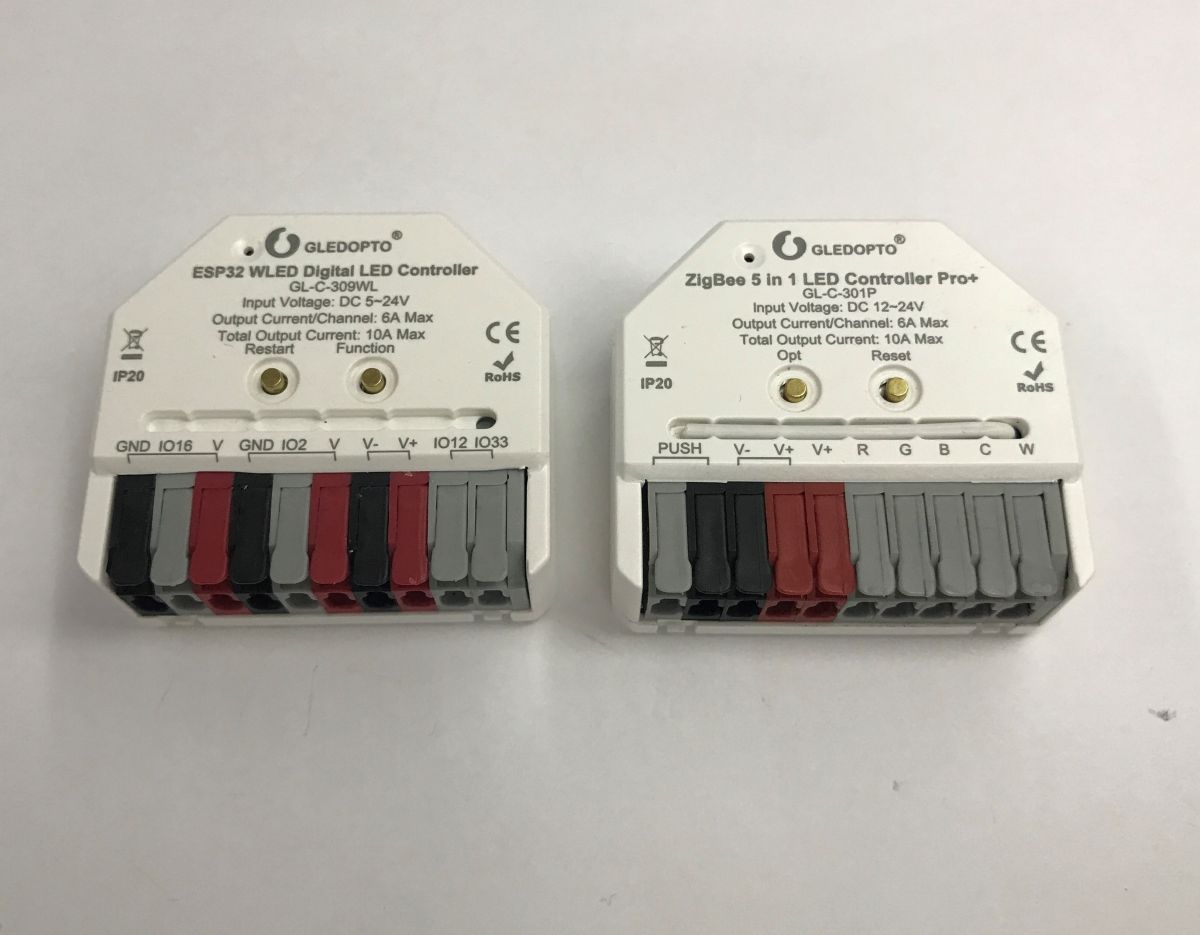
Gledopto’s GL-C-309WL and GL-C-301P offer out-of-box cloudless control for addressable WS2812 and conventional RGBCW LED strips, respectively.
The ESP32-based GL-C-309WL runs open WLED firmware locally over Wi-Fi, while the GL-C-301P uses Zigbee with Home Assistant through Zigbee2MQTT.
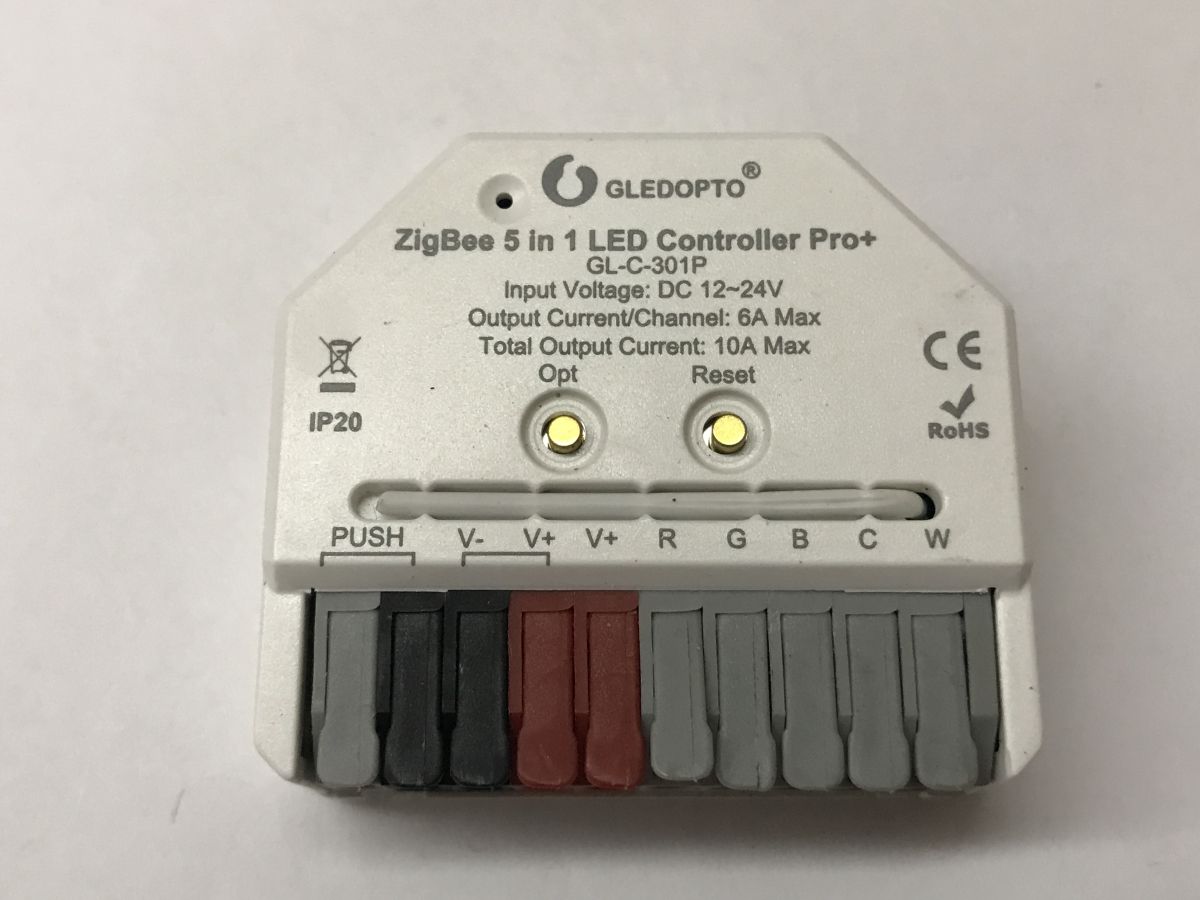
GL-C-309WL supports 5–24 V DC and configurable IO16, IO2, IO12, and IO33 pins; GL-C-301P supports 12–24 V RGBCW strips.
WLED provides configurable LED count, colour order, GPIO assignment, animations, and ecosystem integrations, whereas Home Assistant correctly exposes Zigbee brightness, RGB, colour-temperature, and startup-state controls.
Both controllers cost just under PLN100; the Zigbee model offers fewer options than WLED and cannot control five independent single-colour strips or accept extra sensors or an IR receiver.
AI summary based on the discussion. May contain errors.
Today I am showing two LED controllers that can work without a cloud from the factory. No soldering is required. The first one is the GL-C-309WL, it is based on ESP32 and has an open WLED firmware uploaded. It works 100% locally, we configure it via Wi-Fi. The second is the GL-C-301P, it offers Zigbee communication and can work with Home Assistant via any supported transceiver for Zigbee2MQTT. Both of these devices could be a good choice for those who value privacy and security for their installations.
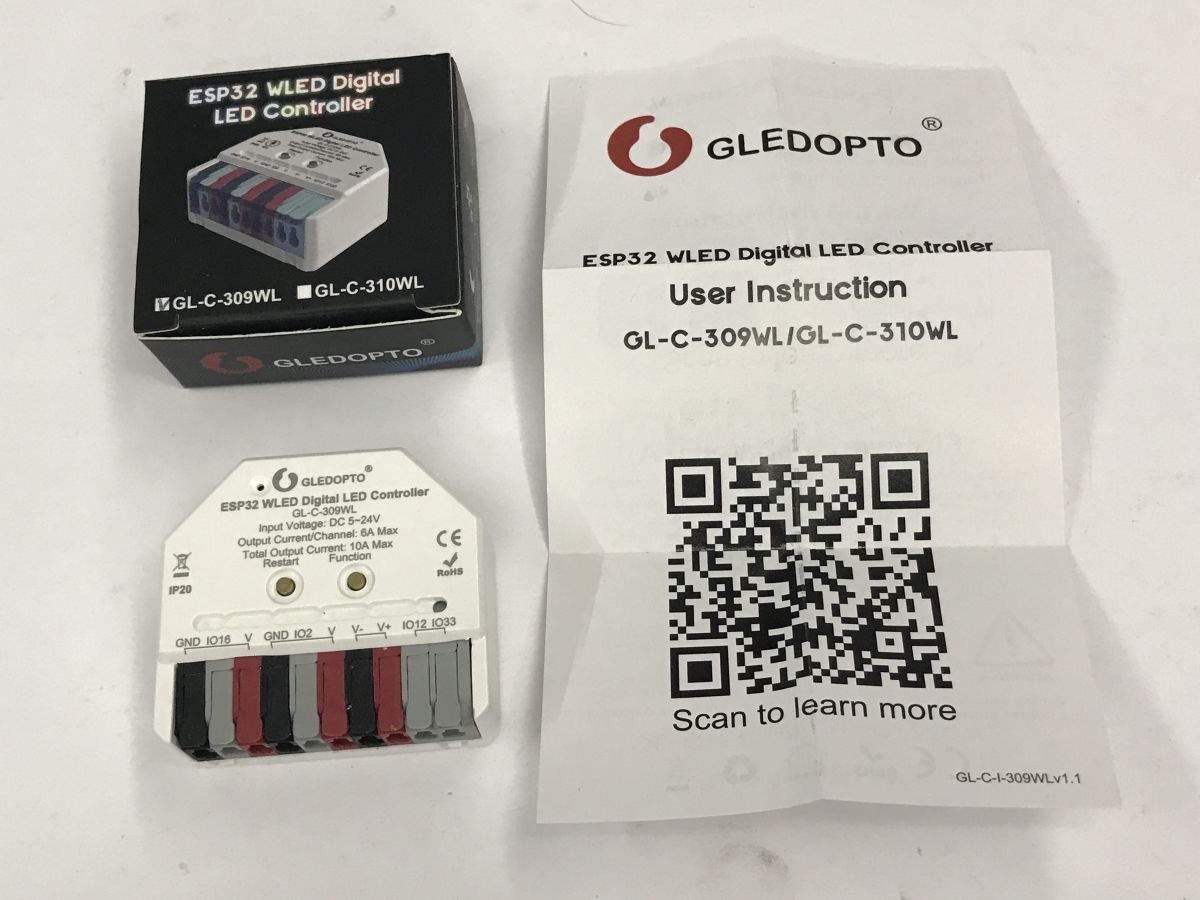
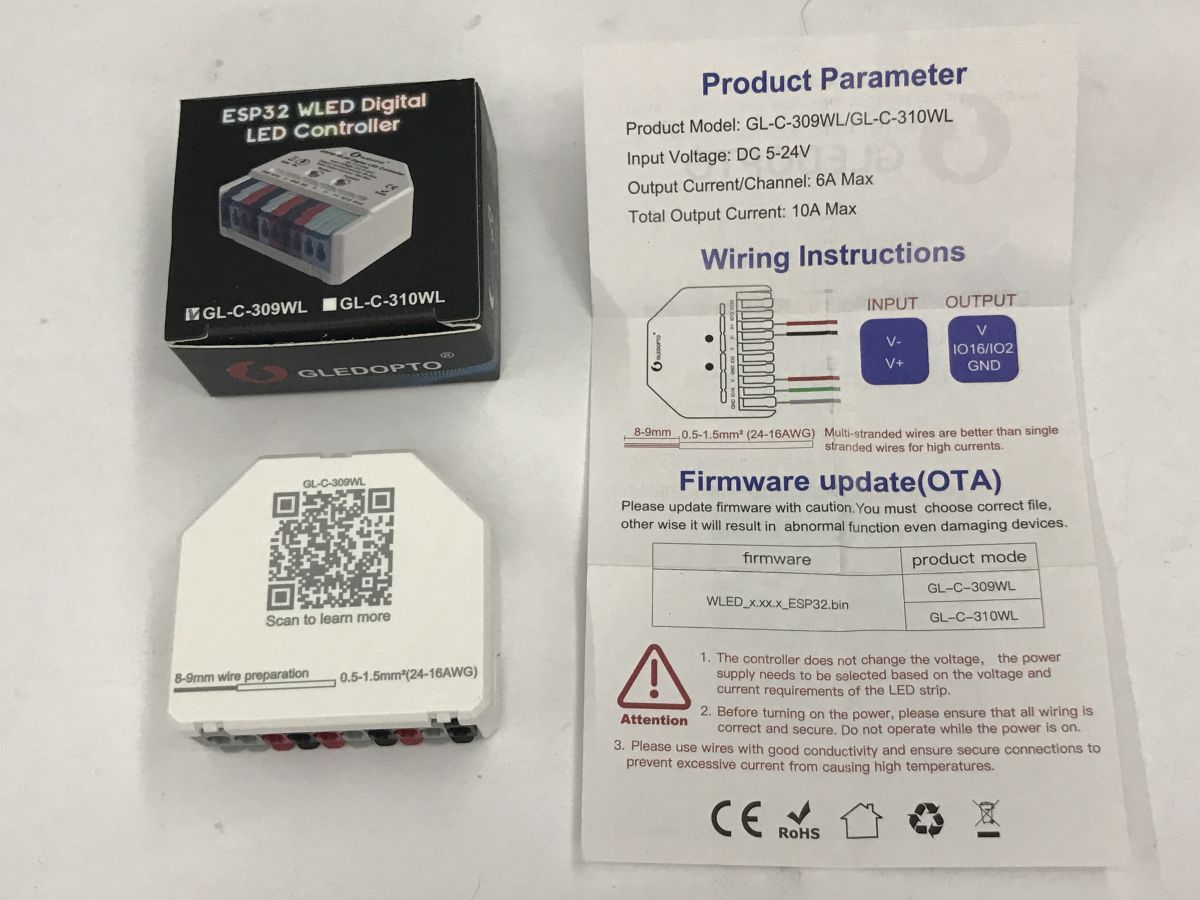
Let's start with the WS2812 controller. The GL-C-309WL operates on 5-24 V DC. It has IO16, IO2, IO12 and IO33 pins. These can be configured later in the software. Instructions:
This is used to control a strip of individually addressable, coloured WS2812 or similar LEDs.
Inside we have the WLED firmware uploaded:
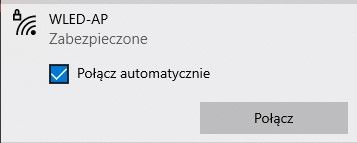
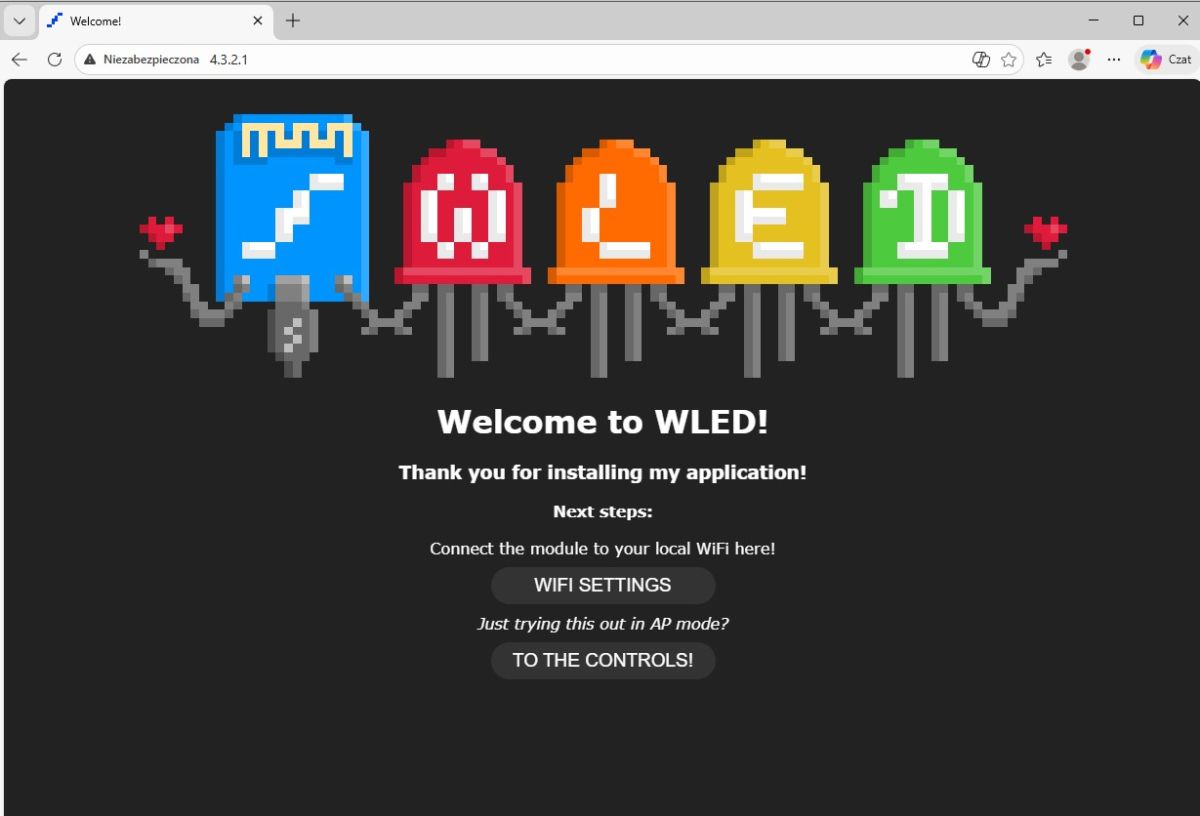
https://kno.wled.ge/ The whole thing, when reset, forms an AP network with the password wled1234:
The configuration page is at IP address 4.3.2.1, there you can pair the device with our network and set its mode of operation.
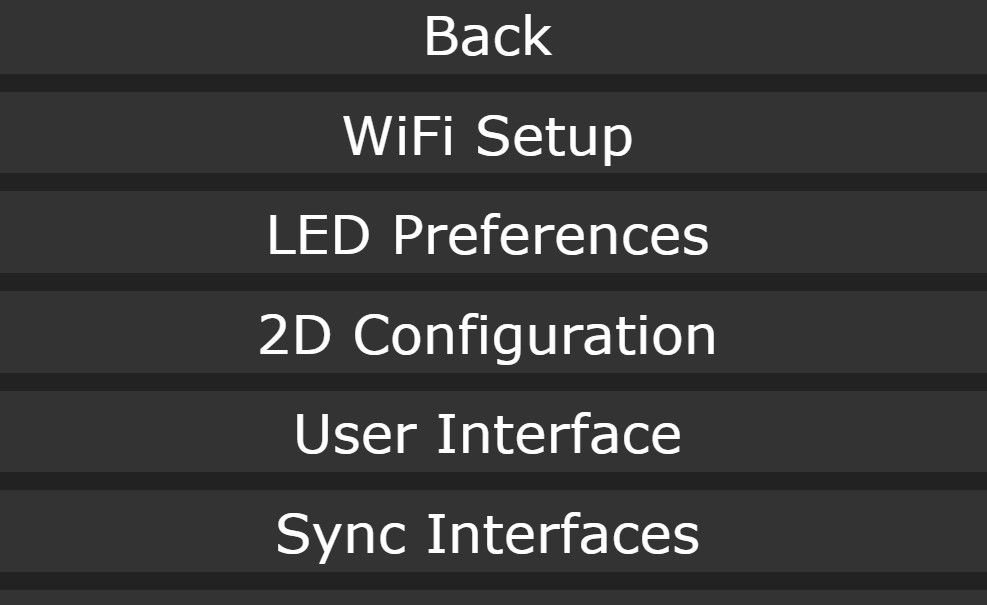
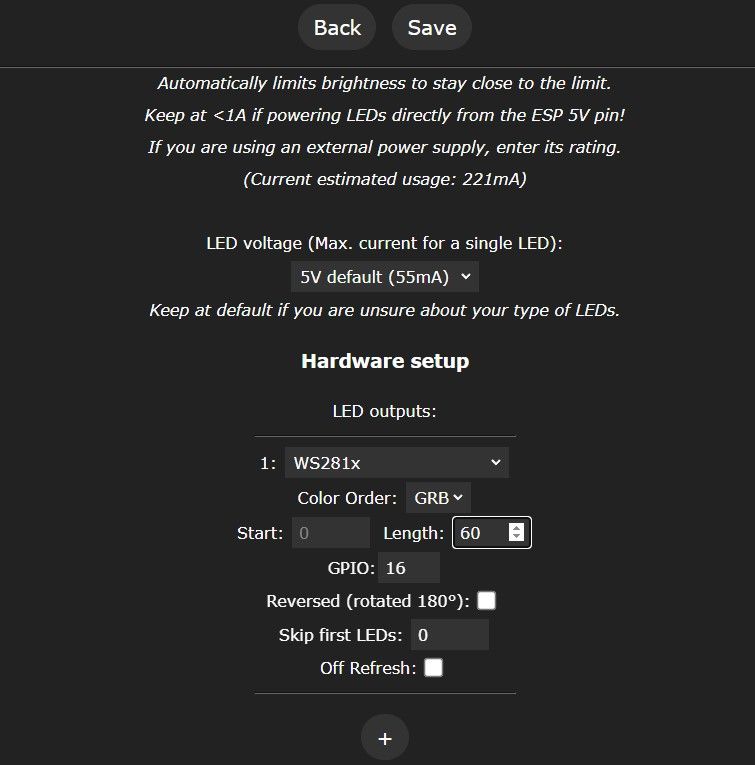
This is done in the menu - here you basically have to set the number of LEDs in the bar used and the colour order and GPIO on which it is connected.
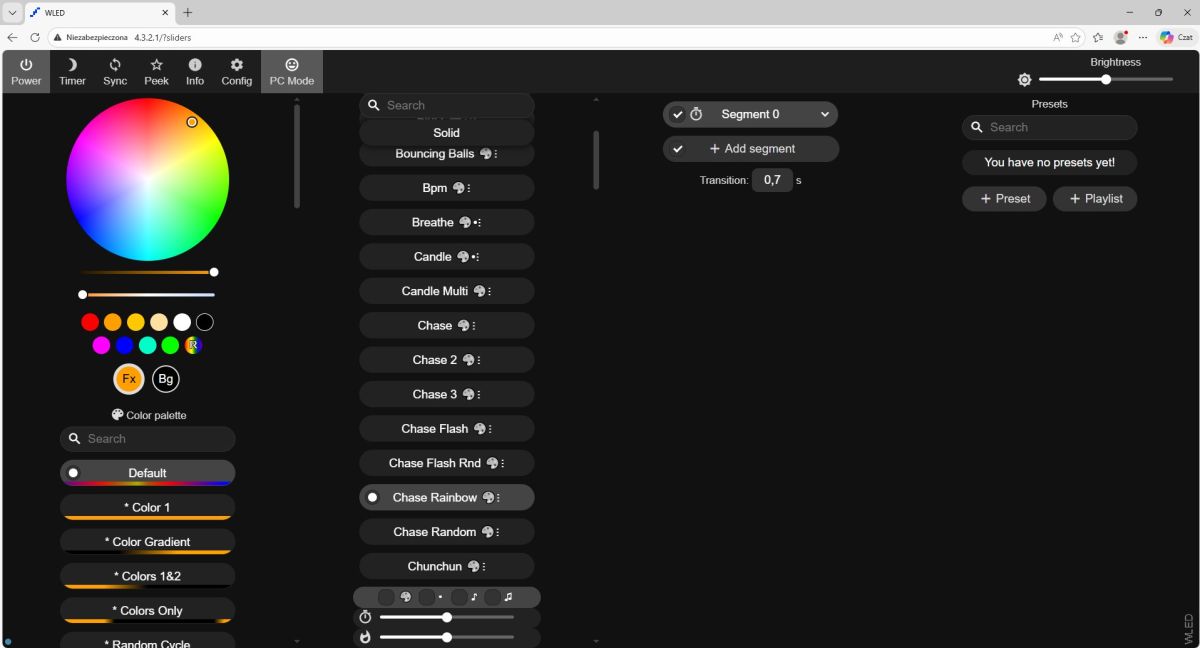
After that, you can freely select animations from the menu and connect the controller to other ecosystems:
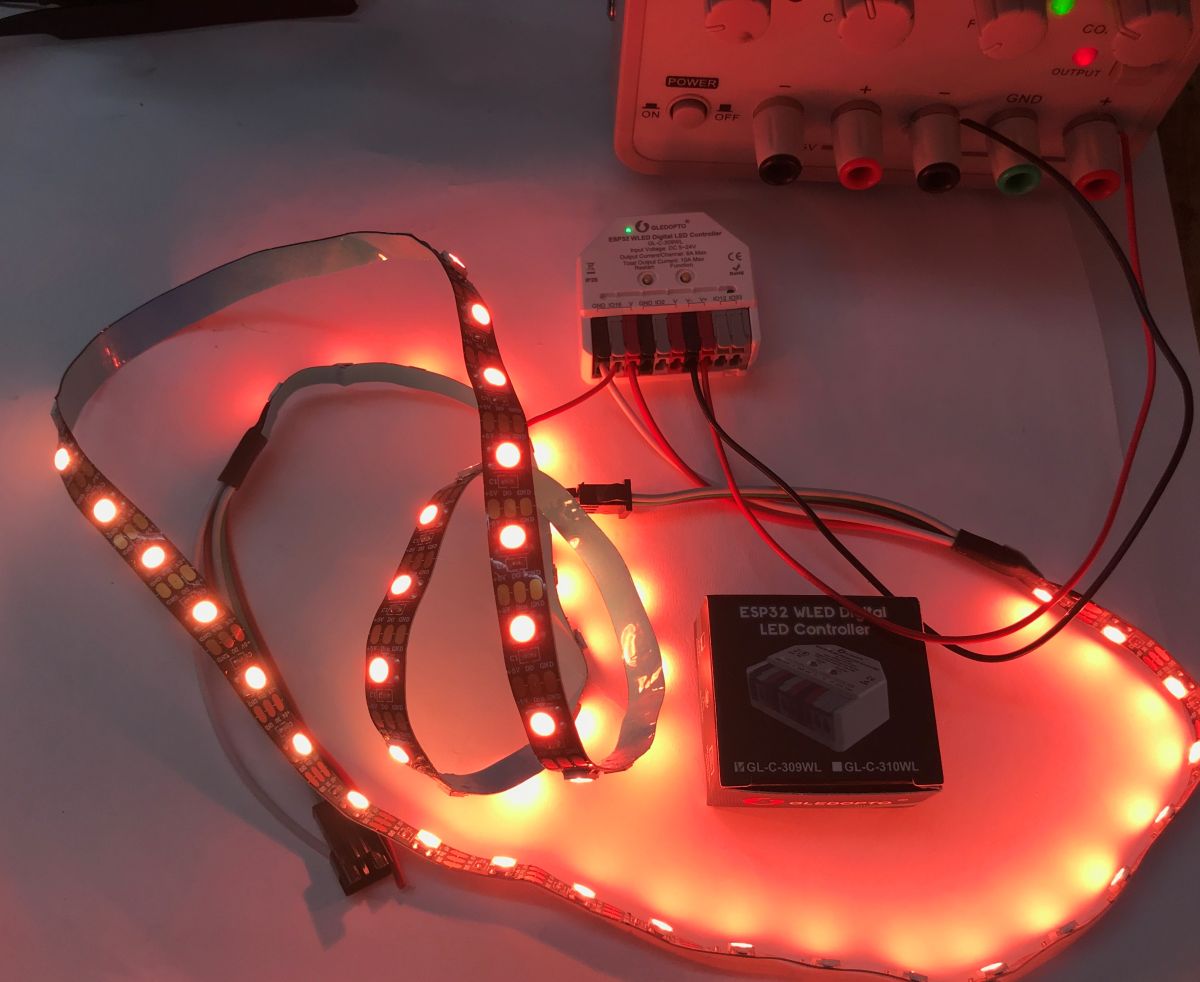
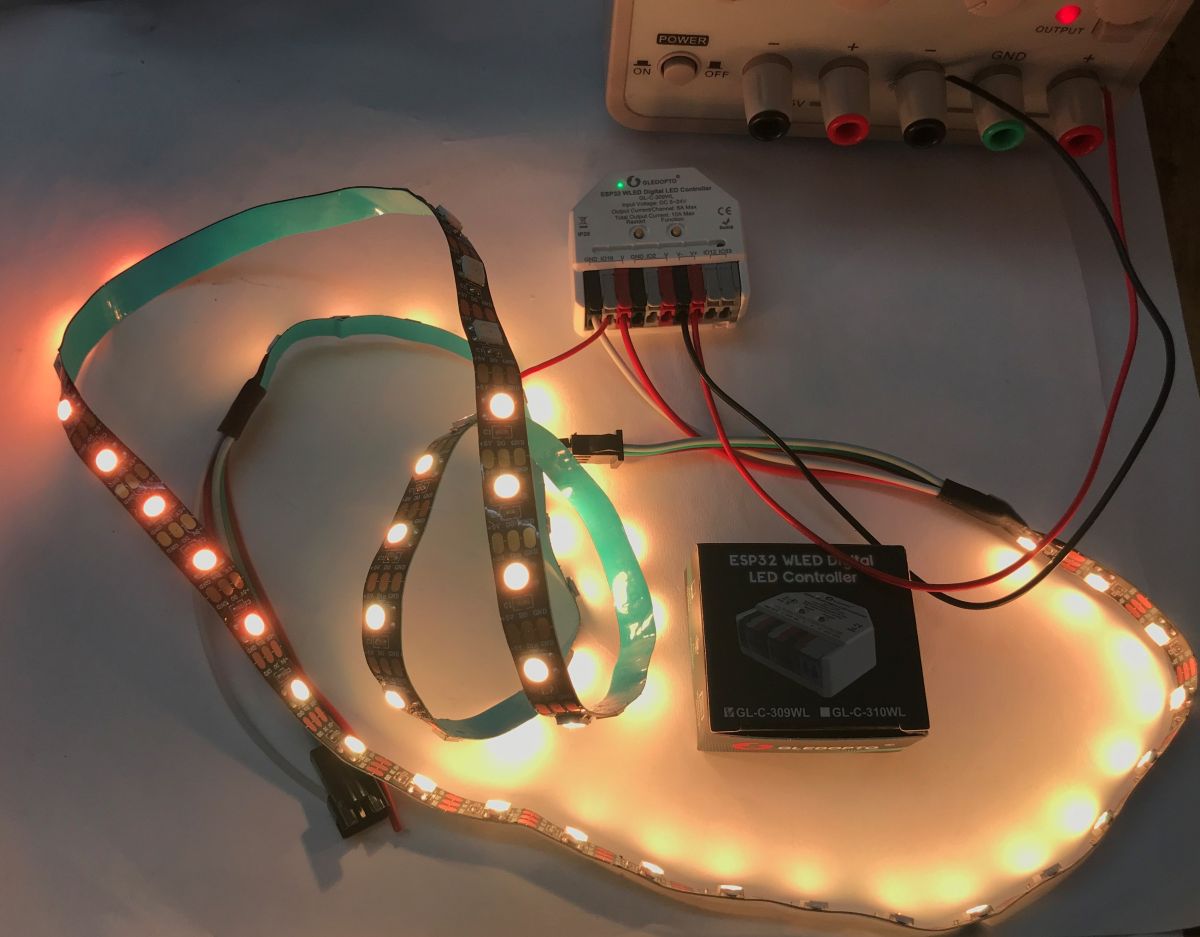
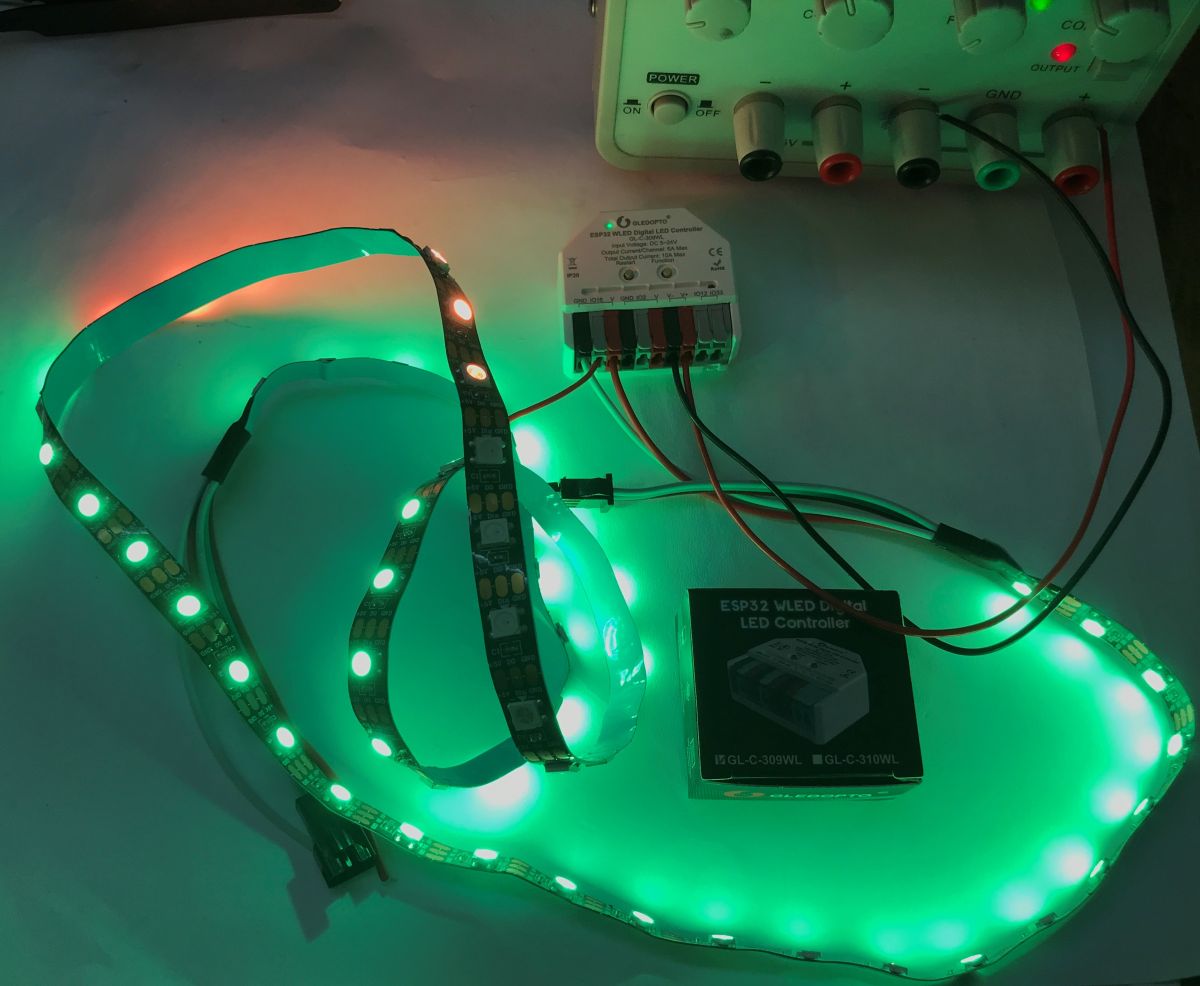
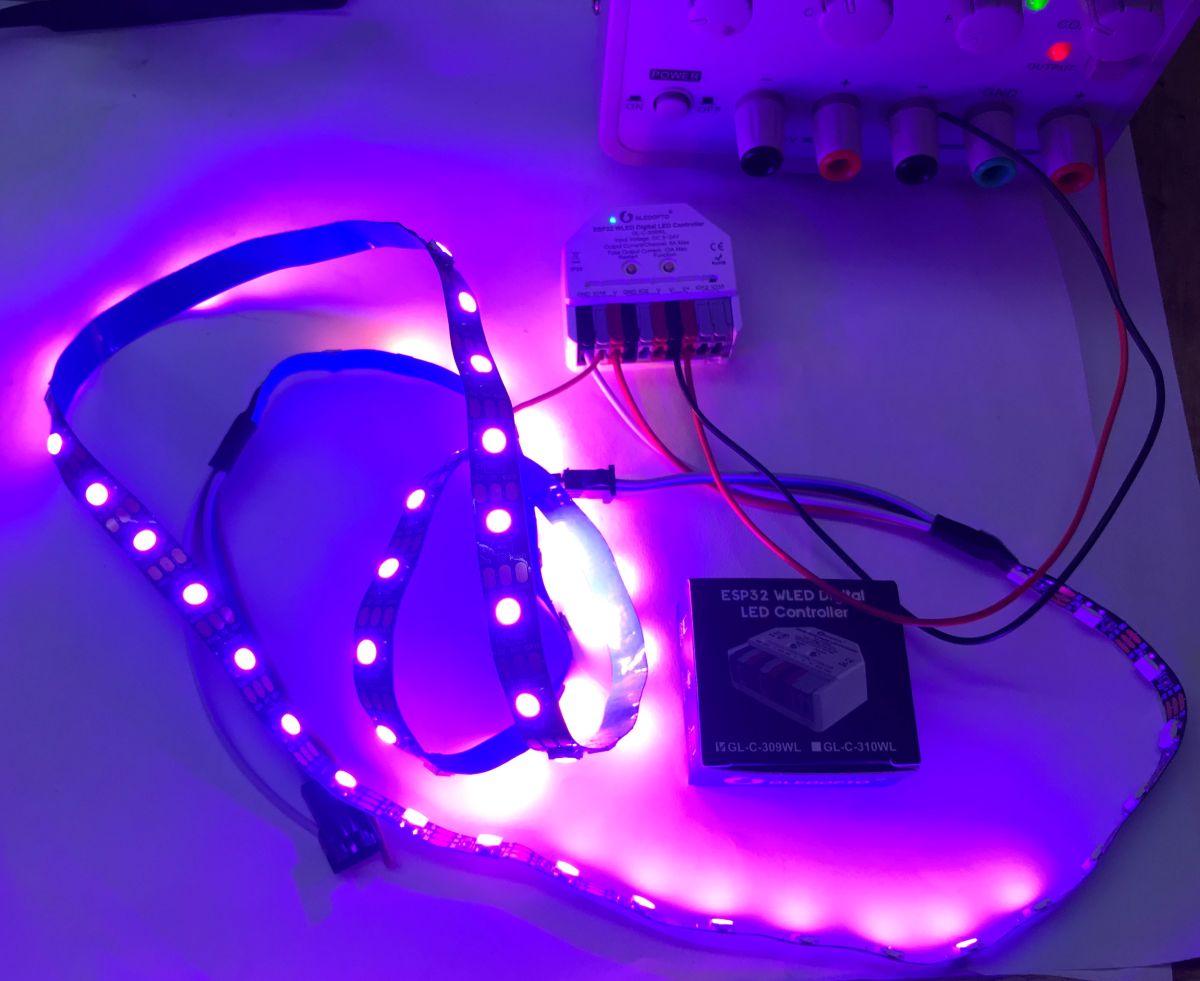
Examples of effects with the individually addressable WS2812 strip powered by 5 V:
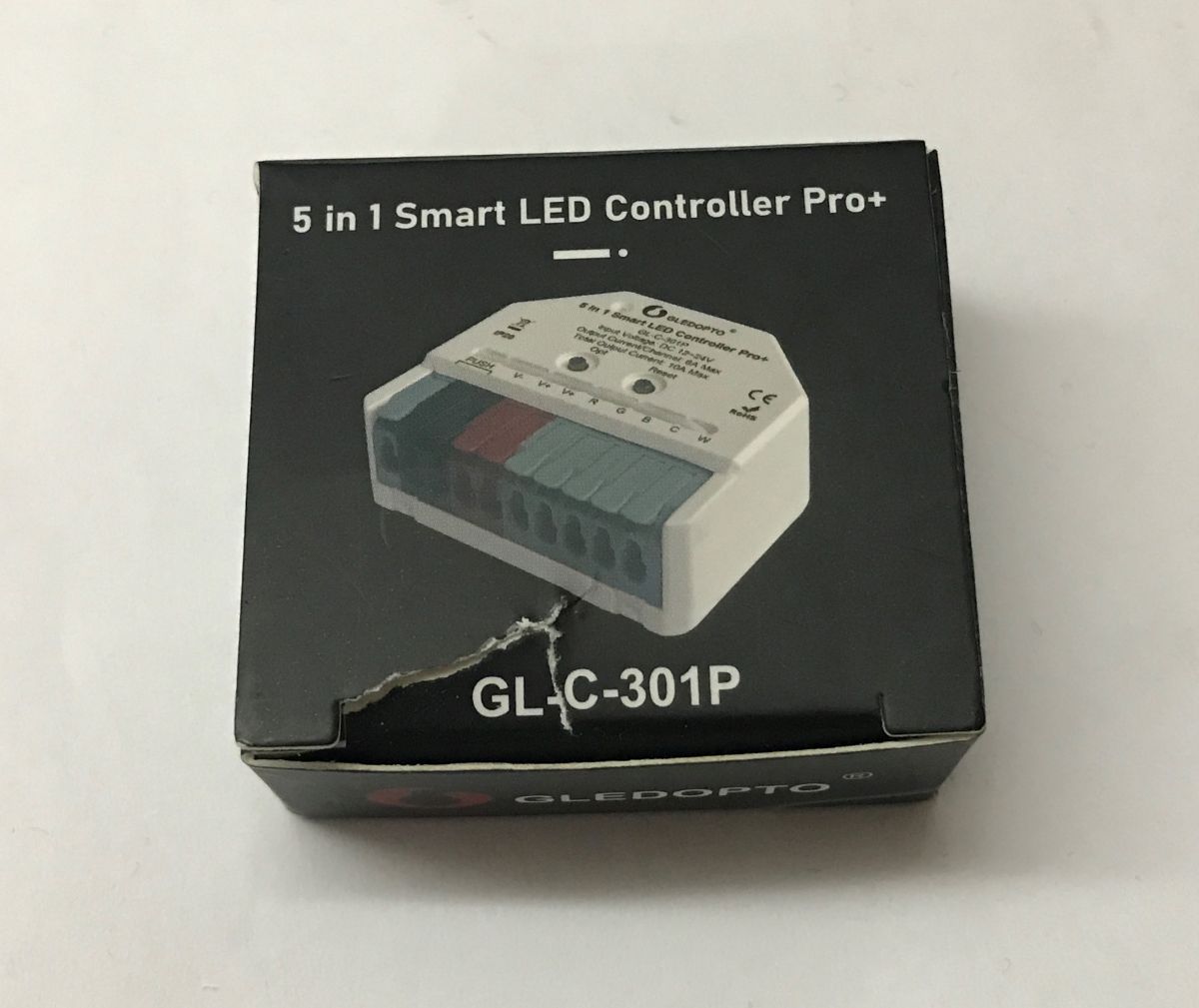
The GL-C-301P is still left. There is no Wi-Fi here, but there is Zigbee. It can work with HA as we have a CC2531 antenna. It supports RGBCW LED strips at 12-24 volts.
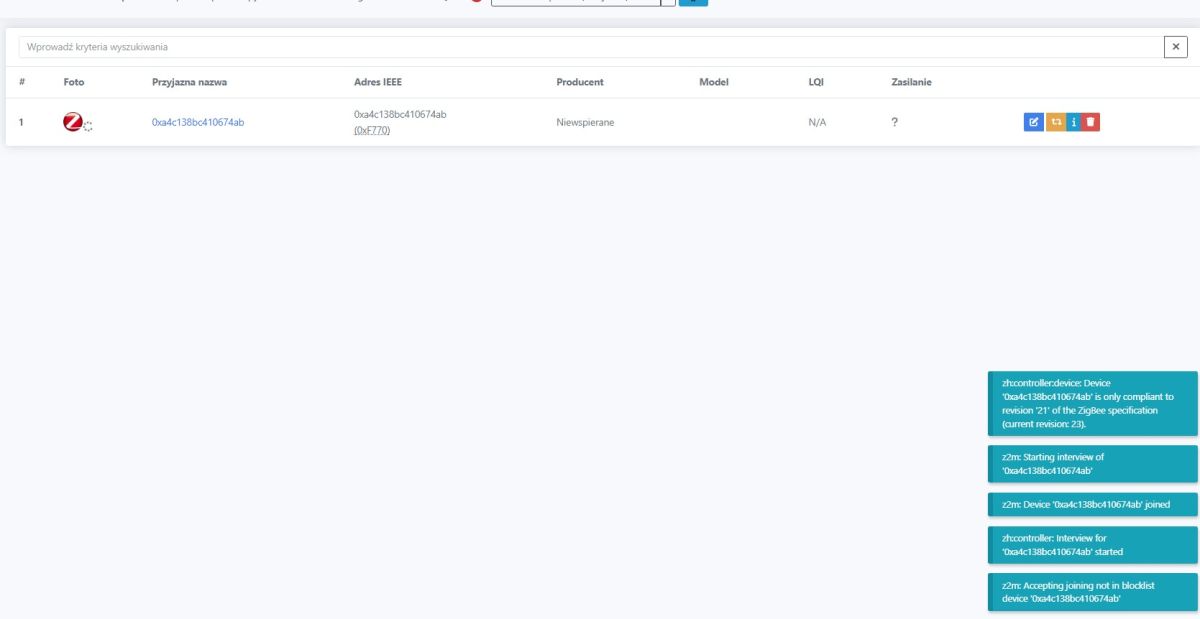
Home Assistant correctly detects the device:
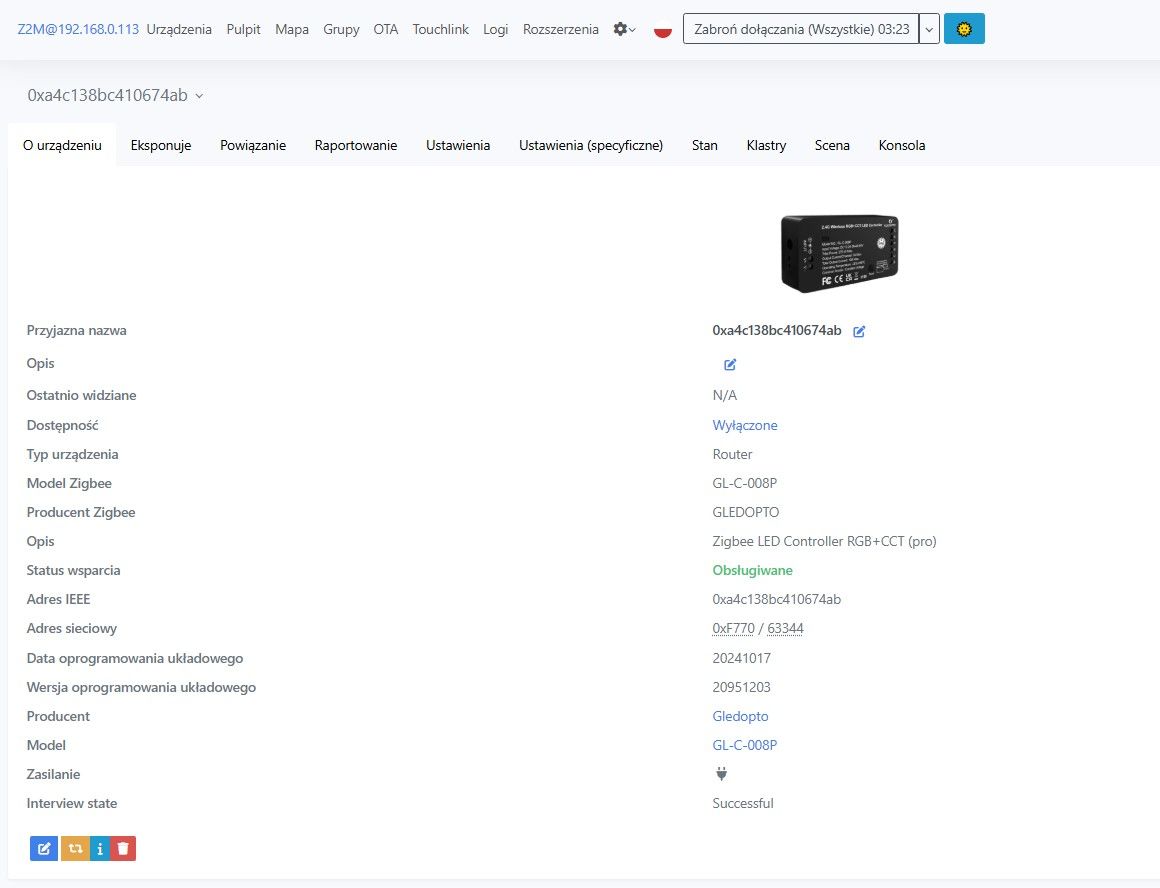
It is detected fully correctly - as GL-C-008P:
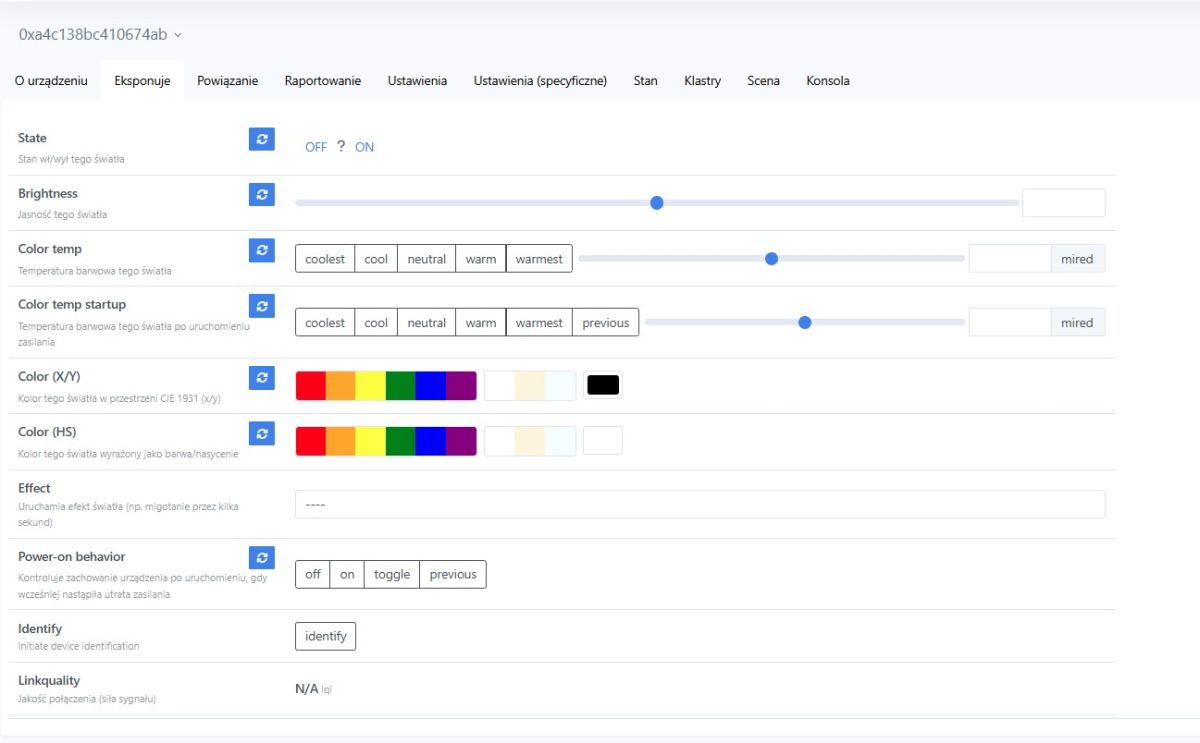
Integration with HA offers control over brightness level, RGB colour and CW temperature. In addition, we can change the state of the controller after start-up (on, off, switching, memory).
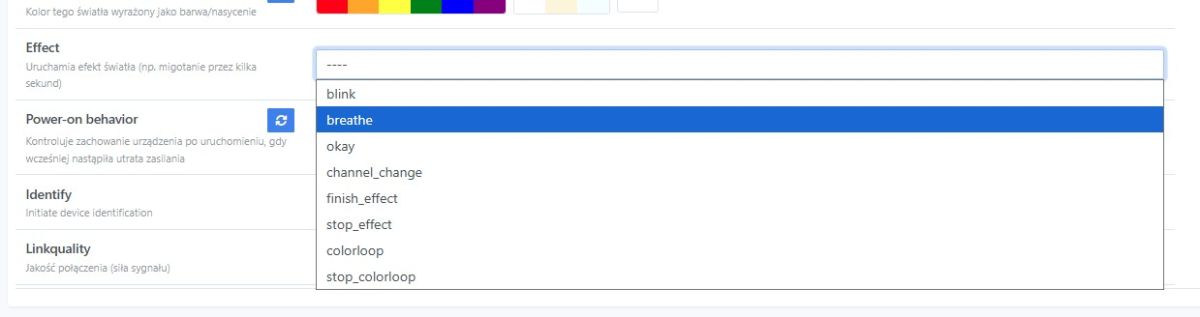
Available effects:
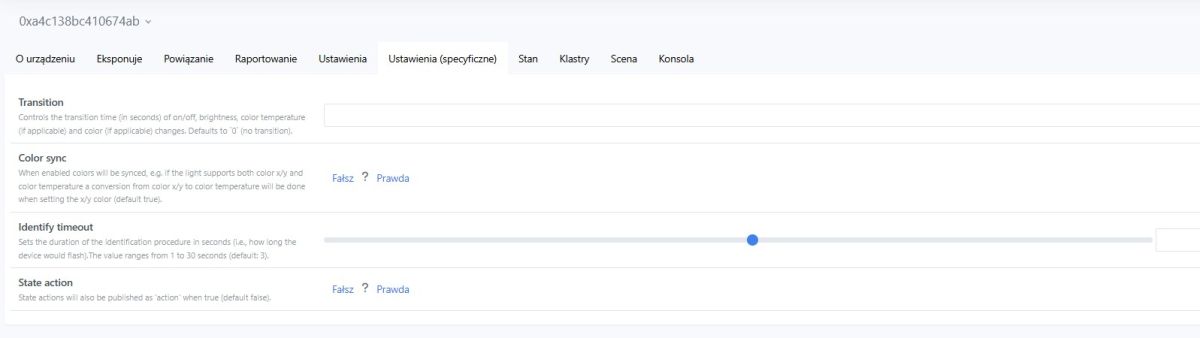
Specific settings - interesting, there is even a smooth switching time between colours:
There are unfortunately not as many options here as in products with Wi-Fi after the firmware change, it is not possible, for example, to control these 5 independent single-colour LED strips.
In summary , the ESP32-based controller with uploaded WLED stood out the most from the products from Gledopto. I was very surprised when it popped up for me to buy in a search engine and I just had to order it. The two units shown here cost about the same, just under PLN100 each. This is quite expensive, although you have to take into account that I ordered from a shop in our country and got them the next day. It is certainly an option to consider, especially if you don't want to assemble and solder yourself. Otherwise however, I admit that many times it is more profitable to buy a board with ESP32 and use it to control WS2812, it will be several times cheaper and the LEDs will also blink - WLED binaries can be downloaded and uploaded to ESP by anyone.
There is also the second controller, with Zigbee - no revelation here, but it is not the same as Wi-Fi, you can't e.g. configure it to control independent strips, you can't connect an additional temperature sensor or IR receiver to it, but whatever you prefer.
Do you use WLED or products from Gledopto?
About Author
p.kaczmarek2 wrote 14771 posts with
rating 12914 , helped 659 times.
Been with us since 2014 year.
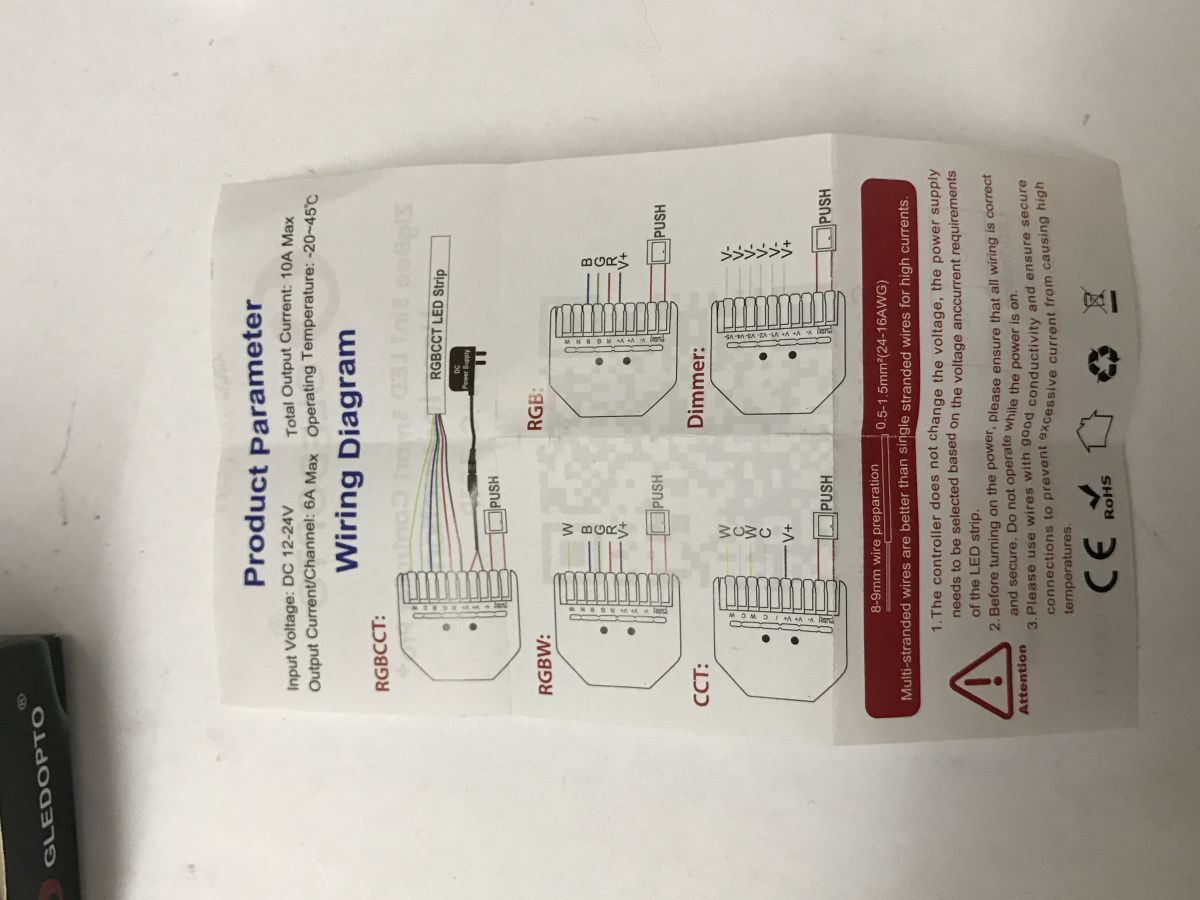
From the description it appears that it can work as a "dimmer" - generally that it can work in 5 different modes. Have you checked how this is selected? This "dimmer" mode suggests the ability to control... [Read more]
p.kaczmarek2
24 Mar 2026 10:36
The instructions on the schematic repeat V+ next to each output terminal, which would suggest a common contact operation, plus I don't know about the HA - supposedly it would see 5 separate dimmer entities?... [Read more]
krzbor
24 Mar 2026 13:09
HA can certainly see multiple entities (e.g. with double switches) on a given device. But you're probably right - the description shows the same V- marking, so it could be synchronous (same on each). [Read more]
kroolik1989
27 Mar 2026 00:28
Can the GL-C-301P be configured for 100% offline operation. E.g. by turning the bar on/off via the input? [Read more]
FAQ
TL;DR: If you need cloud-free LED control, these two Gledopto units cover 2 different paths: Wi‑Fi WLED or Zigbee. "It works 100% locally" best fits the GL-C-309WL for users who want flexible WS2812 effects without soldering, while the GL-C-301P suits Home Assistant users with Zigbee2MQTT and RGBCW strips at 12–24 V. [#21868766]
Why it matters: This FAQ helps home-automation users choose the right local LED controller for privacy, simpler setup, and the right strip type.
Feature
GL-C-309WL
GL-C-301P
Main protocol
Wi‑Fi
Zigbee
LED type
WS2812 / similar addressable LEDs
RGBCW strips
Supply voltage
5–24 V DC
12–24 V
Local platform
WLED web UI
Home Assistant via Zigbee2MQTT
Main trade-off
More flexible configuration
Fewer options, but native Zigbee
Key insight: Choose by strip type first, not brand. The GL-C-309WL is the stronger local-choice controller for addressable LEDs, while the GL-C-301P is a simpler Zigbee option for non-addressable RGBCW strips.
Quick Facts
The GL-C-309WL runs on 5–24 V DC, ships with open WLED firmware, and exposes IO16, IO2, IO12, and IO33 for configuration in software. [#21868766]
The GL-C-301P targets 12–24 V RGBCW LED strips and, after pairing, Home Assistant exposes brightness, RGB color, CW temperature, startup state, and built-in effects. [#21868766]
After reset, the GL-C-309WL creates an AP with password wled1234 and uses configuration IP 4.3.2.1, so setup works fully over local Wi‑Fi. [#21868766]
Approximate street price in the thread was just under PLN100 each for both units, with next-day local delivery noted as a convenience premium over DIY ESP32 builds. [#21868766]
How do I set up the Gledopto GL-C-309WL for fully local, cloud-free control with WLED?
You set it up entirely over local Wi‑Fi with the preinstalled WLED interface. 1. Reset the controller and join its AP. 2. Open 4.3.2.1 and connect it to your LAN. 3. In WLED, set the LED count, color order, and the GPIO used for the strip. The review explicitly states that this controller "works 100% locally," so no cloud account or soldering is required for first setup. [#21868766]
What is WLED, and why is it useful on an ESP32-based WS2812 controller like the GL-C-309WL?
"WLED" is LED-control firmware that drives addressable strips over Wi‑Fi, exposes a web interface, and lets you configure pins, LED count, and effects without custom coding. On the ESP32-based GL-C-309WL, that makes the controller far more flexible than a fixed-function dimmer. You can pick animations from the menu, configure GPIOs such as IO16 or IO33, and keep operation fully local after setup. [#21868766]
What is Zigbee2MQTT, and how does it let the Gledopto GL-C-301P work with Home Assistant?
"Zigbee2MQTT" is a Zigbee bridge that links Zigbee devices to Home Assistant through a supported radio adapter, exposing device features locally without vendor cloud control. In the thread, the GL-C-301P works with Home Assistant when a supported transceiver is present, and a CC2531 antenna is mentioned as an example. After pairing, Home Assistant detects the controller and exposes its lighting functions. [#21868766]
Which Gledopto controller is better for local operation: the GL-C-309WL with WLED or the GL-C-301P with Zigbee?
The GL-C-309WL is better for local operation if you want maximum flexibility. The comparison in the thread favors the ESP32 model because WLED allows deeper configuration, multiple effects, and local web setup on 5–24 V DC hardware. The GL-C-301P still works locally through Zigbee, but the review calls it less capable than Wi‑Fi controllers after firmware modification, especially for advanced use cases. [#21868766]
How do I connect to the GL-C-309WL after reset, including the default AP password and configuration IP address?
After reset, connect to the controller’s temporary Wi‑Fi network, then browse to its local setup page. The default AP password is wled1234, and the configuration page is at 4.3.2.1. From there, you pair the GL-C-309WL with your own network and continue setup in WLED. Those two values are the key defaults needed for first access. [#21868766]
What settings do I need to change in WLED on the GL-C-309WL for a WS2812 strip, such as LED count, color order, and GPIO pin?
You need to set three core values in WLED: the number of LEDs, the strip’s color order, and the GPIO used for data. The thread shows these as the main required settings before effects work correctly on a WS2812 strip. The controller exposes configurable pins including IO16, IO2, IO12, and IO33, so you must match the selected GPIO to the physical connection. [#21868766]
How does Home Assistant detect and expose the GL-C-301P, and what functions are available after pairing through Zigbee2MQTT?
Home Assistant detects the GL-C-301P as a supported Zigbee light device and exposes the main lighting controls after pairing. Available functions include brightness level, RGB color, CW temperature, startup behavior options such as on or off, and built-in effects. The thread also notes a smooth transition setting between colors, which is useful for scene changes rather than abrupt switching. [#21868766]
Why is the GL-C-301P detected in Home Assistant as GL-C-008P, and what does that mean for compatibility?
It is detected as GL-C-008P because Home Assistant identifies it under that device model during Zigbee integration. In practical terms, that means compatibility is working, not broken. The thread says the device is detected "fully correctly" under that name, and the exposed controls still include brightness, RGB, CW temperature, startup state, and effects after pairing. [#21868766]
How do I change the operating mode on the GL-C-301P with the OPT button, and why does changing modes remove Zigbee pairing?
You change the operating mode with a short press on the OPT button before pairing. The reported procedure is: power on the controller, press OPT until you reach the target mode, then reset if needed and pair it to Zigbee2MQTT. Changing mode removes Zigbee pairing because the controller redefines how its outputs behave, so the existing Zigbee configuration no longer matches the new mode. [#21869231]
What limitations does the GL-C-301P have compared with Wi-Fi LED controllers after a custom firmware change?
The GL-C-301P gives you fewer configuration options than Wi‑Fi controllers with custom firmware. The thread states that you cannot configure it to control five independent single-color strips, and you also cannot add extras such as a temperature sensor or IR receiver. That makes it functional for standard RGBCW control, but much less extensible than an ESP32-based Wi‑Fi controller running WLED. [#21868766]
How does the GL-C-301P handle RGBCW LED strips at 12–24 V, including brightness, RGB color, and CW temperature control?
It handles 12–24 V RGBCW strips as a multi-channel light controller through Zigbee integration. After pairing, Home Assistant provides brightness control, RGB color selection, and CW temperature adjustment, plus startup-state options and effects. The thread also highlights a smooth switching-time parameter between colors, which shows the controller supports transition behavior beyond simple on/off dimming. [#21868766]
What does RGBCW mean on an LED strip controller, and how is it different from WS2812 addressable LEDs?
"RGBCW" is a multi-channel LED-strip format that combines red, green, blue, cold white, and warm-white style control on grouped outputs rather than per-pixel addressing. In the thread, the GL-C-301P supports RGBCW strips at 12–24 V, while the GL-C-309WL drives WS2812-type addressable LEDs on 5–24 V DC with animations and per-strip WLED settings. [#21868766]
How can I verify whether the GL-C-301P dimmer mode really supports five independently controlled single-color LED strips?
Verify it by changing to dimmer mode first, then checking both wiring behavior and entity exposure in Home Assistant. If it truly supports five independent outputs, Home Assistant should expose multiple separate dimmer entities instead of one synchronized light. The thread raises this as an unresolved test and warns that the terminal markings may indicate shared-contact behavior, so software detection alone is not enough. [#21869284]
What do the repeated V+ or V- markings on the GL-C-301P output terminals suggest about common-contact wiring and synchronous outputs?
They suggest a common-contact design rather than five fully isolated channels. In the thread, repeated V+ markings are read as evidence of common-contact operation, and a later reply notes that the repeated V- style marking points the same way. That would support synchronized or grouped outputs, not guaranteed independent control of five separate single-color LED strips. [#21869407]
How would you configure the GL-C-301P for 100% offline operation, for example by using an input to turn the LED strip on and off?
The thread does not confirm a 100% offline input-control method for the GL-C-301P. A user asks whether the strip can be turned on and off via an input, but no answer or tested procedure appears in the discussion. The only confirmed local path in the thread is Zigbee operation with Home Assistant through Zigbee2MQTT, so direct input-based offline switching remains unverified here. [#21871526]
AI summary based on the discussion. May contain errors.









Comments
From the description it appears that it can work as a "dimmer" - generally that it can work in 5 different modes. Have you checked how this is selected? This "dimmer" mode suggests the ability to control... [Read more]
The instructions on the schematic repeat V+ next to each output terminal, which would suggest a common contact operation, plus I don't know about the HA - supposedly it would see 5 separate dimmer entities?... [Read more]
HA can certainly see multiple entities (e.g. with double switches) on a given device. But you're probably right - the description shows the same V- marking, so it could be synchronous (same on each). [Read more]
Can the GL-C-301P be configured for 100% offline operation. E.g. by turning the bar on/off via the input? [Read more]