logo elektroda
logo elektroda
X
logo elektroda

Which WS2812 controller for cloudless operation? Which PWM controller for an LED strip? Gledopto rev

p.kaczmarek2 849 4

TL;DR

  • Porównuje dwa bezchmurowe sterowniki LED Gledopto: GL-C-309WL do taśm WS2812 oraz GL-C-301P do taśm RGBCW.
  • GL-C-309WL ma ESP32 z wgranym WLED i konfiguruje się po Wi‑Fi, a GL-C-301P działa przez Zigbee z Home Assistant i Zigbee2MQTT.
  • GL-C-309WL pracuje z 5–24 V DC, a GL-C-301P z 12–24 V; oba kosztowały niecałe 100 zł.
  • W praktyce bardziej imponuje wersja z WLED, bo daje lokalne sterowanie i animacje, ale Zigbee ma mniej opcji, bez niezależnych pasków ani dodatkowych czujników.
Generated by the language model.
ADVERTISEMENT
This content has been translated flag-pl » flag-en View the original version here
📢 Listen (AI):
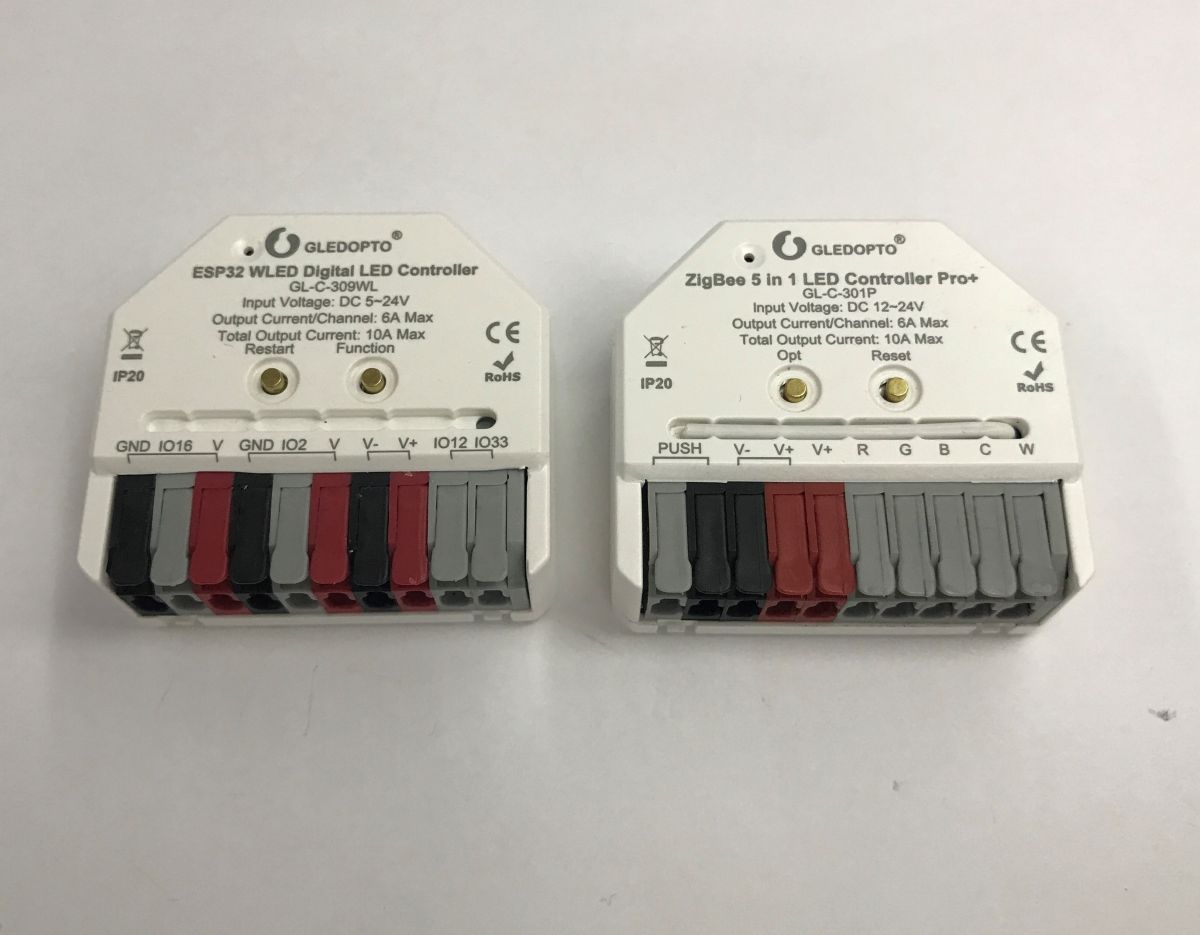
  • Two white Gledopto LED controllers with wire terminals, labeled ESP32 WLED and ZigBee 5-in-1
    Today I am showing two LED controllers that can work without a cloud from the factory. No soldering is required. The first one is the GL-C-309WL, it is based on ESP32 and has an open WLED firmware uploaded. It works 100% locally, we configure it via Wi-Fi. The second is the GL-C-301P, it offers Zigbee communication and can work with Home Assistant via any supported transceiver for Zigbee2MQTT. Both of these devices could be a good choice for those who value privacy and security for their installations.

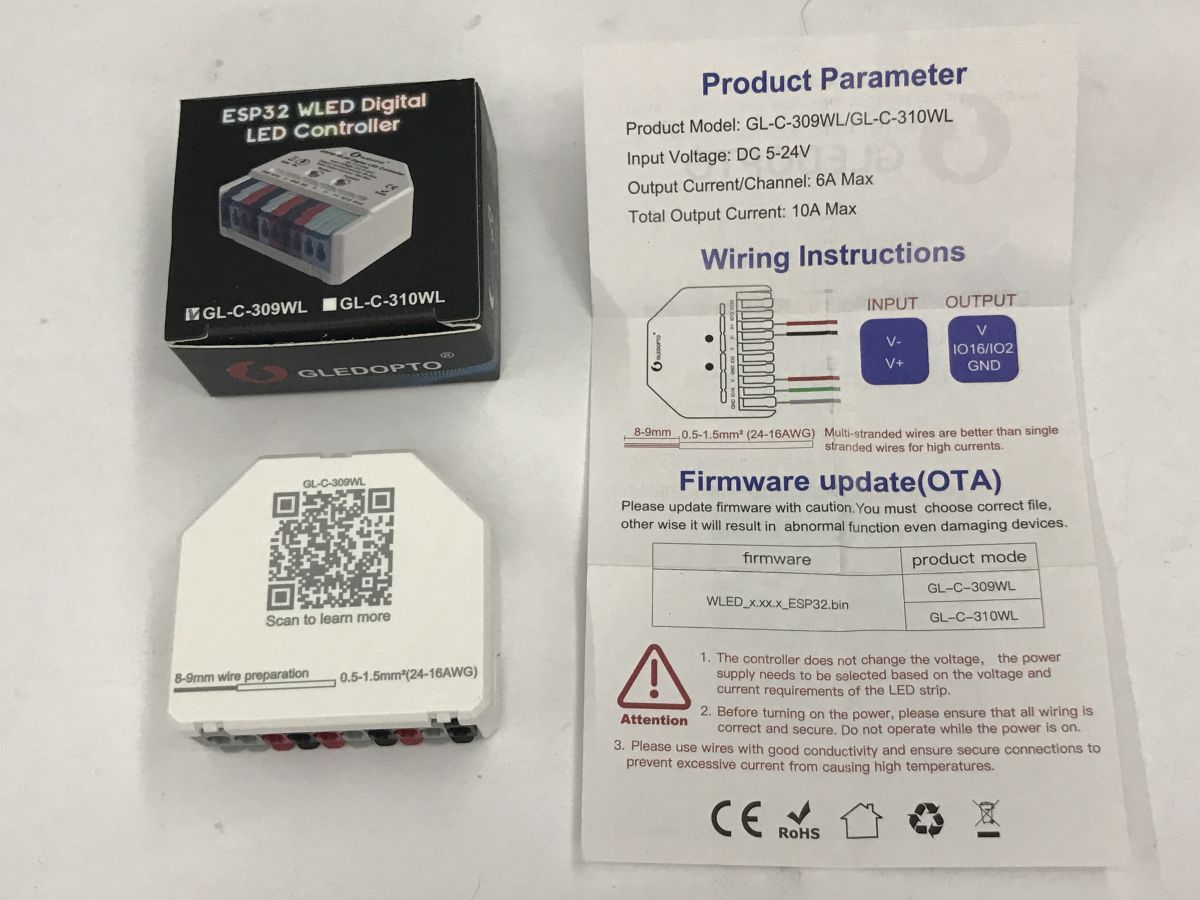
    Let's start with the WS2812 controller. The GL-C-309WL operates on 5-24 V DC. It has IO16, IO2, IO12 and IO33 pins. These can be configured later in the software. Instructions:
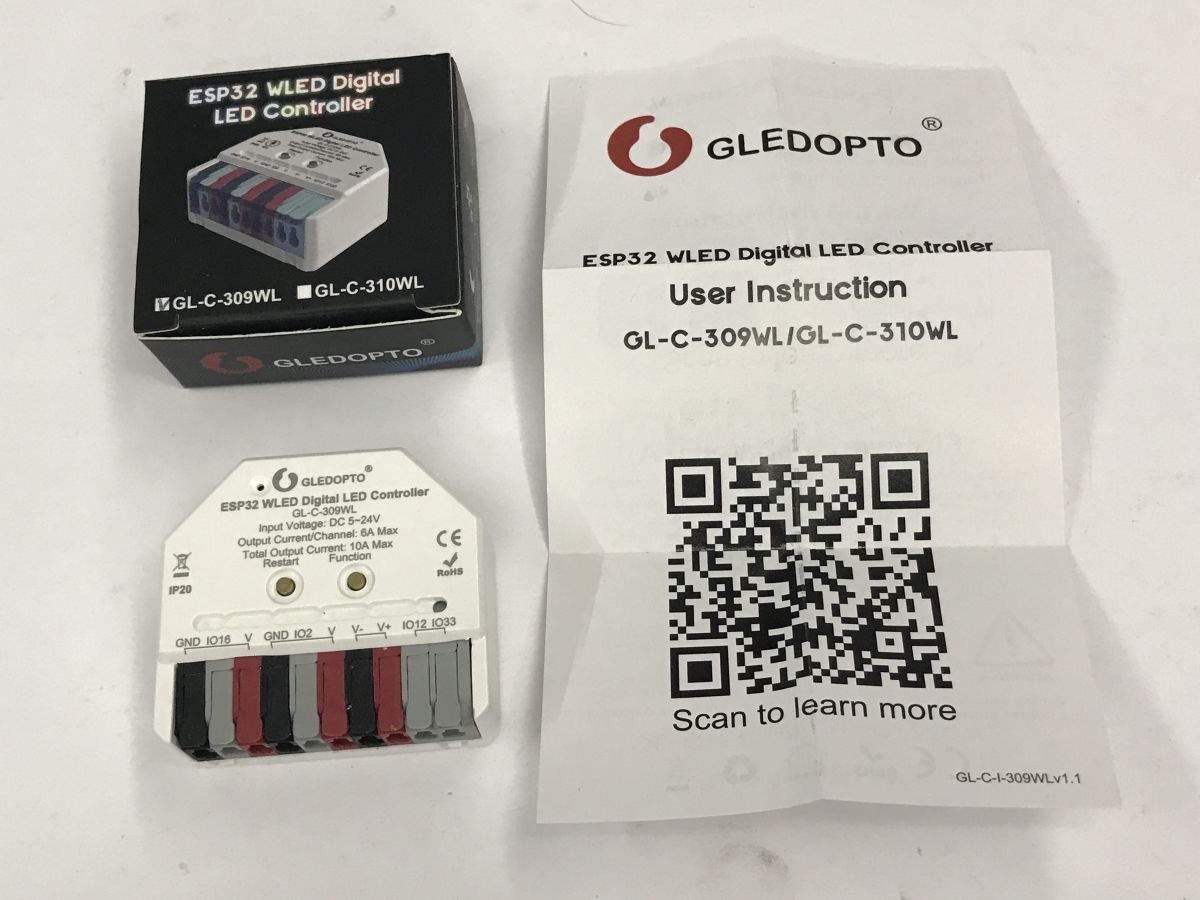
    Gledopto ESP32 WLED LED controller GL‑C‑309WL with box and instruction sheet with QR code Gledopto GL-C-309WL LED controller box, the white controller unit, and a leaflet with specs and wiring diagram
    This is used to control a strip of individually addressable, coloured WS2812 or similar LEDs.
    Inside we have the WLED firmware uploaded:
    https://kno.wled.ge/
    The whole thing, when reset, forms an AP network with the password wled1234:
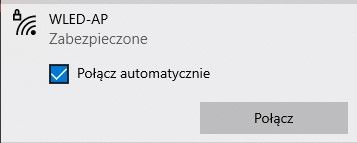
    Wi‑Fi dialog showing network “WLED-AP”, labeled “Secured”, with a “Connect” button.
    The configuration page is at IP address 4.3.2.1, there you can pair the device with our network and set its mode of operation.
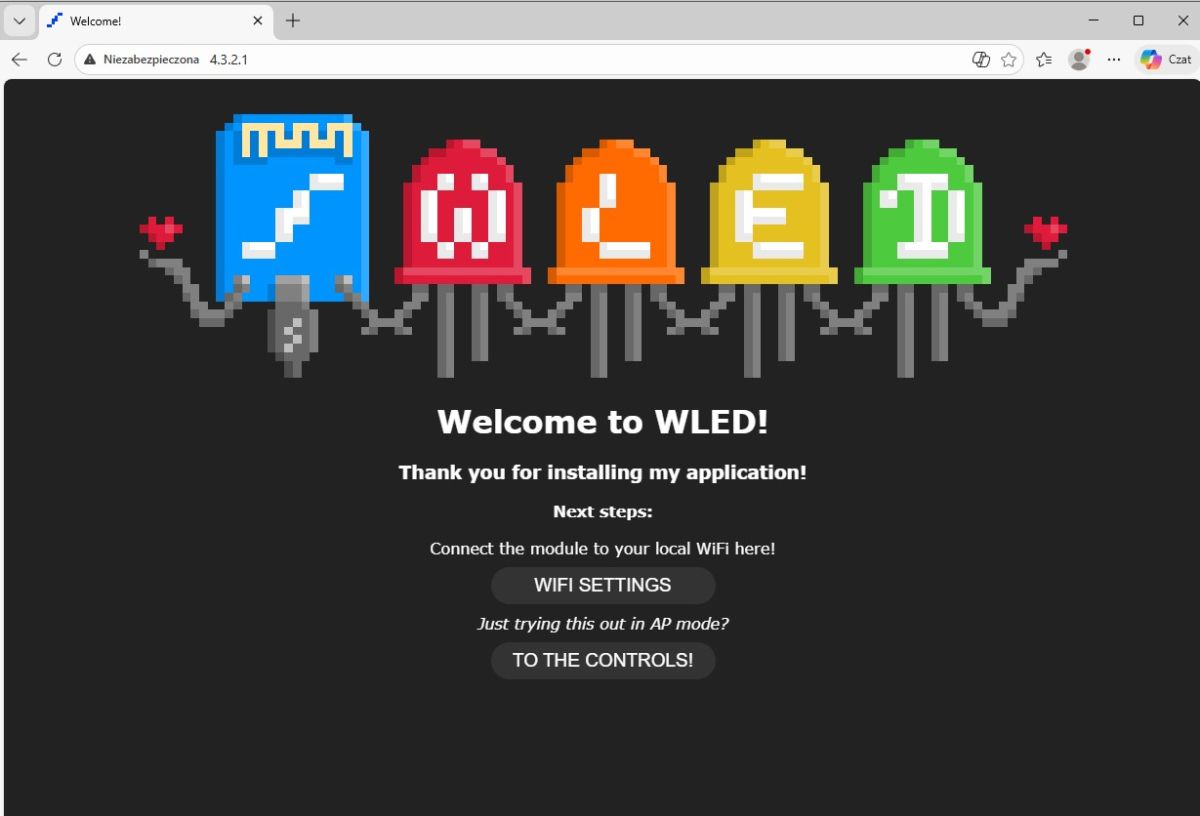
    Browser window showing “Welcome to WLED!” page with Wi‑Fi settings and controls buttons
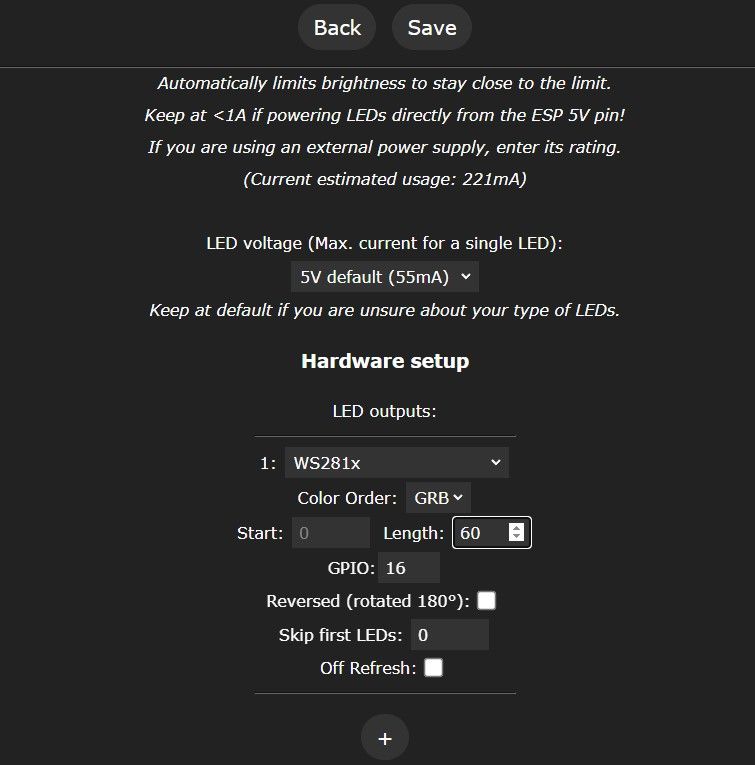
    This is done in the menu - here you basically have to set the number of LEDs in the bar used and the colour order and GPIO on which it is connected.
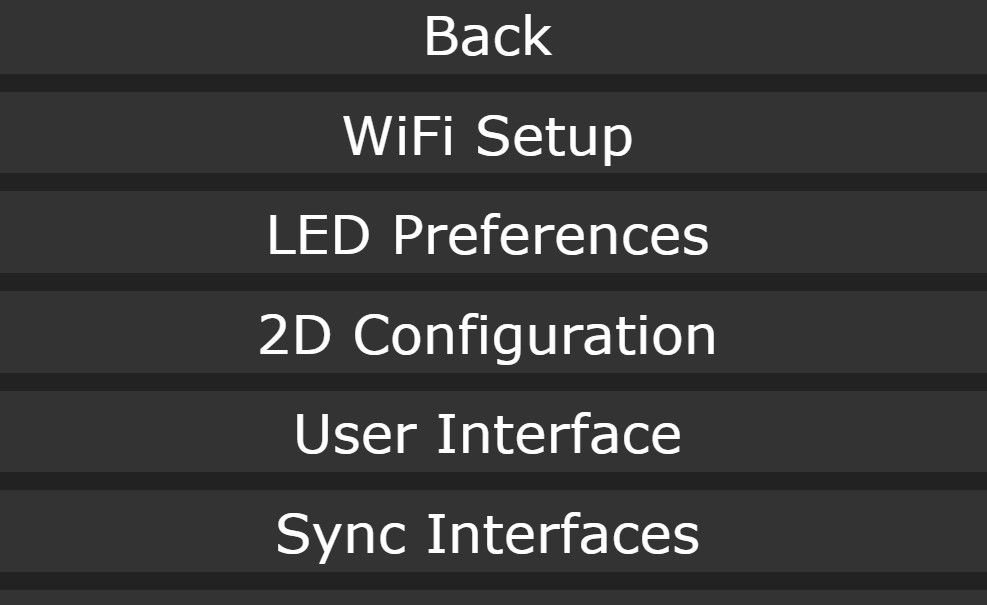
    WLED settings menu showing WiFi Setup, LED Preferences, 2D Configuration, and other options
    Screenshot of WLED settings: WS281x output, GRB order, length 60, and GPIO 16
    After that, you can freely select animations from the menu and connect the controller to other ecosystems:
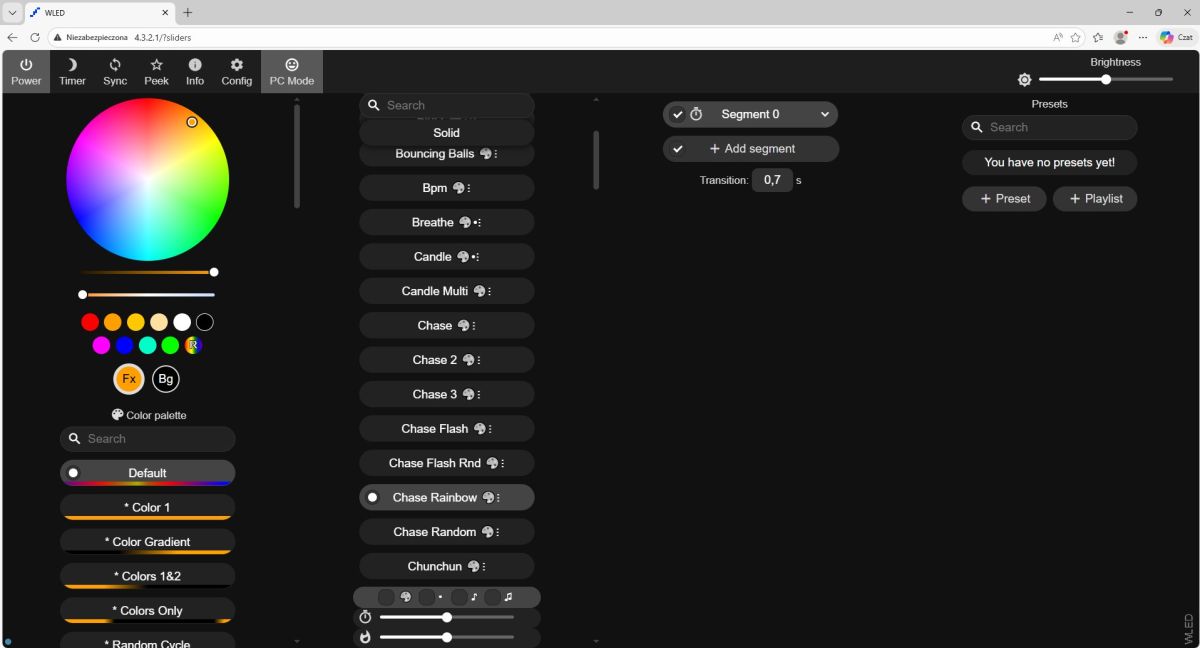
    Screenshot of the WLED web UI with a color wheel, effect list, and brightness slider
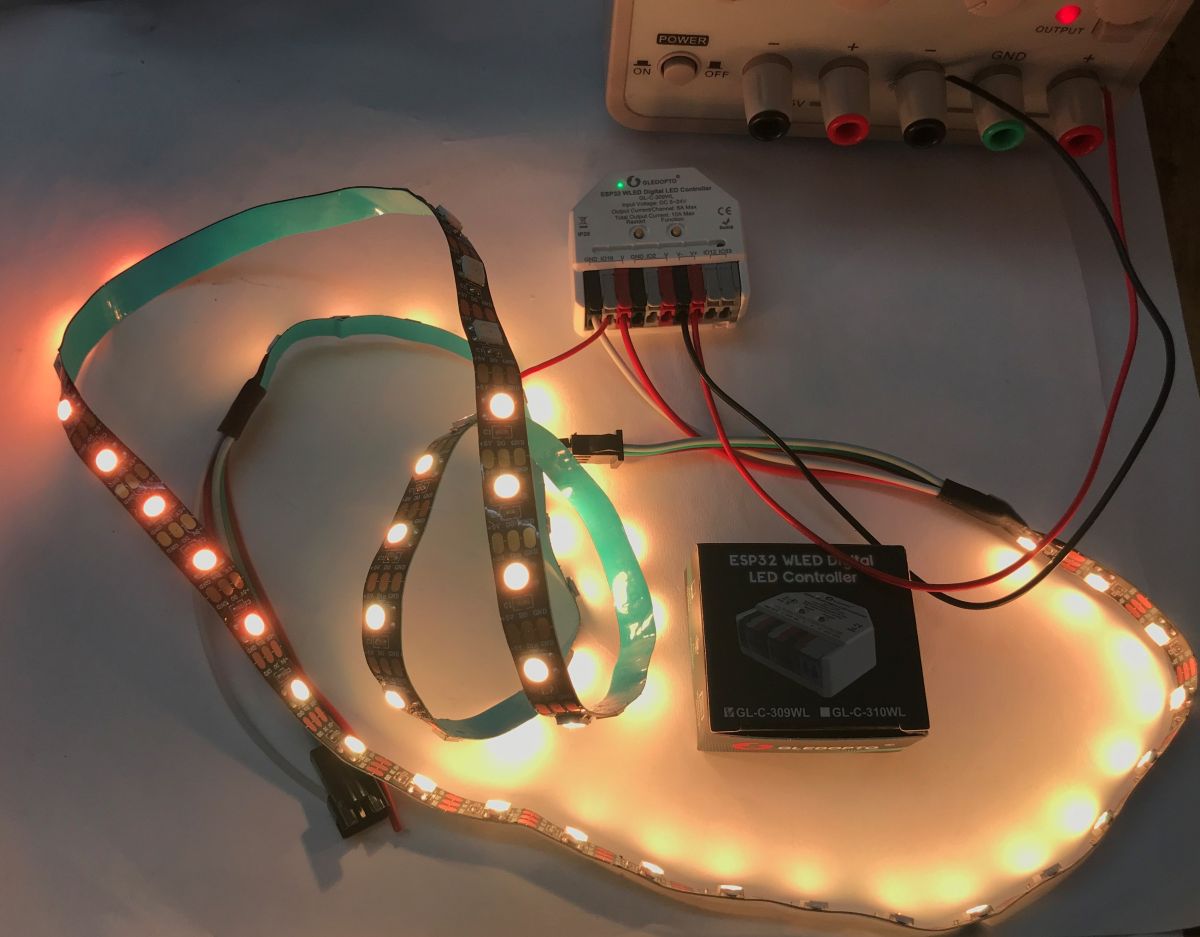
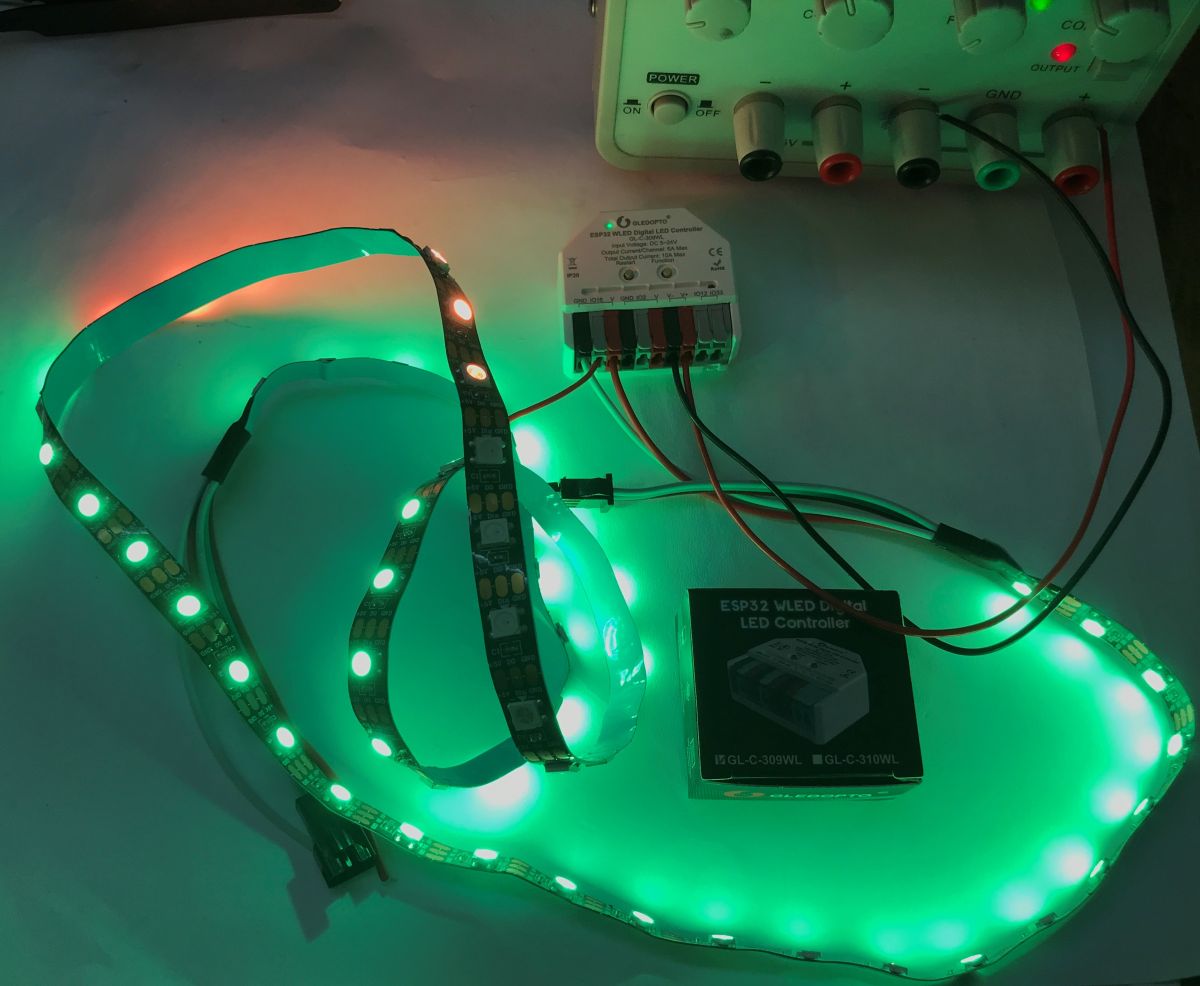
    Examples of effects with the individually addressable WS2812 strip powered by 5 V:
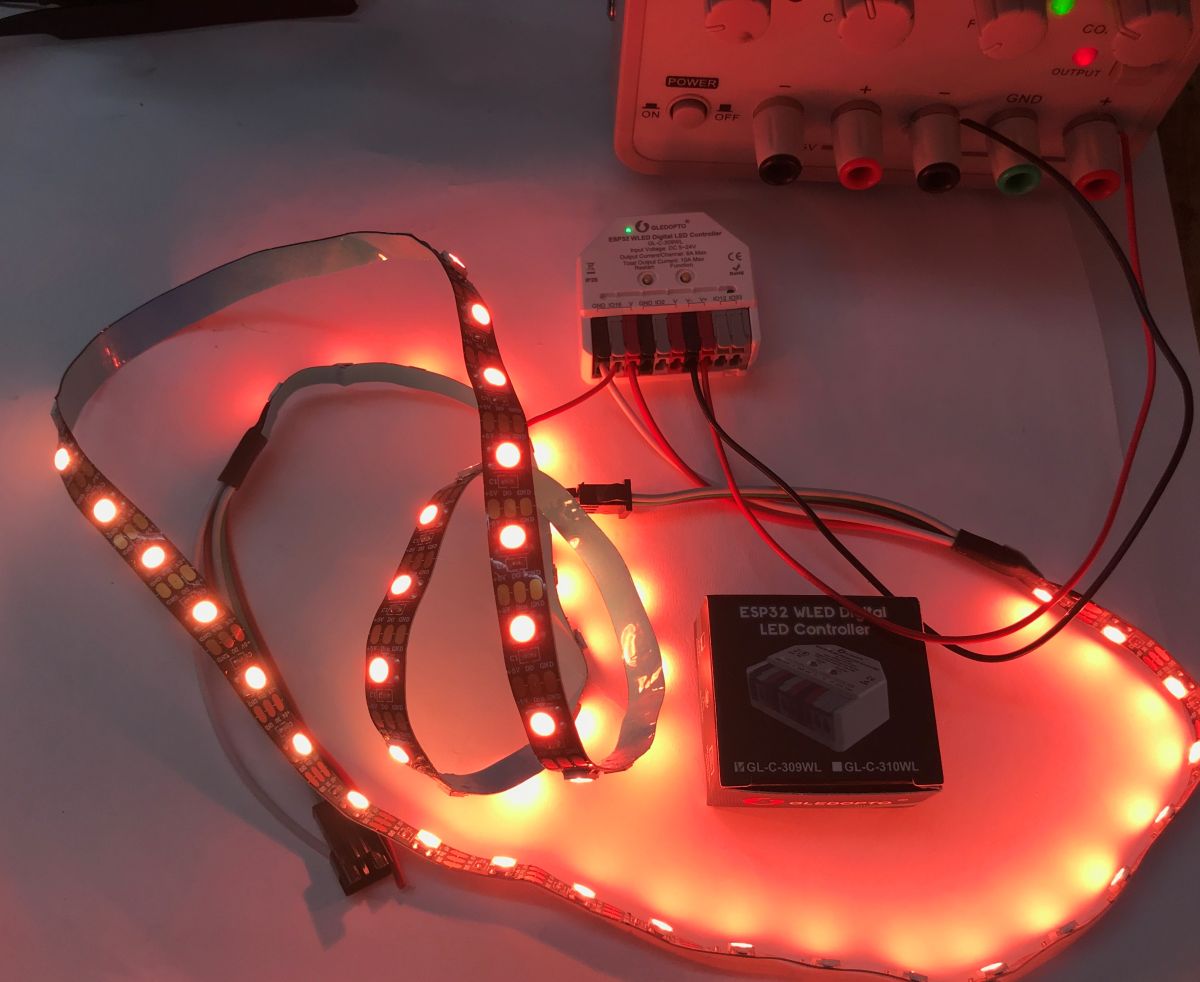


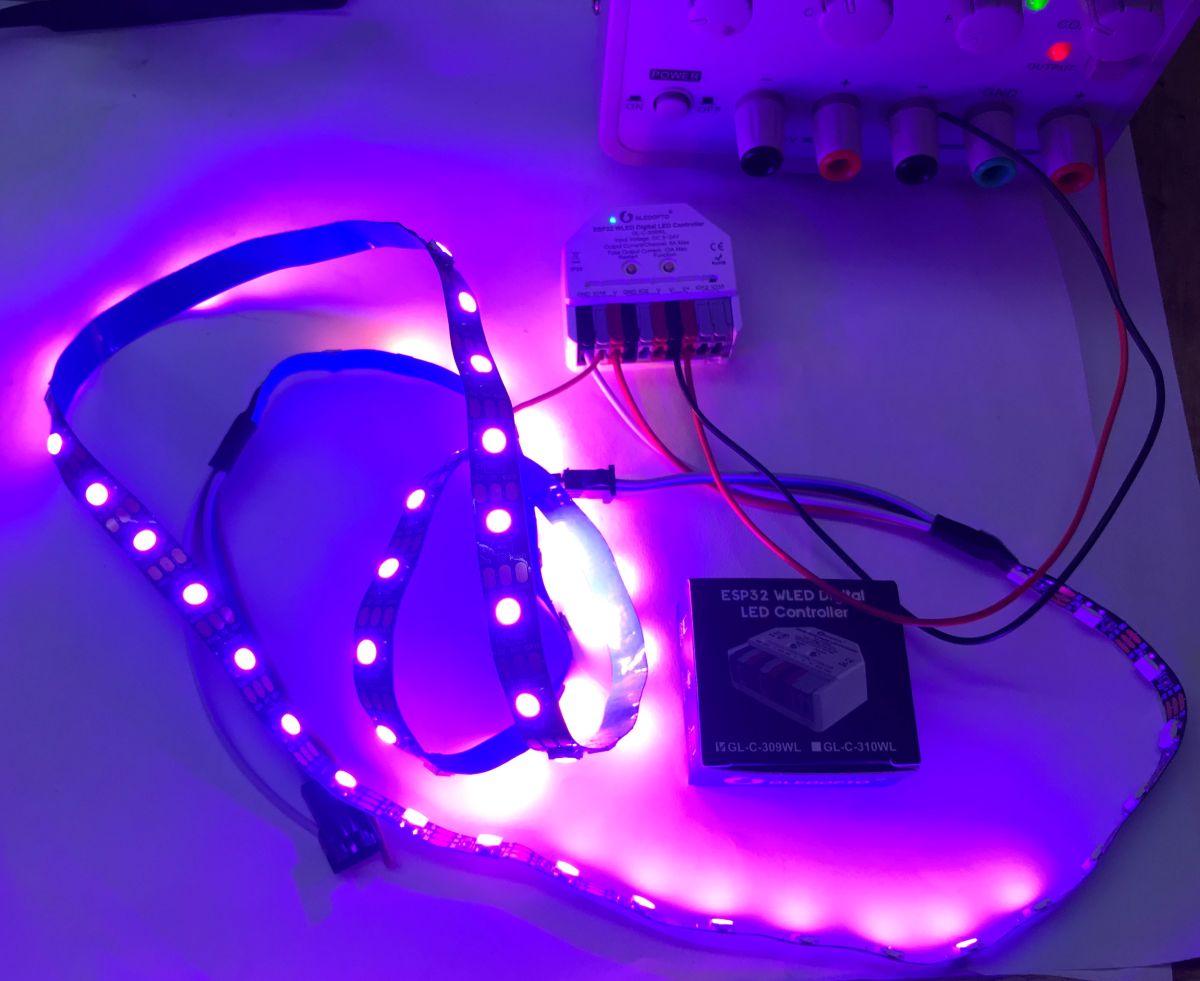
    Red-glowing LED strip connected to an ESP32 WLED controller on a workbench Lit LED strips lit on a table, connected to a Gledopto controller and bench power supply Green-lit LED strip connected to an ESP32 WLED controller on a desk, with the product box nearby. Purple-lit LED strip on a table connected by wires to an LED controller module

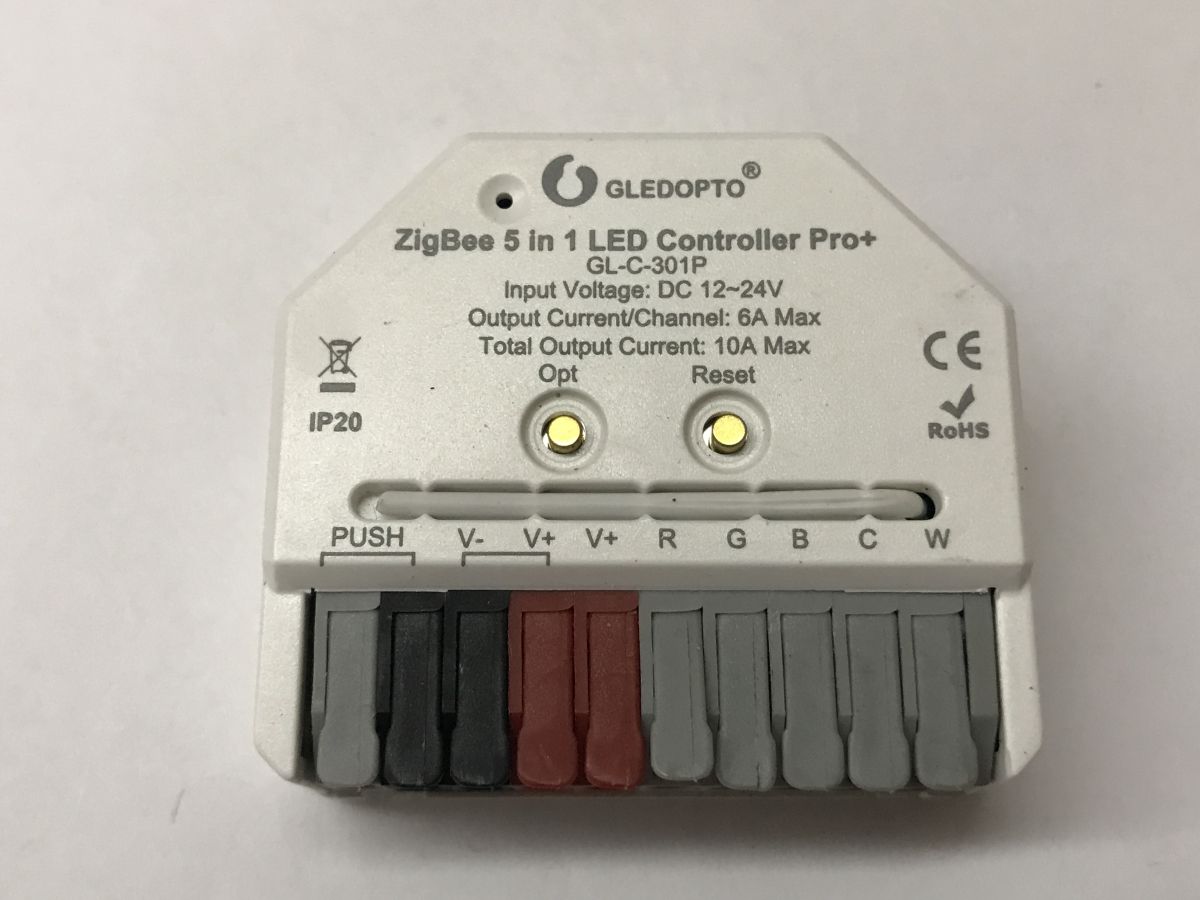
    The GL-C-301P is still left. There is no Wi-Fi here, but there is Zigbee. It can work with HA as we have a CC2531 antenna. It supports RGBCW LED strips at 12-24 volts.
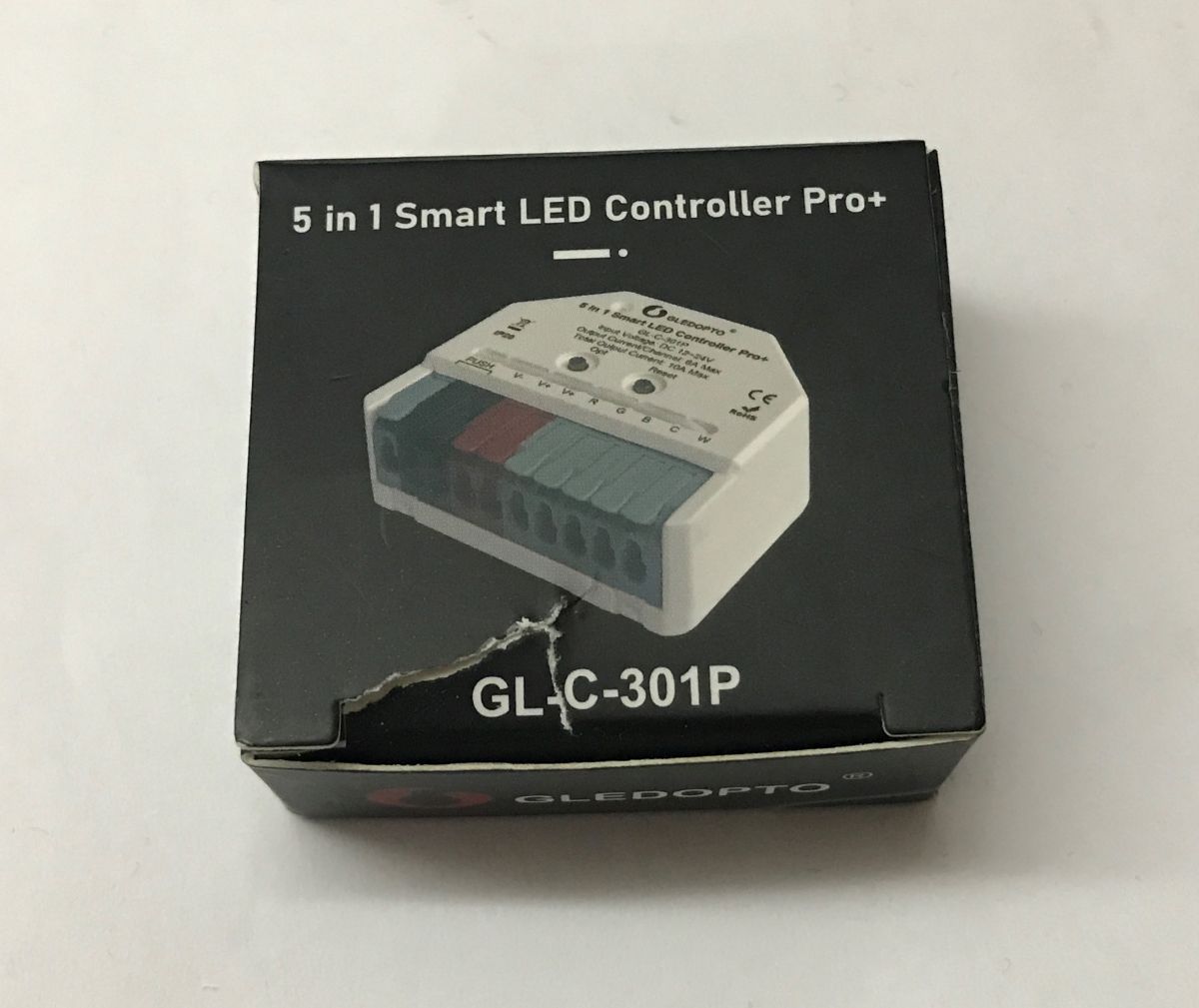
    Product box labeled “5 in 1 Smart LED Controller Pro+” with model GL-C-301P Gledopto ZigBee 5-in-1 LED Controller Pro+ GL-C-301P with terminals V-, V+, R, G, B, C, W
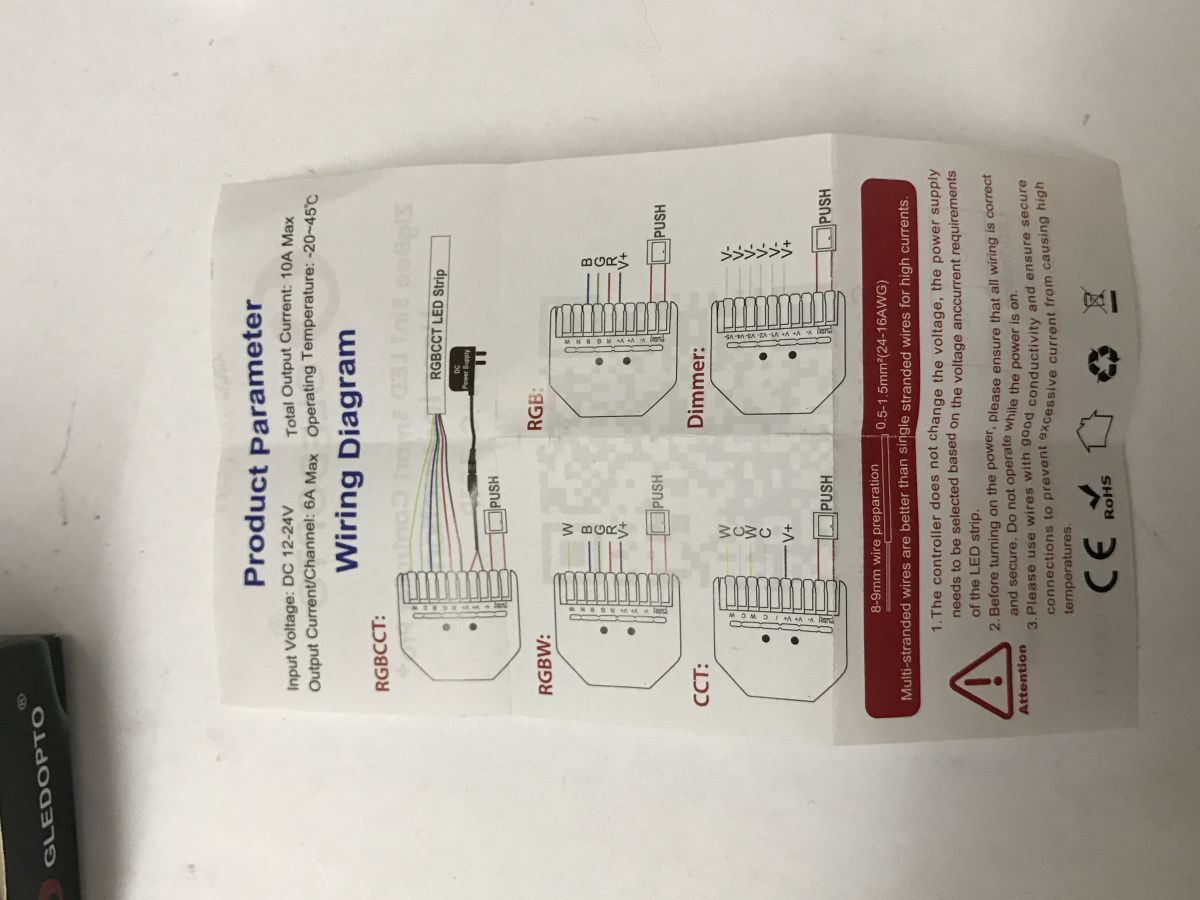
    Instruction sheet with product parameters and wiring diagrams for an RGBCCT LED controller on a white surface GLEDOPTO GL-C-301P instruction sheet with a QR code and “Scan to learn more” text
    Home Assistant correctly detects the device:
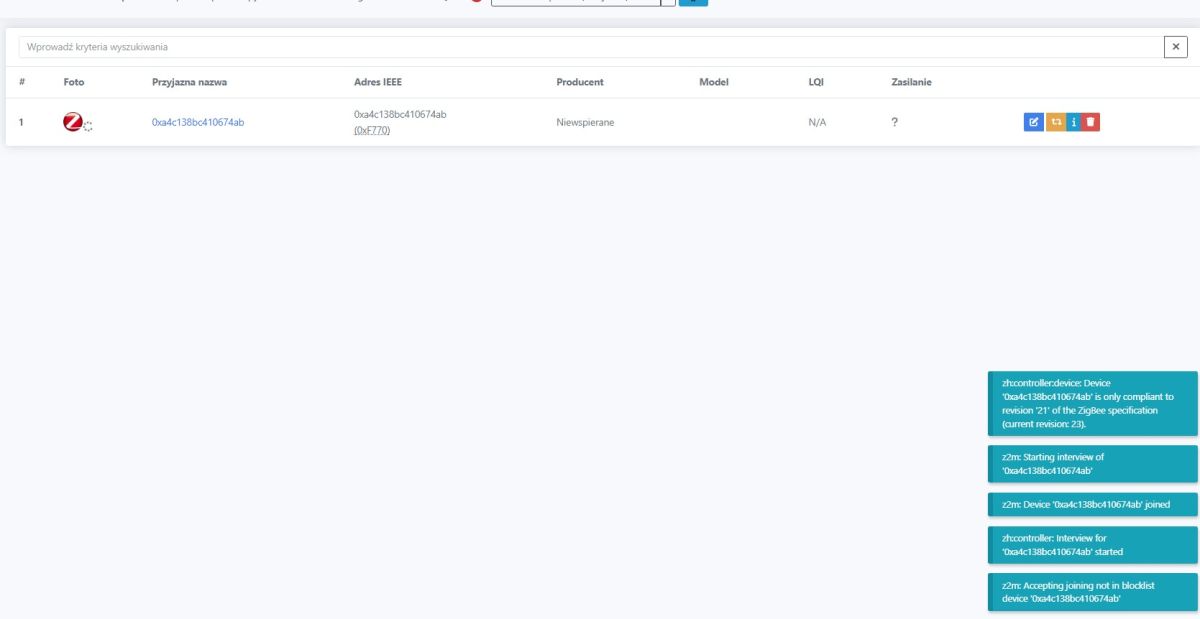
    Zigbee2MQTT interface screenshot with a device list and pairing logs on the right
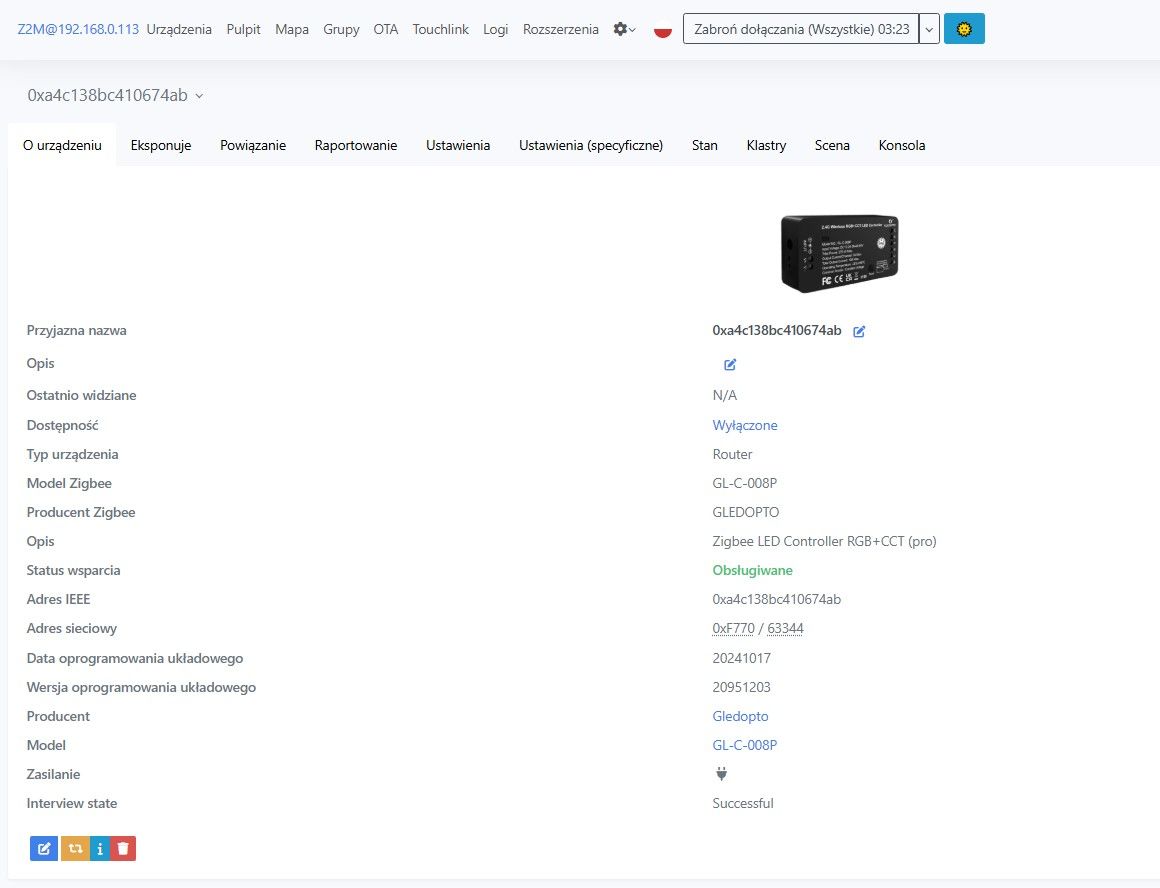
    It is detected fully correctly - as GL-C-008P:

    Zigbee2MQTT screenshot showing Devices list with a Gledopto GL-C-008P controller
    Zigbee2MQTT screen showing details for a Gledopto GL-C-008P LED controller
    Integration with HA offers control over brightness level, RGB colour and CW temperature. In addition, we can change the state of the controller after start-up (on, off, switching, memory).
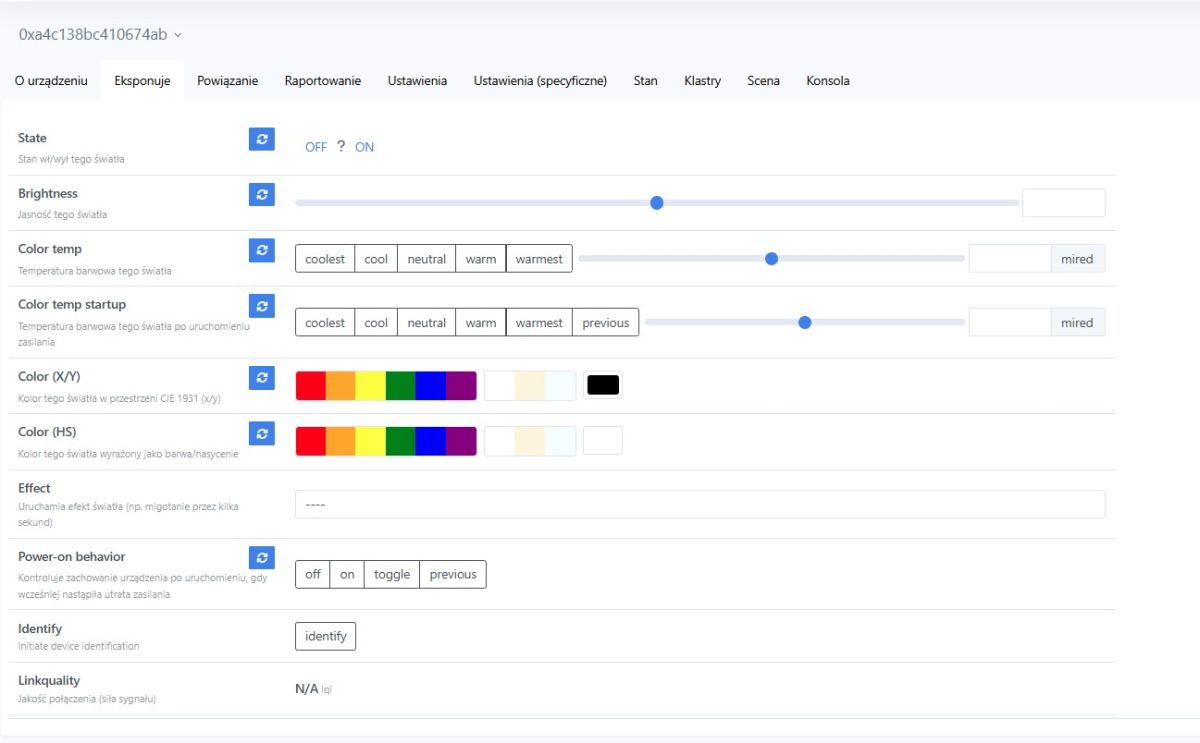
    Home Assistant screenshot showing light controls: brightness, color temperature, color pickers, and effects.
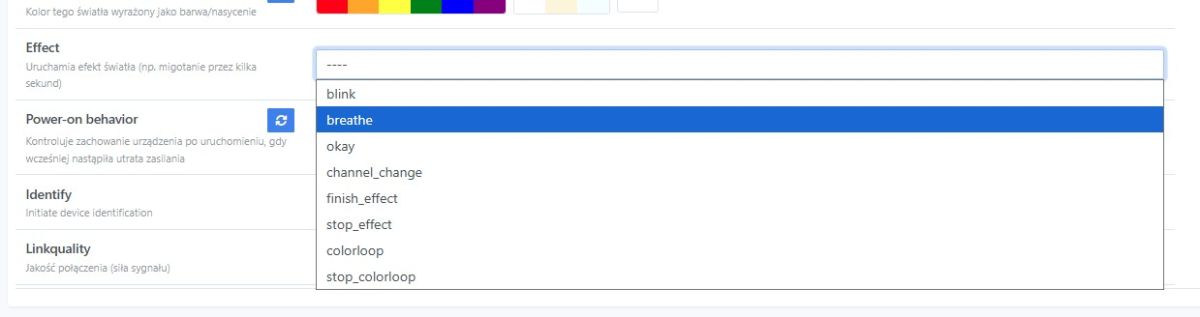
    Available effects:
    Home Assistant settings screenshot with an Effects dropdown for a light, “breathe” highlighted.
    Specific settings - interesting, there is even a smooth switching time between colours:
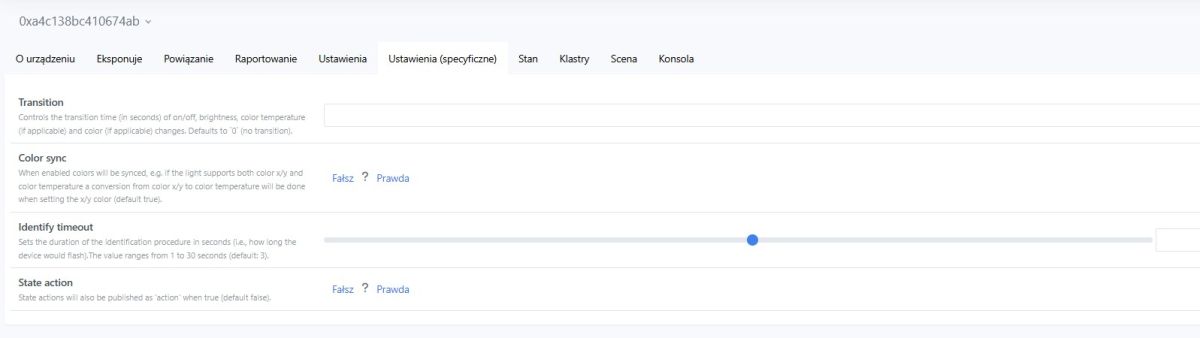
    Screenshot of Home Assistant device settings with toggles and an “Identify timeout” slider
    There are unfortunately not as many options here as in products with Wi-Fi after the firmware change, it is not possible, for example, to control these 5 independent single-colour LED strips.

    In summary , the ESP32-based controller with uploaded WLED stood out the most from the products from Gledopto. I was very surprised when it popped up for me to buy in a search engine and I just had to order it. The two units shown here cost about the same, just under PLN100 each. This is quite expensive, although you have to take into account that I ordered from a shop in our country and got them the next day. It is certainly an option to consider, especially if you don't want to assemble and solder yourself. Otherwise however, I admit that many times it is more profitable to buy a board with ESP32 and use it to control WS2812, it will be several times cheaper and the LEDs will also blink - WLED binaries can be downloaded and uploaded to ESP by anyone.
    There is also the second controller, with Zigbee - no revelation here, but it is not the same as Wi-Fi, you can't e.g. configure it to control independent strips, you can't connect an additional temperature sensor or IR receiver to it, but whatever you prefer.
    Do you use WLED or products from Gledopto?

    Cool? Ranking DIY
    Helpful post? Buy me a coffee.

    About Author
    p.kaczmarek2
    Moderator Smart Home
    Offline 
    p.kaczmarek2 wrote 14333 posts with rating 12235, helped 648 times. Been with us since 2014 year.
  • ADVERTISEMENT
  • #2 21869231
    krzbor
    Level 29  
    p.kaczmarek2 wrote:
    it is not possible, for example, to control these 5 independent single-colour LED strips

    From the description it appears that it can work as a "dimmer" - generally that it can work in 5 different modes. Have you checked how this is selected? This "dimmer" mode suggests the ability to control 5 LED strips independently, and that could be very interesting.
    I asked Chat about this. He gave me the answer:

    You do this physically with a button on the controller (OPT):
    a short press on OPT → switches the mode
    NOTES:
    ➜ each time you change mode, the device removes the Zigbee pairing

    So the procedure looks like this:

    Switch on the controller
    You click OPT until you hit mode (e.g. RGBW / CCT etc.)
    Only then:
    reset (if necessary)
    pairing to Zigbee2MQTT
  • ADVERTISEMENT
  • #3 21869284
    p.kaczmarek2
    Moderator Smart Home
    The instructions on the schematic repeat V+ next to each output terminal, which would suggest a common contact operation, plus I don't know about the HA - supposedly it would see 5 separate dimmer entities? No less, I'll check when I'm there.
    Helpful post? Buy me a coffee.
  • ADVERTISEMENT
  • #4 21869407
    krzbor
    Level 29  
    HA can certainly see multiple entities (e.g. with double switches) on a given device. But you're probably right - the description shows the same V- marking, so it could be synchronous (same on each).
  • #5 21871526
    kroolik1989
    Level 11  
    Can the GL-C-301P be configured for 100% offline operation. E.g. by turning the bar on/off via the input?
📢 Listen (AI):
ADVERTISEMENT