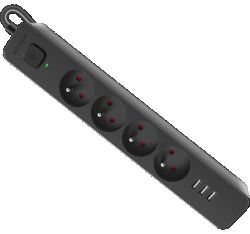
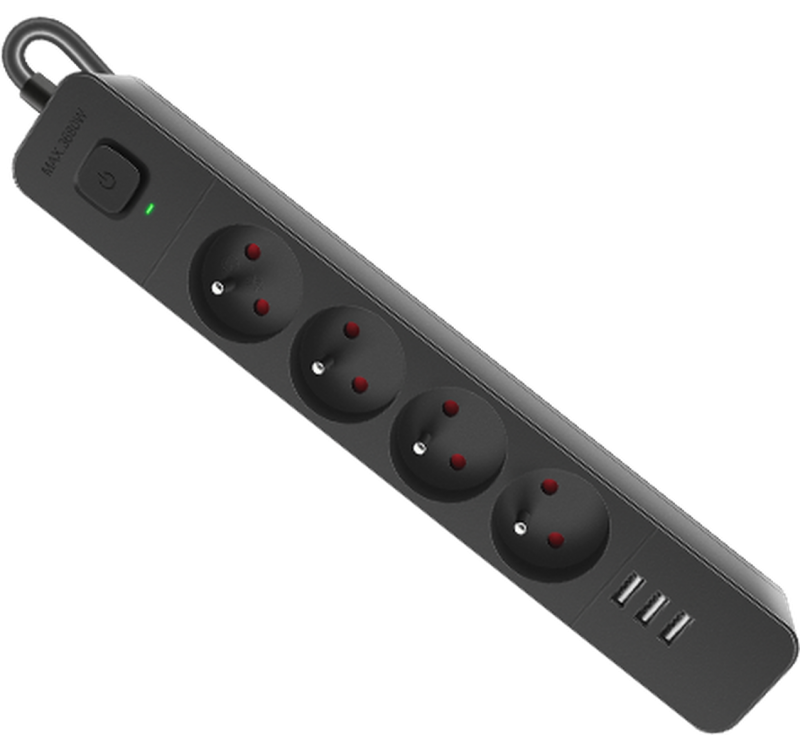
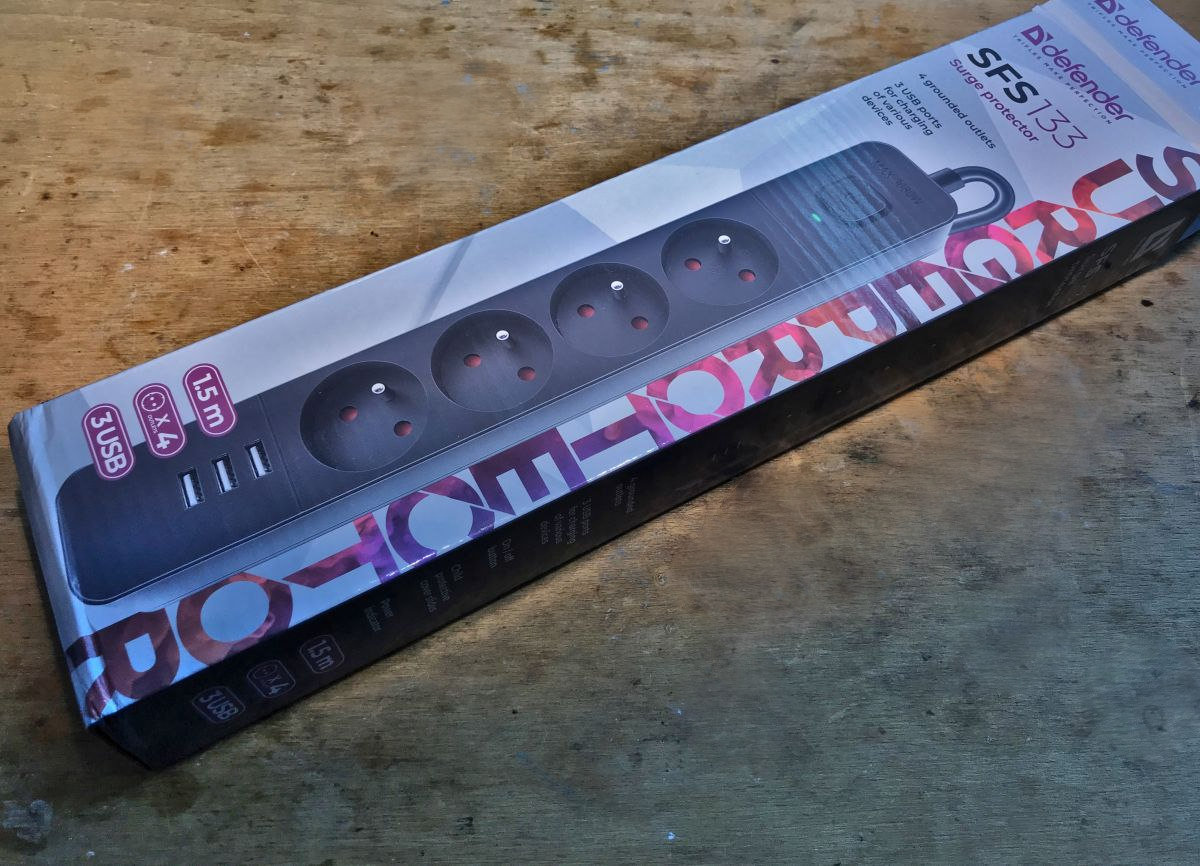
The SFS 133 surge protection power strip (product 99457) is available to buy for around PLN 80. It offers 4 230 V sockets, three USB sockets with a claimed current capacity of up to 2.1 A and a main switch-off button. Here I'll show its interior and check that it matches its description from the seller.
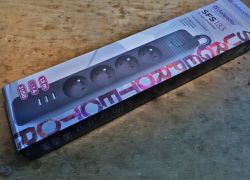
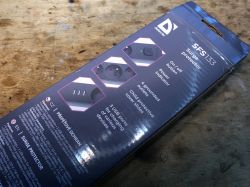
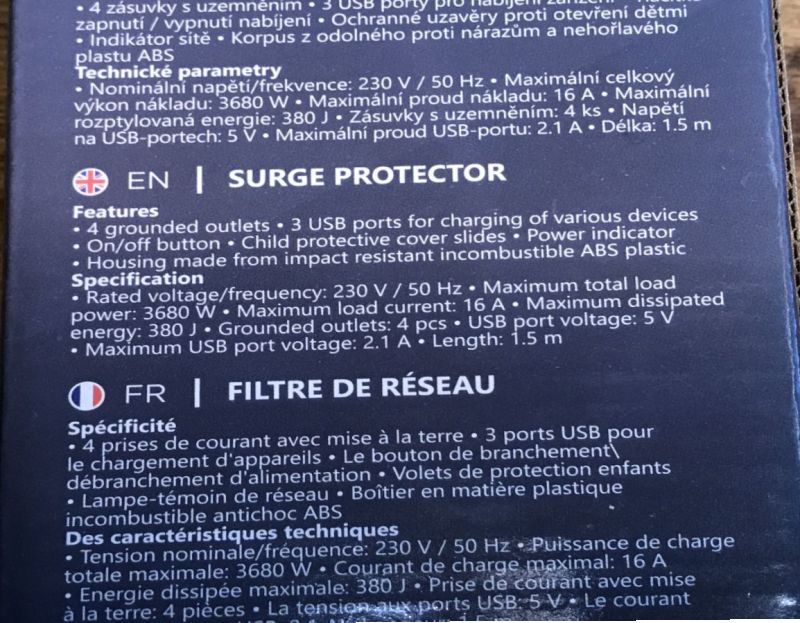
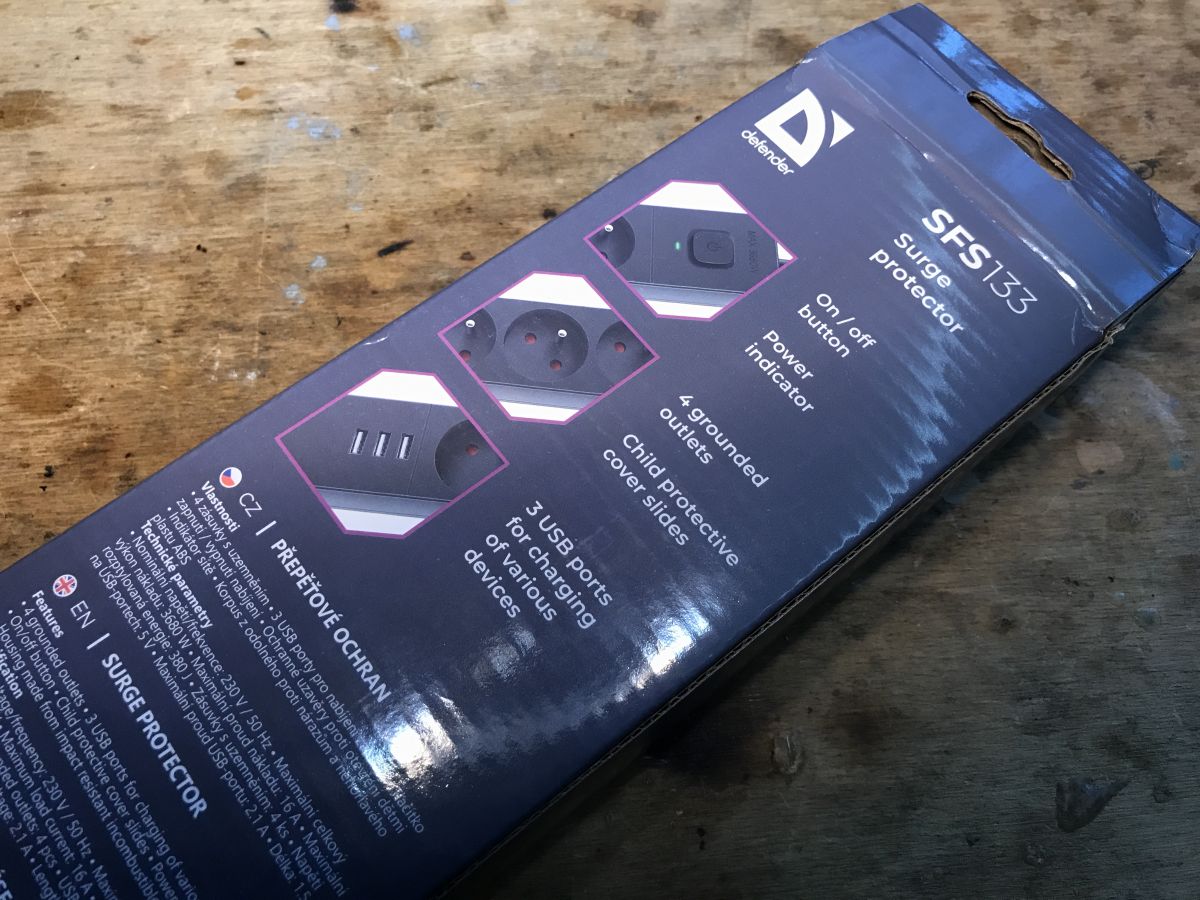
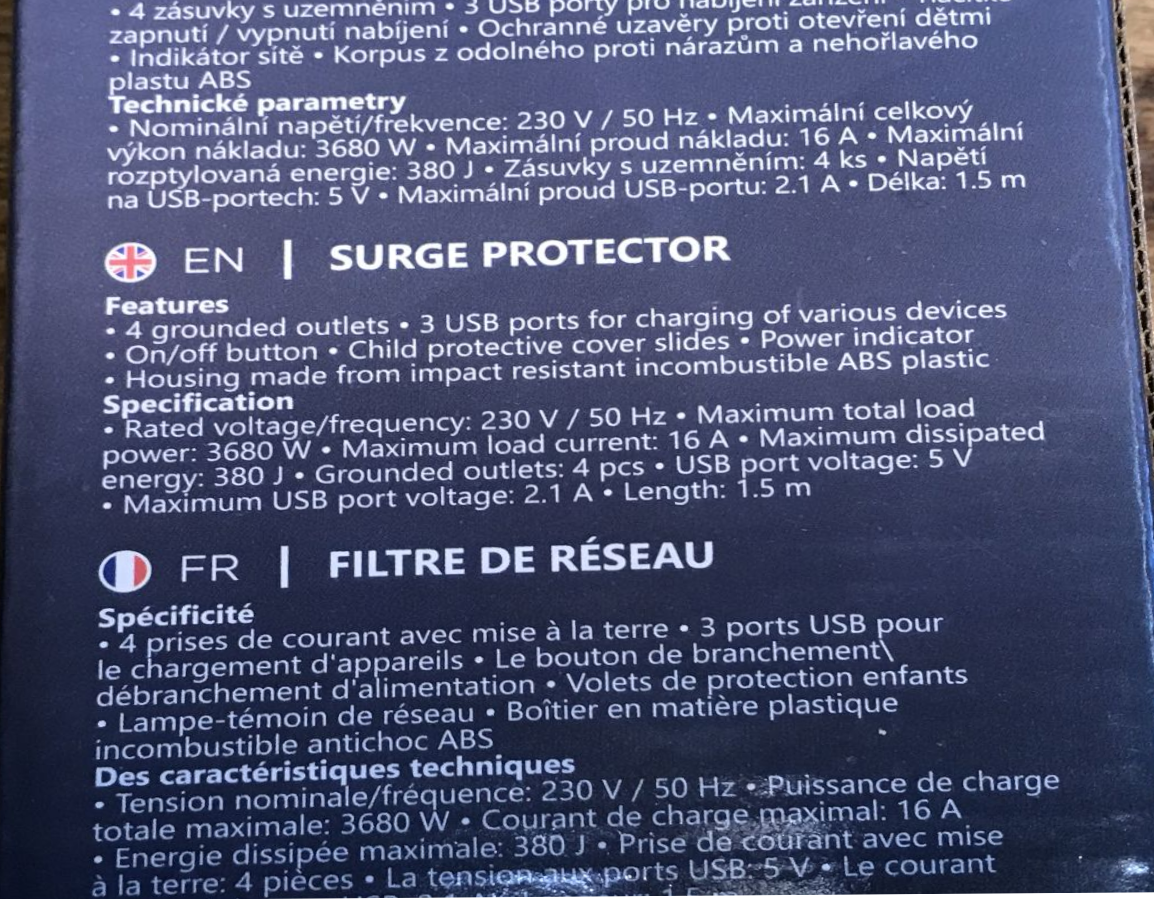
Initial discernment has not revealed any major nonsense to me. The only thing I have doubts about is that current from the USB ports - in the image below I show an excerpt from the product description. It says "Maximum USB port voltage: 2.1 A". These 'voltage', or 'voltage', could happen to anyone, so I'll turn a blind eye, what puzzles me more is why there is a singular number there? That suggests 2.1 A per port, a good 6 A in total. I'll check it out.
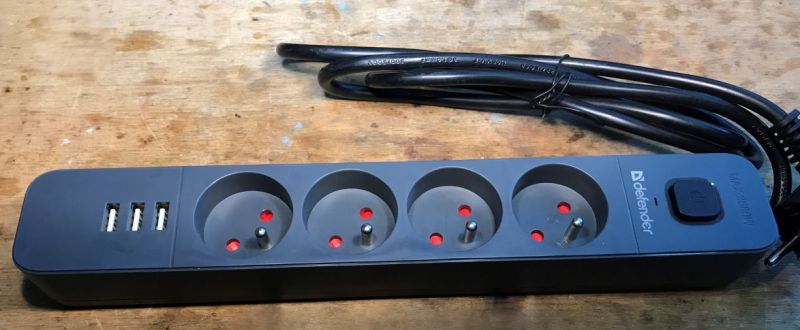
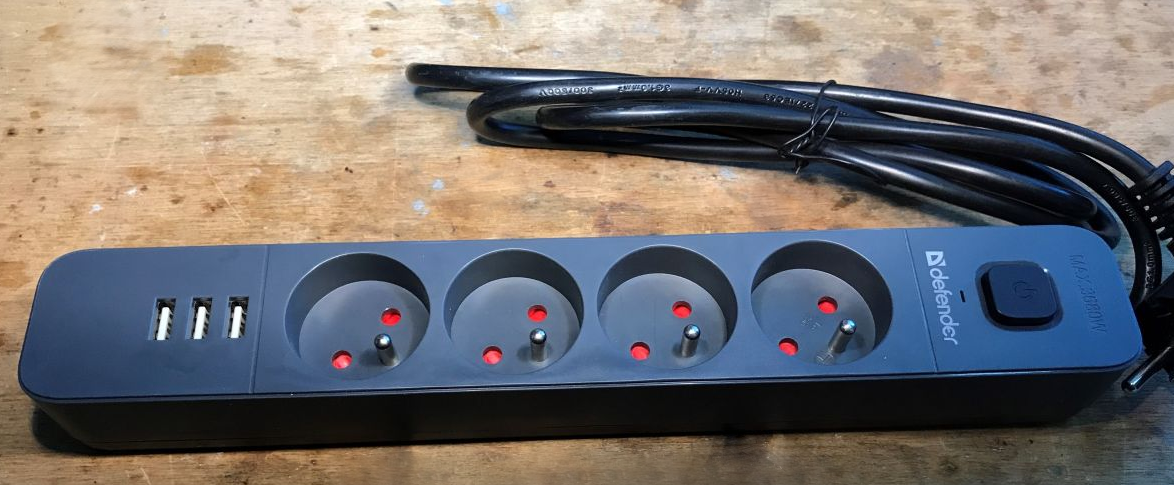
Here's the strip in all its glory. The plastic is sturdier than I thought, and there's an LED slot next to the button too - could it be a state of protection?
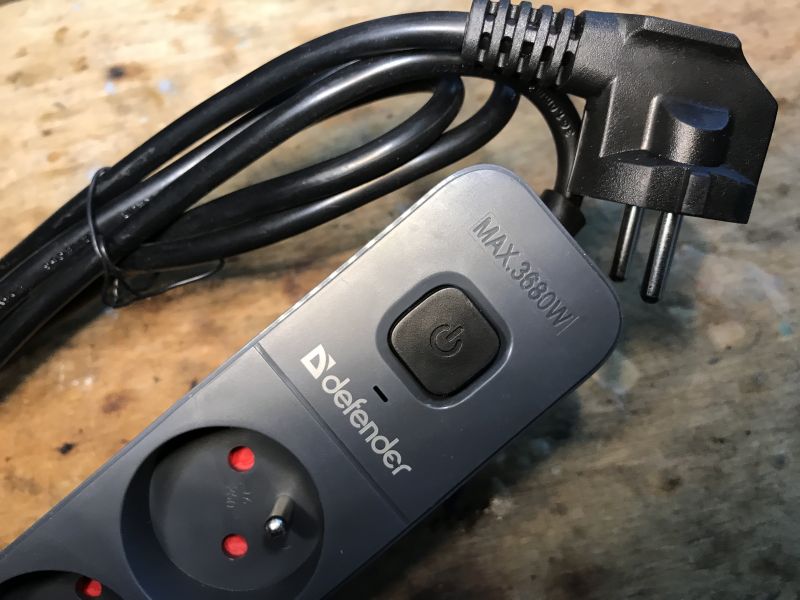
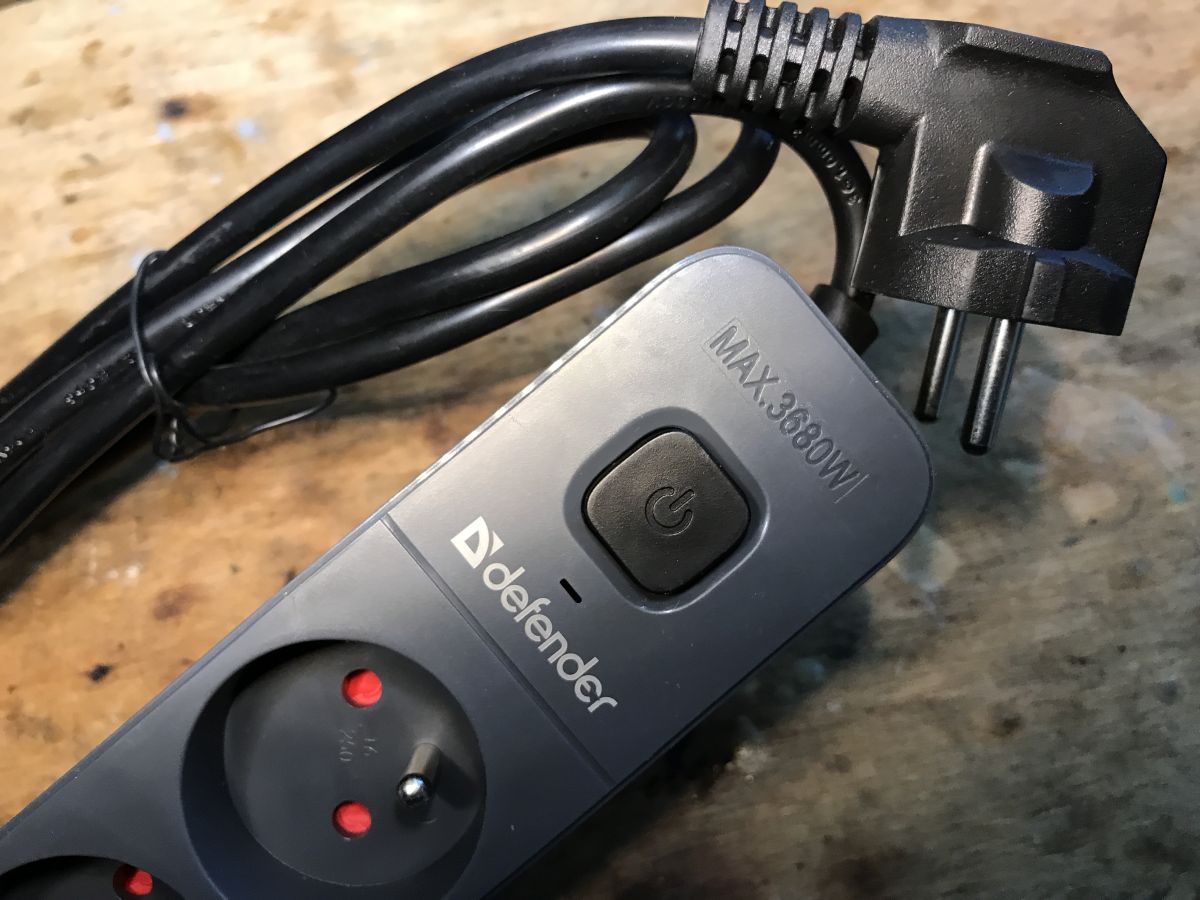
Main button:
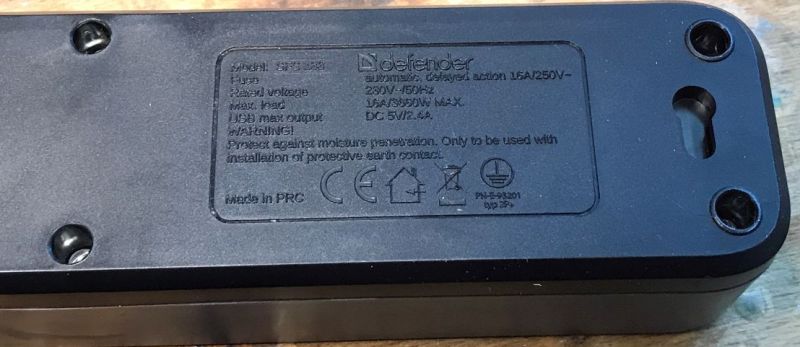
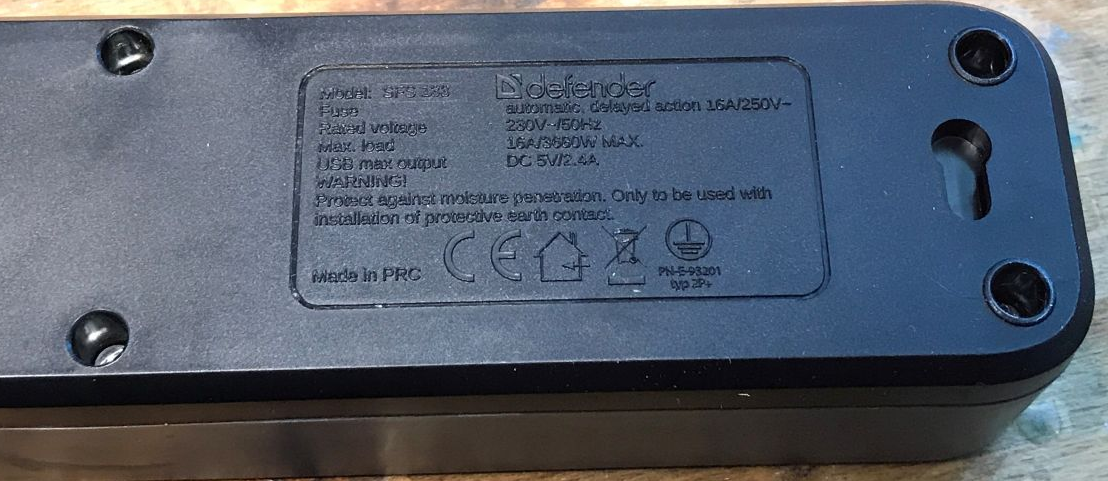
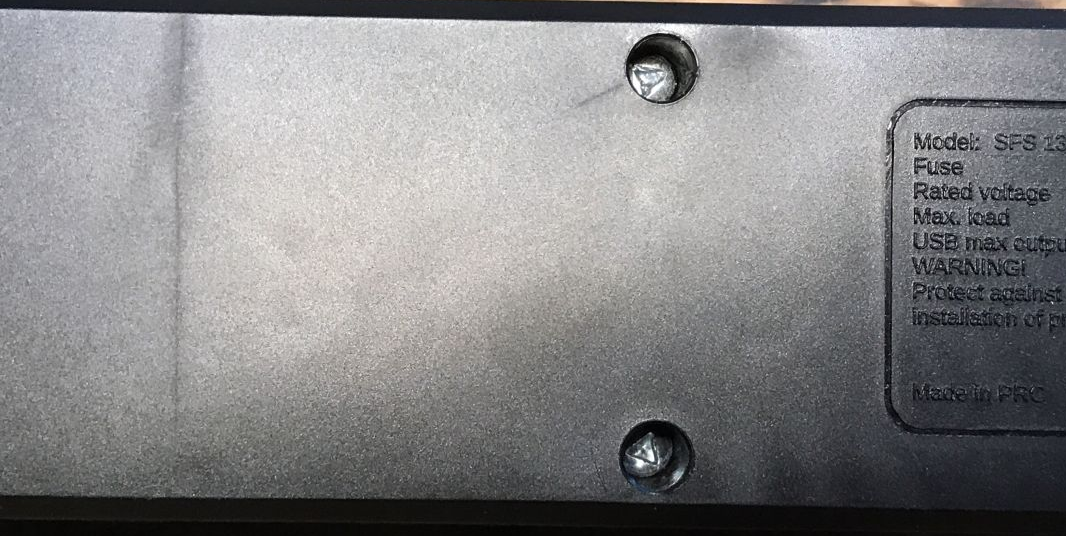
Markings - the fuse is referred to here:
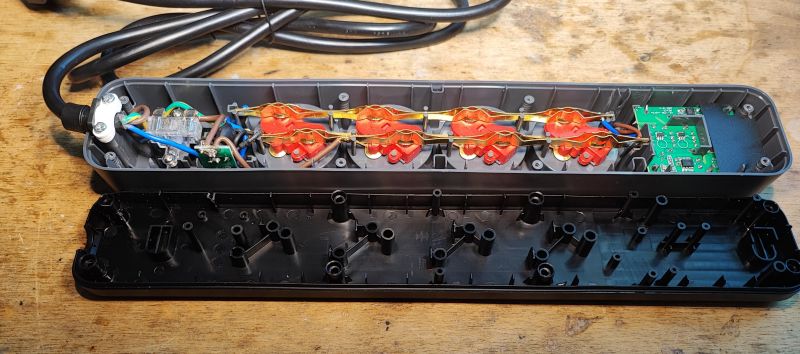
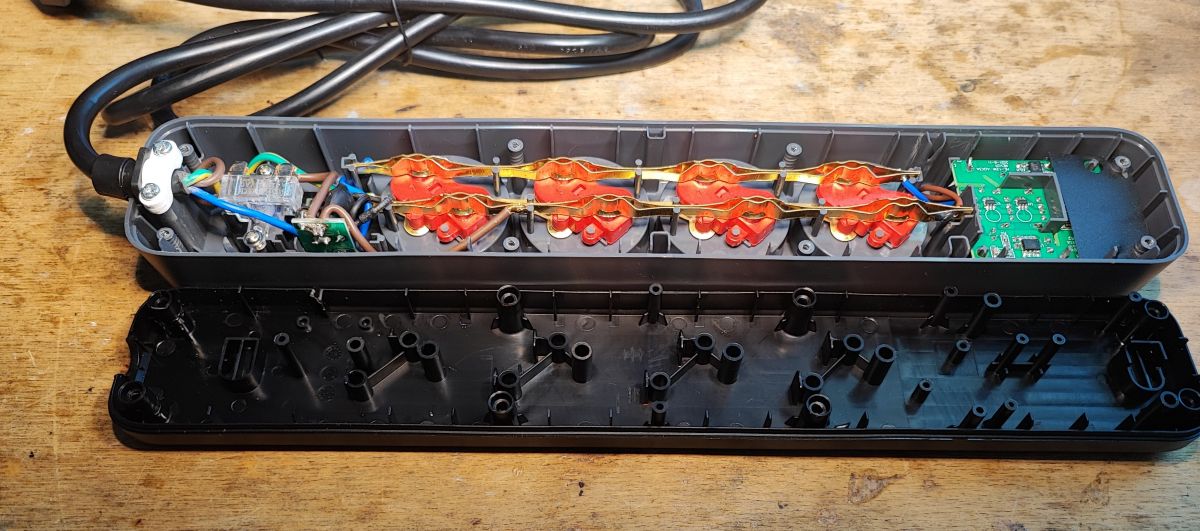
The centre is guarded by screws requiring a triangular head screwdriver:
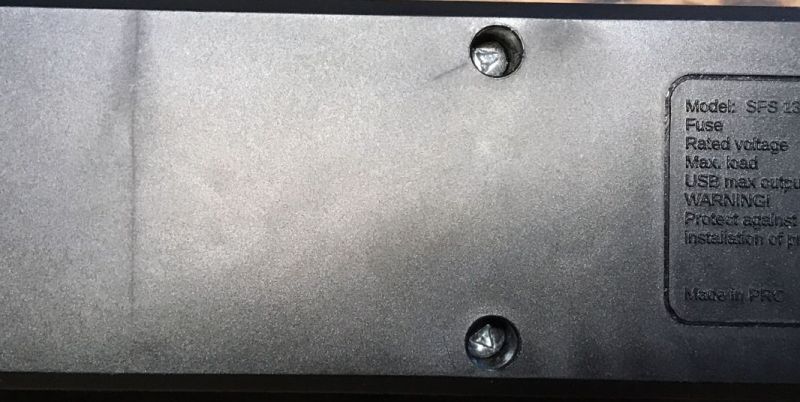
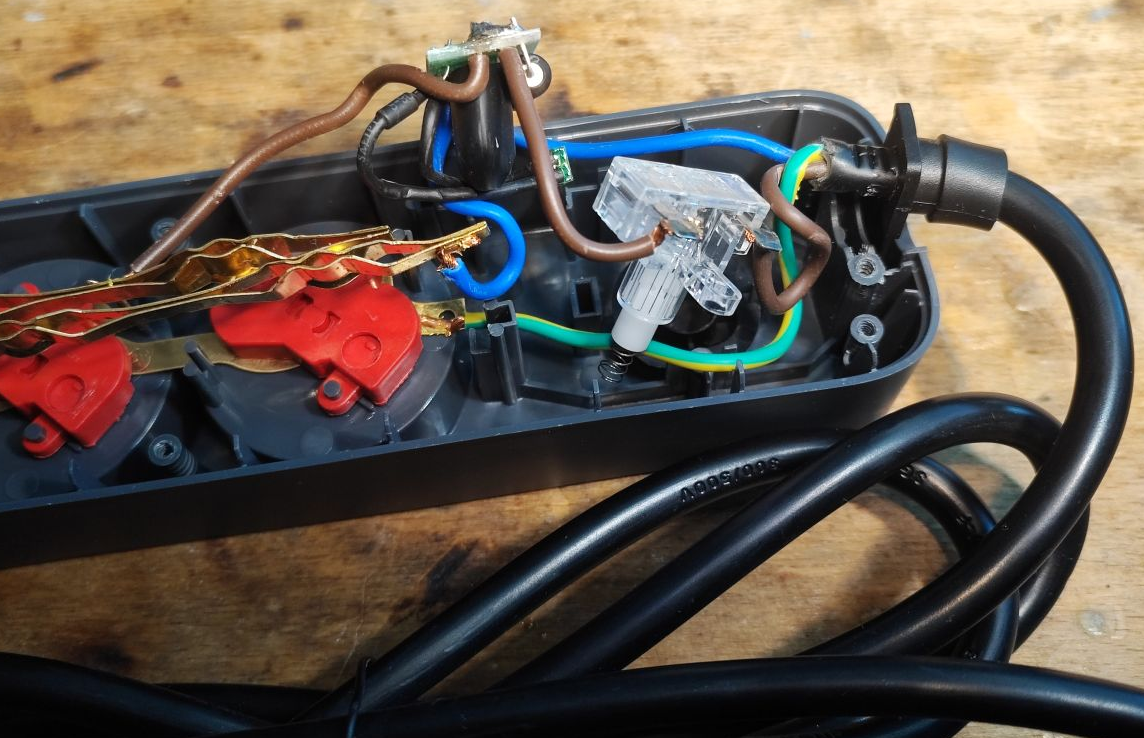
Fortunately I have one in stock. A first glance reveals that the thickness of the wires is not as bad as in the cheapest products.
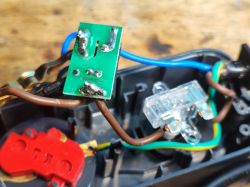
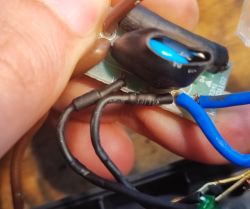
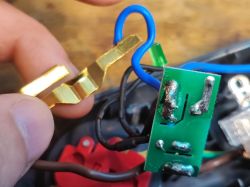
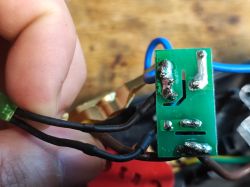
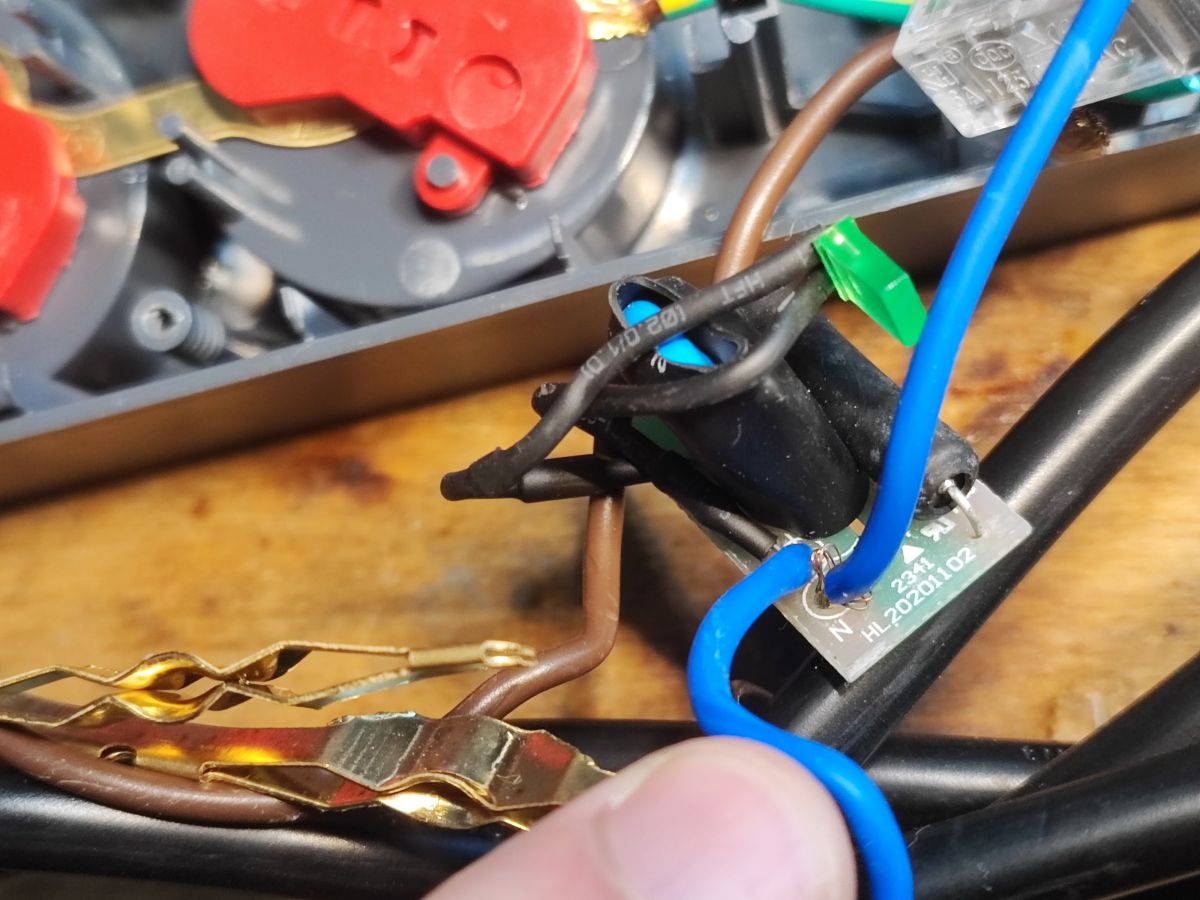
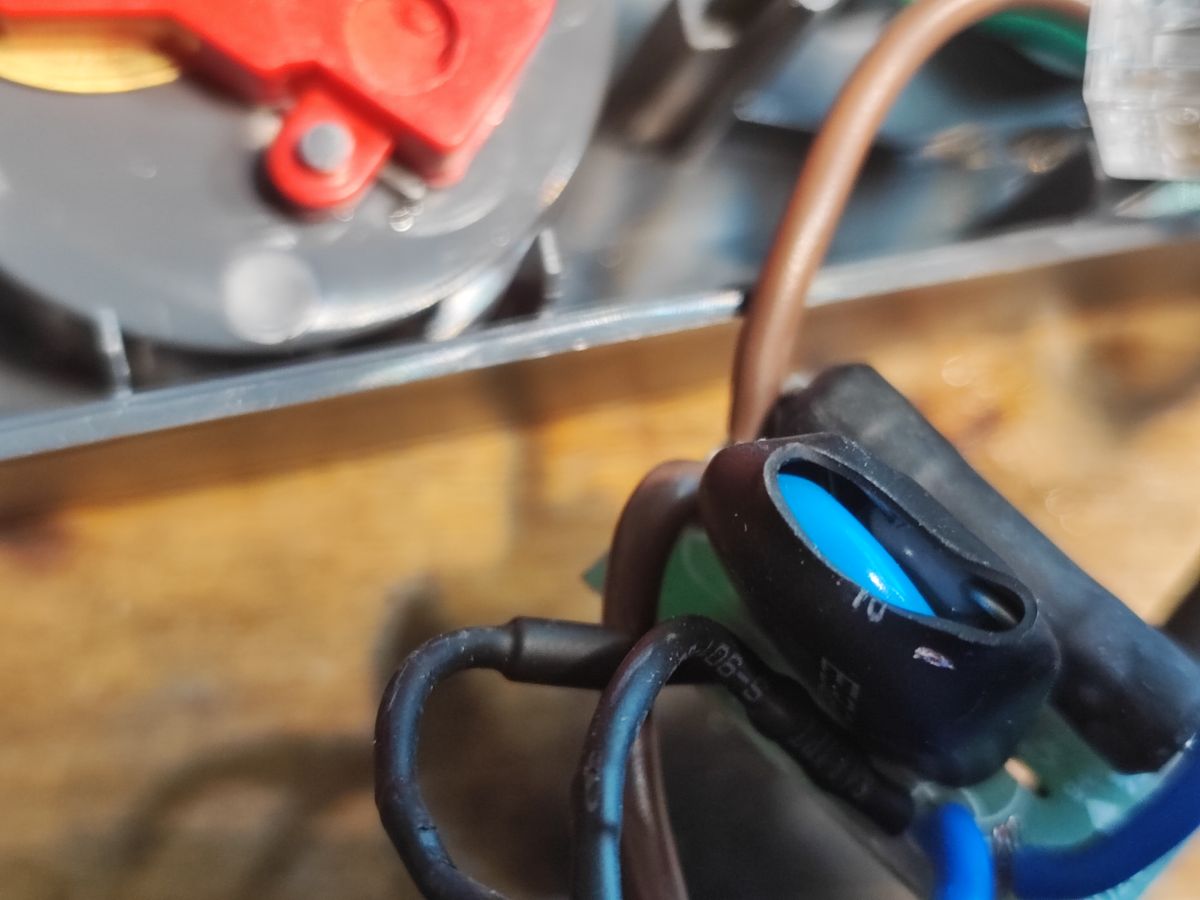
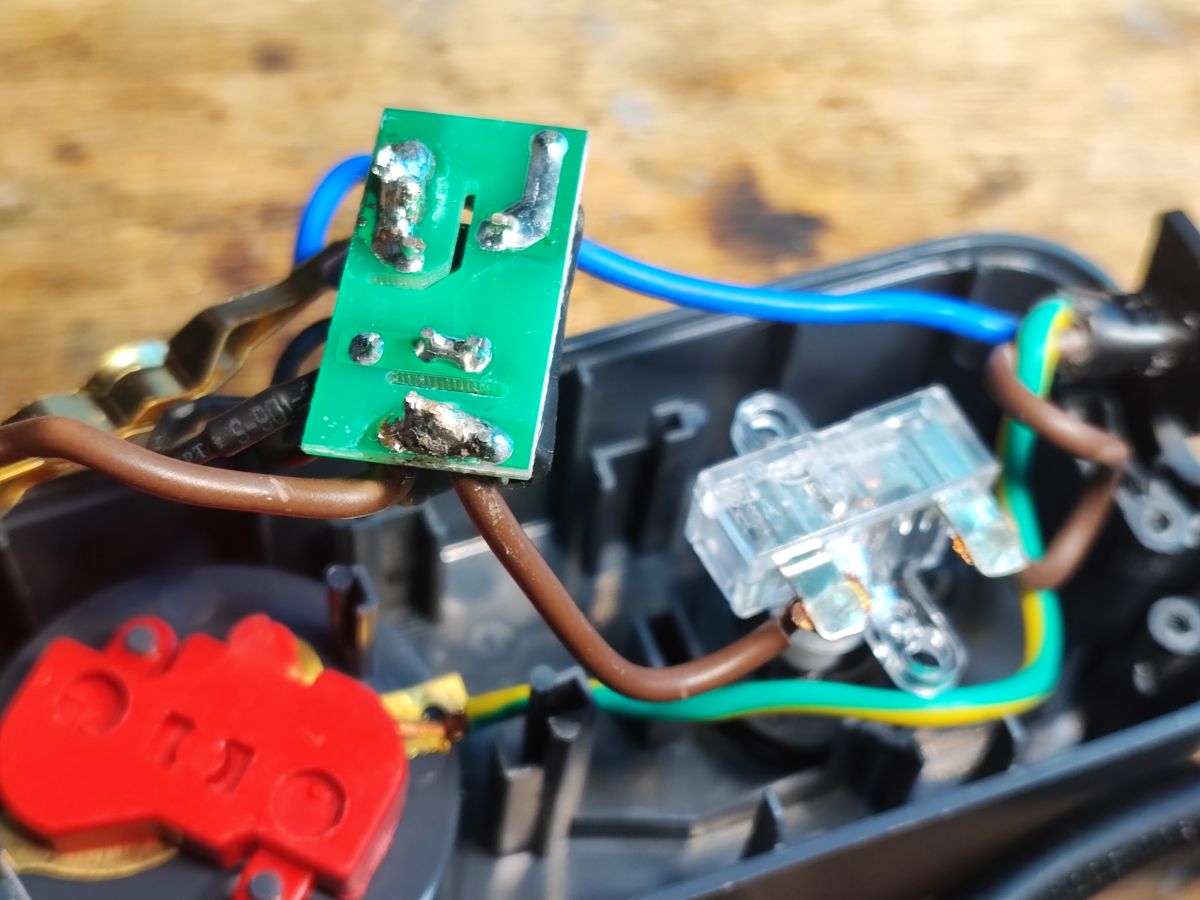
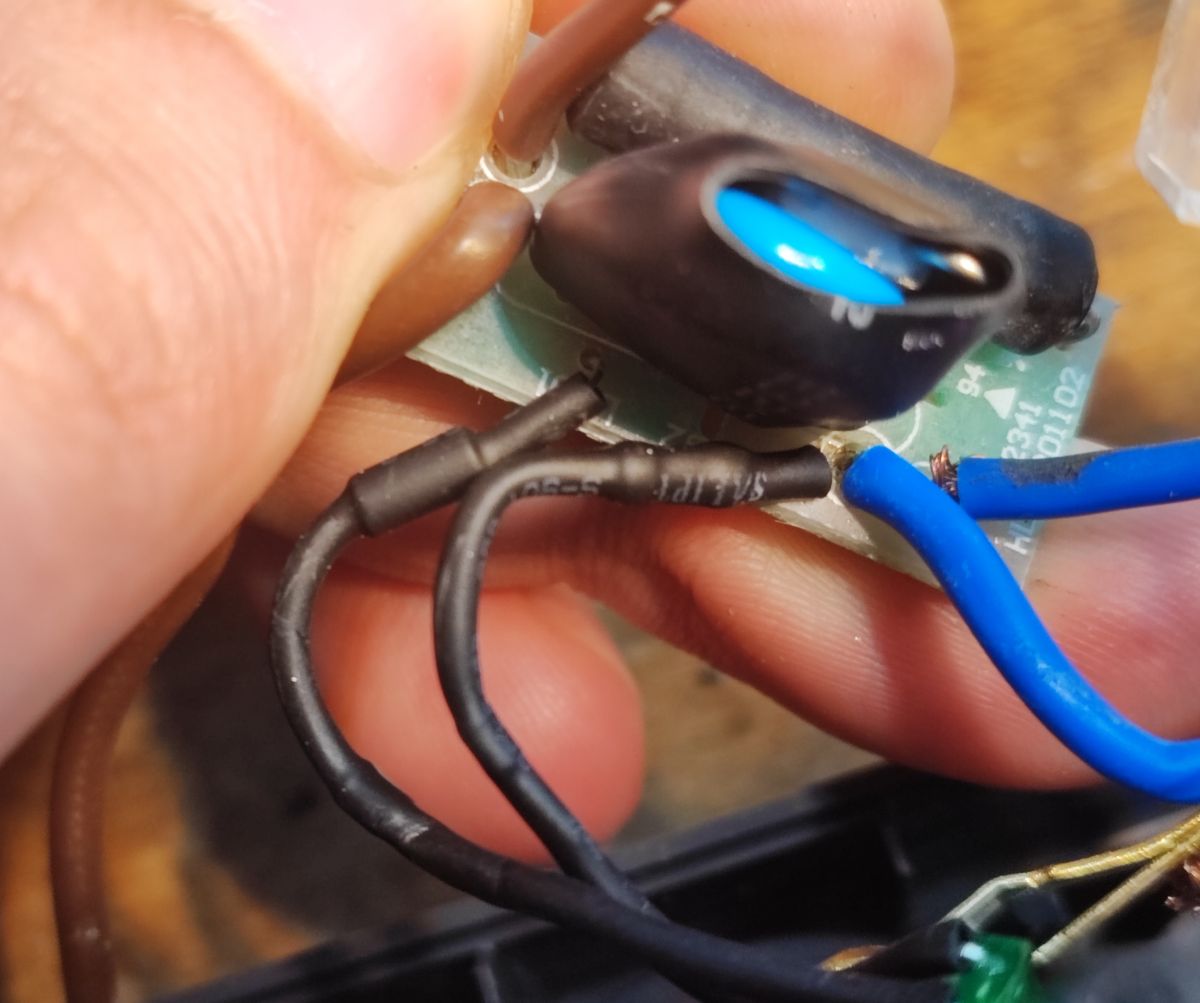
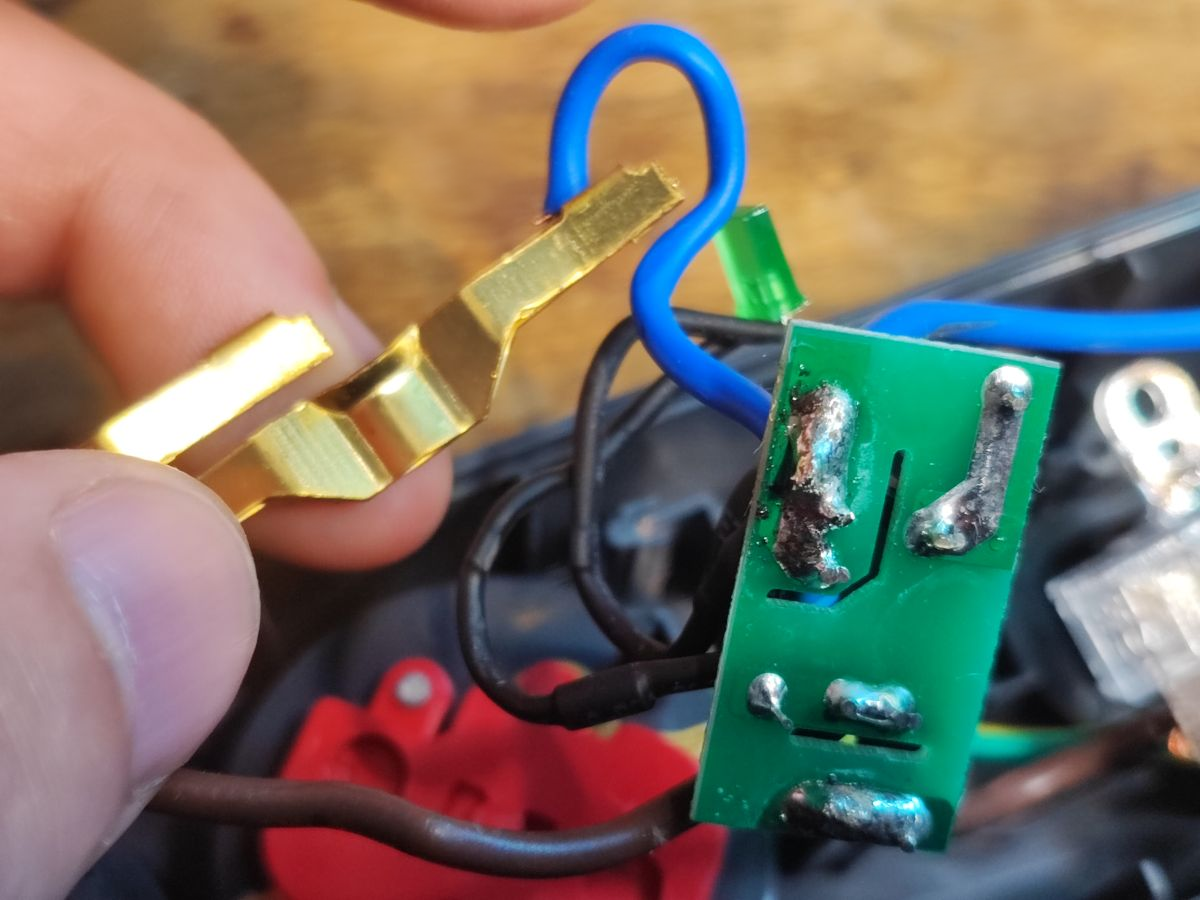
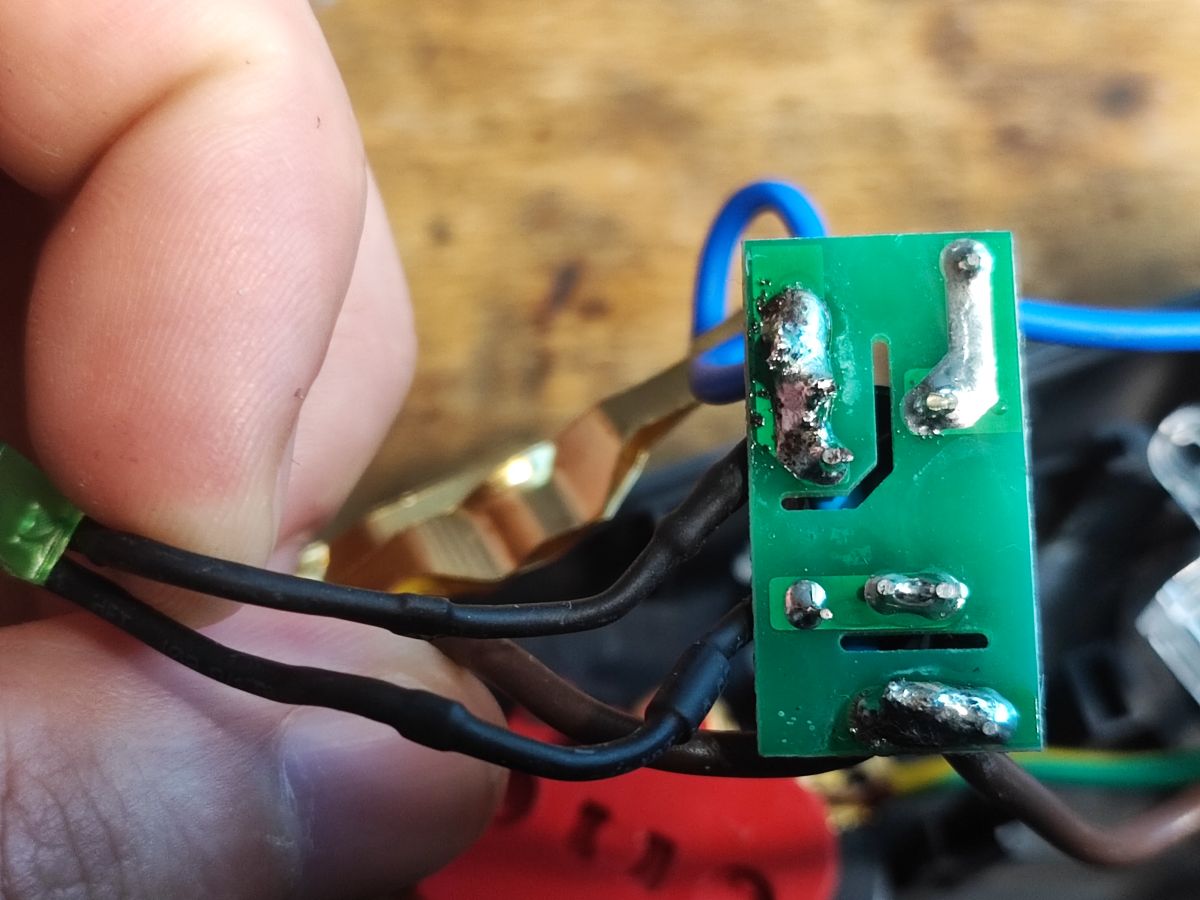
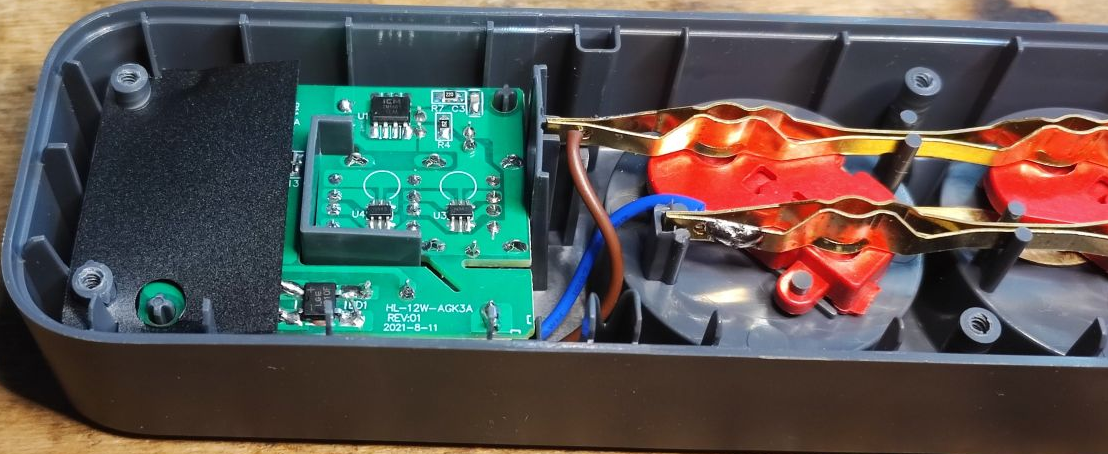
We also have a board with a varistor and with a protection indicator - the varistor is in a thermal fuse tee, its overheating breaks the circuit and extinguishes the LED.
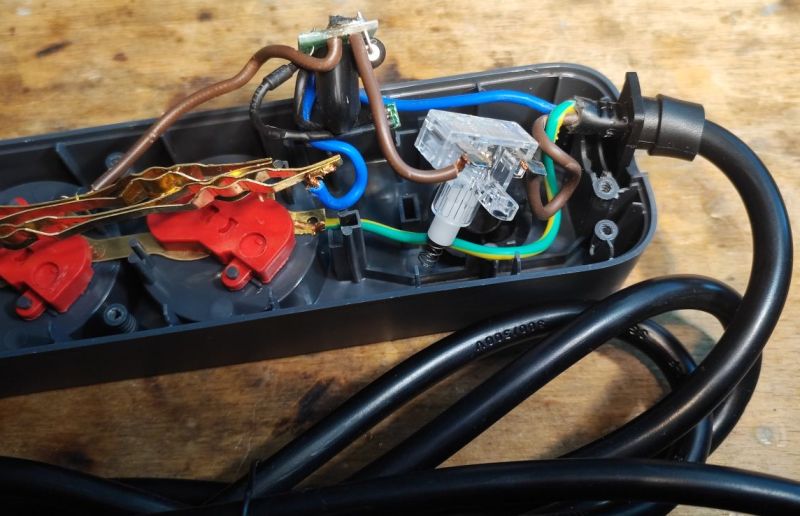
The circuit is simple enough to draw a schematic from the pictures of the paths.
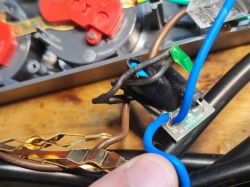
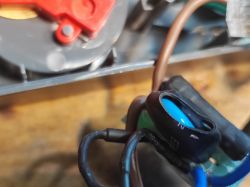
The power supply section remains.
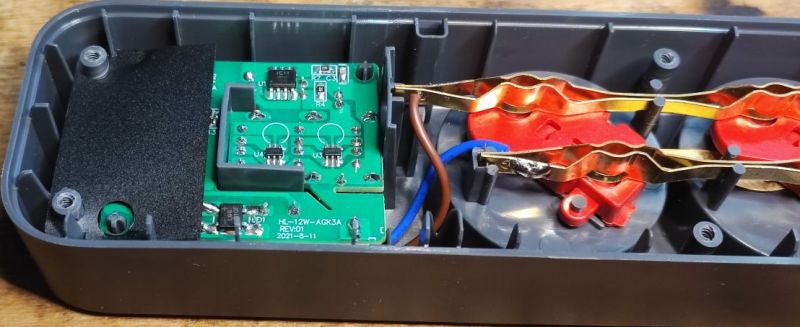
PCB designation: HL-12W-AGK3A REV:01 2021-8-11 These 12 watts already suggest that it will be 2.1 A for all three ports though.
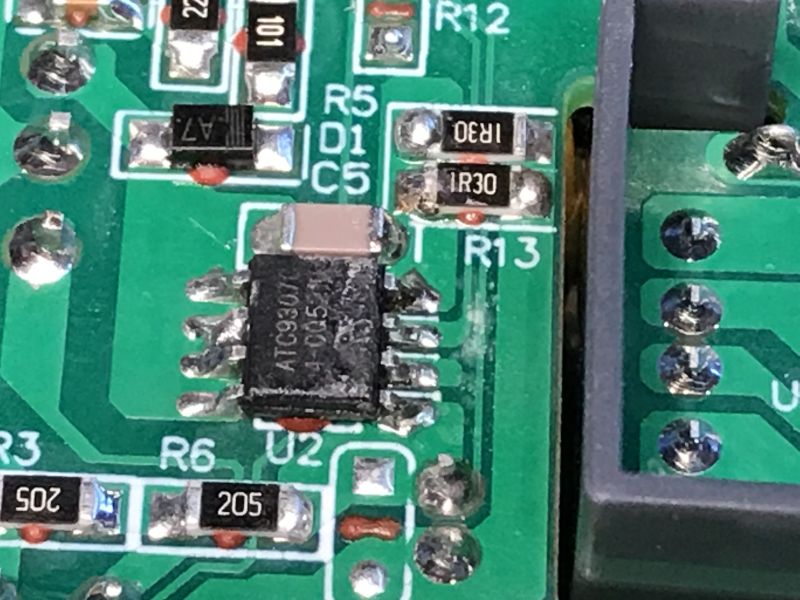
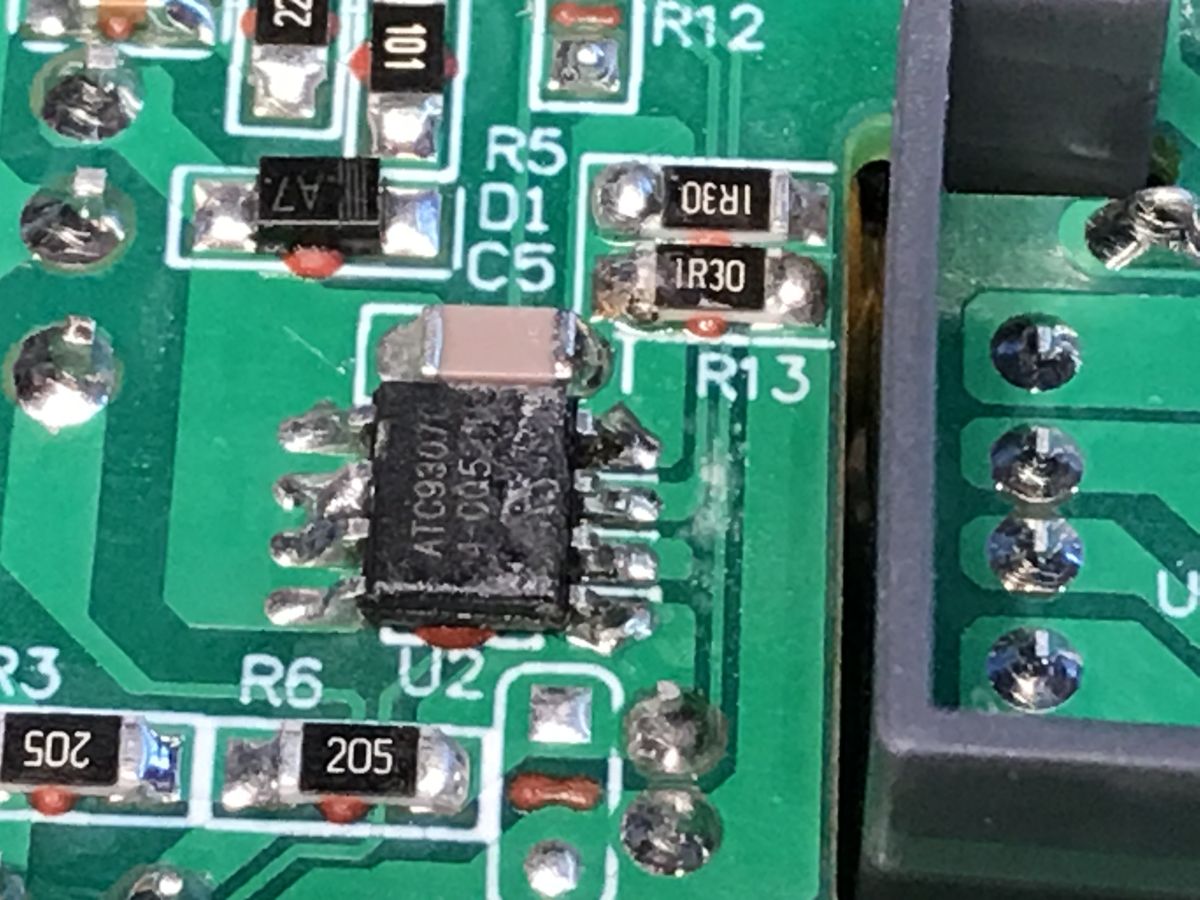
The power supply is as usual in flyback topology and is based on the ATC9307, a controller with an integrated keying transistor. The feedback is taken from the primary side, there is no optocoupler.
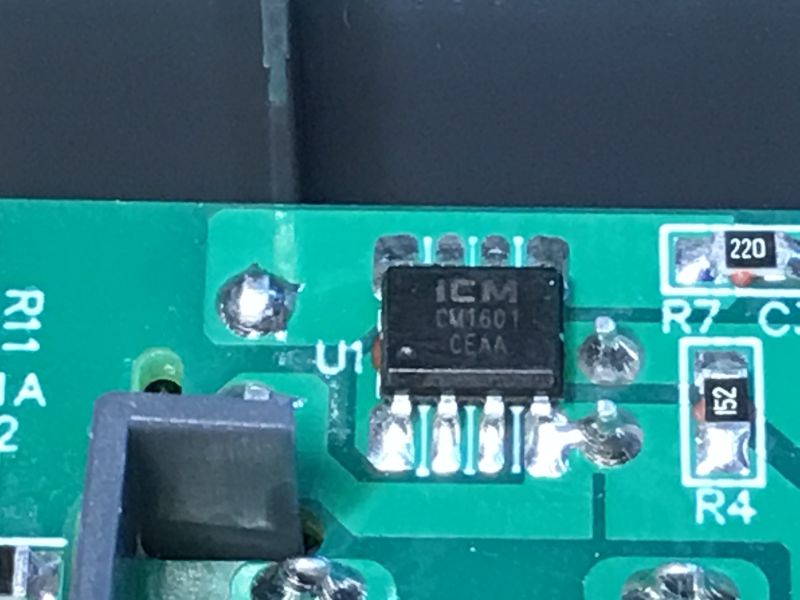
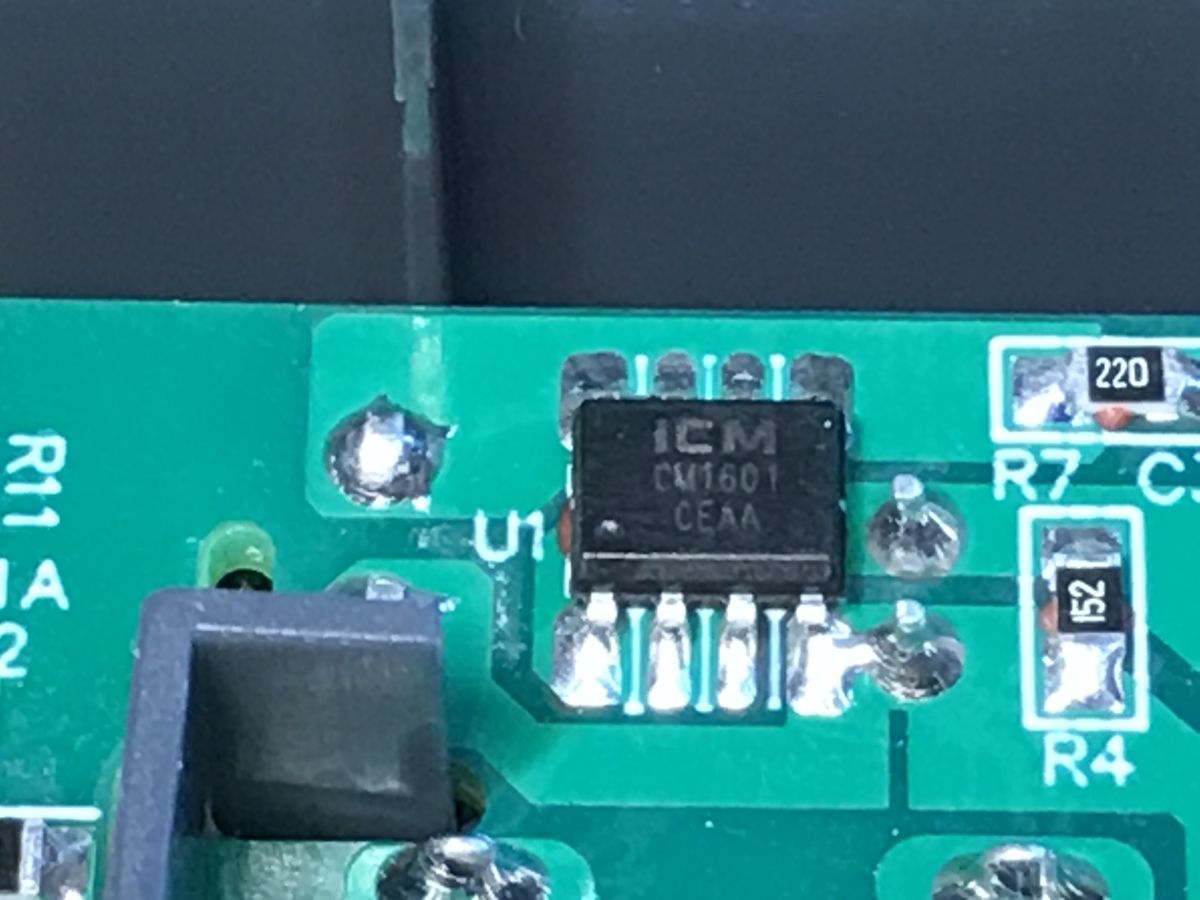
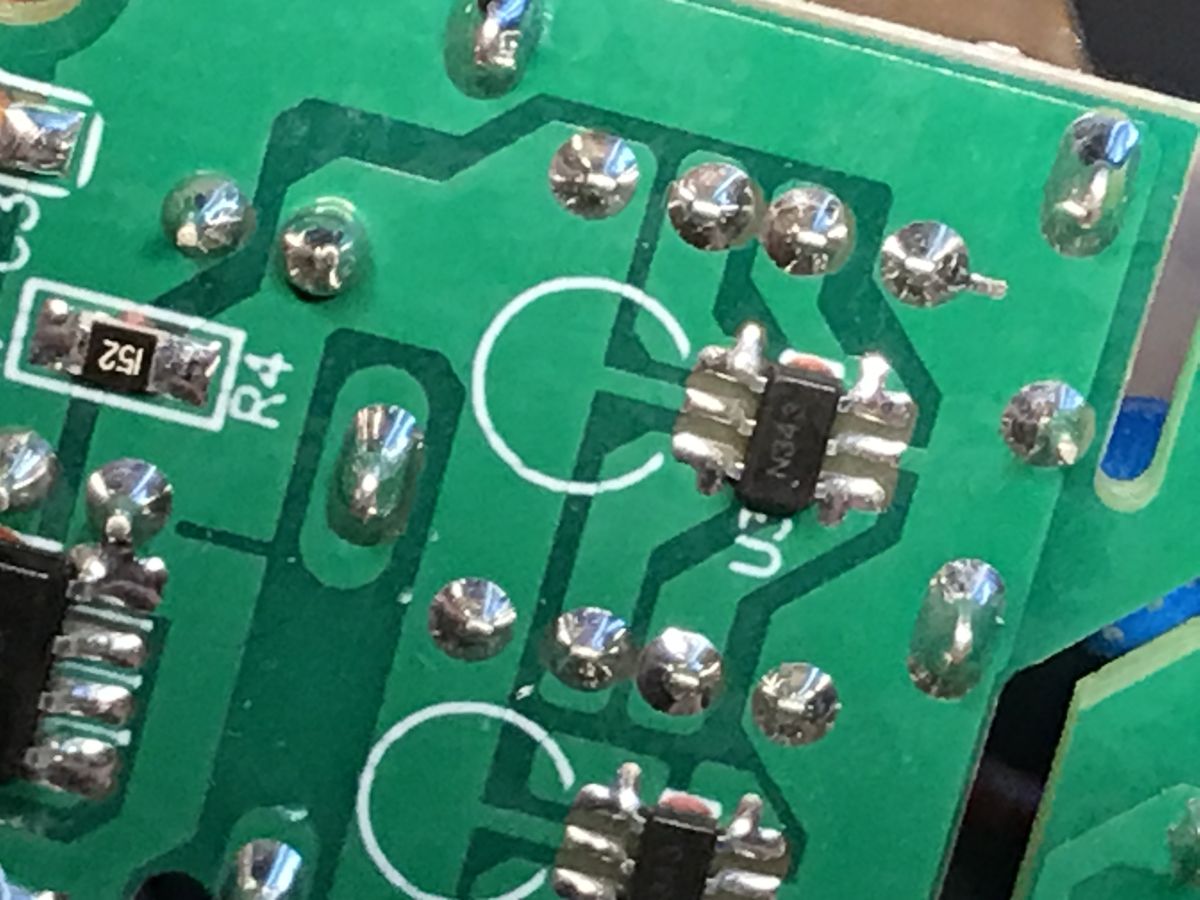
A CM1601 is used on the secondary side, this circuit looks to me like a synchronous rectifier (based on a MOSFET transistor). There is no Schottky diode there.
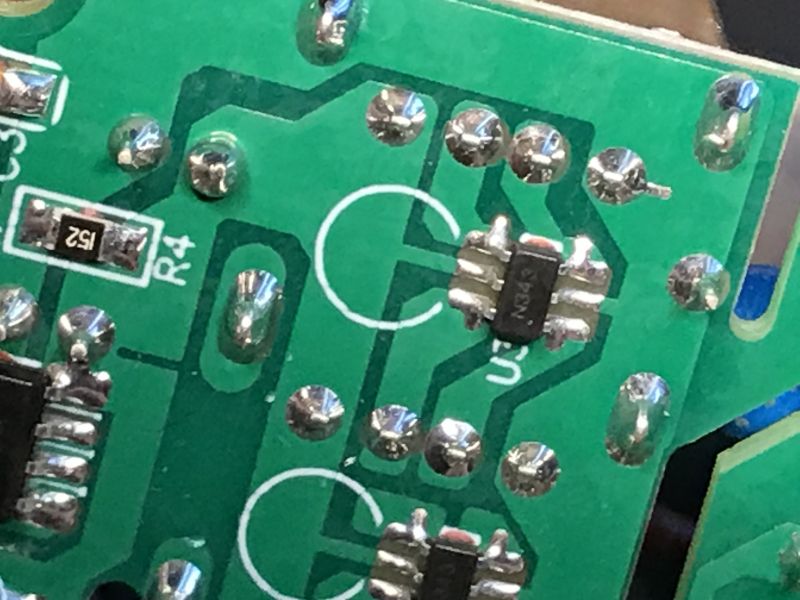
The USB port section uses dedicated circuitry to 'report' the power supply to the phone, rather than using the cheapest solution with resistors or shorted pins. This will make the phones "more willing" to draw current. This has already been discussed in my other topic:
Two-port USB charger that accelerated the charging of my iPhone
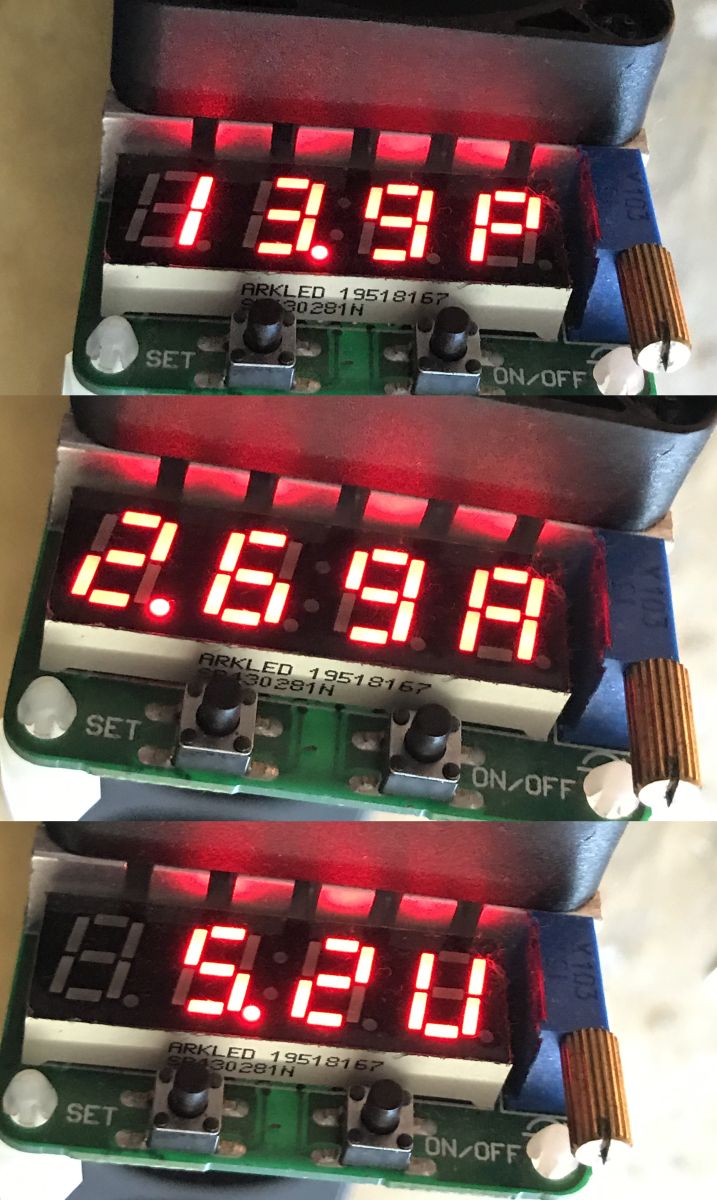
It remains to perform the test with an artificial load:
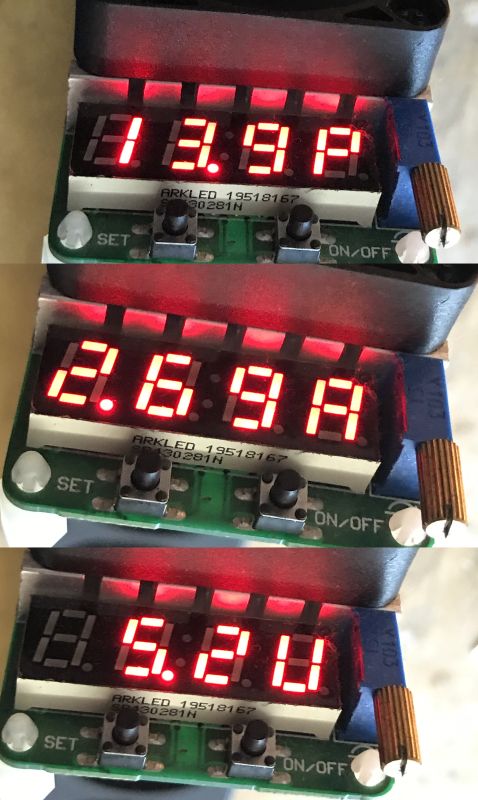
It is possible to draw up to around 2.5 A.
In summary , protection is present inside, but it is more poor than in slightly better strips. The varistor is one and the protection circuit is not connected to earth at all, in
Brennenstuhl 13.500A Super Solid it was better. Wire thickness is better than in the cheapest strips, and the ground is connected, so here I won't criticise so much, but the USB power supply is excessively weak, even useless in many cases. I'm not complaining about the lack of support for higher voltages (QC standard), as the description didn't promise that, but I'm puzzled by the fuse that's supposed to be inside. I assume it is integrated into the switch. I would potentially check it, but the strip is already mounted in its intended location. The switch itself cuts off one wire, not two, as in the better strips.
Anyway - depends on who needs what, as a modern phone these USB ports won't charge quickly.








Comments
I have my doubts that it works like this. The long piece in a separate heat shrink cage looks like a fuse. But a fuse only for the varistor. I'm under the impression that the LED will go off when the... [Read more]