The 8-inch Pisichen DB124 touchscreen monitor (8-HD-TS/B0D3XB7J47) targets Raspberry Pi and home automation setups with 800x480 IPS HD, HDMI, USB-C, speakers, and a 3.5mm jack.
The kit includes cables, a power supply, and a manual, while the monitor offers DDC/CI, PCM, brightness, contrast, sharpness, and audio settings.
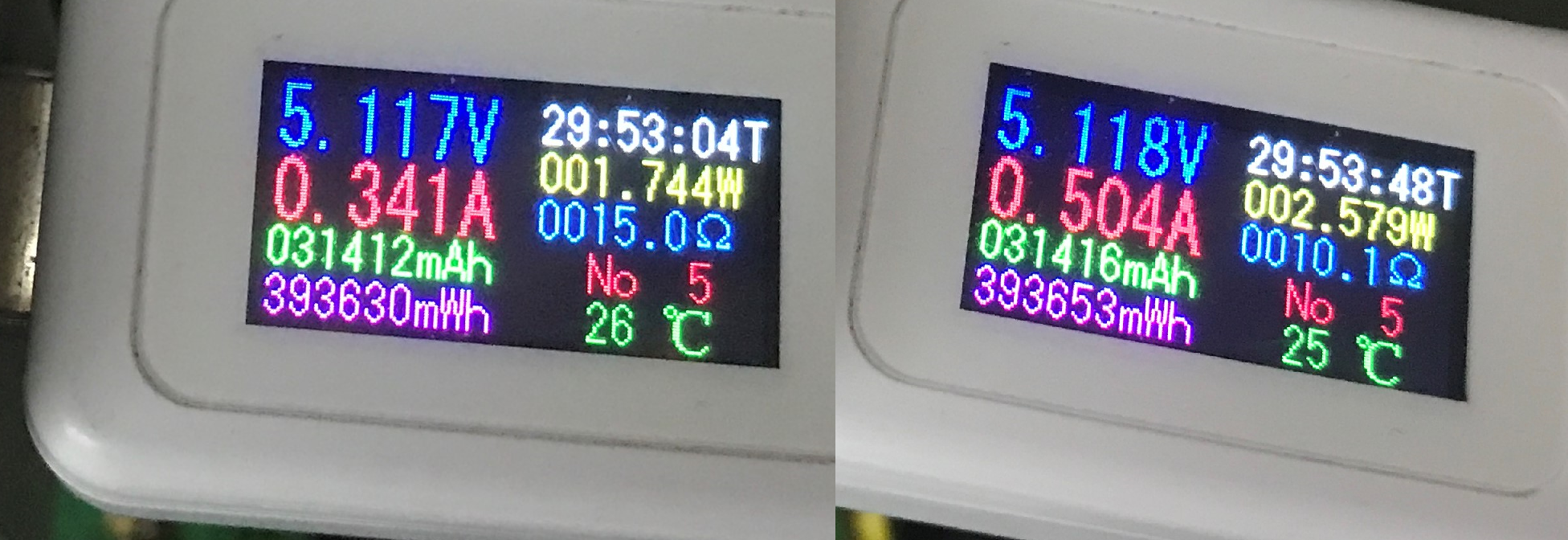
Measured USB-C power draw ranged from just over 1.5 W to 2.5 W, and the tested unit cost 180 PLN.
Windows detected touch immediately, calibration was straightforward, and the screen showed no noticeable latency from the laptop.
The only notable concern is the stand, which feels clumsy and may wear out with repeated folding.
AI summary based on the discussion. May contain errors.
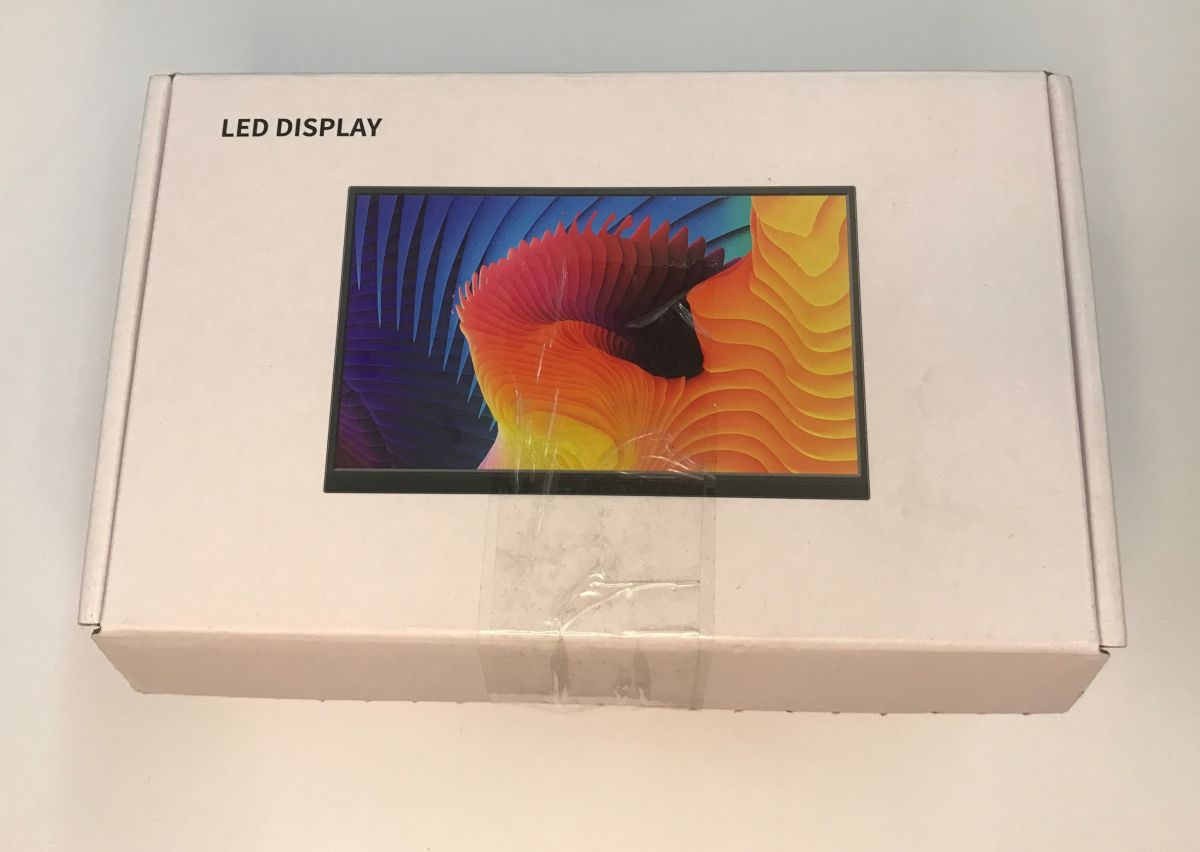
Today I'm testing a tiny touchscreen monitor bought with the idea of building some form of home automation controller with Home Assistant. I'll check what you can get such a thing for 180 PLN from a Polish importer, present the contents of the kit, configurations and connection, and finally measure how much power such a monitor draws from USB C.
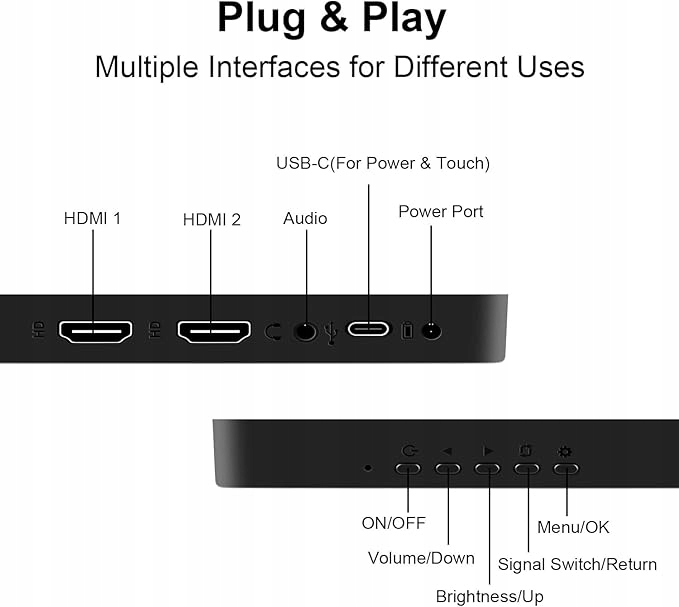
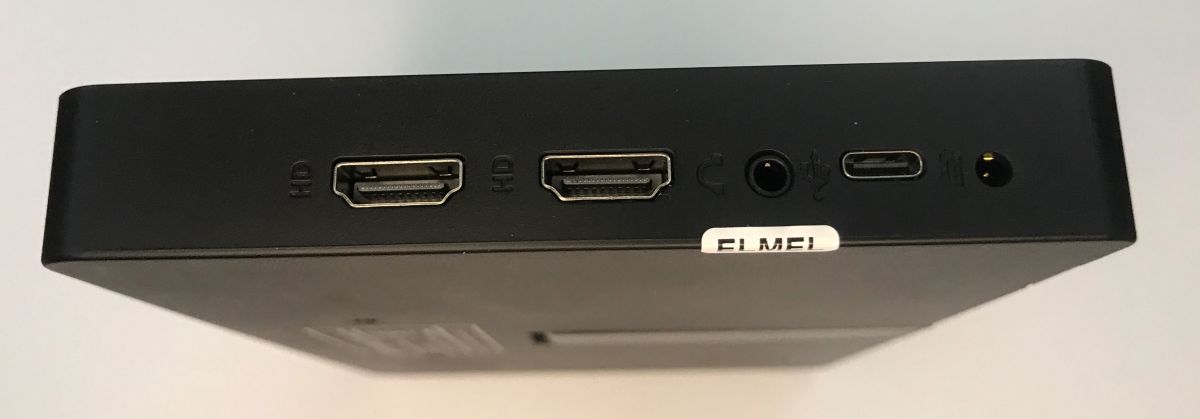
Shown here will be the 8-inch DB124 (8-HD-TS/B0D3XB7J47) Pisichen IPS HD with 800x480 resolution, HDMI and USB-C compatible. It features a 5-point touchscreen with 250 cd/㎡ brightness and 60 Hz refresh rate. It has built-in dual speakers (stereo) and a 3.5mm audio jack. A separate socket for a 12 V power supply is also present - at your choice. The dimensions of the monitor are 1.3 x 17.6 x 11 cm and the weight is approximately 920 g.
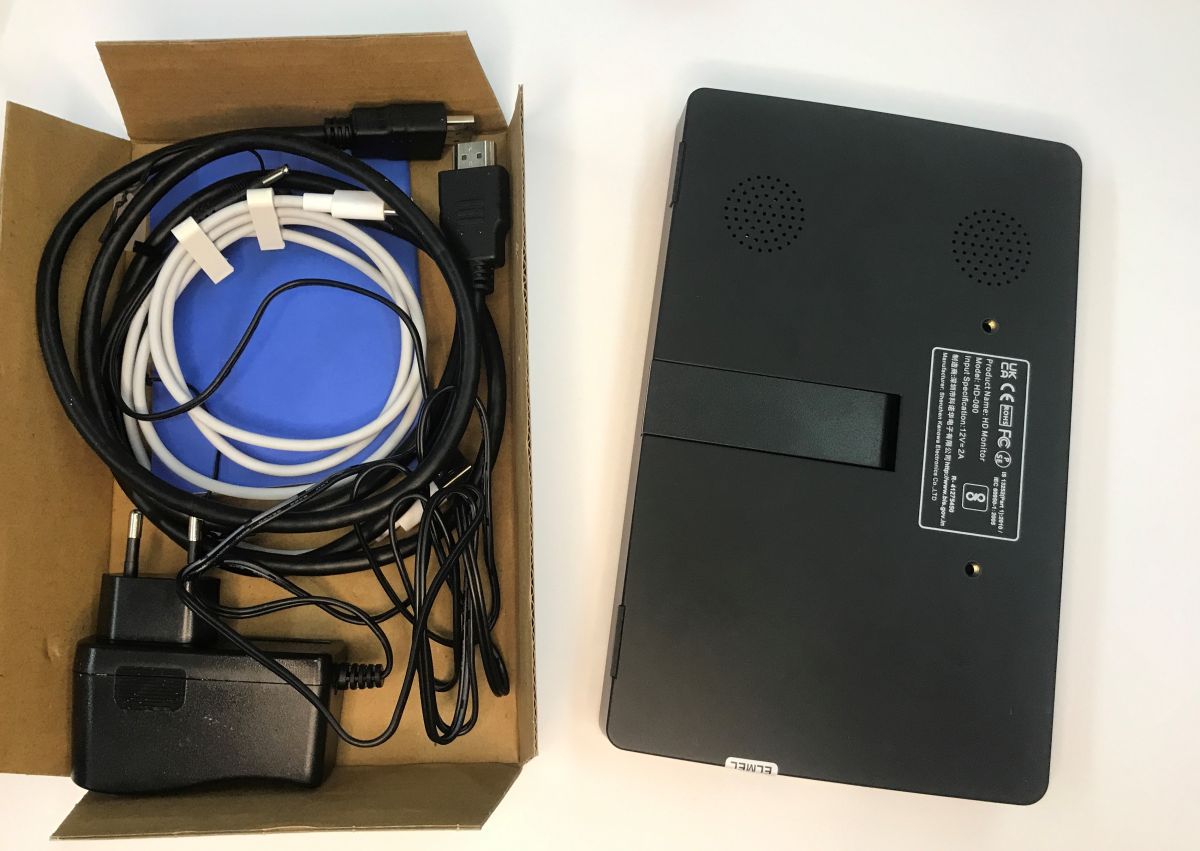
Let's start with the contents of the kit. We get full cabling and a power supply, on the one hand this is a good thing as not every accessory has one, but on the other hand it probably piles up the price a bit.
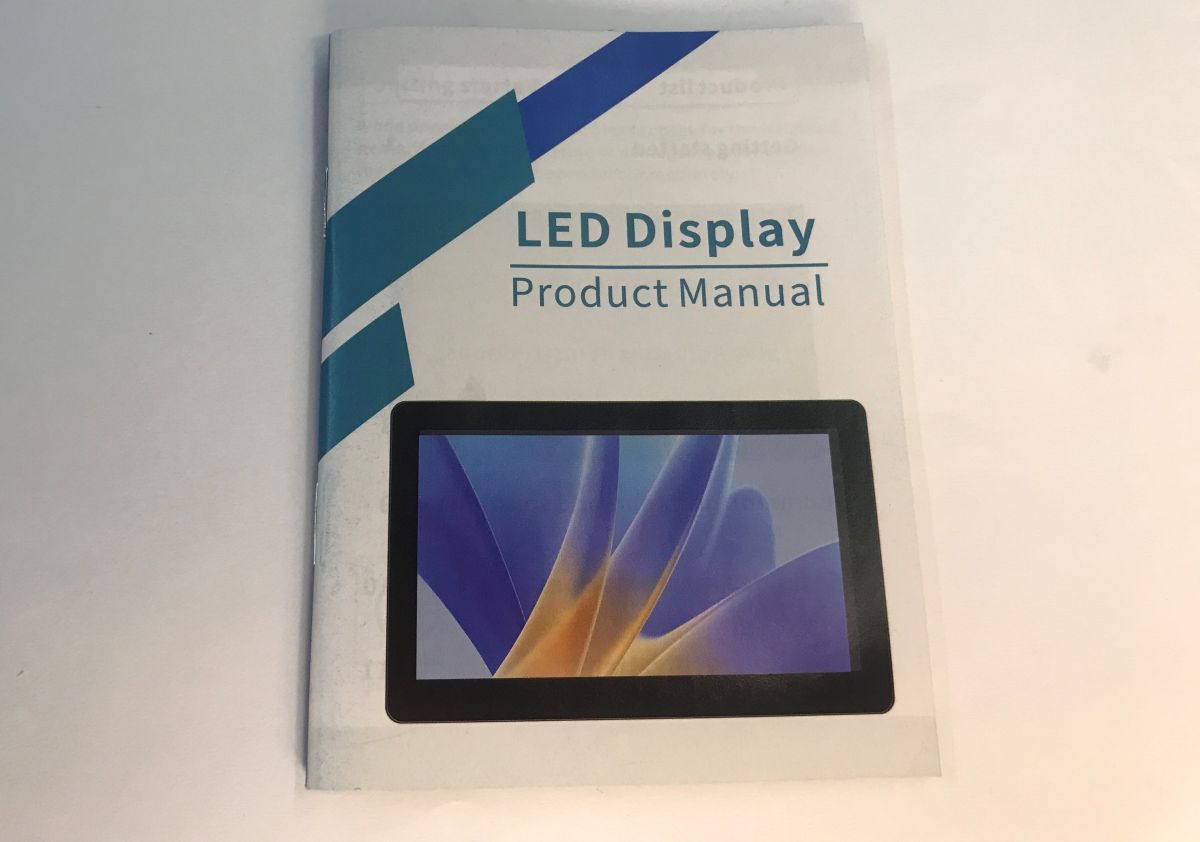
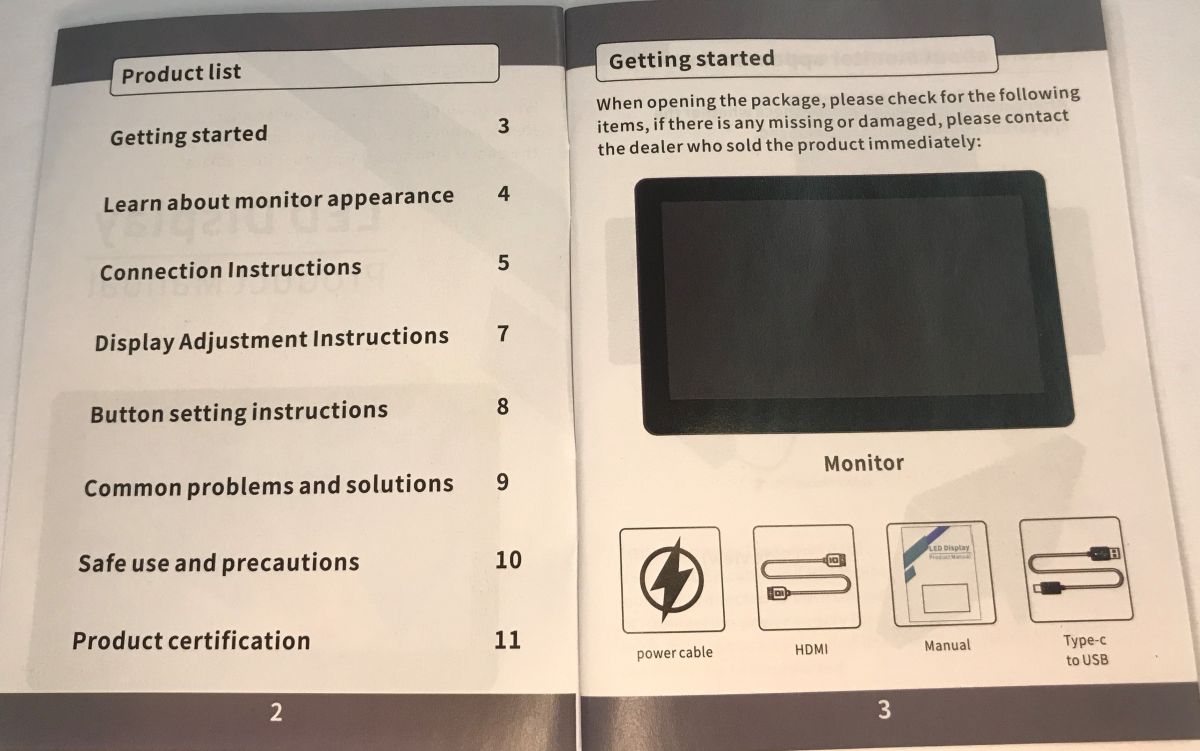
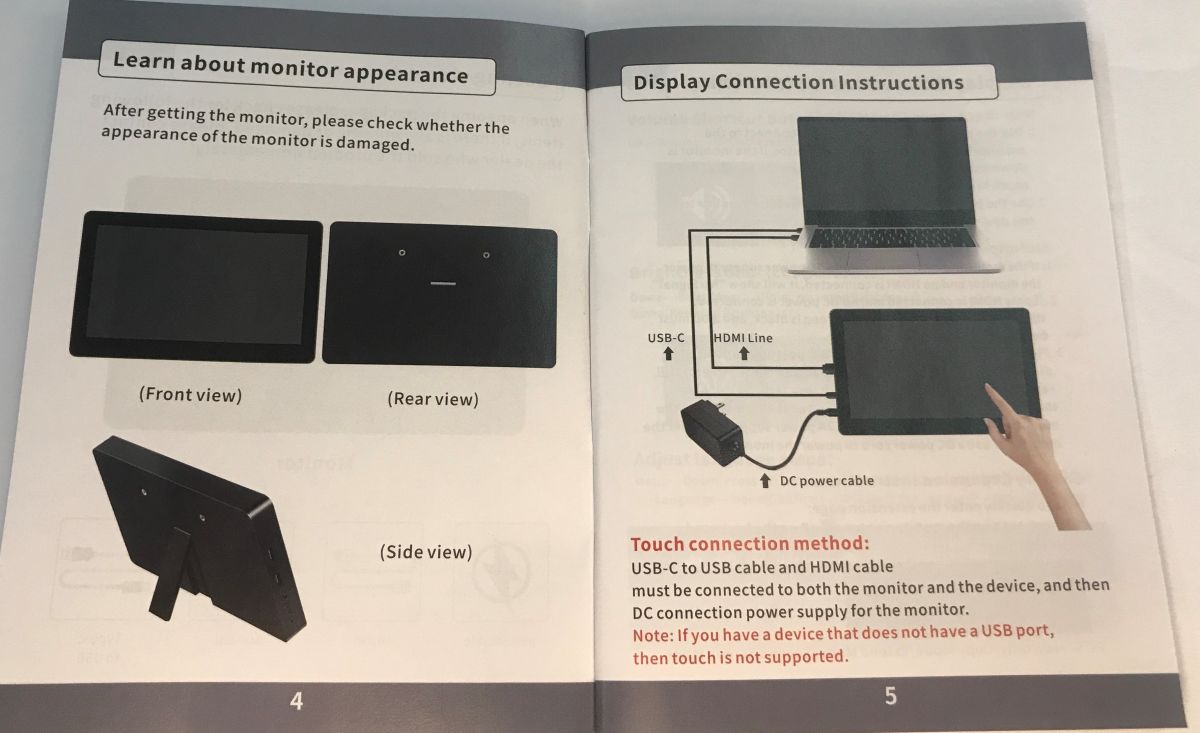
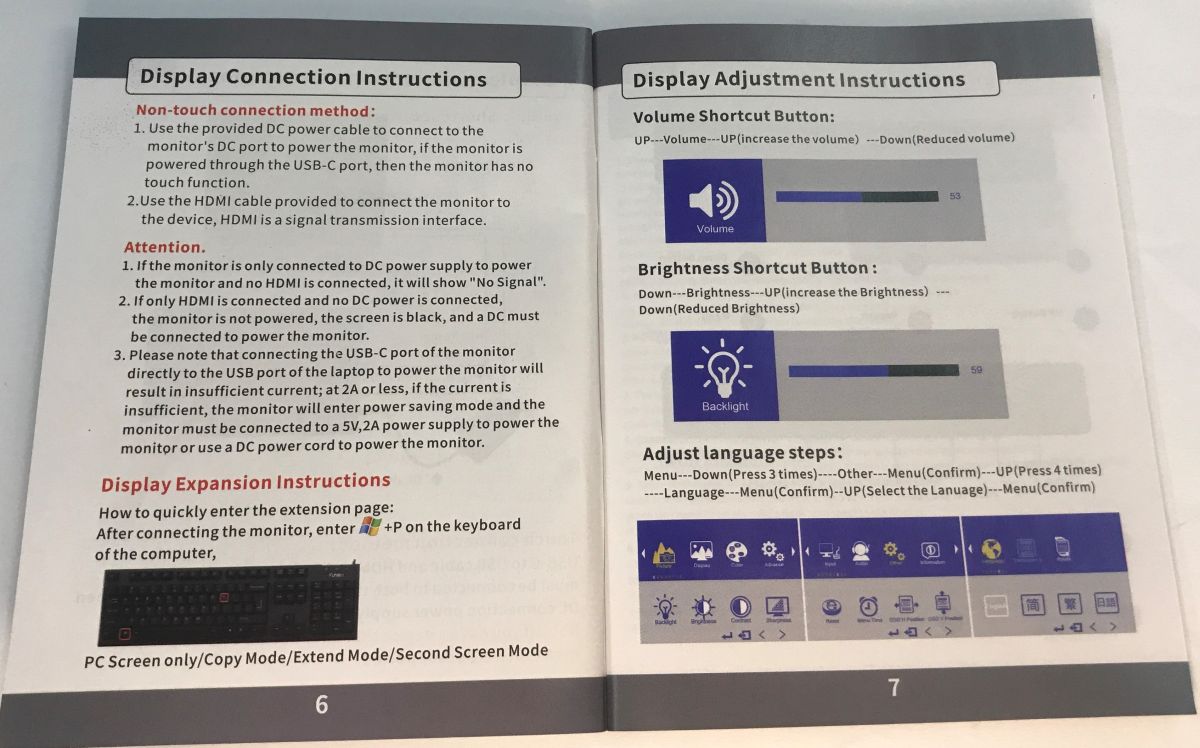
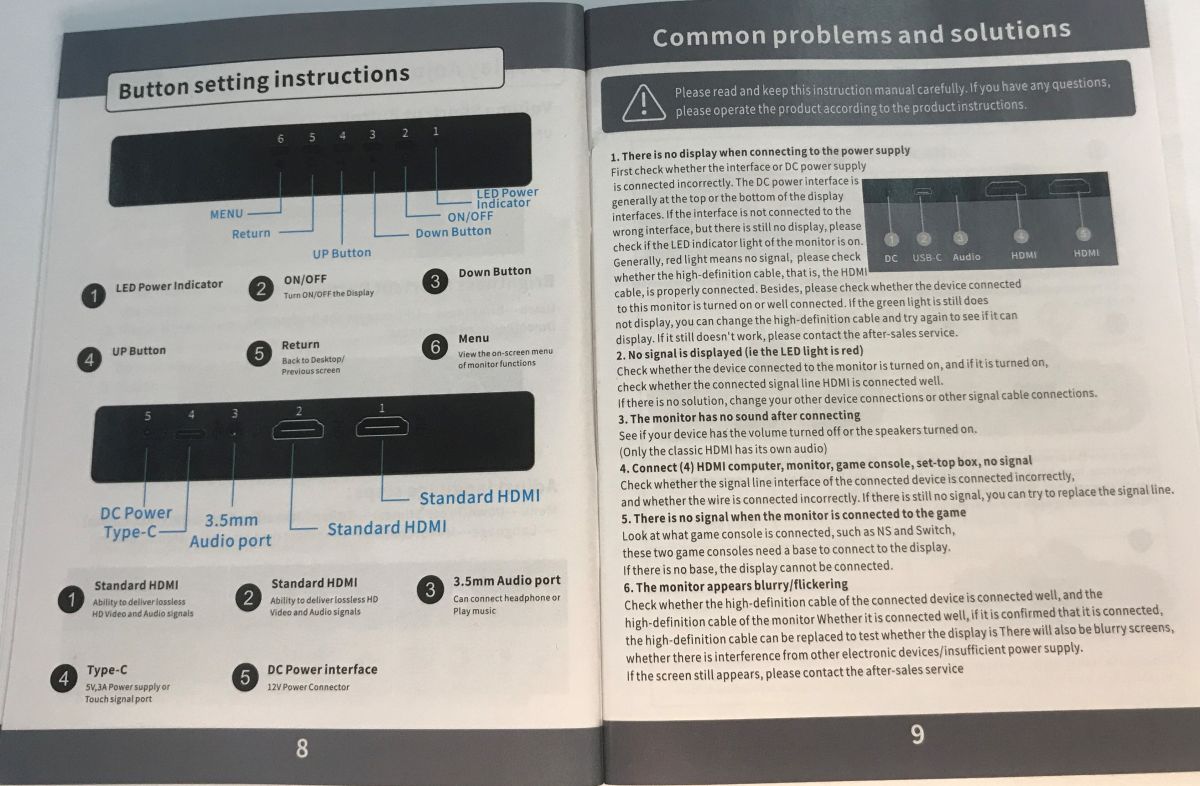
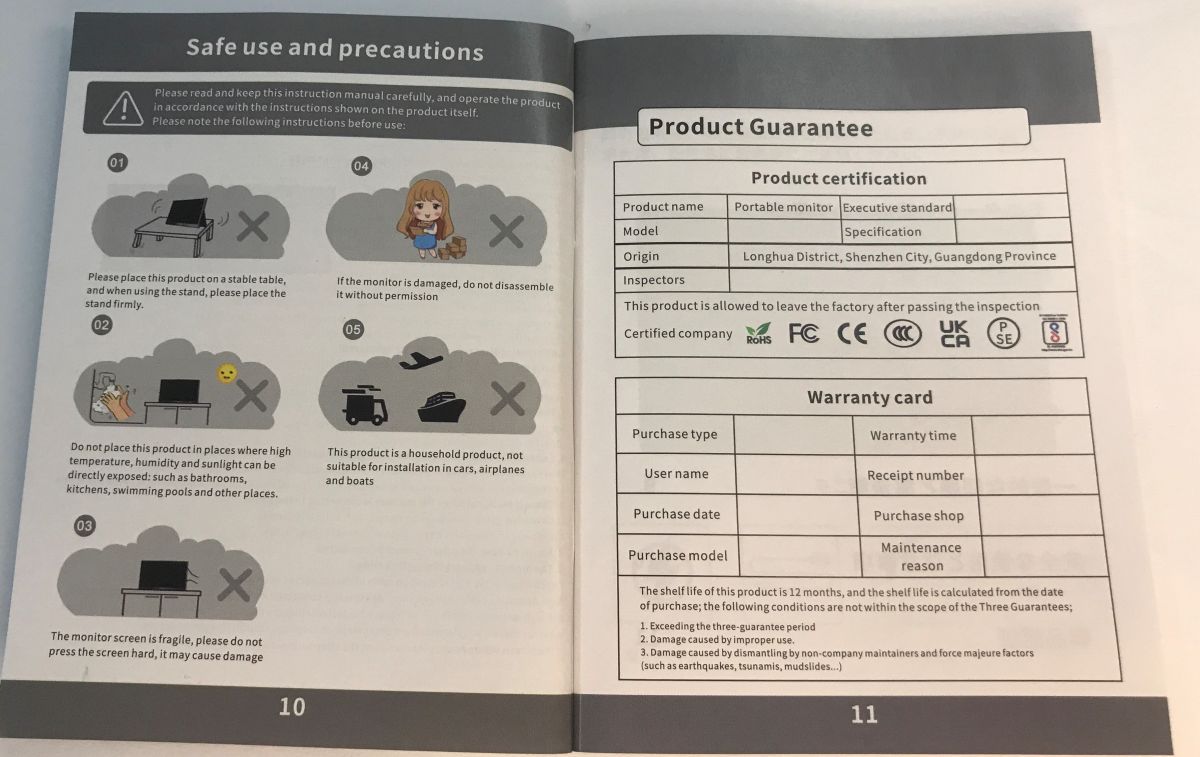
There is a manual included that can help you get the monitor up and running if in doubt. The booklet is quite thick as it is translated into several languages, although I did not see Polish in there.
The first impression is fine. It's not the cheapest plastic, although it's a bit short of top shelf too.
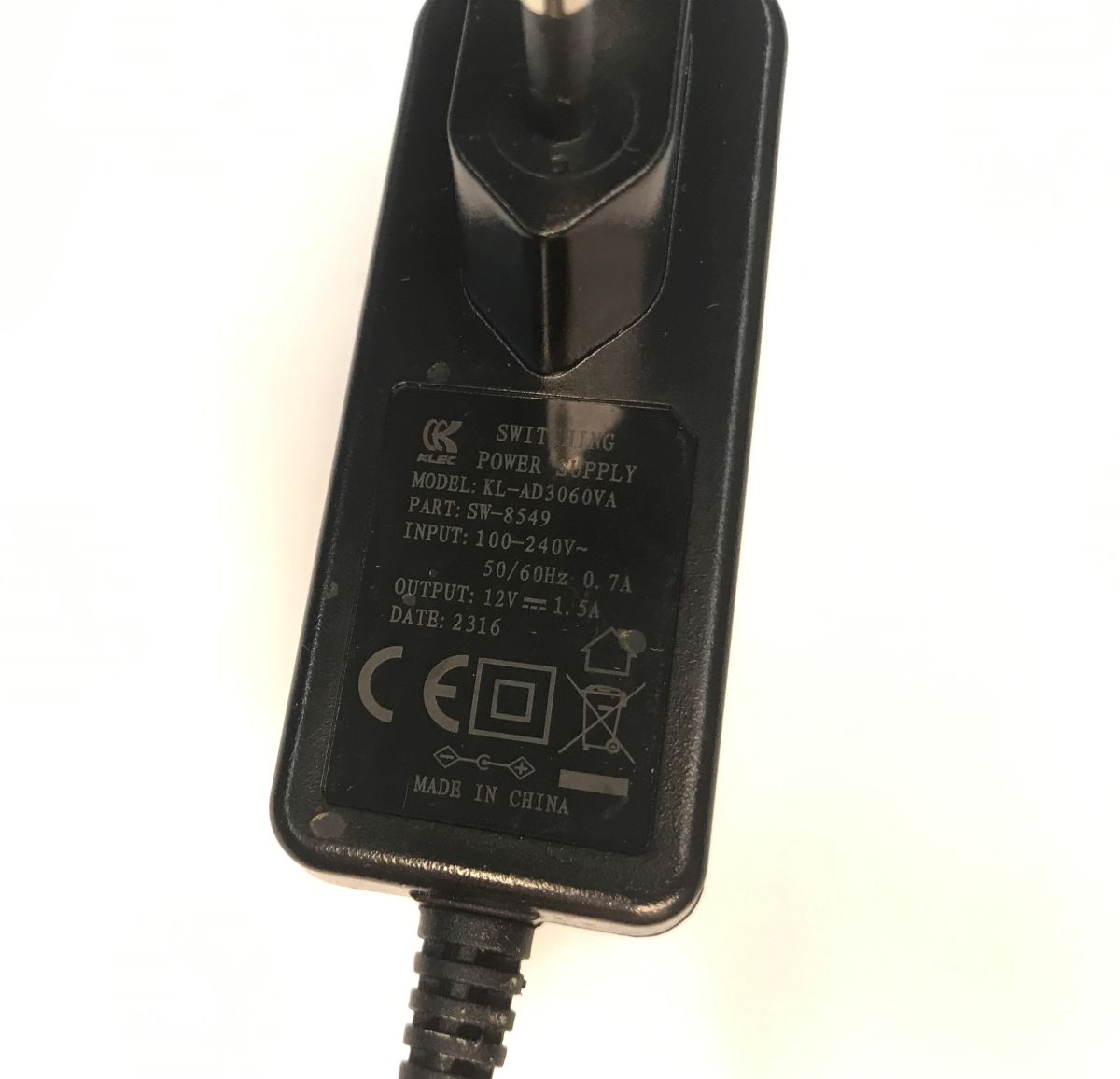
A 12 V 1.5 A power supply is included:
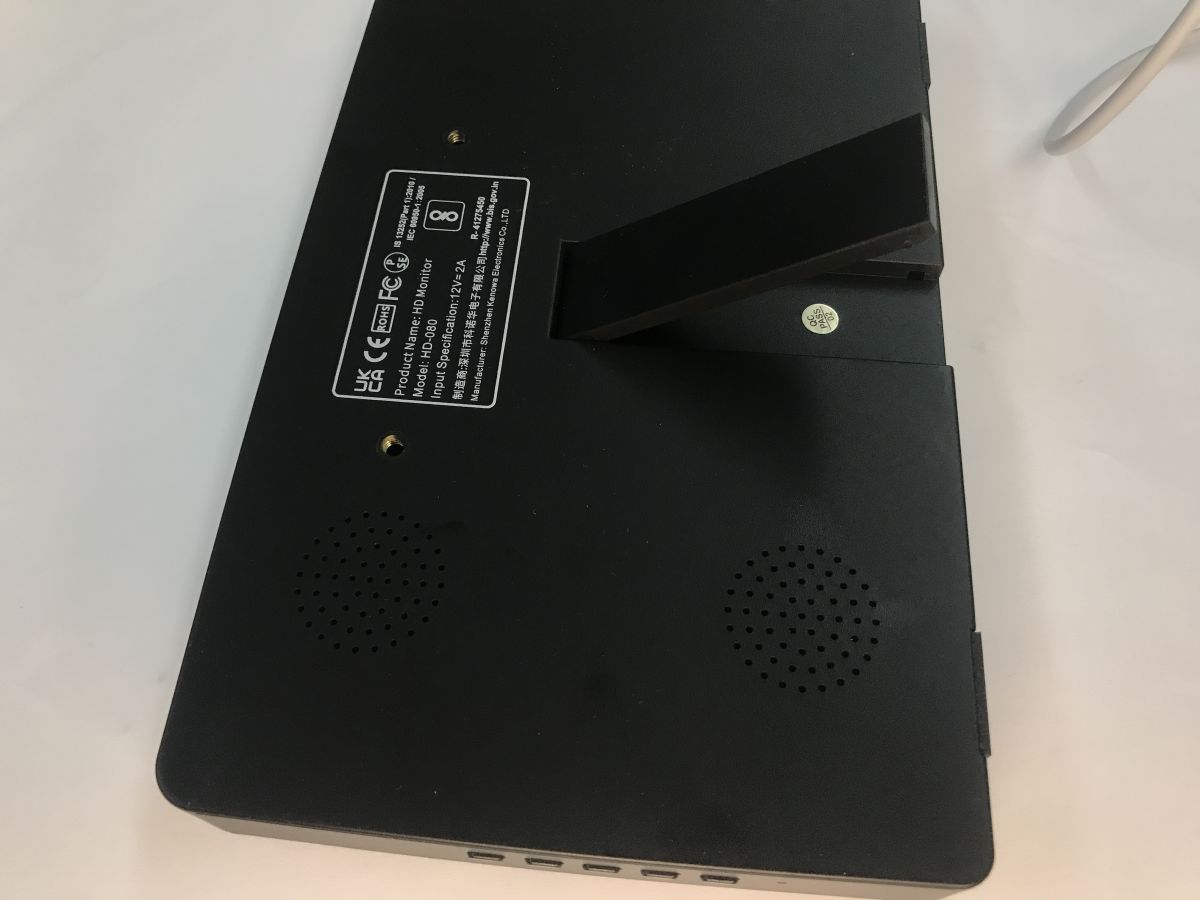
I have a little doubt about the leg. It runs quite clumsy. Surely after repeated folding and unfolding it can start to fail.
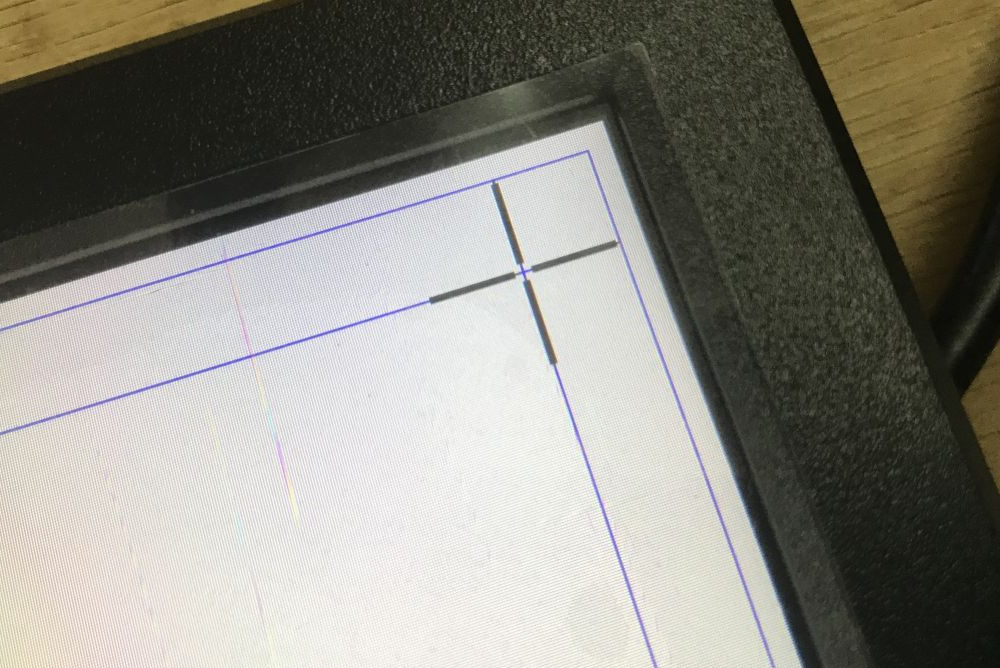
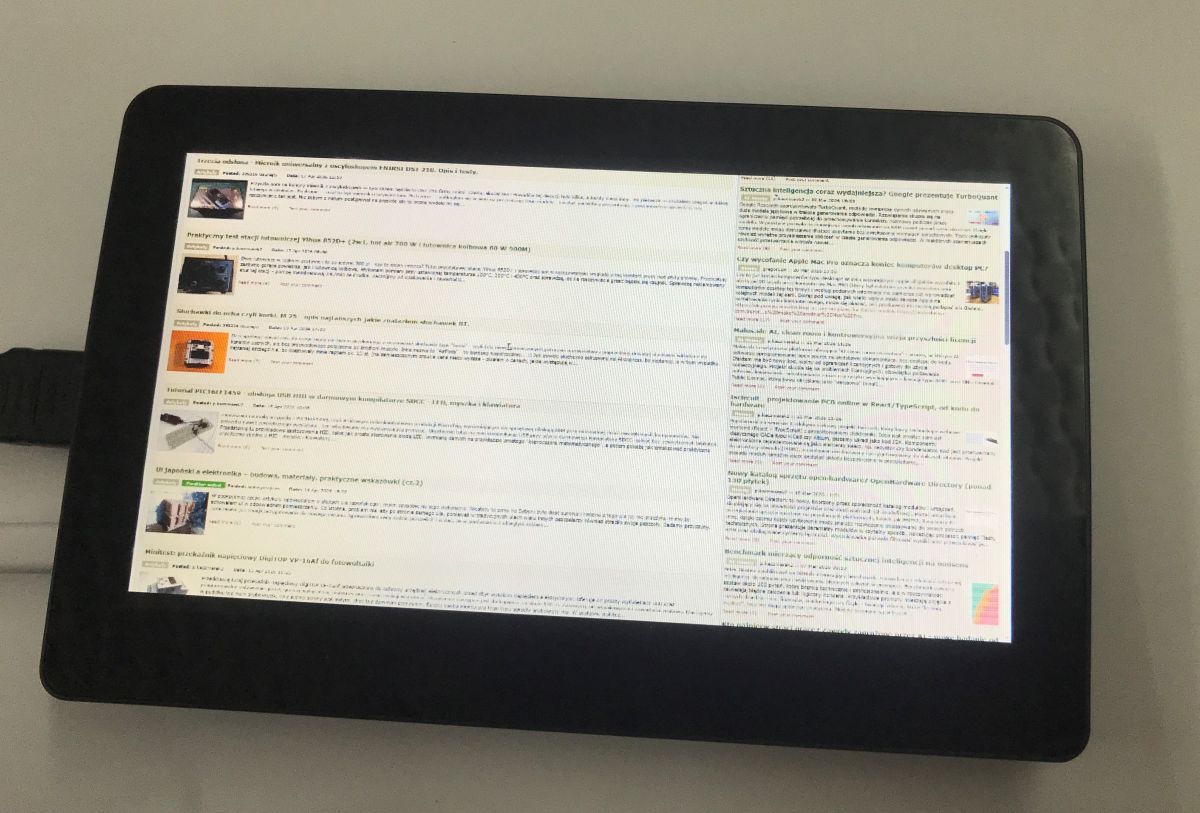
The first test I did was with a laptop. Windows immediately sees the touch device. It can then be calibrated in Control Panel -> Hardware and Sound -> Tablet Settings. Calibration involves touching the screen where the markers show. Below is an overview photo:
The image is good, although it is clear that a small screen is still a small screen:
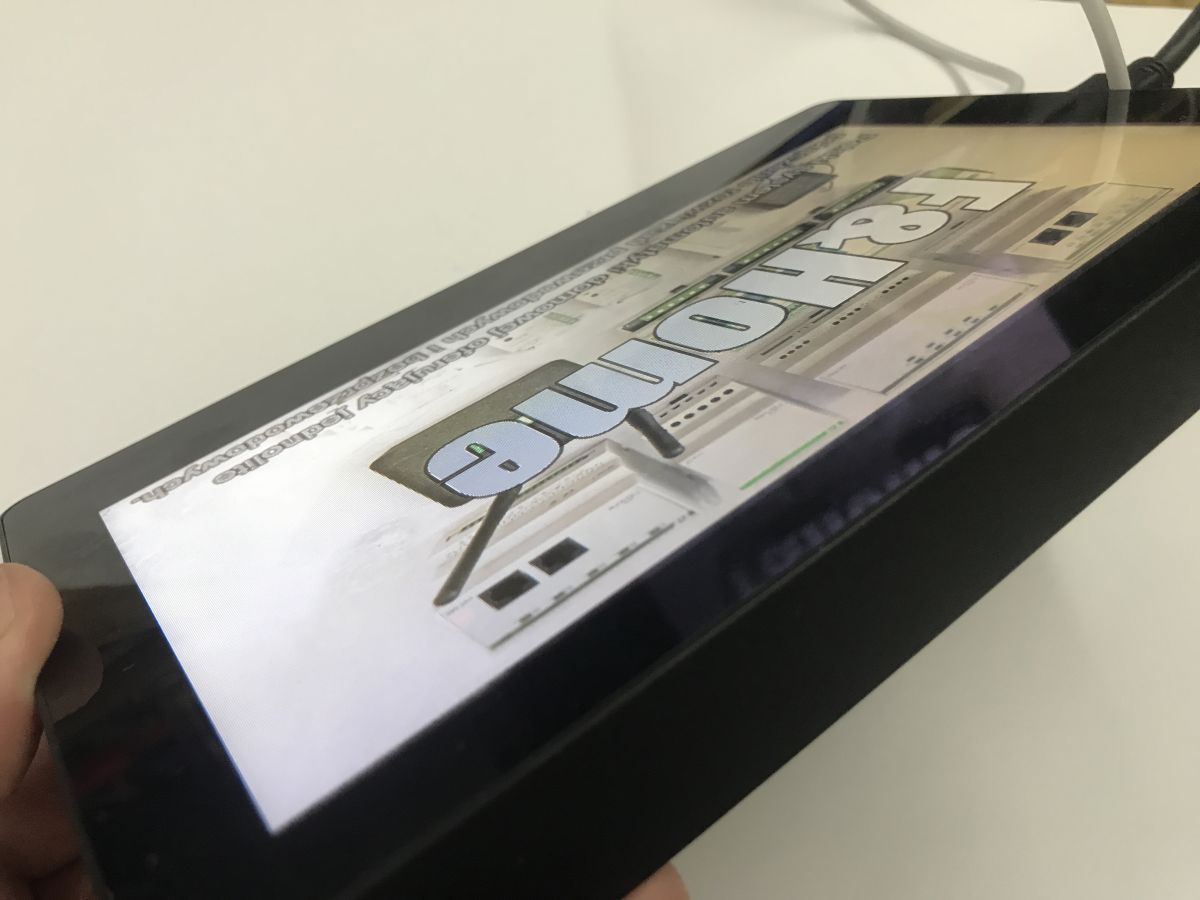
The viewing angle is also fine:
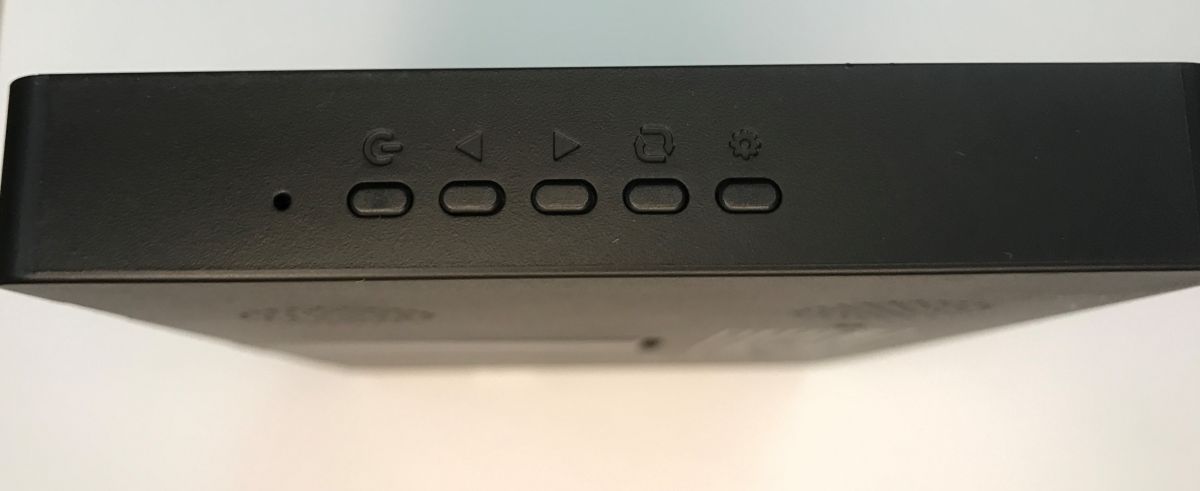
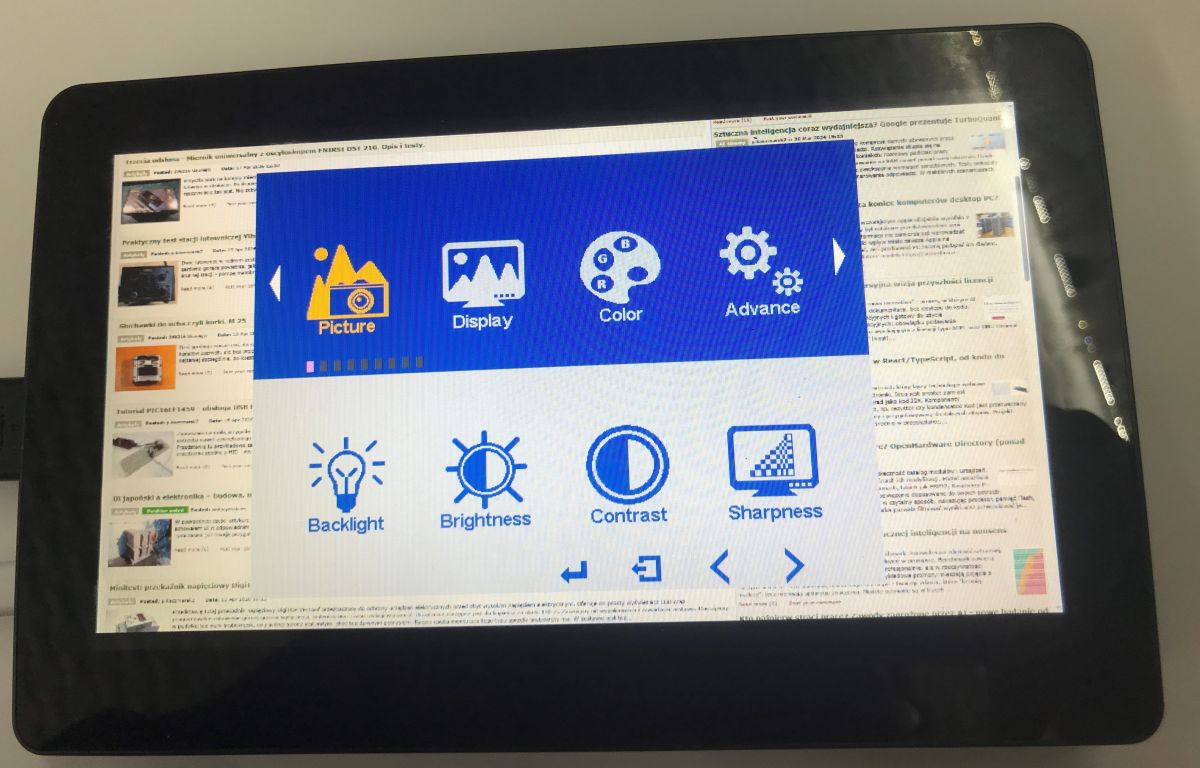
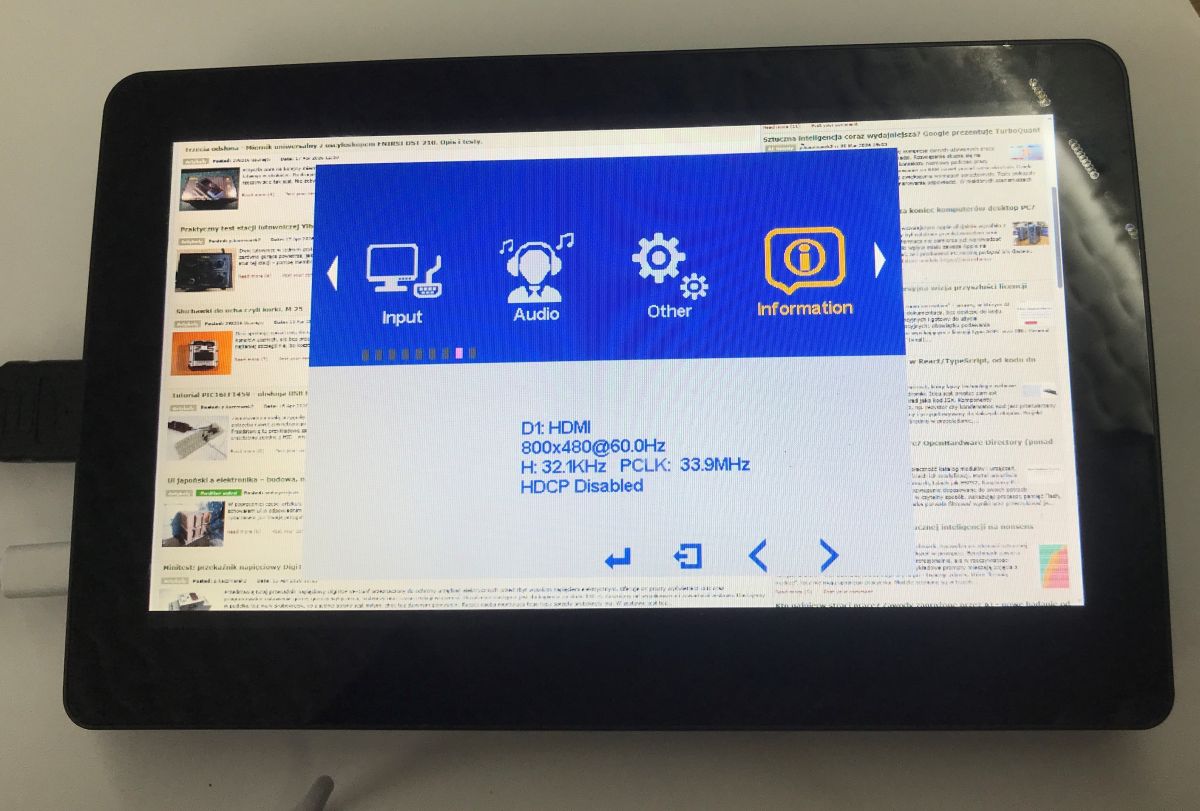
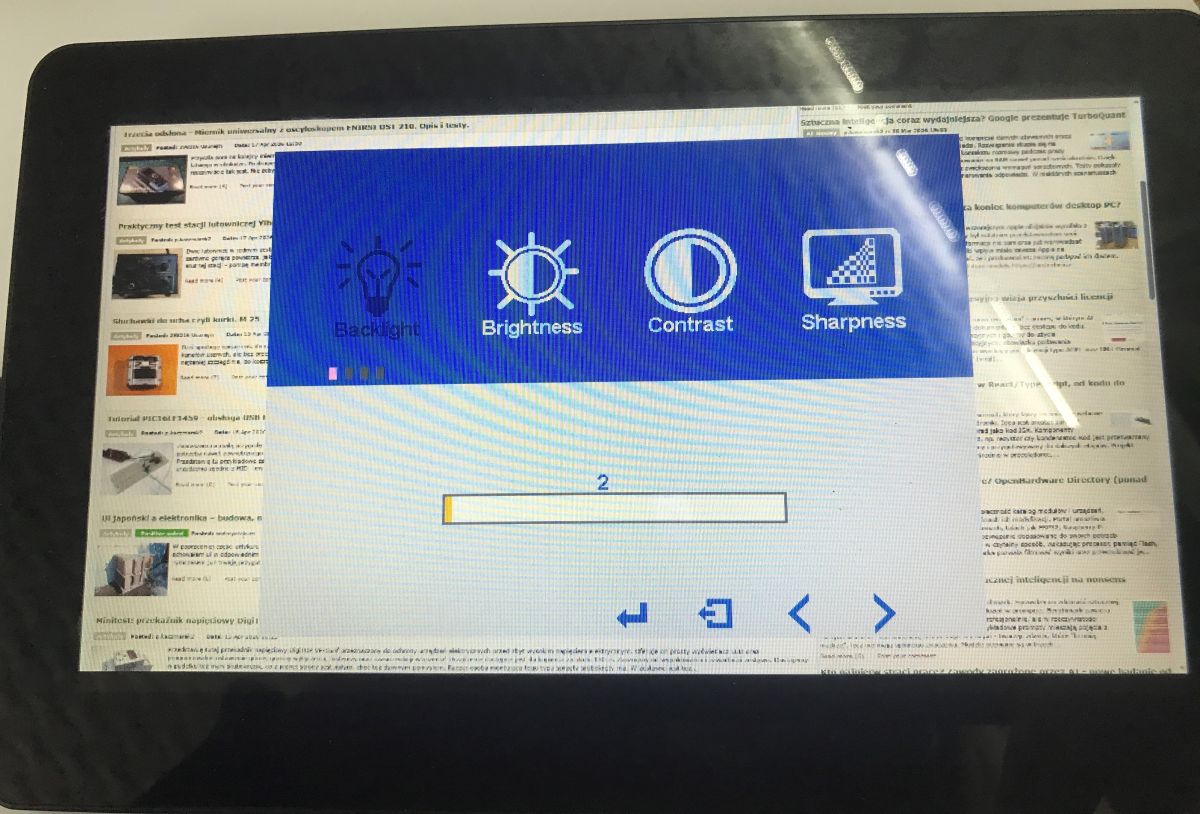
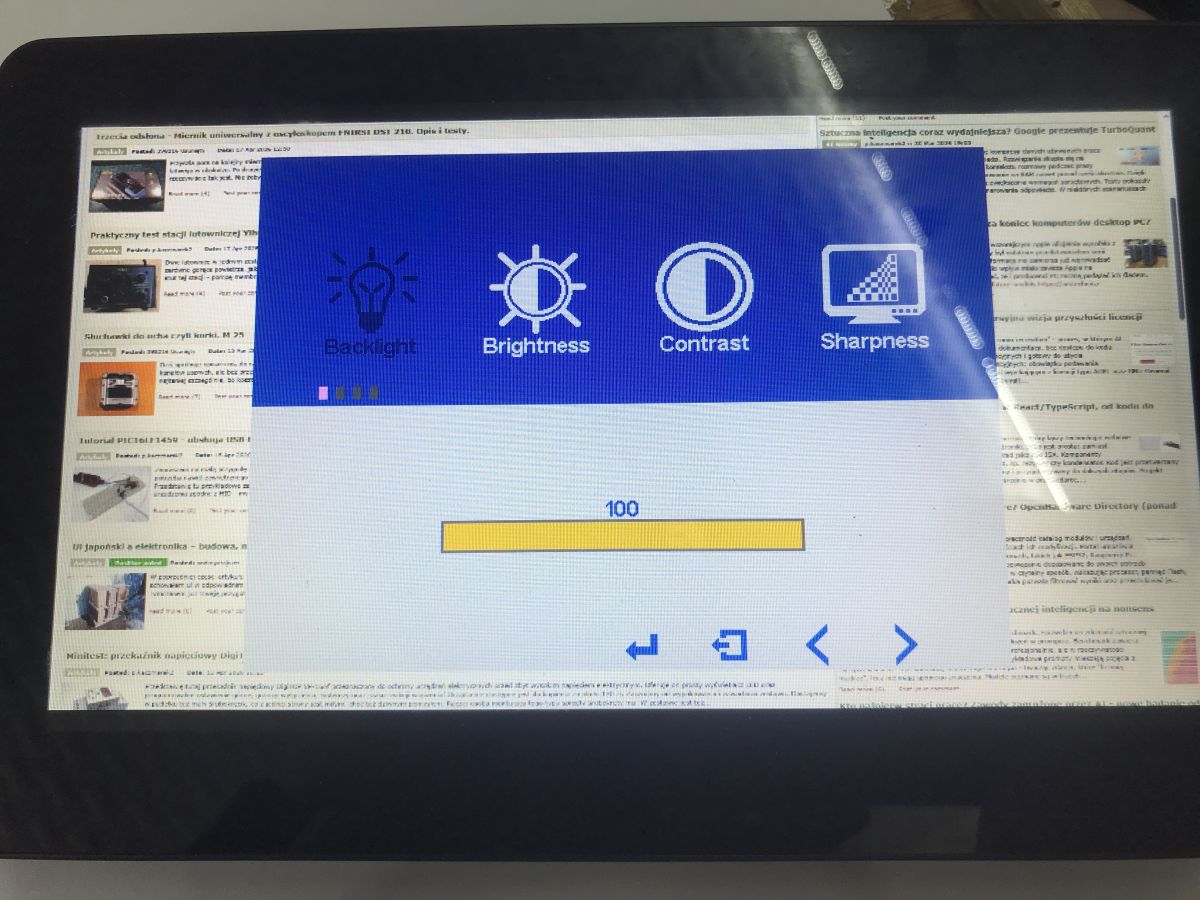
The monitor menu offers a number of settings to adjust the picture and sound to your own preferences. There, you can adjust, among other things, the backlight level, brightness, contrast or sharpness of the image, as well as change the audio settings. Additional options such as DDC/CI (to control the monitor from a PC), PCM (Pulse Code Modulation - sound format) and a demonstration mode to showcase the display's capabilities are also available.
I measured the current at the two extreme brightness levels:
Just over 1.5 W to 2.5 W is rather good for a small monitor. It's interesting to note that today's IoT actuators consume up to about 0.5 W without the relay on and up to 1.5 W with the relay on, so one monitor like this is a gross number of these modules.... of course this is the display itself, to have a control panel you would need to add some Raspberry.
It remains to check the delays:
The monitor does not introduce any noticeable latency to the laptop screen.
In summary , here we have a tiny touchscreen monitor that, even at high brightness levels, draws a mere 2.5W. The whole thing additionally supports DDC/CI, PCM and also has built-in speakers. The presented device can therefore undoubtedly work well as a control panel for home automation systems, a small service monitor or an additional screen for a laptop or minicomputer. Thanks to its touch support and USB-C power supply, getting it up and running is very simple and requires no complicated configuration. At this price, it seems like a pretty interesting proposition for hobby projects and experiments.
Do you use this type of monitor? What applications do you see for them?
About Author
p.kaczmarek2 wrote 14767 posts with
rating 12907 , helped 659 times.
Been with us since 2014 year.
Isn't it better some kind of used smartphone or tablet?
The battery doesn't have to last long.
The important thing is that the USB works [Read more]
p.kaczmarek2
31 May 2026 11:26
You made a good point - I presented this at one time too, there was an interesting discussion in the thread about the difficulties associated with this method:
Touch control panel for Home Assistant... [Read more]
FAQ
TL;DR: At 1.5–2.5 W, this 8-inch Pisichen DB124 is a low-power touch display for Raspberry Pi, Home Assistant, or laptop side-screen use; as the tester put it, "the image is good." It suits users who want a simple HDMI + USB-C panel instead of repurposing an old tablet, while keeping always-on power draw modest. [#21912841]
Why it matters: A small always-on control panel only makes sense if setup is easy, power draw stays low, and the screen remains usable at close range.
Option
Main connection path
Power / hardware notes
Best fit from the thread
8-inch touchscreen monitor
HDMI for video, USB for touch, optional 12 V power
Measured about 1.5–2.5 W; includes cables, PSU, speakers, stand
Home Assistant panel, service monitor, laptop second screen
Used tablet or smartphone
Native mobile device, optionally expanded by USB-C hub
Battery need not last long, but peripheral support is the key concern
Low-cost panel if USB and accessories work reliably
Key insight: The strongest takeaway is not the 800x480 panel itself, but the efficiency-to-convenience ratio: this screen stays in the low single-digit watt range while offering touch, speakers, HDMI, and simple startup over USB-C. [#21912841]
Quick Facts
The tested model is the 8-inch Pisichen DB124 with 800x480 resolution, IPS panel, 5-point touch, 250 cd/㎡ brightness, and 60 Hz refresh rate. [#21912841]
Physical specs are 1.3 × 17.6 × 11 cm and about 920 g, which makes it compact but still substantial for bench or wall-panel experiments. [#21912841]
The package includes full cabling, a manual, and a 12 V 1.5 A power supply, which improves out-of-box usability but may raise the effective price near 180 PLN. [#21912841]
USB-C power draw measured just over 1.5 W at the lowest brightness and about 2.5 W at the highest brightness, a useful range for always-on dashboards. [#21912841]
Compared with cited actuator figures in the thread, IoT relay modules use about 0.5 W idle and up to 1.5 W with relay on, so one display can equal several small automation nodes in total consumption. [#21912841]
1. What do you get in the box with the 8-inch Pisichen DB124 touchscreen monitor, and does the included power supply and cabling justify the price?
You get the monitor, full cabling, a manual, and a 12 V 1.5 A power supply. That bundle improves first-time setup because you do not need to source extra leads or a PSU. The trade-off is price: the tester explicitly notes that included accessories are useful, but they likely push the cost toward 180 PLN. If you value plug-and-play convenience, the bundle helps justify the price. [#21912841]
2. How do you connect and calibrate the touch function of the Pisichen DB124 monitor in Windows using Control Panel and Tablet Settings?
Windows sees the touch device immediately after connection, then you calibrate it in Control Panel → Hardware and Sound → Tablet Settings.
Connect the monitor to the laptop so video and touch are available.
Open Tablet Settings from Control Panel.
Start calibration and touch the markers where Windows shows them.
The thread states that calibration consists of touching the indicated points on screen, and Windows recognized the touch interface right away. [#21912841]
3. How much power does the 8-inch Pisichen DB124 monitor draw over USB-C at minimum and maximum brightness?
It draws just over 1.5 W at the lowest brightness and about 2.5 W at the highest brightness. That is a narrow range for an always-on 8-inch touchscreen monitor with speakers and HDMI support. For a Home Assistant panel, this keeps display-only consumption in the low single-digit watt class before adding the Raspberry Pi or other host. [#21912841]
4. How good is the image quality and viewing angle on the 800x480 IPS Pisichen DB124 for Raspberry Pi or Home Assistant use?
The image quality is good for its class, and the viewing angle is also described as good. The main limit is not color or angle, but size: an 8-inch, 800x480 screen remains small, so dense interfaces can feel cramped. For Raspberry Pi dashboards or Home Assistant touch controls, it suits simple layouts better than information-heavy screens. [#21912841]
5. What picture and audio settings are available in the monitor's on-screen menu, and how useful are options like backlight, contrast, sharpness, and sound adjustment?
The on-screen menu lets you adjust backlight level, brightness, contrast, sharpness, and audio settings. Those controls matter because they let you tune readability and power use without changing the source device. The thread also mentions DDC/CI, PCM, and a demo mode, so the menu is broader than basic brightness-only controls. That makes the monitor more practical as a multi-role screen instead of a fixed-function panel. [#21912841]
6. How noticeable is the input or display latency when the 8-inch Pisichen DB124 is used as a second screen for a laptop?
The latency is not noticeable in the test shown. The tester explicitly states that the monitor introduced no visible delay relative to the laptop screen during the comparison video. For a second-screen role, that means normal cursor movement and touch interaction should feel immediate enough for control-panel or utility use. [#21912841]
7. What applications make the most sense for a tiny 8-inch touchscreen monitor such as a Home Assistant control panel, service display, or Raspberry Pi screen?
The best uses are a Home Assistant control panel, a small service monitor, or an extra screen for a laptop or minicomputer. Those roles match the monitor's strengths: USB-C power, touchscreen support, small footprint, and low draw of about 1.5–2.5 W. It also includes built-in stereo speakers and a 3.5 mm audio jack, which broadens its usefulness for compact bench setups. [#21912841]
8. Used tablet or smartphone vs small HDMI touchscreen monitor — which is better for a Home Assistant wall panel or Raspberry Pi project?
Neither is universally better; the stronger choice depends on whether you prioritize simple monitor-style hookup or mobile-device reuse. The dedicated monitor gives straightforward external-display behavior, while a used tablet or smartphone can be attractive if battery life is unimportant and USB support meets your needs. The thread avoids a final verdict and instead proposes comparing both approaches in separate DIY builds before drawing conclusions. [#21912908]
9. What problems come up when trying to use an old tablet as a touch control panel for Home Assistant instead of a dedicated monitor?
The main problem is accessory and integration complexity, not the screen itself. The reply points to a separate discussion specifically about the difficulties associated with this method, which implies that repurposing an old tablet for Home Assistant raises practical issues absent from a plain HDMI touchscreen monitor. In this thread, the dedicated monitor wins on simplicity because it behaves like a standard external display with direct touch support. [#21912908]
10. How can a USB-C hub or splitter expand a tablet or smartphone for peripherals like wired Ethernet or UART in a home automation setup?
A USB-C hub or splitter can expand a tablet or smartphone by adding peripherals beyond the built-in ports, including wired Ethernet and UART. The author says this was tested in a related experiment to enrich a tablet's peripherals through a USB hub. In a home automation setup, that matters because network and serial access can turn a tablet from a simple panel into a more integrated controller. [#21912908]
11. In what way can a USB-to-UART converter be used with Android, Windows, or web platforms to control relay modules from a tablet?
It can let a tablet talk to a relay executive module over serial through a USB-to-UART converter. The author explicitly links this idea to Android, Web, and Windows platform support and notes that a relay module could be driven from a tablet this way. That makes the tablet more than a touchscreen dashboard; it can become an interface for actual hardware control. [#21912908]
12. What is DDC/CI in a monitor, and how does it help when controlling display settings from a PC?
"DDC/CI is a monitor-control standard that lets a PC communicate with the display and change settings such as brightness without using the monitor's physical buttons." In this thread, DDC/CI appears as a menu option and is described as a way to control the monitor from a PC. That is useful when the screen sits inside an enclosure or on a wall panel. [#21912841]
13. What is PCM in the monitor audio menu, and what does it mean for built-in speakers or the 3.5 mm audio jack?
"PCM is a digital audio format that carries sound as sampled data, and in a monitor menu it identifies the audio handling mode used for built-in speakers or headphone output." The thread lists PCM among the available menu options and notes that the monitor has dual stereo speakers plus a 3.5 mm audio jack. In practice, it signals that audio settings are not limited to picture-only controls. [#21912841]
14. What should you watch out for in the build quality of a small touchscreen monitor, especially the stand, plastic housing, and long-term durability?
Watch the stand first, because it is the clearest durability concern in this thread. The tester says the plastic does not feel like the cheapest grade, but it also does not reach top-shelf quality. The stand moves clumsily, and repeated folding and unfolding is singled out as a likely failure point. That is the main edge-case warning if you plan to reposition the screen often. [#21912841]
15. How does the power consumption of this 8-inch touchscreen compare with typical IoT actuator modules, and what does that mean for always-on home automation panels?
This screen uses more power than a single small actuator, but still stays efficient for a display. The thread cites about 0.5 W for an IoT actuator without relay engaged and up to 1.5 W with relay on, while the monitor measures about 1.5–2.5 W. That means one always-on panel can equal several tiny automation modules in consumption, and you still must add the Raspberry Pi or other controller on top. [#21912841]
AI summary based on the discussion. May contain errors.







Comments
Isn't it better some kind of used smartphone or tablet? The battery doesn't have to last long. The important thing is that the USB works [Read more]
You made a good point - I presented this at one time too, there was an interesting discussion in the thread about the difficulties associated with this method: Touch control panel for Home Assistant... [Read more]