





The interior of an old Schneider Electric SR1 A201BD programmable logic controller
TL;DR 
- Inside an old Schneider Electric/Telemecanique Zelio Logic SR1 A201BD programmable logic controller, a 24V DC DIN-rail smart relay with 12 inputs and 8 relay outputs.
- The teardown finds ULN2003A relay drivers, HEF4050BT buffers, TAKAMISAWA JS24M-K relays, and an HD64F3644H H8/300H microcontroller on a separate cross-slot board.
- The front-panel menu exposes PROGRAM, PARAMET, VISU, and RUN/STOP, plus CLEAR PROG, TRANSFER, and PROG INFO, while deeper editing can be done with free Zelio Soft.
- Despite scrap damage like cut wire ends, the controller still runs its program, shows messages on the LCD, and appears reusable for practice or education.
AI summary based on the discussion. May contain errors.
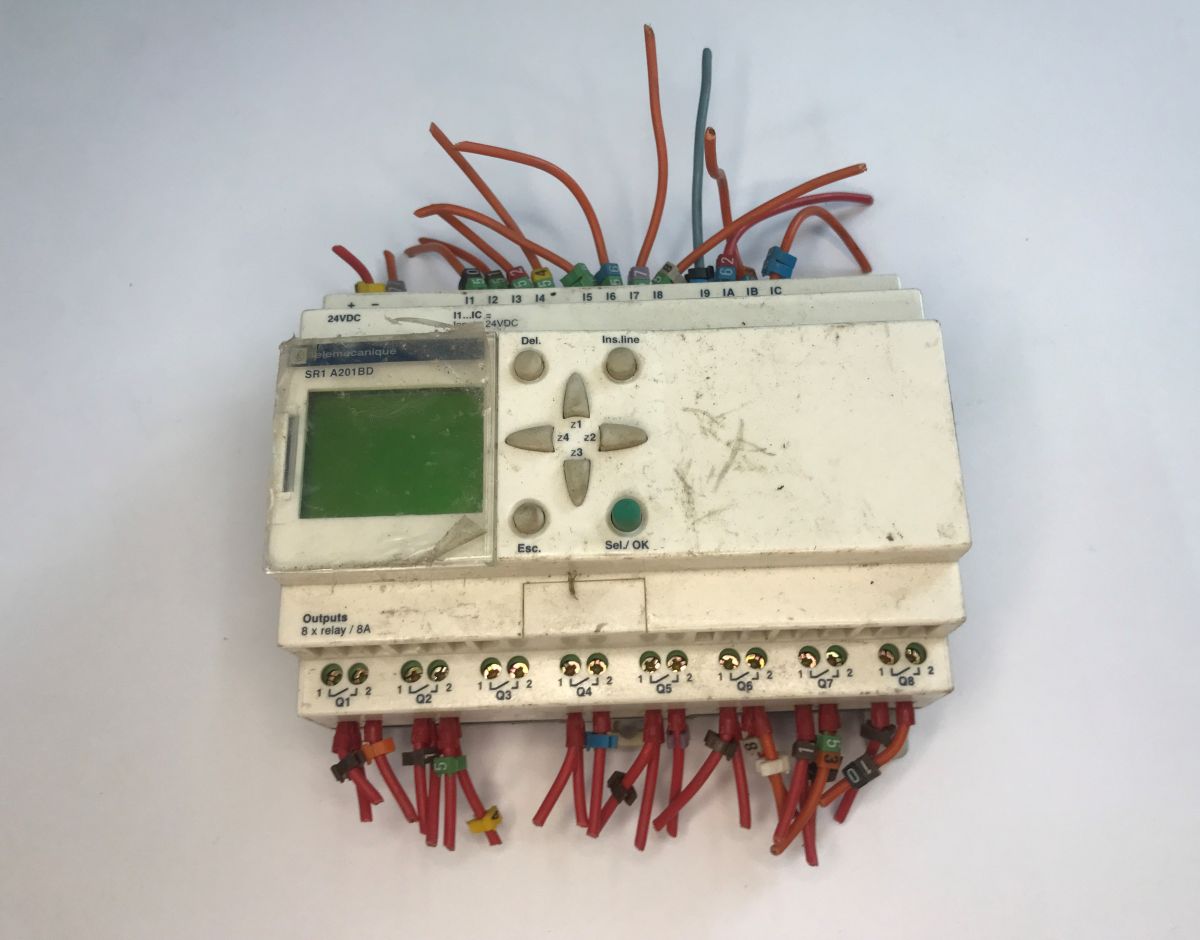
Today we’re taking a look inside yet another piece of older industrial automation equipment. This time, we’re examining the Zelio Logic SR1 A201BD controller from Telemecanique, which was later acquired by Schneider Electric. It is a classic in the field of automation, powered by 24V DC, offering programmable I/O consisting of 12 inputs and 8 relay outputs. Interestingly, as early as the 2000 catalogue, the device was advertised as a ‘smart relay’, which nowadays might bring to mind the ubiquitous concept of the ‘smart home’.
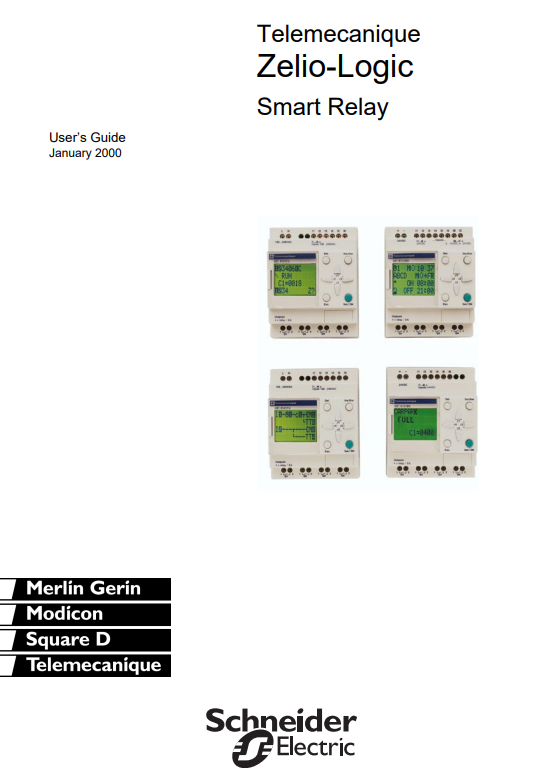
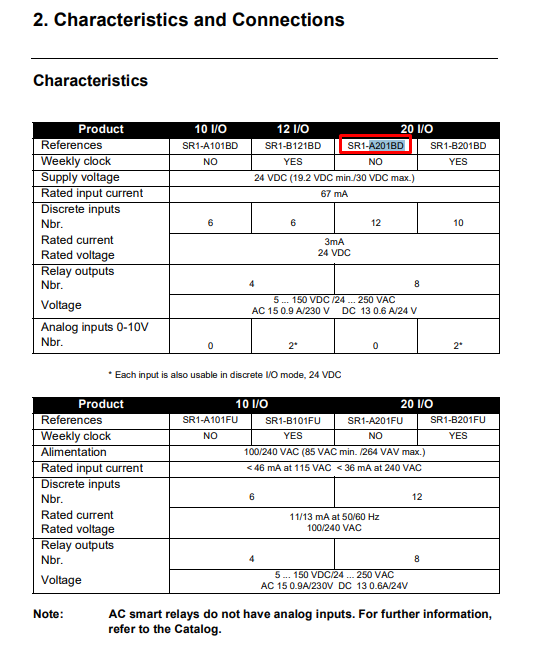
In its day, this device was an excellent alternative to building complex control cabinets using standard relays and timers, offering the ability to programme it easily “on the fly” using the built-in display and keypad.
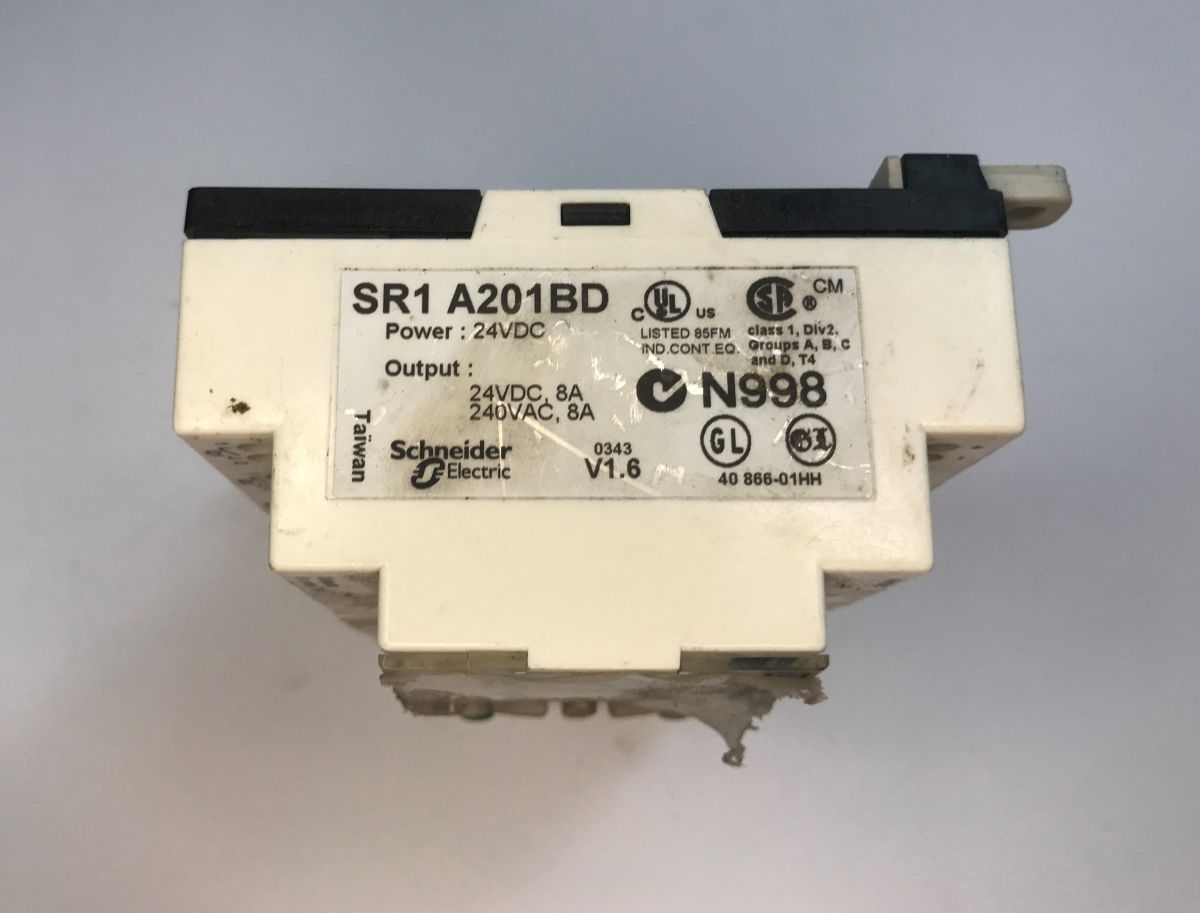
The unit operates on 24 V DC, a voltage typical for industrial designs, and is mounted on a DIN rail. On the front panel, there is the aforementioned liquid crystal display and the buttons described above.
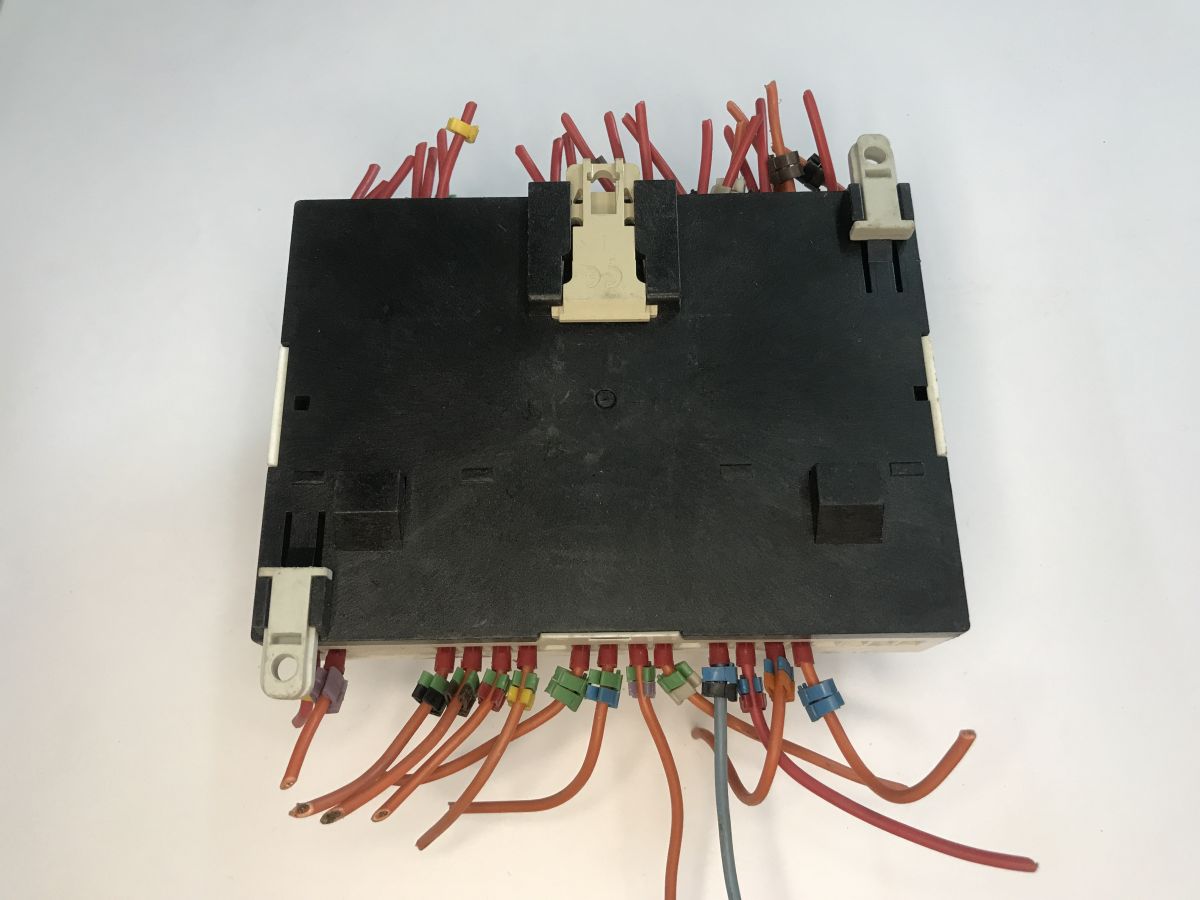
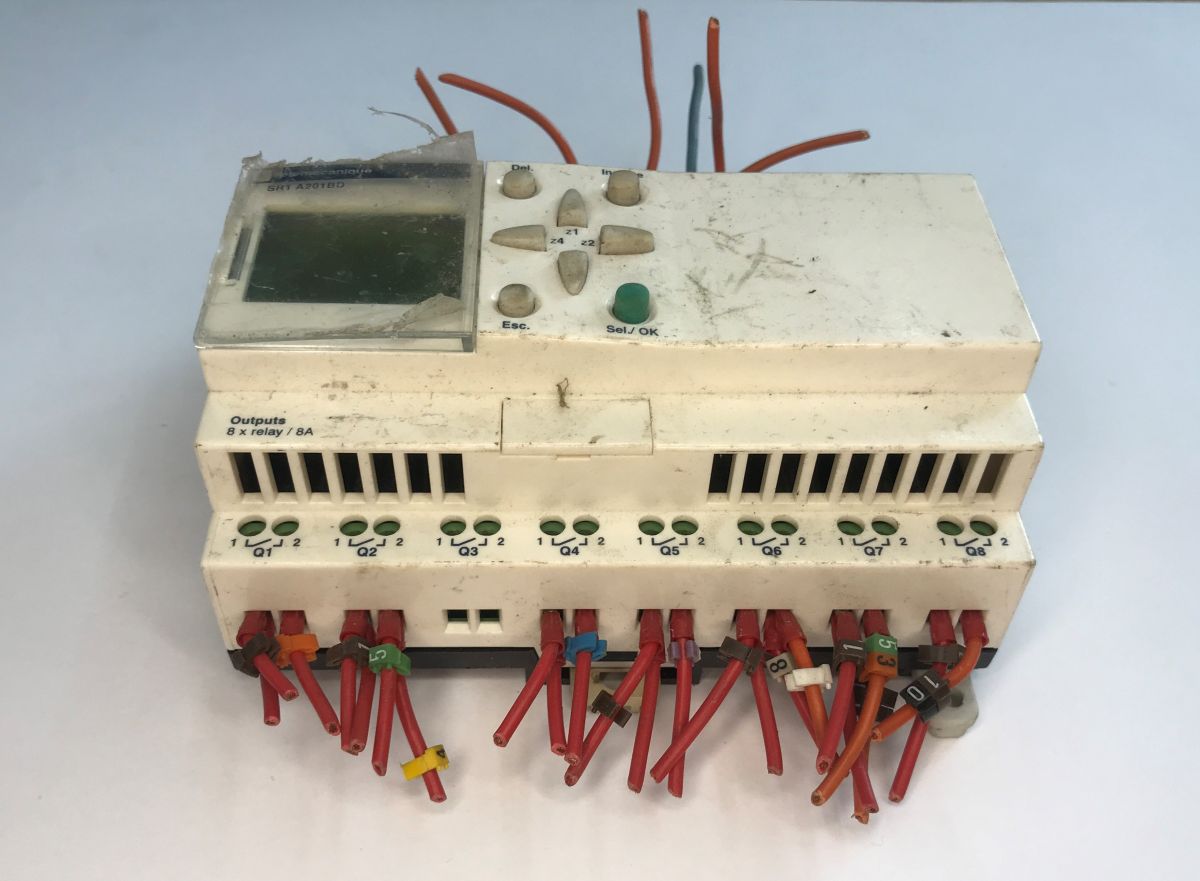
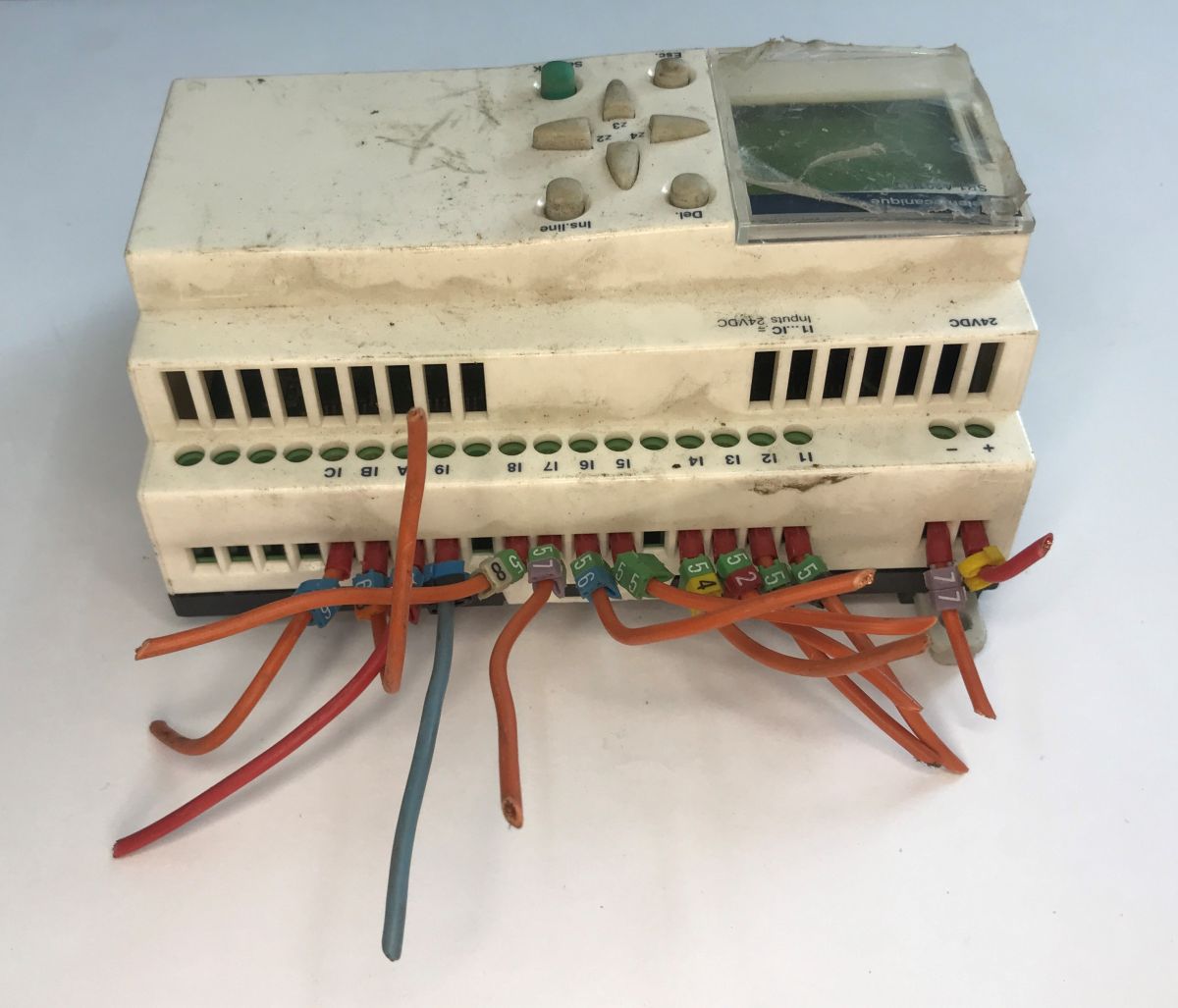
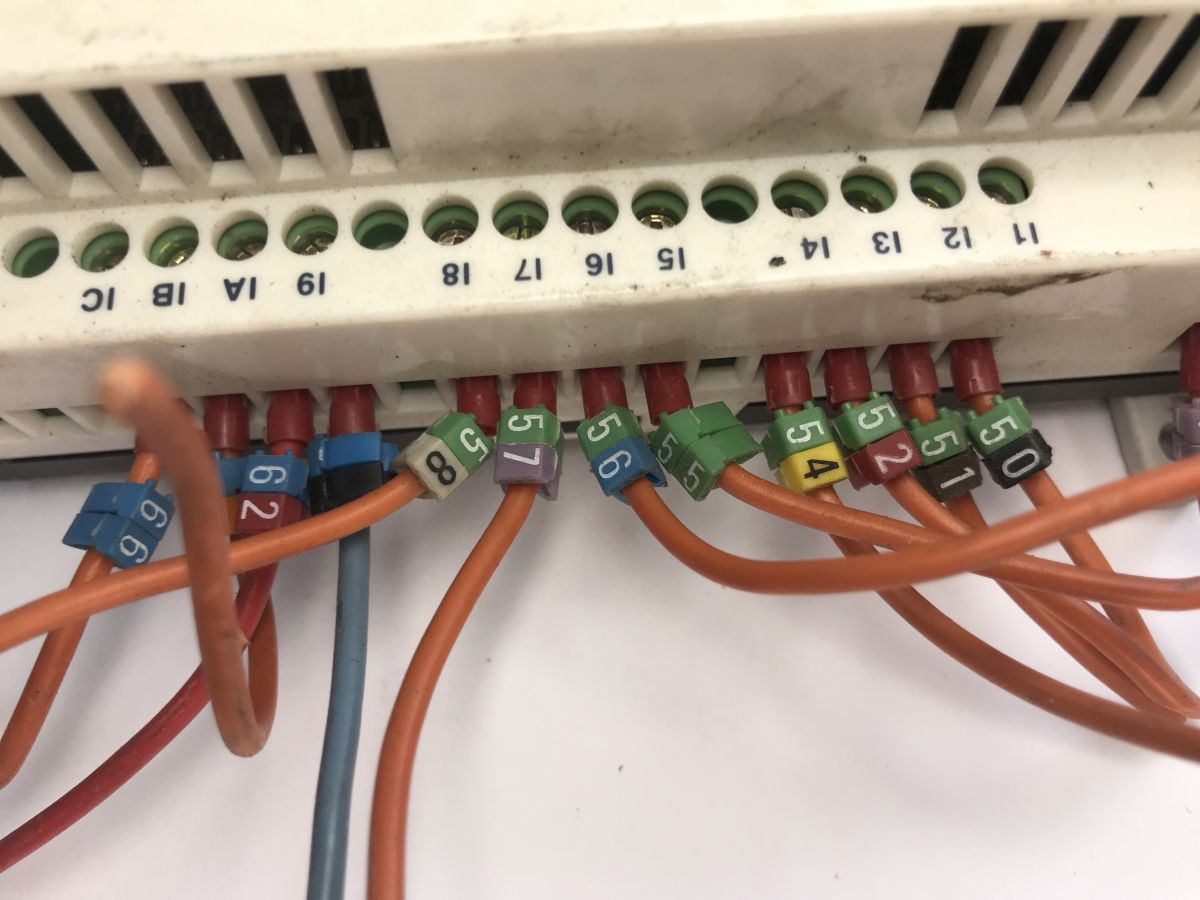
My unit has a slight quirk: the wire ends have been cut off. I often come across this with devices salvaged from scrap. You might also notice the ‘beads’ with numbers on them, used to label the signals. Very handy and practical.
Now you can take a look inside. Simply pry open the clips – preferably several at once – and gradually separate the casing.
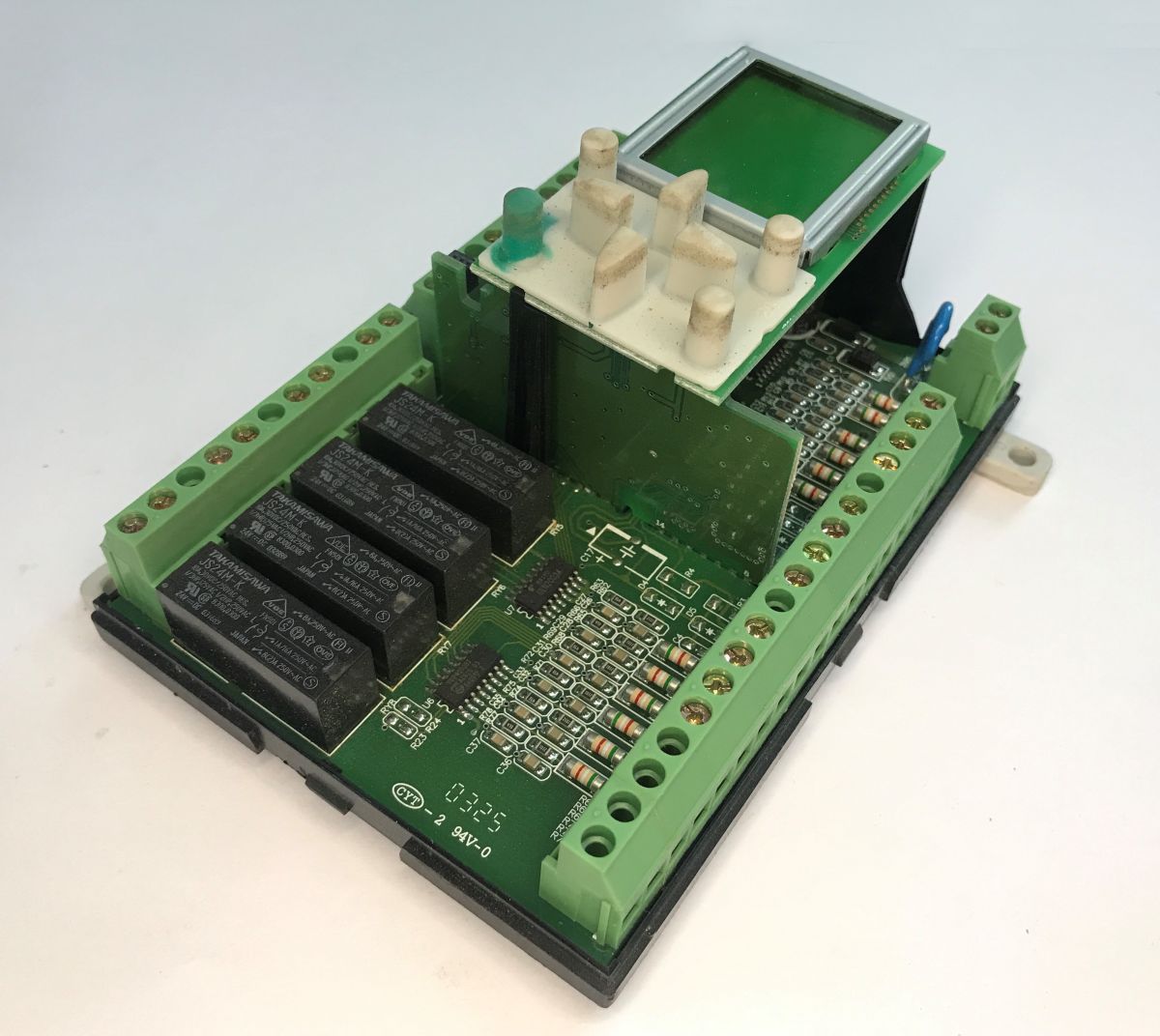
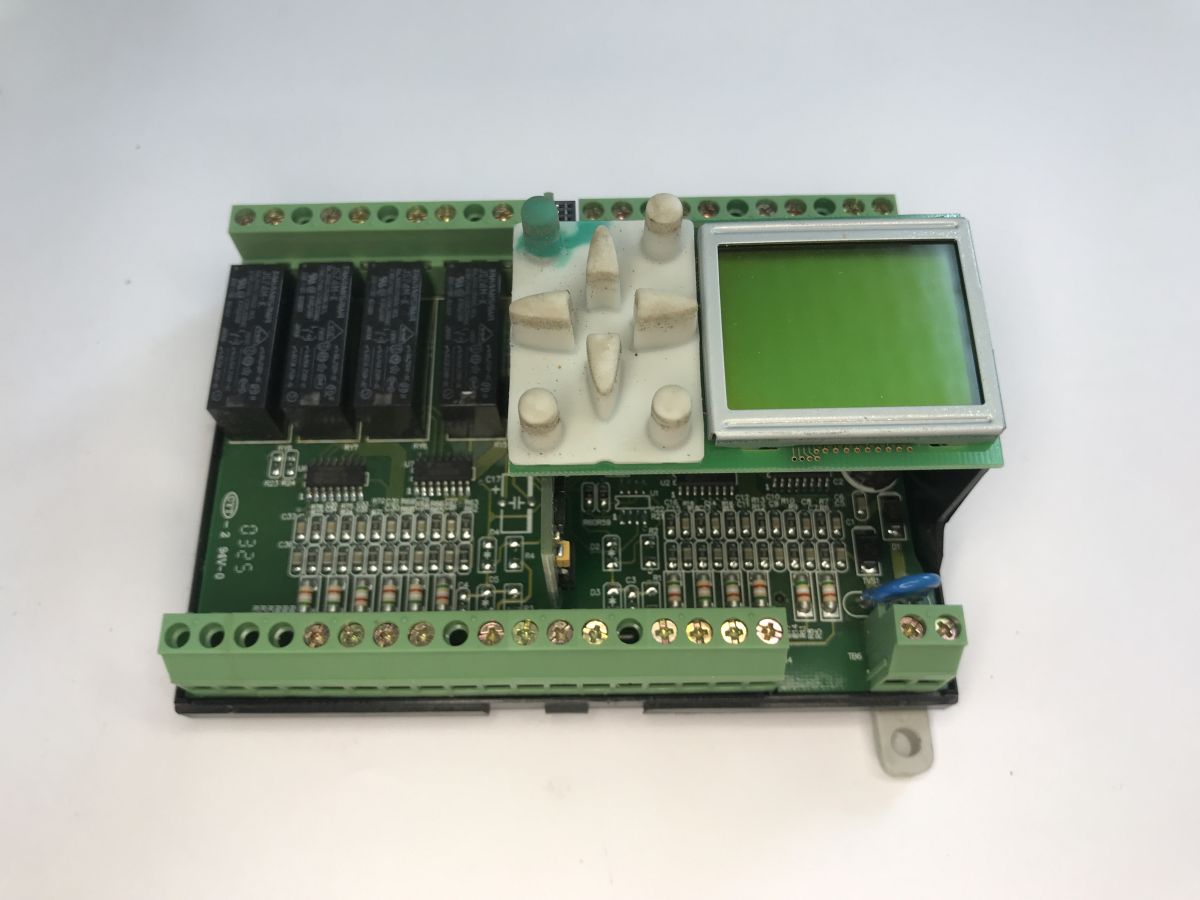
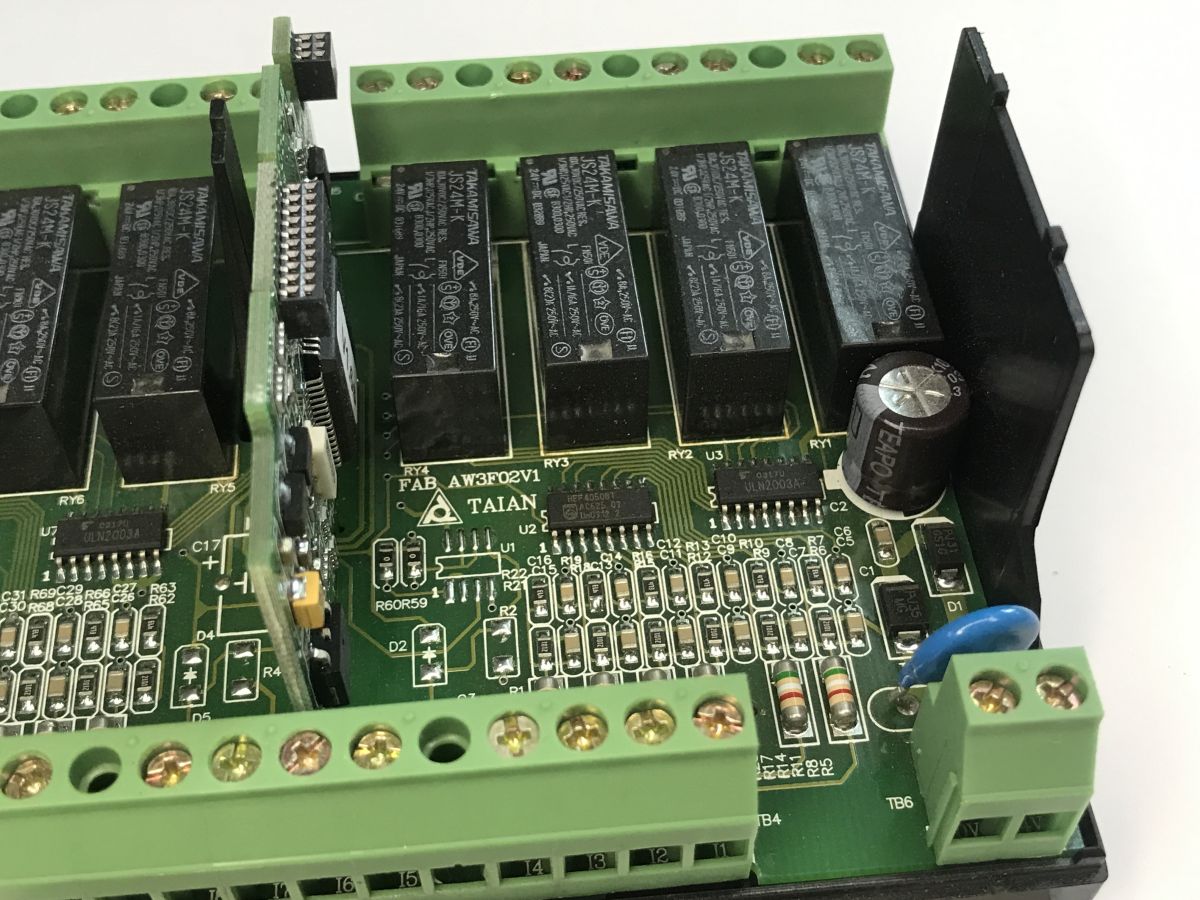
At first, it looks as though there are two circuit boards inside – the base board and the display board. After a moment, however, we notice that there is also a cross-slot board, and it is on this that the main microcontroller is located, but more on that in a moment. First, the relays.
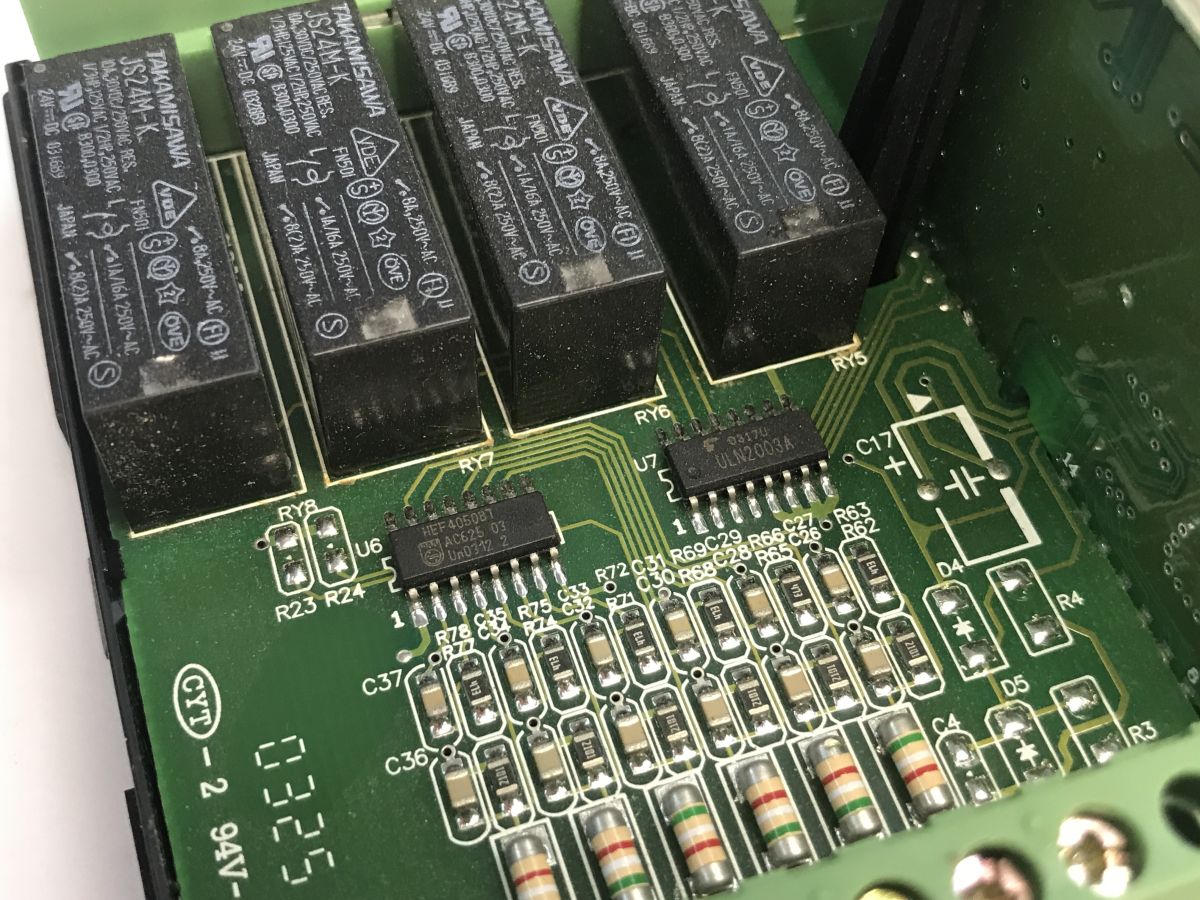
The relay coils are driven by the ULN2003A, a common Darlington transistor ladder circuit, ideal for switching inductive loads. Next to it is the HEF4050BT chip, which acts as a buffer and logic level converter. The relays themselves are the reliable TAKAMISAWA JS24M-K, rated for 24V DC. Now you can remove the display:
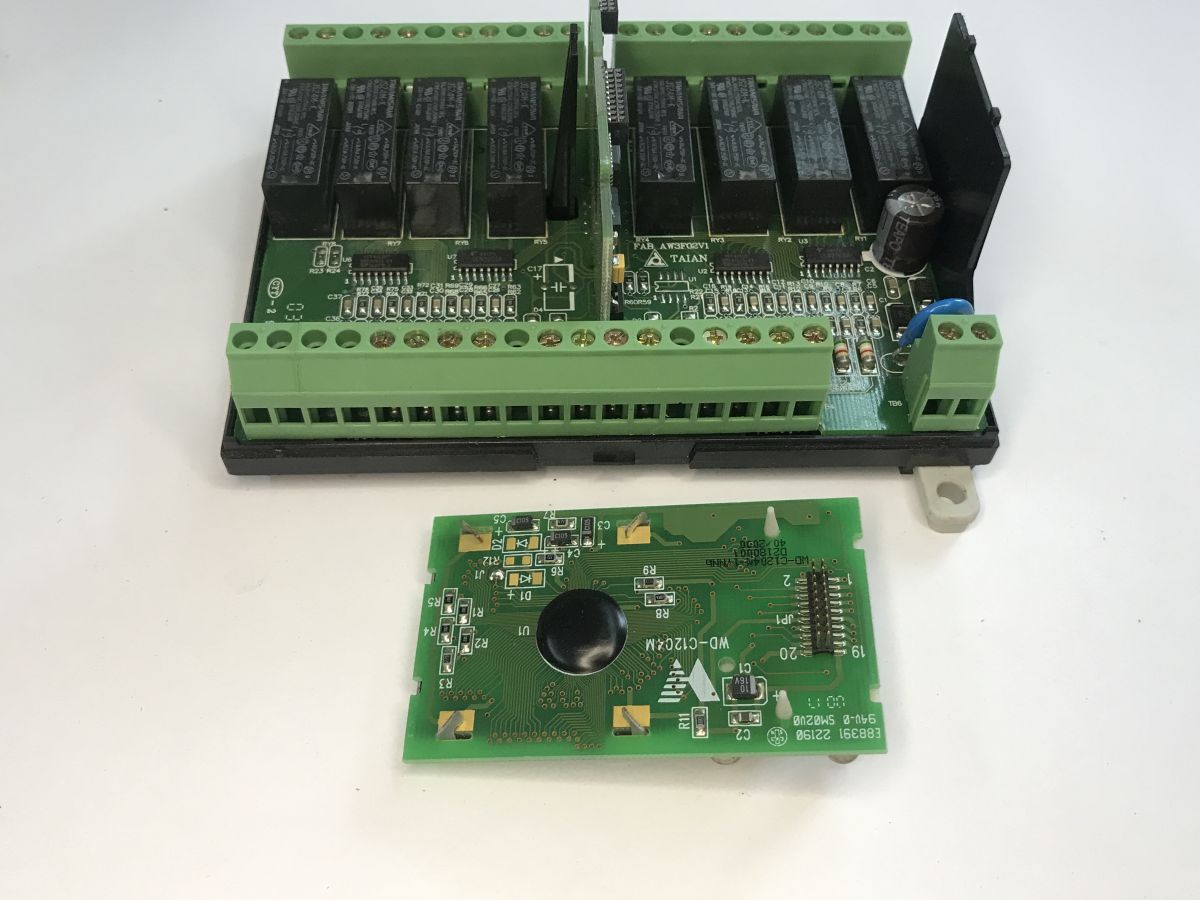
On the other side, the ULN2003 + HEF4050 pair is repeated.
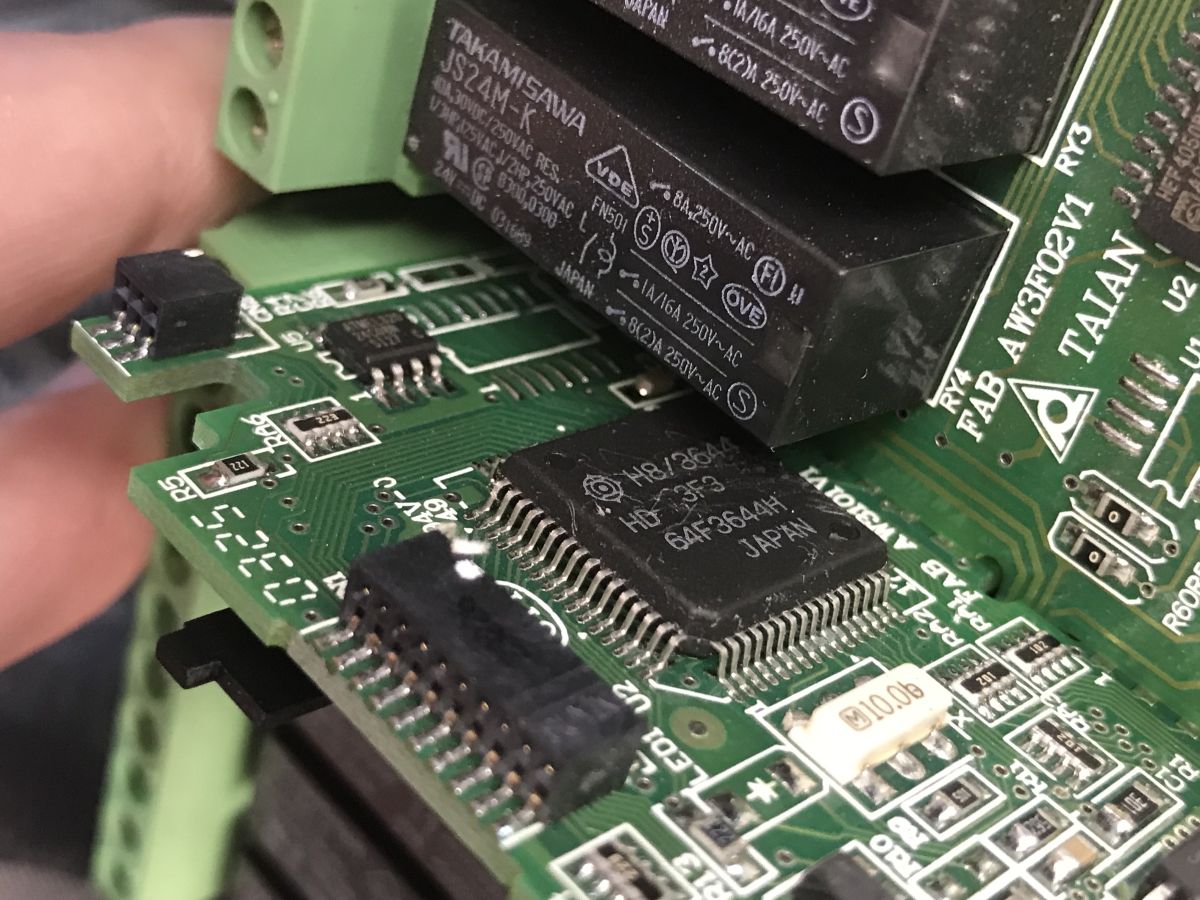
Now for the most interesting part – the main CPU and the small EEPROM in a SOIC package:
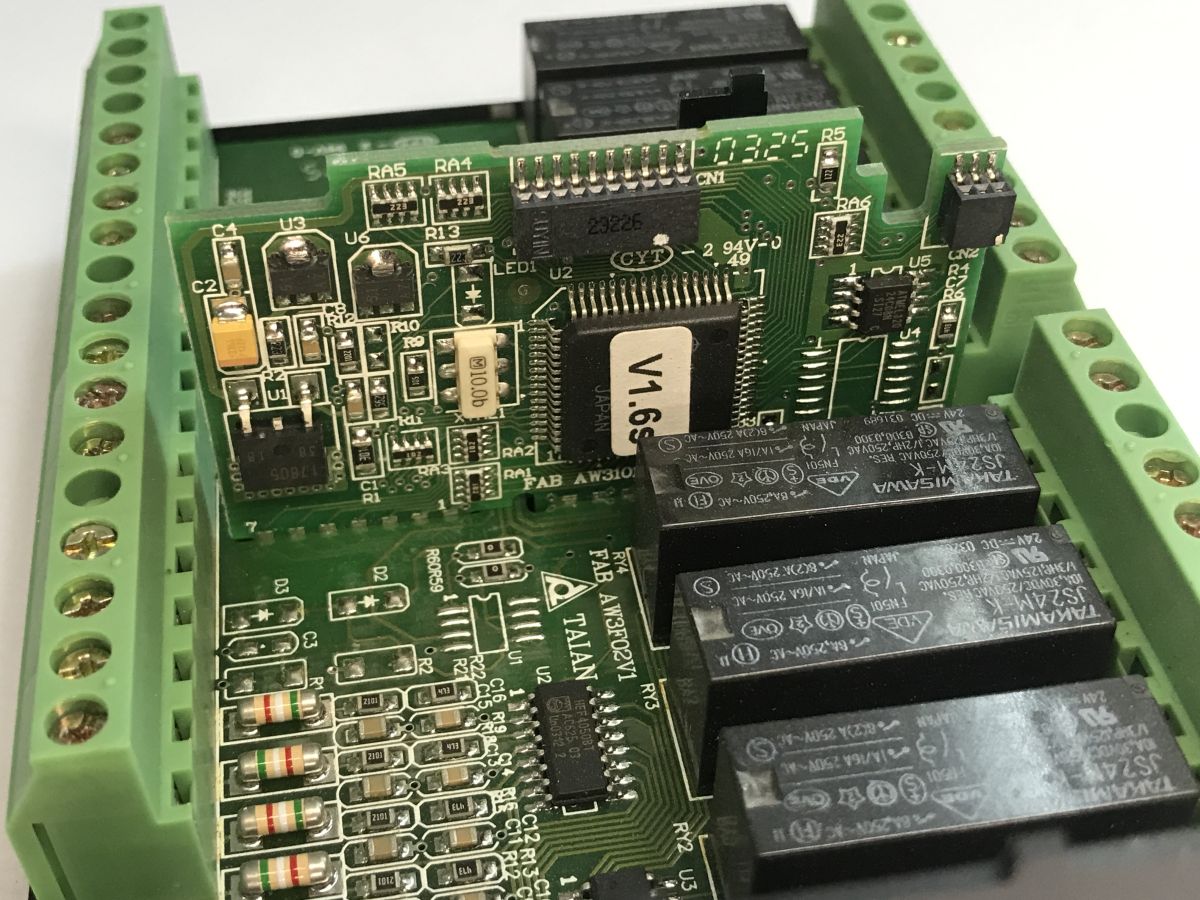
You can also see a programming connector in the corner. I removed the label from the TQFP chip and identified it as an HD64F3644H microcontroller (part of the H8/300H family from Hitachi, now Renesas). It is a high-performance 16-bit chip that successfully handled the relay logic.
So much for the construction. Does this scrap device actually work?
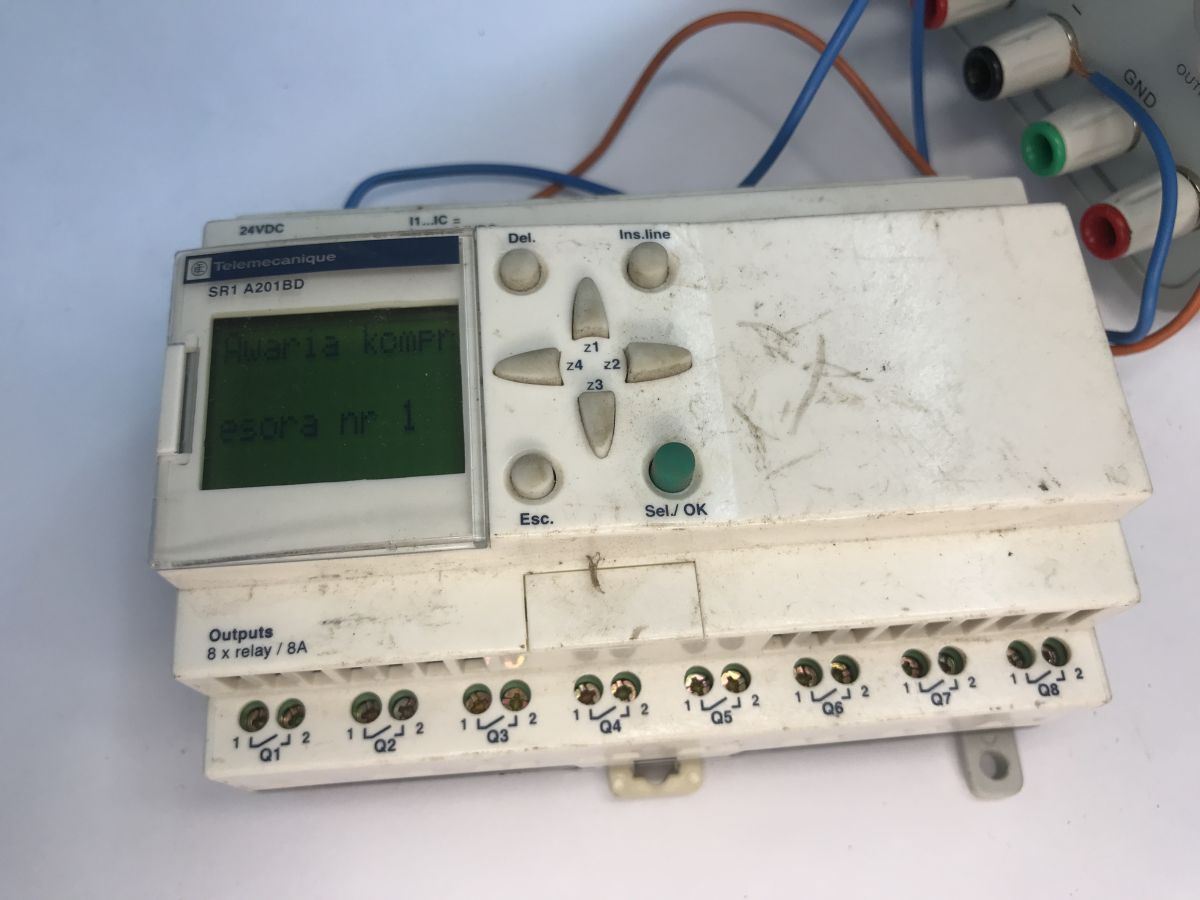
It seems so – the programme runs and a message from that very programme is displayed. Using the keypad, you can exit the programme and navigate through the menu, which includes options such as PROGRAM, PARAMET, VISU and RUN/STOP
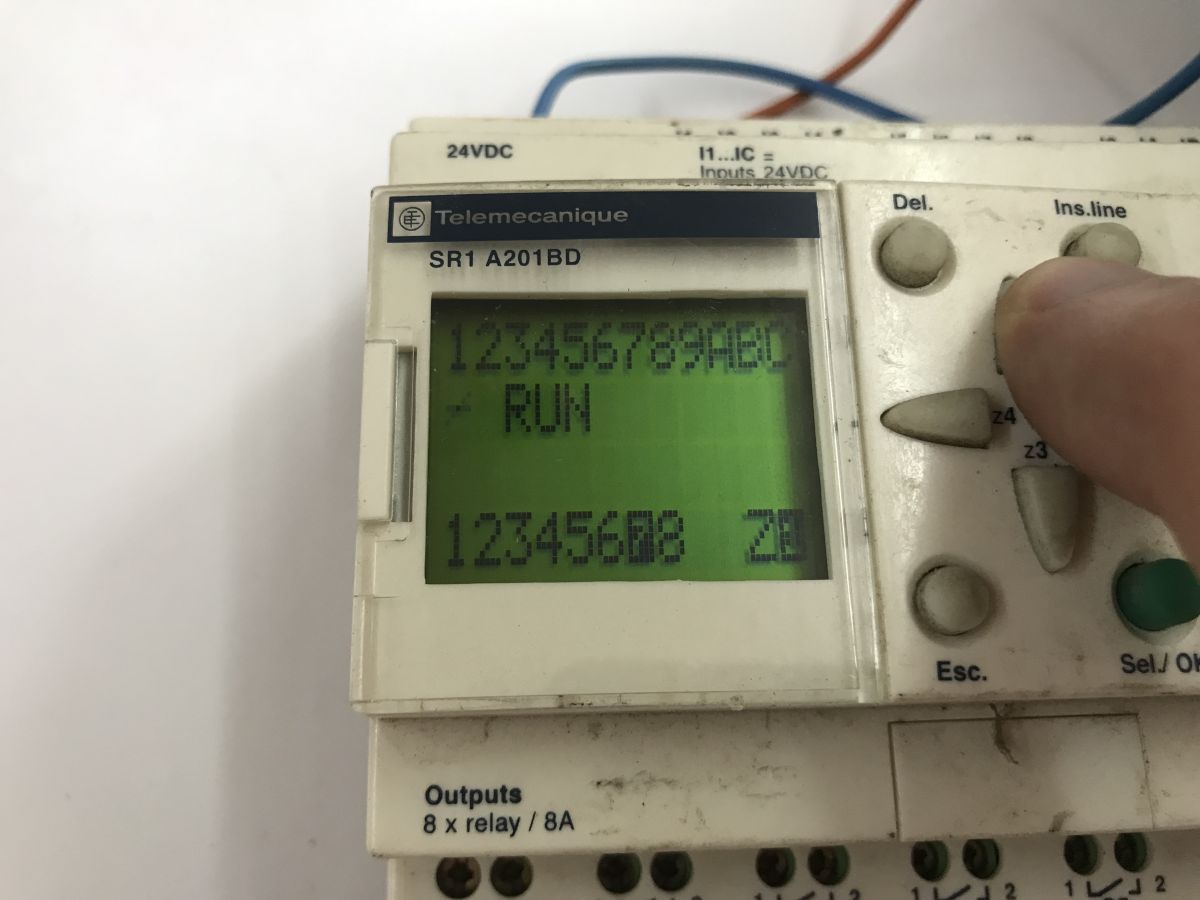
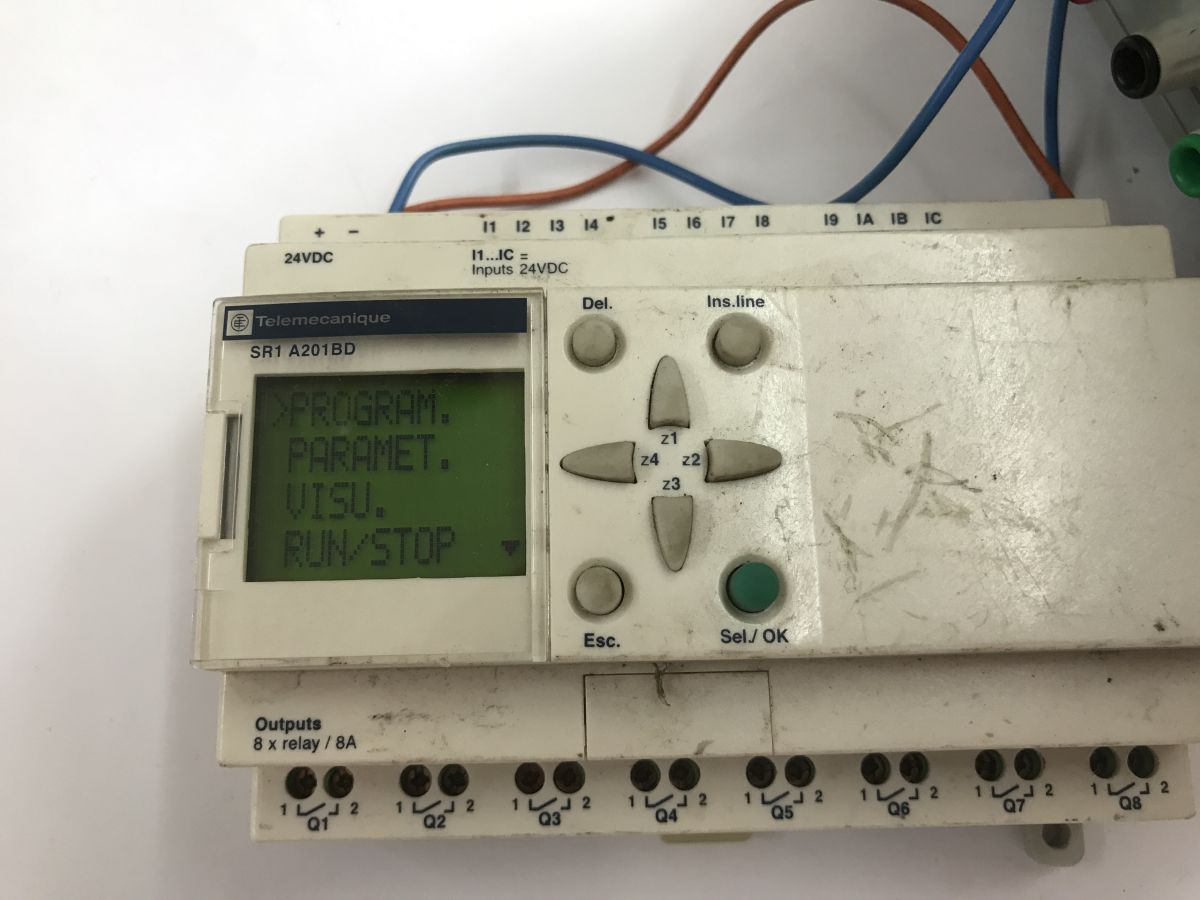
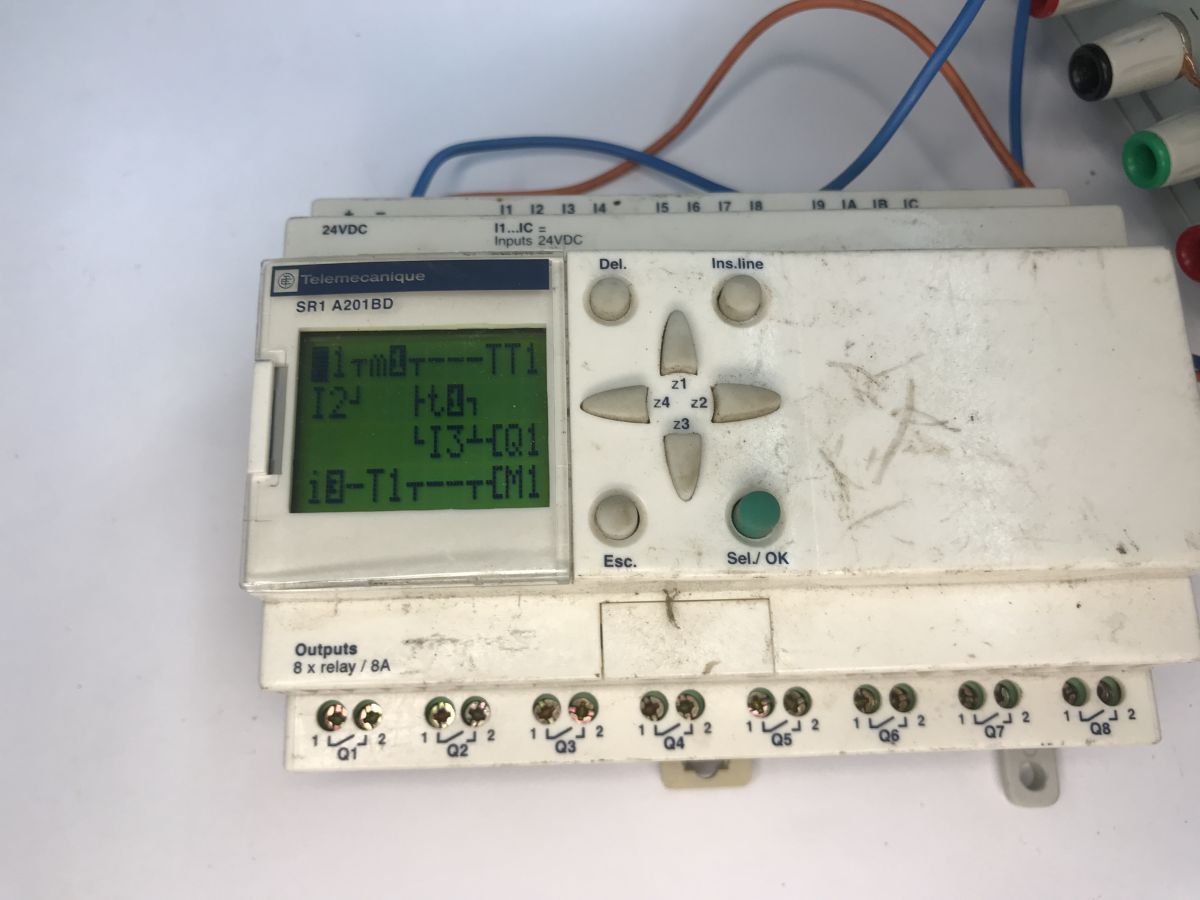
The PROGRAM option provides a preview of the programme in ladder logic:
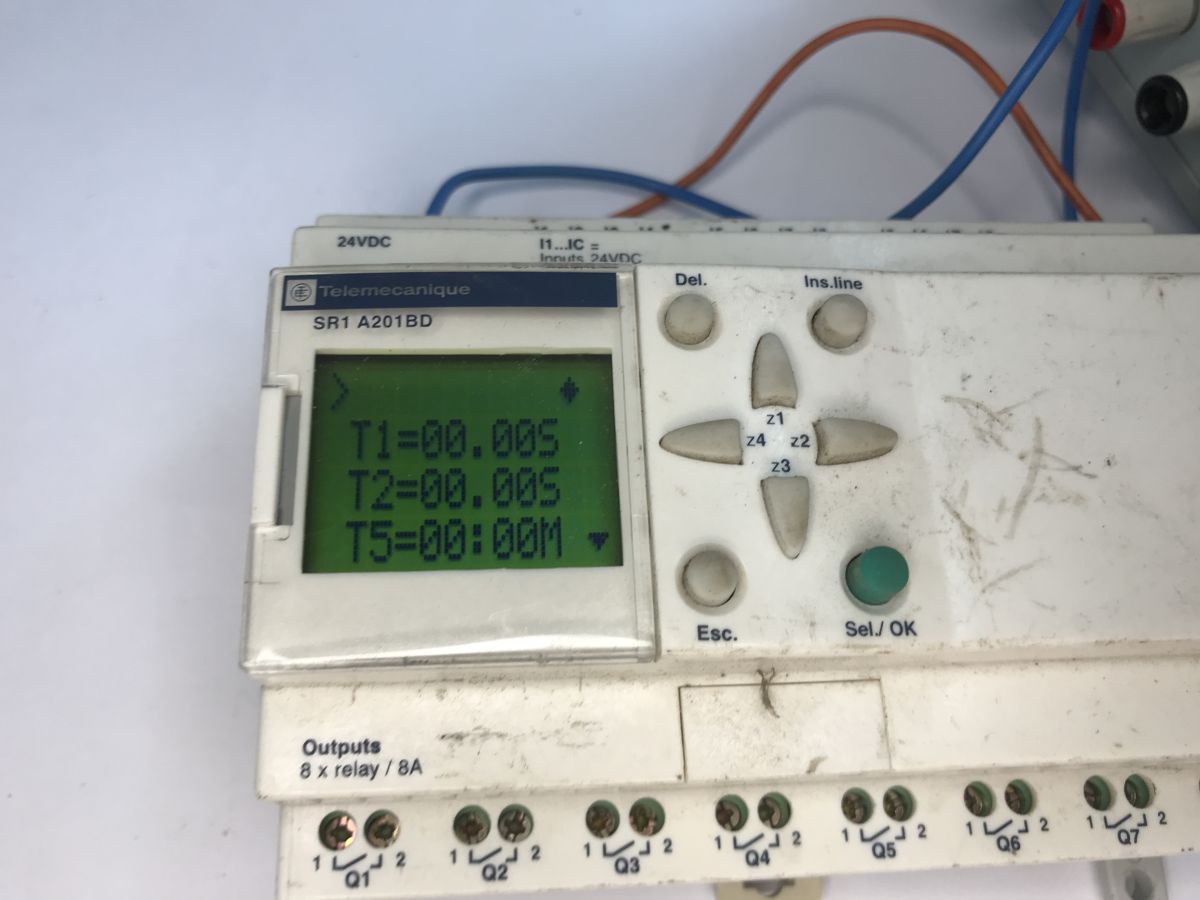
Under PARAMET, there is a list of parameters and their values, which can be changed. I can see times here in seconds and minutes.
Further options include CLEAR PROG (programme deletion) and TRANSFER (used to transfer a programme to or from the EEPROM memory module or a PC). There is also PROG INFO, which provides basic statistics on the saved programme and memory usage:
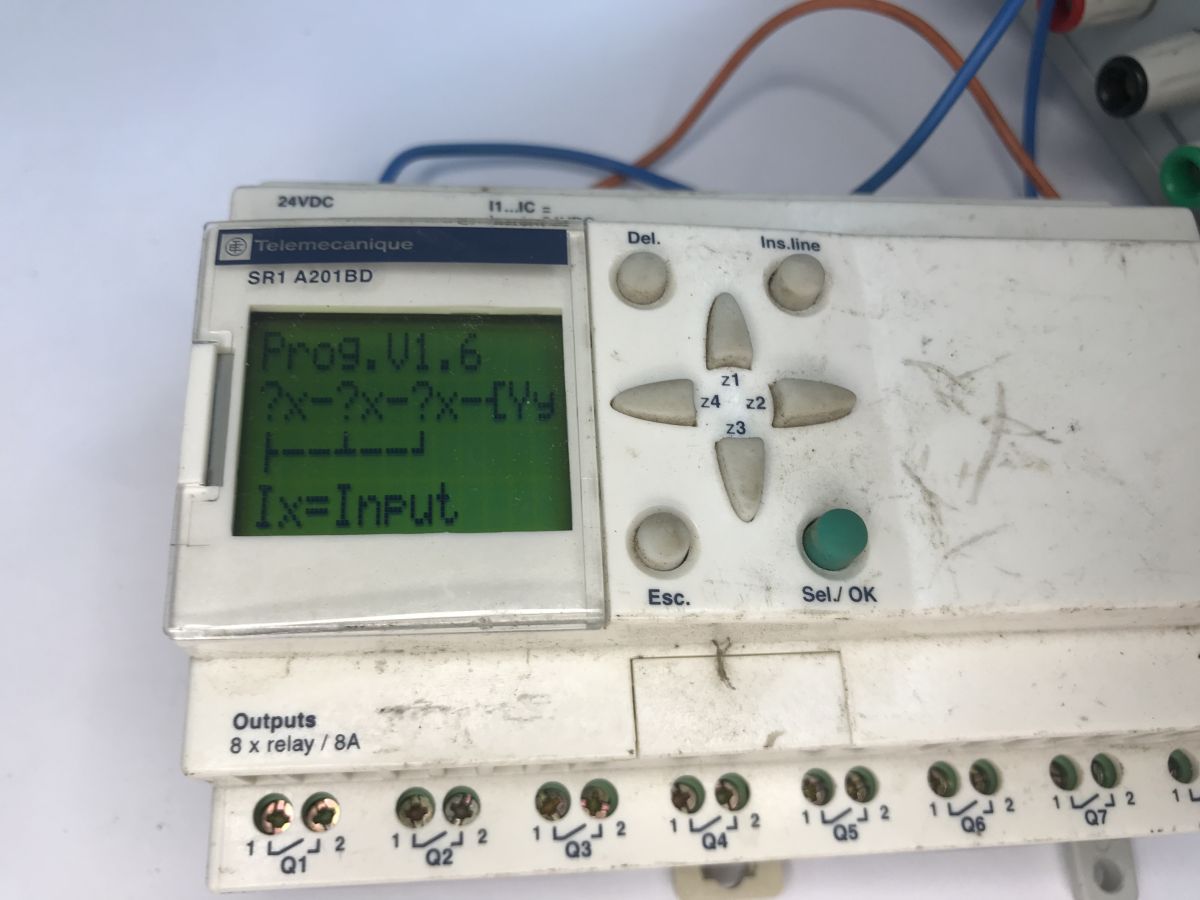
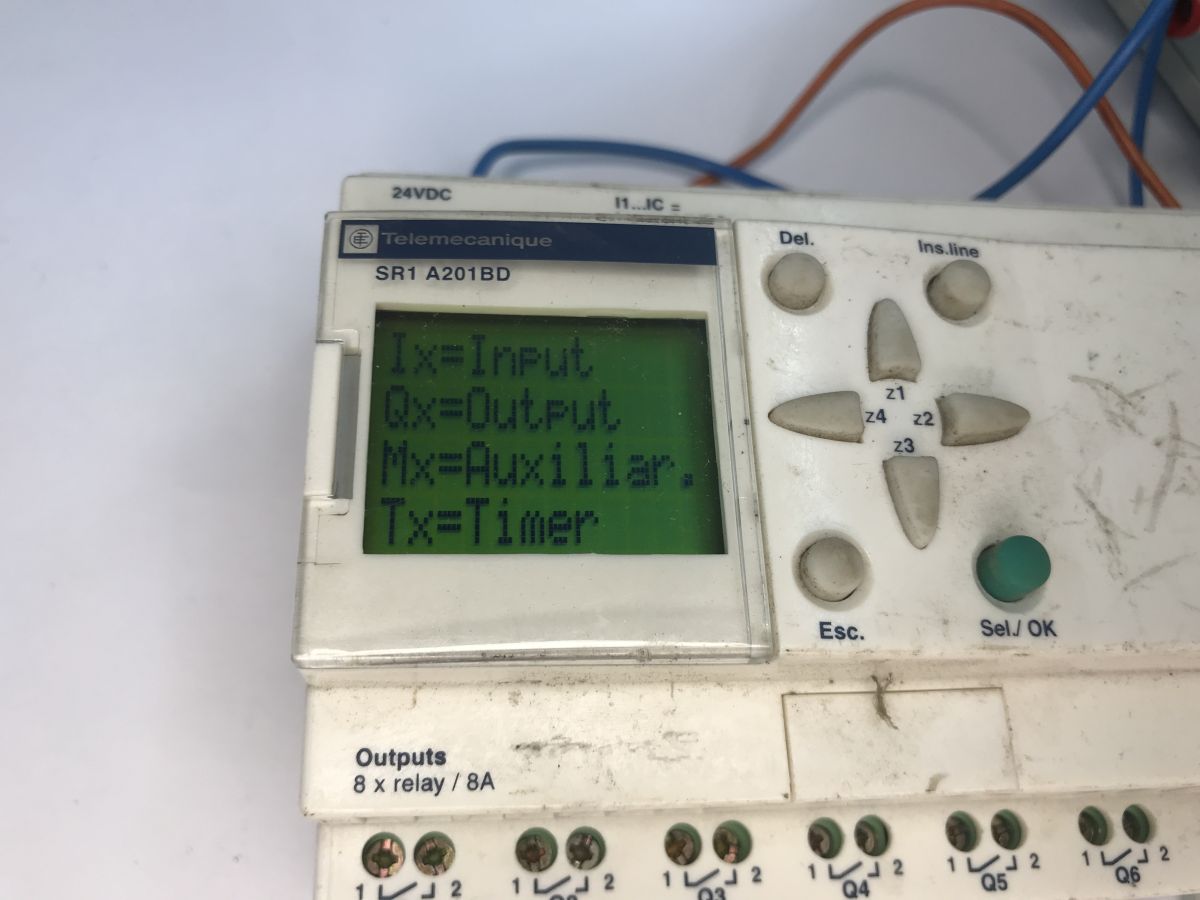
That’s essentially all there is to navigating the device’s menu. It’s also worth mentioning that whilst entering ladder logic ‘by hand’ used to be quite impressive, more serious applications can, of course, be created much more conveniently on a PC using the free Zelio Soft software, and then uploaded via a dedicated cable.
To sum up , this piece of kit has been through a lot, yet it still seems to be in quite good working order. The programme runs and the menu works, although I haven’t tested every input and relay individually. Potentially, the whole thing could be reused, either in practice or for educational purposes.
Have you come across controllers of this type, and if so, what roles did they fulfil? Please feel free to comment.

p.kaczmarek2 wrote 14827 posts with
rating 13009 , helped 659 times.
Been with us since 2014 year.
Comments
A surprisingly clean interior. It looks as though the main board contains relays, an amplifier circuit for them, and inputs. Once the processor board has been desoldered, it can be replaced, for example,... [Read more]
The only question is, what sort of LCD is it? You’d need to be able to control it. Perhaps an HD44780? [Read more]
I sent the photo to Claude. Here is his analysis: Analysis of the WD-C1204M board This is a very typical LCD character display board (LCM – Liquid Crystal Module), rather than proprietary electronics... [Read more]
On the one hand, it’s a potentially useful analysis, although in practice the question is to what extent this information is accurate, and… essentially, it didn’t tell me anything new. I’m familiar with... [Read more]
I pressed Claude a bit further and he gave me this reply: I can give you the pinout, which is the most common industry standard for this type of 20-pin LCD character module (the HD44780/HD66717 family... [Read more]
Contrary to appearances, this is a robust programmable relay. It can be used – though not as a donor; quite the opposite, in fact – by taking a few components and making a programming cable. The software... [Read more]
Some good bits of kit for controlling garden irrigation ;) . Such devices are still in use in transformer stations within mine galleries. For example, they prevent the station from being switched on... [Read more]
These kinds of gadgets aren’t just for watering – I use old Siemens Logo series units for all sorts of purposes. For example, I’ve used them to control traffic at roadworks, in a few ‘smart’ boiler rooms,... [Read more]
Old but well-designed [Read more]