logo elektroda
logo elektroda
X
logo elektroda

Prt Sc Function: Capturing 1600x900 Full HD Quality Screenshot with Windows & MSI Afterburner

InViNcIbLe_ChudY 18687 2
ADVERTISEMENT
Treść została przetłumaczona polish » english Zobacz oryginalną wersję tematu
  • #1 15843365
    InViNcIbLe_ChudY
    Level 8  
    Posts: 23
    Hello, I would like to take a 1600x900 screenshot in Full HD quality.
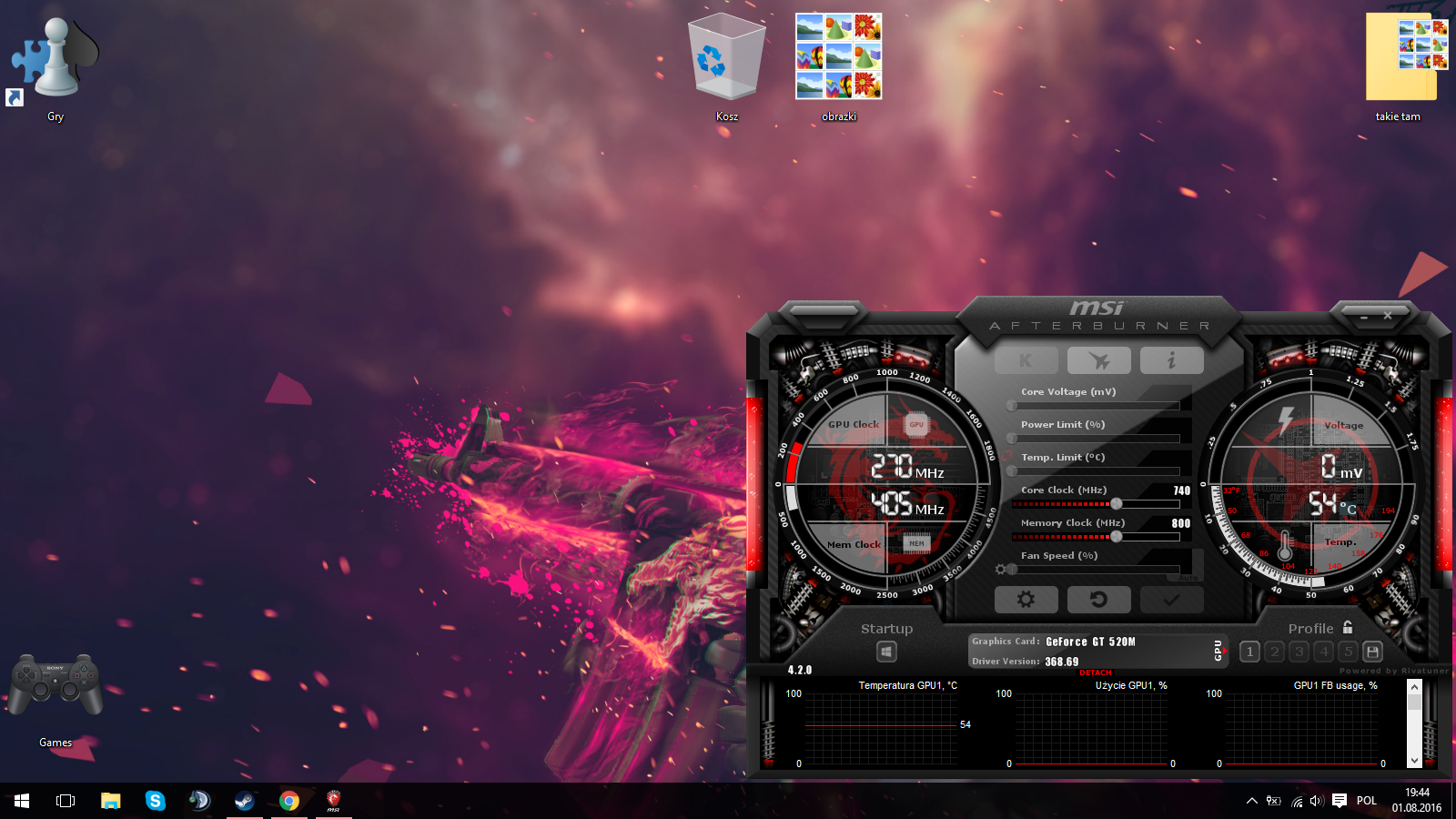
    using the windows prt sc button, something like this comes out Prt Sc Function: Capturing 1600x900 Full HD Quality Screenshot with Windows & MSI Afterburner
    and with MSI Afterburner something like this comes out. Prt Sc Function: Capturing 1600x900 Full HD Quality Screenshot with Windows & MSI Afterburner
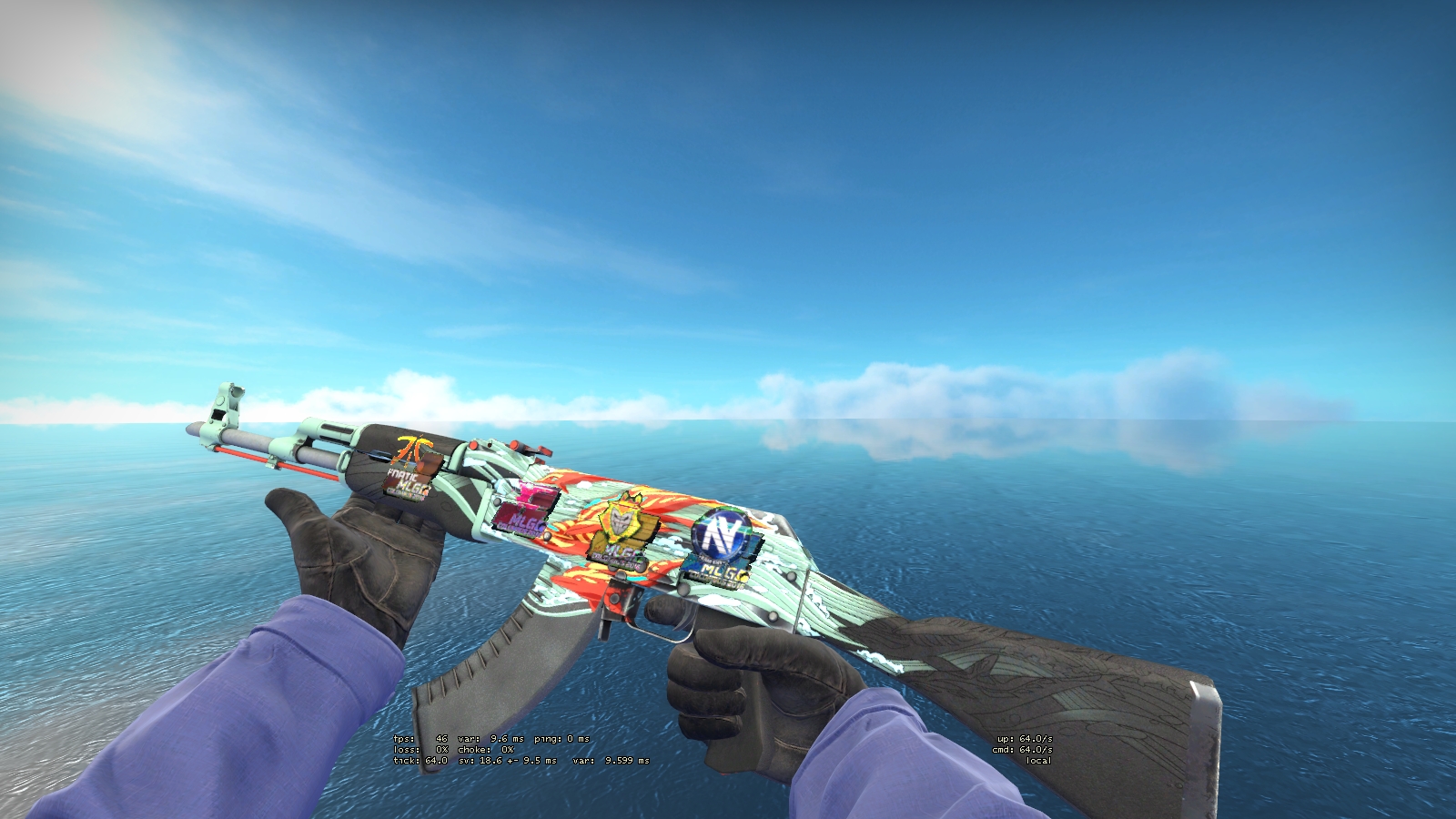
    Is there anything I can do to improve the quality of the screenshot to make it 1:1???
  • ADVERTISEMENT
  • #2 15843528
    goldi74
    Level 43  
    Posts: 8058
    Help: 1367
    Rate: 1530
    Print Screen takes a screenshot in the current screen resolution. To get a higher resolution, you need to increase the screen resolution. And that won't always be possible.
  • #3 15843982
    Pan.Jan
    Level 17  
    Posts: 301
    Help: 14
    Rate: 21
    If you just want to scale the screen, throw it into photoshop or another gimp where you can enter the resolution of the project. Then save and you have a photo scaled to FHD. Remember that this is just a stretch, you can't literally increase the resolution.
ADVERTISEMENT