FAQ
TL;DR: If your Super Power Jack gate moves only while holding the button, switch to a toggle/state-change controller and set limits; for weak range, “cut to exactly 16.5 cm” antenna length helps. [Elektroda, kotbury, post #16655636]
Why it matters: This FAQ helps DIY owners fix stop‑start motion and poor remote range without unsafe hacks, fast.
Quick Facts
- Typical RF relay boards offer 3 modes: monostable, bistable, and “status change” (toggle). [Elektroda, kotbury, post #16642296]
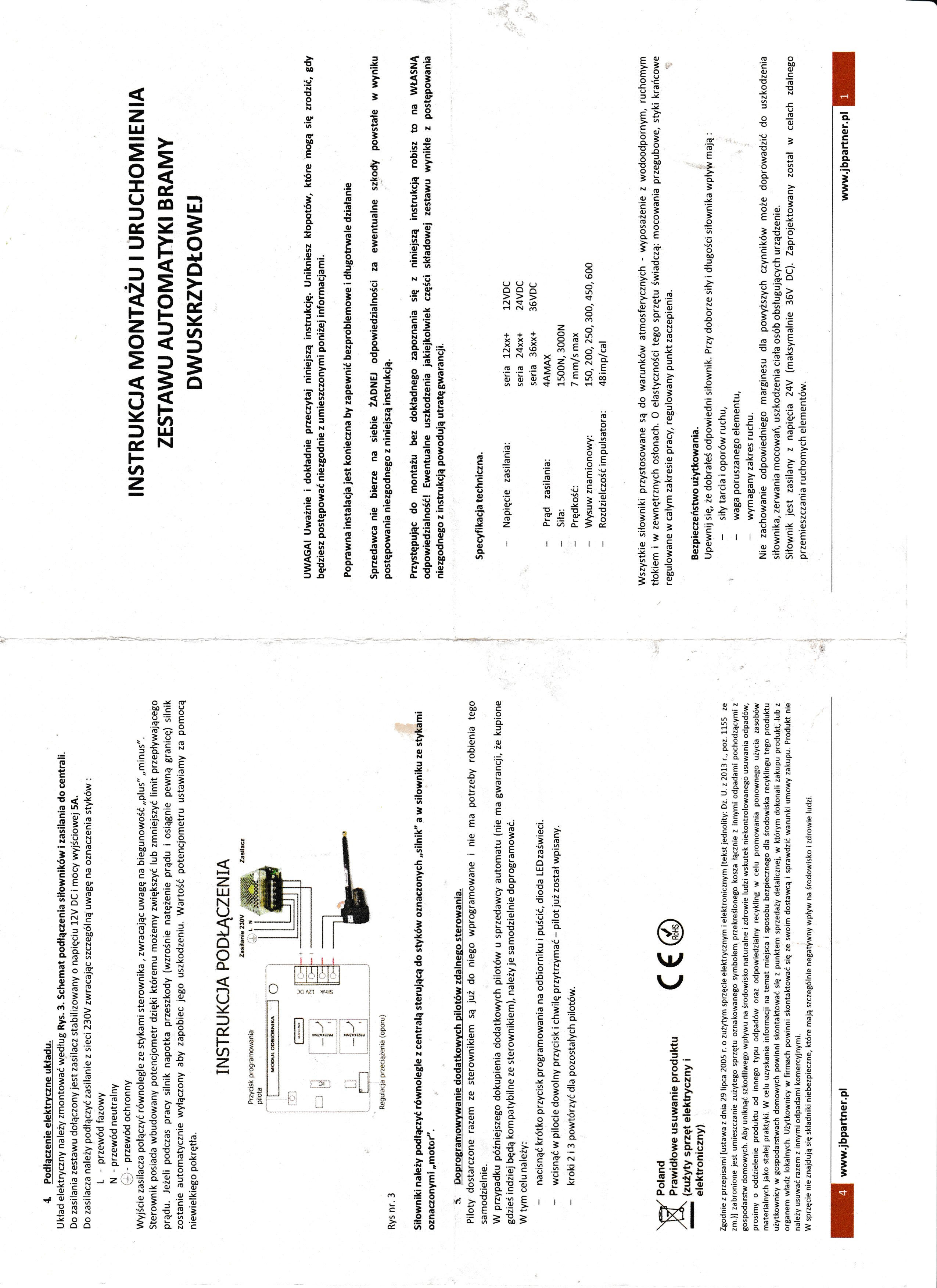
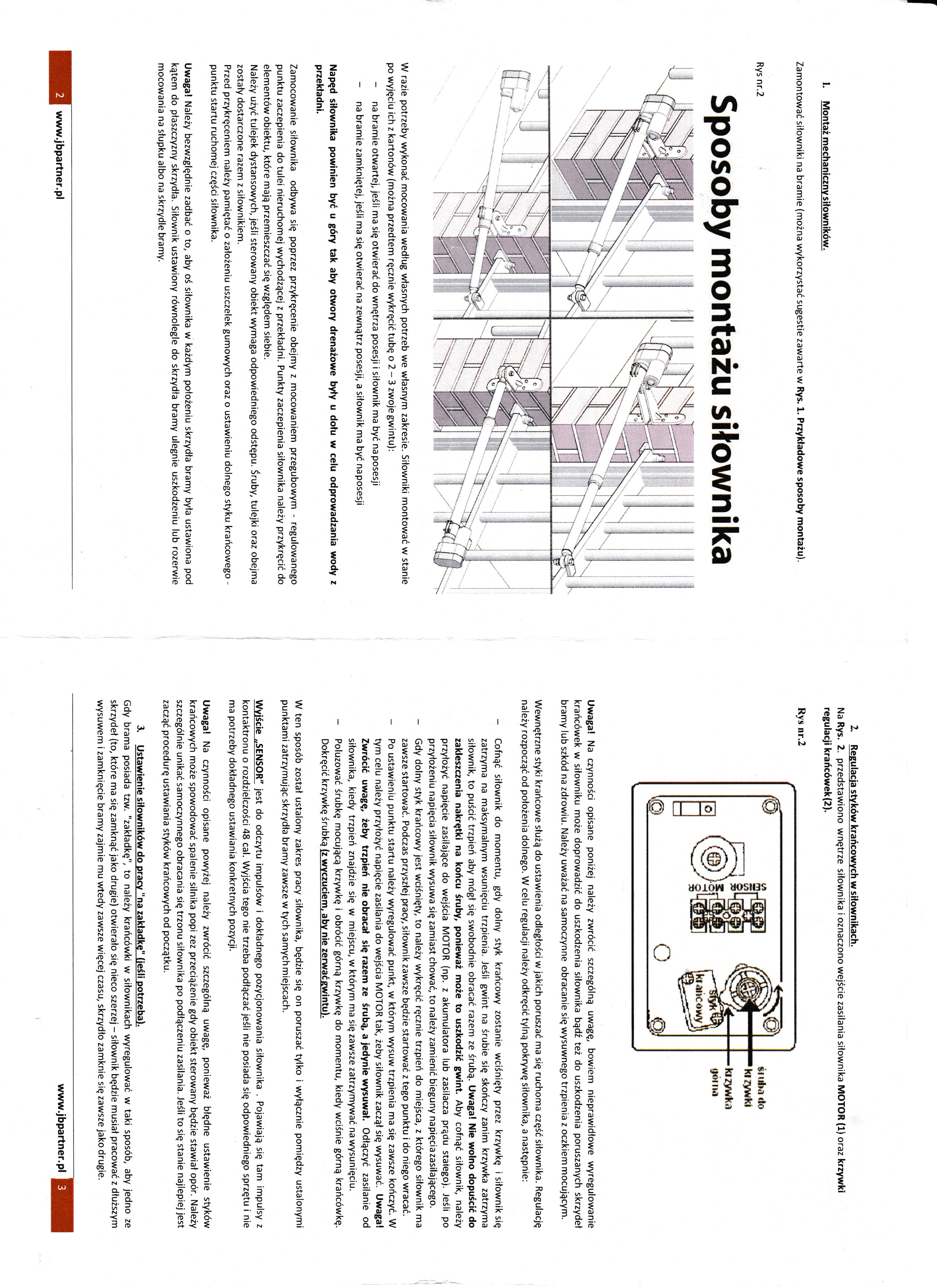
- Some bundled drivers have no configuration jumpers; replacement may be required. [Elektroda, kotbury, post #16642853]
- The overload/amperometric protection is adjusted by a small multi‑turn knob; try full‑range tests. [Elektroda, kotbury, post #16644336]
- Correct limit‑switch setup is mandatory before using state‑change control. [Elektroda, kortyleski, post #16642874]
- Optimized whip length for the stock 433 MHz wire is Approx. 16.5 cm. [Elektroda, kotbury, post #16655636]
How do I fix a gate that moves only while I keep pressing the remote?
Your board is acting in monostable mode. Use a controller with a "status change" (toggle) mode so one press starts and the next stops/reverses. Many two‑relay RF boards have jumper‑selectable modes. If your unit lacks toggle mode, replace it with one that supports it. [Elektroda, kotbury, post #16642296]
My Chinese two‑relay driver has no jumpers—will it ever work smoothly?
If the board offers no configuration options, you cannot enable toggle behavior. Users report such boards need replacement or return to the seller to achieve proper one‑press open/close operation. [Elektroda, kotbury, post #16642853]
How do I change modes on these RF relay boards?
Locate the mode jumpers and set from monostable to the seller‑named “status change” mode. In this mode, each press toggles a relay state for hands‑free travel. “Set jumpers in 3 modes.” [Elektroda, kotbury, post #16642296]
What does “status change” (toggle) mode mean on a gate controller?
Each press of the same remote button latches a relay on or off. One press commands open; a later press commands close. This avoids holding the button during travel and enables smooth automation. [Elektroda, kotbury, post #16642296]
How do I stop emergency ‘stepping’ caused by overload protection?
Turn the small amperometric‑protection knob through its full range. It is multi‑turn, so wind it to both extremes to test. Over‑sensitive settings can trip during normal motion and force you to keep pressing the remote. If no change, consider replacement. [Elektroda, kotbury, post #16644336]
Do I need to set the limit switches before daily use?
Yes. Set the open and close limits correctly on each actuator before enabling toggle mode. Incorrect limits can cause stalls or damage. “The limit switches should be set correctly.” [Elektroda, kortyleski, post #16642874]
What happens if limit switches are set beyond the gate’s swing?
If limits exceed mechanical travel, the system may drive past safe points and break components. This is an edge case that causes physical damage rather than just stopping movement. [Elektroda, kortyleski, post #16643056]
Could bad limit switch settings be why my actuators won’t move?
On these actuators, internal limit switches cut motor power until polarity reverses. If the controller is at fault, actuators may appear dead despite correct wiring. This points to a central control issue, not only limits. [Elektroda, kotbury, post #16642916]
The gate still stutters after adjustments—what should I replace first?
Replace the driver/controller. A user resolved identical symptoms by installing a new driver; normal open/close returned immediately. Keep the actuators and wiring if they test fine. [Elektroda, tami272, post #16655323]
How can I improve weak remote range on this kit?
Desolder or cut the spiral antenna near the pad and solder a 433 MHz wire or coax center to that point. Leave the shield unconnected or bond it to a nearby ground plane. Cut the vertical radiator to 16.5 cm for best reach. “Cut to exactly 16.5 cm.” [Elektroda, kotbury, post #16655636]
Where exactly do I connect an external pole‑mounted antenna?
Use coax. Solder the center conductor to the PCB’s antenna pad where the spiral attached. Leave the shield floating or tie it to a broad ground area, if present. Route to your mast antenna. [Elektroda, kotbury, post #16655636]
Is continuous‑press operation normal for these actuators?
No. Continuous pressing indicates monostable mode. Gates should use a toggle (“status change”) mode so a single press completes a cycle. If your board cannot toggle, choose a different controller. [Elektroda, kotbury, post #16642296]
What is a “two‑relay Chinese driver” in this context?
It’s a low‑cost RF receiver board with two relays and jumper‑selectable modes: monostable, bistable, and status‑change. For gates, the toggle/status‑change mode is required for one‑press travel. [Elektroda, kotbury, post #16642296]
The manual doesn’t mention mode settings—what should I do?
Some kits ship with minimalist manuals and no jumpers. If the documentation lacks mode guidance and the PCB lacks jumpers, replacing the controller is the practical fix. [Elektroda, kotbury, post #16642853]
Quick 3‑step checklist to get smooth opening and closing?
- Turn the overload knob through its full multi‑turn range and test.
- Verify and set both actuator limit switches accurately.
- If symptoms persist, contact the seller or replace the controller.
[Elektroda, kotbury, post #16644336]
Do these boards really have three operating modes?
Yes—three distinct modes are cited: monostable, bistable, and a state‑change toggle. Use the third mode for gates. This “3 modes” detail also explains why continuous‑press behavior appears with the wrong setting. [Elektroda, kotbury, post #16642296]