FAQ
TL;DR: One SMD fuse (F1) on the XP‑510 mainboard often blows; “You have a blown SMD F1 fuse.” Check/replace it to clear 0x9A. [Elektroda, fifek62, post #16791279]
Why it matters: This FAQ helps DIYers diagnose Epson XP‑510 errors 0x9A/0x9E, avoid board damage, and decide if repair is worth it.
Quick Facts
- Error 0x9A on XP‑510 can stem from a blown onboard SMD fuse labeled F1. [Elektroda, fifek62, post #16791279]
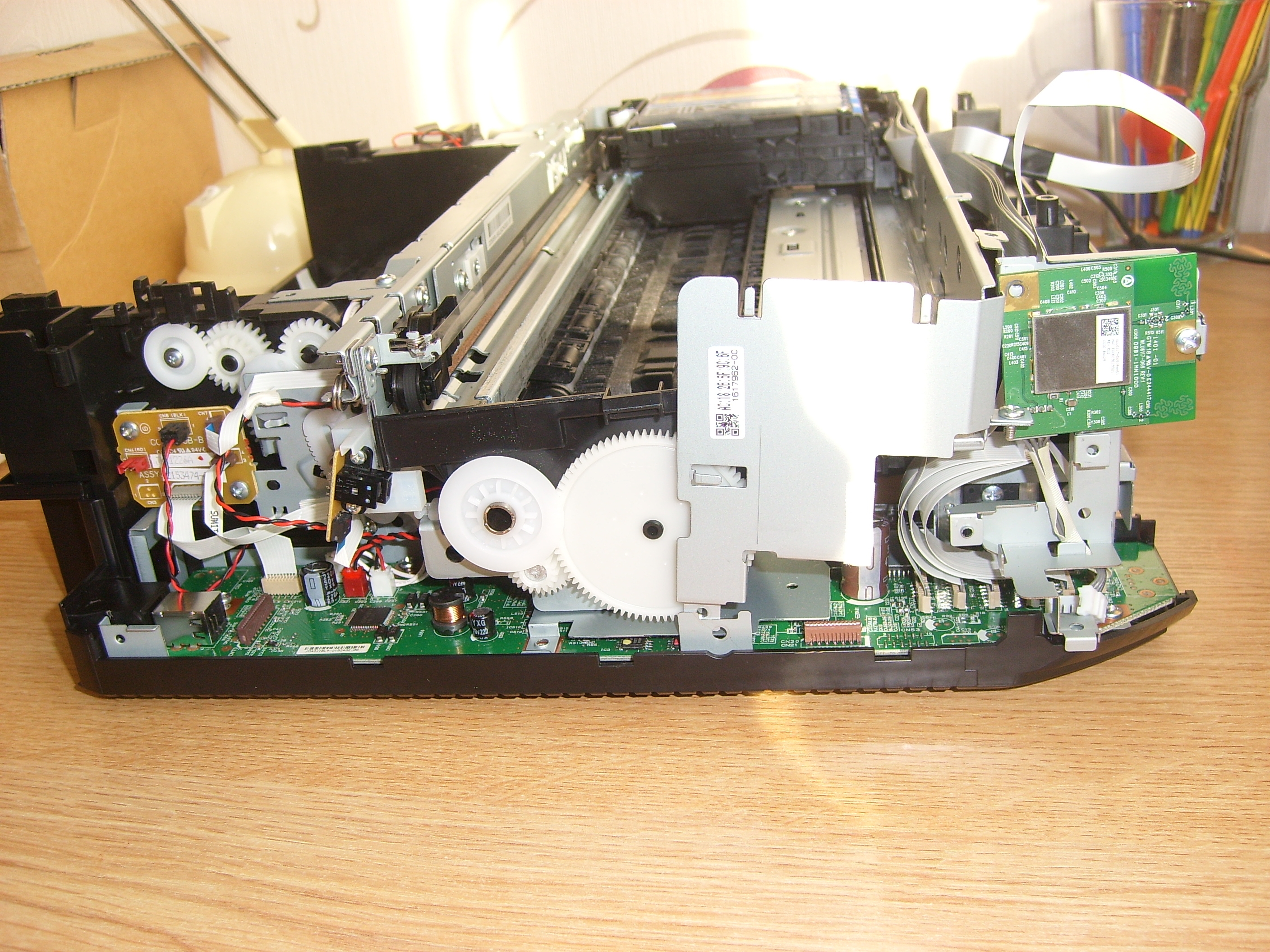
- Accessing F1 requires removing the entire base plate and the board cover near the transistor area. [Elektroda, fifek62, post #16804396]
- Bridging a blown F1 made the printer power and move once, then threw 0x9E. [Elektroda, zzbych1, post #16805400]
- Error 0x9E indicates a printhead overheating fault; printhead replacement may be required. [Elektroda, fifek62, post #16805446]
- Wet or shorted head/ribbon is a suspected root cause; inspect contacts for ink or liquid. [Elektroda, pir0maniac, post #16788747]
What does Epson XP‑510 error 0x9A mean and where should I start?
On the XP‑510, 0x9A can appear when the mainboard’s SMD fuse F1 opens. Start by inspecting and testing F1 for continuity. If blown, replace it rather than bridging. Also check the head ribbon and contacts for contamination or shorts before reassembly. This path directly addressed 0x9A in the thread and led to initial movement when power returned, confirming the power rail issue. “You have a blown SMD F1 fuse on the motherboard.” [Elektroda, fifek62, post #16791279]
How do I physically reach the F1 fuse on the XP‑510?
Disassemble from the base. Remove the printer’s bottom plate with the mainboard assembly, then the board’s cover. F1 sits close to the transistor cluster on that board. Keep screws sorted and disconnect cables gently to avoid tearing the head ribbon. Reassemble in reverse. This location guidance came from an experienced forum member who completed the teardown. [Elektroda, fifek62, post #16804396]
Is it safe to bridge (short) the blown F1 fuse with solder?
No. A user bridged F1 and the printer briefly came alive, but quickly threw 0x9E. An expert warned this “hardcore” bypass might have harmed the board. Use a proper same‑rating SMD fuse, not solder or wire. Bypassing removes overcurrent protection and risks permanent mainboard damage or head failure. This is a classic edge case to avoid. [Elektroda, fifek62, post #16805446]
What does Epson error 0x9E mean on the XP‑510?
0x9E is a printhead overheating error. It can appear after power faults, shorts, or if the head drives without proper cooling or protection. In the case discussed, 0x9E followed a fuse bypass, and the recommendation was to replace the head. “This is a head overheating error.” Consider diagnosing the head before buying parts. [Elektroda, fifek62, post #16805446]
Could a wet or ink‑contaminated ribbon cable cause these faults?
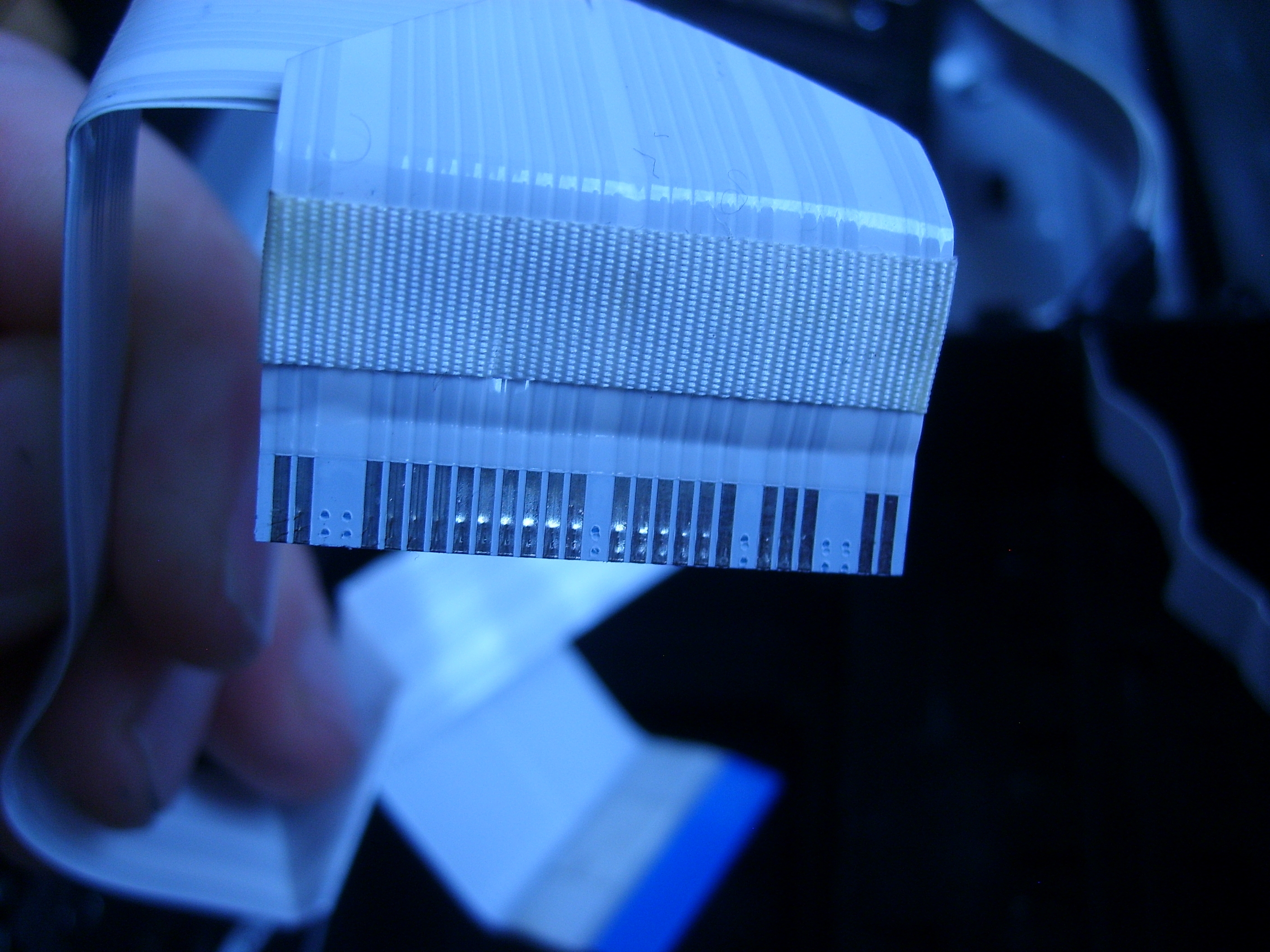
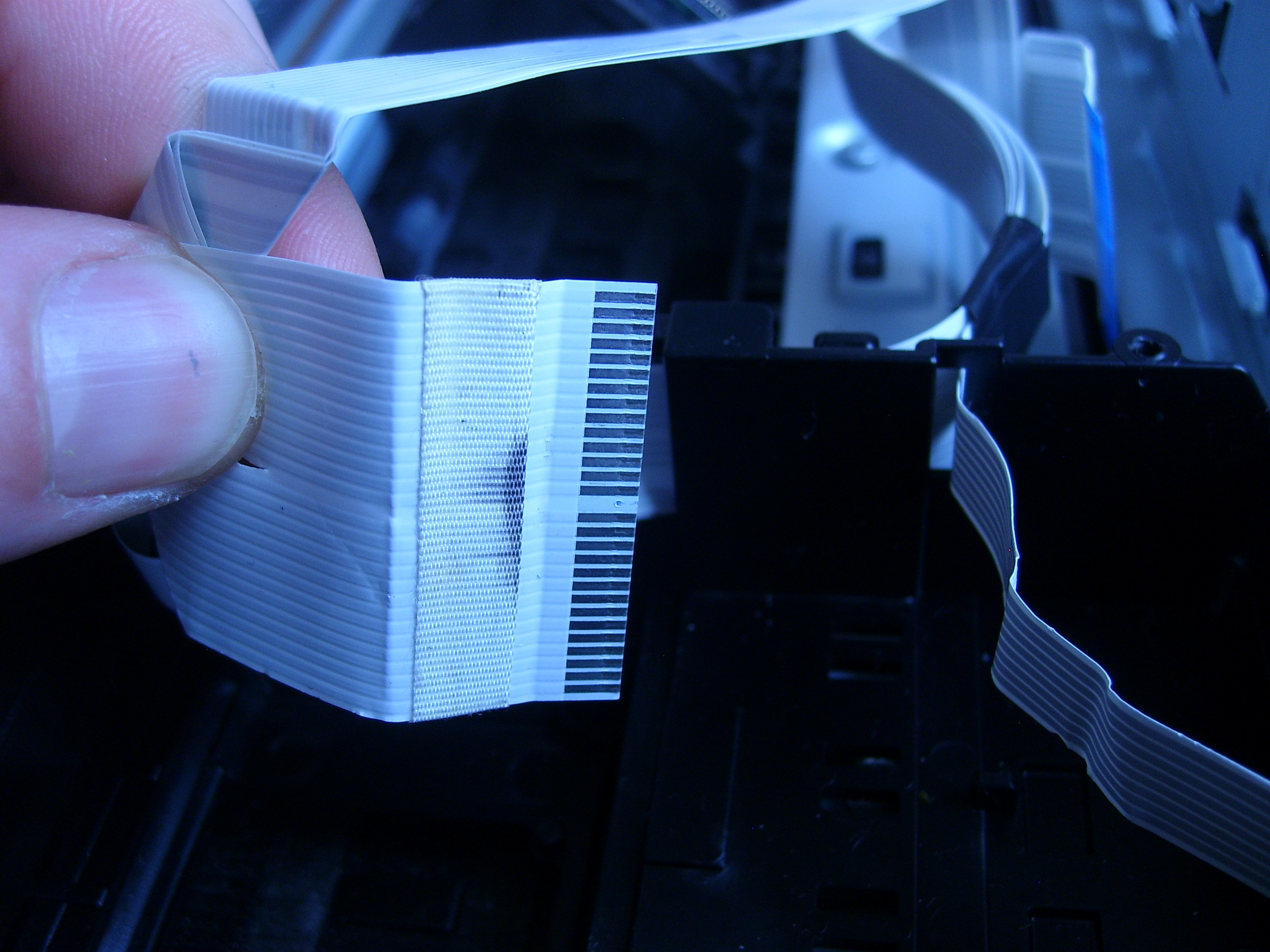
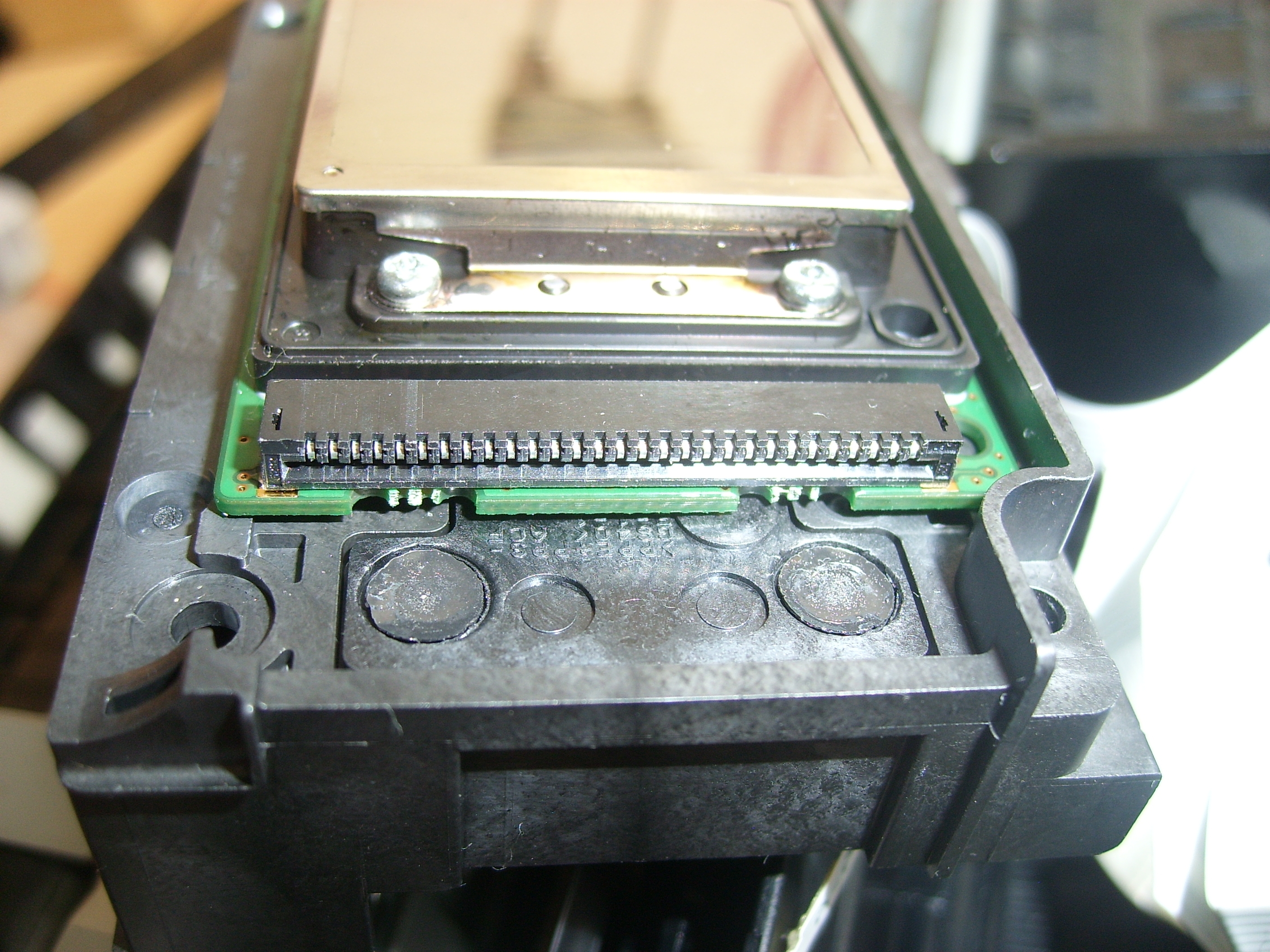
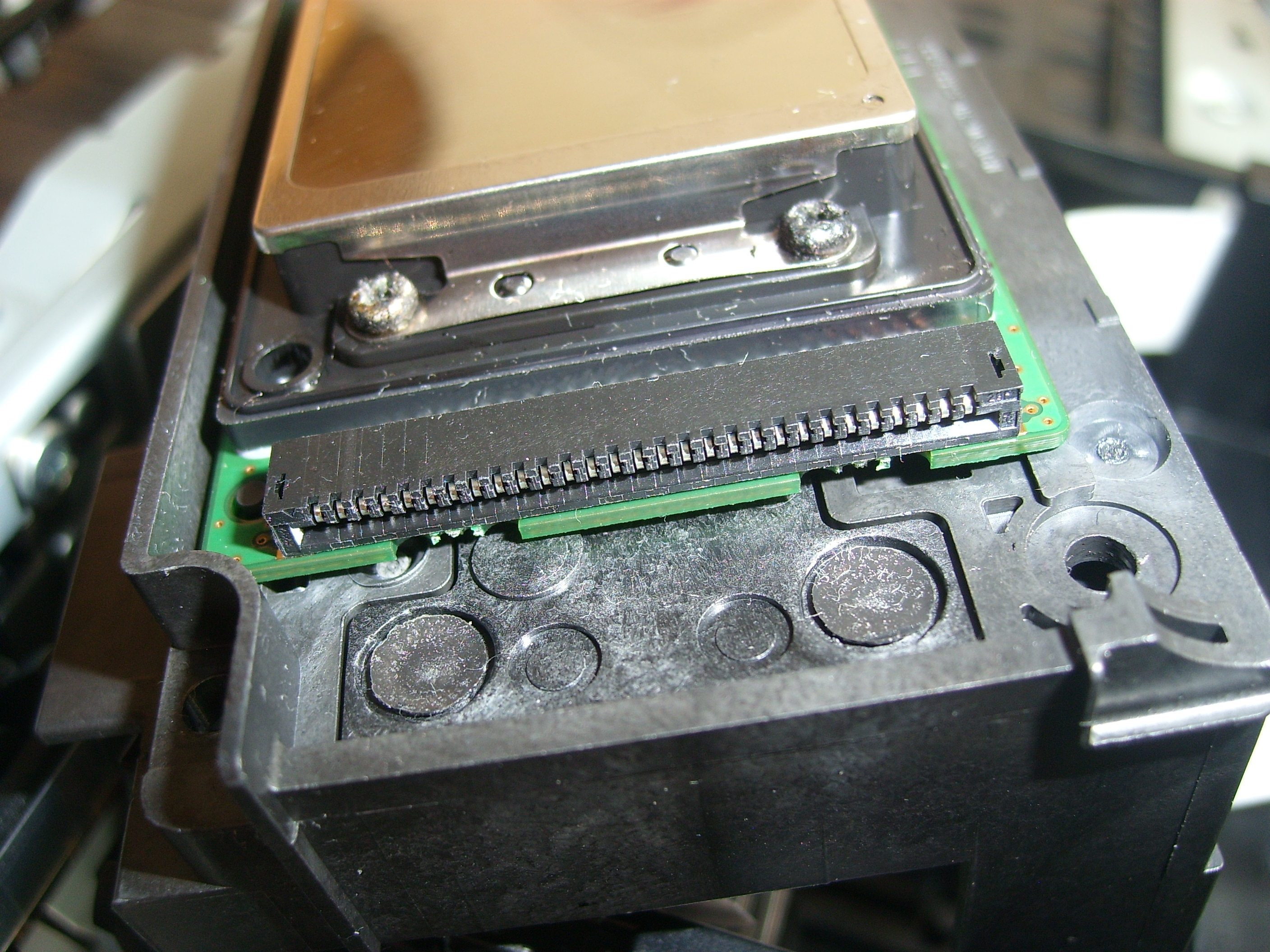
Yes. An experienced member said the head and ribbon are “almost 100% flooded” when this fault appears. Liquid or ink can short contacts, blow F1, or overheat the head. Clean and dry both ribbon ends and the head connector, then inspect for corrosion or carbonized residue. If contamination persists, component replacement may be required. [Elektroda, pir0maniac, post #16788747]
I checked the ribbon and head; they look dry. Can 0x9A still be electrical?
Yes. The original poster reported dry contacts yet still faced 0x9A. The next successful step was locating and addressing the F1 fuse on the mainboard. Visual checks are not enough; measure continuity across F1. If it’s open, replace the fuse and retest before suspecting the carriage or mechanics. [Elektroda, zzbych1, post #16791107]
What’s the quickest 3‑step way to diagnose 0x9A on an XP‑510?
- Inspect and clean the head ribbon contacts and the head connector.
- Disassemble to access the mainboard; locate F1 near the transistors.
- Test F1 continuity; if open, replace with the correct SMD fuse and retest.
[Elektroda, fifek62, post #16804396]
After fixing F1, my printer moved once, then threw 0x9E. What changed?
Restoring power by bypassing or replacing F1 can expose latent head faults. In the thread, bridging F1 brought motion, then 0x9E appeared, signaling head overheating. That outcome suggests a damaged head or driver stage. Replace the head after verifying no board damage, and only use a proper fuse. [Elektroda, zzbych1, post #16805400]
What is an SMD fuse, and why does it blow on printers like the XP‑510?
An SMD fuse is a tiny surface‑mount overcurrent protector on the mainboard. It opens when excess current flows, such as from a shorted head or wet ribbon. On the XP‑510 it’s marked F1. Replacing the exact type restores protection. Bypassing removes safety and can cascade into 0x9E or board failure. [Elektroda, fifek62, post #16791279]
Where exactly is the F1 fuse relative to other components?
F1 resides on the mainboard that’s attached to the base. Once you remove the assembly and then the small cover plate, look near the transistor group. The member guiding the teardown confirmed F1 is close to those transistors, simplifying visual identification during repair. [Elektroda, fifek62, post #16804396]
Can carriage binding or paper jams cause 0x9A on the XP‑510?
In the reported case, the carriage moved freely and the interior was clean, yet 0x9A persisted. That points away from a mechanical jam and toward an electrical fault like F1 or the head circuit. Always verify mechanics, but plan to test the fuse and head next. [Elektroda, zzbych1, post #16787504]
Will replacing the printhead clear 0x9E?
It can. The expert identified 0x9E as head overheating and advised head replacement. Before spending on parts, confirm the board still protects and drives the head by installing a correct F1 fuse. If 0x9E remains, the head or driver circuitry is likely bad. “You have heads to replace.” [Elektroda, fifek62, post #16805446]
Should I attempt this repair or replace the printer?
If F1 is blown and the head tests bad, parts and time add up. The original poster chose to replace the printer after 0x9E appeared post‑bypass. If you lack SMD rework tools, replacement may be more practical. Diagnose first, then decide based on parts availability. [Elektroda, zzbych1, post #16805461]
What tools do I need to fix 0x9A safely?
Use a multimeter for continuity, precision screwdrivers, ESD protection, and a temperature‑controlled soldering iron or hot air for SMD fuse replacement. Avoid jumpers. Clean contacts with isopropyl alcohol. Inspect the head ribbon under magnification before power‑on. These steps align with the forum’s successful diagnostics. [Elektroda, fifek62, post #16791279]
Can posting photos of contacts help diagnosis?
Yes. Clear photos of the ribbon pads and head contacts help spot contamination, wear, or burns. A member requested such images to confirm condition before moving to board‑level work. Good documentation speeds accurate advice and avoids unnecessary disassembly. [Elektroda, pir0maniac, post #16791301]
What if contacts look fine yet errors persist after a proper fuse swap?
If a correct F1 fuse is installed and contacts are clean, a persistent 0x9E points to a failing printhead or damaged driver stage. Do not re‑bridge the fuse. Replace the head next, then reassess. Continued faults may justify retiring the device, as one user concluded. [Elektroda, fifek62, post #16805446]