


logo elektroda
logo elektroda
X
logo elektroda

Kingston DT50 32GB restore fail please contact your vendor.error code:-2

esirnus 10332 9
Best answers LABEL_AI_GENERATED

How can I recover a Kingston DT50 32GB flash drive that became write-protected and stopped working after Restore_v3.21 reports error code -2?

The drive is most likely beyond repair because the flash controller or NAND memory has failed, so the practical solution is to replace it [#16796174] The write-protect state is probably a result of worn-out memory from exceeding write cycles, and after many unsuccessful recovery attempts there may be nothing concrete left to do [#16796174] Possible causes mentioned were unsafe removal, power or voltage problems on USB ports or hubs, or simply faulty electronics in the flash drive [#16796282] If you have a receipt or invoice, try to return it under warranty and get a replacement [#16796282]
AI summary based on the discussion. May contain errors.
ADVERTISEMENT
Treść została przetłumaczona polish » english Zobacz oryginalną wersję tematu
  • Restore 3.21 leaves drive detectable but not visible

    #1 16795772
    esirnus
    Level 7  
    Posts: 5
    Hello, my problem is a complex one after the flash drive responded badly to Restore 3.21. To start with, I wanted to format kingston because I couldn't copy the content from it and here I got the message "the disk is write protected". After a few days of page flipping I found the program Restore_v3.21.rar; size: 3 279 982 bytes, which I downloaded from http://www.usbdev.ru/files/phison/phisonrestore/, after which I cannot see the device but detect it.


    This is what ChipGenius v4.00 sees
    Description: [F:] USB mass storage device (USB DISK 30X)
    Device Type: Mass Storage Device

    Protocal Version: USB 2.10
    Attachments:
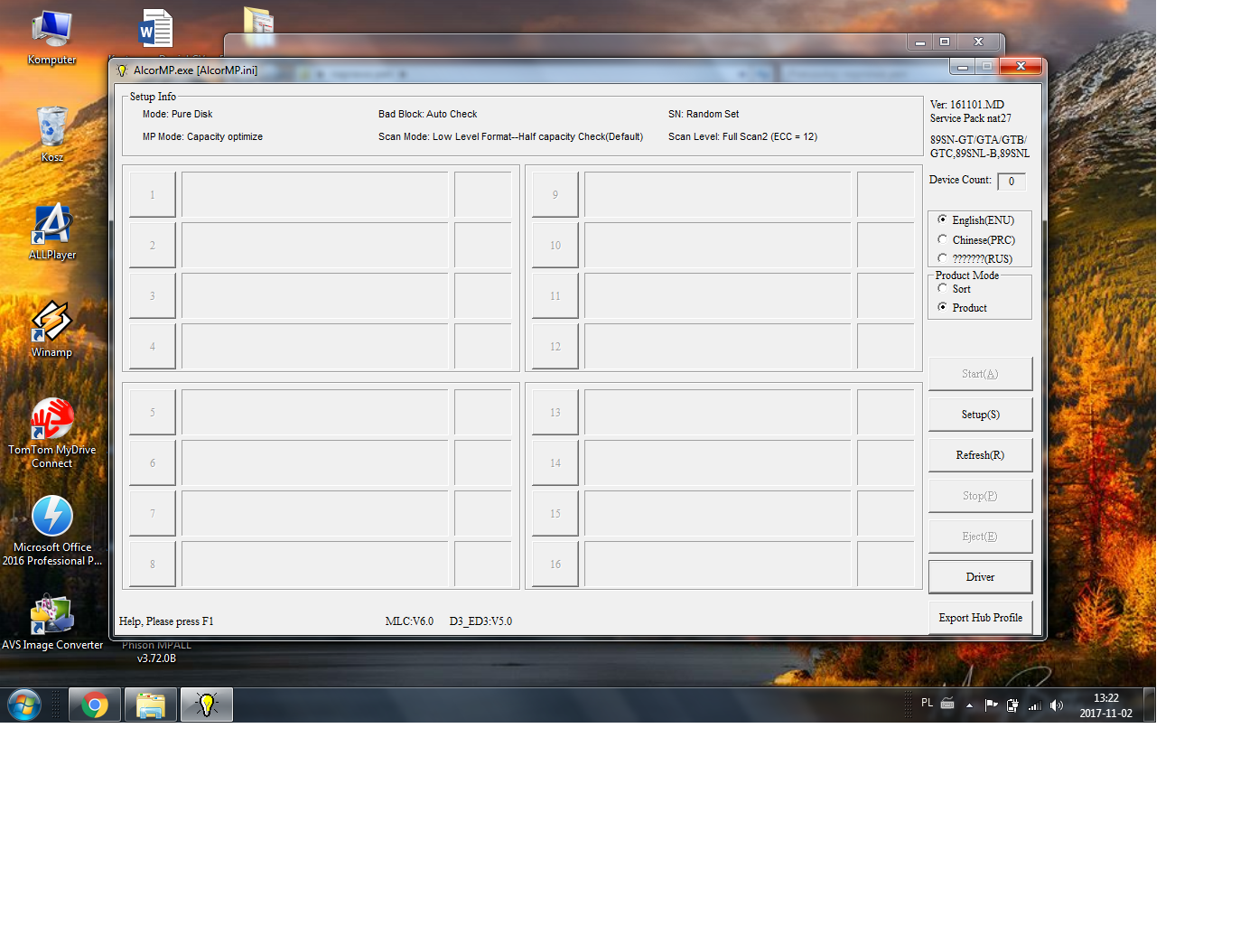
    • Kingston DT50 32GB restore fail please contact your vendor.error code:-2 2.png (1.19 MB) You must be logged in to download this attachment.
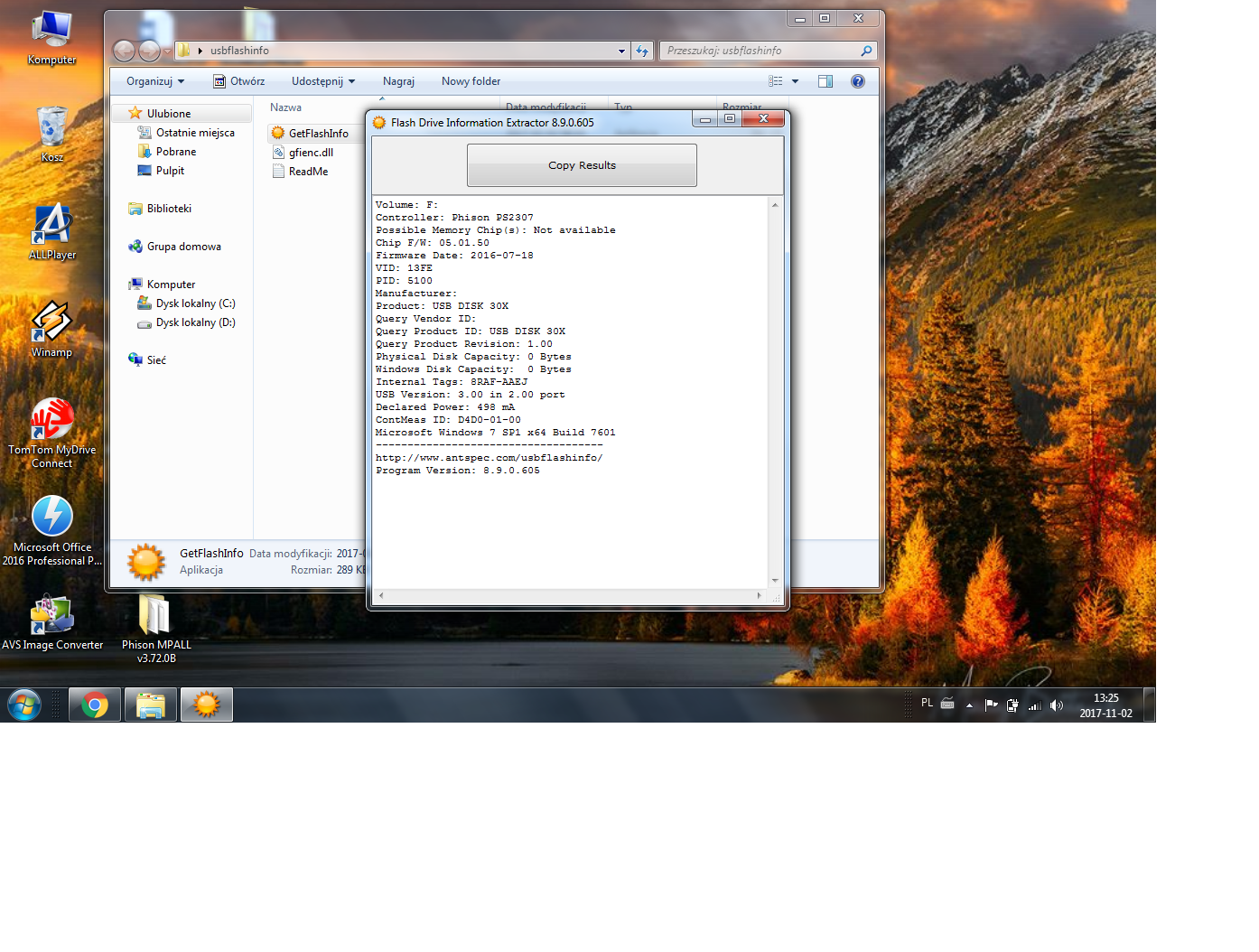
    • Kingston DT50 32GB restore fail please contact your vendor.error code:-2 1.png (818.77 KB) You must be logged in to download this attachment.
  • ADVERTISEMENT
  • Helpful post

    Flash controller detected, but NAND memory failed

    #2 16796174
    icosie
    Level 34  
    Posts: 1908
    Help: 298
    Rate: 239
    Hello

    on 99% of the flash drive to be thrown away.

    Memory controller or memory itself failed. After so many unsuccessful attempts with various programs, I can say that nothing concrete can be done. Even if you manage to bring it back to life, fear whatever you hold on to it, because it may break again in a short time.

    You can see in the photos that the controller is detected, but it does not give the names of the memory cubes.
    Write protection is most likely due to exceeding the number of write cycles from memory.

    best regards
  • ADVERTISEMENT
  • #3 16796270
    esirnus
    Level 7  
    Posts: 5
    Hello
    What could be the cause of this flash condition? I have it for about 4 months and it is new. So I do not know if it is this reason, but I think that 99 percent suits me. Thanks for the info.
  • ADVERTISEMENT
  • Likely flash drive damage from unsafe removal or power issues

    #4 16796282
    icosie
    Level 34  
    Posts: 1908
    Help: 298
    Rate: 239
    esirnus wrote:

    What could be the cause of this flash drive condition?


    Usually this is due to mishandling (not using the safe removal of hardware), some kind of overvoltage on the network or USB hub, damaging something in the computer and too much / little power to the USB.

    Less often, simply faulty electronics in the flash drive.

    If you have a receipt / invoice, try to return it under warranty, usually they will replace it with a new one.
  • ADVERTISEMENT
  • #6 16799566
    esirnus
    Level 7  
    Posts: 5
    Hey, I was very sad about this news because I had a secret hope of getting fixed :(
    Here's what popped up.
    Attachments:
    • Kingston DT50 32GB restore fail please contact your vendor.error code:-2 3.png (1.56 MB) You must be logged in to download this attachment.
  • #7 16809769
    pidar
    Level 43  
    Posts: 11363
    Help: 1569
    Rate: 3590
    And the assigned letter which was not entered :?:
  • #8 16812019
    esirnus
    Level 7  
    Posts: 5
    And sorry, I'm already improving :)
    Attachments:
    • Kingston DT50 32GB restore fail please contact your vendor.error code:-2 1.png (1.47 MB) You must be logged in to download this attachment.
  • #10 16816964
    esirnus
    Level 7  
    Posts: 5
    I consider the topic closed, no more, thanks for the pidar, you are great

Topic summary

LABEL_AI_GENERATED
The discussion revolves around a Kingston DT50 32GB flash drive that encountered issues after attempting to format it, resulting in a "write protected" error. The user attempted to use the Restore_v3.21 software to recover the drive but could only detect it without full functionality. Responses indicate that the drive may have suffered from hardware failure, possibly due to mishandling, overvoltage, or inherent defects. Suggestions include checking the device with diagnostic tools like ChipGenius and Phison GetInfo, and considering warranty replacement if applicable. The consensus is that recovery is unlikely, and the drive may need to be discarded.
AI summary based on the discussion. May contain errors.
ADVERTISEMENT