











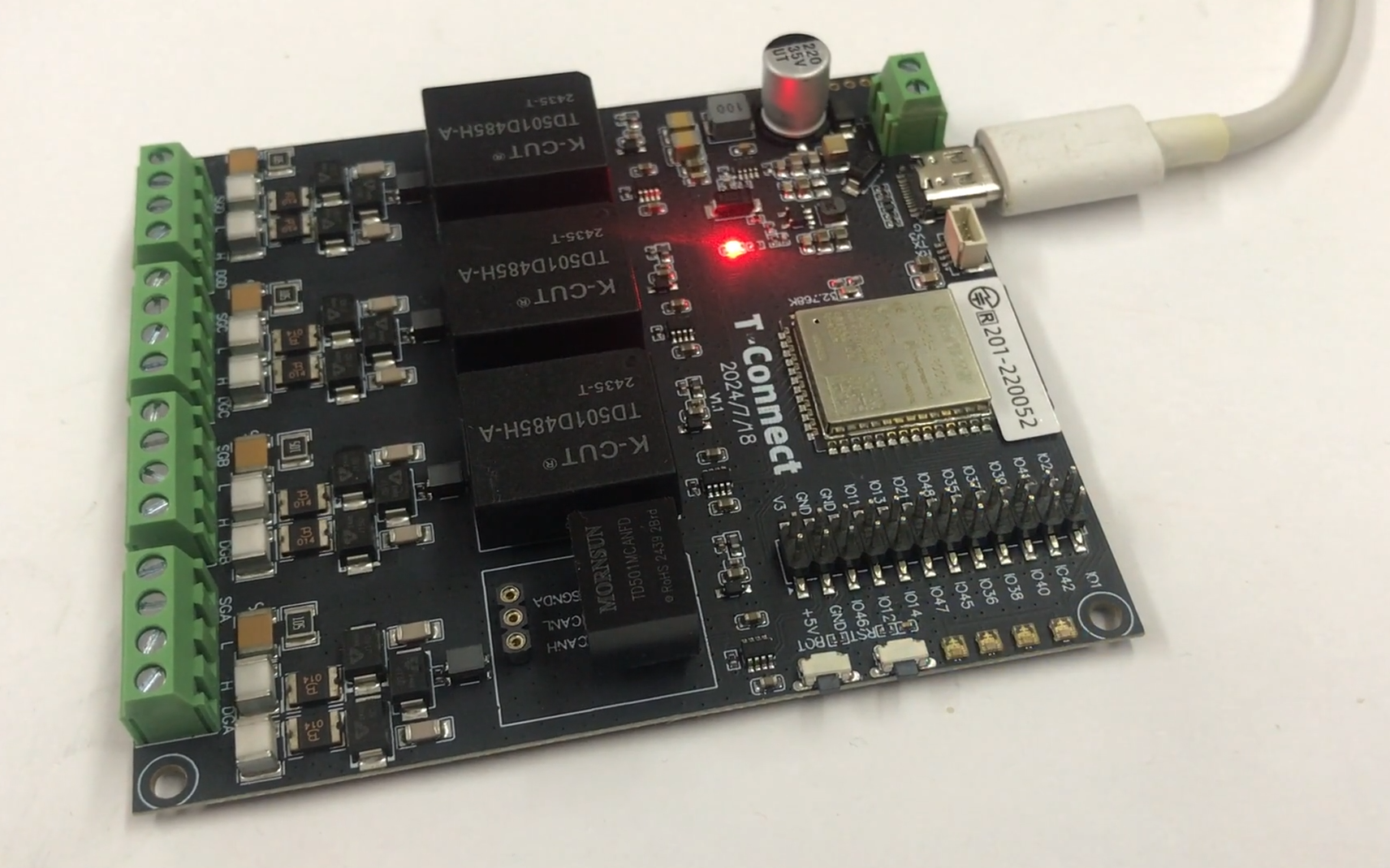
Here I will introduce the Lilygo T-Connect industrial board distinguished by its simultaneous support of up to three RS485 buses and one CAN line. I ordered it from China for around PLN200.
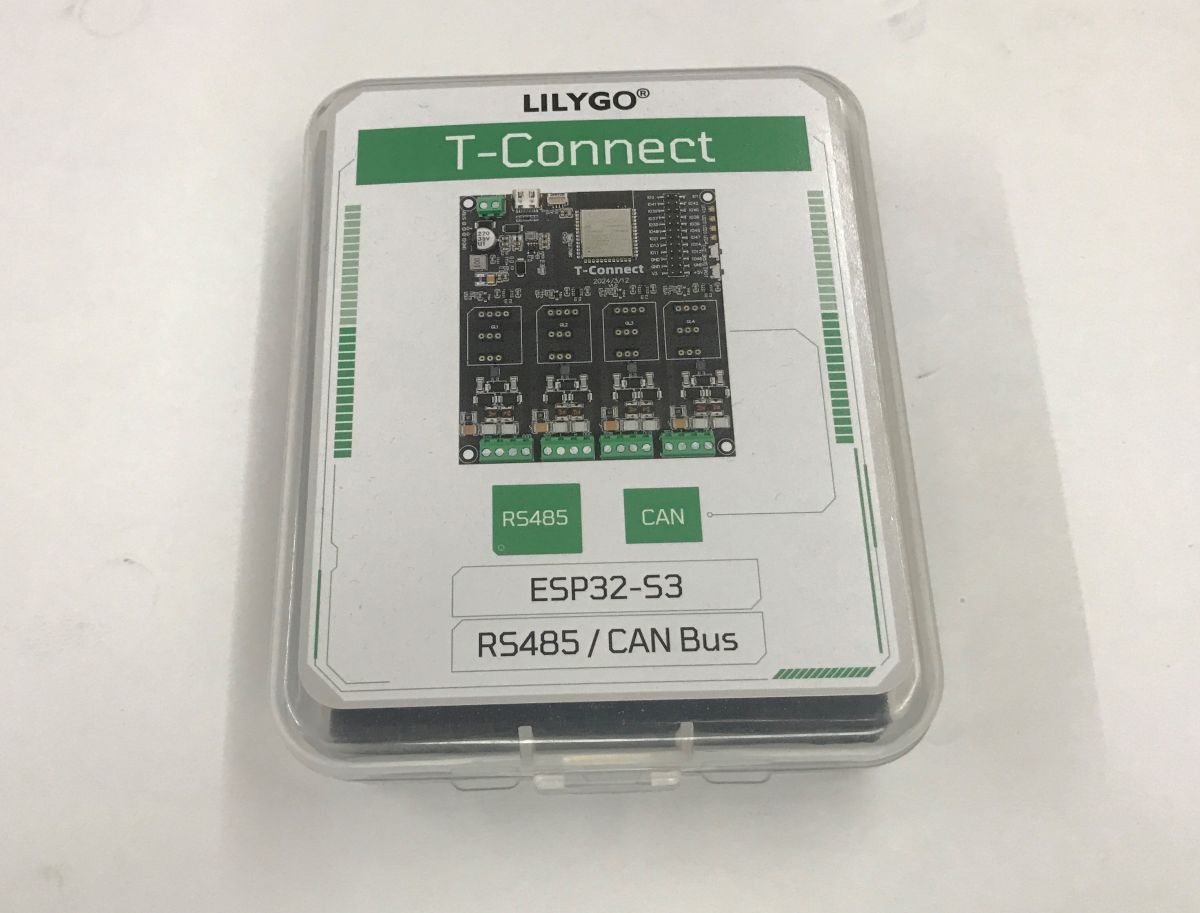
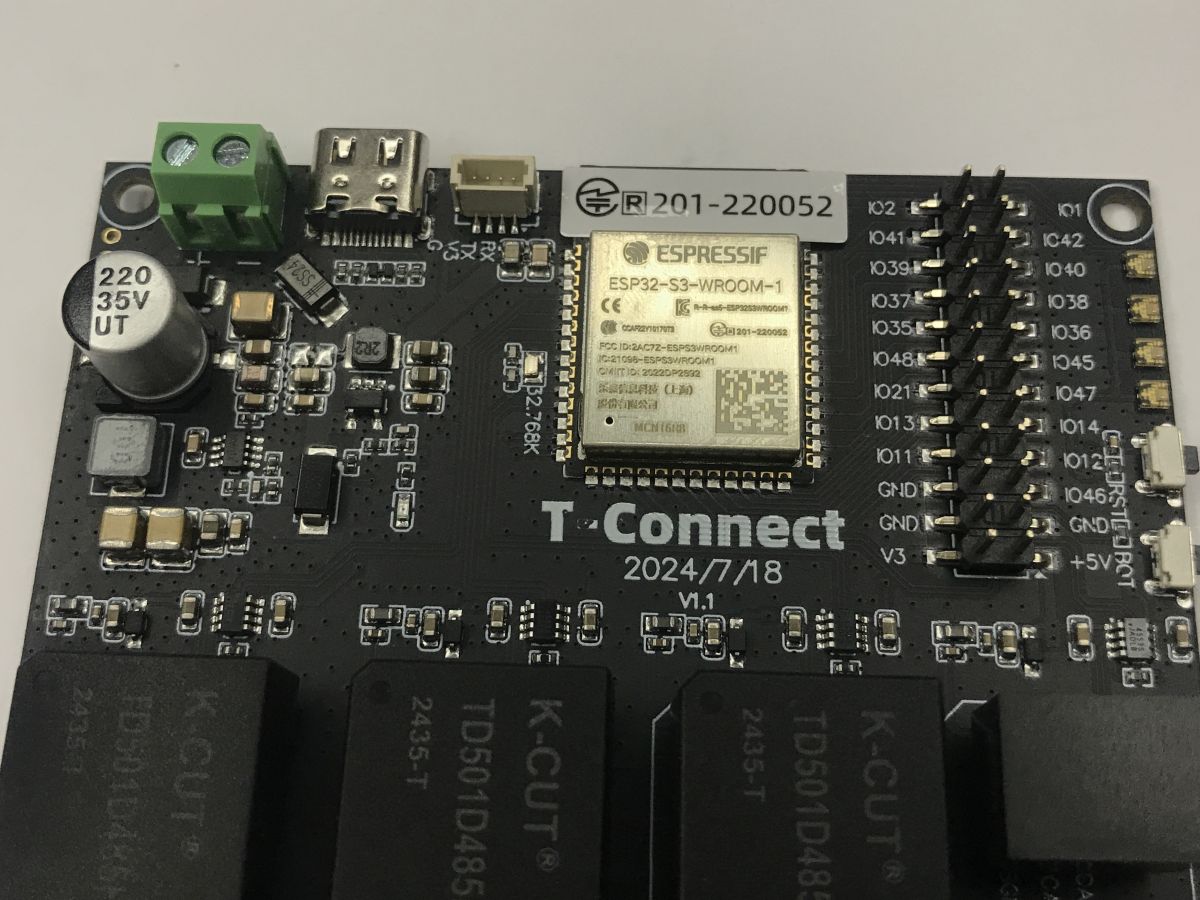
We open the distinctive box and pull out the plate. What strikes you immediately is the ESP32-S3-WROOM-1 module which is the heart of the T-Connect, here in the N16R8 version, i.e. with 16 MB Flash and 8 MB RAM.
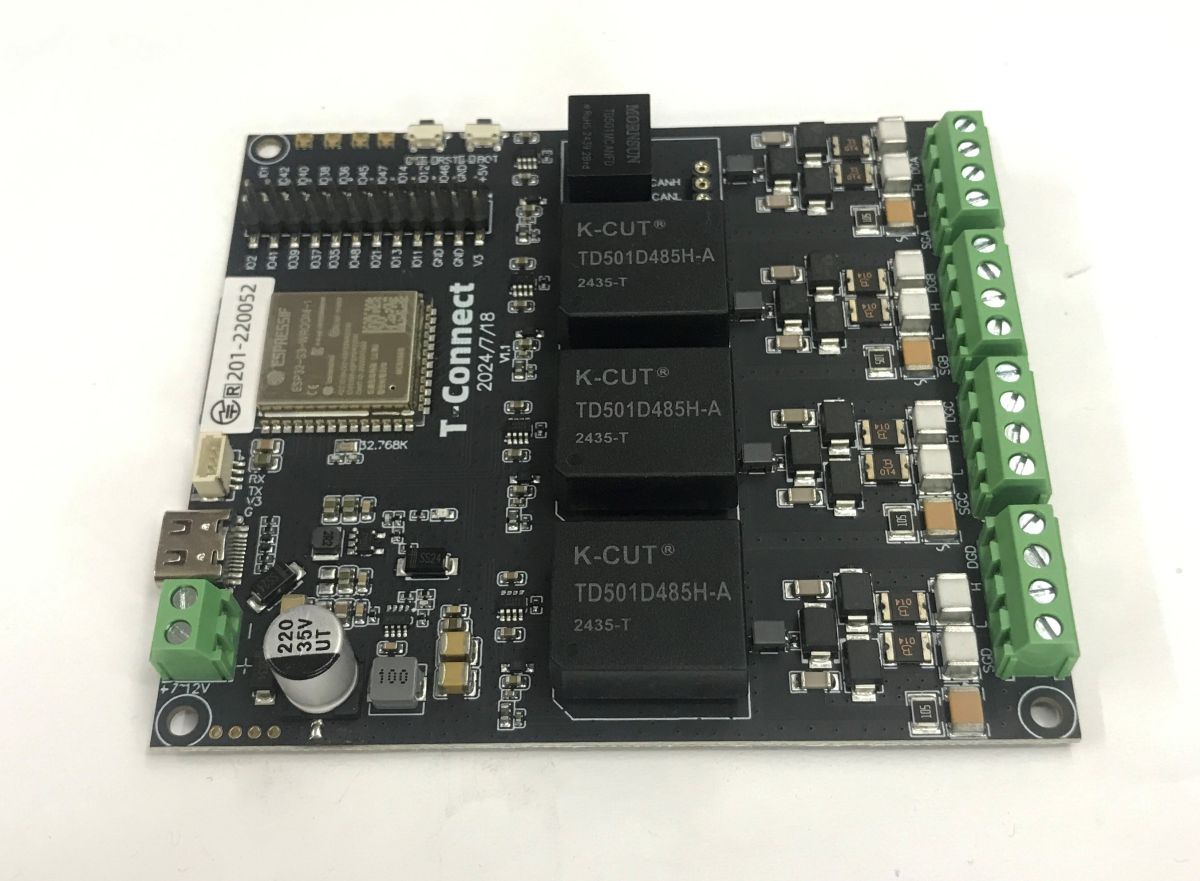
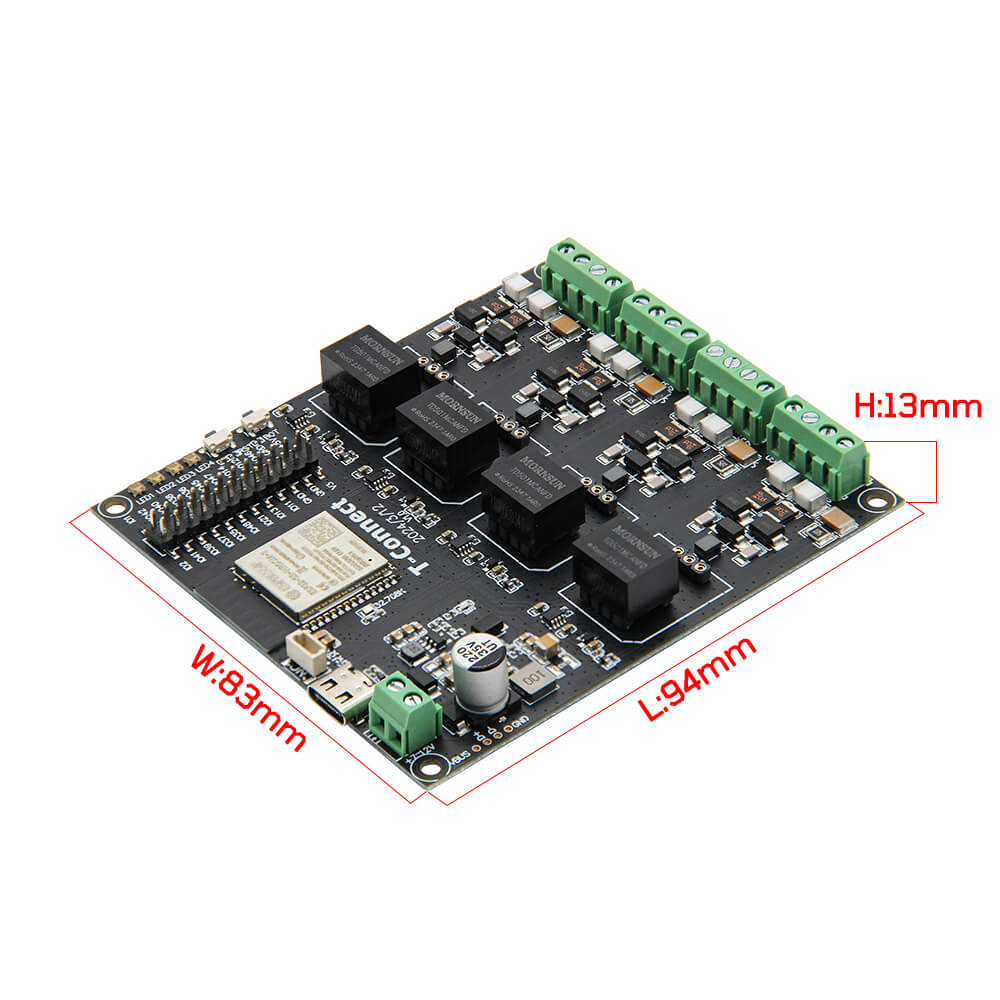
In the corner we have a power section with a voltage-reducing inverter, allowing the whole thing to run on 7-12 V DC, a USB C connector and a QWIIC with UART. There is no USB to UART converter, as the ESP32-S3 supports hardware USB. In addition, we have two rows of goldpins with GPIO, ground, 3.3 V and 5 V pinout, and four APA102 LEDs.
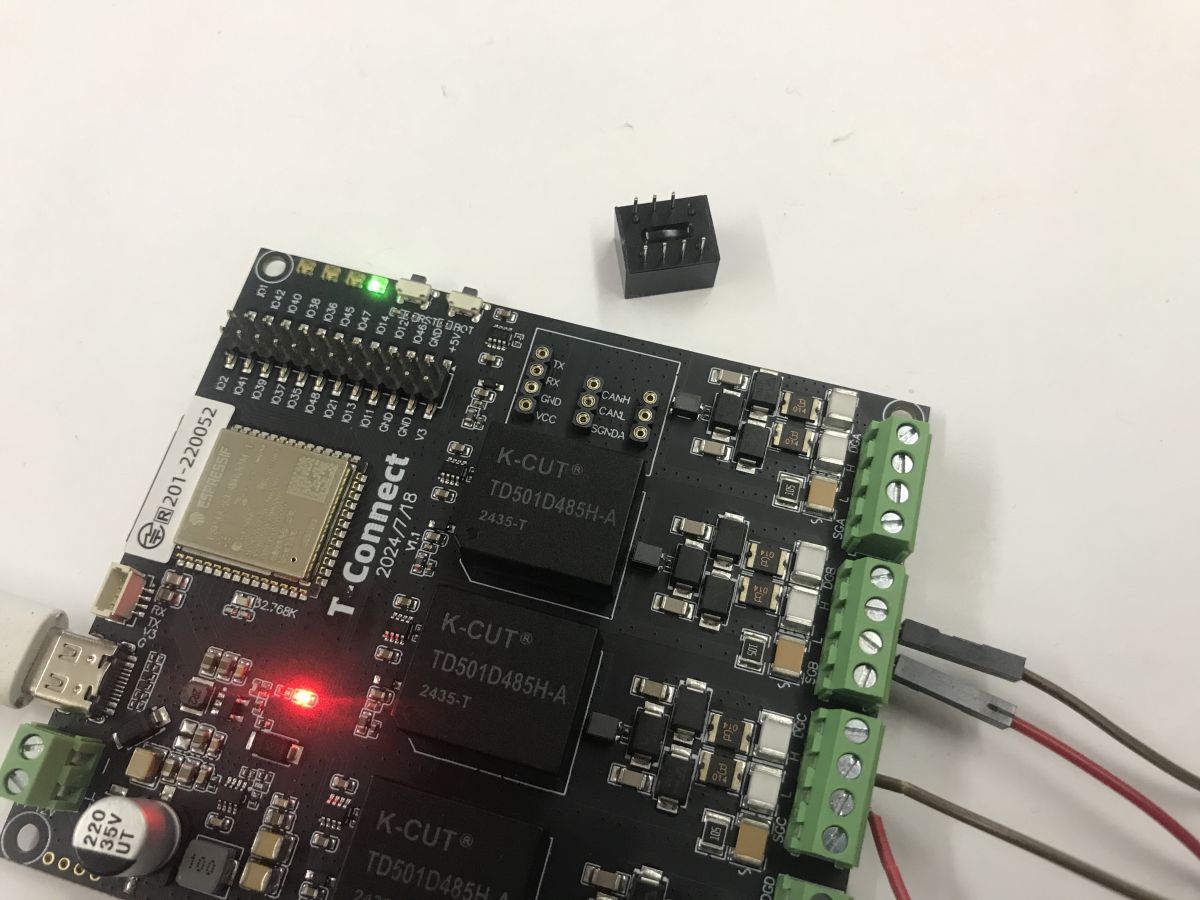
The RS485 and CAN modules are interchangeable - they can be removed from the board.
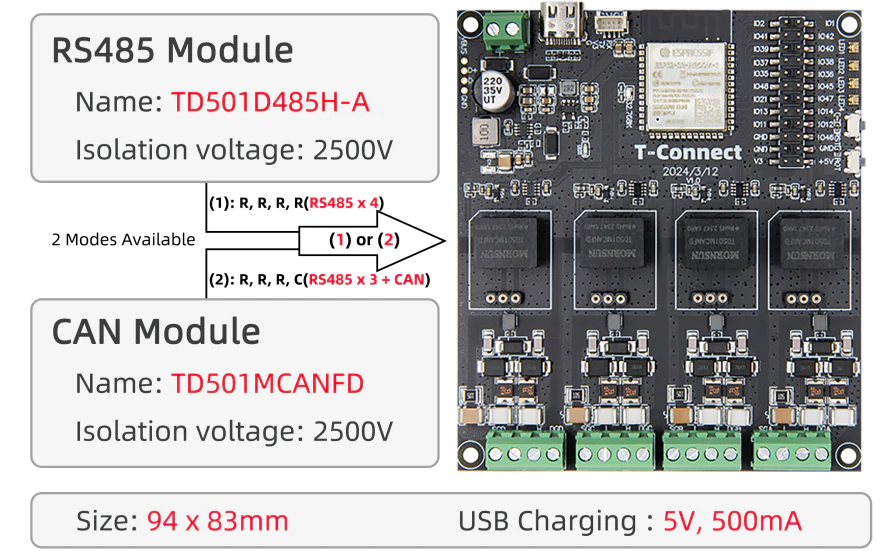
RS485 is supported by the TD501D485H-A and CAN by the TD501MCANFD, both with insulation up to 2500 V.
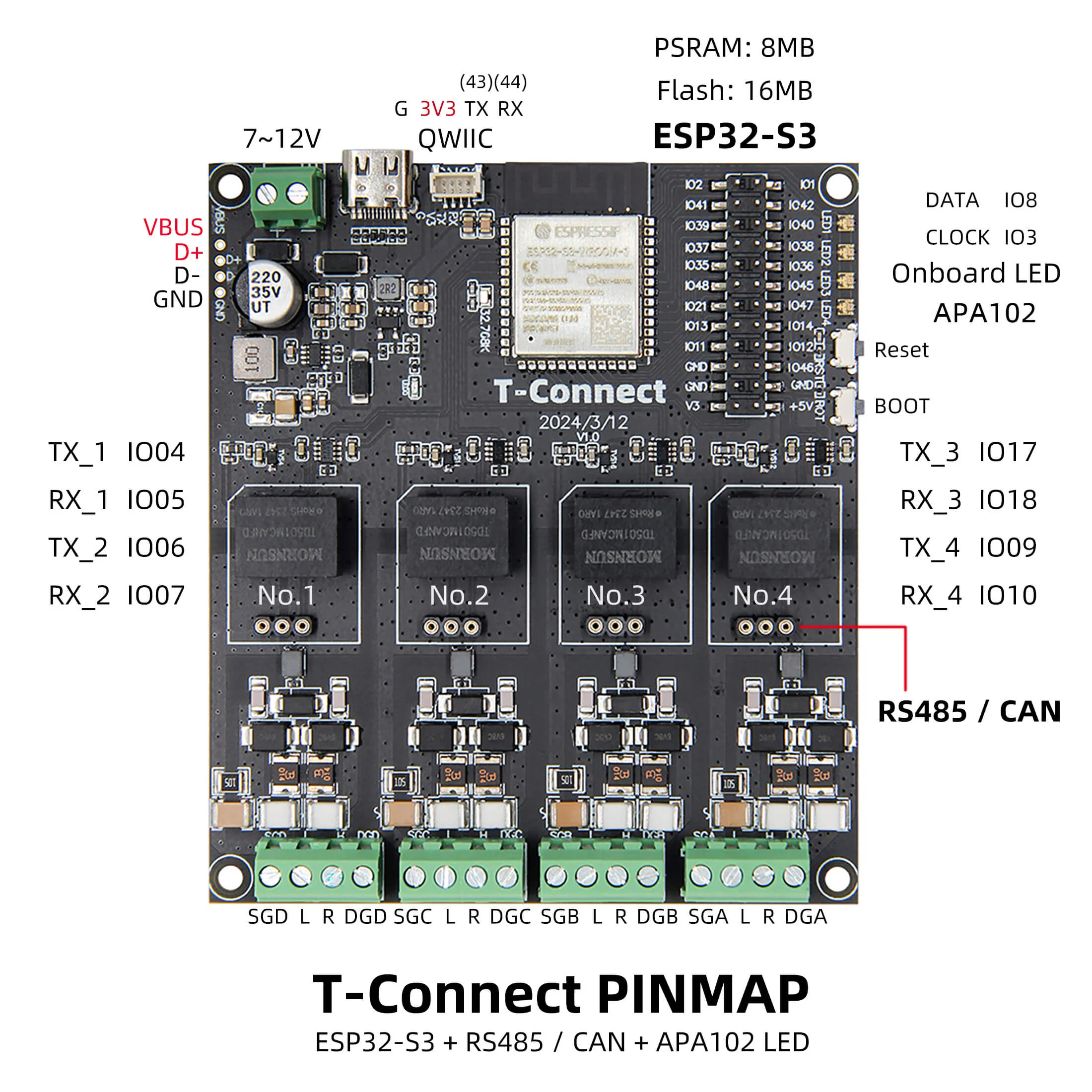
The pin map is shown in the graphic below:
Dimensions:
GitHub of the project:
https://github.com/Xinyuan-LilyGO/T-Connect
Demo LED
I use Visual Code with the PlatformIO extension for this type of project. PIO does not have natively uploaded tiles from T-Connect, but on their repository you can download the missing files. They contain board configurations, flash memory, etc. In this case I have the 16 MB version. Below is the file I used - I gave it to the boards folder:
Code: JSON
The next file to edit is platformio.ini, which is the project configuration. I have named it APA102 Blink, because with these four LEDs I want to blink. There I selected the appropriate platform (espressif32 @6.5.0), selected the board and partitions, and added the library to handle the LEDs - fastled/FastLED. I also enabled PSRAM and USB mode there.
Code: Ini
How does the APA102 work? The APA102 is an individually addressable colour LED with SPI communication.
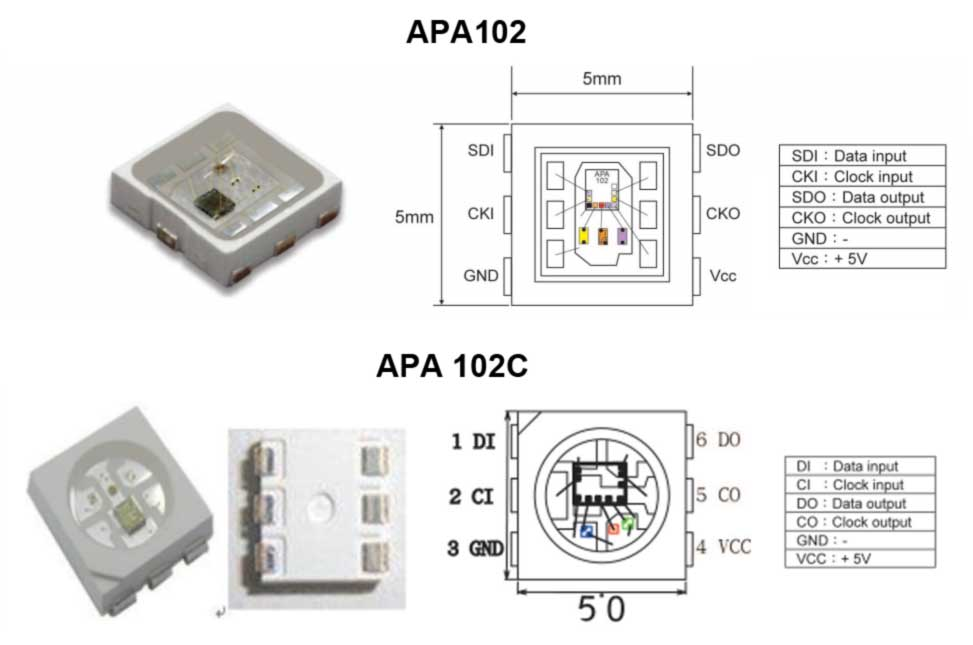
I have put the pin definitions, for now only from the APA102, in pin_config.h:
Code: C / C++
It remains to write the actual program. This is essentially an example from FastLED, showing a simple colour animation.
Code: C / C++
The result is this simple animation:
Demo RS485
The second thing I would like to show is the RS485 demo. Basically it is crucial here, it is what this board was created for. There could be as many as 4 RS485 lines on the board, but the ESP32 only has 3 hardware UART controllers, so one will be inactive. I started by writing the pins into the code:
Code: C / C++
The TD501MCANFD and TF501D485H locations can be swapped if necessary, they are not soldered. RS485 is simply the physical layer of the UART, so we use the HardwareSerial classes here normally. With begin we set the baud and the pins.
Code: C / C++
My demo sequentially sends writes through the first port and receives them from the second port. After receiving, it checks to see if what was expected has arrived. You still need to connect these two ports together:
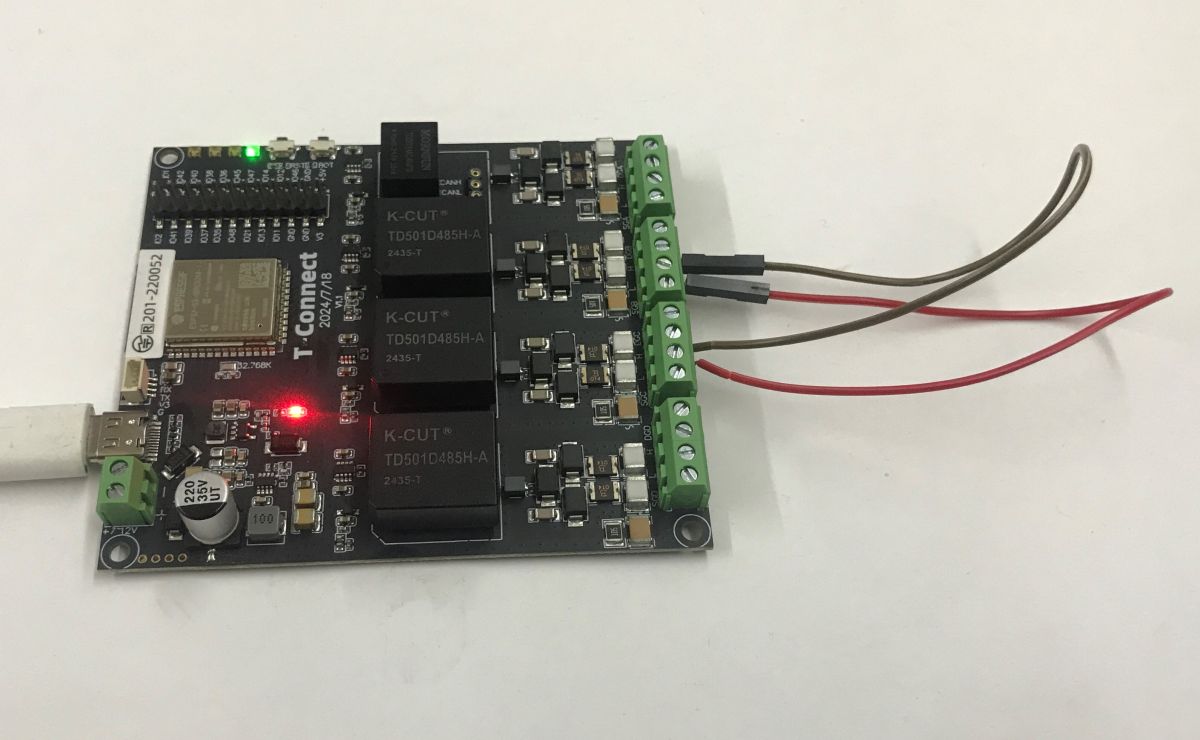
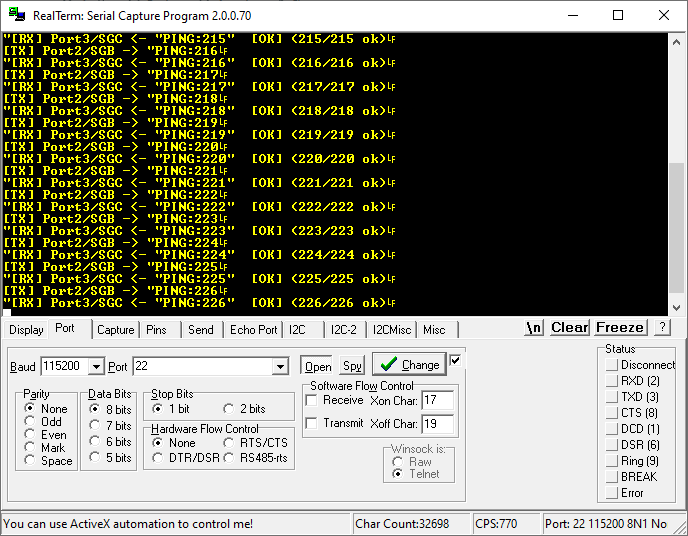
As you can see, everything works. The data is transferred correctly:
CAN bus activation
Basically everything as in the topic below, just set the appropriate pins:
How to establish a CAN connection between two ESP32s using the LilyGO T-CAN485 as an example?
Summary
Very nice board, I also like the modularity for CAN and RS485, although it's a bit of a shame that ESP hardware only has three UARTs, so it won't be possible to have four RS485 active at once. In addition, I like the conveniently routed GPIOs and up to four coloured LEDs, on which you can conveniently show various operating and error statuses.
Do you see a use for a board with as many as three RS485?
Cool? Ranking DIY Helpful post? Buy me a coffee.

